

Your forms are leaking leads. Every abandoned field, every confusing question, every friction point costs you conversions—but most teams have no idea where the problems are. Form analytics and optimization software changes that by revealing exactly how visitors interact with your forms: where they hesitate, where they drop off, and what changes will actually move the needle.
We evaluated dozens of tools based on analytics depth, optimization features, ease of implementation, and value for high-growth teams. Here are the nine platforms that stand out for turning form data into actionable improvements.
1. Orbit AI
Best for: High-growth teams wanting AI-powered form building with integrated conversion analytics
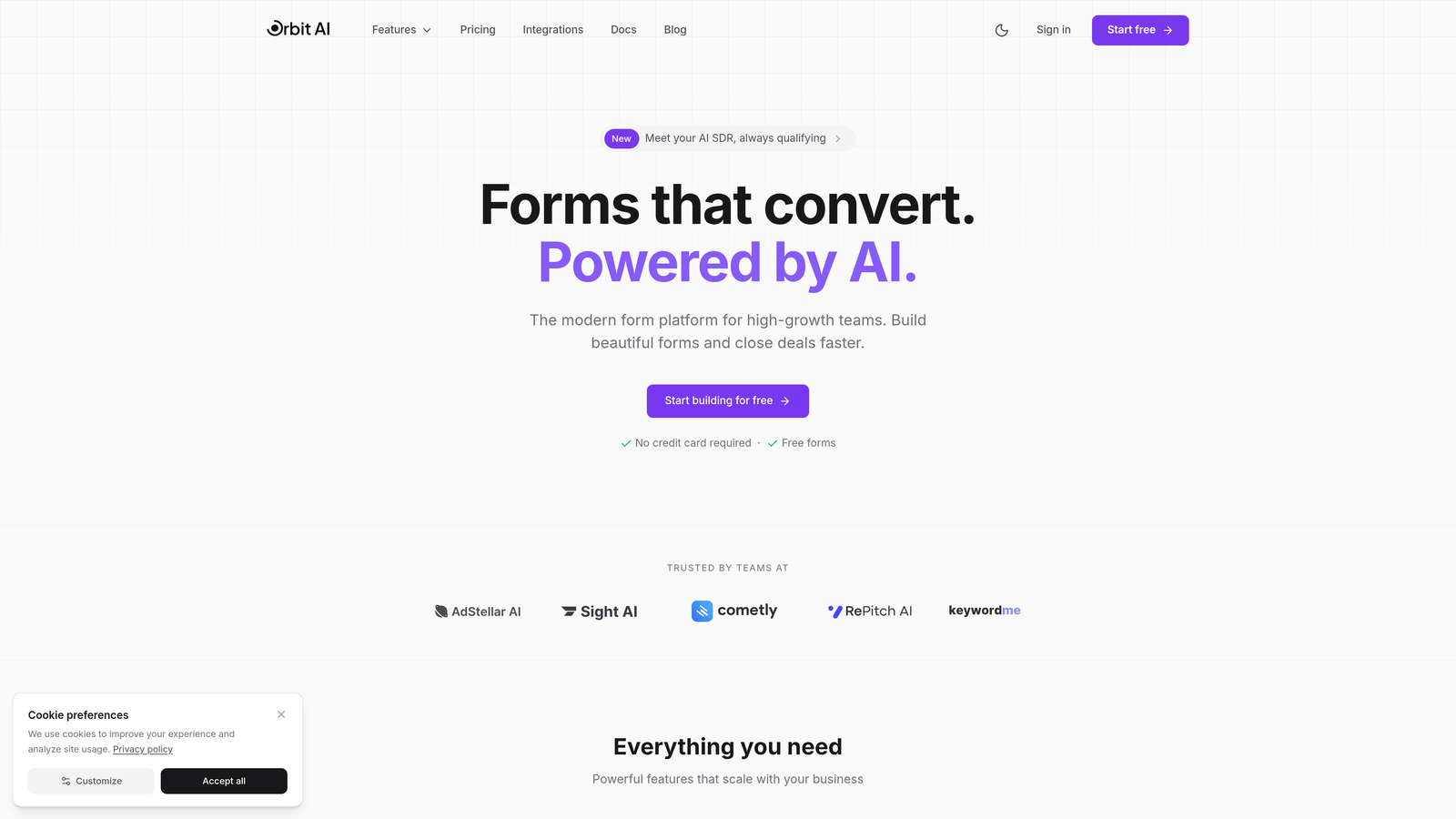
Orbit AI combines form creation with native analytics and AI-powered lead qualification in a single platform.
Where This Tool Shines
Most form analytics tools force you to build forms in one platform, then analyze them in another. Orbit AI eliminates that friction by integrating the entire workflow—you build conversion-optimized forms and immediately see how they perform, all in one dashboard.
The AI-powered lead qualification sets it apart from traditional form builders. As responses come in, the system automatically scores and qualifies leads based on your criteria, so your sales team focuses on the prospects most likely to convert rather than sifting through every submission manually.
Key Features
Built-in Analytics Dashboard: Track completion rates, drop-off points, and field-level performance without connecting external tools.
AI-Powered Lead Qualification: Automatically score and route leads based on response patterns and qualification criteria.
Conversion Optimization Recommendations: Get AI-driven suggestions for improving form structure, question order, and field types.
Multi-Step Form Tracking: See exactly where users abandon multi-step forms and which steps create the most friction.
CRM and Marketing Integrations: Connect directly to your existing tech stack for seamless data flow.
Best For
High-growth teams and businesses focused on lead generation who want to reduce tool fragmentation. Particularly valuable if you're currently using separate platforms for form building, analytics, and lead qualification—Orbit AI consolidates all three.
Pricing
A 7-day free trial gets you started. Paid plans start at competitive rates with scaling options based on submission volume and advanced features.
2. Hotjar
Best for: Visual insights into user behavior with heatmaps and session recordings
Hotjar is a visual analytics platform that shows you exactly how visitors interact with your forms through heatmaps and recordings.
Where This Tool Shines
Hotjar excels at making user behavior visible. Instead of staring at conversion percentages, you watch actual session recordings of users struggling with specific fields or abandoning at predictable points. The visual approach makes it immediately obvious what needs fixing.
The form heatmaps reveal interaction patterns you'd never catch in standard analytics—which fields get the most hesitation, where users click outside the form in frustration, and how scroll behavior correlates with completion rates.
Key Features
Form Heatmaps: See where users click, how far they scroll, and which fields create the most interaction.
Session Recordings with Form Focus: Watch replays of actual user sessions to identify friction points in real time.
Drop-off and Completion Tracking: Identify exactly which fields cause users to abandon your forms.
Feedback Polls: Collect qualitative insights directly from users about why they struggled with specific questions.
Analytics Platform Integrations: Connect with Google Analytics, Segment, and other tools for unified reporting.
Best For
Teams that need visual proof of what's broken. Particularly useful for convincing stakeholders that form changes are necessary—watching a dozen users struggle with the same field is far more persuasive than showing a percentage.
Pricing
Free plan available with basic features. Paid plans start at $32/month with increased session recording limits and advanced features.
3. Zuko Analytics
Best for: Dedicated field-level analysis for complex, high-value forms
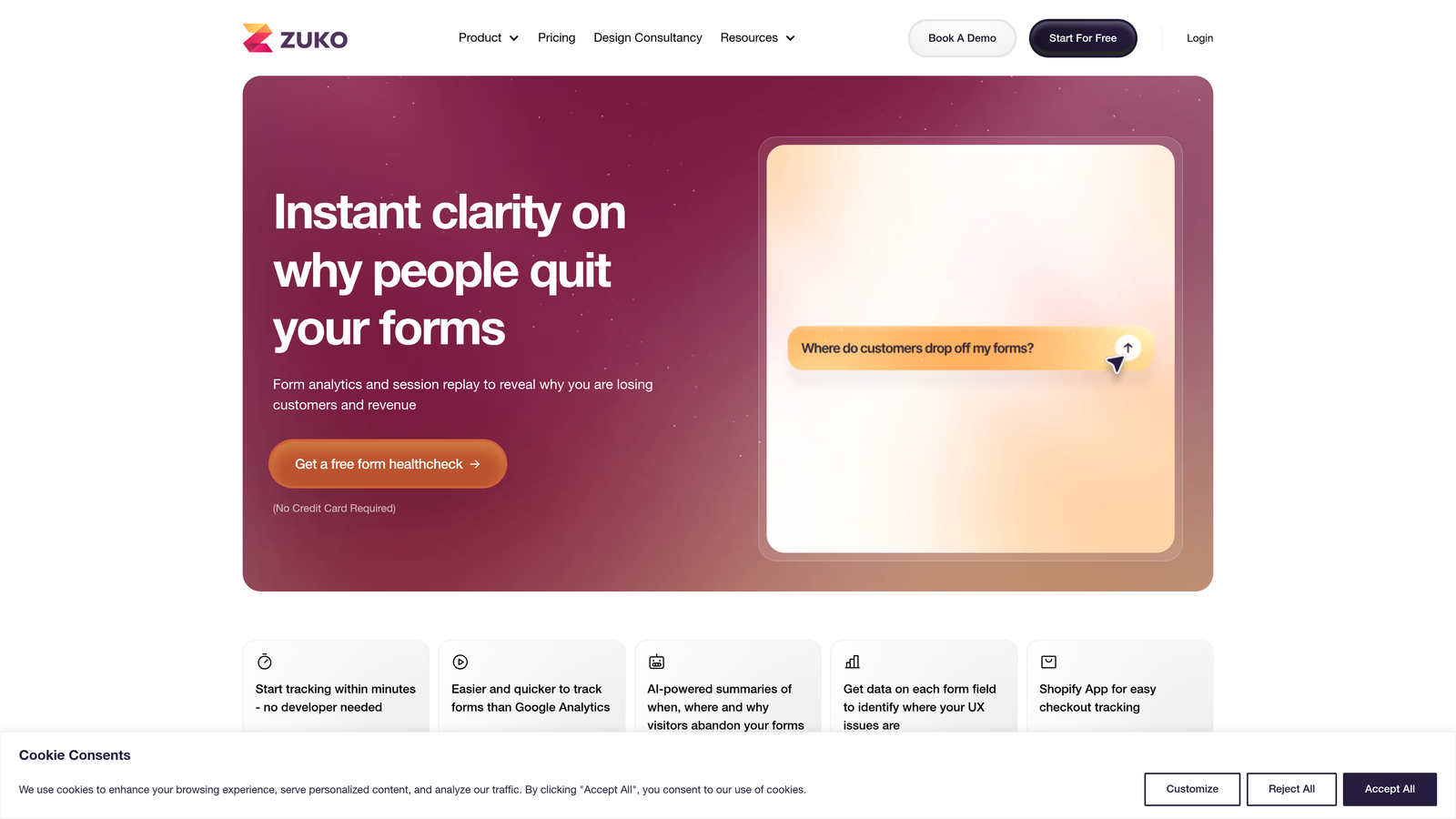
Zuko Analytics is a specialized form analytics platform that tracks every interaction at the field level.
Where This Tool Shines
Zuko treats form analytics as a dedicated discipline rather than a feature bolted onto broader analytics tools. The platform tracks time spent per field, identifies problem areas with precision, and segments performance by traffic source or user type.
The benchmark comparison feature is particularly valuable—you can see how your forms perform against industry standards, helping you understand whether a 40% completion rate is acceptable or alarming for your specific use case.
Key Features
Field-by-Field Completion Analysis: Track exactly which fields users complete, skip, or struggle with.
Time Spent Per Field: Identify fields that take unusually long to complete, signaling confusion or complexity.
Problem Field Identification: Automatic flagging of fields with high abandonment or error rates.
Traffic Source Segmentation: Compare form performance across different acquisition channels.
Benchmark Comparisons: See how your forms stack up against industry averages.
Best For
Companies with complex forms where every percentage point of conversion matters—think insurance applications, financial services onboarding, or B2B lead qualification forms with 15+ fields.
Pricing
Plans start around $100/month based on monthly form submissions, with custom pricing for high-volume enterprise needs.
4. Formisimo
Best for: Enterprise teams needing keystroke-level tracking and compliance-focused analytics
Formisimo is an enterprise form analytics platform with granular tracking capabilities and security compliance features.
Where This Tool Shines
Formisimo goes deeper than most analytics tools by tracking keystroke patterns, interaction timing, and micro-behaviors that reveal user intent. This granular data helps enterprise teams optimize forms that drive significant revenue—mortgage applications, insurance quotes, or enterprise SaaS trials.
The platform's enterprise security compliance makes it suitable for regulated industries. Financial services and healthcare organizations can track form performance without compromising on data protection requirements.
Key Features
Keystroke and Interaction Tracking: Capture detailed user behavior including typing patterns and field interaction sequences.
Real-Time Analytics Dashboard: Monitor form performance as it happens with live data updates.
A/B Testing Integration: Connect with experimentation platforms to measure the impact of form variations.
Error and Validation Tracking: Identify which validation rules cause the most user frustration and abandonment.
Enterprise Security Compliance: Meet GDPR, SOC 2, and industry-specific security requirements.
Best For
Enterprise organizations with high-value forms where detailed behavioral insights justify the investment. Particularly relevant for regulated industries requiring strict data handling protocols.
Pricing
Custom enterprise pricing based on form volume, feature requirements, and security needs. Contact their sales team for specific quotes.
5. Microsoft Clarity
Best for: Budget-conscious teams wanting unlimited session recordings and heatmaps
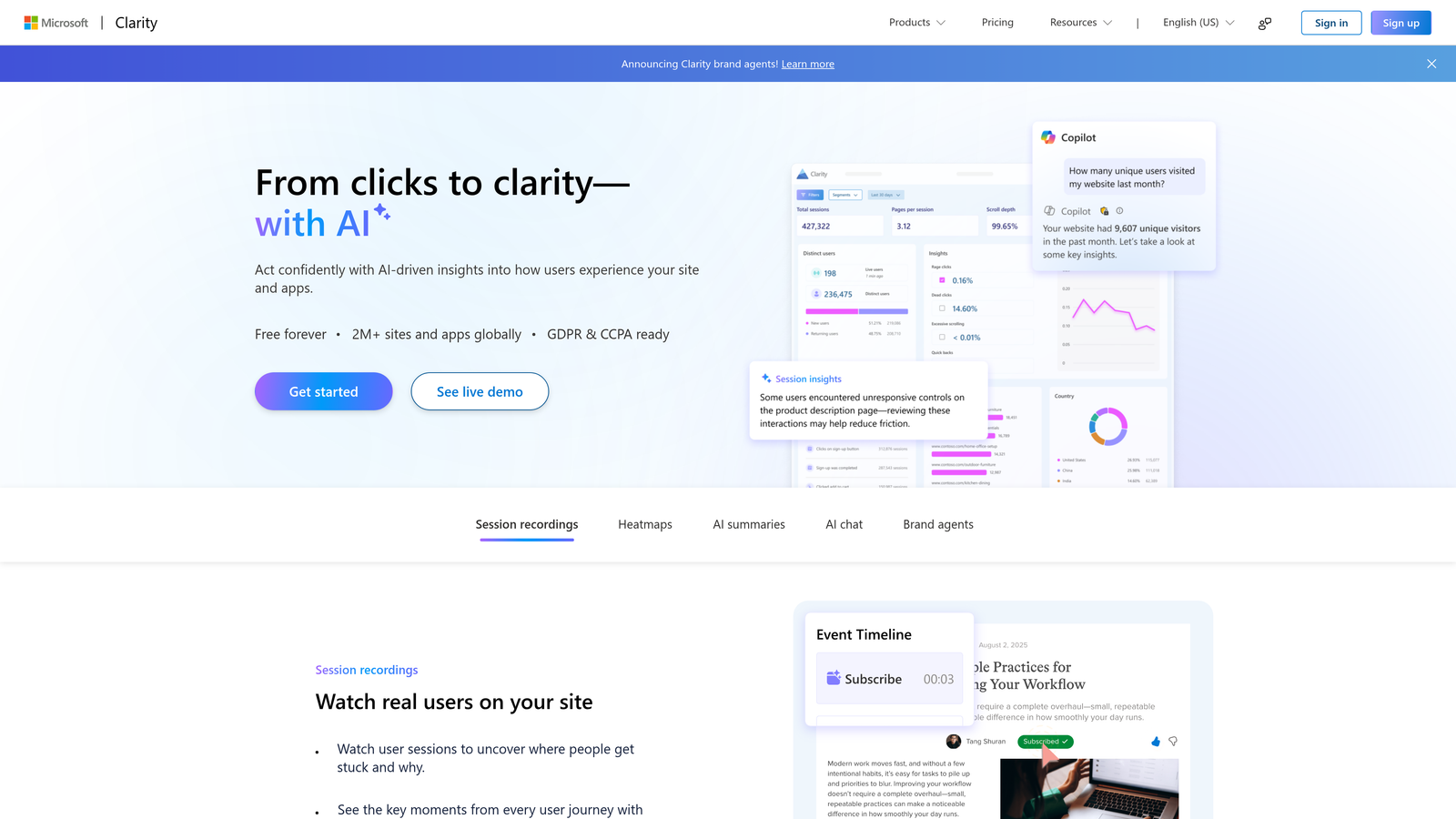
Microsoft Clarity is a completely free analytics tool with session recordings, heatmaps, and frustration detection.
Where This Tool Shines
Clarity's value proposition is straightforward: enterprise-grade analytics features with no cost and no usage limits. Most analytics tools charge based on session volume or page views—Clarity offers unlimited recordings and heatmaps regardless of your traffic.
The frustration detection features automatically flag rage clicks, dead clicks, and excessive scrolling, helping you identify problem areas without manually reviewing every session. For forms specifically, this means spotting validation errors or confusing field labels that trigger user frustration.
Key Features
Unlimited Session Recordings: No caps on recording volume, even on the free tier.
Heatmaps for Clicks and Scrolls: Visual representation of where users interact with your forms and pages.
Rage Click and Dead Click Detection: Automatic identification of frustration signals that often correlate with form abandonment.
Google Analytics Integration: Connect Clarity data with your existing GA4 setup for unified reporting.
GDPR-Compliant Data Handling: Privacy-focused data collection and storage practices.
Best For
Startups and small businesses that need form analytics but lack budget for paid tools. Also valuable as a supplementary tool for teams already using paid platforms—there's no downside to adding free insights.
Pricing
Completely free with no usage limits or hidden costs. Microsoft offers this as a freemium product to drive adoption of their broader ecosystem.
6. Lucky Orange
Best for: Real-time monitoring with live visitor tracking and immediate intervention
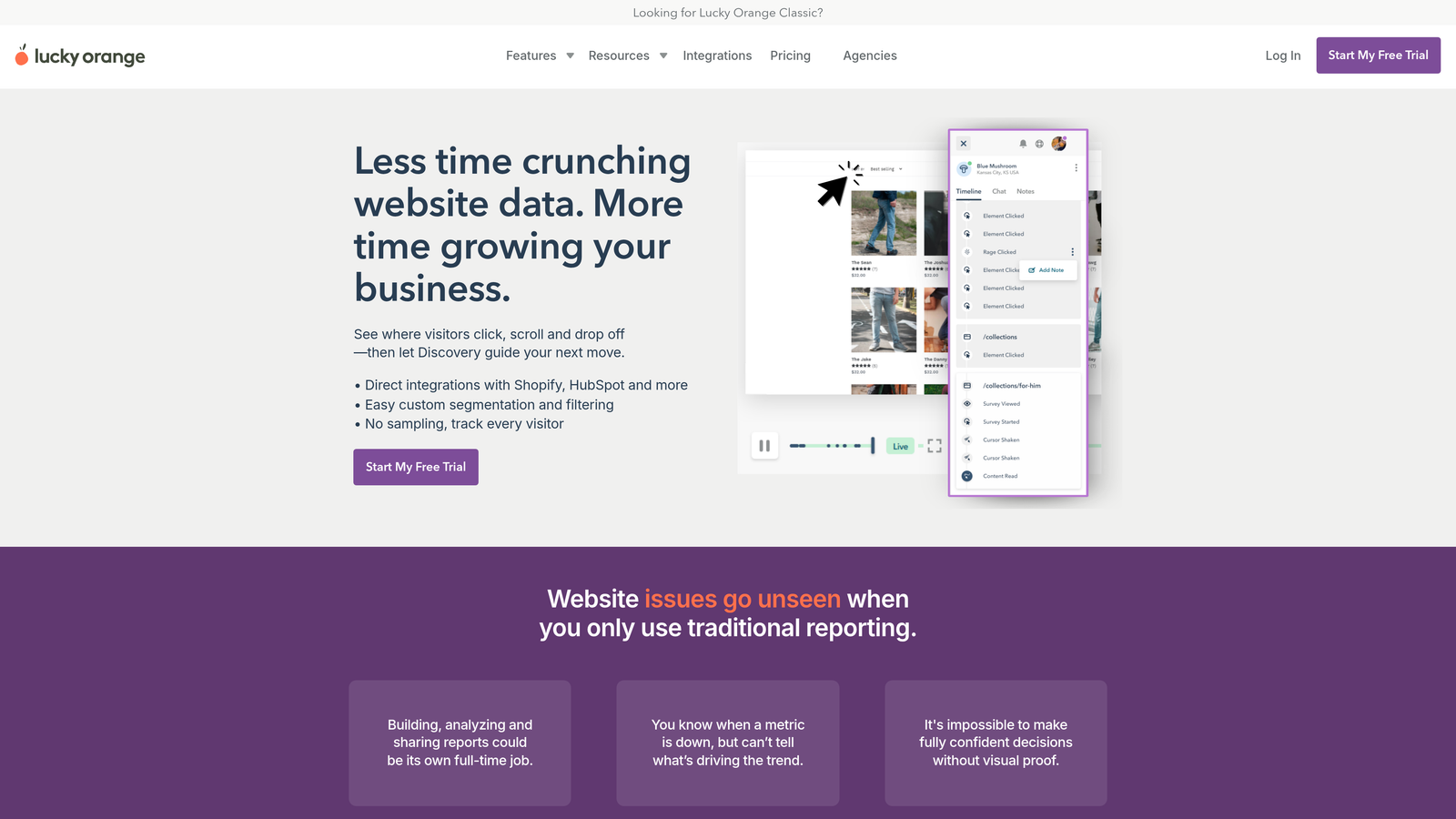
Lucky Orange is a real-time analytics platform that shows you exactly who's on your site and how they're interacting with forms.
Where This Tool Shines
Lucky Orange's real-time dashboard transforms form analytics from historical analysis into active monitoring. You can watch visitors interact with your forms as it happens, then use the integrated chat feature to offer help if they're struggling.
This real-time approach is particularly powerful for high-value forms. If someone's spending three minutes on your enterprise trial signup form, you can proactively offer assistance before they abandon—turning analytics into immediate conversion opportunities.
Key Features
Real-Time Form Analytics: Monitor form interactions as they happen with live visitor tracking.
Live Visitor Dashboard: See exactly who's on your site, which pages they're viewing, and how long they spend on forms.
Dynamic Heatmaps: Heatmaps that update in real time as users interact with your pages.
Conversion Funnels: Track the complete journey from landing page to form submission.
Chat Integration: Offer immediate support to visitors struggling with form completion.
Best For
Sales-driven organizations where immediate intervention can save high-value conversions. Also ideal for teams running active optimization experiments who want instant feedback on form changes.
Pricing
Plans start at $32/month with scaling options based on page views and feature requirements.
7. FullStory
Best for: Enterprise digital experience platforms with AI-powered insights
FullStory is an enterprise digital experience platform that uses AI to surface insights from user behavior data.
Where This Tool Shines
FullStory goes beyond basic analytics by using AI to automatically identify patterns and anomalies in user behavior. Instead of manually reviewing sessions to find form problems, the platform surfaces the most critical issues—like a sudden spike in abandonment on a specific field or error rates that exceed normal patterns.
The product analytics integration means form performance sits within the broader context of your entire digital experience. You can trace form abandonment back to earlier touchpoints in the user journey, understanding not just where users drop off but why they reached your form in a frustrated state.
Key Features
AI-Powered Experience Insights: Automatic identification of frustration signals and conversion blockers.
Form-Specific Analytics Metrics: Dedicated tracking for form completion rates, field-level performance, and error patterns.
Frustration and Error Signals: AI detection of rage clicks, error messages, and other indicators of user struggle.
Product Analytics Integration: Connect form performance to broader product usage patterns.
Enterprise-Grade Security: SOC 2 Type II compliance and data governance features for regulated industries.
Best For
Large enterprises with complex digital products where forms are one piece of a broader user experience puzzle. Most valuable when you need to understand form performance in the context of the complete customer journey.
Pricing
Custom pricing based on monthly sessions, user seats, and feature requirements. FullStory targets enterprise buyers with corresponding price points.
8. Mouseflow
Best for: Behavior analytics with proprietary friction scoring algorithms
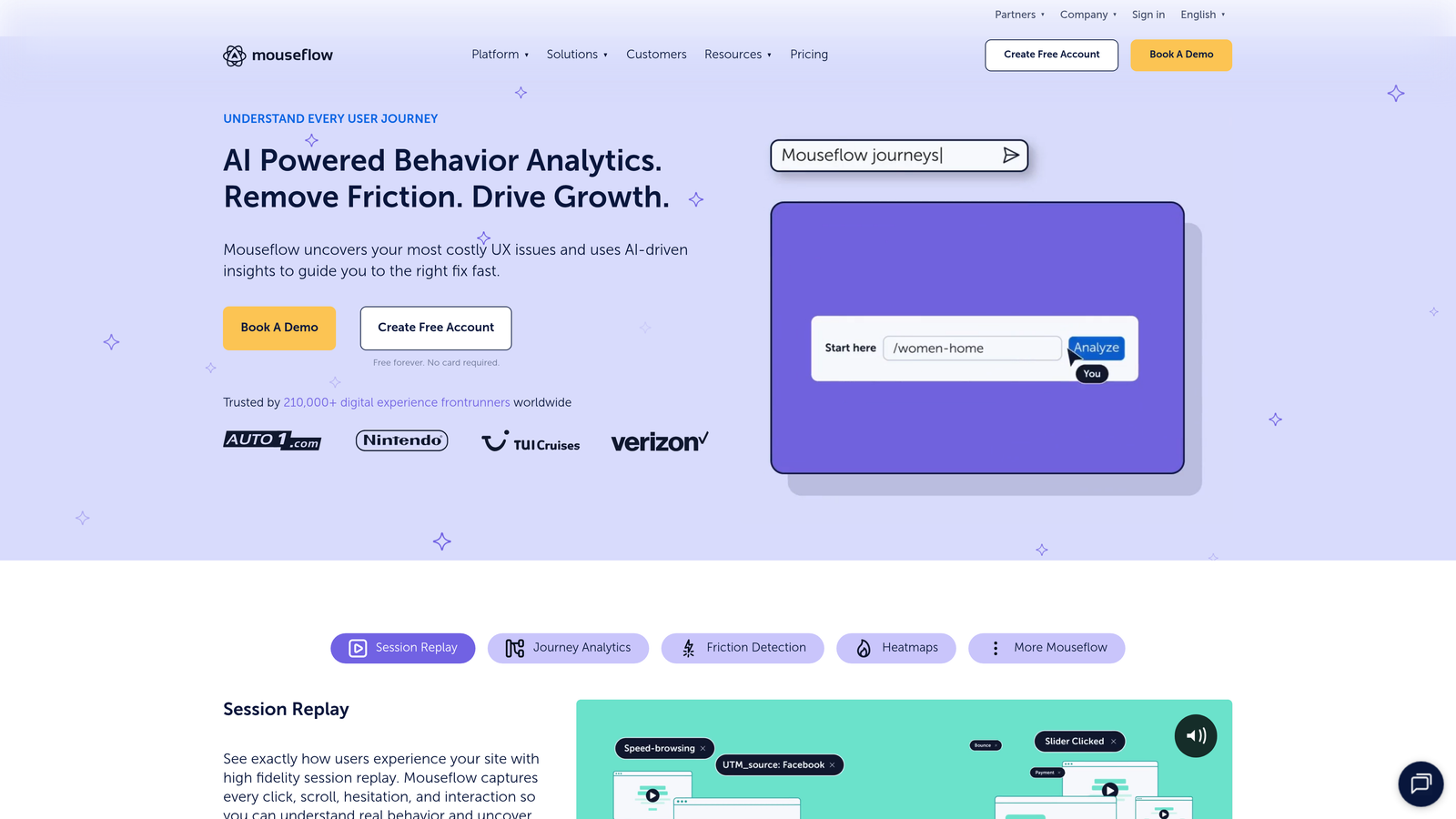
Mouseflow is a behavior analytics platform that quantifies form friction with a proprietary scoring system.
Where This Tool Shines
Mouseflow's friction score algorithm translates qualitative user struggles into quantitative metrics. Instead of subjectively deciding whether a form has "too much friction," you get a numerical score that compares different forms and tracks improvement over time.
The platform's filtering capabilities for session replay make it easy to find the most problematic interactions. You can filter recordings to show only sessions where users abandoned forms, spent excessive time on specific fields, or triggered error messages—turning hours of video review into minutes of targeted analysis.
Key Features
Friction Score Algorithm: Proprietary scoring system that quantifies user struggle and form complexity.
Form Analytics Dashboard: Dedicated view for tracking completion rates, field performance, and abandonment patterns.
Session Replay with Filtering: Advanced filters to surface the most relevant recordings for form optimization.
Funnel Analysis: Track multi-step processes from initial landing through form submission.
Feedback Campaigns: Collect qualitative input from users about their form experience.
Best For
Teams that want quantitative metrics for form friction rather than just qualitative observations. The friction score is particularly useful for tracking optimization progress over time and comparing multiple form variations.
Pricing
Free plan available with limited features. Paid plans start at $31/month with increasing session limits and advanced capabilities.
9. Typeform
Best for: Conversational form experiences with native analytics for interactive formats
Typeform is a form builder focused on conversational, one-question-at-a-time experiences with built-in analytics.
Where This Tool Shines
Typeform's conversational format fundamentally changes how users experience forms. Instead of confronting a long list of fields, users answer one question at a time in a more engaging, less intimidating flow. The native analytics track how this format affects completion rates compared to traditional forms.
The platform's question-level analytics reveal exactly where users drop off in the conversational flow. Since each question appears individually, you get precise data about which specific questions cause abandonment—far clearer than analyzing a multi-field form where users might skip around.
Key Features
Built-in Response Analytics: Track completion rates, response times, and user engagement without external tools.
Question-Level Completion Rates: See exactly which questions in your conversational flow cause drop-offs.
Drop-off Point Identification: Pinpoint the specific moment users abandon your forms.
Integration with Analytics Tools: Connect to Google Analytics, Segment, and other platforms for unified reporting.
Conversational Form Format: One-question-at-a-time approach that often improves completion rates versus traditional forms.
Best For
Teams creating surveys, quizzes, or lead generation forms where user experience is as important as data collection. The conversational format works particularly well for consumer-facing brands and content marketing campaigns.
Pricing
Free plan available with basic features. Paid plans start at $25/month with increased response limits and advanced logic capabilities.
Making the Right Choice
Choosing the right form analytics tool depends on your team's specific needs and existing tech stack. For an all-in-one solution that combines AI-powered form building with conversion optimization, Orbit AI delivers the most integrated experience—you build, analyze, and optimize in a single platform without juggling multiple tools.
Teams wanting deep visual insights into user behavior should consider Hotjar or Lucky Orange, both of which excel at making form friction visible through heatmaps and session recordings. If you're running complex, high-value forms where every percentage point matters, dedicated solutions like Zuko Analytics or Formisimo provide the field-level granularity you need.
Budget-conscious startups can start with Microsoft Clarity's completely free offering—there's no reason not to implement it alongside whatever else you're using. For enterprise teams needing AI-powered insights within a broader digital experience platform, FullStory provides the context and automation that makes sense at scale.
Whatever you choose, the key is acting on the insights. Form analytics only improves conversions when you use the data to make changes. Start with the biggest friction points—the fields with the highest abandonment rates or longest completion times—and test improvements systematically.
Transform your lead generation with AI-powered forms that qualify prospects automatically while delivering the modern, conversion-optimized experience your high-growth team needs. Start your free trial today and see how intelligent form design can elevate your conversion strategy.


