

For B2B teams, a form isn't just a data collection checkbox. It's often the first real interaction a prospect has with your brand. The wrong tool means missed leads, poor qualification, and wasted sales time. The right one turns every submission into a qualified pipeline opportunity.
This guide covers the best B2B form builder solutions available in 2026, evaluated on lead qualification capabilities, CRM integrations, conditional logic, conversion optimization features, and pricing. Whether you're running a lean growth team or scaling enterprise-level demand gen, there's a tool here built for your workflow.
Tools were selected based on B2B-specific features like lead scoring, routing, and CRM sync, alongside ease of use, integration depth, and value across different team sizes.
1. Orbit AI
Best for: High-growth B2B teams that want AI-powered lead qualification built directly into the form experience.
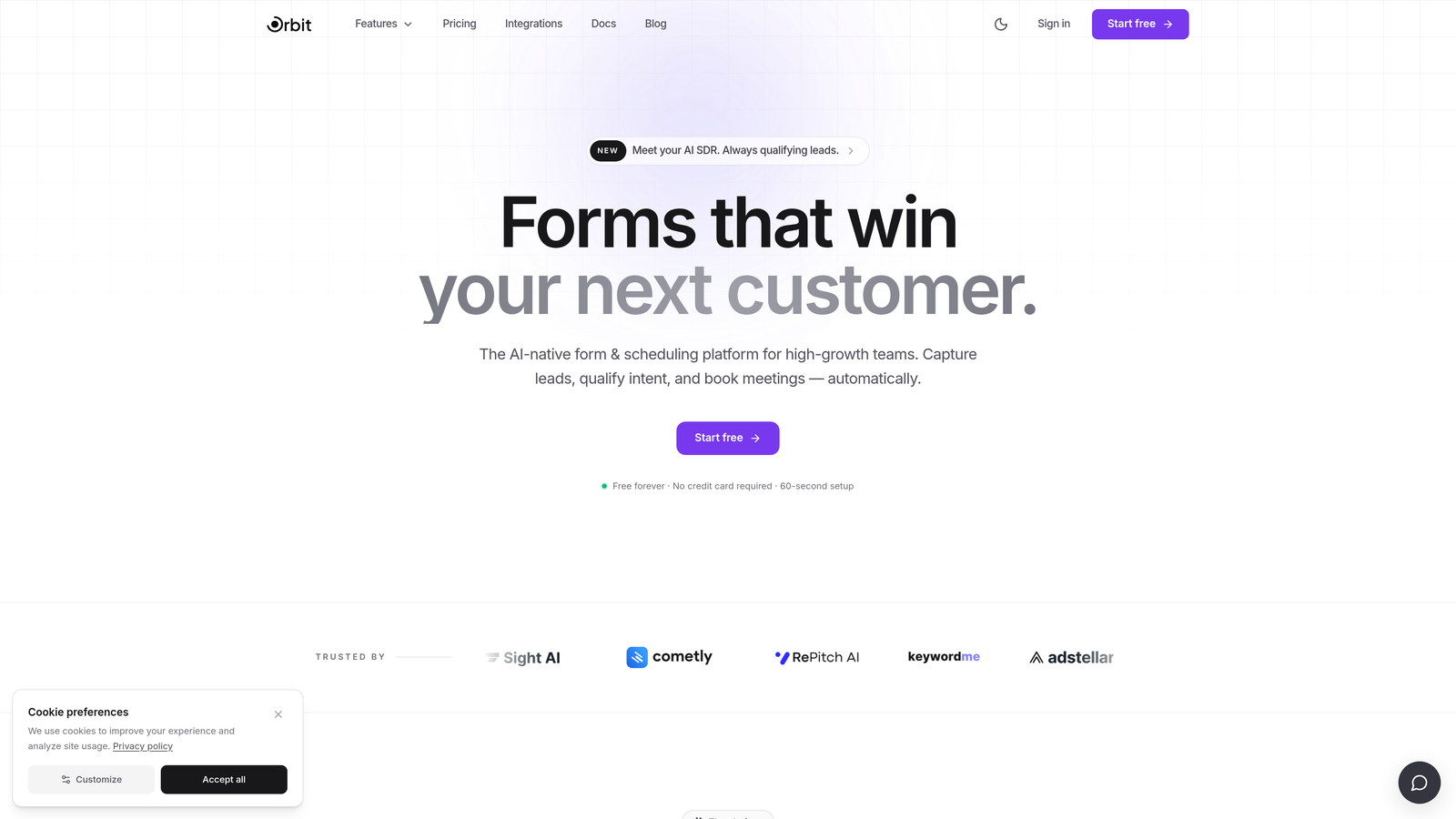
Orbit AI is an AI-powered form builder designed specifically for B2B lead generation, with qualification and scoring built into the submission experience itself.
Where This Tool Shines
Most form builders collect submissions and hand them off to your CRM unscored. Orbit AI takes a fundamentally different approach: lead qualification happens at the point of capture, so your sales team receives leads that are already scored and routed before they ever land in the pipeline.
The form design is also genuinely modern. For B2B buyers evaluating your brand, a polished, conversion-optimized form experience signals professionalism in a way that a clunky legacy form simply doesn't.
Key Features
AI-Driven Lead Qualification: Scores and qualifies leads automatically at the moment of form submission, without requiring downstream CRM automation to do the heavy lifting.
Conversion-Optimized Design: Visually modern form templates built specifically to reduce friction and improve completion rates for high-intent B2B buyers.
Conditional Logic and Dynamic Routing: Routes leads to the right sales rep or workflow based on lead score and form responses in real time.
CRM Integrations: Connects to your existing CRM for seamless pipeline handoff without manual data entry or middleware workarounds.
B2B-First Workflow Design: Built around the lead generation and qualification workflows that growth teams actually use, not generic form-building use cases.
Best For
Orbit AI is the strongest fit for B2B SaaS teams, demand gen marketers, and growth-focused organizations where lead quality matters as much as lead volume. If your team is spending time manually scoring or routing inbound leads, this tool directly addresses that bottleneck.
Pricing
Visit orbitforms.ai for current pricing details. Plans are designed to scale with high-growth teams.
2. Typeform
Best for: Top-of-funnel B2B forms where conversational engagement drives higher completion rates.
Typeform is a conversational form builder known for its one-question-at-a-time format that creates a more engaging experience for respondents.

Where This Tool Shines
Typeform's core strength is the user experience it creates for respondents. Instead of presenting a wall of fields, it walks prospects through one question at a time, which tends to feel less intimidating for top-of-funnel forms like demo requests, survey flows, or gated content access.
The trade-off is that Typeform is primarily a form experience tool, not a lead qualification engine. Lead scoring and routing still happen downstream in your CRM or via Zapier automations, which adds complexity for teams that need real-time qualification.
Key Features
Conversational One-Question UX: Presents questions sequentially to create a more natural, dialogue-like form experience that reduces abandonment.
Logic Jumps: Conditional branching that shows or skips questions based on previous answers, keeping forms relevant for each respondent.
CRM and Marketing Integrations: Connects natively with HubSpot, Salesforce, Marketo, and Zapier for downstream data routing.
Video and Image Embedding: Supports rich media within forms, useful for product-led or brand-heavy B2B campaigns.
Analytics and Drop-Off Tracking: Shows where respondents abandon forms so you can optimize completion rates over time.
Best For
Typeform works well for B2B marketing teams running surveys, research forms, or top-of-funnel lead capture where engagement quality matters. It's less suited for teams that need built-in lead scoring or complex routing logic without additional tooling.
Pricing
Free plan available with limited responses. Paid plans start at $25/month, scaling up based on response volume and features.
3. HubSpot Forms
Best for: Teams already operating within the HubSpot ecosystem who want zero-friction CRM sync.
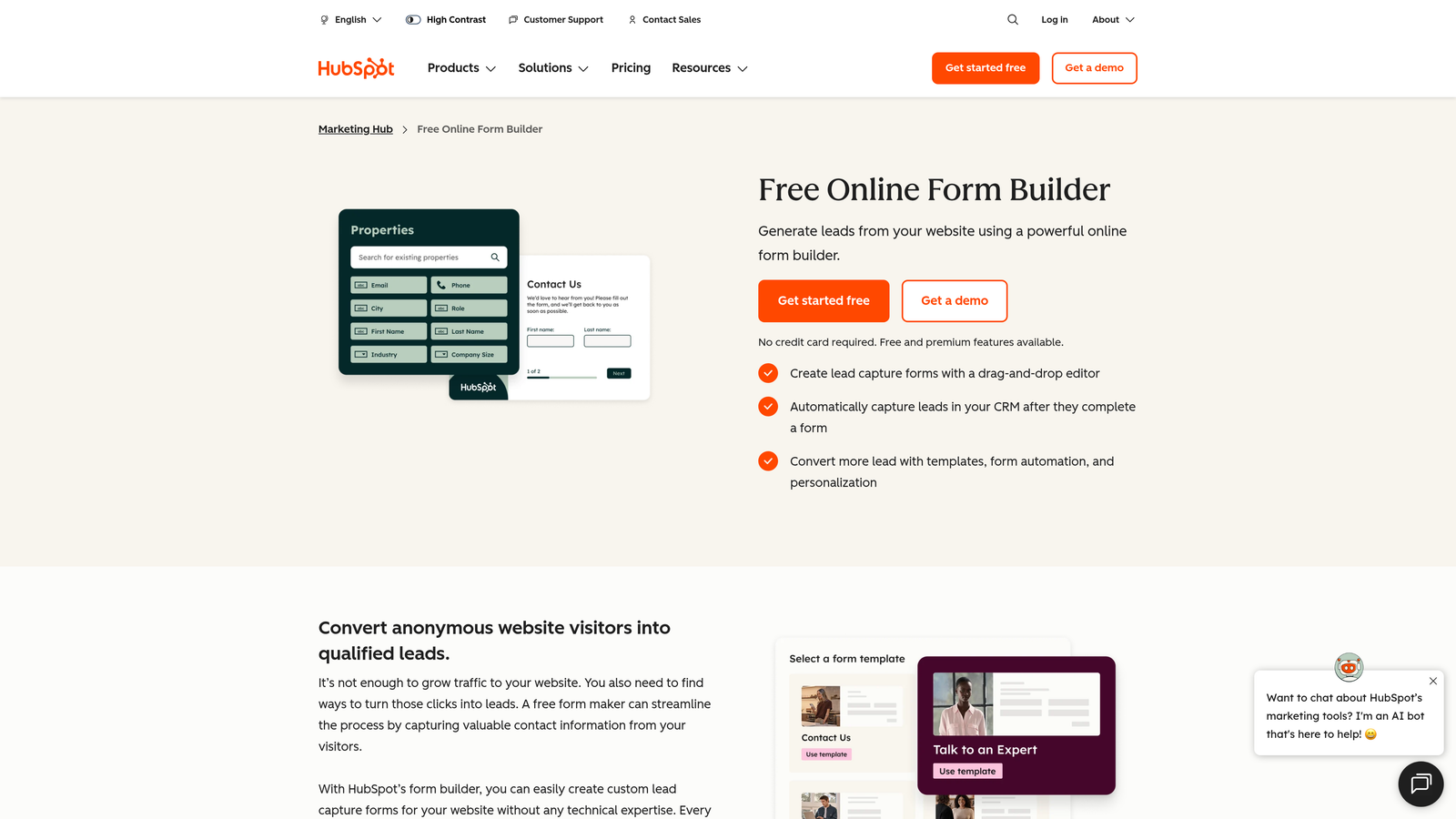
HubSpot Forms is a native form builder included with HubSpot CRM, offering seamless contact record sync and progressive profiling for HubSpot-native teams.
Where This Tool Shines
If your team lives in HubSpot, there's a strong argument for using HubSpot Forms simply because the integration is frictionless. Every submission automatically creates or updates a contact record, triggers workflows, and feeds into your existing nurture sequences without any middleware setup.
Progressive profiling is a standout feature for B2B teams with returning visitors. Instead of asking the same questions twice, HubSpot Forms displays new fields to contacts it already recognizes, gradually building richer profiles over multiple touchpoints.
Key Features
Zero-Setup CRM Sync: Submissions automatically create or update HubSpot contact records with no integration configuration required.
Progressive Profiling: Shows new fields to returning visitors, enriching contact data across multiple form interactions over time.
Workflow Triggers: Form submissions can instantly trigger HubSpot workflows for lead nurturing, internal notifications, or deal creation.
Embedded and Standalone Options: Deploy forms embedded on your site or as standalone HubSpot-hosted pages.
Free with HubSpot CRM: Available at no additional cost on the free HubSpot tier, making it highly accessible.
Best For
HubSpot Forms is the obvious choice for teams already committed to the HubSpot platform. For teams on other CRMs or those wanting more design flexibility or built-in qualification logic, it may feel limited.
Pricing
Free with HubSpot CRM. Advanced features like smart forms and A/B testing require Marketing Hub paid tiers, which start at $800/month for the Professional tier.
4. Jotform
Best for: Complex B2B intake workflows that require advanced conditional logic, multi-step forms, or payment collection.
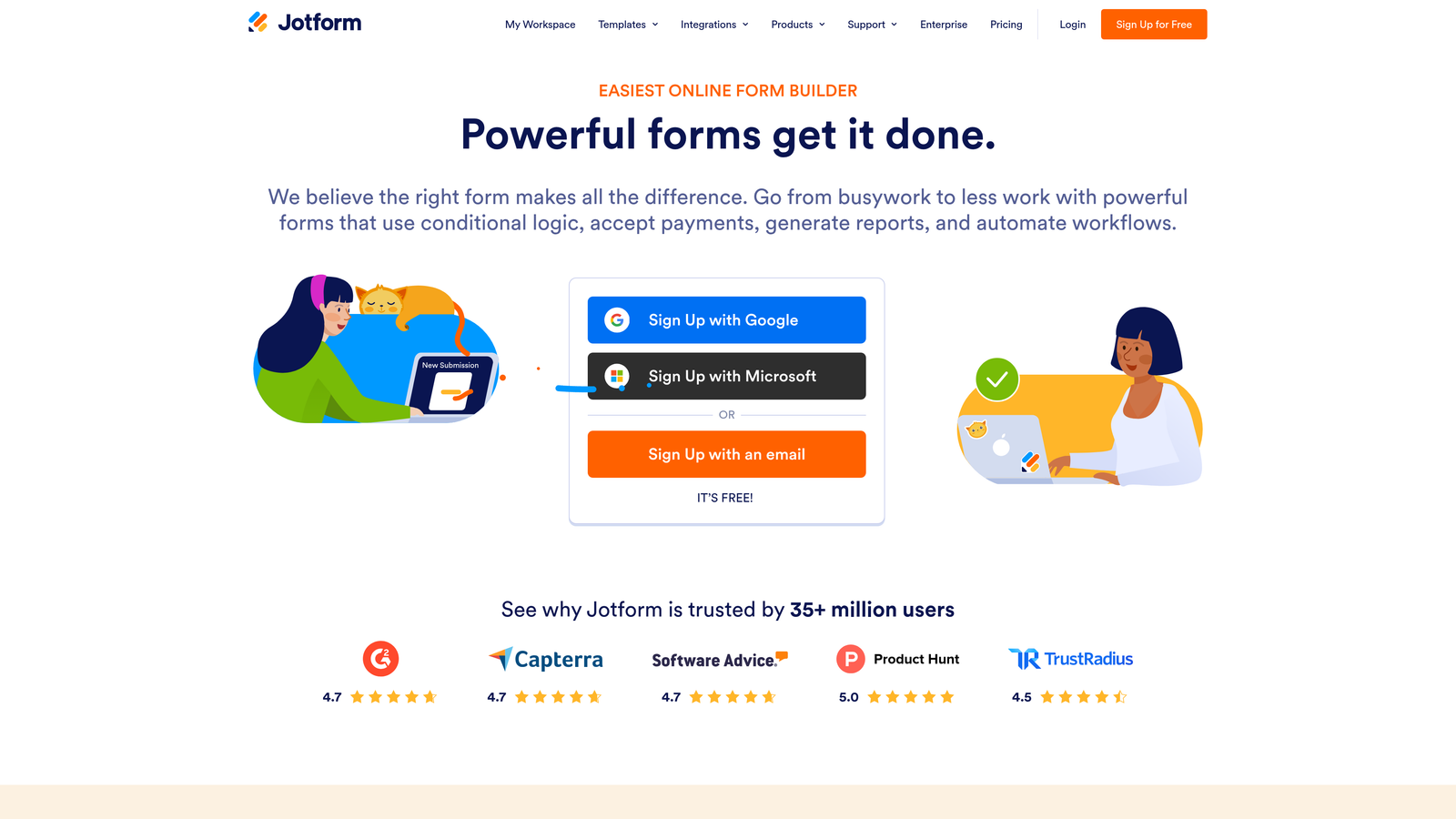
Jotform is a feature-rich form builder with over 10,000 templates and deep customization options suited for sophisticated B2B data collection.
Where This Tool Shines
Jotform's breadth is genuinely impressive. If you need a form that handles conditional branching, collects payments, routes approvals, and stays HIPAA-compliant, Jotform can handle all of it within a single platform. For B2B teams with complex intake requirements, that consolidation has real value.
The template library is one of the largest in the category, which speeds up deployment significantly. The downside is that the platform can feel overwhelming for teams with simpler needs, and the UX is less polished than newer entrants in the space.
Key Features
10,000+ Templates: Extensive library covering virtually every B2B use case, from RFQ forms to event registration and vendor applications.
Advanced Conditional Logic: Multi-step forms with sophisticated branching rules that adapt to respondent inputs in real time.
Payment Integrations: Native support for Stripe, PayPal, and Square, useful for B2B teams collecting deposits or subscription fees via forms.
Compliance Options: HIPAA and GDPR compliance features available for regulated industries and enterprise B2B teams.
Approval Workflow Automation: Built-in routing for multi-stage approval processes, useful for procurement and vendor onboarding workflows.
Best For
Jotform suits mid-market and enterprise B2B teams with complex, multi-step intake workflows, particularly in regulated industries. Teams looking for a simple lead gen form will likely find it over-engineered for their needs.
Pricing
Free plan available with submission limits. Paid plans start at $34/month, scaling based on submissions and storage.
5. Gravity Forms
Best for: WordPress-native B2B sites that need full customization control and a deep add-on ecosystem.
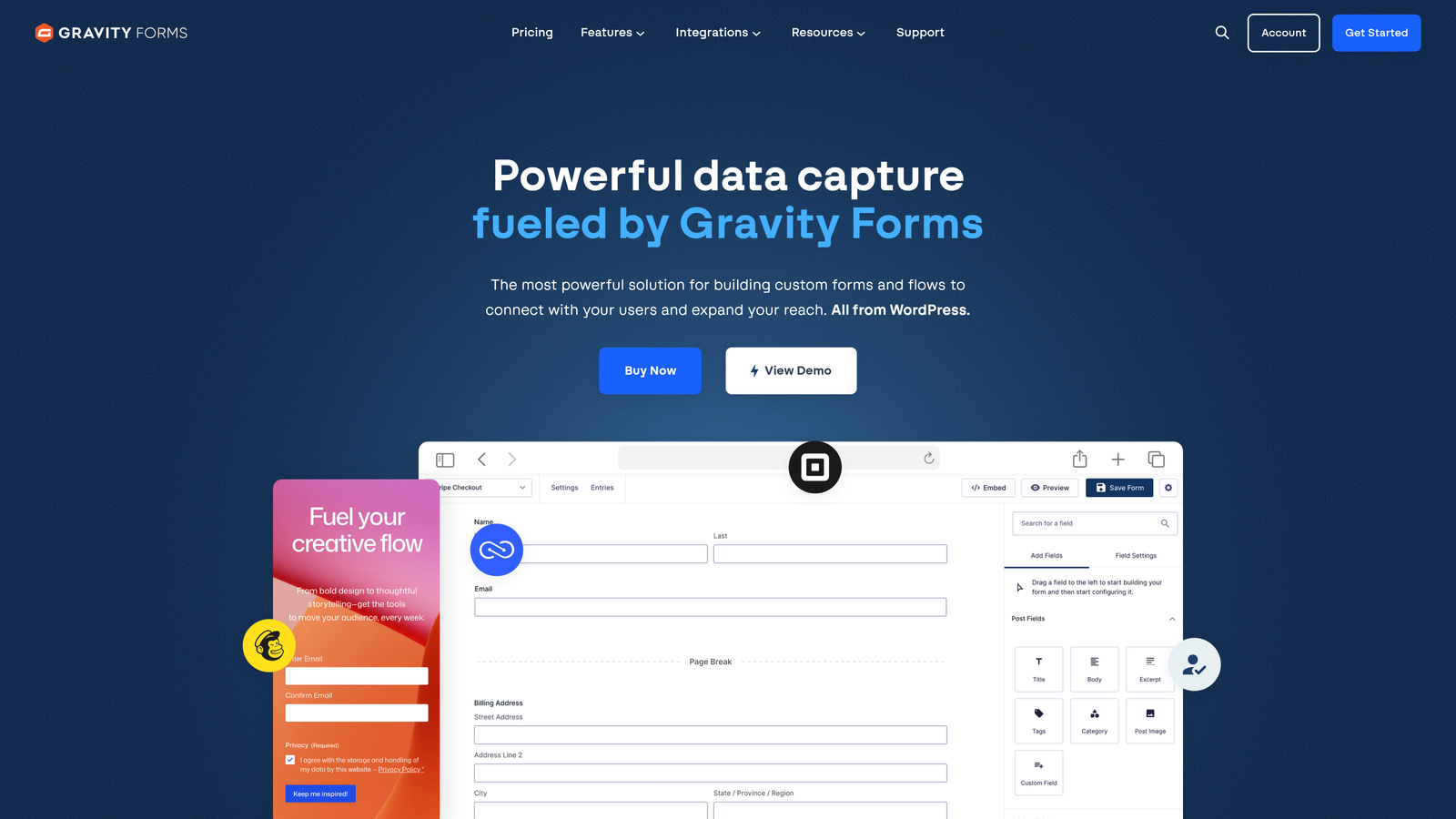
Gravity Forms is a WordPress plugin offering deep customization, developer extensibility, and a robust add-on library for B2B sites built on WordPress.
Where This Tool Shines
Gravity Forms is the gold standard for WordPress-based B2B sites that need serious form functionality. Because it's self-hosted and developer-friendly, your team has complete control over data, design, and behavior without being constrained by a third-party SaaS platform's limitations.
The add-on ecosystem is extensive. Native integrations with HubSpot, Salesforce, Stripe, and dozens of other platforms mean you can build exactly the workflow you need without relying on Zapier as a bridge for everything.
Key Features
WordPress-Native Control: Runs entirely within your WordPress environment, keeping form data on your own infrastructure with no third-party SaaS dependency.
Extensive Add-On Library: Official and community add-ons cover HubSpot, Salesforce, Stripe, PayPal, Mailchimp, and many more platforms.
Conditional Logic and Multi-Page Forms: Full conditional branching and paginated forms for complex B2B intake flows.
Developer-Friendly Architecture: Hooks, filters, and a well-documented API make custom development straightforward for technical teams.
No Per-Submission Pricing: License-based annual pricing means costs don't scale with form volume, which matters for high-traffic B2B sites.
Best For
Gravity Forms is ideal for WordPress-native B2B organizations with development resources. If your site isn't on WordPress, this tool isn't relevant. If it is, it's one of the most capable options in the category.
Pricing
License-based annual pricing starting at $59/year for the basic license. Elite licenses with all add-ons run higher, but there's no per-submission cost.
6. Formstack
Best for: Enterprise B2B teams that need forms, document generation, and e-signatures in a single platform.
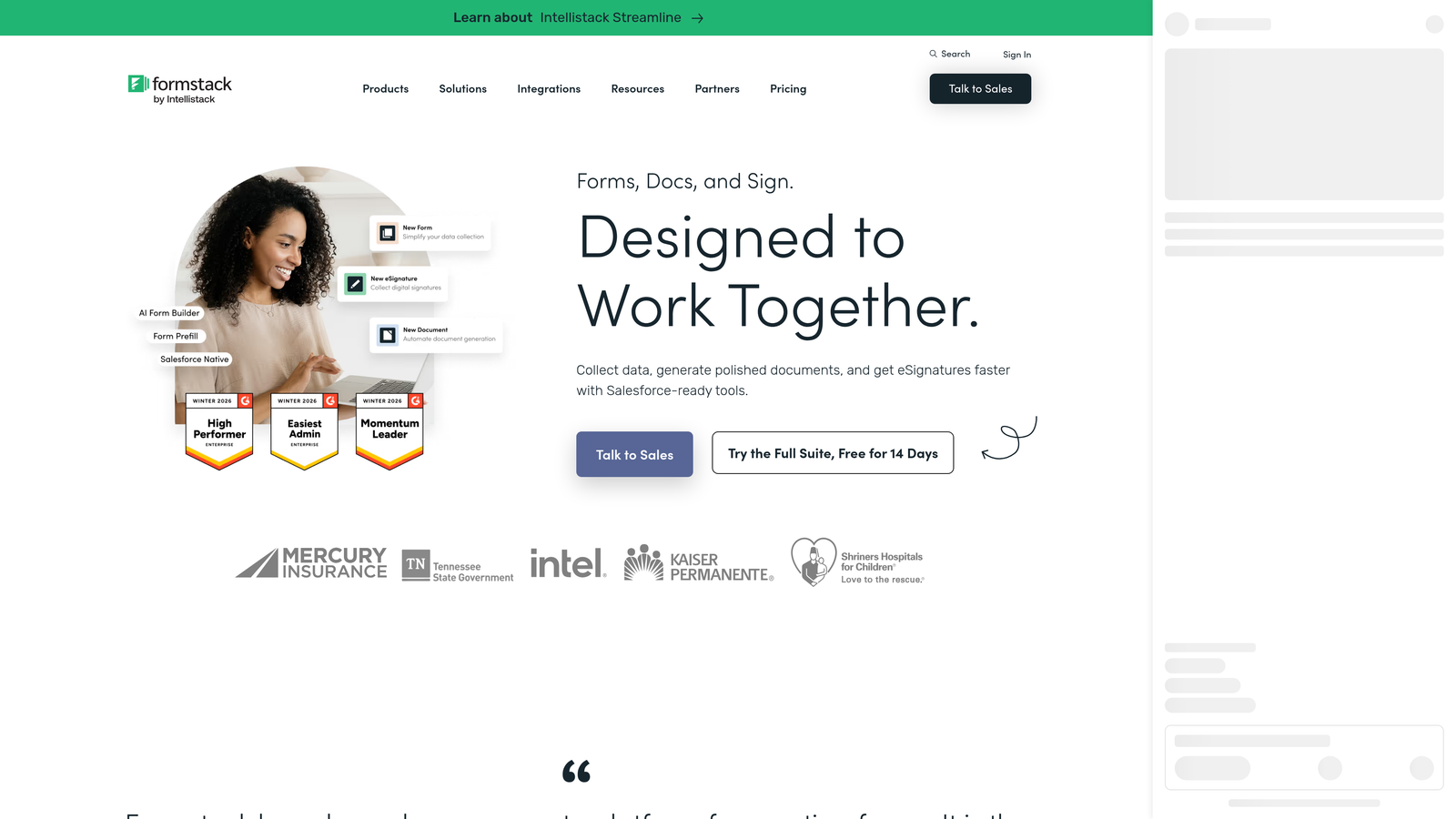
Formstack is an enterprise workflow platform that combines form building, document generation, and e-signature collection for operations-heavy B2B teams.
Where This Tool Shines
Formstack occupies a distinct position in this category: it's less a form builder and more a workflow automation platform that happens to start with a form. The ability to generate documents directly from submission data, route them through approval workflows, and collect e-signatures in one connected flow is genuinely powerful for B2B operations teams.
Its Salesforce-native integration is deeper than most competitors, making it a natural fit for enterprises where Salesforce is the system of record and forms need to map directly to custom objects and fields.
Key Features
Form-to-Document Generation: Automatically populates documents, contracts, or proposals using data submitted through forms, eliminating manual data transfer.
Built-In Approval Workflows: Multi-stage approval routing with notifications and conditional paths for complex internal processes.
Salesforce-Native Integration: Deep, bidirectional Salesforce integration that maps to standard and custom objects beyond basic lead fields.
E-Signature Collection: Collects legally binding signatures within the same workflow, removing the need for a separate e-sign tool.
Enterprise Compliance: Security and compliance features designed for regulated industries and enterprise procurement requirements.
Best For
Formstack is built for enterprise B2B teams in regulated industries or those with complex document and approval workflows. It's overkill for teams that just need a lead capture form, but it's excellent when forms are part of a larger operational process.
Pricing
Plans start at $83/month. Enterprise plans are available with custom pricing for larger organizations.
7. Cognito Forms
Best for: SMB B2B teams that need capable conditional logic and a generous free tier without enterprise pricing.
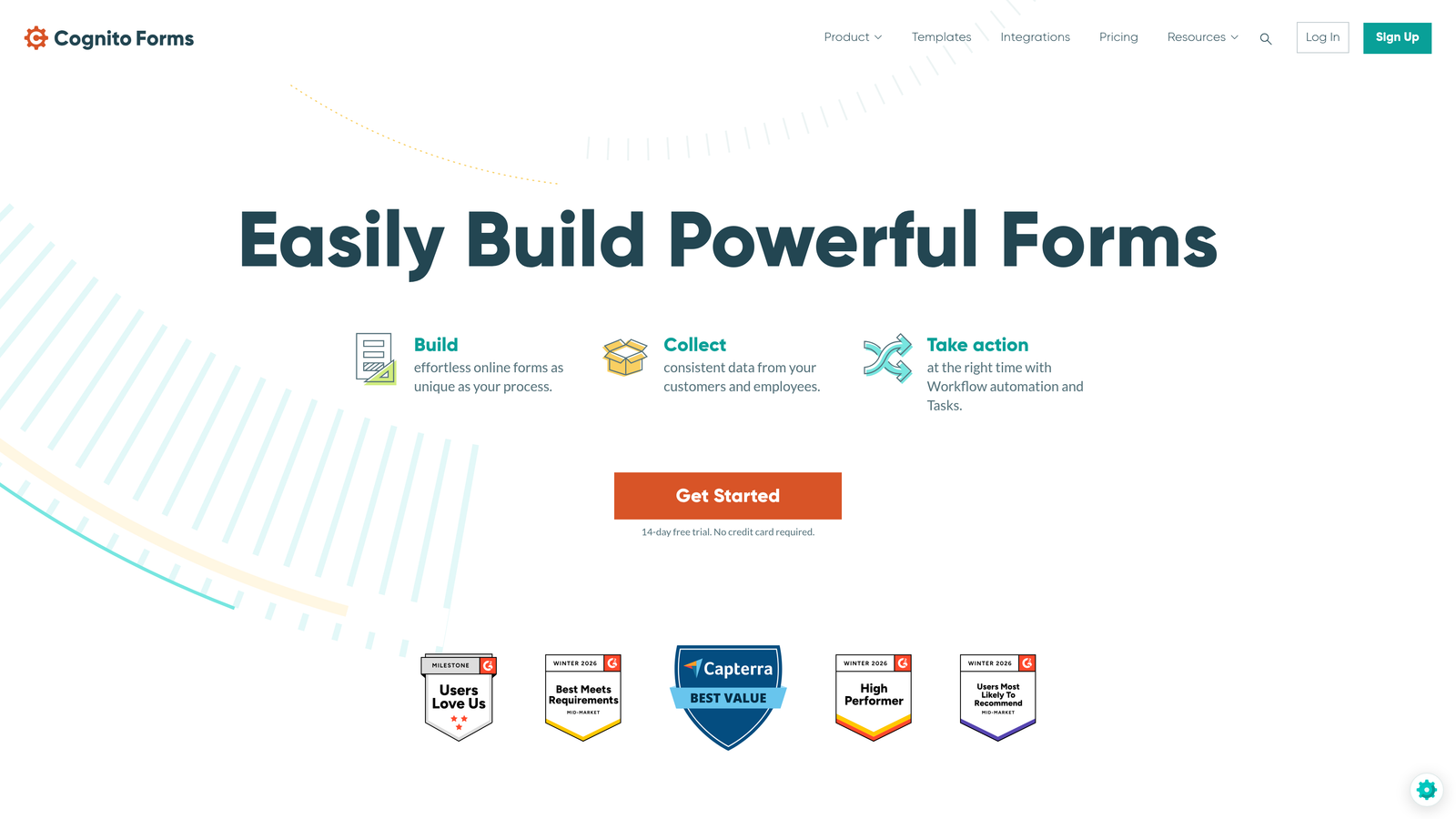
Cognito Forms is a budget-friendly form builder with repeating sections, calculated fields, and strong conditional logic suited for SMB B2B workflows.
Where This Tool Shines
Cognito Forms is often overlooked in favor of better-known tools, but its feature-to-price ratio is hard to beat for smaller B2B teams. The repeating sections feature is particularly useful for forms that need to collect variable amounts of data, like vendor applications or multi-line order forms.
The calculated fields capability adds a layer of intelligence that many tools in this price range don't offer, enabling things like automatic cost estimates or scoring within the form itself.
Key Features
Repeating Sections: Allows respondents to dynamically add rows of data within a form, ideal for variable-length B2B intake scenarios.
Calculated Fields: Performs math and logic operations on form data in real time, useful for pricing calculators or basic scoring.
Conditional Logic: Shows or hides fields based on previous answers to keep forms relevant and concise.
Payment Collection: Native Stripe integration for collecting payments or deposits directly through forms.
Zapier Integration: Connects to CRMs and marketing tools via Zapier for teams without native integrations.
Best For
Cognito Forms is a strong choice for SMB B2B teams with limited budgets that still need conditional logic, multi-step forms, and basic workflow automation. Teams that need deep CRM-native integrations or AI-powered qualification will need to look elsewhere.
Pricing
Free plan available with unlimited forms. Paid plans start at $15/month, making it one of the most affordable options in this list.
8. Tally
Best for: Fast-moving B2B teams that prioritize speed, simplicity, and a clean form experience over enterprise features.
Tally is a modern, Notion-inspired form builder with a block-based editor, unlimited forms on the free plan, and a clean, minimal aesthetic.
Where This Tool Shines
Tally's editor feels instantly familiar to anyone who uses Notion. Building a form is as simple as typing and adding blocks, which dramatically reduces the time from idea to live form. For growth teams that need to spin up a new lead capture form quickly, that speed is genuinely valuable.
The free plan is unusually generous: unlimited forms and unlimited responses with no submission caps. For early-stage B2B teams or those testing new campaigns, this removes a common barrier to getting started.
Key Features
Block-Based Editor: Notion-style interface makes form building fast and intuitive without a learning curve.
Unlimited Free Forms and Responses: No submission limits on the free plan, which is rare in this category.
Conditional Logic and Multi-Step Support: Handles basic to intermediate conditional branching for more personalized form flows.
Integration Support: Connects with Notion, Airtable, Google Sheets, and Zapier for flexible data routing.
Clean, Embeddable Design: Minimal aesthetic that embeds well on modern B2B websites without clashing with brand design.
Best For
Tally is ideal for startups, product teams, and early-stage B2B companies that value speed and simplicity. It lacks enterprise-grade security features, deep CRM-native integrations, and AI-powered qualification, so it's not the right fit for scaling demand gen teams.
Pricing
Free plan available with unlimited forms. Tally Pro is $29/month and unlocks custom branding, file uploads, and additional integrations.
9. Salesforce Web-to-Lead
Best for: Salesforce-first organizations that need simple lead capture with direct CRM record creation and no additional cost.
Salesforce Web-to-Lead is a built-in Salesforce feature that generates HTML forms creating lead records directly in Salesforce, with no middleware required.
Where This Tool Shines
The primary appeal here is simplicity and cost. If your organization already pays for Salesforce and needs a basic lead capture form that writes directly to your CRM, Web-to-Lead does exactly that at no additional cost. There's no integration to configure, no third-party tool to manage, and no data passing through an external platform.
Auto-response rules and lead assignment routing are built in, meaning submissions can be automatically assigned to the right sales rep based on territory, product interest, or any other lead field you configure.
Key Features
Native Lead Record Creation: Form submissions create Salesforce lead records directly, with no API calls or middleware in between.
No Additional Cost: Included with all Salesforce CRM subscriptions, making it the lowest-cost option for existing customers.
Custom Field Mapping: Maps form fields to any standard or custom lead field in your Salesforce org.
Auto-Response and Assignment Rules: Triggers automated email responses and routes leads to the correct owner based on configured rules.
No Third-Party Dependency: Keeps your lead data entirely within the Salesforce ecosystem from the moment of submission.
Best For
Web-to-Lead is best suited for Salesforce-native organizations with simple lead capture needs, internal forms, or situations where keeping data entirely within Salesforce is a compliance or operational requirement. It's not a tool for teams that care about form design, conversion optimization, or modern UX.
Pricing
Included with all Salesforce CRM subscriptions at no additional cost.
Which Tool Is Right for Your B2B Team?
The right B2B form builder depends almost entirely on where lead qualification happens in your workflow and what your CRM stack looks like. Here's how to think through the decision quickly.
AI-powered lead qualification at the form level: Orbit AI is the clear choice. It's the only tool in this list that qualifies and scores leads at the moment of capture, which means your sales team gets pipeline-ready leads rather than raw submissions to sort through manually.
HubSpot-native workflows: HubSpot Forms wins on integration depth and zero-setup convenience. If your team already lives in HubSpot, there's no reason to add another tool to the stack.
Conversational engagement at the top of funnel: Typeform's one-question-at-a-time format genuinely improves completion rates for survey-style and demo request flows where respondent experience matters.
WordPress-based B2B sites: Gravity Forms remains the most capable and developer-friendly option for teams on WordPress who need full control over their data and form behavior.
Enterprise automation with document workflows: Formstack is built for this use case. If your forms need to trigger document generation, approval routing, and e-signatures, it's the only tool here that handles the full chain.
Budget-conscious teams: Cognito Forms offers the best feature-to-price ratio for SMB B2B teams. Tally is the better pick if speed and simplicity are the primary criteria.
Salesforce-first organizations: Web-to-Lead is the lowest-friction option when Salesforce is your system of record and form design isn't a priority.
For high-growth B2B teams where lead quality matters as much as lead volume, the qualification layer is what separates a form builder from a pipeline tool. Transform your lead generation with AI-powered forms that qualify prospects automatically while delivering the modern, conversion-optimized experience your high-growth team needs. Start building free forms today and see how intelligent form design can elevate your conversion strategy.


