

If you've ever watched a lead fill out your form and then disappear into a spreadsheet black hole, never making it into your CRM, you already know the pain this article addresses. Broken or missing form-to-CRM connections mean lost follow-ups, duplicate data entry, and sales teams working blind.
The good news: the right tool eliminates this entirely, syncing lead data automatically the moment someone hits submit. Whether you're running a SaaS onboarding flow, a B2B demo request form, or a high-volume lead gen campaign, the tools below are built to bridge forms and CRMs without the headaches.
We evaluated each option on native CRM integrations, ease of setup, lead qualification capabilities, and scalability for growing teams. Here are the best solutions to solve your form-CRM integration problem in 2026.
1. Orbit AI
Best for: High-growth teams that want AI-qualified leads flowing into their CRM automatically
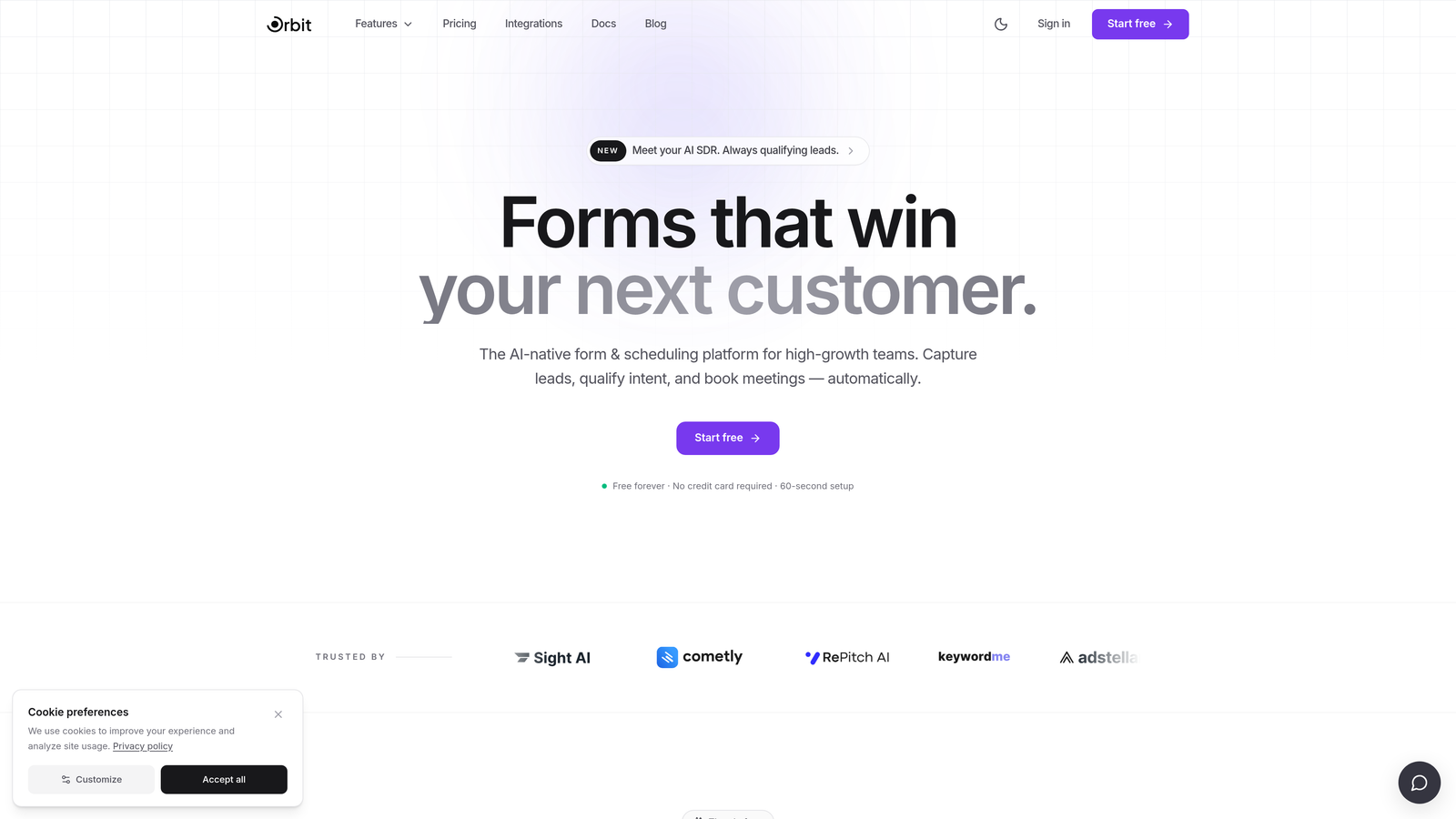
Orbit AI is an AI-powered form builder designed for teams that care about lead quality, not just lead volume.
Where This Tool Shines
Most form-to-CRM tools do exactly one thing: push raw submission data into your CRM. Orbit AI takes a different approach. It scores and qualifies leads before they ever reach your CRM, so your sales team opens their pipeline to high-intent prospects rather than a noisy mix of tire-kickers and spam submissions.
For high-growth teams running serious lead generation, this distinction matters. A CRM full of unqualified contacts creates its own kind of chaos. Orbit AI's conversion-optimized form design also means better completion rates at the top of the funnel, which compounds the quality advantage downstream.
Key Features
AI-Powered Lead Qualification: Scores and qualifies submissions before they sync to your CRM, so sales reps only see high-intent leads.
Conversion-Optimized Templates: Beautifully designed form templates built to maximize completion rates across device types.
Automatic CRM Sync: Qualified lead data flows into your CRM the moment a form is submitted, with no manual steps required.
Advanced Conditional Logic: No-code routing logic adapts the form experience based on how respondents answer previous questions.
High-Volume Workflow Support: Built to handle the scale demands of growing teams without performance degradation or integration failures.
Best For
SaaS companies, B2B marketing teams, and revenue operations teams who need their CRM populated with qualified leads, not just raw contact data. Especially valuable for teams running high-volume inbound campaigns where lead quality filtering is as important as lead capture itself.
Pricing
Visit orbitforms.ai for current pricing and plan details.
2. HubSpot Forms
Best for: Teams already using HubSpot CRM who want zero-friction form-to-contact sync
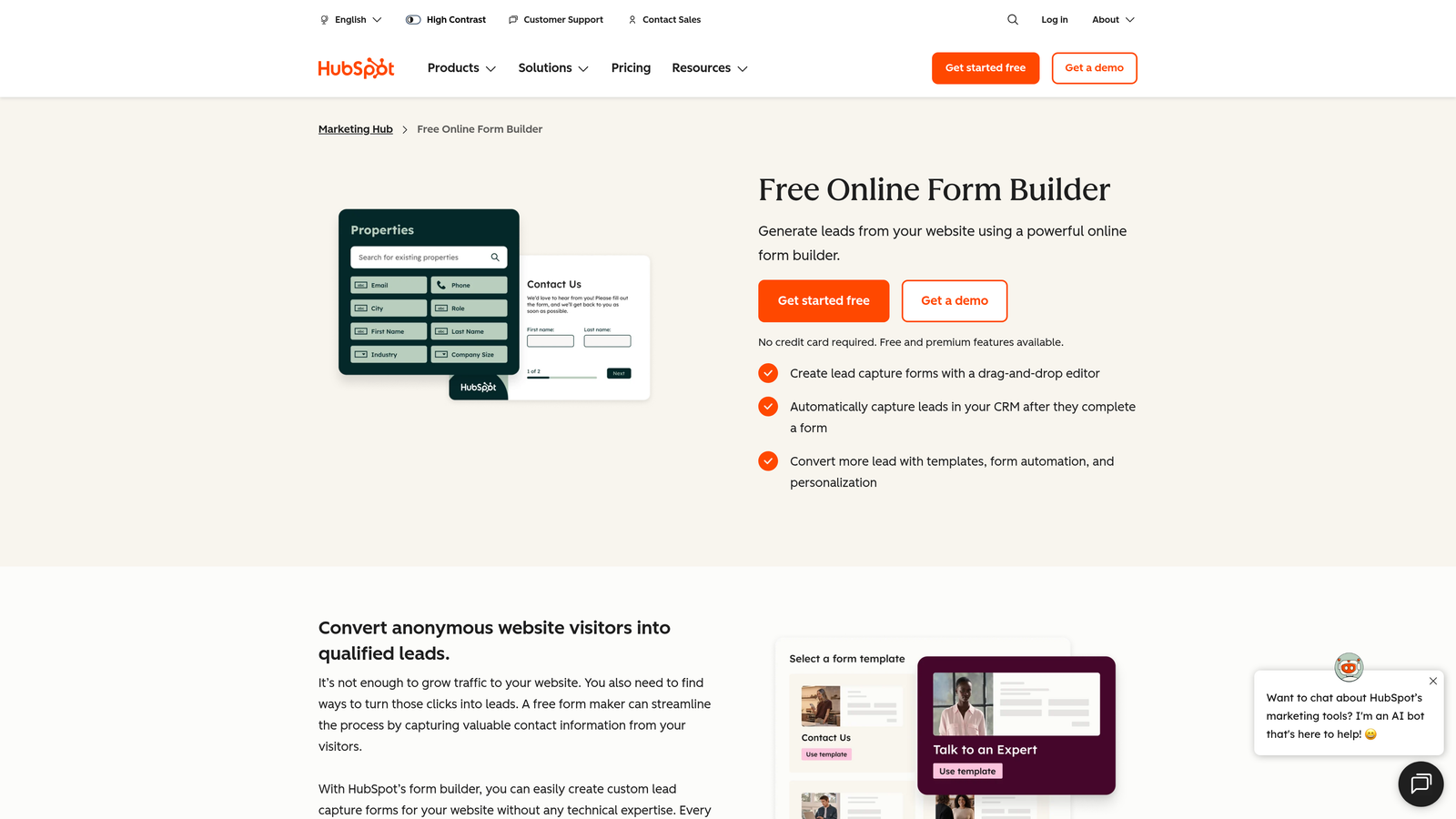
HubSpot Forms is a native form tool built directly into the HubSpot CRM, eliminating the integration problem entirely by making forms and CRM the same platform.
Where This Tool Shines
When your form tool and CRM are the same product, there's nothing to integrate. Every HubSpot form submission automatically creates or updates a contact record in real time. No Zapier, no webhooks, no field mapping headaches.
The progressive profiling feature is particularly smart for teams running multiple touchpoints. Instead of asking the same questions repeatedly, HubSpot remembers what it already knows about a contact and surfaces new questions on subsequent form visits, building richer profiles over time without annoying repeat visitors.
Key Features
Zero-Setup CRM Sync: Forms and CRM are the same platform, so every submission instantly creates or updates a contact record.
Progressive Profiling: Automatically fills in contact data across multiple visits, asking only questions that haven't been answered yet.
Smart Form Fields: Hides questions for information HubSpot already has on a returning contact.
Native Workflow Triggers: Form submissions can trigger automated follow-up sequences, deal creation, and internal notifications without extra tools.
Free Tier: Core form and CRM functionality available at no cost, making it accessible for early-stage teams.
Best For
Marketing and sales teams already committed to the HubSpot ecosystem. If your CRM is HubSpot, using their native forms is almost always the path of least resistance for clean, reliable data sync.
Pricing
Free tier available with core CRM features; paid plans start at $20/month (Marketing Hub Starter).
3. Typeform
Best for: Teams prioritizing form completion rates with direct CRM integrations
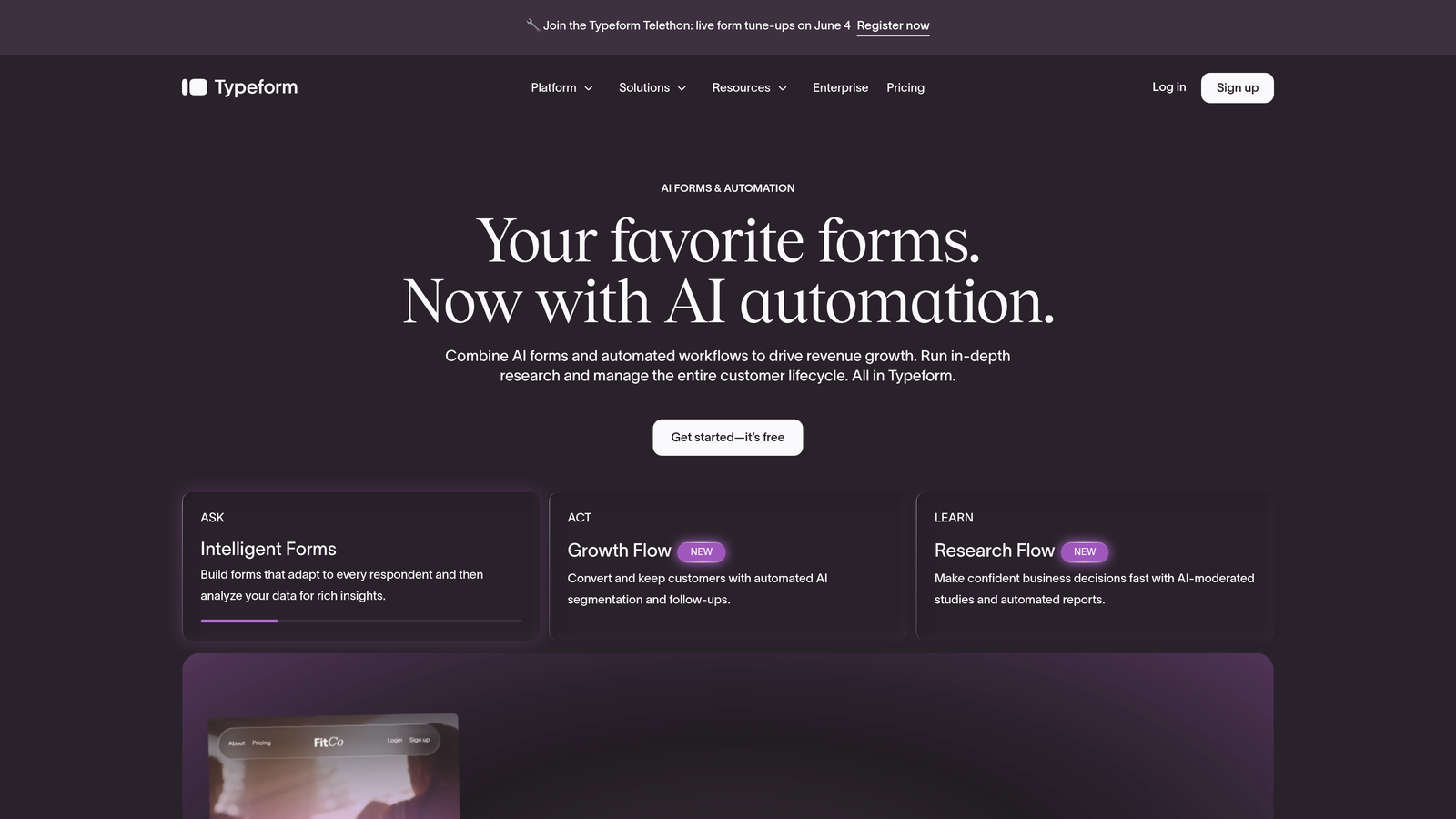
Typeform is a conversational form builder that uses a one-question-at-a-time format to reduce friction and increase the percentage of people who actually finish your forms.
Where This Tool Shines
Typeform's core insight is that traditional multi-field forms feel like paperwork, and people abandon paperwork. By presenting one question at a time in a clean, visually engaging interface, Typeform creates a more natural experience that tends to hold attention longer.
On the integration side, Typeform connects natively with HubSpot, Salesforce, and Pipedrive, and extends further via Zapier and Make for teams using less common CRMs. Logic jumps let you build conditional flows that route respondents through different question paths based on their answers, making forms feel personalized rather than generic.
Key Features
Conversational Format: One-question-at-a-time design that reduces form abandonment by lowering the perceived effort of completion.
Native CRM Integrations: Direct connections to HubSpot, Salesforce, and Pipedrive without requiring middleware.
Logic Jumps: Conditional routing sends respondents down different question paths based on their previous answers.
Zapier and Make Compatibility: Extends CRM coverage to virtually any platform beyond the native integration list.
Branded Design: Polished, customizable form aesthetics that match your brand without custom CSS work.
Best For
Teams running lead gen campaigns, surveys, or onboarding flows where completion rate is a primary metric, and who use HubSpot, Salesforce, or Pipedrive as their CRM.
Pricing
Free plan available; paid plans start at $29/month.
4. Zapier
Best for: Connecting any existing form tool to any CRM without switching either platform
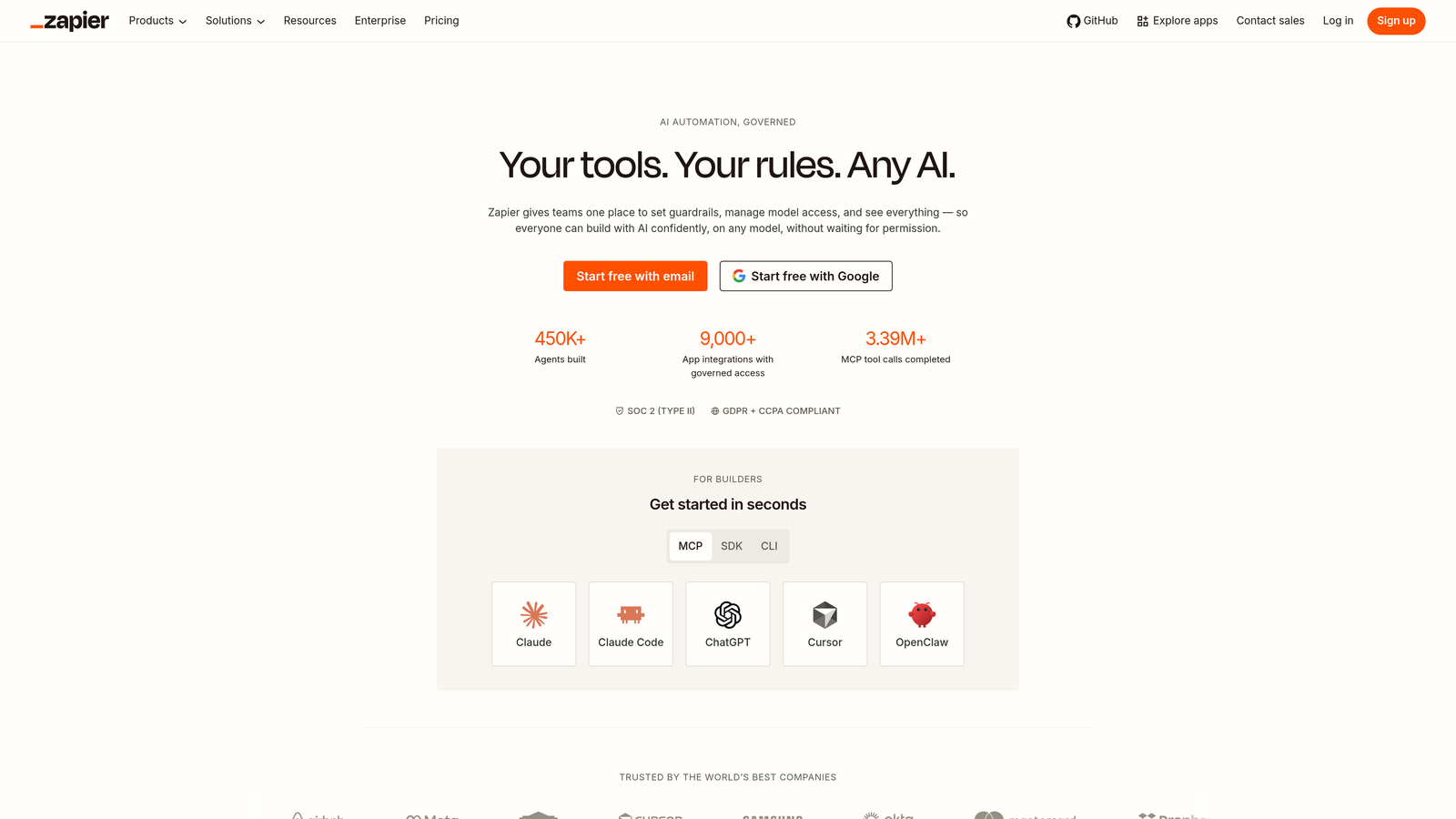
Zapier is the go-to automation platform for teams that love their current form tool and their current CRM but need a reliable bridge between the two.
Where This Tool Shines
Zapier doesn't build forms or manage contacts. What it does is act as middleware, listening for a form submission event and immediately triggering an action in your CRM. This makes it invaluable for teams whose form builder doesn't have a native CRM integration, or whose CRM isn't on the standard integration list.
The real power is in multi-step Zaps. You can take a Gravity Forms or Google Forms submission, run it through a formatter to clean up the data, apply filters to exclude certain entries, and then push it to your CRM as a new lead or contact record. All without writing a line of code.
Key Features
7,000+ App Connections: Covers virtually every form builder and CRM combination you're likely to encounter.
Multi-Step Zaps: Chain multiple actions together, so a single form submission can create a CRM contact, send a Slack notification, and add a row to a spreadsheet simultaneously.
Filters and Formatters: Clean, transform, or conditionally route data before it hits your CRM.
Instant Triggers: Form submission events fire in real time, keeping your CRM data current without delays.
No-Code Interface: Accessible to marketers and ops teams without developer support.
Best For
Teams with established form tools and CRMs who need a reliable connection between them, particularly when neither platform offers a native direct integration with the other.
Pricing
Free plan (100 tasks/month); paid plans start at $29.99/month, scaling with task volume.
5. Jotform
Best for: Agencies and SMBs managing multiple CRMs who need the broadest native integration library
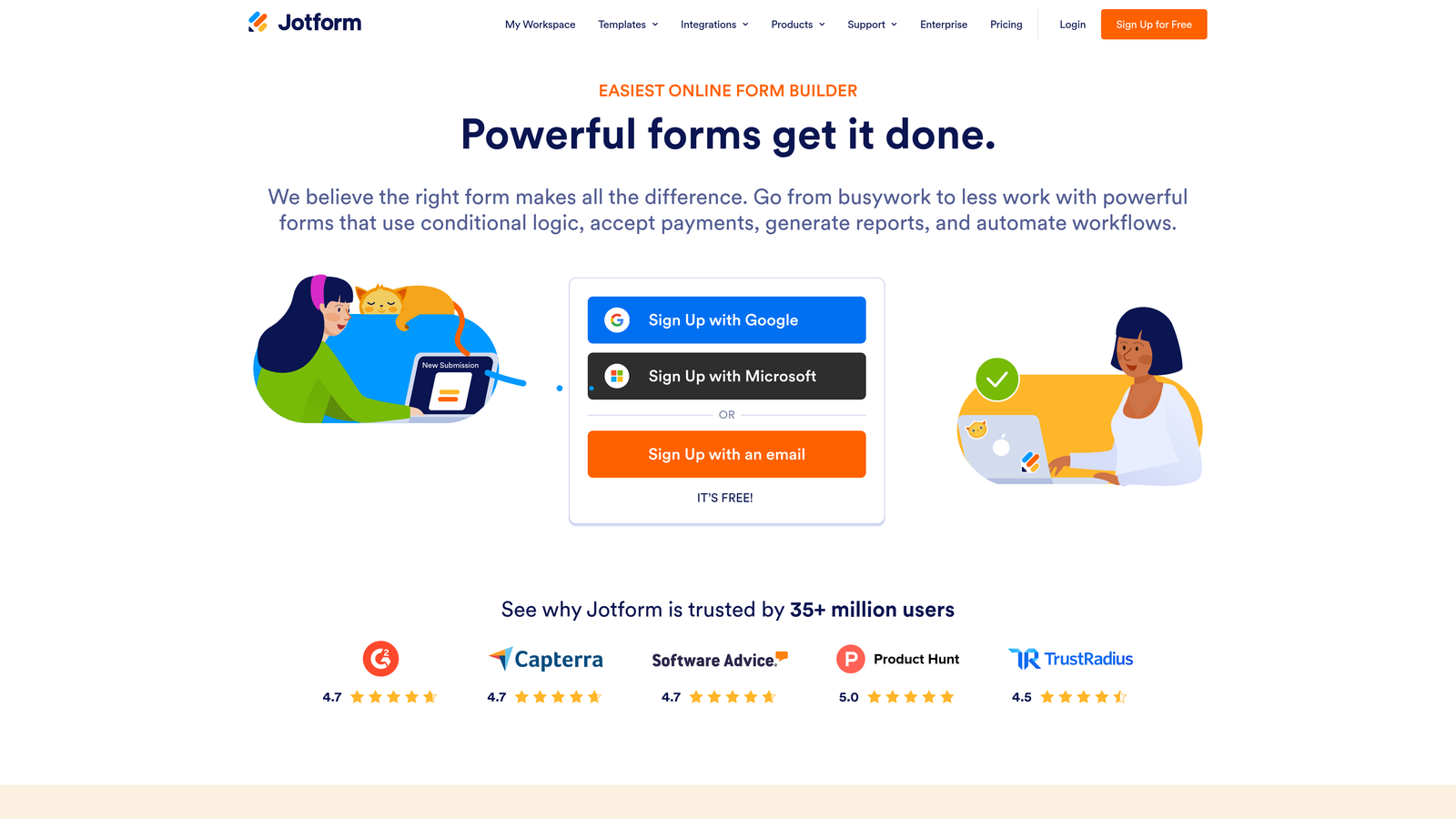
Jotform is a feature-rich form builder with one of the largest native CRM integration libraries available, covering Salesforce, Zoho, HubSpot, Monday.com, Airtable, and many more.
Where This Tool Shines
Where many form builders offer a handful of CRM integrations, Jotform has built direct connections to over 100 apps and platforms. For agencies managing clients across different tech stacks, or SMBs with hybrid tools that don't fit neatly into one ecosystem, this breadth is a genuine competitive advantage.
The drag-and-drop builder and 10,000+ templates mean teams can get a form live quickly, while conditional logic handles dynamic question flows. The HIPAA-compliant option also makes Jotform viable for healthcare and regulated industries where other tools fall short.
Key Features
100+ Native Integrations: Direct connections to a wider range of CRMs and business apps than most competing form builders.
10,000+ Templates: Extensive template library covering virtually every form use case across industries.
Conditional Logic: Dynamic form flows that adapt based on respondent answers.
HIPAA Compliance: Available on higher-tier plans for healthcare and regulated industry use cases.
Jotform Tables: Built-in submission management layer that sits alongside CRM data for teams who need both views.
Best For
Digital agencies managing diverse client tech stacks, SMBs with multiple CRM tools, and teams in regulated industries who need HIPAA-compliant form-to-CRM workflows.
Pricing
Free plan (5 forms, 100 submissions/month); paid plans start at $39/month.
6. Gravity Forms
Best for: WordPress sites that need professional-grade CRM integration without leaving their existing setup
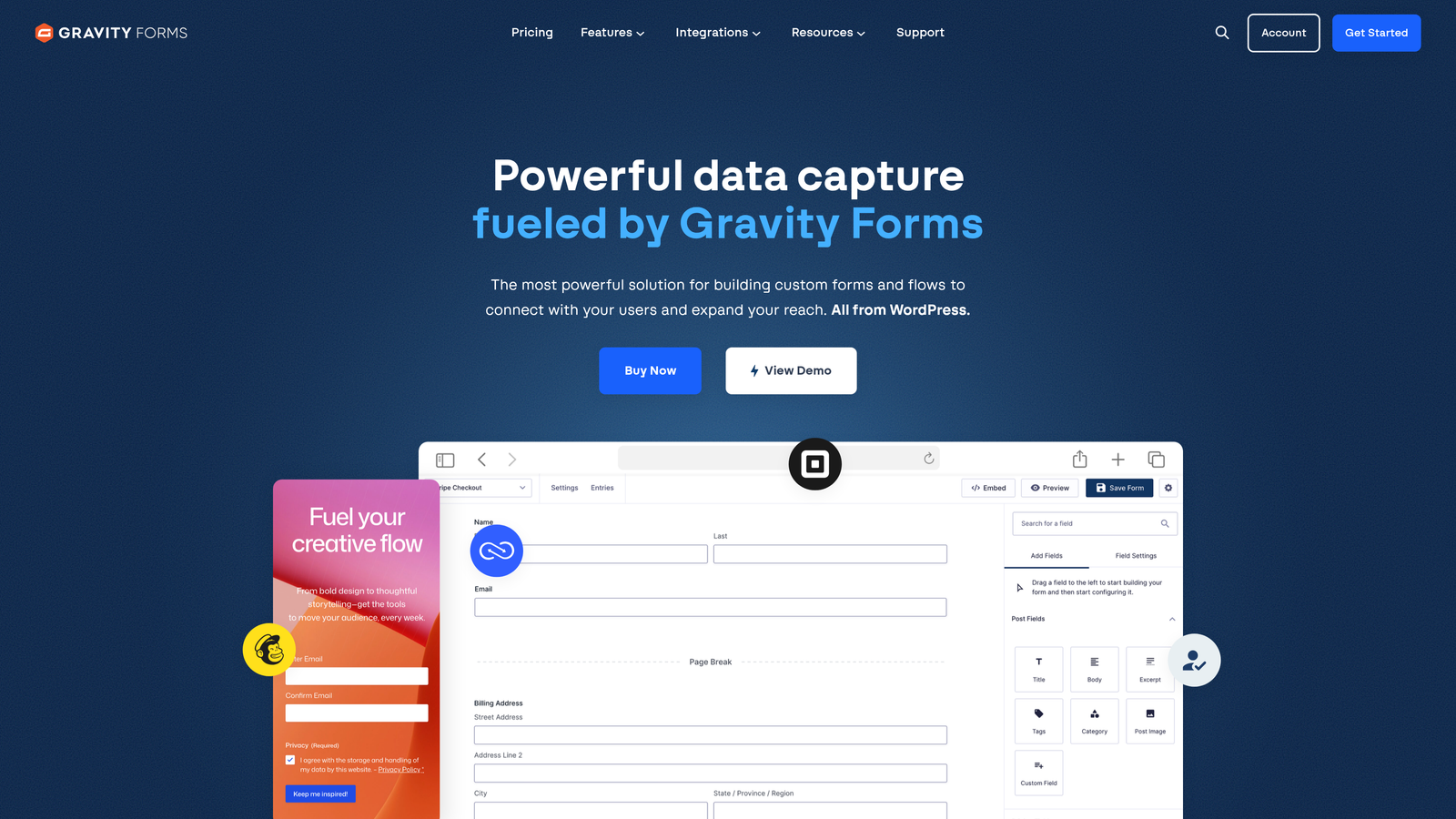
Gravity Forms is the leading professional form plugin for WordPress, with official CRM add-ons for Salesforce, HubSpot, and other major platforms.
Where This Tool Shines
If your lead generation site runs on WordPress, Gravity Forms is the natural choice. It embeds natively into any WordPress page or post, and its official CRM add-ons handle the integration work without requiring a third-party automation tool. The depth of WordPress integration means forms can interact with user roles, post data, and other site elements in ways that hosted form tools simply can't.
For developer-led teams, the extensive hook and filter system makes Gravity Forms highly customizable. You can intercept form data at multiple points in the submission process, transform it, and route it exactly where it needs to go in your CRM.
Key Features
Deep WordPress Integration: Native embedding and interaction with WordPress user data, posts, and site elements.
Official CRM Add-Ons: Purpose-built add-ons for Salesforce, HubSpot, and other platforms maintained by the Gravity Forms team.
Conditional Logic and Multi-Page Forms: Sophisticated form flows with branching logic and multi-step layouts.
Developer-Friendly Architecture: Extensive hooks and filters for custom data handling and CRM field mapping.
Entry Management System: Built-in submission tracking and notification routing within WordPress.
Best For
WordPress-based marketing sites, agencies building client sites on WordPress, and developer teams who need deep customization alongside reliable CRM sync.
Pricing
Starts at $59/year (Basic license); CRM add-ons may require the Elite license at $259/year.
7. Make (formerly Integromat)
Best for: Technical ops teams that need complex, conditional form-to-CRM workflows with precise data transformation
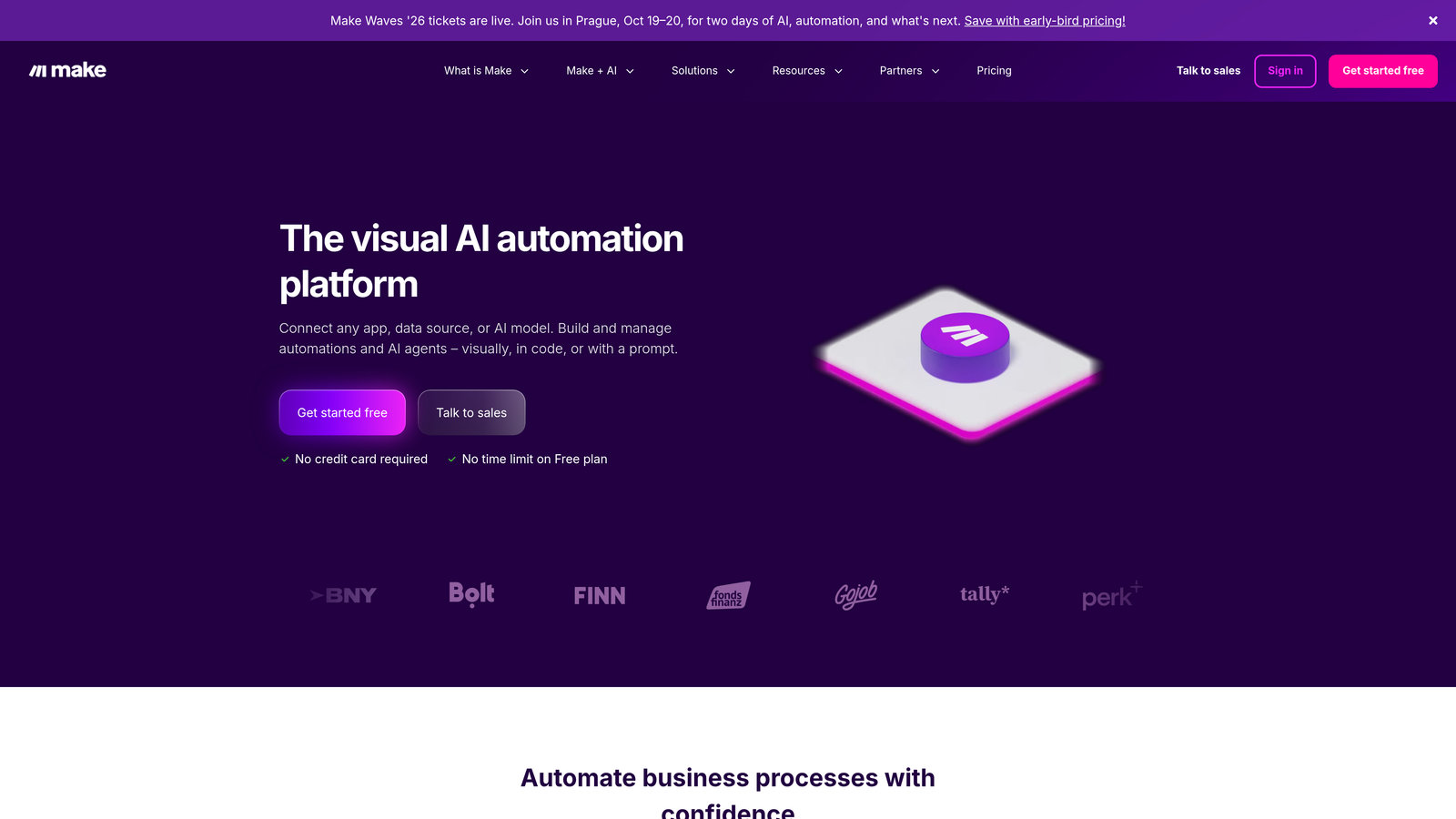
Make is a visual automation platform that handles multi-step form-to-CRM workflows with conditional logic, data transformation, and granular field mapping, preferred by RevOps and marketing ops teams.
Where This Tool Shines
Make occupies a different position than Zapier in the automation landscape. Where Zapier optimizes for simplicity and speed, Make optimizes for power and precision. Its node-based visual interface lets you build workflows that branch conditionally, transform data in complex ways, and handle errors gracefully, all of which matter when your CRM data quality is non-negotiable.
For teams routing form submissions to different CRM pipelines based on lead attributes, or transforming raw form data into structured CRM fields before entry, Make provides the control that simpler automation tools can't match. The pricing model also tends to deliver more operations per dollar at higher volumes.
Key Features
Visual Node-Based Builder: Drag-and-drop workflow canvas that makes complex multi-step automations easy to map and debug.
Conditional Routing: Sends leads to different CRM pipelines, stages, or owners based on form answer values.
Advanced Data Transformation: Reshape, format, and clean form data before it reaches CRM fields.
Error Handling and Retry Logic: Built-in mechanisms to catch failed operations and retry them automatically.
Cost-Efficient at Scale: Operations-based pricing that typically delivers more value than task-based competitors at higher volumes.
Best For
RevOps teams, technical marketing ops professionals, and growth teams with complex CRM routing requirements that exceed what simpler automation tools can handle.
Pricing
Free plan (1,000 operations/month); paid plans start at $9/month.
8. Salesforce Web-to-Lead
Best for: Salesforce customers who want direct form-to-CRM submission with no third-party tools
Salesforce Web-to-Lead is a built-in Salesforce feature that generates an HTML form that submits directly into Salesforce as a Lead record, with no middleware required.
Where This Tool Shines
The integration problem doesn't exist here because there's no integration to build. Web-to-Lead generates an HTML snippet you embed on your site, and every submission creates a Lead record in Salesforce directly. No Zapier account, no webhook configuration, no third-party subscription to maintain.
For Salesforce-native teams, this is often the cleanest option for straightforward lead capture. Custom fields map directly to Salesforce Lead object fields, auto-assignment rules route new leads to the right rep or queue on submission, and all of Salesforce's workflow automation fires immediately on entry.
Key Features
Zero Middleware: Form submissions go directly to the Salesforce Lead object with no third-party tools in the chain.
Custom Field Mapping: Maps form fields directly to standard and custom Salesforce Lead fields.
Auto-Assignment Rules: Automatically routes new leads to specific reps, queues, or territories on submission.
CAPTCHA Support: Built-in spam filtering to keep your Salesforce pipeline clean.
Native Workflow Compatibility: Triggers Salesforce flows, process builder automations, and assignment rules immediately on lead creation.
Best For
Organizations already running Salesforce Sales Cloud who want a reliable, maintenance-free form-to-Lead pipeline without adding another vendor to their stack.
Pricing
Included with all Salesforce Sales Cloud licenses; Essentials starts at $25/user/month.
9. Pipedrive LeadBooster
Best for: Sales-led teams using Pipedrive who want inbound forms feeding directly into their pipeline
Pipedrive LeadBooster is Pipedrive's native lead capture add-on that includes web forms feeding directly into Pipedrive contacts and deals, purpose-built for sales teams that live in Pipedrive.
Where This Tool Shines
LeadBooster solves the form-to-CRM problem for Pipedrive users the same way HubSpot Forms solves it for HubSpot users: by making the form a native part of the CRM itself. When someone submits a LeadBooster form, a contact and deal appear in your Pipedrive pipeline immediately, with custom field values mapped exactly where you need them.
The add-on bundles more than just web forms. It also includes a chatbot, live chat, and a Prospector tool for outbound sourcing, making it a broader inbound and outbound lead generation layer on top of Pipedrive rather than just a form integration.
Key Features
Direct Pipeline Population: Form submissions create contacts and deals in Pipedrive instantly with no middleware.
Custom Field Mapping: Form fields map directly to Pipedrive contact and deal properties.
Bundled Chat Tools: Includes chatbot and live chat alongside web forms for a complete inbound capture toolkit.
Prospector Tool: Outbound lead sourcing within the same add-on for teams running both inbound and outbound motions.
Instant Pipeline Visibility: New leads appear in the correct pipeline stage from the moment of first form submission.
Best For
Sales-led teams running Pipedrive as their primary CRM who want inbound web forms, chat, and outbound prospecting managed in one place without adding separate tools.
Pricing
LeadBooster add-on starts at $32.50/company/month (billed annually).
Which Tool Is Right for Your Stack?
The right choice here depends less on feature lists and more on where your friction actually lives. Here's a quick way to think through it.
If you need AI-qualified leads flowing into your CRM automatically, with conversion-optimized forms doing the heavy lifting at the top of the funnel, Orbit AI is the clear starting point. It's the only tool on this list that filters lead quality before CRM entry, not after.
Already committed to HubSpot? Their native forms are the path of least resistance. No middleware, no setup, and progressive profiling means your contact records get richer over time automatically.
Need to connect a form tool you already love to a CRM you're not switching from? Zapier handles the straightforward version of that problem, and Make handles the complex version. Both give you flexibility without forcing a platform change.
For WordPress sites, Gravity Forms with the appropriate CRM add-on handles the job cleanly and keeps everything within your existing setup. Salesforce and Pipedrive users have strong native options in Web-to-Lead and LeadBooster that skip middleware entirely.
The core principle worth keeping in mind: the fewer integration layers between your form and your CRM, the less data falls through the cracks. And if you're building for scale, prioritize tools that not only sync data but also help you qualify it. A CRM full of unqualified contacts creates its own kind of operational drag, just a different kind than a broken integration.
Transform your lead generation with AI-powered forms that qualify prospects automatically while delivering the modern, conversion-optimized experience your high-growth team needs. Start building free forms today and see how intelligent form design can elevate your conversion strategy.


