

Progressive web forms have moved well beyond static input fields. Today's high-performing teams need form builders that adapt to user behavior, qualify leads in real time, and deliver seamless experiences across every device and connection speed. Whether you're capturing leads, onboarding users, or running surveys, the right progressive form builder can meaningfully lift conversion rates by reducing friction at every step.
This guide covers the best progressive web form builders available in 2026, evaluated on conditional logic depth, multi-step UX, mobile performance, AI capabilities, integrations, and pricing. If you're a growth-focused SaaS team, a marketing agency, or a B2B operation that depends on form data to drive pipeline, this list will help you find the right fit fast.
1. Orbit AI
Best for: High-growth SaaS and B2B teams that need AI-powered lead qualification built directly into their form flows.
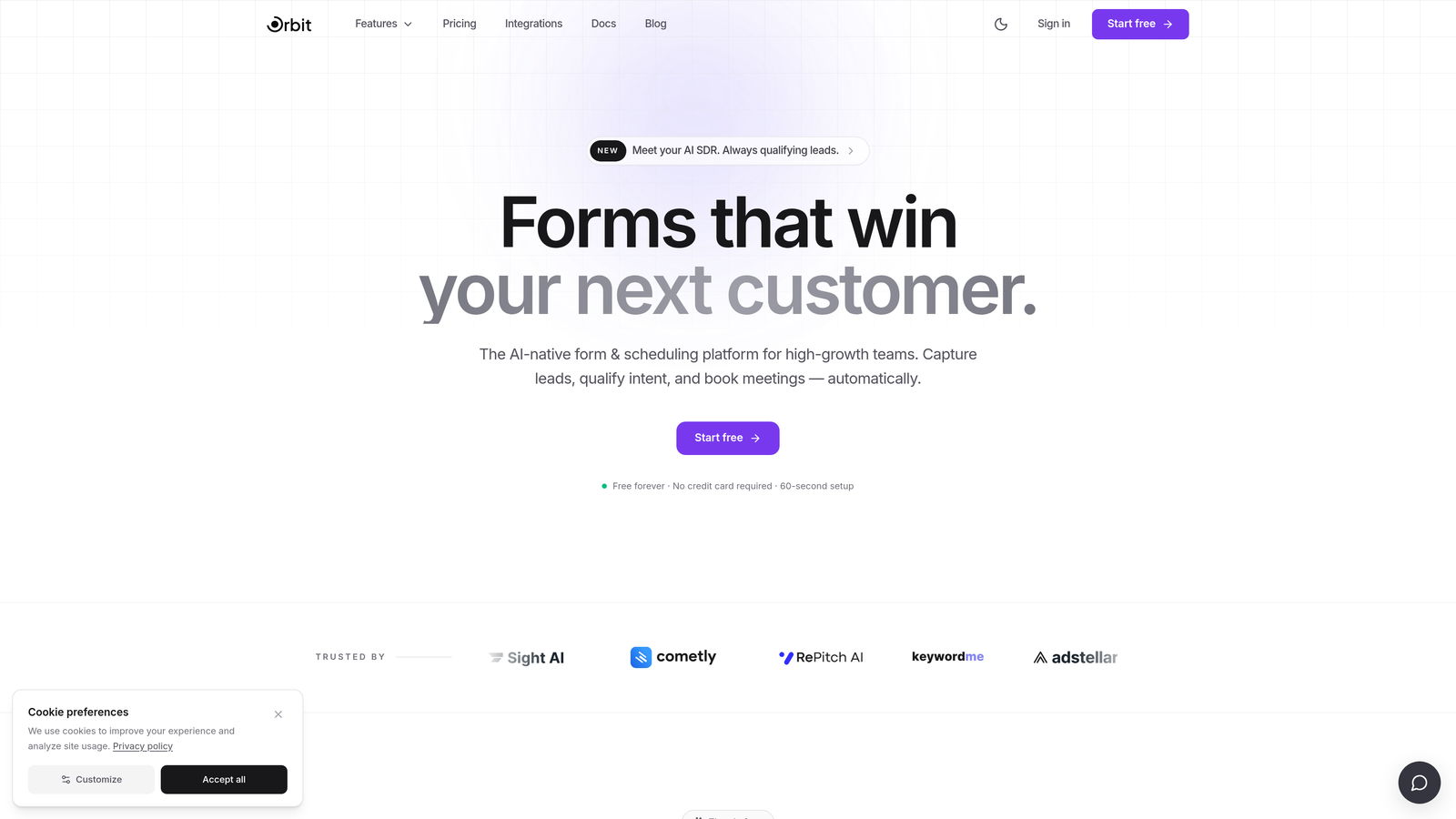
Orbit AI is an AI-powered progressive form builder with built-in lead scoring and routing, designed specifically for conversion-focused growth teams.
Where This Tool Shines
Most form builders capture data and hand it off to a separate tool for qualification. Orbit AI collapses that gap. Its AI qualification layer scores and routes submissions automatically as they come in, meaning your sales team sees prioritized, pre-qualified leads rather than a raw list of form fills.
The form-building experience itself is built around progressive disclosure: multi-step flows, conditional branching, and real-time personalization that adapts based on what respondents enter. For teams running high-volume lead generation, that combination of smart UX and built-in intelligence is a genuine differentiator.
Key Features
AI Lead Qualification: Automatically scores and routes submissions based on response data, eliminating the need for a separate scoring tool.
Multi-Step Conditional Flows: Build branching, adaptive form journeys that reveal fields based on prior answers and real-time personalization logic.
Conversion-Optimized Design: Beautiful, no-code form design built with conversion best practices baked in from the start.
Native CRM Integrations: Connects directly with popular CRMs and marketing platforms so qualified leads flow into your pipeline without manual work.
Conversion Analytics Dashboard: Tracks not just submissions but lead quality metrics, giving growth teams the data they actually care about.
Best For
Orbit AI is the strongest fit for B2B SaaS teams, demand generation marketers, and growth-focused operations that use forms as lightweight qualification funnels. If your goal is pipeline quality, not just submission volume, this is the tool built with that outcome in mind.
Pricing
Paid plans available with options designed for growing teams. Visit orbitforms.ai for current pricing details and plan comparisons.
2. Typeform
Best for: Teams that want a polished, conversational form experience that feels more like a dialogue than a data entry exercise.
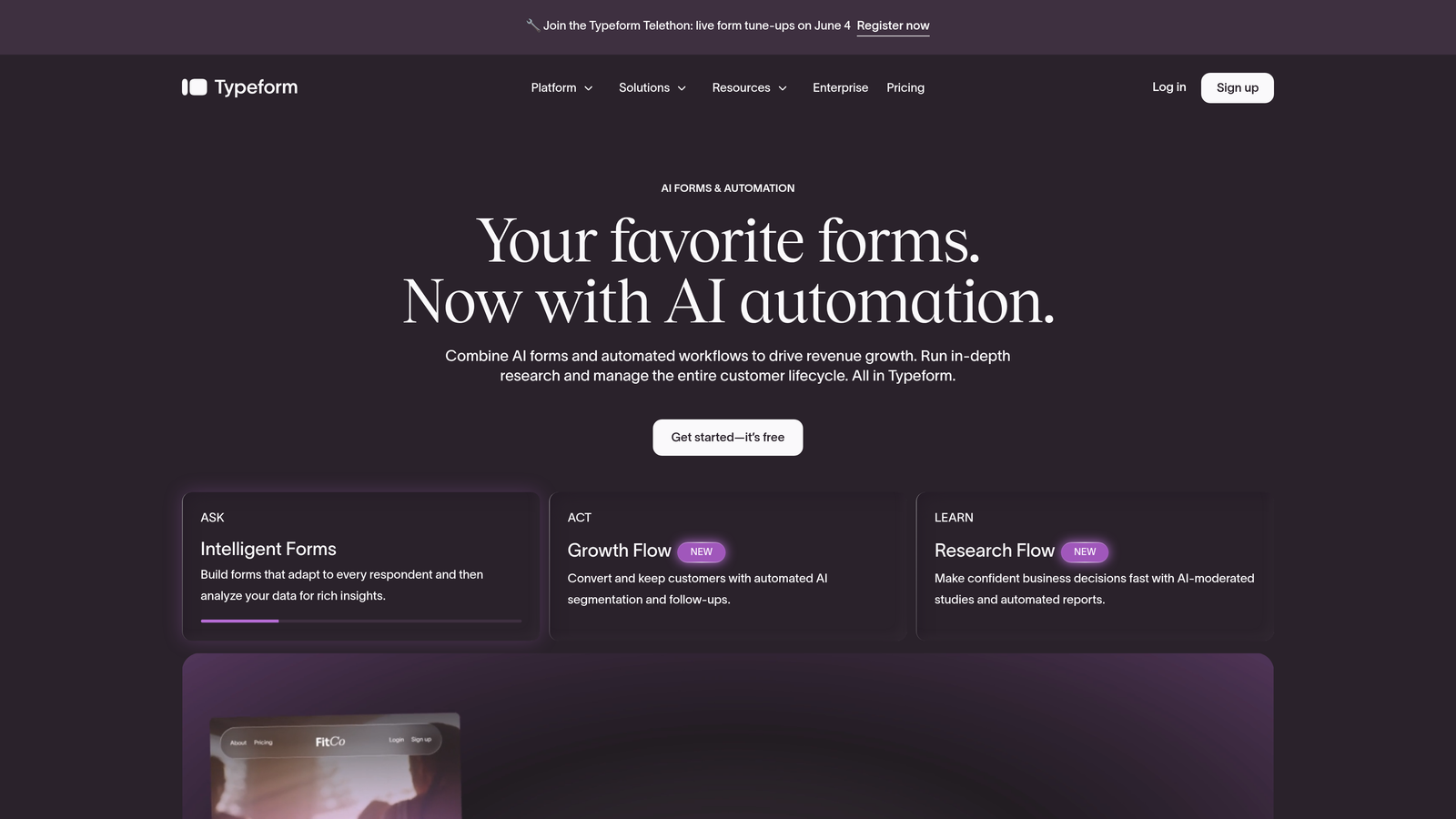
Typeform is a conversational form builder known for its one-question-at-a-time format that creates an engaging, interview-like experience for respondents.
Where This Tool Shines
Typeform's core UX philosophy is simple: show one question at a time, reduce cognitive overload, and guide respondents through a flow that feels natural. For surveys, research forms, and brand-forward lead capture, that approach genuinely improves completion rates compared to traditional multi-field layouts.
The platform has matured considerably, adding video forms, interactive media support, and robust integration options. It's a strong choice for teams where brand experience is as important as data collection.
Key Features
Conversational Single-Question UX: The signature format presents one question at a time, creating a focused, low-friction experience.
Conditional Logic and Branching: Build adaptive flows that route respondents based on their answers.
Native Integrations: Connects directly with HubSpot, Salesforce, Zapier, and a broad range of marketing and CRM tools.
Video Forms: Embed video questions and interactive media for richer, more engaging form experiences.
Brand Customization: Strong visual customization options to match your brand identity across every form.
Best For
Typeform works well for marketing teams running customer surveys, product research, and brand-forward lead capture where the experience itself matters. Teams that need deep AI qualification or complex enterprise workflows may find it limiting.
Pricing
Free tier available. Paid plans start at approximately $25/month, scaling up based on response volume and advanced features.
3. Jotform
Best for: Teams that need maximum feature breadth, including payments, approvals, and a massive template library, without building from scratch.
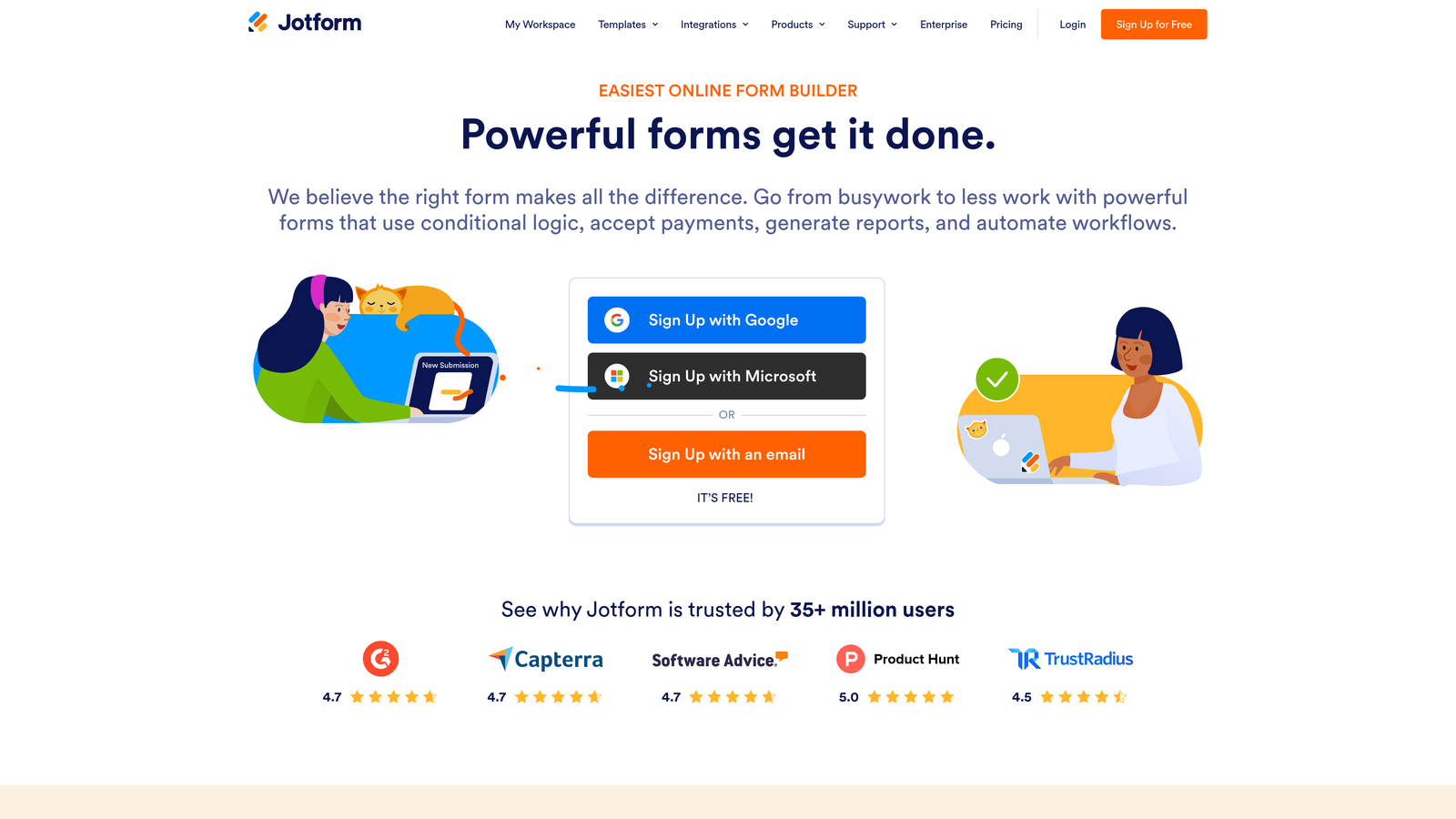
Jotform is a feature-rich form builder with one of the largest template libraries available, plus built-in workflow automation and payment collection.
Where This Tool Shines
Jotform's strength is its sheer depth. With over 10,000 pre-built templates and a broad app marketplace, teams can get a functional form up quickly regardless of their use case. It's particularly strong for operations that need forms to trigger approval workflows or collect payments alongside data.
HIPAA-compliant plans make it a viable option for healthcare-adjacent teams, which is a meaningful differentiator in a crowded market.
Key Features
10,000+ Templates: One of the largest template libraries available, covering virtually every use case imaginable.
Approval Workflows: Multi-step automation that routes submissions through internal approval processes.
Payment Integrations: Native support for Stripe, PayPal, and Square for collecting payments directly through forms.
HIPAA-Compliant Plans: Dedicated compliance options for teams handling protected health information.
100+ App Integrations: A broad marketplace connecting Jotform to the tools your team already uses.
Best For
Jotform suits operations teams, agencies managing multiple client forms, and any team that needs payment collection or approval workflows baked into their form process. It's less optimized for pure lead qualification than tools like Orbit AI.
Pricing
Free tier available. Paid plans start at approximately $34/month, scaling by submission volume and feature access.
4. Tally
Best for: Developers, indie teams, and startups that need unlimited forms and submissions without paying for features they don't use.
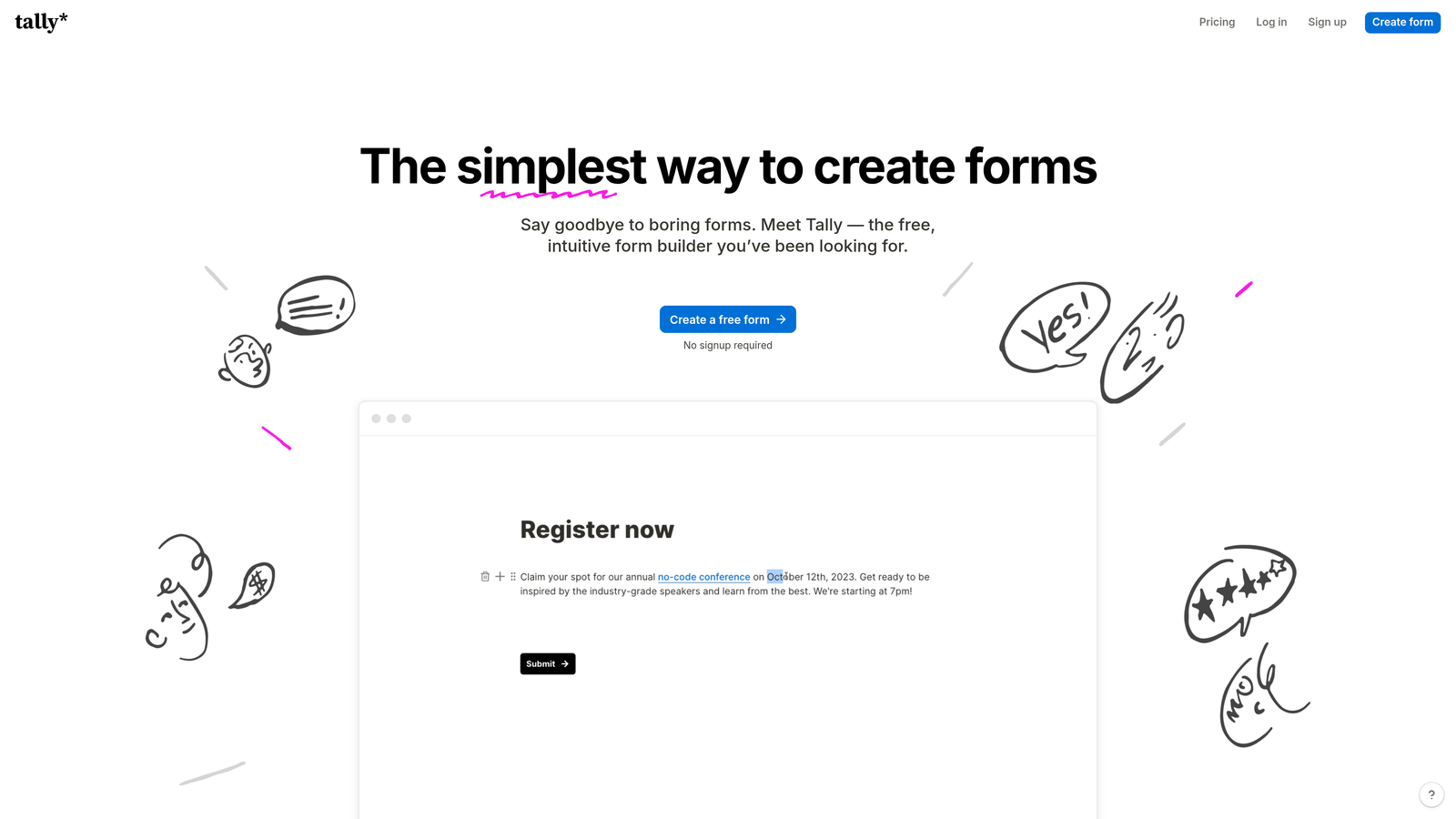
Tally is a minimalist, Notion-inspired form builder offering unlimited forms and submissions on its free plan, popular with developers and indie teams.
Where This Tool Shines
Tally's free plan is genuinely generous in a way that most competitors aren't. Unlimited forms and unlimited submissions at zero cost removes the ceiling that frustrates growing teams on other platforms. The block-based editor feels intuitive to anyone familiar with Notion, lowering the learning curve considerably.
For teams that need clean, functional forms without a lot of overhead, Tally delivers a surprisingly capable experience. It's not trying to be an enterprise platform, and that focus shows in how clean and fast the tool feels.
Key Features
Unlimited Free Forms and Submissions: No submission caps on the free plan, which is rare and genuinely valuable for high-volume teams on a budget.
Notion-Like Block Editor: Intuitive drag-and-drop building that feels familiar to modern productivity tool users.
Conditional Logic and Hidden Fields: Build adaptive flows and pass hidden data through forms for personalization.
Zapier and Make Integration: Connect to your existing stack through popular automation platforms.
Custom Domains: Available on the paid Pro plan for teams that need branded form URLs.
Best For
Tally is ideal for developers, early-stage startups, and indie teams that want a capable form tool without cost constraints. Teams that need AI qualification, enterprise integrations, or advanced analytics will need to look elsewhere.
Pricing
Free tier with unlimited forms and submissions. Pro plan at approximately $29/month for custom domains and advanced features.
5. HubSpot Forms
Best for: Teams already running on HubSpot CRM who want native progressive profiling without any additional tool setup.
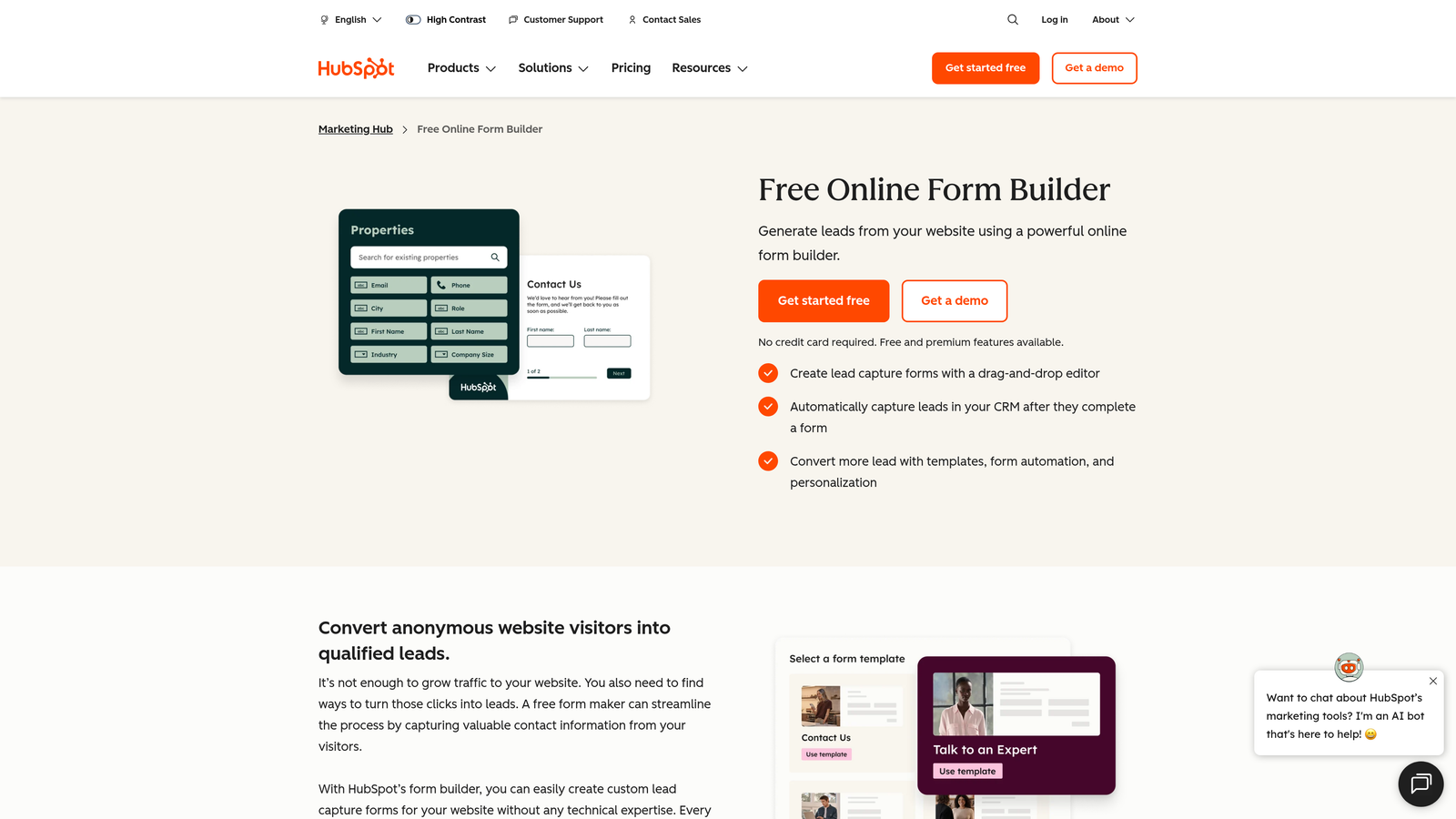
HubSpot Forms is a CRM-native form builder with progressive profiling that shows returning visitors only new fields, reducing repetition and improving completion rates.
Where This Tool Shines
The standout feature here is progressive profiling. When a known contact revisits a form, HubSpot automatically replaces fields it already has data for with new questions, building a richer contact record over time without ever asking someone to repeat themselves. For B2B teams running content-gated assets or multi-touch nurture campaigns, this is a meaningful UX upgrade.
The zero-configuration CRM sync is the other major advantage. Every submission lands directly in HubSpot with no webhook setup, no middleware, and no field mapping headaches.
Key Features
Progressive Profiling: Returns only new fields to known contacts, progressively enriching CRM records across multiple form interactions.
Native HubSpot CRM Sync: Zero-setup data flow directly into contact records, lists, and workflows.
Smart Form Logic: Field dependencies and conditional display based on CRM data and form responses.
Embedded and Popup Options: Deploy forms inline on pages or as triggered popups based on visitor behavior.
Free with HubSpot CRM: Full form functionality available at no additional cost for HubSpot CRM users.
Best For
HubSpot Forms is the natural choice for teams already invested in the HubSpot ecosystem. For teams outside that ecosystem, the cost of Marketing Hub for advanced features is significant and may not be justified by forms alone.
Pricing
Free with a HubSpot CRM account. Advanced features require Marketing Hub, which starts at approximately $800/month.
6. Paperform
Best for: Agencies and freelancers who want forms that look and feel like branded landing pages, not generic data collection tools.
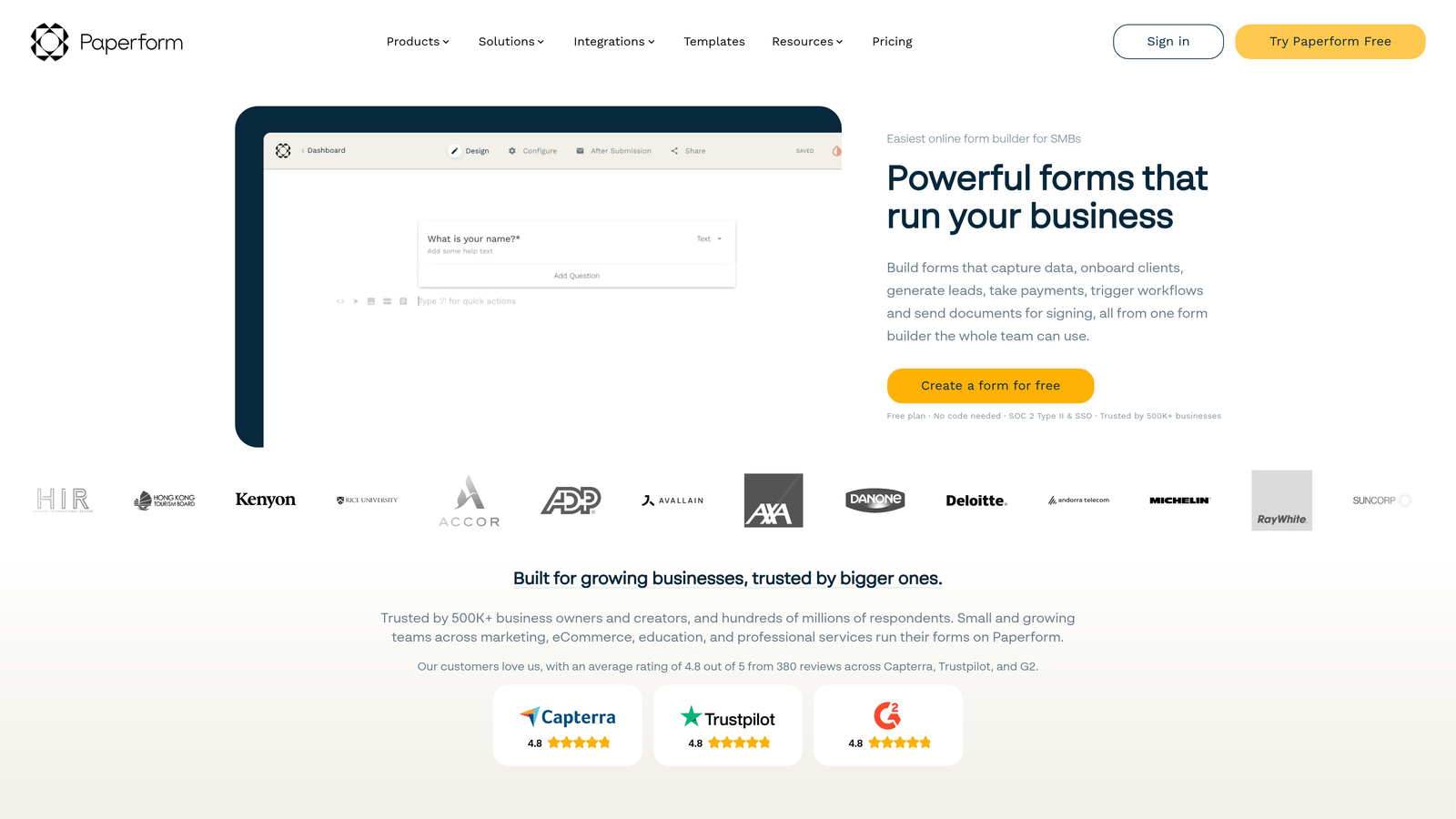
Paperform is a document-style form builder that lets teams blend rich text, images, and form fields on a single branded page, creating forms that feel like landing pages.
Where This Tool Shines
Paperform takes a fundamentally different approach to form design. Instead of a form-first canvas, you start with a document editor and embed form fields within rich content. The result is a page that can carry narrative context, imagery, and brand personality alongside the questions themselves.
This makes it particularly effective for client-facing forms, proposals, intake questionnaires, and booking flows where the presentation matters as much as the data collected.
Key Features
Document-Style Editor: Mix rich text, images, and form fields on a single page for a landing-page-like experience.
Conditional Sections and Logic: Show or hide entire content sections based on respondent answers.
Stripe Payment Integration: Collect payments, deposits, and subscriptions directly through forms.
Scheduling and Booking Support: Built-in appointment booking functionality for service-based teams.
White-Label Options: Strong branding controls and white-label capabilities for agency use cases.
Best For
Paperform suits agencies, consultants, and service businesses that want forms to feel like premium branded experiences. It's less suited for high-volume B2B lead qualification pipelines where AI scoring and CRM depth matter more than aesthetics.
Pricing
Essentials plan starts at approximately $24/month. No permanent free tier, though a trial is available.
7. Formstack
Best for: Regulated industries that need HIPAA compliance, e-signatures, document generation, and enterprise-grade security in a single platform.
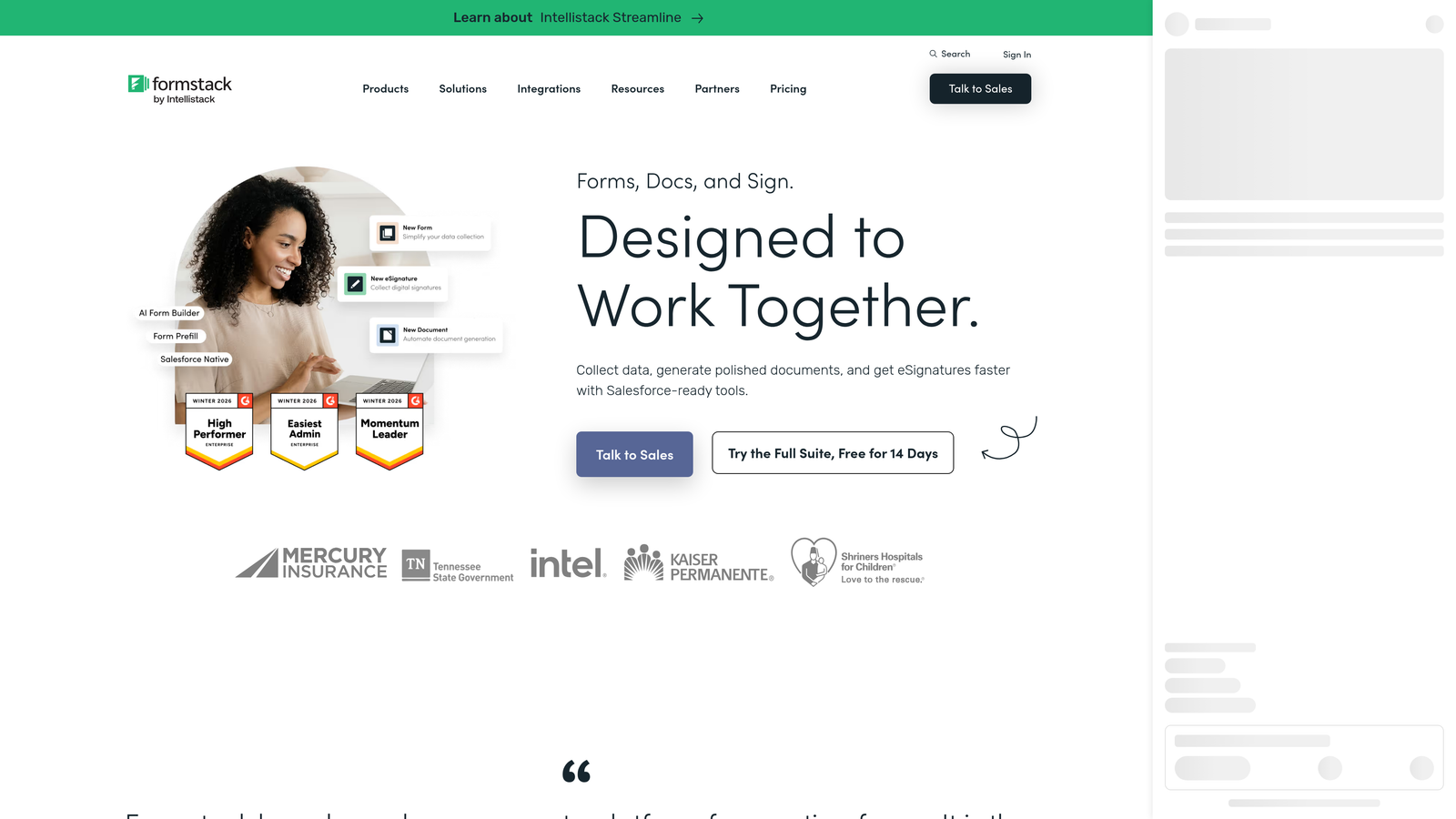
Formstack is an enterprise form and document workflow platform with HIPAA compliance, e-signatures, and advanced security built for regulated industries.
Where This Tool Shines
Formstack operates in a different tier from most form builders on this list. It's not trying to win on simplicity or price. It wins on compliance depth, document generation capabilities, and the ability to connect forms to complex enterprise workflows involving e-signatures and audit trails.
For healthcare, financial services, legal, and government teams, the compliance certifications alone justify the cost. HIPAA, GDPR, and SOC 2 compliance in a single platform reduces vendor sprawl for teams with strict data governance requirements.
Key Features
HIPAA, GDPR, and SOC 2 Compliance: Enterprise-grade certifications for teams operating in regulated environments.
Document Generation and E-Signatures: Generate populated documents from form data and collect legally binding signatures in one workflow.
Advanced Conditional Logic: Complex branching and calculation fields for sophisticated form flows.
Salesforce and Enterprise CRM Integrations: Deep integrations with enterprise CRM platforms, not just Zapier pass-throughs.
Audit Trails and Data Governance: Full submission history and access controls for compliance documentation.
Best For
Formstack is the right choice for healthcare organizations, financial services firms, legal teams, and enterprise operations where compliance and document workflows are non-negotiable requirements. Overkill for most SaaS growth teams.
Pricing
Forms plans start at approximately $83/month. Enterprise pricing is available for larger deployments with custom requirements.
8. Fillout
Best for: Product and operations teams building data-driven internal tools that need forms to sync bidirectionally with databases like Airtable or Notion.
Fillout is a modern form builder with native two-way database sync for Airtable, Notion, and Supabase, ideal for teams building data-driven internal tools.
Where This Tool Shines
Fillout's defining capability is its two-way database sync. Forms can pre-fill fields from connected database records and write responses back to the same database, creating a seamless loop between your data layer and the forms your team or customers interact with. That's a meaningful technical advantage for product teams building internal tooling.
It's also a newer entrant that has moved quickly, adding scheduling integrations and improving its conditional logic capabilities. The generous free tier makes it easy to evaluate without commitment.
Key Features
Two-Way Database Sync: Native bidirectional sync with Airtable, Notion, and Supabase for real-time data flow in both directions.
Pre-Fill from Connected Records: Automatically populate form fields from existing database records for a personalized experience.
Conditional Logic and Multi-Step Flows: Build adaptive, progressive form journeys with branching logic.
Scheduling Integration: Native Cal.com integration for booking flows embedded directly in forms.
Generous Free Tier: Free plan with meaningful submission limits, suitable for smaller teams and initial testing.
Best For
Fillout is a strong fit for product managers, operations teams, and developers who use Airtable, Notion, or Supabase as their data layer and need forms that interact with those databases rather than just feeding into them.
Pricing
Free tier available with generous submission limits. Paid plans start at approximately $15/month, making it one of the more accessible options on this list.
9. Google Forms
Best for: Internal surveys, quick data collection, and any situation where budget is zero and setup time needs to be measured in minutes.
Google Forms is a free, no-frills form builder from Google with instant setup and seamless Google Workspace integration, the default choice when budget is zero.
Where This Tool Shines
Google Forms wins on accessibility and zero cost. There's no account setup beyond a Google account, no submission limits, and no learning curve. For internal team surveys, quick feedback collection, and early-stage projects where the data matters more than the experience, it gets the job done reliably.
The automatic Google Sheets integration is genuinely useful. Every response flows into a spreadsheet that your team can filter, analyze, and share without any additional configuration. For data-literate teams comfortable in Sheets, that's a complete lightweight analytics layer at no cost.
Key Features
Completely Free: No submission limits, no paid tiers, included with every Google account.
Automatic Google Sheets Sync: All responses collected in a live spreadsheet with no setup required.
Basic Conditional Logic: Section-based branching that routes respondents to different parts of a form based on answers.
Real-Time Collaboration: Multiple team members can build and edit forms simultaneously, like any Google Workspace document.
Quiz and Scoring Functionality: Simple scoring and auto-grading for assessments and quizzes.
Best For
Google Forms is best for internal use cases, early-stage teams with no budget, and situations where simplicity and speed matter more than conversion optimization. It's not a serious tool for B2B lead generation or progressive multi-step experiences.
Pricing
Completely free. Included with all Google accounts and Google Workspace subscriptions at no additional cost.
Which Tool Is Right for Your Team?
The right progressive web form builder depends almost entirely on what you're optimizing for. Here's a fast decision guide based on team type and primary use case.
If you're a B2B SaaS team focused on lead generation and pipeline quality, Orbit AI is the strongest fit. It's the only tool on this list that combines progressive multi-step form building with AI-powered lead qualification and scoring in a single platform, removing the need to stitch together a form tool and a separate scoring layer.
If brand experience and conversational UX are your top priorities, Typeform remains the benchmark. Its one-question-at-a-time format is still the most polished in the market for customer-facing surveys and research forms.
If you're already running HubSpot and want progressive profiling without adding another tool, HubSpot Forms is the obvious choice. The native CRM sync and progressive profiling combination is genuinely hard to replicate elsewhere without custom work.
For teams in regulated industries, Formstack's compliance depth is unmatched on this list. For product and ops teams building database-connected internal tools, Fillout's two-way sync is a standout capability. And for teams with zero budget and zero complexity, Google Forms still delivers exactly what it promises.
The broader trend worth noting: basic form functionality has become a commodity. The tools that stand out in 2026 are the ones that go beyond data capture, whether through AI qualification, deep database integration, compliance infrastructure, or a UX that genuinely reduces abandonment. For growth-focused teams, that distinction matters more than ever.
Transform your lead generation with AI-powered forms that qualify prospects automatically while delivering the modern, conversion-optimized experience your high-growth team needs. Start building free forms today and see how intelligent form design can elevate your conversion strategy.


