

If you've landed on this page, you're probably stuck in the same place many high-growth teams find themselves: staring at two popular form builder options and wondering which one will actually move the needle for your lead generation and conversion goals. Both JotForm and Typeform have loyal followings, and both have genuine strengths. But "popular" doesn't always mean "right for your use case."
The problem is that most comparisons stop at surface-level feature lists. They'll tell you Typeform looks sleek and JotForm has more templates, but they won't tell you what happens to your costs when lead volume doubles, or whether either platform can actually qualify the leads you're collecting.
This guide breaks down the decision across seven practical criteria: pricing, design, lead qualification, integrations, analytics, branding, and the honest scenarios where both tools fall short. By the end, you'll have a clear picture of which platform fits your team's goals — and what to consider when neither option fully fits the bill.
1. Pricing Structure: What You Actually Pay at Scale
The Challenge It Solves
Pricing is almost always the first practical filter for teams evaluating form builders. Both JotForm and Typeform offer free tiers, which makes them easy to try — but the economics look very different once you start generating real lead volume. Understanding how each model scales is essential before you commit to a platform.
The Strategy Explained
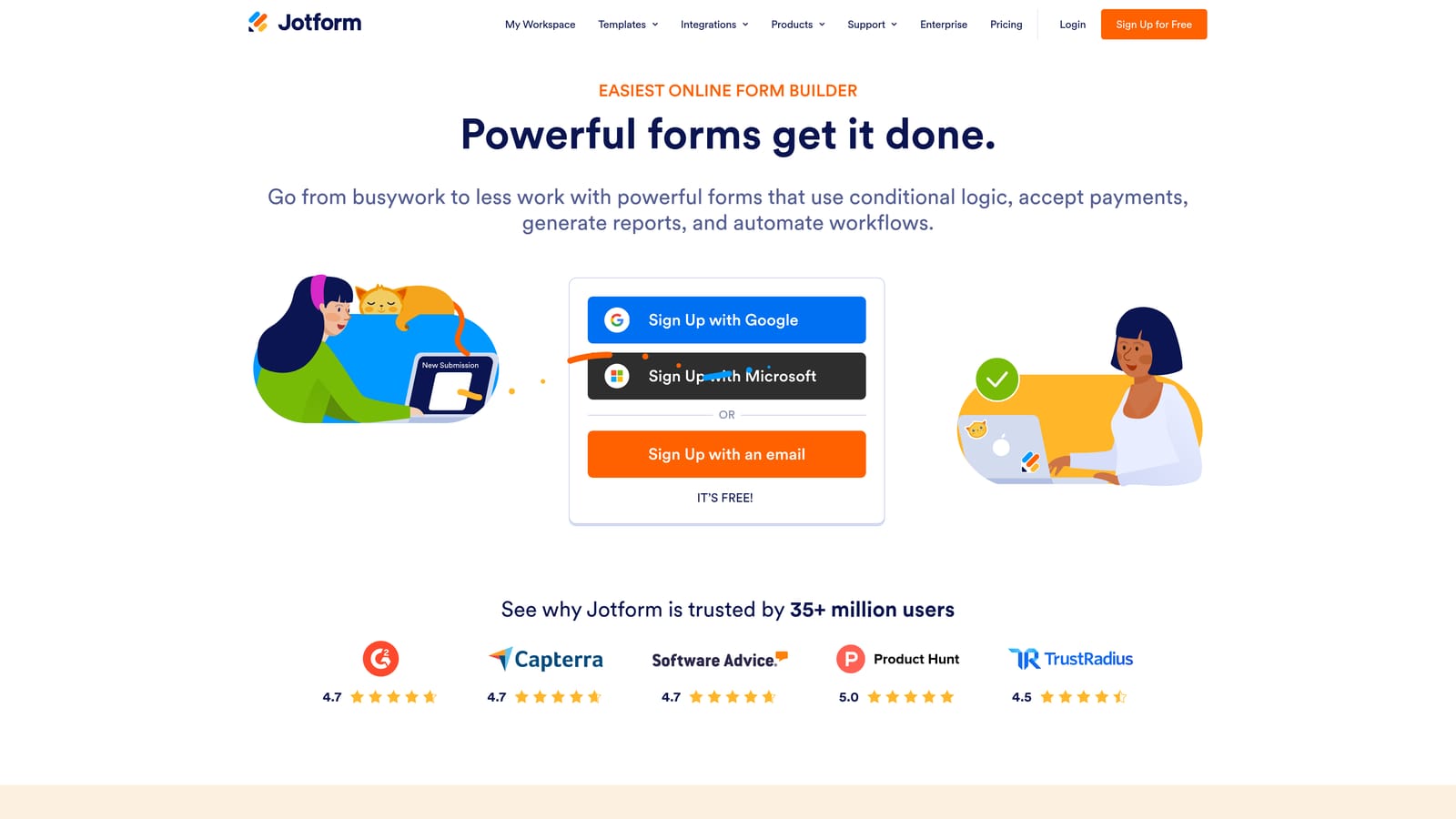
JotForm structures its pricing around monthly submission volume. Each tier unlocks a higher submission limit along with additional storage and features. The free plan comes with a submission cap per month, and as your form traffic grows, you'll need to upgrade to avoid hitting walls mid-campaign.
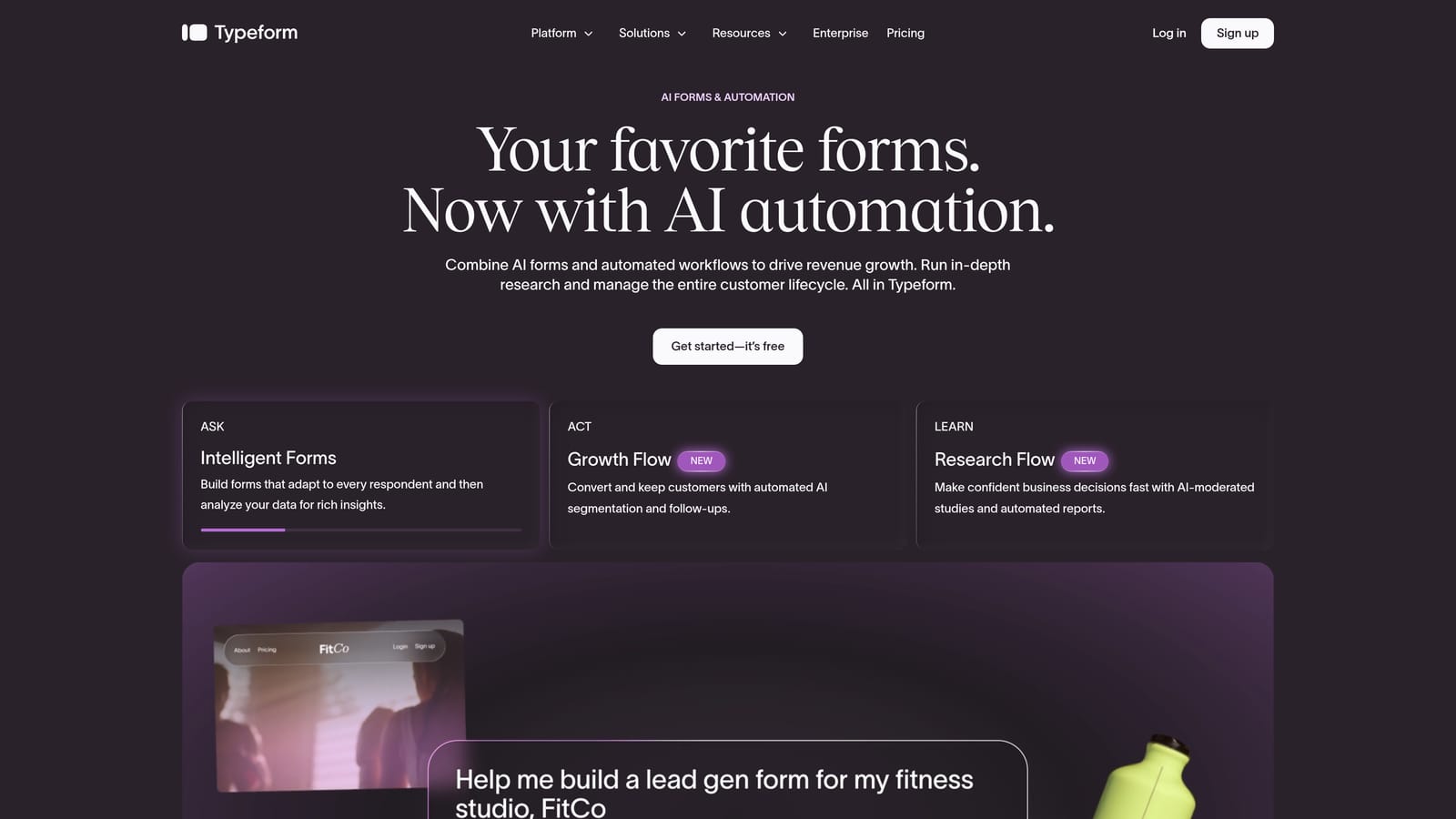
Typeform's model is response-based, with paid tiers (Basic, Plus, Business, and Enterprise) defined by how many responses you can collect each month. Advanced features like custom branding, logic jumps, and deeper integrations are gated behind higher-tier plans on both platforms.
The practical implication: for high-volume lead generation, both platforms can become expensive quickly. This is a commonly cited frustration in SaaS communities, particularly for teams running multiple concurrent lead capture campaigns or high-traffic landing pages. Typeform's response limits tend to feel more restrictive at lower price points, while JotForm's submission-based model can offer more headroom at comparable plan levels. Teams hitting these walls often explore Typeform competitors with better pricing before committing to a higher tier.
Implementation Steps
1. Estimate your monthly form submission volume across all active campaigns before selecting a plan.
2. Visit each platform's pricing page (jotform.com/pricing and typeform.com/pricing) and map your volume estimate to the corresponding tier.
3. Factor in the features you actually need — logic jumps, custom branding, and integrations — and confirm they're included at your target tier, not locked behind a higher plan.
Pro Tips
Don't evaluate pricing based on your current volume alone. Model what your costs look like if lead volume grows by two or three times in the next 12 months. A platform that's affordable today can become a significant budget line item quickly, and switching costs are real once your forms are embedded across landing pages and workflows.
2. Form Design and User Experience: Conversational vs Traditional
The Challenge It Solves
Form design has a direct impact on completion rates. A form that feels clunky or overwhelming will lose respondents before they reach the submit button. The core design philosophy between JotForm and Typeform is fundamentally different, and choosing the wrong approach for your use case can quietly hurt your conversion numbers.
The Strategy Explained
Typeform pioneered the "one question at a time" conversational format, where respondents move through questions sequentially, one per screen. This approach reduces cognitive load and creates a more focused, engaging experience. It tends to work well for lead capture flows, onboarding sequences, and surveys where you want the respondent to feel guided rather than overwhelmed.
JotForm takes a more traditional approach: a drag-and-drop multi-field builder where multiple questions can appear on a single page. This format is faster to complete when respondents are motivated and familiar with what's being asked. It works well for longer applications, detailed intake forms, and scenarios where respondents expect a more document-like experience.
Neither format is universally better. Conversational forms often perform well for top-of-funnel lead capture where reducing friction is the priority. Understanding what makes forms convert better often comes down to matching the format to the respondent's context and intent, not just choosing the most visually appealing option.
Implementation Steps
1. Define the primary purpose of your form: lead capture, survey, onboarding, or application. Each use case has a format that typically fits better.
2. Consider your audience's context. Mobile-first audiences and cold traffic often respond better to conversational formats. Warm, motivated respondents may prefer the efficiency of a traditional layout.
3. If you're unsure, test both formats with a small audience segment before committing to a platform-wide approach.
Pro Tips
Typeform's conversational format has a real UX advantage for first impressions, but it can feel slow for respondents who know exactly what they're filling out. If your forms are longer or more detailed, the one-question-at-a-time flow can increase friction rather than reduce it. Match the format to the context, not just the aesthetic.
3. Lead Qualification Capabilities: Filtering Signal from Noise
The Challenge It Solves
Collecting form submissions is only half the job. For high-growth sales and marketing teams, the real challenge is quickly identifying which leads are worth pursuing. Without qualification built into the form layer, your team ends up doing manual triage on every submission — a process that doesn't scale.
The Strategy Explained
Both platforms offer conditional logic as their primary qualification tool. Typeform calls these "logic jumps," allowing you to route respondents to different questions based on their previous answers. JotForm offers conditional fields and branching with similar functionality. These features let you build basic qualification flows: show certain questions only to respondents who meet specific criteria, or skip sections that aren't relevant.
The limitation is significant, though. Conditional logic is manually configured and static. It doesn't dynamically score leads, weight responses, or automatically route high-value prospects to a different workflow based on real-time signals. Every qualification rule has to be set up by hand, and the logic doesn't learn or adapt.
For teams with straightforward qualification criteria and lower lead volume, this may be sufficient. But for teams running complex lead funnels where qualification criteria evolve, or where lead scoring is tied to CRM workflows, neither platform offers true AI-powered lead qualification out of the box. This is a genuine gap that becomes more costly as volume and complexity grow.
Implementation Steps
1. Map out your lead qualification criteria before building any form. Define what makes a lead qualified versus unqualified based on your sales team's input.
2. Use Typeform's logic jumps or JotForm's conditional fields to route respondents based on your most critical qualification questions.
3. Connect your form to your CRM and set up tagging or segmentation rules so qualified leads are flagged automatically on submission.
Pro Tips
Conditional logic can handle binary qualification scenarios reasonably well, but it breaks down when qualification is nuanced or multi-dimensional. If your ideal customer profile involves more than two or three qualifying factors, you'll likely find yourself building increasingly complex logic trees that are difficult to maintain and easy to break with a single form update. Teams dealing with this challenge often discover they need better lead quality signals built directly into the form layer itself.
4. Integrations and Automation: Connecting Your Stack
The Challenge It Solves
A form that doesn't connect seamlessly to the rest of your stack creates manual work. Lead data sitting in a form platform that isn't flowing into your CRM, email sequences, or Slack channels is a bottleneck that slows down response times and hurts conversion outcomes.
The Strategy Explained
JotForm publicly lists over 150 native integrations, covering CRMs, payment processors, project management tools, and marketing platforms. This breadth is a genuine advantage, particularly for teams with diverse or complex stacks. The native integration library means you can often connect JotForm directly to the tools you're already using without relying on middleware.
Typeform's native integration list is more curated, covering major platforms including HubSpot, Salesforce, Slack, and Zapier. For most teams, these core integrations cover the essential connections. However, for less common tools or more custom workflows, Zapier becomes the bridge — which adds both cost and complexity.
Both platforms rely on Zapier for extended automation, which is worth factoring into your total cost of ownership. Zapier is powerful, but it's another subscription, another layer of configuration, and another point of failure in your workflow. Teams building sophisticated lead generation workflows often find that Zapier dependency creates fragility over time.
Implementation Steps
1. List every tool in your current stack that needs to receive or act on form submission data: CRM, email platform, Slack, analytics tools, and any internal systems.
2. Check each platform's native integration list against your stack. Prioritize platforms that cover your core connections natively.
3. For any gaps, evaluate whether Zapier or another automation layer is already part of your workflow, and factor in the additional cost and maintenance overhead.
Pro Tips
Native integrations are almost always more reliable than Zapier-based connections. They're maintained by the platform, tend to sync faster, and don't break when Zapier updates its app schemas. If a specific integration is critical to your lead workflow, verify it's native before committing to a platform.
5. Analytics and Reporting: Understanding What's Working
The Challenge It Solves
If you can't see where respondents are dropping off or which form versions are converting better, you're optimizing blind. Form analytics are the feedback loop that turns a static lead capture tool into a continuously improving conversion asset.
The Strategy Explained
Both JotForm and Typeform offer basic form analytics: total views, submission counts, completion rates, and in Typeform's case, per-question drop-off data. Typeform's analytics interface is generally considered more intuitive, and the per-question breakdown gives you a clearer picture of where respondents are abandoning the flow.
JotForm's reporting is functional but more utilitarian. You can see submission data and basic completion metrics, but the visual presentation and depth of insight are less polished than Typeform's.
The shared limitation is that neither platform offers deep conversion funnel analytics natively. If you want to understand how form performance connects to downstream outcomes — lead quality, deal velocity, revenue — you'll need to integrate with Google Analytics, your CRM, or a dedicated analytics platform. The form tools themselves stop at the submission layer.
For teams that need to continuously optimize conversion rates across multiple form variants, this visibility gap means adding another tool to the stack or accepting a limited view of what's actually working. A detailed look at Typeform vs JotForm features reveals that neither platform was designed with deep revenue analytics as a core capability.
Implementation Steps
1. Set up basic analytics tracking on both platforms before launch so you have a baseline completion rate to measure against.
2. Use Typeform's per-question drop-off data (or JotForm's equivalent) to identify the specific questions where respondents are abandoning the form.
3. Connect your form platform to Google Analytics or your CRM to track what happens to leads after submission, not just whether they submitted.
Pro Tips
Completion rate alone is a misleading metric. A form with a high completion rate but poor lead quality is worse than a form with a lower completion rate that surfaces highly qualified prospects. Always pair form analytics with downstream data from your CRM to understand the full picture.
6. Customization and Branding: Looking the Part
The Challenge It Solves
For brand-conscious teams, a form that looks generic or carries another platform's branding undermines trust and cohesion. The end-user experience of your form is part of your brand experience, and both platforms have different levels of control over how that experience looks and feels.
The Strategy Explained
JotForm offers more granular customization options, including CSS control, custom domains, white-labeling (on higher-tier plans), and a wider range of embed options. For teams that need their forms to feel fully native to their website or product, JotForm's flexibility is a meaningful advantage. The drag-and-drop builder also makes it easier to create non-standard layouts without touching code.
Typeform's customization is more opinionated. The platform's design system is polished and consistent, but it's harder to deviate significantly from Typeform's visual aesthetic. Custom branding and domain options are available on higher-tier plans, but CSS-level control is more limited. The tradeoff is that Typeform's default design quality is high — if the aesthetic fits your brand, you may not need deep customization.
White-labeling is relevant for agencies building forms for clients, or for SaaS teams embedding forms inside their product. JotForm's white-labeling capabilities are more developed in this area, though both platforms gate these features behind premium plans. SaaS teams with specific branding requirements may find it worth exploring Typeform alternatives built for SaaS companies that offer more flexible white-labeling at lower price points.
Implementation Steps
1. Define your branding requirements before evaluating: do you need full white-labeling, custom domain, CSS control, or just color and font matching?
2. Test the embed experience on both platforms with your actual brand assets — logos, colors, typography — to see how each renders in a real context.
3. If white-labeling or custom domain is a hard requirement, verify it's available at the plan tier you're targeting, not just at enterprise level.
Pro Tips
Don't evaluate branding flexibility in isolation from the form builder's default design quality. JotForm gives you more control, but the starting point requires more design effort. Typeform's defaults look polished with minimal configuration. If your team has design resources, JotForm's flexibility is an asset. If you don't, Typeform's opinionated system saves time.
7. When Neither Tool Is the Right Fit
The Challenge It Solves
Both JotForm and Typeform are capable, well-established platforms. But capability isn't the same as fit. There are specific scenarios where neither tool is the right choice — and recognizing those scenarios early saves your team from investing time in a platform that will hit its ceiling right when you need it most.
The Strategy Explained
The gaps become most visible for teams with three specific needs: AI-powered lead qualification, conversion-optimized form design built around sales outcomes, and integrated lead workflows that connect the form layer directly to revenue operations.
Neither JotForm nor Typeform was built with AI-powered qualification at its core. Conditional logic is a workaround, not a solution. It requires manual configuration, doesn't learn from your data, and doesn't dynamically score or route leads based on the signals that actually matter to your sales team.
Both platforms were also designed as general-purpose form tools. They handle surveys, payments, registrations, and lead capture with the same feature set. That generality is useful for teams with diverse needs, but it means neither platform is deeply optimized for the specific goal of converting high-intent prospects into qualified pipeline.
Finally, the analytics and workflow limitations described in earlier sections compound over time. Teams that are scaling fast often find themselves duct-taping together Zapier workflows, manual CRM updates, and separate analytics tools to get visibility into what their forms are actually producing. The overhead grows with volume, not with the platform's capabilities.
Implementation Steps
1. Audit your current lead funnel to identify where the biggest friction points are: qualification accuracy, conversion rate, workflow automation, or reporting visibility.
2. Map those friction points to the platform limitations described above. If more than two of these gaps are active pain points, you're likely looking at a platform fit problem, not a configuration problem.
3. Evaluate platforms built specifically for lead qualification and conversion optimization — tools where AI-powered qualification, beautiful form design, and integrated workflows are core features, not add-ons.
Pro Tips
The switching cost from JotForm or Typeform is real but manageable, especially early in your growth. The more embedded a platform becomes in your stack, the harder it is to move. If you're already sensing the limitations, it's worth evaluating alternatives before you've built 50 forms and a dozen Zapier workflows around a tool that won't scale with you.
Your Implementation Roadmap
Choosing between JotForm and Typeform ultimately comes down to your team's priorities across the seven criteria we've covered.
If you need a high-volume, flexible form builder with a broad integration library and granular customization control, JotForm is the more practical choice. Its submission-based pricing, 150+ native integrations, and CSS flexibility make it well-suited for teams with complex stacks and diverse form needs.
If conversational design, polished aesthetics, and per-question drop-off analytics are your focus, Typeform has a genuine edge. Its one-question-at-a-time format and clean interface work particularly well for top-of-funnel lead capture and survey flows where first impressions matter.
But if your goal is lead qualification, conversion optimization, and building automated workflows around the data you collect, both tools show their age quickly. The conditional logic limitations, the Zapier dependency, the analytics gaps, and the absence of AI-powered qualification are real constraints that compound as your lead volume and complexity grow.
Teams that are scaling fast often find they need a platform built around those goals from the ground up. Orbit AI's form builder is designed exactly for that: AI-powered lead qualification, beautiful conversion-optimized forms, and workflows that connect your entire lead funnel without the duct tape.
Transform your lead generation with AI-powered forms that qualify prospects automatically while delivering the modern, conversion-optimized experience your high-growth team needs. Start building free forms today and see how intelligent form design can elevate your conversion strategy.


