

When your team is evaluating form builders, Typeform and JotForm are almost always in the mix. Both are established platforms with large user bases, but they take fundamentally different approaches to form design, lead capture, and user experience.
Typeform built its reputation on conversational, one-question-at-a-time forms that feel more like a dialogue than a survey. JotForm, by contrast, is a feature-dense platform offering a large template library, deep integrations, and a traditional multi-field layout. The challenge for high-growth teams isn't figuring out which tool is more popular — it's figuring out which feature set actually moves the needle for lead generation and conversion.
This article breaks down the seven most important feature differences between Typeform and JotForm, so you can make a decision based on your actual workflow rather than marketing copy. We'll also flag where both platforms fall short, which is increasingly relevant as AI-powered alternatives reshape what modern form builders can do.
1. Conversational Flow vs. Traditional Multi-Field Layout
The Challenge It Solves
Traditional forms ask respondents to face a wall of fields at once. For lead generation, this creates a friction problem: prospects see the full commitment upfront and bail before submitting. The question is whether a conversational format genuinely solves this, or whether it just moves the friction around.
The Strategy Explained
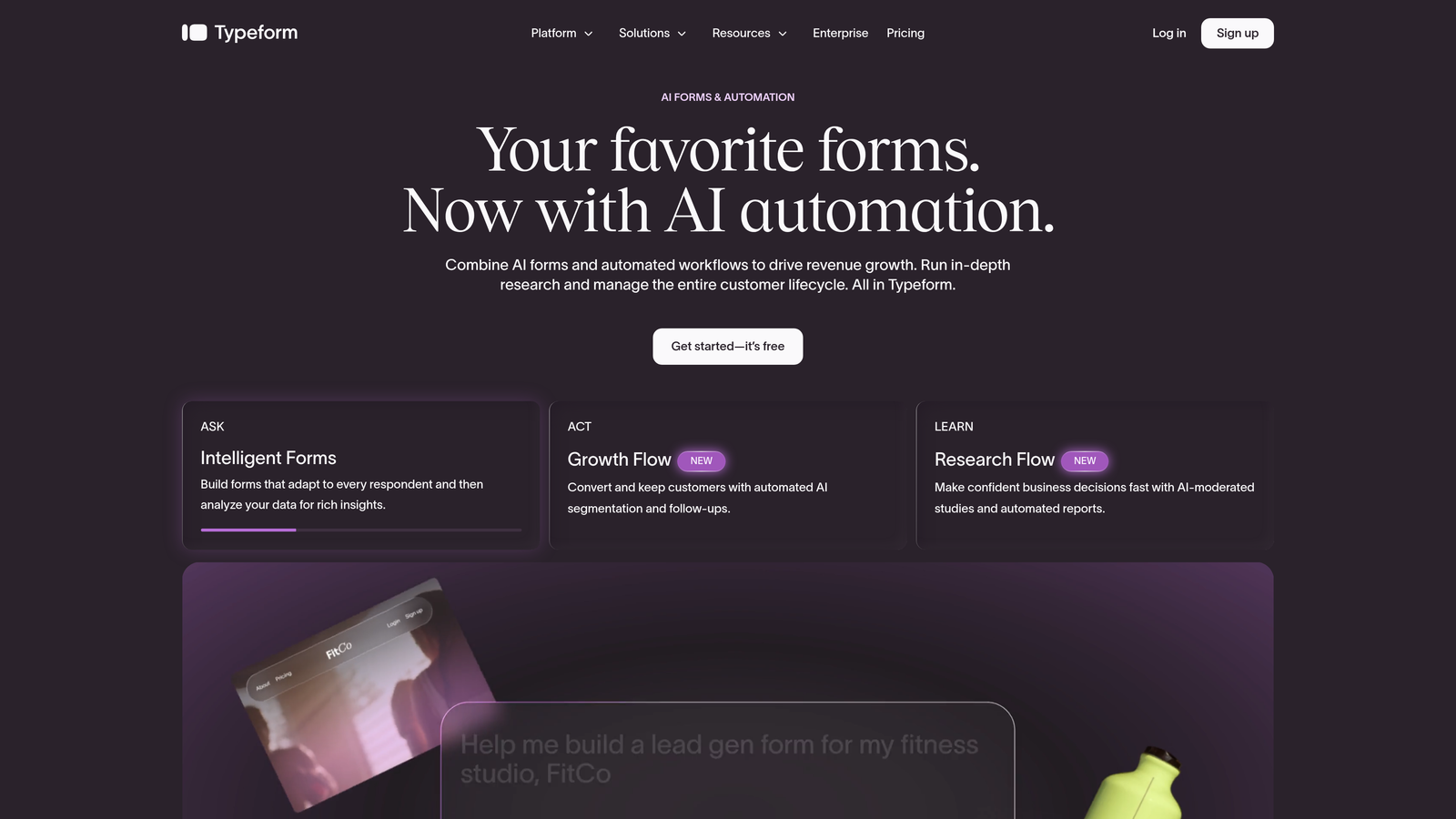
Typeform's one-question-at-a-time format is designed to reduce cognitive load by presenting each question as its own focused moment. Many teams report higher engagement with this approach, particularly for top-of-funnel qualification flows where first impressions matter. The format mirrors a real conversation, which can make sensitive qualification questions feel less interrogative.
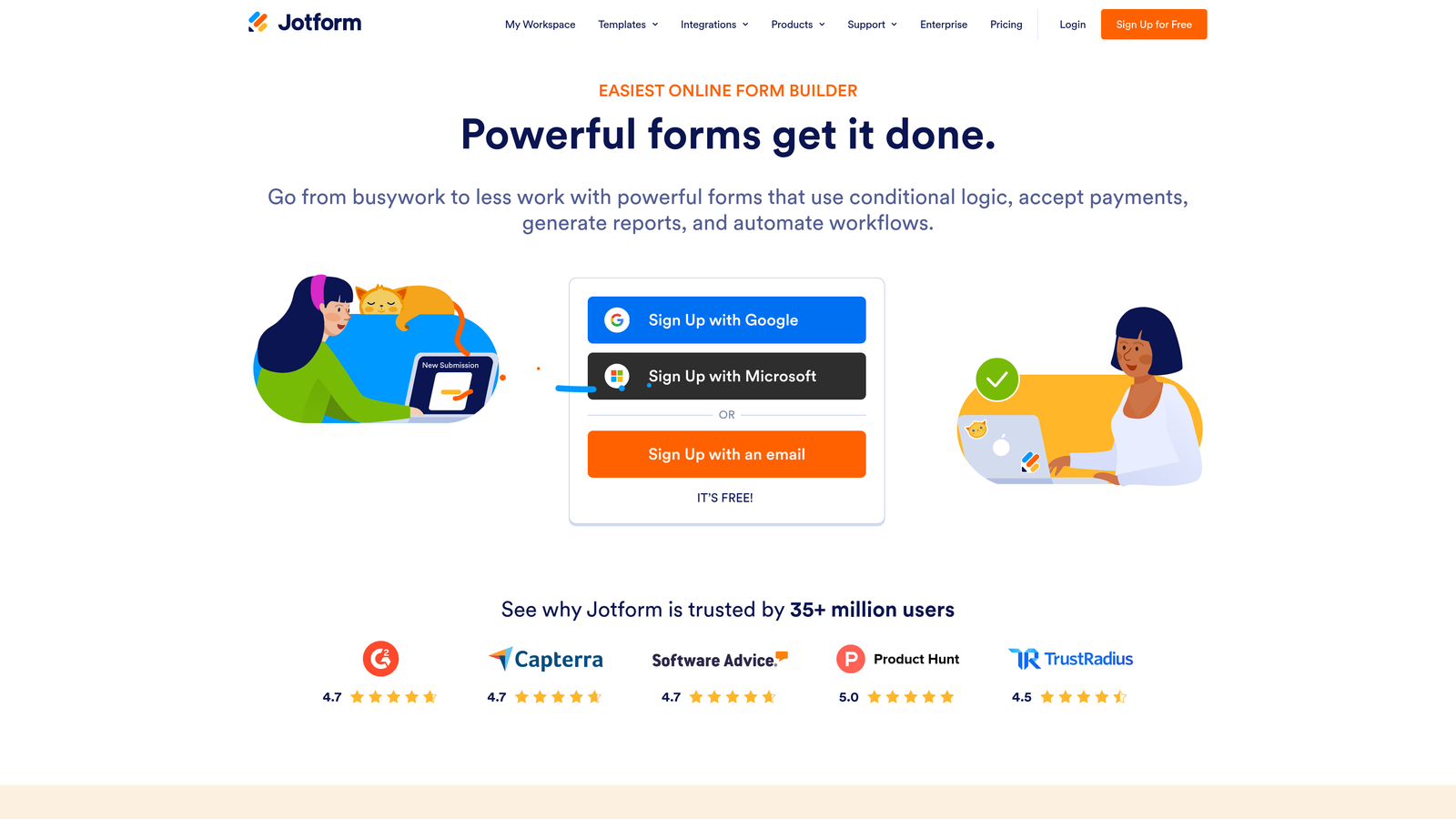
JotForm's traditional multi-field layout has its own advantages. Prospects can see the full scope of what they're filling out, scan ahead, and complete the form at their own pace. For longer, more complex forms — think enterprise intake forms or detailed project briefs — this transparency can actually improve completion because users know what they're committing to.
Implementation Steps
1. Identify your form's primary goal: if it's a short lead capture or qualification flow (five to eight questions), Typeform's conversational format is likely to perform well.
2. For longer, more detailed forms where respondents need to reference earlier answers or upload files, consider JotForm's traditional layout.
3. Test both formats with your actual audience before committing — what works for a B2C audience may differ significantly from a B2B enterprise audience.
Pro Tips
Typeform's format shines brightest when your brand experience is part of the value proposition. If your form is embedded in a high-touch sales funnel, the conversational feel reinforces a premium impression. JotForm's layout is better suited when completeness and data accuracy matter more than first impressions. Teams weighing both options often find it useful to review a detailed lead generation comparison of Typeform vs JotForm before committing to either platform.
2. Conditional Logic: Depth and Usability
The Challenge It Solves
Static forms treat every lead the same. For teams running dynamic qualification flows, conditional logic is what separates a smart form from a dumb one. The real question isn't just whether each platform supports branching — it's how deep that logic goes and which pricing tier unlocks it.
The Strategy Explained
JotForm's conditional logic is available across more pricing tiers, making it accessible to teams earlier in their growth curve. As of mid-2026, JotForm allows you to show or hide fields, skip pages, and trigger emails based on responses without requiring an expensive plan upgrade. Verify current plan details on JotForm's pricing page, as these specifics can change.
Typeform's logic jumps are more restricted on lower-tier plans, which is a meaningful constraint if your lead qualification flow depends on branching. On higher tiers, Typeform's logic is clean and visual, but the plan-level gating is a commonly cited frustration among teams who need conditional logic in their form builder without paying for a premium subscription.
Implementation Steps
1. Map out your ideal lead qualification flow before choosing a platform — identify how many branching conditions you need and whether they're triggered by single or multiple answers.
2. Check each platform's current pricing page to confirm which tier includes the conditional logic depth your flow requires.
3. Build a test version of your most complex logic path in your chosen platform before migrating any live forms.
Pro Tips
If your qualification flow needs to route leads to different sales reps, trigger different follow-up sequences, or score prospects dynamically, you'll likely hit the ceiling of both platforms faster than expected. This is where AI-powered form builders designed specifically for lead qualification start to offer a meaningful advantage.
3. Templates and Design Customization
The Challenge It Solves
Starting from scratch is slow. Templates accelerate deployment, but the wrong template library can mean hours of customization to get a form that actually reflects your brand. For conversion-focused teams, how a form looks directly affects whether prospects trust it enough to submit.
The Strategy Explained
JotForm offers a significantly larger template library, covering a wide range of industries and use cases. This volume-first approach means you're more likely to find something close to what you need, but the templates vary in design quality and don't always reflect a consistent aesthetic. For teams that prioritize speed over polish, JotForm's library is genuinely useful.
Typeform takes a more curated approach. Its template library is smaller but more design-forward, with a consistent visual language that makes branded forms easier to build. The customization options — fonts, colors, background images, and button styles — are tightly integrated, so even modified templates tend to look polished. Understanding how to build effective web forms can help you get the most out of whichever template library you start with.
Implementation Steps
1. Define your brand requirements before browsing templates: which fonts, colors, and logo placement are non-negotiable?
2. In JotForm, use the template filter by industry to narrow the library quickly, then plan for additional CSS customization if your brand standards are strict.
3. In Typeform, start with a blank theme or a template close to your brand palette, then use the design panel to lock in your visual identity across all questions.
Pro Tips
For lead gen pages where the form is the primary conversion element, design consistency between your landing page and the form itself matters. A form that looks visually disconnected from your brand can create subconscious trust friction. Typeform's aesthetic cohesion gives it an edge here for brand-conscious teams.
4. Integrations and CRM Connectivity
The Challenge It Solves
A form that doesn't connect cleanly to your CRM or marketing automation stack creates manual work and data gaps. For high-growth teams, integration reliability isn't a nice-to-have — it's a core infrastructure requirement that affects how quickly leads move through your pipeline.
The Strategy Explained
JotForm has a broader catalog of native integrations listed on its platform, covering CRMs, payment processors, project management tools, and marketing platforms. This breadth makes it a strong choice for teams with complex, multi-tool stacks. However, the quality and depth of each integration varies, and some connections are more robust than others.
Typeform focuses on fewer but generally deeper integrations, with well-documented connections to tools like HubSpot, Salesforce, and Mailchimp. Both platforms rely heavily on Zapier for connecting to tools outside their native integration lists. Zapier dependency isn't inherently a problem, but it adds a layer of complexity, cost, and potential failure points — particularly for teams running high-volume lead flows where a broken Zap means lost data. Teams evaluating alternatives should consider how HubSpot Forms alternatives with better features handle native CRM connectivity differently.
Implementation Steps
1. List your required integrations before evaluating either platform — prioritize the ones your sales and marketing teams use daily.
2. Check whether each required integration is native or Zapier-dependent, and factor in Zapier's task limits if you're running high-volume campaigns.
3. Test your most critical integration (typically your CRM) with a live form submission before going live with any campaign.
Pro Tips
If your team is scaling quickly, Zapier costs can compound fast. Native integrations that push clean, structured data directly to your CRM are worth prioritizing over Zapier workarounds. When evaluating any form builder, ask specifically: does the CRM integration support field mapping, custom properties, and deal creation — or just basic contact capture?
5. Lead Qualification and Scoring Capabilities
The Challenge It Solves
Capturing a lead is only half the job. High-growth teams need to know which leads are worth pursuing immediately and which need nurturing. Without native qualification logic, form data lands in your CRM as raw responses — and someone on your team has to manually assess quality.
The Strategy Explained
Typeform offers score variables, which allow you to assign point values to specific answers and calculate a running total. This is useful for quiz-style qualification flows where you want to route respondents based on a cumulative score. It's functional, but it's a manual setup process and requires careful planning to reflect real lead quality signals. Teams looking to go deeper should review how to qualify leads with forms before designing their scoring logic.
JotForm has calculation fields that can perform similar arithmetic, and these can be combined with conditional logic to trigger different outcomes based on calculated values. Again, functional — but neither platform offers anything close to AI-powered lead scoring that adapts based on behavioral signals, firmographic data, or historical conversion patterns.
This is a genuine gap for teams whose revenue depends on fast, accurate lead prioritization. The manual scoring approaches in both platforms can work for simple qualification tiers, but they don't scale gracefully as your lead volume grows or your qualification criteria becomes more nuanced.
Implementation Steps
1. Define your lead scoring criteria before building: which answers indicate high intent, and which suggest a poor fit?
2. In Typeform, use score variables to assign point values to each answer option, then use logic jumps to route leads into different follow-up sequences based on total score.
3. Evaluate whether your scoring model needs to evolve over time — if it does, consider whether a static scoring setup in either platform will require frequent manual updates.
Pro Tips
If lead qualification is central to your business model, the limitations of manual scoring in both platforms become apparent quickly. AI-powered form builders built for lead generation can qualify prospects dynamically without requiring you to manually define every scoring rule upfront — which is a meaningful operational advantage at scale.
6. Pricing, Response Limits, and Scalability
The Challenge It Solves
Form builder pricing rarely looks expensive at the start. The problem emerges when your lead volume grows and you hit response or submission limits that force an upgrade. For teams running paid acquisition campaigns, unexpected cost spikes can quickly make a "affordable" tool feel very expensive.
The Strategy Explained
Typeform's pricing model is response-based, meaning the cost of your plan is tied directly to how many responses you collect per month. This model is a commonly cited concern in SaaS review communities, including G2 and Capterra, because it penalizes growth: the more successful your lead generation becomes, the more you pay. Teams running high-volume campaigns often find themselves upgrading plans faster than anticipated. Reviewing Typeform alternatives with better pricing is a worthwhile exercise before locking into a plan.
JotForm also uses a submission-based pricing model, but its tiers tend to offer higher limits at lower price points, making it more scalable for teams with consistent high-volume needs. That said, both platforms have plan structures that can create friction as you scale, and neither is designed with the economics of high-volume lead generation specifically in mind.
Implementation Steps
1. Estimate your monthly lead volume realistically — include campaign peaks, not just averages — before choosing a plan on either platform.
2. Calculate the total cost at your projected volume for the next twelve months, including any Zapier or integration costs layered on top.
3. Check each platform's overage policy: some charge per response above your limit, while others simply stop collecting — both outcomes are problematic during a live campaign.
Pro Tips
Response limits that stop collecting submissions mid-campaign are a critical risk for paid acquisition teams. Build in a buffer above your expected volume, and set up alerts if either platform supports them. If your volume is highly variable, look for platforms with flexible or unlimited response models rather than tiered caps. Understanding form submission rate benchmarks for your industry can help you project realistic volume before committing to a plan tier.
7. Analytics, Reporting, and Conversion Insights
The Challenge It Solves
Knowing your form has a low completion rate is not enough. Conversion-focused teams need to know exactly where respondents drop off, which questions create friction, and how different audience segments behave. Without this data, form optimization is guesswork.
The Strategy Explained
Typeform provides question-level drop-off data natively, which is genuinely useful for identifying friction points in your qualification flow. You can see where respondents abandon the form at each step, which gives you a clear starting point for optimization. This is one of Typeform's stronger features for conversion-focused teams and a meaningful advantage over more basic reporting tools.
JotForm's native analytics are more limited in depth, offering submission counts and basic response summaries rather than granular drop-off analysis. However, JotForm integrates well with Google Analytics and other third-party tracking tools, which means teams willing to set up external tracking can get comparable insight — it just requires more configuration.
Neither platform offers predictive analytics or AI-driven recommendations for form optimization. The data is descriptive rather than prescriptive, which means the work of interpreting insights and making changes still falls entirely on your team.
Implementation Steps
1. Set up question-level tracking from day one — don't wait until you notice a problem to start collecting drop-off data.
2. If using JotForm, connect Google Analytics with event tracking on form interactions to replicate the drop-off visibility that Typeform provides natively.
3. Review your form analytics on a regular cadence — at minimum monthly for active lead gen campaigns — and prioritize optimizing the question with the highest drop-off rate first.
Pro Tips
Drop-off data tells you where the problem is, not why it exists. Pair your analytics review with a qualitative lens: is the question unclear, does it feel too personal, or is it asking for information your audience doesn't have readily available? The best-performing forms are iterated based on both data and empathy for the respondent's experience. Tactics for reducing form field friction are often the fastest lever for improving completion rates once you've identified your highest drop-off points.
Putting It All Together: Your Decision Framework
Typeform and JotForm serve different needs well, and the right choice depends on what your team actually prioritizes.
Typeform wins on conversational UX and aesthetic polish. It's a strong choice for brand-conscious teams running surveys or top-of-funnel qualification flows where the form experience itself is part of the impression you're making. Its question-level analytics are a genuine strength for conversion optimization.
JotForm wins on raw feature breadth, template volume, and flexibility for complex multi-field forms. It's more accessible for teams that need conditional logic without immediately upgrading to a premium plan, and its integration catalog is broader for teams with complex tool stacks.
But here's the honest assessment: for high-growth teams whose primary goal is lead qualification and conversion optimization, both platforms have meaningful gaps. Neither offers AI-powered lead scoring that adapts to your pipeline. Neither is built with the economics of high-volume lead generation as a core design principle. And neither provides prescriptive analytics that tell you how to improve, not just where respondents dropped off.
That's where platforms built specifically for lead generation are worth evaluating alongside these legacy options. Start building free forms today with Orbit AI and see how intelligent form design — with built-in lead qualification and conversion-optimized experiences — compares to what you're getting from either Typeform or JotForm.


