

Your forms are leaking leads—and without proper analytics, you'll never know where or why. The difference between a 2% and 12% conversion rate often comes down to understanding exactly where users hesitate, abandon, or struggle. Form analytics platforms reveal these hidden friction points, showing you field-by-field completion rates, drop-off patterns, and user behavior insights that generic web analytics simply can't provide.
This guide covers the top form analytics solutions for 2026, from AI-powered platforms with built-in optimization to dedicated analytics tools that integrate with your existing forms. Whether you need real-time session recordings, predictive abandonment alerts, or deep funnel analysis, you'll find the right fit for your conversion goals.
1. Orbit AI
Best for: Teams wanting analytics built directly into their form builder with AI-powered optimization
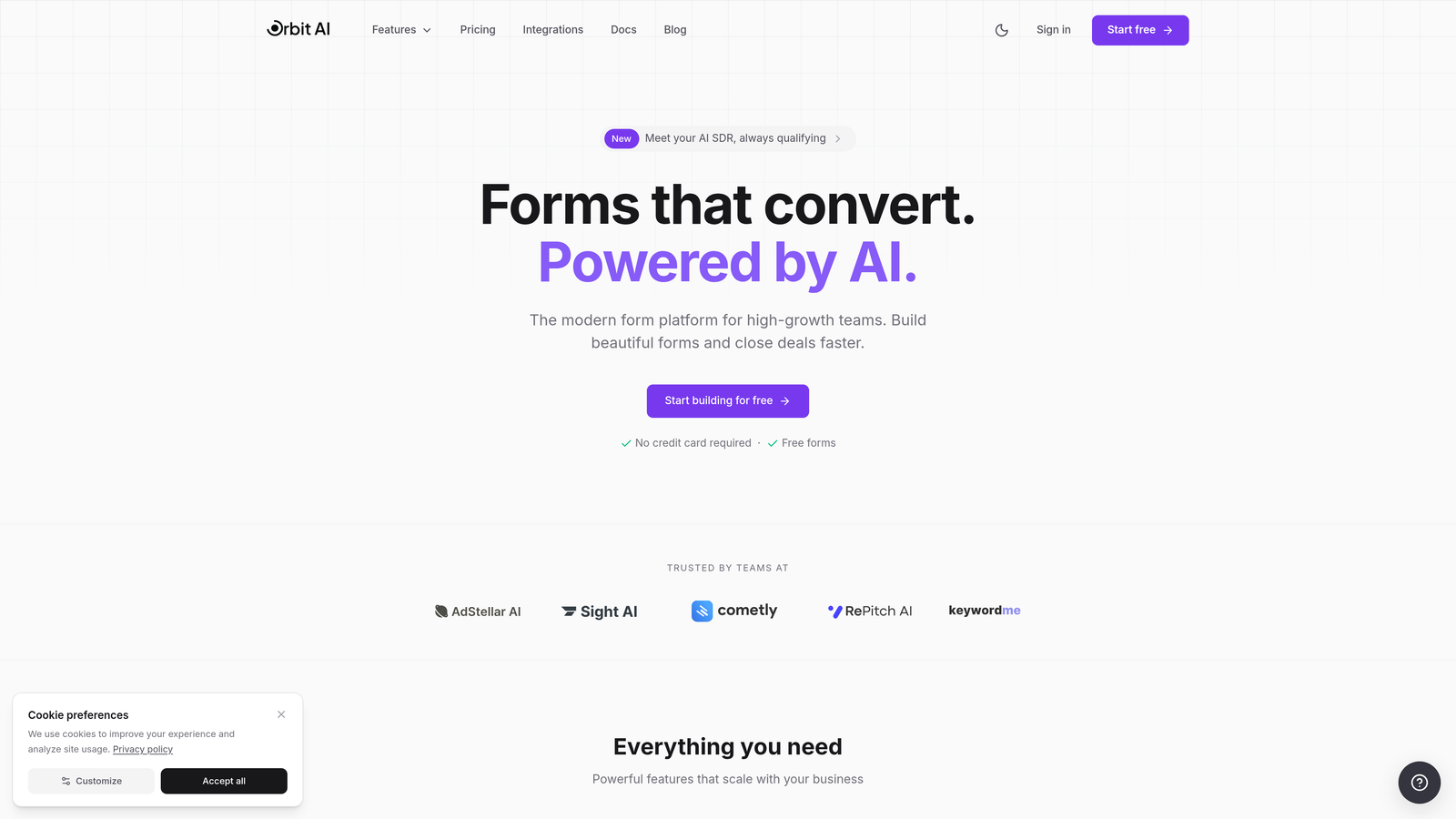
Orbit AI combines form building with integrated analytics and AI-powered lead qualification, eliminating the need to connect separate tools.
Where This Tool Shines
The platform's standout feature is how it closes the loop between analysis and action. When you discover a problem field, you can modify it immediately without switching tools or waiting for developers. The AI analyzes form performance in real-time and suggests specific optimizations based on actual user behavior.
The lead qualification scoring happens automatically as users complete forms, letting you prioritize follow-up based on prospect quality rather than just submission time. This transforms forms from simple data collection into intelligent conversion tools.
Key Features
AI-Powered Analytics: Get specific optimization suggestions based on field-level performance data and user interaction patterns.
Real-Time Lead Scoring: Automatically qualify leads as they complete forms, helping sales teams focus on high-value prospects immediately.
Field-Level Tracking: See exactly which fields cause hesitation, abandonment, or confusion with completion rate breakdowns.
Built-In A/B Testing: Test form variations without external tools, with analytics showing which version converts better.
Unified Platform: Build, analyze, and optimize in one place instead of juggling multiple analytics and form tools.
Best For
High-growth teams that want to move fast without technical dependencies. Perfect if you're tired of waiting for developers to implement analytics recommendations or connecting multiple tools just to understand form performance. The integrated approach works especially well for marketing teams managing their own lead generation.
Pricing
Free tier available for getting started. Paid plans begin at $29/month, making it accessible for teams of all sizes.
2. Hotjar
Best for: Visual behavior analysis with heatmaps and session recordings across your entire site
Hotjar is a comprehensive behavior analytics platform that shows you exactly how users interact with your forms through visual tools.
Where This Tool Shines
Hotjar excels at making user behavior instantly understandable through visual representations. The heatmaps reveal which form fields get the most attention, where users click repeatedly, and which areas they ignore. Session recordings let you watch actual users struggle with specific fields, giving you context that raw numbers can't provide.
The ability to filter recordings specifically by form interactions means you can quickly find sessions where users abandoned or completed forms, turning hours of footage into actionable insights in minutes.
Key Features
Form-Specific Heatmaps: Visualize exactly where users click, move, and scroll within your forms to identify attention patterns.
Session Recording Filters: Watch recordings of users who interacted with specific forms, abandoned at certain points, or completed submissions.
Drop-Off Funnels: Track multi-step form progression to identify exactly where users exit the process.
Feedback Widgets: Collect qualitative insights directly from users about form experience and pain points.
Cross-Platform Tracking: Monitor form behavior across desktop, mobile, and tablet with unified reporting.
Best For
Teams that need to understand the "why" behind form abandonment through visual evidence. Particularly valuable when you need to convince stakeholders that form changes are necessary—watching real users struggle is far more persuasive than showing statistics.
Pricing
Free tier available with basic features. Paid plans start at $32/month with increasing session limits and advanced features.
3. Zuko Analytics
Best for: Dedicated form optimization specialists who need the deepest possible form-specific insights
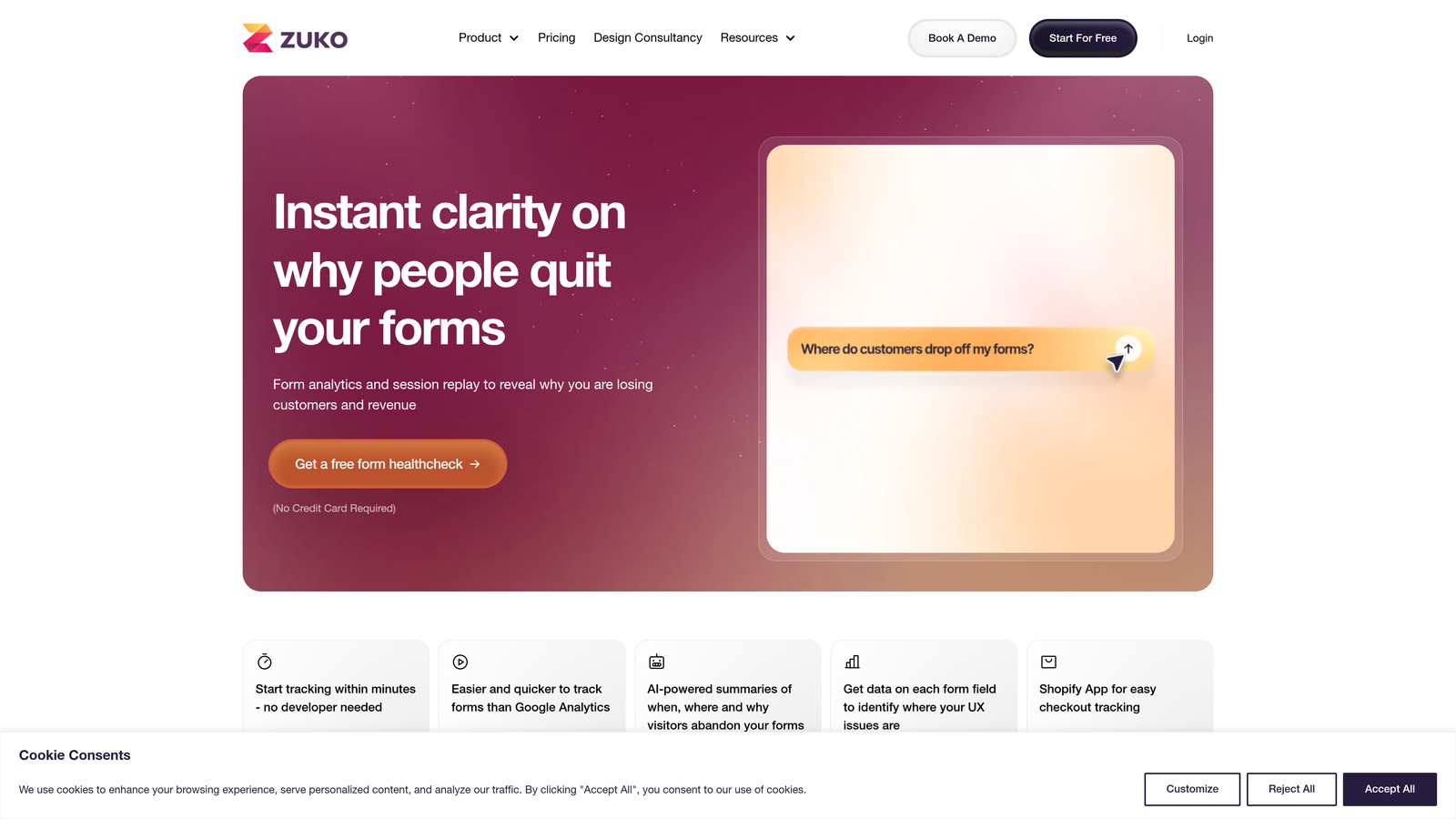
Zuko Analytics focuses exclusively on form analytics, providing more granular form-specific data than general behavior platforms.
Where This Tool Shines
Zuko's laser focus on forms means it tracks metrics that broader analytics platforms miss. The field-by-field abandonment analysis shows exactly which questions cause users to leave, while the correction rate metric reveals fields where users frequently change their answers—a sign of confusion or uncertainty.
The industry benchmarking feature lets you compare your form performance against similar companies, giving you realistic targets and revealing whether your conversion rates are competitive or need serious work.
Key Features
Field-Level Abandonment: See precisely which form fields cause users to leave, with time-on-field and interaction data.
Industry Benchmarks: Compare your form performance metrics against industry standards to identify improvement opportunities.
Problem Field Identification: Automated detection of problematic fields based on hesitation, correction rates, and abandonment patterns.
No-Code Implementation: Works with any form without requiring code changes or developer involvement.
Keystroke-Level Tracking: Monitor detailed interaction patterns including typing, deleting, and field navigation behavior.
Best For
Conversion rate optimization specialists and teams managing high-value forms like checkout flows or lead generation where small improvements create significant revenue impact. The depth of data justifies the higher price point when form performance directly affects bottom line.
Pricing
Plans start at $140/month based on monthly form submissions, with pricing scaling for higher volume.
4. FullStory
Best for: Enterprise teams needing comprehensive digital experience insights with advanced privacy controls
FullStory is an enterprise-grade digital experience platform that captures every user interaction, including detailed form behavior.
Where This Tool Shines
FullStory's frustration signals detection automatically flags sessions where users exhibit problem behaviors like rage clicking on non-functional form elements or repeatedly trying to submit invalid forms. This proactive identification helps you discover issues affecting real users without manually reviewing thousands of sessions.
The searchable session replay feature is remarkably powerful—you can search for sessions where users interacted with specific form fields, encountered errors, or abandoned at particular steps, making it easy to find relevant examples.
Key Features
Frustration Detection: Automatically identify sessions with rage clicks, error clicks, and other signals of user frustration in forms.
Searchable Replays: Find specific sessions using powerful search filters for form interactions, errors, and completion status.
Conversion Funnels: Build multi-step funnels that include form interactions alongside other site behaviors for complete conversion analysis.
Enterprise Security: Advanced privacy controls, data masking, and compliance features for handling sensitive form data.
Developer Tools: API access and custom event tracking for technical teams needing deeper integration.
Best For
Large organizations with complex forms handling sensitive data who need enterprise-level security and compliance. The robust feature set and scalability make it ideal for companies with dedicated analytics teams and high traffic volumes.
Pricing
Custom pricing based on traffic volume and features needed, typically starting around $300/month for smaller implementations.
5. Mouseflow
Best for: Growing teams wanting comprehensive behavior analytics without enterprise pricing
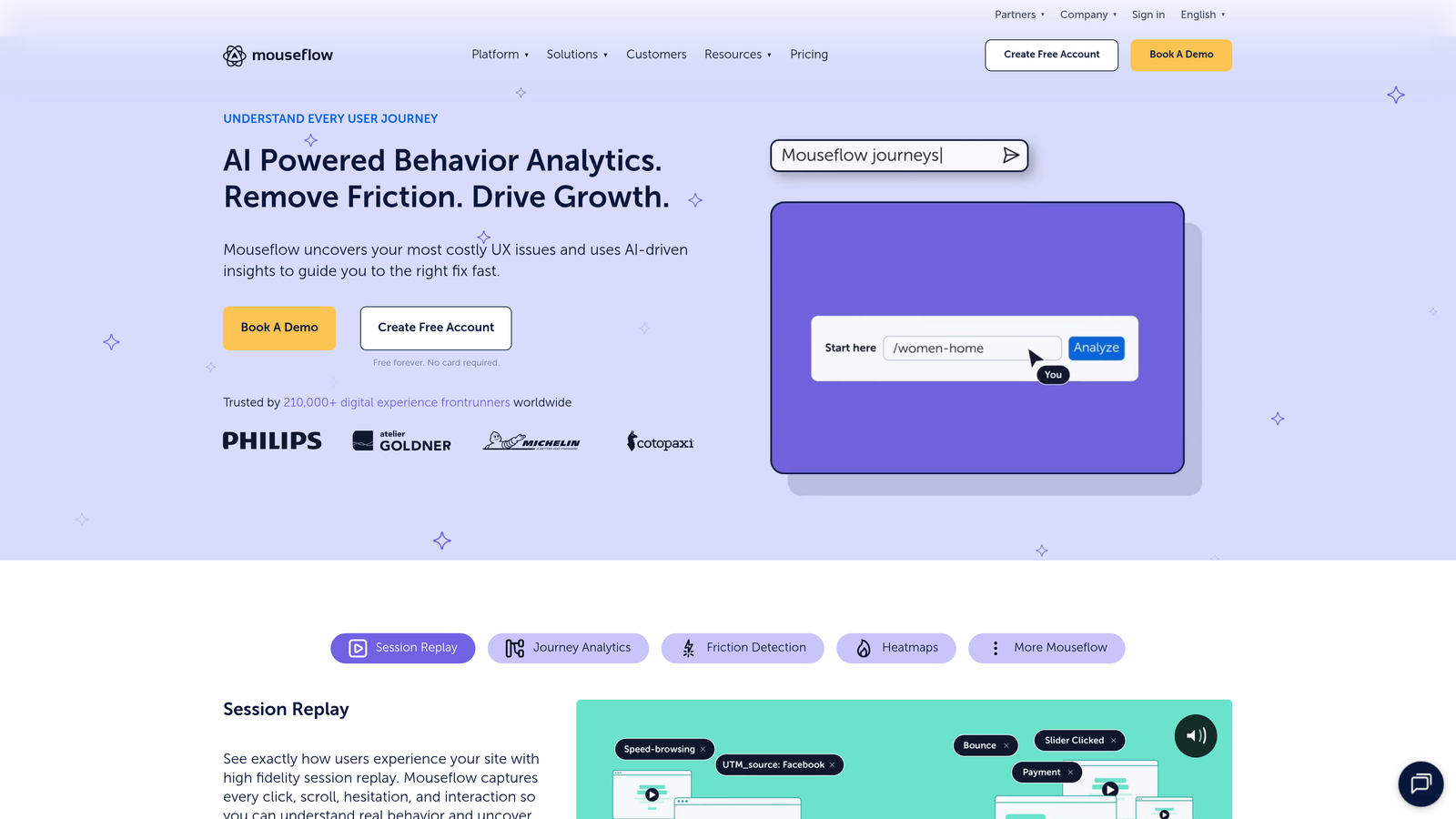
Mouseflow delivers behavior analytics with form-specific tracking and friction scoring at prices accessible to mid-sized teams.
Where This Tool Shines
The friction score feature quantifies how difficult your forms are to complete, combining metrics like time spent, cursor movement patterns, and field revisits into a single digestible number. This makes it easy to prioritize which forms need attention most urgently.
Mouseflow's session replay highlights form interactions automatically, so you don't need to watch entire sessions to find the relevant form moments. The timeline shows exactly when users interacted with forms, letting you jump straight to those sections.
Key Features
Form Friction Scores: Quantified difficulty ratings for each form based on user interaction patterns and completion behavior.
Highlighted Form Replays: Session recordings automatically mark form interactions, making it easy to find relevant moments.
Form Analytics Dashboard: Centralized view of all form performance metrics, abandonment rates, and completion times.
Heatmap Analysis: Click and movement heatmaps specifically for form pages to visualize interaction patterns.
Feedback Campaigns: Trigger surveys at specific form abandonment points to understand why users left.
Best For
Mid-sized companies and growing startups that need robust form analytics without paying enterprise prices. The balance of features and affordability makes it particularly attractive for teams managing multiple forms across different marketing campaigns.
Pricing
Free tier available for basic testing. Paid plans start at $31/month with increasing session limits and feature access.
6. Formisimo
Best for: E-commerce teams optimizing checkout flows and high-value lead generation forms
Formisimo specializes in form analytics with particular strength in checkout optimization and conversion testing.
Where This Tool Shines
Formisimo's keystroke-level tracking reveals incredibly detailed interaction patterns—how long users pause before typing, how many times they delete and retype information, and where they navigate away from fields. This granular data helps identify subtle friction points that broader analytics miss.
The built-in A/B testing includes statistical significance calculations, so you know exactly when you have enough data to make confident decisions about form changes. This prevents premature optimization based on insufficient data.
Key Features
Keystroke Tracking: Monitor detailed typing behavior including pauses, deletions, and field navigation patterns.
Integrated A/B Testing: Test form variations with automatic statistical significance calculations to validate improvements.
Checkout-Specific Features: Specialized metrics for e-commerce checkout including payment field analysis and shipping form optimization.
Real-Time Alerts: Get notified immediately when forms experience unusual abandonment spikes or technical issues.
Field Validation Analysis: Track how often users encounter validation errors and which fields cause the most problems.
Best For
E-commerce companies where checkout optimization directly impacts revenue, and B2B companies with complex lead generation forms where each conversion has high value. The detailed tracking justifies the investment when individual form improvements can generate significant returns.
Pricing
Plans start at $99/month based on monthly form submissions and features needed.
7. Lucky Orange
Best for: Teams wanting an all-in-one conversion toolkit with form analytics, chat, and surveys
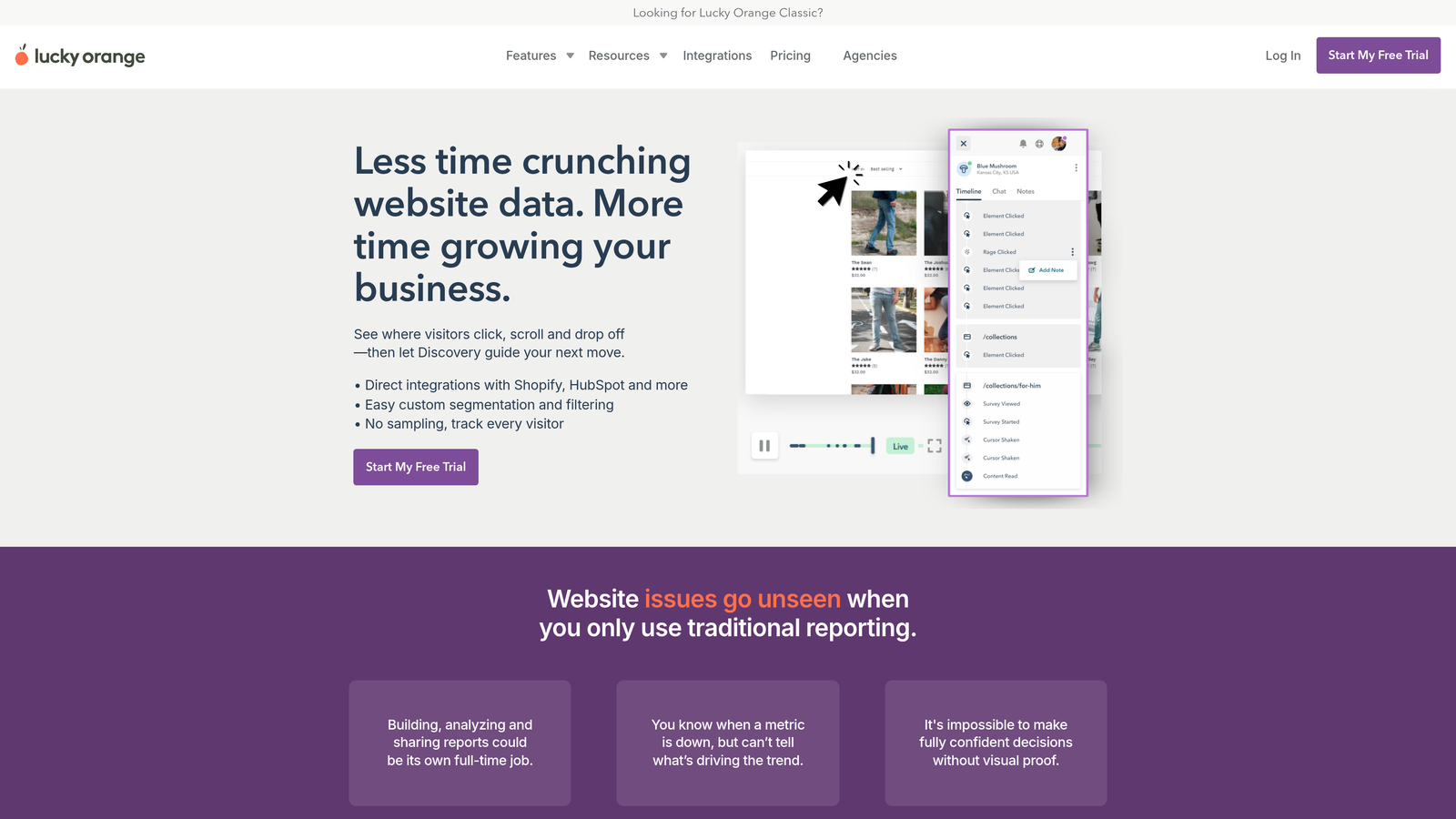
Lucky Orange combines form analytics with live chat, surveys, and conversion funnels in a single platform.
Where This Tool Shines
The integration between form analytics and live chat creates unique optimization opportunities. When you identify users struggling with specific form fields through session recordings, you can proactively trigger chat invitations offering help. This real-time intervention can save conversions that would otherwise be lost.
The consolidated dashboard shows form performance alongside other conversion metrics, making it easier to understand how form improvements affect overall site performance without switching between tools.
Key Features
Form Field Analysis: Track completion rates, time spent, and abandonment for each individual form field.
Session Recordings: Watch user interactions with forms, including mouse movement, clicks, and scrolling behavior.
Integrated Live Chat: Offer real-time assistance to users struggling with forms based on behavior triggers.
Conversion Funnels: Build multi-step funnels that include form completion as part of broader conversion paths.
Dynamic Heatmaps: Visualize form interaction patterns with click and scroll heatmaps.
Best For
Small to medium businesses that want to consolidate multiple conversion tools into one platform. Particularly valuable if you're currently paying for separate analytics, chat, and survey tools—Lucky Orange can replace all three while providing integrated insights.
Pricing
Free tier available for basic features. Paid plans start at $32/month with increasing session limits and feature access.
8. Heap
Best for: Product teams needing retroactive analysis without pre-configured tracking
Heap automatically captures all user interactions, including form behavior, without requiring upfront event configuration.
Where This Tool Shines
Heap's autocapture approach means you can analyze form interactions retroactively—even for forms that didn't exist when you installed the tool. This eliminates the common problem of realizing you need data about a specific form interaction after the fact, when traditional analytics would have no historical data.
The ability to connect form behavior to downstream conversions is particularly powerful. You can see not just who completed forms, but which form completion patterns correlate with actual purchases, upgrades, or other valuable actions later in the customer journey.
Key Features
Automatic Capture: Records all form interactions without requiring manual event setup or tracking code configuration.
Retroactive Analysis: Analyze historical form data even for tracking you didn't set up in advance.
Downstream Conversion Tracking: Connect form completion behavior to later actions like purchases or account upgrades.
Advanced Segmentation: Create cohorts based on form behavior and analyze how different segments convert.
Product Analytics Integration: Understand form performance in context of overall product usage and user journeys.
Best For
Product-led growth companies and SaaS platforms where forms are part of larger user journeys and you need to understand how form behavior relates to product adoption and retention. The higher price point makes most sense when you need comprehensive product analytics beyond just forms.
Pricing
Free tier available for basic usage. Paid plans start at $3,600/year with custom pricing for larger implementations.
9. Microsoft Clarity
Best for: Budget-conscious teams wanting free behavior analytics with no traffic limits
Microsoft Clarity provides session recordings, heatmaps, and form analytics completely free with unlimited traffic.
Where This Tool Shines
The most compelling aspect of Clarity is that it's genuinely free with no hidden costs or traffic limits. You get session recordings and heatmaps that would cost hundreds of dollars monthly with other tools, making it possible for any team to access behavior analytics regardless of budget.
The form filtering in session recordings lets you quickly find sessions where users interacted with specific forms, and the GDPR compliance features ensure you can use it globally without privacy concerns.
Key Features
Unlimited Free Access: No traffic limits, session caps, or hidden fees—completely free for unlimited websites.
Form-Filtered Recordings: Search and filter session recordings to find users who interacted with specific forms.
Heatmap Analysis: Click and scroll heatmaps show form interaction patterns and attention areas.
Privacy Compliant: GDPR compliant with automatic masking of sensitive data in forms.
No Data Sampling: Analyzes 100% of sessions rather than sampling, giving you complete visibility.
Best For
Startups and small businesses with limited budgets, teams wanting to test behavior analytics before investing in paid tools, or high-traffic sites where per-session pricing would be prohibitively expensive with other platforms.
Pricing
Completely free with no paid tiers or upgrade options.
Making the Right Choice
The right form analytics platform depends on your specific needs and constraints. If you want analytics built directly into your form builder with AI-powered optimization suggestions, Orbit AI eliminates the complexity of connecting separate tools. For teams focused exclusively on form optimization with the deepest possible insights, Zuko provides specialized metrics and industry benchmarking that broader platforms don't offer.
When visual behavior analysis is your priority, Hotjar and FullStory excel at showing you exactly how users interact with forms through heatmaps and recordings. Hotjar works well for mid-sized teams, while FullStory provides the enterprise-grade security and scale larger organizations require. Mouseflow offers similar capabilities at a more accessible price point for growing companies.
For e-commerce teams, Formisimo's checkout-specific features and keystroke-level tracking provide the granular data needed to optimize high-value conversion flows. Lucky Orange stands out when you want an all-in-one platform combining form analytics with live chat and surveys, letting you both identify and immediately address form friction.
Product teams working with complex user journeys will appreciate Heap's autocapture approach and ability to connect form behavior to downstream conversions. And for budget-conscious teams or those with extremely high traffic, Microsoft Clarity delivers impressive capabilities completely free.
The common thread across successful implementations is acting on the insights these tools provide. The best analytics platform is the one you'll actually use to make data-driven form improvements rather than collecting data that sits unused.
Transform your lead generation with AI-powered forms that qualify prospects automatically while delivering the modern, conversion-optimized experience your high-growth team needs. Start your free trial today and see how intelligent form design can elevate your conversion strategy.


