Every form abandonment represents a lost opportunity—a potential customer who started but never finished. Web form analytics platforms reveal exactly where users hesitate, drop off, or struggle, transforming guesswork into data-driven optimization. Whether you're troubleshooting a checkout form with a 70% abandonment rate or fine-tuning a lead capture form that underperforms, the right analytics tool shows you the friction points invisible to standard website analytics.
This guide covers nine platforms that specialize in form behavior tracking, from AI-powered solutions to dedicated session replay tools, helping you choose the one that fits your conversion goals and technical setup.
1. Orbit AI
Best for: High-growth teams wanting form building and analytics in one AI-powered platform
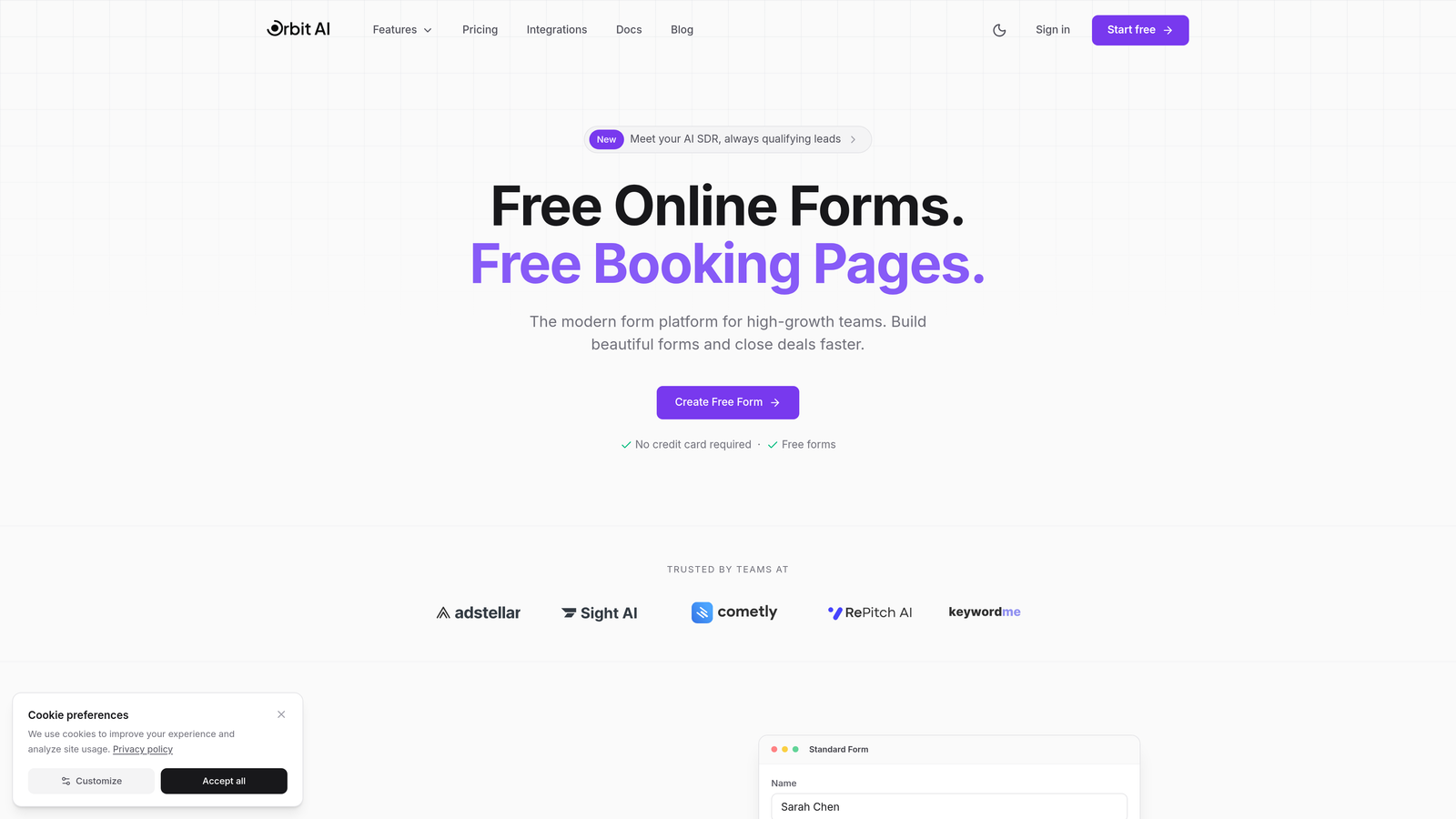
Orbit AI combines form creation with built-in analytics and AI-powered lead qualification, eliminating the need to connect separate tools for tracking and optimization.
Where This Tool Shines
Most form analytics platforms require you to build forms elsewhere, then add tracking code to monitor performance. Orbit AI flips this model by building analytics directly into the form creation process. You see completion rates and drop-off points without configuring third-party integrations.
The AI lead qualification layer automatically scores submissions based on your criteria, letting you prioritize high-value leads while still tracking form performance. This combination of analytics and intelligent routing reduces the tool stack complexity that slows down many high-growth teams.
Key Features
Built-in Analytics Dashboard: Track completion rates and identify drop-off points without external analytics tools.
AI-Powered Lead Qualification: Automatically score and route submissions based on lead quality signals.
Conversion-Optimized Templates: Start with form designs benchmarked for performance across industries.
Workflow Automation: Trigger actions based on form analytics insights, like following up on abandoned forms.
CRM Integration: Connect form data and analytics to your existing marketing and sales stack.
Best For
Teams that want to consolidate their form building and analytics into a single platform rather than managing multiple tools. Particularly valuable for businesses focused on lead generation where qualifying submissions matters as much as tracking completion rates.
Pricing
Free tier available with core features. Paid plans start at competitive rates designed for growing teams that need advanced analytics and automation capabilities.
2. Zuko Analytics
Best for: Deep-dive field-by-field form analysis with industry benchmarking
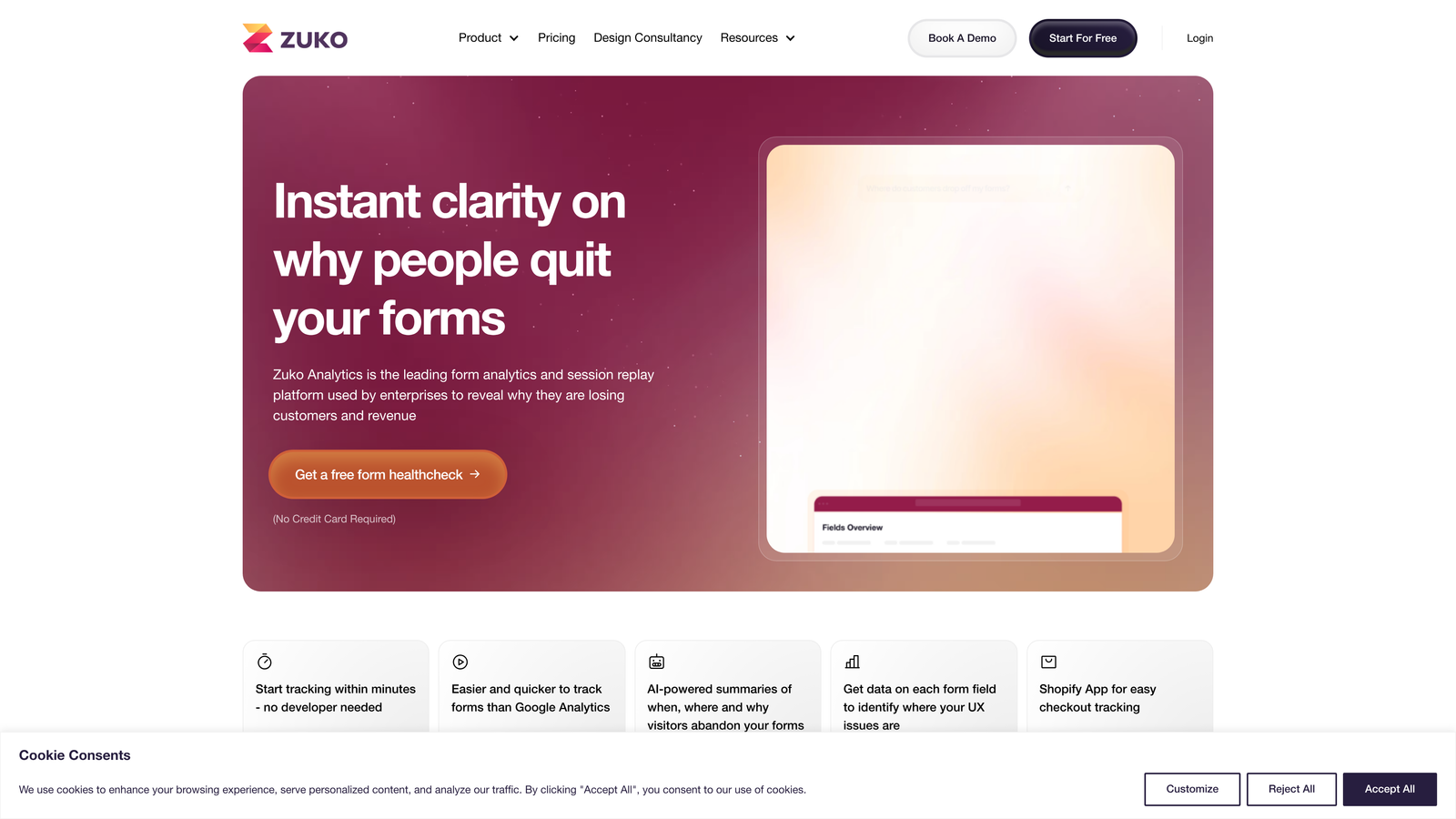
Zuko Analytics specializes exclusively in form analytics, providing granular tracking that shows exactly how users interact with each individual field.
Where This Tool Shines
Zuko treats every form field as a data point worth analyzing. You see how long users spend on each field, how many corrections they make, and exactly where they abandon. This level of detail helps you identify specific friction points that broader analytics tools miss.
The platform includes industry benchmarking data, letting you compare your form performance against similar businesses. If your checkout form has a 45% completion rate, you'll know whether that's above or below average for your sector.
Key Features
Field-Level Analytics: Track time spent, corrections, and abandonment for every individual form field.
Session Replay Filtering: Watch recordings filtered specifically to form interactions, skipping irrelevant page browsing.
Multi-Step Funnel Visualization: See drop-off rates between form pages in complex multi-step flows.
Real-Time Performance Alerts: Get notified when form completion rates drop below thresholds.
Industry Benchmarking: Compare your form performance against aggregated data from similar businesses.
Best For
Teams managing complex forms where understanding field-specific friction matters more than general page analytics. Ideal for e-commerce checkouts, financial applications, and lead generation forms with multiple conditional fields.
Pricing
Plans start around $100 monthly, scaled based on the number of form submissions you track each month.
3. Hotjar
Best for: Combining form analytics with broader UX research tools like heatmaps and surveys
Hotjar provides behavior analytics across your entire website, with dedicated form analysis features integrated into a comprehensive UX toolkit.
Where This Tool Shines
Hotjar's strength lies in connecting form performance to the broader user journey. You can see heatmaps showing where users click around your form, watch session recordings of form interactions, and even trigger feedback widgets asking users why they abandoned.
This contextual approach helps you understand not just that users drop off at a specific field, but why they might be hesitating based on surrounding page elements or previous interactions.
Key Features
Form Analysis Reports: View field-level drop-off rates and completion metrics in dedicated dashboards.
Heatmaps for Form Pages: See click patterns, scroll depth, and attention areas surrounding your forms.
Session Recording Filters: Watch recordings of users who interacted with specific forms or abandoned at certain steps.
On-Page Feedback Widgets: Collect direct user input about form experience and friction points.
Platform Integrations: Connect with analytics tools, marketing platforms, and product management systems.
Best For
Marketing and product teams conducting broader UX research who need form analytics as part of a complete user behavior toolkit. Works well when you want to understand form performance in the context of overall site experience.
Pricing
Free tier covers basic features with session limits. Paid plans start at $32 monthly, scaling with traffic volume and feature access.
4. Mouseflow
Best for: AI-powered friction detection that automatically identifies problematic form fields
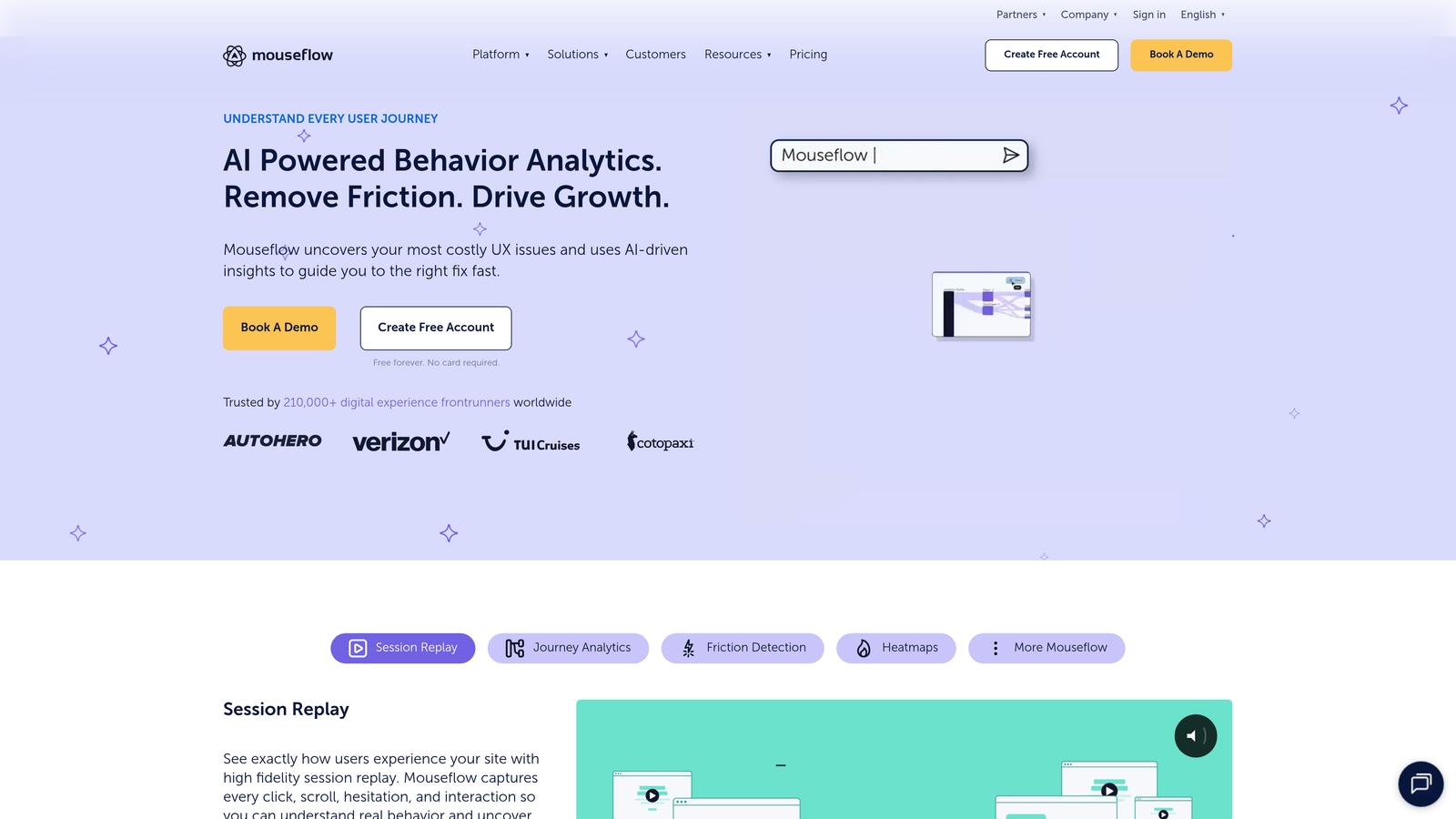
Mouseflow combines session replay and heatmap capabilities with algorithms that automatically detect form friction without manual analysis.
Where This Tool Shines
The friction score algorithm analyzes user behavior patterns to automatically flag problematic form fields. Instead of manually reviewing completion data, Mouseflow highlights fields where users show signs of struggle: excessive cursor movement, repeated corrections, or unusual hesitation.
This automation saves time for teams managing multiple forms across different pages, letting you focus optimization efforts on the fields that genuinely frustrate users rather than those with statistically lower completion rates for benign reasons.
Key Features
Friction Score Algorithm: Automatically identifies form fields causing user frustration based on behavior patterns.
Form Analytics Dashboard: Track abandonment rates, error frequencies, and completion times across all forms.
Form-Filtered Session Replay: Watch recordings specifically of users who interacted with forms or abandoned at specific steps.
Funnel Analysis: Map multi-page form flows and identify where users drop out of the process.
Behavioral Heatmaps: View click, scroll, and attention heatmaps for form pages.
Best For
Teams managing numerous forms who need automated friction detection rather than manual analysis of each field. Particularly useful for organizations without dedicated analysts who can spend time interpreting raw form data.
Pricing
Free tier available for small sites. Paid plans start at $31 monthly, increasing with monthly session recording limits and advanced features.
5. FullStory
Best for: Enterprise teams needing comprehensive digital experience analytics with advanced privacy controls
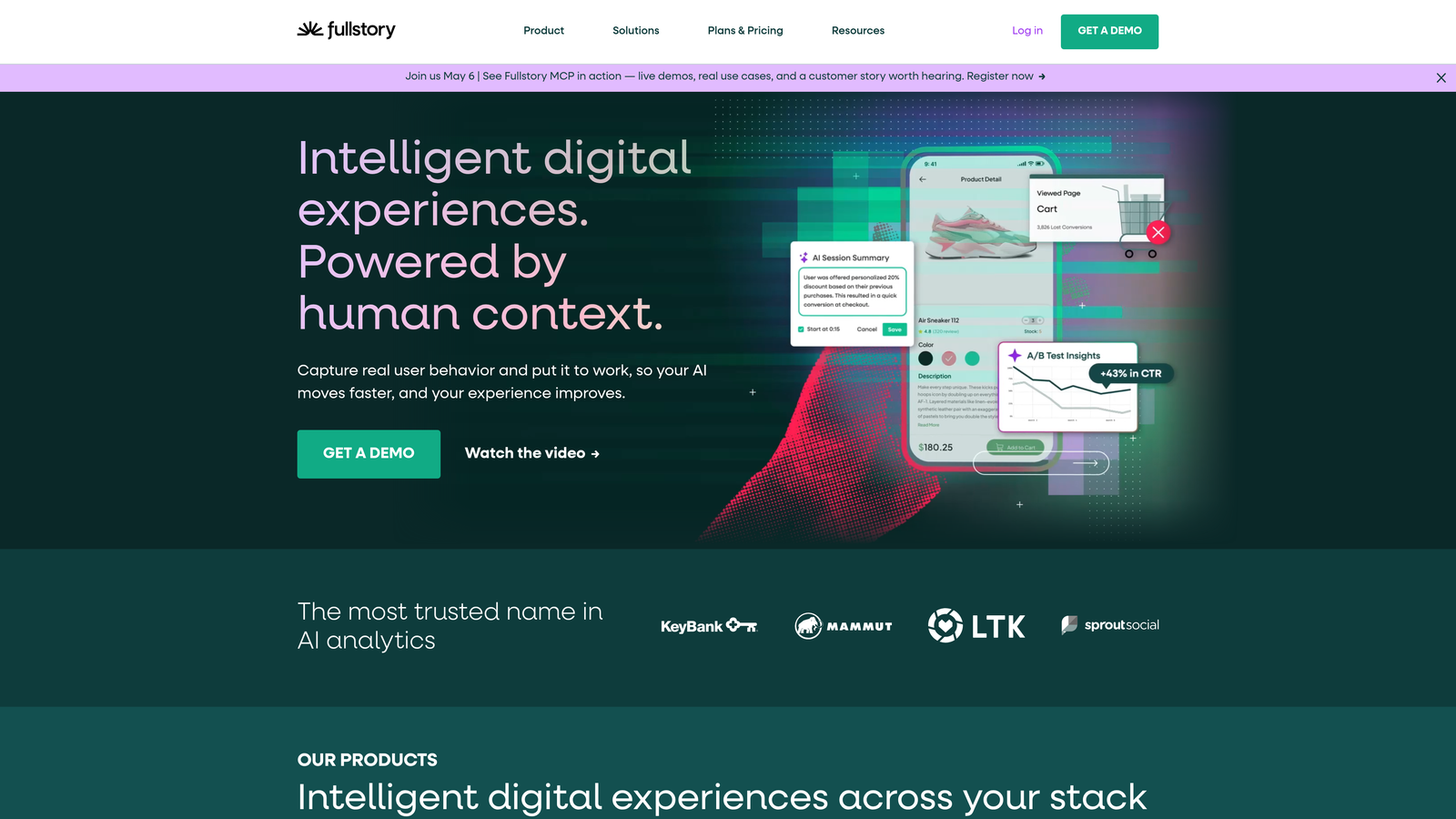
FullStory provides session replay and analytics at enterprise scale, with AI-powered frustration detection and searchable session indexing.
Where This Tool Shines
FullStory indexes every user session, making form interactions completely searchable. You can query for specific behaviors like "users who rage-clicked a submit button" or "sessions where users corrected the email field more than twice." This search capability transforms session data into actionable insights without watching hundreds of recordings.
The AI frustration signals automatically detect rage clicks, error messages, and repeated form field corrections, surfacing problem areas that might take weeks to identify through manual review.
Key Features
AI Frustration Detection: Automatically identify rage clicks, error thrashing, and struggle signals in form interactions.
Searchable Session Index: Query form interactions using natural language to find specific user behaviors.
Custom Event Tracking: Define form-specific metrics and track them across sessions without code changes.
Data Warehouse Integration: Export form analytics to your existing business intelligence stack.
Privacy and Governance: Enterprise-grade data controls for handling sensitive form information like PII.
Best For
Mid-market to enterprise organizations with significant form traffic and complex privacy requirements. Best suited for teams with dedicated analysts who can leverage the advanced querying and integration capabilities.
Pricing
Custom pricing based on session volume and features. Typically positioned for mid-market and enterprise budgets rather than small teams.
6. Formisimo
Best for: Form-exclusive analytics with real-time dashboards and A/B testing recommendations
Formisimo focuses entirely on form optimization, providing specialized analytics and actionable recommendations for improving completion rates.
Where This Tool Shines
Formisimo's exclusive focus on forms means every feature targets form optimization specifically. The platform provides real-time dashboards showing form performance as it happens, helpful for monitoring forms during campaigns or product launches.
The system analyzes your form data and suggests specific A/B tests to run, removing the guesswork from optimization. Instead of wondering whether to test field order or label copy, Formisimo recommends tests based on patterns in your actual user data.
Key Features
Real-Time Analytics: Monitor form performance with live dashboards updating as users interact.
Field Performance Metrics: Track completion, abandonment, and interaction time for every form field.
Industry Benchmarking: Compare your form metrics against aggregated industry data.
A/B Testing Recommendations: Get data-driven suggestions for optimization tests based on your form analytics.
Platform-Agnostic Tracking: Works with any form regardless of how it was built or what platform hosts it.
Best For
Organizations with high-value forms where small completion rate improvements generate significant revenue or lead volume. Particularly valuable for teams running continuous optimization programs rather than one-off fixes.
Pricing
Contact vendor for pricing. Positioned for enterprise customers with substantial form traffic and optimization budgets.
7. Lucky Orange
Best for: Budget-conscious teams wanting form analytics plus live visitor chat capabilities
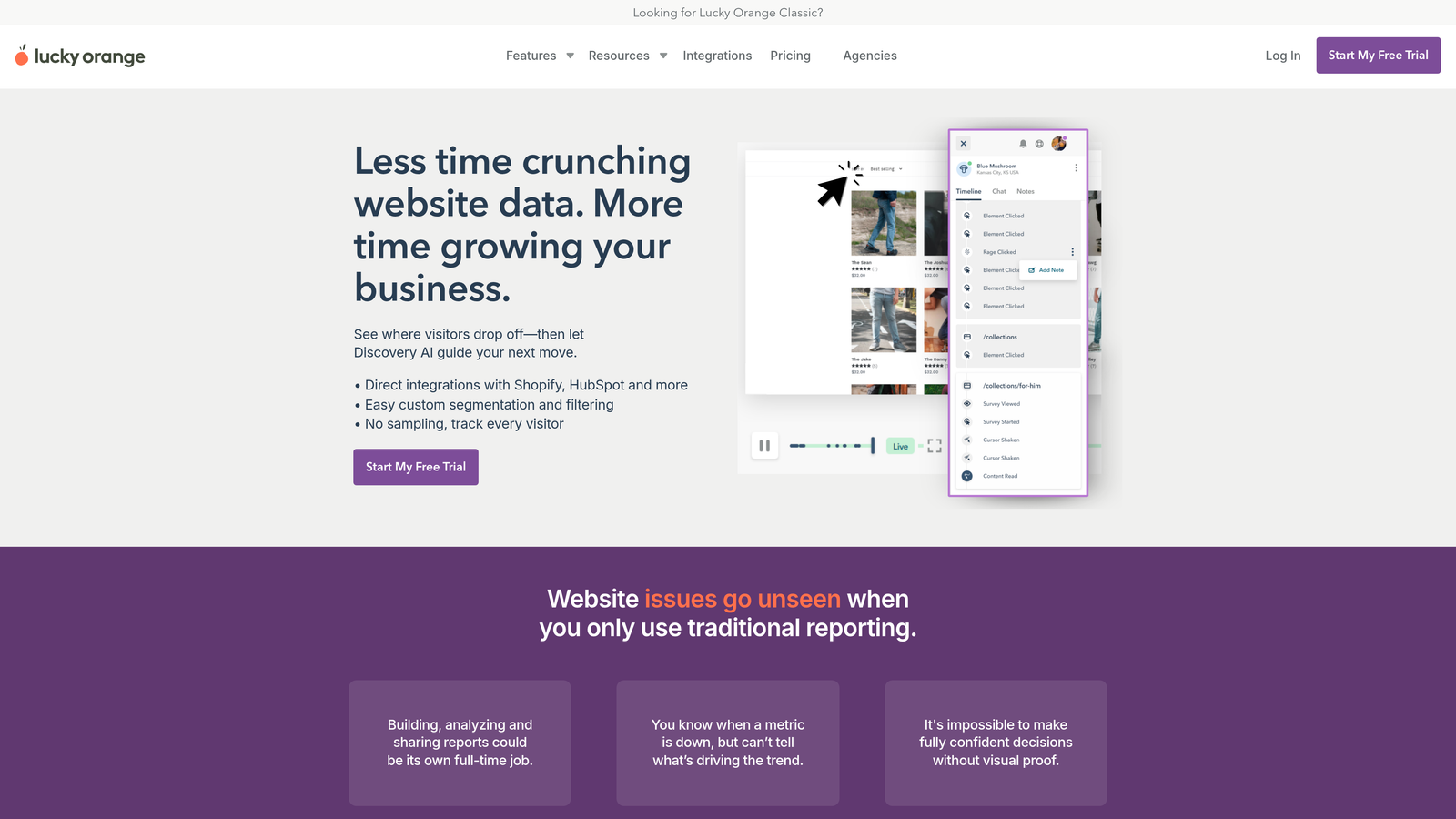
Lucky Orange combines behavior analytics with live chat, letting you intervene in real-time when users struggle with forms.
Where This Tool Shines
The live dashboard shows form interactions as they happen, and the integrated chat lets you reach out to users who appear stuck. If someone spends three minutes on a shipping address field, you can proactively offer help before they abandon.
This combination of analytics and intervention tools works particularly well for smaller teams where the same people analyzing form data can also assist users directly, creating a tight feedback loop between observation and action.
Key Features
Live Form Interaction Dashboard: Watch real-time form activity and identify struggling users as they interact.
Form Analytics Reports: Track field-level drop-off, completion rates, and interaction patterns.
Dynamic Heatmaps: View click and scroll behavior on form pages, updated continuously.
Integrated Live Chat: Reach out to users struggling with forms before they abandon.
Conversion Funnels: Track multi-step form completion with drop-off visualization.
Best For
Small to medium businesses where customer support or sales teams can actively monitor form interactions and intervene when users need help. Works well when real-time assistance matters more than deep historical analysis.
Pricing
Free tier available with basic features. Paid plans start at $18 monthly, making it one of the most affordable full-featured options.
8. Heap
Best for: Retroactive form analysis without requiring upfront event tracking setup
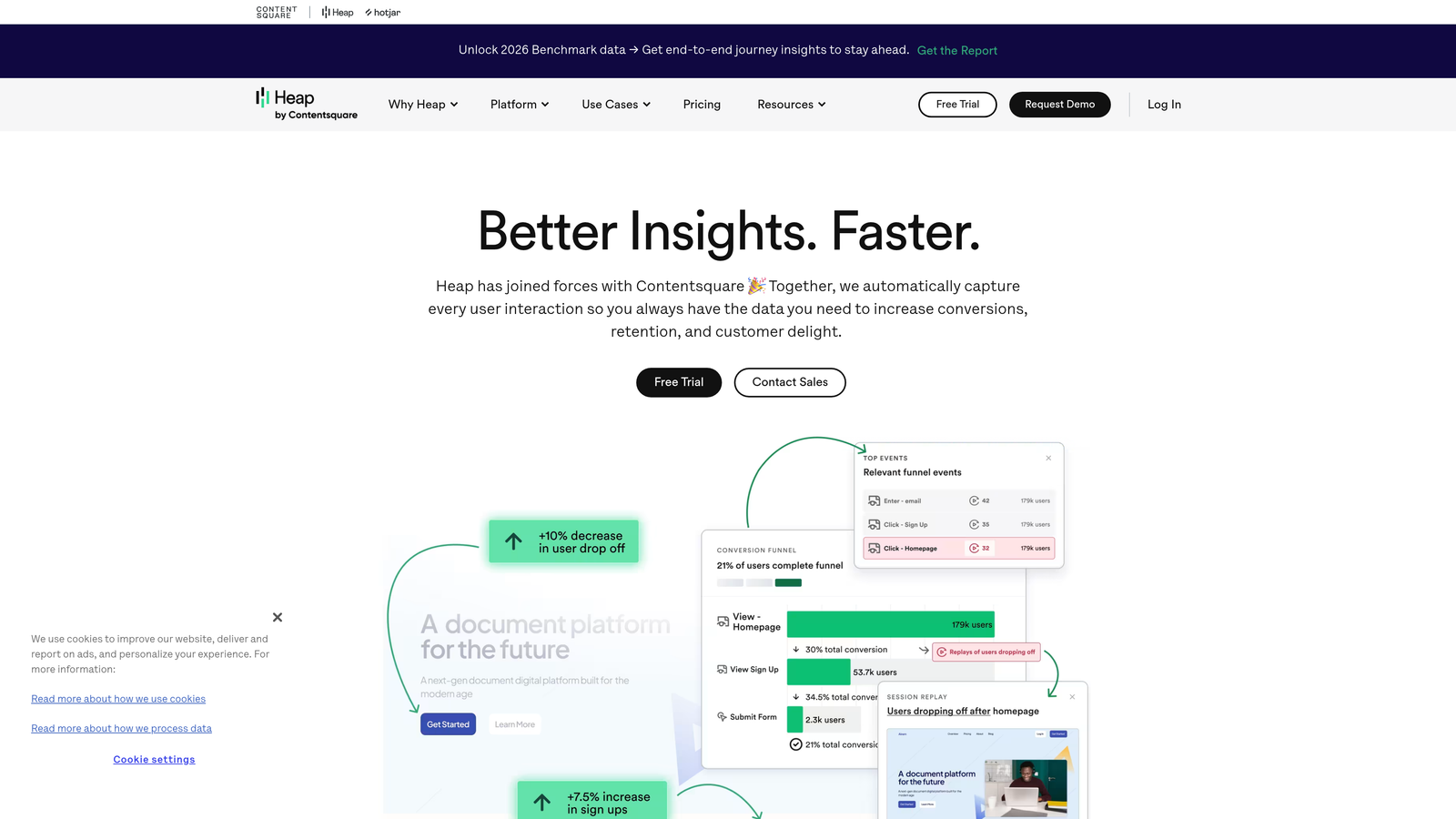
Heap automatically captures all form interactions from the moment you install it, letting you analyze historical data without pre-defining events.
Where This Tool Shines
Most analytics platforms require you to decide what to track before collecting data. Heap captures everything automatically, then lets you define metrics retroactively. If you realize two weeks after launching a form that you should have tracked a specific field interaction, Heap already has that data.
This auto-capture approach eliminates the "we should have tracked that" problem common with event-based analytics, particularly valuable for teams iterating quickly on form designs.
Key Features
Automatic Event Capture: Track all form interactions without manual event setup or tagging.
Retroactive Analysis: Define metrics and analyze historical form data captured before you thought to track it.
Funnel and Path Analysis: Map complete user journeys through multi-step forms and identify drop-off patterns.
User Segmentation: Analyze form performance across specific user cohorts based on behavior or attributes.
Data Science Integrations: Export form data to advanced analytics tools for custom modeling.
Best For
Product teams moving fast who can't predict every metric they'll need before launching forms. Particularly useful for SaaS companies running continuous experiments where tracking requirements evolve constantly.
Pricing
Free tier available for early-stage startups with usage limits. Growth plans use custom pricing based on data volume and features needed.
9. Microsoft Clarity
Best for: Teams needing completely free form analytics with unlimited traffic
Microsoft Clarity provides session recordings, heatmaps, and form interaction tracking without any cost or traffic limits.
Where This Tool Shines
The complete absence of pricing tiers or usage limits makes Clarity unique in the behavior analytics space. You get unlimited session recordings and heatmaps regardless of traffic volume, removing the budget constraints that force many teams to sample data or limit tracking.
While it lacks some advanced features of paid platforms, Clarity covers the core form analytics needs: identifying where users click, scroll, and abandon. The rage click and dead click detection automatically surfaces frustration points without manual analysis.
Key Features
Unlimited Free Access: No traffic caps, premium tiers, or feature restrictions based on usage.
Session Recordings: Watch user interactions with forms, filterable by specific pages or behaviors.
Click and Scroll Heatmaps: Visualize user attention and interaction patterns on form pages.
Frustration Detection: Automatically identify dead clicks and rage clicks indicating user confusion.
Google Analytics Integration: Connect Clarity data with existing GA4 properties for combined analysis.
Best For
Budget-constrained teams, early-stage startups, or organizations wanting to add form analytics without procurement approval processes. Also valuable as a secondary tool for teams using paid platforms who want additional session recording capacity.
Pricing
Completely free with no premium tiers, usage limits, or hidden costs. Supported by Microsoft as part of their web developer tools ecosystem.
Making the Right Choice
The best web form analytics platform depends on your specific needs and constraints. For teams wanting an all-in-one solution with AI-powered lead qualification built directly into form building, Orbit AI eliminates the need for separate tools while providing the analytics you need to optimize performance.
If you need dedicated, deep-dive form analytics with field-level precision, Zuko or Formisimo specialize in exactly that, offering industry benchmarking and granular tracking that general analytics platforms can't match. For broader UX research that includes form analysis alongside heatmaps and user feedback, Hotjar or FullStory provide comprehensive digital experience insights that connect form performance to the wider user journey.
Budget considerations matter significantly in this space. Microsoft Clarity offers surprisingly robust free analytics that cover core form tracking needs without any cost, making it ideal for startups or teams testing form analytics for the first time. Lucky Orange provides an affordable middle ground with live chat integration, while enterprise platforms like FullStory and Formisimo justify higher costs with advanced features and scalability.
Start by identifying your biggest form friction point. Is it a specific checkout flow losing customers? A lead generation form with unclear abandonment patterns? Once you know what you're trying to fix, choose the platform that best addresses that specific challenge. Many offer free trials or tiers, letting you test form tracking before committing to a paid plan.
Transform your lead generation with AI-powered forms that qualify prospects automatically while delivering the modern, conversion-optimized experience your high-growth team needs. Start your free trial today and see how intelligent form design can elevate your conversion strategy.