

Your forms are collecting data, but are they telling you the full story? Understanding where users drop off, which fields cause friction, and what drives conversions can transform your lead generation strategy. Form analytics platforms go beyond basic submission counts—they reveal the behavioral patterns that separate high-converting forms from abandoned ones.
We evaluated dozens of platforms based on depth of analytics, ease of implementation, integration capabilities, and value for growing teams. Here are the nine platforms that stand out for turning form data into actionable insights.
1. Orbit AI
Best for: High-growth teams needing form building, analytics, and AI-powered lead qualification in one platform
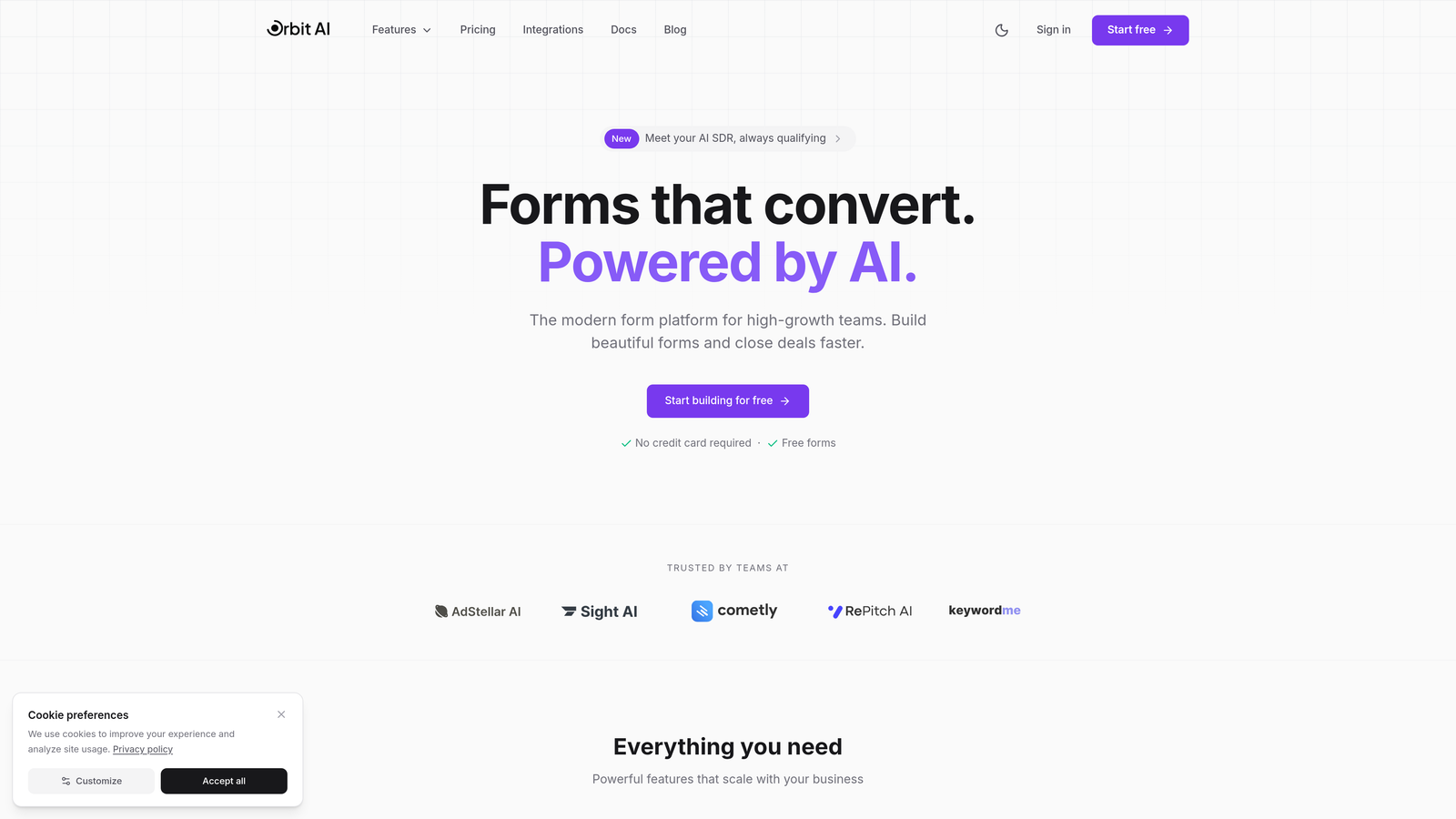
Orbit AI is an all-in-one form builder that combines beautiful, conversion-optimized forms with built-in analytics and AI-powered lead qualification capabilities.
Where This Tool Shines
What sets Orbit AI apart is the integration of form creation, analytics, and lead qualification in a single platform. You're not juggling multiple tools or trying to connect disparate systems—everything works together from the start.
The AI-powered lead scoring happens automatically as prospects fill out your forms, giving your sales team qualified leads with context rather than raw submissions. The real-time analytics dashboard shows you exactly where optimization opportunities exist, with automated recommendations that go beyond just showing you the data.
Key Features
AI-Powered Lead Qualification: Automatically scores and qualifies leads based on form responses, routing high-value prospects to your sales team immediately.
Real-Time Analytics Dashboard: Track form performance, field-level interactions, and conversion metrics as they happen with an intuitive visual interface.
Conversion Funnel Visualization: See exactly where users drop off in multi-step forms with clear visual representations of your conversion paths.
Automated Insights: Receive actionable recommendations for improving form performance based on behavioral patterns and AI analysis.
Native CRM Integrations: Connect seamlessly with major CRM platforms to ensure qualified leads flow directly into your sales workflow.
Best For
Orbit AI is ideal for high-growth teams that want to streamline their lead generation stack. If you're tired of connecting multiple tools just to build a form, track its performance, and qualify the leads it generates, this platform eliminates that complexity while delivering modern, conversion-optimized forms your prospects will actually complete.
Pricing
Free tier available for getting started, with paid plans at competitive rates designed for growing teams that need advanced analytics and lead qualification capabilities.
2. Hotjar
Best for: Visual behavior analysis with heatmaps and session recordings showing exactly how users interact with forms
Hotjar is a behavior analytics platform that helps you visualize user interactions through heatmaps, session recordings, and dedicated form analysis tools.
Where This Tool Shines
Hotjar excels at showing you what's happening rather than just telling you. The heatmaps reveal where users click, move, and scroll on your forms, while session recordings let you watch actual user sessions to spot friction points you'd never catch in aggregate data.
The form analysis feature specifically tracks interactions at the field level, showing you drop-off rates, time spent per field, and which elements cause users to abandon. When you can watch a recording of someone struggling with a specific field, the path to optimization becomes immediately clear.
Key Features
Form Interaction Heatmaps: Visual representation of where users click, hover, and focus their attention within your forms.
Session Recordings: Watch real user sessions with filters to focus specifically on form interactions and abandonment points.
Drop-Off Tracking: Identify exactly which form fields cause users to leave, with percentage breakdowns at each step.
User Feedback Collection: Gather direct feedback from users about their form experience through surveys and feedback widgets.
Funnel Analysis: Track multi-step form completion rates and identify where users exit your conversion process.
Best For
Hotjar works well for teams that need to understand the "why" behind their form analytics. If you're seeing high abandonment rates but can't figure out what's causing them, watching actual user sessions often reveals issues that numbers alone can't explain. It's particularly valuable for teams optimizing complex multi-step forms or forms with unusual layouts.
Pricing
Free plan available with basic features and limited sessions. Paid plans start at $32/month with increased session limits and advanced features.
3. Formisimo
Best for: Dedicated field-level form analytics with granular insights into hesitation patterns and correction behaviors
Formisimo is a specialized form analytics platform focused exclusively on understanding form performance at the most granular level possible.
Where This Tool Shines
Formisimo goes deeper than most platforms on field-level analysis. It doesn't just tell you that users abandoned at a certain field—it shows you how long they hesitated before filling it out, how many times they corrected their entries, and how their behavior at that field compares to others.
The platform tracks metrics like keystroke patterns and cursor movements to identify fields that cause confusion or friction. This level of detail helps you optimize not just which fields to include, but how to present them, label them, and validate them for the smoothest user experience.
Key Features
Field-by-Field Abandonment: Track exactly which form fields cause users to leave, with detailed drop-off percentages for every element.
Hesitation Analysis: Measure how long users pause before filling out specific fields, indicating confusion or concern.
Correction Tracking: See how often users go back to correct entries in specific fields, revealing validation or clarity issues.
Time-to-Complete Metrics: Understand how long users spend on each field and the entire form, benchmarked against industry standards.
A/B Testing Integration: Connect your form tests to analytics to measure the impact of changes on completion rates.
Best For
Formisimo is perfect for teams that are serious about form optimization and want the deepest possible insights into user behavior. If you're working on high-value forms where even small improvements in completion rates translate to significant revenue, the granular data Formisimo provides justifies the investment.
Pricing
Plans start around $50/month based on form submission volume, with pricing scaling as your traffic grows.
4. Zuko Analytics
Best for: Enterprise teams needing sophisticated funnel analysis and segment-based insights with benchmark comparisons
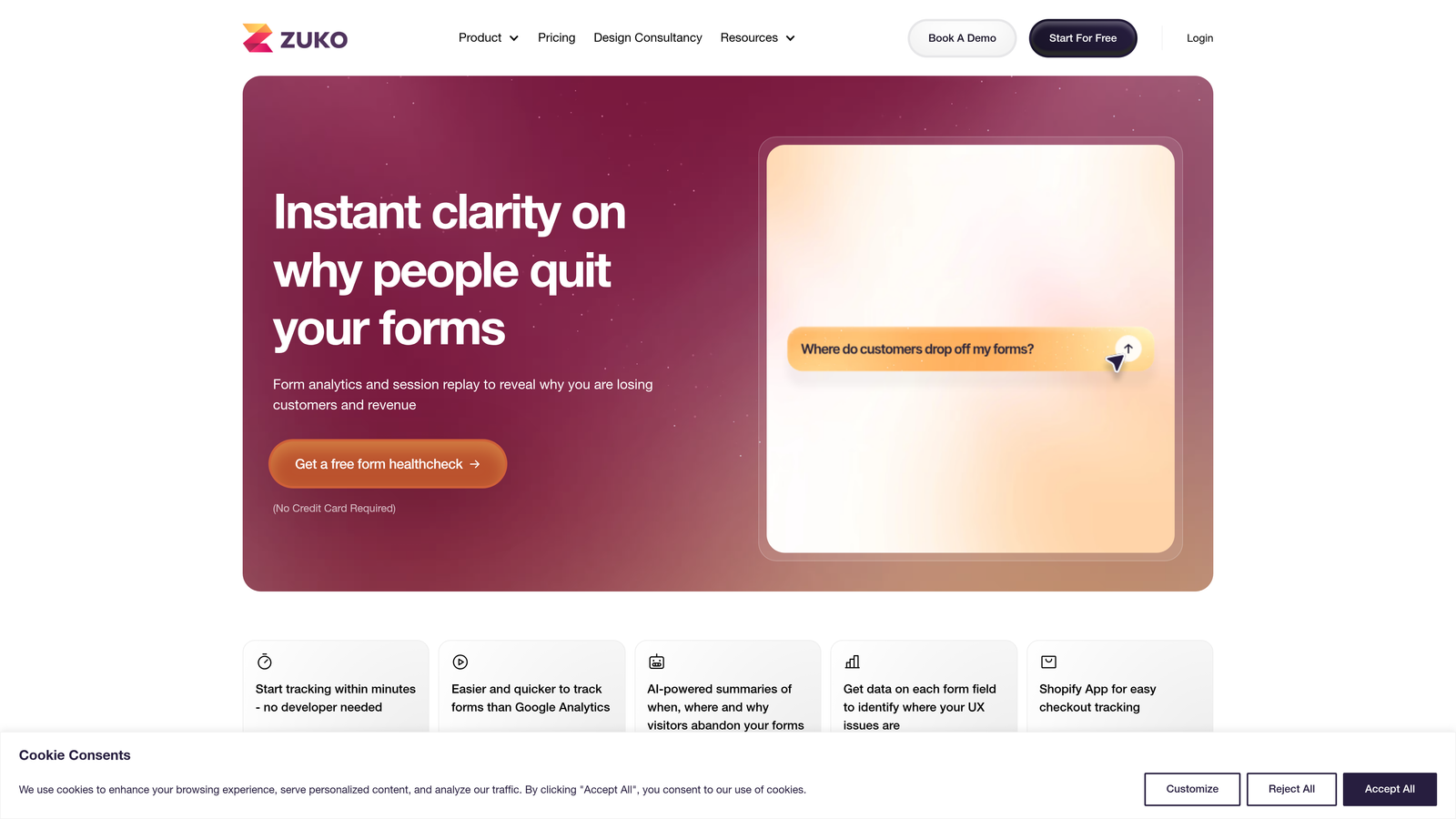
Zuko Analytics is an enterprise-focused form analytics solution that provides detailed funnel analysis and optimization recommendations for complex forms.
Where This Tool Shines
Zuko specializes in multi-step form analysis, making it particularly valuable for enterprises with complex onboarding flows or multi-page applications. The platform tracks user progression through each step, showing you not just where users drop off, but how different user segments behave differently.
The benchmark comparison feature lets you see how your forms perform against industry standards, giving you context for whether your completion rates are actually problematic or within normal ranges. The automated optimization alerts notify your team when performance drops unexpectedly, enabling quick responses to emerging issues.
Key Features
Multi-Step Funnel Analysis: Track user progression through complex, multi-page forms with detailed step-by-step completion metrics.
Field Interaction Timing: Measure exactly how long users spend on each field and identify unusually long interactions that signal friction.
Segment-Based Analytics: Compare form performance across different user segments, traffic sources, or device types to identify optimization opportunities.
Benchmark Comparisons: See how your form completion rates compare to industry standards and similar forms in Zuko's database.
Automated Alerts: Receive notifications when form performance drops below thresholds or when anomalies are detected in user behavior.
Best For
Zuko is built for enterprise teams managing high-stakes forms where completion rates directly impact revenue. If you're dealing with insurance applications, loan forms, or complex B2B lead generation, Zuko's sophisticated analytics and segment analysis help you optimize for different user groups and use cases.
Pricing
Custom pricing based on form volume and feature requirements, with a focus on enterprise customers needing advanced analytics and support.
5. Mouseflow
Best for: Automatic friction detection that identifies form issues without manual analysis
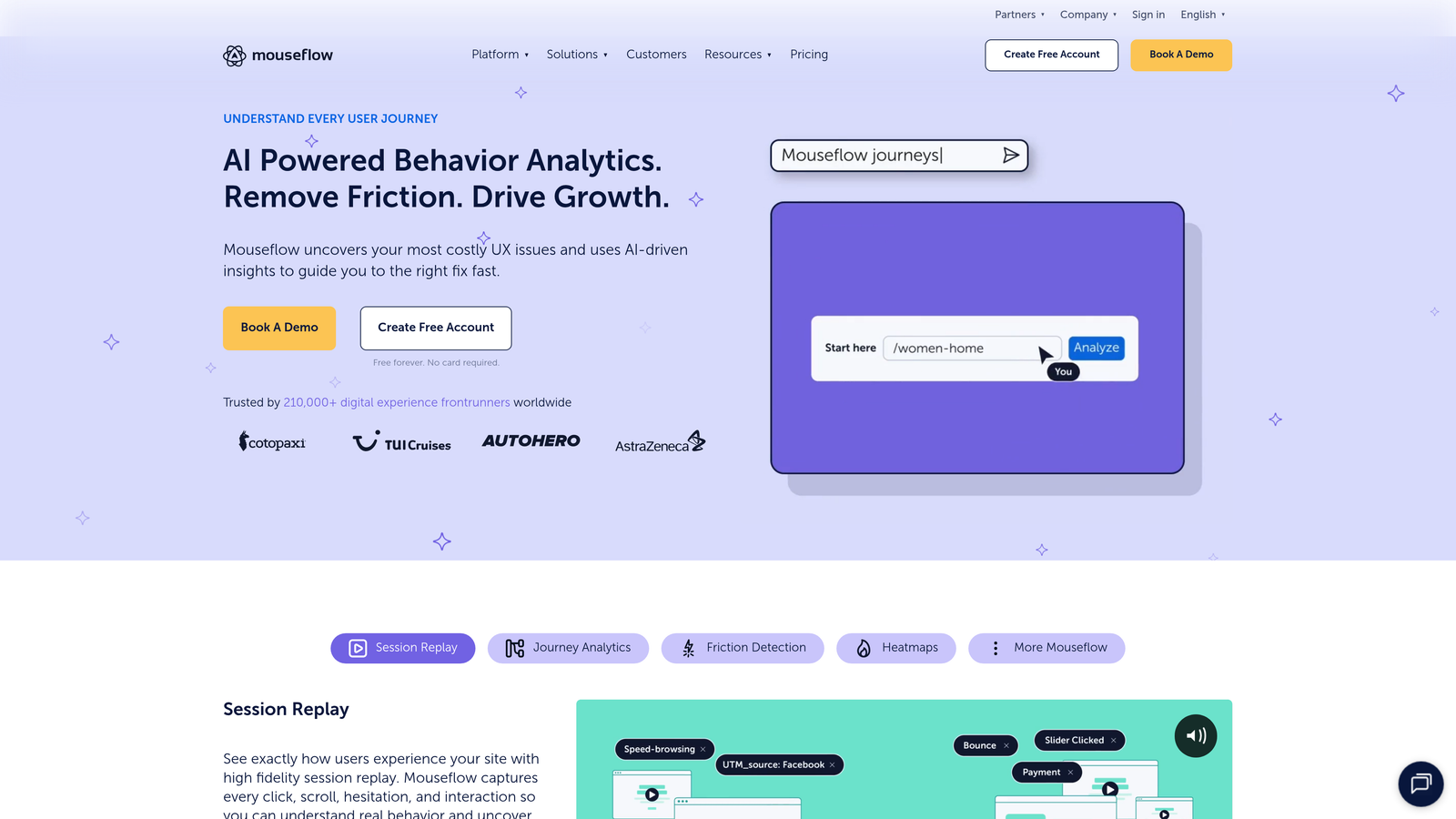
Mouseflow is a behavior analytics platform that combines session replay, heatmaps, and form analytics with AI-powered friction detection.
Where This Tool Shines
Mouseflow's friction score is its standout feature—the platform automatically calculates a score based on user struggle indicators like rage clicks, excessive scrolling, and form field corrections. Instead of manually reviewing analytics to find problems, Mouseflow surfaces the most problematic sessions and form fields automatically.
The session replay filtering lets you zero in on specific scenarios, like "show me all sessions where users abandoned the email field" or "show me high-friction sessions from mobile users." This targeted approach saves time when you're trying to diagnose specific issues rather than conducting broad exploratory analysis.
Key Features
Friction Score Calculation: Automatic scoring of user sessions based on struggle indicators, highlighting the most problematic interactions.
Automatic Issue Detection: AI identifies rage clicks, excessive corrections, and other signs of user frustration without manual review.
Form Field Analytics: Track interactions, completion rates, and time spent on every form field with visual breakdowns.
Session Replay Filtering: Create targeted filters to review only sessions matching specific criteria, like form abandonment or high friction scores.
Conversion Funnel Tracking: Monitor multi-step processes and identify where users exit your conversion paths.
Best For
Mouseflow works well for teams that want automated insights rather than spending hours analyzing data manually. If you're managing multiple forms across different pages and need a system that surfaces the biggest problems automatically, Mouseflow's friction detection helps you prioritize optimization efforts effectively.
Pricing
Free plan available with limited recordings. Paid plans start at $31/month with increased recording limits and advanced features.
6. FullStory
Best for: Enterprise digital experience intelligence with AI-powered frustration detection and automatic error tracking
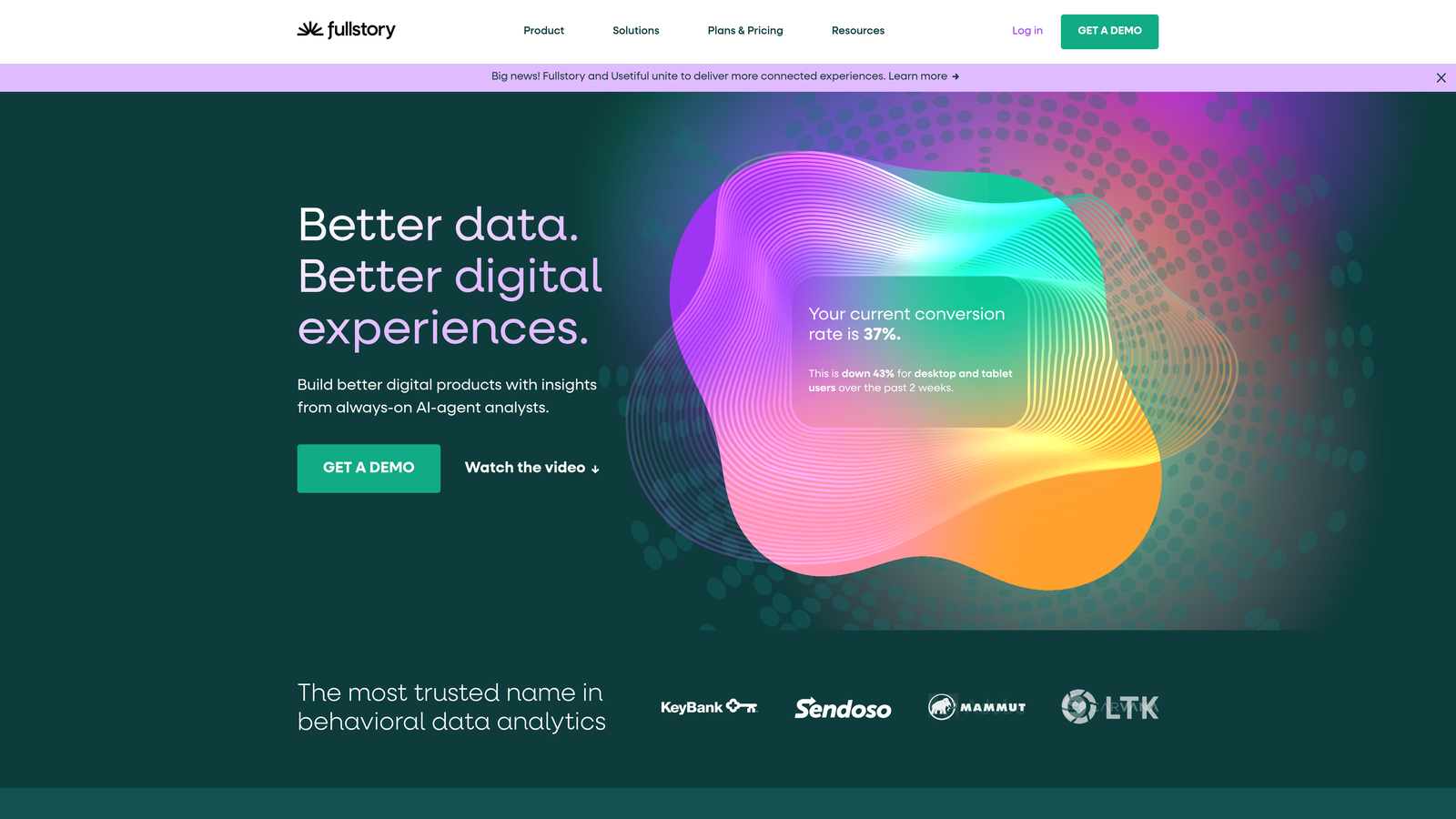
FullStory is a digital experience intelligence platform that uses AI to automatically surface form issues, user frustration signals, and conversion opportunities.
Where This Tool Shines
FullStory's AI capabilities go beyond basic analytics to actually understand user intent and frustration. The platform automatically detects rage clicks, error messages, and dead clicks, then correlates these frustration signals with form abandonment to show you exactly what's breaking the user experience.
The searchable session replay feature is remarkably powerful—you can search for specific text users typed, errors they encountered, or actions they took, making it easy to find and diagnose edge cases that affect small but important user segments. For enterprise teams managing complex applications, this level of detail is invaluable.
Key Features
AI-Powered Frustration Detection: Automatically identifies rage clicks, error clicks, and other signals that users are struggling with your forms.
Automatic Error Tracking: Captures JavaScript errors and correlates them with form abandonment to identify technical issues affecting completion.
Form Completion Funnels: Track multi-step form progression with detailed analytics on drop-off points and user paths.
Rage Click Identification: Detect when users repeatedly click on non-functional elements, indicating confusion or broken interactions.
Searchable Session Replay: Search through session recordings for specific text, events, or user actions to diagnose issues quickly.
Best For
FullStory is designed for enterprise teams that need comprehensive digital experience intelligence beyond just form analytics. If you're managing complex web applications where form performance is just one piece of the user experience puzzle, FullStory's holistic approach helps you understand the full context of how users interact with your product.
Pricing
Custom pricing based on session volume and feature requirements, typically representing an enterprise-level investment with corresponding support and capabilities.
7. Lucky Orange
Best for: Real-time form abandonment alerts and live visitor monitoring at an affordable price point
Lucky Orange is an affordable behavior analytics suite that provides real-time form tracking, live visitor monitoring, and conversion optimization tools.
Where This Tool Shines
Lucky Orange's real-time capabilities set it apart in its price range. You can watch visitors interact with your forms live, see exactly where they're getting stuck, and even receive instant alerts when users abandon forms. This real-time visibility is particularly valuable for small teams that want to respond quickly to issues.
The live chat integration means you can proactively reach out to users who are struggling with your forms, turning potential abandonments into conversations and conversions. This human touch, combined with the analytics data, creates opportunities that purely analytical tools miss.
Key Features
Real-Time Abandonment Alerts: Get instant notifications when users abandon your forms, enabling immediate follow-up or intervention.
Live Visitor Tracking: Watch visitors interact with your forms in real-time, seeing exactly where they pause or struggle.
Form Analytics Dashboard: Track field-level interactions, completion rates, and drop-off points with clear visual reporting.
Dynamic Heatmaps: See where users click, move, and scroll on your forms with visual heat representations.
Conversion Funnels: Monitor multi-step form progression and identify optimization opportunities in your conversion paths.
Best For
Lucky Orange is ideal for small to medium-sized businesses that want comprehensive form analytics without enterprise pricing. If you're running an e-commerce site, SaaS signup flow, or lead generation forms and want both the data and the ability to intervene in real-time, Lucky Orange delivers impressive capabilities at an accessible price point.
Pricing
Free plan available with limited features. Paid plans start at $18/month, making it one of the most affordable comprehensive analytics solutions.
8. Heap
Best for: Retroactive form analysis without manual tracking setup using automatic event capture
Heap is a product analytics platform that automatically captures every user interaction, enabling retroactive form analysis without requiring manual event tracking configuration.
Where This Tool Shines
Heap's automatic event capture is transformative for form analytics. Unlike traditional tools that require you to decide upfront which interactions to track, Heap captures everything automatically. This means you can go back in time and analyze form interactions that happened before you even thought to track them.
The retroactive analysis capability is particularly valuable when you're investigating unexpected changes in form performance. You can create new analyses of historical data without having to wait weeks to collect new data after implementing tracking. For teams that iterate quickly, this flexibility is invaluable.
Key Features
Automatic Event Capture: Records every user interaction automatically without manual tracking setup, ensuring you never miss important data.
Retroactive Analytics: Analyze historical data for events you didn't explicitly track, enabling investigation of past form performance.
Form Funnel Builder: Create custom funnels to track form completion paths and identify drop-off points visually.
User Journey Mapping: Understand the complete path users take before, during, and after interacting with your forms.
Data Science Integrations: Export data to tools like SQL, Python, or R for advanced custom analysis beyond the platform's built-in capabilities.
Best For
Heap works best for product-led growth teams and companies that need flexibility in their analytics approach. If you're constantly testing new form variations, adding fields, or changing your conversion flows, Heap's automatic capture ensures you're always collecting the data you need even if you didn't know you'd need it upfront.
Pricing
Free tier available for getting started with limited data volume. Growth plans require custom pricing based on event volume and feature needs.
9. Microsoft Clarity
Best for: Completely free behavior analytics with unlimited usage and no data sampling
Microsoft Clarity is a completely free behavior analytics tool that provides heatmaps, session recordings, and form insights with no usage limits or data sampling.
Where This Tool Shines
The most remarkable thing about Microsoft Clarity is that it's genuinely free with no catch. There are no usage limits, no data sampling, no premium tiers—everything is included at no cost. For small businesses or startups with limited budgets, this removes the financial barrier to understanding form performance.
Despite being free, Clarity offers features that compete with paid tools, including session recordings, heatmaps, and dead click detection. The integration with Google Analytics provides additional context, and the Microsoft backing ensures the tool is reliable and continuously improved.
Key Features
Unlimited Free Usage: No caps on sessions, recordings, or data volume—use as much as you need at no cost.
No Data Sampling: Analyze 100% of your traffic rather than sampled subsets, ensuring accurate insights even for smaller sites.
Session Recordings: Watch real user sessions to understand how people interact with your forms and where they struggle.
Heatmaps and Click Maps: Visualize where users click, scroll, and focus their attention on your forms.
Dead Click Detection: Identify when users click on non-interactive elements, revealing confusion about your form's interface.
Best For
Microsoft Clarity is perfect for budget-conscious teams, startups, or anyone who wants to start with form analytics without financial commitment. While it lacks some advanced features of paid platforms like automated insights or field-level timing analysis, it provides the essential tools needed to understand and improve form performance. It's an excellent starting point before investing in specialized tools.
Pricing
Completely free with no paid tiers or usage limits—Microsoft offers this as a no-strings-attached tool for website owners.
Making the Right Choice
The right form analytics platform depends on your specific needs and resources. For teams wanting an all-in-one solution that combines beautiful form building with AI-powered analytics and lead qualification, Orbit AI offers unmatched value—you're not just tracking forms, you're building better ones while automatically qualifying the leads they generate.
If visual behavior analysis is your priority, Hotjar and Mouseflow excel at showing exactly how users interact with your forms through heatmaps and session recordings. For dedicated form optimization with the deepest field-level insights, Formisimo and Zuko provide granular data on hesitation patterns, corrections, and timing that reveal optimization opportunities other tools miss.
Budget-conscious teams should start with Microsoft Clarity—it's genuinely free, surprisingly powerful, and provides the essential session recordings and heatmaps you need to understand form behavior. Lucky Orange offers an affordable step up with real-time monitoring and alerts at a fraction of enterprise pricing.
For enterprise teams managing complex applications, FullStory's AI-powered frustration detection and searchable session replay provide the depth needed to diagnose issues across large user bases. Heap's automatic event capture shines when you need retroactive analysis flexibility without upfront tracking configuration.
Whatever you choose, the key is moving beyond submission counts to understand the full story of how users experience your forms. The platforms on this list all provide that deeper visibility—the question is which combination of features, pricing, and implementation complexity fits your team's current needs and growth trajectory.
Transform your lead generation with AI-powered forms that qualify prospects automatically while delivering the modern, conversion-optimized experience your high-growth team needs. Start your free trial today and see how intelligent form design can elevate your conversion strategy.


