If your forms are getting traffic but not conversions, the problem usually isn't the form itself. It's that you can't see where people are dropping off. Form completion analytics tools give you visibility into exactly what's happening: which fields create friction, where users abandon, and what changes actually move the needle.
This guide covers the best tools for tracking form completion in 2026, from dedicated form analytics platforms to full-featured form builders with analytics built in. Whether you're optimizing a lead capture form, a multi-step qualification flow, or a checkout form, there's a tool here that fits. We've evaluated each option based on depth of analytics, ease of setup, integrations, and value for high-growth teams focused on conversion.
1. Orbit AI
Best for: High-growth teams who want to build, track, and optimize forms in one platform
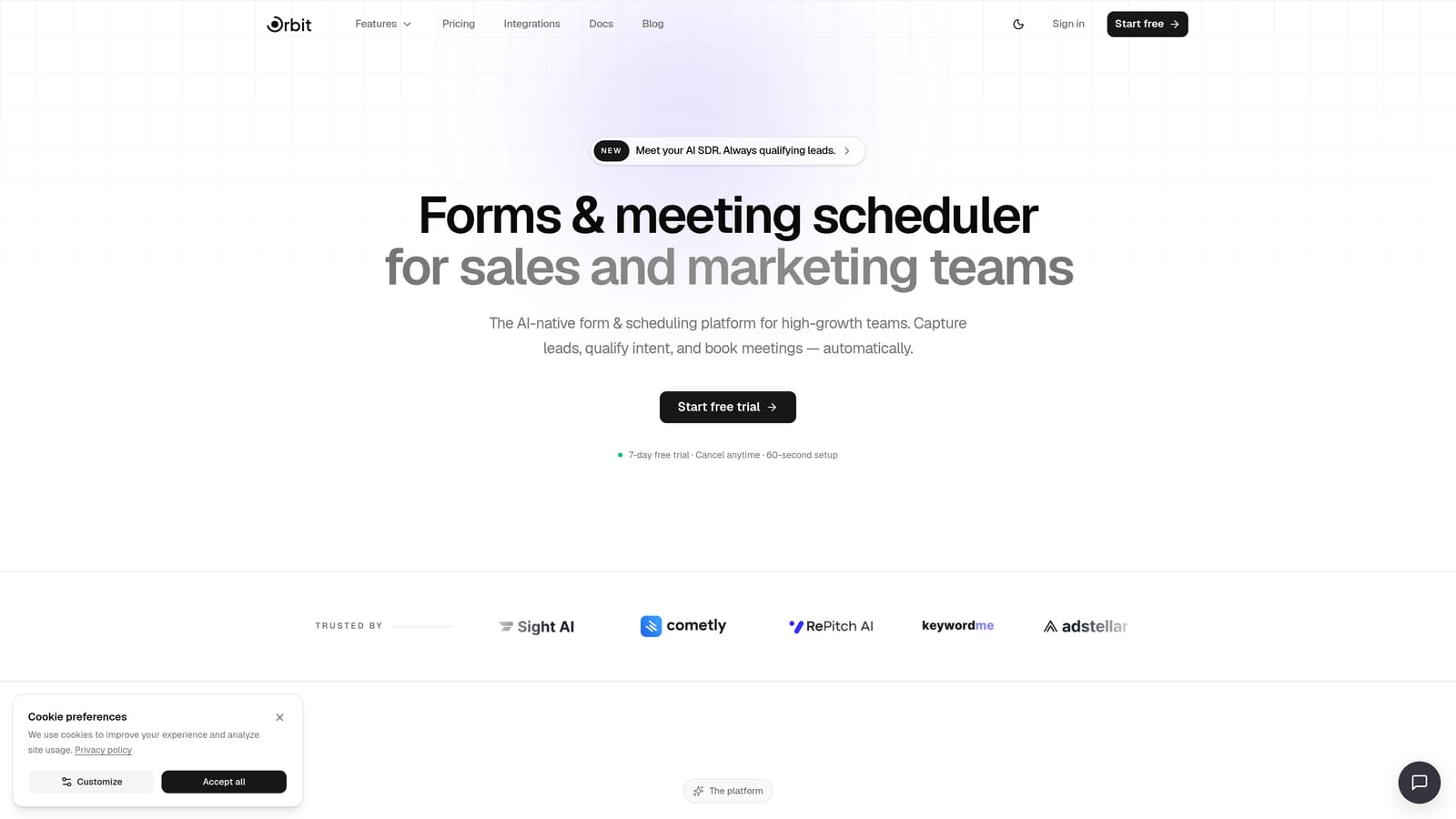
Orbit AI is an AI-powered form builder with built-in completion analytics and lead qualification designed for conversion-focused teams.
Where This Tool Shines
Most teams have to juggle two or three tools to get what Orbit AI delivers in one: a modern form builder, completion analytics, and AI-powered lead scoring. Instead of exporting data into a separate analytics platform and then going back to edit your form, you can see where users drop off and act on it immediately, all within the same workflow.
The AI lead qualification layer is what sets it apart from other form builders with analytics. Rather than just tracking who submitted a form, Orbit AI scores and qualifies leads automatically, so your sales team spends time on the right prospects instead of sifting through raw submissions.
Key Features
Built-in Completion and Drop-off Analytics: See exactly where users abandon your forms at the field level, without installing a separate analytics tool.
AI-Powered Lead Qualification Scoring: Automatically score and qualify incoming leads based on form responses, reducing manual triage for sales teams.
Conversion-Optimized Form Builder: Build modern, visually polished forms designed to reduce friction and increase submission rates from the start.
Workflow Automation and CRM Integrations: Connect form submissions to your existing CRM and automate follow-up workflows without custom development.
Real-Time Submission Tracking: Monitor incoming leads and submission trends in real time through a centralized contact management dashboard.
Best For
Orbit AI is the strongest fit for SaaS companies, lead generation teams, and growth marketers who want analytics and optimization in a single platform. If you're building new forms and want analytics baked in from day one rather than retrofitted, this is the most efficient path.
Pricing
Visit orbitforms.ai/pricing for current plan details. A free starting option is available for teams getting started.
2. Hotjar
Best for: Teams wanting field-level drop-off data combined with session recordings
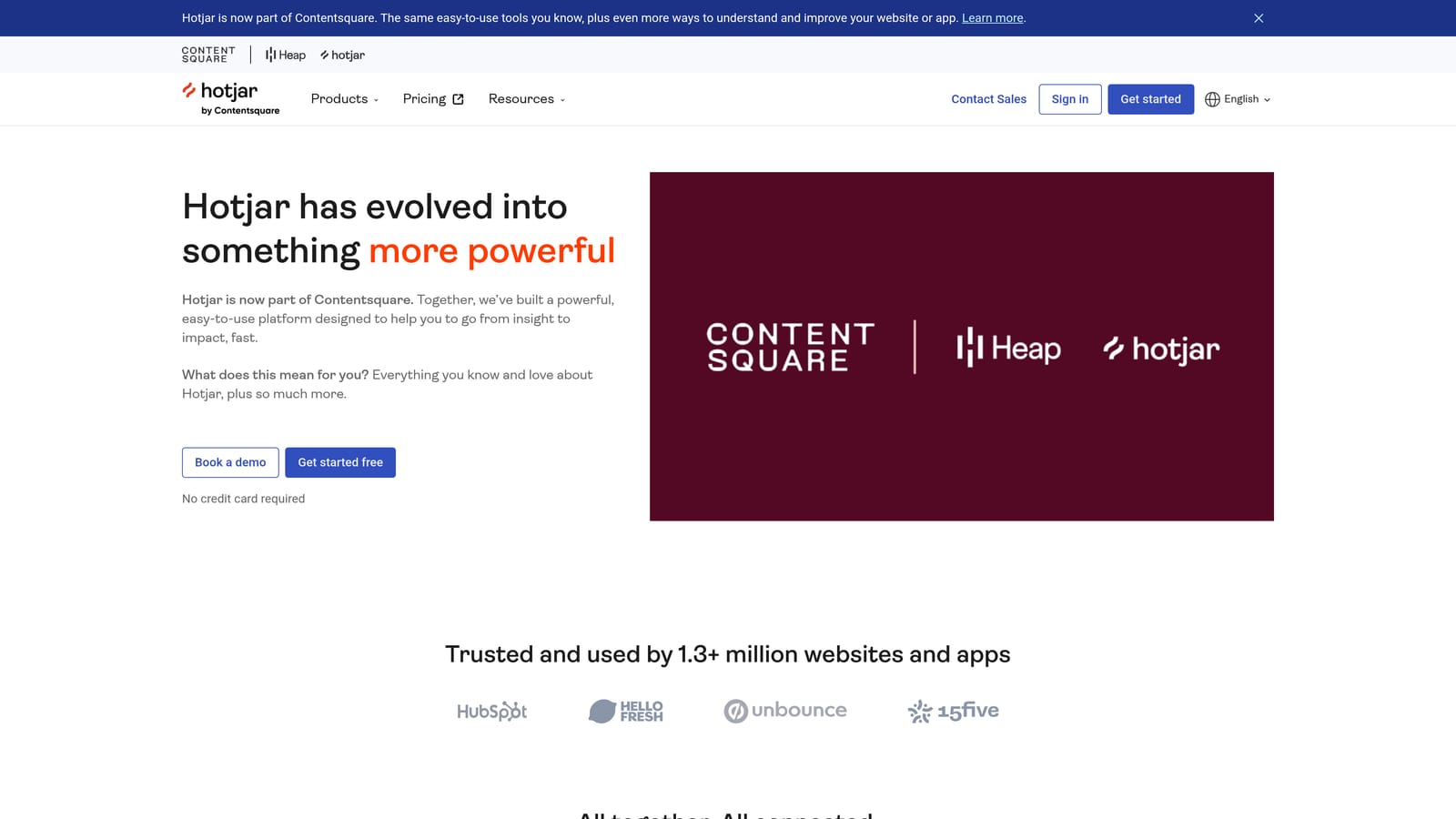
Hotjar is a behavioral analytics platform with a dedicated form analytics module showing exactly where users hesitate and abandon.
Where This Tool Shines
Hotjar's form analytics module goes beyond simple submission counts. It shows you which specific fields cause users to leave, how long they spend on each field, and which fields they return to after moving forward. That combination of quantitative drop-off data and qualitative session recordings makes it easier to understand not just where people leave, but why.
The heatmap layer adds useful context when you're trying to understand how users interact with the surrounding page, not just the form itself. For teams running landing pages with embedded forms, this broader view is genuinely valuable.
Key Features
Field-Level Drop-off Tracking: See abandonment rates for each individual form field, not just the overall form.
Session Recordings: Watch real user interactions with your forms to identify confusing fields or unexpected friction points.
Heatmaps: Understand how users engage with the full page context around your form.
User Feedback Widgets: Collect qualitative feedback directly from users who abandon forms.
Freemium Access: A free plan is available for lower-traffic sites testing the platform before committing.
Best For
Hotjar is a strong fit for CRO teams, UX researchers, and marketers who want behavioral context alongside their form analytics. It works particularly well when your forms live on pages where broader user behavior also matters.
Pricing
Free plan available. Paid plans start at $32/month, with higher tiers for increased session volume and additional features.
3. Mouseflow
Best for: CRO teams needing hesitation time and refill tracking at the field level
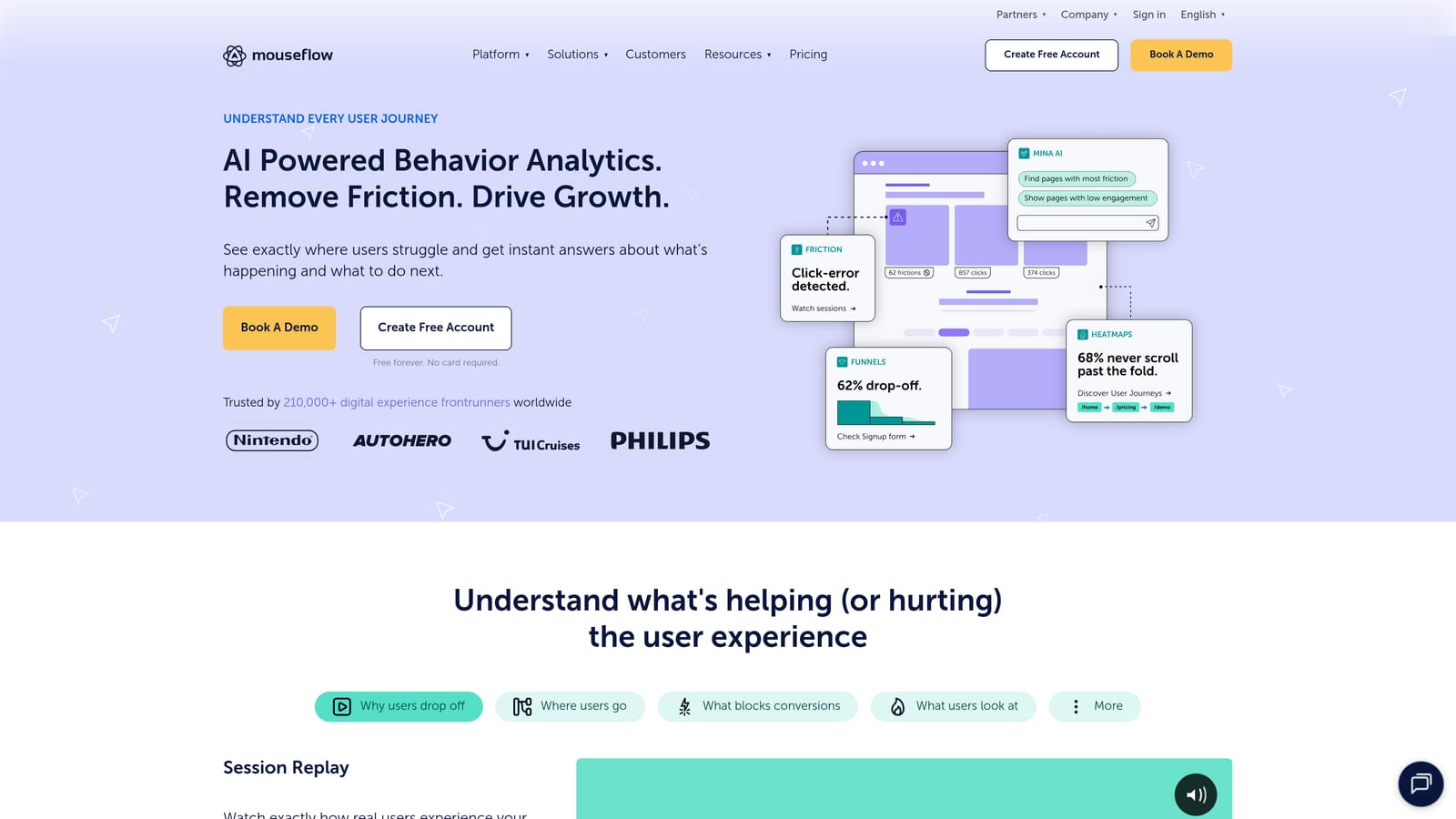
Mouseflow is a session replay and analytics platform with a dedicated form analytics module tracking hesitation, refills, and field-level abandonment.
Where This Tool Shines
Mouseflow's form analytics module is particularly strong on the granular side. It doesn't just show you that a field has high abandonment — it shows you how long users hesitated before giving up, how many times they returned to retype an answer, and where in the field sequence the drop-off cluster sits. That level of detail is useful when you're running structured CRO experiments.
The friction score reporting surfaces problem fields automatically, so you don't have to manually dig through every field metric to find where the biggest issues are. It's a time-saver for teams managing multiple forms across a site.
Key Features
Hesitation and Refill Time Tracking: Measure how long users pause on each field and how often they retype responses.
Form Funnel Visualization: See the full drop-off progression across multi-step forms in a single view.
Session Replay Integration: Link directly from form analytics data to session recordings of the specific interactions.
Friction Score Reporting: Automatically surface the highest-friction fields for faster prioritization.
CMS and E-commerce Integrations: Works with major platforms including WordPress, Shopify, and others.
Best For
Mouseflow suits CRO specialists and digital marketing teams who need detailed field-level behavioral data and want session replay tied directly to form interactions. Good for e-commerce checkout forms and multi-field lead gen forms.
Pricing
Free plan available. Paid plans start at $31/month, scaling with session volume and features.
4. Typeform
Best for: Teams building conversational forms who want per-question analytics out of the box
Typeform is a conversational form builder with native analytics showing per-question completion rates and drop-off points.
Where This Tool Shines
Typeform's one-question-at-a-time format naturally generates per-question analytics, because every question is its own screen. This makes it easy to see exactly which question in a sequence causes the most abandonment, without any additional configuration. The analytics are built into the builder, so there's no setup overhead.
The logic jump analytics are particularly useful for teams running branching surveys or qualification flows. You can see how different answer paths perform and whether certain branches have higher drop-off than others.
Key Features
Per-Question Drop-off Rate: See completion and abandonment rates for each individual question in your form.
Completion Rate and Time Metrics: Track overall form completion rates and average time to complete.
Logic Jump Analytics: Analyze performance across conditional branching paths in your form logic.
Conversational Format: One-question-at-a-time design reduces cognitive load and can improve completion for longer forms.
CRM Integrations: Native connections to HubSpot, Salesforce, and Zapier for lead routing.
Best For
Typeform works well for survey-style forms, lead qualification flows, and onboarding questionnaires where the conversational format fits. Analytics are accessible but less granular than dedicated form analytics tools.
Pricing
Free plan available. Paid plans start at $25/month, with higher tiers unlocking more responses and features.
5. Jotform
Best for: Teams wanting broad submission analytics with strong template variety
Jotform is a widely used form builder with built-in submission analytics covering traffic sources, device types, and view-to-submission ratios.
Where This Tool Shines
Jotform's analytics dashboard gives you a solid overview of form performance without requiring any third-party tools. The view-to-submission ratio is a useful baseline metric, and the traffic source breakdown helps you understand which channels are driving your highest-converting form traffic versus which are sending low-intent visitors.
For teams managing many different forms across a site or organization, the per-form analytics dashboard makes it easy to monitor performance at a glance. It's not the deepest analytics available, but it covers the essentials without adding complexity.
Key Features
View-to-Submission Conversion Tracking: Monitor how many visitors who see your form actually complete it.
Traffic Source Breakdown: See which channels are driving form views and submissions.
Device and Browser Analytics: Identify if mobile or specific browsers are contributing to lower completion rates.
Submission Volume Trends: Track submission patterns over time to spot seasonal changes or campaign impacts.
Large Template Library: Access thousands of pre-built form templates to accelerate deployment.
Best For
Jotform is a good fit for teams that need a reliable form builder with solid baseline analytics and don't require field-level granularity. Works well for operations, HR, and marketing teams managing diverse form types.
Pricing
Free plan available. Paid plans start at $34/month, with limits on submissions and storage scaling by tier.
6. Google Analytics 4 (with GTM)
Best for: Technical teams wanting form analytics integrated into their full site data
Google Analytics 4 is a free web analytics platform that, when configured via Google Tag Manager, can track form interactions as custom events across any site.

Where This Tool Shines
GA4's biggest advantage for form analytics is context. Because it captures all your site data in one place, you can analyze form performance alongside traffic sources, user segments, and the full conversion path. You're not looking at form data in isolation — you're seeing how it fits into the broader user journey.
The funnel exploration report in GA4 is powerful for multi-step forms once you've set up the event tracking correctly. The trade-off is that getting there requires meaningful setup effort through Google Tag Manager, which makes this better suited to teams with technical resources than those looking for plug-and-play analytics.
Key Features
Custom Form Event Tracking: Configure form_start, form_submit, and field-level events via GTM without modifying site code.
Funnel Exploration Reports: Visualize drop-off across multi-step form flows using GA4's exploration tools.
Full Site Data Integration: Analyze form performance alongside traffic, acquisition, and user behavior data.
No Traffic Limits: The standard GA4 platform is free with no session or traffic caps.
Segment-Level Analysis: Break down form performance by user segment, device type, or traffic source.
Best For
GA4 with GTM is ideal for technical marketing teams and web analysts who want form analytics as part of a unified data picture. Not recommended for teams without GTM experience or those who need fast, out-of-the-box form insights.
Pricing
GA4 standard is free. Google Analytics 360 is available for enterprise teams requiring advanced features and SLAs, priced via Google's sales team.
7. FullStory
Best for: Enterprise teams wanting autocapture form analytics as part of broader product analytics
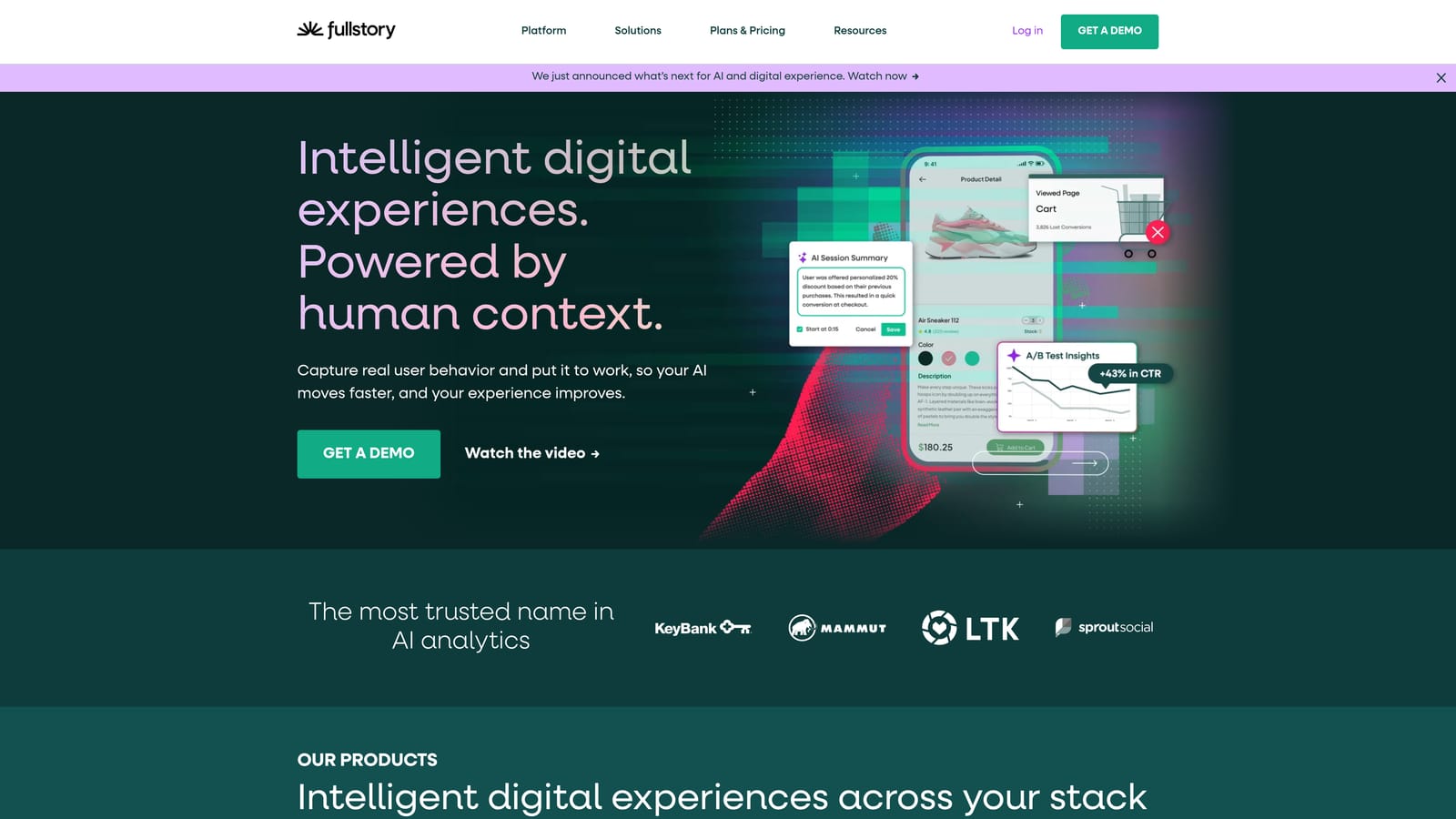
FullStory is an enterprise digital experience analytics platform with autocapture technology that automatically tracks form field interactions without manual tagging.
Where This Tool Shines
FullStory's autocapture approach removes one of the biggest friction points in form analytics: the need to manually tag every element you want to track. Once installed, it captures form field interactions automatically, which means you can retroactively analyze form behavior even if you didn't anticipate needing that data when you first set things up.
The combination of session replay with form interaction highlighting and funnel analysis makes FullStory particularly useful for product teams analyzing forms inside applications, not just marketing landing pages. The enterprise-grade privacy controls are a meaningful differentiator for teams in regulated industries.
Key Features
Autocapture Technology: Automatically tracks form field interactions without requiring manual event configuration.
Session Replay with Form Highlighting: Watch user sessions with form interactions surfaced and highlighted for faster review.
Cross-Flow Funnel Analysis: Analyze form performance as part of broader product and conversion funnels.
Rage-Click and Error Detection: Automatically identify frustration signals around form fields.
Enterprise Privacy Controls: Data masking and privacy configuration options suitable for regulated industries.
Best For
FullStory is best suited for enterprise product and growth teams who want form analytics as part of a comprehensive digital experience platform. The investment is higher, but so is the depth of insight available.
Pricing
Free plan available with limited sessions. Paid plans are quote-based for enterprise teams; contact FullStory's sales team for pricing.
8. Zuko Analytics
Best for: CRO specialists and agencies needing the deepest available field-level form insights
Zuko Analytics (formerly Formisimo) is a purpose-built form analytics platform offering field-level insights and industry benchmarking that general analytics tools can't match.
Where This Tool Shines
Zuko is the most specialized tool on this list. It does one thing — form analytics — and it does it more deeply than any general-purpose behavioral analytics platform. The field-level data includes abandonment rates, time on field, return-to-field frequency, and where in the form sequence users give up. The industry benchmarking feature is particularly useful: it lets you compare your form's performance against sector averages, which gives CRO teams a defensible baseline for prioritizing improvements.
Because Zuko works with any form on any platform via a JavaScript snippet, it's not tied to a specific form builder or CMS. That flexibility makes it a practical choice for agencies managing forms across many different client environments.
Key Features
Field-Level Abandonment Tracking: Measure exactly which fields drive the highest drop-off rates in your forms.
Time-on-Field and Return-to-Field Analysis: Understand hesitation patterns and how often users revisit specific fields.
Industry Benchmark Comparisons: Compare your form performance against sector-specific averages for context.
Platform-Agnostic Installation: Works with any form on any website via a simple JavaScript snippet.
CRO-Focused Reporting Dashboards: Reports are designed around conversion optimization workflows, not generic web analytics.
Best For
Zuko is the top choice for CRO specialists, digital agencies, and conversion-focused teams who need the deepest possible field-level form data. Overkill for teams with simple forms; essential for teams running serious optimization programs.
Pricing
Paid plans start at approximately $79/month. A free trial is available to test the platform before committing.
9. Microsoft Clarity
Best for: Teams wanting free behavioral analytics with basic form interaction tracking
Microsoft Clarity is a free behavioral analytics tool offering heatmaps, session recordings, and basic form interaction tracking with no traffic caps.
Where This Tool Shines
The most compelling thing about Microsoft Clarity is what it costs: nothing. For teams that aren't ready to invest in a paid analytics tool but want more than raw submission counts, Clarity provides a meaningful starting point. Heatmaps and session recordings give you qualitative visibility into how users interact with your forms and the surrounding page.
The rage-click and dead-click detection is particularly useful for identifying broken or confusing form elements. If users are repeatedly clicking something that isn't working, Clarity will surface it. The one-tag installation also means setup is fast, even for non-technical teams.
Key Features
Completely Free with No Traffic Caps: Full access to all features regardless of your site's traffic volume.
Heatmaps and Session Recordings: Visualize where users click, scroll, and interact around your forms.
Rage-Click and Dead-Click Detection: Automatically flag frustration signals on and around form elements.
One-Tag Installation: Add a single JavaScript snippet to start capturing data immediately.
Google Analytics Integration: Connect Clarity data with your existing GA4 setup for a combined view.
Best For
Microsoft Clarity is ideal for small teams, early-stage companies, and anyone who wants to start understanding form behavior without a budget commitment. It's a strong entry point before graduating to a more specialized tool.
Pricing
Completely free with no paid tiers or traffic limitations.
Which Tool Is Right for Your Team?
The right form completion analytics tool depends on what you're trying to accomplish and where you are in your optimization journey.
Best for CRO specialists: Zuko Analytics delivers the deepest field-level insights available, with industry benchmarking that gives your optimization work real context. If form analytics is a core part of your job, it's worth the investment.
Best free option: Microsoft Clarity gives you heatmaps, session recordings, and basic form interaction data at no cost. It's the smartest starting point for teams not yet ready to spend on analytics tooling.
Best all-in-one platform: Orbit AI is the strongest choice for teams who want to build, analyze, and optimize forms without switching between tools. The combination of built-in completion analytics, AI lead qualification, and a modern form builder in one platform makes it uniquely efficient for high-growth teams.
Best for enterprise: FullStory's autocapture technology and enterprise privacy controls make it the right fit for larger organizations that need form analytics as part of a broader digital experience strategy.
Best for visual behavior analysis: Hotjar's combination of field-level drop-off data, session recordings, and heatmaps gives you the richest qualitative picture of how users interact with your forms and the pages they live on.
The practical advice: start with the tool that fits your current stack and team capability. If you're building new forms from scratch and want analytics built in from day one, book a demo with Orbit AI and experience how AI-powered lead qualification and built-in completion analytics can transform your lead generation results. If you're layering analytics onto existing forms, Hotjar or Zuko are natural starting points depending on your budget and the depth of insight you need.