Form abandonment is one of the most overlooked conversion killers in SaaS and B2B marketing. You've done the hard work: driven traffic, crafted compelling copy, and built a funnel worth following. Then visitors start your form and vanish. The right form abandonment analytics tool tells you exactly where they're dropping off, why it's happening, and what to change.
This list covers the top tools available in 2026, evaluated on depth of analytics, ease of setup, integrations, and value for high-growth teams. Whether you're optimizing a lead capture form, a multi-step qualification flow, or a checkout process, there's a solution here for your stack. We've prioritized platforms that go beyond basic drop-off rates to deliver field-level insights that actually move conversion metrics.
1. Orbit AI
Best for: High-growth SaaS teams who want form building and abandonment analytics in one platform
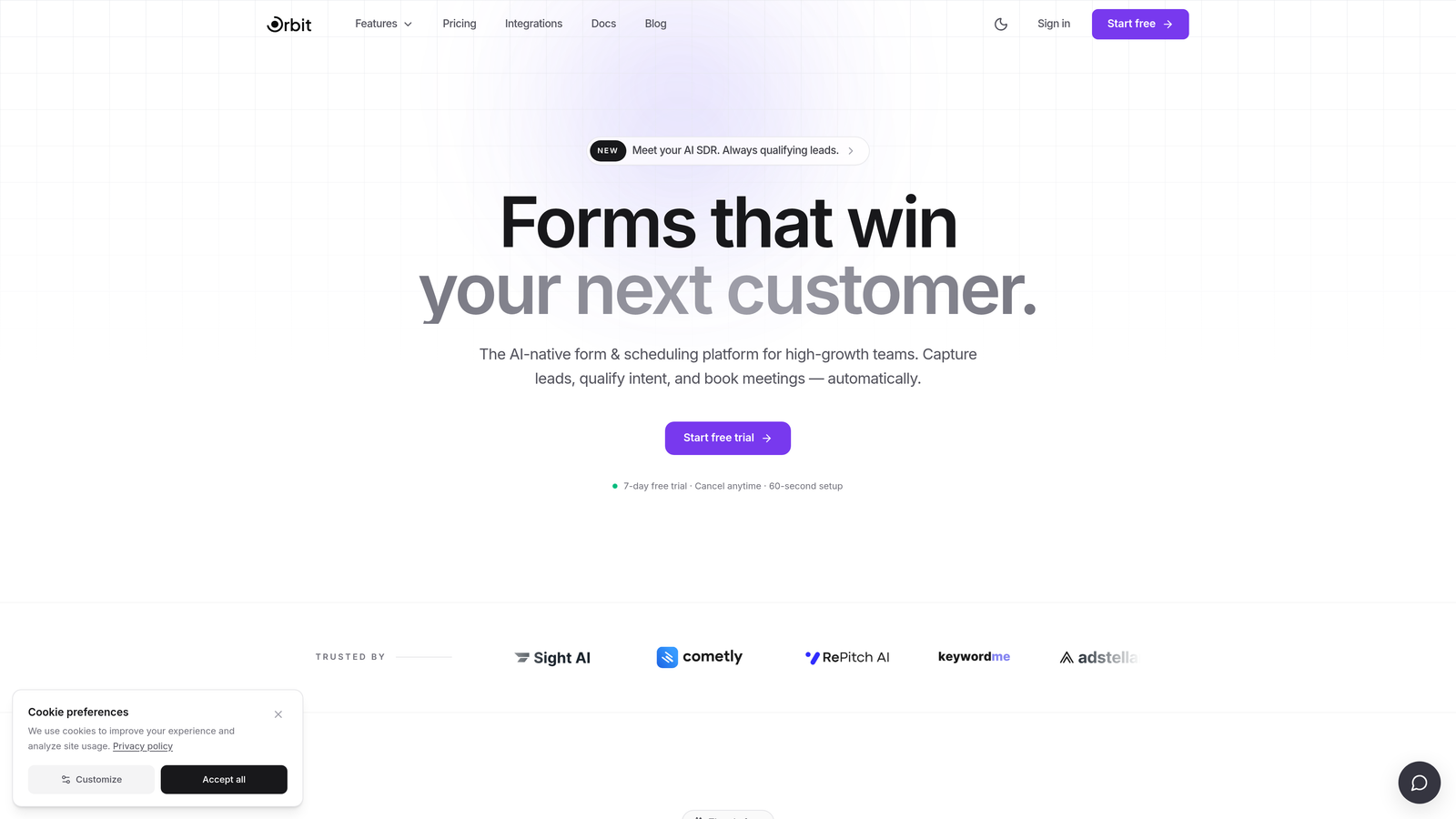
Orbit AI is an AI-powered form builder with native field-level analytics and lead qualification built directly into the platform — no separate analytics tool required.
Where This Tool Shines
Most teams using dedicated form builders have to bolt on a third-party analytics tool just to understand where users are dropping off. Orbit AI eliminates that layer entirely. Field-level abandonment data, per-step completion rates, and real-time conversion insights are surfaced natively inside the platform, alongside AI-powered lead scoring on every submission.
This is particularly valuable for high-growth teams running multi-step qualification flows. Instead of piecing together data from your form builder, an analytics tool, and a CRM, Orbit AI gives you conversion intelligence and lead quality signals in one place. The result is faster iteration and less time spent stitching data together.
Key Features
Native Field-Level Analytics: Track exactly which fields cause drop-off without any third-party setup or event tagging.
AI Lead Qualification and Scoring: Every submission is automatically scored and qualified, so your sales team focuses on the right leads.
Per-Step Completion Data: Multi-step and conditional logic forms surface completion rates at each stage, not just overall.
Real-Time Insights Dashboard: Monitor form performance as it happens, with no integration delays or data lag.
Conversion-Optimized Templates: Purpose-built templates designed for lead generation and high-growth use cases, not generic contact forms.
Best For
Orbit AI is the natural choice for SaaS and B2B teams who are building new forms or ready to migrate away from basic form tools. If your primary goal is capturing and qualifying leads efficiently, and you want abandonment analytics without adding another tool to your stack, this is where to start.
Pricing
Pricing details are available at orbitforms.ai. A free trial is available, making it easy to test the platform with your actual forms before committing.
2. Hotjar
Best for: UX and CRO teams that want behavioral context alongside form drop-off data
Hotjar is a behavioral analytics platform combining heatmaps, session recordings, and form analytics to show where and why users abandon.
Where This Tool Shines
Hotjar's strength is the combination of quantitative and qualitative data in one interface. You can see which field has the highest drop-off rate, then immediately pull session recordings of users who abandoned at that exact point to watch what actually happened. That qualitative layer is genuinely useful for diagnosing confusing field labels, unexpected required fields, or UX friction that raw numbers can't explain.
The platform is also relatively approachable for teams without dedicated analytics engineers. Setup is a single script tag, and the form analytics dashboard is readable without technical training.
Key Features
Field-Level Drop-Off and Time-on-Field Data: See which fields users abandon and how long they spend on each before leaving.
Session Recordings: Watch real user sessions filtered by form interaction behavior for qualitative context.
Heatmaps: Visualize where users click, move, and scroll around your forms and landing pages.
Funnel Analysis: Identify drop-off points before users even reach your form.
Best For
Hotjar works well for marketing and UX teams at growth-stage companies who need both quantitative form data and the ability to watch user sessions without switching platforms. It's a strong choice when you need to explain abandonment patterns to stakeholders visually.
Pricing
A free tier is available with session and feature limits. Paid plans start at $32 per month billed annually, scaling with traffic volume and feature access.
3. Mouseflow
Best for: Teams that need the most granular field-level form behavior data available
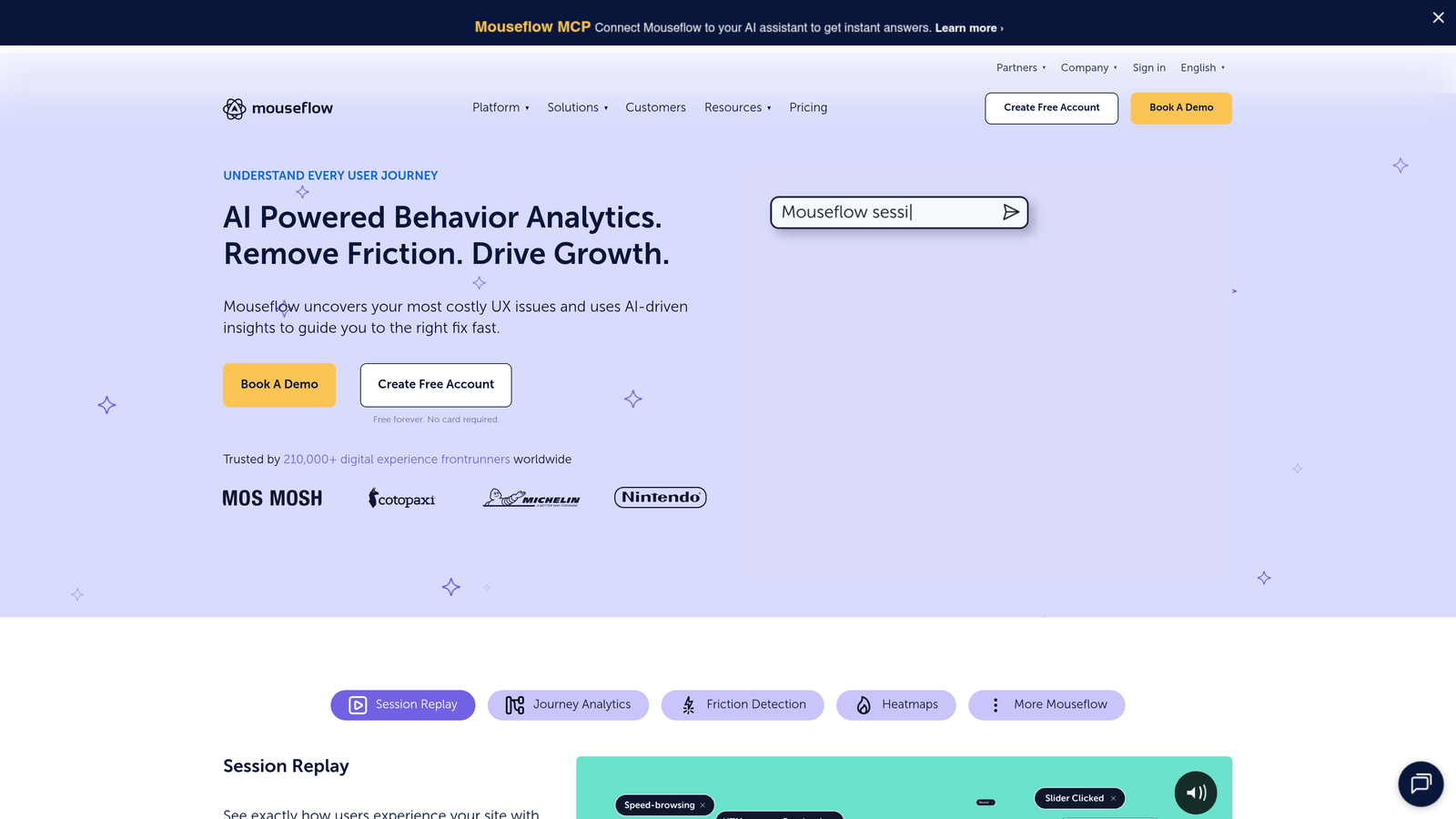
Mouseflow is a session replay and analytics platform with one of the most detailed form analytics engines available, tracking hesitation, corrections, and field-level time data.
Where This Tool Shines
Where most tools tell you a field has a high drop-off rate, Mouseflow tells you users are hesitating for several seconds, starting to type, deleting their entry, and then abandoning. That level of granularity is rare and genuinely actionable. It's particularly useful for identifying fields that cause anxiety, like phone numbers or company size, where users start to engage but then reconsider.
Mouseflow also surfaces correction and re-entry rates per field, which is a useful signal for fields with unclear formatting requirements or confusing labels.
Key Features
Hesitation and Time-on-Field Tracking: See exactly how long users pause before interacting with or abandoning a field.
Correction and Re-Entry Detection: Identify fields where users frequently delete and retype their input.
Blank Submission and Error Rate Reporting: Track validation errors and blank submissions that indicate friction.
Session Replay with Form Filtering: Pull recordings specifically of sessions involving form interaction.
Funnel and Conversion Reports: Analyze the broader conversion path around your forms.
Best For
Mouseflow is ideal for CRO specialists and product teams who want the deepest possible field-level behavioral data. If you're running a rigorous form optimization program and need to distinguish between different types of abandonment behavior, Mouseflow delivers.
Pricing
A free plan is available with limited monthly sessions. Paid plans start at $31 per month, scaling with session volume.
4. Zuko
Best for: Enterprise teams with complex, high-stakes forms that need dedicated form analytics
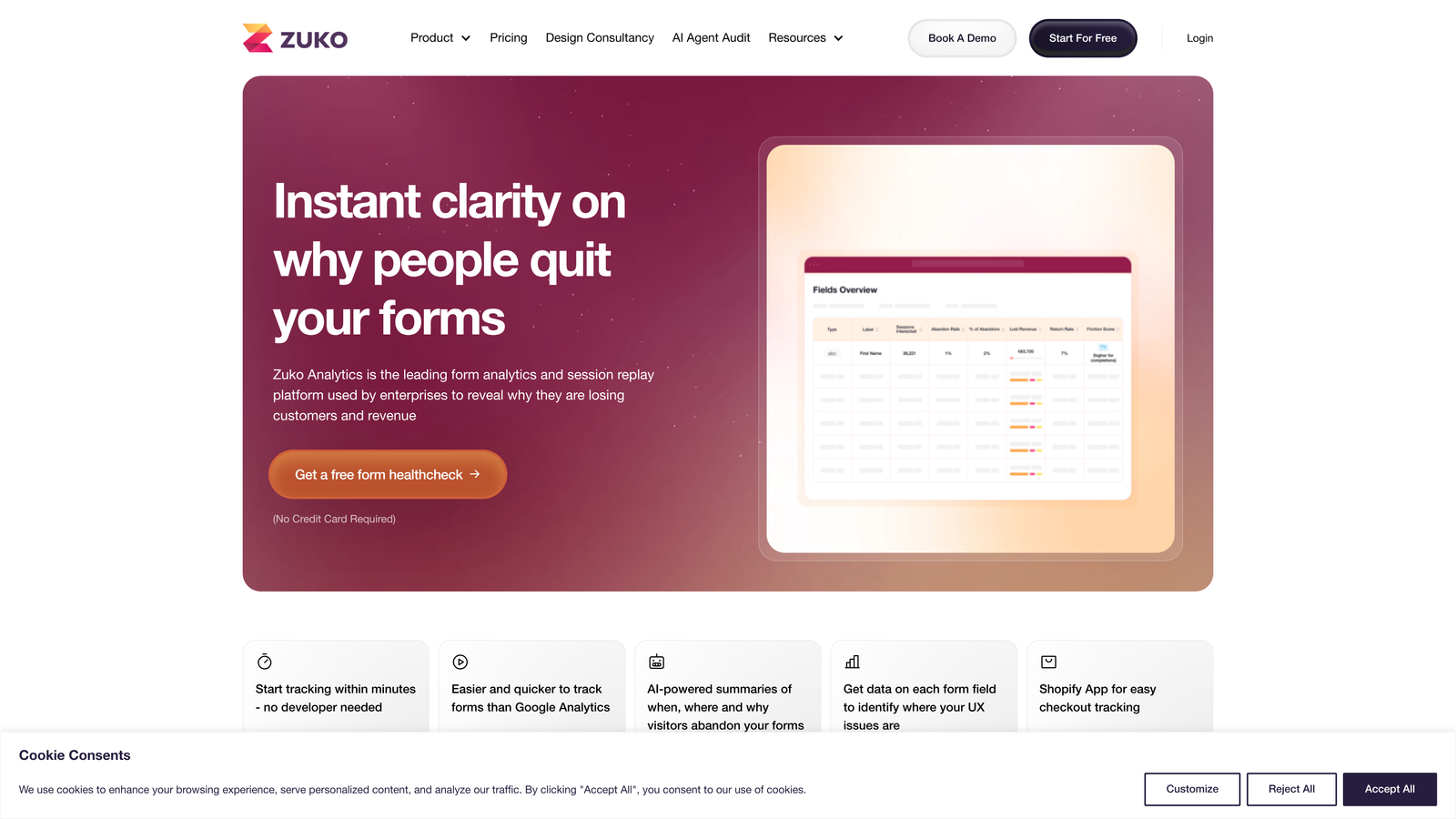
Zuko (formerly Formisimo) is a purpose-built form analytics platform designed exclusively for understanding and improving form performance at scale.
Where This Tool Shines
Zuko is the only tool on this list that does nothing but form analytics. That focus shows in the depth of the product. While other platforms treat form analytics as one feature among many, Zuko's entire interface, reporting structure, and data model is built around forms. For teams running insurance applications, financial onboarding flows, or complex B2B qualification forms, that specialization matters.
The platform works via a JavaScript snippet and integrates with virtually any form on any platform, making it technology-agnostic. You're not locked into a specific form builder to get the data.
Key Features
Dedicated Form Analytics Platform: Every feature is built specifically for form performance analysis, not adapted from a general analytics tool.
Field-Level Abandonment, Return Rate, and Error Tracking: Comprehensive per-field data including users who leave and come back.
Platform-Agnostic via JavaScript Snippet: Works with any form on any website or web application.
Segmentation by Device, Traffic Source, and User Type: Compare form performance across different audience segments.
Historical Benchmarking: Track form performance trends over time to measure the impact of changes.
Best For
Zuko is best suited for enterprise teams and agencies managing complex forms where conversion rate improvements have significant revenue impact. Financial services, insurance, and large B2B SaaS companies are typical strong fits.
Pricing
Plans start at $79 per month. Enterprise plans are available for higher-volume and more complex requirements.
5. FullStory
Best for: Product and growth teams that need retroactive form analysis without manual event configuration
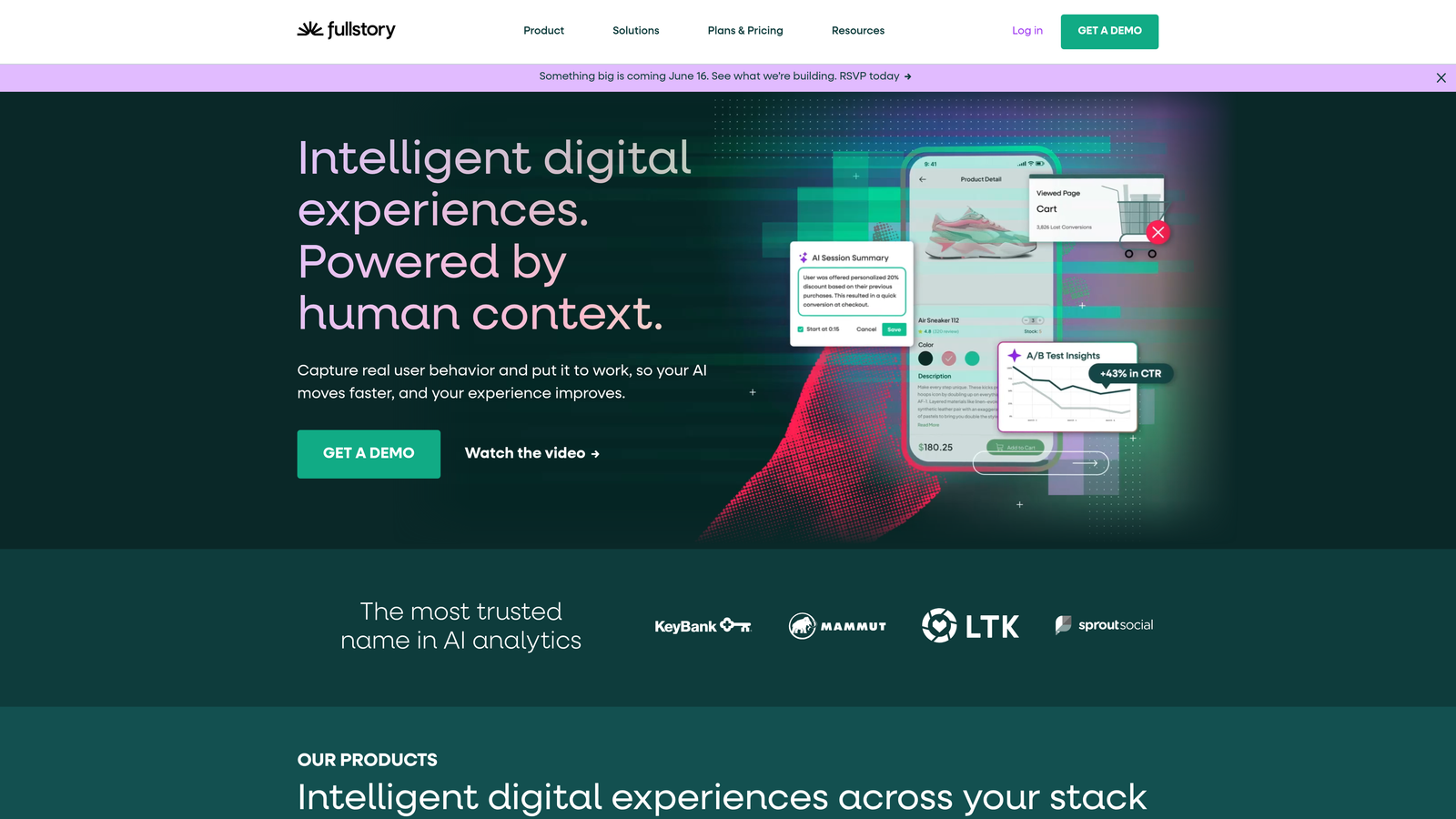
FullStory is a digital experience intelligence platform that autocaptures all user interactions, including form behavior, without requiring manual event tagging.
Where This Tool Shines
The core value proposition of FullStory is autocapture: every click, scroll, input, and form interaction is recorded automatically from the moment the script is installed. This means you can ask questions about form abandonment retroactively, even for events that happened before you knew you needed to track them. For fast-moving teams that launch forms frequently, that flexibility is a genuine advantage.
FullStory's search and segmentation capabilities are also strong, allowing teams to find sessions matching specific form interaction patterns and analyze them at scale rather than watching recordings one by one.
Key Features
Autocapture of All Form Interactions: No tagging, no configuration, no developer time required to start capturing data.
Retroactive Analysis: Query historical form abandonment data for events you didn't explicitly plan to track.
Searchable Session Replay: Find and filter session recordings by specific interaction behaviors.
Funnel Analysis and Conversion Tracking: Map conversion paths across multi-step forms and multi-page flows.
CRM and Analytics Integrations: Connects with major platforms to enrich user data with behavioral signals.
Best For
FullStory is best for product-led growth teams at scaling companies who need comprehensive user behavior data across their entire product, with form analytics as one part of a broader digital experience strategy.
Pricing
A free plan is available with limited data retention and sessions. Paid plans are quote-based and scale with monthly session volume and team size.
6. Heap
Best for: Data-driven teams that want to analyze form behavior retroactively using historical data
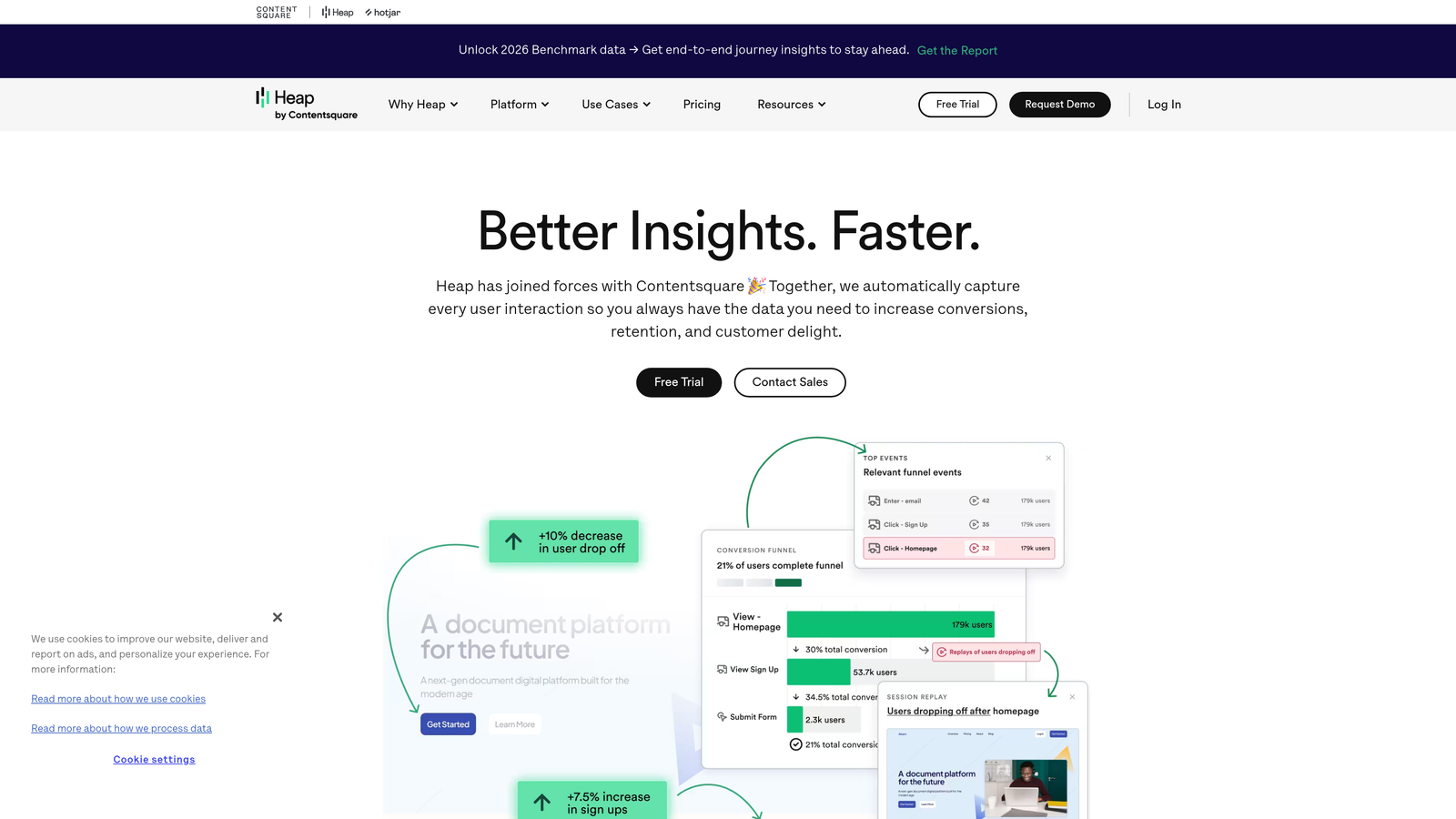
Heap is an analytics platform with autocapture that lets teams retroactively analyze form field interactions and abandonment patterns from historical event data.
Where This Tool Shines
Heap's autocapture model is similar to FullStory's, but with a stronger emphasis on structured analytics and data warehouse integration. Teams can define and label captured events visually after the fact, then build funnels, segments, and cohort analyses around form behavior without writing any code. This is particularly useful for analysts who want to work with form abandonment data in the same environment as their other product metrics.
The retroactive analysis capability means you're never starting from zero. If a new form launches and abandonment becomes a problem two months later, you already have the data to investigate from day one.
Key Features
Autocapture of All User Events: Form interactions are captured automatically alongside all other user behavior.
Retroactive Funnel and Drop-Off Analysis: Build abandonment funnels from historical data without pre-planning your tracking.
Cohort and Segment Analysis: Break down abandonment by user source, behavior, or demographic segment.
Data Warehouse Integration: Push form behavior data to Snowflake, BigQuery, or Redshift for deeper analysis.
Visual Event Labeling: Name and organize captured events without engineering support.
Best For
Heap is a strong fit for analytics-forward teams at growth-stage and enterprise companies who want form abandonment data integrated into their broader product analytics stack, particularly if they're already working with a data warehouse.
Pricing
A free plan is available with limited event volume. Paid plans are quote-based, scaling with monthly events and data retention requirements.
7. Google Analytics 4 (with GTM)
Best for: Teams already invested in the Google ecosystem who have developer resources for custom event setup
Google Analytics 4 is the industry-standard free analytics platform that can track form abandonment through custom events configured via Google Tag Manager.

Where This Tool Shines
The obvious advantage here is cost: GA4 is free for the standard tier with no meaningful traffic limits for most teams. If you're already using GA4 for site analytics and Google Ads for paid acquisition, adding form abandonment tracking via GTM keeps everything in one ecosystem. Funnel exploration reports in GA4 can surface multi-step form drop-off clearly once events are configured correctly.
The honest caveat is that this setup is not plug-and-play. Custom form events require GTM configuration and typically some developer involvement. Teams without technical resources will find dedicated form analytics tools faster to implement and easier to maintain.
Key Features
Free with No Traffic Limits: The standard GA4 tier handles high-volume sites without per-session pricing.
Custom Form Events via Google Tag Manager: Configure field-level tracking and abandonment events with GTM triggers.
Funnel Exploration Reports: Visualize drop-off across multi-step forms and multi-page flows.
Google Ads Integration: Attribute form abandonment to specific paid campaigns and build remarketing audiences.
Audience Segmentation: Create remarketing segments of users who started but didn't complete your forms.
Best For
GA4 with GTM is best for teams with technical resources who are already embedded in the Google ecosystem and want form abandonment data without adding a paid tool. It's less suitable for teams that need rapid setup or field-level behavioral data out of the box.
Pricing
GA4 standard is free. GA4 360, the enterprise version with higher SLA and advanced features, is priced through Google's sales team.
8. Inspectlet
Best for: Startups and SMBs that need field-level abandonment data at an accessible price point
Inspectlet is an affordable session replay and form analytics tool suited to early-stage companies and SMBs that need actionable abandonment data without enterprise pricing.
Where This Tool Shines
Inspectlet occupies a practical middle ground: more form-specific functionality than GA4 alone, but at a fraction of the cost of enterprise platforms. For startups running lean teams and limited budgets, it delivers the core data points that matter most: which fields users are abandoning, how long they spend on each, and session recordings to provide qualitative context.
The setup is straightforward, the interface is approachable for non-technical marketers, and the pricing tiers are designed for lower-traffic sites rather than enterprise session volumes.
Key Features
Form Analytics with Field Interaction Data: Track abandonment, time-on-field, and interaction patterns per field.
Session Replay with Form Filtering: Watch recordings of users who interacted with specific forms.
Heatmaps and Click Tracking: Visualize interaction patterns on form pages and surrounding content.
Error and Rage-Click Detection: Identify validation errors and frustrated user behavior that signals friction.
Best For
Inspectlet is well-suited for startups, small marketing teams, and agencies managing client sites who need solid form abandonment data without committing to enterprise-tier pricing. It's a practical starting point before scaling to more sophisticated platforms.
9. VWO (Visual Website Optimizer)
Best for: CRO teams that want to identify form abandonment and run experiments to fix it in one platform
VWO is a conversion rate optimization suite that combines form abandonment analytics with built-in A/B testing, so teams can identify and address drop-off without switching tools.
Where This Tool Shines
The core differentiator for VWO is the closed loop between insight and action. Most analytics tools tell you where users are abandoning your form. VWO lets you immediately design an experiment to test a fix, run it against your live traffic, and measure the impact, all inside the same platform. For dedicated CRO teams running structured optimization programs, eliminating the tool-switching overhead is a real productivity gain.
The platform also includes session recordings and heatmaps, so the qualitative and quantitative layers are available without adding Hotjar or a similar tool alongside it.
Key Features
Field-Level Drop-Off Reporting: Identify which form fields are causing the most abandonment.
Native A/B and Multivariate Testing: Move directly from identifying an abandonment problem to running an experiment on the fix.
Session Recordings and Heatmaps: Qualitative context for abandonment data without a separate tool.
Multi-Step Funnel Analysis: Track completion rates across each stage of complex form flows.
Hypothesis and Experiment Management: Structured workflow for running and documenting CRO experiments.
Best For
VWO is the right choice for growth and CRO teams running ongoing experimentation programs who want form analytics and A/B testing in a single platform. It's best suited to companies with meaningful traffic volumes where experiments can reach statistical significance efficiently.
Pricing
Plans start at $199 per month, scaling with monthly tracked users. The pricing reflects the combined value of analytics, testing, and qualitative research in one platform.
Choosing the Right Tool for Your Team
The best form abandonment analytics tool depends on what your team actually needs, not just what has the most features. Here's a quick way to think through the decision.
If you're building new forms or ready to switch form builders: Start with Orbit AI. You get field-level abandonment analytics, per-step completion data, and AI lead qualification built into the form builder itself. No additional tool required, and no integration overhead to manage.
If you need behavioral context around existing forms: Hotjar or Mouseflow give you the combination of quantitative field data and session recordings that makes abandonment patterns understandable, not just measurable. Mouseflow is the stronger choice if field-level granularity is the priority.
If you manage enterprise-scale or high-stakes forms: Zuko's dedicated focus on form analytics makes it the most thorough option for complex financial, insurance, or B2B qualification flows where small conversion improvements have significant revenue impact.
If your team runs structured CRO experiments: VWO closes the loop between identifying abandonment and testing fixes, which is a meaningful advantage for teams running continuous optimization programs.
If budget is the primary constraint: GA4 with GTM is free and powerful if you have developer resources. Inspectlet offers field-level data at accessible pricing for teams that need something ready to go without custom configuration.
Form abandonment rarely has a single cause, and the right tool helps you find the specific friction points that matter for your audience and your form design. The fastest path to better conversion is usually combining a solid analytics foundation with a form-building platform designed for performance from the start.
Transform your lead generation with AI-powered forms that qualify prospects automatically while delivering the modern, conversion-optimized experience your high-growth team needs. Start your free trial today and see how intelligent form design can elevate your conversion strategy.