

Your forms are collecting data, but are they collecting insights? Every abandoned field, every drop-off point, every hesitation before submission tells a story about your conversion funnel. Form analytics and tracking software transforms raw submission data into actionable intelligence—revealing exactly where prospects lose interest and what drives them to convert. Whether you're optimizing lead generation forms, checkout flows, or signup sequences, the right analytics tool can mean the difference between guessing and knowing. Here are the top form analytics platforms based on tracking depth, ease of implementation, integration capabilities, and value for growing teams.
1. Orbit AI
Best for: Teams wanting AI-powered forms with native conversion analytics and lead qualification
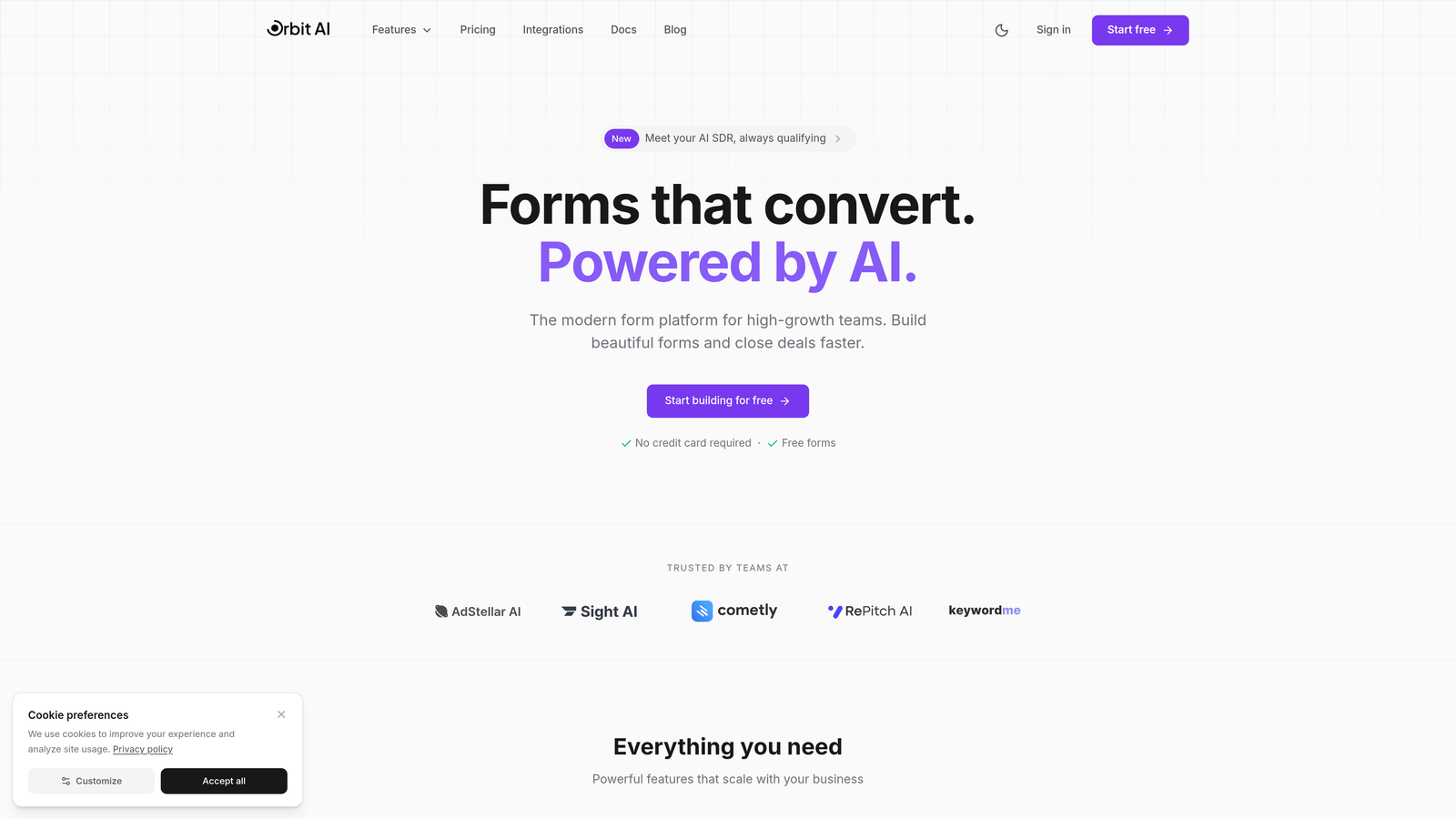
Orbit AI combines form building with intelligent analytics in a single platform designed for high-growth teams.
Where This Tool Shines
Orbit AI eliminates the disconnect between form creation and analytics by building tracking directly into the form builder. Instead of installing separate tracking scripts or connecting third-party tools, you get conversion metrics and lead quality insights from the moment your form goes live.
The AI-powered lead qualification adds a dimension most analytics tools miss—not just tracking who submitted, but automatically scoring lead quality based on response patterns. This means you're measuring both quantity and quality of conversions simultaneously.
Key Features
Built-in Conversion Analytics: Track form performance, submission rates, and field completion without external tools.
AI-Powered Lead Qualification: Automatically score and prioritize leads based on submission data and behavioral signals.
Field-Level Performance Tracking: See which form fields create friction and where users hesitate or abandon.
Real-Time Submission Monitoring: Watch form submissions and analytics update live as prospects interact with your forms.
CRM and Marketing Integration: Connect analytics data directly to your existing sales and marketing stack.
Best For
High-growth teams who want to build conversion-optimized forms and track performance in one platform. Particularly valuable for businesses that need both form analytics and lead qualification without managing multiple tools.
Pricing
Free tier available for teams getting started. Paid plans begin at $29/month with expanded analytics features and higher submission limits.
2. Hotjar
Best for: Visual learners who need session recordings and heatmaps alongside form analytics
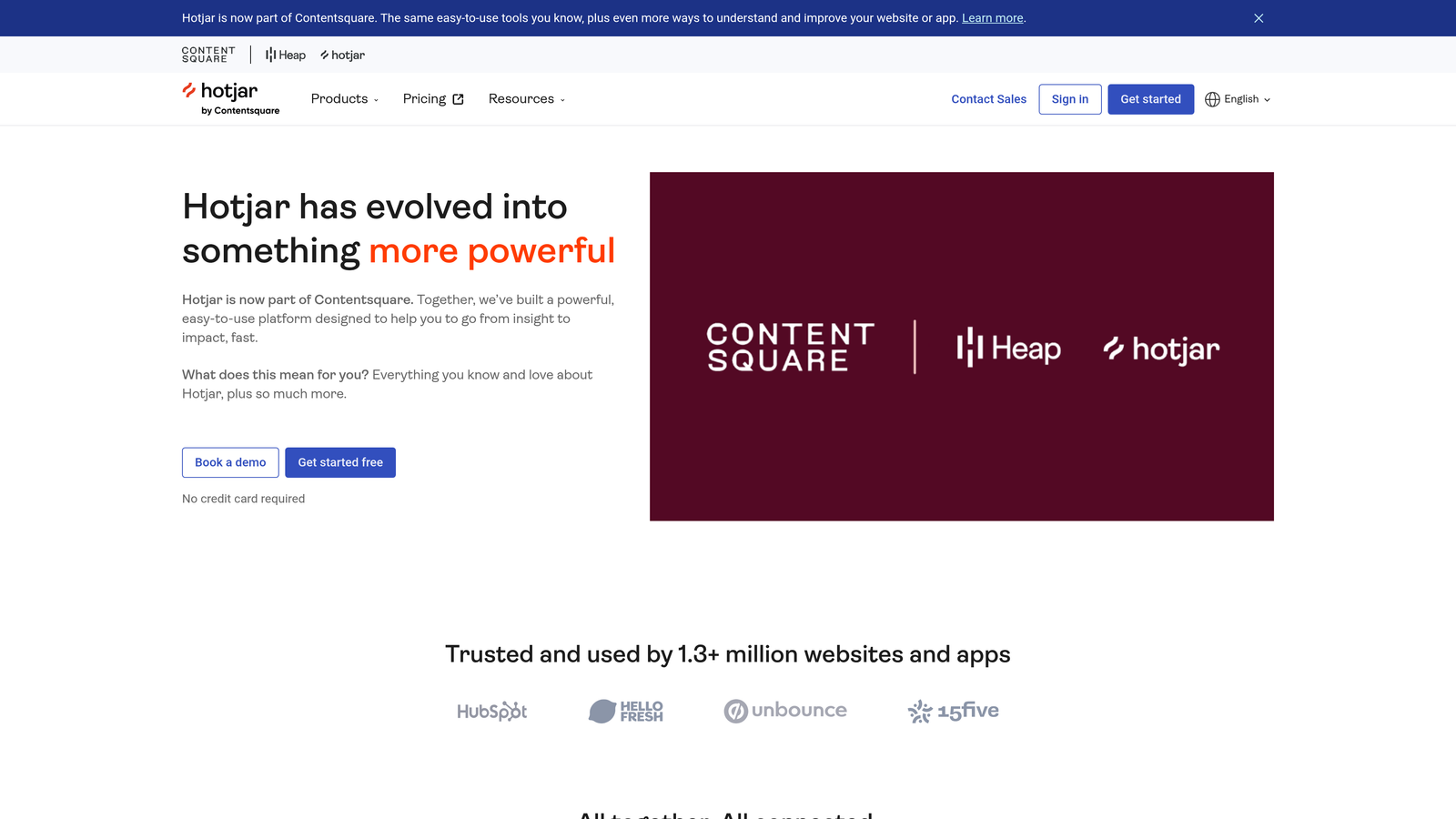
Hotjar is a behavior analytics platform that combines form tracking with visual tools like heatmaps and session recordings.
Where This Tool Shines
Hotjar excels at showing you the "why" behind form abandonment through session recordings. You can watch actual users interact with your forms, seeing exactly where they pause, backtrack, or give up. This qualitative insight complements the quantitative metrics most analytics tools provide.
The heatmap feature reveals click patterns and attention zones across your forms, helping you understand which fields draw focus and which get ignored. Combined with feedback polls, you get both behavioral data and direct user input about form experience.
Key Features
Form Abandonment Tracking: Identify exactly which fields cause users to leave without submitting.
Session Recordings: Watch real user interactions with your forms to spot usability issues.
Heatmaps: Visualize where users click, move, and scroll within your form pages.
Feedback Polls: Collect qualitative insights directly from users about their form experience.
No-Code Installation: Add Hotjar to your site with a simple script—no developer required.
Best For
Marketing teams and UX designers who want to understand user behavior visually. Ideal if you need to diagnose form issues through actual user recordings rather than just numerical data.
Pricing
Free tier available with basic features and limited sessions. Paid plans start at $32/month with increased recording limits and advanced features.
3. Mouseflow
Best for: Teams needing dedicated form analytics with friction scoring and funnel visualization
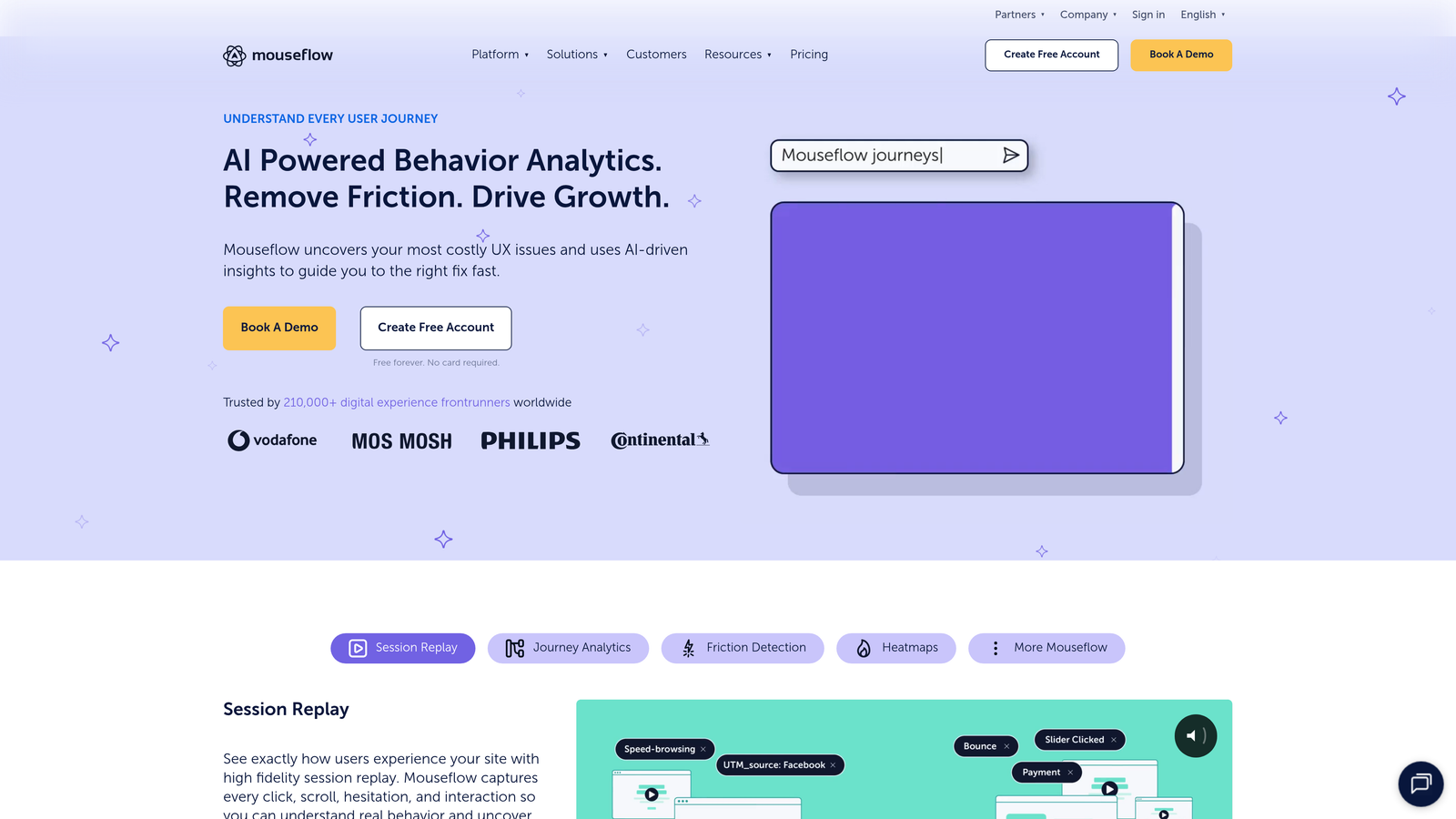
Mouseflow is a session replay and analytics tool with specialized form tracking capabilities built for conversion optimization.
Where This Tool Shines
Mouseflow's friction score is particularly valuable—it automatically calculates how difficult each form field is for users based on hesitation time, corrections, and abandonment rates. This single metric helps you prioritize which fields to optimize first.
The platform's ability to filter session replays by form interaction means you can watch only the sessions where users engaged with specific forms, saving hours of manual review. The funnel analysis shows exactly where multi-step forms lose momentum.
Key Features
Form Analytics Dashboard: Centralized view of all form performance metrics and user behavior patterns.
Field Drop-Off Visualization: See precisely which fields cause users to abandon your forms.
Friction Score Per Field: Automated scoring system that identifies problematic form fields.
Filtered Session Replays: Watch only sessions where users interacted with specific forms.
Funnel Analysis: Track user progression through multi-step forms and identify drop-off points.
Best For
Conversion rate optimization specialists and product teams managing complex forms. Best suited for businesses with longer forms where field-level friction analysis provides significant value.
Pricing
Free tier available for small sites. Paid plans begin at $31/month with expanded recording capacity and advanced analytics features.
4. Zuko Analytics
Best for: Optimizing complex multi-step forms with detailed field-by-field performance data
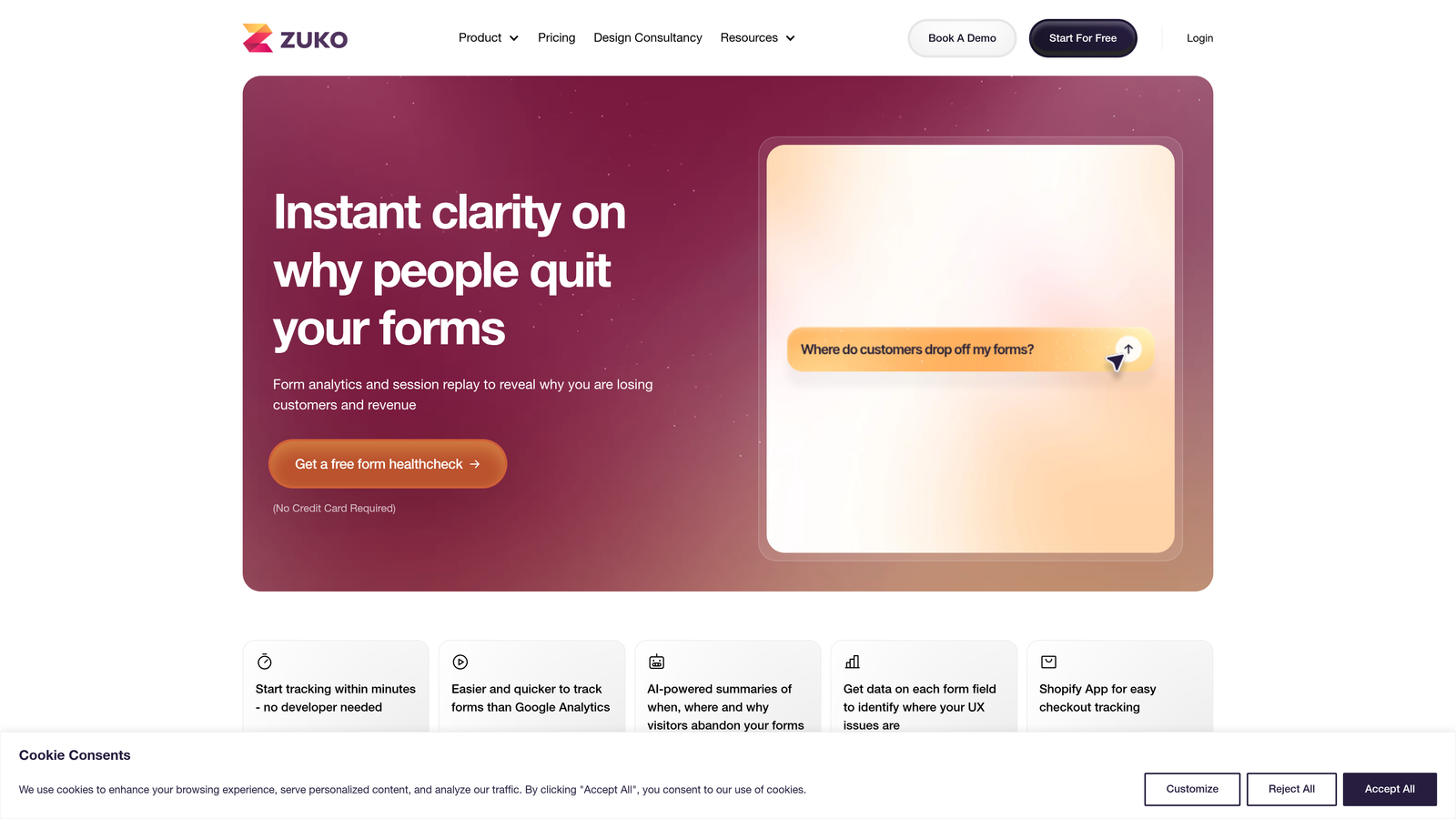
Zuko Analytics is purpose-built for form optimization, focusing exclusively on form performance metrics.
Where This Tool Shines
Zuko's laser focus on forms means it tracks metrics other platforms miss. Time-to-complete per field, field correction rates, and abandonment patterns are all presented with exceptional clarity. The platform identifies "problem fields" automatically, flagging areas that need attention.
The A/B test integration is particularly powerful for teams running form experiments. Zuko tracks performance across test variants, showing which form designs actually improve completion rates rather than just collecting more data.
Key Features
Field-by-Field Abandonment Tracking: Precise data on where users quit your forms.
Time-to-Complete Metrics: Understand how long users spend on each field and overall form completion.
Problem Field Identification: Automatic flagging of fields causing the most friction.
A/B Test Integration: Compare form variant performance with built-in testing analytics.
Multi-Step Form Funnel Analysis: Track user progression through complex, multi-page form flows.
Best For
E-commerce checkout optimization, insurance quote forms, and any business with complex forms where small improvements drive significant revenue. Teams serious about form conversion will appreciate the depth of analysis.
Pricing
Plans start at $140/month, positioned as a specialized tool for businesses where form optimization directly impacts revenue.
5. FullStory
Best for: Enterprise teams needing comprehensive digital experience analytics with privacy controls
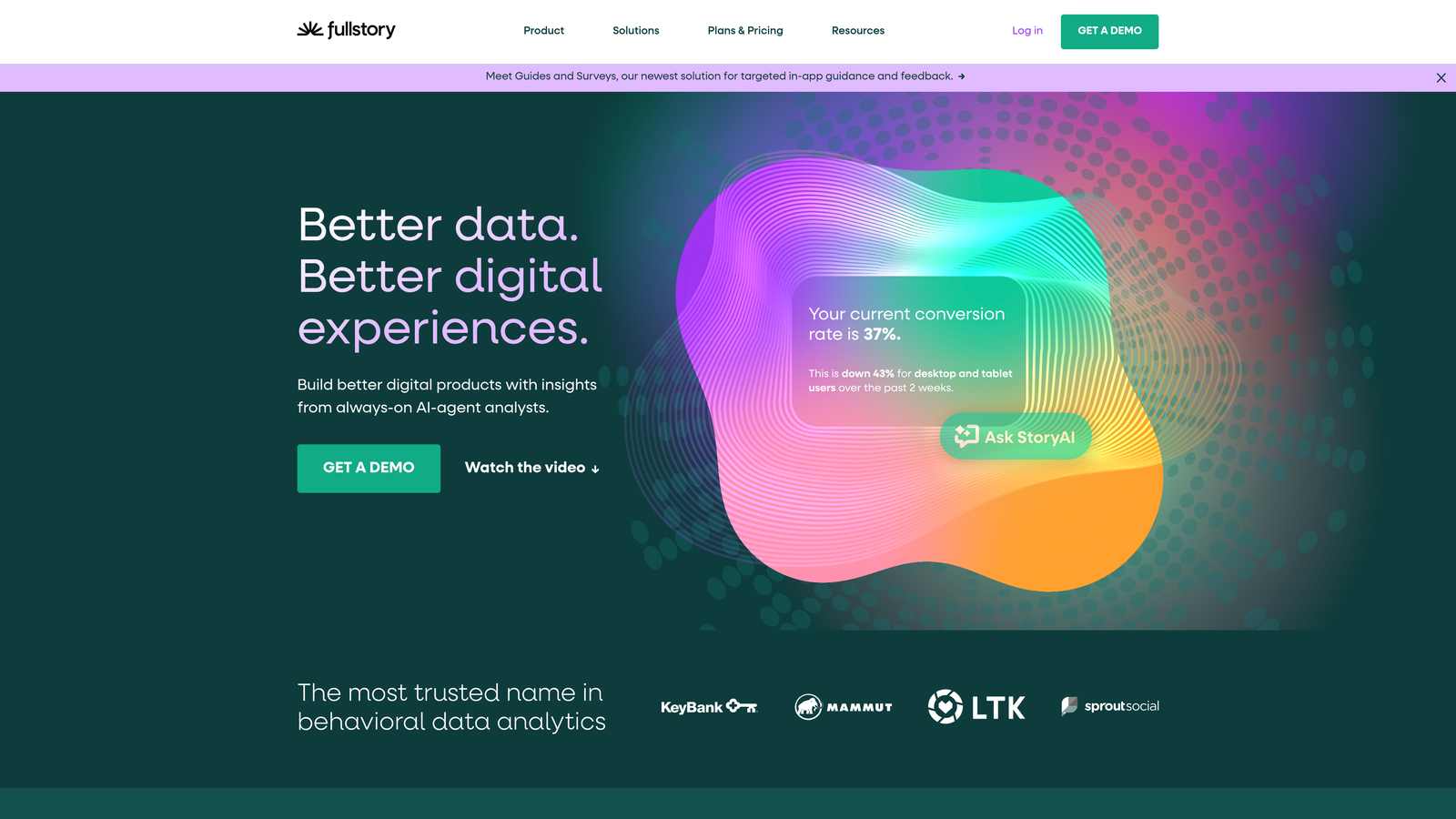
FullStory is an enterprise digital experience platform that captures form interactions as part of broader user journey tracking.
Where This Tool Shines
FullStory's rage click and frustration detection automatically identifies when users are struggling with forms—clicking repeatedly on non-clickable elements or rapidly correcting entries. These signals often reveal usability issues before they show up in abandonment metrics.
The searchable session replay feature lets you find specific form interactions instantly. Search for users who abandoned at a particular field, spent excessive time on a question, or submitted with errors—then watch their sessions to understand why.
Key Features
Rage Click Detection: Automatically flag sessions where users show frustration with form elements.
Auto-Captured Form Events: Track all form interactions without manual event configuration.
Searchable Session Replay: Find and watch specific form interaction patterns across thousands of sessions.
Custom Funnel Building: Create form-specific funnels that track user progression and drop-off.
Privacy-First Data Controls: Enterprise-grade data masking and privacy compliance features.
Best For
Enterprise product teams and large-scale SaaS companies that need form analytics integrated with broader product analytics. Particularly valuable for organizations with strict privacy requirements.
Pricing
Custom enterprise pricing based on session volume and feature requirements. Designed for larger organizations with substantial traffic.
6. Lucky Orange
Best for: Real-time form monitoring with live activity dashboards and conversion optimization tools
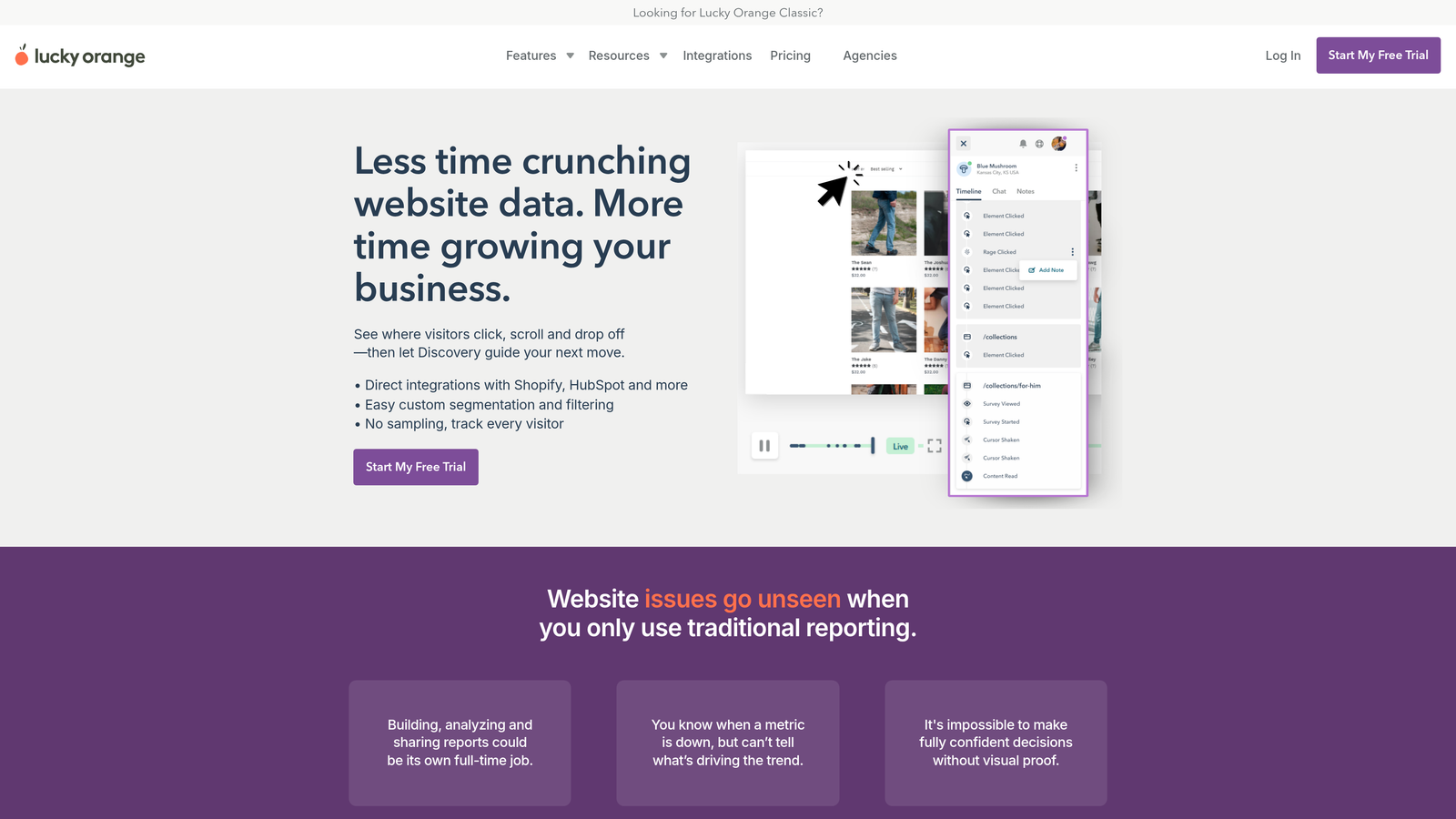
Lucky Orange is an all-in-one conversion suite that includes form analytics alongside live chat and visitor tracking.
Where This Tool Shines
The live form activity dashboard shows you who's filling out forms right now, creating opportunities for real-time intervention. If you see a high-value prospect struggling with your contact form, you can trigger a live chat to assist immediately.
Lucky Orange combines form analytics with dynamic heatmaps that update based on user segments. See how mobile users interact with your forms differently than desktop users, or how first-time visitors behave compared to returning customers.
Key Features
Live Form Activity Dashboard: Monitor form submissions and interactions in real-time as they happen.
Dynamic Heatmaps: Segment heatmap data by device type, traffic source, or user behavior.
Session Recordings: Watch full user sessions including form interactions and abandonment patterns.
Conversion Funnels: Track user progression through forms and identify drop-off stages.
Live Chat Integration: Engage users who show signs of form abandonment or frustration.
Best For
Small to medium businesses that want form analytics combined with proactive customer engagement. Ideal for teams that value real-time visibility and want to intervene during the conversion process.
Pricing
Free tier available for small sites. Paid plans start at $32/month with increased session limits and advanced features.
7. Formisimo
Best for: Field-level optimization metrics with benchmark comparisons and detailed reporting
Formisimo is a dedicated form analytics tool focused exclusively on field-level performance optimization.
Where This Tool Shines
Formisimo's time-per-field tracking reveals which questions require excessive cognitive effort. If users spend three times longer on your "Company Size" dropdown than industry benchmarks suggest, you know the options are confusing or poorly organized.
The field correction rate analysis is particularly insightful—tracking how often users backtrack to fix entries. High correction rates often indicate unclear labels, validation errors, or formatting confusion that standard analytics miss.
Key Features
Time-Per-Field Tracking: Measure how long users spend on each form field to identify friction points.
Field Correction Rate Analysis: Track how often users return to fix entries in specific fields.
Abandonment Point Identification: Pinpoint exactly which fields cause users to quit your forms.
Benchmark Comparisons: Compare your form performance against industry standards and best practices.
Detailed Field Reports: Export comprehensive data on individual field performance for stakeholder reporting.
Best For
Form optimization specialists and conversion teams that need granular field-level data. Best for organizations managing multiple forms where systematic optimization drives measurable business impact.
Pricing
Plans start at $99/month, positioned for businesses serious about form conversion optimization.
8. Google Analytics 4
Best for: Budget-conscious teams already using Google's ecosystem for marketing analytics
Google Analytics 4 is Google's free analytics platform with enhanced measurement capabilities for tracking form interactions.
Where This Tool Shines
GA4's enhanced measurement automatically tracks form interactions without manual event configuration, making it accessible for teams without dedicated analytics resources. The integration with Google Ads and Google Tag Manager creates a unified ecosystem for tracking form performance alongside broader marketing campaigns.
The platform's conversion tracking connects form submissions to traffic sources, showing which marketing channels drive the highest quality form completions. This attribution insight helps teams optimize their entire funnel, not just the form itself.
Key Features
Form Interaction Events: Automatically track form starts, field interactions, and submissions.
Conversion Tracking: Measure form completions as conversions and track them across marketing channels.
Google Ecosystem Integration: Connect form data with Google Ads, Search Console, and Tag Manager.
Custom Event Configuration: Set up specific form events tailored to your tracking needs.
Free Unlimited Usage: No cost regardless of traffic volume or number of forms tracked.
Best For
Small businesses and startups that need basic form tracking without additional software costs. Teams already invested in Google's marketing tools will find the integration particularly valuable.
Pricing
Completely free with unlimited usage, making it the most budget-friendly option for form analytics.
9. Heap
Best for: Product teams needing retroactive form analysis without manual event tagging
Heap is a product analytics platform that automatically captures all user interactions, enabling form analysis without pre-configured tracking.
Where This Tool Shines
Heap's auto-capture means you can analyze form performance retroactively. Launched a new form last month but forgot to set up tracking? With Heap, the data was captured automatically—you can build form analytics reports for past interactions without losing historical data.
The user journey mapping shows how form interactions fit into broader product usage patterns. See what users did before encountering your form, how form completion correlates with product adoption, and which user segments convert at higher rates.
Key Features
Auto-Capture of All Interactions: Automatically track every form interaction without manual event setup.
Retroactive Form Analysis: Analyze form performance from before you configured specific tracking.
No Manual Event Tagging: Skip the development work required by other analytics platforms.
User Journey Mapping: Understand how forms fit into broader user behavior and product usage.
Segment-Based Analysis: Compare form performance across different user segments and cohorts.
Best For
Product-led growth companies and SaaS platforms where forms are part of the in-app experience. Particularly valuable for teams that need flexibility to analyze form data without planning tracking in advance.
Pricing
Free tier available for small teams. Paid plans use custom pricing based on data volume and feature requirements.
Making the Right Choice
The best form analytics tool depends on your specific needs and existing stack. If you want AI-powered forms with native analytics that qualify leads automatically, Orbit AI delivers both form building and tracking in one platform. For teams that learn best from visual data and session recordings, Hotjar or Lucky Orange provide the qualitative insights that raw numbers miss.
When form optimization is mission-critical—think e-commerce checkouts or insurance quote forms—dedicated tools like Zuko or Formisimo offer the field-level depth that justifies their higher price points. Enterprise product teams managing complex user journeys will appreciate FullStory's comprehensive tracking and privacy controls, while Heap's auto-capture suits product-led growth companies that need retroactive analysis flexibility.
Budget-conscious teams already using Google's marketing tools can start with GA4's free form tracking, though you'll sacrifice the specialized features that dedicated form analytics platforms provide. The key is matching tool capabilities to your optimization goals—basic conversion tracking requires different tools than systematic field-level optimization.
Consider your team's workflow, too. If you're building new forms regularly, an integrated solution like Orbit AI eliminates the friction of connecting separate form builders and analytics tools. If you're optimizing existing forms across multiple platforms, a standalone analytics tool that works with any form makes more sense.
Transform your lead generation with AI-powered forms that qualify prospects automatically while delivering the modern, conversion-optimized experience your high-growth team needs. Start your free trial today and see how intelligent form design can elevate your conversion strategy.


