Your forms are leaking leads—and without the right analytics, you'll never know where or why. Form analytics tools reveal the hidden story behind every abandoned field, hesitation, and drop-off, turning raw submission data into actionable insights. Whether you're optimizing lead capture forms, checkout flows, or multi-step surveys, these tools help you understand user behavior at the field level. We evaluated dozens of platforms based on depth of analytics, ease of implementation, integration capabilities, and value for growing teams. Here are the top form analytics tools that will help you stop guessing and start converting.
1. Orbit AI
Best for: Teams wanting analytics built directly into their form builder without third-party integrations
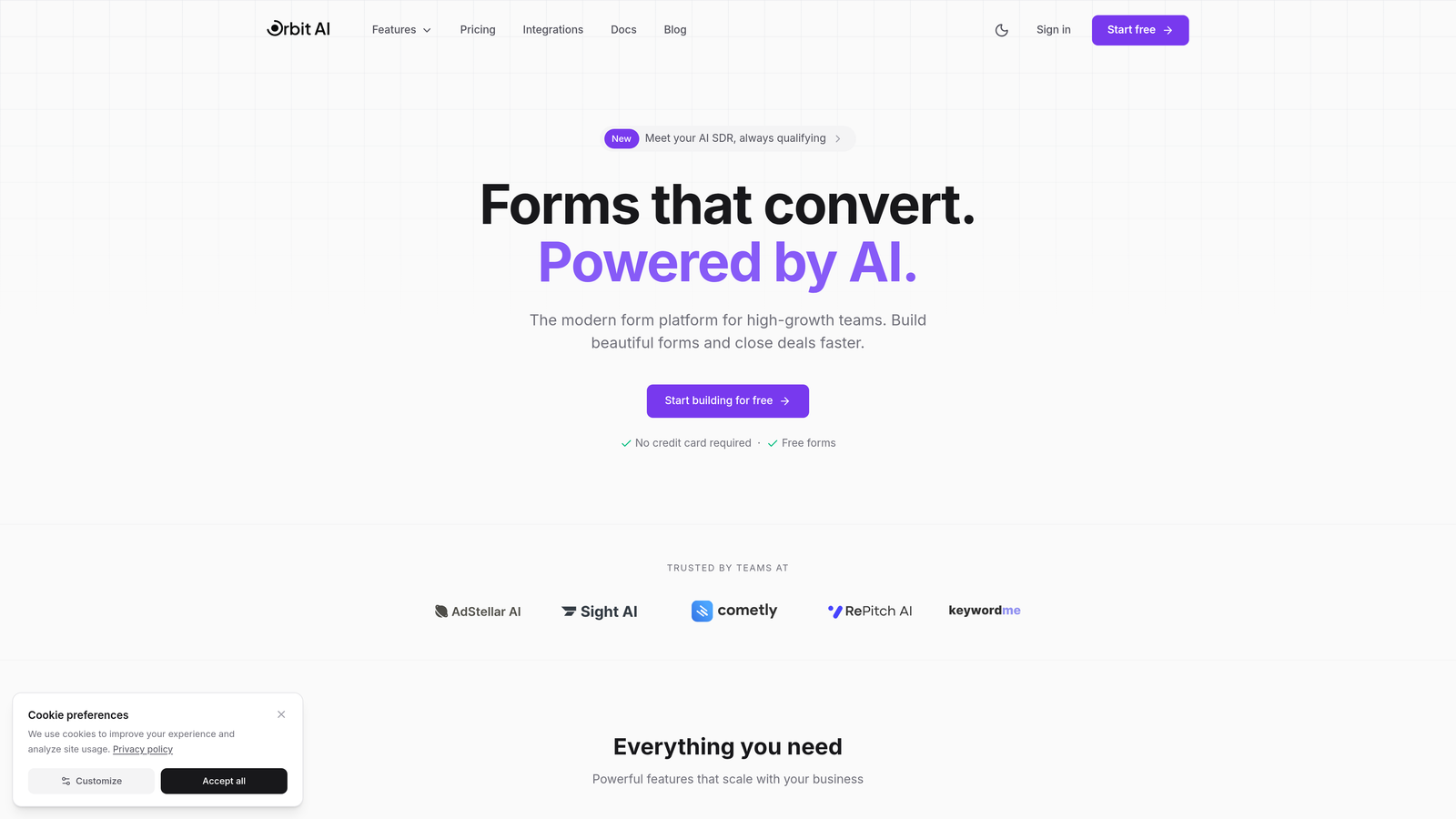
Orbit AI combines form building with native analytics, eliminating the need to connect separate tracking tools.
Where This Tool Shines
Orbit AI takes a different approach by building analytics directly into the form creation process. Instead of adding tracking pixels or connecting external platforms, you get field-level performance data the moment someone interacts with your forms.
The AI-powered lead qualification scoring stands out because it doesn't just tell you how many submissions you received—it evaluates lead quality automatically, helping you prioritize follow-ups based on actual conversion potential rather than gut feeling.
Key Features
Built-in Analytics Dashboard: Access form performance metrics without leaving the platform or configuring external tools.
AI-Powered Lead Qualification: Automatically score and prioritize leads based on response patterns and engagement signals.
Field-Level Drop-Off Tracking: Identify exactly which questions cause friction and where users abandon your forms.
Conversion Rate Optimization Insights: Get actionable recommendations for improving form performance based on behavioral data.
Native CRM Integrations: Send qualified leads directly to your sales tools with form data and analytics attached.
Best For
High-growth teams who want to build conversion-optimized forms without juggling multiple analytics platforms. Particularly valuable for businesses focused on lead generation where understanding both quantity and quality of submissions matters equally.
Pricing
Free tier available for teams getting started. Paid plans offer advanced analytics and scalable form limits at competitive rates designed for growing businesses.
2. Hotjar
Best for: Visual learners who need to see exactly how users interact with forms
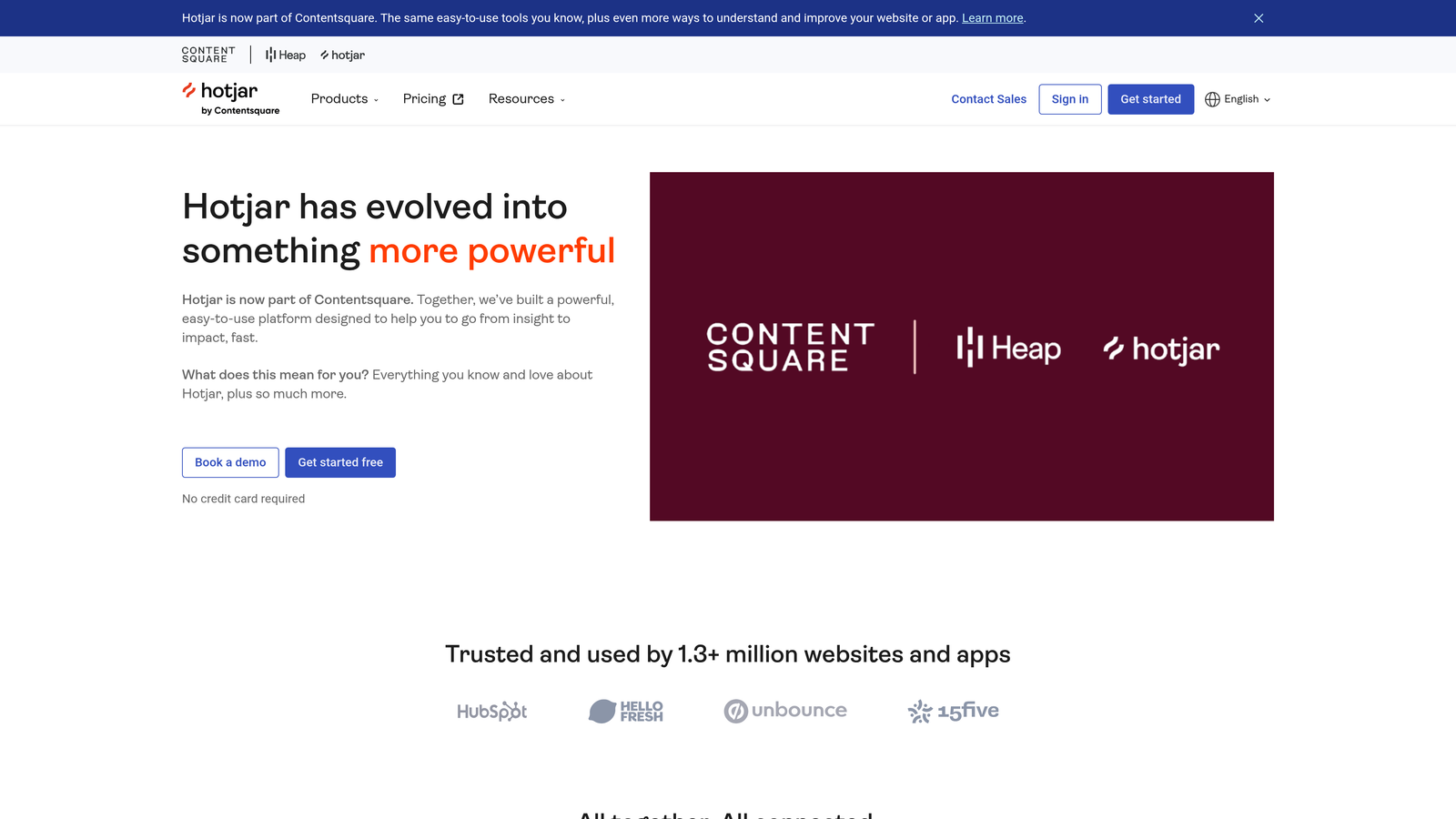
Hotjar combines form analytics with heatmaps and session recordings for comprehensive behavior analysis.
Where This Tool Shines
Hotjar excels at showing you the "why" behind form abandonment through visual data. Watching session recordings of real users struggling with specific fields provides context that raw numbers can't capture.
The combination of quantitative form reports and qualitative session replays creates a complete picture. You'll spot patterns like users repeatedly clicking inactive elements or hesitating before certain questions—insights that pure analytics might miss.
Key Features
Form Abandonment Reports: Track which fields cause users to leave and calculate abandonment rates for each step.
Session Recordings: Watch real user interactions with your forms to understand frustration points and confusion.
Heatmaps: Visualize where users click, move, and scroll within your form pages.
User Feedback Widgets: Collect direct input from users about why they abandoned or what confused them.
Funnel Analysis: Track completion rates across multi-step forms to identify drop-off stages.
Best For
Marketing teams and UX designers who prefer visual data and want to combine form analytics with broader website behavior analysis. Ideal when you need to present findings to stakeholders who respond better to videos than spreadsheets.
Pricing
Free plan available with basic features. Paid plans start at $32/month with increased session recording limits and advanced features.
3. Zuko Analytics
Best for: Dedicated form optimization specialists who need industry benchmarking
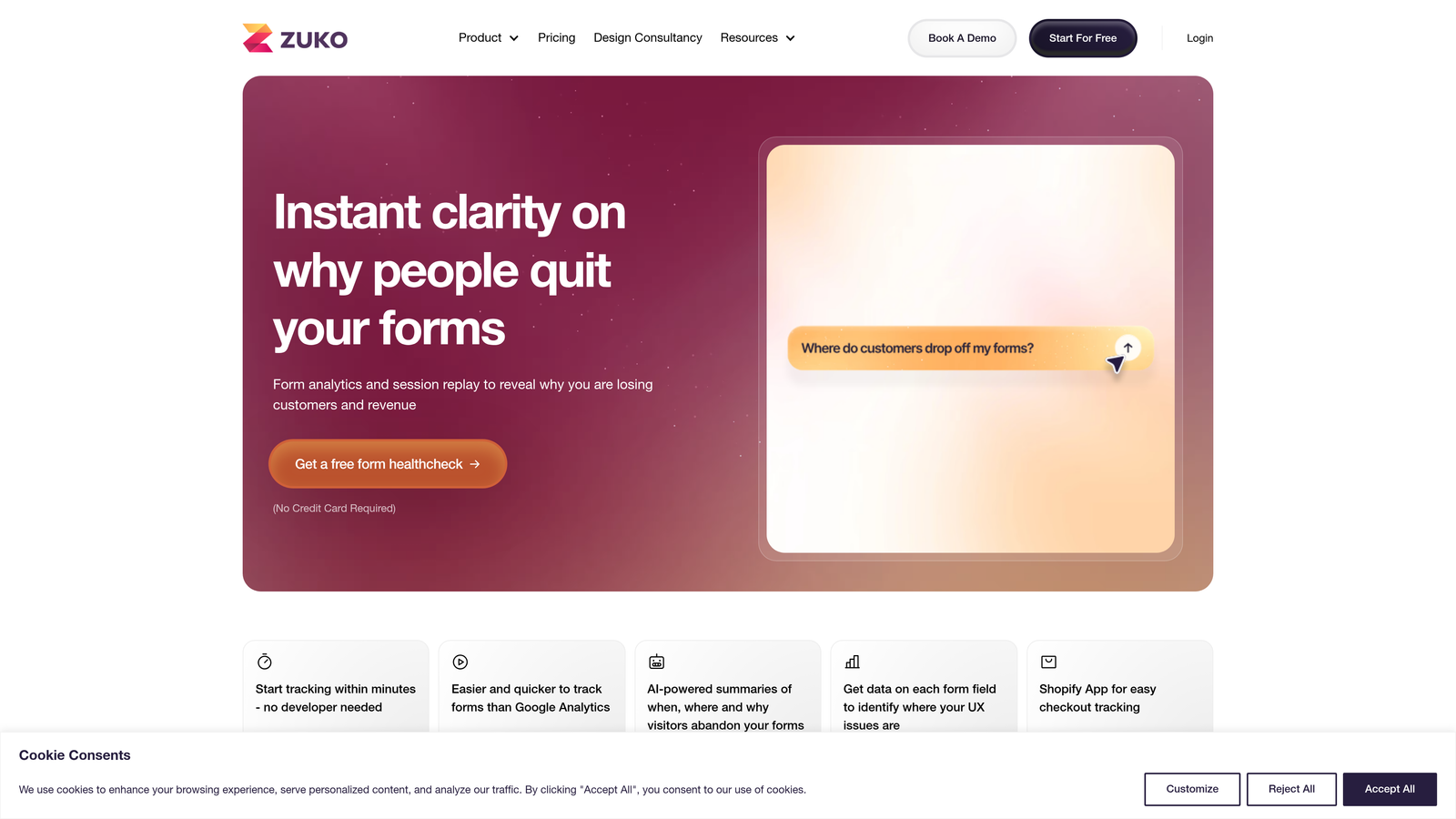
Zuko Analytics focuses exclusively on form performance with deep field-level insights and competitive comparisons.
Where This Tool Shines
Zuko's laser focus on forms means every feature addresses a specific optimization need. The industry benchmark comparisons are particularly valuable—you'll know if your 23% abandonment rate is actually good or terrible for your sector.
The platform automatically identifies problem fields by analyzing patterns across thousands of form submissions. Instead of manually reviewing data, Zuko surfaces the specific questions causing friction so you can prioritize fixes that actually move the needle.
Key Features
Field-by-Field Analysis: Get granular metrics on completion rates, time spent, and corrections for every form element.
Industry Benchmarks: Compare your form performance against similar companies in your sector.
Problem Field Identification: Automated detection of fields with unusually high abandonment or correction rates.
Session Replay: Review individual user journeys through your forms to understand specific friction points.
Custom Event Tracking: Monitor specific interactions beyond standard form fields for advanced optimization.
Best For
Conversion rate optimization specialists and growth teams managing multiple forms who need sophisticated analytics to justify redesign decisions. Works well for e-commerce checkout optimization and complex lead generation forms.
Pricing
Plans start around $100/month based on monthly form submissions. Custom pricing available for high-volume enterprise needs.
4. Microsoft Clarity
Best for: Budget-conscious teams needing unlimited analytics without traffic caps
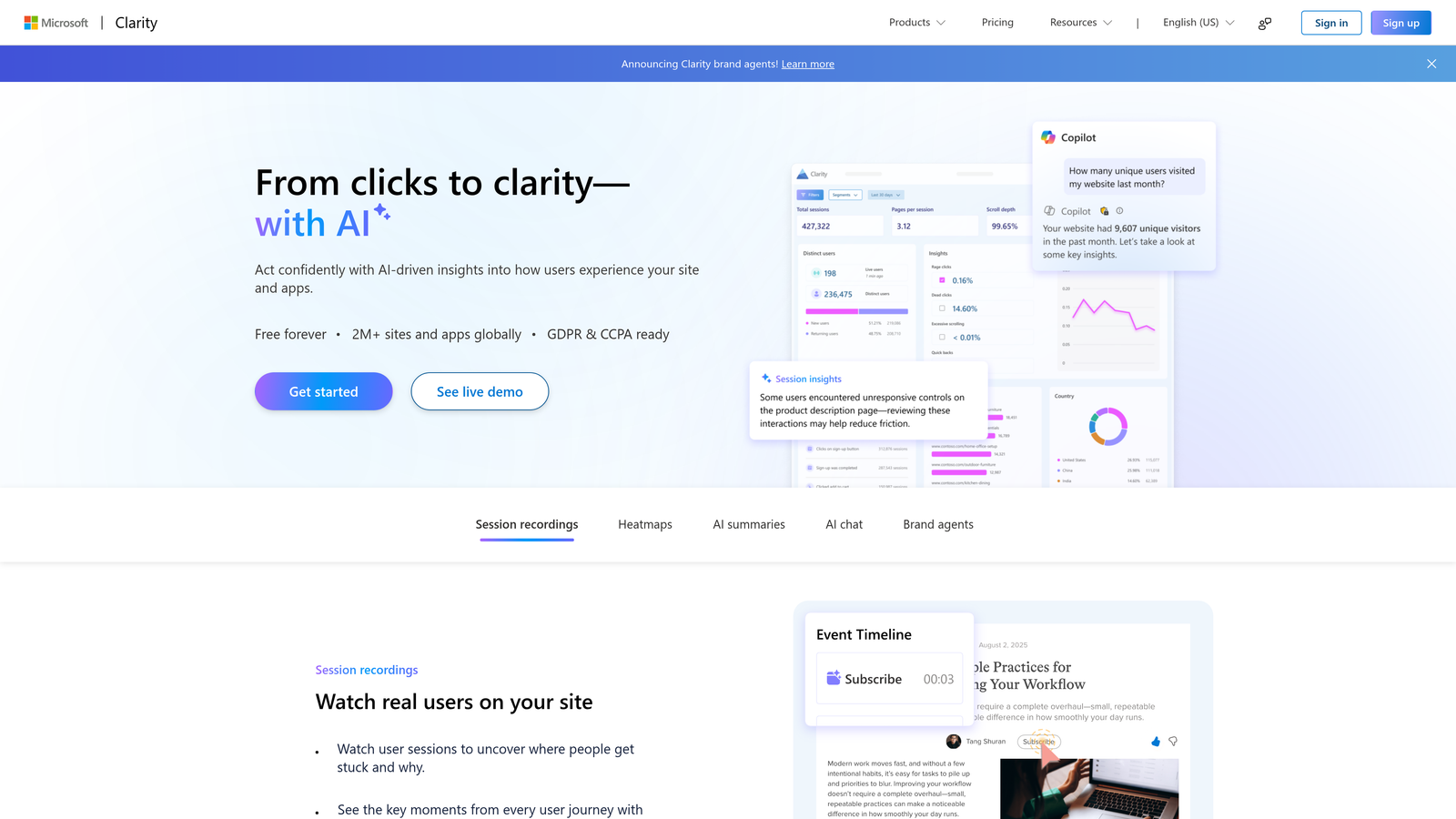
Microsoft Clarity offers completely free behavior analytics including form tracking with no limitations on sessions or traffic.
Where This Tool Shines
The fact that Clarity is entirely free with no traffic limits makes it remarkable. Most analytics tools charge based on volume, but Clarity lets you track unlimited forms and sessions without ever pulling out a credit card.
The rage click and dead click detection features are surprisingly sophisticated for a free tool. These frustration signals often correlate directly with form abandonment—users repeatedly clicking submit buttons that don't work or trying to interact with non-functional elements.
Key Features
Unlimited Free Access: No traffic caps, session limits, or data sampling regardless of your website size.
Session Recordings: Watch how users interact with your forms including mouse movements and clicks.
Frustration Detection: Automatically identify rage clicks, dead clicks, and excessive scrolling that indicate problems.
Heatmaps and Scroll Maps: Visualize user engagement patterns across your form pages.
Google Analytics Integration: Connect Clarity data with your existing GA4 setup for combined insights.
Best For
Startups and small businesses with limited budgets who still need professional-grade form analytics. Also valuable as a supplementary tool for larger teams who want behavior data without increasing their analytics spend.
Pricing
Completely free forever with no paid tiers or usage restrictions.
5. Mouseflow
Best for: Teams who need friction scoring to prioritize optimization efforts
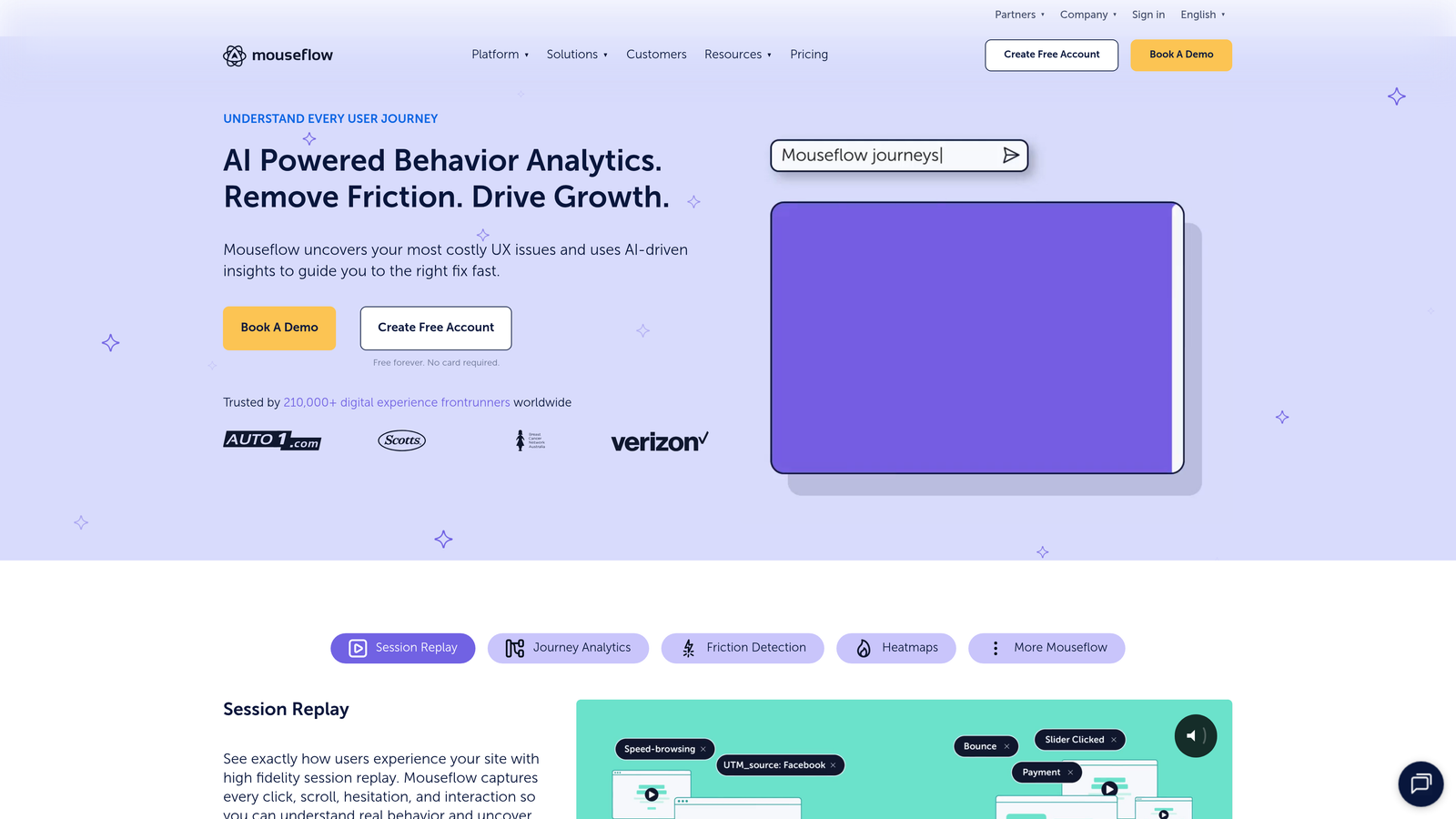
Mouseflow provides behavior analytics with unique friction scores that quantify form usability issues.
Where This Tool Shines
Mouseflow's friction scoring system assigns numerical values to form problems, making it easier to prioritize fixes. Instead of guessing which field to optimize first, you get objective scores showing where users struggle most.
The time-per-field analysis reveals hesitation patterns that indicate confusion. When users spend 45 seconds on a question that should take 5 seconds, you've found a clarity problem—even if they eventually complete it.
Key Features
Form Friction Scoring: Quantified metrics showing which forms and fields create the most user frustration.
Time-Per-Field Analysis: Track how long users spend on each question to identify confusion points.
Drop-Off Tracking: Monitor exactly where users abandon forms with detailed abandonment reports.
Session Replay: Review individual form submissions to understand user behavior patterns.
Advanced Segmentation: Filter form analytics by traffic source, device type, or custom user attributes.
Best For
Product teams and UX researchers who need data-driven justification for form redesigns. The friction scoring makes it easier to communicate optimization priorities to stakeholders and developers.
Pricing
Free plan available with basic features. Paid plans start at $31/month with increased recording limits and advanced analytics.
6. FullStory
Best for: Enterprise teams wanting AI-powered automatic problem detection
FullStory uses artificial intelligence to automatically surface form friction and frustration signals without manual analysis.
Where This Tool Shines
FullStory's AI analyzes thousands of sessions to automatically identify patterns indicating form problems. Instead of manually reviewing reports, the platform surfaces the most impactful issues—like a specific field causing disproportionate abandonment or error messages confusing users.
The auto-capture functionality means you don't need to manually configure tracking for every form element. FullStory automatically records all interactions, letting you retroactively analyze form performance even for elements you didn't know to track.
Key Features
AI-Powered Frustration Detection: Automatically identify rage clicks, error messages, and abandonment patterns without manual configuration.
Auto-Captured Events: Record all form interactions without pre-defining tracking parameters.
Conversion Funnel Analysis: Build custom funnels to understand form completion rates in context of broader user journeys.
Product Analytics Integration: Combine form data with feature usage and product engagement metrics.
Enterprise Security: GDPR compliance, data governance controls, and enterprise-grade security features.
Best For
Mid-market and enterprise companies with complex forms and significant traffic volumes. Particularly valuable for SaaS companies analyzing in-app forms and onboarding flows where form performance directly impacts activation rates.
Pricing
Custom pricing based on session volume and features. Typically positioned for companies with substantial analytics budgets and technical resources.
7. Lucky Orange
Best for: Small teams wanting real-time analytics with live chat in one platform
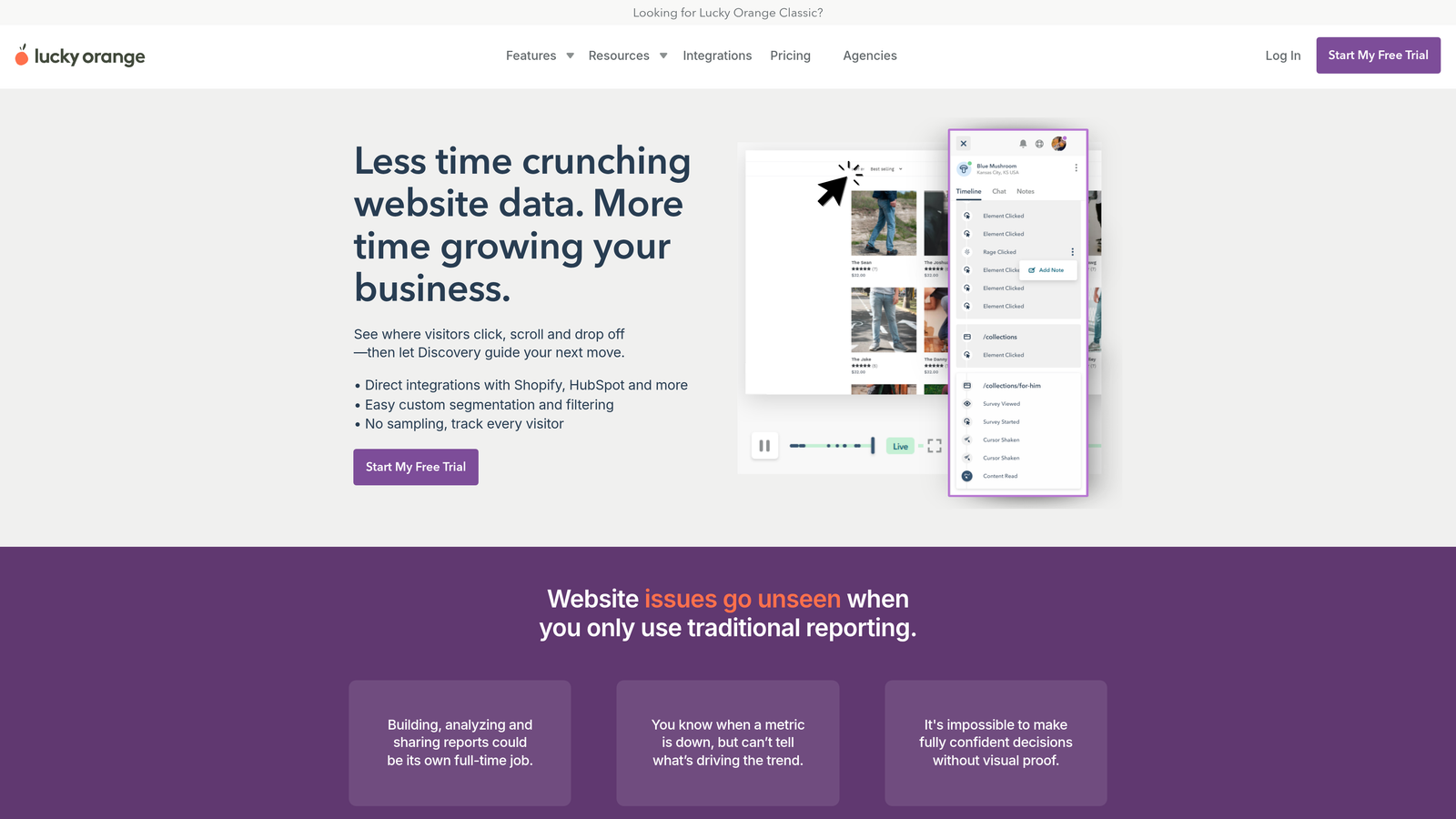
Lucky Orange combines form analytics with live chat and real-time visitor tracking in an affordable all-in-one suite.
Where This Tool Shines
The real-time dashboard shows you exactly who's currently filling out your forms, letting you proactively offer help when someone hesitates. This combination of analytics and live engagement creates opportunities to rescue abandoning users before they leave.
Lucky Orange bundles multiple tools—form analytics, heatmaps, session recordings, live chat, and surveys—at a price point that makes sense for small businesses. Instead of subscribing to separate platforms, you get comprehensive conversion optimization capabilities in one place.
Key Features
Real-Time Form Analytics: Watch live as visitors interact with your forms and see abandonment happen in real-time.
Field-Level Abandonment: Track which specific questions cause users to leave your forms.
Dynamic Heatmaps: Visualize clicks, moves, and scrolls across your form pages.
Live Visitor Chat: Engage with users who are currently viewing or abandoning your forms.
Conversion Funnels: Build multi-step funnels to track form completion in context of broader site journeys.
Best For
Small businesses and solo marketers who need multiple conversion tools but can't justify separate subscriptions for analytics, heatmaps, and live chat. The real-time capabilities work particularly well for high-value forms where immediate intervention can save conversions.
Pricing
Plans start at $32/month with all core features included. Higher tiers offer increased session limits and advanced capabilities.
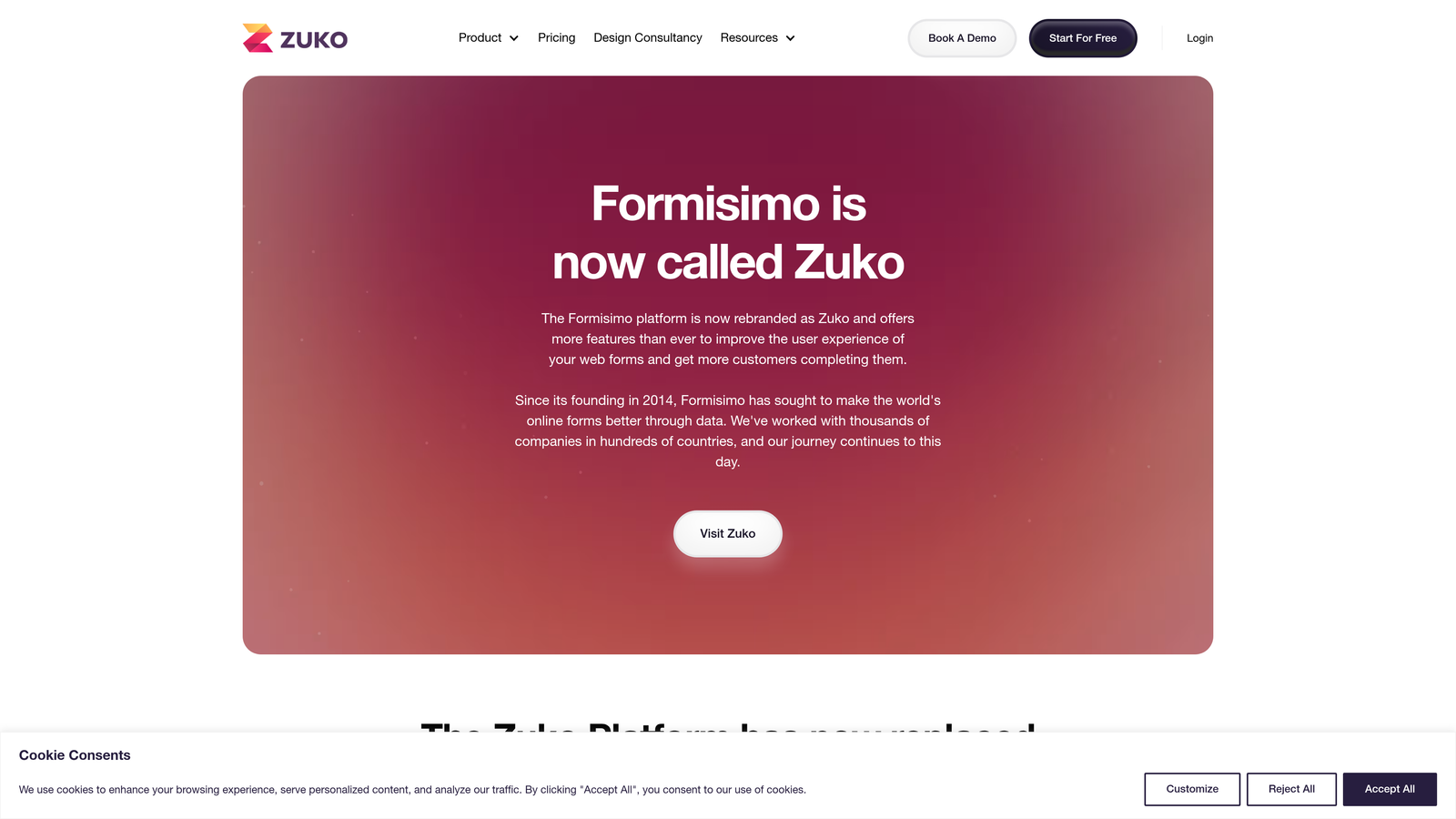
8. Formisimo
Best for: Advanced users who need correction rates and hesitation metrics
Formisimo specializes in granular form metrics including correction rates, hesitation time, and field-level A/B testing insights.
Where This Tool Shines
Formisimo tracks metrics that other platforms overlook—like how many times users correct their entries in specific fields. High correction rates often indicate confusing labels, unclear formatting requirements, or validation errors that frustrate users.
The hesitation time metric reveals cognitive friction even when users eventually complete a field. If people consistently pause for 10 seconds before answering a question, you've found a clarity problem worth addressing—even if abandonment rates look acceptable.
Key Features
Correction Rate Tracking: Monitor how often users edit their responses in each field, indicating confusion or errors.
Time-to-Complete Metrics: Measure both total form completion time and time spent on individual fields.
Field Abandonment Analysis: Identify exactly which questions cause users to leave your forms.
A/B Test Performance: Compare form variations with detailed field-level metrics to identify winning designs.
Real-Time Monitoring: Watch form performance metrics update live as users interact with your pages.
Best For
Conversion optimization specialists and data analysts who need sophisticated metrics beyond basic abandonment rates. Works well for teams running continuous A/B tests on complex forms where subtle improvements compound over time.
Pricing
Contact for custom pricing. Typically positioned for mid-market companies with dedicated optimization teams and significant form traffic.
9. Google Analytics 4
Best for: Teams maximizing existing tools and integrating form data with broader analytics
Google Analytics 4 offers form interaction tracking through enhanced measurement and custom events when properly configured.
Where This Tool Shines
If you're already using GA4 for website analytics, extending it to track forms keeps all your data in one place. You can analyze form performance alongside traffic sources, landing page effectiveness, and conversion paths without switching platforms.
The integration with Google's ecosystem means form data flows naturally into Google Ads, Search Console, and BigQuery. This unified view helps you understand which marketing channels drive not just traffic, but actual form completions and qualified leads.
Key Features
Form Interaction Events: Track form starts, field interactions, and submissions through enhanced measurement or custom events.
Conversion Goal Setup: Define form submissions as conversions and track them across your entire analytics setup.
Funnel Exploration: Build custom funnels showing form completion rates in context of broader user journeys.
Google Ecosystem Integration: Connect form data with Ads, Search Console, and other Google marketing tools.
Custom Event Configuration: Set up detailed tracking for specific form interactions using Google Tag Manager.
Best For
Teams already invested in Google's marketing ecosystem who want to centralize form analytics with their existing data. Particularly valuable for businesses running Google Ads campaigns where connecting ad spend to form completions matters for ROI analysis.
Pricing
Completely free for standard implementation. Google Analytics 360 (enterprise version) available with custom pricing for high-volume needs.
Making the Right Choice
Your ideal form analytics tool depends on what you're trying to fix. If you want analytics built directly into your form builder without juggling separate platforms, Orbit AI delivers native insights alongside AI-powered lead qualification. Teams who need to visualize user behavior should look at Hotjar or Microsoft Clarity—both offer session recordings and heatmaps, with Clarity winning on price (free) and Hotjar on feature depth.
For dedicated form optimization specialists, Zuko provides industry benchmarks and sophisticated field-level analysis that justify its premium positioning. Lucky Orange makes sense for small teams wanting real-time monitoring with live chat capabilities in one affordable package. FullStory suits enterprise teams who need AI to automatically surface problems across thousands of sessions.
Start by identifying your biggest pain point. Are forms abandoning at specific fields? Use tools with field-level tracking like Orbit AI, Zuko, or Mouseflow. Need to see visual proof of friction? Hotjar's session recordings or Clarity's frustration signals will show you exactly what's happening. Already using Google Analytics? Extend GA4 with form event tracking to keep everything centralized.
The common mistake is collecting data without acting on it. Pick a tool that matches your team's technical capabilities and actually use the insights to iterate on your forms. Even basic improvements—like removing one confusing field or clarifying a label—can lift conversion rates when you're working from real user behavior data instead of assumptions.
Transform your lead generation with AI-powered forms that qualify prospects automatically while delivering the modern, conversion-optimized experience your high-growth team needs. Start your free trial today and see how intelligent form design can elevate your conversion strategy.