

Most form builders let you collect data. The best ones help you understand it. If you're running lead generation campaigns, optimizing conversion funnels, or trying to figure out why visitors abandon your forms halfway through, built-in analytics aren't a nice-to-have: they're essential.
This list focuses on web form builders that go beyond basic submission counts. We're looking at tools that offer field-level drop-off tracking, conversion rate data, and integrations that feed form performance into your broader marketing stack.
Whether you're a high-growth SaaS team trying to qualify leads faster, an agency managing forms across multiple clients, or a startup optimizing your first onboarding flow, there's a tool here for you. Each option below has been evaluated on analytics depth, ease of use, and how well it supports conversion optimization — not just form creation.
1. Orbit AI
Best for: High-growth SaaS and marketing teams that want AI-powered lead qualification built into the form itself.
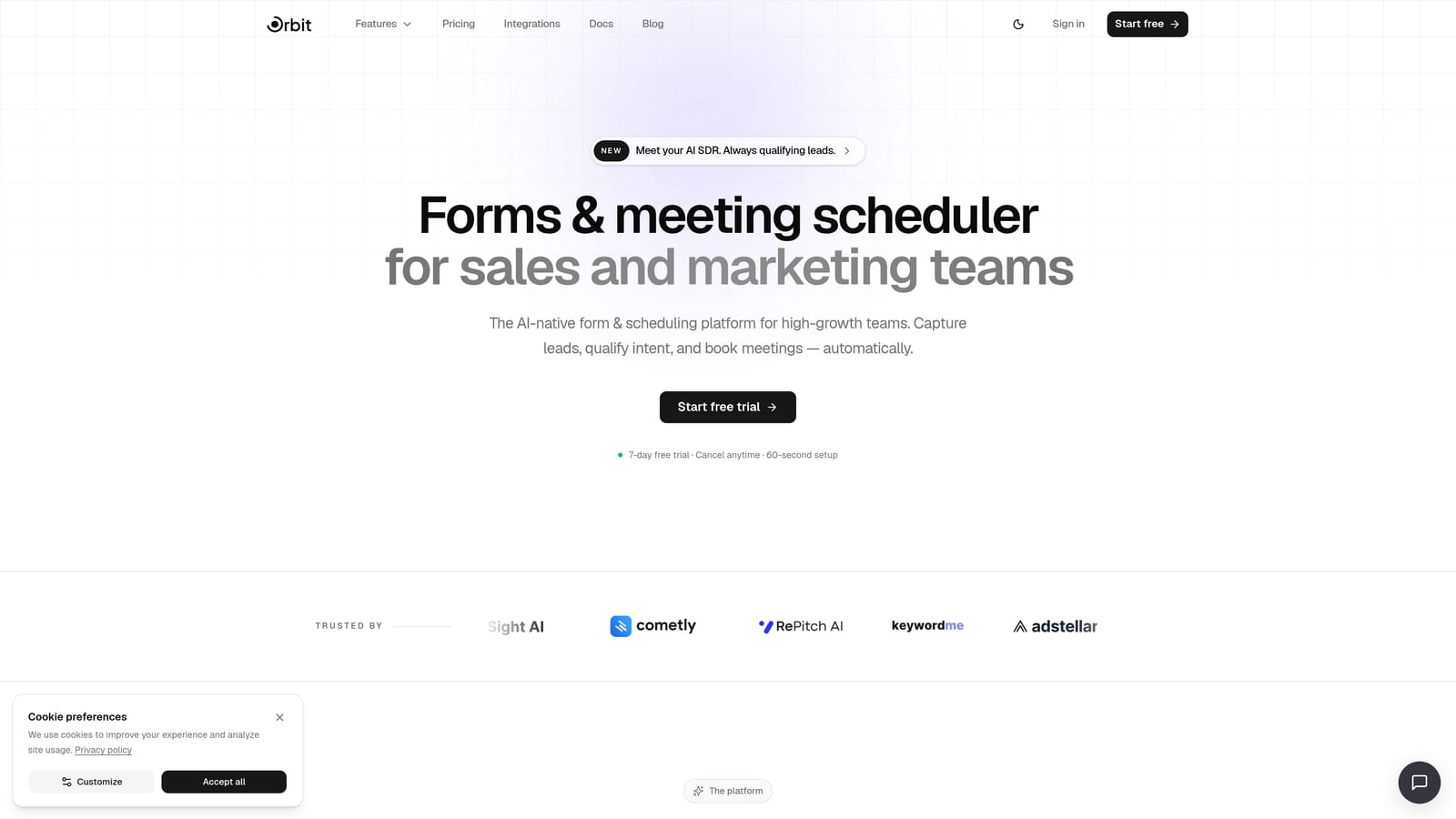
Orbit AI is an AI-powered form builder that combines conversion-optimized design with intelligent lead qualification at the point of capture.
Where This Tool Shines
Most form builders treat analytics as an afterthought. Orbit AI is built around the idea that the form itself should be doing more work: not just collecting submissions, but scoring and qualifying leads in real time. That's a meaningful shift for sales and marketing teams who are tired of wading through low-quality responses.
The conversion analytics dashboard gives you field-level insights into where prospects are dropping off, so you can iterate on form design with actual data. Combined with beautifully designed, conversion-optimized templates, it's a strong fit for teams where lead quality and form performance are both on the line.
Key Features
AI Lead Qualification: Scores leads at the form level in real time, so your sales team receives pre-qualified contacts rather than raw submissions.
Conversion Analytics Dashboard: Field-level drop-off data and conversion rate tracking give you a clear picture of where and why prospects disengage.
Conversion-Optimized Design: Templates are purpose-built for lead gen, onboarding, and sales flows, prioritizing completion rates alongside aesthetics.
Sales and Marketing Alignment: Built specifically for teams where lead quality matters as much as lead volume, bridging the gap between marketing capture and sales follow-up.
Template Library: Pre-built templates for common use cases including lead generation, onboarding flows, and qualification surveys.
Best For
High-growth SaaS companies, B2B marketing teams, and sales organizations that need forms to do double duty: capturing leads and qualifying them simultaneously. Particularly valuable for teams running paid campaigns where cost-per-lead makes quality non-negotiable.
Pricing
Visit orbitforms.ai/pricing for current plan details. Pricing is designed with growth-stage teams in mind.
2. Typeform
Best for: Teams that want high completion rates through a conversational, one-question-at-a-time experience.
Typeform is a conversational form builder known for its polished UX and per-question drop-off analytics.

Where This Tool Shines
Typeform's format is genuinely different from traditional form builders. By presenting one question at a time, it reduces cognitive load and tends to drive higher completion rates for longer forms. That's particularly useful for surveys, research, and multi-step lead gen flows where you're asking for more than a name and email.
The analytics side tracks completion rates and per-question drop-off, which helps you identify exactly which questions are causing abandonment. On higher-tier plans, the analytics depth increases, making it a solid choice for teams that want to iterate on their forms based on behavioral data.
Key Features
Conversational Format: One question at a time reduces friction and typically improves completion rates for longer forms.
Per-Question Drop-Off Analytics: See exactly where respondents are abandoning your form, down to the individual field.
Logic Jumps: Conditional branching lets you personalize the form path based on previous answers.
Completion Rate Tracking: Dashboard shows overall completion rates alongside per-question performance.
Marketing Integrations: Connects with major tools including HubSpot, Salesforce, Mailchimp, and Zapier.
Best For
Marketing teams, researchers, and product teams who prioritize form UX and want per-question analytics. Works especially well for surveys, customer feedback forms, and multi-step lead capture where completion rate is a key metric.
Pricing
Free tier available with limited responses. Paid plans unlock advanced analytics and higher response limits. Verify current pricing at typeform.com.
3. HubSpot Forms
Best for: Teams already using HubSpot who want form analytics natively embedded in their CRM and marketing dashboard.
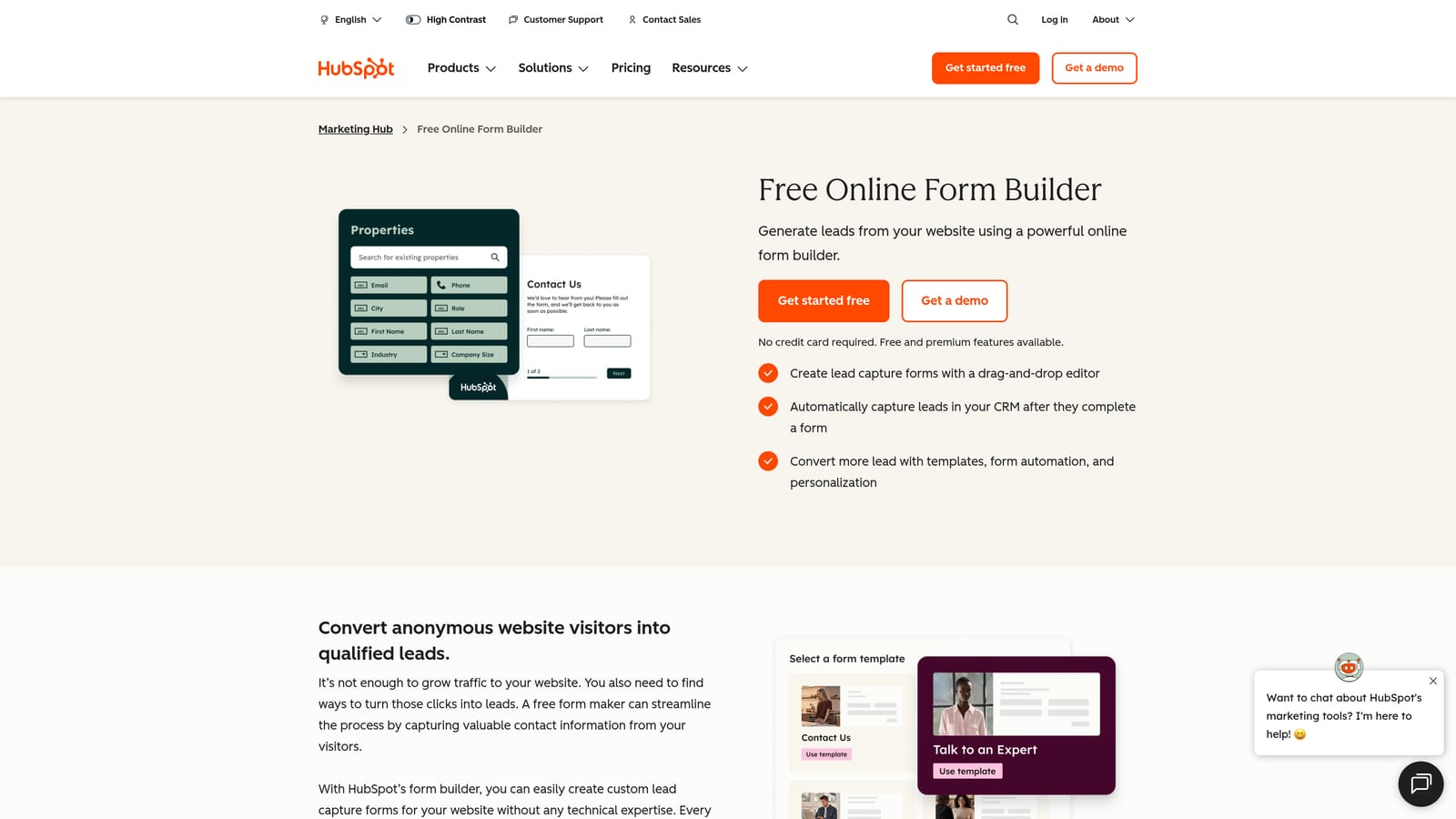
HubSpot Forms is a CRM-native form builder with analytics tied directly to contact records and the full HubSpot marketing funnel.
Where This Tool Shines
The real value of HubSpot Forms isn't the form builder itself: it's the context. Every submission ties directly to a contact record, so you can see form performance alongside email engagement, page visits, and deal activity. For teams running attribution reporting or multi-touch funnel analysis, that native connection is hard to replicate with a standalone tool.
Smart fields automatically hide questions that HubSpot already knows the answer to, which keeps forms short for returning visitors and improves the experience for known contacts. If your team lives in HubSpot, this is the path of least resistance for form analytics.
Key Features
CRM-Native Analytics: Form views, submissions, and conversion rates displayed within the HubSpot marketing dashboard, tied to individual contacts.
Smart Fields: Auto-populate or hide fields for known contacts, reducing friction for returning visitors.
Native Attribution: Form submissions feed directly into HubSpot's multi-touch attribution reporting across the full funnel.
Contact-Level Tracking: See which forms a specific contact has submitted and how that fits into their broader journey.
Best For
Marketing and RevOps teams already invested in the HubSpot ecosystem. If you're paying for Marketing Hub, using HubSpot Forms is a natural extension. Less compelling for teams not already using HubSpot, since the analytics value is largely tied to the CRM connection.
Pricing
Free with HubSpot CRM. Advanced analytics and marketing features require a Marketing Hub subscription. Verify current plan pricing at hubspot.com.
4. Google Forms
Best for: Teams that need a completely free, no-setup solution for simple forms with basic response summaries.
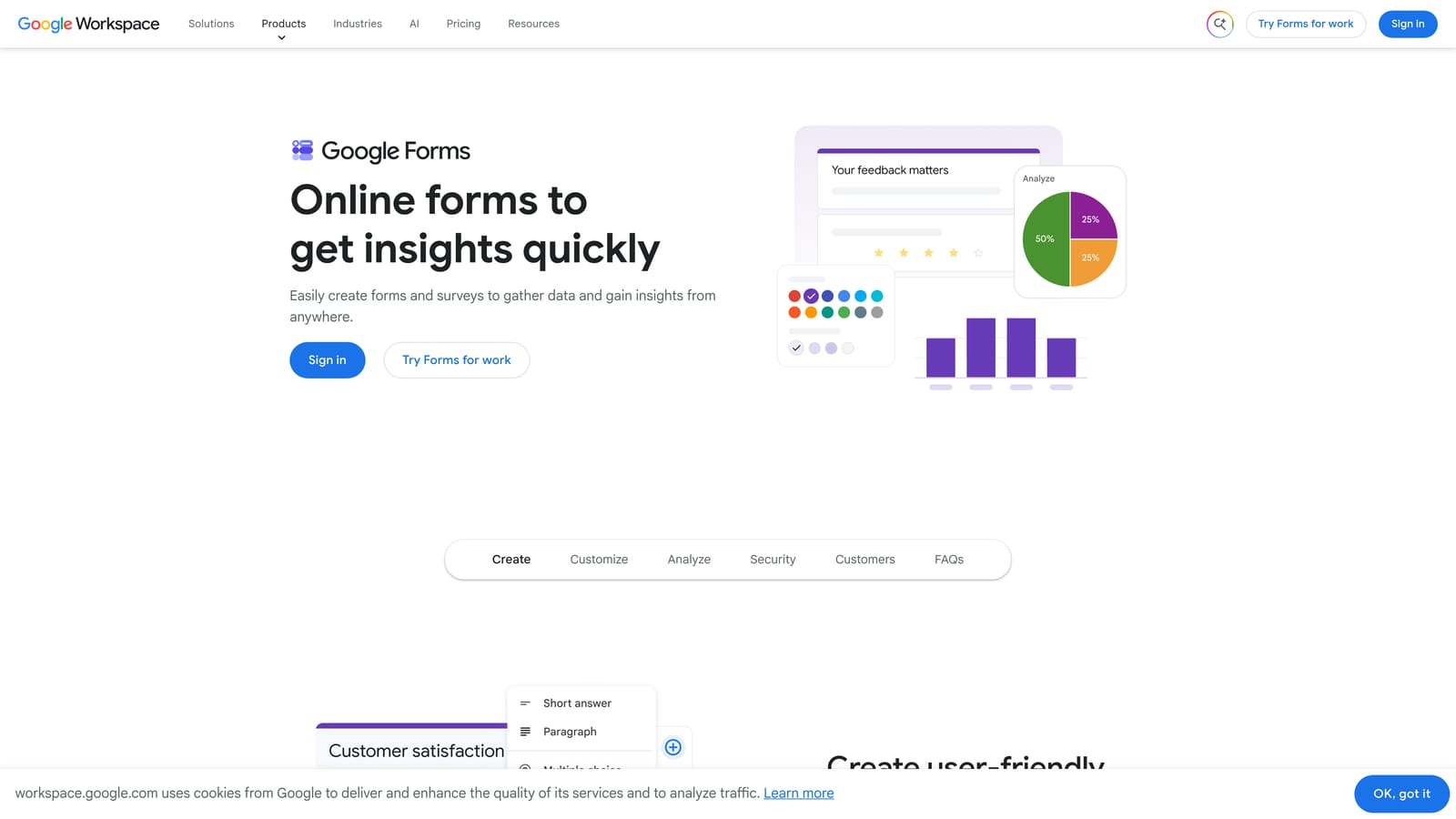
Google Forms is a free form builder included with Google Workspace, offering automatic response charts and Google Sheets export.
Where This Tool Shines
Google Forms wins on accessibility. It's free, requires no setup, and anyone with a Google account can start collecting responses in minutes. The built-in response summary generates automatic charts for each question, giving you a visual snapshot of your data without any configuration.
Where it falls short is analytics depth. There's no drop-off tracking, no conversion rate by traffic source, and no field-level behavioral data. For simple internal surveys or event registrations, that's fine. For conversion optimization or lead generation, you'll quickly hit the ceiling.
Key Features
Automatic Response Summaries: Charts and graphs are generated automatically as responses come in, no setup required.
Google Sheets Export: Push all responses directly to a spreadsheet for custom analysis and filtering.
Google Workspace Integration: Works seamlessly with Gmail, Drive, and other Google tools.
Unlimited Forms and Responses: No caps on forms or submissions on the free plan.
Best For
Internal teams, educators, event organizers, and anyone who needs a quick, free form without complex analytics requirements. Not recommended for conversion-focused lead generation or paid traffic campaigns where behavioral data matters.
Pricing
Completely free with a Google account. Also included with Google Workspace subscriptions.
5. Jotform
Best for: Teams that need a feature-rich form builder with detailed analytics covering conversions, devices, geography, and traffic sources.
Jotform is one of the most comprehensive form builders available, with a dedicated analytics dashboard and an extensive template and integration ecosystem.
Where This Tool Shines
Jotform's analytics go noticeably deeper than most general-purpose builders. The dashboard covers form views, submission counts, conversion rates, device breakdowns, and geographic data, giving operations and marketing teams a richer picture of form performance without needing to connect a separate analytics tool.
Traffic source tracking is a particularly useful feature for teams running multi-channel campaigns who want to understand which sources are driving the most form completions. On higher-tier plans, partial submission data adds another layer, letting you see how far abandoning users got before they left.
Key Features
Conversion Analytics Dashboard: Views, submissions, and conversion rates in a single dashboard with visual breakdowns.
Device and Geographic Data: Understand which devices and locations your respondents are coming from.
Traffic Source Tracking: See which channels are driving form completions.
Partial Submission Data: Available on higher plans, showing how far abandoning users progressed through the form.
Template Library: Thousands of templates across industries, with a broad integration ecosystem including payment processors and CRMs.
Best For
Operations teams, agencies, and businesses that need a high-volume form solution with solid analytics built in. Also a strong fit for teams that want to handle payments, approvals, and complex workflows within the same platform.
Pricing
Free tier available with usage limits. Multiple paid tiers with expanded analytics and submission capacity. Verify current pricing at jotform.com.
6. Tally
Best for: Startups and indie teams that want a clean, free form builder with basic analytics and a Notion-style editing experience.
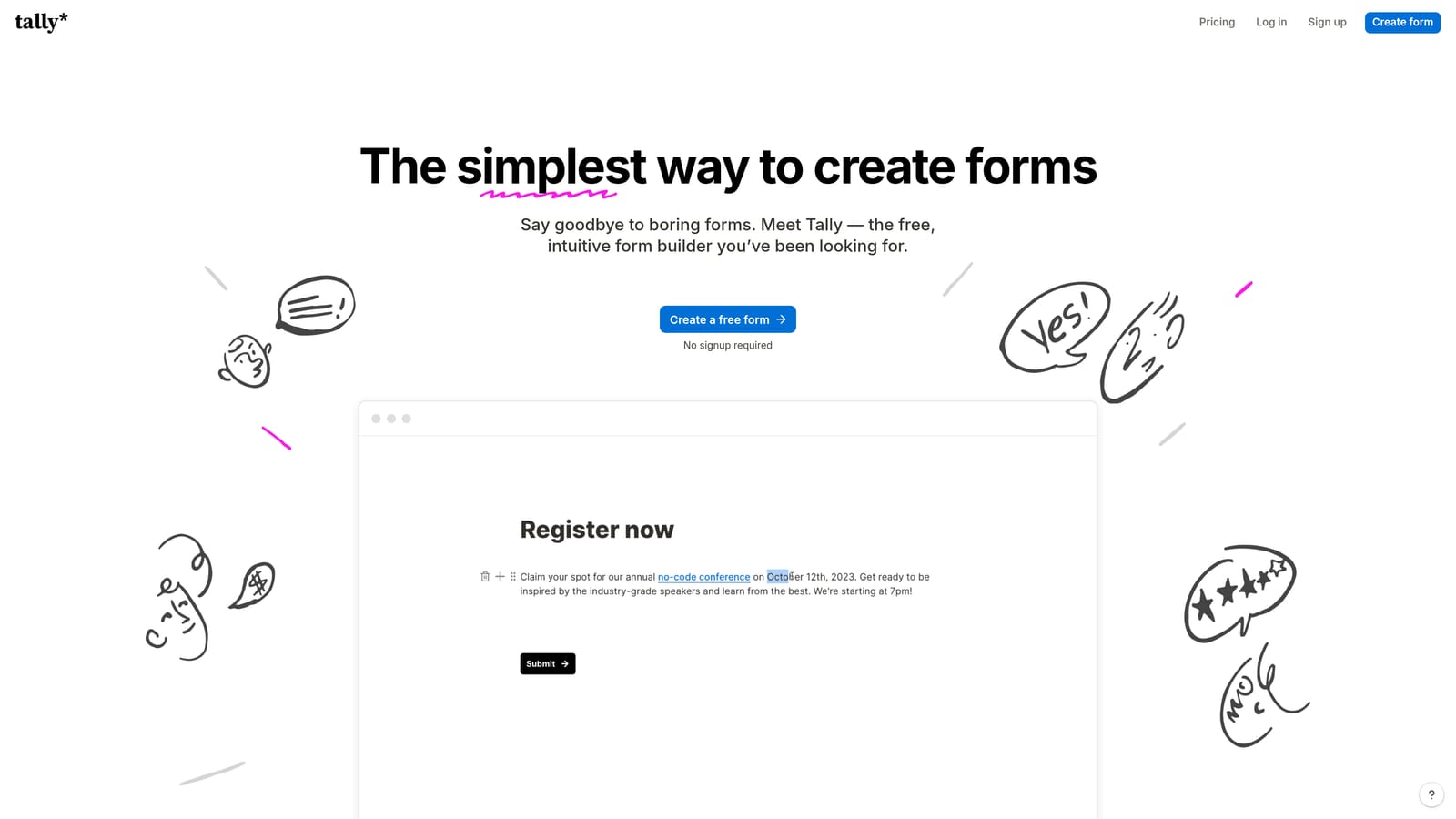
Tally is a block-based form builder with a generous free tier, clean design, and straightforward response analytics.
Where This Tool Shines
Tally has earned a loyal following among early-stage startups and indie makers for one simple reason: it gives you a lot for free. Unlimited forms, unlimited responses, and a genuinely pleasant editing experience that feels closer to Notion than a traditional form builder.
The analytics are straightforward rather than deep: response counts, completion rates, and basic drop-off data. For teams in the early stages of building out their forms, that's often enough to start making informed decisions without paying for a more sophisticated tool.
Key Features
Completion Rate Tracking: See overall completion rates and basic response analytics for each form.
Block-Based Editor: Clean, Notion-inspired editing experience that's fast to learn and use.
Unlimited Free Forms: No caps on forms or responses on the free plan, which is rare in this category.
Basic Drop-Off Data: Response analytics show where users are stopping, giving early signal for optimization.
Best For
Early-stage startups, solo founders, and indie makers who need solid forms without a budget. Also a good fit for teams that want a simple internal form tool without the overhead of a more complex platform.
Pricing
Robust free tier with unlimited forms and responses. Pro plan available for advanced features. Verify current pricing at tally.so.
7. Paperform
Best for: Creators and small businesses that want to combine forms, landing pages, and product sales in one tool with conversion and payment analytics.
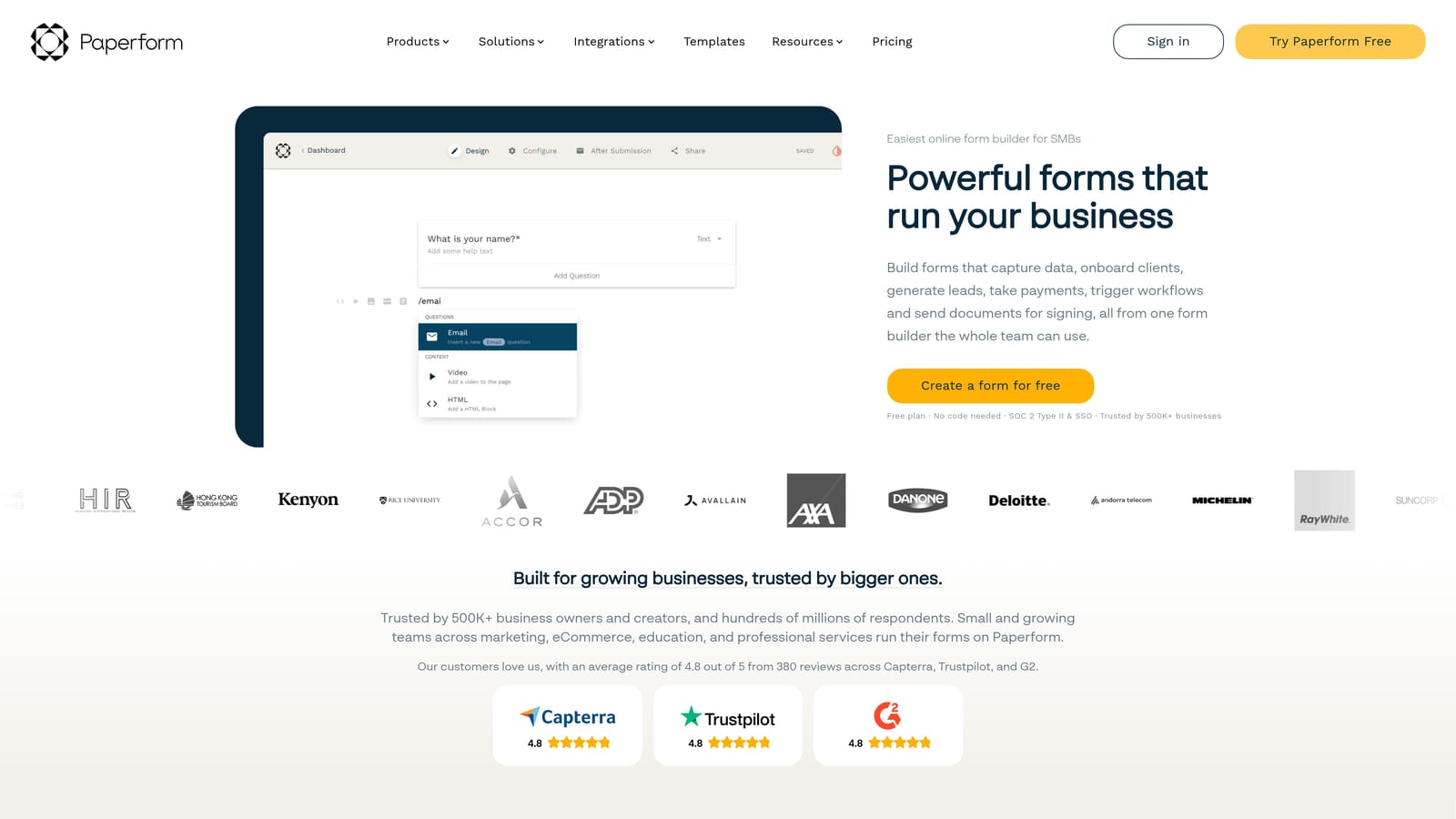
Paperform is a flexible builder that blends form creation with landing page design and e-commerce functionality, backed by analytics covering conversions and partial submissions.
Where This Tool Shines
Paperform occupies an interesting niche: it's not just a form builder, and it's not quite a full landing page tool either. It sits in the middle, letting you create rich, media-heavy pages that happen to include forms, payment collection, and conditional logic. That flexibility makes it particularly useful for product launches, event registrations, and service bookings.
On the analytics side, Paperform tracks conversion rates and partial submissions, which is useful for understanding where drop-off happens on longer forms. Payment and product sales analytics are a standout feature for teams using Paperform as a lightweight e-commerce layer.
Key Features
Conversion Rate Tracking: Monitor how many visitors complete your form versus how many abandon it.
Partial Submission Analytics: See how far users progress before leaving, helping you pinpoint friction points.
Payment and Sales Analytics: Track revenue, product sales, and payment completion rates directly in the dashboard.
Flexible Design: Combine forms with rich content, images, and video in a single page layout.
Conditional Logic and Calculations: Build dynamic forms that respond to user input with calculated fields and branching logic.
Best For
Creators, coaches, small business owners, and anyone who needs to sell products or services through a form-based page. Also useful for teams that want a single tool for both form creation and lightweight landing page design.
Pricing
Paid plans only, with no permanent free tier. Verify current pricing at paperform.co.
8. Microsoft Forms
Best for: Enterprise teams in the Microsoft 365 ecosystem that need built-in form analytics with Power BI reporting capabilities.
Microsoft Forms is an enterprise form builder included with Microsoft 365, offering built-in response analytics and native Power BI integration for advanced reporting.
Where This Tool Shines
For organizations already running on Microsoft 365, Forms is the obvious starting point. It's included in the subscription, integrates natively with Teams and SharePoint, and requires no additional setup. The built-in analytics cover response charts and summary data, which handles most internal use cases without needing a third-party tool.
Where Microsoft Forms differentiates from Google Forms is the Power BI connection. Teams that want to build more sophisticated dashboards or combine form data with other business data sources can push responses into Power BI for custom reporting. That's a meaningful advantage in enterprise environments where BI tools are already part of the stack.
Key Features
Built-In Response Analytics: Automatic charts and response summaries generated as data comes in.
Power BI Integration: Push form data into Power BI for advanced, customizable reporting and dashboards.
Microsoft 365 and Teams Integration: Forms live natively within the Microsoft ecosystem, with easy sharing via Teams and SharePoint.
Branch Logic and Multilingual Support: Conditional branching and support for multiple languages make it viable for enterprise-scale deployments.
Best For
Enterprise IT teams, HR departments, and organizations that are standardized on Microsoft 365 and need a compliant, integrated form solution. Less compelling for teams outside the Microsoft ecosystem or those needing deep conversion analytics.
Pricing
Included with Microsoft 365 subscriptions. No additional cost for existing Microsoft 365 users.
9. Growform
Best for: Performance marketers and agencies running paid traffic campaigns who need step-by-step drop-off analytics on multi-step lead gen forms.
Growform is a multi-step form builder purpose-built for lead generation, with analytics focused on per-step drop-off and conversion tracking by traffic source.
Where This Tool Shines
Growform is one of the most focused tools on this list. It's not trying to be a general-purpose form builder: it's built specifically for lead generation on paid traffic campaigns, and the analytics reflect that. Step-by-step drop-off data is the core feature, letting you see exactly which step in a multi-step form is causing the most abandonment.
For agencies managing forms across multiple clients and campaigns, the multi-client management capabilities are a practical differentiator. Conversion rate tracking by traffic source also makes it easier to compare performance across channels without stitching together data from multiple tools.
Key Features
Step-by-Step Drop-Off Analytics: See abandonment rates at every step of a multi-step form, making optimization straightforward.
Conversion Rate by Traffic Source: Compare form performance across paid channels, organic traffic, and referral sources.
Multi-Step Form Builder: Purpose-built for longer lead gen flows that benefit from being broken into sequential steps.
Agency-Friendly Management: Multi-client support makes it practical for agencies managing lead gen forms across several accounts.
Paid Campaign Optimization: Built with performance marketers in mind, with analytics framed around cost-per-lead and campaign ROI.
Best For
Performance marketing agencies, in-house paid media teams, and lead generation specialists who need granular step-level analytics. Particularly valuable when running Google Ads or Meta campaigns where form completion rates directly affect campaign profitability.
Pricing
Paid plans only. Verify current pricing at growform.co.
Which Tool Is Right for Your Team?
The right form builder depends almost entirely on what you're optimizing for. Here's a quick breakdown to help you land on the right fit.
If your priority is AI-powered lead qualification alongside conversion analytics, Orbit AI is the standout choice. It's the only tool on this list that scores leads at the form level in real time, making it purpose-built for sales and marketing teams where lead quality is as important as lead volume.
For conversational UX with per-question drop-off data, Typeform remains the benchmark. If your team is already inside HubSpot, HubSpot Forms gives you the most seamless attribution and contact-level analytics without adding another tool to your stack.
Budget-conscious teams have strong options too. Google Forms is unbeatable for free simplicity, while Tally offers a more polished free experience with basic analytics for early-stage startups. Jotform is the best fit when you need high-volume form operations with detailed analytics across devices, geographies, and traffic sources.
If you're selling products or services through your forms, Paperform covers conversion and payment analytics in one flexible tool. Microsoft Forms is the natural choice for enterprise teams standardized on Microsoft 365, especially when Power BI reporting is already in the picture. And for agencies running paid lead gen campaigns, Growform's step-by-step drop-off analytics are purpose-built for exactly that workflow.
If you're a high-growth team that wants to stop just collecting leads and start qualifying them automatically, Orbit AI is worth exploring first. Transform your lead generation with AI-powered forms that qualify prospects automatically while delivering the modern, conversion-optimized experience your team needs. Book a demo and see how intelligent form design can change what your data actually tells you.


