Customer feedback isn't just nice to have—it's the compass that guides product development, service improvements, and customer satisfaction. But here's the challenge: getting people to actually complete feedback forms. The right feedback form builder can transform response rates from disappointing to exceptional, turning scattered insights into structured, actionable data. The best platforms combine intuitive design with powerful analytics, making it easy to create forms people want to complete and extract insights that drive real business decisions.
We evaluated dozens of feedback form builders based on five critical factors: ease of use, customization capabilities, analytics depth, integration options, and pricing flexibility. Whether you're a startup collecting early customer insights or an enterprise managing complex feedback workflows, this list covers the top solutions for 2026.
1. Orbit AI
Best for: High-growth teams who want feedback forms that double as lead qualification tools
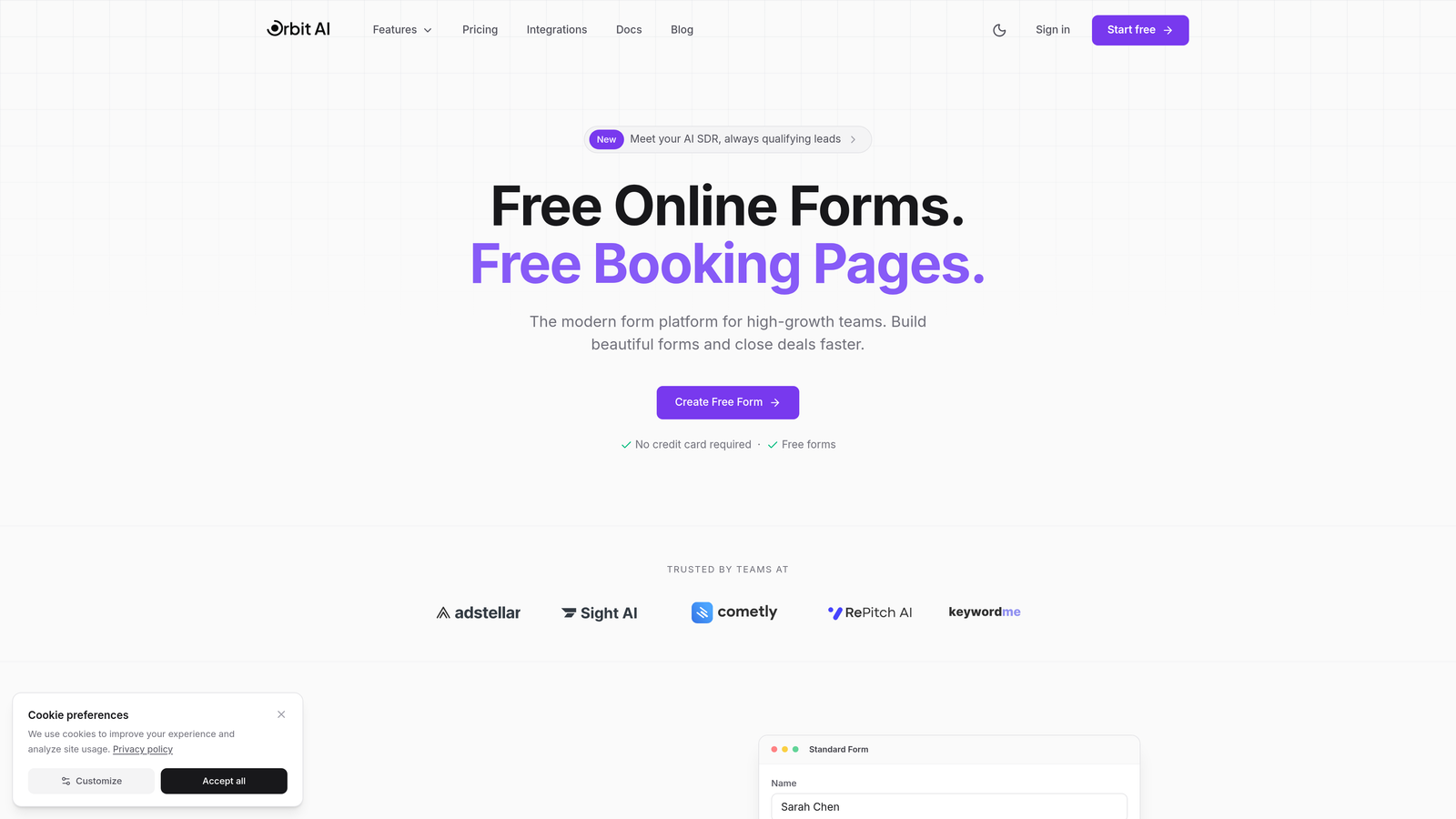
Orbit AI is an AI-powered form builder that goes beyond simple data collection to actively qualify leads while gathering feedback.
Where This Tool Shines
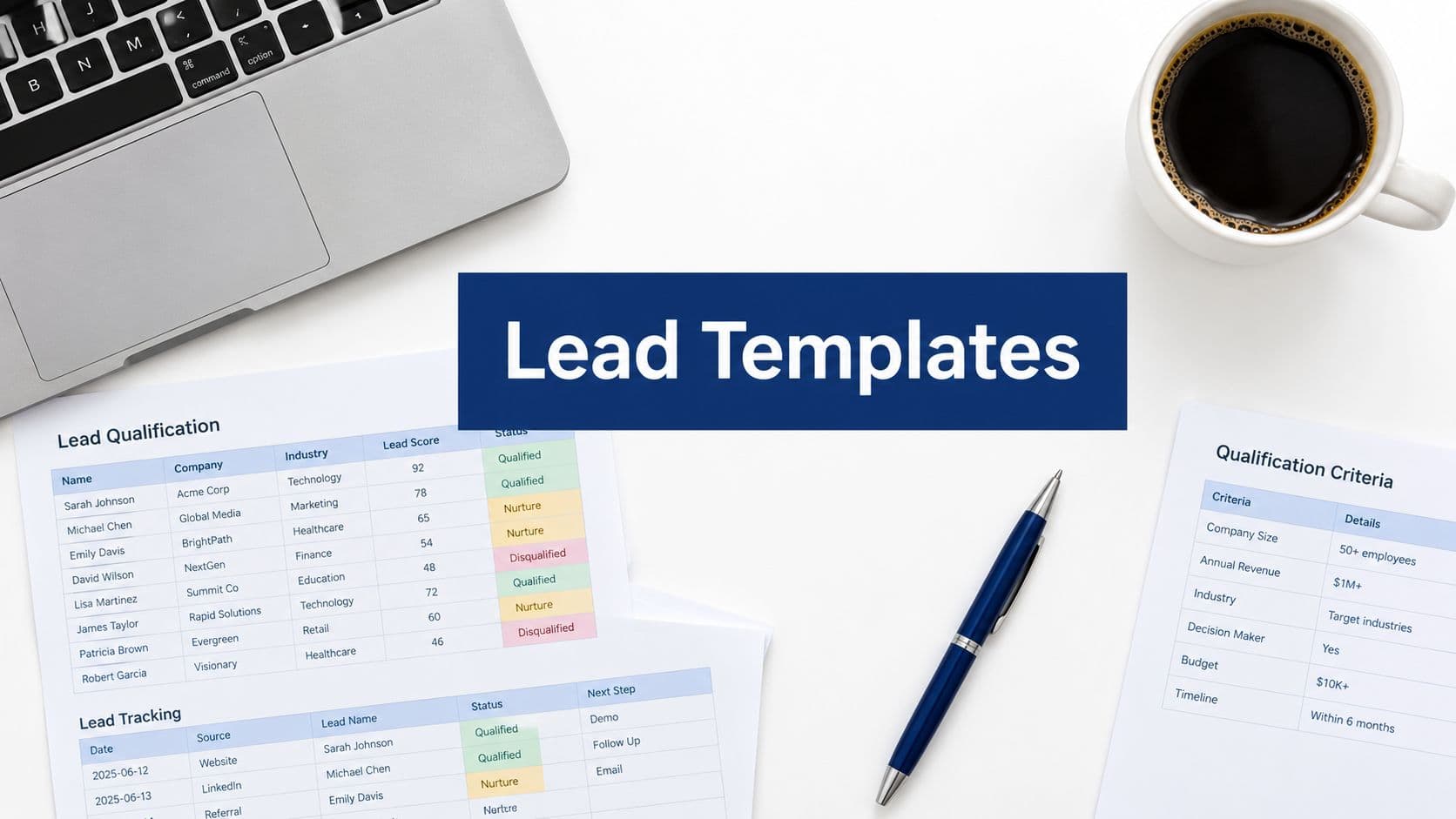
What sets Orbit AI apart is its dual-purpose approach. While collecting customer feedback, it simultaneously qualifies respondents based on their answers, automatically routing high-value opportunities to your sales team. This makes it particularly valuable for product feedback forms where you want to identify potential customers, not just collect opinions.
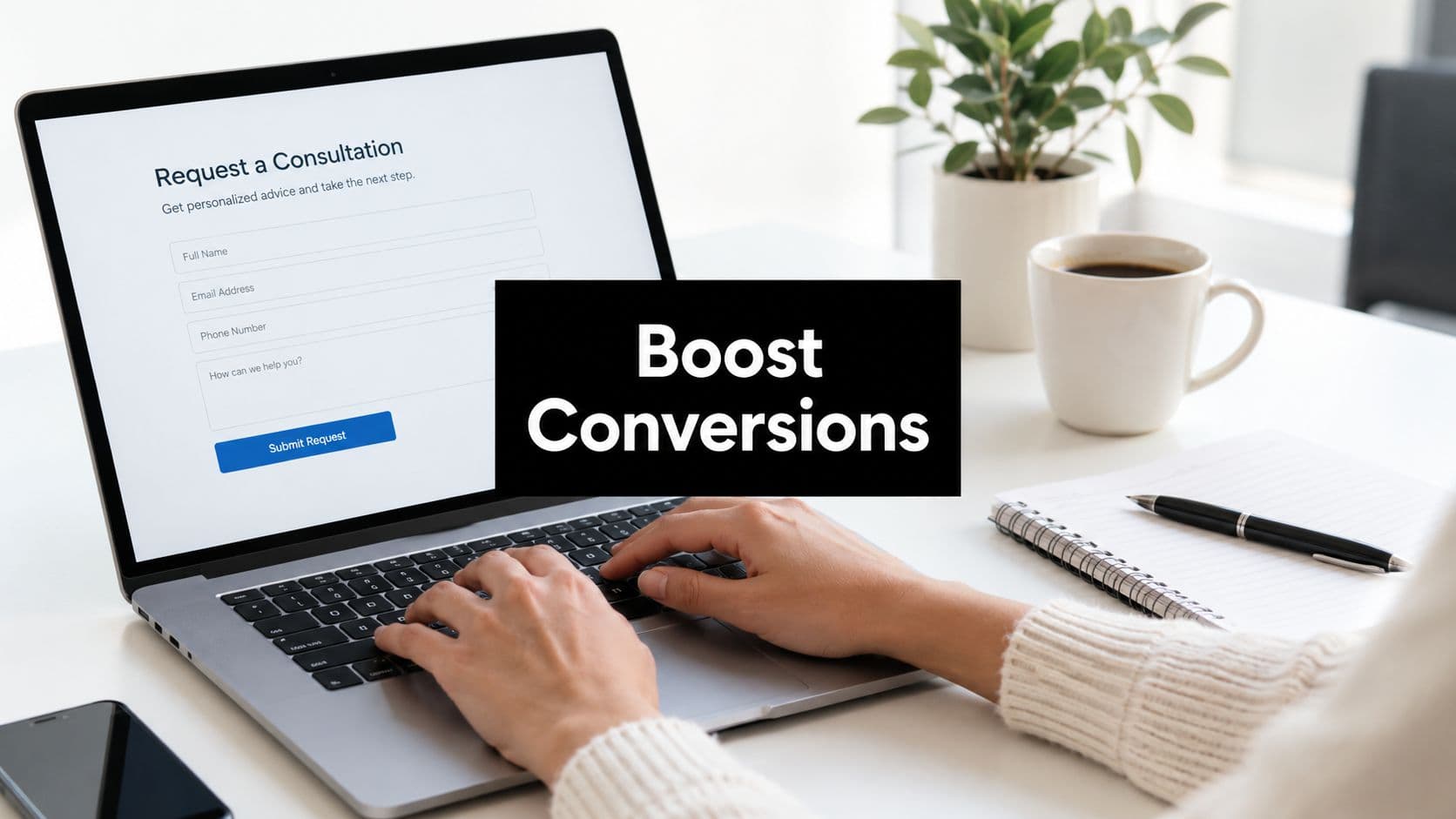
The platform focuses on conversion optimization throughout the entire form experience. Every template is designed with completion rates in mind, using proven UX patterns that keep respondents engaged from start to finish.
Key Features
AI-Powered Lead Qualification: Automatically scores and routes respondents based on their feedback and profile.
Conversion-Optimized Templates: Pre-built feedback forms designed specifically to maximize completion rates.
Built-In Analytics Dashboard: Real-time insights into response patterns, sentiment trends, and qualification metrics.
Workflow Automation: Trigger actions based on feedback responses, from email notifications to CRM updates.
Major CRM Integrations: Seamlessly connect with Salesforce, HubSpot, and other platforms to sync feedback data.
Best For
Orbit AI is ideal for SaaS companies, B2B businesses, and any organization where customer feedback can reveal sales opportunities. If your feedback forms serve both product development and revenue generation, this platform bridges that gap effectively.
Pricing
Free tier available for getting started. Paid plans begin at $29/month with advanced features for growing teams.
2. Typeform
Best for: Creating conversational feedback experiences that feel more like a dialogue than a survey
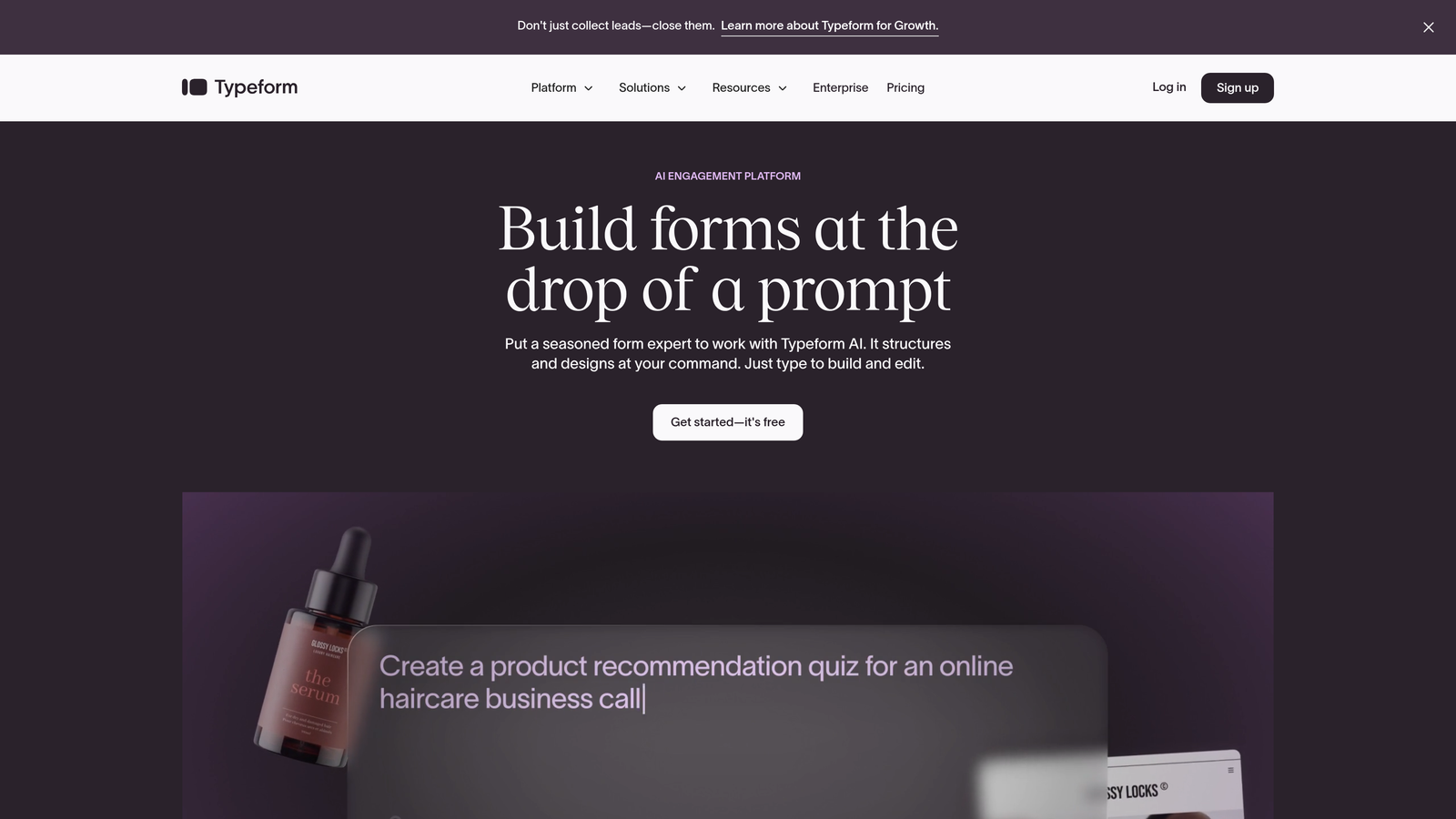
Typeform is the pioneer of conversational form design, presenting one question at a time for an engaging, focused experience.
Where This Tool Shines
Typeform transformed feedback collection by making it feel human. Instead of overwhelming respondents with a wall of questions, it creates a conversation flow that feels natural and keeps attention focused. This approach consistently delivers higher completion rates, especially for longer feedback forms.
The platform excels at brand customization, letting you create feedback forms that feel like a natural extension of your website. From custom colors to background images and videos, every element can be tailored to match your brand identity.
Key Features
Conversational Interface: One-question-at-a-time format that reduces cognitive load and improves completion rates.
Advanced Logic Branching: Create dynamic feedback paths based on previous answers for personalized experiences.
Brand Customization: Complete control over colors, fonts, images, and layouts to match your brand.
Video and Image Embedding: Enrich feedback forms with multimedia content for context or visual appeal.
Integration Marketplace: Connect with hundreds of tools including Slack, Google Sheets, and marketing platforms.
Best For
Typeform works best for brands that prioritize user experience and want feedback forms that reflect their design standards. It's particularly effective for customer satisfaction surveys, product feedback, and any scenario where completion rates matter more than cost.
Pricing
Free tier available with Typeform branding. Paid plans start at $25/month for removing branding and accessing advanced features.
3. Jotform
Best for: Teams who need extensive template variety and customization options without coding
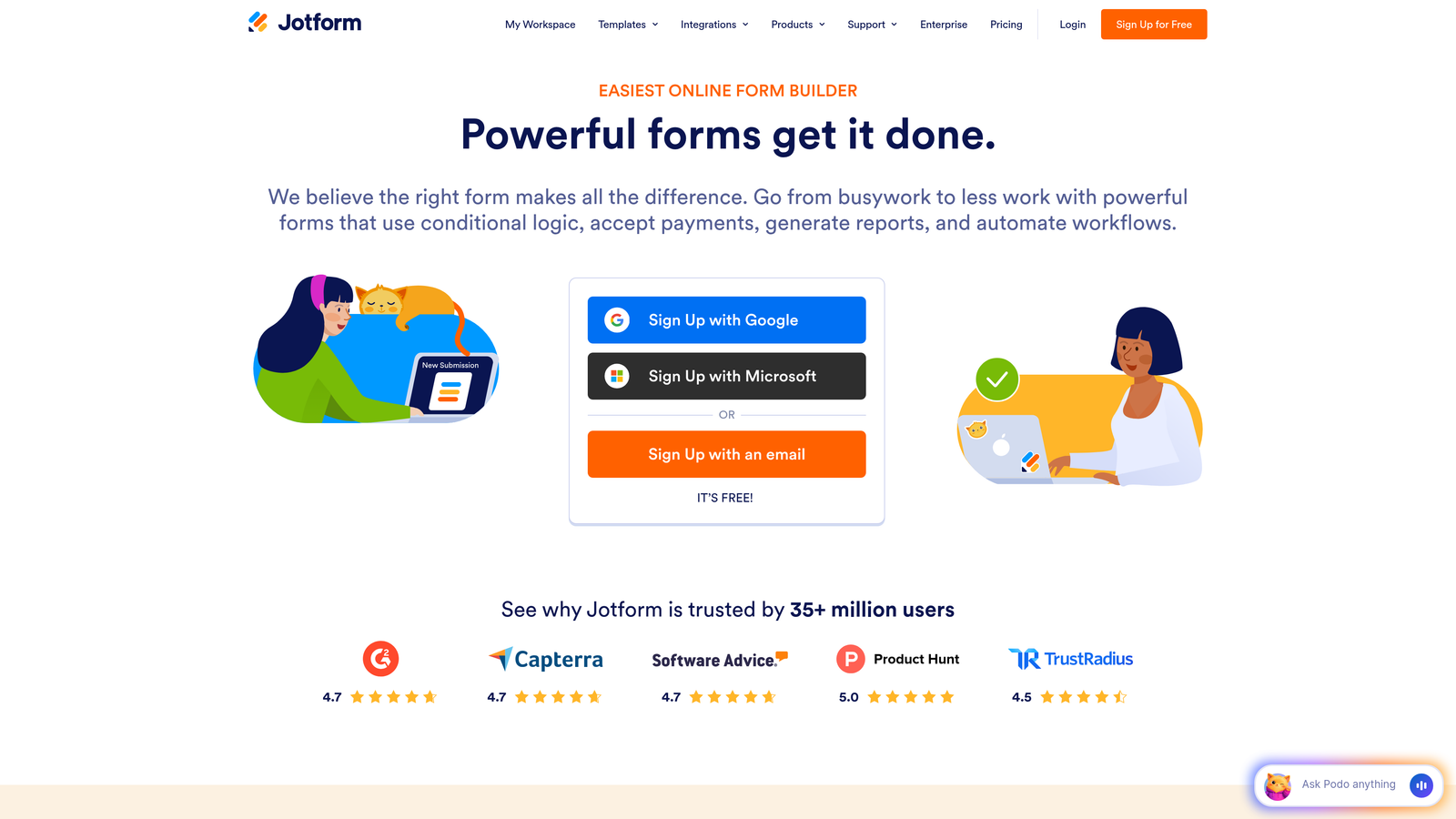
Jotform is a comprehensive form builder offering over 10,000 templates and a powerful drag-and-drop editor.
Where This Tool Shines
Jotform's massive template library means you can find a feedback form for virtually any scenario—customer satisfaction, employee feedback, event surveys, product reviews, and more. Each template is customizable, giving you a strong starting point that saves hours of design work.
The widget marketplace adds functionality beyond standard form fields. Need to collect signatures, accept payments, or integrate a calendar? There's a widget for that. This extensibility makes Jotform adaptable to complex feedback workflows.
Key Features
10,000+ Templates: Pre-built feedback forms for every industry and use case imaginable.
Drag-and-Drop Builder: Intuitive visual editor that requires zero coding knowledge.
Conditional Logic: Show or hide questions based on previous answers to create personalized feedback paths.
Widget Marketplace: Extend functionality with hundreds of widgets for payments, signatures, calculations, and more.
PDF Report Generation: Automatically convert feedback responses into formatted PDF reports.
Best For
Jotform suits organizations that need versatility across multiple feedback scenarios. If you're collecting different types of feedback—customer, employee, event, product—and want one platform to handle them all, Jotform delivers.
Pricing
Free tier includes up to 5 forms. Paid plans start at $34/month for unlimited forms and advanced features.
4. Google Forms
Best for: Simple feedback collection with zero budget and seamless Google Workspace integration
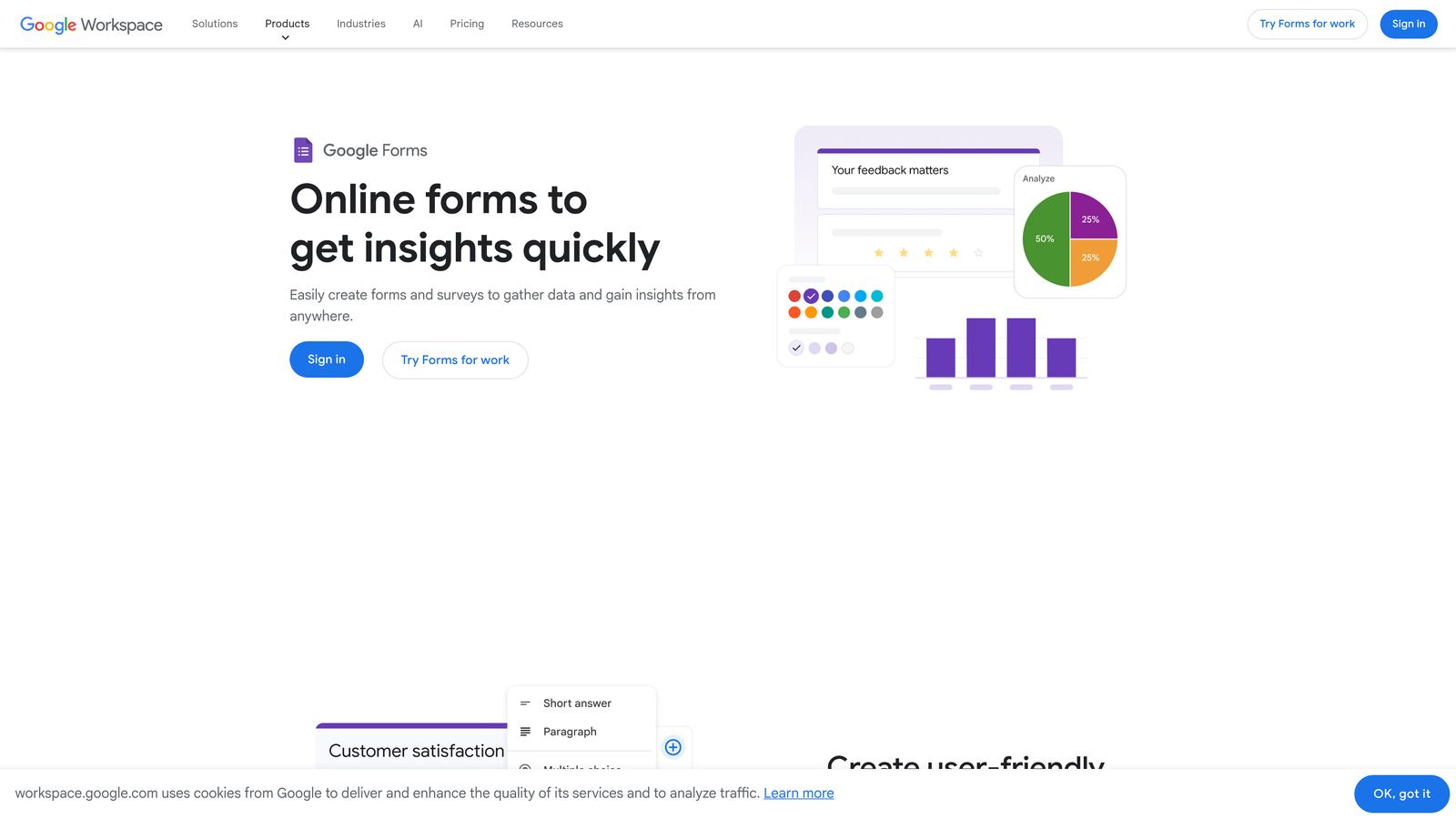
Google Forms is the straightforward, completely free form builder that integrates natively with Google Sheets and other Workspace tools.
Where This Tool Shines
Google Forms removes every barrier to getting started. No account setup beyond your Google login, no pricing tiers to evaluate, no feature limitations to navigate. You can create and deploy a feedback form in minutes, making it perfect for quick pulse checks or informal feedback gathering.
The Google Sheets integration is remarkably powerful for a free tool. Responses flow automatically into a spreadsheet where you can analyze, filter, and visualize data using Google's suite of tools. For teams already living in Google Workspace, this seamless connection is invaluable.
Key Features
Completely Free: No hidden costs, no premium tiers—everything is included at no charge.
Google Sheets Integration: Automatic response collection in spreadsheets for easy analysis and sharing.
Real-Time Collaboration: Multiple team members can edit forms simultaneously, just like Google Docs.
Basic Branching Logic: Create simple conditional paths based on answer choices.
Simple Analytics: Built-in response summaries with charts and graphs for quick insights.
Best For
Google Forms is ideal for small businesses, nonprofits, educators, and anyone who needs straightforward feedback collection without complexity or cost. It's also perfect for internal team surveys and quick customer pulse checks.
Pricing
Completely free with a Google account.
5. SurveyMonkey
Best for: Research-grade feedback collection with industry benchmarking and advanced analytics
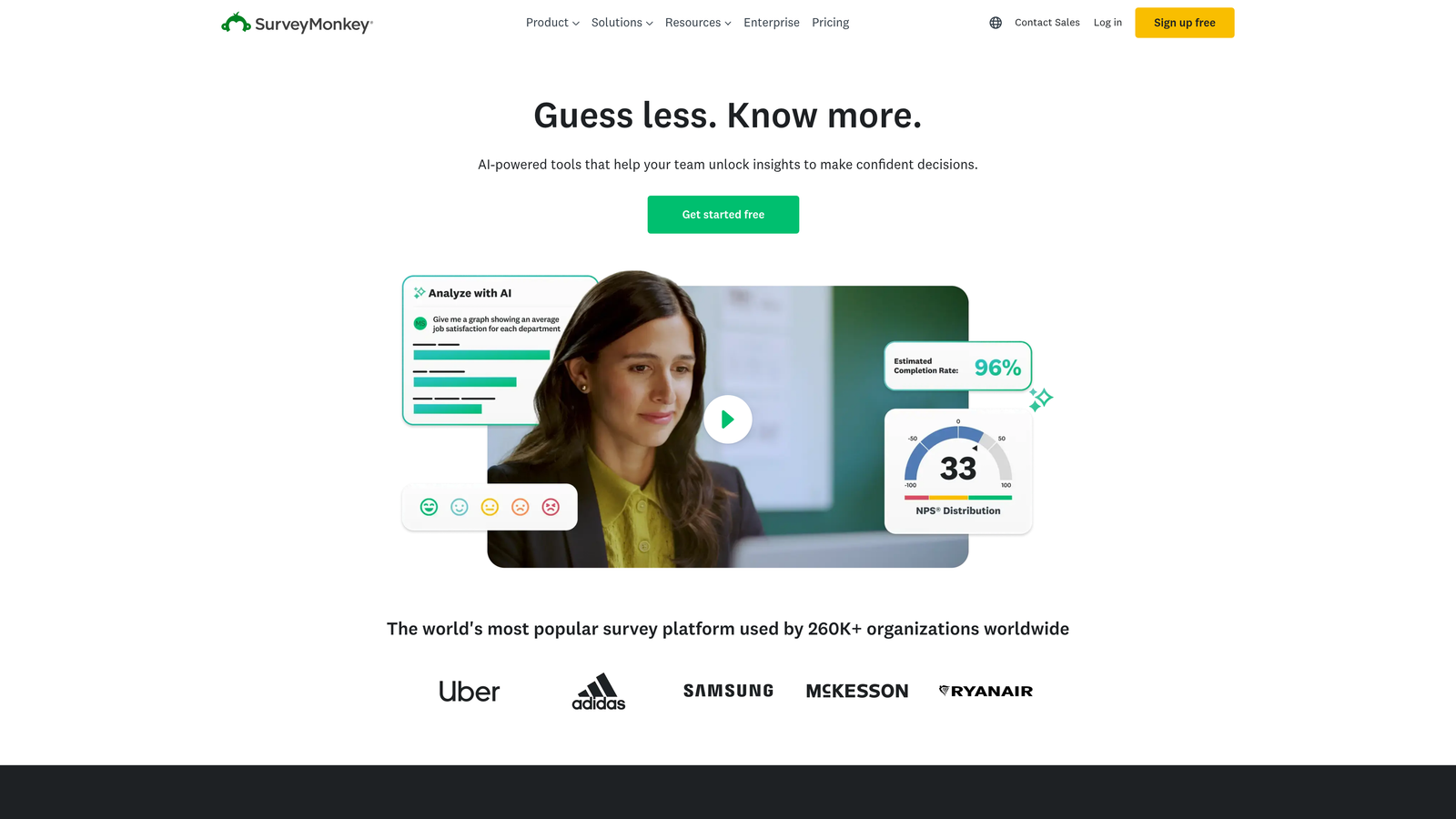
SurveyMonkey is the veteran survey platform trusted by researchers, offering sophisticated analytics and expert-designed templates.
Where This Tool Shines
SurveyMonkey brings research rigor to feedback collection. Their expert-designed templates are based on survey methodology best practices, reducing bias and improving data quality. When you need feedback that stands up to statistical analysis, this platform delivers the tools and structure to ensure validity.
The industry benchmarking feature is uniquely valuable. Compare your customer satisfaction scores, Net Promoter Score, or employee engagement metrics against industry averages to understand where you stand. This context transforms raw feedback into actionable competitive intelligence.
Key Features
Expert Survey Templates: Methodologically sound templates designed by survey research professionals.
Industry Benchmarks: Compare your results against aggregated data from similar organizations.
Advanced Analytics: Statistical analysis tools including cross-tabulation, filtering, and trend analysis.
AI-Powered Insights: Automated analysis that surfaces key themes and sentiment from open-ended responses.
Team Collaboration Tools: Share surveys, manage permissions, and collaborate on analysis within teams.
Best For
SurveyMonkey excels for organizations that need research-quality data. Market researchers, customer experience teams, HR departments conducting employee surveys, and anyone who needs to defend their findings with statistical rigor will appreciate the platform's depth.
Pricing
Free tier available with basic features. Paid plans start at $25/month for advanced question types and analysis tools.
6. Tally
Best for: Unlimited free forms with a modern editing experience and no branding restrictions
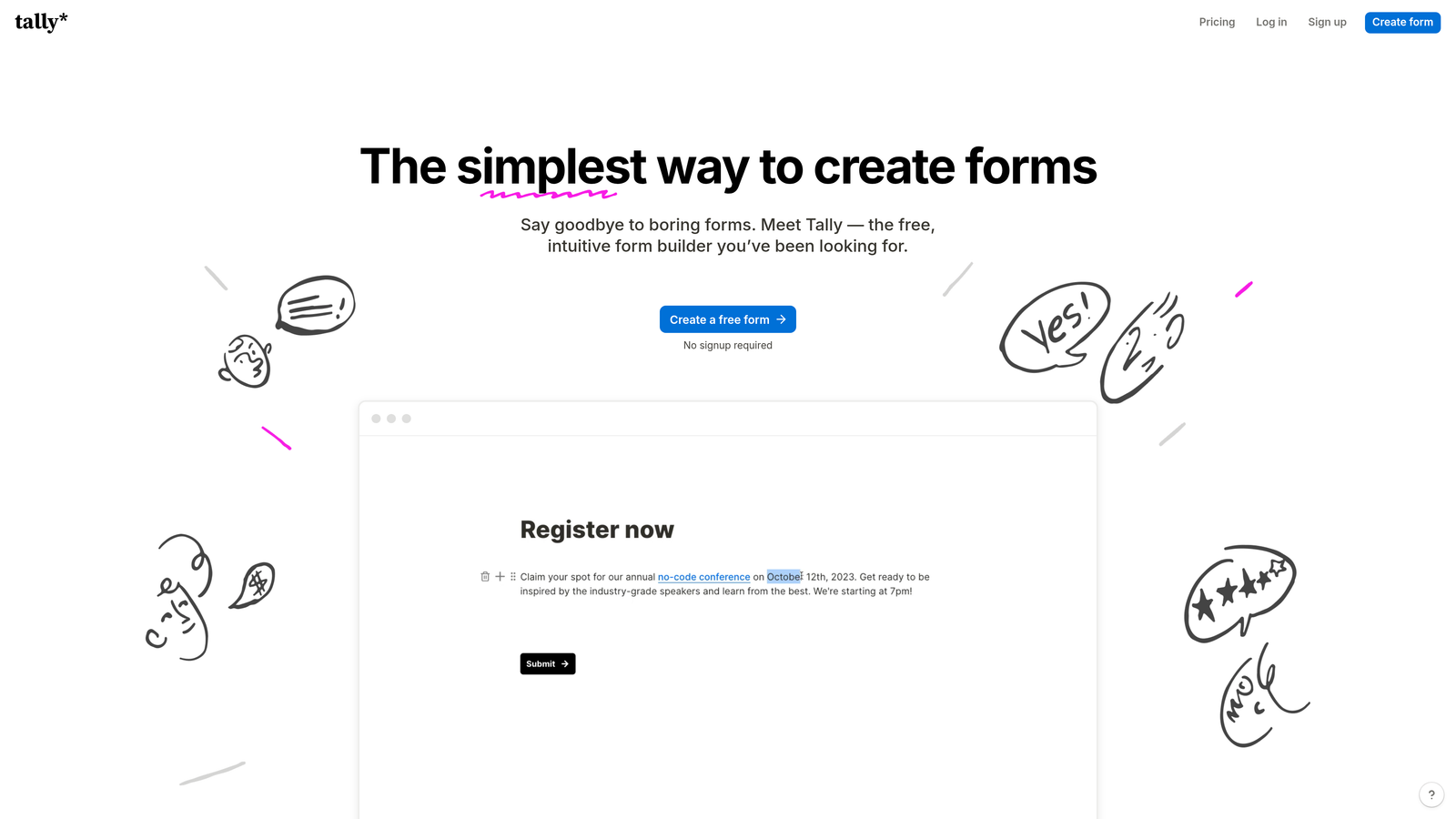
Tally is the newcomer disrupting the market with a generous free tier and Notion-inspired interface.
Where This Tool Shines
Tally's free tier is almost too good to be true: unlimited forms, unlimited responses, and no Tally branding. This makes it perfect for bootstrapped startups and small businesses that need professional feedback forms without the monthly expense. The lack of artificial limitations means you can scale your feedback collection without hitting paywalls.
The Notion-style editing experience feels familiar if you're already using modern productivity tools. Building forms feels more like writing a document than configuring software, with a clean interface that gets out of your way.
Key Features
Unlimited Forms on Free Plan: No artificial restrictions on form creation or response collection.
Notion-Style Interface: Intuitive, document-like editing that feels natural and modern.
No Branding on Free Tier: Your forms look professional without Tally's logo, even on the free plan.
Conditional Logic: Create dynamic feedback paths based on respondent answers.
Integrations via Webhooks: Connect to other tools through flexible webhook configurations.
Best For
Tally is perfect for startups, solopreneurs, and small teams who need professional feedback forms but can't justify monthly software costs. It's also great for side projects and MVPs where you want to collect feedback without budget constraints.
Pricing
Free tier includes unlimited forms and responses. Pro plan at $29/month adds file uploads, custom domains, and priority support.
7. Formstack
Best for: Enterprise organizations requiring HIPAA compliance, advanced security, and workflow automation
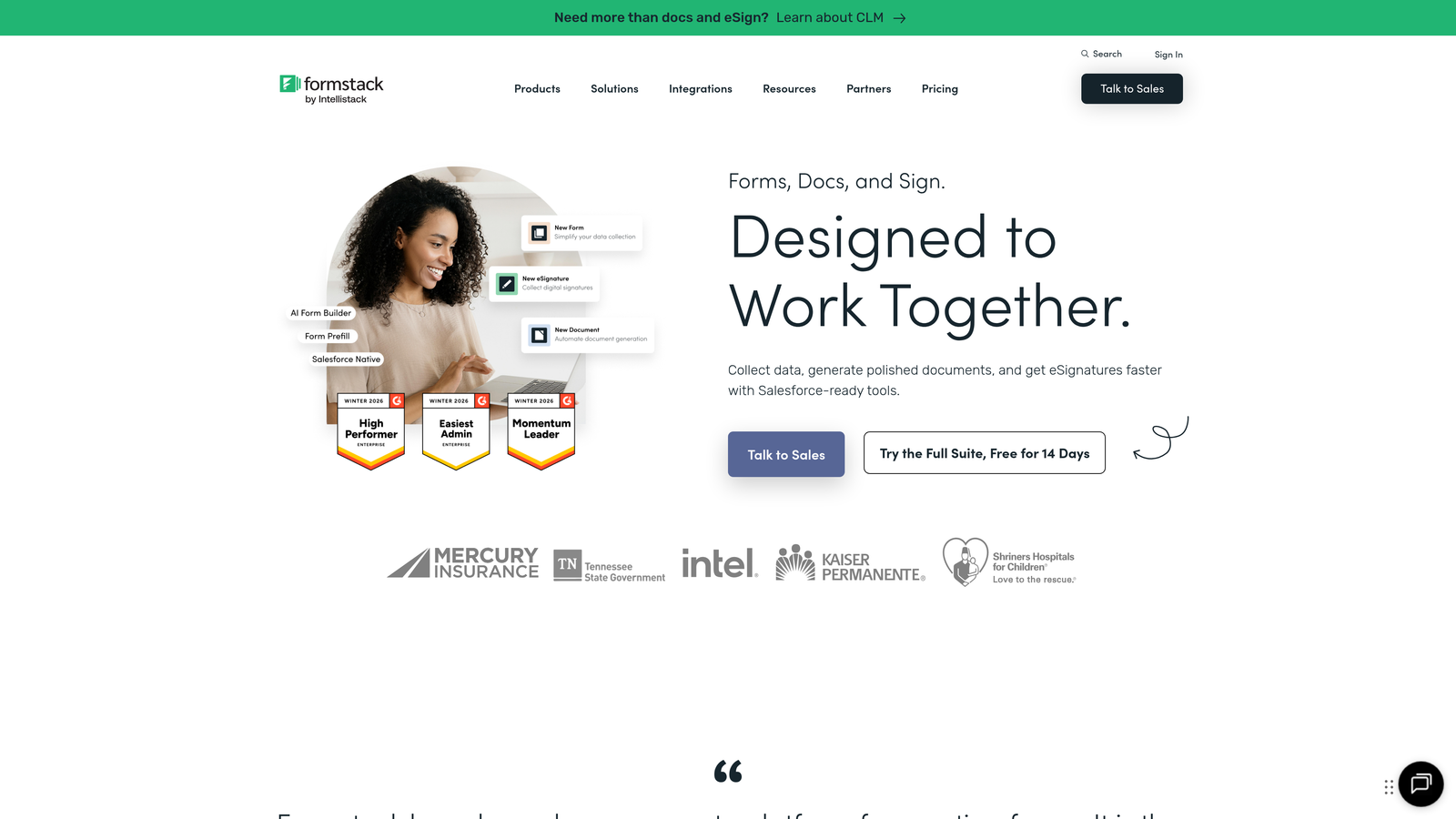
Formstack is an enterprise-grade form platform built for organizations with strict compliance and security requirements.
Where This Tool Shines
Formstack takes security and compliance seriously. HIPAA compliance options, SOC 2 Type II certification, and advanced encryption make it suitable for healthcare, finance, and other regulated industries collecting sensitive feedback. When customer feedback includes protected information, Formstack ensures you're meeting legal requirements.
The workflow automation capabilities extend far beyond basic email notifications. Build complex approval processes, route feedback to appropriate departments, trigger multi-step workflows, and automate follow-up actions based on response data. This transforms feedback collection from a passive data gathering exercise into an active business process.
Key Features
HIPAA Compliance Options: Business Associate Agreements and security controls for healthcare feedback.
Advanced Workflow Automation: Build complex multi-step processes triggered by form submissions.
E-Signatures: Collect legally binding signatures directly within feedback forms.
Conditional Logic: Create sophisticated branching paths based on multiple conditions.
Enterprise Security: SSO, advanced encryption, audit logs, and role-based access controls.
Best For
Formstack serves enterprises, healthcare organizations, financial services, and any business where feedback collection intersects with compliance requirements. If you need audit trails, encryption, and provable security, this platform delivers.
Pricing
Plans start at $50/month for basic features. Enterprise pricing available for advanced compliance and security needs.
8. Paperform
Best for: Creating feedback forms that look like branded landing pages with rich media support
Paperform is a form builder that prioritizes aesthetics, creating forms that look more like landing pages than traditional surveys.
Where This Tool Shines
Paperform transforms feedback forms into visually stunning experiences. Instead of the typical survey aesthetic, your forms can include full-width images, embedded videos, custom layouts, and rich typography. This makes them perfect for brand-conscious companies where every customer touchpoint needs to reflect design standards.
The payment collection capability adds versatility beyond pure feedback. Collect event feedback while processing registration fees, gather product reviews while accepting orders, or combine customer satisfaction surveys with subscription renewals. This multi-purpose approach reduces the number of tools in your stack.
Key Features
Landing Page Aesthetics: Create forms with the visual impact of custom landing pages.
Rich Media Embedding: Include videos, images, and custom HTML for engaging experiences.
Payment Collection: Accept payments through Stripe or PayPal directly within forms.
Conditional Logic: Show or hide sections based on previous answers for personalized paths.
Custom Branding: Complete control over colors, fonts, and styling to match your brand.
Best For
Paperform suits creative agencies, design-focused brands, and businesses where visual presentation matters as much as functionality. If your feedback forms need to make a strong brand impression, this platform delivers the aesthetic flexibility to achieve it.
Pricing
Plans start at $24/month for essential features. Higher tiers add advanced customization and increased submission limits.
9. Microsoft Forms
Best for: Organizations already using Microsoft 365 who want seamless Office integration
Microsoft Forms is the built-in form builder for Microsoft 365 subscribers, offering tight integration with Excel, Teams, and other Office apps.
Where This Tool Shines
For organizations already invested in Microsoft 365, Forms removes friction from feedback collection. Create forms directly within Teams, share them through Outlook, and automatically export responses to Excel for analysis. This native integration means no new tools to learn, no additional logins, and no data silos between systems.
The Teams integration is particularly valuable for internal feedback. Collect employee pulse surveys, gather project retrospective feedback, or run quick polls without leaving your collaboration platform. Responses appear in real-time, making it easy to act on feedback immediately.
Key Features
Microsoft 365 Integration: Native connection with Teams, Excel, SharePoint, and other Office apps.
Real-Time Response Tracking: Watch responses come in live with automatic charts and summaries.
Branching Logic: Create conditional paths based on answer choices.
Excel Export: One-click export to Excel for advanced analysis and reporting.
Teams Integration: Share forms and collect feedback directly within Microsoft Teams.
Best For
Microsoft Forms is ideal for organizations standardized on Microsoft 365, particularly for internal feedback like employee surveys, training evaluations, and team retrospectives. If you're already paying for Microsoft 365, you already have access to this tool.
Pricing
Included with Microsoft 365 subscriptions at no additional cost.
Making the Right Choice
The best feedback form builder depends on what you value most. If you want feedback collection that doubles as lead qualification, Orbit AI transforms customer insights into revenue opportunities through AI-powered analysis. For teams prioritizing engagement and completion rates, Typeform's conversational approach consistently outperforms traditional surveys.
Budget-conscious teams have excellent options too. Google Forms and Tally both offer generous free tiers—Google Forms for simplicity and Workspace integration, Tally for unlimited forms without branding. Organizations with compliance requirements should look at Formstack's enterprise-grade security and HIPAA options, while research teams benefit from SurveyMonkey's industry benchmarking and statistical rigor.
The right choice often comes down to your primary use case. Are you collecting feedback to improve products, or to identify sales opportunities? Do you need research-quality data, or quick pulse checks? Is visual design a priority, or is functionality more important? Answer these questions honestly, and the right platform becomes clear.
For high-growth teams ready to transform feedback into qualified opportunities, start your free trial today and see how intelligent form design can elevate your conversion strategy. The best feedback isn't just collected—it's qualified, routed, and acted upon automatically.