

The days of waiting weeks for developers to build custom forms are over. Modern no-code form builders have evolved far beyond basic contact forms—they're now sophisticated platforms that combine drag-and-drop simplicity with AI-powered intelligence, advanced integrations, and conversion optimization features that rival custom-coded solutions. Whether you're a startup capturing your first leads or an enterprise managing complex workflows, the right form builder can transform how you collect and qualify prospects.
We evaluated these tools based on four critical criteria: ease of use (can your team start building immediately?), design flexibility (do forms match your brand?), integration capabilities (does it connect with your existing stack?), and conversion optimization features (does it actually help you capture better leads?). This list covers everything from AI-powered platforms that qualify leads automatically to simple builders perfect for teams that just need clean, functional forms fast.
1. Orbit AI
Best for: High-growth teams focused on lead quality and conversion optimization
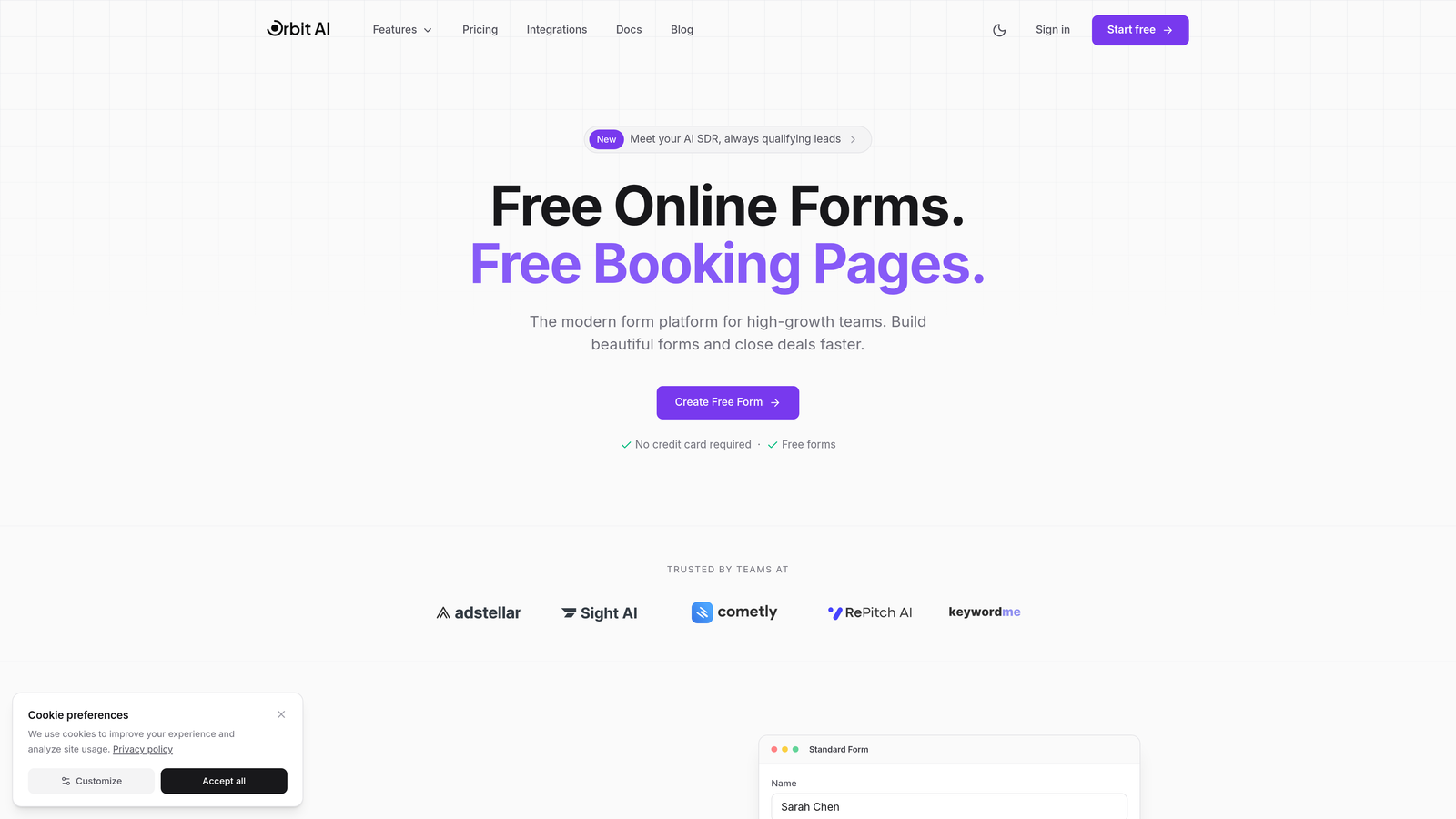
Orbit AI is an AI-powered form builder designed specifically for teams that care about lead quality, not just quantity.
Where This Tool Shines
What sets Orbit AI apart is its intelligent approach to lead qualification. While most form builders just collect information, Orbit AI analyzes responses in real-time to score and qualify leads automatically. This means your sales team stops wasting time on unqualified prospects and focuses on opportunities that actually convert.
The platform combines beautiful, conversion-optimized templates with the flexibility to customize every detail. You're not choosing between aesthetics and functionality—you get both, with forms that look modern and perform exceptionally well.
Key Features
AI-Powered Lead Qualification: Automatically scores and qualifies leads based on their responses, routing high-value prospects to sales immediately.
Conversion-Optimized Templates: Pre-built forms designed with conversion psychology in mind, reducing friction and boosting completion rates.
Native CRM Integrations: Connects seamlessly with your existing marketing and sales tools, ensuring qualified leads flow directly into your workflows.
Real-Time Analytics: Detailed insights into form performance, drop-off points, and lead quality metrics that help you optimize continuously.
Modern Design System: Beautiful, on-brand forms that create a premium experience without requiring design expertise.
Best For
Orbit AI is ideal for B2B SaaS companies, marketing agencies, and any high-growth team where lead quality directly impacts revenue. If you're tired of sorting through unqualified leads and want forms that actively help qualify prospects, this is your platform.
Pricing
Free tier available to get started. Paid plans offer competitive pricing with advanced features for scaling teams focused on conversion optimization.
2. Typeform
Best for: Creating engaging, conversational form experiences that boost completion rates
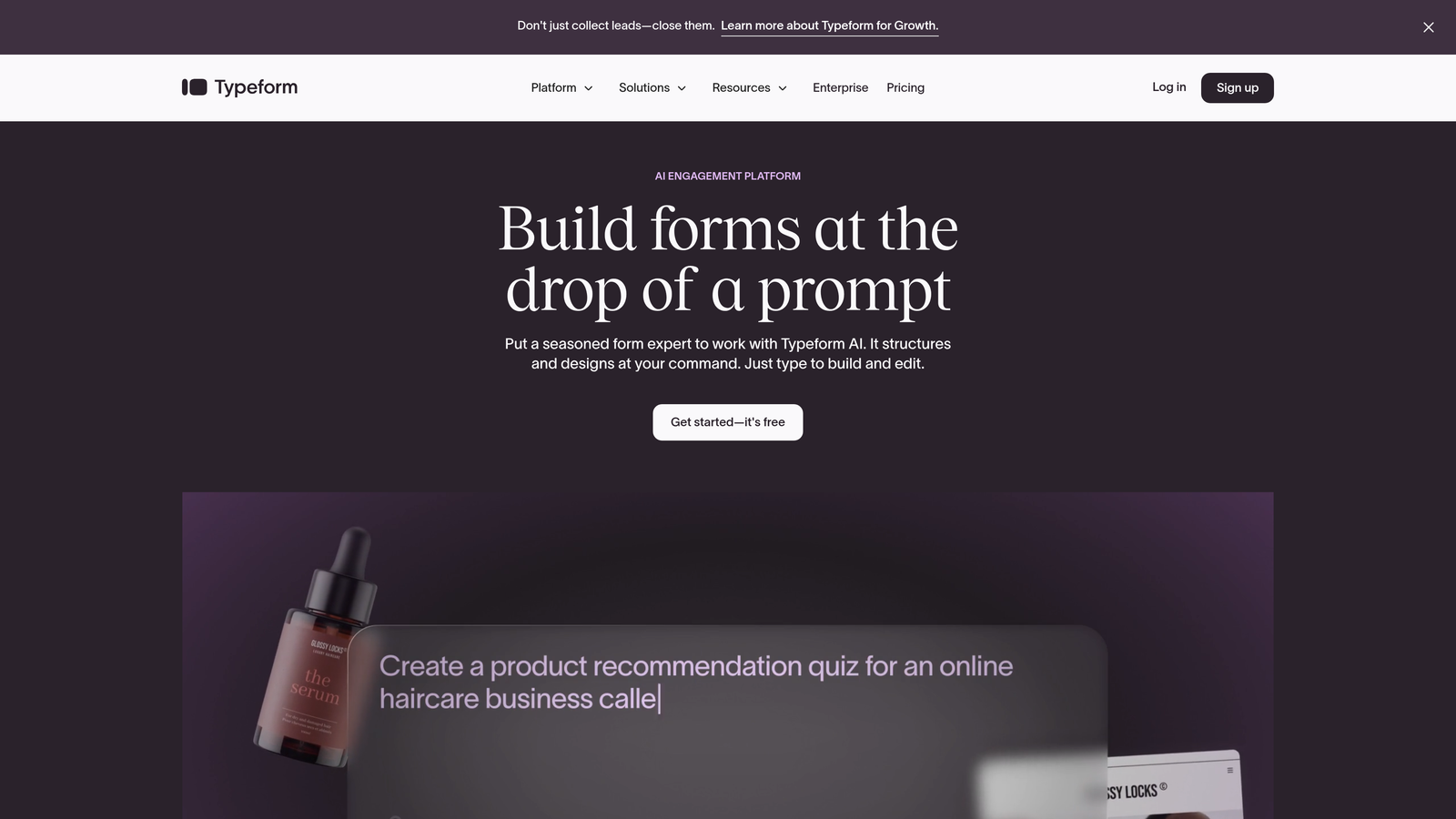
Typeform pioneered the one-question-at-a-time format that makes filling out forms feel like a conversation rather than a chore.
Where This Tool Shines
Typeform's conversational approach fundamentally changes how people interact with forms. By showing one question at a time with smooth transitions, it reduces the psychological burden of facing a long form. This approach consistently delivers higher completion rates compared to traditional multi-field layouts.
The platform excels at creating memorable brand experiences. With rich media support, custom themes, and thoughtful animations, Typeform lets you build forms that feel like an extension of your brand rather than a generic data collection tool.
Key Features
Conversational Interface: One-question-at-a-time format with smooth transitions creates an engaging experience that feels natural.
Logic Jumps: Advanced branching that adapts questions based on previous answers, creating personalized paths through your form.
Rich Media Embedding: Add videos, images, and GIFs to make forms visually engaging and reinforce your message.
Native Integrations: Connects with popular tools like Slack, HubSpot, and Google Sheets to automate your workflows.
Custom Branding: Extensive theming options let you match forms perfectly to your brand guidelines.
Best For
Marketing teams creating surveys, customer feedback forms, or lead capture experiences where engagement matters as much as data collection. Perfect for brands that prioritize user experience and want forms that people actually enjoy completing.
Pricing
Free plan available with basic features. Basic plan starts at $25/month, with Plus and Business tiers for advanced logic and integrations.
3. Jotform
Best for: Teams needing extensive templates and widgets for virtually any form use case
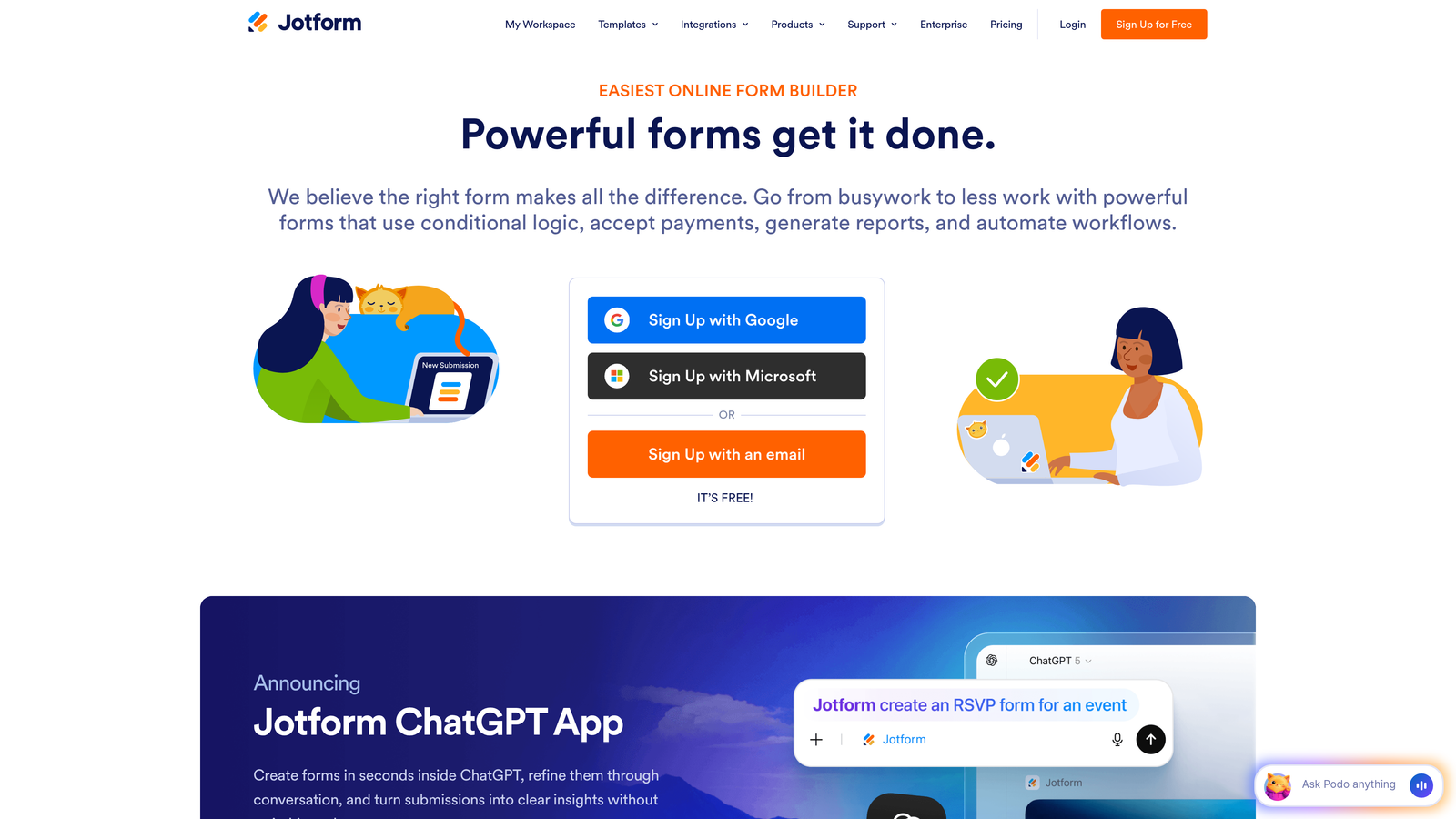
Jotform offers one of the largest template libraries in the industry with over 10,000 pre-built forms covering every conceivable scenario.
Where This Tool Shines
Jotform's massive template library means you're rarely building from scratch. Whether you need a complex application form, event registration, payment collection, or customer survey, there's likely a template that gets you 80% of the way there. This dramatically reduces time to launch.
The widget ecosystem is equally impressive. Need to add appointment scheduling? There's a widget. Want to collect e-signatures? Another widget. This extensibility makes Jotform incredibly versatile without requiring technical knowledge.
Key Features
10,000+ Templates: Pre-built forms for every industry and use case, from healthcare intake to event registration.
Widget Library: Hundreds of widgets extend functionality without code, including payments, scheduling, and file uploads.
Payment Processing: Built-in integrations with PayPal, Stripe, and Square for collecting payments directly through forms.
PDF Generation: Automatically convert form submissions into formatted PDFs and collect e-signatures.
Mobile Responsive: Forms automatically adapt to mobile devices, ensuring a smooth experience on any screen size.
Best For
Organizations with diverse form needs across departments, from HR to customer service. Particularly valuable for teams that need payment collection, e-signatures, or complex multi-page applications without developer involvement.
Pricing
Free plan includes 5 forms with 100 monthly submissions. Bronze plan starts at $34/month, scaling up to Enterprise for high-volume needs.
4. Tally
Best for: Budget-conscious teams wanting unlimited forms with a clean, distraction-free interface
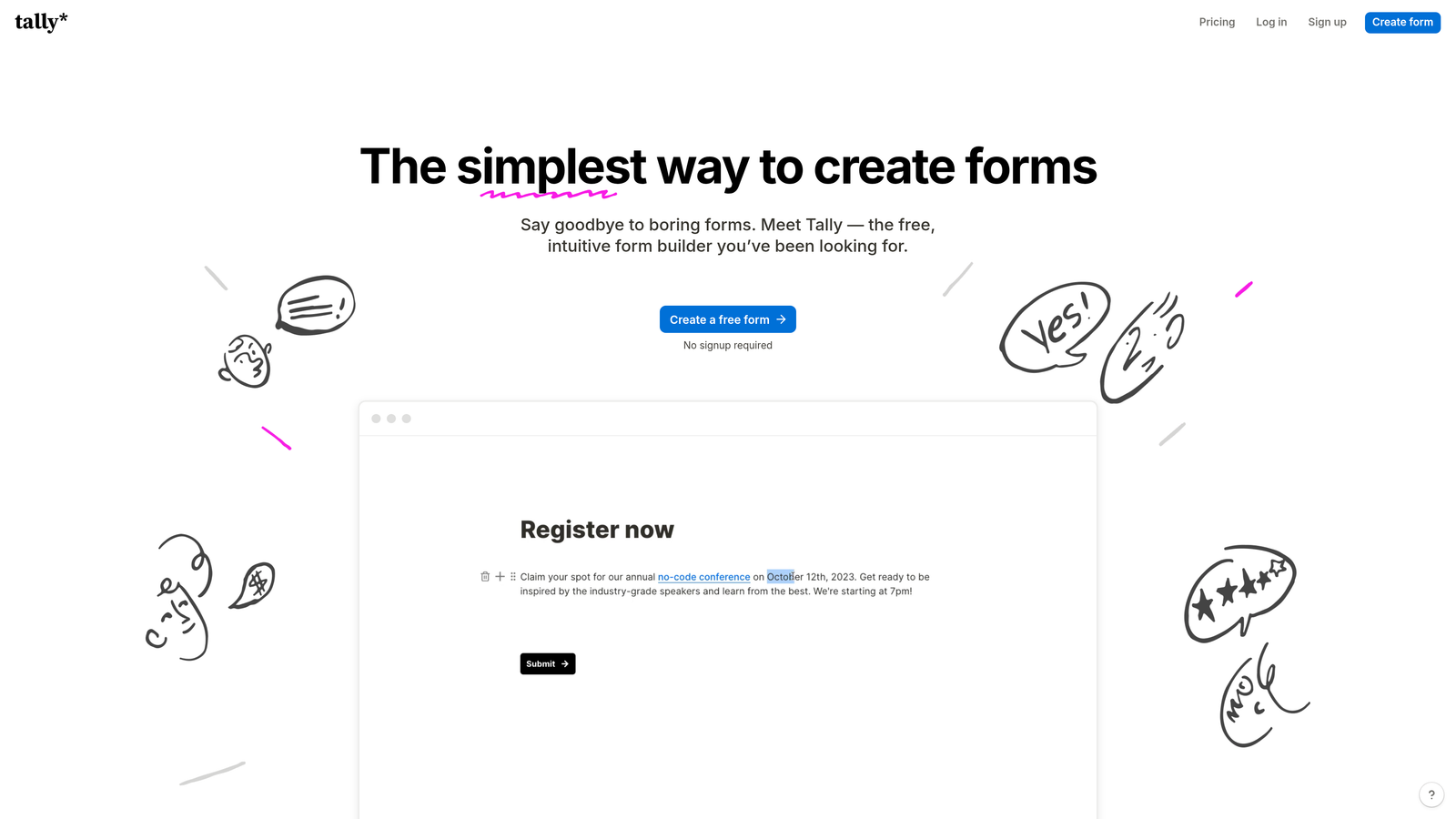
Tally brings Notion-style simplicity to form building with a generous free tier that includes unlimited forms.
Where This Tool Shines
Tally's standout feature is its pricing philosophy. While most form builders limit free plans to a handful of forms, Tally gives you unlimited forms with unlimited submissions. This makes it perfect for agencies managing multiple clients or startups that need several forms without budget constraints.
The Notion-inspired block editor feels immediately familiar if you've used modern productivity tools. You build forms by stacking blocks—text, multiple choice, file upload—with the same simplicity you'd use to create a document. No learning curve required.
Key Features
Unlimited Free Forms: No artificial limits on the free plan—create as many forms as you need without paying.
Block-Based Editor: Notion-style interface makes form building intuitive, with drag-and-drop blocks for every field type.
Conditional Logic: Show or hide fields based on previous answers, included even on the free plan.
Custom Domains: Use your own domain for forms on paid plans, maintaining brand consistency.
Clean Interface: Minimal, distraction-free design that puts focus on your content rather than builder chrome.
Best For
Startups and small teams that need multiple forms without budget for expensive tools. Also great for Notion users who want the same intuitive building experience for their forms.
Pricing
Generous free plan with unlimited forms and most features. Pro plan at $29/month adds custom domains, file uploads, and priority support.
5. Fillout
Best for: Teams using Airtable or Notion who want forms that write directly to their databases
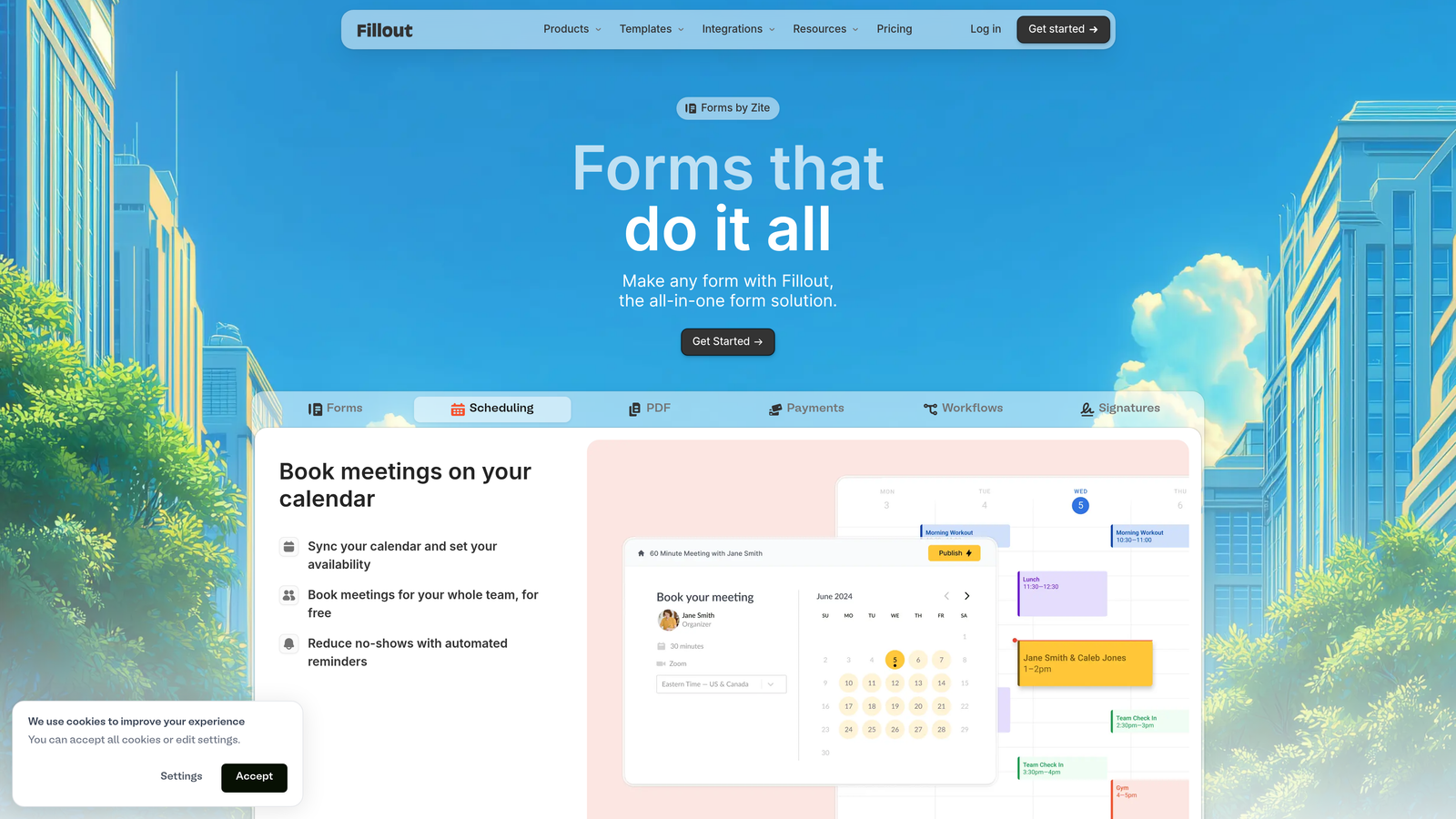
Fillout specializes in native database integrations, letting you build forms that write directly to Airtable, Notion, and other data tools.
Where This Tool Shines
If your team lives in Airtable or Notion, Fillout eliminates the integration middleware. Forms write directly to your base or database, with field mapping that's actually intuitive. This native approach means fewer moving parts, faster data flow, and no zapier tax eating into your budget.
The multi-page form builder with progress bars creates a professional experience for longer forms. Instead of overwhelming users with dozens of fields, you guide them through sections with clear progress indicators that reduce abandonment.
Key Features
Native Database Integration: Direct connection to Airtable and Notion bases, writing form data exactly where you need it.
Multi-Page Forms: Break long forms into digestible sections with progress bars that encourage completion.
Scheduling Forms: Built-in booking and appointment scheduling without requiring separate tools.
File Uploads: Collect documents, images, and files directly through forms with cloud storage integration.
Conditional Logic: Smart forms that adapt based on responses, showing only relevant fields.
Best For
Operations teams, project managers, and anyone who's built their workflows around Airtable or Notion. Perfect for intake forms, client onboarding, or any process where data needs to flow directly into your existing database.
Pricing
Free tier available for basic needs. Starter plan at $15/month unlocks advanced features and higher submission limits.
6. Paperform
Best for: Creating rich, editorial-style forms that blend content with data collection
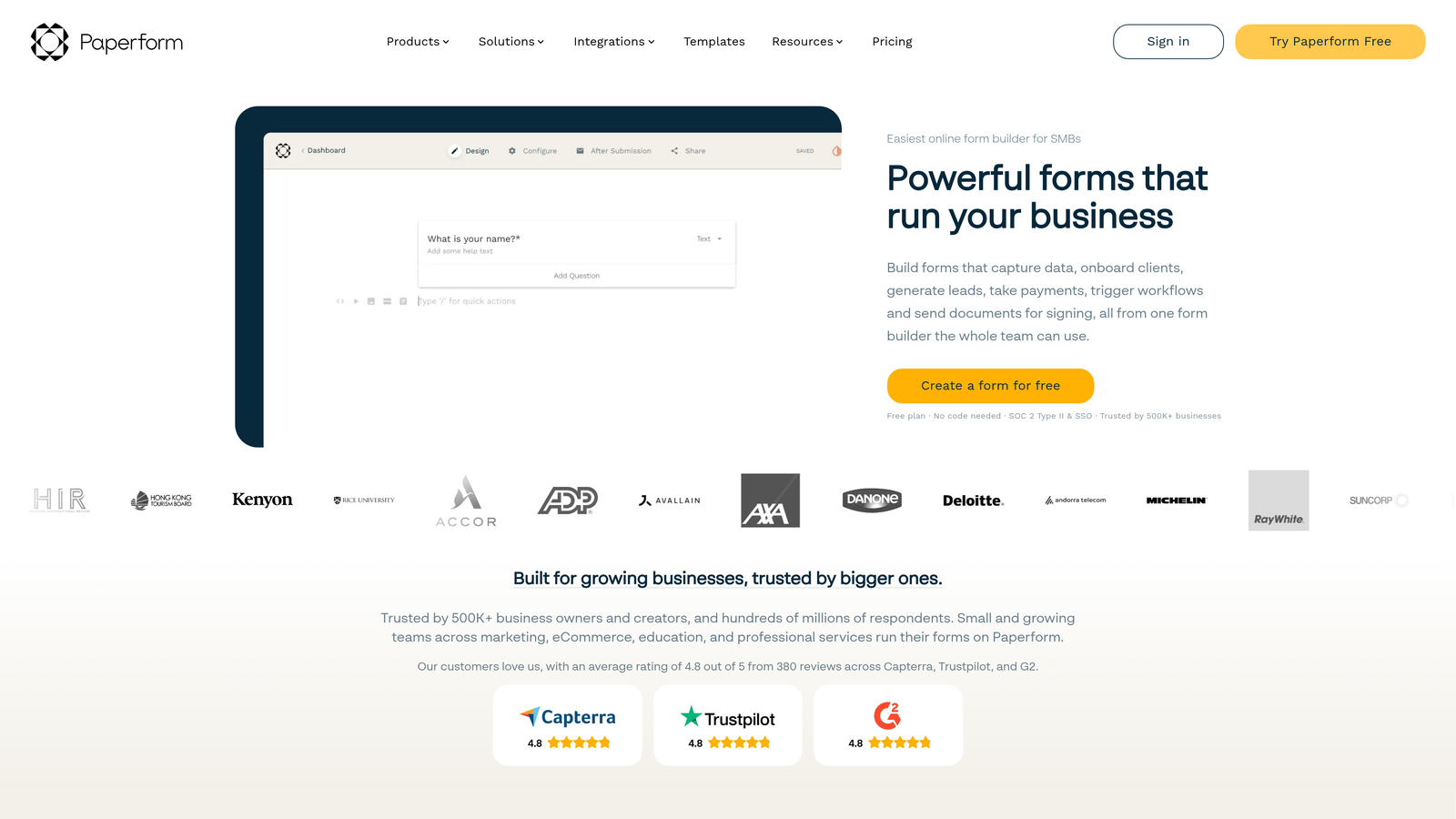
Paperform takes a unique document-first approach, letting you create forms that read like articles with embedded form fields.
Where This Tool Shines
Paperform's document-style editor lets you create forms that tell a story. Instead of just collecting data, you can weave form fields into rich content with images, videos, and formatted text. This makes it perfect for applications, detailed surveys, or any situation where context matters as much as the questions.
The built-in payment processing goes beyond simple transactions. You can create product catalogs, calculate pricing based on selections, and build complete checkout experiences without leaving the form builder or paying transaction fees on higher plans.
Key Features
Document-Style Creation: Build forms like you'd write a document, mixing rich content with form fields for a unique experience.
Rich Media Embedding: Add videos, images, and formatted text to create context and guide users through your form.
Payment Processing: Accept payments with built-in Stripe and PayPal integration, including product catalogs and pricing calculations.
Advanced Calculations: Create dynamic pricing, scoring, or custom calculations based on user inputs.
Custom Success Pages: Design unique confirmation experiences based on form responses or payment status.
Best For
Service businesses, consultants, and creative professionals who need forms that reflect their brand's premium positioning. Excellent for complex applications, detailed intake forms, or situations where you're selling services through the form itself.
Pricing
Essentials plan starts at $24/month for individuals. Pro plan at $49/month adds team features and removes Paperform branding.
7. Formstack
Best for: Enterprise teams needing advanced workflows, approvals, and compliance features
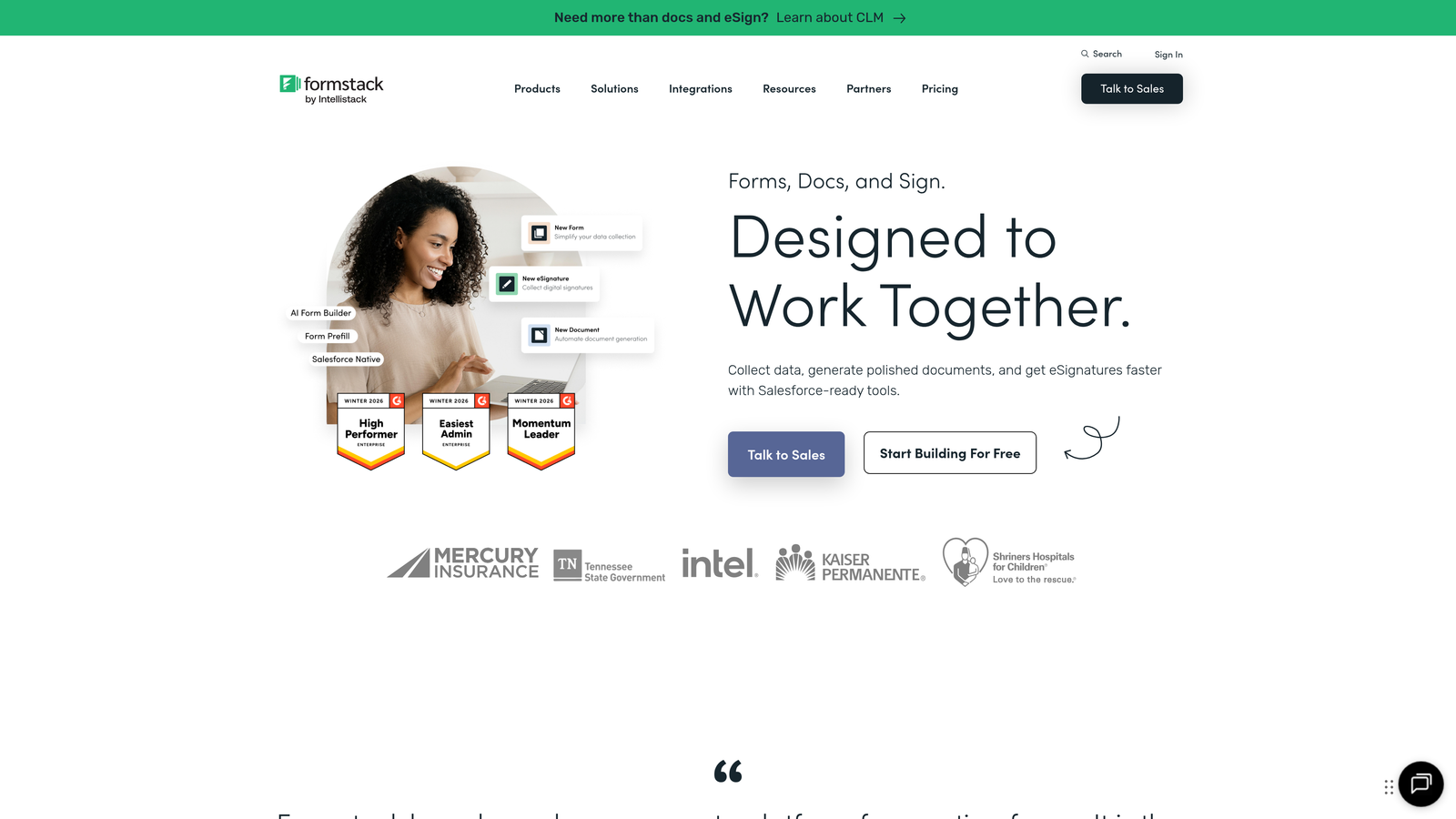
Formstack is an enterprise-grade platform built for organizations with complex approval processes and strict compliance requirements.
Where This Tool Shines
Formstack's workflow automation capabilities go far beyond basic form submission. You can build multi-step approval processes, route submissions to different departments based on criteria, and automate document generation—all without writing code. This makes it invaluable for HR, legal, and finance teams managing complex processes.
For regulated industries, Formstack offers HIPAA-compliant forms with encryption, audit trails, and security features that meet healthcare and financial services requirements. This level of compliance is rare in the no-code form builder space.
Key Features
Workflow Automation: Build complex approval chains and routing logic that automates your business processes.
HIPAA Compliance: Meet healthcare data security requirements with encrypted forms and comprehensive audit trails.
Salesforce Integration: Native connector writes data directly to Salesforce objects without middleware.
Document Generation: Automatically create PDFs, contracts, or reports from form submissions.
Advanced Conditional Logic: Create sophisticated form paths based on multiple conditions and user roles.
Best For
Enterprise organizations in healthcare, finance, legal, or any regulated industry requiring compliance features. Also ideal for large teams with complex approval workflows spanning multiple departments.
Pricing
Starter plan begins at $50/month for small teams. Teams plan at $83/month adds advanced features. Enterprise pricing available for large organizations.
8. Google Forms
Best for: Simple data collection with zero learning curve and seamless Google Workspace integration
Google Forms is the completely free, no-frills option that gets you from idea to live form in minutes.
Where This Tool Shines
Google Forms wins on simplicity and price. It's completely free with a Google account, making it perfect for quick surveys, event RSVPs, or internal data collection where you don't need advanced features. The interface is so straightforward that team members can start building forms immediately without training.
The automatic Google Sheets integration is seamless. Every response flows directly into a spreadsheet, where you can analyze data, create charts, or share results with stakeholders. For teams already living in Google Workspace, this native integration eliminates friction.
Key Features
Completely Free: No limits on forms, questions, or responses—everything is included with your Google account.
Real-Time Collaboration: Multiple team members can edit forms simultaneously, just like Google Docs.
Automatic Sheets Sync: Responses flow directly into Google Sheets for instant analysis and visualization.
Basic Conditional Logic: Show or hide questions based on previous answers for simple branching.
Quiz Features: Built-in scoring and grading capabilities for educational assessments or knowledge checks.
Best For
Internal team surveys, event planning, quick feedback collection, or any situation where you need a simple form fast and budget is zero. Perfect for schools, nonprofits, and small businesses already using Google Workspace.
Pricing
Completely free with any Google account. No paid tiers or premium features to unlock.
9. Cognito Forms
Best for: Payment collection with advanced calculations and zero transaction fees on paid plans
Cognito Forms specializes in forms that handle money, with built-in payment processing and sophisticated pricing calculations.
Where This Tool Shines
Cognito Forms' calculation engine is remarkably powerful. You can build complex pricing models based on user selections, quantity, add-ons, and conditional factors—all without code. This makes it perfect for order forms, registration with variable pricing, or donation forms with suggested amounts.
The no-transaction-fee model on paid plans is a significant cost advantage. While many form builders take a percentage of each payment, Cognito Forms only charges standard payment processor fees, letting you keep more revenue from every transaction.
Key Features
Advanced Calculations: Build sophisticated pricing formulas based on selections, quantities, and conditional logic.
Payment Processing: Integrated Stripe and PayPal support with no additional transaction fees on paid plans.
Repeating Sections: Let users add multiple items or entries within a single form submission.
E-Signatures: Collect legally binding signatures directly within your forms.
Conditional Pricing: Adjust prices dynamically based on user choices or calculated values.
Best For
E-commerce businesses, event organizers, nonprofits collecting donations, or any organization selling products or services through forms. The calculation features make it especially valuable for variable pricing scenarios.
Pricing
Free plan available with basic features. Pro plan at $15/month removes transaction fees and unlocks advanced capabilities.
10. 123FormBuilder
Best for: Security-focused industries requiring HIPAA compliance and advanced data protection
123FormBuilder prioritizes security and compliance, making it ideal for healthcare, legal, and financial services.
Where This Tool Shines
Security isn't an afterthought with 123FormBuilder—it's the foundation. The platform offers HIPAA and GDPR compliance out of the box, with encryption, secure data storage, and comprehensive audit trails. For organizations handling sensitive patient information or financial data, these features are non-negotiable.
The white-label options let agencies and consultants rebrand the entire form experience as their own. Remove all 123FormBuilder branding and replace it with your logo, colors, and domain for a completely seamless client experience.
Key Features
HIPAA Compliance: Meet healthcare data security requirements with encrypted forms and Business Associate Agreements.
GDPR Features: Built-in tools for consent management, data deletion requests, and privacy compliance.
Advanced Security: SSL encryption, password-protected forms, and secure data storage options.
Payment Integration: Accept payments through multiple processors with PCI compliance.
White-Label Options: Remove all branding and customize forms completely for agency or enterprise use.
Best For
Healthcare providers, legal firms, financial advisors, and any business handling sensitive personal or financial information. Also valuable for agencies managing forms for multiple clients who need white-label capabilities.
Pricing
Free plan available for basic needs. Gold plan at $32/month includes HIPAA compliance and advanced security features.
11. Feathery
Best for: Developer-friendly teams wanting advanced customization without writing backend code
Feathery bridges the gap between no-code simplicity and developer-level control with an API-first architecture.
Where This Tool Shines
Feathery gives you the styling control developers want without requiring them to build forms from scratch. You can inject custom CSS, add JavaScript for complex interactions, and use the API to integrate forms deeply into your application—all while maintaining the speed of a no-code builder.
The A/B testing capabilities are built in rather than bolted on. Test different form layouts, field orders, or copy variations to optimize conversion rates based on real data rather than assumptions. This data-driven approach helps product teams continuously improve their forms.
Key Features
Advanced Styling: Full CSS control lets you match forms exactly to your design system without limitations.
API-First Architecture: Robust API for integrating forms deeply into your product or custom workflows.
Multi-Step Flows: Build complex, multi-page form experiences with conditional branching and progress tracking.
Built-In A/B Testing: Test form variations to optimize conversion rates with statistical significance.
Custom Code Injection: Add JavaScript for advanced interactions when no-code features aren't enough.
Best For
Product teams, SaaS companies, and technical organizations that need forms deeply integrated into their application. Perfect for teams with developers who want customization options without building form infrastructure from scratch.
Pricing
Free tier available for testing and small projects. Growth plan at $49/month unlocks advanced features and higher submission volumes.
Finding Your Perfect Form Builder Match
The right form builder depends entirely on what matters most to your team. If lead quality drives your revenue and you need AI to help qualify prospects automatically, Orbit AI delivers conversion-optimized forms with intelligent lead scoring. For teams prioritizing engagement and completion rates, Typeform's conversational interface creates experiences people actually enjoy.
Budget-conscious teams should look at Tally's unlimited free forms or Google Forms' completely free offering. If you're managing complex enterprise workflows with approval chains, Formstack's automation capabilities justify the investment. For payment collection without transaction fees eating into margins, Cognito Forms makes financial sense.
Think about your primary goal. Are you trying to capture more leads, or better leads? Do you need simple data collection, or complex workflows with approvals? Is compliance a requirement, or is speed to market more important? Your answers point directly to the right tool.
For high-growth teams where lead quality impacts revenue, the choice becomes clear. Transform your lead generation with AI-powered forms that qualify prospects automatically while delivering the modern, conversion-optimized experience your team needs. Start building free forms today and see how intelligent form design can elevate your conversion strategy.


