

Legal firms have unique form requirements that most generic tools simply aren't built to handle. Conditional logic for case intake, secure data handling for privileged client information, e-signature support, and forms that actually convert cold prospects into booked consultations are all non-negotiable for a modern legal practice. The wrong form builder means lost leads, compliance headaches, and intake processes that frustrate potential clients before they've spoken to a single attorney.
This guide covers the top form builders for legal firms in 2026, evaluated on security, conditional logic, mobile performance, CRM integrations, and lead qualification capabilities. Whether you're a solo practitioner streamlining client intake or a multi-practice firm optimizing consultation bookings, there's a clear fit here.
1. Orbit AI
Best for: Legal firms that want AI-powered lead qualification built directly into the intake process.
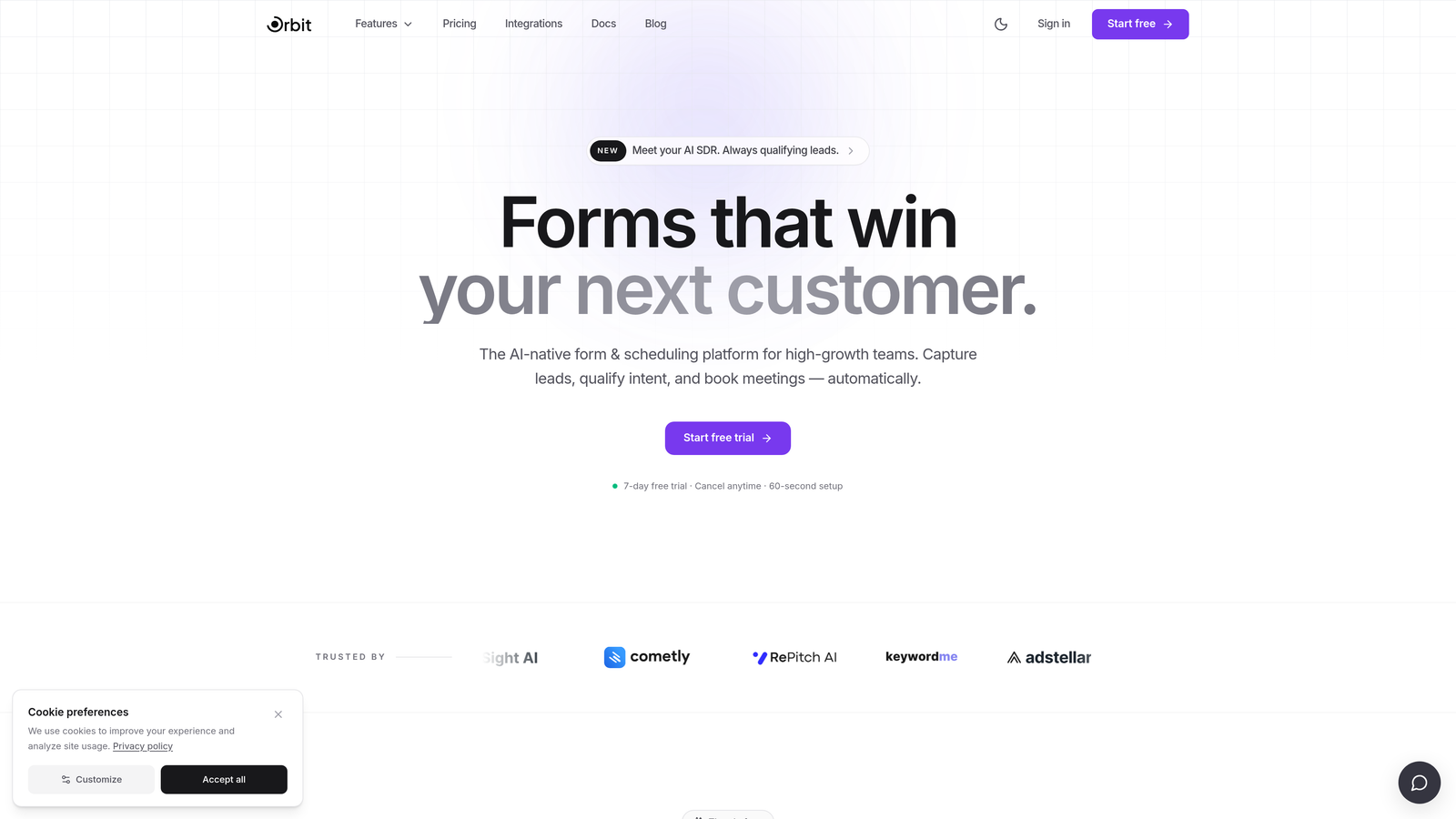
Orbit AI is an AI-powered form builder with built-in lead qualification designed for high-growth teams who need more than just a form.
Where This Tool Shines
Most form builders collect submissions and hand them off. Orbit AI goes a step further by scoring and filtering those submissions automatically, so your intake team isn't wading through inquiries from the wrong jurisdiction, wrong practice area, or cases that simply aren't a fit. For legal firms where attorney time is the most valuable resource, that pre-screening capability alone changes the economics of intake.
The multi-step, conversion-optimized form design also deserves attention. Legal intake forms are notoriously long and intimidating. Orbit AI's approach breaks complex questionnaires into digestible steps, reducing abandonment and improving the quality of submissions that do come through.
Key Features
AI-Powered Lead Qualification: Automatically scores and filters form submissions based on case type, jurisdiction, and other criteria you define, so only qualified prospects reach your attorneys.
Conditional Logic for Case Branching: Route personal injury inquiries down a completely different path than estate planning or contract disputes, all within a single form.
Conversion-Optimized Multi-Step Design: Reduces intake abandonment by presenting complex questions progressively rather than all at once.
Modern, Professional UI: Form design that reflects well on a legal brand, particularly important for boutique firms and consumer-facing practices where first impressions matter.
CRM and Workflow Integrations: Route qualified leads directly to the right attorney or practice group based on intake responses.
Best For
High-growth legal practices and multi-attorney firms that are serious about intake efficiency. Particularly valuable for firms receiving high inquiry volume where manual triage is creating bottlenecks, and for practices that want their form experience to reflect a modern, professional brand.
Pricing
Orbit AI offers paid plans. Visit orbitforms.ai for current pricing details and available plan tiers.
2. Jotform
Best for: Compliance-heavy legal firms with strict data handling requirements and a need for legal-specific templates.
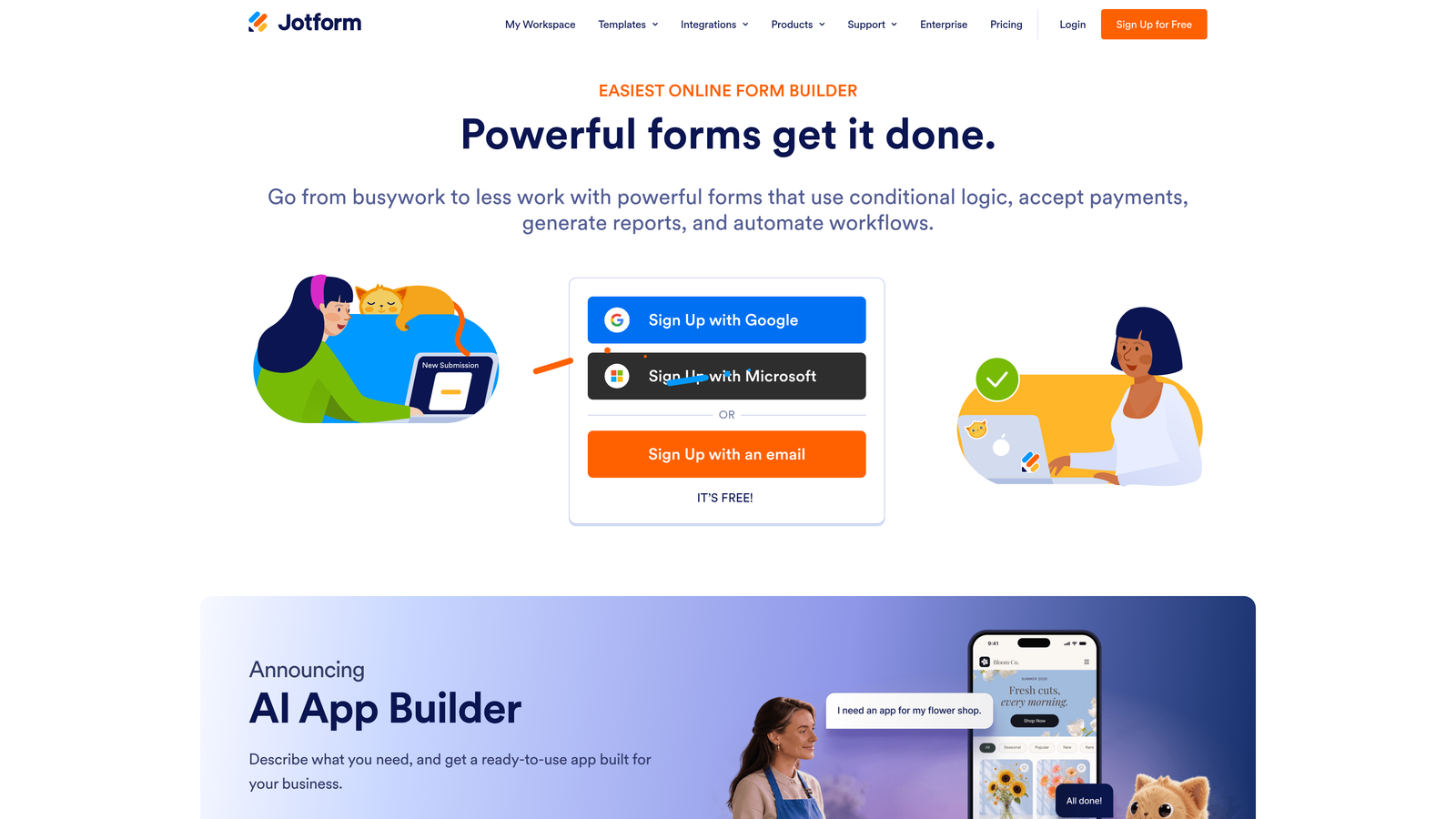
Jotform is one of the most established form platforms available, with a large library of legal-specific templates and HIPAA-compliant plan options.
Where This Tool Shines
Jotform's depth of pre-built legal templates is genuinely useful. Client intake forms, NDA agreements, retainer documents, and more are available out of the box, which significantly reduces setup time for firms that don't want to build from scratch. For legal teams that need to move quickly, that template library is a real advantage.
The compliance story is also strong relative to most competitors. HIPAA-compliant plans with a Business Associate Agreement are available, making Jotform a viable option for medical-legal practices and any firm handling health-related case data. That said, HIPAA compliance is only available on higher-tier plans, so budget accordingly.
Key Features
Legal Template Library: Pre-built forms for client intake, NDAs, retainer agreements, and more, reducing setup time considerably.
HIPAA-Compliant Plans: Business Associate Agreement available on qualifying plans, a critical requirement for medical-legal and personal injury practices.
E-Signature Support: Available via integrations, enabling firms to collect signed agreements directly through the form flow.
Conditional Logic and Calculation Fields: Route inquiries by case type and calculate preliminary case values or fee estimates.
Wide Integration Ecosystem: Connects with Clio, Salesforce, Zapier, and many other tools commonly used in legal operations.
Best For
Mid-size to large law firms with compliance requirements, particularly those handling medical-legal cases or operating under strict data governance policies. Also a strong fit for firms that want a proven, widely-supported platform with a large community of users.
Pricing
Free plan available. Paid plans start at approximately $34/month (Bronze tier). HIPAA compliance requires a higher-tier plan, so verify current plan requirements directly with Jotform before deploying for sensitive client data.
3. Typeform
Best for: Brand-forward boutique legal firms where client experience and visual presentation are a priority.
Typeform is a conversational form builder known for its one-question-at-a-time format, which can meaningfully reduce form abandonment for complex intake flows.

Where This Tool Shines
Legal intake forms are intimidating by nature. Long questionnaires about case details, prior legal history, and financial circumstances can cause prospects to abandon mid-way through. Typeform's conversational format addresses this directly, presenting one question at a time in a way that feels more like a guided conversation than a bureaucratic form. For consumer-facing practices like personal injury, family law, or criminal defense, that experience difference can translate to meaningfully higher completion rates.
The visual design and brand customization options are also among the best in this category. Firms that have invested in a strong brand identity will find Typeform easier to match to their aesthetic than most alternatives.
Key Features
Conversational One-Question Format: Reduces the intimidation factor of complex intake questionnaires, improving completion rates for consumer-facing practices.
Logic Jumps and Conditional Branching: Route respondents through different question paths based on case type or prior answers.
Strong Visual Customization: Brand colors, fonts, imagery, and layouts that can closely match a firm's existing identity.
Video and Image Embedding: Add explainer videos or visual context to intake forms for richer client experiences.
CRM and Scheduling Integrations: Connects with common CRMs and scheduling tools via native integrations and Zapier.
Best For
Boutique and consumer-facing legal practices where brand experience matters and form abandonment is a known problem. Less suited to firms with strict compliance requirements, as Typeform does not offer native HIPAA compliance.
Pricing
Free plan available with limited responses. Paid plans start at approximately $25/month. Note: no native HIPAA compliance is available on any Typeform plan, which is an important consideration for certain practice areas.
4. Paperform
Best for: Solo practitioners and small firms that want forms, scheduling, and payment collection in a single tool.
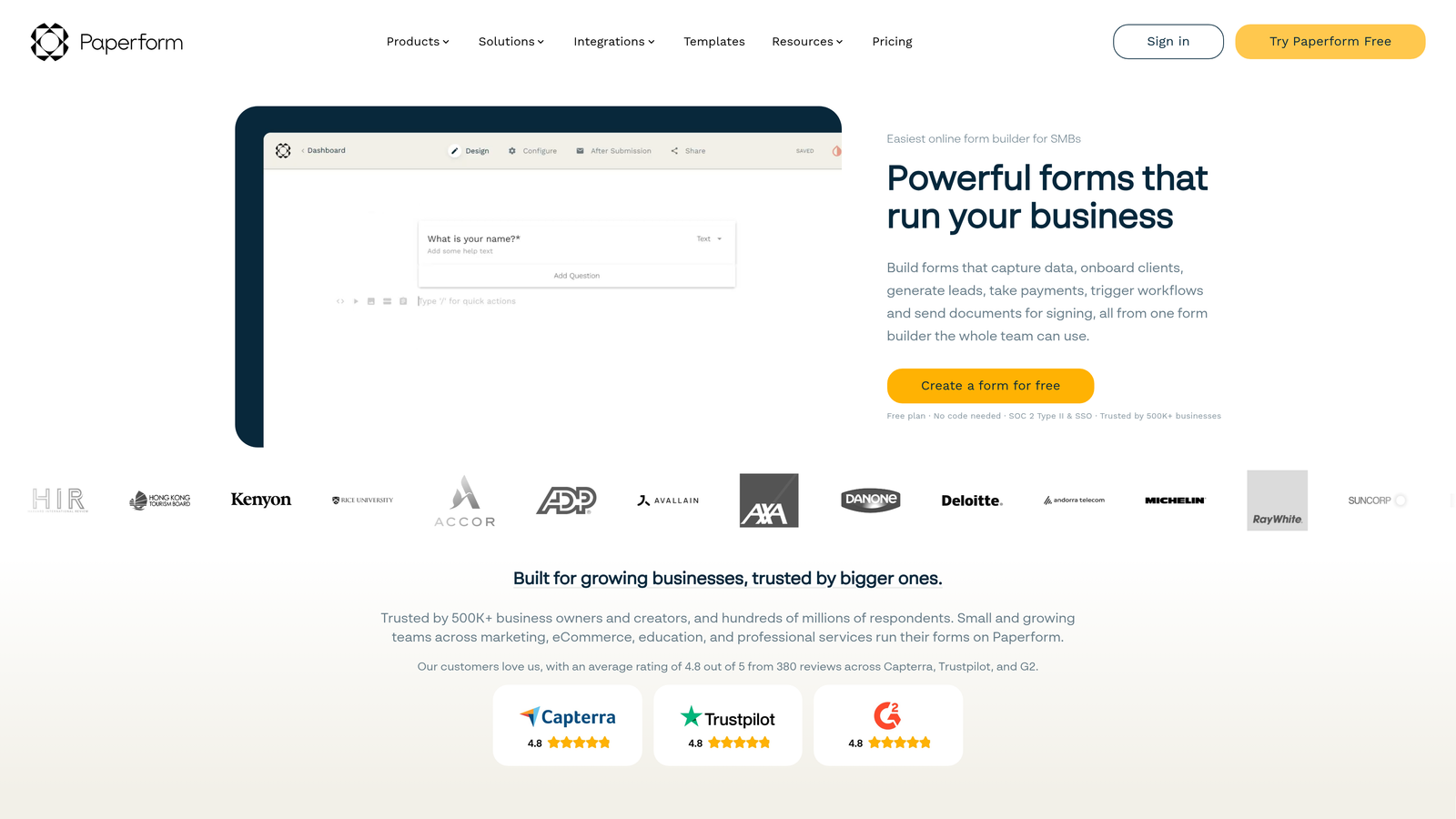
Paperform is a flexible form builder that combines intake forms with native appointment scheduling and payment collection, removing the need for separate tools.
Where This Tool Shines
The built-in scheduling feature is Paperform's clearest differentiator for legal use. Many solo practitioners and small firms offer paid initial consultations, and the typical workflow involves a form, then a calendar link, then a payment processor. Paperform collapses all three into a single flow, which reduces friction for the prospective client and reduces the number of tools the attorney needs to manage.
The design editor is also notably flexible. Firms that want their intake form to closely match their website branding have more control here than with most competitors, without needing to write any code.
Key Features
Native Appointment Scheduling: Built directly into the form flow, no third-party calendar tool required for basic scheduling needs.
Payment Collection: Collect paid consultation fees within the same form experience via Stripe integration.
Flexible Design Editor: High degree of visual customization to match firm branding without technical complexity.
Conditional Logic and Multi-Step Forms: Route intake questions based on case type and break long forms into manageable steps.
Integrations: Connects with Google Calendar, Stripe, Zapier, and other common tools.
Best For
Solo practitioners and small legal practices that offer paid initial consultations and want to manage forms, scheduling, and payments from one platform. A practical all-in-one solution for firms that don't need enterprise compliance features.
Pricing
Starts at approximately $24/month (Essentials plan). No free plan, but a 14-day free trial is available. Verify current plan features and pricing at paperform.co before committing.
5. Formstack
Best for: Large firms and legal operations teams managing high document volume and complex approval workflows.
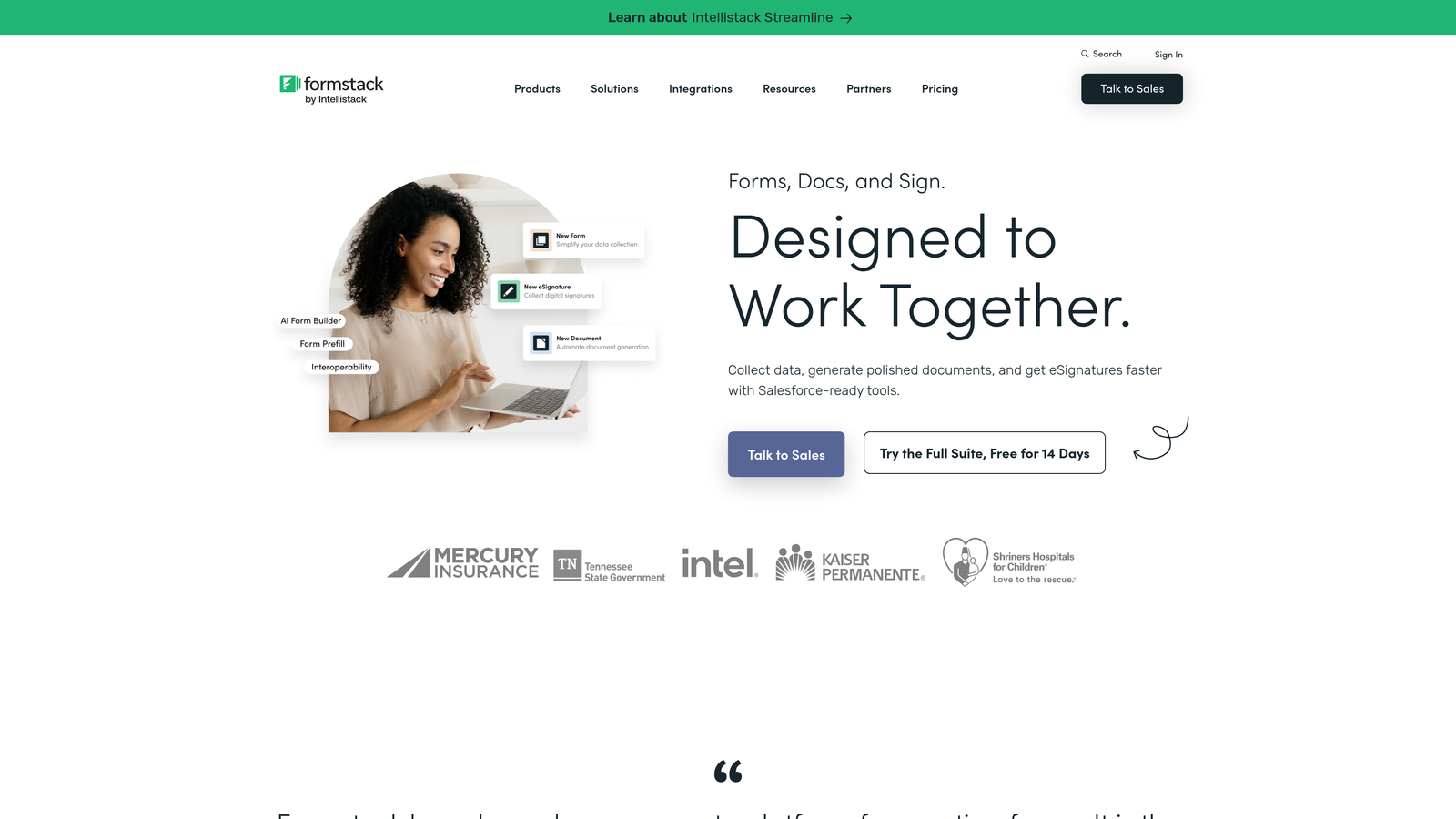
Formstack is an enterprise-grade form and workflow platform with a standout document generation capability that sets it apart from every other tool on this list.
Where This Tool Shines
The Formstack Documents integration is genuinely unique in this category. When a client completes an intake form, Formstack can automatically populate a legal document, engagement letter, or intake summary with that data. For high-volume legal operations teams, that automation eliminates significant manual data entry and reduces the risk of transcription errors between intake and document preparation.
The enterprise workflow features are equally strong. Approval chains, routing rules, and Salesforce-native integration make Formstack a natural fit for large firms that are already running sophisticated CRM and operations infrastructure.
Key Features
Formstack Documents Integration: Auto-populates legal documents, engagement letters, and summaries directly from form submission data.
Advanced Workflow Routing: Multi-step approval chains and conditional routing for complex intake and review processes.
HIPAA-Compliant Plans: Business Associate Agreement available, suitable for medical-legal and compliance-sensitive practices.
Salesforce Native Integration: Deep CRM connectivity for firms already operating on Salesforce.
Electronic Signatures via Formstack Sign: Collect legally binding signatures as part of the intake or document workflow.
Best For
Large law firms and in-house legal operations teams with high document volume, complex approval workflows, and existing Salesforce infrastructure. The price point reflects the enterprise feature set, so smaller firms may find better value elsewhere.
Pricing
Forms plans start at approximately $83/month. The full suite combining Formstack Documents, Sign, and Forms is priced higher. Contact Formstack directly for enterprise quotes and current plan details.
6. Tally
Best for: Budget-conscious solo practitioners, legal aid organizations, and early-stage legal startups that need functional forms without a subscription.
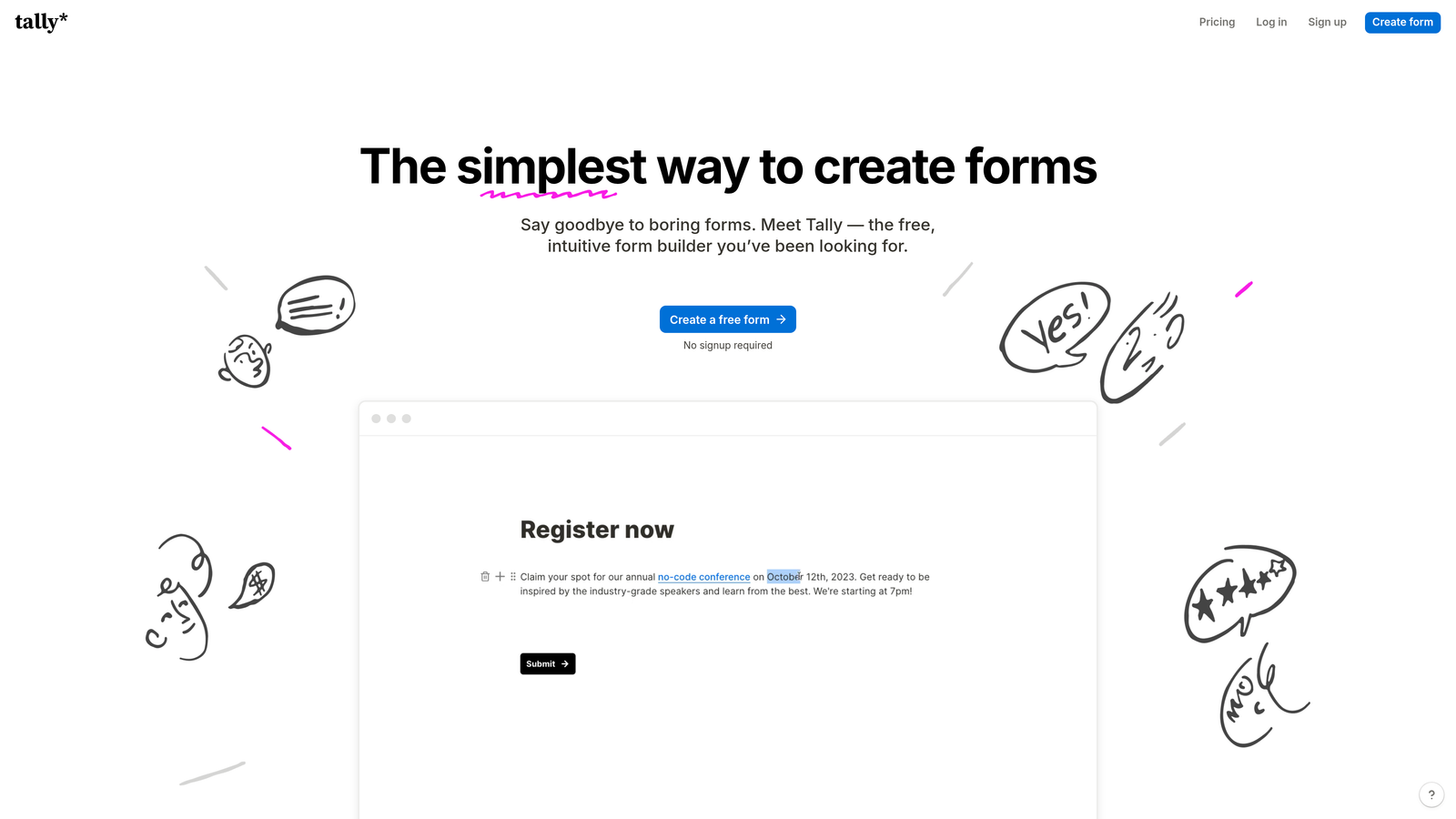
Tally is a clean, minimal form builder with a genuinely generous free tier that's rare in this category.
Where This Tool Shines
Unlimited forms and unlimited responses on the free tier is the headline feature, and it's a meaningful one. Most form builders cap responses or forms on free plans in ways that quickly force an upgrade. Tally doesn't, which makes it a legitimate long-term option for organizations where budget is the primary constraint, not just a starting point before a paid plan.
The Notion-like editor is also notably easy to learn. Legal professionals who aren't technically inclined can build functional, well-structured intake forms without a learning curve or onboarding support. For solo practitioners who just need something that works, that simplicity has real value.
Key Features
Unlimited Forms and Responses on Free Tier: A genuinely rare offering that makes Tally viable as a long-term free solution for smaller practices.
Conditional Logic: Available on both free and paid plans, enabling basic case-type routing without upgrading.
Clean, Distraction-Free Design: Minimal form UI that presents professionally without heavy customization.
Notion-Like Editor: Intuitive block-based editing that most users can learn without training or documentation.
Zapier Integration: Connect Tally to CRMs, practice management tools, and other software via Zapier.
Best For
Solo practitioners, legal aid organizations, and early-stage legal startups where budget is the primary constraint. Important caveat: Tally does not offer native HIPAA compliance on any plan, which limits its suitability for practices handling health-related case data. Always verify compliance requirements before deploying any form tool for sensitive client information.
Pricing
Free plan with unlimited forms and responses. Tally Pro starts at approximately $29/month for additional features. No native HIPAA compliance on any tier.
Choosing the Right Form Builder for Your Legal Practice
The right tool depends heavily on your firm's size, practice area, compliance requirements, and growth stage. Here's a quick summary to guide your decision.
AI-powered lead qualification: Orbit AI is the clear choice for firms that want to pre-screen case type, jurisdiction, and case value before a submission ever reaches an attorney. If intake efficiency and lead quality are your primary goals, start here.
Compliance-heavy intake: Jotform's HIPAA-compliant plans and legal template library make it the strongest option for firms with strict data handling requirements, particularly in medical-legal and personal injury practices.
Brand-forward boutique firms: Typeform's conversational format and visual customization make it the best fit for consumer-facing practices where first impressions and form completion rates matter most.
Solo practitioners needing scheduling and forms: Paperform's native scheduling and payment collection in a single flow removes the need for multiple tools and reduces friction for prospective clients booking paid consultations.
Enterprise document workflows: Formstack's document generation and advanced approval chains make it the right call for large firms managing high document volume and complex legal operations.
Budget-conscious or early-stage: Tally's unlimited free tier delivers functional, well-designed forms without any subscription cost, making it ideal for solo practitioners and legal aid organizations.
Regardless of which tool you choose, legal firms should prioritize three things above all else: security and compliance certifications verified directly with the vendor, conditional logic capable of handling your specific practice areas, and mobile performance that doesn't lose prospects on smaller screens. Always verify current compliance certifications, including HIPAA BAA availability and data processing agreements, directly with each vendor before deploying for sensitive client data.
If lead qualification and intake efficiency are your primary challenges, start building free forms today and see how AI-powered intake can reduce wasted attorney time while converting more inquiries into booked consultations.


