

Every enrollment season, schools, online course platforms, and training programs lose prospective students to clunky, outdated signup forms. A slow, confusing enrollment form doesn't just frustrate applicants — it actively kills conversions. The right education enrollment form builder changes that equation entirely: it guides prospective students through the process smoothly, collects the right data, and helps your team prioritize the most qualified leads.
This guide covers the best tools for building education enrollment forms in 2026. From AI-powered platforms built for conversion to established form builders with deep feature sets, we've evaluated each tool on ease of use, enrollment-specific features, mobile experience, integrations, and pricing. Whether you're running a university admissions flow, a bootcamp intake process, or a K-12 registration system, there's a solution here for your team.
1. Orbit AI
Best for: High-growth EdTech teams and bootcamps that need AI-powered applicant qualification
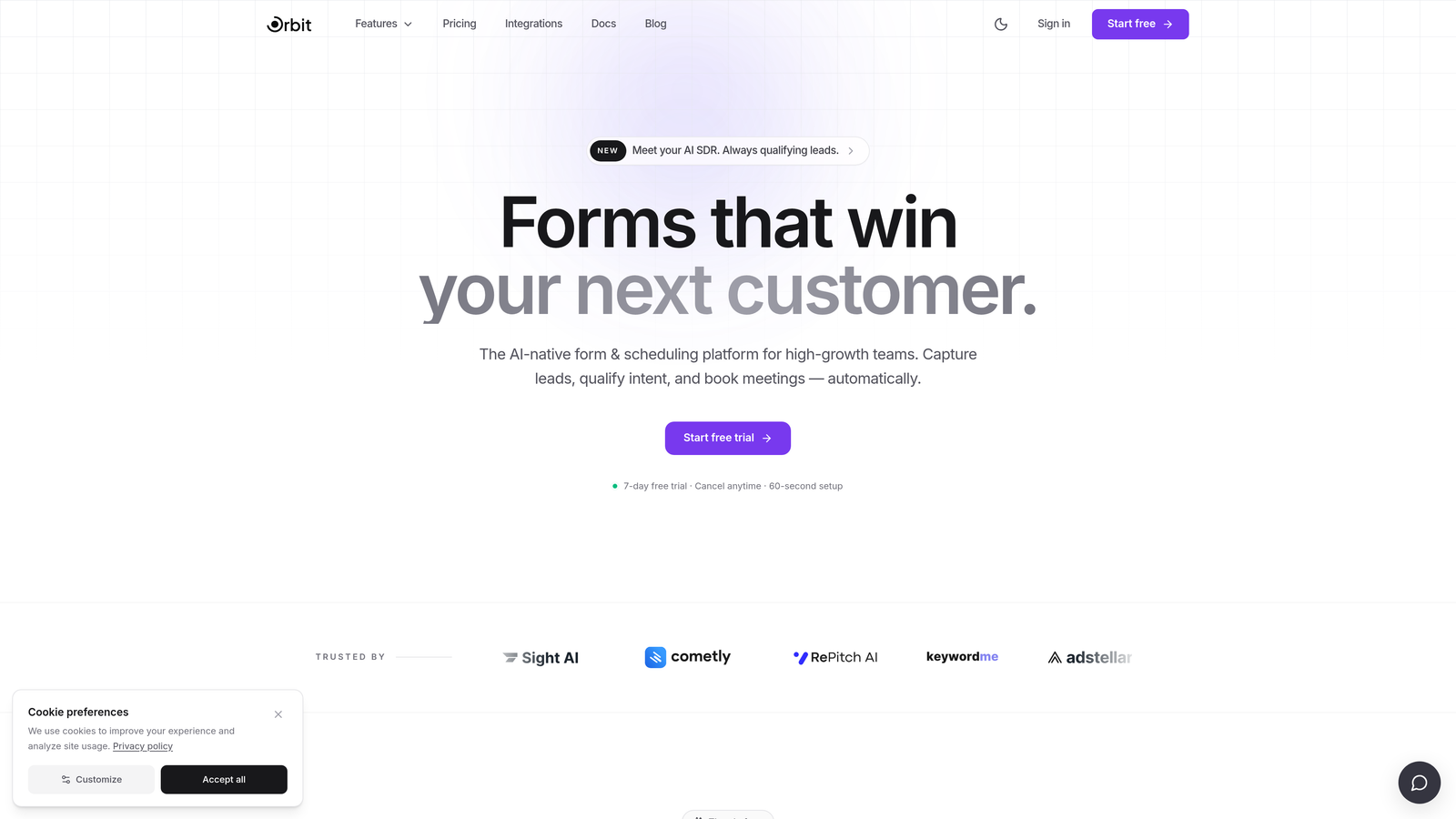
Orbit AI is an AI-powered form builder with built-in lead qualification designed to help enrollment teams convert more applicants automatically.
Where This Tool Shines
What sets Orbit AI apart in an education context is its ability to score and qualify applicants based on their responses in real time. Instead of every submission landing in the same inbox for manual review, high-intent applicants get flagged and routed to your admissions team faster. For bootcamps, online course platforms, and EdTech companies managing high application volumes, that kind of intelligent triage can meaningfully improve how quickly your team follows up with the right people.
The forms themselves are built with conversion in mind: modern, mobile-friendly layouts that reduce friction at every step. Conditional logic lets you create personalized enrollment paths depending on which program a prospective student is interested in, so applicants only see questions relevant to their situation. It's a platform designed for teams that treat enrollment as a growth function, not just an administrative task.
Key Features
AI-Powered Lead Qualification: Automatically scores applicants based on their responses, surfacing high-intent leads for your admissions team without manual review.
Conversion-Optimized Design: Modern, mobile-friendly form layouts built to reduce abandonment across multi-step enrollment flows.
Conditional Logic: Creates personalized enrollment paths based on program interest, so applicants see only the questions relevant to them.
CRM and Marketing Integrations: Feeds qualified leads directly into your pipeline, connecting enrollment data with the tools your team already uses.
Fast Setup: Designed for high-growth teams that need to launch quickly without sacrificing design quality or functionality.
Best For
Orbit AI is the strongest fit for online learning platforms, coding bootcamps, and EdTech SaaS companies that treat enrollment as a core growth lever. If your team is managing significant application volume and needs to prioritize follow-up intelligently, the lead qualification layer is a genuine differentiator. It's less suited for institutions that need heavy compliance workflows or offline enrollment capabilities.
Pricing
Visit orbitforms.ai for current pricing plans. A free starting option is available for teams ready to explore the platform.
2. Typeform
Best for: Programs that prioritize a premium applicant experience with conversational, low-friction enrollment flows
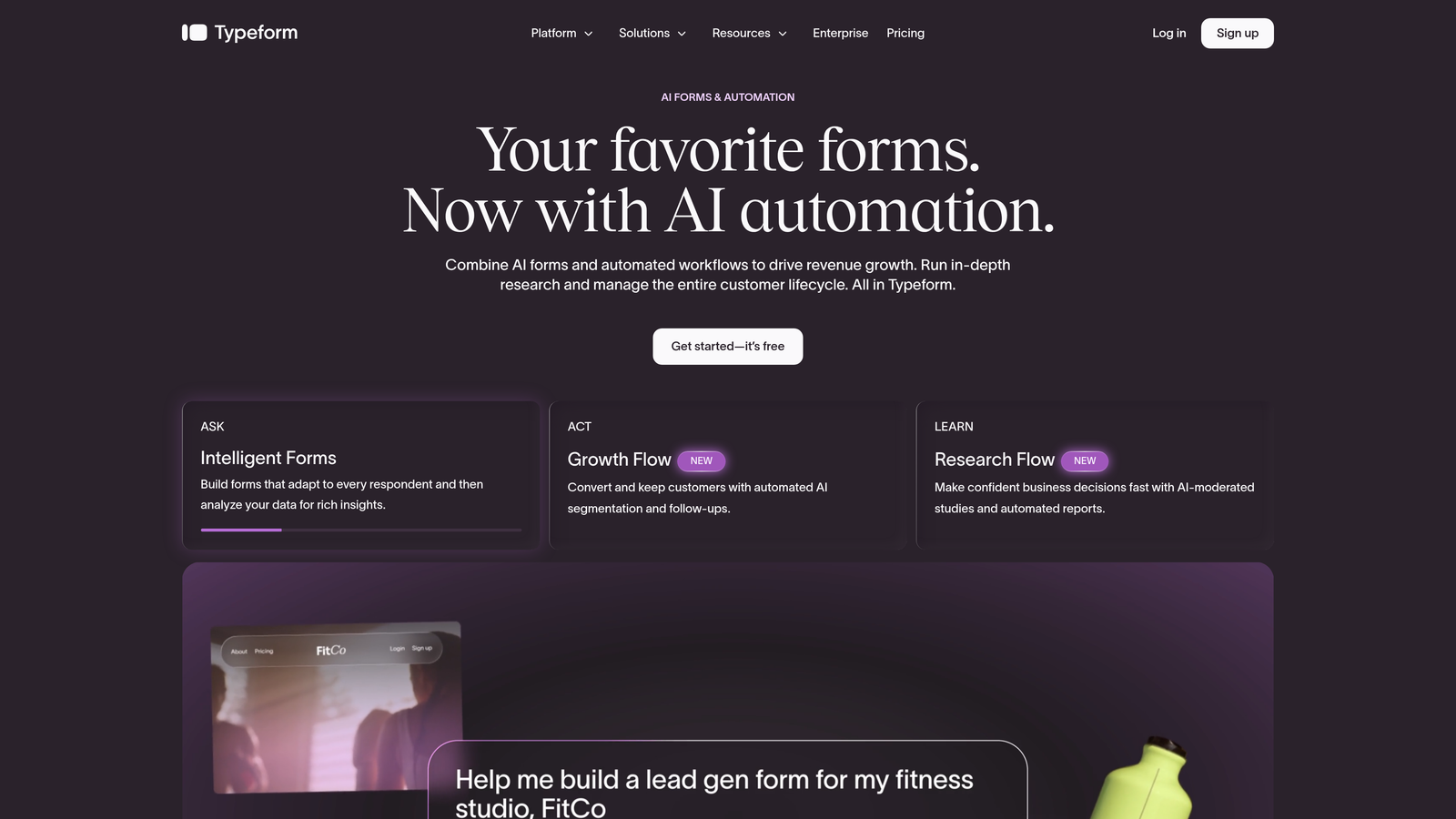
Typeform is a conversational form builder known for its polished one-question-at-a-time interface that reduces friction in longer enrollment questionnaires.
Where This Tool Shines
Typeform's core strength is its applicant experience. Presenting one question at a time creates a conversational rhythm that feels less like filling out paperwork and more like a guided conversation. For enrollment forms that span multiple sections — background, program interest, goals, payment — this approach can meaningfully reduce abandonment compared to a traditional wall-of-fields layout.
The visual polish is also a real asset for programs where brand perception matters. Premium courses, professional development programs, and institutions that compete on experience will find Typeform's design quality aligns well with how they want to present themselves to prospective students.
Key Features
Conversational UI: Presents one question at a time, reducing cognitive overload in multi-question enrollment flows.
Logic Jumps: Creates personalized enrollment paths based on applicant answers, showing only relevant follow-up questions.
Polished Templates: Visually refined templates suited for premium course and program branding.
Video Questions: Allows programs to request short video introductions from applicants, useful for selective admissions processes.
Integrations: Connects with popular CRMs, email platforms, and Zapier for downstream workflow automation.
Best For
Typeform works well for professional development programs, online course platforms, and bootcamps where the enrollment form is part of the brand experience. Teams that need a visually impressive applicant-facing form without heavy back-end workflow complexity will find it a strong fit.
Pricing
A free tier is available with limited responses. Paid plans start around $25/month, though pricing can change. Verify current plans at typeform.com.
3. Jotform
Best for: Institutions managing complex, multi-step enrollment with payment collection and diverse template needs
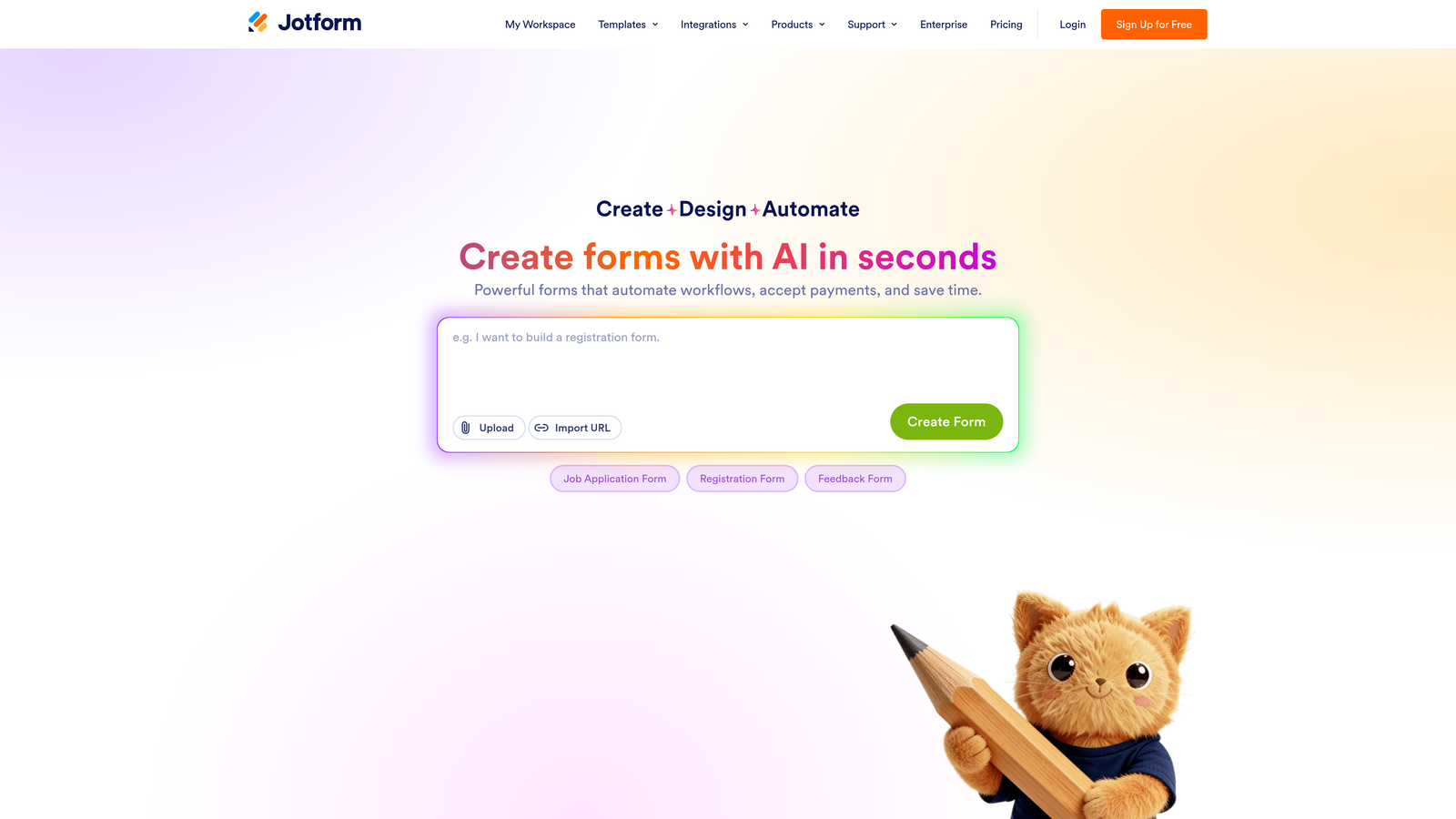
Jotform is a feature-rich form builder with a large library of education-specific templates and native payment collection, making it ideal for institutions managing enrollment fees alongside application data.
Where This Tool Shines
Jotform's depth of features is its biggest advantage. Few form builders come close to matching its template library for education use cases: enrollment forms, registration sheets, consent forms, fee collection pages, and more are all available out of the box. For an admissions coordinator who needs to launch a working form quickly without building from scratch, that head start is genuinely valuable.
The native payment integrations are another standout. Collecting enrollment fees, deposits, or course payments directly within the form, without routing applicants to a separate checkout page, simplifies the experience for both applicants and administrators. The offline form capability is a practical bonus for institutions that run in-person enrollment events.
Key Features
Education Template Library: Hundreds of pre-built enrollment, registration, and consent form templates to accelerate setup.
Native Payment Collection: Built-in integrations with Stripe, PayPal, and Square for collecting enrollment fees directly within the form.
Offline Forms: Allows data collection at in-person enrollment events without an internet connection, syncing when connectivity is restored.
Advanced Conditional Logic: Multi-page forms with branching logic handle complex enrollment workflows across different programs or departments.
HIPAA Compliance: Available on higher-tier plans, relevant for health education or training programs with regulatory requirements.
Best For
Jotform suits K-12 schools, community colleges, and training institutions that need a broad feature set without enterprise pricing. It's particularly strong for teams that need to collect fees, manage multi-step applications, or run both online and in-person enrollment simultaneously.
Pricing
A free tier is available with submission limits. Paid plans vary by feature tier. Verify current pricing at jotform.com.
4. Paperform
Best for: Independent course creators who want a single page that explains their program and captures enrollment simultaneously
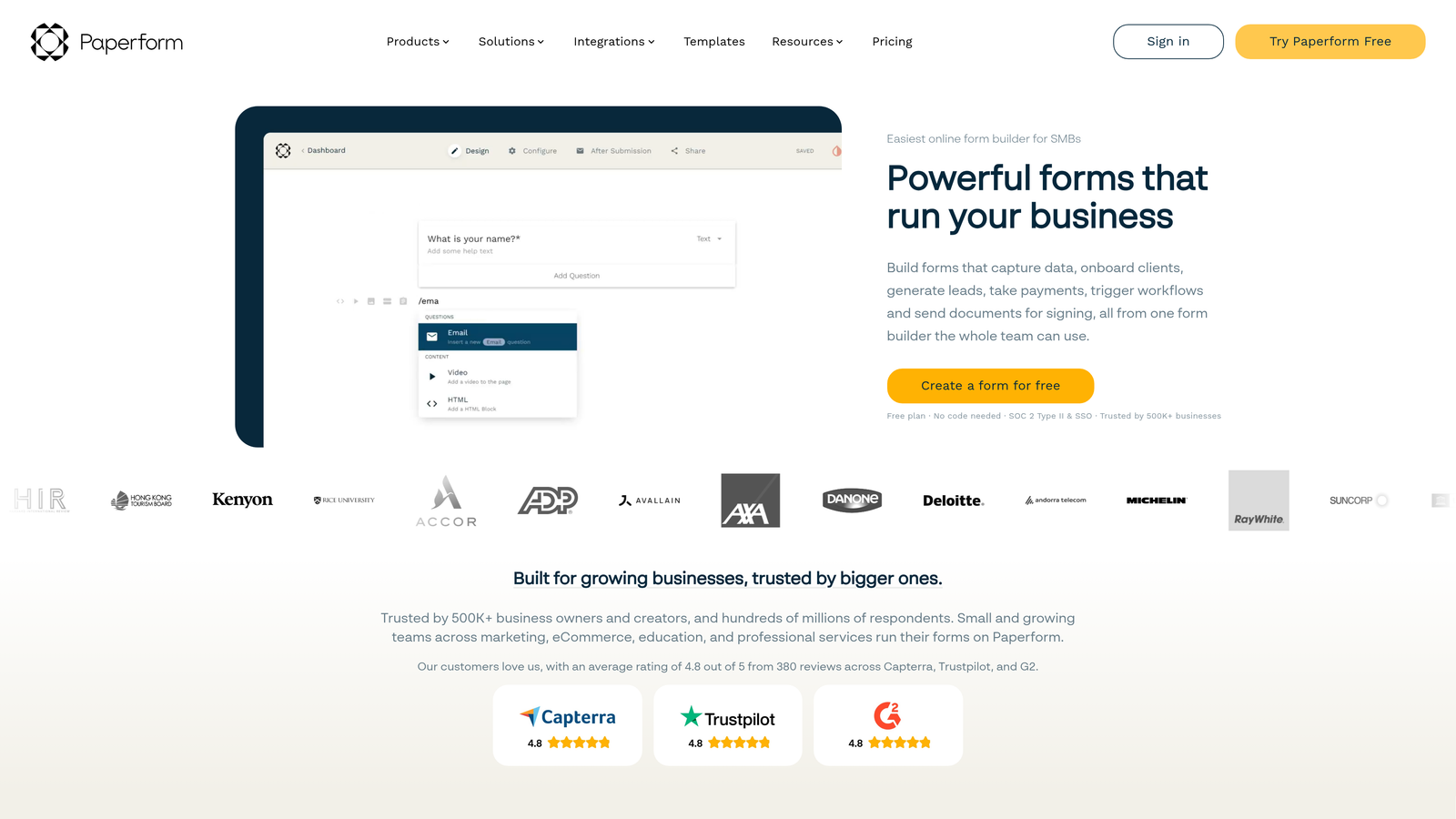
Paperform is a document-style form builder that combines rich content — text, images, and video — with form fields, letting educators present their program and collect enrollment information on a single, cohesive page.
Where This Tool Shines
Paperform's document-style editor is genuinely different from most form builders. Rather than separating your program description (on a landing page) from your enrollment form (on a separate page), Paperform lets you weave them together. You can embed a program overview video, list curriculum highlights, add instructor bios, and then flow directly into enrollment fields, all within one continuous experience. For independent educators or small course creators, this eliminates the need for a separate landing page entirely.
The design flexibility is also notable. Paperform forms feel more like rich web pages than traditional forms, which can help with perceived credibility and professionalism for programs that don't yet have a full website.
Key Features
Document-Style Editor: Embeds program descriptions, images, and video alongside enrollment fields in a single, flowing page.
Payment Collection: Supports enrollment fee and deposit collection directly within the form.
Conditional Logic and Calculated Fields: Enables dynamic enrollment flows that respond to applicant inputs in real time.
Custom Domain Support: Allows branded enrollment pages without requiring a separate website.
Integrations: Connects with major CRMs, email marketing tools, and Zapier for workflow automation.
Best For
Paperform is the strongest fit for independent instructors, small course businesses, and niche training programs that want to combine program marketing and enrollment capture in one place. It's less suited for large institutions that need multi-stakeholder workflows or offline capabilities.
Pricing
No free tier is available. Paid plans start around $24/month. Verify current pricing at paperform.co.
5. Tally
Best for: Budget-conscious educators, nonprofits, and early-stage programs that need capable forms without a monthly bill
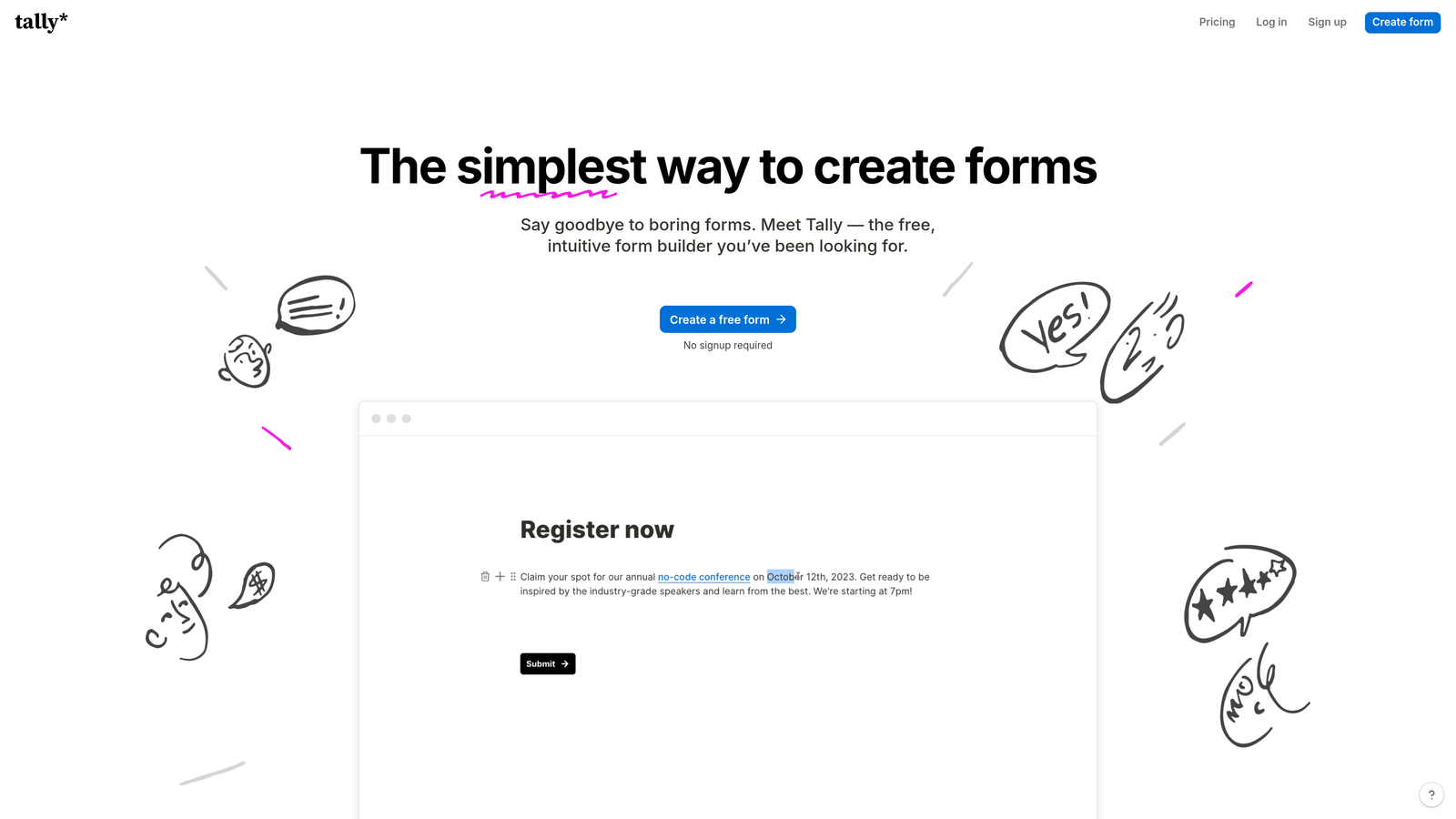
Tally is a clean, Notion-inspired form builder with a genuinely useful free tier, making it the most accessible option for educators and programs operating under tight budget constraints.
Where This Tool Shines
Tally's free tier is the headline here, and it's worth taking seriously. Unlimited forms and unlimited submissions on the free plan is rare in this category. Most free tiers cap you at a handful of forms or a few hundred monthly responses, which quickly becomes a problem during peak enrollment periods. Tally removes that ceiling entirely for free users, which makes it a legitimate tool for small programs, not just a trial.
The interface is clean and fast to learn. If you're comfortable with Notion, you'll feel at home immediately. Conditional logic and multi-step forms are available even on the free plan, so you're not locked out of the features that matter most for enrollment workflows just because you haven't upgraded.
Key Features
Unlimited Free Forms: No cap on forms or submissions on the free plan, a meaningful advantage for programs with seasonal enrollment spikes.
Clean Modern Interface: Fast to set up with no design experience required, inspired by Notion's familiar editing style.
Conditional Logic on Free Tier: Multi-step forms with branching logic available without upgrading, covering core enrollment workflow needs.
Easy Embedding: Embeds cleanly into existing school or course websites without technical complexity.
Basic Integrations: Connects with Google Sheets, Notion, and Zapier for lightweight data routing and notifications.
Best For
Tally is ideal for independent instructors, nonprofit education programs, community organizations, and pilot programs testing a new enrollment process before investing in a paid platform. Teams that need advanced features like payment collection, deep CRM integrations, or compliance tools will likely need to look elsewhere.
Pricing
Free tier available with unlimited forms and submissions. A Pro plan unlocks additional features. Verify current pricing at tally.so.
6. Formstack
Best for: Universities and regulated training institutions that need document workflows, e-signatures, and multi-stakeholder approval routing
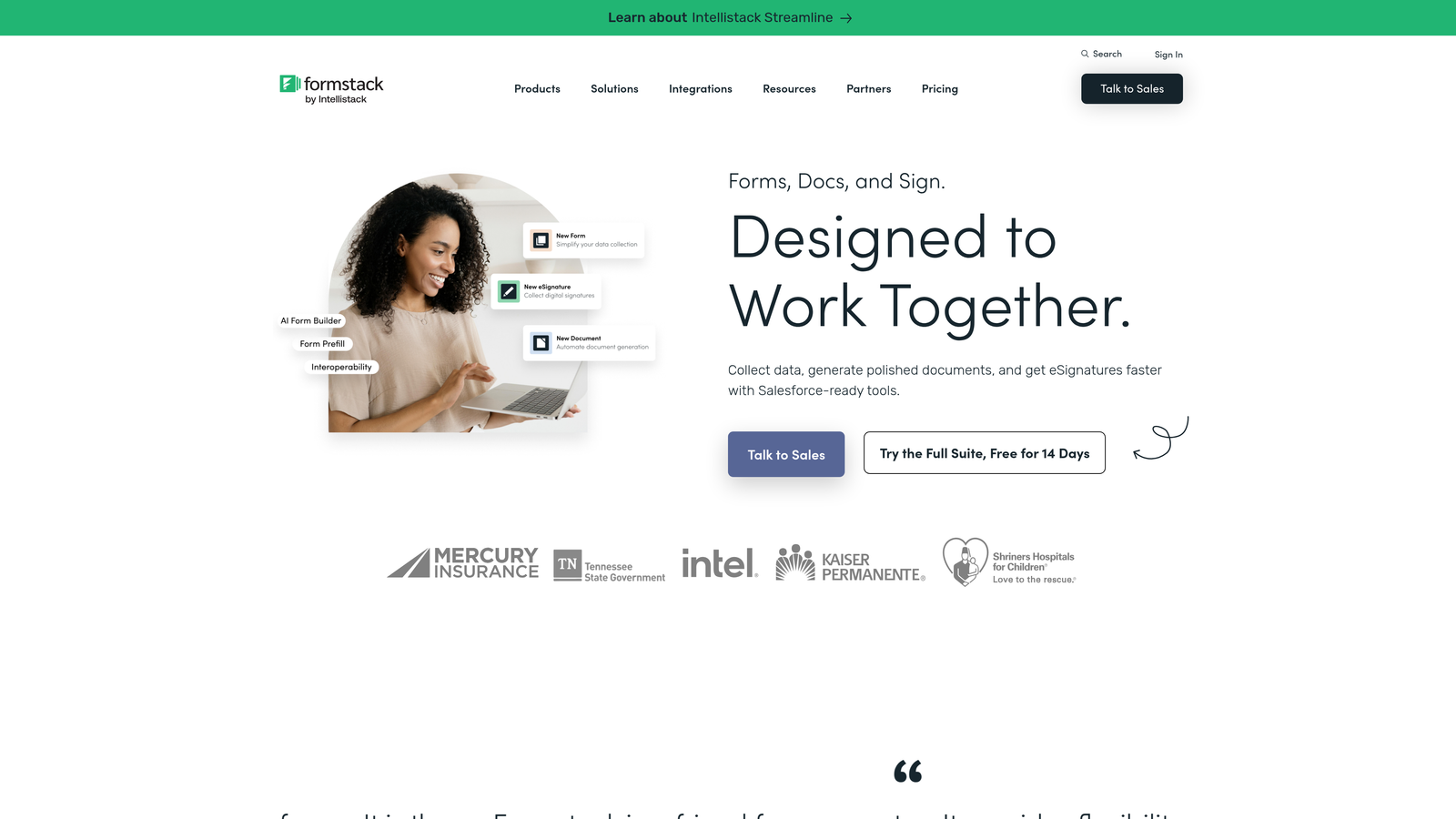
Formstack is an enterprise form and workflow platform with document generation, e-signatures, and approval workflows built for larger institutions with compliance requirements.
Where This Tool Shines
Formstack operates at a different level of complexity than the other tools on this list, and that's intentional. For a university admissions office or a regulated healthcare training program, enrollment isn't just about capturing data: it involves routing applications to department reviewers, generating enrollment agreements, collecting signatures, and maintaining audit trails. Formstack handles all of that within a single platform.
The approval workflow capabilities are particularly relevant for institutions where multiple stakeholders need to review an application before a student is formally enrolled. Rather than managing that process across email threads and spreadsheets, Formstack lets you build structured review workflows with defined routing rules and notifications at each stage.
Key Features
Workflow Automation: Multi-stakeholder approval routing for enrollment applications, with configurable review stages and notifications.
Document Generation and E-Signatures: Creates enrollment agreements and collects legally binding signatures without leaving the platform.
Compliance Features: Relevant for institutions operating under FERPA or other regulatory frameworks requiring data governance controls.
Prefill and Data Routing: Reduces repetitive data entry across enrollment stages by carrying applicant information forward automatically.
Enterprise Integrations: Connects with Salesforce, major Student Information Systems, and other enterprise platforms common in higher education.
Best For
Formstack is built for universities, community colleges, regulated professional training programs, and healthcare education institutions that need more than a form builder. If your enrollment process involves document workflows, multi-department review, or compliance documentation, Formstack's depth justifies its complexity and cost. Smaller teams or simpler workflows will likely find it over-engineered for their needs.
Pricing
Enterprise-tier pricing applies. Verify current plans and request a demo at formstack.com.
Choosing the Right Tool for Your Enrollment Process
The best education enrollment form builder for your team depends on three things: your institution's size, your enrollment volume, and whether lead qualification is part of your growth strategy.
For high-growth EdTech companies, bootcamps, and online learning platforms where enrollment is a core revenue driver, Orbit AI stands out. The AI-powered lead qualification layer is a genuine differentiator that no other tool on this list offers, and the conversion-focused design philosophy aligns well with teams that measure enrollment outcomes, not just form completions.
If applicant experience and visual polish are your top priorities, Typeform delivers a conversational enrollment flow that feels premium and reduces friction in longer questionnaires. For institutions that need payment collection, a wide template library, and offline capability, Jotform's feature depth is hard to match at its price point.
Independent course creators who want to sell and enroll on a single page will find Paperform's document-style approach uniquely suited to that goal. Educators and nonprofits working with tight budgets should start with Tally: the free tier is genuinely capable, not just a teaser. And for universities or regulated training programs that need document workflows, e-signatures, and multi-stakeholder approval routing, Formstack is the enterprise-grade solution built for that complexity.
The right form builder doesn't just collect applications. It shapes how prospective students experience your program from their very first interaction. For growth-focused education teams ready to turn that first touchpoint into a conversion advantage, start building free forms today and see how intelligent form design can transform your enrollment results.


