

Nonprofits operate under unique constraints that most software buyers never face. Tight budgets, volunteer-heavy teams, and a constant need to collect donations, registrations, and sign-ups without overspending on tools that quietly drain resources. The right form builder can mean the difference between a clunky experience that loses donors mid-form and a seamless flow that converts first-time visitors into long-term supporters.
Pricing structures vary wildly across the market, from generous free tiers to per-submission fees that add up fast during a fundraising campaign. This guide breaks down the best form builders for nonprofits with honest pricing details and a clear look at what each platform actually delivers for mission-driven organizations. We've flagged nonprofit discounts where they exist, because every dollar saved is a dollar back in your mission.
1. Orbit AI
Best for: Nonprofits that want intelligent donor screening, volunteer qualification, and conversion-optimized intake forms
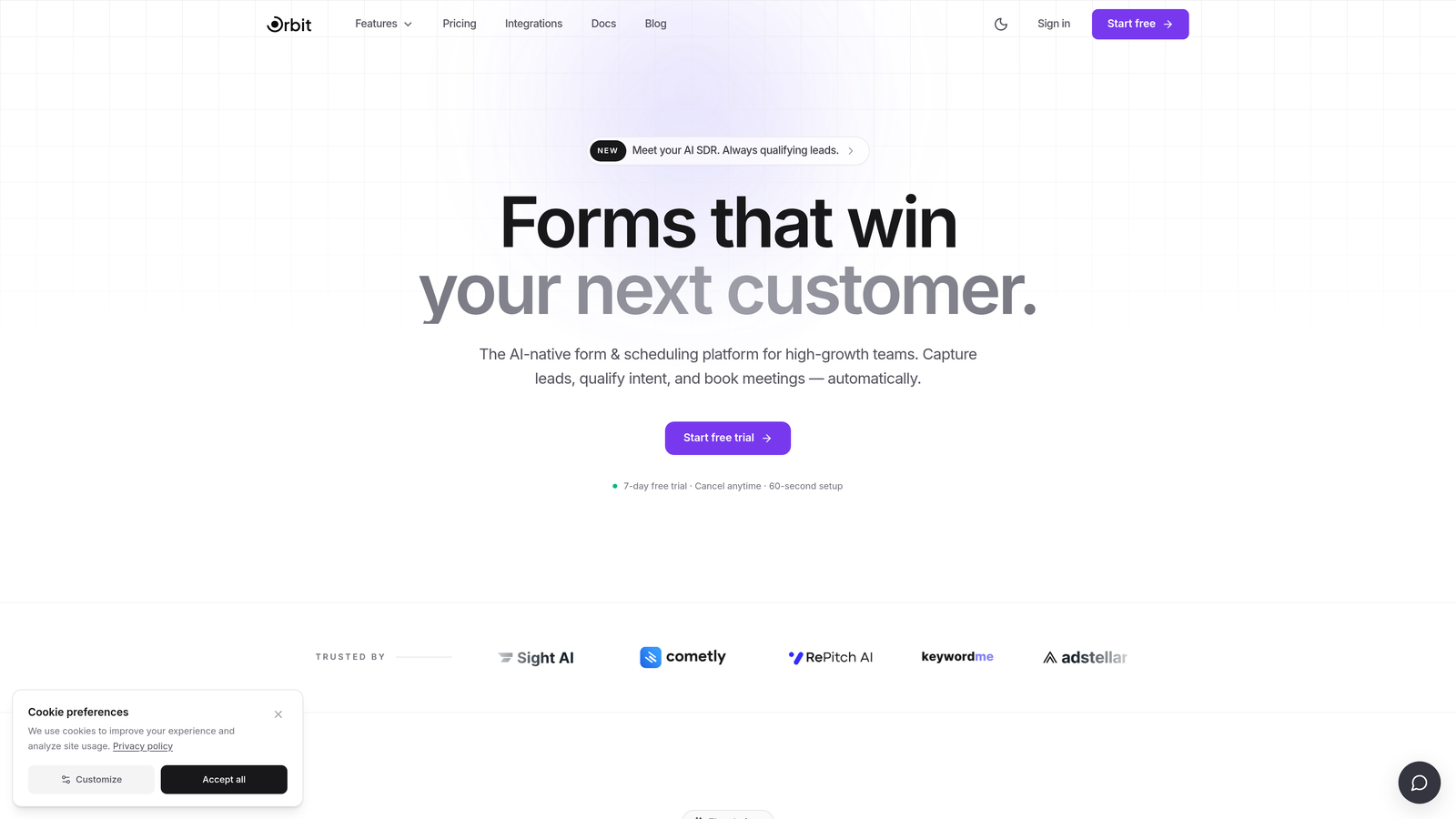
Orbit AI is an AI-powered form builder with built-in lead qualification logic, designed for teams that want forms to do more than collect data.
Where This Tool Shines
Most form builders treat every respondent the same. Orbit AI takes a different approach by scoring and routing respondents automatically based on their answers. For nonprofits, this means a donor form can qualify major gift prospects, a volunteer application can route applicants to the right program coordinator, and a grant intake form can flag high-priority submissions before a human ever opens the dashboard.
The platform is built with conversion optimization at its core. That matters in a nonprofit context because form abandonment is a real problem, especially on mobile devices where donors are increasingly engaging with campaigns. Clean, modern layouts and intelligent form flows help keep respondents moving through to completion.
Key Features
AI-Powered Lead Qualification: Automatically scores and routes respondents based on their answers, reducing manual triage for your team.
Conditional Logic: Creates personalized form paths so donors, volunteers, and grant applicants each see a tailored experience without building separate forms.
Conversion-Optimized Design: Modern, mobile-friendly layouts designed to reduce drop-off and build trust with first-time visitors.
Brandable Forms: Clean design that reflects your organization's identity, helping maintain donor confidence throughout the process.
Scalable for Campaigns: Built to handle high-volume intake without degrading performance during peak fundraising periods.
Best For
Nonprofits that are scaling campaigns and tired of manually sorting through unqualified submissions. Particularly useful for organizations running donor qualification, multi-path volunteer applications, or grant intake processes where intelligent routing saves significant staff time.
Pricing
Visit orbitforms.ai for current pricing details. Check directly for any nonprofit or startup pricing availability, as plans may vary.
2. Tally
Best for: Small nonprofits and community organizations that need a capable free form tool with no submission limits
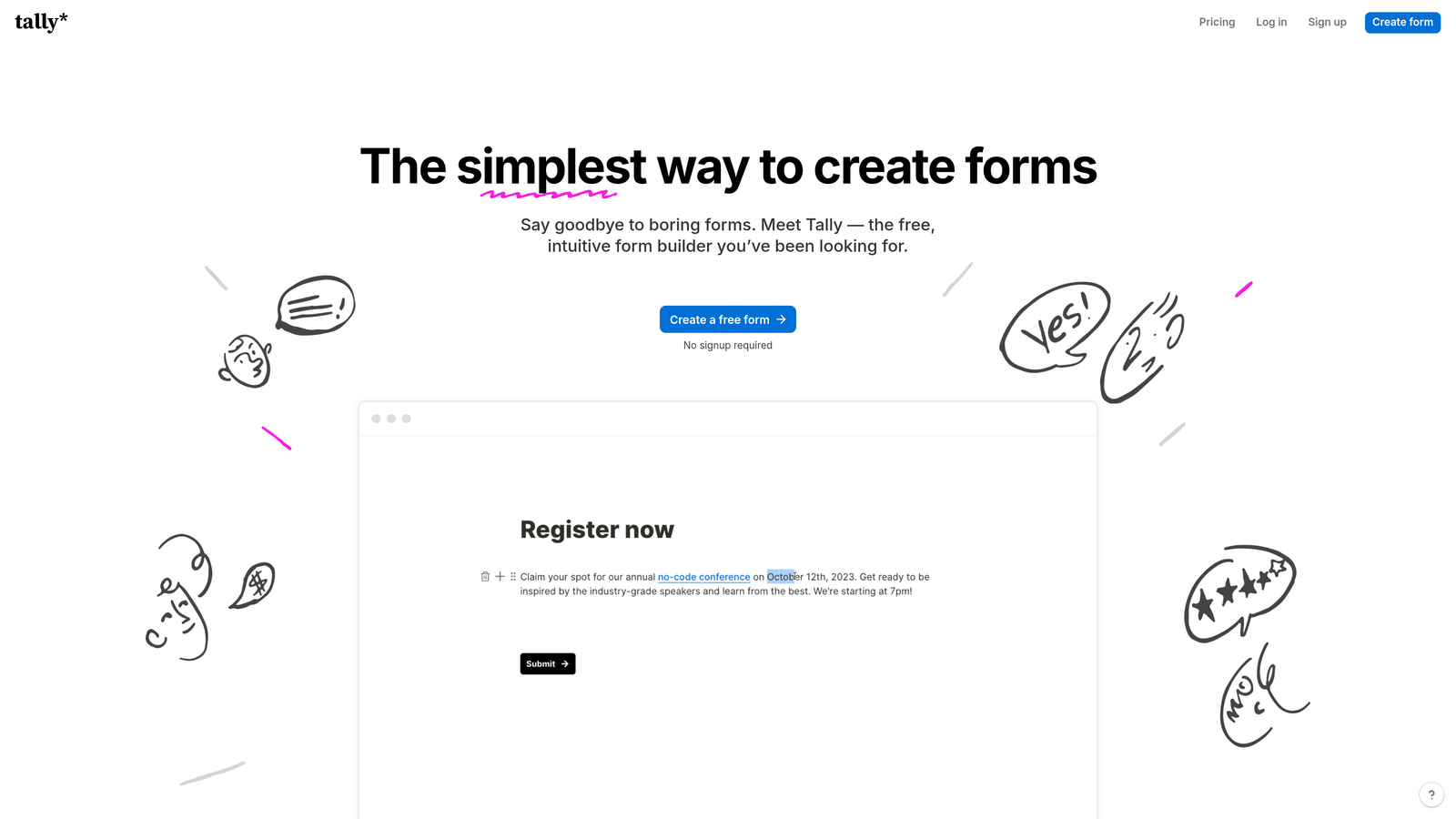
Tally is a free-first form builder with a Notion-like block editor, known for one of the most generous free tiers in the market.
Where This Tool Shines
For small nonprofits running on a shoestring, Tally's free plan is genuinely hard to beat. Unlimited forms and unlimited submissions on the free tier means you're not watching a counter tick up during your year-end giving campaign. The editor feels familiar to anyone who's used Notion, which lowers the learning curve for non-technical staff and volunteers.
Where Tally pulls ahead of other free tools is in its lack of forced branding on the free plan. Many free form builders plaster their logo across your forms, which can undermine donor trust. Tally has historically avoided this on its free tier, though you should verify current policy at tally.so before committing.
Key Features
Unlimited Forms and Submissions: No caps on the free plan, making it viable for active campaigns (verify current terms at tally.so/pricing).
Block-Based Editor: Intuitive drag-and-drop building with a low learning curve for non-technical users.
No Forced Branding: Free tier has historically removed Tally branding from published forms (verify current policy before publishing).
Pro Plan Upgrades: Custom domains, file uploads, and deeper integrations available on paid tier.
Integration Support: Connects with Zapier, Notion, Google Sheets, and other common nonprofit tools.
Best For
Small community organizations, volunteer-run nonprofits, and early-stage foundations that need functional, unbranded forms without a budget. Also a good fit for teams already working inside Notion who want a familiar editing experience.
Pricing
Free plan available with generous limits. Pro plan pricing is listed at tally.so/pricing. No dedicated nonprofit discount program is widely publicized, but the free tier covers most small org needs.
3. Typeform
Best for: Donor-facing campaigns and event sign-ups where form experience and engagement quality matter
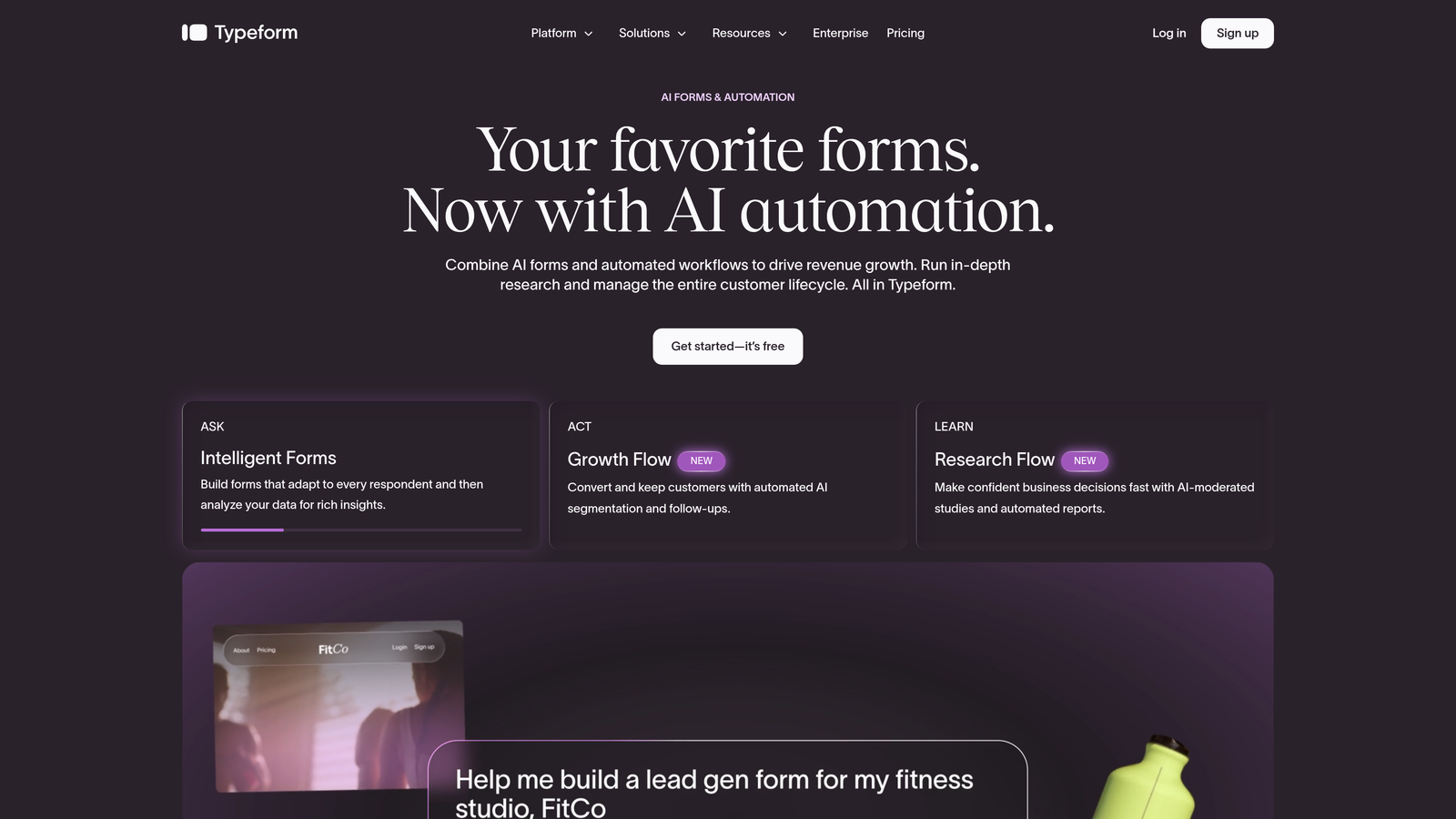
Typeform is a conversational form builder that presents one question at a time, creating a more engaging experience for respondents than traditional multi-field layouts.
Where This Tool Shines
The one-question-at-a-time format is genuinely effective for donor engagement. When someone visits your campaign page feeling inspired, a cluttered form with 15 fields visible at once can deflate that momentum. Typeform's approach keeps respondents focused and moving forward, which typically reduces abandonment on longer forms.
Typeform has historically offered a nonprofit discount program, which is a meaningful differentiator if your organization qualifies. Verify current availability directly at typeform.com, as discount programs can change. The integration ecosystem is also strong, connecting to Mailchimp, HubSpot, and Zapier for orgs that need data flowing into their CRM or email platform automatically.
Key Features
Conversational Single-Question Flow: Reduces form abandonment by presenting one question at a time in a clean, focused layout.
Logic Jumps: Routes respondents through personalized paths based on their answers, similar to conditional logic in other tools.
Nonprofit Discount Program: Historically available for qualifying organizations (verify current availability at typeform.com).
Integration Ecosystem: Connects with Mailchimp, HubSpot, Zapier, and other platforms common in nonprofit tech stacks.
Template Library: Pre-built templates for events, surveys, donor registration, and campaign sign-ups.
Best For
Nonprofits prioritizing the donor experience on campaign pages and event registration forms. Best suited to organizations where form engagement quality matters more than high-volume data workflows or complex backend routing.
Pricing
Free plan available with response limits. Paid plans are listed on typeform.com. A nonprofit discount may apply; verify current terms and eligibility directly with Typeform before budgeting.
4. Jotform
Best for: Fundraising-focused nonprofits that need native payment processing and a deep template library
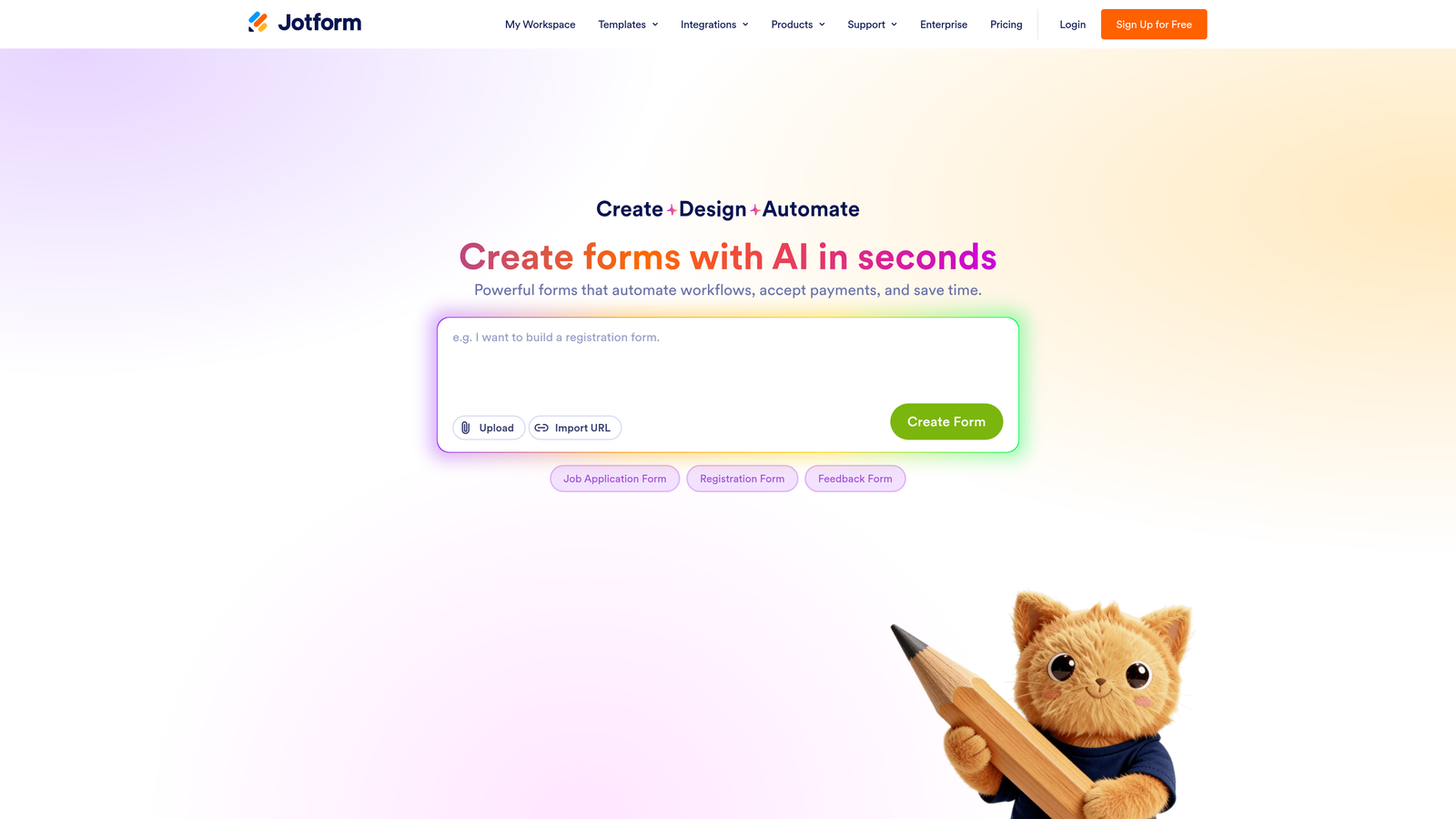
Jotform is one of the most feature-rich form builders available, with native payment integrations and a dedicated nonprofit discount program that makes it a practical all-in-one choice for many organizations.
Where This Tool Shines
For nonprofits that need to collect donations directly through their forms, Jotform's native payment integrations are a genuine advantage. Stripe, PayPal, and Square are all supported out of the box, meaning you can build a donation form that processes payments without connecting a third-party service or writing a line of code.
The template library is enormous, with thousands of options including donation forms, volunteer applications, event registrations, and program intake forms. For a nonprofit coordinator who needs to launch a new form quickly, this saves meaningful time. The nonprofit discount program is also one of the most clearly publicized in this space, though you should verify the current percentage and eligibility requirements at jotform.com/pricing before publishing or budgeting.
Key Features
Native Payment Integrations: Built-in support for Stripe, PayPal, and Square for direct donation collection without third-party workarounds.
Nonprofit Discount Program: Verified discount available for qualifying nonprofits (verify current percentage and terms at jotform.com/pricing).
Extensive Template Library: 5,000+ templates including donation forms, volunteer applications, and event registrations.
HIPAA-Compliant Forms: Available on higher-tier plans, relevant for health-adjacent or social services nonprofits handling sensitive data.
Offline Form Collection: Mobile app supports data collection without an internet connection, useful for field-based programs.
Best For
Nonprofits with active fundraising campaigns that need payment processing built into their forms. Also well-suited to organizations managing multiple programs simultaneously, where the large template library and form management features save administrative time.
Pricing
Free plan includes 5 forms and 100 monthly submissions, which can be limiting during active campaigns. Paid plan pricing is listed at jotform.com/pricing. A nonprofit discount is available; verify current terms and application process directly before committing.
5. Paperform
Best for: Nonprofits that want campaign pages and grant applications that blend visual storytelling with form functionality
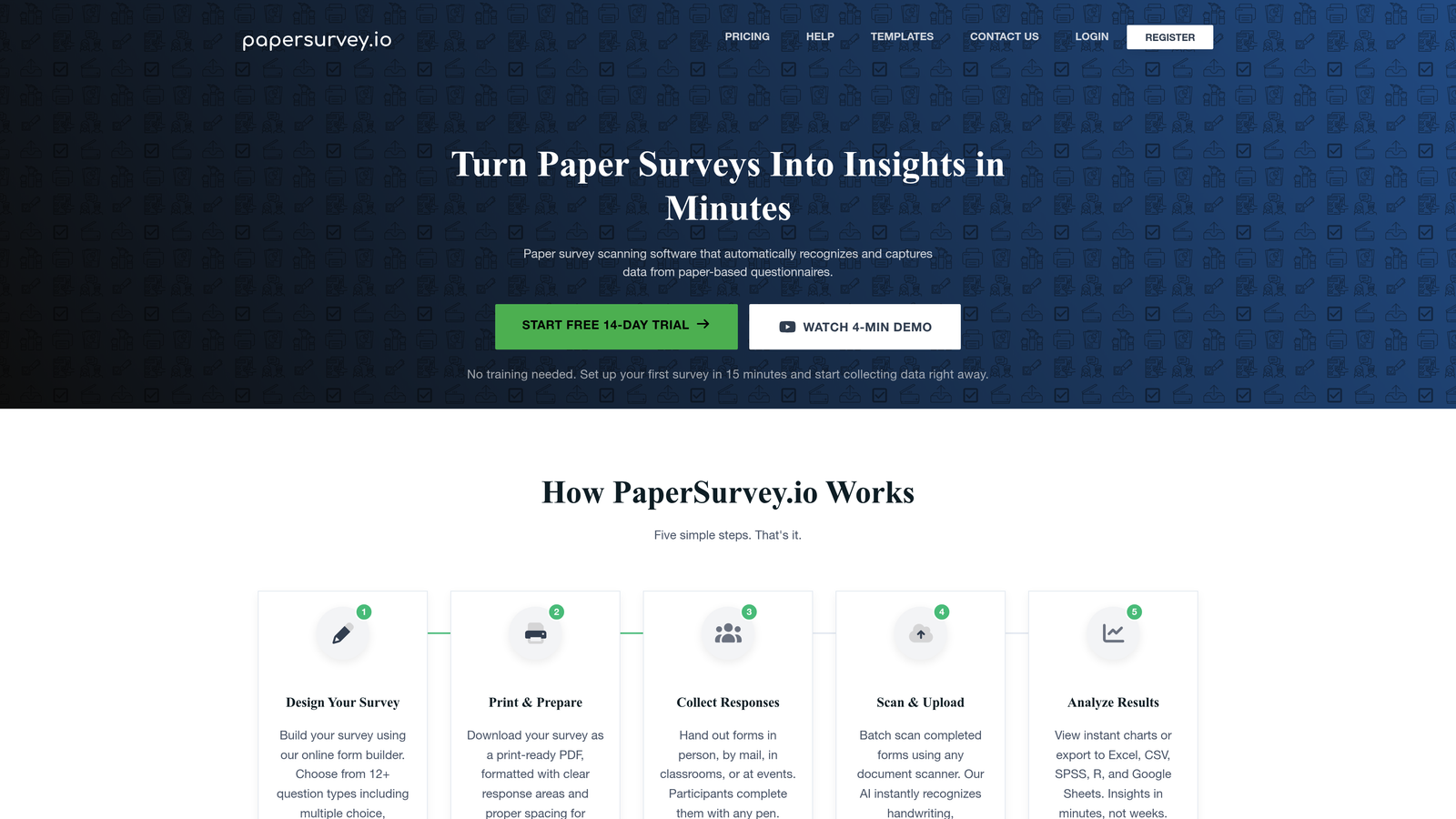
Paperform takes a form-as-landing-page approach, letting you embed rich media alongside form fields to create pages that tell a story while collecting information.
Where This Tool Shines
Paperform occupies a unique space in this list. Rather than presenting a stripped-down form, it lets you build pages that combine images, video, formatted text, and form fields in a single cohesive layout. For nonprofits, this is particularly useful for grant applications that need context, campaign donation pages that benefit from visual impact, or program intake forms where explaining the process builds trust with applicants.
Custom domain support means your forms live on your own URL rather than a third-party subdomain, which matters for maintaining brand credibility with donors and grant-makers. Paperform does offer a nonprofit discount, though you should verify current terms and the application process at paperform.io before budgeting.
Key Features
Rich Media Embedding: Combine images, video, and formatted text alongside form fields in a single page layout.
Custom Domain Support: Publish forms on your own domain for a fully branded experience.
Stripe Integration: Accepts donations directly through forms with Stripe payment processing.
Nonprofit Discount: Available for qualifying organizations (verify current percentage and terms at paperform.io).
Conditional Sections: Logic-based form flows that show or hide sections based on respondent answers.
Best For
Nonprofits that want their forms to double as campaign or program pages with visual impact. Particularly strong for grant applications, major donor outreach forms, and event pages where presentation quality matters as much as data collection.
Pricing
No permanent free plan; a trial is available. Paid plan pricing is listed at paperform.io. A nonprofit discount may apply; verify current terms and eligibility directly before purchasing.
6. Formstack
Best for: Mid-to-large nonprofits that need advanced workflows, approval routing, and Salesforce integration
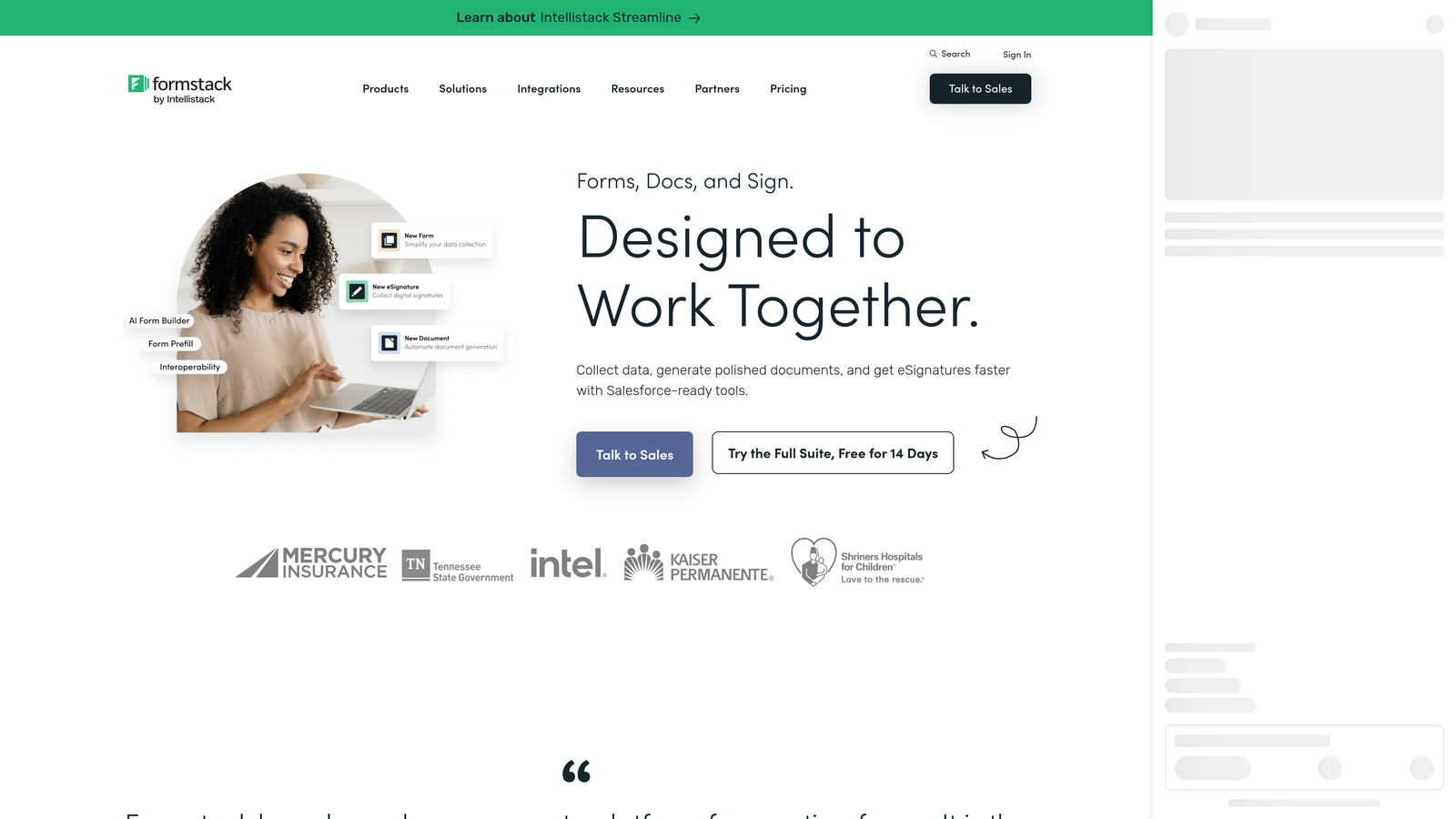
Formstack is an enterprise-grade form and workflow platform suited to organizations that have outgrown simpler tools and need multi-step approvals, document generation, and deep CRM connectivity.
Where This Tool Shines
Formstack is built for complexity. If your nonprofit runs grant approval processes that require multiple internal sign-offs, or program intake workflows where submissions need to route through different departments before being actioned, Formstack's conditional logic and approval routing capabilities handle that natively. Most of the other tools on this list are built for form collection; Formstack is built for form-driven workflows.
The Salesforce integration is a meaningful differentiator for nonprofits already using Salesforce Nonprofit Success Pack (NPSP). Rather than exporting CSVs or building Zapier workarounds, Formstack can push form data directly into your Salesforce records, keeping your CRM clean and your team out of manual data entry. Nonprofit pricing may be available; verify directly with Formstack sales or their pricing page, as this is better confirmed through a direct conversation given the enterprise nature of the platform.
Key Features
Advanced Conditional Logic and Approval Workflows: Multi-step routing for complex intake and approval processes that go beyond simple form collection.
Salesforce Integration: Native connectivity with Salesforce NPSP for nonprofits managing constituent data in Salesforce.
Document Generation and E-Signatures: Create and send documents directly from form submissions, useful for grant agreements and program contracts.
Data Encryption and Compliance: Security and compliance features for organizations handling sensitive applicant or beneficiary data.
Nonprofit Pricing: May be available for qualifying organizations (verify directly with Formstack sales or at formstack.com/pricing).
Best For
Mid-to-large nonprofits with complex internal workflows, multiple departments involved in form-driven processes, or existing Salesforce infrastructure. Not the right fit for small orgs that need a simple, low-cost solution, but well-suited to organizations where workflow automation justifies the investment.
Pricing
No free plan. Pricing is listed at formstack.com/pricing, and the platform sits at a higher price point than others on this list. Contact Formstack sales directly to ask about nonprofit or volume pricing.
Which Tool Is Right for Your Nonprofit?
The right choice depends on where your organization sits today, both in terms of budget and operational complexity.
If you're a small nonprofit with no form budget: Start with Tally. The free tier is genuinely capable, with unlimited forms and submissions, and a low learning curve for volunteer-run teams.
If donor experience and campaign engagement are your priority: Typeform's conversational format is worth exploring, especially if a nonprofit discount brings the cost within reach. Verify eligibility before committing.
If you need payment processing built in: Jotform is the most practical all-in-one option, with native Stripe, PayPal, and Square integrations and a nonprofit discount program that makes it accessible for qualifying organizations.
If your forms need to tell a visual story: Paperform's rich media approach makes it the strongest option for grant applications and campaign pages where presentation matters as much as data collection.
If you're managing complex workflows at scale: Formstack is built for exactly that, particularly for nonprofits already running on Salesforce who need form data flowing directly into their CRM.
If you want your forms to work smarter, not just collect: Orbit AI's AI-powered qualification and routing logic is built for teams that need more than a data collection box. Qualifying donors, screening volunteers, and routing grant applications automatically reduces manual triage and helps high-growth nonprofit teams focus on what matters most.
Whatever tool you choose, the goal is the same: a form experience that respects your donors' time, reflects your organization's credibility, and gets data into the right hands without friction. If your organization is ready to move beyond basic form collection, Start building free forms today and see how intelligent form design can transform your intake and conversion strategy.


