Conditional logic transforms a basic form into a smart, adaptive experience. Instead of showing every respondent the same wall of fields, logic-enabled forms show or hide questions based on previous answers, route users down different paths, and filter out unqualified leads before they ever reach your CRM.
The frustrating reality? Most platforms treat conditional logic as a premium feature, locking it behind paid plans that can run $25 to $50 per month. But several tools genuinely offer meaningful logic on their free tiers — and that's exactly what this list is about.
We evaluated each option on the depth of its free logic features, ease of use, response limits, and integration options. Whether you're a SaaS team qualifying inbound leads, a marketer building multi-step funnels, or a small business collecting smarter data, here are the top free form builders with conditional logic worth your time.
1. Orbit AI
Best for: High-growth SaaS and B2B teams that want forms to qualify leads, not just collect them.
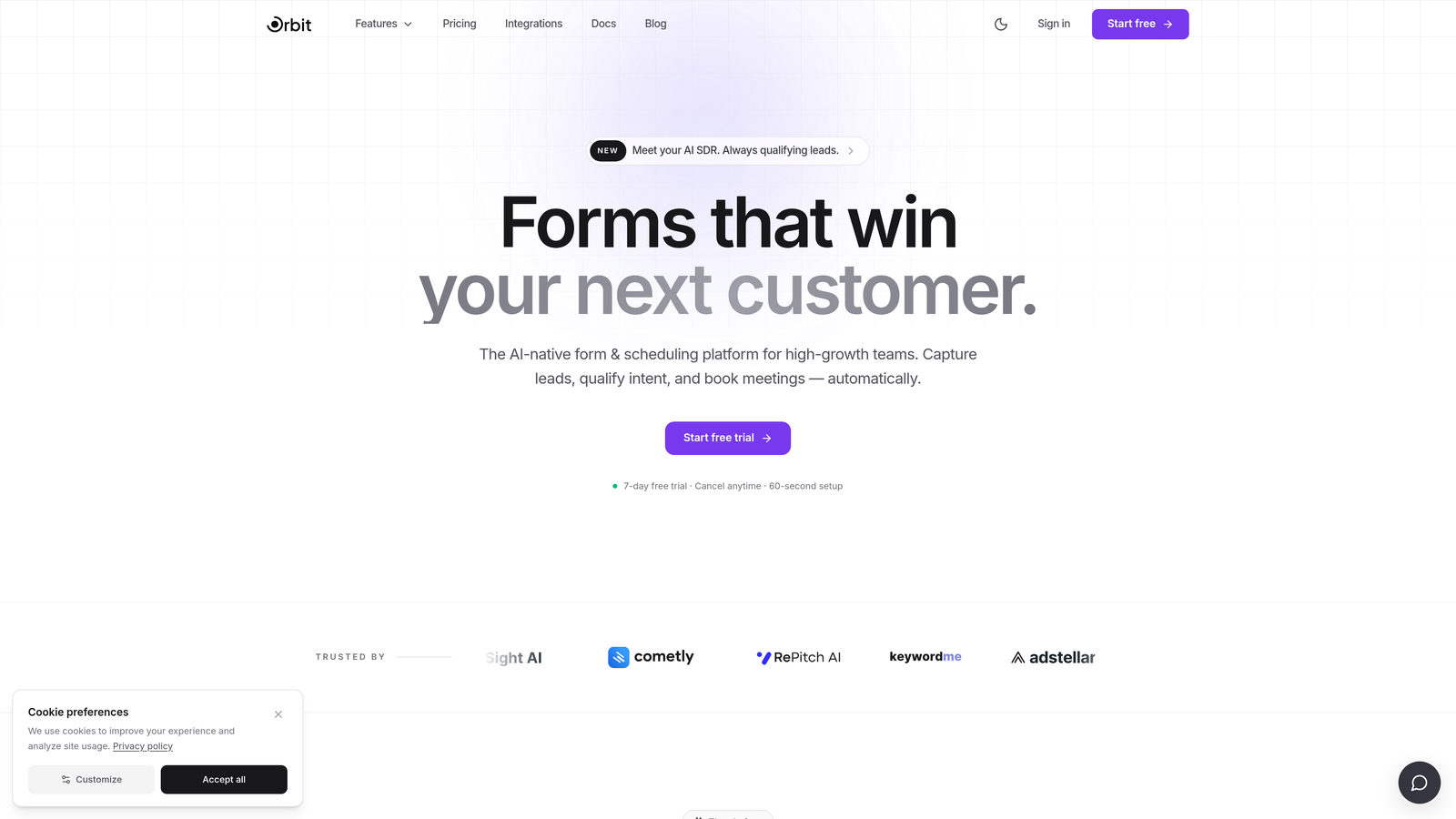
Orbit AI is an AI-powered form builder that combines conditional logic with real-time lead qualification — built specifically for conversion-focused teams.
Where This Tool Shines
Most form builders stop at showing or hiding fields based on answers. Orbit AI goes a step further by layering AI-driven lead scoring directly on top of that logic. As a respondent moves through your form, the platform evaluates their answers against your ideal customer profile and routes high-intent leads automatically — no manual scoring or post-submission cleanup required.
The templates are purpose-built for B2B and SaaS use cases, meaning you're not starting from a generic contact form and trying to reverse-engineer a qualification funnel. The free plan includes logic features, which is the key differentiator for teams that want to test intelligent forms without committing to a paid subscription.
Key Features
AI-Driven Lead Scoring: Evaluates respondent answers in real time and scores leads against your qualification criteria automatically.
Smart Field Branching: Shows, hides, or skips fields based on user answers — keeping forms short and relevant for each respondent.
Automatic Lead Routing: High-intent leads get routed immediately, so your sales team focuses on the right prospects first.
Conversion-Optimized Templates: Pre-built templates designed for B2B and SaaS lead capture, not generic data collection.
Logic Included from Day One: Conditional logic is available on every plan, starting with the 7-day free trial.
Best For
Orbit AI is the strongest choice for SaaS companies, growth marketers, and B2B teams running inbound lead generation. If your goal is to qualify prospects at the point of capture rather than sorting through raw form submissions later, this is the tool built for that workflow.
Pricing
Every plan includes the logic features, starting with a 7-day free trial. Paid plans unlock advanced features for higher-volume teams. Visit orbitforms.ai for current plan details.
2. Typeform
Best for: Teams that prioritize branded, conversational form experiences with smooth logic jumps.
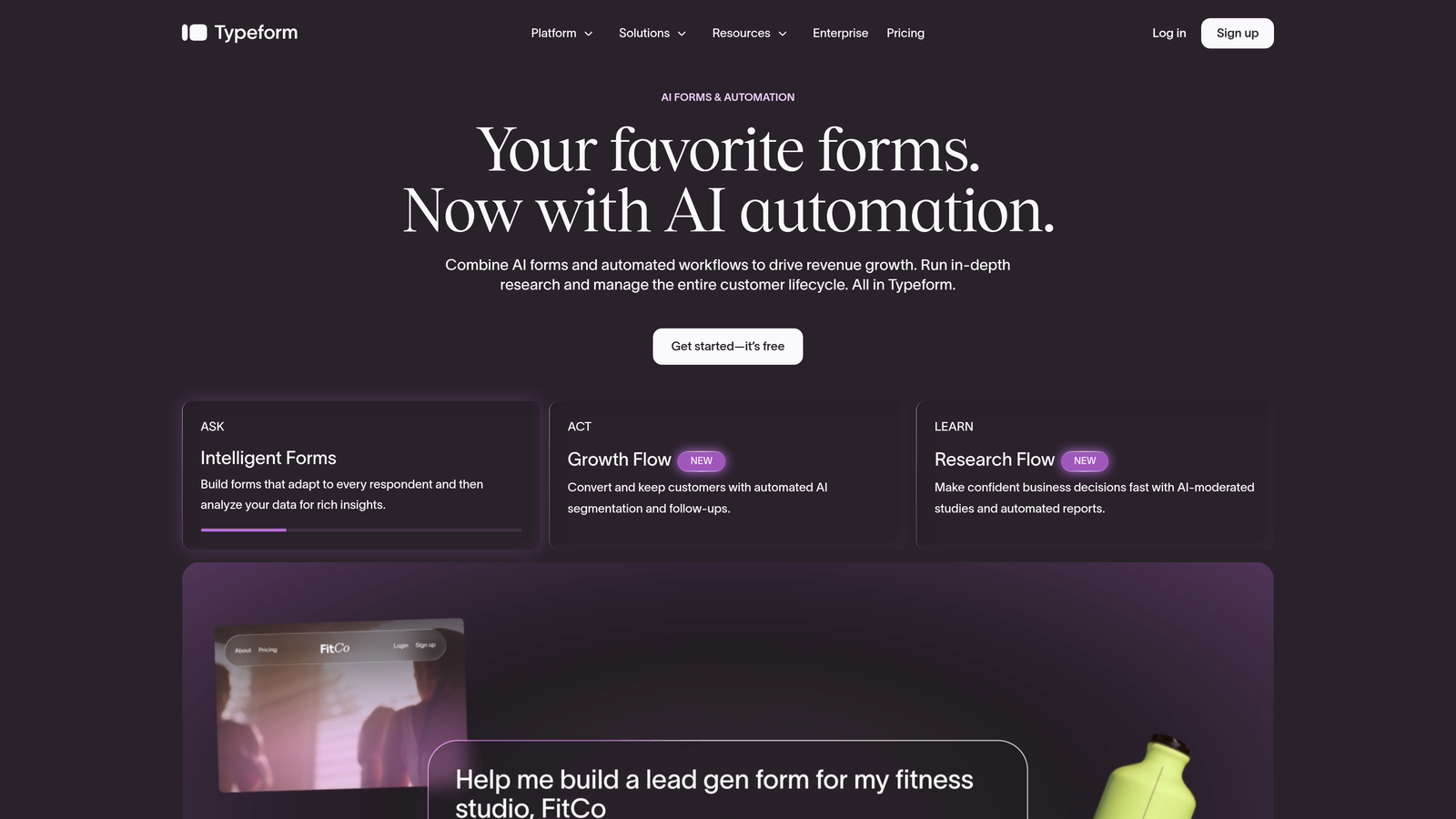
Typeform is a conversational form builder known for its one-question-at-a-time interface and polished visual design.
Where This Tool Shines
Typeform's biggest strength is the experience it creates for respondents. The one-question-at-a-time format, combined with logic jumps, makes forms feel more like a guided conversation than a data collection exercise. Completion rates tend to be higher when forms feel engaging rather than exhausting.
The logic jump feature lets you send respondents to different questions based on their answers, and conditional thank-you screens let you personalize the end of the experience. The caveat is that Typeform's free plan is notably restrictive on response volume, so it works best for low-traffic use cases or testing before upgrading.
Key Features
Logic Jumps: Routes respondents to different questions based on their selections, creating personalized paths through the form.
Conversational UI: One-question-at-a-time format with smooth animations that improve respondent engagement and completion rates.
Conditional Thank-You Screens: Show different end messages or redirect URLs based on how respondents answered.
CRM and Marketing Integrations: Connects with tools like HubSpot, Mailchimp, and Salesforce on paid plans.
Best For
Typeform is ideal for teams where brand experience matters as much as data collection — think customer onboarding surveys, event registrations, or lead capture forms where a polished feel influences conversion. Less suited for high-volume free usage given the response limits.
Pricing
Free plan available with limited responses per month (verify current limits at typeform.com before publishing). Paid plans start from approximately $25/month.
3. Google Forms
Best for: Anyone who needs unlimited free responses with basic branching logic and zero setup friction.
Google Forms is Google's completely free form tool with section-based conditional branching and no response caps.
Where This Tool Shines
No other tool on this list can match Google Forms on pure cost-to-value ratio. It's completely free, supports unlimited responses, and requires no account upgrade to access its logic features. For internal forms, event signups, or simple surveys, it's hard to argue against.
The logic works at the section level: you can send respondents to different sections of the form based on their answers to multiple-choice or dropdown questions. It's not field-level logic, so you can't show or hide individual questions within a section, but for straightforward branching paths, it gets the job done reliably.
Key Features
Section-Based Branching: Routes respondents to different form sections based on their answers — the core conditional logic feature, available at no cost.
Unlimited Responses: No monthly submission caps, ever. All responses stored in Google Drive automatically.
Google Sheets Integration: Responses sync directly to a spreadsheet for easy analysis, filtering, and sharing.
No Upgrade Required for Logic: Logic features are fully available on the free tier — there is no paid tier to speak of.
Best For
Google Forms works best for internal teams, educational use cases, event registrations, and any scenario where simplicity and zero cost outweigh design flexibility. It's not the right tool for customer-facing lead generation where branding and conversion optimization matter.
Pricing
100% free. No paid plan, no response limits, no branding to remove. Included with any Google account.
4. Tally
Best for: Indie makers, startup teams, and anyone who wants a generous free plan without forced branding.
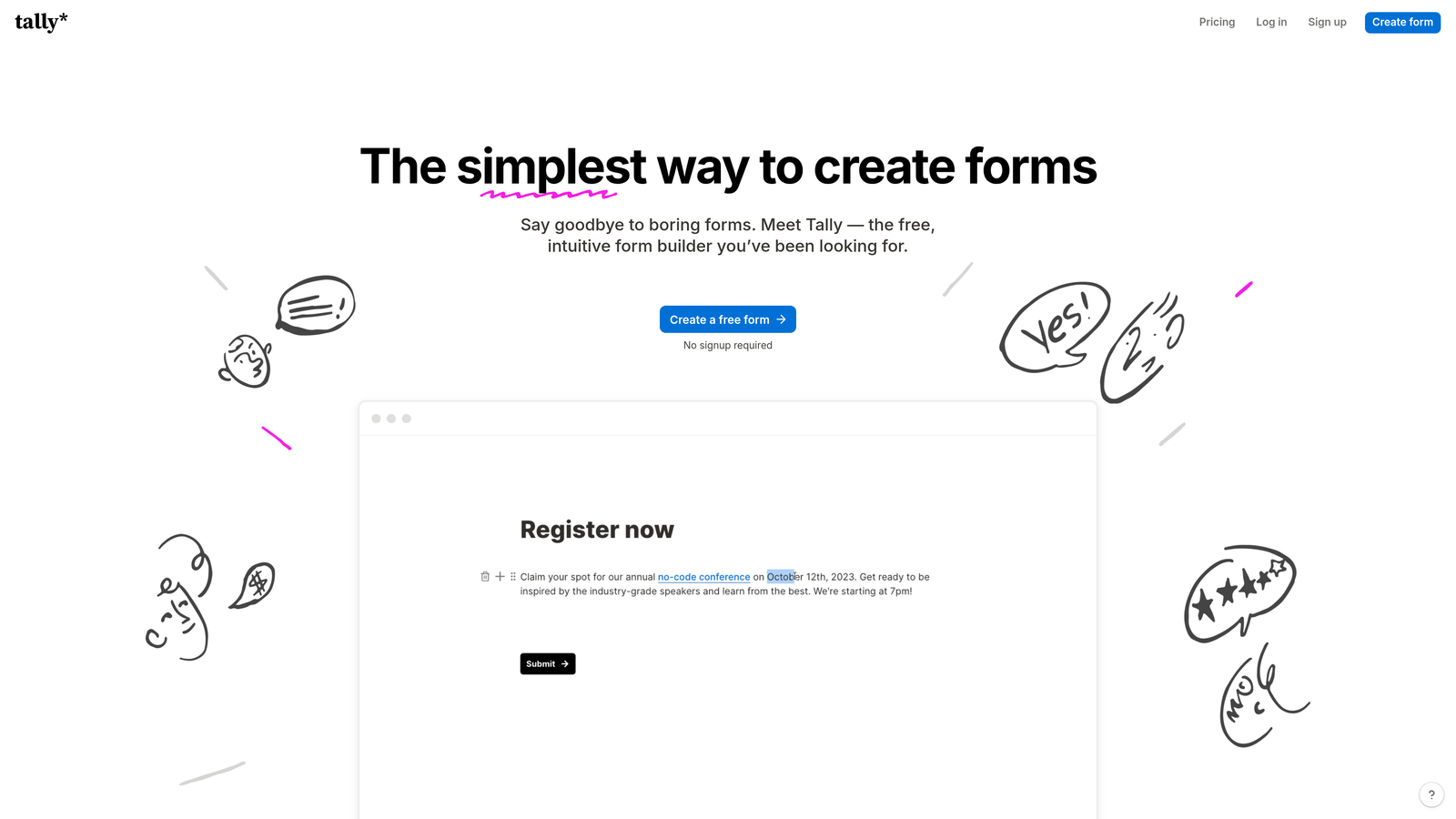
Tally is a Notion-inspired form builder with a free plan that includes conditional logic, unlimited forms, and unlimited responses.
Where This Tool Shines
Tally's free plan is genuinely one of the most generous in the category. Unlimited forms, unlimited responses, conditional logic, and no Tally branding on embedded forms — all at zero cost. For a bootstrapped startup or solo operator, that combination is hard to beat.
The block-based builder will feel immediately familiar to anyone who uses Notion. You build forms by adding blocks, and conditional logic is applied inline as you work. The interface is clean and fast, and the learning curve is minimal even for non-technical users.
Key Features
Conditional Logic on Free Plan: Show or hide fields, sections, and pages based on respondent answers — fully available without upgrading.
Unlimited Forms and Responses: No caps on how many forms you create or how many submissions you collect on the free tier.
Block-Based Builder: Notion-style interface makes form building intuitive for teams already familiar with block editors.
No Branding on Embedded Forms: Free plan users can embed forms without Tally branding appearing — a rare perk at this price point.
Best For
Tally is the top choice for early-stage startups, indie hackers, and small teams that need a capable free form builder without worrying about hitting submission limits or paying to remove a logo. It's also well-suited for product feedback forms and lightweight lead capture.
Pricing
Free plan is highly generous with no hard limits on forms or responses. A Pro plan is available for teams needing advanced features like custom domains and priority support.
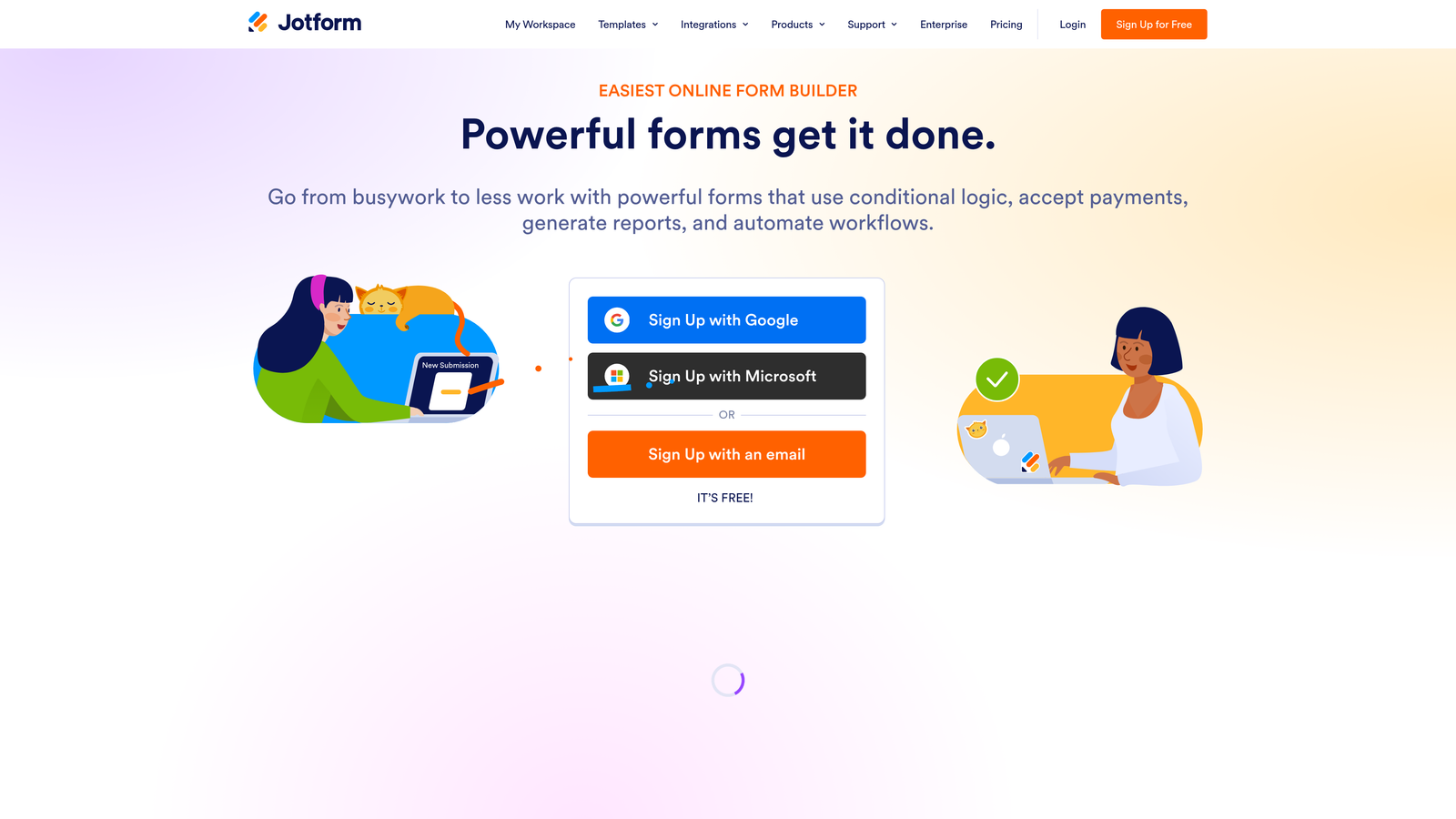
5. Jotform
Best for: Teams that need sophisticated multi-condition logic rules without paying for a premium plan.
Jotform is a feature-rich form builder with one of the most powerful free conditional logic builders available, supporting AND/OR multi-condition rules.
Where This Tool Shines
Jotform's conditional logic engine is the most advanced you'll find on a free plan. You can build rules with multiple conditions using AND/OR operators — so a field only appears when respondent A selects option X AND their budget exceeds a certain threshold. That level of specificity is typically a paid feature elsewhere.
Beyond logic, Jotform's template library is extensive, and many templates come with logic pre-configured. If you're building a complex intake form, application, or multi-step workflow, Jotform gives you the tools to do it without touching a line of code.
Key Features
Multi-Condition AND/OR Logic: Build rules with multiple conditions combined using AND/OR operators for precise field control.
Show/Hide Fields, Sections, and Pages: Logic applies at multiple levels of the form, not just individual fields.
Large Template Library: Hundreds of templates with logic already built in, covering industries from healthcare to e-commerce.
Extensive Integration Ecosystem: Connects with CRMs, payment processors, and productivity tools — many available on the free plan.
Best For
Jotform is the right pick for teams that need complex logic without the budget for a premium tool. It's particularly strong for application forms, client intake workflows, and any scenario where multiple conditions need to combine to trigger a field change.
Pricing
Free plan available with limits on form count and monthly submissions (verify current limits at jotform.com). Paid plans start from approximately $34/month.
6. Paperform
Best for: Teams that want forms to feel like branded landing pages with embedded media and conditional content.
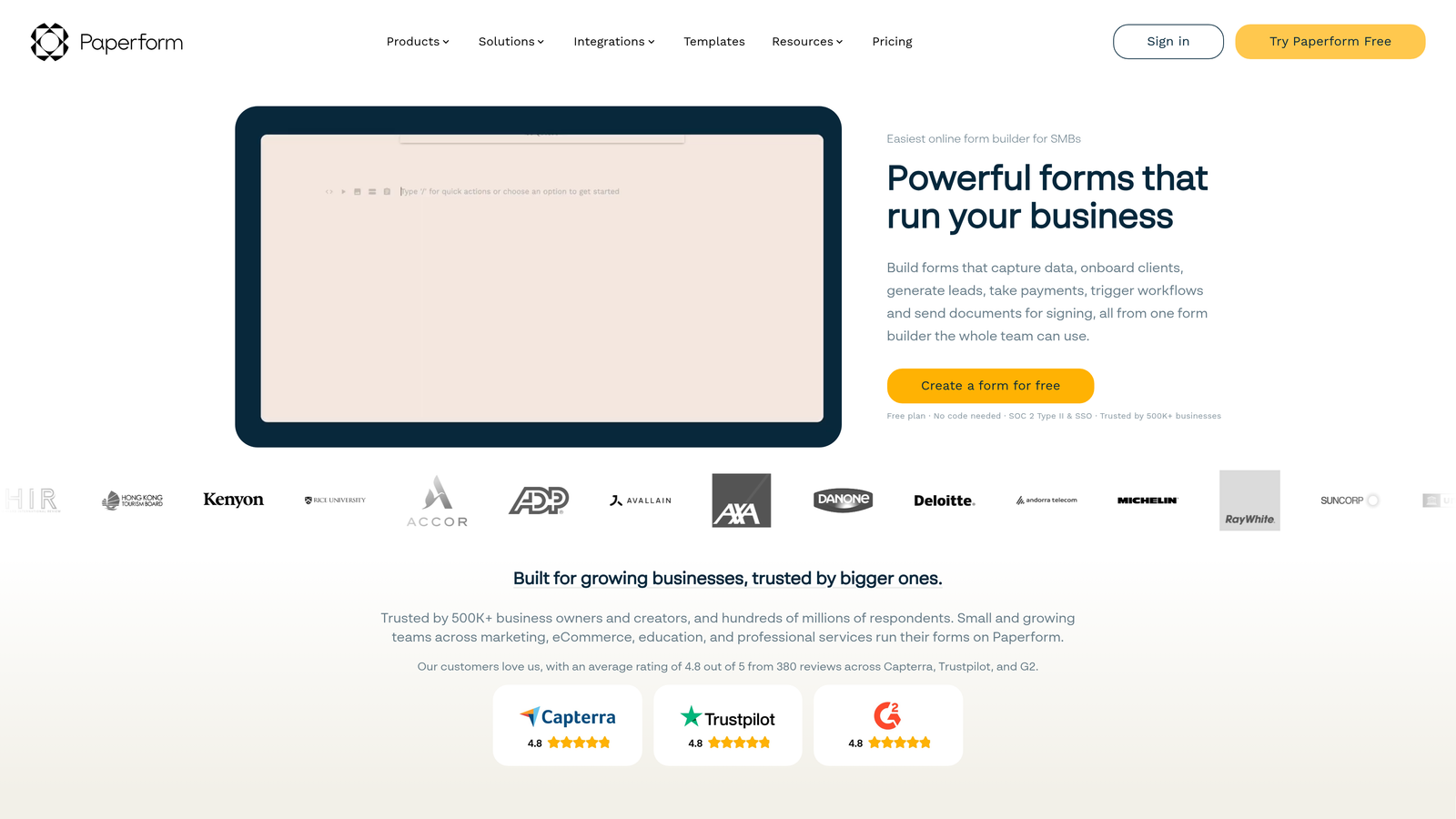
Paperform is a form builder that blends rich document-style design with conditional logic, making forms feel more like interactive experiences than data collection tools.
Where This Tool Shines
Paperform's approach to form design is distinctly different from the rest of this list. You can embed text, images, and video between form fields, creating a form that reads more like a guided document than a standard input screen. Conditional logic controls which content blocks and fields appear based on respondent answers, giving you a lot of creative flexibility.
The calculation fields are a standout feature for service businesses. You can build pricing calculators or quote estimators directly inside the form, with totals that update dynamically as respondents make selections. It's worth noting that Paperform does not offer a permanent free plan — a free trial is available, but ongoing use requires a paid subscription.
Key Features
Conditional Logic for Content Visibility: Show or hide both fields and rich content blocks based on respondent answers.
Rich Media Between Fields: Embed text, images, and video within the form itself for a more engaging, branded experience.
Calculation Fields: Build dynamic pricing calculators and quote estimators that update in real time as users fill out the form.
Customizable Design: Extensive visual customization without requiring any coding knowledge.
Best For
Paperform suits agencies, consultants, and service businesses that want forms to double as branded client-facing experiences. It's especially powerful for quote builders and onboarding flows where rich content adds context between questions.
Pricing
Free trial available; no permanent free plan. Paid plans start from approximately $24/month. Verify current pricing at paperform.co before committing.
7. SurveySparrow
Best for: CX and feedback teams running recurring NPS or CSAT surveys with conditional logic.
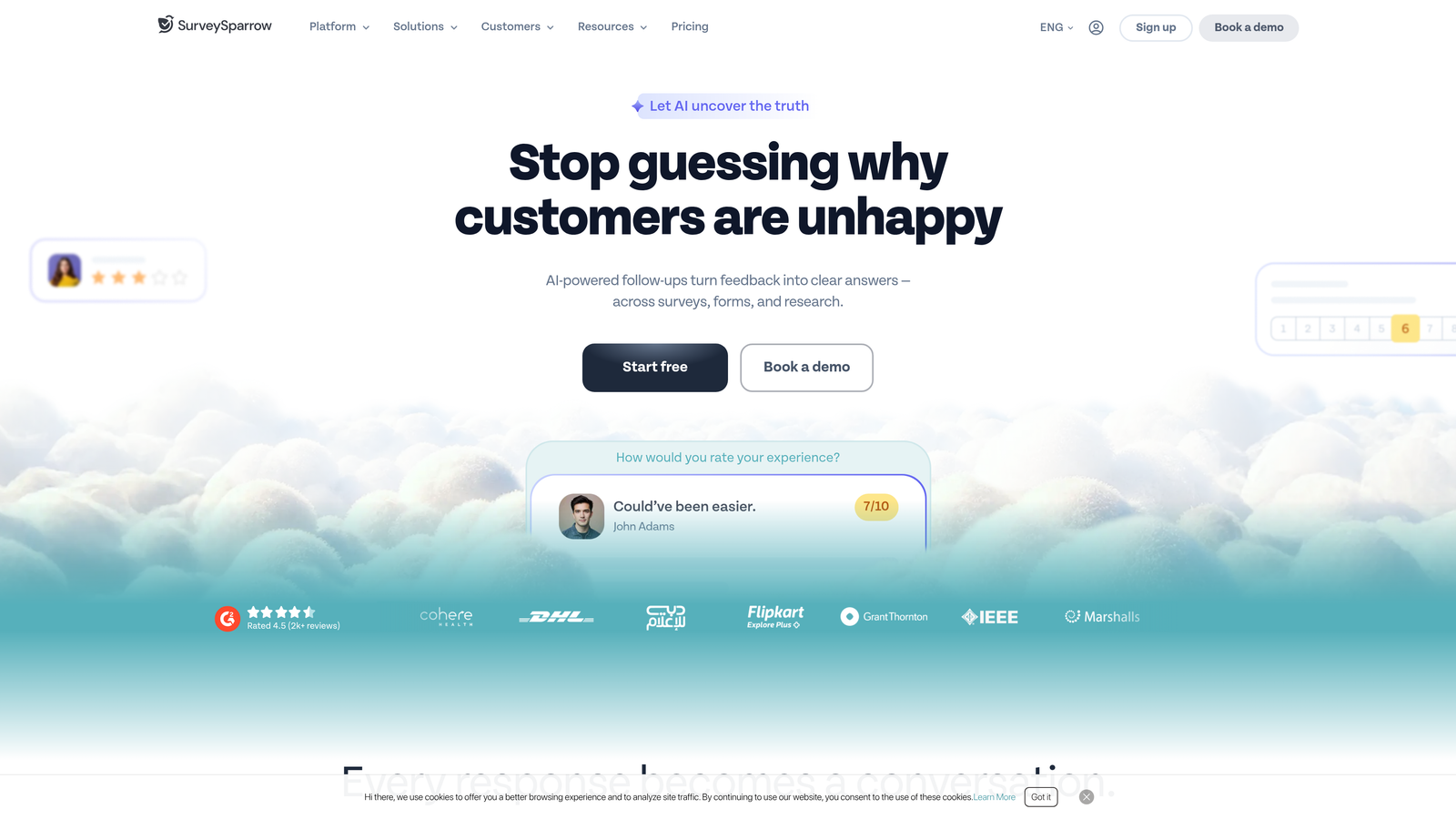
SurveySparrow is a conversational survey platform with conditional logic and recurring survey automation built into its free plan.
Where This Tool Shines
SurveySparrow's recurring survey feature is its clearest differentiator on this list. You can schedule surveys to go out automatically at regular intervals — weekly, monthly, quarterly — making it ideal for ongoing customer satisfaction tracking or employee pulse programs. Conditional logic ensures each respondent only sees questions relevant to their previous answers.
The chat-style survey format creates a more conversational experience than traditional survey layouts, which tends to improve completion rates for longer feedback forms. NPS and CSAT templates come with logic pre-built, so you can launch a professional feedback program quickly.
Key Features
Conditional Logic on Free Plan: Route respondents through different question paths based on their answers without upgrading.
Recurring Survey Scheduling: Automate periodic survey distribution for ongoing CX and employee feedback programs.
Conversational Chat Format: Chat-style interface presents one question at a time for a more engaging respondent experience.
NPS and CSAT Templates: Pre-built templates with logic already configured for standard customer satisfaction measurement.
Best For
SurveySparrow is the strongest option for customer success teams, HR departments, and CX programs that need to run surveys on a recurring schedule. Less suited for lead generation or complex intake forms.
Pricing
Free plan available with response limits. Paid plans start from approximately $19/month for higher response volumes and advanced features.
8. Cognito Forms
Best for: Service businesses and agencies that need both conditional logic and calculation fields on a free plan.
Cognito Forms is a free form builder that uniquely combines conditional logic with calculated fields — making it ideal for quote builders, cost estimators, and order forms.
Where This Tool Shines
The combination of conditional logic and calculated fields on a free plan is genuinely rare. Cognito Forms lets you build forms where fields appear or disappear based on answers, and where numerical values calculate automatically based on user inputs. Think: a service pricing form that shows different options based on the selected package and totals the cost in real time.
Repeating sections are another feature that sets Cognito Forms apart. Respondents can add multiple line items — useful for order forms, expense reports, or any scenario where the number of entries varies per submission. All of this is available without paying anything.
Key Features
Calculated Fields: Build dynamic pricing calculators, totals, and quote estimators that update based on respondent inputs — available on the free plan.
Conditional Logic: Show or hide fields and set required field rules based on previous answers.
Repeating Sections: Allow respondents to add multiple line items within a single form submission for order and expense use cases.
Payment Integration: Accept payments directly through forms on paid plans, building naturally on top of the calculation features.
Best For
Cognito Forms is the go-to choice for service businesses, consultants, and agencies that need cost calculators or quote request forms. The calculated fields plus conditional logic combination makes it uniquely powerful for transactional use cases.
Pricing
Free plan includes 1 form and up to 500 entries per month. Paid plans start from approximately $15/month for additional forms and higher entry limits.
9. HubSpot Forms
Best for: Teams already using HubSpot CRM who want native form logic without managing a separate tool.
HubSpot Forms is a free CRM-native form builder with dependent fields and progressive profiling built directly into the HubSpot ecosystem.
Where This Tool Shines
The core advantage of HubSpot Forms isn't the logic engine itself — it's the CRM integration. Every form submission maps directly to a contact record in HubSpot with no setup required. Dependent fields (show field B when field A equals a specific value) work seamlessly, and the data lands exactly where your sales team is already working.
Progressive profiling is a standout feature for teams running ongoing inbound programs. Rather than showing returning contacts the same fields they've already filled out, HubSpot Forms automatically surfaces new questions to build out the contact profile over time. It's a smart way to collect richer data without overwhelming first-time visitors with a long form.
Key Features
Dependent Fields: Show or hide form fields based on a contact's answer to a previous question — the core conditional logic feature.
Progressive Profiling: Automatically shows new fields to returning contacts, collecting additional data without repeating previously answered questions.
Native CRM Sync: All submissions sync directly to HubSpot contact records with no integration setup or middleware required.
Smart Forms: Forms can adapt based on known contact properties already stored in the CRM, creating a personalized experience for returning visitors.
Best For
HubSpot Forms is the clear choice for marketing and sales teams already operating inside HubSpot. The CRM-native advantage is significant. For teams not using HubSpot, the logic capabilities alone don't justify adopting the platform just for its form builder.
Pricing
Free as part of HubSpot's free CRM tier. Advanced features like smart forms and deeper logic controls are available in paid Marketing Hub plans.
Which Tool Is Right for Your Team
Every tool on this list offers genuine conditional logic without a big upfront commitment — but the right choice depends entirely on what you're trying to accomplish.
For lead-focused teams, Orbit AI is the standout option. It's the only tool here that combines conditional logic with AI-powered lead qualification, meaning your forms don't just collect data — they evaluate and route prospects automatically. If your goal is converting inbound traffic into qualified pipeline, that combination matters.
Google Forms wins if you need unlimited free responses with zero friction. It's not pretty, but it's reliable and costs nothing. Tally is the best all-around free plan for startups and indie teams — unlimited forms, unlimited responses, no forced branding. Jotform is the pick when you need complex multi-condition logic without paying for it.
For specific use cases: Cognito Forms is unmatched for quote builders and pricing calculators. HubSpot Forms is the obvious choice if you're already running your CRM in HubSpot. SurveySparrow wins for recurring feedback programs. Typeform delivers the most polished respondent experience when brand presentation matters most.
If you're building forms to qualify leads and drive conversions, the intelligence behind the logic is what separates a form builder from a growth tool. Start your free trial today with Orbit AI and see how AI-powered qualification can transform what your forms actually do for your pipeline.