

Typeform helped redefine how brands collect data online. Its conversational, one-question-at-a-time format raised the bar for form design and user experience. But it's not the right fit for every team, and the reasons people look elsewhere are legitimate: response limits on lower-tier plans, pricing that scales steeply with usage, limited native lead qualification logic, and restricted branding flexibility.
The good news is the form builder market has matured considerably. There are now tools built for specific use cases, whether that's qualifying inbound leads, running research-grade surveys, building interactive content, or simply collecting data without a monthly bill. This list focuses on options that deliver real value for high-growth teams and businesses that care about conversion, not just data collection.
Here are the best Typeform alternatives worth considering in 2026.
1. Orbit AI
Best for: Lead qualification and conversion optimization for SaaS and B2B teams
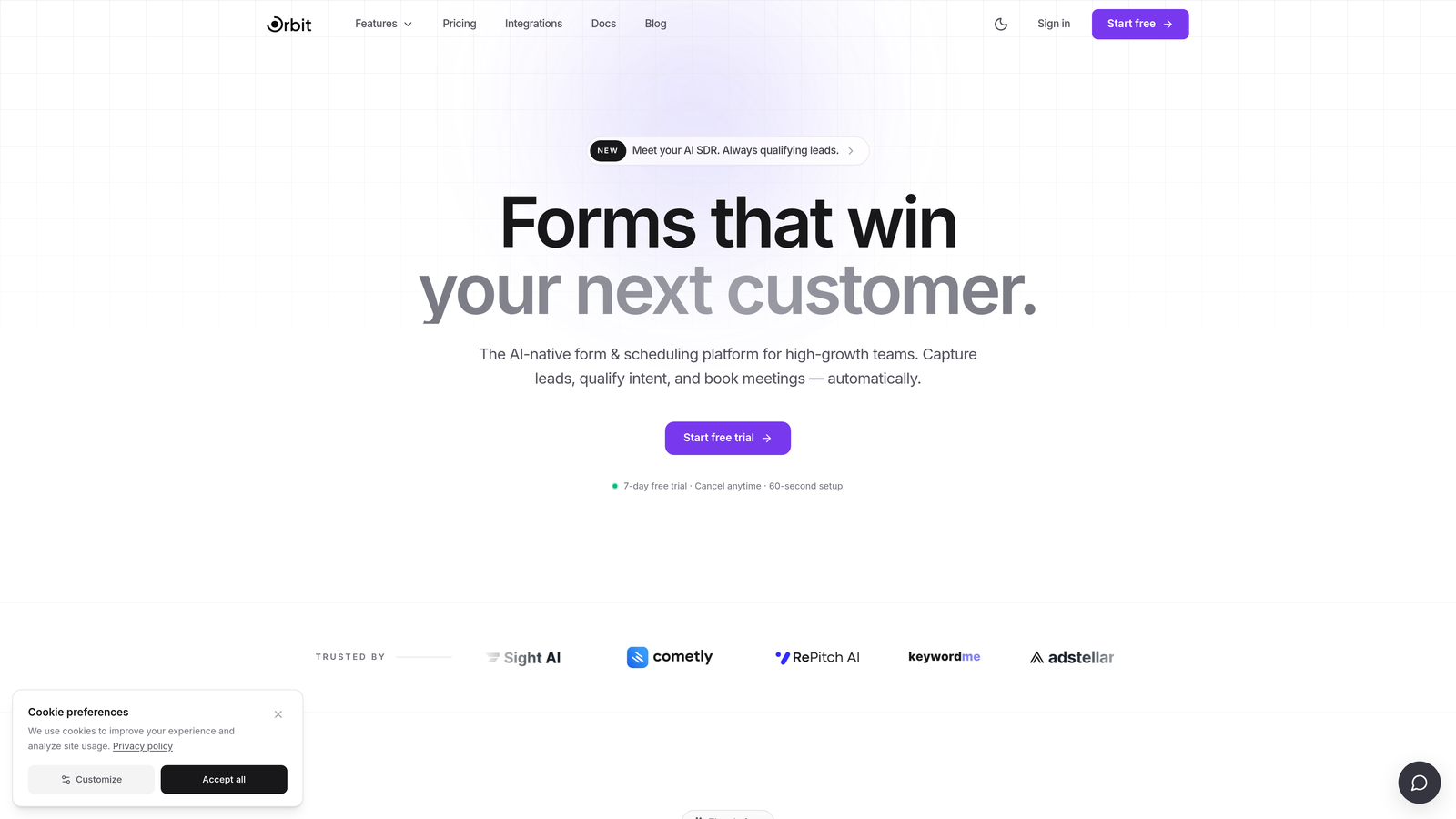
Orbit AI is an AI-powered form builder built specifically for teams that need their forms to do more than collect information.
Where This Tool Shines
Most form tools treat qualification as something that happens after submission, usually in your CRM or manually by a sales rep. Orbit AI moves that intelligence into the form itself. As prospects answer questions, the AI scores and qualifies leads in real time, so your team knows exactly who to prioritize before anyone picks up the phone.
The design quality is also a genuine differentiator. Templates are modern and conversion-focused, not generic. If you're running paid campaigns or building multi-step funnels, the form experience matters for completion rates, and Orbit AI is built with that context in mind.
Key Features
AI Lead Qualification: Scores and qualifies leads within the form flow itself, not as a post-submission step.
Conversion-Optimized Templates: Modern, beautifully designed forms built to maximize completion rates for marketing and demand gen use cases.
Lead Scoring: Automatically prioritizes follow-up based on prospect responses, reducing manual triage for sales teams.
B2B and SaaS Focus: Feature set and design philosophy are specifically tailored to high-growth team workflows and pipeline generation.
Modern Form Builder: Clean interface that lets teams build polished, branded forms without needing a designer.
Best For
SaaS companies, B2B demand gen teams, and agencies running inbound lead generation campaigns. Particularly valuable for teams where lead quality matters as much as lead volume, and where sales follow-up needs to be fast and prioritized.
Pricing
Visit orbitforms.ai for current pricing and plan details. A free starting option is available.
2. Jotform
Best for: Teams needing a broad, battle-tested form builder with extensive templates
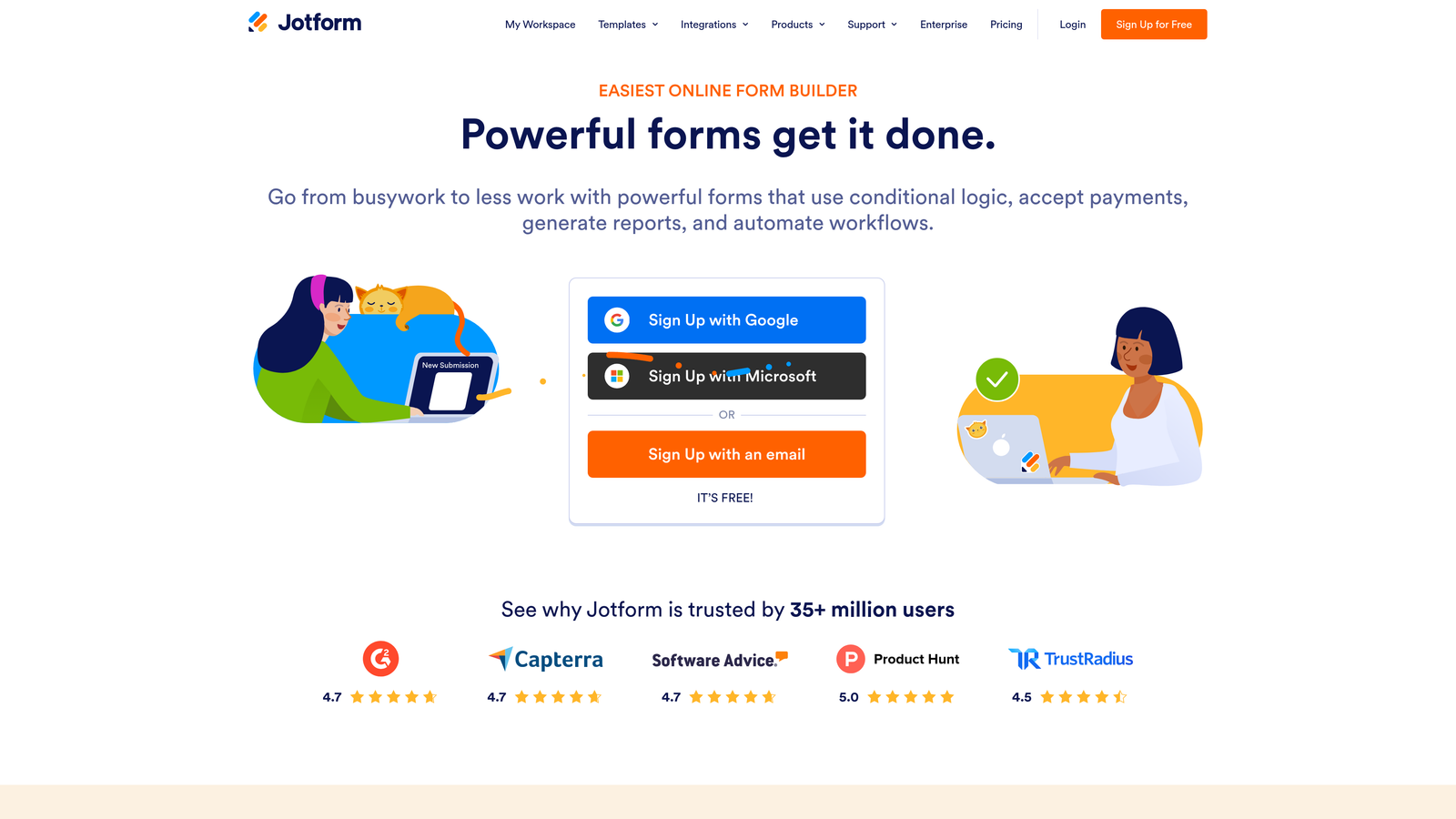
Jotform is one of the most established form builders on the market, known for its enormous template library and versatile feature set.
Where This Tool Shines
Jotform's strength is breadth. With over 10,000 templates spanning industries from healthcare to e-commerce, it's rare to encounter a use case it can't handle. Payments, e-signatures, offline data collection, appointment scheduling: it's all there, often without needing a third-party integration.
For teams that need reliability and range over cutting-edge design, Jotform is a dependable choice. It's particularly strong for organizations managing multiple form types across different departments.
Key Features
10,000+ Templates: One of the largest template libraries available, covering virtually every industry and use case.
Native Payments and E-Signatures: Collect payments and legally binding signatures without additional tools.
Offline Data Collection: Forms work without an internet connection, syncing data when connectivity is restored.
Extensive Integrations: Connects with major CRMs, email platforms, and business tools.
Conditional Logic: Multi-page forms with branching logic to personalize the experience.
Best For
Established businesses and enterprise teams that need a reliable, feature-rich form builder across multiple use cases. Also strong for teams managing client-facing forms that require payments or e-signatures.
Pricing
Free plan available. Paid plans start around $34/month. Verify current pricing at jotform.com before purchasing.
3. Tally
Best for: Startups and indie teams wanting Typeform-style forms without the price tag
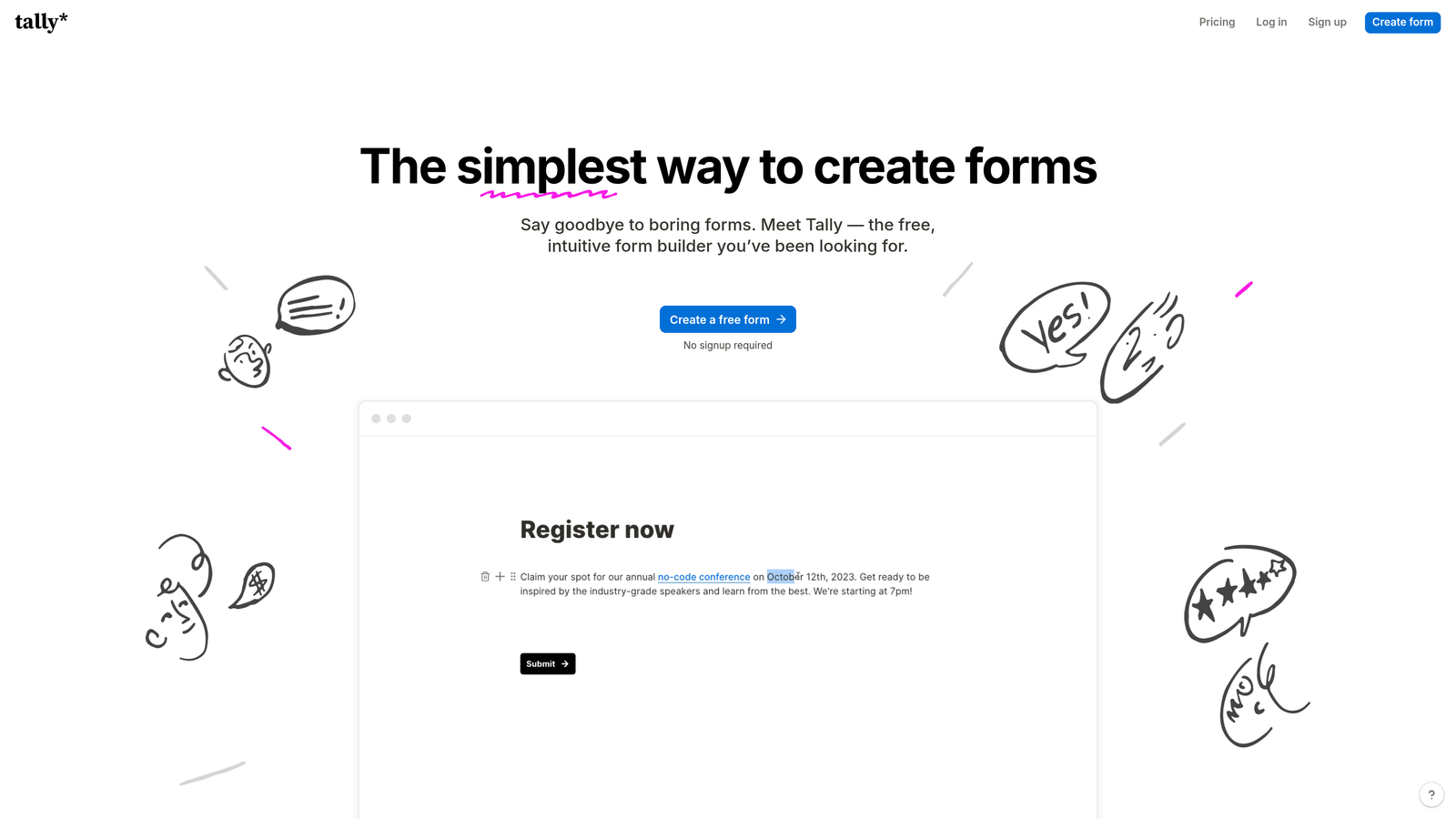
Tally is a Notion-inspired form builder that delivers a conversational format and generous free tier that genuinely competes with paid tools.
Where This Tool Shines
Tally's free plan is unusually generous. Unlimited forms and unlimited responses with no monthly bill makes it a standout option for early-stage teams or anyone who finds Typeform's pricing hard to justify. The building experience is clean and fast, borrowing the block-based editing style that Notion users will recognize immediately.
It also embeds cleanly into websites and Notion pages, which makes it a natural fit for teams already working inside that ecosystem.
Key Features
Unlimited Free Forms and Responses: No caps on the free plan, which is rare in this category.
Conversational Format: One-question-at-a-time flow similar to Typeform's core experience.
Notion-Style Editor: Fast, intuitive block-based form building with minimal friction.
Clean Embeds: Integrates smoothly into websites and Notion pages without layout issues.
Best For
Early-stage startups, indie makers, and small teams who want a polished conversational form experience without paying for it. Also a strong choice for Notion-heavy teams who want native-feeling form embeds.
Pricing
Free plan with unlimited forms and responses. Pro plan available for advanced features. Check tally.so for current pricing.
4. HubSpot Forms
Best for: Teams already using HubSpot CRM who want zero-friction form-to-CRM sync
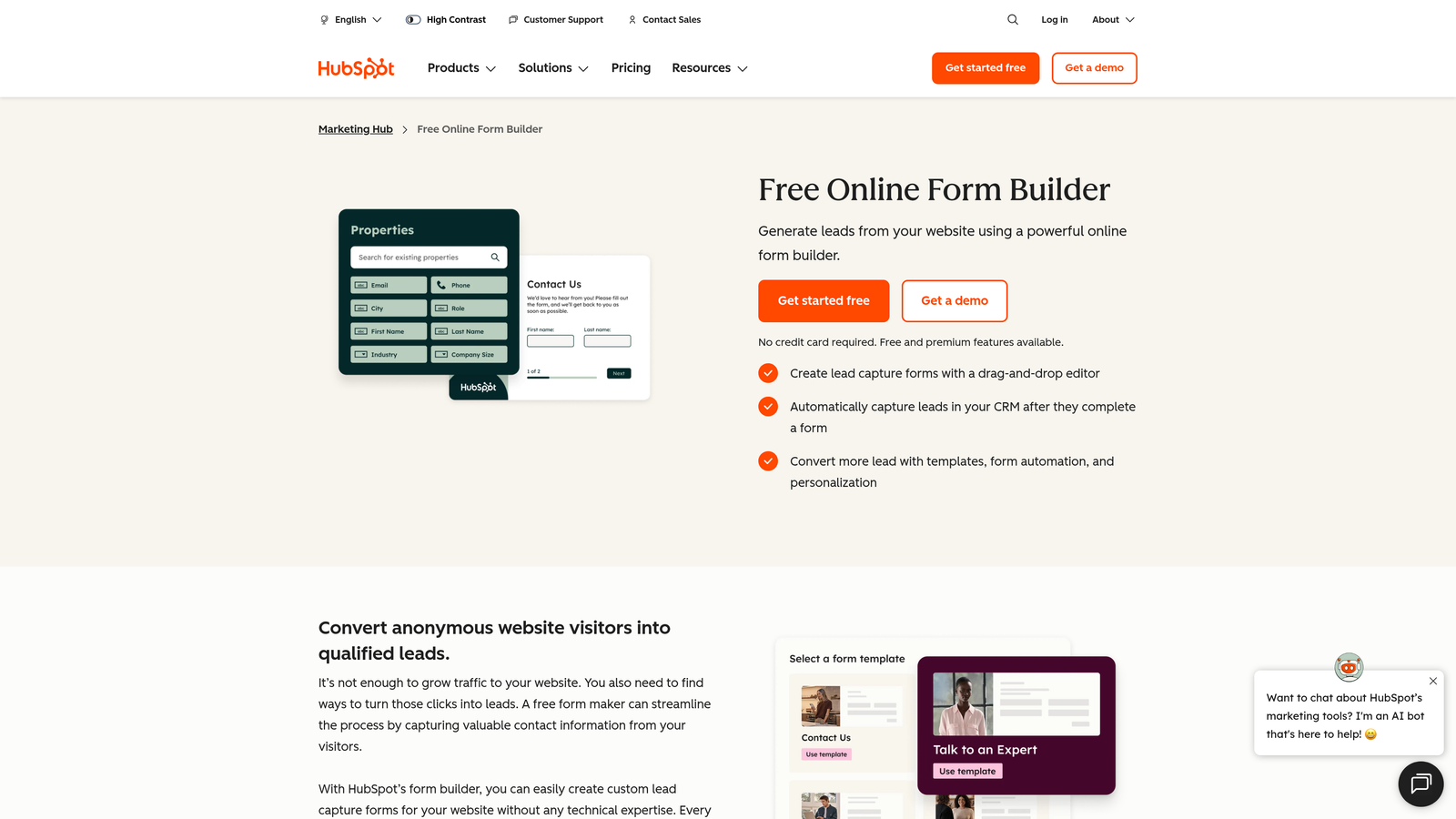
HubSpot Forms is the native form builder built into the HubSpot ecosystem, offering deep CRM integration that standalone tools can't replicate.
Where This Tool Shines
If your team lives in HubSpot, this is the obvious choice. Form submissions sync directly to contact records with zero configuration, and workflows trigger automatically based on responses. There's no middleware, no Zapier, no data mapping headaches.
The progressive profiling feature is particularly valuable for lead generation. HubSpot Forms can show different fields to returning visitors, gradually building richer contact profiles over multiple interactions rather than overwhelming people with a long form on the first visit.
Key Features
Progressive Profiling: Shows new fields to returning contacts to build richer profiles over time without repetitive questions.
Smart Fields: Automatically skips questions HubSpot already has answers to, reducing friction for known contacts.
Direct CRM Sync: Form submissions flow into HubSpot contact records instantly, with no integration setup required.
Workflow Automation: Triggers HubSpot workflows automatically based on form responses for immediate follow-up.
Best For
Marketing and sales teams already invested in the HubSpot platform. The value proposition depends almost entirely on HubSpot usage; outside that ecosystem, standalone form builders offer more flexibility.
Pricing
Free with HubSpot CRM. Advanced features require a Marketing Hub subscription. Check hubspot.com for current tier details.
5. Paperform
Best for: Branded client-facing forms that blend rich content with data collection
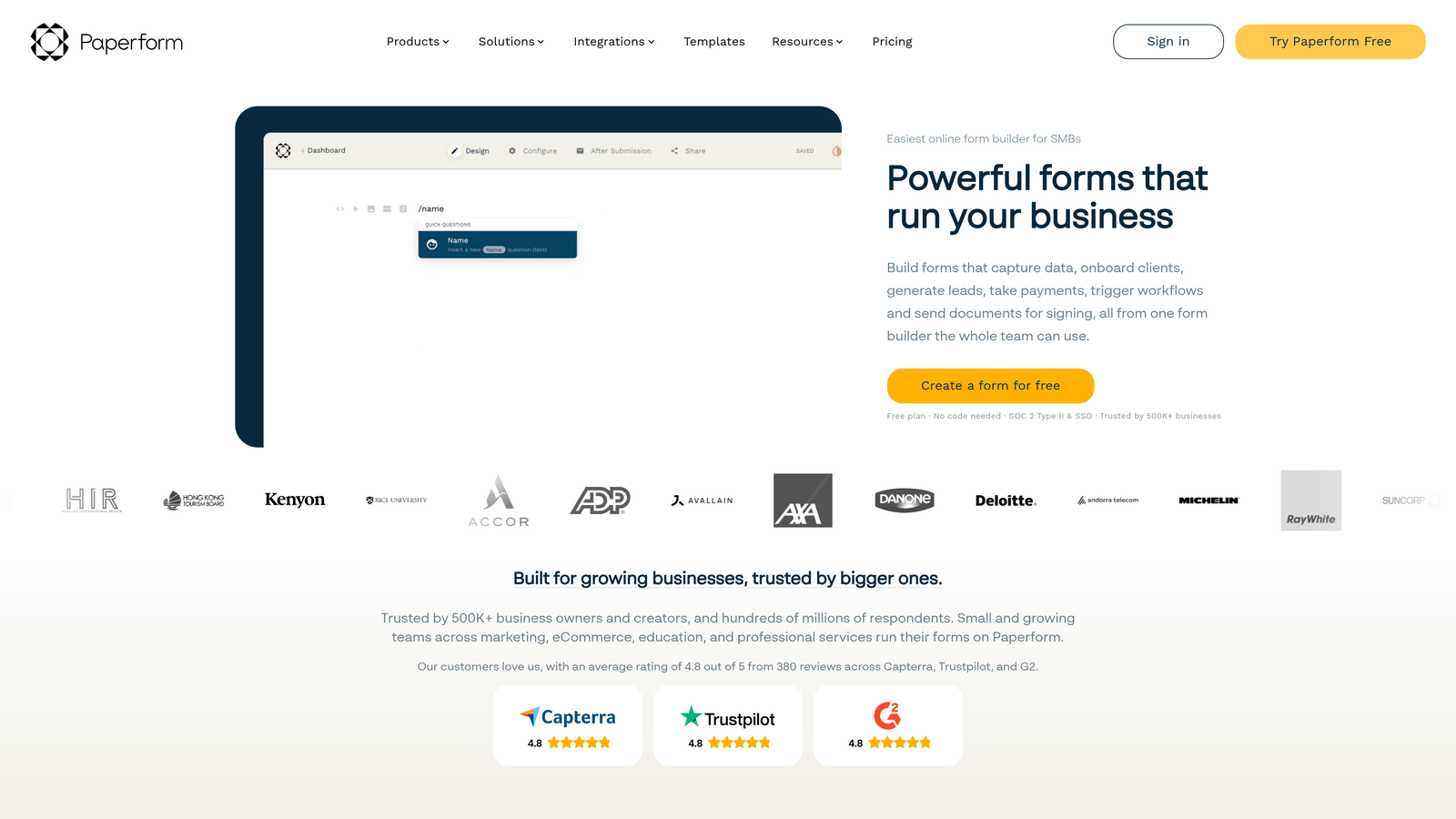
Paperform is a hybrid form and landing page builder that lets you combine text, images, and media with form fields in a single polished experience.
Where This Tool Shines
Paperform occupies a unique position: it's not quite a form builder and not quite a landing page builder, but a thoughtful blend of both. You can write narrative content, embed images, and add form fields all in the same document-style editor. The result is forms that feel more like branded experiences than data collection tools.
It also handles transactional use cases natively. Payments, bookings, and product orders are built in, which makes it useful for service businesses and agencies building client-facing workflows.
Key Features
Document-Style Editor: Combines rich text, images, and form fields in a single flexible canvas.
Native Payments and Bookings: Accepts payments and manages bookings without third-party tools.
High Design Flexibility: Extensive customization for fonts, colors, and layout to match brand guidelines.
Conditional Logic and Calculations: Supports branching logic and calculation fields for dynamic pricing or scoring.
Best For
Agencies, consultants, and service businesses that need polished, branded forms for client interactions. Strong for intake forms, order forms, and booking flows where presentation matters.
Pricing
Paid plans only, starting around $24/month. No free plan. Verify current pricing at paperform.co.
6. Fillout
Best for: Teams needing powerful conditional logic with competitive pricing
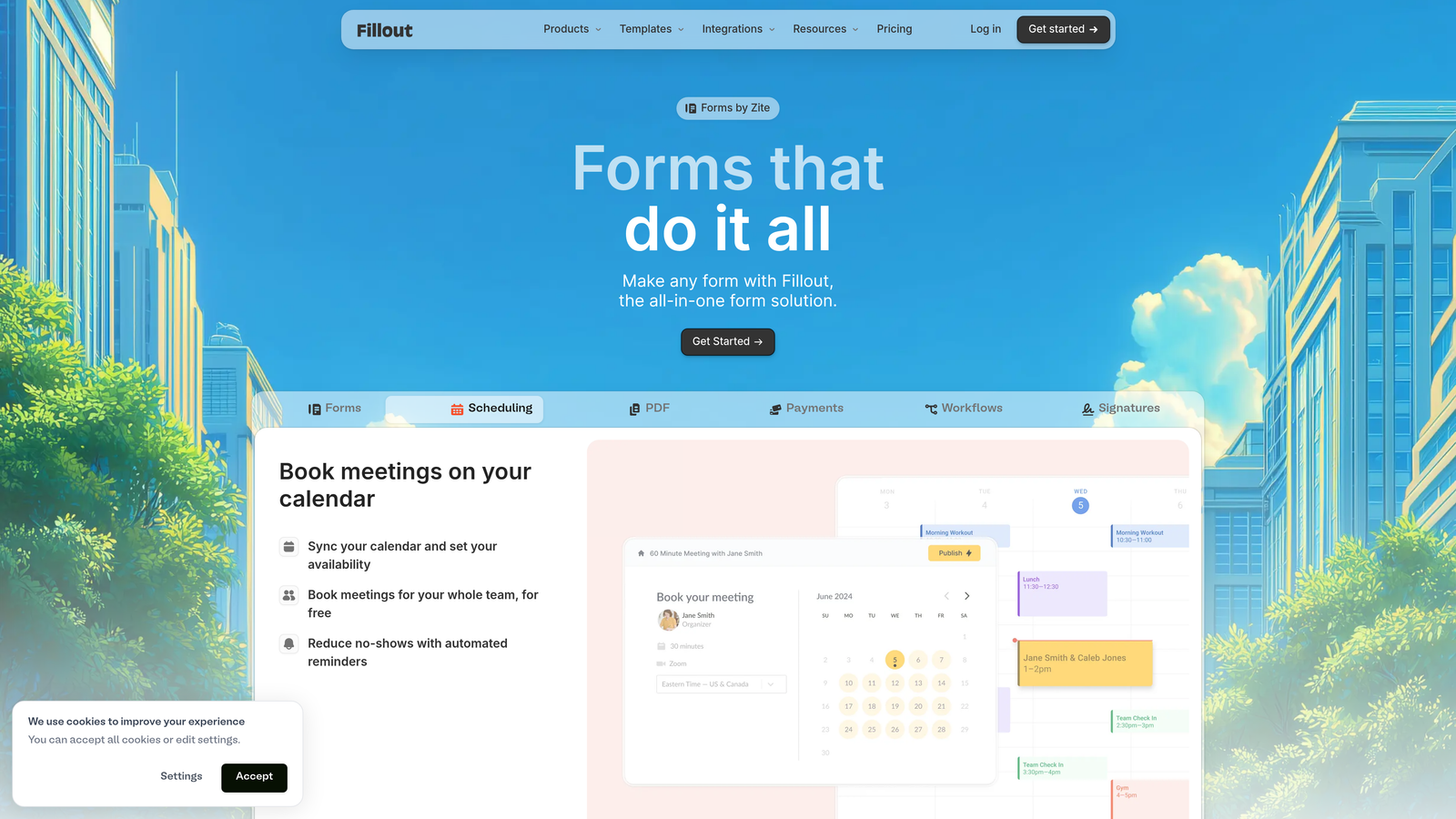
Fillout is a newer form builder that has built a strong reputation for advanced branching logic and native integrations with tools like Notion and Airtable.
Where This Tool Shines
Fillout's conditional logic is genuinely powerful without requiring any coding. You can build complex branching paths, skip logic, and multi-step flows that rival what more expensive tools offer. For teams managing forms connected to databases, the native Notion and Airtable integrations are particularly well-executed.
The pricing is also notably competitive relative to the feature set, which makes it worth serious consideration for teams that need advanced functionality without enterprise-level spending.
Key Features
Advanced Conditional Logic: Complex branching and skip logic built visually without code.
Database Integrations: Native connections to Notion and Airtable for teams managing data in those tools.
Scheduling and Payments: Built-in scheduling and payment collection without additional integrations.
Strong Mobile Responsiveness: Clean UI that performs well across devices without additional configuration.
Growing CRM Connections: Expanding integration library including major CRM platforms.
Best For
Product teams, operations teams, and startups using Notion or Airtable as their operational backbone. Also a strong pick for anyone who needs Typeform-level logic at a more accessible price point.
Pricing
Free plan available. Paid plans are competitively priced. Check fillout.com for current plan details.
7. Google Forms
Best for: Internal surveys, quick data collection, and zero-budget use cases
Google Forms is Google's free, no-frills form tool built into Google Workspace, offering unlimited responses with zero cost.
Where This Tool Shines
The value proposition is simple: it's free, it works, and if your team uses Google Workspace, setup takes about thirty seconds. Responses flow automatically into Google Sheets, which makes basic data analysis accessible without any additional tooling.
It won't win any design awards, and it's not built for conversion optimization or lead qualification. But for internal use cases like event signups, employee surveys, or quick feedback collection, it removes every barrier.
Key Features
Completely Free: No response limits, no paid tiers, no hidden costs.
Google Sheets Integration: Responses sync automatically to a spreadsheet for easy analysis.
Basic Conditional Logic: Simple branching to show or hide sections based on answers.
Zero Setup for Workspace Users: Available instantly for any Google account with no onboarding required.
Best For
Internal teams, educators, nonprofits, and anyone who needs a functional form without a budget. Not recommended for customer-facing lead generation where design and conversion rate matter.
Pricing
Completely free.
8. SurveyMonkey
Best for: Structured research, NPS programs, and enterprise data collection
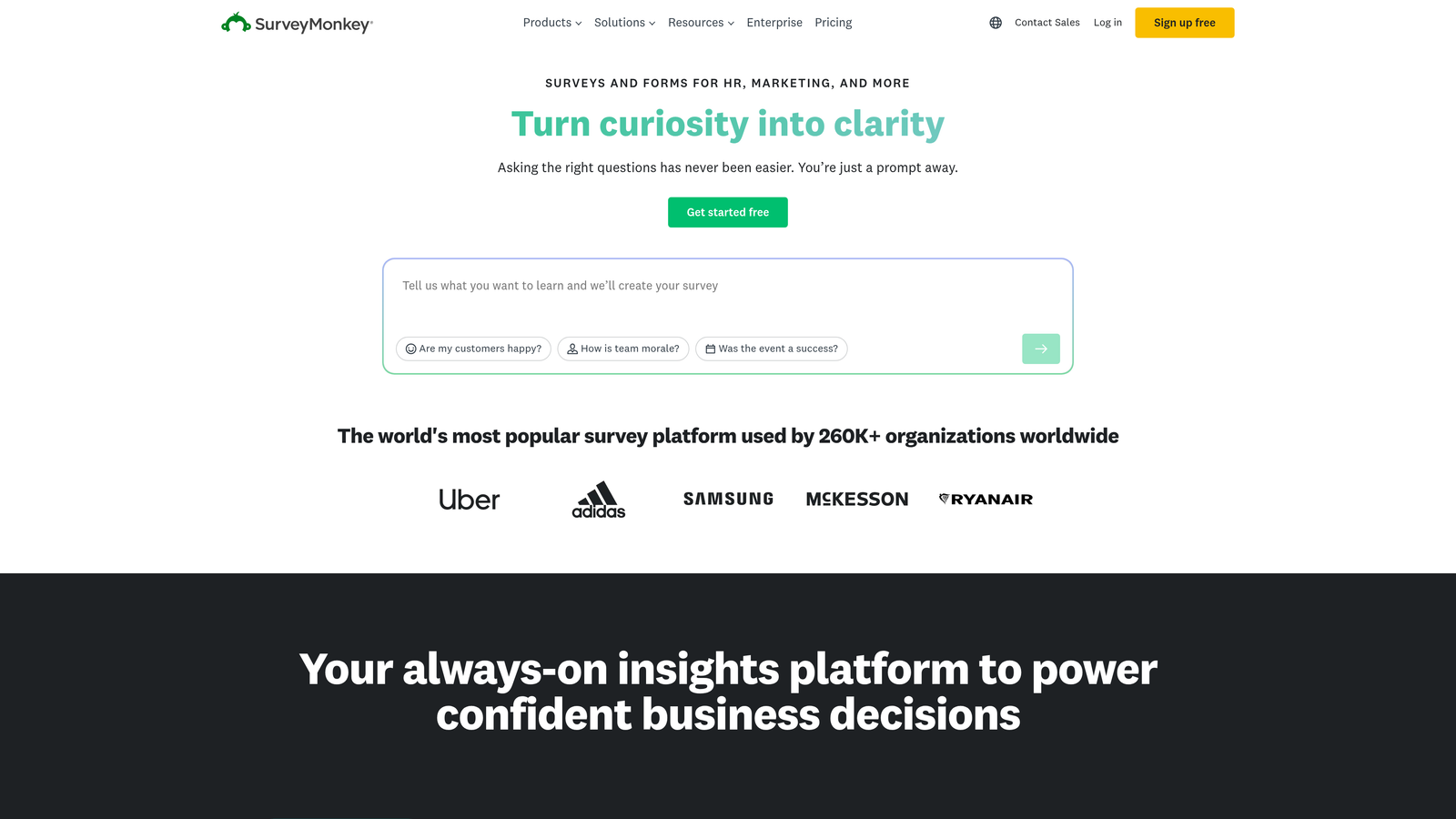
SurveyMonkey is the long-established standard for research-grade surveys, with advanced question types and built-in reporting that go well beyond typical form builders.
Where This Tool Shines
SurveyMonkey is built for research, not just data collection. The question types, skip logic, and randomization options are designed to meet the standards that market research and academic work require. The built-in reporting and data visualization tools also mean you can extract insights without exporting to another platform.
For enterprise teams, the compliance and security features are meaningful. If your organization operates in regulated industries or handles sensitive data, SurveyMonkey's enterprise tier addresses those requirements directly.
Key Features
Research-Grade Question Types: Advanced options including matrix questions, ranking, and A/B testing of survey content.
Built-In Reporting: Data visualization and analysis tools that don't require a separate analytics platform.
Survey Panels: Access to respondent panels for primary research when you need external audiences.
Enterprise Compliance: Security and compliance features for regulated industries and large organizations.
Skip Logic: Sophisticated branching to route respondents based on their answers.
Best For
Research teams, customer insights functions, and enterprises running NPS or Voice of Customer programs. Less suited for marketing lead generation where design and conversion optimization are the priority.
Pricing
Free plan available with response limits. Paid plans are priced at higher price points than most form builders in this list. Verify current pricing at surveymonkey.com.
9. involve.me
Best for: Interactive lead magnets, quizzes, and outcome-based content marketing
involve.me is an interactive content platform built around quizzes, assessments, calculators, and outcome-based experiences for top-of-funnel lead generation.
Where This Tool Shines
involve.me occupies a different category from most tools on this list. Rather than building traditional forms, it specializes in interactive experiences where the output is personalized to the respondent. Think product recommendation quizzes, ROI calculators, or personality assessments that route people to different results pages based on their answers.
This format tends to generate strong engagement for content marketing and lead magnet use cases, where the interactive experience itself is the value proposition that drives opt-ins.
Key Features
Quiz and Calculator Builder: Create outcome-based experiences with personalized results pages for each segment.
Outcome-Based Routing: Route respondents to different results, offers, or follow-up sequences based on their answers.
Top-of-Funnel Content: Designed specifically for interactive content that attracts and segments leads at the awareness stage.
CRM and Email Integrations: Connects with major CRM and email marketing platforms to feed leads into existing workflows.
Best For
Content marketers, demand gen teams, and businesses building interactive lead magnets. Particularly strong for brands where the quiz or assessment format aligns naturally with the product category, such as SaaS tools, e-commerce, or coaching services.
Pricing
Free plan available. Paid plans scale with monthly responses. Check involve.me for current pricing tiers.
Which Tool Is Right for Your Team?
The right Typeform alternative depends almost entirely on what you're trying to accomplish. There's no single winner here, but there are clear fits for different contexts.
If lead qualification is your primary goal, Orbit AI is the most purpose-built option on this list. The AI qualification layer inside the form itself is a meaningful differentiator for B2B and SaaS teams where lead quality directly impacts revenue. It's not just a form builder; it's a lead generation tool.
For teams that need a free option with real functionality, Tally is the standout. Unlimited forms and responses on the free plan is genuinely rare, and the conversational format is close enough to Typeform that the transition feels natural. Google Forms works too, but only for internal or low-stakes use cases where design doesn't matter.
If you're already in the HubSpot ecosystem, HubSpot Forms is the obvious call. The progressive profiling and direct CRM sync make it more valuable than any standalone tool for teams where that infrastructure is already in place.
For structured research and NPS programs, SurveyMonkey remains the category standard. And for interactive content marketing, involve.me's quiz and calculator format occupies a space that traditional form builders don't really address.
The broader takeaway is that form tools have become specialized. Choosing the right one means being honest about whether you're optimizing for data collection, lead qualification, research quality, or engagement. For high-growth teams focused on conversion, the form experience is part of the funnel, not just a data capture step at the end of it.
Transform your lead generation with AI-powered forms that qualify prospects automatically while delivering the modern, conversion-optimized experience your high-growth team needs. Start building free forms today and see how intelligent form design can elevate your conversion strategy.


