

Most forms leak leads — not because of bad offers, but because of bad form experiences. If you're investing in traffic and ads, your form builder is either compounding that investment or quietly killing it.
This list focuses specifically on conversion rate performance, not just feature counts. We evaluated tools based on their conditional logic, UX design, lead qualification capabilities, A/B testing, analytics, and how well they reduce friction at the point of capture.
Whether you're optimizing a SaaS demo request, a B2B lead gen flow, or a high-volume contact form, these are the tools worth your attention in 2026.
1. Orbit AI
Best for: High-growth SaaS and B2B teams that need forms to qualify leads, not just collect them.
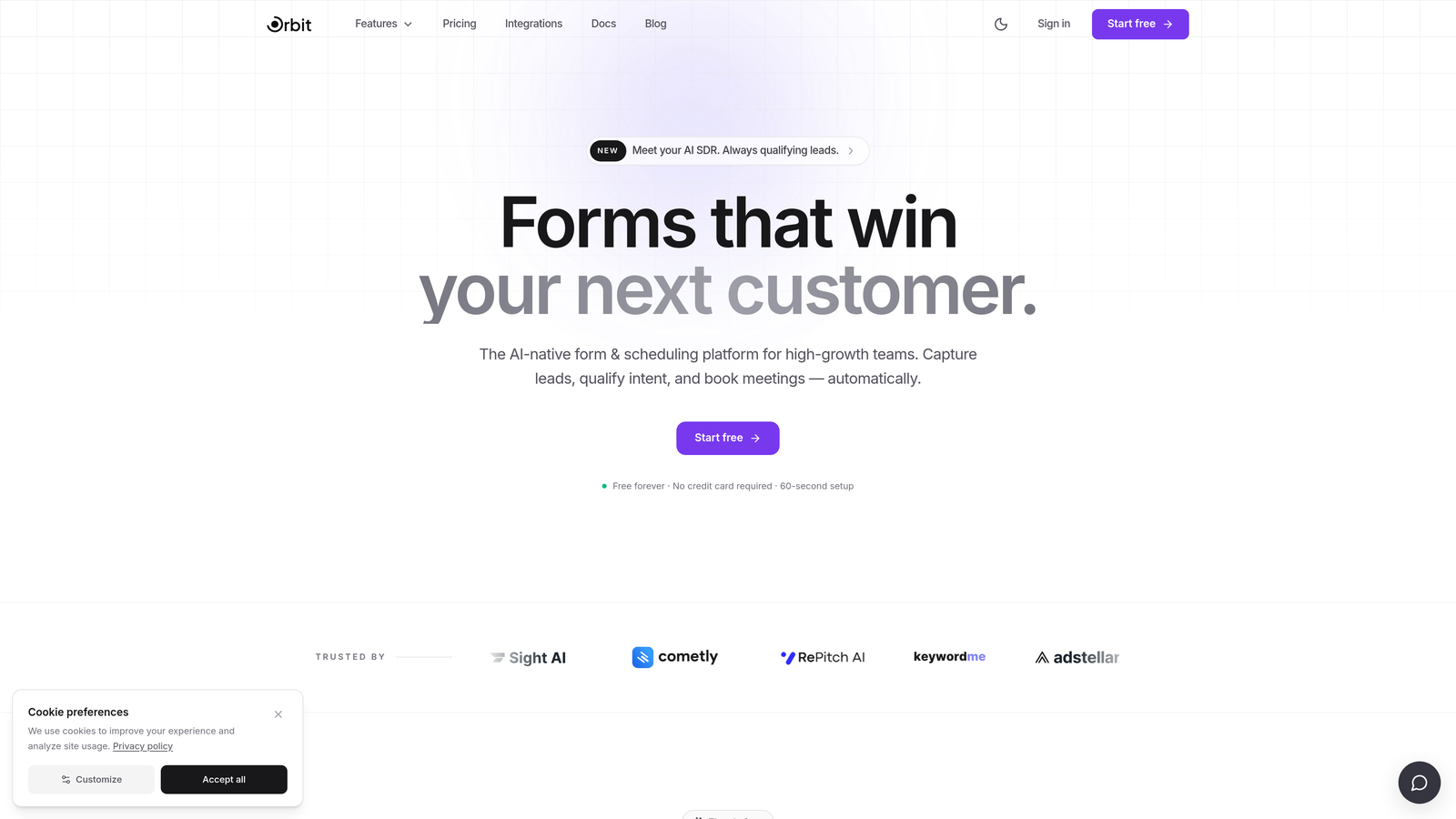
Orbit AI is an AI-powered form builder that combines conversion-optimized design with built-in lead qualification logic for modern growth teams.
Where This Tool Shines
Most form builders stop at data capture. Orbit AI goes further by qualifying leads at the form level itself, scoring and routing prospects before they ever hit your CRM. That means your sales team sees better leads, faster, without adding manual triage steps to the workflow.
The design layer is genuinely modern. Forms look polished out of the box, and the editor requires no engineering involvement. For teams running lean, that combination of smart qualification and no-code design is a meaningful differentiator.
Key Features
AI-Powered Lead Qualification: Scores and qualifies leads directly within the form flow, so high-intent prospects are identified before they hit your pipeline.
Conversion-Optimized Templates: Pre-built templates designed specifically for SaaS and B2B use cases, reducing time-to-launch.
Conditional Logic: Personalized form flows that adapt based on user responses, reducing irrelevant questions and friction.
Real-Time Lead Routing: Automatically routes qualified leads based on scoring criteria, connecting the right prospects to the right follow-up sequence.
No-Code Design Editor: A clean, modern editor that lets marketers build and iterate without developer support.
Best For
Orbit AI is the strongest fit for high-growth SaaS companies, B2B marketing teams, and demand generation teams where lead quality matters as much as lead volume. If you're running paid acquisition and need your form to do more than collect an email address, this is built for that exact use case.
Pricing
Free plan available. Paid plans unlock advanced AI features and higher submission volume. See orbitforms.ai for current pricing details.
2. Typeform
Best for: Teams that want a conversational, low-friction form experience that feels less like a form.
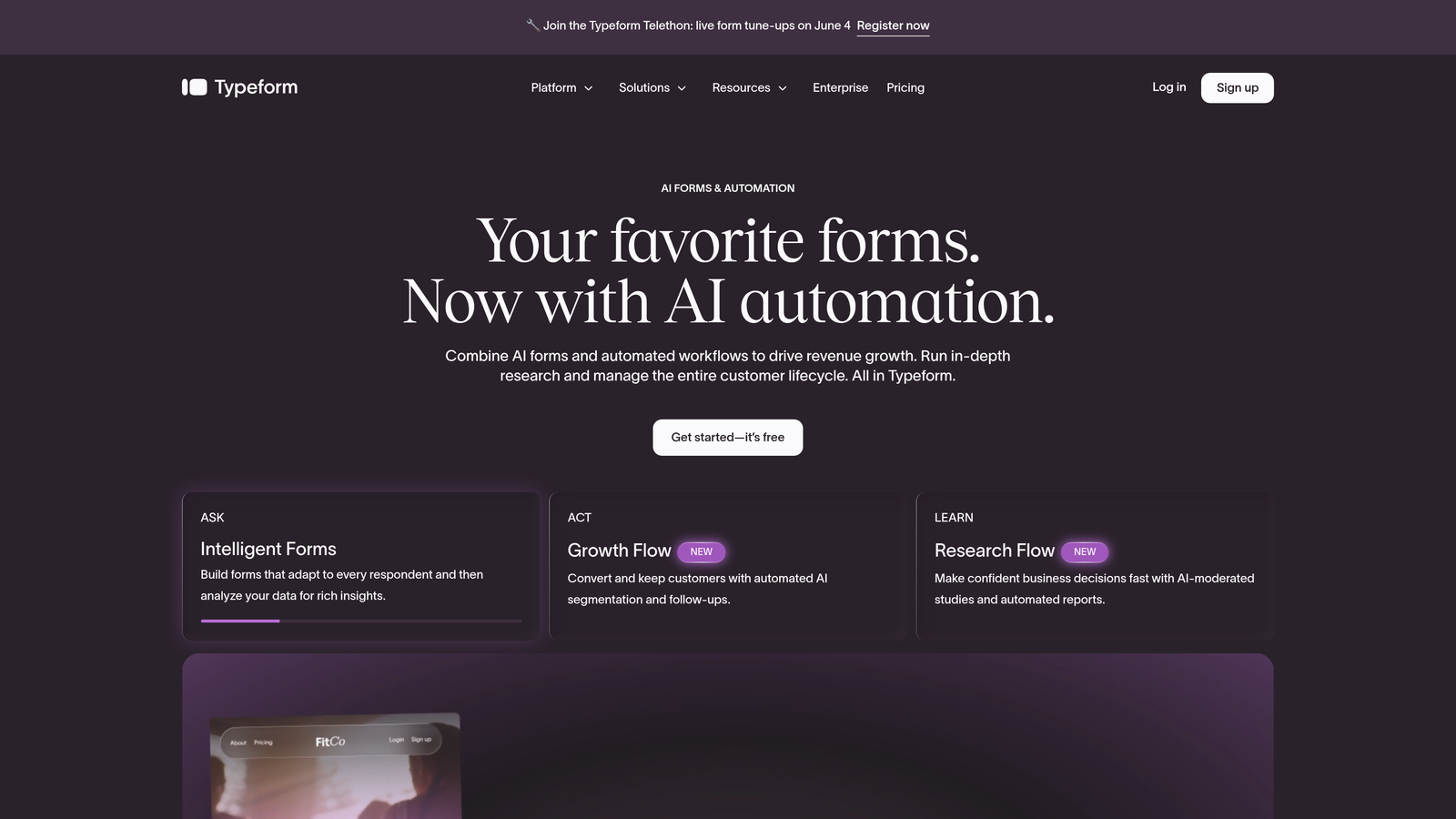
Typeform is a conversational form builder known for its one-question-at-a-time UX that reduces cognitive load and improves completion rates.
Where This Tool Shines
Typeform's core insight is simple: people respond better when forms feel like conversations. By presenting one question at a time, it removes the visual overwhelm of a long form and keeps respondents focused on the current step. This approach is particularly effective for top-of-funnel lead capture and customer research surveys.
The Logic Jumps feature allows meaningful conditional branching, so different respondent types can follow paths tailored to their situation. Combined with native integrations for HubSpot, Salesforce, and Slack, it fits cleanly into most marketing stacks.
Key Features
Conversational One-Question Flow: Presents questions sequentially to reduce friction and keep respondents engaged throughout.
Logic Jumps: Conditional branching that routes users to different questions based on previous answers.
Native CRM Integrations: Direct connections to HubSpot, Salesforce, Slack, and a wide range of other tools.
Rich Media Support: Embed video and images within form flows to add context or personality to questions.
Drop-Off Analytics: Built-in analytics dashboard that shows where respondents abandon the form, making optimization more targeted.
Best For
Typeform works well for SaaS onboarding surveys, lead capture forms where brand experience matters, and any scenario where a traditional grid-style form feels too cold or clinical. It's a strong choice for marketing teams focused on top-of-funnel engagement quality.
Pricing
Free tier available. Paid plans start at approximately $25/month for the Basic plan. Verify current pricing at typeform.com.
3. HubSpot Forms
Best for: Teams already running HubSpot CRM who want zero-friction lead capture with instant contact sync.
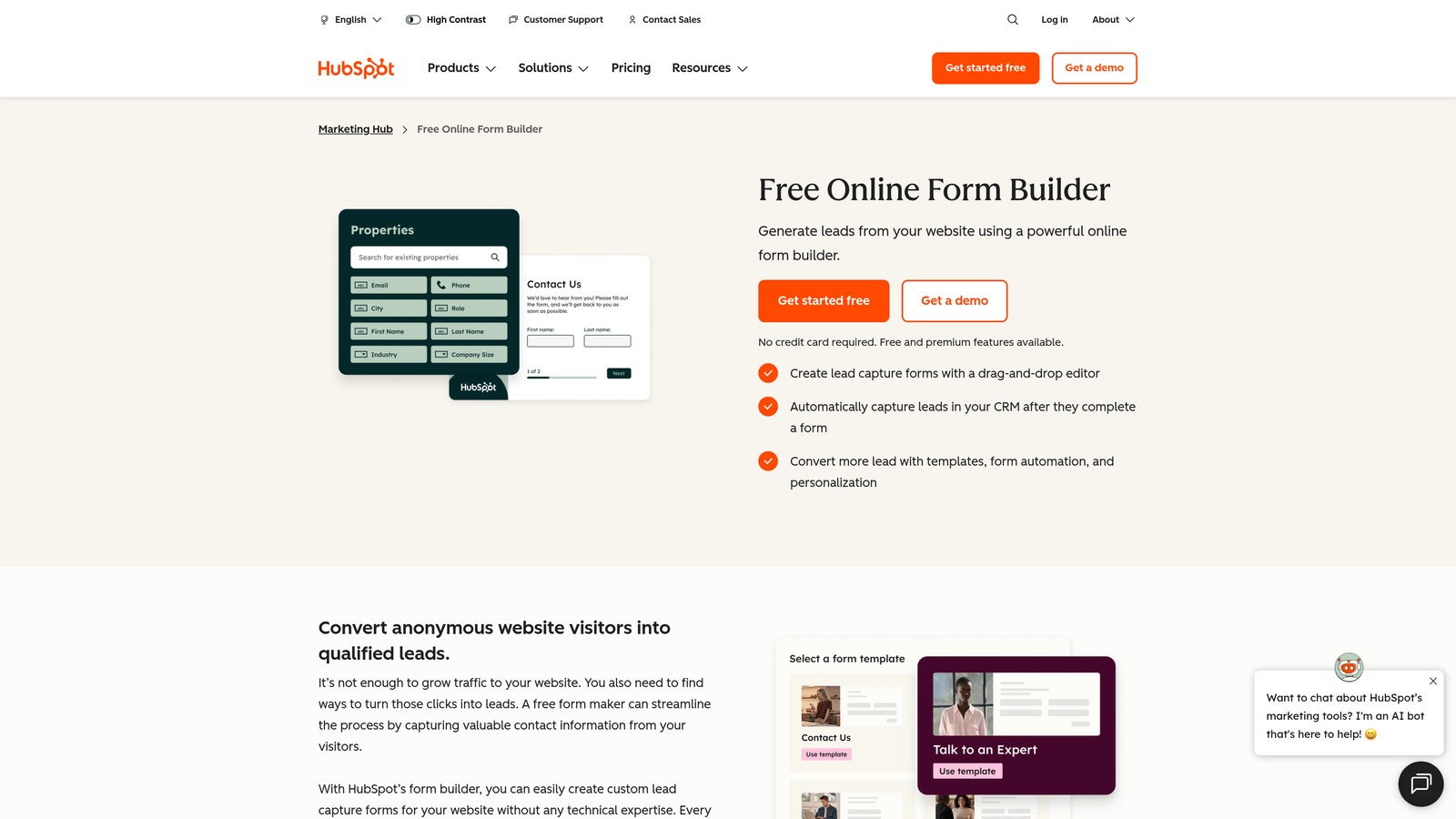
HubSpot Forms is the native form builder within HubSpot's marketing platform, built around seamless CRM sync and progressive profiling.
Where This Tool Shines
The standout capability here is progressive profiling. Rather than asking returning visitors for information you already have, HubSpot Forms detects known contacts and swaps in new questions to enrich their records over time. This reduces form length for returning visitors without sacrificing data depth, which is a genuine conversion advantage.
Smart fields that auto-populate based on known visitor data further reduce the effort required to complete a form. If your entire marketing operation lives in HubSpot, the native integration removes a layer of complexity that third-party tools can't fully replicate.
Key Features
Progressive Profiling: Replaces already-known fields with new questions for returning contacts, keeping forms short without losing data richness.
Instant CRM Sync: Form submissions create or update contact records in HubSpot CRM in real time.
Smart Fields: Auto-populates fields for known visitors, reducing the number of fields a returning lead needs to complete.
Flexible Form Types: Supports embedded, pop-up, and standalone form options for different placement contexts.
Built-In A/B Testing: Available within HubSpot's Marketing Hub for testing form variants against each other.
Best For
HubSpot Forms is the obvious choice for teams already invested in the HubSpot ecosystem. It's less compelling as a standalone tool if you're not using HubSpot CRM, but for those who are, the native sync and progressive profiling make it hard to justify a third-party form builder.
Pricing
Free with HubSpot's free tools. Advanced features require Marketing Hub paid plans, which start around $15/month and scale significantly based on contact volume and tier. Verify current pricing at hubspot.com.
4. Unbounce
Best for: Paid acquisition teams that need landing pages and forms optimized together in a single platform.
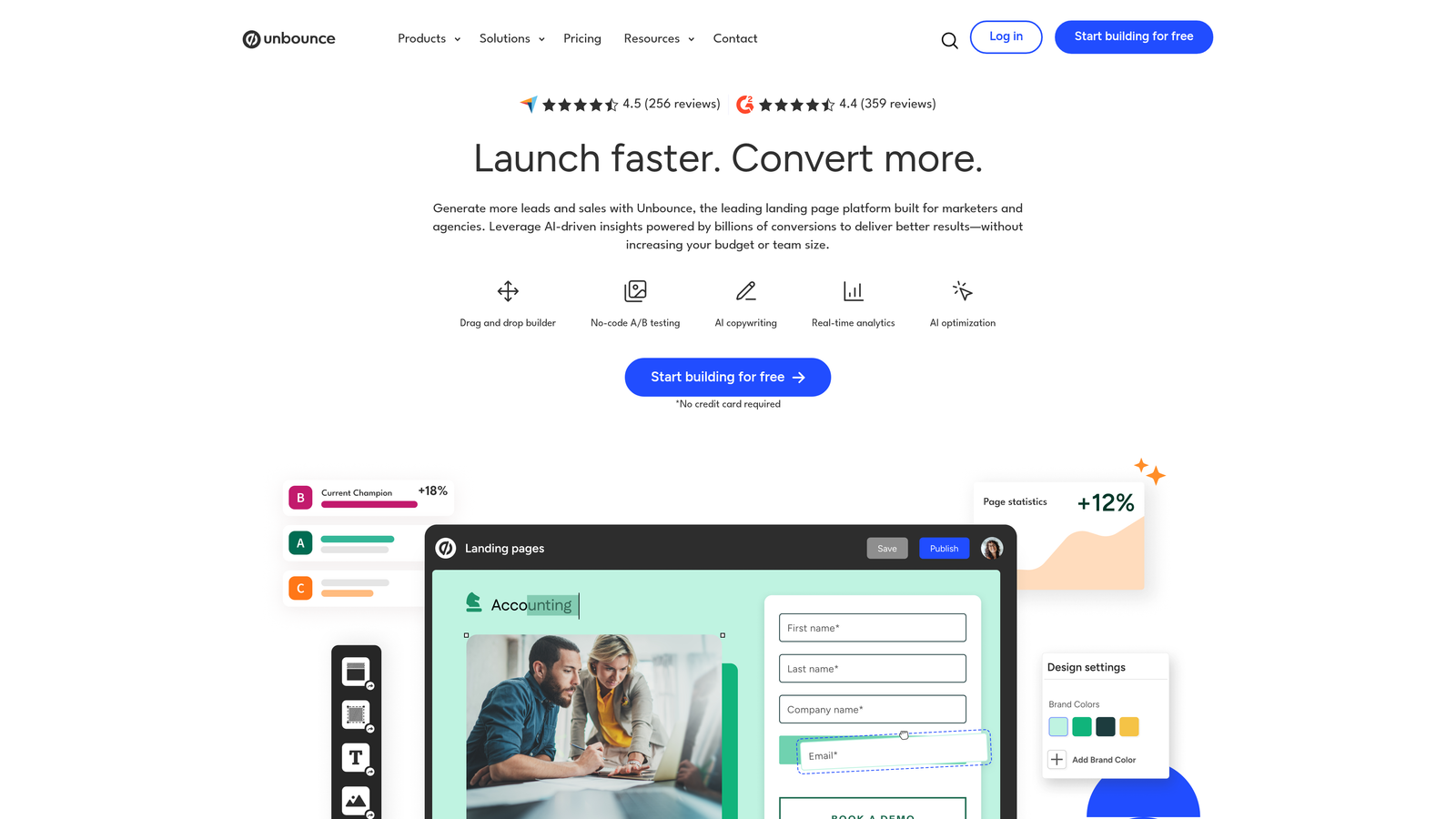
Unbounce is primarily a landing page builder with powerful integrated form capabilities, purpose-built for paid traffic conversion optimization.
Where This Tool Shines
Unbounce takes the position that your form and your landing page should be optimized together, not separately. Its Smart Traffic AI analyzes visitor behavior and automatically routes incoming traffic to the highest-converting page variant, without waiting for you to manually declare a winner. For teams running significant paid budgets, that automated optimization can have a meaningful impact on cost-per-lead.
Dynamic text replacement is another standout feature. It lets you match the language on your landing page and form to the exact keywords in the ad that brought the visitor there, creating a tighter message match that typically improves conversion intent.
Key Features
Smart Traffic AI: Automatically routes visitors to the best-performing page variant based on behavioral signals.
Unified Page and Form Builder: Drag-and-drop editor that handles landing pages and forms in a single workflow.
A/B and Multivariate Testing: Built-in testing tools for comparing form and page variants systematically.
Dynamic Text Replacement: Swaps page and form copy to match the keywords from the visitor's originating ad.
Conversion Analytics: Detailed reporting on variant performance with conversion breakdown by traffic source.
Best For
Unbounce is built for performance marketers running paid search or paid social campaigns. If you're managing significant ad spend and need your landing page and form to work as a single optimized unit, this is the most purpose-built option on this list.
Pricing
Paid plans start around $74/month for the Build plan. No meaningful free tier. Verify current pricing at unbounce.com.
5. Jotform
Best for: Non-technical teams that need a versatile form builder with broad integration support and a massive template library.
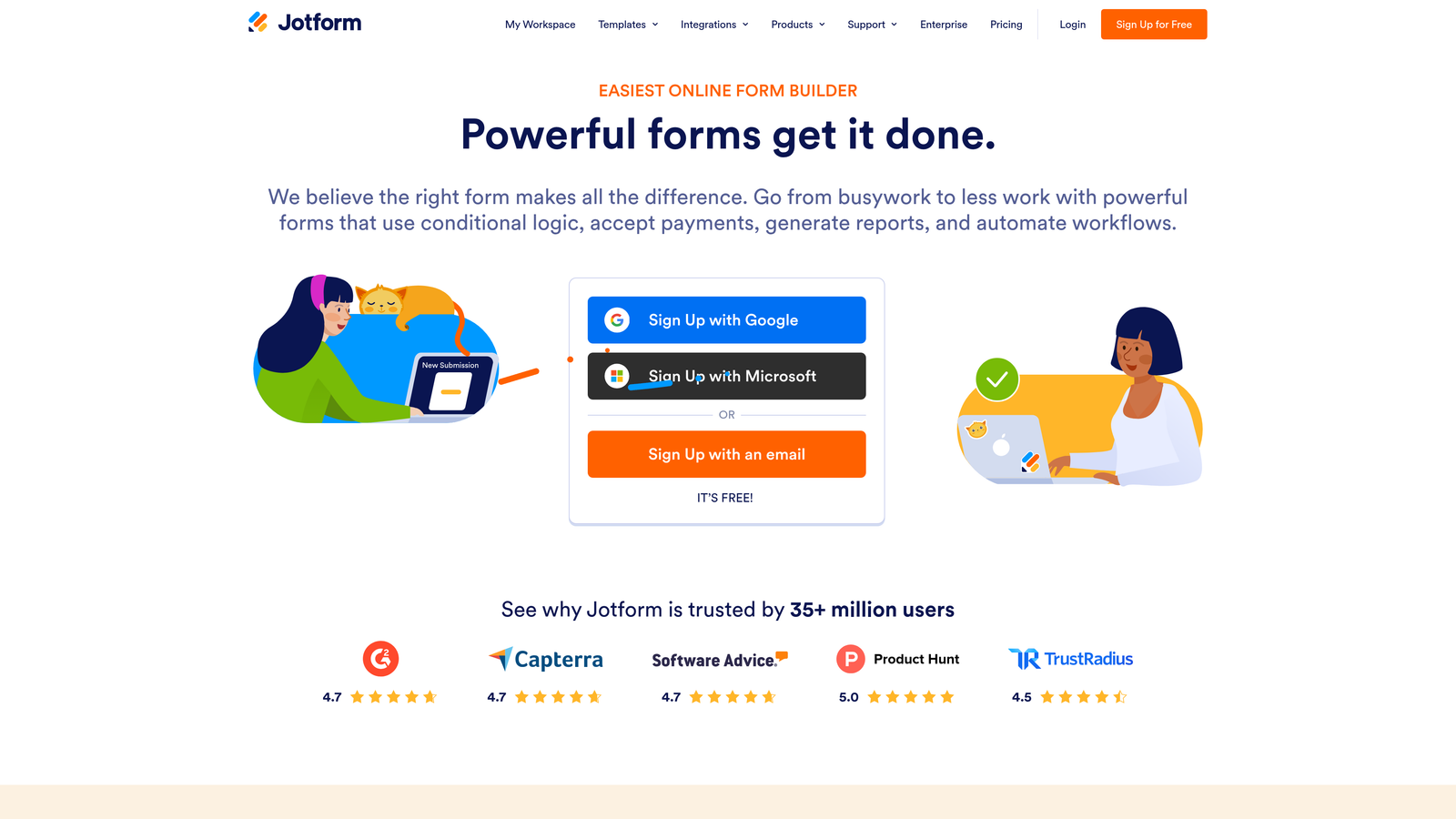
Jotform is a highly versatile form builder with one of the largest template libraries available, covering virtually every industry and use case.
Where This Tool Shines
Jotform's template library is genuinely impressive in scope. With over 10,000 templates spanning industries from healthcare to e-commerce to SaaS, most teams can find a starting point that's close to what they need and customize from there. This dramatically reduces build time for teams managing multiple form types across different campaigns.
The platform also handles payment collection natively, which is useful for teams that need to combine lead capture with product purchases, event registrations, or service bookings in a single form flow.
Key Features
10,000+ Templates: One of the largest template libraries available, covering nearly every industry and use case.
Extensive Integration Library: Connects with CRMs, payment processors, project management tools, and marketing platforms.
Conditional Logic and Calculations: Supports branching logic and calculation fields for more dynamic form experiences.
Built-In Payment Collection: Native support for Stripe, PayPal, and Square within form flows.
Jotform Tables: Built-in data management layer for organizing and reviewing form responses without exporting to a separate tool.
Best For
Jotform is a strong fit for operations teams, agencies managing multiple clients, and any organization that needs a single form tool flexible enough to handle diverse use cases. It's less specialized for pure conversion optimization but excels at breadth and ease of use.
Pricing
Free tier available with limited monthly submissions. Paid plans start around $34/month. Verify current pricing at jotform.com.
6. Gravity Forms
Best for: WordPress-based teams that need deep conditional logic, developer extensibility, and a mature add-on ecosystem.
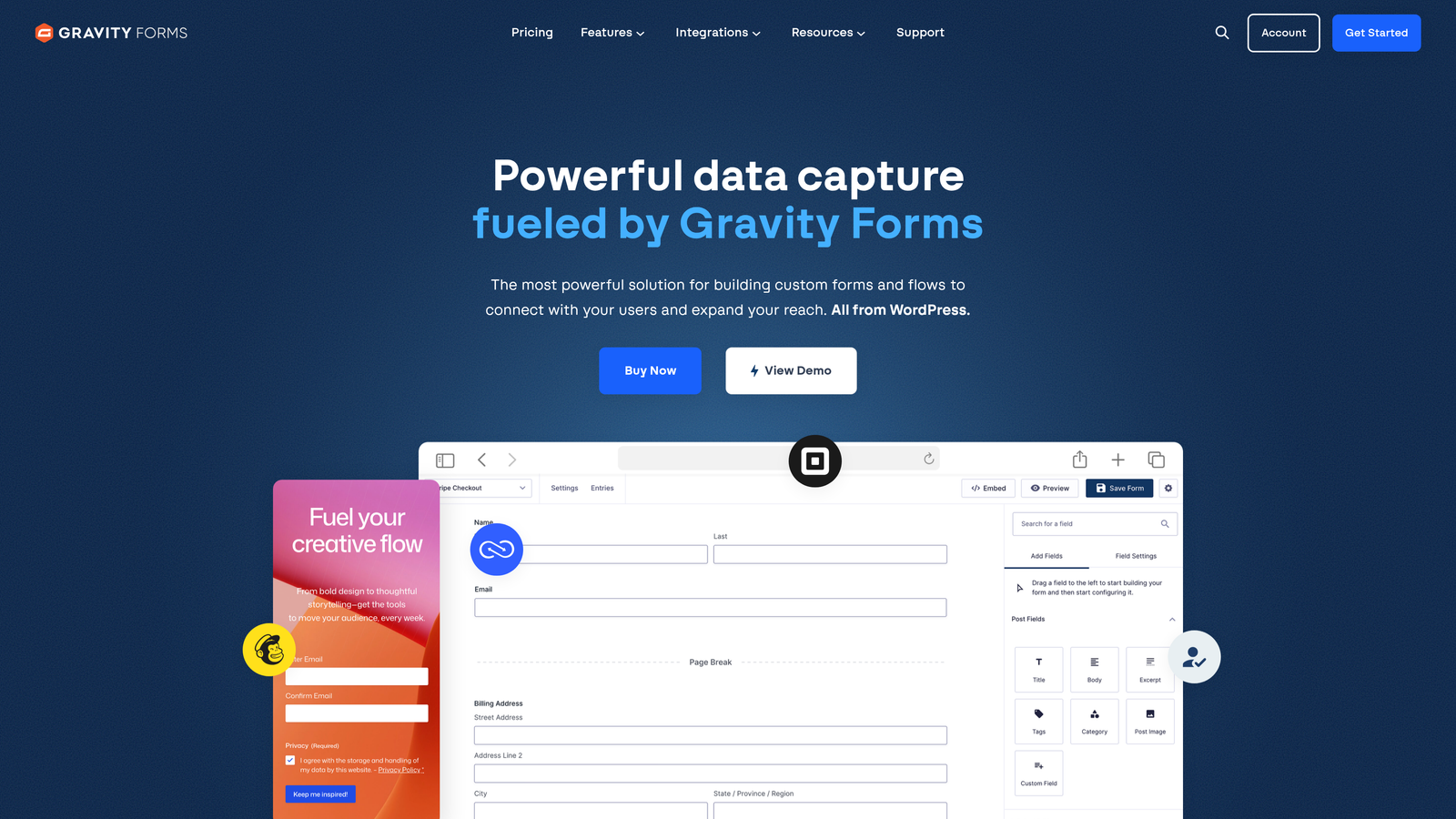
Gravity Forms is the go-to form plugin for WordPress power users, offering advanced conditional logic and a robust library of add-ons.
Where This Tool Shines
Gravity Forms has built its reputation on depth rather than simplicity. The conditional logic engine is among the most powerful available in any form builder, and the developer-facing architecture, with hooks, filters, and custom field support, means you can extend it to handle almost any custom requirement. For WordPress sites with complex form workflows, it's often the only tool that can handle the full scope of what's needed.
The partial entry capture feature is a particularly useful conversion tool. It saves form data even when a visitor abandons mid-completion, giving you the ability to follow up on incomplete submissions that would otherwise be lost entirely.
Key Features
Advanced Conditional Logic: Highly granular conditional rules for multi-page and branching form flows.
Developer-Friendly Architecture: Hooks, filters, and custom field support for teams that need custom functionality.
Extensive Add-On Library: Add-ons for payments, CRM sync, user registration, surveys, and more.
Form Controls: Scheduling, entry limits, and access restrictions for managing form availability.
Partial Entry Capture: Saves incomplete form submissions so you can follow up with users who abandoned mid-flow.
Best For
Gravity Forms is the right choice for WordPress-native teams with technical resources and complex form requirements. It's not the right fit for non-WordPress environments or teams that need a no-code-friendly setup without developer involvement.
Pricing
Paid plugin only, starting around $59/year for a Basic license. No free tier available. Verify current pricing at gravityforms.com.
7. Tally
Best for: Lean teams and indie makers who want a clean, fast form builder with a genuinely generous free tier.
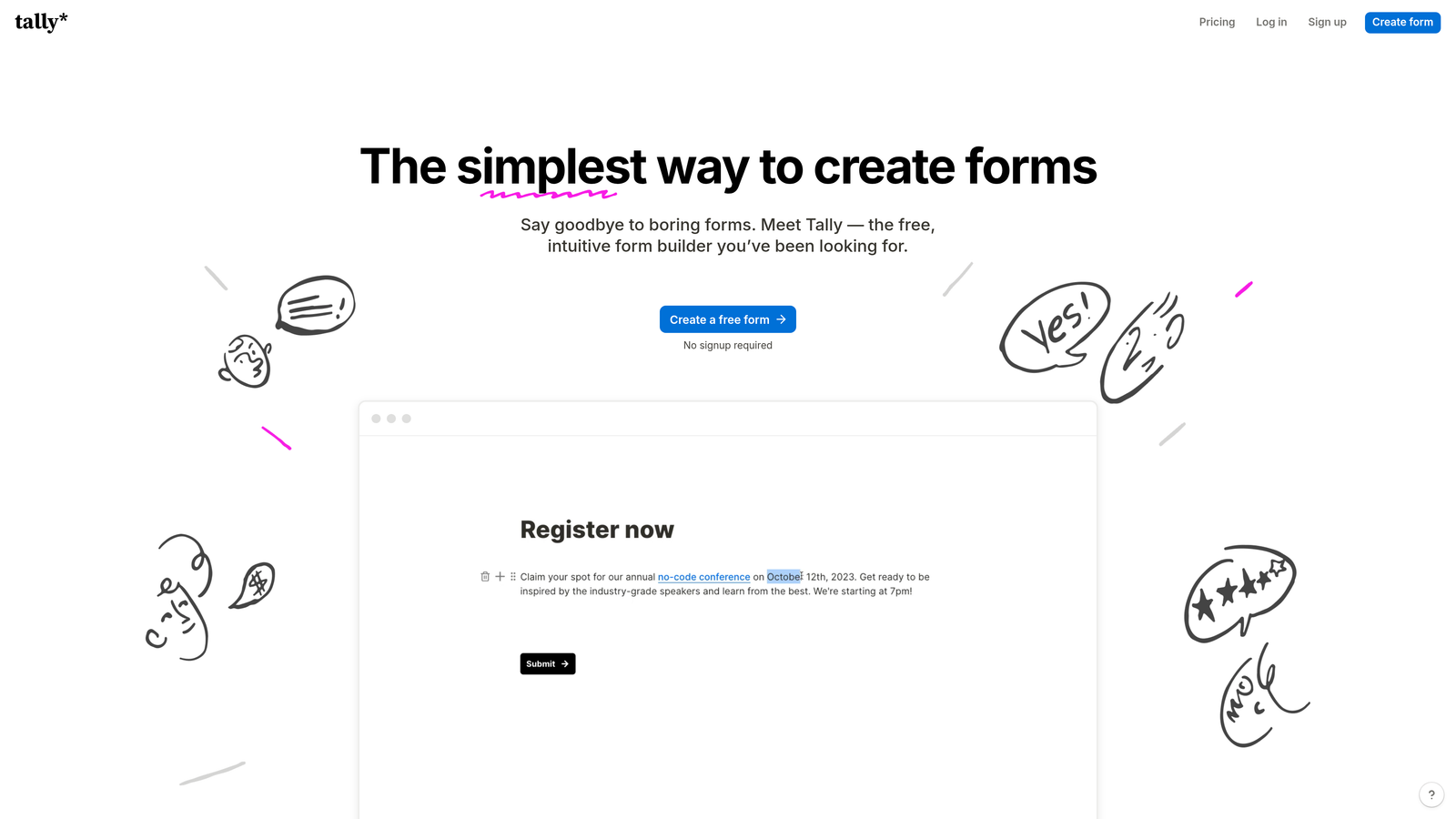
Tally is a minimal, Notion-inspired form builder that prioritizes simplicity and speed, with a free plan that covers most use cases without requiring an upgrade.
Where This Tool Shines
Tally's block-based editor will feel immediately familiar to anyone who uses Notion. The learning curve is minimal, and you can build a functional, well-designed form in minutes without reading any documentation. For teams that need to move quickly and don't want to manage a complex tool, that simplicity has real value.
The free plan is notably generous compared to most competitors. Unlimited forms and unlimited responses on the free tier means small teams and early-stage startups can use Tally seriously without hitting a paywall, which is genuinely unusual in this category.
Key Features
Notion-Style Block Editor: Intuitive drag-and-drop interface that non-technical users can navigate immediately.
Unlimited Free Forms and Responses: No submission caps or form limits on the free plan.
Conditional Logic and Hidden Fields: Supports branching flows and hidden field tracking for more dynamic forms.
Clean Embed Options: Simple embedding for websites and web apps with minimal configuration.
Zapier and Make Integrations: Workflow automation connections for routing responses to other tools in your stack.
Best For
Tally is ideal for early-stage startups, indie makers, content creators, and any team that prioritizes simplicity over enterprise-grade features. It's not the right tool for complex lead qualification workflows, but for straightforward lead capture and surveys, it's hard to beat at the price point.
Pricing
Generous free plan with no submission limits. Tally Pro starts around $29/month. Verify current pricing at tally.so.
8. Paperform
Best for: Service businesses and product teams that want to combine rich content with form fields in a single branded document.
Paperform is a hybrid form and landing page builder that lets you mix text, images, and video with form fields in a freeform document-style layout.
Where This Tool Shines
Paperform's freeform editor breaks away from the rigid grid layouts that most form builders impose. You can write paragraphs of context, embed images or video, and place form fields anywhere within a flowing document. This makes it particularly effective for forms that need to educate or persuade as part of the completion experience, such as intake forms for service businesses or product order forms that need to explain options.
The platform also handles payments, bookings, and product sales natively alongside standard form fields. For teams that need a single tool to manage lead capture, scheduling, and transactions without stitching together multiple platforms, Paperform covers a lot of ground.
Key Features
Freeform Document Editor: No rigid layout constraints — place form fields anywhere within a flowing content document.
Payments, Bookings, and Sales: Native support for transactions and scheduling alongside standard form functionality.
Conditional Sections: Show or hide entire content sections based on respondent answers for personalized experiences.
Custom Domain Support: Host forms on your own domain for a fully branded experience.
Question-Level Analytics: Completion tracking at the individual question level to identify specific drop-off points.
Best For
Paperform works well for consultants, service businesses, coaches, and product teams that need forms to do more than capture data. If your form needs to inform and guide the respondent as part of the flow, the document-style editor gives you flexibility that standard form builders don't offer.
Pricing
Paid plans start around $24/month for the Essentials plan. Verify current pricing at paperform.co.
9. Google Forms
Best for: Internal surveys, basic data collection, and any scenario where budget is zero and simplicity is the priority.
Google Forms is Google's free, no-frills form tool that integrates natively with Google Workspace and requires no setup beyond a Google account.
Where This Tool Shines
Google Forms doesn't compete on conversion optimization. What it does offer is complete accessibility: any Google account holder can build and share a form in minutes, collect unlimited responses, and pipe everything directly into Google Sheets for analysis. For internal use cases, that frictionless setup is genuinely valuable.
For teams that already live in Google Workspace, the native integration means no extra tools, no additional subscriptions, and no data export steps. It's the right tool for the right context, even if that context is narrow.
Key Features
Completely Free: No submission limits, no paid tiers, no credit card required.
Native Google Sheets Integration: All responses flow automatically into a connected spreadsheet for easy analysis.
Basic Branching Logic: Section-based routing that sends respondents to different parts of the form based on their answers.
Unlimited Responses: No caps on submissions regardless of form volume.
Simple Sharing: Share via link or embed with no configuration required.
Best For
Google Forms is the right choice for internal surveys, HR feedback forms, event RSVPs, and any scenario where conversion optimization is not a factor. It's not a competitive tool for lead generation or paid traffic scenarios, but it's unbeatable for zero-budget simplicity.
Pricing
Completely free. Included with all Google accounts and Google Workspace plans at no additional cost.
Which Form Builder Is Right for Your Team?
The right form builder depends almost entirely on what you're optimizing for. Here's how to cut through the options quickly.
If lead qualification is your priority and you're running a high-growth SaaS or B2B operation, Orbit AI is the most purpose-built option on this list. It's the only tool here that qualifies leads at the form level itself, which changes the entire downstream workflow for sales teams.
If conversational UX and brand experience matter most, Typeform remains the benchmark. If your entire marketing stack runs on HubSpot, HubSpot Forms is the path of least resistance. If you're spending heavily on paid acquisition, Unbounce's unified page-and-form optimization is hard to replicate with separate tools.
For WordPress-native teams with technical resources, Gravity Forms is the deepest option available. For lean teams that need something fast and free, Tally covers most use cases without a subscription. And for internal surveys or zero-budget scenarios, Google Forms simply works.
Paperform and Jotform fill important niches: Paperform for service businesses that need rich content alongside forms, and Jotform for teams managing high variety across many different form types.
For high-growth teams where every lead counts, the form builder you choose directly impacts revenue, not just data collection. A form that qualifies, routes, and converts is a different asset than one that simply captures an email address. Transform your lead generation with AI-powered forms that qualify prospects automatically while delivering the modern, conversion-optimized experience your high-growth team needs. Start building free forms today and see how intelligent form design can elevate your conversion strategy.


