

Long, intimidating forms kill conversions. When prospects see 15 fields staring back at them, most bounce before typing a single character. Multi-step forms solve this by breaking complex data collection into digestible chunks, and the results speak for themselves.
By guiding users through a logical progression of questions, multi-step forms reduce cognitive load and create momentum that carries visitors to completion. But not all multi-step form builders are created equal.
Some excel at lead qualification, others at design flexibility, and a few pack AI-powered intelligence that transforms how you capture and route leads. We evaluated dozens of platforms based on ease of use, customization options, integrations, analytics capabilities, and pricing to bring you this curated list of the best multi-step form software for 2026.
1. Orbit AI
Best for: High-growth teams that need AI-powered lead qualification built into their forms
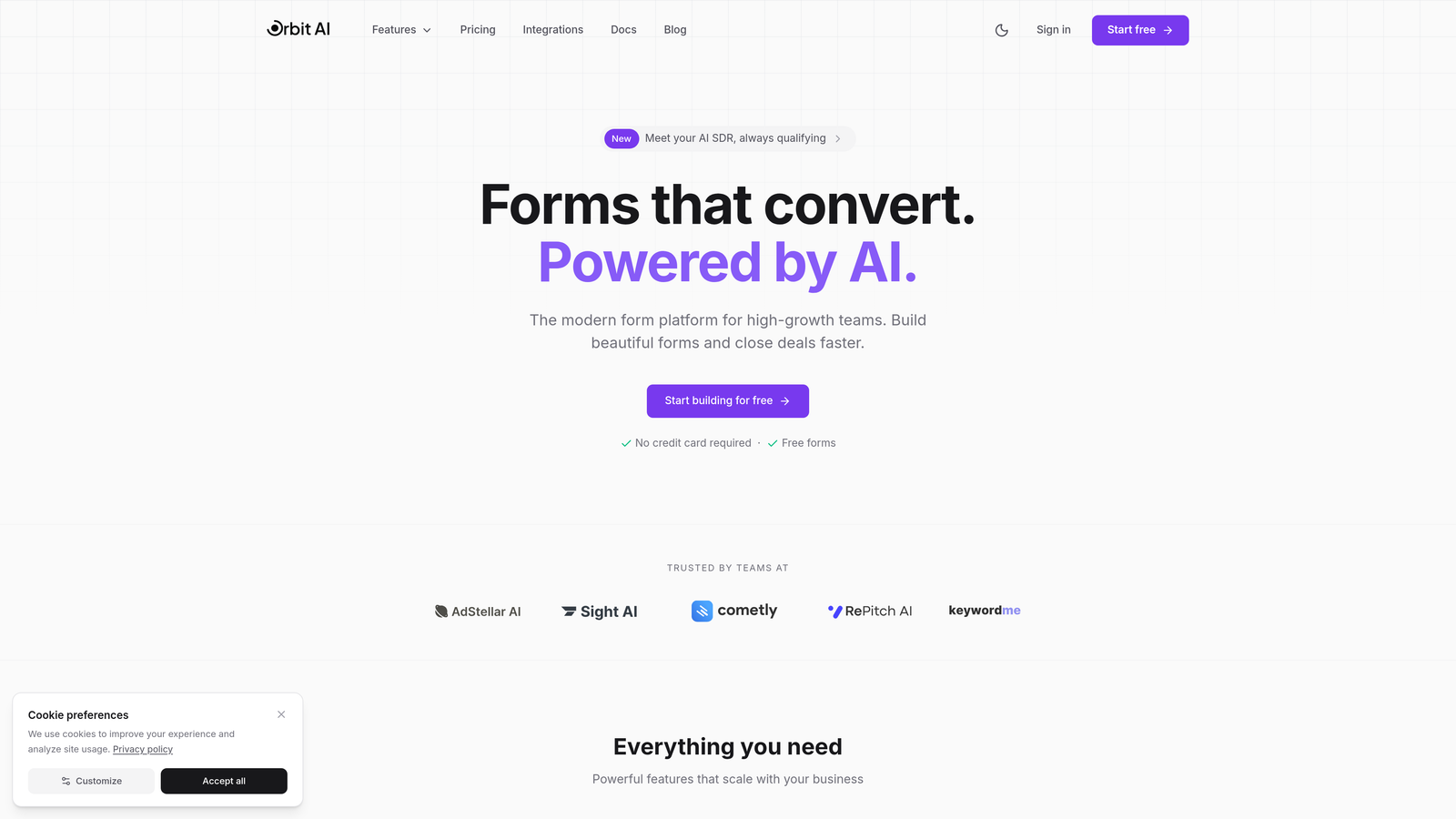
Orbit AI is an AI-powered form builder platform designed specifically for teams that want their forms to do more than just collect data.
Where This Tool Shines
What sets Orbit AI apart is its intelligent lead qualification engine that works behind the scenes while prospects fill out your forms. Instead of manually reviewing every submission, the platform automatically scores and routes leads based on their responses, saving your team hours of qualification work.
The conversion-optimized templates are built on data-driven best practices, so you're not starting from scratch or guessing what works. Every element is designed to guide users smoothly through the multi-step experience while maximizing completion rates.
Key Features
AI-Powered Lead Qualification: Automatically scores and categorizes leads based on their form responses, routing high-value prospects to sales immediately.
Conversion-Optimized Templates: Pre-built multi-step form templates designed specifically to reduce drop-off and increase completion rates.
Intelligent Routing: Directs form submissions to the right team or workflow based on response patterns and lead quality.
Native CRM Integrations: Seamlessly connects with major CRMs and marketing tools without requiring complex setup or middleware.
Real-Time Analytics: Track conversion rates, drop-off points, and form performance with actionable insights that help you optimize continuously.
Best For
Orbit AI is ideal for SaaS companies, B2B businesses, and high-growth teams that generate significant lead volume and need intelligent qualification to separate ready-to-buy prospects from tire-kickers. It's particularly valuable when your sales team's time is precious and you need forms that work as hard as they do.
Pricing
Free tier available with core features. Paid plans start at competitive rates designed for growing teams that need advanced qualification and routing capabilities.
2. Typeform
Best for: Creating engaging, conversational form experiences with beautiful design
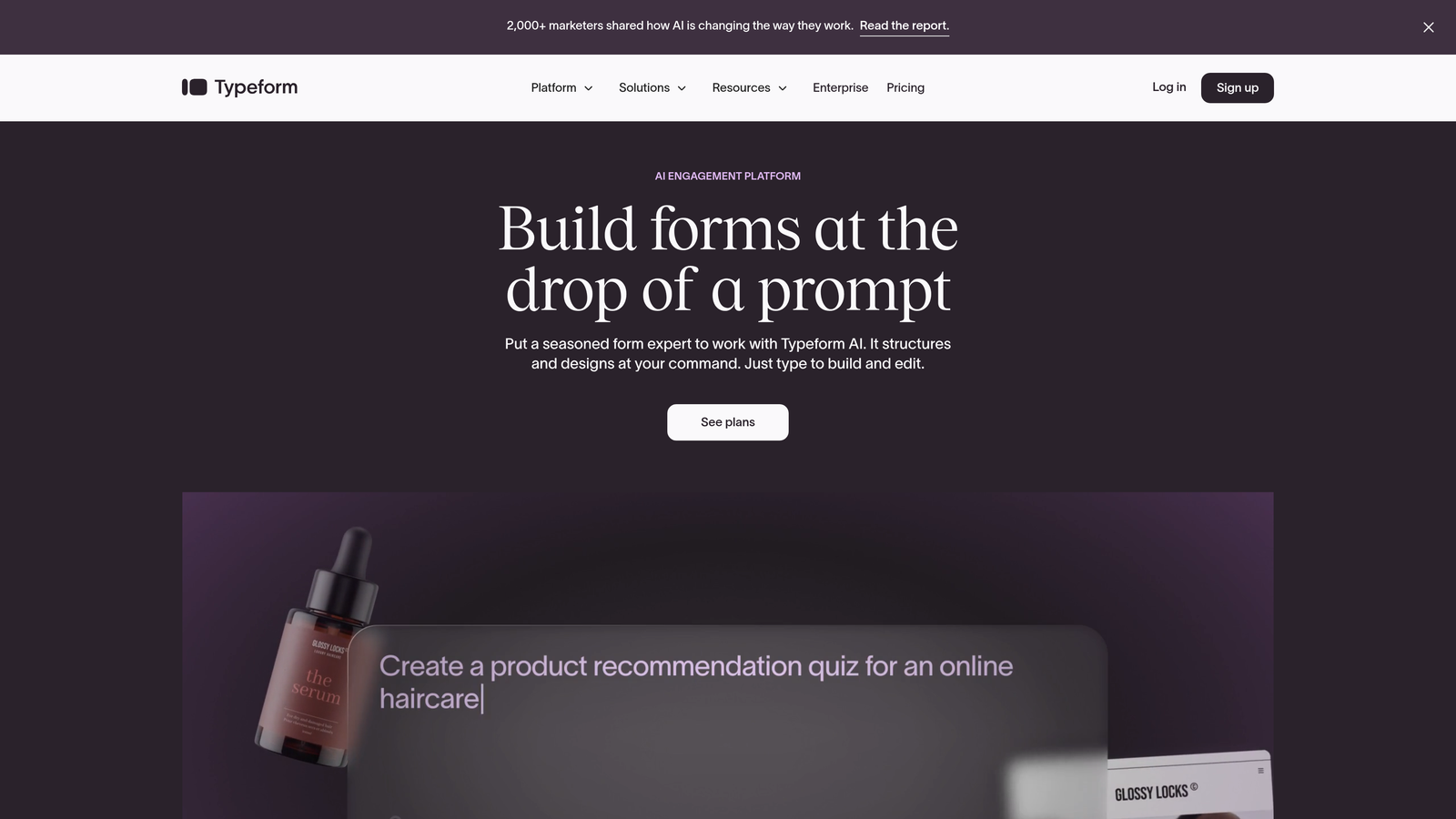
Typeform is a conversational form builder that pioneered the one-question-at-a-time approach, creating experiences that feel more like conversations than interrogations.
Where This Tool Shines
Typeform's signature interface shows users one question at a time, which dramatically reduces the psychological overwhelm of long forms. This approach works particularly well for surveys, quizzes, and lead capture where engagement matters as much as completion.
The platform's design-forward aesthetic makes every form look polished and professional without requiring design skills. You can embed videos, images, and GIFs to create truly interactive experiences that stand out from typical web forms.
Key Features
One-Question Interface: Shows users a single question at a time, creating a conversational flow that feels natural and reduces abandonment.
Beautiful Design Themes: Customizable templates and styling options that make forms visually appealing without design expertise.
Logic Jumps: Create branching paths based on user responses, personalizing the form experience for different audience segments.
Rich Media Embedding: Add videos, images, and GIFs directly into your forms to increase engagement and provide context.
Integration Library: Connects with hundreds of tools including CRMs, email platforms, and analytics services.
Best For
Typeform works best for marketers and businesses that prioritize user experience and brand presentation. It's particularly effective for customer feedback, event registrations, and lead capture scenarios where engagement drives results.
Pricing
Free plan available with Typeform branding. Basic plan starts at $25/month, removing branding and adding logic jumps and more responses.
3. Jotform
Best for: Teams needing versatile forms with extensive templates and payment processing
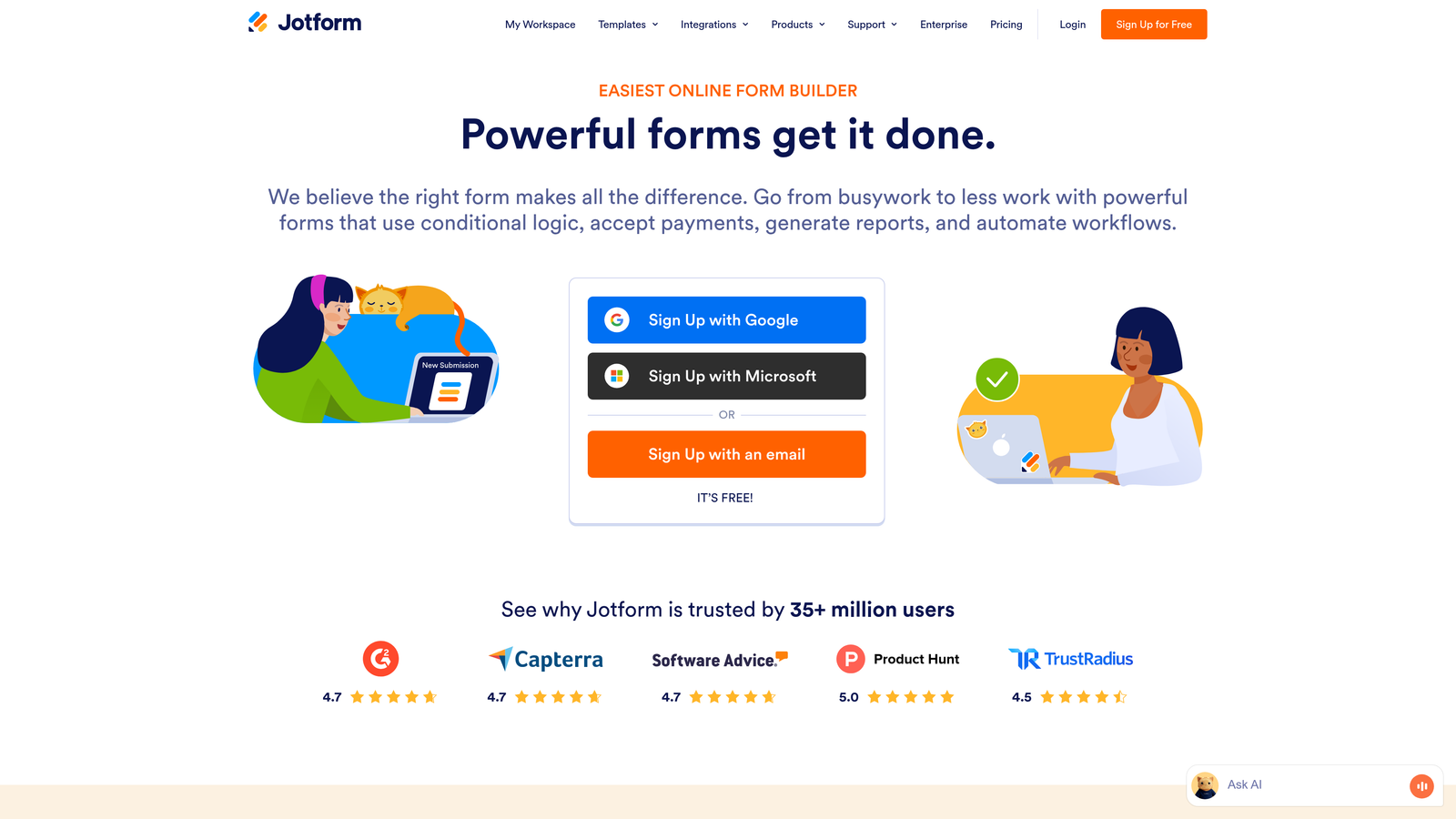
Jotform is a comprehensive form builder with over 10,000 templates covering virtually every use case imaginable, from simple contact forms to complex multi-step applications.
Where This Tool Shines
The sheer breadth of Jotform's template library means you can find a starting point for almost any form type without building from scratch. Whether you need event registrations, job applications, or order forms, there's likely a template that gets you 80% of the way there.
Payment collection is deeply integrated, supporting multiple processors and currencies. This makes Jotform particularly valuable for businesses that need to collect payments, donations, or registration fees directly through their forms.
Key Features
Massive Template Library: Over 10,000 pre-built templates covering industries from healthcare to education to e-commerce.
Drag-and-Drop Builder: Intuitive editor that lets you customize forms without touching code, with conditional logic and calculations built in.
Payment Integrations: Native support for PayPal, Stripe, Square, and other payment processors with secure PCI-compliant processing.
PDF Generation: Automatically convert form submissions into formatted PDF documents for records or client delivery.
Mobile Management App: iOS and Android apps let you manage forms, view submissions, and respond to entries on the go.
Best For
Jotform suits small to medium businesses that need versatile form capabilities across multiple use cases. It's especially valuable for organizations that collect payments or need to generate PDFs from submissions.
Pricing
Free plan includes 5 forms with 100 monthly submissions. Bronze plan starts at $34/month for 25 forms and 1,000 submissions.
4. Leadformly
Best for: Lead generation teams that obsess over conversion rate optimization
Leadformly is a conversion-focused form builder designed specifically for lead generation, with optimization and testing features baked into every aspect of the platform.

Where This Tool Shines
Leadformly treats every form as a conversion optimization opportunity. The built-in A/B testing lets you experiment with different question orders, field types, and copy variations to systematically improve performance over time.
The partial submission capture is particularly clever: even if users abandon the form halfway through, you still capture the data they've already entered. This means you can follow up with incomplete leads rather than losing them entirely.
Key Features
Built-In A/B Testing: Test different form variations simultaneously to identify which designs, copy, and flows convert best.
Conversion Templates: Pre-optimized multi-step form templates based on conversion rate research and best practices.
Lead Scoring: Automatically score leads based on their responses to help sales teams prioritize follow-up.
Partial Submissions: Capture data from users who start but don't complete forms, enabling follow-up with partially qualified leads.
CRM Integration: Direct connections to popular CRMs with field mapping and automated lead routing.
Best For
Leadformly is ideal for marketing teams and agencies focused on maximizing lead generation ROI. If you're running paid traffic to landing pages, the testing and optimization features justify the investment.
Pricing
Plans start at $37/month for essential features. Higher tiers add more forms, A/B tests, and advanced integrations.
5. Paperform
Best for: Creating branded landing pages with embedded forms and payment capabilities
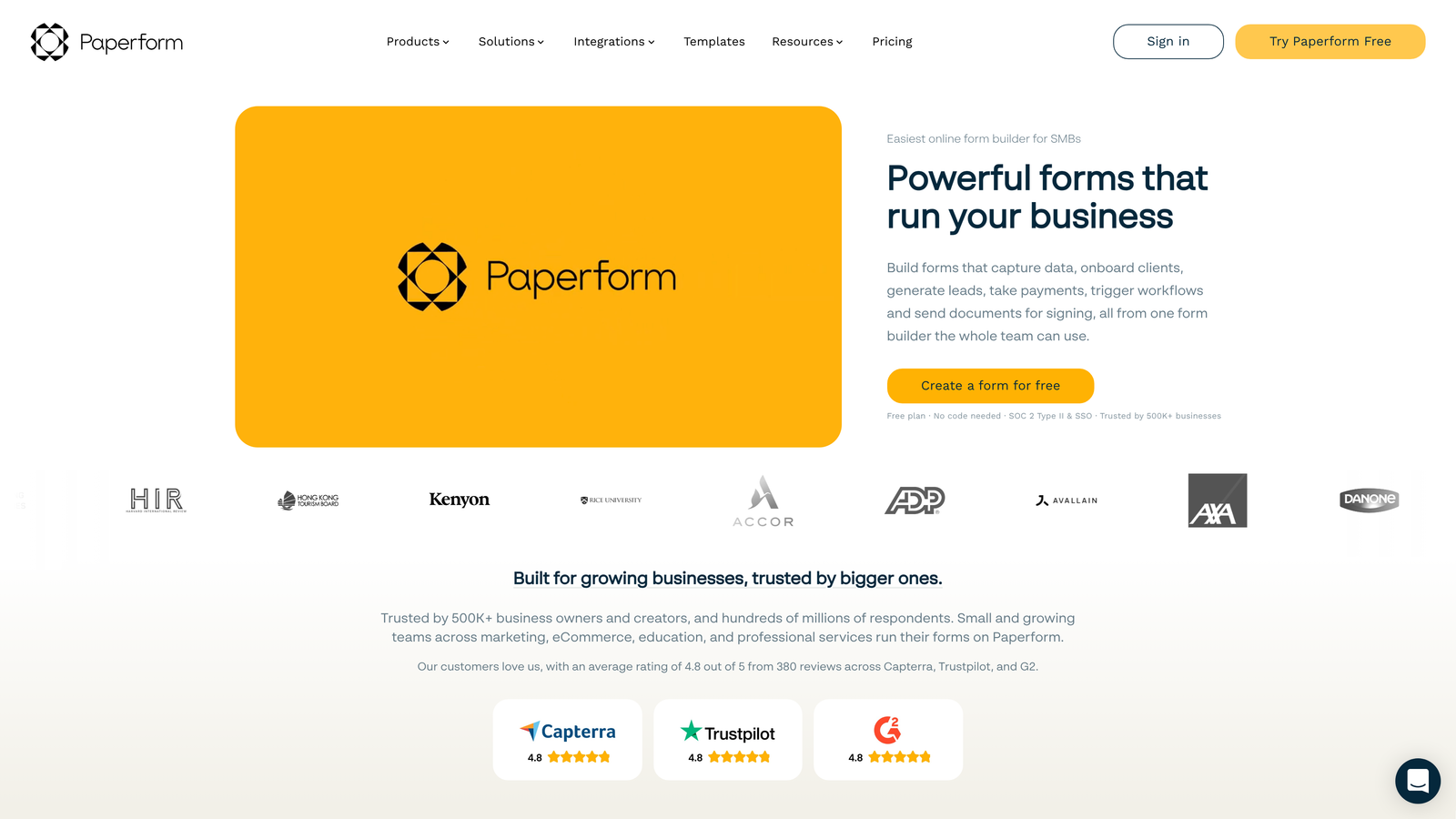
Paperform combines document-style editing with powerful form functionality, letting you create experiences that blend content, forms, and e-commerce into cohesive branded pages.
Where This Tool Shines
Paperform's document-style editor feels more like writing a landing page than building a form. You can mix text, images, forms, and payment buttons in a single flow, creating experiences that guide users through your story before asking for information.
The e-commerce capabilities go beyond simple payment collection. You can build product catalogs, calculate totals based on selections, and create complete checkout experiences without needing a separate shopping cart platform.
Key Features
Document-Style Creation: Build forms that feel like interactive documents, mixing content and form fields in a natural reading flow.
E-Commerce Processing: Accept payments, sell products, and handle bookings with built-in inventory management and tax calculations.
Custom Branding: Complete control over colors, fonts, and styling to match your brand identity perfectly.
Calculations and Logic: Build complex forms with conditional fields, mathematical calculations, and dynamic pricing.
Appointment Scheduling: Integrate calendar booking directly into forms for service-based businesses.
Best For
Paperform works beautifully for creative professionals, consultants, and small businesses that want forms to feel like natural extensions of their brand. It's particularly effective for bookings, registrations, and product sales.
Pricing
Essentials plan starts at $24/month with unlimited forms and submissions. Higher tiers add team features and advanced customization.
6. Growform
Best for: Marketers who want every form to be multi-step by default
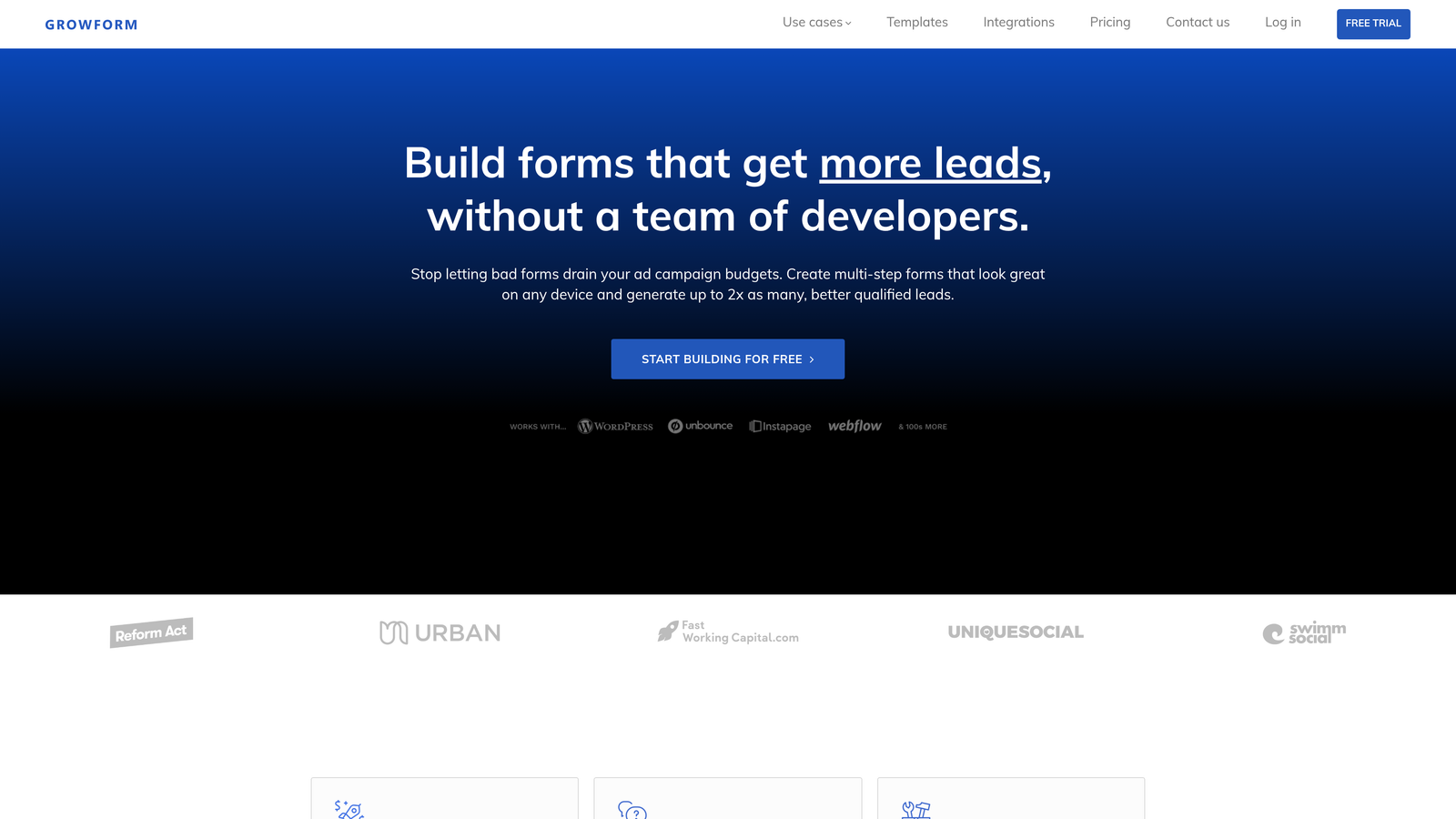
Growform is a multi-step form builder designed exclusively for lead generation, where every form is multi-step by default and conversion optimization is the primary focus.
Where This Tool Shines
Growform's opinionated approach means you can't accidentally create a long single-page form. Every form is multi-step, which enforces best practices and ensures you're always using the format proven to improve completion rates.
The platform is laser-focused on the lead generation use case, which means you won't find features for surveys or customer feedback. This narrow focus results in a streamlined tool that does one thing exceptionally well.
Key Features
Multi-Step by Default: Every form automatically uses step-by-step progression, removing the temptation to create overwhelming single-page forms.
Conversion-Focused Design: Templates and UI patterns specifically optimized for lead capture and form completion.
Conditional Logic: Show or hide questions based on previous responses to create personalized form experiences.
Ad Platform Tracking: Native integration with Google Ads and Facebook tracking pixels for accurate conversion measurement.
Zapier and Webhooks: Connect to thousands of apps through Zapier or send data to custom endpoints via webhooks.
Best For
Growform suits digital marketing agencies and in-house teams running paid advertising campaigns where form conversion rates directly impact campaign ROI.
Pricing
Starter plan begins at $35/month for essential features. Pro and Agency tiers add more forms and advanced functionality.
7. Formstack
Best for: Enterprise teams needing compliance, security, and workflow automation
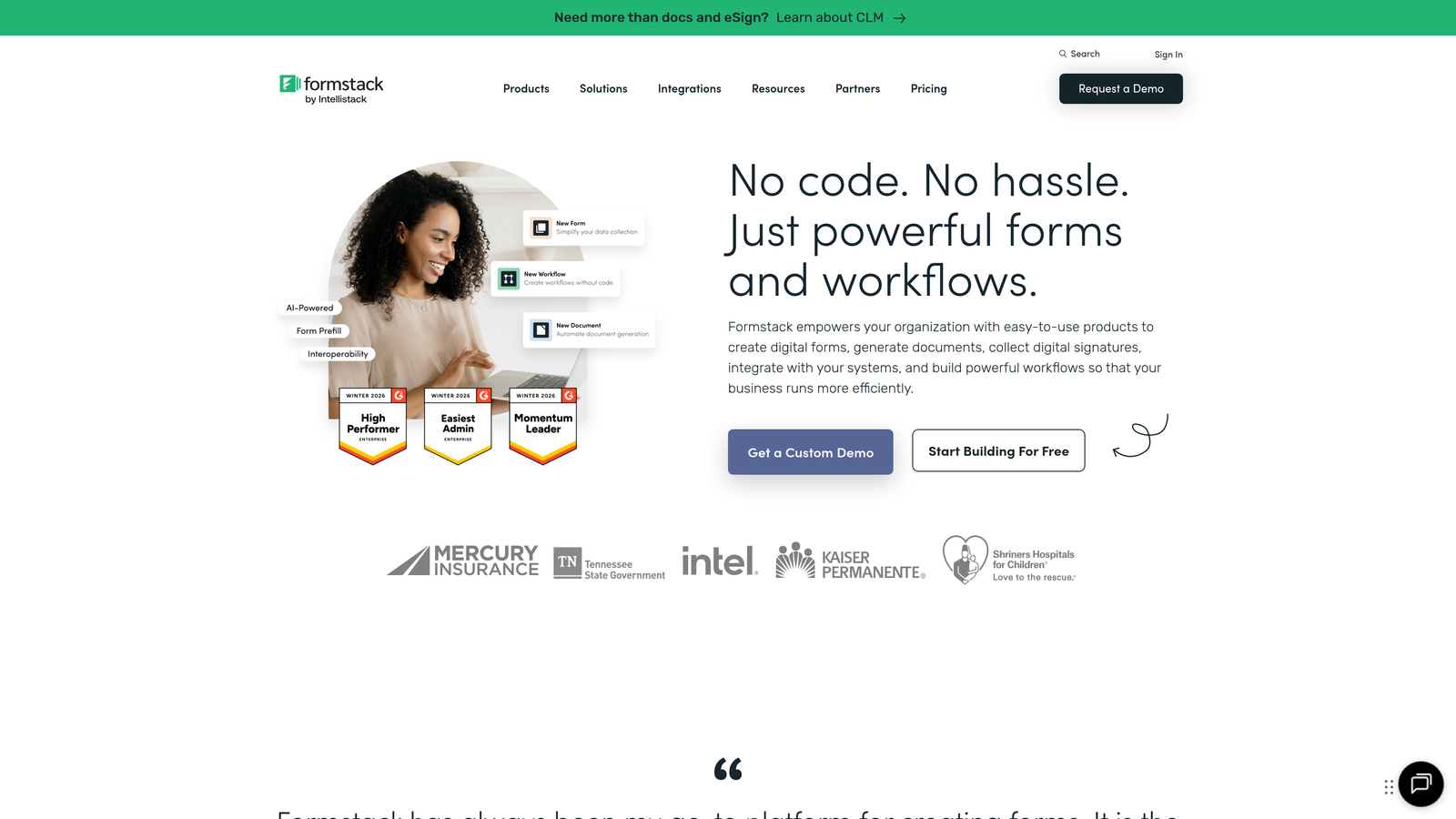
Formstack is an enterprise-grade form builder with advanced workflow automation, compliance features, and deep integration capabilities for complex business processes.
Where This Tool Shines
Formstack's compliance certifications (HIPAA, GDPR) make it the go-to choice for healthcare, finance, and other regulated industries where data security isn't optional. The platform handles sensitive data with enterprise-level security that smaller tools can't match.
The workflow automation capabilities extend far beyond simple integrations. You can build complex approval processes, route documents for electronic signatures, and automate multi-step business processes that would otherwise require manual coordination.
Key Features
Advanced Conditional Logic: Create sophisticated branching and calculations that handle complex business rules and scenarios.
Compliance Certifications: HIPAA and GDPR compliant with enterprise security features including encryption and audit trails.
Workflow Automation: Build automated processes that route submissions through approval chains and trigger actions across systems.
Electronic Signatures: Collect legally binding signatures directly within forms for contracts and agreements.
Enterprise Security: SSO, advanced permissions, data encryption, and comprehensive audit logging for regulated industries.
Best For
Formstack is designed for large organizations, healthcare providers, financial institutions, and any business with strict compliance requirements or complex workflow needs.
Pricing
Starter plan at $50/month for basic features. Enterprise pricing available with custom security, compliance, and support requirements.
8. Tally
Best for: Teams wanting powerful forms without complexity or high costs
Tally is a simple, Notion-like form builder with a remarkably generous free tier that gives you unlimited forms and most features without paying a cent.
Where This Tool Shines
Tally's free plan is genuinely useful, not a teaser. You get unlimited forms, unlimited submissions, and most features that other platforms lock behind paid tiers. This makes it perfect for bootstrapped startups, nonprofits, or anyone testing form strategies without budget.
The Notion-style editing interface will feel instantly familiar if you've used Notion. You build forms by typing and using slash commands, which is faster and more intuitive than dragging widgets around a canvas.
Key Features
Unlimited Free Forms: Create as many forms as you need with unlimited submissions on the free plan, removing typical usage restrictions.
Notion-Style Editor: Build forms using keyboard shortcuts and slash commands rather than drag-and-drop interfaces.
Conditional Logic: Show or hide questions based on responses, even on the free plan.
File Uploads: Accept file submissions from users, useful for applications, support requests, and content submissions.
Collaboration Features: Share forms with team members and collaborate on form creation and management.
Best For
Tally suits startups, small teams, and individual creators who need capable forms without monthly costs. It's particularly appealing if you're already in the Notion ecosystem.
Pricing
Free plan includes most features with unlimited forms and submissions. Pro plan at $29/month adds custom domains, remove branding, and priority support.
9. HubSpot Forms
Best for: Existing HubSpot users needing native CRM integration
HubSpot Forms is the native form builder within the HubSpot ecosystem, offering seamless CRM integration and marketing automation for teams already using HubSpot.
Where This Tool Shines
If you're already in the HubSpot ecosystem, the native integration is unbeatable. Form submissions automatically create or update contact records, trigger workflows, and feed into your marketing automation without any middleware or API connections.
Progressive profiling is particularly clever: the form remembers what information you've already collected about a contact and asks different questions on subsequent submissions. This prevents asking the same person for their email address five times while gradually building richer contact profiles.
Key Features
Native CRM Integration: Form submissions automatically sync with HubSpot CRM, creating contacts and updating records in real-time.
Progressive Profiling: Automatically show different questions to returning visitors based on what information you've already collected.
Smart Form Fields: Pre-populate fields for known contacts and customize form experiences based on contact properties.
Marketing Automation: Trigger email sequences, workflows, and sales notifications directly from form submissions.
Contact Enrichment: Automatically enhance contact records with additional data points based on form responses.
Best For
HubSpot Forms makes sense exclusively for teams already using HubSpot CRM or Marketing Hub. If you're not in the HubSpot ecosystem, standalone tools offer better value.
Pricing
Free with HubSpot CRM, including basic form features. Advanced capabilities like progressive profiling require paid Marketing Hub subscriptions starting at $45/month.
Finding Your Perfect Match
The right multi-step form software depends entirely on your specific needs and existing tech stack. Here's how to narrow down your choice.
For high-growth teams that need intelligent lead qualification built into their forms, Orbit AI delivers AI-powered scoring and routing that saves hours of manual work. If you're drowning in unqualified leads, this is the tool that helps you focus on prospects worth pursuing.
Teams prioritizing user experience and brand presentation should look at Typeform or Paperform. Typeform's conversational approach works beautifully for surveys and engagement-focused forms, while Paperform shines when you need forms that feel like branded landing pages.
If you're running paid advertising and obsess over conversion rates, Leadformly or Growform deserve serious consideration. Both are laser-focused on lead generation, with testing and optimization features that help you squeeze every percentage point of improvement from your traffic.
Enterprise teams with compliance requirements or complex workflows should evaluate Formstack. The HIPAA certification and advanced security features justify the higher price point when regulatory compliance isn't optional.
For bootstrapped teams or those testing form strategies, Tally's generous free tier removes budget as a barrier. You get genuinely useful features without paying, which is rare in this space.
And if you're already invested in HubSpot, their native forms make integration seamless. Just know that you're locked into their ecosystem, which may or may not align with your long-term strategy.
Transform your lead generation with AI-powered forms that qualify prospects automatically while delivering the modern, conversion-optimized experience your high-growth team needs. Start building free forms today and see how intelligent form design can elevate your conversion strategy.


