Ecommerce checkout forms are where revenue is won or lost. A clunky, slow, or poorly designed checkout form sends shoppers straight to a competitor — and by the time you notice the drop-off in your analytics, the damage is already done. The right form builder can mean the difference between a completed order and an abandoned cart.
This list covers the best form builders built or well-suited for ecommerce checkout flows, from AI-powered lead qualification tools to payment-native builders and enterprise checkout platforms. Each tool was evaluated on checkout-specific features: multi-step form support, payment integrations, conditional logic, mobile responsiveness, and conversion optimization capabilities.
Whether you're running a DTC brand, a SaaS with a checkout component, or a high-volume ecommerce operation, there's a right tool here for your stack. If you want to go deeper on optimization while you're evaluating options, check out our guides on how to improve form conversion rates and how to reduce form field friction.
1. Orbit AI
Best for: High-growth SaaS and DTC brands that want AI-powered lead qualification baked into checkout and lead capture flows.
Orbit AI is an AI-powered form builder that goes beyond collecting data — it qualifies leads and buyers intelligently within the form experience itself.
Where This Tool Shines
Most form builders treat every submission equally. Orbit AI is different because it embeds lead qualification logic directly into the form flow, helping teams understand not just who filled out a form, but whether that person is worth pursuing. For ecommerce and SaaS teams focused on conversion quality, not just conversion volume, that distinction matters.
The form UI is genuinely modern and designed with high-growth brands in mind. Conditional logic lets you create personalized checkout paths based on user responses, and built-in analytics means you're not relying on a third-party tool to understand where drop-offs happen.
Key Features
AI-Powered Lead Qualification: Intelligent qualification logic embedded in the form flow, so your team gets better signal from every submission.
Multi-Step Form Design: Conversion-optimized multi-step layouts that reduce friction and guide buyers through the checkout process naturally.
Conditional Logic: Personalize checkout paths based on user input, product selection, or buyer segment without writing a single line of code.
Modern Form UI: Clean, beautiful design out of the box — built for brands that care about the experience they're delivering to buyers.
Built-In Analytics: Conversion tracking and form analytics without needing to bolt on a separate analytics tool.
Best For
High-growth SaaS teams and DTC ecommerce brands that want more than a data collection tool. If lead quality, buyer segmentation, and conversion optimization are core priorities, Orbit AI is purpose-built for that use case rather than adapted to it.
Pricing
Visit orbitforms.ai for current pricing and plan details. Free building options are available to get started.
2. Shopify Checkout
Best for: Shopify merchants who want a native, deeply integrated checkout experience without third-party complexity.
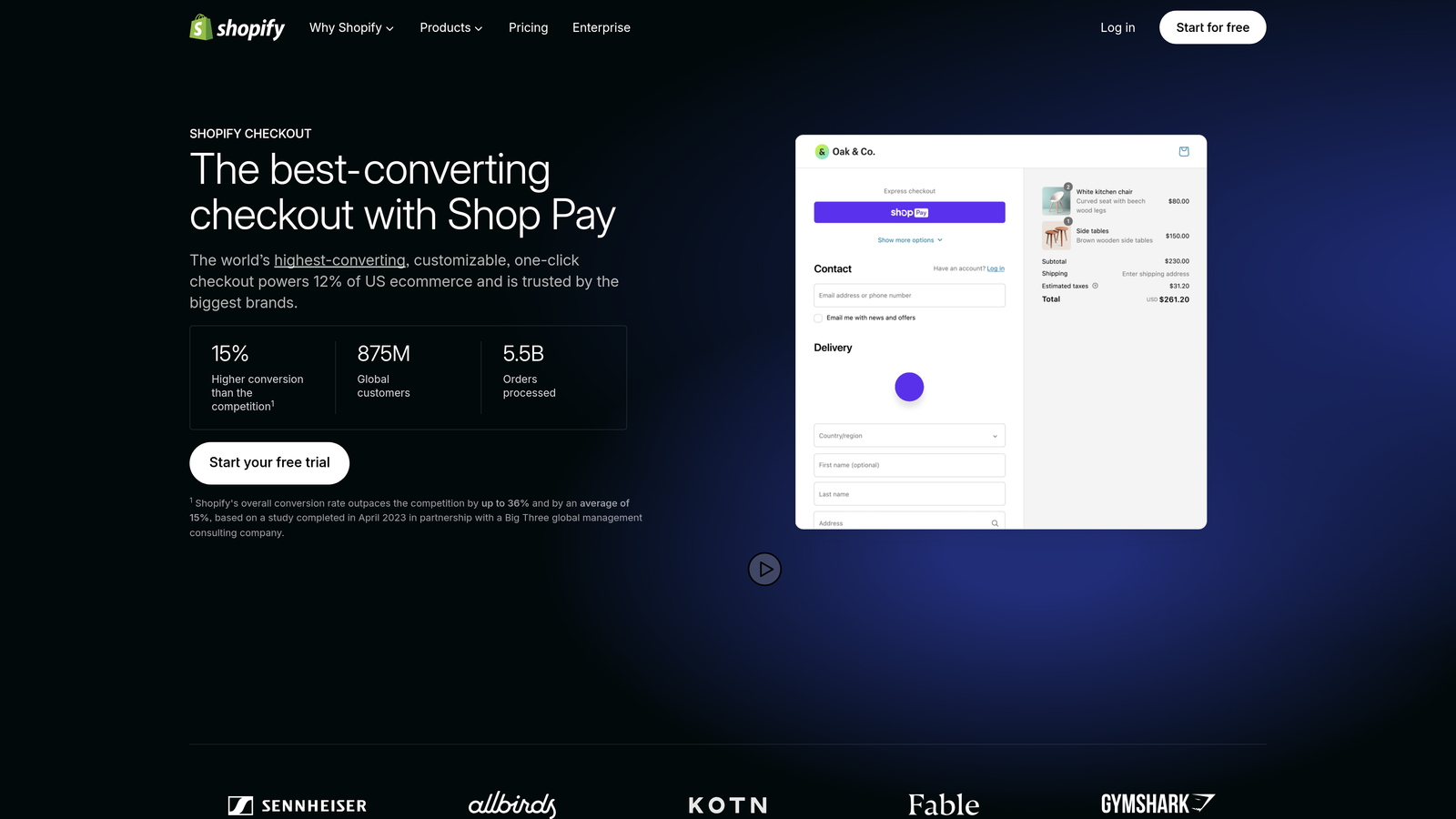
Shopify Checkout is the default checkout experience for Shopify stores, with advanced extensibility available for Plus merchants.
Where This Tool Shines
If your store runs on Shopify, native Shopify Checkout should be your starting point before you reach for any third-party tool. It's deeply integrated with your product catalog, inventory, customer data, and fulfillment workflows in a way no external form builder can replicate. Shop Pay accelerated checkout in particular can meaningfully speed up the purchase process for returning customers.
Shopify Plus merchants get access to Checkout Extensibility, which allows custom UI components, additional fields, and app integrations without touching the underlying checkout code. This is the right approach for brands that need customization but can't afford to break their checkout.
Key Features
Native Shopify Integration: Seamless connection to your product catalog, customer accounts, orders, and fulfillment — no syncing required.
Checkout Extensibility (Plus): Add custom UI components, fields, and app-powered enhancements without modifying core checkout code.
Shop Pay: Accelerated checkout for returning customers, reducing steps for buyers who've already saved their details.
Multi-Currency and Localization: Serve international buyers with localized checkout experiences and currency support.
App Marketplace: Extensive ecosystem of checkout-enhancing apps for upsells, loyalty, gifting, and more.
Best For
Any Shopify merchant, but especially Shopify Plus brands that need custom checkout experiences, international selling, or complex promotional logic. If you're not on Shopify, this tool simply isn't relevant to your stack.
Pricing
Included with Shopify plans ranging from $39 to $399+ per month. Shopify Plus starts from $2,300/month.
3. Typeform
Best for: Pre-checkout flows, product recommendation quizzes, and custom order forms where a conversational experience drives engagement.
Typeform is a conversational form builder known for its one-question-at-a-time UI that keeps users engaged through longer form flows.

Where This Tool Shines
Typeform isn't a traditional checkout processor — it's better understood as a front-end experience layer. Where it genuinely excels is in pre-checkout flows: product recommendation quizzes, custom order intake forms, and qualification surveys that warm up a buyer before they hit a payment page. The conversational format reduces the psychological weight of filling out a long form.
For ecommerce teams that want to personalize the buying journey based on user responses, Typeform's logic jumps and conditional branching make it relatively straightforward to build smart, adaptive flows. Pair it with Stripe for payment collection and it can handle simple checkout scenarios.
Key Features
Conversational UI: One-question-at-a-time format that keeps completion rates high on longer form flows.
Logic Jumps: Conditional branching that personalizes the form path based on how a user responds.
Stripe Integration: Collect payments directly within a Typeform for simple checkout scenarios.
Embed Options: Embed forms as popups, sliders, or inline elements on any ecommerce site.
Template Library: Strong collection of pre-built templates for order forms, product quizzes, and intake flows.
Best For
Ecommerce brands that want to add a quiz or recommendation layer before checkout, or teams that need a polished order intake form outside a dedicated platform. Not ideal as a primary checkout replacement for high-volume stores. See also the Typeform alternatives guide if you're evaluating options.
Pricing
Free plan available. Paid plans start from $25/month.
4. WooCommerce Checkout Fields Editor
Best for: WordPress/WooCommerce merchants who need to customize checkout fields without writing custom code.
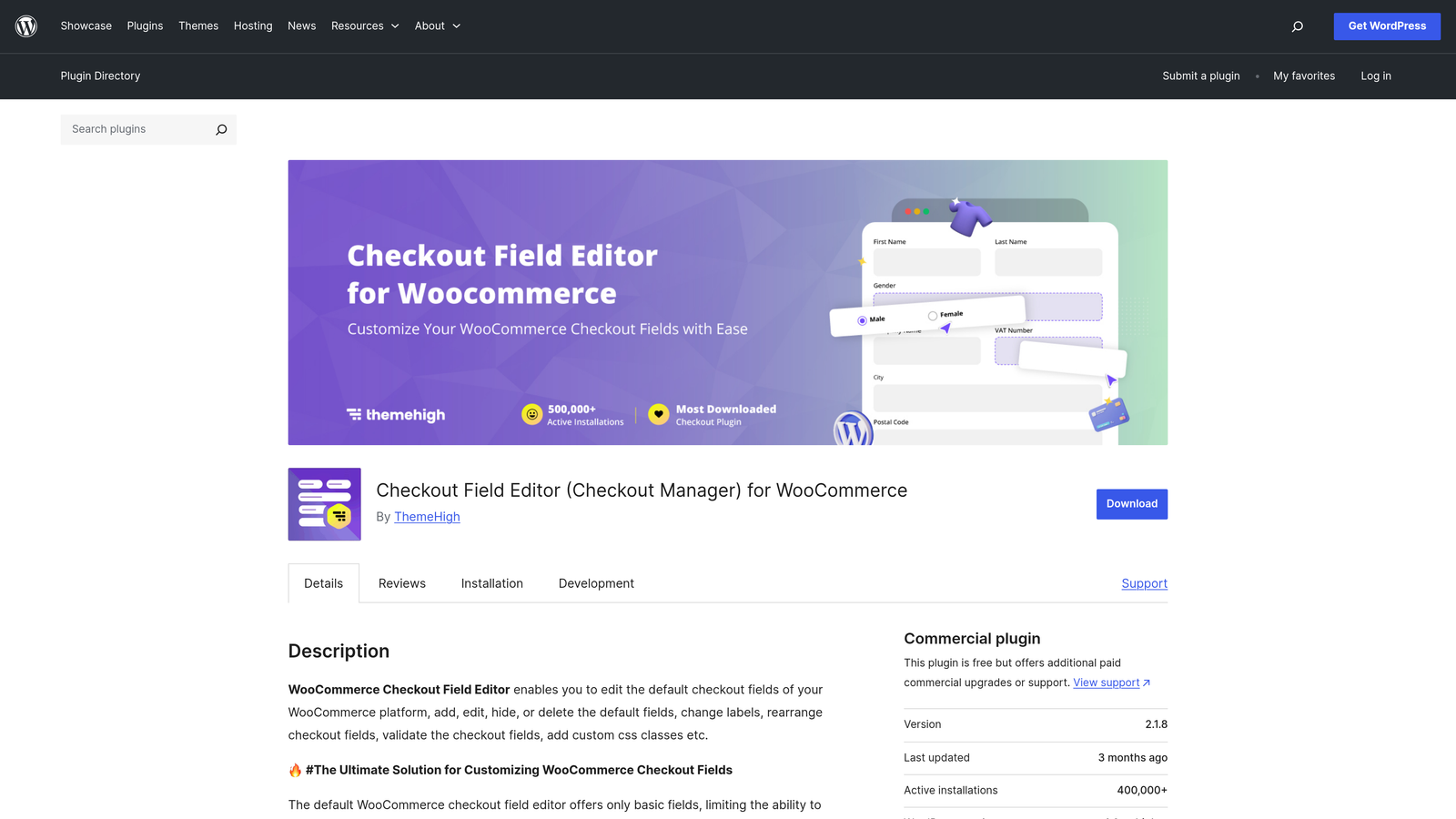
WooCommerce Checkout Fields Editor is a WordPress plugin that lets you visually manage checkout fields on WooCommerce stores.
Where This Tool Shines
If your store runs on WooCommerce, this plugin solves a specific and common problem: the default WooCommerce checkout fields don't always match what your business actually needs. This editor lets you add, remove, reorder, or modify checkout fields through a visual interface rather than custom PHP code. That's a meaningful time saver for store owners who aren't developers.
Field visibility rules are particularly useful for complex stores — you can show or hide fields based on product type, cart contents, or user role. This keeps the checkout experience clean for most buyers while surfacing additional fields only when they're relevant.
Key Features
Drag-and-Drop Field Management: Visually add, reorder, and remove checkout fields without touching code.
Custom Field Types: Support for text, select dropdowns, checkboxes, date pickers, and more.
Native WooCommerce Compatibility: Works within the WooCommerce ecosystem without conflicts or workarounds.
Field Visibility Rules: Show or hide fields based on product, cart contents, or customer type.
Free Core Plugin: Solid free tier with premium add-ons for advanced functionality.
Best For
WordPress/WooCommerce store owners who need checkout field customization without developer involvement. Not suitable for non-WordPress stacks or teams that need payment gateway flexibility beyond WooCommerce's native options.
Pricing
Free core plugin available. Pro version typically ranges from $49 to $99/year.
5. Gravity Forms
Best for: WordPress sites that need advanced conditional logic, multi-step checkout flows, and payment gateway flexibility.
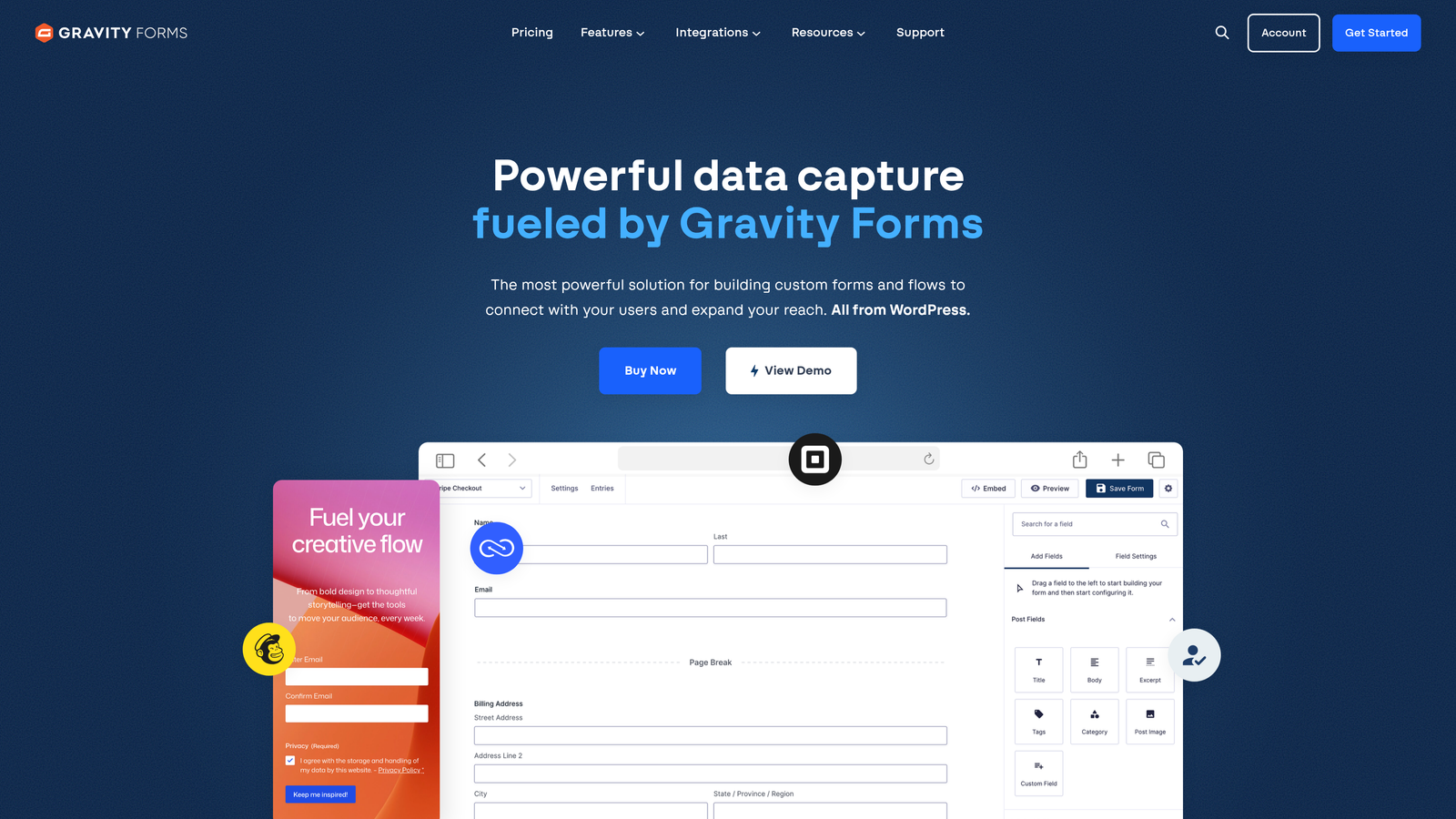
Gravity Forms is a premium WordPress form plugin widely used for complex checkout, order, and lead capture scenarios on WordPress-powered sites.
Where This Tool Shines
Gravity Forms is the go-to choice for WordPress teams that have outgrown simpler form plugins. Its conditional logic system is genuinely powerful — you can build checkout flows that adapt in real time based on user selections, showing relevant fields, hiding irrelevant ones, and routing submissions based on form data. For B2B order forms, service checkout flows, or multi-product configurations, that flexibility is hard to replicate.
The payment add-on ecosystem is another strength. Stripe, PayPal, Square, and Authorize.net are all supported, which means you're not locked into a single processor. Combined with WooCommerce integration and a broad add-on library for CRM and automation, Gravity Forms can anchor a fairly sophisticated checkout operation on WordPress.
Key Features
Advanced Conditional Logic: Show, hide, or route based on user input — one of the most capable logic systems in the WordPress ecosystem.
Multi-Step Forms: Break long checkout flows into steps with progress indicators to reduce abandonment.
Payment Add-Ons: Native integrations with Stripe, PayPal, Square, and Authorize.net for payment collection.
WooCommerce Integration: Connect form submissions to WooCommerce orders and customer data.
Extensive Add-On Ecosystem: Integrations with Zapier, HubSpot, Salesforce, ActiveCampaign, and more.
Best For
WordPress developers and agencies building complex checkout or order forms for clients. Also strong for B2B ecommerce teams that need configurable product ordering forms with approval workflows or CRM routing.
Pricing
Plans range from $59/year (Basic) to $259/year (Elite), with payment add-ons included at higher tiers.
6. Jotform
Best for: Businesses that need standalone payment-enabled order forms with broad gateway support and fast setup.
Jotform is one of the most widely used standalone form builders, with 30+ payment gateway integrations and a large template library for order and checkout forms.
Where This Tool Shines
Jotform's breadth of payment integrations is genuinely impressive. Stripe, PayPal, Square, Authorize.net, and more than two dozen other gateways are supported, making it a strong choice for businesses that need payment flexibility or operate in markets where specific processors are preferred. For teams that don't have a dedicated ecommerce platform, Jotform can serve as a capable standalone checkout solution.
The template library is another practical strength. With thousands of pre-built order form templates, most teams can get a functional checkout form live quickly without starting from scratch. Multi-step support and conditional logic round out the feature set for more complex scenarios.
Key Features
30+ Payment Integrations: Broader gateway support than almost any other form builder on this list.
Template Library: Over 10,000 templates including order forms, product listings, and checkout flows.
Multi-Step and Conditional Logic: Build adaptive, multi-page checkout flows with branching logic.
Product Listing Features: Add product images, pricing, and quantity selectors directly within forms.
HIPAA-Compliant Plans: Available for healthcare or regulated industries that need compliant order processing.
Best For
Small to mid-size businesses that need a standalone checkout form outside a dedicated ecommerce platform, or teams that need specific payment gateway support not covered by other tools. Also useful for service businesses, nonprofits, and event organizers collecting payments.
Pricing
Free plan available with limited monthly submissions. Paid plans start from $34/month.
7. Formstack
Best for: Enterprise ecommerce operations with complex workflow, compliance, and CRM integration requirements.
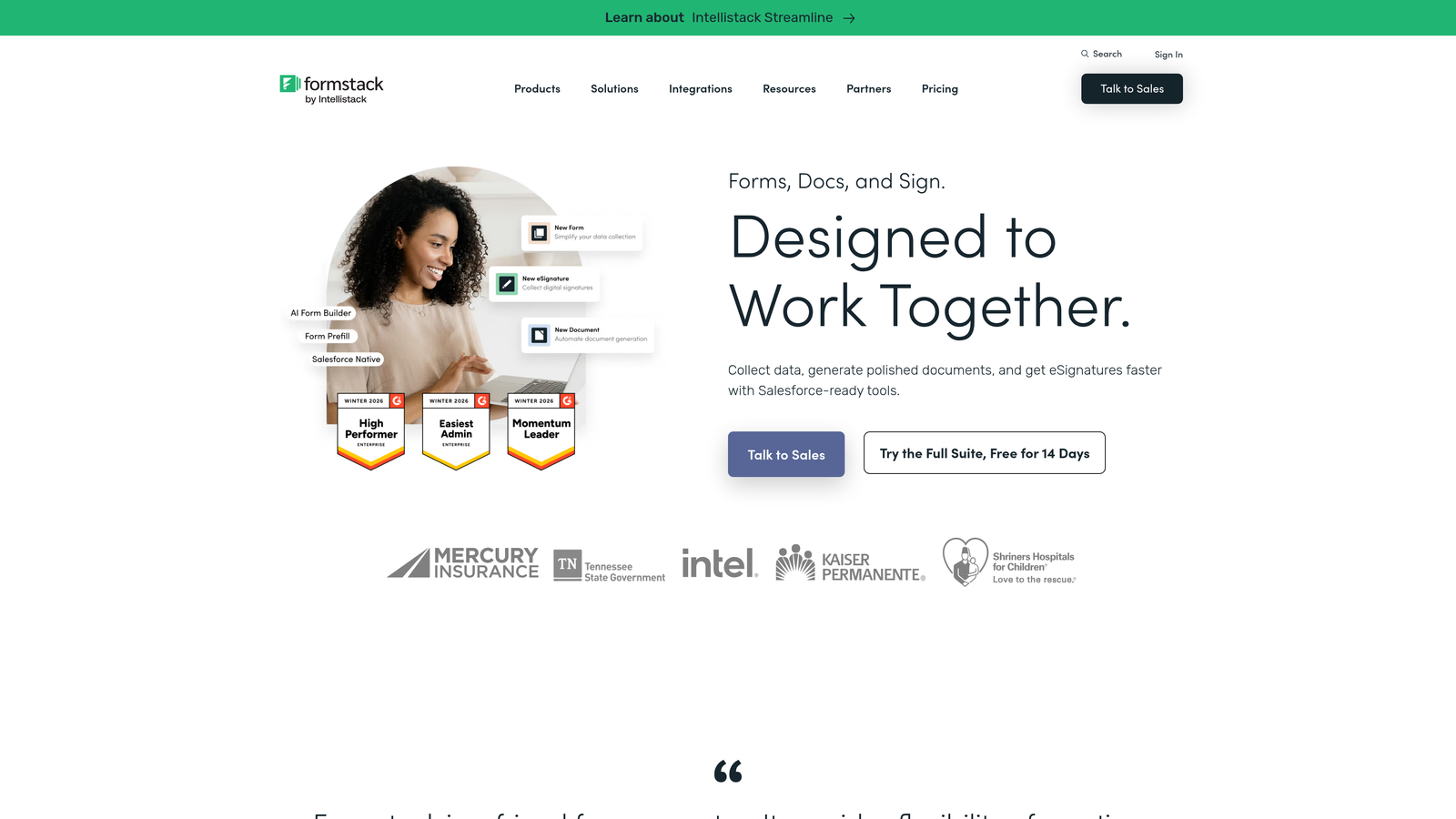
Formstack is an enterprise form and workflow automation platform built for organizations that need security, compliance, and deep system integrations alongside form functionality.
Where This Tool Shines
Formstack operates at a different level than most tools on this list. It's not just a form builder — it's a workflow automation platform that happens to include powerful form capabilities. For large ecommerce operations where a checkout submission needs to trigger a chain of internal processes (CRM update, approval workflow, document generation, eSignature), Formstack handles that complexity natively.
The enterprise-grade security posture is a genuine differentiator for regulated industries. HIPAA compliance and SOC 2 certification make Formstack appropriate for healthcare ecommerce, financial services checkout flows, and other scenarios where data handling requirements are strict.
Key Features
Enterprise Security and Compliance: HIPAA-compliant and SOC 2 certified for regulated industry requirements.
Native Salesforce Integration: Deep CRM connection with workflow automation triggered by form submissions.
Conditional Logic and Multi-Step Forms: Adaptive form flows for complex checkout or order scenarios.
Advanced Analytics: Conversion tracking and form performance data for ongoing optimization.
eSignature and Document Generation: Extend checkout flows into contract signing or document delivery without leaving the platform.
Best For
Enterprise teams in regulated industries or organizations with complex post-submission workflows. Likely overkill for small to mid-size ecommerce operations, but well-suited for large-scale or compliance-sensitive checkout scenarios.
Pricing
Forms plan starts from $83/month. Enterprise pricing is available for larger organizations.
8. Fillout
Best for: Startups and SaaS teams that need a modern, fast-setup checkout or lead form with Stripe payment support.
Fillout is a modern form builder with built-in Stripe payment collection, conditional logic, and a clean UI that's gained traction among startup and developer teams.
Where This Tool Shines
Fillout has built a reputation for being genuinely fast to set up. If you need a payment-enabled form live quickly without wrestling with complex configuration, it delivers. The Stripe integration is native rather than bolted on, which means payment collection feels like a first-class feature rather than an afterthought.
The integration list is also worth noting: Notion, Airtable, and major CRMs are all supported, which makes Fillout a natural fit for teams already running their operations in those tools. Scheduling and booking form support adds versatility for service-based businesses with a checkout component.
Key Features
Native Stripe Payment Collection: Accept payments directly within forms without third-party workarounds.
Conditional Logic and Branching: Adaptive form flows that respond to user input in real time.
Modern, Clean UI: Well-designed form experience that doesn't require design customization to look professional.
Broad Integrations: Native connections to Notion, Airtable, HubSpot, and other tools common in startup stacks.
Scheduling and Booking Support: Build booking flows with payment collection for service-based checkout scenarios.
Best For
Startups, indie developers, and SaaS teams that need a capable checkout or payment form fast, without the overhead of a full ecommerce platform. Also strong for teams already using Notion or Airtable as their operational backbone.
Pricing
Free plan available. Paid plans start from $15/month, making it one of the more accessible options on this list.
9. Paperform
Best for: Creators, coaches, and small businesses selling digital products or services who want a combined checkout form and sales page in one tool.
Paperform is an all-in-one form and sales page builder that combines checkout functionality with landing page design and direct payment processing.
Where This Tool Shines
Paperform occupies a unique position on this list because it blurs the line between form builder and sales page builder. You can create a checkout experience that includes product descriptions, pricing tables, discount codes, and images — all within a single Paperform page, without needing a separate landing page tool. For solo operators or small teams, that consolidation is genuinely valuable.
Payment processing through Stripe, PayPal, and Braintree is built in, and the platform handles digital product delivery, course enrollment, and service booking scenarios well. Conditional logic and multi-step support mean you're not limited to simple single-page checkout forms either.
Key Features
Combined Form and Sales Page Builder: Build a complete checkout experience with product info, pricing, and payment in one tool.
Direct Payment Processing: Stripe, PayPal, and Braintree integrations for flexible payment collection.
Product Listings and Discount Codes: Native support for product images, pricing tables, and promotional codes.
Conditional Logic and Multi-Step Support: Build adaptive checkout flows without additional tools.
Digital Product and Service Checkout: Well-suited for courses, downloads, coaching packages, and service-based businesses.
Best For
Creators, coaches, consultants, and small ecommerce businesses selling digital products or services who want to avoid maintaining both a landing page tool and a form builder. Less suited for high-volume physical product ecommerce where a dedicated platform like Shopify is a better fit.
Pricing
Starts from $24/month (Essentials plan). No free plan, but a 14-day trial is available.
Which Tool Is Right for Your Checkout Stack?
The right checkout form builder depends almost entirely on your existing stack, your buyer volume, and how much customization your checkout flow actually needs.
Here's a quick way to think through the decision:
High-growth SaaS or DTC brand focused on conversion quality: Orbit AI is purpose-built for this use case, with AI-powered lead qualification and conversion-optimized form design that goes beyond what standard form builders offer.
Shopify merchants: Start with native Shopify Checkout before reaching for third-party tools. Shopify Plus merchants should explore Checkout Extensibility before adding external form builders to the mix.
WordPress/WooCommerce stores: Gravity Forms handles complex conditional logic and payment scenarios well. For simpler field customization needs, the WooCommerce Checkout Fields Editor gets the job done without the overhead.
Need standalone payment forms fast: Jotform and Fillout both get you live quickly. Jotform wins on payment gateway breadth; Fillout wins on UI quality and startup-friendly pricing.
Selling digital products or services without a full ecommerce platform: Paperform's combined form-plus-sales-page approach reduces tool sprawl for creators and service businesses.
Enterprise teams with compliance and workflow complexity: Formstack is built for this level of requirement. Evaluate it if HIPAA compliance, Salesforce integration depth, or post-submission workflow automation are non-negotiable.
The best checkout form is the one that reduces friction for your buyer while giving your team the data and integrations it needs to act quickly. Whatever tool you choose, the fundamentals of good form design still apply. Explore our guides on how to improve form submission rates, dynamic form fields based on user input, and form builder with conditional logic to get more from whichever platform you choose.
Ready to see what AI-powered form design can do for your conversion rates? Start your free trial today and experience how intelligent qualification and modern form design work together to turn more visitors into buyers.