

Caldera Forms served the WordPress community well for years. Then it didn't. When the plugin officially reached end-of-life, teams relying on it were left with a choice: find a like-for-like replacement, or use the moment as an opportunity to upgrade their entire approach to forms.
The form builder market has matured significantly since Caldera's peak. Today's options range from powerful WordPress-native plugins to standalone SaaS platforms built specifically for teams that treat forms as the first stage of a sales pipeline, not just a data collection endpoint. The right choice depends on where your team is headed, not just where it's been.
This list covers the top Caldera Forms alternatives available in 2026, evaluated on ease of use, conversion optimization, integration depth, and pricing transparency. Both WordPress-native options and platform-agnostic tools are included. If lead quality matters as much as lead volume to your team, pay close attention to the first few entries.
1. Orbit AI
Best for: High-growth SaaS and B2B teams that need forms to qualify leads, not just collect them.
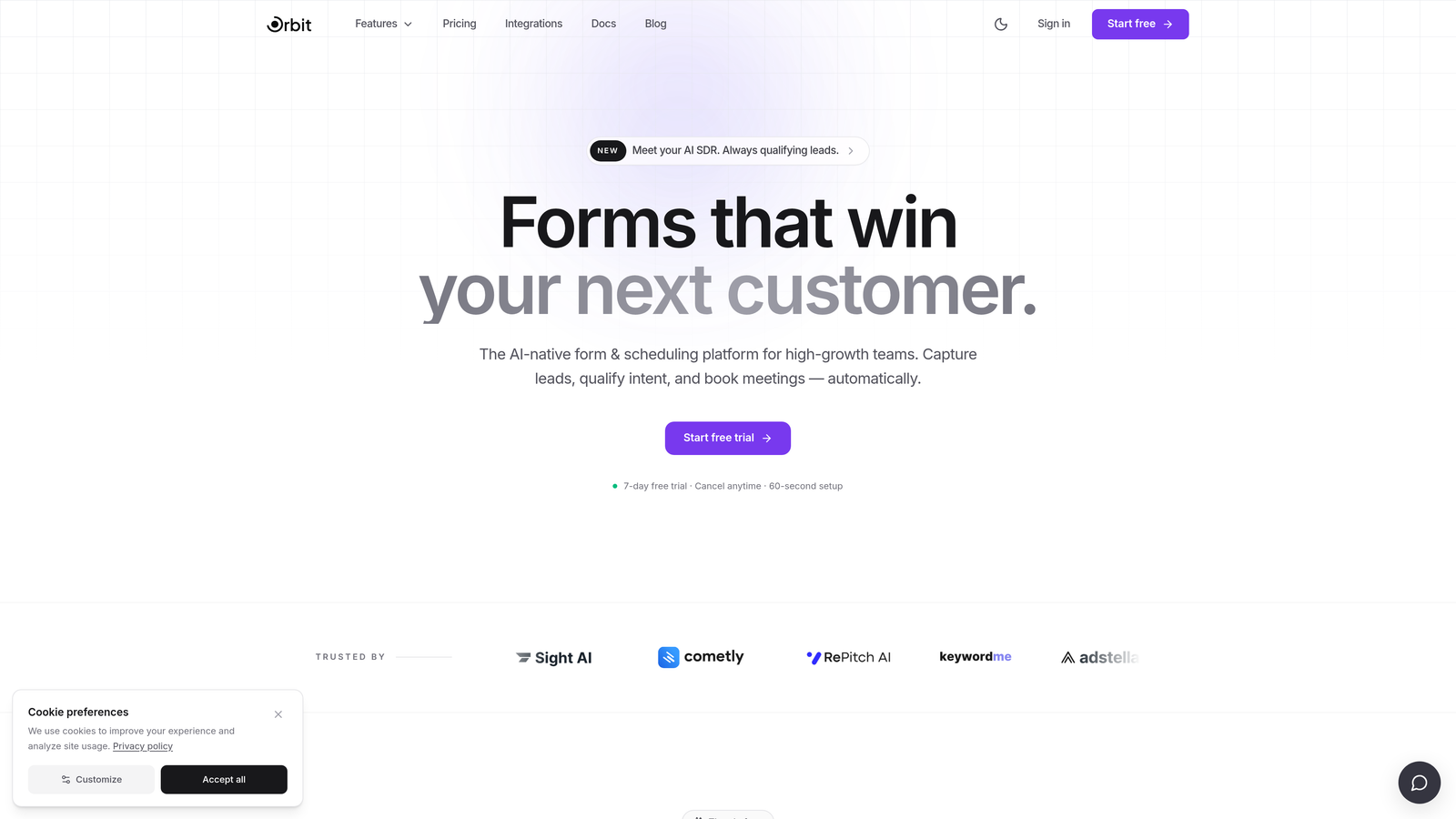
Orbit AI is an AI-powered form builder designed to turn your intake forms into active lead qualification tools, built for teams where conversion quality is the priority.
Where This Tool Shines
Most form builders are passive. They collect data and hand it off. Orbit AI approaches forms differently: lead qualification is built directly into the form flow, so by the time a prospect hits submit, your team already knows whether they're worth prioritizing. That's a meaningful shift for sales-driven organizations that are tired of sifting through low-quality submissions.
The platform is also built with design in mind. Forms look modern and on-brand without requiring a designer to configure them, which matters when your form is often the first real interaction a prospect has with your product.
Key Features
AI-Driven Lead Qualification: Qualification logic runs inside the form itself, not as a post-submission process, so leads are scored before they reach your CRM.
Conditional Logic and Dynamic Fields: Form paths adapt in real time based on how users respond, creating a more relevant experience for each visitor.
Conversion-Optimized Design: Modern, branded UI built to reduce friction and improve completion rates across device types.
Lead Scoring: Helps sales teams prioritize follow-up based on signals captured during the form interaction itself.
CRM and Automation Integrations: Connects to the tools your revenue team already uses, ensuring qualified leads flow directly into the right workflows without manual handoffs.
Best For
Orbit AI is the right fit for SaaS companies, B2B teams, and growth-focused organizations that have outgrown basic form builders and need their intake process to do real qualification work. It's particularly well-suited for teams where marketing and sales alignment around lead quality is an ongoing challenge.
Pricing
Visit orbitforms.ai for current pricing details. Pricing is designed for high-growth teams and scales with your usage.
2. Gravity Forms
Best for: WordPress developers and agencies building complex, data-heavy form workflows.
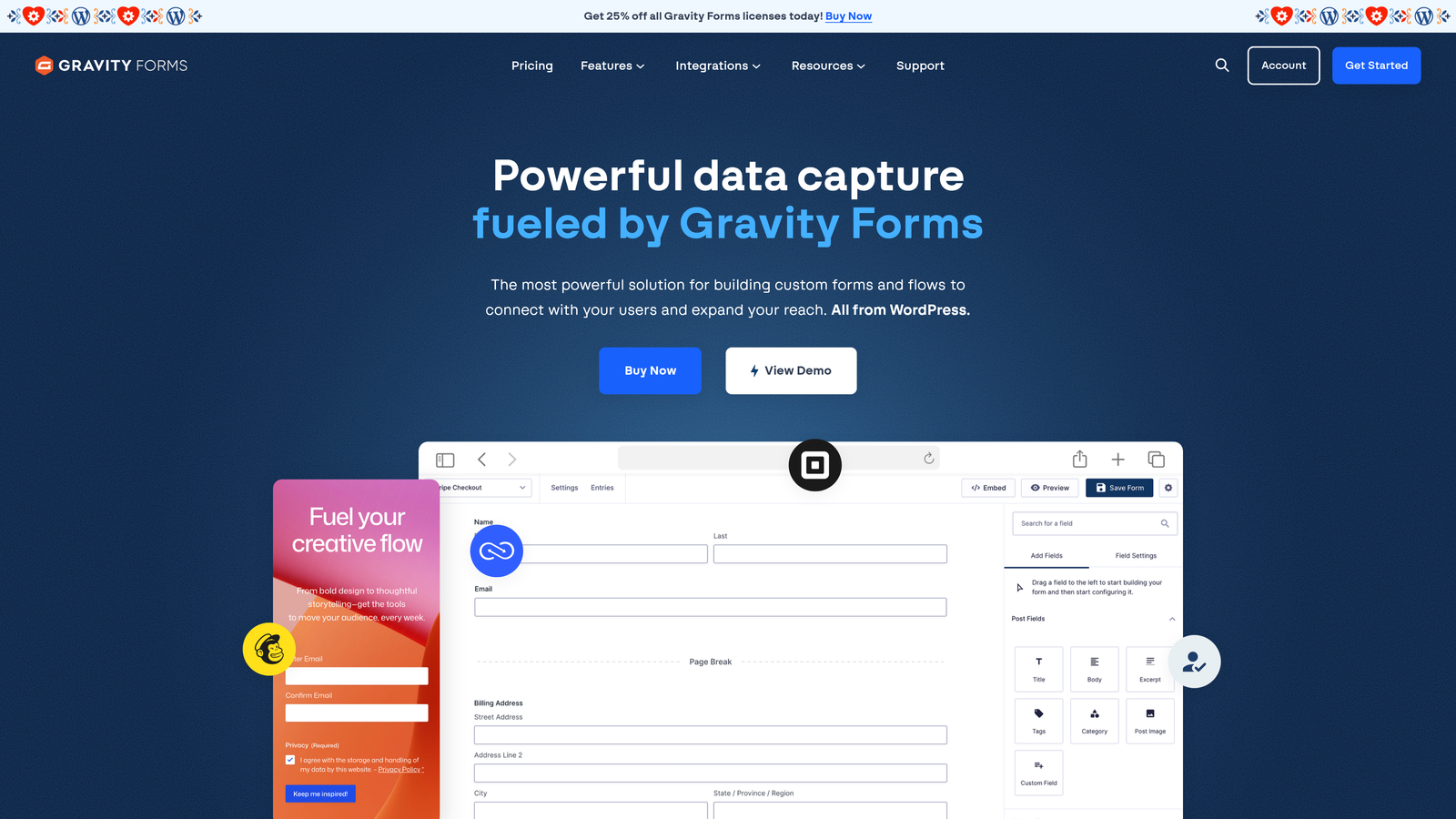
Gravity Forms is the most widely used premium WordPress form plugin, respected for its developer-friendly architecture and a mature ecosystem of official add-ons.
Where This Tool Shines
If you're staying in the WordPress ecosystem and need serious power, Gravity Forms is the benchmark. It handles multi-page forms, complex conditional logic, and database-stored entries without breaking a sweat. Developers appreciate the extensive hook and filter system, which makes custom behavior achievable without hacking core code.
The add-on library is genuinely impressive. From Stripe and PayPal to HubSpot, Zapier, and Mailchimp, most integrations you'd need are available as official add-ons, which means they're maintained and supported properly.
Key Features
Advanced Conditional Logic: Show, hide, or require fields based on previous answers, with multi-page form support included.
50+ Official Add-Ons: Covers payment gateways, CRM platforms, email marketing tools, and automation services.
Developer API Access: REST API, hooks, and filters give developers full control over form behavior and data handling.
WordPress Database Storage: All entries are stored natively in WordPress, making data retrieval straightforward for custom reporting.
Quiz and Survey Functionality: Built-in scoring and survey features expand use cases beyond standard lead capture.
Best For
Gravity Forms suits WordPress agencies, developers, and established businesses that need a reliable, extensible plugin for complex form builds. It's less ideal for teams looking to move beyond WordPress or those who want conversion intelligence built in.
Pricing
Starts at approximately $59/year for the Basic license. The Elite plan, which includes all add-ons, runs approximately $159/year. No free tier is available. Verify current pricing at gravityforms.com before purchasing.
3. WPForms
Best for: WordPress users who want a fast, beginner-friendly form builder with minimal setup.
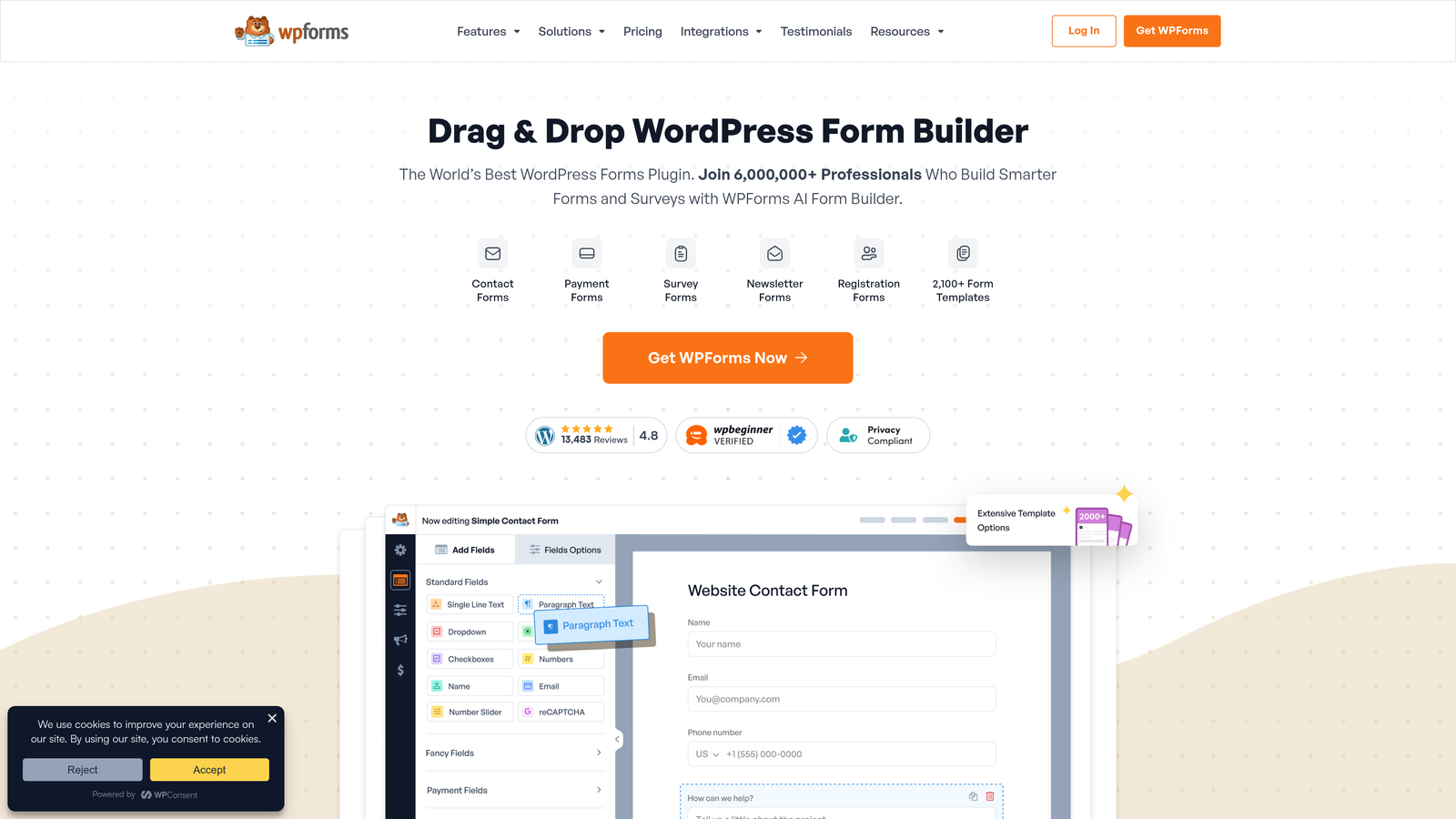
WPForms is a drag-and-drop WordPress form builder designed for users who want results quickly without touching a line of code.
Where This Tool Shines
WPForms earns its reputation as the accessible option in the WordPress form builder space. The drag-and-drop editor is genuinely intuitive, and the template library is large enough that most common form types are available out of the box. For teams that need to launch forms fast without developer involvement, this is a strong starting point.
The free Lite version available in the WordPress plugin directory is a legitimate option for basic contact and newsletter forms, making it easy to evaluate before committing to a paid plan.
Key Features
300+ Pre-Built Templates: Covers contact forms, payment forms, registration forms, and a wide range of industry-specific needs.
Drag-and-Drop Builder: No coding required; the visual editor is approachable for non-technical users.
Smart Conditional Logic: Multi-page forms and field visibility rules adapt based on user input.
Payment Integrations: Stripe, PayPal, and Square are supported for collecting payments directly through forms.
Free Lite Version: Available in the WordPress plugin directory for teams with basic requirements.
Best For
WPForms is ideal for small businesses, bloggers, and WordPress site owners who need functional forms without complexity. It's a better fit for simpler use cases than Gravity Forms, and less suitable for teams that need advanced lead qualification or data workflows.
Pricing
Free Lite tier available. Pro plans start at approximately $49.50/year. Verify current pricing at wpforms.com before purchasing.
4. Typeform
Best for: Teams that want a polished, conversational form experience to improve completion rates.
Typeform is a standalone form platform built around a one-question-at-a-time interface that consistently reduces form abandonment by making the experience feel more like a conversation.

Where This Tool Shines
Typeform's core insight is that presenting questions one at a time feels less overwhelming than a wall of fields. For longer forms, surveys, and onboarding flows, this approach typically improves completion rates. The visual design is also a step above most form tools, which matters when brand impression is part of the equation.
The VideoAsk integration is a notable differentiator for teams experimenting with video-based qualification and engagement. It adds a human element to automated intake that few competitors can match.
Key Features
Conversational Interface: Single-question display reduces friction and keeps respondents engaged through longer forms.
Custom Branding: Strong visual theming options let you match form design to your brand identity.
Logic Jumps: Personalized form paths based on previous answers, creating a tailored experience for each respondent.
VideoAsk Integration: Adds video-based form and qualification capabilities for teams that want a more human touch.
Flexible Embedding: Works on any website via embed script or as a standalone shareable link.
Best For
Typeform suits marketing teams, researchers, and product teams running surveys, NPS flows, or onboarding sequences where user experience is a priority. Note that pricing can escalate at higher response volumes, so it's worth modeling costs against your expected traffic.
Pricing
Free tier available with limited responses. Paid plans start at approximately $25/month. Verify current pricing at typeform.com before purchasing.
5. Formidable Forms
Best for: WordPress teams that need to display submitted data on the front end, not just collect it.
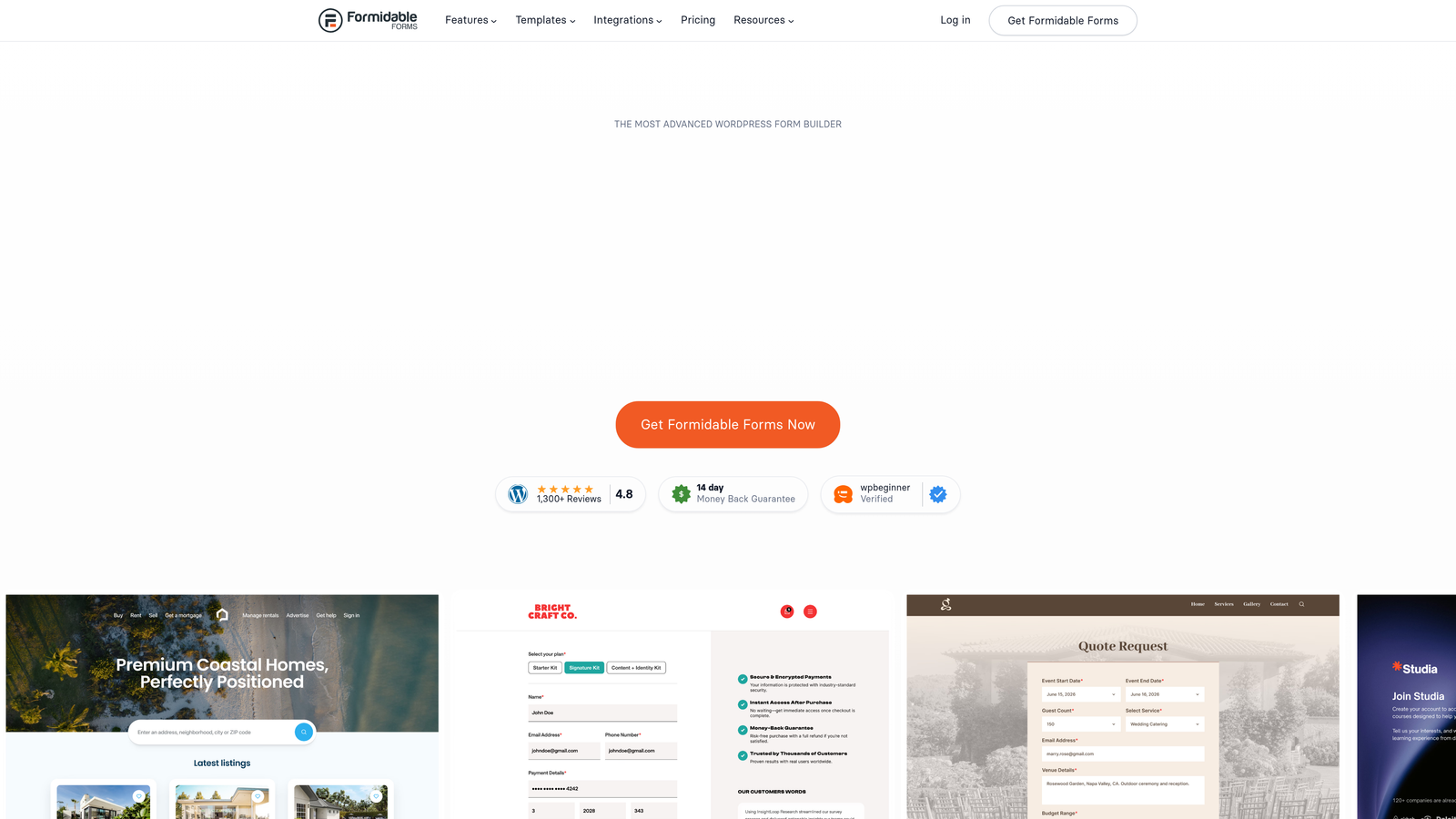
Formidable Forms is a WordPress plugin that functions as much as an application builder as it does a form tool, capable of powering directories, calculators, and member portals from submitted data.
Where This Tool Shines
Formidable Forms occupies a unique position in the WordPress plugin landscape. While other form builders focus on data collection, Formidable lets you surface that data back on the front end in structured ways. Think searchable directories, dynamic calculators, or application portals built entirely from form submissions. It's a capability that most teams don't need, but those who do will find few alternatives.
The repeater field functionality is particularly useful for complex data structures, such as multi-entry expense forms or project applications with variable line items.
Key Features
Front-End Data Display: Build directories, calculators, and portals that surface submitted form data to site visitors.
Advanced Calculations: Perform math operations on field values, useful for quote builders and pricing calculators.
Repeater Fields: Allow users to add multiple sets of related fields within a single form submission.
WooCommerce Integration: Connects form data to product and order workflows for e-commerce applications.
API and Webhook Support: Enables custom integrations with external systems beyond the built-in options.
Best For
Formidable Forms is the right choice for WordPress developers building data-driven applications rather than simple lead capture forms. It's overkill for standard contact or signup forms but genuinely powerful for directory and portal use cases.
Pricing
Free tier available. Paid plans start at approximately $39.50/year. Verify current pricing at formidableforms.com before purchasing.
6. Jotform
Best for: Compliance-sensitive teams and organizations that need payment collection, approvals, and document workflows in one platform.
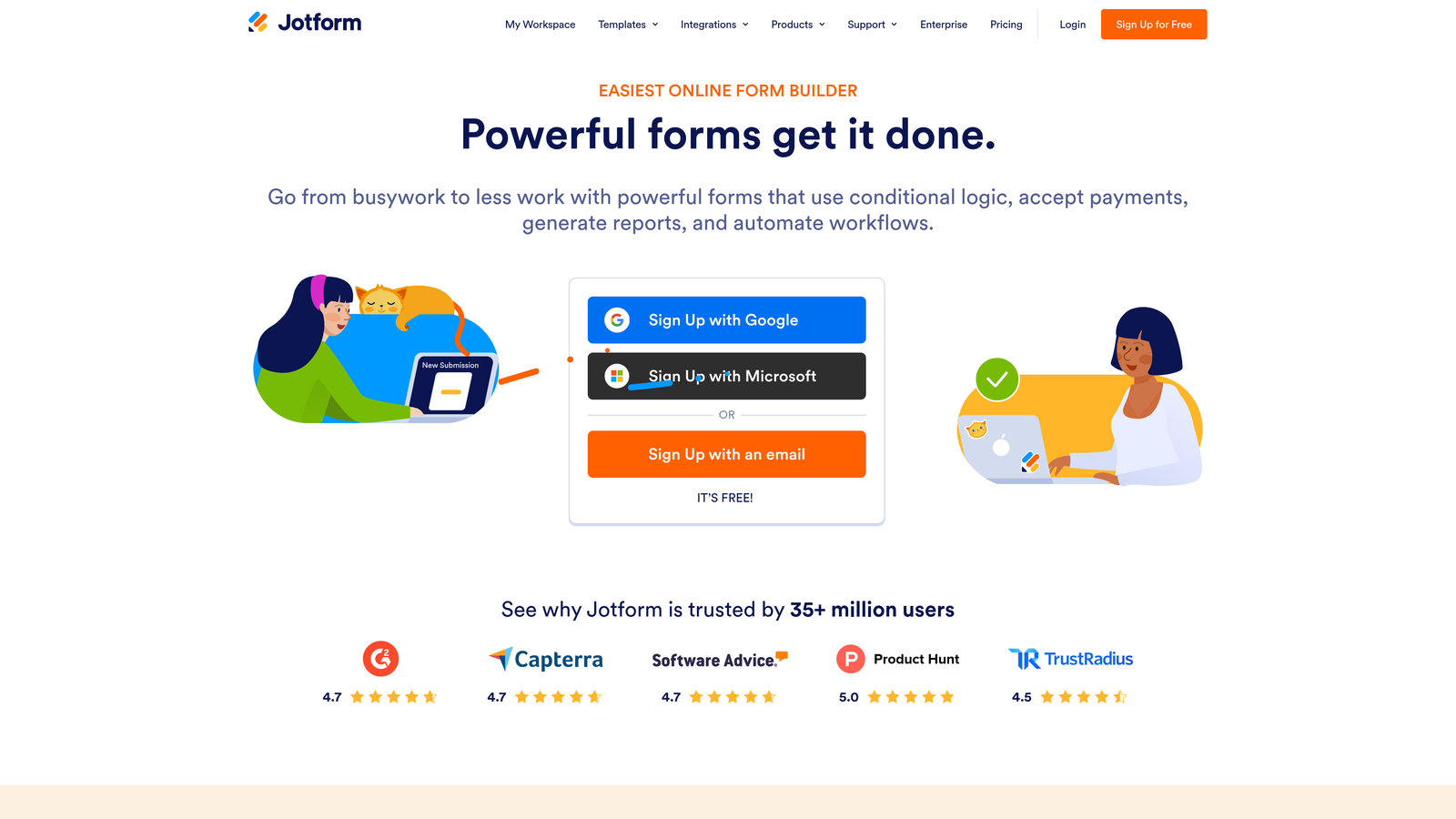
Jotform is one of the largest form platforms by template count, with HIPAA-compliant plans and built-in tools for payments, PDF generation, and multi-step approval workflows.
Where This Tool Shines
Jotform's breadth is its primary strength. With over 10,000 templates spanning healthcare, legal, education, and e-commerce, there's a starting point for almost any use case. The HIPAA-compliant plan makes it one of the few form tools suitable for healthcare teams handling protected health information, which is a meaningful differentiator in regulated industries.
The approval workflow builder adds a layer of functionality that most form tools don't offer. For teams that need forms to trigger multi-step review processes before data moves downstream, Jotform handles this natively without requiring a separate automation tool.
Key Features
HIPAA-Compliant Plans: Designed for healthcare and other regulated industries handling sensitive personal data.
10,000+ Templates: One of the largest template libraries available, covering virtually every industry and form type.
Payment Collection: Supports Stripe, PayPal, Square, and 30+ additional payment gateways.
PDF Generation and Document Signing: Automatically generate PDFs from submissions and collect e-signatures.
Approval Workflow Builder: Route submissions through multi-step review processes before final processing.
Best For
Jotform is well-suited for healthcare organizations, legal teams, nonprofits, and any business that needs compliance, payments, and document workflows under one roof. It's less focused on conversion optimization and lead intelligence, so it's not the ideal choice for pure lead generation use cases.
Pricing
Free tier available with limited submissions. Paid plans start at approximately $34/month. Verify current pricing at jotform.com before purchasing.
7. HubSpot Forms
Best for: Teams already using HubSpot CRM who want native form-to-contact sync without additional tools.
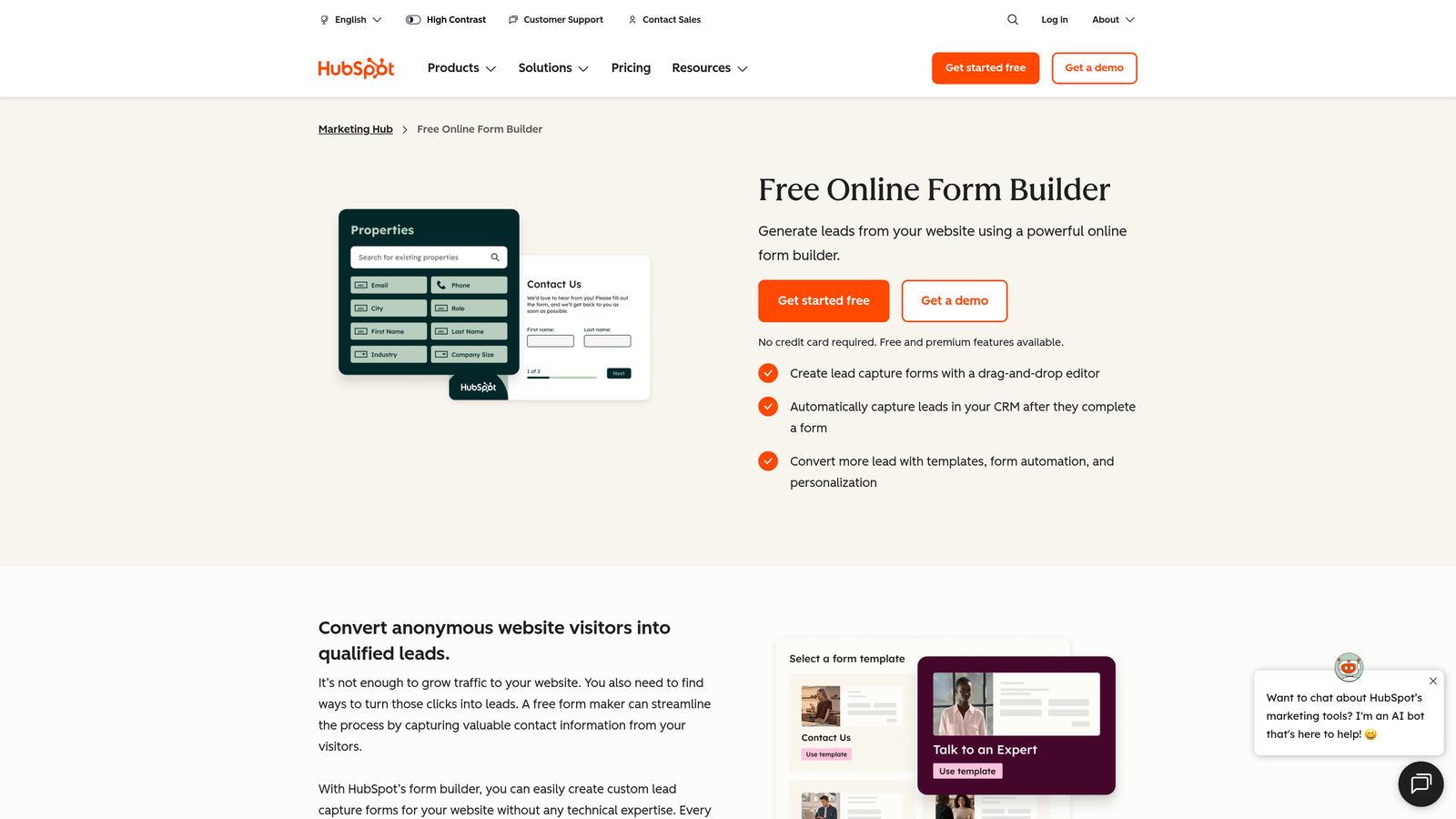
HubSpot Forms is the native form builder included in HubSpot's free CRM, offering automatic contact creation and workflow triggers directly within the HubSpot ecosystem.
Where This Tool Shines
If your team runs on HubSpot, the native form builder is the path of least resistance. Every submission automatically creates or updates a contact record, triggers workflows, and feeds into your existing reporting. There's no integration to configure and no data mapping to maintain. For HubSpot shops, that operational simplicity has real value.
Progressive profiling is a standout feature. Instead of asking the same questions repeatedly, HubSpot Forms can display new questions to returning visitors whose data you already have, gradually building richer contact profiles over time without increasing form friction.
Key Features
Automatic CRM Sync: Every form submission creates or updates a HubSpot contact record instantly, with no manual steps.
Workflow Triggers: Form submissions can kick off HubSpot sequences, internal notifications, and automated follow-up actions.
Progressive Profiling: Returning visitors see new questions instead of ones you've already answered, building richer data over time.
Flexible Embedding: Embed on any website or use within HubSpot CMS pages.
Free with HubSpot CRM: Available at no additional cost for teams on HubSpot's free tier.
Best For
HubSpot Forms is purpose-built for teams already invested in the HubSpot ecosystem. Outside that context, it's limited in design flexibility and customization. Teams not using HubSpot would be better served by a standalone form platform.
Pricing
Free with HubSpot's free CRM tier. Advanced marketing automation features require a paid Marketing Hub subscription. Verify current pricing at hubspot.com before purchasing.
8. Ninja Forms
Best for: WordPress users who want a free core plugin and the flexibility to pay only for specific add-ons they actually need.
Ninja Forms is a modular WordPress form plugin with a solid free core and a marketplace of individually purchasable add-ons for teams with specific functionality requirements.
Where This Tool Shines
Ninja Forms takes a different pricing philosophy than most competitors. Rather than locking features behind tiered annual plans, it lets you purchase only the add-ons you actually need. For a WordPress team that needs, say, Salesforce integration and multi-part forms but nothing else, that modular approach can be more cost-effective than an all-inclusive plan.
The save-and-continue functionality for multi-part forms is a practical feature for longer applications or intake processes where users may need to complete the form in multiple sessions.
Key Features
Free Core Plugin: Solid baseline functionality available at no cost in the WordPress plugin directory.
Modular Add-On Pricing: Purchase only the specific integrations and features your workflow requires.
Save-and-Continue: Multi-part forms allow users to save progress and return later to complete their submission.
CRM Integrations: Salesforce, HubSpot, and Zoho connections available via add-ons.
Developer Documentation: Active community and documented hooks for custom development needs.
Best For
Ninja Forms works well for WordPress developers and small businesses that have specific, well-defined needs and want to avoid paying for features they'll never use. The UI is less polished than WPForms, so teams that prioritize ease of use for non-technical editors may find it less appealing.
Pricing
Free core plugin available. Add-on bundles start at approximately $99/year. Verify current pricing at ninjaforms.com before purchasing.
9. Tally
Best for: Early-stage teams and indie makers who want an unlimited free form builder with a clean, Notion-inspired editing experience.
Tally is a minimalist form builder with a block-based editor and one of the most generous free tiers in the market: unlimited forms and unlimited responses at no cost.
Where This Tool Shines
Tally's free tier is genuinely unusual. Most form platforms limit responses, form count, or features on their free plans. Tally removes those caps entirely, which makes it a compelling option for teams at the early stages of building out their data collection workflows or for internal forms where response volume is unpredictable.
The Notion-like block editor feels familiar to anyone already working in that environment, and the conversational mode gives teams a Typeform-style experience without the Typeform price tag. For lean teams, that combination is hard to beat.
Key Features
Unlimited Free Tier: Unlimited forms and unlimited responses on the free plan, with no submission caps.
Block-Based Editor: Notion-style editing experience makes form building intuitive for teams already comfortable with that workflow.
Conversational Mode: One-question-at-a-time display option for improved completion rates on longer forms.
Lightweight Embedding: Embed on any website with a minimal script that doesn't impact page performance.
Zapier and Make Integrations: Connect form submissions to automation workflows without custom development.
Best For
Tally is ideal for startups, indie makers, and internal teams that need a capable, no-cost form builder. It's less suitable for enterprise environments, compliance-heavy industries, or teams that need advanced lead qualification and CRM routing built into the form layer.
Pricing
Free tier with unlimited forms and responses. Pro plan at approximately $29/month. Verify current pricing at tally.so before purchasing.
Which Tool Is Right for Your Team?
Nine tools, meaningfully different approaches. Here's how to cut through the options quickly.
Staying in WordPress? Gravity Forms is the most powerful option for complex builds, while WPForms is the faster, more accessible choice for teams without developer resources. Formidable Forms earns consideration if you need to display submitted data on the front end. Ninja Forms is worth evaluating if you prefer modular pricing over bundled plans.
Prioritizing conversion quality and lead intelligence? Orbit AI is the clear starting point. Built-in AI-driven lead qualification, lead scoring, and CRM-ready handoffs make it the only tool on this list designed specifically to treat forms as a sales pipeline entry point rather than a passive data collection endpoint.
Running a compliance-sensitive operation? Jotform's HIPAA-compliant plans and built-in approval workflows make it the right fit for healthcare, legal, and regulated industries where data handling requirements are non-negotiable.
Already invested in HubSpot? Use HubSpot Forms natively. The automatic contact sync and progressive profiling features are more valuable inside the HubSpot ecosystem than any standalone alternative.
Working with a lean budget or early-stage team? Tally's unlimited free tier is genuinely hard to argue with. Typeform is worth considering if conversational design is a priority and response volume is manageable within their pricing structure.
The right Caldera Forms replacement isn't just about replicating what you had. It's about choosing a tool that matches where your team is going. For high-growth teams that need forms to actively qualify and route leads, the gap between a basic form builder and a purpose-built lead qualification platform is significant.
Transform your lead generation with AI-powered forms that qualify prospects automatically while delivering the modern, conversion-optimized experience your high-growth team needs. Start building free forms today and see how intelligent form design can elevate your conversion strategy.


