

Your forms are often the first real interaction prospects have with your business, and most companies are leaving conversions on the table with clunky, outdated form builders. The right online form software does more than collect data. It qualifies leads, integrates with your tech stack, and creates experiences that actually get completed.
We evaluated dozens of form builders based on ease of use, lead qualification capabilities, integration depth, and pricing value. Here are the top options for teams serious about converting more visitors into qualified leads.
1. Orbit AI
Best for: High-growth teams that need AI-powered lead qualification built directly into their forms
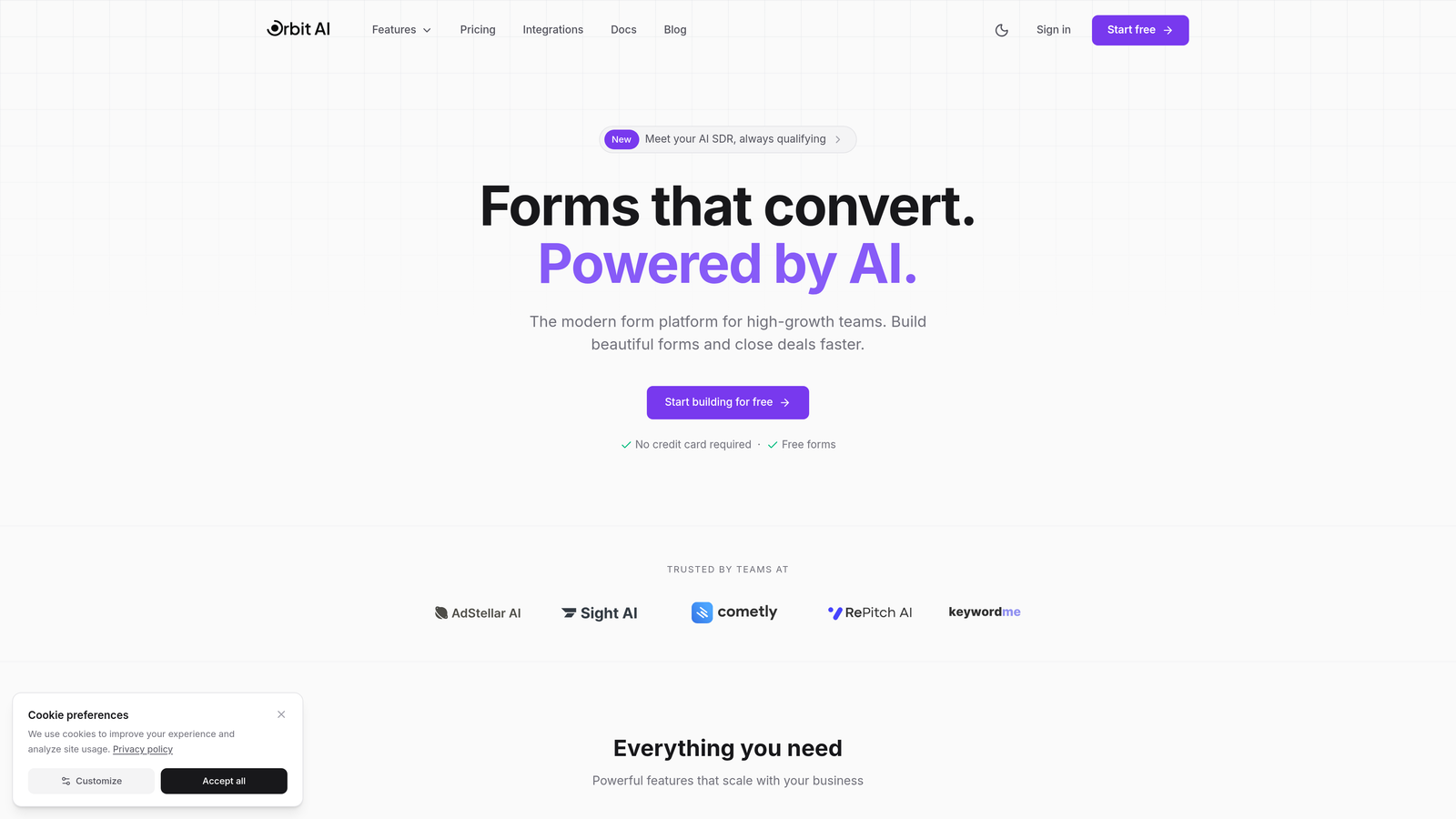
Orbit AI is an AI-powered form builder platform designed specifically for teams focused on conversion optimization and intelligent lead management.
Where This Tool Shines
What sets Orbit AI apart is its built-in AI qualification engine. Instead of collecting raw form data and sorting through it later, the platform automatically scores and routes submissions based on lead quality. This means your sales team focuses on high-intent prospects while lower-priority leads flow into nurture sequences.
The platform combines modern, conversion-optimized form designs with intelligent workflow automation. You're not just building forms—you're creating an entire lead qualification system that works automatically.
Key Features
AI-Powered Lead Qualification: Automatically scores submissions and routes qualified leads to the right team members based on custom criteria.
Conversion-Optimized Designs: Modern form templates built specifically to reduce friction and increase completion rates.
Deep Integration Ecosystem: Native connections with major CRMs, Slack for instant notifications, and automation tools for seamless workflows.
Built-In Analytics: Track form performance, completion rates, and lead quality metrics without needing external analytics tools.
AI Agents: Intelligent form interactions that adapt based on user responses to create more engaging experiences.
Best For
Orbit AI is ideal for SaaS companies, marketing agencies, and high-growth businesses that generate significant lead volume and need intelligent qualification. If you're tired of manually sorting through form submissions or losing qualified leads in the noise, this platform transforms your forms into an automated lead qualification system.
Pricing
Free tier available with core features (up to 3 forms and 50 monthly responses). Paid plans start at $29/month with advanced AI qualification, up to 10 forms, and 1,000 monthly responses. Unlimited forms available on Business+ plans starting at $99/month.
2. Typeform
Best for: Creating conversational, one-question-at-a-time experiences that boost completion rates
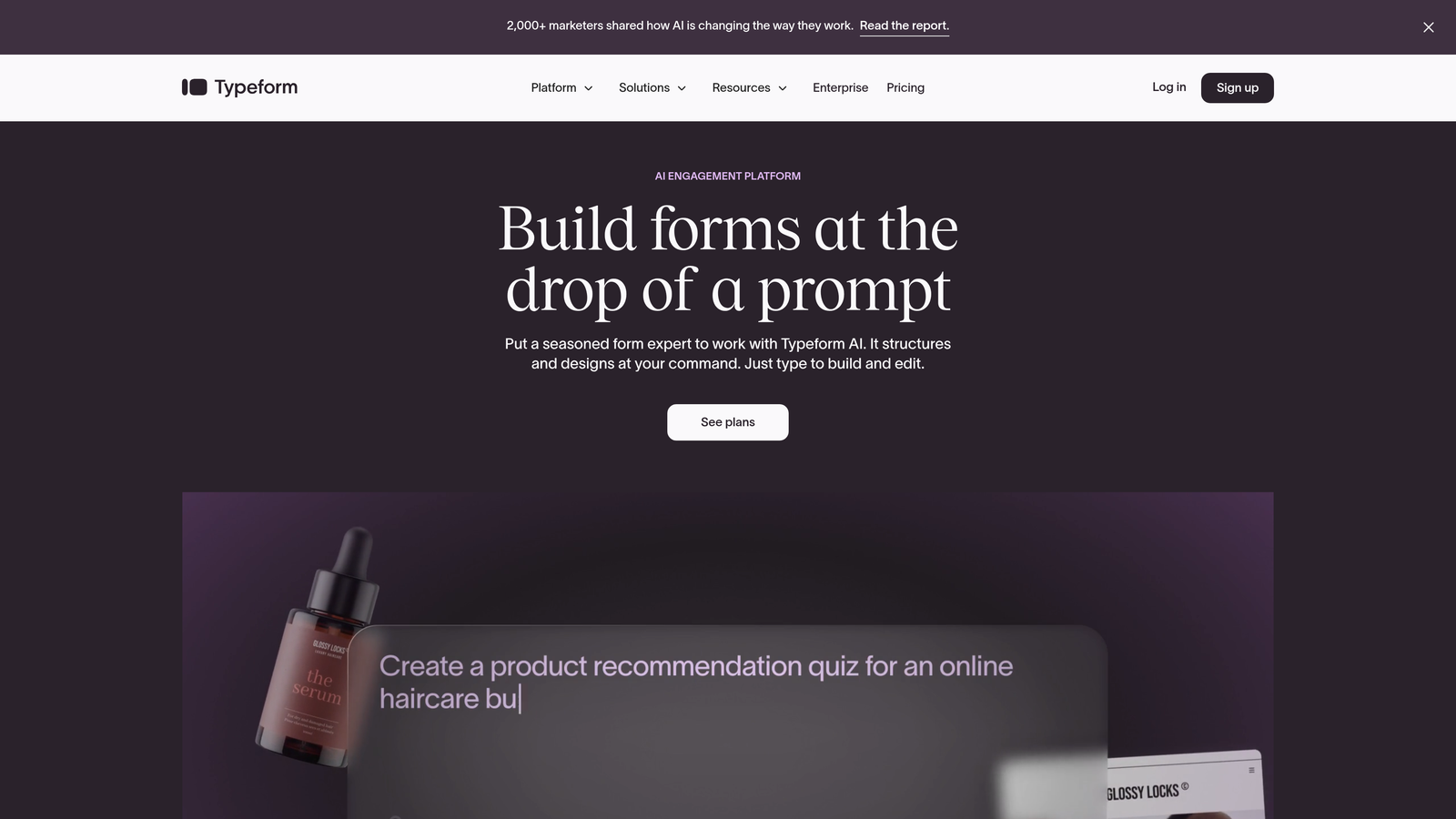
Typeform pioneered the conversational form format, presenting one question at a time to reduce overwhelm and increase engagement.
Where This Tool Shines
Typeform's signature one-question-at-a-time approach fundamentally changes how users experience forms. Instead of facing a wall of fields, respondents answer questions sequentially, creating a more natural conversation flow. This format consistently delivers higher completion rates compared to traditional multi-field forms.
The platform offers exceptional design flexibility with strong brand customization options. You can embed videos, images, and GIFs to create visually engaging experiences that feel more like interactive content than data collection.
Key Features
Conversational Format: One-question-at-a-time presentation that reduces form abandonment and creates engaging experiences.
Advanced Logic Jumps: Conditional branching that adapts questions based on previous answers for personalized flows.
Rich Media Embedding: Add videos, images, and GIFs directly into questions to create visually compelling forms.
Brand Customization: Extensive design controls for colors, fonts, backgrounds, and custom branding elements.
Integration Marketplace: Robust ecosystem connecting to CRMs, email platforms, and automation tools.
Best For
Typeform works best for businesses prioritizing user experience and completion rates over traditional form layouts. It's particularly effective for surveys, lead qualification questionnaires, and customer feedback where engagement matters more than speed.
Pricing
Free tier available with limited features. Basic plan starts at $25/month with full branding control and logic jumps.
3. Jotform
Best for: Teams needing extensive template options and widget customization for specialized use cases
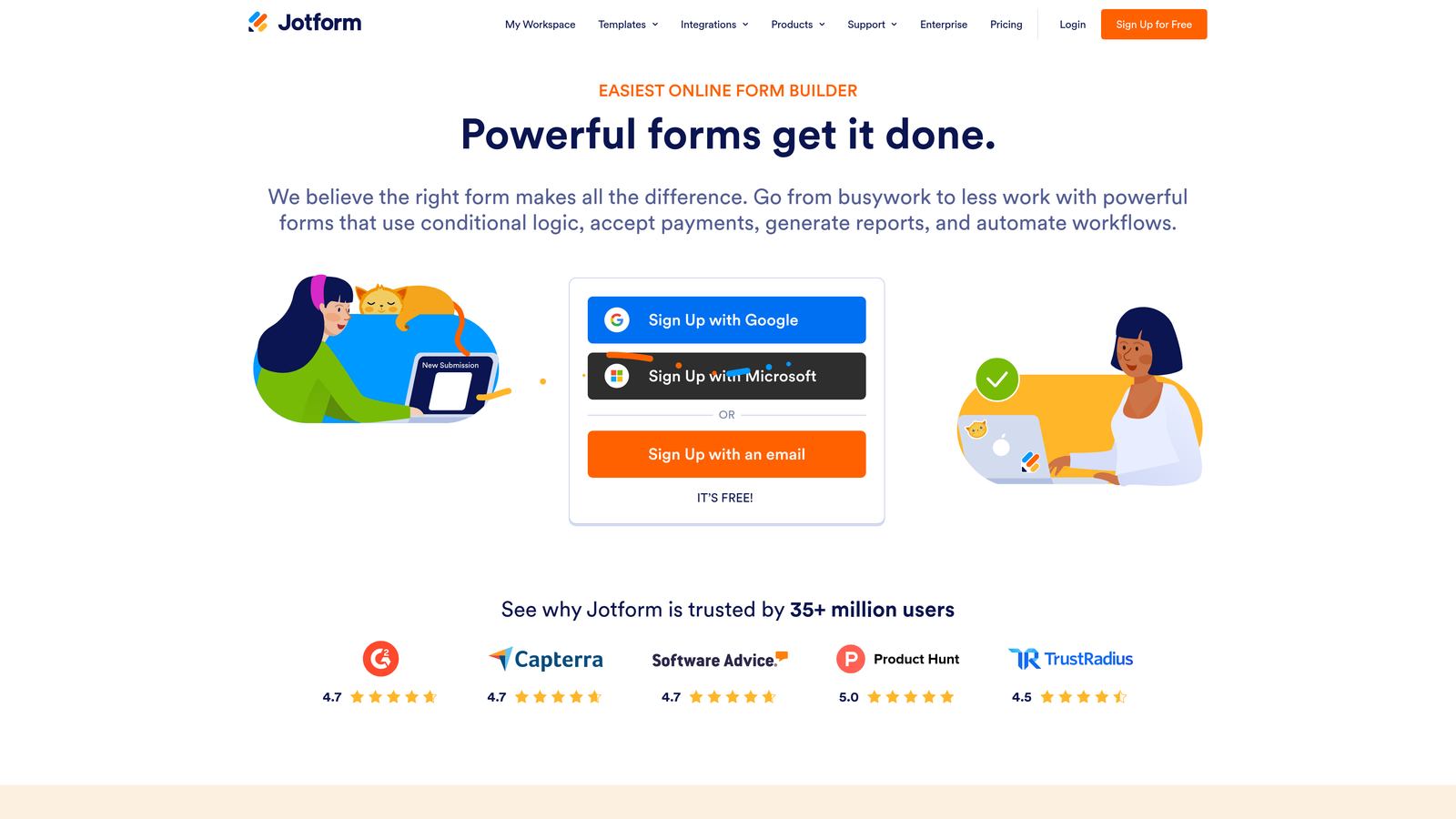
Jotform is a feature-rich form builder offering over 10,000 pre-built templates and extensive customization through widgets and integrations.
Where This Tool Shines
Jotform's massive template library means you're rarely starting from scratch. Whether you need registration forms, order forms, surveys, or applications, there's likely a pre-built template that gets you 80% of the way there. The drag-and-drop builder makes customization straightforward without requiring technical knowledge.
The platform particularly excels at payment collection and document workflows. Built-in payment integrations, PDF generation, and e-signature capabilities make it a strong choice for businesses handling transactions or approvals through forms.
Key Features
10,000+ Templates: Massive library of pre-built forms covering virtually every use case and industry.
Widget Marketplace: Extensive collection of add-ons for specialized functionality like appointment scheduling, file uploads, and calculations.
Payment Processing: Native integrations with Stripe, PayPal, Square, and other payment processors for collecting payments directly through forms.
PDF and E-Signatures: Automatically generate PDFs from submissions and collect legally binding electronic signatures.
Mobile App: Dedicated iOS and Android apps for managing forms and viewing submissions on the go.
Best For
Jotform suits businesses needing specialized form types or payment collection functionality. It's particularly valuable for organizations that need forms for multiple departments with varying requirements, thanks to its template diversity.
Pricing
Free tier includes 5 forms with 100 monthly submissions. Bronze plan starts at $34/month with 25 forms and 1,000 submissions.
4. Tally
Best for: Teams wanting unlimited forms on a free plan with Notion-style simplicity
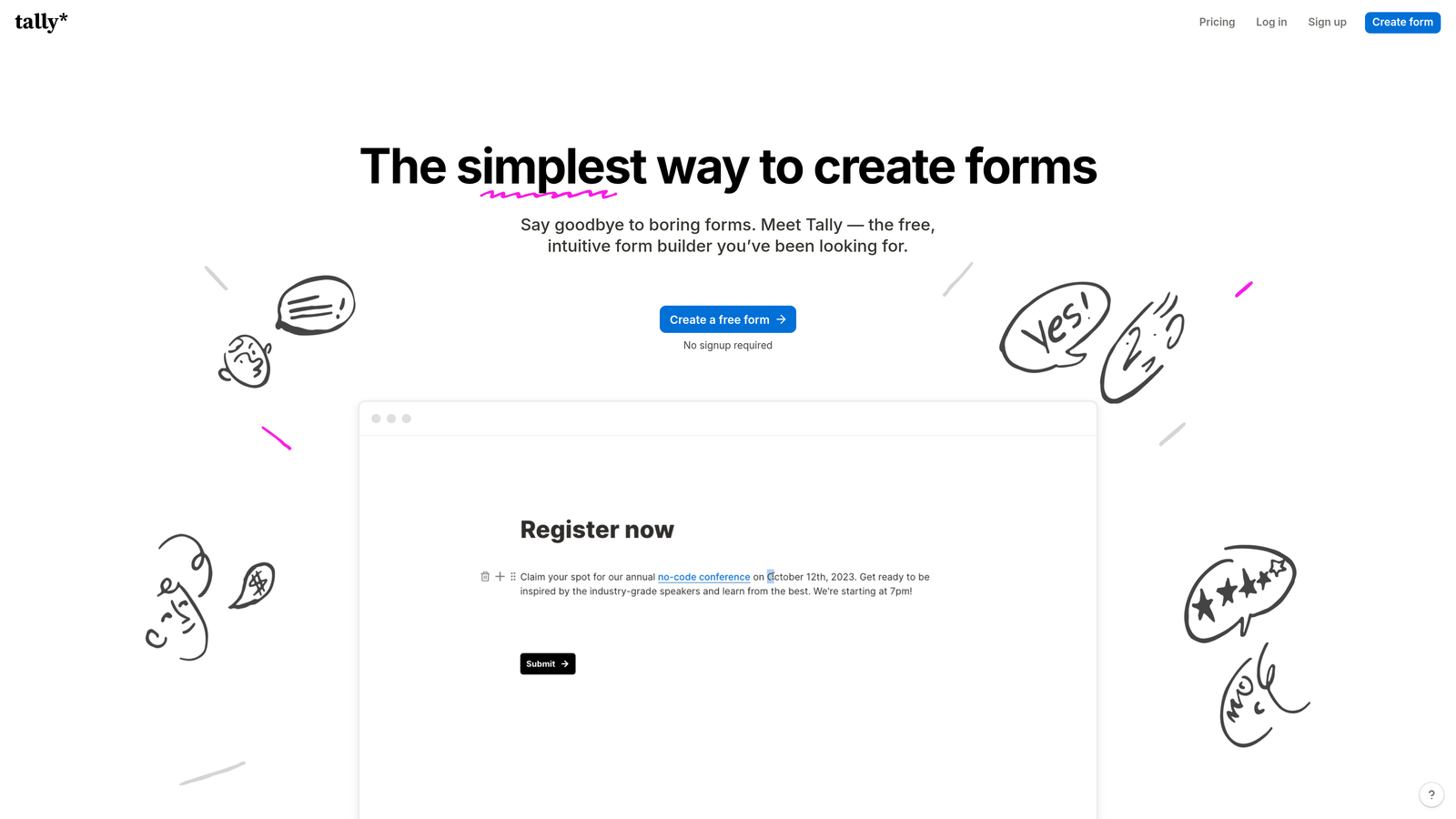
Tally brings Notion's block-based editing approach to form building, offering unlimited forms on its generous free tier.
Where This Tool Shines
Tally's biggest draw is its genuinely generous free plan. Unlimited forms with unlimited submissions removes the artificial constraints that plague most free tiers. This makes it ideal for startups, small businesses, or anyone running multiple forms without budget for paid tools.
The Notion-style interface feels immediately familiar if you've used block-based editors. You build forms by adding blocks for different question types, creating a clean, intuitive building experience without overwhelming feature menus.
Key Features
Unlimited Free Forms: No artificial limits on form creation or submissions on the free plan.
Block-Based Editor: Notion-style building interface that's intuitive and clutter-free.
Clean Design: Minimal, modern form aesthetics that work well for professional contexts.
Conditional Logic: Basic branching capabilities to show or hide questions based on responses.
Integration Options: Connect via Zapier webhooks and direct integrations for workflow automation.
Best For
Tally is perfect for bootstrapped startups, small teams, or anyone needing multiple simple forms without paying monthly fees. It's also great for Notion users who want form building to feel consistent with their existing workflow tools.
Pricing
Generous free tier with unlimited forms. Pro plan at $29/month adds advanced features like file uploads and custom domains.
5. HubSpot Forms
Best for: HubSpot users needing native CRM integration and progressive profiling capabilities
HubSpot Forms is the native form builder within HubSpot's ecosystem, offering seamless integration with the HubSpot CRM and marketing platform.

Where This Tool Shines
If you're already in the HubSpot ecosystem, the native forms integration is unbeatable. Every submission automatically creates or updates contact records in your CRM, with full attribution tracking showing which forms drive conversions. There's no middleware, no syncing delays, and no data mapping headaches.
Progressive profiling is a standout feature. Instead of asking returning visitors the same questions, HubSpot Forms automatically adapts to show new fields based on what information you already have. This reduces form fatigue while gradually enriching contact data over time.
Key Features
Native CRM Integration: Automatic contact creation and updating with zero configuration required.
Progressive Profiling: Smart fields that adapt based on existing contact data to reduce form length for returning visitors.
Smart Fields: Dependent logic that shows or hides fields based on previous answers or contact properties.
Built-In Analytics: Form performance tracking with conversion attribution directly in HubSpot reporting.
Automated Workflows: Trigger email sequences, notifications, and task creation based on form submissions.
Best For
HubSpot Forms is ideal for businesses already using HubSpot for CRM or marketing automation. The native integration eliminates technical overhead and creates a seamless data flow that standalone form builders can't match.
Pricing
Free with HubSpot CRM. Advanced features like progressive profiling require paid Marketing Hub plans starting at $45/month.
6. Formstack
Best for: Enterprise organizations requiring advanced compliance, security, and workflow automation
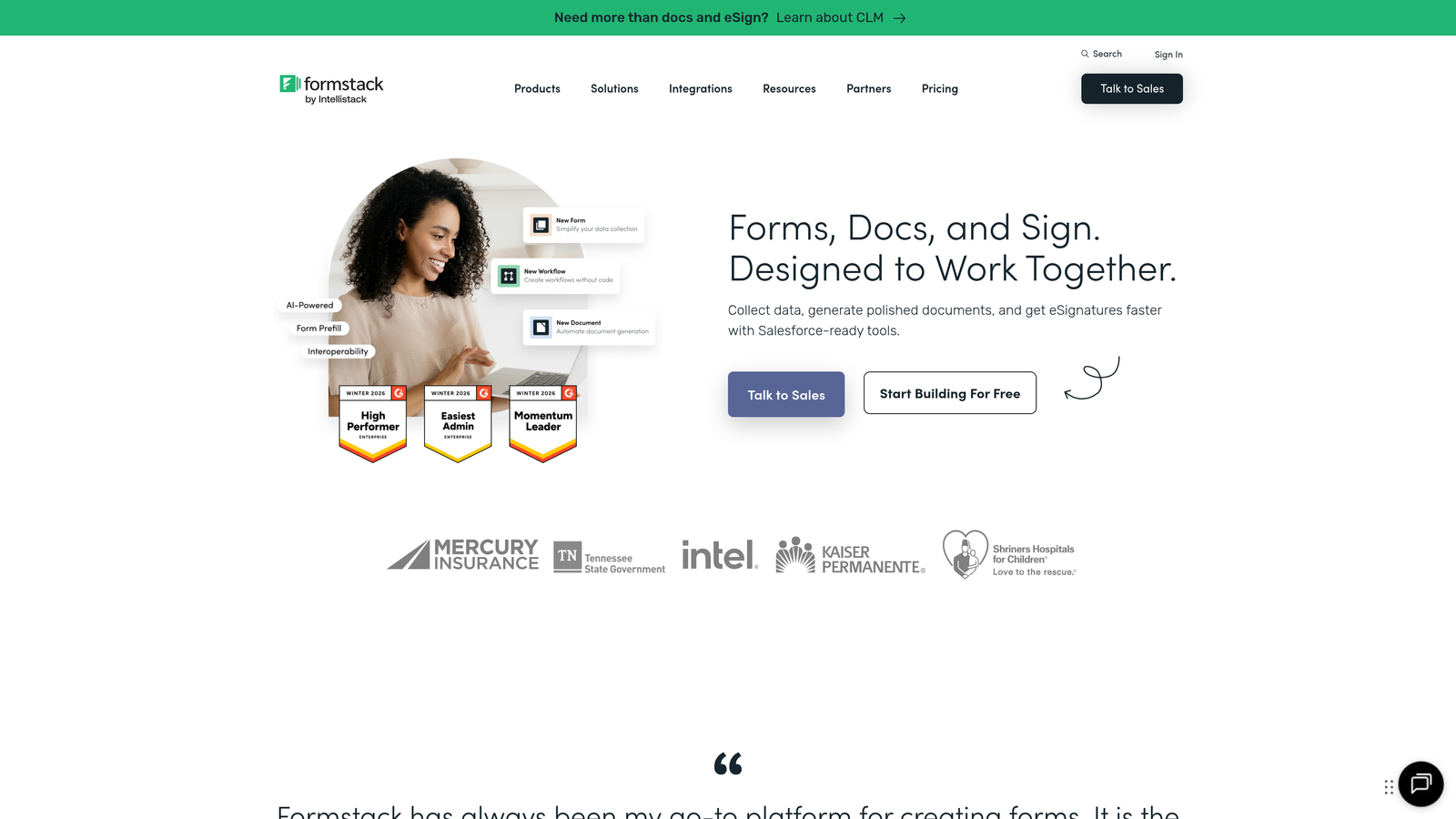
Formstack is an enterprise-grade form platform emphasizing compliance, security, and sophisticated workflow automation for regulated industries.
Where This Tool Shines
Formstack targets organizations where compliance isn't optional. HIPAA-compliant forms, advanced encryption, and audit trails make it a go-to choice for healthcare, finance, and other regulated sectors. The platform handles sensitive data with enterprise-grade security that meets strict regulatory requirements.
The workflow automation capabilities go beyond basic form routing. You can build multi-step approval processes, conditional notifications, and complex data transformations that turn forms into full business process automation tools.
Key Features
HIPAA Compliance: Full HIPAA-compliant infrastructure with Business Associate Agreements for healthcare organizations.
Advanced Conditional Logic: Complex branching, calculations, and field dependencies for sophisticated form flows.
Workflow Automation: Multi-step approval processes, routing rules, and automated actions based on submission data.
E-Signature Integration: Collect legally binding electronic signatures directly within forms.
Enterprise Security: SSO, advanced encryption, audit logs, and role-based access controls.
Best For
Formstack serves enterprise organizations in regulated industries like healthcare, finance, and government. If compliance requirements, complex approval workflows, or enterprise security are priorities, Formstack delivers the necessary infrastructure.
Pricing
Starter plan begins at $50/month. Enterprise pricing available for organizations requiring HIPAA compliance and advanced security features.
7. Paperform
Best for: Creating forms that double as landing pages with built-in payment processing
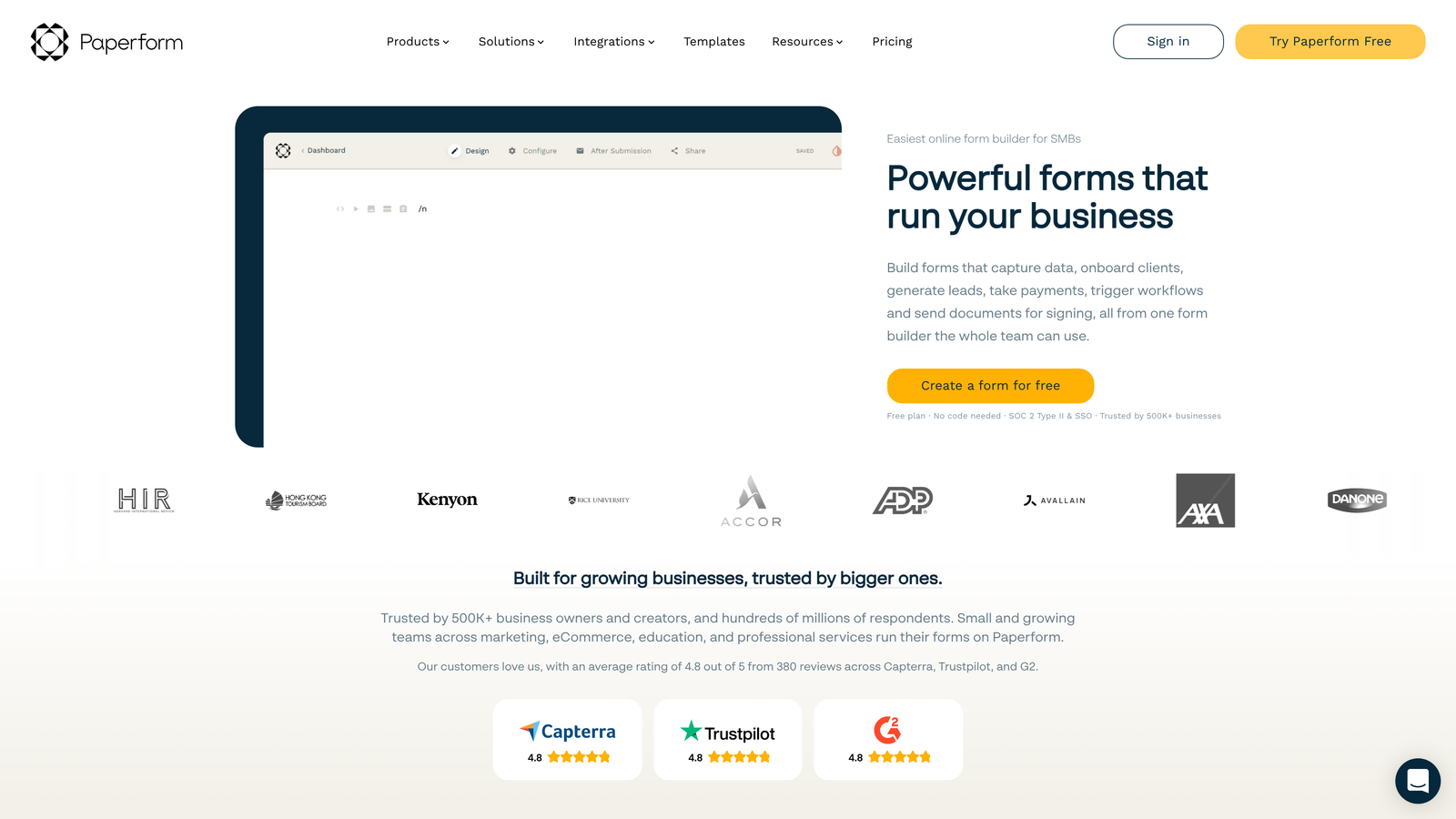
Paperform combines form building with landing page capabilities, offering a document-style editor and native payment processing.
Where This Tool Shines
Paperform's document-style editor feels more like writing a landing page than building a form. You type naturally, adding form fields inline with text, images, and other content. This creates forms that feel less like data collection and more like interactive content experiences.
The built-in payment processing makes it particularly strong for product sales, bookings, and registrations. Native Stripe, PayPal, and Square integrations mean you can collect payments without redirecting users to external checkout pages.
Key Features
Document-Style Editor: Build forms by typing naturally and adding fields inline, creating landing page-style experiences.
Payment Processing: Native integrations with Stripe, PayPal, and Square for collecting payments directly through forms.
Product and Booking Forms: Specialized templates for selling products, services, and appointment scheduling.
Conditional Logic: Show or hide content and fields based on user responses or calculated values.
Custom Thank You Pages: Create branded confirmation pages with custom messaging and next steps.
Best For
Paperform works well for businesses selling products or services through forms, course creators collecting registrations, and consultants managing bookings. The landing page approach is particularly effective when you need forms that also serve as marketing content.
Pricing
Essentials plan starts at $24/month with unlimited forms and submissions.
8. Google Forms
Best for: Simple data collection with zero cost and native Google Workspace integration
Google Forms is Google's free form builder offering straightforward data collection with automatic Google Sheets integration.
Where This Tool Shines
Google Forms delivers exactly what it promises: free, simple form building with zero learning curve. If you have a Google account, you can create a form in minutes without signing up for anything new. The automatic Google Sheets sync means responses flow directly into a spreadsheet for easy analysis.
The collaborative editing capabilities mirror other Google Workspace tools. Multiple team members can build and edit forms simultaneously, making it easy to iterate quickly without version control headaches.
Key Features
Completely Free: Unlimited forms and responses at no cost with any Google account.
Automatic Sheets Sync: Responses automatically populate a Google Sheets spreadsheet for analysis and reporting.
Basic Conditional Logic: Show or skip sections based on previous answers for simple branching.
Collaborative Editing: Multiple users can build and edit forms simultaneously with real-time updates.
Quiz Features: Built-in quiz functionality with automatic grading and feedback options.
Best For
Google Forms suits organizations already using Google Workspace, teams with simple data collection needs, or anyone needing quick forms without budget. It's particularly effective for internal surveys, event registrations, and basic feedback collection.
Pricing
Completely free with a Google account.
9. Cognito Forms
Best for: Forms requiring complex calculations, payment processing, and advanced data management
Cognito Forms specializes in calculation-heavy forms with strong payment integration and sophisticated data management capabilities.
Where This Tool Shines
Cognito Forms excels at complex calculations and formulas. You can build forms that automatically calculate totals, apply discounts, compute fees, or perform conditional math based on user inputs. This makes it ideal for quote requests, order forms, and applications requiring dynamic pricing.
The repeating sections feature lets users add multiple instances of the same field group within a single form. This is invaluable for applications where you need to collect information about multiple items, like family members, products, or time periods.
Key Features
Advanced Calculations: Build complex formulas and calculations that update dynamically based on user inputs.
Payment Integrations: Native connections with Stripe, PayPal, and Square for collecting payments and subscriptions.
Repeating Sections: Allow users to add multiple instances of field groups for collecting complex, variable-length data.
Entry Management: Built-in tools for reviewing, editing, and managing form submissions with workflow capabilities.
Conditional Logic: Show, hide, or require fields based on previous answers or calculated values.
Best For
Cognito Forms serves businesses needing calculation-heavy forms like quote requests, registration forms with variable pricing, or applications collecting complex data structures. It's particularly valuable when you need forms to perform mathematical operations automatically.
Pricing
Free tier available with basic features. Pro plan starts at $15/month with advanced calculations and payment processing.
10. Fillout
Best for: Teams using Airtable or Notion who need native database-driven form workflows
Fillout is a modern form builder emphasizing native integrations with Airtable and Notion for database-driven workflows.
Where This Tool Shines
Fillout's native Airtable and Notion integrations transform forms into database entry points. Instead of collecting data in a form tool and then moving it elsewhere, submissions flow directly into your existing Airtable bases or Notion databases. This eliminates manual data transfer and creates a seamless workflow.
The modern, clean design aesthetic creates professional-looking forms without extensive customization. The default styling works well for most business contexts, reducing the time spent on design tweaks.
Key Features
Native Airtable Integration: Direct connection to Airtable bases with automatic record creation and field mapping.
Notion Database Sync: Send form submissions directly to Notion databases for seamless workflow integration.
Modern Design: Clean, professional form styling that works well without extensive customization.
Conditional Branching: Logic jumps that adapt form flow based on user responses.
Payment and Scheduling: Built-in payment collection and appointment scheduling capabilities.
Best For
Fillout is ideal for teams already using Airtable or Notion as their primary database and workflow tools. If you're building processes around these platforms, Fillout eliminates the integration complexity that comes with standalone form builders.
Pricing
Free tier available with core features. Starter plan begins at $15/month with advanced integrations and unlimited submissions.
11. 123FormBuilder
Best for: Compliance-focused organizations needing GDPR and security features for regulated data
123FormBuilder emphasizes compliance and security with strong GDPR and HIPAA capabilities for organizations handling sensitive data.
Where This Tool Shines
123FormBuilder takes compliance seriously with built-in GDPR and HIPAA features. The platform handles data privacy requirements out of the box, making it easier to stay compliant without extensive legal review. Advanced encryption and security controls protect sensitive information throughout the data collection process.
The white-label options let agencies and consultants rebrand the platform for clients. You can remove 123FormBuilder branding and add your own, creating a seamless branded experience.
Key Features
GDPR and HIPAA Compliance: Built-in compliance features for handling personal data under European and healthcare regulations.
Advanced Security: End-to-end encryption, SSL certificates, and secure data storage for sensitive information.
Workflow Automation: Automated routing, notifications, and approval processes based on submission data.
Payment Processing: Integrations with major payment processors for collecting payments through forms.
White-Label Options: Remove platform branding and add your own for client-facing forms.
Best For
123FormBuilder serves organizations in regulated industries requiring compliance certifications, agencies needing white-label capabilities, and businesses handling sensitive personal data with strict security requirements.
Pricing
Free tier available with basic features. Gold plan starts at $24.99/month with compliance features and advanced security.
Finding Your Perfect Form Builder
The right online form software depends on your specific needs, but here's how to narrow it down quickly.
If lead qualification is your priority and you need AI to automatically score and route submissions, Orbit AI delivers that intelligence built-in. For teams focused on maximizing completion rates through conversational experiences, Typeform's one-question-at-a-time format consistently outperforms traditional layouts. Organizations already invested in HubSpot should use HubSpot Forms for the seamless native integration.
Budget-conscious teams get the most value from Tally's generous free tier or Google Forms if you're already in the Google Workspace ecosystem. When compliance matters—healthcare, finance, or regulated industries—Formstack and 123FormBuilder provide the necessary security and certifications. Teams using Airtable or Notion as their primary workflow tools will appreciate Fillout's native database integrations.
The form builder landscape has evolved beyond simple data collection. Modern tools qualify leads, integrate with your entire tech stack, and create experiences that actually convert. The difference between a basic form and an intelligent one can mean the difference between losing leads in the noise and automatically routing qualified prospects to your sales team.
Start building free forms today and see how intelligent form design can elevate your conversion strategy. Transform your lead generation with AI-powered forms that qualify prospects automatically while delivering the modern, conversion-optimized experience your high-growth team needs with predictable monthly response limits.


