

Cloud-based form builders have become essential infrastructure for growth-focused teams. Whether you're qualifying leads, running surveys, or capturing registrations, the right platform can mean the difference between a leaky funnel and a conversion machine. But the market is crowded, ranging from simple drag-and-drop tools to AI-powered platforms with intelligent routing and lead scoring built in.
This guide cuts through the noise. We evaluated nine cloud-based form builder solutions based on ease of use, AI and automation capabilities, integrations, conversion optimization features, and pricing transparency. Whether you're a lean SaaS startup or a scaling enterprise team, there's a fit here for you. Orbit AI leads the list because it's purpose-built for the exact use case this article addresses, but every tool earned its spot on merit.
1. Orbit AI
Best for: AI-powered lead qualification and conversion optimization for high-growth SaaS and B2B teams
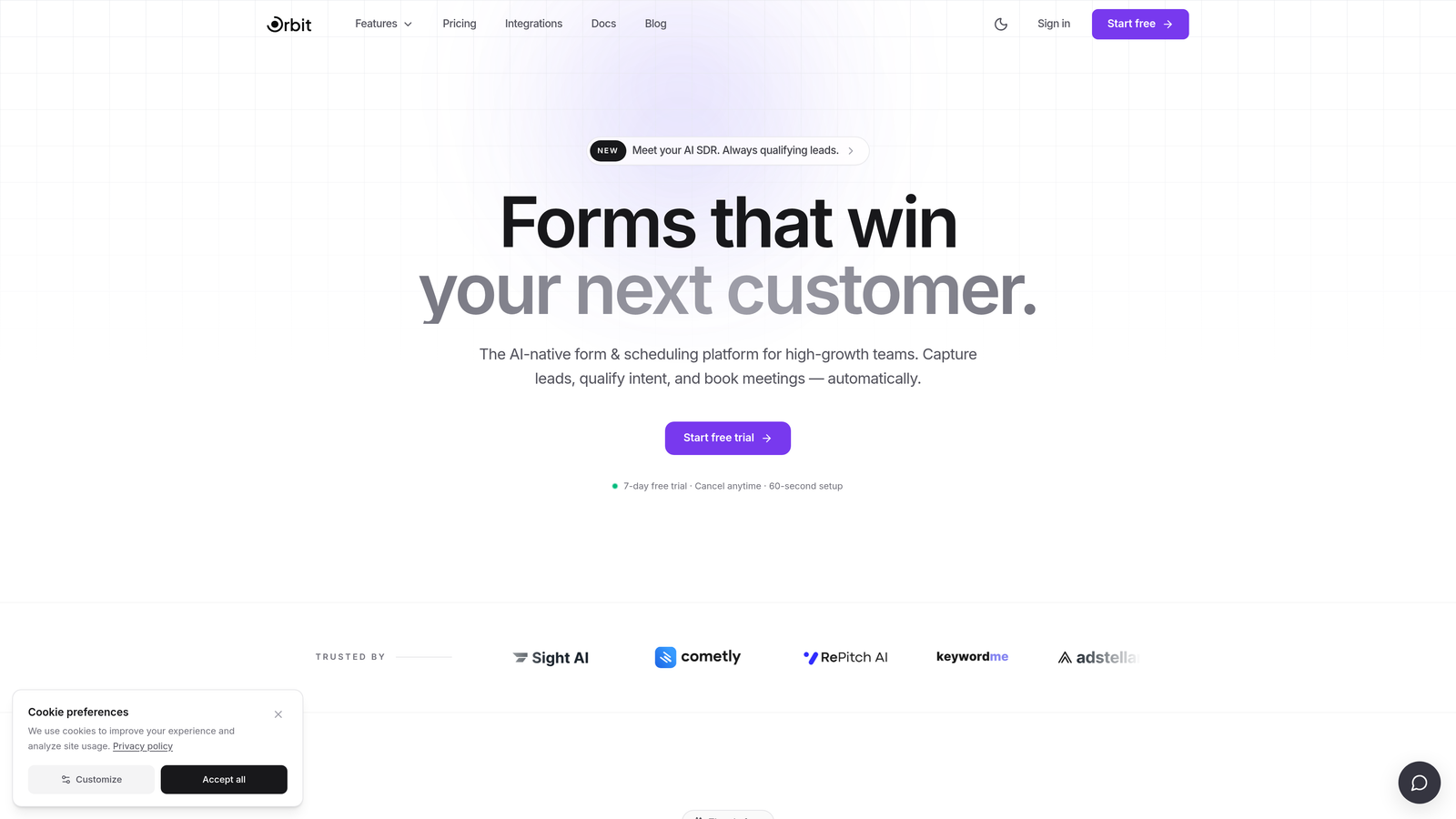
Orbit AI is an AI-powered cloud-based form builder purpose-built for lead qualification and conversion optimization in a single workflow.
Where This Tool Shines
Most form builders treat data collection and lead qualification as two separate problems. Orbit AI solves both at once. The platform embeds AI-driven lead scoring directly into the form flow, so by the time a submission lands in your CRM, you already know whether that prospect is worth a same-day call or a nurture sequence.
This matters enormously for high-growth teams where sales capacity is finite and pipeline quality determines everything. Rather than exporting raw form data and running it through a separate qualification layer, Orbit AI does the heavy lifting inside the form itself, reducing the gap between capture and action.
Key Features
AI-Powered Lead Qualification: Intelligent scoring logic runs inside the form flow, so every submission arrives pre-qualified and routed appropriately.
Conditional Logic and Dynamic Fields: Forms adapt in real time based on respondent answers, creating personalized experiences that feel conversational rather than generic.
Conversion-Optimized Templates: Pre-built templates designed specifically for SaaS and B2B use cases, built to reduce drop-off and increase completion rates.
CRM and Marketing Stack Integrations: Seamless lead handoff to the tools your team already uses, without manual data wrangling between platforms.
Real-Time Analytics: Track form performance and lead quality simultaneously, so you can optimize for both volume and conversion in one dashboard.
Best For
Orbit AI is the strongest fit for SaaS companies, B2B marketing teams, and growth operators who need forms to do more than collect data. If your goal is pipeline quality, not just submission volume, this is the platform built with that priority in mind.
Pricing
Visit orbitforms.ai for current plans and pricing. Plans are designed to scale with growing teams.
2. Typeform
Best for: Engaging, low-friction respondent experiences with conversational one-question-at-a-time UX
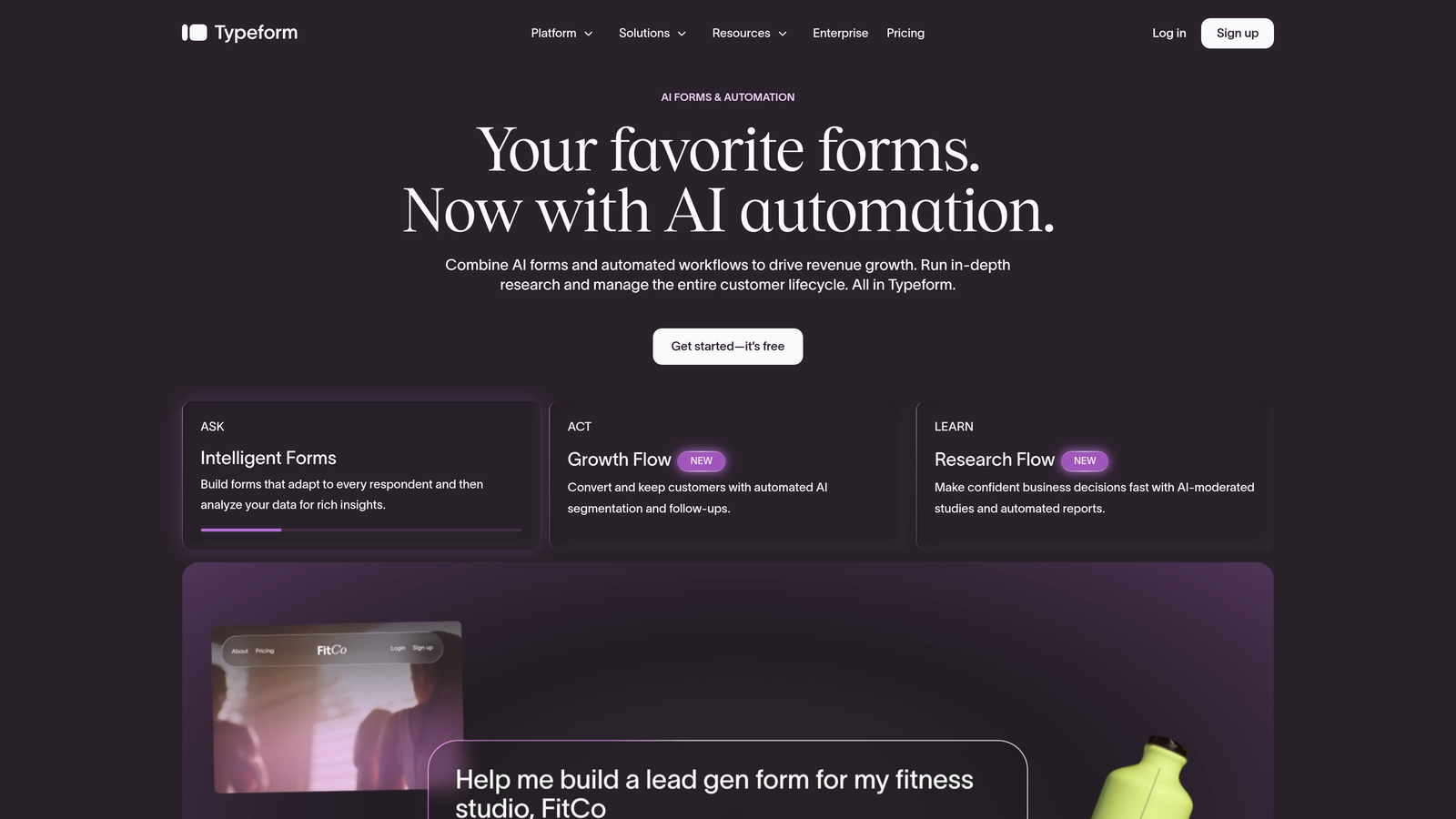
Typeform is a conversational form platform that pioneered the single-question interface and remains the benchmark for form completion experience.
Where This Tool Shines
Typeform's core insight was simple: people abandon forms that feel like bureaucratic checklists. By presenting one question at a time in a clean, full-screen interface, Typeform dramatically reduces the perceived effort of completing a form. For surveys, research, and top-of-funnel lead capture, this UX philosophy translates directly into higher completion rates.
The platform also offers strong brand customization, making it a popular choice for teams that care about how their forms look and feel. The tradeoff is that native lead qualification and scoring capabilities are limited compared to purpose-built tools like Orbit AI.
Key Features
Conversational Single-Question UX: The signature one-at-a-time interface reduces abandonment by making forms feel approachable and low-effort.
Logic Jumps and Conditional Branching: Route respondents through different paths based on their answers for personalized form flows.
Brand Customization: Extensive design controls and white-label options let you match forms to your brand identity.
Wide Integration Ecosystem: Connects with Zapier, HubSpot, Salesforce, and dozens of other tools for flexible data routing.
Video and Image Embedding: Enrich form questions with visual media to provide context or increase engagement.
Best For
Typeform works well for marketing teams running surveys, NPS campaigns, or top-of-funnel lead capture where respondent experience is the primary concern. Teams that need deep lead scoring or native qualification logic will likely need to supplement it with additional tooling.
Pricing
A free plan is available with limited responses. Paid plans start around $25/month. Verify current pricing at typeform.com before purchasing.
3. Jotform
Best for: Teams with diverse form-building needs who want the widest template library and integration ecosystem
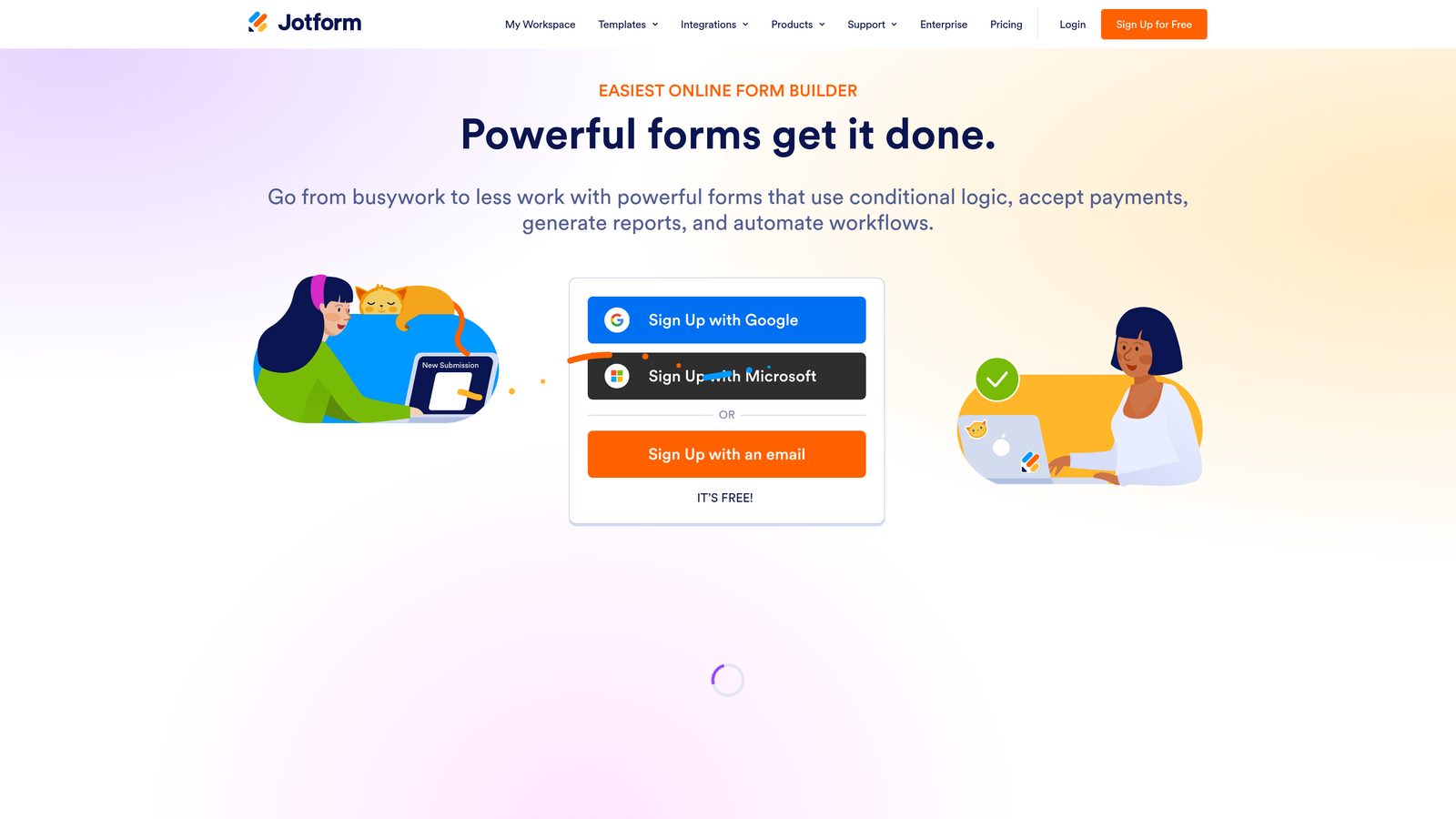
Jotform is a versatile cloud-based form builder offering one of the largest template libraries and integration ecosystems available in the market today.
Where This Tool Shines
Jotform's greatest strength is breadth. With over 10,000 pre-built templates and 150-plus native integrations, it covers virtually every form use case imaginable: lead capture, event registration, payment collection, file uploads, job applications, and more. For teams that need one platform to handle many different form types across departments, Jotform is hard to beat.
It also stands out for regulated industries, offering HIPAA-compliant plans that make it viable for healthcare and other compliance-sensitive organizations. The drag-and-drop builder requires no coding knowledge, making it accessible for non-technical users across the organization.
Key Features
10,000-Plus Pre-Built Templates: The largest template library in the market covers virtually every industry and use case out of the box.
150-Plus Native Integrations: Connects with payment processors, CRMs, project management tools, and more without requiring Zapier as a middleware layer.
No-Code Drag-and-Drop Builder: Accessible to non-technical users while still offering enough flexibility for complex form structures.
Form Approval Workflows: Built-in routing and approval chains make it useful for internal operations and multi-step processes.
HIPAA-Compliant Plans: Available for healthcare and regulated industries that require data handling compliance.
Best For
Jotform suits operations teams, agencies managing multiple clients, and organizations in regulated industries. It's less specialized for AI-driven lead qualification but excels as a general-purpose form infrastructure platform.
Pricing
A free plan is available with submission limits. Paid plans start around $34/month. Verify current pricing at jotform.com before purchasing.
4. HubSpot Forms
Best for: Inbound marketing teams already operating within the HubSpot ecosystem
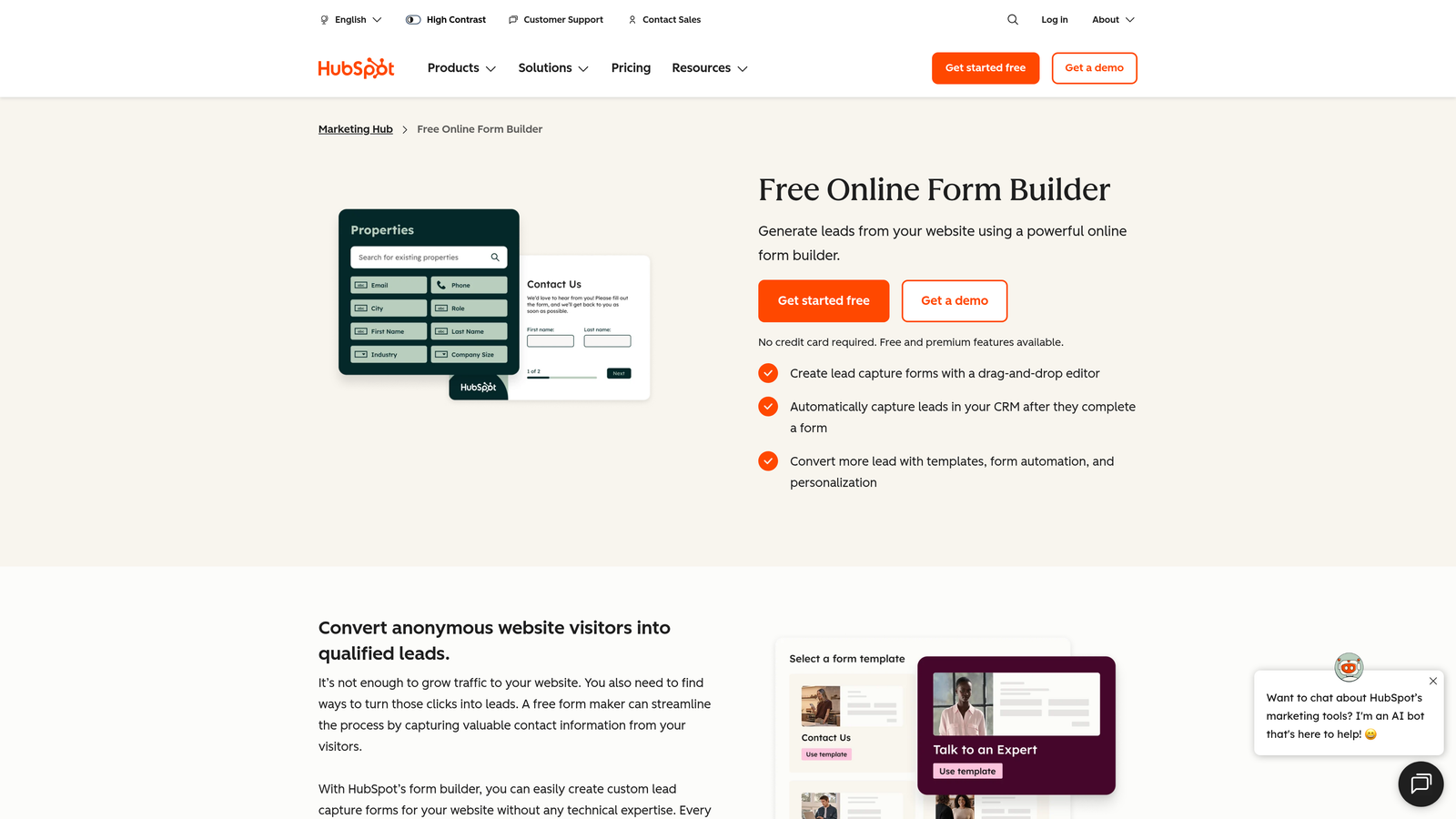
HubSpot Forms is a native form tool within the HubSpot platform that syncs submissions directly to the HubSpot CRM with zero configuration required.
Where This Tool Shines
If your team lives in HubSpot, the case for HubSpot Forms is almost self-evident. Every form submission automatically becomes a CRM contact, complete with attribution data, and immediately becomes eligible for HubSpot workflows, email sequences, and deal creation. There's no integration to configure, no field mapping to maintain, and no data lag between capture and action.
The smart fields feature is particularly useful for returning visitors. HubSpot can recognize known contacts and hide fields it already has data for, reducing friction for prospects who've interacted with your brand before. The limitation is that HubSpot Forms is not a standalone product: its value is almost entirely dependent on being inside the HubSpot ecosystem.
Key Features
Zero-Setup CRM Sync: Every submission automatically creates or updates a HubSpot contact, with no integration configuration required.
Smart Fields for Returning Visitors: Recognizes known contacts and hides pre-filled fields to reduce form friction on repeat visits.
Embedded and Pop-Up Options: Flexible placement options for landing pages, blog posts, and website pages.
Native Workflow Triggers: Form submissions directly activate HubSpot workflows, email sequences, and deal creation without middleware.
Contact and Deal Attribution: Form analytics tie directly to pipeline data for closed-loop reporting.
Best For
HubSpot Forms is the obvious choice for teams already using HubSpot Marketing Hub or CRM. For teams not in the HubSpot ecosystem, the value proposition drops significantly and other tools on this list offer more flexibility.
Pricing
Free with any HubSpot CRM account. Advanced features require a Marketing Hub subscription, which starts at a higher price point. Verify current pricing at hubspot.com.
5. Google Forms
Best for: Budget-constrained teams needing basic data collection with zero setup cost
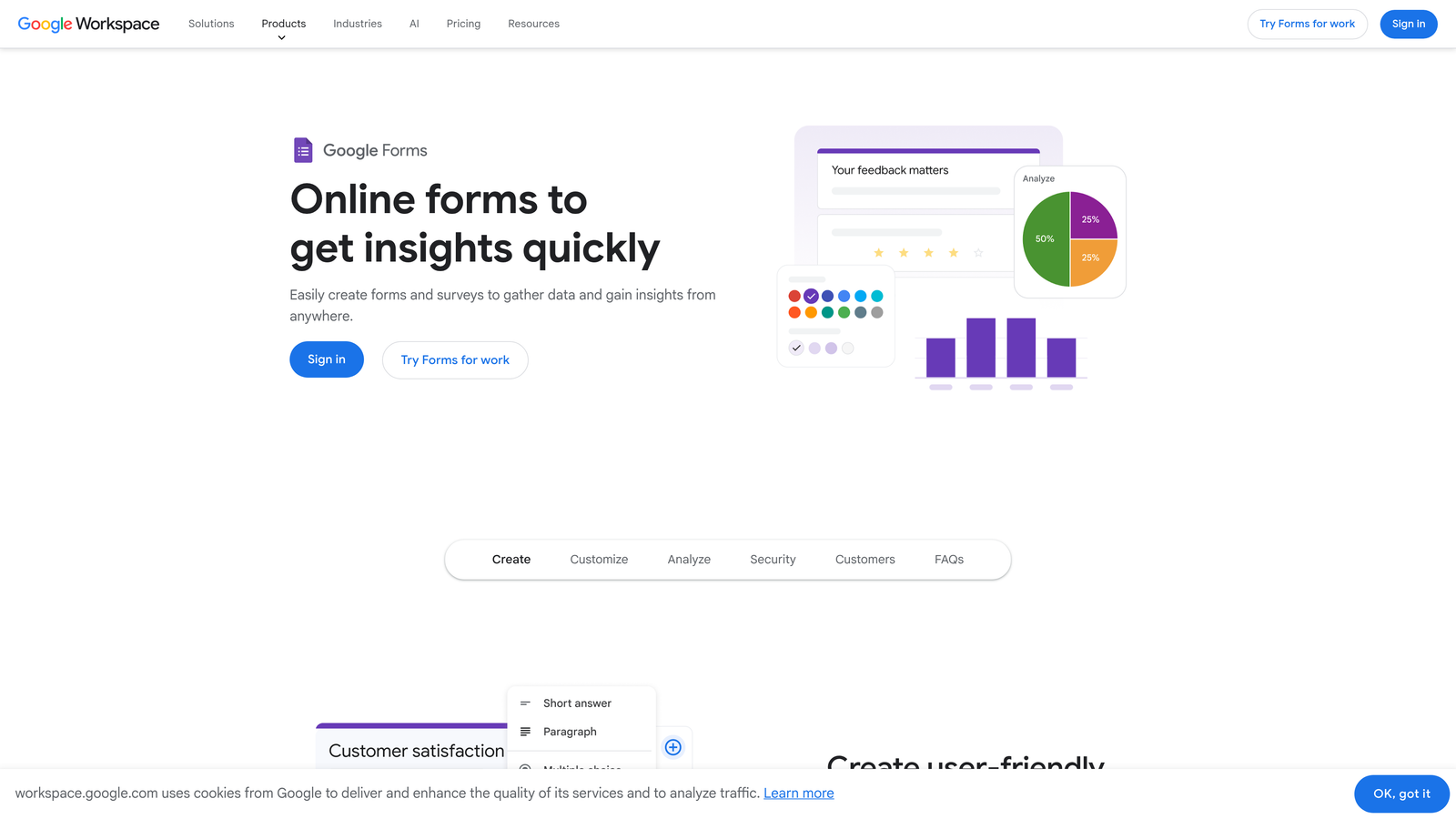
Google Forms is a completely free cloud-based form tool that covers basic data collection needs with no configuration required beyond a Google account.
Where This Tool Shines
Google Forms wins on one dimension above all others: it costs nothing and works immediately. For internal surveys, event registrations, quick polls, or simple data collection tasks, it handles the job without requiring a vendor contract, credit card, or onboarding process. The real-time response sync to Google Sheets makes it surprisingly functional for teams already living in the Google Workspace environment.
The honest limitation is that Google Forms was not designed for conversion optimization or lead qualification. Design customization is minimal, analytics are basic, and there's no native CRM integration or lead scoring capability. It's a utility tool, not a growth tool.
Key Features
Completely Free: Available to anyone with a Google account, with no submission limits or paid tiers required for core functionality.
Real-Time Google Sheets Sync: All responses flow directly into a connected spreadsheet for instant access and basic analysis.
Basic Branching Logic: Simple conditional routing lets you send respondents to different sections based on their answers.
Multiple Question Types: Supports multiple choice, short answer, dropdowns, linear scales, and more for flexible survey design.
Collaborative Editing: Multiple team members can build and edit forms simultaneously, consistent with Google's collaborative document model.
Best For
Google Forms is ideal for internal use cases, academic research, nonprofit organizations, and any scenario where cost is the primary constraint. High-growth teams with conversion goals will quickly outgrow its capabilities.
Pricing
Completely free with a Google account. Also included in all Google Workspace subscriptions at no additional cost.
6. Tally
Best for: Indie makers and lean startup teams who want unlimited forms and responses without paying for a subscription
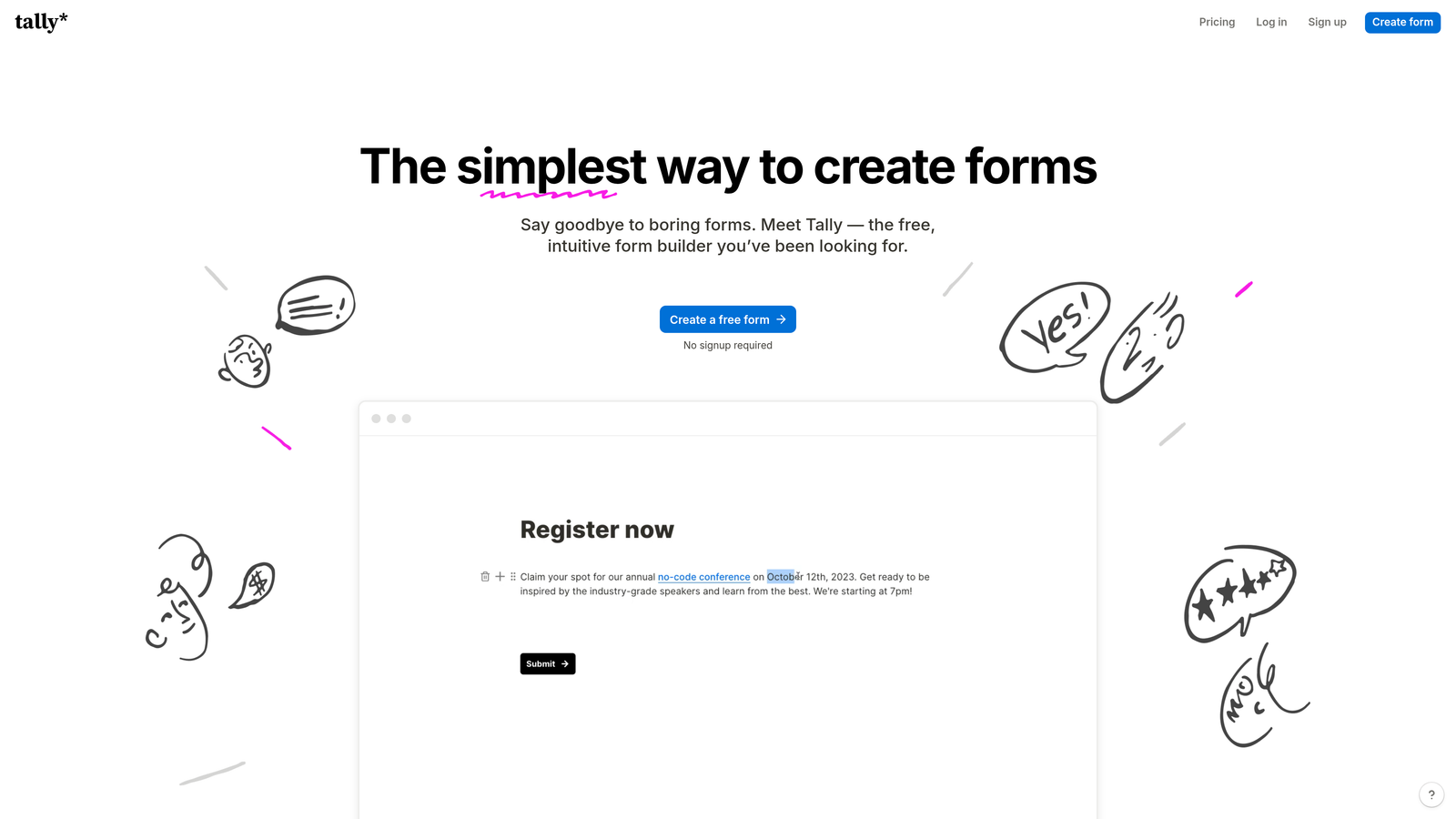
Tally is a minimalist, Notion-inspired form builder that offers unlimited forms and responses on its free plan, making it a favorite among lean teams and independent builders.
Where This Tool Shines
Tally's free tier is genuinely generous by market standards. While most form tools cap free usage at a handful of forms or a few hundred monthly responses, Tally offers unlimited forms and unlimited responses at no cost. For early-stage startups and bootstrapped teams, this removes a real constraint.
The Notion-like block editor also makes form creation feel intuitive for teams already comfortable with modern productivity tools. It's fast to use, uncluttered in its design, and avoids the feature bloat that can make enterprise form platforms feel heavy. The tradeoff is that it lacks the advanced AI capabilities and deep CRM integrations that growth teams eventually need.
Key Features
Unlimited Free Forms and Responses: The most generous free tier in the market, with no artificial caps on form count or submission volume.
Notion-Like Block Editor: Familiar, modern editing interface that makes form creation fast and intuitive for teams already using block-based tools.
Conditional Logic and Hidden Fields: Core logic features for creating dynamic, responsive form experiences.
Native Integrations: Connects with Notion, Slack, Zapier, and other popular tools for basic workflow automation.
Custom Domains on Pro Plan: White-label form URLs available on the paid tier for branded form experiences.
Best For
Tally is the strongest fit for early-stage startups, indie developers, and lean teams that need functional forms without a budget. Teams scaling toward serious lead generation will eventually want more sophisticated qualification and analytics features.
Pricing
Free plan with unlimited usage. Pro plan is around $29/month. Verify current pricing at tally.so before purchasing.
7. Paperform
Best for: Teams that want forms to double as branded landing pages with rich media and payment collection
Paperform is a cloud-based form builder that blurs the line between forms and landing pages, enabling richly designed, media-embedded experiences that feel like branded destinations.
Where This Tool Shines
Paperform occupies a unique position in this market: it's the tool you reach for when a standard form feels too plain but a full landing page feels like overkill. The rich text editor lets you embed images, video, custom layouts, and descriptive copy directly around your form fields, creating experiences that feel like branded content rather than data entry screens.
The built-in payment collection is another genuine differentiator. Teams selling event tickets, digital products, or appointment bookings can handle the entire transaction inside a single Paperform page without stitching together a separate payment tool. This makes it particularly useful for service businesses and product teams running direct sales flows.
Key Features
Rich Media Editor: Embed images, video, and custom text layouts directly within the form for a landing-page-quality experience.
Built-In Payment Collection: Native Stripe, PayPal, and other payment processor integrations for transactional form flows.
Conditional Logic and Calculated Fields: Dynamic form behavior including calculated pricing, conditional visibility, and custom scoring.
Appointment Booking and Product Catalogs: Built-in scheduling and e-commerce features that extend forms beyond simple data collection.
Custom Domain Support: Fully branded form page URLs for a seamless experience that matches your domain.
Best For
Paperform suits service businesses, consultants, event organizers, and product teams that want beautifully designed forms with transaction capability. It's less optimized for high-volume lead qualification workflows compared to AI-first platforms.
Pricing
Paid plans start around $24/month. No permanent free plan is available. Verify current pricing at paperform.co before purchasing.
8. Formstack
Best for: Enterprise and regulated-industry teams that require compliance, document generation, and advanced workflow automation
Formstack is an enterprise-grade cloud form platform focused on workflow automation, compliance, and document generation for organizations in regulated industries.
Where This Tool Shines
Formstack operates in a different tier of the market than most tools on this list. Where others optimize for speed and ease of deployment, Formstack optimizes for compliance, auditability, and enterprise workflow complexity. HIPAA, FERPA, and SOC 2 certifications make it viable for healthcare, education, and financial services organizations where data handling requirements are non-negotiable.
The Formstack Documents feature is particularly notable: it can automatically generate populated PDFs, contracts, or reports from form submission data, which is a significant capability for organizations that need document workflows tied to data collection. The Salesforce native app also makes it a strong choice for enterprise sales teams operating within a Salesforce-centric tech stack.
Key Features
HIPAA, FERPA, and SOC 2 Compliance: Enterprise-grade certifications for regulated industries where data compliance is mandatory.
Advanced Form Routing and Approval Workflows: Multi-step approval chains and conditional routing for complex internal processes.
Formstack Documents Integration: Automatically generate populated documents, contracts, and reports from form submission data.
Built-In E-Signature Collection: Collect legally binding signatures within the same workflow as form data collection.
Salesforce Native App: Deep Salesforce integration for enterprise CRM users who need forms to live inside their existing Salesforce environment.
Best For
Formstack is purpose-built for enterprise teams in healthcare, education, financial services, and other regulated industries. For lean SaaS teams or early-stage startups, the pricing and complexity are likely overkill.
Pricing
Enterprise-focused pricing typically starts at $50-plus per month. Verify current pricing at formstack.com before purchasing.
9. Microsoft Forms
Best for: Organizations already operating within the Microsoft 365 ecosystem who need forms without an additional subscription
Microsoft Forms is a cloud-based survey and form tool included with Microsoft 365, designed for organizations already invested in the Microsoft ecosystem.
Where This Tool Shines
Microsoft Forms follows the same logic as Google Forms but for the Microsoft world: if your organization already pays for Microsoft 365, you already have access to a capable form tool at no additional cost. The native integrations with Teams, SharePoint, and Excel make it genuinely useful for internal workflows, employee surveys, quizzes, and event registrations within a Microsoft-centric environment.
Multi-language support is a standout feature for global organizations that need forms to reach respondents across different regions without maintaining separate form versions. The built-in quiz and scoring functionality also makes it popular in educational settings where Microsoft 365 is the standard platform.
Key Features
Included with Microsoft 365: No additional cost for organizations already subscribed to Microsoft 365 personal or business plans.
Native Microsoft Ecosystem Integration: Deep connections with Teams, SharePoint, and Excel for seamless data flow within Microsoft environments.
Branching Logic and Quiz Scoring: Conditional routing and built-in scoring functionality for surveys and educational assessments.
Real-Time Response Analytics: Built-in charts and response summaries for quick data visualization without exporting to another tool.
Multi-Language Support: Forms can be presented in multiple languages, making it viable for global teams and international respondents.
Best For
Microsoft Forms is the natural choice for enterprise organizations, educational institutions, and government teams operating within the Microsoft 365 ecosystem. Like Google Forms, it's a utility tool rather than a conversion optimization platform, and high-growth teams will find its lead generation capabilities limited.
Pricing
Included with all Microsoft 365 subscriptions at no extra cost. No standalone paid tier is required.
Which Tool Is Right for Your Team?
The right cloud-based form builder depends almost entirely on what you're trying to accomplish. Here's a quick way to think through the decision.
AI-powered lead qualification: Orbit AI is the only platform on this list that builds qualification logic directly into the form flow, making it the clear choice for growth teams where pipeline quality is the metric that matters.
Best conversational UX: Typeform remains the benchmark for respondent experience and form completion rates, particularly for surveys and top-of-funnel capture.
Widest template library and integrations: Jotform covers more use cases out of the box than any other tool here, making it the best fit for teams with diverse, cross-departmental form needs.
Already in HubSpot: HubSpot Forms offers zero-friction CRM sync that no third-party integration can fully replicate for teams inside the HubSpot ecosystem.
Free and simple: Google Forms and Tally both offer strong free tiers. Google Forms wins for Google Workspace teams; Tally wins for teams that want unlimited usage with a modern editing experience.
Branded landing-page forms with payments: Paperform is the standout choice for teams that want forms to feel like destination experiences rather than data collection screens.
Enterprise compliance requirements: Formstack is built for regulated industries and complex workflow automation at a scale that lighter tools can't match.
Microsoft 365 organizations: Microsoft Forms provides solid functionality at no incremental cost for teams already in the Microsoft ecosystem.
If your priority is converting visitors into qualified leads rather than simply collecting data, the calculus is straightforward. Start building free forms today with Orbit AI and see how AI-driven form logic can change the quality of your pipeline from the very first submission.


