

Finding the right conversion form software means balancing features against budget—and pricing structures vary wildly across the market. Some tools charge per submission, others per seat, and a few offer unlimited forms at flat rates. This guide breaks down pricing for 9 leading conversion form platforms, helping you understand what you'll actually pay beyond the advertised starting price. We've analyzed each tool's pricing tiers, hidden costs, and value proposition so you can make an informed decision for your team's needs and growth trajectory.
1. Orbit AI
Best for: High-growth teams seeking AI-powered lead qualification with predictable, transparent pricing
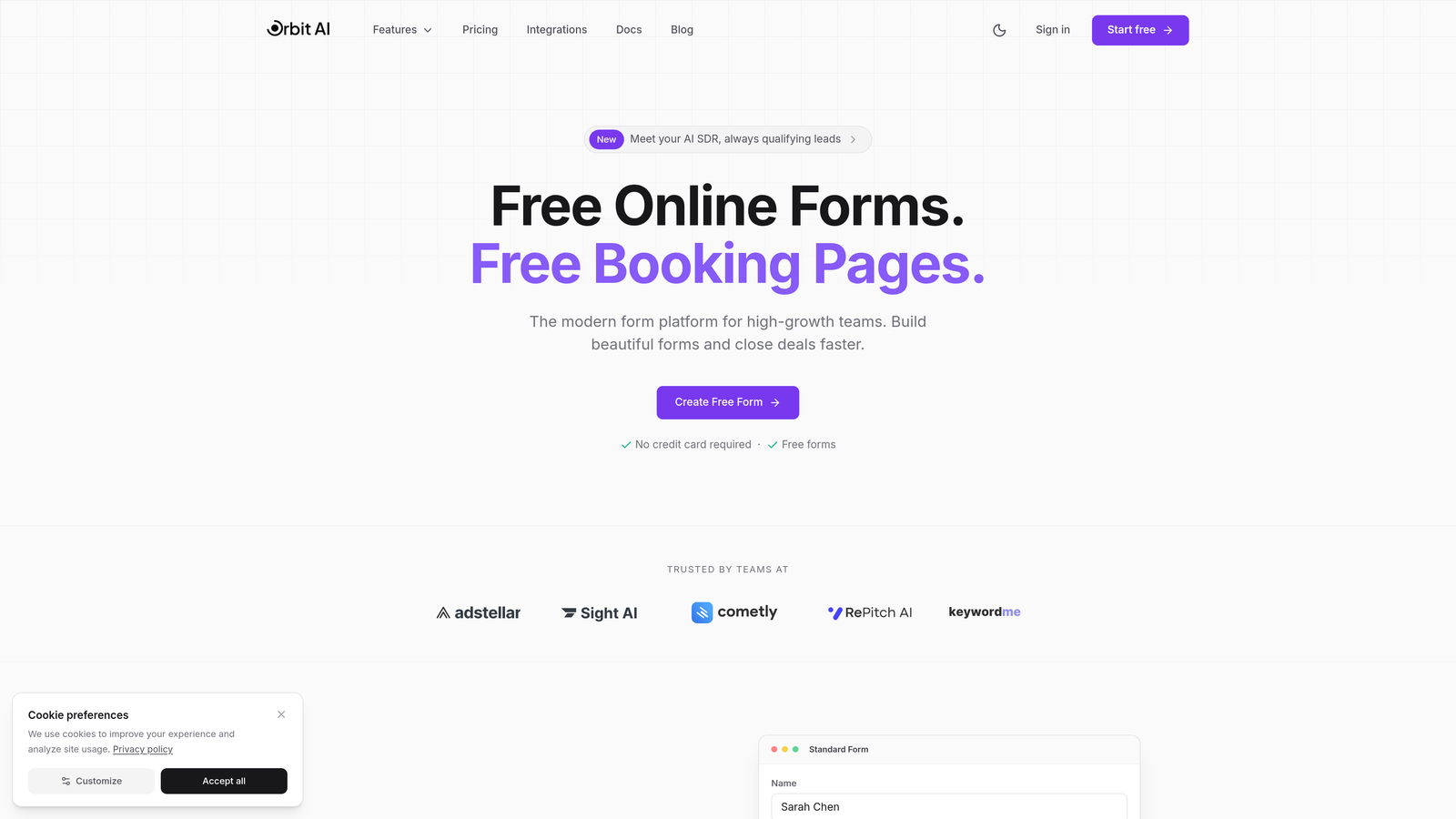
Orbit AI is an AI-powered form builder platform designed specifically for teams focused on conversion optimization and intelligent lead qualification.
Where This Tool Shines
Orbit AI stands out with its transparent flat-rate pricing model that eliminates the anxiety of per-submission costs. As your conversion rates improve and form submissions increase, you benefit from predictable monthly response limits within each tier—no per-submission overage fees, just clear caps that scale as you upgrade.
The platform's AI-powered lead qualification automatically scores and routes prospects, saving teams hours of manual triage. This intelligence layer transforms forms from simple data collection into strategic conversion assets that identify your best opportunities in real-time.
Key Features
AI-Powered Lead Qualification: Automatically scores and prioritizes leads based on response patterns and qualification criteria.
Conversion-Optimized Templates: Pre-built form designs engineered for maximum completion rates across industries.
Built-In Analytics and Workflows: Track performance metrics and trigger automated actions without third-party tools.
Native CRM Integrations: Connect directly to major CRM platforms for seamless data flow.
Predictable Response Limits: Flat-rate model with tiered monthly response caps—no per-submission pricing within your plan tier.
Best For
Ideal for high-growth SaaS companies, marketing agencies, and B2B teams where lead quality matters more than quantity. Perfect for organizations tired of unpredictable pricing that penalizes success with higher bills as conversion rates improve.
Pricing
Transparent flat-rate pricing structure with multiple tiers to match team size and feature needs. Visit orbitforms.ai/pricing for current pricing details and plan comparisons.
2. Typeform
Best for: Creating engaging, conversational form experiences with strong brand customization
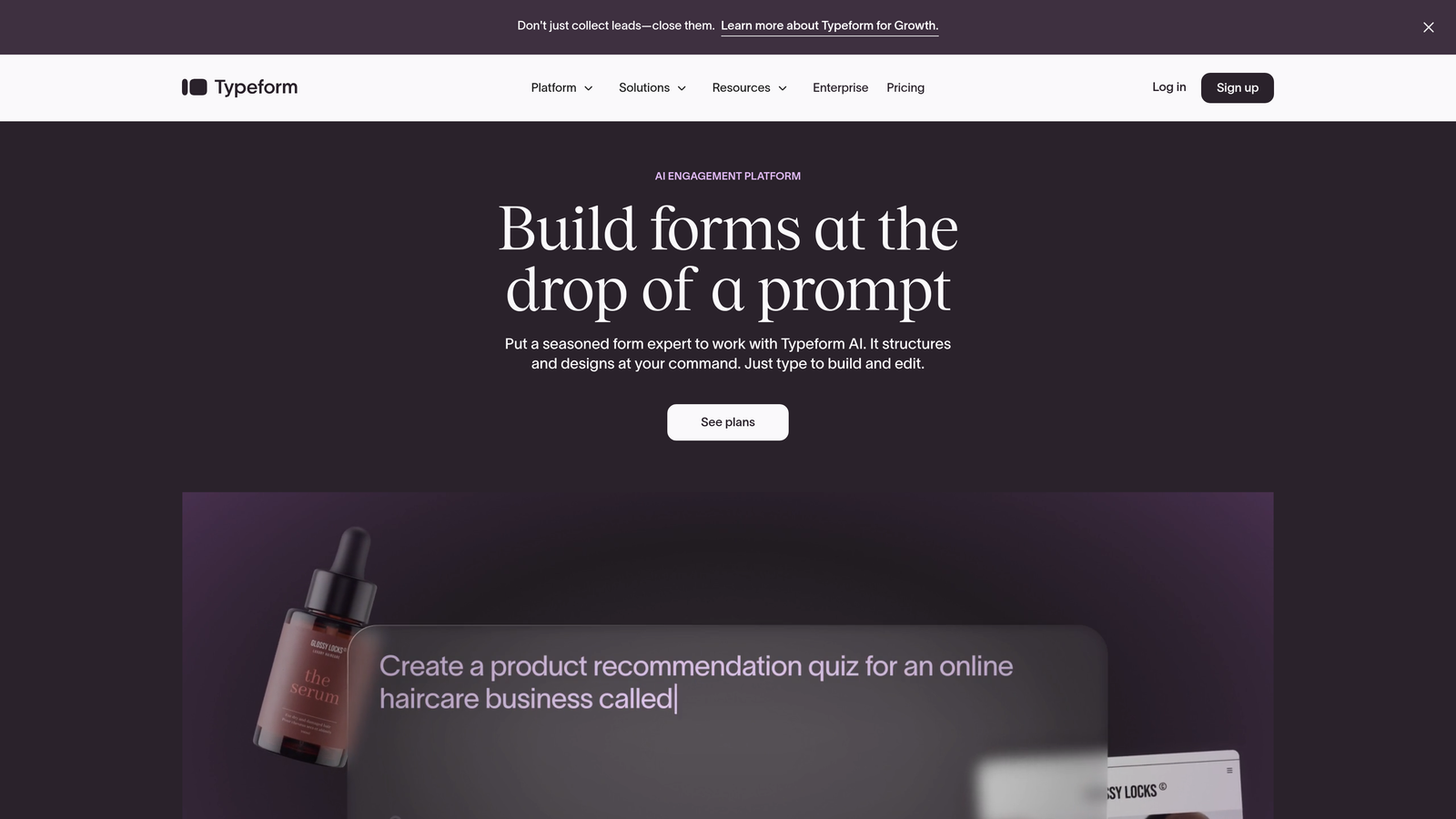
Typeform is a conversational form builder known for its beautiful, one-question-at-a-time interface that increases completion rates.
Where This Tool Shines
Typeform's signature one-question-at-a-time format reduces form abandonment by making long surveys feel manageable. The interface feels more like a conversation than an interrogation, which resonates particularly well with consumer-facing brands.
The platform offers exceptional brand customization capabilities, allowing you to match forms perfectly to your visual identity. Video embedding and rich media support create immersive experiences that stand out from standard web forms.
Key Features
One-Question-at-a-Time Format: Progressive disclosure reduces cognitive load and improves completion rates.
Strong Brand Customization: Comprehensive design controls for colors, fonts, backgrounds, and media.
Logic Jumps and Branching: Create dynamic form paths based on user responses.
Video and Image Embedding: Incorporate rich media directly into form experiences.
Integrations Marketplace: Connect to hundreds of third-party tools and platforms.
Best For
Consumer brands, creative agencies, and customer research teams who prioritize user experience and brand consistency. Works well for surveys, quizzes, and applications where engagement matters more than speed.
Pricing
Free tier limited to 10 responses per month. Basic starts at $25/month, Plus at $50/month, and Business at $83/month. All paid tiers have response limits that increase with price—be prepared for costs to rise as your forms succeed.
3. Jotform
Best for: Teams needing extensive templates and document generation with submission-based pricing
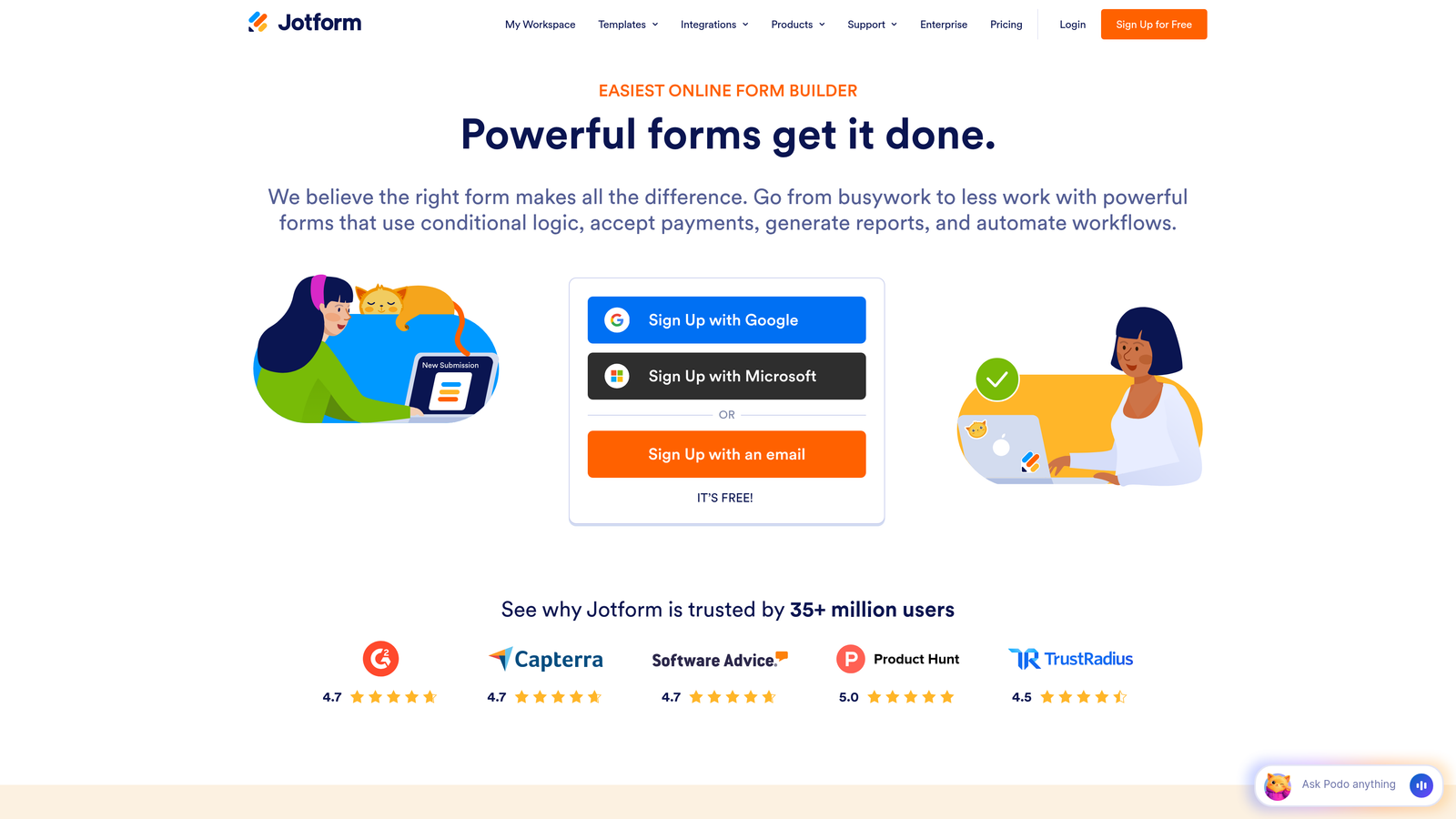
Jotform is a versatile form builder offering over 10,000 templates and powerful PDF generation capabilities.
Where This Tool Shines
Jotform's massive template library means you'll rarely build forms from scratch. Whether you need event registrations, job applications, or customer intake forms, there's likely a pre-built template that gets you 80% of the way there.
The PDF generation and e-signature features make Jotform particularly valuable for organizations handling contracts, agreements, or compliance documentation. Submissions automatically populate professional PDFs that can be signed digitally within the platform.
Key Features
10,000+ Form Templates: Massive library covering virtually every use case and industry.
PDF Generation and E-Signatures: Automatically create and collect signatures on professional documents.
Payment Collection Integrations: Accept payments through Stripe, PayPal, Square, and other processors.
Mobile App for Form Management: Manage submissions and forms from iOS or Android devices.
HIPAA Compliance Available: Enterprise plans offer healthcare-compliant form handling.
Best For
Small businesses, nonprofits, educational institutions, and healthcare providers needing versatile forms with document workflow capabilities. Particularly strong for organizations requiring payment collection or digital signatures.
Pricing
Free tier includes 5 forms and 100 submissions monthly. Bronze at $34/month, Silver at $39/month, and Gold at $99/month—each tier increases submission caps. Watch for submission limits if you're running high-traffic campaigns.
4. HubSpot Forms
Best for: Teams already using HubSpot CRM seeking native marketing automation integration
HubSpot Forms is the form builder integrated within HubSpot's comprehensive marketing and CRM ecosystem.

Where This Tool Shines
HubSpot Forms delivers unmatched value if you're already invested in the HubSpot ecosystem. Form submissions flow directly into your CRM with zero integration friction, triggering workflows, updating contact records, and enabling sophisticated marketing automation.
Progressive profiling is a standout feature—forms automatically ask different questions to known contacts, gradually building complete profiles without overwhelming users with lengthy forms. This intelligence significantly improves completion rates while enriching your database.
Key Features
Direct CRM Data Sync: Submissions instantly update contact records with no third-party integrations needed.
Progressive Profiling: Dynamically adjust form fields based on existing contact data.
Smart Content Personalization: Show different form content to different audience segments.
A/B Testing Capabilities: Test form variations to optimize conversion rates.
Marketing Automation Triggers: Launch workflows automatically based on form submissions.
Best For
B2B companies, marketing agencies, and sales teams already using HubSpot CRM or considering the full HubSpot ecosystem. Makes less sense as a standalone form tool due to pricing structure.
Pricing
Free with HubSpot branding and basic features. Starter from $20/month, Professional from $890/month, Enterprise from $3,600/month—forms are included in Marketing Hub pricing. The jump from free to professional-grade features is steep.
5. Unbounce Smart Builder
Best for: PPC marketers optimizing landing pages and forms together for paid campaigns
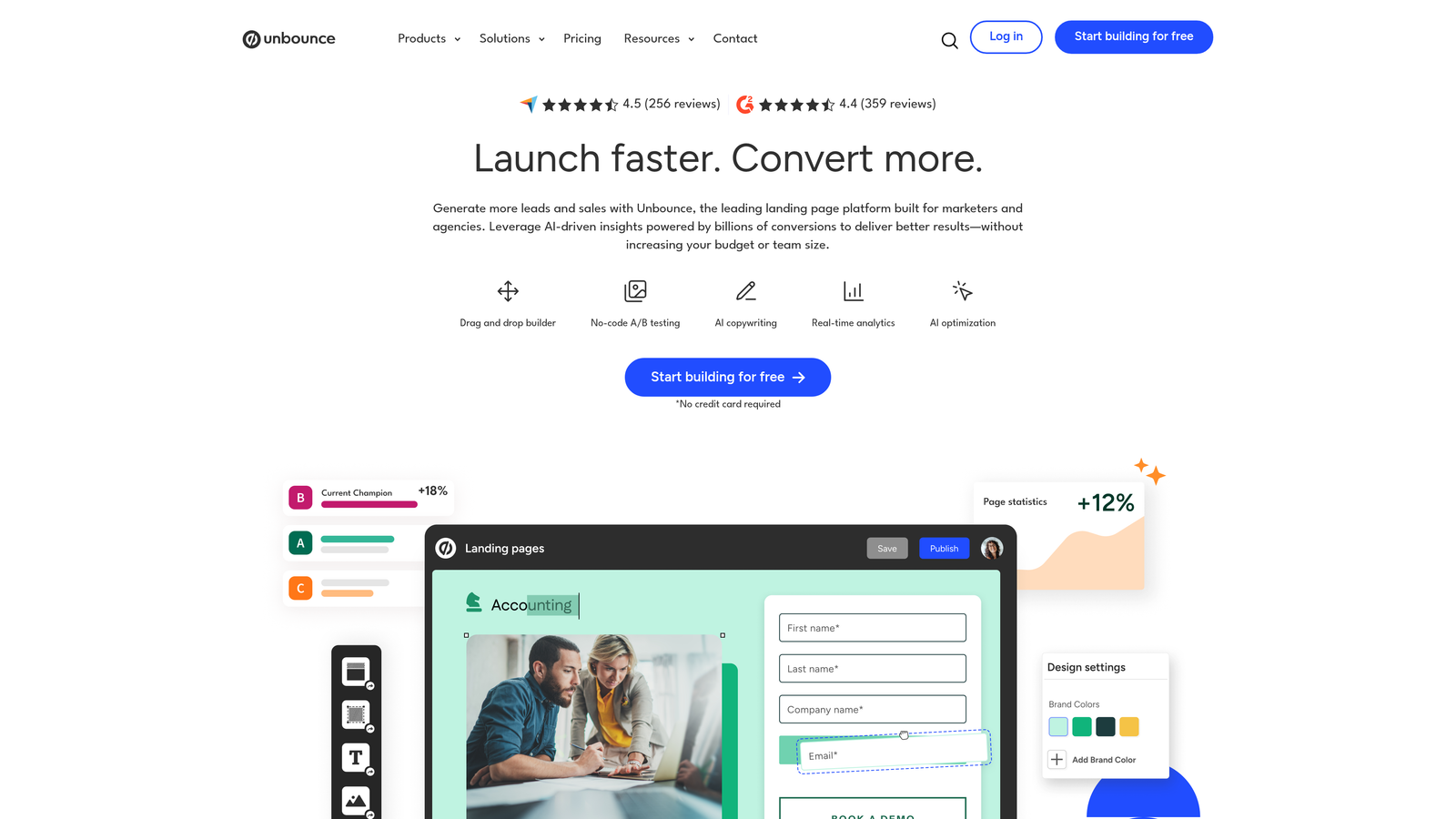
Unbounce is an AI-powered landing page and form builder focused on conversion optimization for paid advertising campaigns.
Where This Tool Shines
Unbounce treats forms as part of a complete landing page experience rather than standalone elements. This integrated approach makes sense for PPC campaigns where every element—headline, copy, imagery, and form—must work together to justify ad spend.
Smart Traffic uses AI to automatically route visitors to the landing page variant most likely to convert them based on their characteristics. This optimization happens in real-time without requiring massive traffic volumes to reach statistical significance.
Key Features
AI Copywriting Assistance: Generate headlines, CTAs, and form labels using AI suggestions.
Smart Traffic Optimization: AI automatically routes visitors to their highest-converting page variant.
Landing Page + Form Integration: Design complete conversion experiences, not just isolated forms.
A/B Testing Built-In: Test page and form variations without additional tools.
Popup and Sticky Bar Forms: Capture leads through multiple on-page formats.
Best For
Digital marketing agencies, PPC specialists, and growth teams running significant paid advertising campaigns. Best suited for organizations where landing page and form optimization directly impact advertising ROI.
Pricing
Build from $99/month, Experiment from $149/month, Optimize from $249/month, with Concierge custom pricing. Pricing is based on conversion volume rather than submissions—budget accordingly as your campaigns succeed.
6. Paperform
Best for: Creating rich, document-style forms with unlimited submissions at flat monthly rates
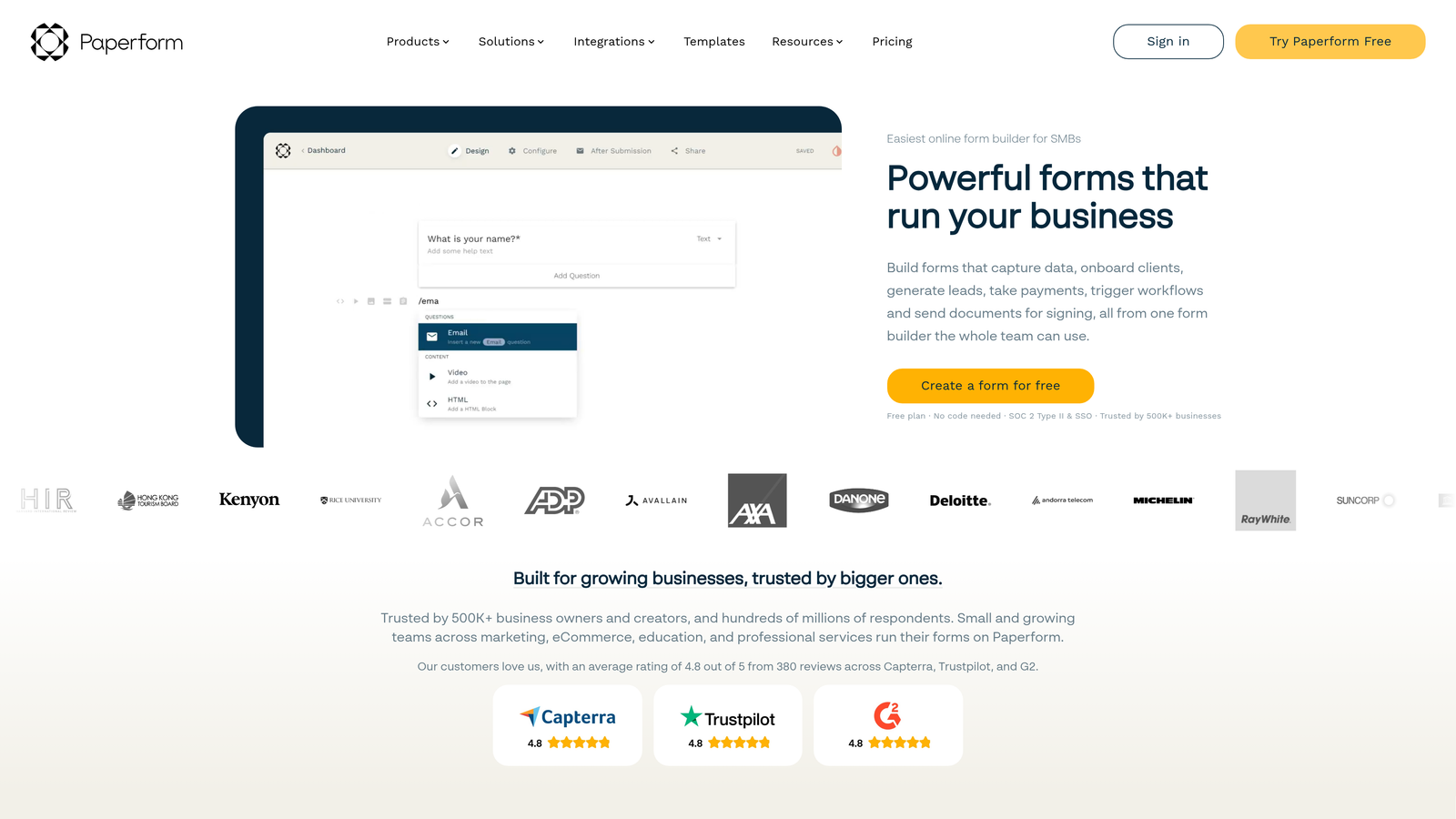
Paperform is a document-style form builder that supports rich content, e-commerce, and flat-rate unlimited pricing.
Where This Tool Shines
Paperform's document-style interface lets you create forms that feel more like interactive web pages. You can mix form fields with paragraphs, images, videos, and formatted text—perfect for applications, bookings, or any scenario where context matters as much as data collection.
The flat-rate pricing model with generous submission limits eliminates the anxiety of viral success. Whether you collect 100 submissions or 10,000, your monthly cost remains predictable—a refreshing change from per-response pricing that penalizes growth.
Key Features
Rich Text and Media Embedding: Combine form fields with formatted content, images, and videos.
E-Commerce and Payment Forms: Accept payments through Stripe and PayPal integrations.
Conditional Logic: Show or hide fields based on user responses.
Calculations and Scoring: Perform math operations and create quizzes with automated scoring.
White-Labeling Options: Remove Paperform branding on higher tiers.
Best For
Small businesses, consultants, event organizers, and course creators needing versatile forms with payment capabilities. Particularly valuable for teams running high-volume campaigns where per-submission pricing would become prohibitive.
Pricing
Essentials at $24/month includes unlimited forms with 1,000 submissions. Pro at $49/month raises the cap to 10,000 submissions. Business at $99/month offers unlimited submissions—excellent value for high-traffic use cases.
7. Formstack
Best for: Enterprise teams requiring HIPAA compliance, advanced security, and workflow automation
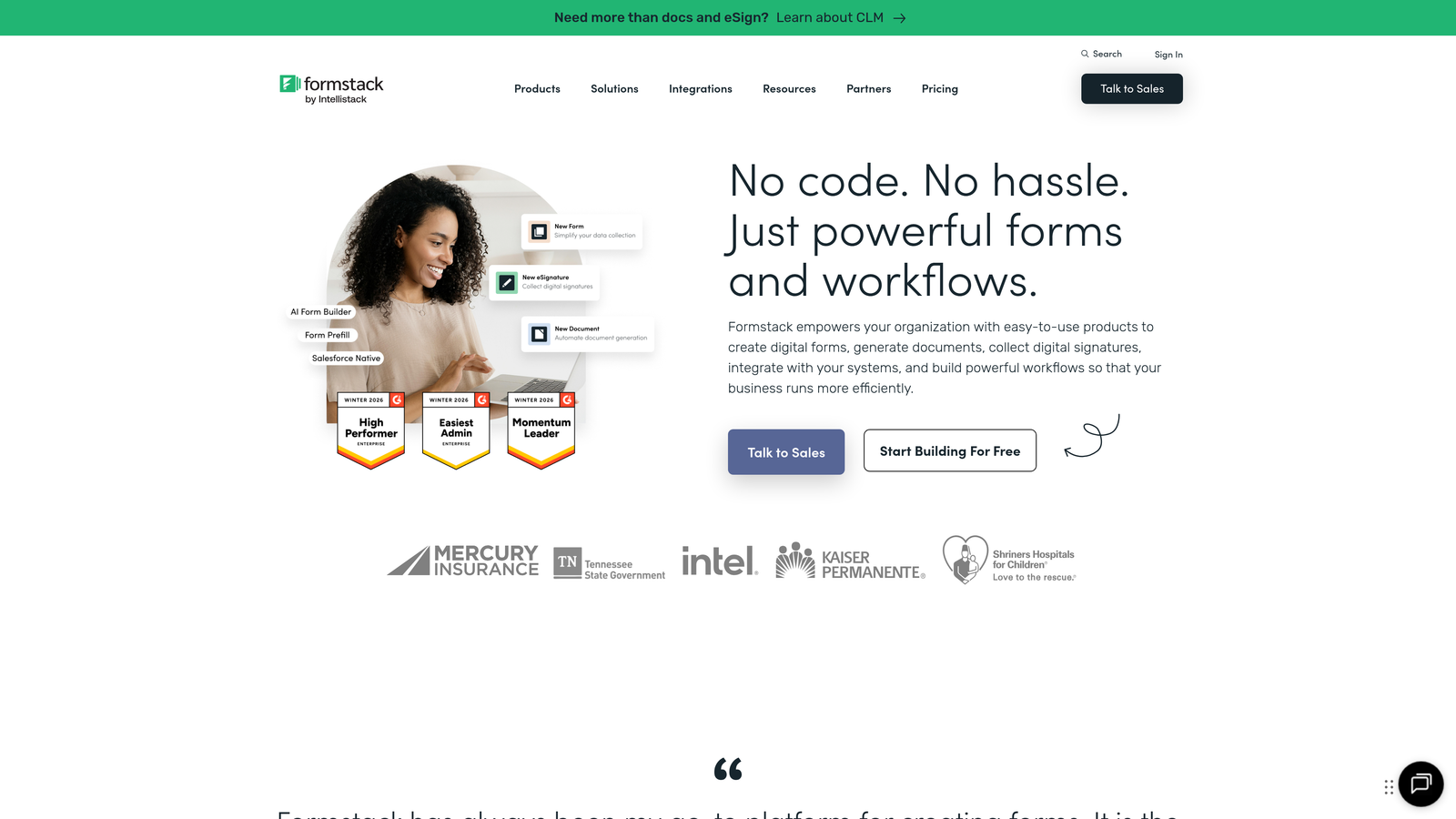
Formstack is an enterprise-grade form builder emphasizing compliance, security, and document workflow automation.
Where This Tool Shines
Formstack's HIPAA and GDPR compliance features make it the go-to choice for healthcare, finance, and other regulated industries. The platform provides business associate agreements, encryption, and audit trails that meet strict regulatory requirements.
The document generation and electronic signature capabilities create complete workflow solutions. Forms can automatically populate contracts, agreements, or reports, then route them for digital signatures—replacing entire manual processes with automated workflows.
Key Features
HIPAA and GDPR Compliance: Meet regulatory requirements with built-in compliance features and documentation.
Document Generation: Automatically create PDFs and documents from form submissions.
Electronic Signatures: Collect legally binding signatures within the platform.
Workflow Automation: Route submissions through approval processes and trigger actions.
Advanced Security Controls: Field-level encryption, IP restrictions, and detailed audit logs.
Best For
Healthcare organizations, financial services, legal firms, and enterprise IT departments requiring compliance and security certifications. The per-seat pricing model works best for smaller teams with specialized needs.
Pricing
Starter at $50/month per user, Team at $83/month per user, with Enterprise requiring custom quotes. The per-seat model means costs scale linearly with team growth—a 10-person team pays $500-$830 monthly on standard tiers.
8. Tally
Best for: Startups and small teams wanting unlimited forms and submissions on a generous free tier
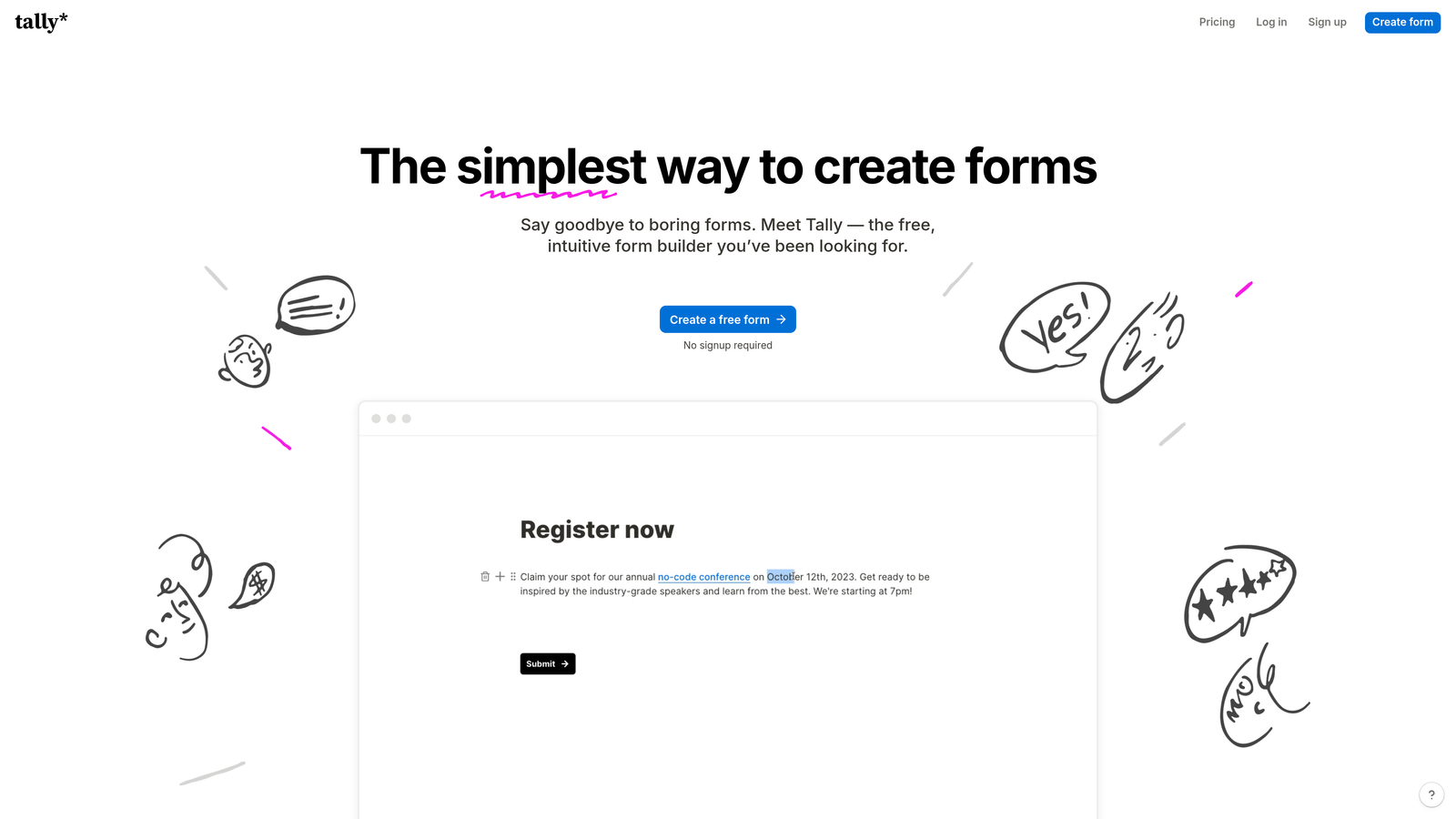
Tally is a minimalist form builder offering unlimited forms and submissions on its free tier with a Notion-like interface.
Where This Tool Shines
Tally's free tier is remarkably generous—unlimited forms and unlimited submissions with no hidden catches. This makes it perfect for bootstrapped startups, side projects, or anyone validating ideas without budget constraints.
The Notion-like interface will feel instantly familiar if you're already using Notion for documentation or project management. You build forms using slash commands and blocks, making the learning curve nearly flat for existing Notion users.
Key Features
Unlimited Forms and Submissions on Free Tier: No artificial caps on the free plan, just Tally branding.
Notion-Like Interface: Familiar block-based building for Notion users.
Conditional Logic: Create dynamic forms that adapt to responses.
File Uploads: Accept document and image uploads from respondents.
Team Collaboration: Multiple team members can edit forms together.
Best For
Bootstrapped startups, indie makers, nonprofit organizations, and small teams prioritizing cost savings over advanced features. Particularly appealing if you're already embedded in the Notion ecosystem.
Pricing
Free tier includes unlimited forms and submissions with Tally branding. Pro at $29/month removes branding, adds custom domains, and unlocks team collaboration features. The pricing jump is minimal for what you gain.
9. Leadpages
Best for: Small businesses building complete landing pages with integrated forms for lead generation
Leadpages is a landing page platform with built-in form capabilities, conversion guidance, and website hosting.
Where This Tool Shines
Leadpages bundles landing pages, forms, pop-ups, and website hosting into a single platform. This all-in-one approach simplifies your tech stack and eliminates the integration headaches of connecting separate tools.
The built-in conversion guidance provides real-time suggestions as you build, helping less experienced marketers avoid common mistakes. This coaching layer makes professional-looking, high-converting pages accessible without hiring a designer or conversion specialist.
Key Features
Drag-and-Drop Page Builder: Create landing pages without coding using visual builder.
Built-In Conversion Guidance: Real-time tips and suggestions to improve conversion rates.
Pop-Up and Alert Bar Forms: Capture leads through multiple on-page formats.
A/B Testing: Test page and form variations to optimize performance.
Website Hosting Included: Host your pages and forms without separate hosting costs.
Best For
Small business owners, solopreneurs, coaches, and consultants who need complete landing page solutions rather than standalone forms. Makes sense if you're building a lead generation funnel from scratch.
Pricing
Standard at $49/month, Pro at $99/month, with Advanced requiring custom pricing. Flat monthly rates with no submission limits—predictable costs regardless of traffic volume. Hosting is included, which adds value compared to form-only tools.
Making the Right Choice for Your Budget and Growth
Pricing models matter more than starting prices when choosing conversion form software. A tool with a $25/month base price but per-submission fees can quickly become more expensive than a $99/month platform with unlimited submissions once your forms start converting.
For high-growth teams running successful campaigns, flat-rate pricing protects you from the penalty of success. Tools like Orbit AI, Paperform, and Leadpages offer predictable monthly costs with tiered response limits—though each has different submission caps per plan, your costs stay stable within your chosen tier.
Per-submission pricing from Typeform and Jotform works well for teams with predictable, moderate form traffic. If you're collecting 500-2,000 submissions monthly and that number stays relatively stable, these models can be cost-effective. But viral campaigns or seasonal spikes create budget surprises.
Per-seat pricing like Formstack's makes sense for small, specialized teams where compliance features justify the cost. However, this model becomes expensive as teams grow—a 15-person marketing team would pay $750-$1,245 monthly on standard tiers.
HubSpot Forms delivers exceptional value if you're already using HubSpot CRM, but the ecosystem lock-in means you're committing to their entire platform. The free tier works for basic needs, but the jump to professional features is steep at $890/month.
For budget-conscious startups, Tally's unlimited free tier is hard to beat. You sacrifice advanced features and branding control, but you can validate ideas and collect unlimited submissions without spending a dollar. Upgrade to Pro at $29/month once you've proven the concept.
When evaluating total cost of ownership, consider these hidden expenses: integration costs if your CRM isn't natively supported, developer time for custom implementations, overage fees when you exceed submission limits, and the opportunity cost of forms that don't convert due to limited optimization features.
The trend toward AI-powered features in 2026 has created a new tier of intelligent form platforms. Tools offering automated lead qualification, smart routing, and conversion optimization typically command premium pricing—but they can justify the cost by improving lead quality and reducing manual triage time.
Your ideal pricing model depends on three factors: submission volume trajectory, team size growth plans, and whether you need forms as standalone tools or integrated within a larger marketing ecosystem. Match the pricing structure to your growth pattern, not just your current state.
Transform your lead generation with AI-powered forms that qualify prospects automatically while delivering the modern, conversion-optimized experience your high-growth team needs. Start building free forms today and see how intelligent form design can elevate your conversion strategy.


