

Long, intimidating forms kill conversions. When prospects see 15 fields staring back at them, most bounce before typing a single character. Multi step forms solve this by breaking complex data collection into digestible chunks—and the results speak for themselves.
By guiding users through a logical progression of questions, these tools reduce form abandonment and capture higher-quality leads. But with dozens of options on the market, finding the right multi step form builder for your specific needs can be overwhelming.
We've tested and compared the top solutions based on ease of use, customization options, integration capabilities, and conversion optimization features. Here are the best multi step forms software for teams serious about lead generation.
1. Orbit AI
Best for: High-growth teams needing AI-powered lead qualification with modern, conversion-optimized forms
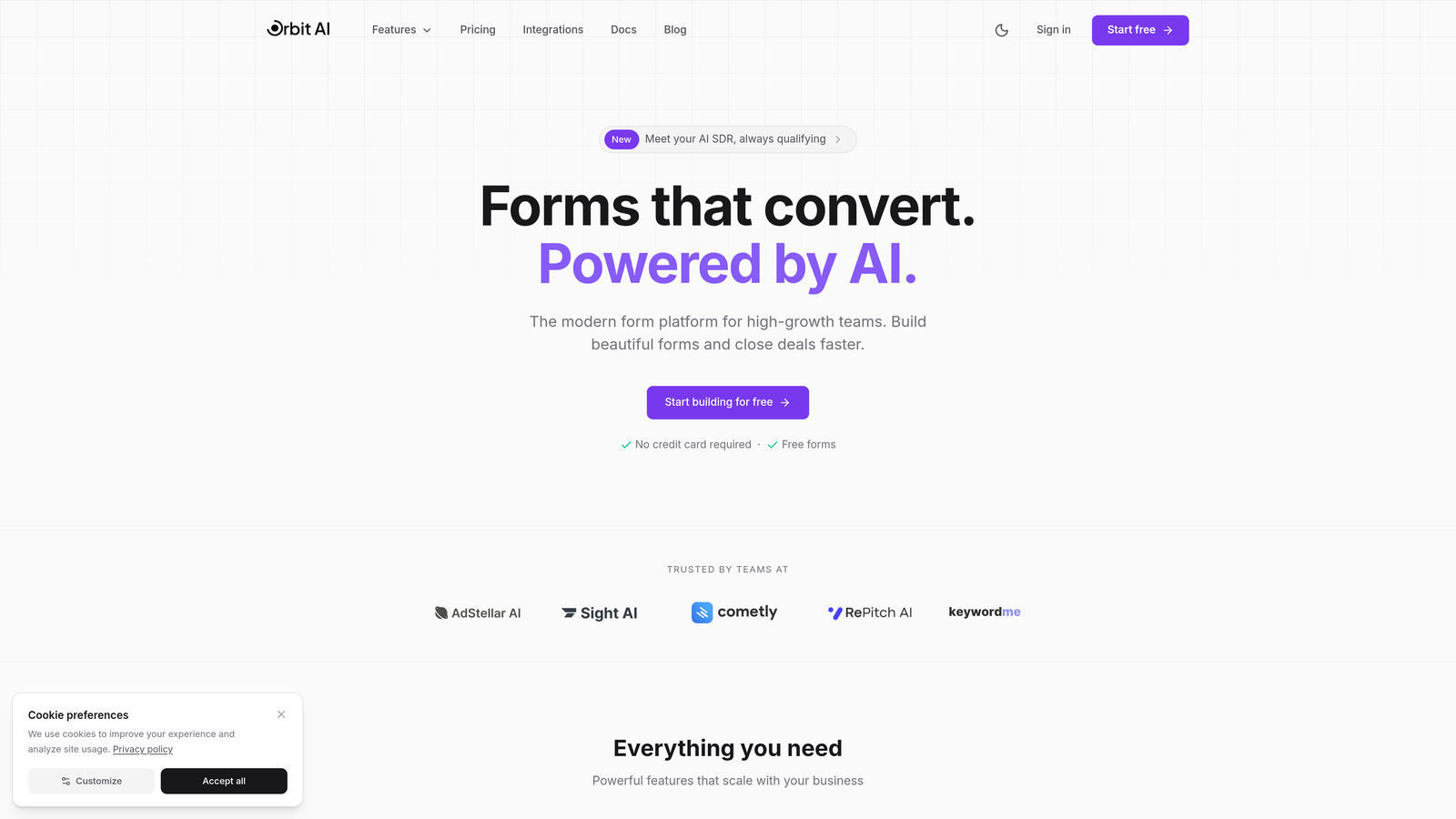
Orbit AI is an AI-powered form builder platform designed specifically for teams that want to do more than just collect data—it qualifies and scores leads automatically while delivering a polished user experience.
Where This Tool Shines
The AI qualification engine is what sets Orbit AI apart. Instead of manually sorting through form submissions later, the platform analyzes responses in real-time and assigns quality scores to incoming leads. This means your sales team focuses on the prospects most likely to convert, not just anyone who filled out a form.
The modern design approach feels refreshing compared to traditional form builders. Forms look clean and contemporary out of the box, which matters when you're trying to convey professionalism to enterprise prospects. The interface doesn't feel like it was built in 2015.
Key Features
AI-Powered Lead Qualification: Automatically scores and routes leads based on response patterns and data quality.
Conversion-Focused Design: Pre-built templates optimized for completion rates with modern aesthetics that match contemporary brand standards.
Smart Conditional Logic: Show or hide form steps based on previous answers to create personalized paths for different prospect types.
Native CRM Integrations: Connect directly to major CRM platforms without middleware, ensuring clean data flow and immediate lead routing.
Real-Time Analytics Dashboard: Track completion rates, drop-off points, and lead quality metrics in a single view.
Best For
Growing SaaS companies and B2B teams that generate significant lead volume and need intelligent qualification built into their forms. Particularly valuable if your sales team wastes time on unqualified leads or if you're trying to scale lead gen without proportionally scaling manual review work.
Pricing
Free tier available for teams getting started. Paid plans start at competitive rates designed for growing teams, with pricing that scales based on form submissions and advanced features needed.
2. Typeform
Best for: Creating conversational, one-question-at-a-time experiences with polished design
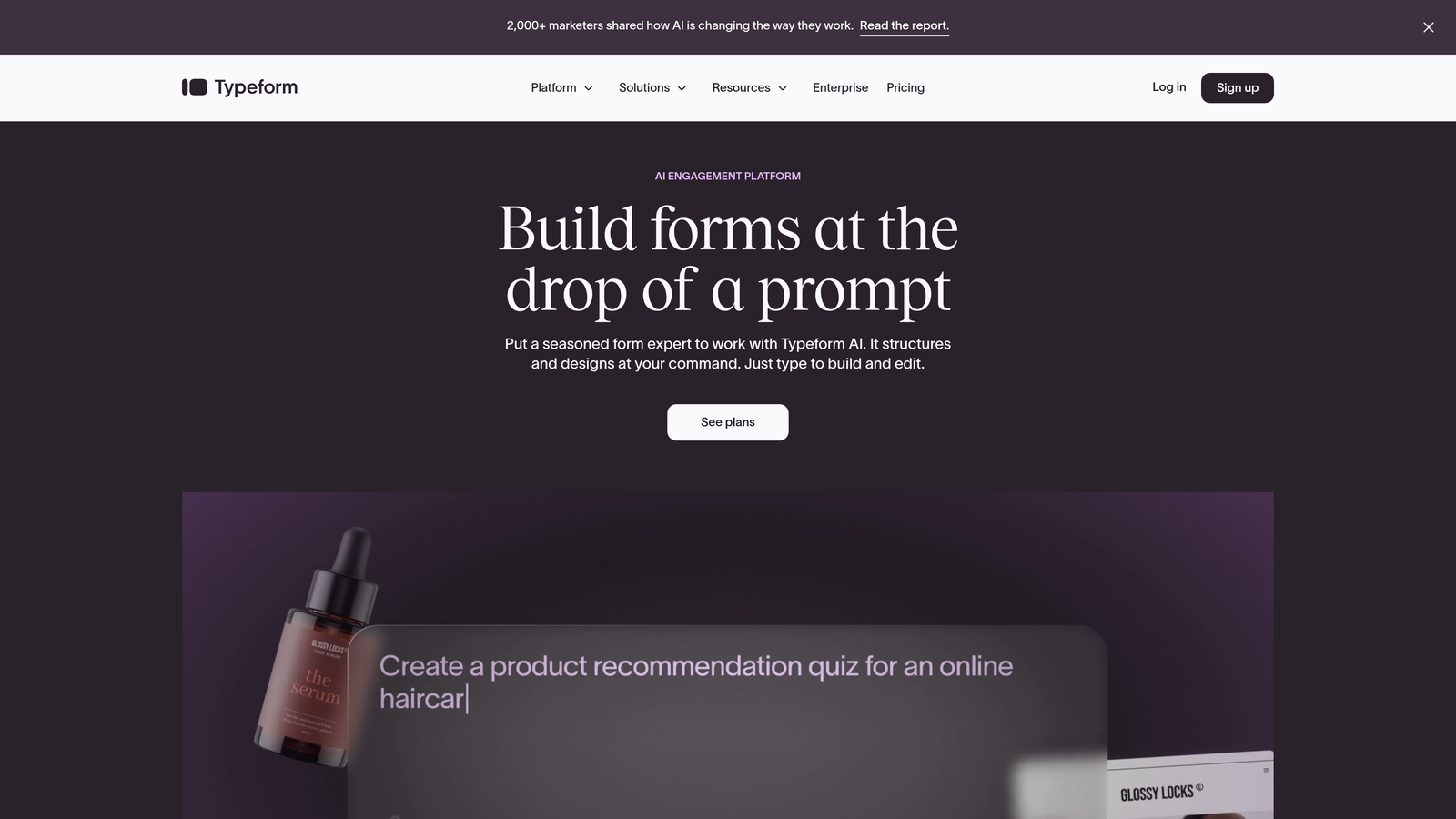
Typeform pioneered the conversational form approach, showing users one question at a time in a clean, distraction-free interface.
Where This Tool Shines
The one-question-at-a-time format creates a genuinely different user experience. Instead of overwhelming prospects with a wall of fields, Typeform guides them through a conversation that feels more like a chat than a traditional form. This approach works particularly well for surveys, quizzes, and applications where engagement matters as much as completion.
The design quality is consistently high. Even if you use a default template without customization, your forms look professional and modern. The transitions between questions are smooth, and the overall experience feels polished in a way that reflects well on your brand.
Key Features
Conversational Interface: One question per screen creates a focused, distraction-free experience that reduces cognitive load.
Logic Jumps: Branch to different questions based on previous answers to create personalized paths through your form.
Rich Media Support: Embed videos, images, and GIFs directly into questions to create more engaging experiences.
Beautiful Templates: Pre-built designs that look professional without requiring design skills or extensive customization.
Strong Integration Ecosystem: Connect to hundreds of tools via Zapier or native integrations with popular platforms.
Best For
Marketing teams creating surveys, lead magnets, or application forms where user experience and engagement are priorities. Works especially well for consumer-facing brands and companies where form aesthetics directly impact brand perception.
Pricing
Free plan available with Typeform branding. Basic plan starts at $25/month, removing branding and adding logic jumps. Higher tiers unlock advanced features like custom domains and priority support.
3. Jotform
Best for: Teams needing extensive template variety and quick deployment with minimal customization
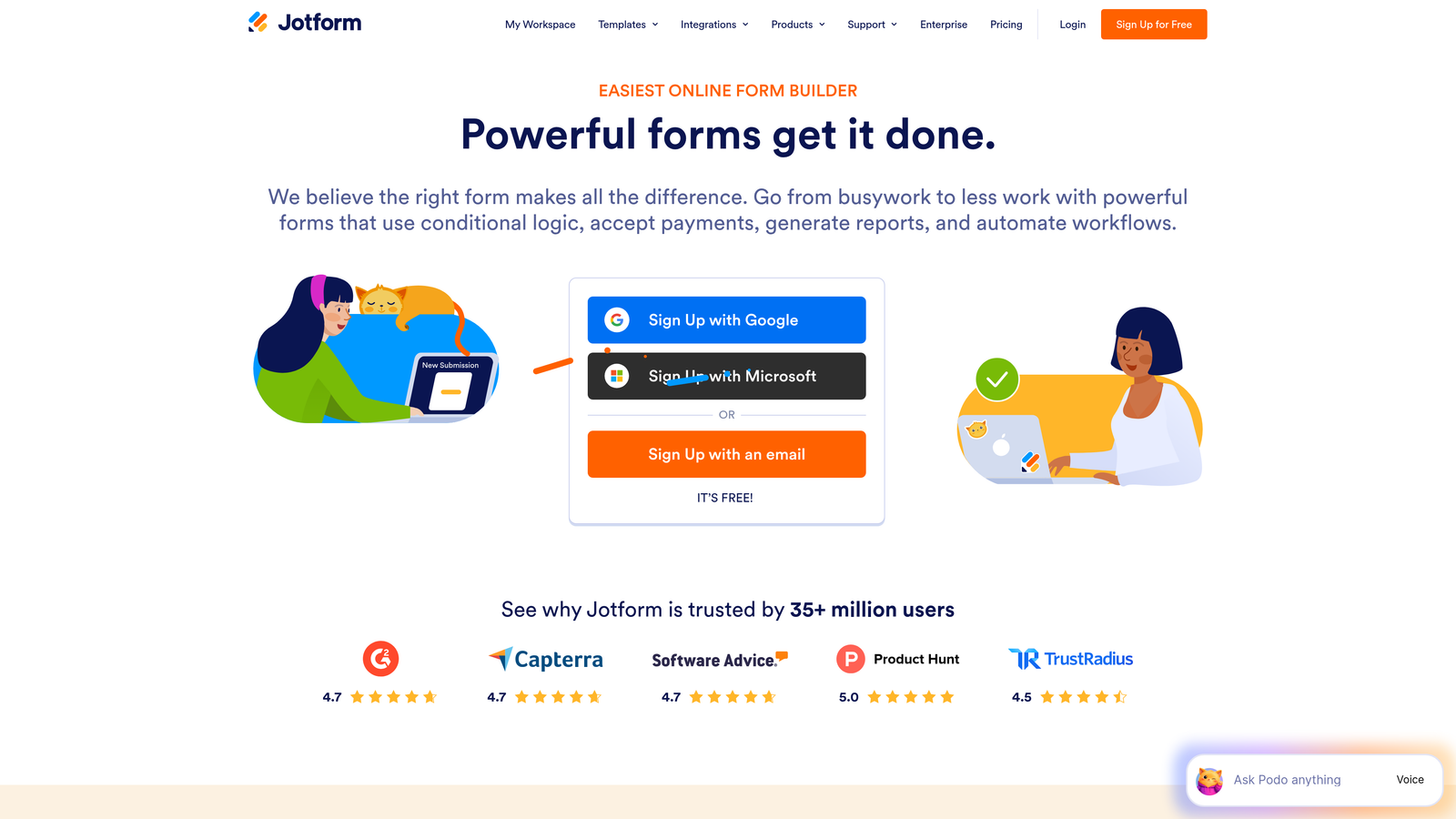
Jotform offers over 10,000 pre-built form templates and a massive widget library, making it the Swiss Army knife of form builders.
Where This Tool Shines
The sheer volume of templates means you can find a starting point for virtually any use case. Need a multi step job application form? There's a template. Event registration with payment? Covered. Medical intake forms with HIPAA compliance? Already built. This breadth dramatically reduces setup time when you're launching new forms regularly.
The drag-and-drop builder is genuinely intuitive. You can add payment processors, file uploads, appointment scheduling, and dozens of other widgets without touching code. For teams without dedicated developers, this accessibility is a major advantage.
Key Features
10,000+ Templates: Pre-built forms for virtually every industry and use case, from simple contact forms to complex applications.
Extensive Widget Library: Add functionality like payments, signatures, file uploads, and scheduling with simple drag-and-drop.
Payment Collection: Native integrations with PayPal, Stripe, Square, and other processors for collecting payments directly through forms.
PDF Generation: Automatically convert form submissions into formatted PDF documents for record-keeping or sharing.
Mobile App: Review and manage form submissions on iOS or Android devices with offline access.
Best For
Small businesses and teams that need to deploy many different types of forms quickly without deep customization. Particularly valuable for agencies managing forms for multiple clients or operations teams handling diverse internal processes.
Pricing
Free tier includes basic features with monthly submission limits. Bronze plan starts at $34/month with increased submissions and removes Jotform branding. Higher tiers add features like HIPAA compliance and white-label options.
4. Tally
Best for: Budget-conscious teams wanting unlimited forms with a clean, Notion-style interface
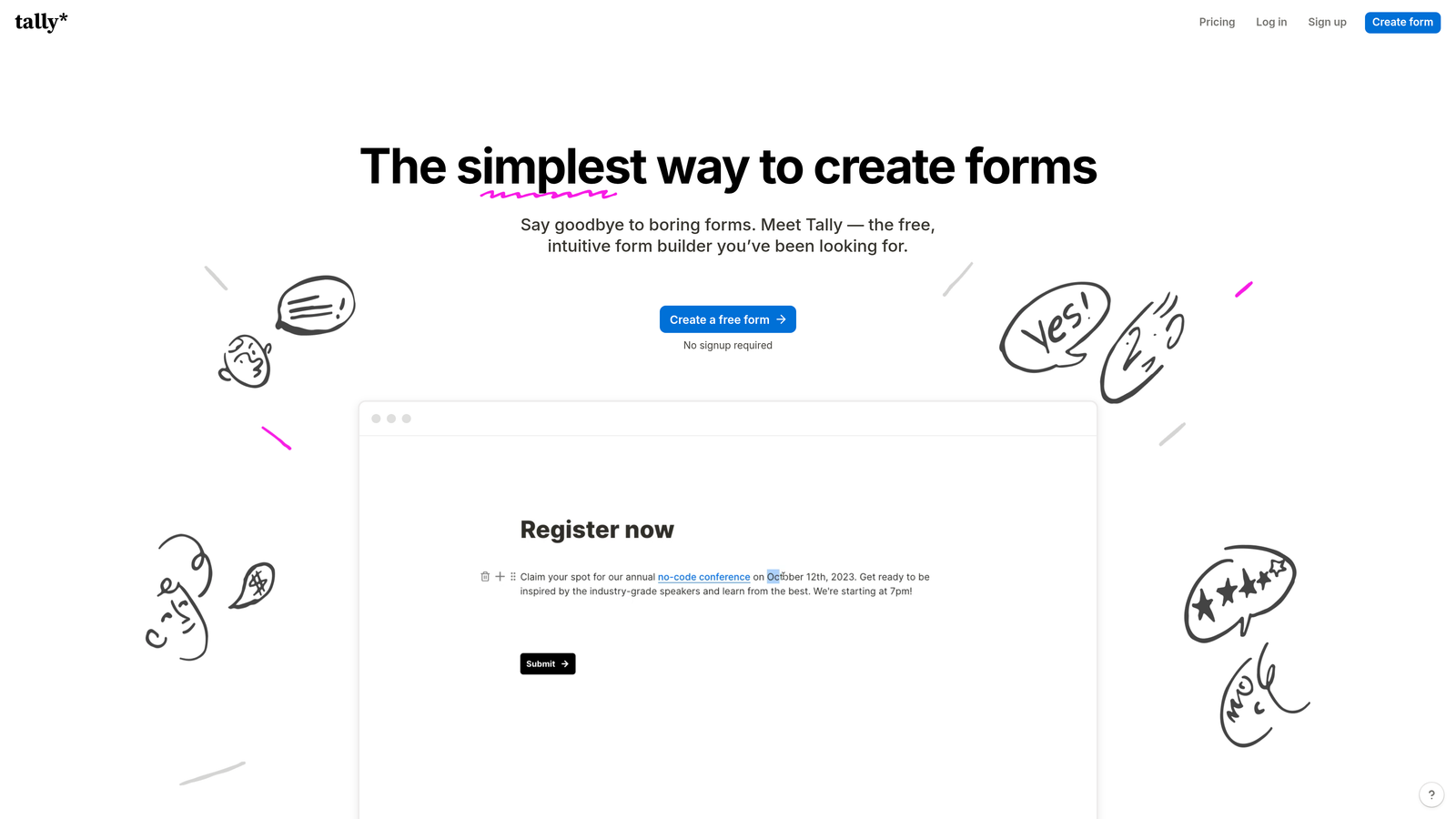
Tally brings a Notion-inspired editing experience to form building, with a remarkably generous free tier that includes features most competitors charge for.
Where This Tool Shines
The free plan is almost shockingly generous. Unlimited forms, unlimited submissions, conditional logic, file uploads, and custom domains—all free. For bootstrapped startups or small teams testing multi step forms for the first time, this removes the financial barrier entirely.
The Notion-style editor feels familiar if you're already using Notion for documentation or project management. You build forms by typing slash commands and selecting blocks, which creates a faster workflow than traditional drag-and-drop interfaces once you learn the shortcuts.
Key Features
Unlimited Free Forms: No artificial limits on form creation or submissions on the free tier, unlike most competitors.
Notion-Like Editing: Block-based editor with slash commands for rapid form building without dragging elements around.
Conditional Logic Included: Show or hide questions based on previous answers, included free rather than locked behind paid plans.
Custom Domains: Use your own domain for form hosting even on free plans, maintaining brand consistency.
Collaboration Features: Multiple team members can edit forms simultaneously with real-time updates.
Best For
Startups and small teams with limited budgets who still need professional multi step forms. Also ideal for Notion users who want a consistent editing experience across their tools.
Pricing
Generous free tier with most features included. Pro plan at $29/month adds removal of Tally branding, priority support, and advanced customization options. The free plan is genuinely usable for many teams long-term.
5. Formstack
Best for: Enterprise teams needing advanced compliance, security, and workflow automation
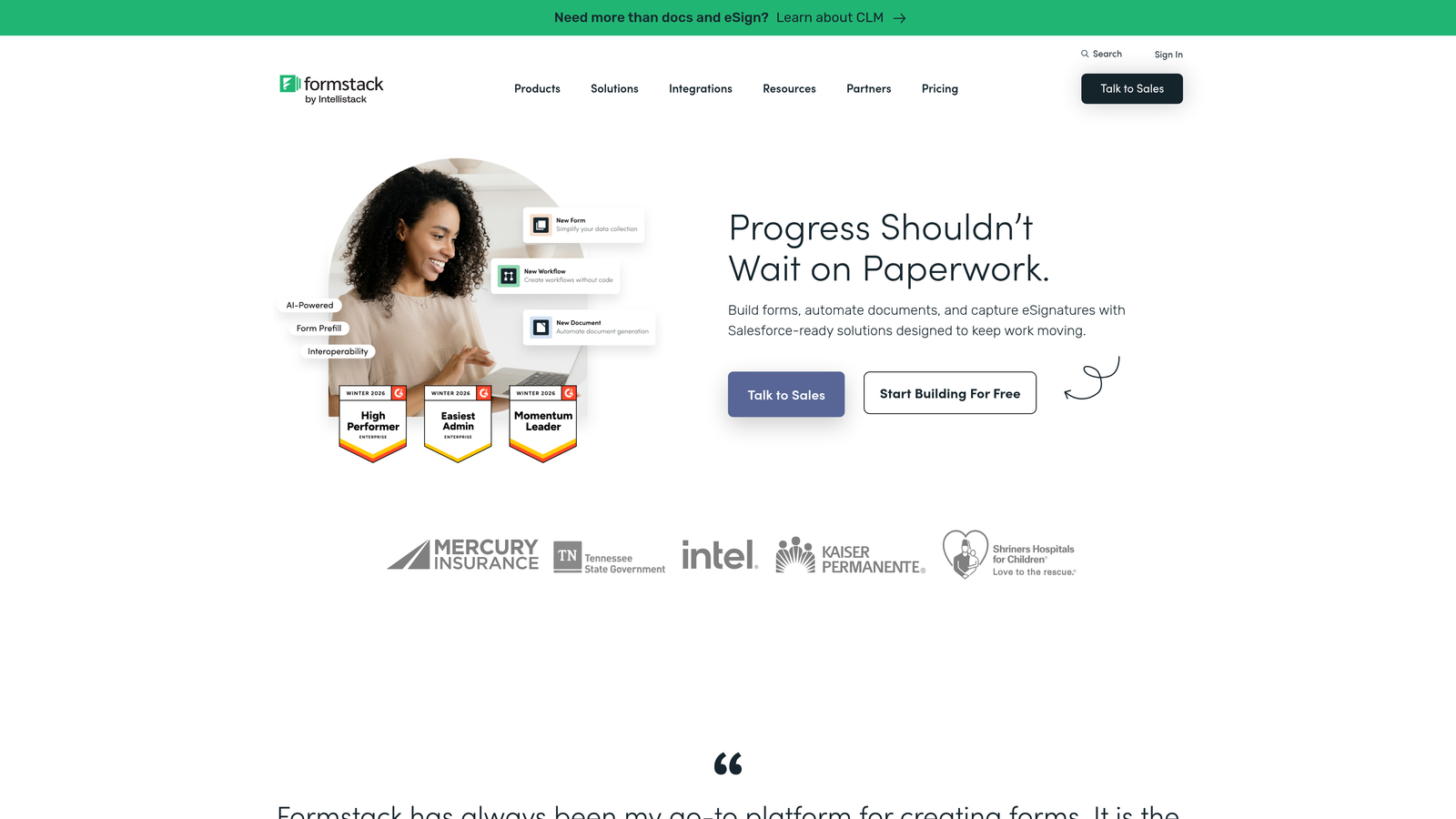
Formstack is an enterprise-grade form platform with robust compliance features, making it a go-to choice for regulated industries like healthcare and finance.
Where This Tool Shines
HIPAA compliance isn't just a checkbox here—it's built into the architecture. Healthcare organizations can collect patient information through multi step forms while maintaining the security and audit trails required by regulation. The same applies to financial services firms dealing with sensitive customer data.
The workflow automation capabilities go deeper than basic email notifications. You can build complex routing logic, trigger document generation, update multiple systems simultaneously, and create approval chains—all without writing code. For operations teams managing intricate processes, this automation prevents manual data entry and reduces errors.
Key Features
Advanced Conditional Logic: Create complex branching paths with multiple conditions and nested rules for sophisticated form flows.
HIPAA Compliance: Business Associate Agreements, encrypted data storage, and audit logs for healthcare organizations.
Workflow Automation: Build multi-step workflows that route data, generate documents, and update connected systems automatically.
E-Signature Integration: Collect legally binding signatures directly within forms through DocuSign integration.
Enterprise Security: SSO support, advanced user permissions, and compliance with SOC 2 and other security frameworks.
Best For
Mid-market and enterprise companies in regulated industries that need compliance features and advanced automation. Particularly valuable for healthcare providers, financial services firms, and any organization handling sensitive personal data at scale.
Pricing
Starts at $50/month for basic plans. Enterprise pricing available with custom features, dedicated support, and compliance packages. Higher cost reflects the enterprise-grade security and compliance capabilities.
6. Leadformly
Best for: Marketing teams focused exclusively on conversion rate optimization and lead quality
Leadformly is purpose-built for lead generation, with built-in A/B testing and conversion analytics that most form builders lack.

Where This Tool Shines
The built-in A/B testing changes the game for optimization-focused teams. Instead of relying on third-party tools or gut instinct, you can test different question orders, field types, or progress indicator styles directly within the platform. The analytics dashboard shows which variations drive higher completion rates, letting data guide your decisions.
Lead scoring is baked into the platform rather than bolted on. You can assign point values to different answers and automatically route high-quality leads to sales while sending lower-priority submissions to nurture campaigns. This qualification happens in real-time, not after manual review.
Key Features
Built-In A/B Testing: Test different form variations simultaneously and track which drives better completion rates without external tools.
Conversion Analytics: Detailed reporting on drop-off points, completion rates, and time-to-complete for optimization insights.
Lead Scoring: Assign point values to answers and automatically calculate lead quality scores for intelligent routing.
CRM Integrations: Native connections to Salesforce, HubSpot, and other major CRMs for immediate lead delivery.
Mobile Optimization: Forms automatically adapt to mobile screens with touch-friendly inputs and appropriate field types.
Best For
Performance marketing teams running paid acquisition campaigns where form conversion rate directly impacts ROI. Particularly valuable when you're spending significant budget on traffic and need to maximize the value of every visitor.
Pricing
Starts at $37/month for basic plans with A/B testing included. Higher tiers add more advanced features and increased submission limits. The testing capabilities justify the cost for teams focused on optimization.
7. Paperform
Best for: Creating document-style forms embedded within content, with e-commerce capabilities
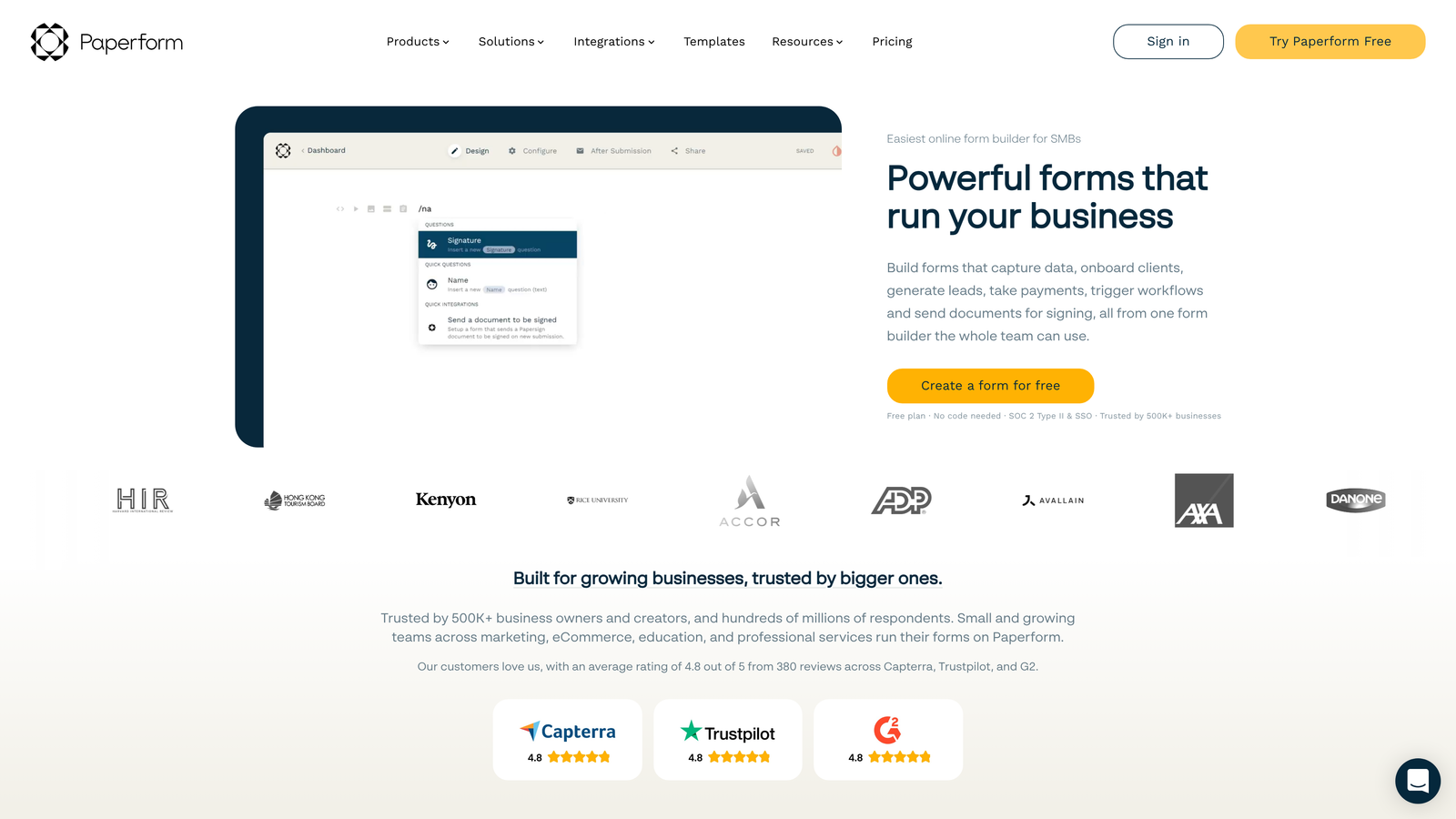
Paperform takes a unique document-first approach, letting you build forms that feel more like interactive landing pages than traditional data collection tools.
Where This Tool Shines
The document-style editor lets you mix form fields with rich text, images, videos, and formatting in ways that feel more like building a landing page than a form. This approach works brilliantly for product orders, event registrations, or any scenario where you need to provide context alongside data collection.
The built-in payment processing and product catalog features make Paperform a genuine e-commerce tool, not just a form builder. You can create order forms with product options, calculate totals automatically, and process payments through Stripe or PayPal—all within a single form experience.
Key Features
Document-Style Editing: Build forms that mix fields with rich content, creating experiences that feel like interactive pages.
Payment Processing: Accept payments through Stripe, PayPal, Square, and other processors with automatic calculation of totals and taxes.
Product Catalogs: Create order forms with product selection, quantity inputs, and variant options for e-commerce use cases.
Custom Success Pages: Design branded confirmation pages with dynamic content based on form submissions.
Scheduling Integrations: Connect to Calendly or similar tools to combine booking with data collection in a single flow.
Best For
Small businesses selling products or services online who want to combine content, data collection, and payments in a single experience. Also ideal for event organizers managing registrations with complex ticket types or add-ons.
Pricing
Essentials plan starts at $24/month with basic features and payment processing. Higher tiers add advanced customization, removal of branding, and increased submission limits. Competitive pricing for the e-commerce capabilities included.
8. Growform
Best for: Lead generation specialists wanting a tool built exclusively for multi step forms
Growform does one thing and does it well: multi step lead generation forms optimized for conversion.
Where This Tool Shines
The single-minded focus on multi step forms means every feature is designed specifically for that use case. There's no bloat from trying to support every possible form type. The templates are conversion-optimized by default, with progress bars, smart field ordering, and mobile-first design baked in.
Partial entry capture is a standout feature. If someone abandons your form halfway through, Growform saves whatever they entered so far. You can follow up with partially completed leads or analyze where people drop off to optimize those specific steps. This turns abandonment from pure loss into actionable data and potential recovery opportunities.
Key Features
Multi Step Focus: Every template and feature designed specifically for multi step forms rather than trying to support all form types.
No-Code Conditional Logic: Create branching paths and show/hide fields based on previous answers without technical knowledge.
Conversion-Optimized Templates: Pre-built forms designed based on conversion best practices for immediate deployment.
Partial Entry Capture: Save incomplete submissions for follow-up or analysis of drop-off points.
Google Ads Integration: Pass UTM parameters and campaign data through to your CRM for accurate attribution tracking.
Best For
Marketing agencies and in-house teams running lead generation campaigns where multi step forms are the primary conversion mechanism. The specialized focus makes sense when this is your core use case rather than an occasional need.
Pricing
Starts at $35/month for basic plans with unlimited forms and reasonable submission limits. The pricing is competitive given the specialized features and conversion focus. Higher tiers add white-label options and increased capacity.
9. HubSpot Forms
Best for: Existing HubSpot users wanting seamless CRM integration and native ecosystem benefits
HubSpot Forms is the native form builder within the HubSpot platform, offering tight integration with the CRM and marketing automation tools.
Where This Tool Shines
If you're already using HubSpot CRM, the native integration is unbeatable. Form submissions automatically create or update contact records, trigger workflows, and sync with your sales pipeline without middleware or manual data mapping. Everything lives in one ecosystem, which eliminates the integration headaches that plague multi-tool stacks.
Progressive profiling is a genuinely useful feature for companies with long sales cycles. Instead of asking the same questions repeatedly, HubSpot Forms can show different fields to returning visitors, gradually building complete contact profiles over multiple interactions. This reduces friction while still collecting comprehensive data over time.
Key Features
Native CRM Sync: Automatic contact creation and updates in HubSpot CRM with zero configuration required.
Progressive Profiling: Show different questions to returning visitors to gradually build complete contact records without repetitive questions.
Smart Form Fields: Pre-populate fields with known information for contacts already in your database to reduce friction.
Follow-Up Automation: Trigger email sequences, task creation, or deal stage updates automatically based on form submissions.
Contact Property Mapping: Map form fields directly to any contact property in HubSpot for clean, structured data.
Best For
Companies already invested in the HubSpot ecosystem who want to minimize integration complexity and keep all their marketing tools in one platform. The native features justify using HubSpot Forms if you're already paying for Marketing Hub.
Pricing
Basic forms are free with HubSpot CRM. Advanced features like progressive profiling and complex automation require paid Marketing Hub subscriptions starting at $45/month. Cost-effective if you're already using HubSpot; less compelling if you're not.
Making the Right Choice
Picking the right multi step form software depends on your specific workflow and growth stage. Here's how to narrow it down quickly.
Choose Orbit AI if you want AI-powered lead qualification and modern design built specifically for high-growth teams. The intelligent scoring and contemporary interface make sense when lead quality matters as much as lead volume.
Go with Typeform for polished, conversational experiences where user engagement is a priority. The one-question-at-a-time approach works brilliantly for surveys and consumer-facing forms where aesthetics matter.
Pick Jotform for maximum template variety and quick deployment across diverse use cases. The massive library means you can launch new forms fast without starting from scratch.
Select Tally if budget is tight but you still need professional multi step forms. The generous free tier removes financial barriers while delivering solid functionality.
Choose Formstack for enterprise compliance needs in regulated industries. The HIPAA compliance and advanced security features justify the higher cost when you're handling sensitive data.
Consider Leadformly or Growform for pure conversion optimization focus. The built-in testing and specialized features make sense when form performance directly impacts your bottom line.
Opt for Paperform for content-embedded forms with e-commerce capabilities. The document-style approach shines when you're selling products or need rich context alongside data collection.
Stick with HubSpot Forms if you're already in their ecosystem. The native integration eliminates complexity and keeps everything in one platform.
Whatever you choose, the shift from single-page forms to multi step experiences consistently improves completion rates. The progressive disclosure approach reduces cognitive load and makes complex data collection feel manageable.
Start with a free trial, test with real traffic, and let the data guide your final decision. Start building free forms today and see how intelligent form design can elevate your conversion strategy.


