

First impressions matter—and for service businesses, that first impression often happens through a customer intake form. A clunky, confusing form can send potential clients running before you even get a chance to help them. The right intake form builder transforms this critical touchpoint into a smooth, professional experience that collects the information you need while making clients feel valued.
Whether you're a law firm gathering case details, a healthcare practice collecting patient history, or an agency onboarding new accounts, the tools in this guide will help you create intake forms that convert and impress. We evaluated these builders on ease of use, customization options, integration capabilities, and features specifically designed for client intake workflows.
1. Orbit AI
Best for: High-growth teams needing intelligent lead qualification built into their intake process
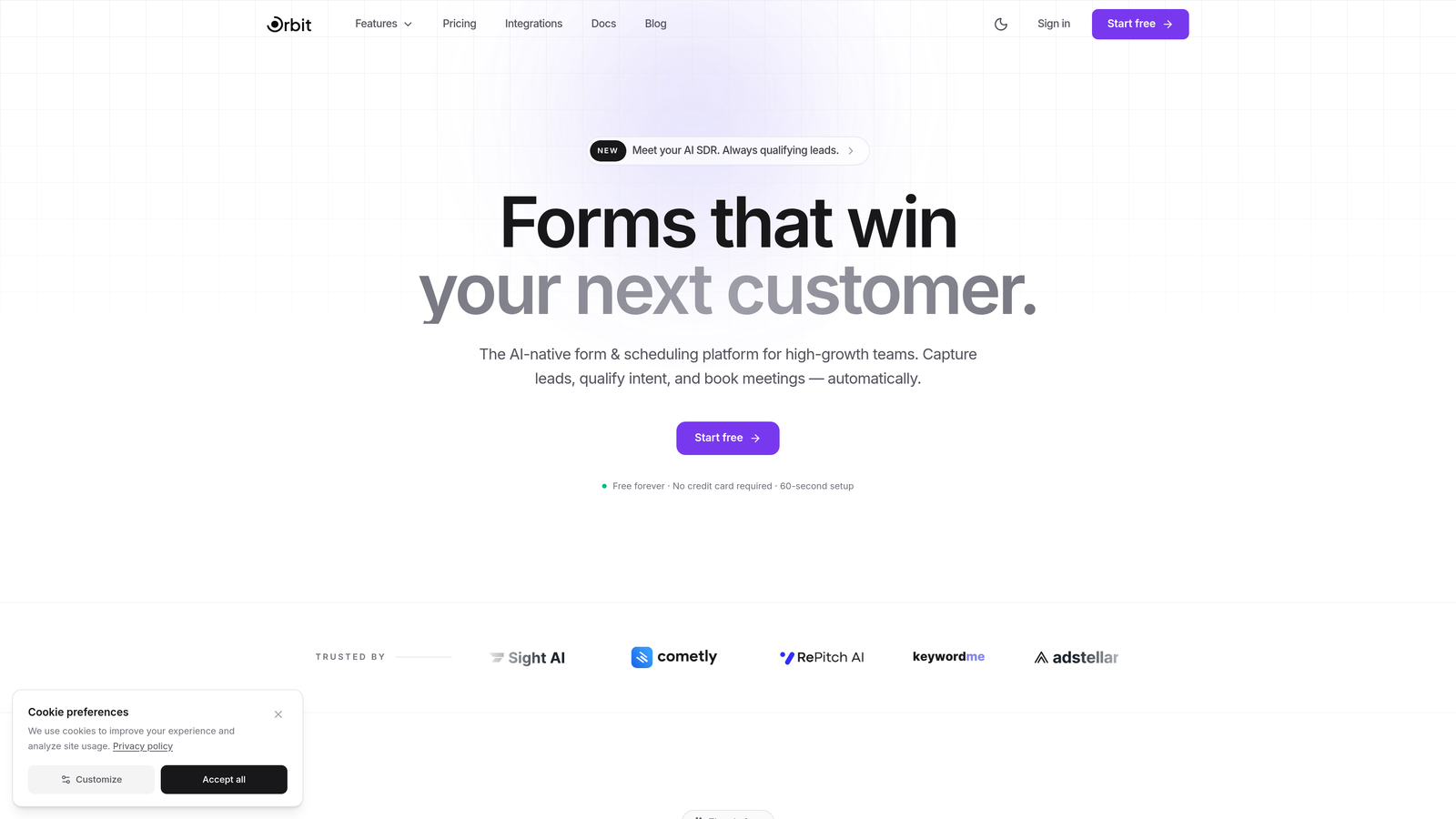
Orbit AI is an AI-powered form builder that goes beyond collecting information—it actively qualifies and scores your leads as they complete your intake forms.
Where This Tool Shines
The standout feature is how Orbit AI uses artificial intelligence to automatically qualify prospects during the intake process. Instead of reviewing every submission manually to determine which leads deserve immediate attention, the platform scores and routes qualified leads based on their responses.
The modern, conversion-optimized form designs are built specifically for businesses that care about completion rates. Every element is designed to reduce friction and keep potential clients moving through your intake process.
Key Features
AI-Powered Lead Scoring: Automatically qualifies and prioritizes prospects based on their intake responses, saving hours of manual review.
Smart Conditional Logic: Shows relevant questions based on previous answers with predictive routing that adapts to each client's situation.
Conversion Analytics: Built-in tracking shows exactly where prospects drop off and which form variations perform best.
Beautiful Form Designs: Modern, mobile-optimized templates that create professional first impressions without design skills.
CRM Integrations: Seamlessly connects with popular CRM platforms to automatically route qualified leads into your sales pipeline.
Best For
Service businesses and agencies that receive high volumes of intake submissions and need to quickly identify which prospects are the best fit. Particularly valuable for teams where sales and client success need to prioritize their outreach based on lead quality rather than submission order.
Pricing
Free plan available for getting started. Paid plans with advanced AI features and higher submission limits scale with your business needs.
2. Typeform
Best for: Creating engaging, conversational intake experiences that maximize completion rates
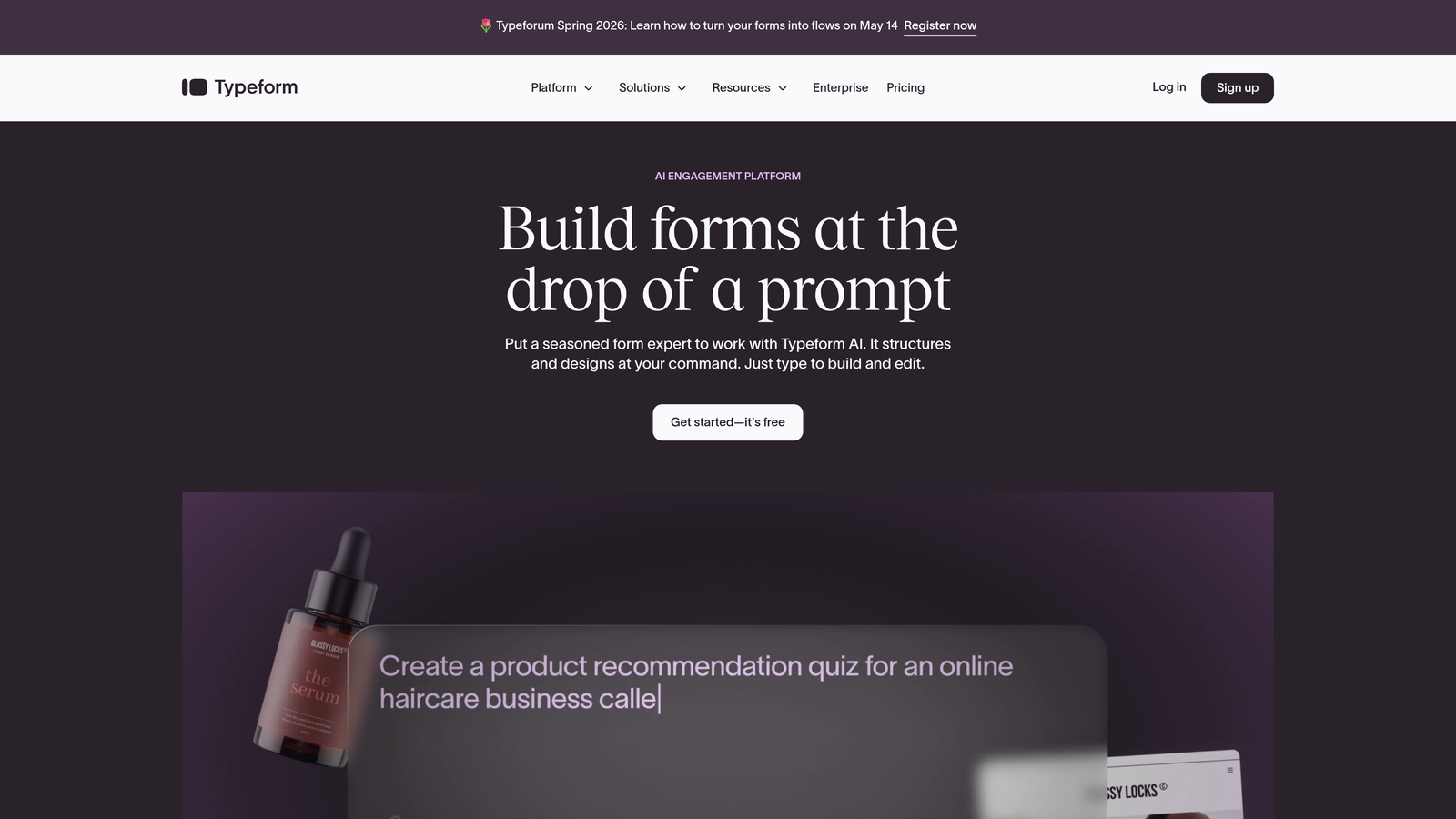
Typeform is a conversational form builder known for its one-question-at-a-time interface that makes completing intake forms feel more like a conversation than a chore.
Where This Tool Shines
The conversational format significantly reduces form abandonment by showing only one question at a time. This approach feels less overwhelming than traditional forms, especially for lengthy intake processes that require detailed information.
The platform's design-first philosophy means your intake forms look polished and professional without requiring design expertise. The smooth transitions and thoughtful animations create a premium experience that reflects well on your brand.
Key Features
One-Question-at-a-Time Format: Conversational interface that reduces cognitive load and improves completion rates for complex intake forms.
Logic Jumps: Smart branching that shows different questions based on previous answers, creating personalized intake experiences.
Rich Media Support: Embed videos and images throughout your forms to provide context and instructions that help clients complete intake accurately.
Design Customization: Extensive branding options let you match your intake forms perfectly to your company's visual identity.
Integration Ecosystem: Connects with thousands of apps through native integrations and Zapier for automated intake workflows.
Best For
Businesses prioritizing user experience and completion rates, particularly those with longer intake processes where traditional forms might feel overwhelming. Excellent for creative agencies, consultancies, and professional services where brand perception matters.
Pricing
Free plan available with basic features. Basic plan starts at $25/month, with Plus and Business tiers offering advanced logic and customization.
3. Jotform
Best for: Finding pre-built industry-specific intake templates, especially for healthcare and legal services
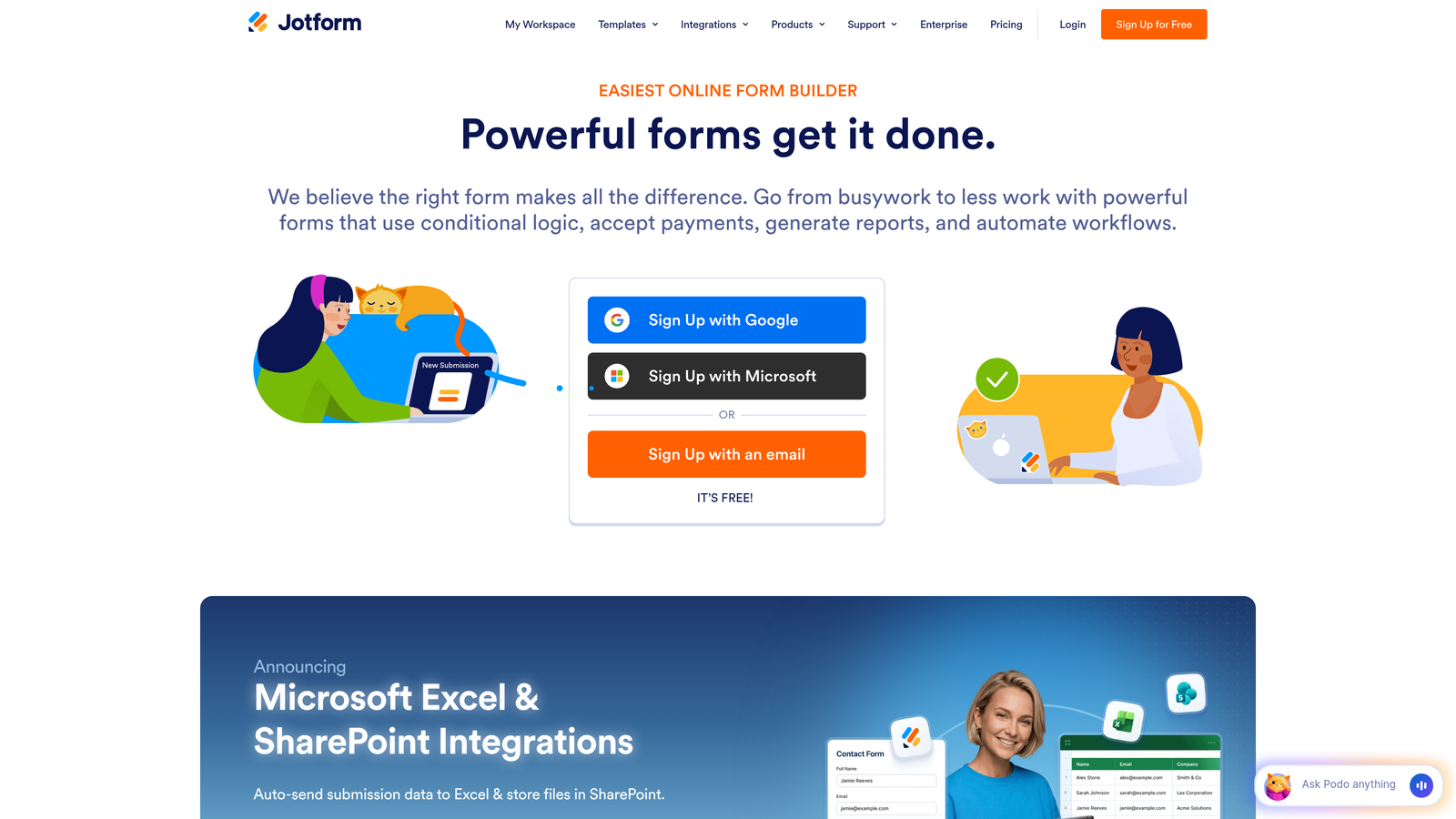
Jotform is a feature-rich form builder offering over 10,000 templates, including specialized intake forms for virtually every industry and use case.
Where This Tool Shines
The massive template library means you can often find an intake form that's 80% ready for your specific industry without building from scratch. Healthcare practices can use HIPAA-compliant patient intake templates, law firms have specialized client intake forms with legal-specific fields, and consultancies can start with professional services templates.
The PDF generation feature is particularly valuable for intake workflows, automatically creating formatted PDF documents from form submissions that can be printed for files or attached to client records.
Key Features
10,000+ Templates: Industry-specific intake forms for healthcare, legal, financial services, and more that you can customize to your needs.
HIPAA Compliance: Dedicated HIPAA-compliant forms and data handling for healthcare practices collecting patient information.
PDF Generation: Automatically creates formatted PDF documents from intake submissions for easy record-keeping and file management.
E-Signature Widgets: Collect legally binding signatures directly within your intake forms without third-party tools.
Approval Workflows: Route intake submissions through internal approval processes before client records are created.
Best For
Healthcare practices, legal firms, and regulated industries needing compliance features and pre-built templates. Also ideal for businesses that want extensive customization options without coding.
Pricing
Free plan available for basic forms. Bronze plan starts at $34/month, with Silver and Gold tiers offering HIPAA compliance and advanced features.
4. Formstack
Best for: Enterprise organizations with complex approval workflows and strict security requirements
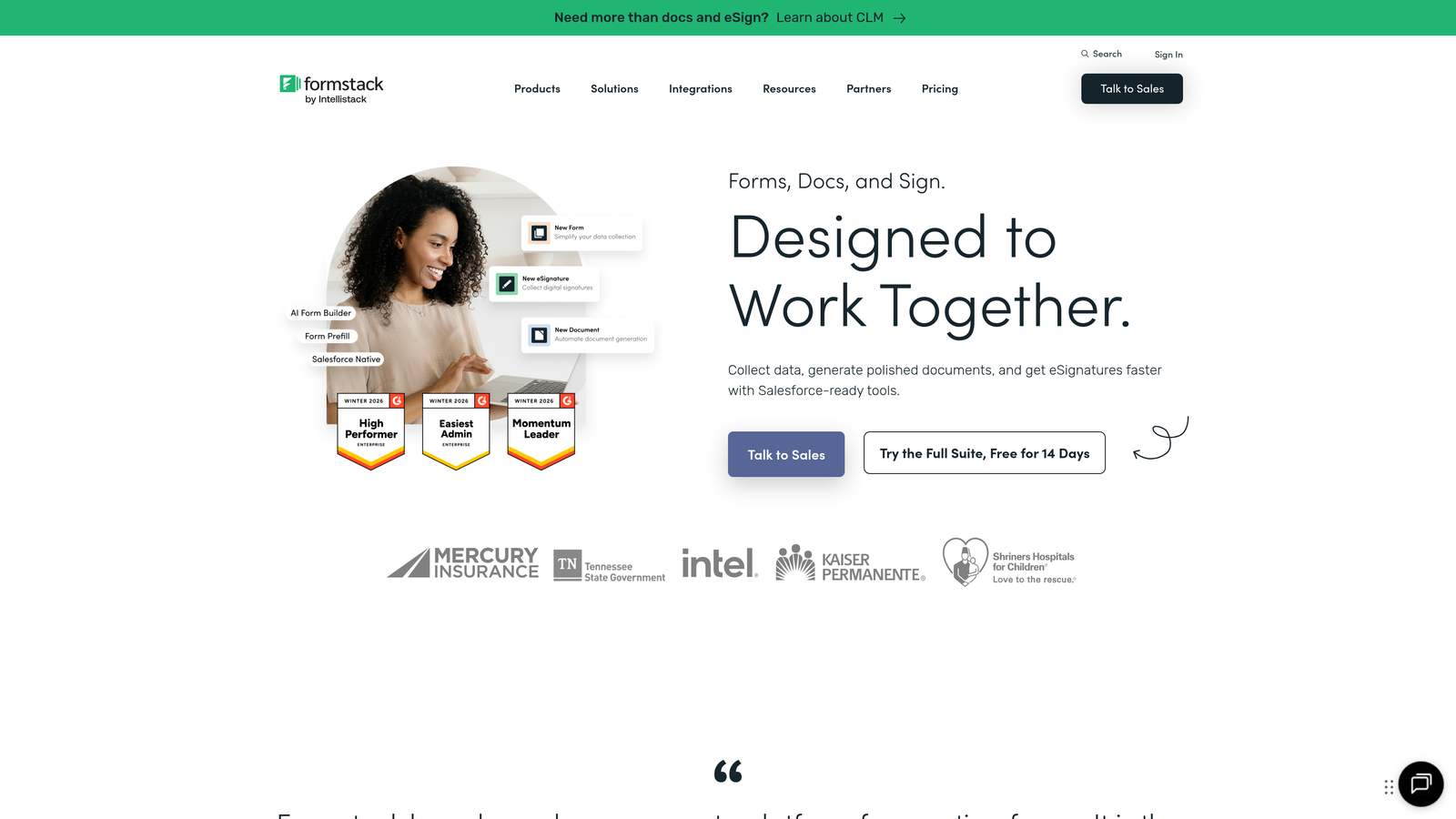
Formstack is an enterprise-grade form builder focused on workflow automation and complex approval processes for large organizations handling high-stakes client intake.
Where This Tool Shines
The advanced workflow automation capabilities let you build sophisticated intake processes where submissions trigger multi-step approval chains, document generation, and automated routing to different departments based on client needs. This is particularly valuable for enterprises where intake requires sign-off from multiple stakeholders.
The platform's enterprise security features and compliance certifications make it suitable for organizations with strict data handling requirements, including financial services and healthcare systems.
Key Features
Advanced Workflow Automation: Build complex, multi-step approval processes that route intake submissions through your organization automatically.
Document Generation: Automatically create contracts, agreements, and client documents populated with intake form data.
Enterprise Security: SOC 2 Type II compliance, data encryption, and audit trails for organizations with strict security requirements.
Salesforce Native Integration: Deep integration with Salesforce that treats forms as native objects within your CRM.
Team Collaboration: Role-based permissions and collaborative form building for larger marketing and operations teams.
Best For
Large organizations and enterprises with complex intake workflows requiring multiple approvals, strict compliance requirements, and deep Salesforce integration. Best suited for teams with dedicated operations staff to manage sophisticated automation.
Pricing
Forms plan starts at $50/month. Suite pricing available for organizations needing document generation and advanced workflows across multiple products.
5. Cognito Forms
Best for: Service businesses collecting payments or deposits during the client intake process
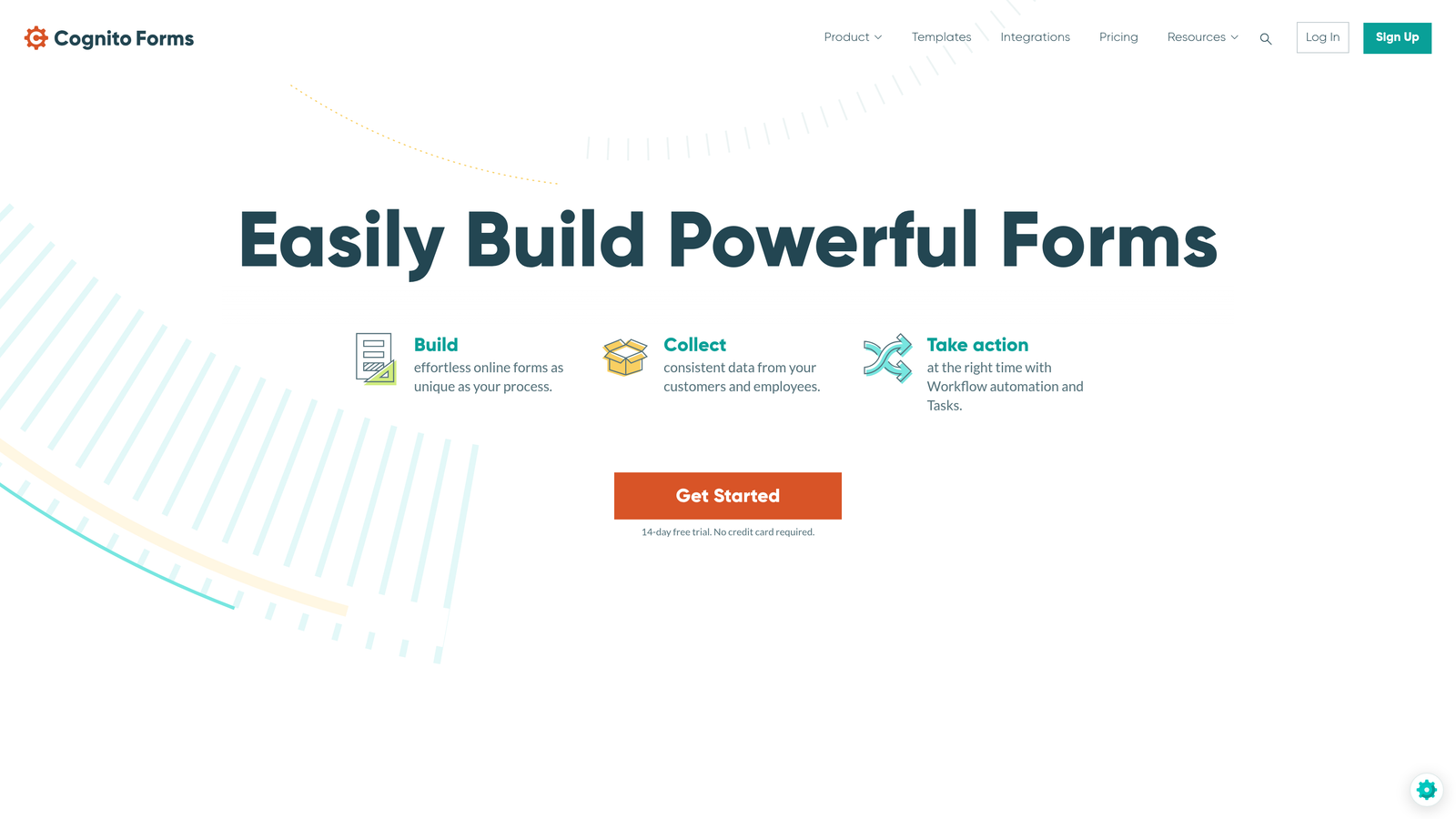
Cognito Forms is a form builder with robust payment processing and calculation features, making it ideal for intake workflows that include collecting retainers or deposits.
Where This Tool Shines
The built-in payment processing lets you collect deposits, retainers, or service fees directly within your intake form without redirecting clients to separate payment pages. This streamlined approach significantly improves conversion since clients can complete intake and payment in one seamless flow.
The advanced calculation fields are particularly useful for service businesses with variable pricing based on intake responses—you can show clients their estimated cost based on their selections before they submit.
Key Features
Built-In Payment Processing: Accept payments through Stripe or PayPal directly within intake forms, supporting one-time charges and subscriptions.
Advanced Calculations: Create dynamic pricing that adjusts based on client selections, showing cost estimates during intake.
Repeating Sections: Let clients add multiple items or services within a single intake form for variable-length submissions.
E-Signatures Included: Collect legally binding signatures without additional tools or per-signature fees.
Conditional Logic: Show or hide pricing options and questions based on previous answers to create personalized intake flows.
Best For
Professional services firms, consultancies, and agencies that collect deposits or retainers during intake. Also excellent for businesses with variable pricing based on client needs discovered during the intake process.
Pricing
Free plan available for individuals and small teams. Pro plan starts at $15/month with unlimited forms and advanced features.
6. 123FormBuilder
Best for: Businesses handling sensitive client data with strict GDPR compliance requirements
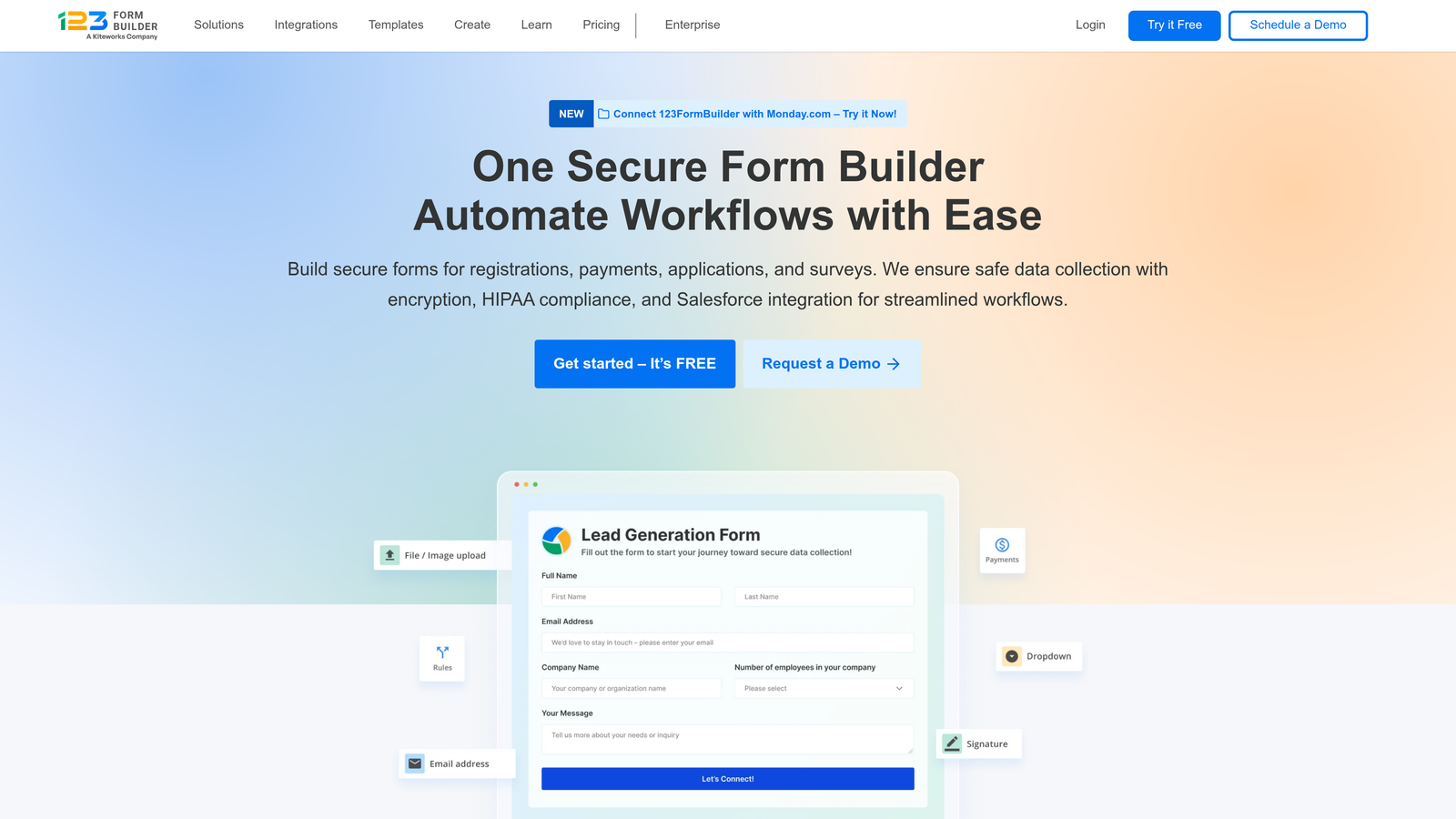
123FormBuilder is a security-focused form builder with comprehensive GDPR compliance features for businesses collecting personal information from European clients.
Where This Tool Shines
The platform's GDPR compliance tools go beyond basic consent checkboxes, offering data encryption, right-to-be-forgotten automation, and data processing agreements that satisfy European privacy regulations. This makes it particularly valuable for businesses with international clients or European operations.
The multi-language form support lets you create intake forms in multiple languages from a single form, automatically showing the appropriate language based on client location or preference.
Key Features
GDPR Compliance Tools: Built-in features for consent management, data deletion requests, and privacy policy integration.
Data Encryption: End-to-end encryption for form submissions containing sensitive client information.
Multi-Language Forms: Create intake forms in multiple languages without duplicating your entire form structure.
Conditional Logic: Advanced skip logic and branching to show relevant questions based on client responses.
Team Collaboration: Role-based access and approval workflows for teams managing client intake together.
Best For
International businesses collecting data from European clients, organizations with strict privacy requirements, and companies needing multi-language intake forms for diverse client bases.
Pricing
Free plan available with basic features. Gold plan starts at $19.99/month, with Platinum and Diamond tiers offering HIPAA compliance and advanced security.
7. Paperform
Best for: Creative agencies and professional services wanting branded, page-like intake experiences
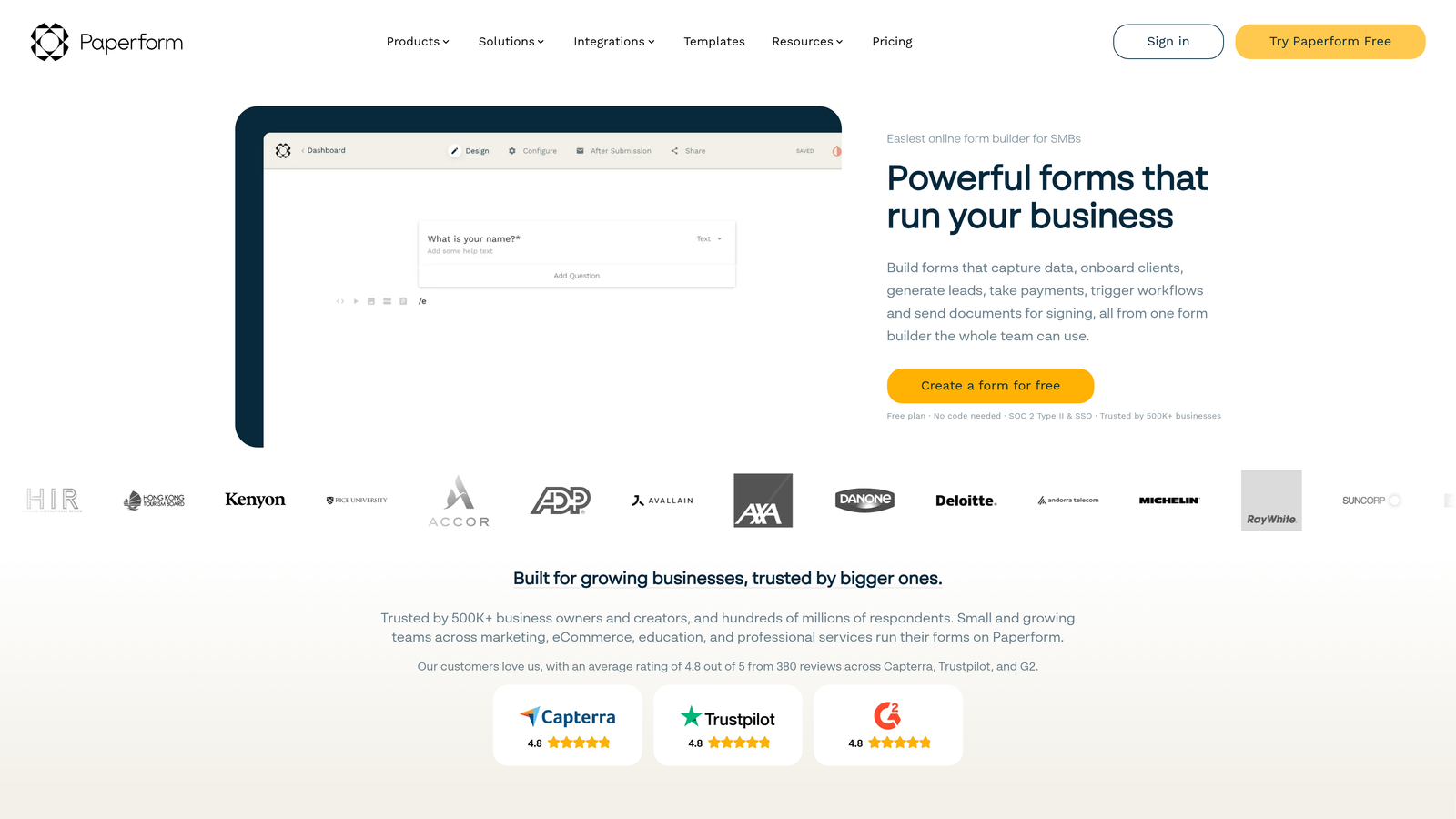
Paperform is a unique form builder that creates document-style forms resembling branded web pages rather than traditional forms.
Where This Tool Shines
The free-form page-style design lets you create intake experiences that look like custom-designed landing pages rather than generic forms. You can mix form fields with rich text, images, and videos to create intake processes that tell your brand story while collecting client information.
The built-in appointment scheduling eliminates the need for separate booking tools, letting clients complete intake and schedule their first consultation in one seamless experience.
Key Features
Page-Style Design: Create intake forms that look like branded web pages with complete control over layout and visual hierarchy.
Rich Media Embedding: Mix form fields with videos, images, and formatted text to create engaging intake experiences.
Appointment Scheduling: Built-in calendar integration lets clients book consultations directly within your intake form.
Payment Processing: Accept deposits and payments through Stripe or PayPal without leaving the intake experience.
Custom Branding: Complete control over fonts, colors, and styling to match your brand guidelines perfectly.
Best For
Creative agencies, design studios, consultancies, and professional services where brand presentation is critical. Ideal for businesses that want their intake forms to feel like premium, custom-designed experiences.
Pricing
Essentials plan starts at $24/month. Pro and Agency tiers available for teams needing advanced features and higher submission limits.
8. Gravity Forms
Best for: WordPress sites needing deeply integrated intake forms with extensive customization options
Gravity Forms is a WordPress-native form plugin that integrates seamlessly with WordPress sites for businesses running their web presence on the platform.
Where This Tool Shines
The native WordPress integration means intake forms feel like a natural part of your website rather than embedded third-party tools. Form submissions can automatically create WordPress user accounts, trigger WordPress actions, and integrate with WordPress plugins in ways external form builders cannot.
The extensive add-on ecosystem provides specialized functionality for virtually any intake need, from payment processing to CRM integration to advanced calculations, all built specifically for WordPress environments.
Key Features
Native WordPress Integration: Forms work as native WordPress components with access to all WordPress user data and functionality.
Add-On Ecosystem: Extensive library of official and third-party add-ons for payments, CRM integration, and specialized features.
Multi-Page Forms: Create lengthy intake processes split across multiple pages with progress indicators and save-and-continue functionality.
User Registration: Automatically create WordPress user accounts from intake submissions for client portals.
Developer-Friendly: Extensive hooks and filters for custom functionality and deep integration with WordPress themes and plugins.
Best For
Businesses running WordPress sites who want intake forms that integrate deeply with their existing WordPress infrastructure. Particularly valuable for membership sites, online courses, and businesses with custom WordPress development.
Pricing
Basic License starts at $59/year for a single site. Pro and Elite licenses available for multiple sites and premium add-ons.
9. Microsoft Forms
Best for: Teams already using Microsoft 365 who need simple intake forms without additional costs
Microsoft Forms is a straightforward form builder included with Microsoft 365 subscriptions, offering basic intake functionality with seamless Microsoft ecosystem integration.
Where This Tool Shines
The platform's inclusion with Microsoft 365 means no additional software costs for teams already using the Microsoft ecosystem. Intake form responses automatically flow into Excel for analysis or SharePoint for team collaboration without third-party integration tools.
The real-time collaboration features let multiple team members work on intake forms simultaneously, similar to how you'd collaborate on a Word document or PowerPoint presentation.
Key Features
Microsoft 365 Integration: Seamlessly connects with Excel, SharePoint, Teams, and other Microsoft tools your team already uses.
Real-Time Collaboration: Multiple team members can build and edit intake forms simultaneously with live updates.
Basic Branching Logic: Simple conditional logic to show different questions based on previous answers.
Response Analysis: Built-in charts and summary statistics for analyzing intake form submissions.
Mobile Apps: Native iOS and Android apps for reviewing intake submissions on the go.
Best For
Small to medium businesses already invested in the Microsoft 365 ecosystem who need basic intake forms without advanced features. Best suited for internal intake processes or simple client information collection.
Pricing
Included with Microsoft 365 Business Basic ($6/user/month), Business Standard ($12.50/user/month), and other Microsoft 365 subscriptions.
Making the Right Choice
The best customer intake form builder depends on your specific workflow needs and where you're collecting client information. Orbit AI stands out if you need intelligent lead qualification built into your intake process—the AI-powered scoring helps you identify your best prospects automatically rather than manually reviewing every submission. This is particularly valuable for high-growth teams managing significant intake volumes.
For businesses prioritizing completion rates and user experience, Typeform's conversational interface consistently delivers higher completion rates than traditional forms. If you're in healthcare or legal services with strict compliance requirements, Jotform's HIPAA-compliant templates and extensive industry-specific options make it the practical choice.
Consider Formstack when your intake process involves complex approval workflows across multiple departments. Choose Cognito Forms if collecting deposits or retainers is part of your intake flow. Select 123FormBuilder when GDPR compliance is non-negotiable for your European clients.
The integration requirements matter significantly. If you're running WordPress, Gravity Forms provides the deepest native integration. Teams already using Microsoft 365 should start with Microsoft Forms since it's included in their subscription. For businesses needing Salesforce integration, Formstack's native connection treats forms as Salesforce objects.
Start with a free trial of your top choice and test it with real client intake scenarios. Create a sample intake form, send it to colleagues for feedback, and evaluate the submission management workflow. The right tool should make your intake process smoother for both your team and your clients.
Start building free forms today and see how intelligent form design can elevate your conversion strategy. Transform your lead generation with AI-powered forms that qualify prospects automatically while delivering the modern, conversion-optimized experience your high-growth team needs.


