

If you're collecting leads, qualifying prospects, or gathering feedback directly on your website, the form builder you choose matters more than most teams realize. A clunky embed can kill conversions before a visitor even types their name. A smart one can pre-qualify leads, adapt in real time, and feed your CRM without any manual work.
This list covers the best embeddable form builders available in 2026, evaluated on embed flexibility, design quality, conditional logic, integrations, and how well each tool supports conversion-focused use cases. Whether you're running a SaaS product, an agency, or a high-growth B2B operation, there's a tool here that fits your stack.
We've included Orbit AI at the top because it's our product. But we've been straightforward about where each tool excels and where it falls short, so you can make the right call for your team.
1. Orbit AI
Best for: High-growth SaaS and B2B teams who need forms that qualify leads, not just collect them.
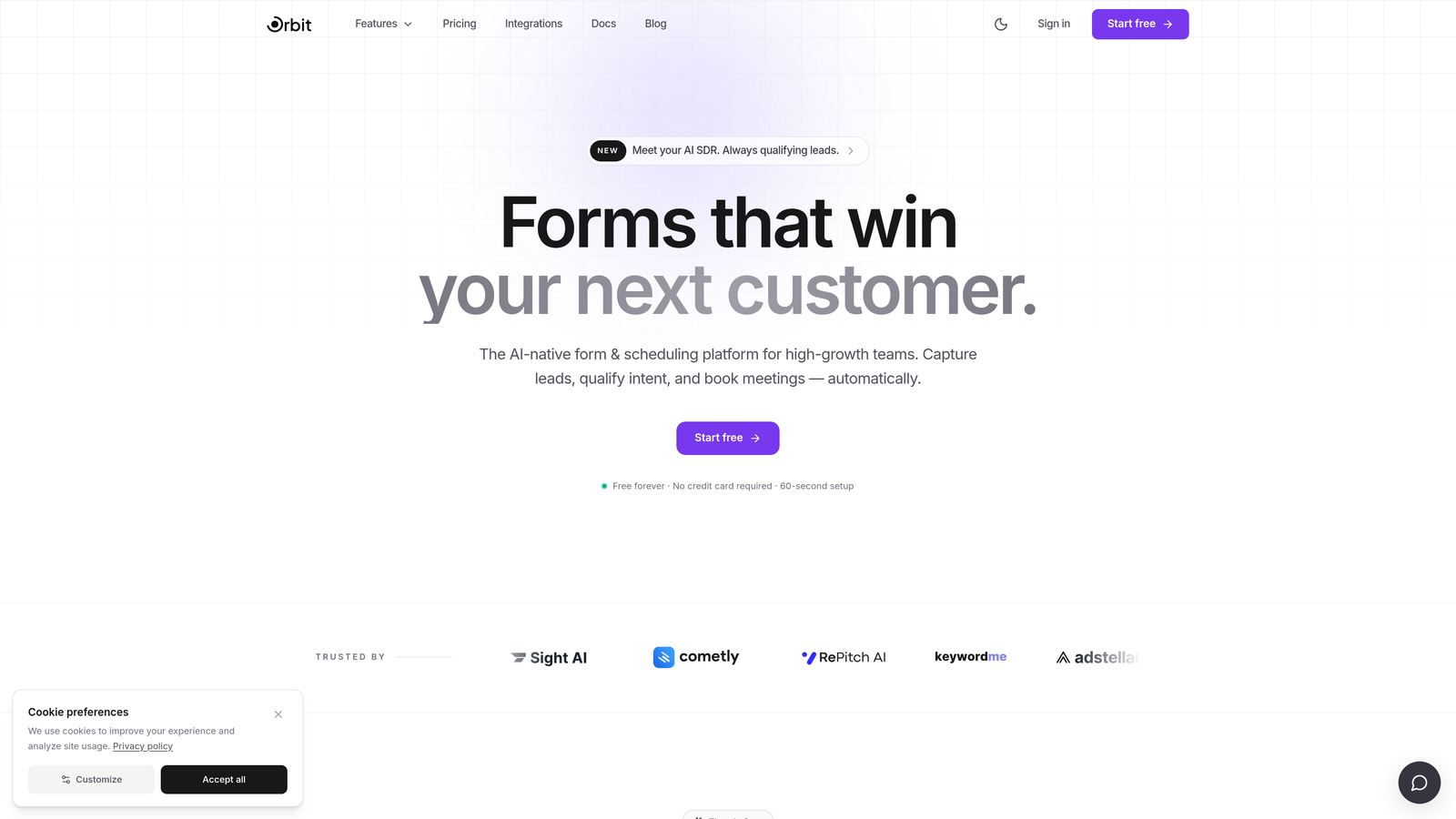
Orbit AI is an AI-powered form builder with built-in lead qualification and conversion optimization, designed for teams where lead quality matters as much as lead volume.
Where This Tool Shines
Most form builders treat forms as passive data collection tools. Orbit AI takes a different approach: forms are an active part of your qualification funnel. The AI layer scores and filters leads at the form level, so your sales team isn't spending time on prospects who were never a fit.
The design quality is genuinely modern. Templates are clean and customizable without requiring a designer, and the embed options are lightweight enough that they won't drag down your page performance. For teams building conversion-focused websites, that combination of intelligence and aesthetics is hard to find in one place.
Key Features
AI-Powered Lead Qualification: Scores and filters leads at the form level before they reach your CRM or sales team.
Conversion-Optimized Templates: Modern, customizable designs built specifically for high-conversion use cases.
Dynamic Conditional Logic: Fields adapt in real time based on user input, creating a personalized experience for each respondent.
Flexible Embed Options: Deploy as inline, popup, or floating widget with clean, lightweight code that won't slow your site.
CRM and Marketing Integrations: Routes qualified leads automatically to your CRM or marketing tools without manual intervention.
Best For
Orbit AI is the strongest fit for B2B SaaS companies, growth teams, and agencies running lead generation campaigns where qualifying inbound leads at scale is a priority. If you're tired of forms that just collect data and want forms that actively work as part of your funnel, this is the tool built for that job.
Pricing
Paid plans available. Visit orbitforms.ai for current pricing details and plan options.
2. Typeform
Best for: Teams that prioritize brand experience and want a conversational, engagement-first form format.
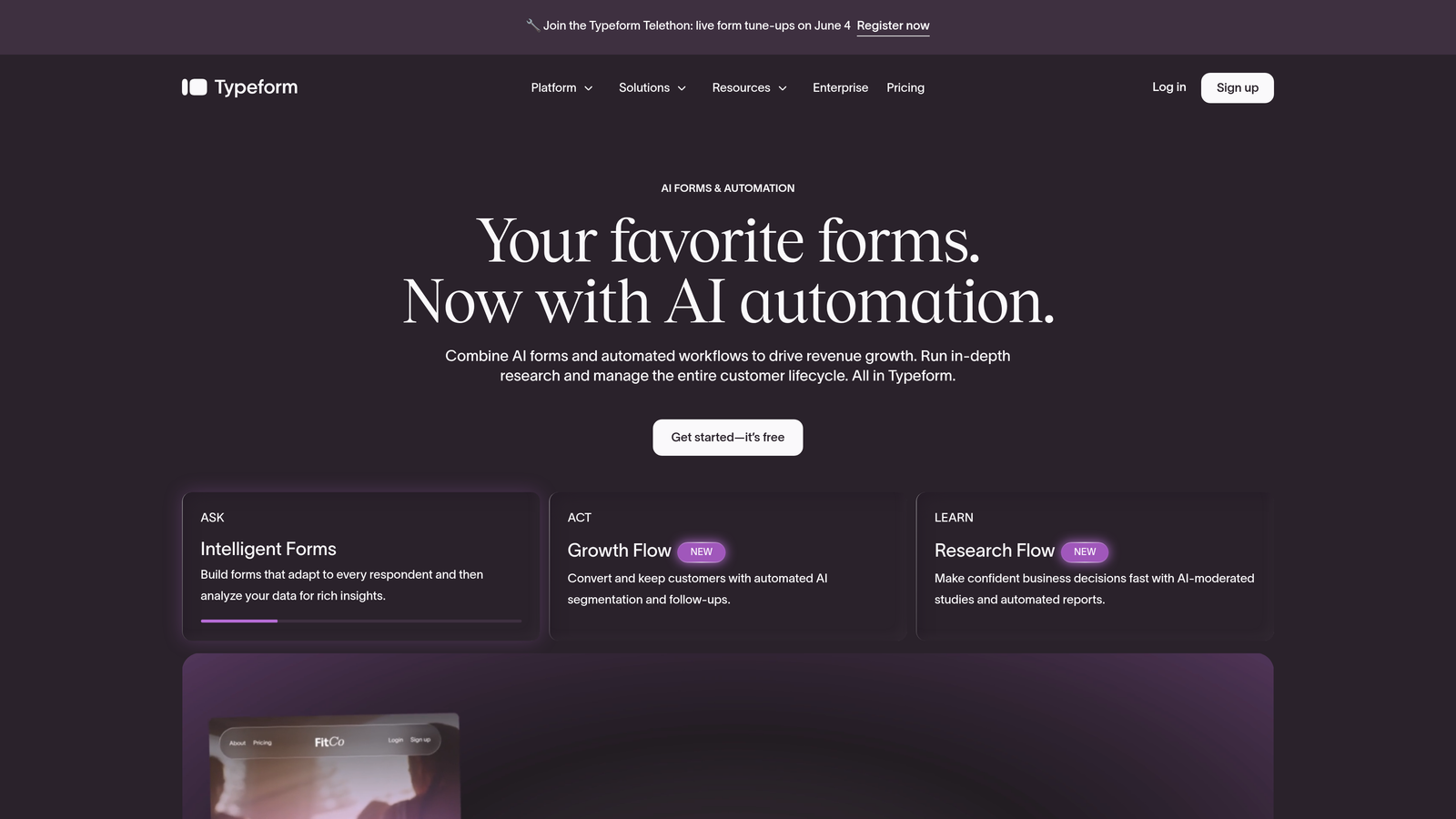
Typeform is a conversational form builder known for its one-question-at-a-time format and polished, brand-friendly design.
Where This Tool Shines
Typeform's signature format presents one question at a time, which creates a focused, distraction-free experience that tends to feel less like filling out a form and more like a conversation. For brand-sensitive use cases, surveys, or onboarding flows, that experience translates into higher engagement.
The customization options are strong: fonts, colors, background images, and video can all be configured to match your brand identity. The trade-off is that logic branching and deeper features are locked behind paid tiers, and pricing has increased over recent years, so teams with complex needs should evaluate costs carefully.
Key Features
Conversational Flow: Single-question format that improves completion rates by reducing visual overwhelm.
Brand Customization: Full control over fonts, colors, backgrounds, and media for consistent brand experiences.
Logic Jumps: Conditional branching that routes respondents through relevant question paths (paid plans).
Multiple Embed Types: Inline, popup, and side tab embed options for any website layout.
Native Integrations: Connects with HubSpot, Salesforce, Zapier, and other major tools.
Best For
Typeform works best for teams where brand presentation and respondent experience are top priorities: think customer surveys, NPS forms, onboarding questionnaires, and market research. Less ideal if you need heavy lead qualification logic or want to avoid per-response pricing constraints.
Pricing
Free plan available with limited responses. Paid plans start at approximately $25/month, with higher tiers required for advanced logic and integrations.
3. Tally
Best for: Startups, indie developers, and small teams who need capable forms without a paid subscription.
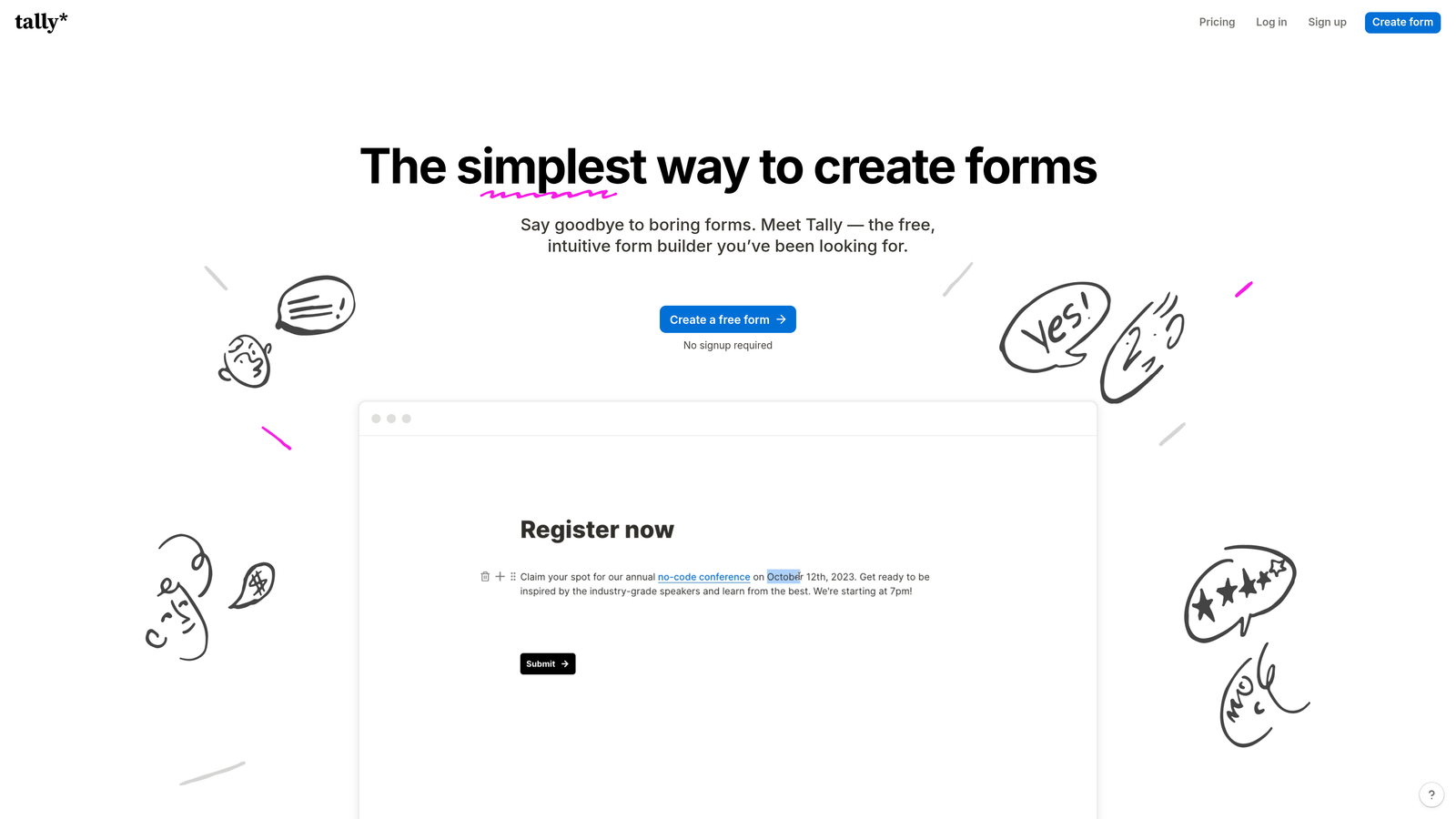
Tally is a lightweight, Notion-inspired form builder with a genuinely generous free tier and clean embed options that punch above their price point.
Where This Tool Shines
Tally's free plan is unusually capable: unlimited forms, unlimited responses, and basic conditional logic without paying a cent. For early-stage teams or anyone building internal tools and simple intake forms, that's a compelling starting point. The interface has a clean, block-based feel that Notion users will find immediately familiar.
Embed options are straightforward: iframe or popup, minimal setup required. It won't win awards for advanced AI features or deep CRM integrations, but for teams that just need forms that work and look good without a monthly bill, Tally is hard to beat at its price point.
Key Features
Unlimited Free Forms and Responses: No artificial limits on the free plan, which is genuinely rare in this category.
Clean Block-Based Interface: Notion-style editing that makes form creation fast and intuitive.
Basic Conditional Logic: Available on the free tier, covering most straightforward branching needs.
Iframe and Popup Embeds: Simple embed options that work on any website with minimal configuration.
Zapier and Make Integrations: Connects to automation platforms for routing responses to other tools.
Best For
Tally is ideal for indie developers, early-stage startups, and small teams who need functional, well-designed forms without a subscription cost. It's also a solid choice for internal forms, feedback collection, and simple lead capture where advanced qualification isn't required.
Pricing
Free plan with unlimited forms and responses. Tally Pro starts at approximately $29/month for advanced features including custom domains and priority support.
4. Jotform
Best for: Teams that need maximum feature depth: payments, complex workflows, and thousands of ready-made templates.
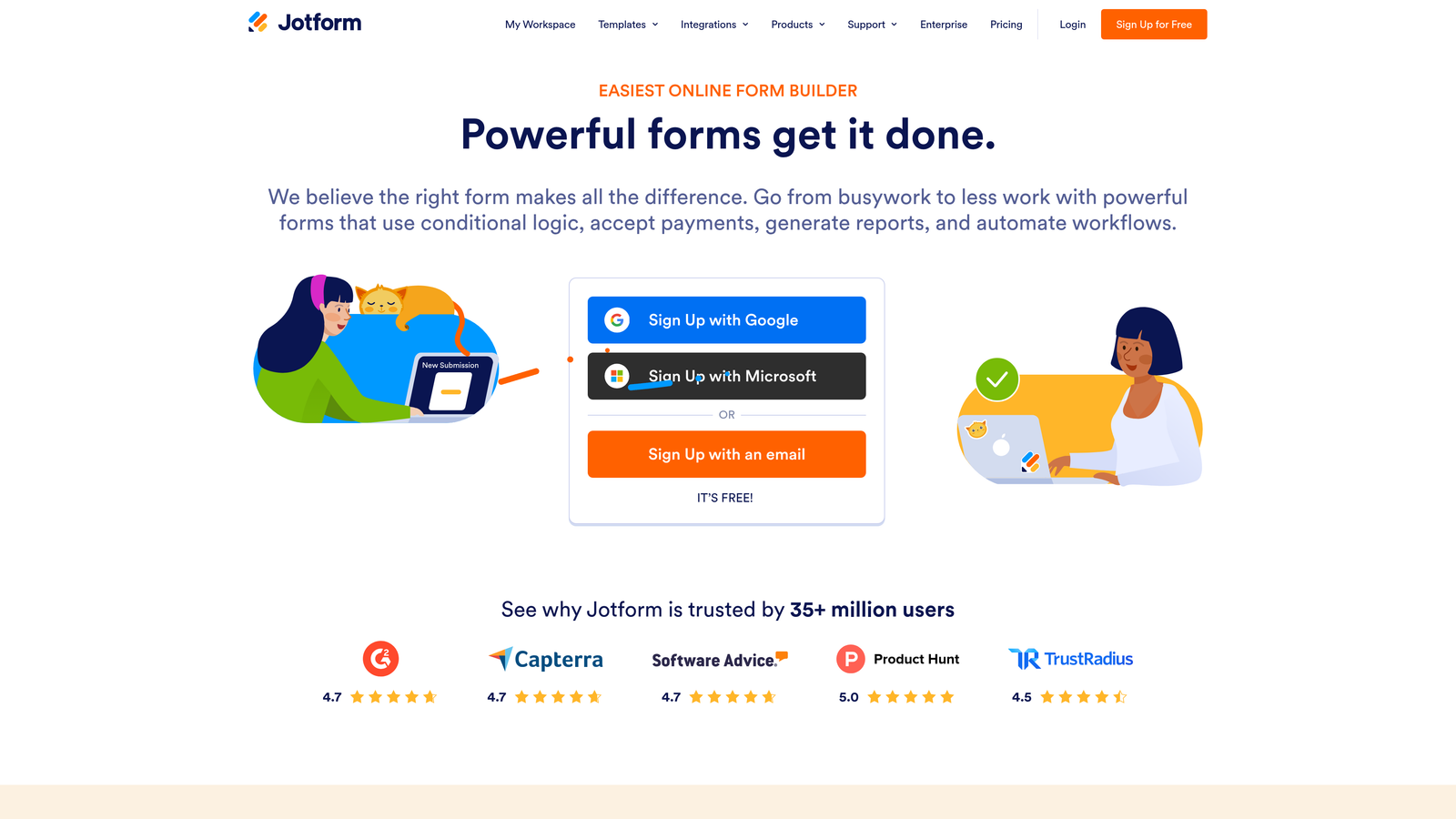
Jotform is one of the most feature-rich form platforms available, covering everything from payment collection to multi-step approval workflows in a single tool.
Where This Tool Shines
The sheer breadth of Jotform's capabilities is its defining characteristic. The template library is enormous, spanning industries from healthcare and legal to e-commerce and education. If there's a form type you need to build, there's almost certainly a template that gets you 80% of the way there before you've touched a single setting.
Payment processing is built in natively: Stripe, PayPal, and Square all connect without third-party workarounds. The workflow builder handles multi-step approval processes that would require custom development in simpler tools. The trade-off is complexity: Jotform can feel heavy and overwhelming for teams that just need a clean lead capture form.
Key Features
Extensive Template Library: Thousands of pre-built templates across virtually every industry and use case.
Built-In Payment Processing: Native Stripe, PayPal, and Square integration for collecting payments directly through forms.
Advanced Conditional Logic: Complex branching, calculations, and field dependencies for sophisticated form flows.
Multiple Embed Options: Iframe, lightbox, and full-page embed with customizable styling.
Jotform Workflows: Multi-step approval processes for forms that require review before action.
Best For
Jotform suits operations-heavy teams, agencies managing multiple clients, and businesses that need payment collection or approval workflows baked into their forms. It's less ideal for teams who prioritize design elegance or AI-driven lead qualification over raw feature volume.
Pricing
Free plan available with limited monthly submissions. Paid plans start at approximately $34/month, scaling based on submission volume and feature access.
5. HubSpot Forms
Best for: Teams already using HubSpot CRM who want zero-friction form-to-contact sync.
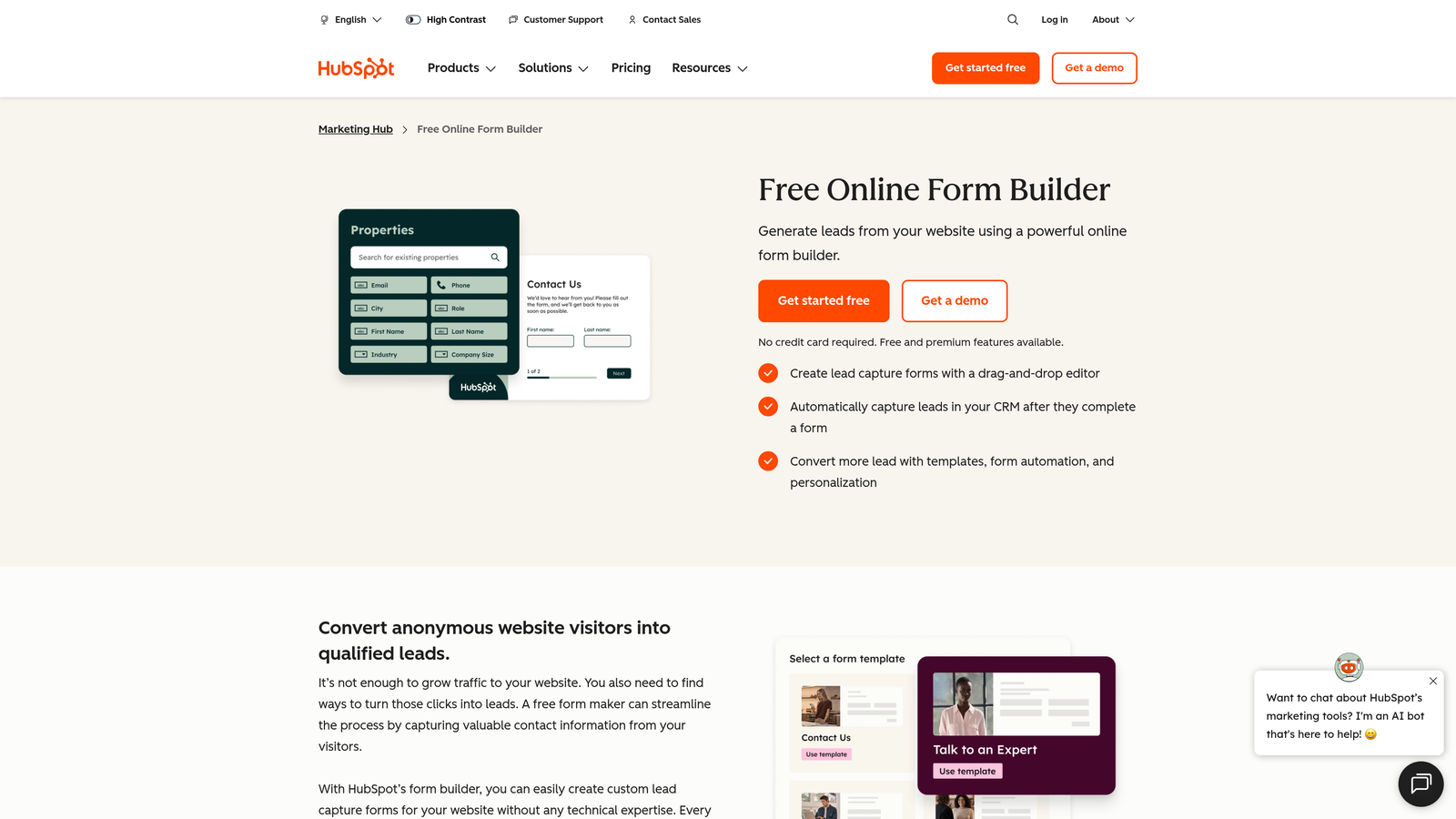
HubSpot Forms is a free embeddable form tool with native HubSpot CRM sync, making it the obvious choice for teams already operating within the HubSpot ecosystem.
Where This Tool Shines
The integration story here is genuinely seamless. When a visitor submits a HubSpot form, a contact record is created or updated automatically in your CRM, properties are mapped correctly, and follow-up email sequences can trigger without any manual setup. For teams running inbound marketing through HubSpot, that tight loop removes a lot of friction.
Progressive profiling is a standout feature: HubSpot Forms can detect known contacts and replace already-answered fields with new questions, so returning visitors aren't asked for information you already have. The limitation is design flexibility. Without upgrading to paid Marketing Hub tiers, customization options are fairly constrained.
Key Features
Native CRM Sync: Automatic contact creation and property mapping directly in HubSpot CRM on every submission.
Progressive Profiling: Replaces known-contact fields with new questions to gather richer data over time.
Submission-Triggered Automation: Follow-up emails and workflows activate automatically when forms are submitted.
Simple Embed via Script: Embed on any website or landing page using a lightweight script snippet.
Free CRM Tier Access: Full form functionality available at no cost alongside HubSpot's free CRM.
Best For
HubSpot Forms is the right call for teams already invested in the HubSpot ecosystem. If you're not a HubSpot user, the value proposition weakens considerably: the design limitations and lack of standalone features make it a harder sell compared to purpose-built form builders.
Pricing
Free with HubSpot's free CRM tier. Advanced features and design customization require Marketing Hub, starting at approximately $20/month.
6. Gravity Forms
Best for: WordPress developers and agencies who need advanced logic and deep WordPress ecosystem integration.
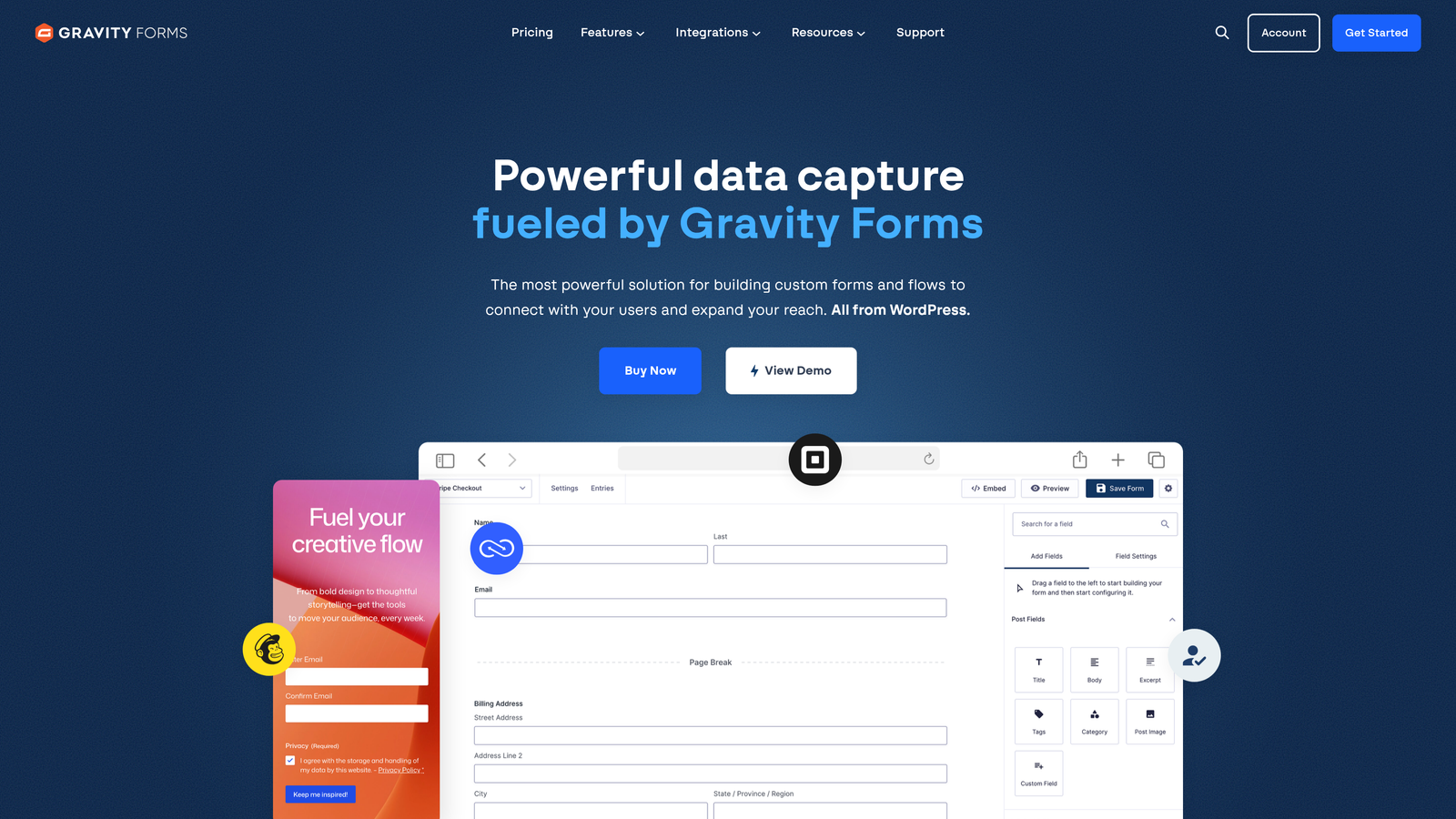
Gravity Forms is the go-to WordPress form plugin for teams that need serious conditional logic, developer-level customization, and tight integration with the WordPress environment.
Where This Tool Shines
If your website runs on WordPress and you need a form builder with genuine depth, Gravity Forms has been the industry standard for good reason. The conditional logic engine is robust, supporting complex multi-path flows, calculations, and field dependencies that go well beyond what most SaaS form builders offer natively.
The add-on ecosystem is a major advantage: payments, CRM sync, e-signatures, user registration, and more are available as official or third-party add-ons. Developers appreciate the hooks, filters, and REST API access that make Gravity Forms extensible in ways that SaaS tools simply can't match within a WordPress context.
Key Features
Deep WordPress Integration: Forms live natively in your WordPress environment, not as an external embed.
Advanced Conditional Logic: Complex branching, calculations, and multi-page flows for sophisticated form requirements.
Extensive Add-On Ecosystem: Payments, CRM connections, e-signatures, and more via official and community add-ons.
Developer-Friendly Architecture: Full access to hooks, filters, and REST API for custom development.
Shortcode and Block Editor Embed: Place forms anywhere in WordPress via classic shortcode or the block editor.
Best For
Gravity Forms is purpose-built for WordPress. If your site runs on another platform, this tool isn't portable and isn't relevant. For WordPress-based businesses, agencies, and developers who need maximum control and extensibility, it remains one of the strongest options available.
Pricing
Annual license starting at approximately $59/year for the Basic plan. No monthly pricing option. WordPress-only: not available for other platforms.
7. Paperform
Best for: Teams that need forms to function as mini landing pages with rich context, media, and branded design.
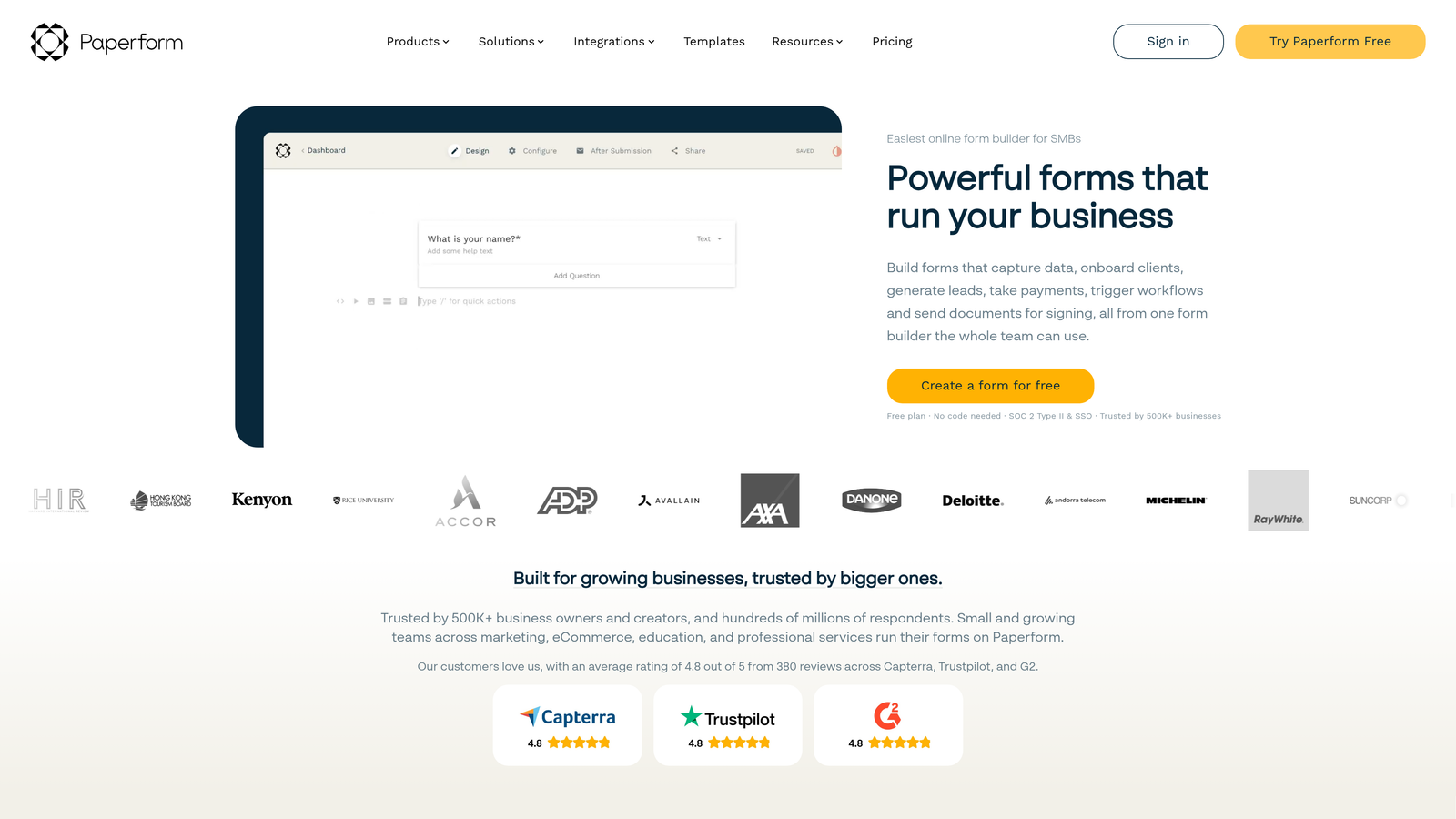
Paperform blurs the line between forms and landing pages, letting you weave text, images, and video directly into the form experience alongside your questions.
Where This Tool Shines
Paperform's document-style layout is genuinely different from most form builders. Instead of a stripped-down question list, you can build forms that read more like a well-designed page: explanatory copy, product images, embedded video, and pricing information sit alongside the fields themselves. This makes it particularly effective for forms that need to sell or explain before asking.
The visual customization is strong, and the built-in payment and product fields make it a practical tool for selling via forms without needing a separate e-commerce layer. Conditional sections let you show or hide content blocks based on earlier answers, not just individual fields.
Key Features
Document-Style Layout: Combine text, images, and video with form fields in a single, cohesive page experience.
Strong Brand Customization: Full visual control for brand-consistent form experiences without custom CSS.
Built-In Payment Fields: Sell products or collect payments directly within the form flow.
Conditional Sections: Show or hide entire content blocks based on respondent answers.
Multiple Embed Types: Inline, popup, and slider embed options for any website layout.
Best For
Paperform suits teams running product sales, service bookings, or onboarding flows where context and explanation matter as much as data collection. It's a strong pick for small businesses, consultants, and creators who want a form that doubles as a lightweight landing page.
Pricing
Paid plans start at approximately $24/month. No permanent free plan; a 14-day free trial is available.
8. Fillout
Best for: Product and ops teams who need forms that read from and write to databases like Airtable, Notion, or Supabase.
Fillout is a newer form builder with a standout native integration story for database-connected workflows, making it particularly useful for teams building data-driven operations.
Where This Tool Shines
Most form builders write data to a spreadsheet or CRM. Fillout goes further: it connects natively to Airtable, Notion, and Supabase in both directions, meaning forms can read existing records and update them on submission. For operations teams managing inventory, project pipelines, or client databases, that bidirectional sync removes a lot of manual reconciliation work.
The feature set is well-rounded beyond the database angle: multi-step forms, scheduling, file uploads, payments, and conditional logic are all available. The free plan is generous, and the pricing structure is accessible enough that small teams can get real value before committing to a paid tier.
Key Features
Native Database Integrations: Read and write directly to Airtable, Notion, and Supabase without middleware.
Multi-Step Form Support: Build complex flows with scheduling, file uploads, and payment collection.
Conditional Logic and Smart Branching: Dynamic field visibility based on respondent input.
Flexible Embed Options: Inline, popup, and full-page embed for any website context.
Generous Free Plan: Meaningful response limits on the free tier, suitable for early-stage use cases.
Best For
Fillout is the strongest choice for product teams, operations managers, and no-code builders who are already working with Airtable, Notion, or Supabase and want forms that connect directly to those data sources. It's less differentiated for pure lead generation use cases where a CRM-first tool would serve better.
Pricing
Free plan available with generous response limits. Paid plans start at approximately $15/month, making it one of the more affordable options in this list.
9. Google Forms
Best for: Internal data collection, budget-zero scenarios, or anyone deeply embedded in Google Workspace.
Google Forms is Google's completely free form tool: simple, reliable, and integrated directly with Google Sheets for response tracking.
Where This Tool Shines
The value proposition is straightforward: it's free, it has no response limits, and if you have a Google account, you already have access. For internal surveys, event registrations, quick feedback forms, and team polls, it covers the basics without any setup friction.
The Google Sheets integration is genuinely useful for teams that live in spreadsheets: every response populates automatically, and you can run analysis without exporting anything. The limitations are equally clear: design customization is minimal, conditional logic is basic, and for any public-facing lead generation use case, the Google-branded aesthetic works against conversion.
Key Features
Completely Free: No response limits, no paid tiers, no credit card required beyond a Google account.
Native Google Sheets Sync: All responses populate automatically in a connected spreadsheet.
Basic Section Branching: Route respondents to different sections based on their answers.
Iframe Embed: Embed on any website via standard iframe code.
Zero Setup Required: Create and share a form in minutes with no account configuration needed.
Best For
Google Forms is the right choice when cost is the primary constraint and design or conversion optimization aren't factors. Internal surveys, team check-ins, event RSVPs, and simple data collection tasks are where it genuinely delivers. For external lead generation, the limitations in design and qualification make it a poor fit compared to purpose-built tools.
Pricing
Completely free, included with any Google account. No paid tiers or usage limits.
Which Tool Is Right for Your Team?
The right embeddable form builder depends almost entirely on what you're trying to accomplish. Here's a quick reference to help you cut through the options.
For lead qualification and conversion optimization: Orbit AI is the purpose-built choice. If your team needs forms that don't just collect data but actively score and route leads, it's the only tool on this list designed specifically for that job. Start with orbitforms.ai to see what that looks like in practice.
For brand-first, conversational experiences: Typeform remains the benchmark for polished, engagement-focused forms. If your primary goal is a beautiful respondent experience and brand consistency matters, it's hard to beat.
For WordPress-powered websites: Gravity Forms is the clear answer. Its depth of integration and developer flexibility within the WordPress ecosystem makes it the standard for a reason.
For database-connected workflows: Fillout stands out if you're working with Airtable, Notion, or Supabase and need forms that interact with those data sources directly.
For teams on a tight budget: Tally's free plan covers most needs for early-stage teams, and Google Forms handles internal use cases at zero cost.
For HubSpot users: HubSpot Forms is the frictionless choice if you're already in that ecosystem. The native CRM sync alone justifies using it over a third-party tool.
The broader point is this: forms are no longer just data collection boxes. The best embeddable form builders in 2026 are part of your conversion infrastructure, and choosing the right one means thinking about what happens after the submit button, not just what the form looks like.
For high-growth teams where lead quality drives revenue, the form is where qualification starts. Start building free forms today and see how intelligent form design can elevate your conversion strategy and put better leads into your pipeline from day one.


