

Enterprise form building sounds straightforward until you're three months into a deployment and realizing your chosen platform can't handle SSO requirements, lacks the compliance certifications your legal team needs, or falls apart under high-traffic campaign loads. At enterprise scale, the wrong choice doesn't just cost money. It costs time, trust, and often customer data.
The best enterprise form builders today do far more than collect data. They qualify leads, route submissions intelligently, integrate deeply with your CRM and marketing stack, and maintain compliance across complex regulatory environments. If you're evaluating platforms for a high-growth team, understanding the differences between these tools before you commit is essential.
To build this comparison, we evaluated each platform across enterprise-grade security and compliance certifications, scalability under high-traffic conditions, integration depth with CRMs and marketing automation tools, collaboration features for large teams, AI and automation capabilities, and total cost of ownership. Whether you're building lead generation forms or managing complex multi-step workflows, this guide covers what matters most.
For teams specifically focused on conversion optimization, it's also worth understanding what separates a passive data collection form from an AI-powered qualification engine. That distinction shapes several of the recommendations below.
1. Orbit AI
Best for: High-growth teams that need AI-powered lead qualification built directly into the form experience.
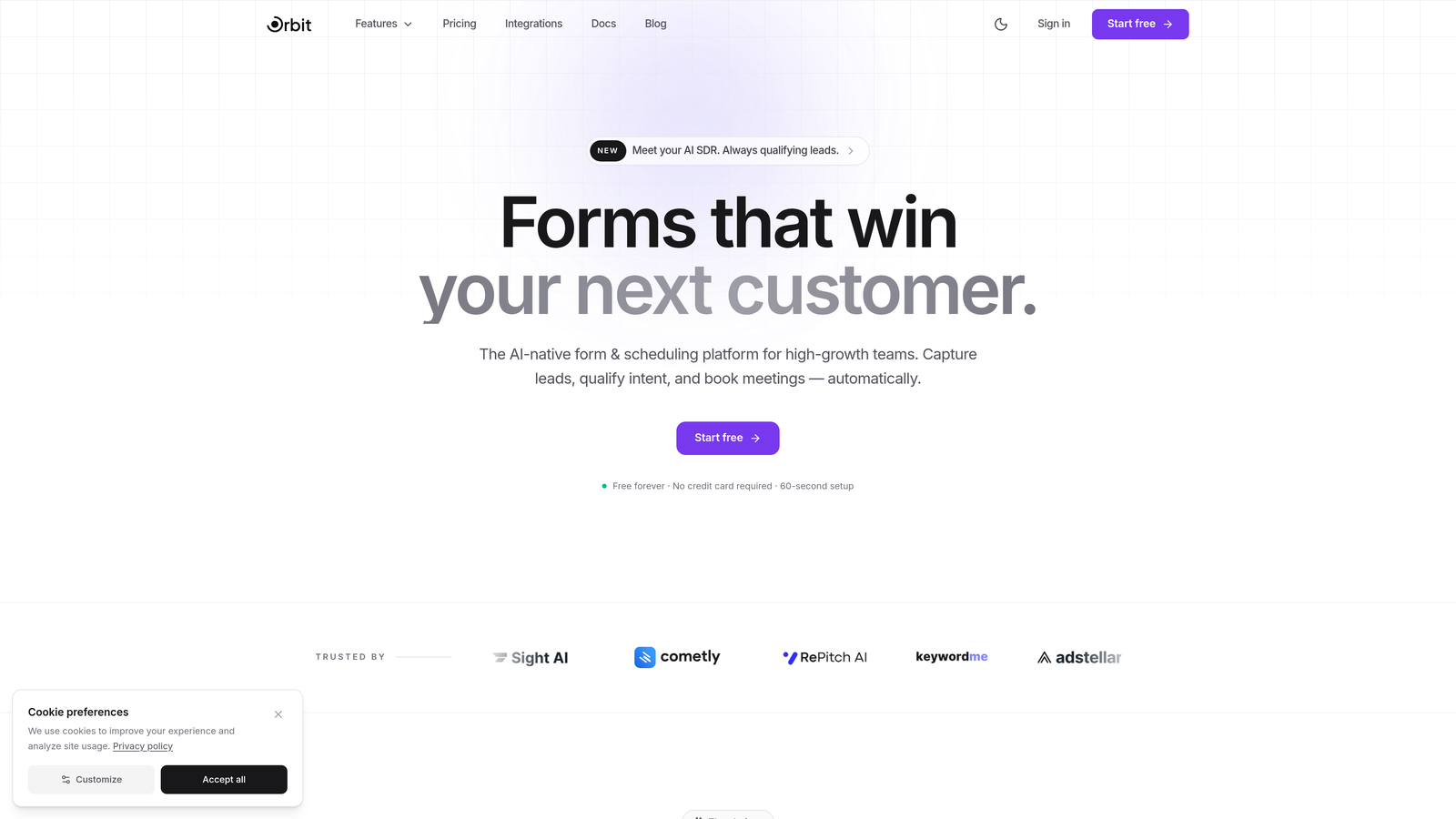
Orbit AI is an AI-powered form builder platform designed specifically for teams where lead quality matters as much as lead volume.
Where This Tool Shines
Most form builders treat the form as a passive collector. Orbit AI flips that model. The platform uses AI to assess lead quality at the point of submission, scoring and routing prospects based on their responses before they ever hit your CRM. For high-growth teams running paid acquisition or outbound campaigns, this means your sales team sees qualified leads first, not a raw dump of unfiltered submissions.
The form design itself is built for conversion, with modern, responsive templates that reflect how enterprise buyers actually interact with digital experiences. It's a meaningful contrast to legacy form tools that prioritize data structure over user experience.
Key Features
AI-Powered Lead Qualification: Scores and qualifies leads at the form level before routing to your CRM or sales team.
Real-Time Lead Routing: Automatically routes submissions based on AI-assessed quality, reducing manual triage and response time.
Conversion-Optimized Templates: Pre-built templates designed for high-traffic environments with completion rate optimization in mind.
Modern Responsive Design: Beautiful, flexible form layouts that perform across devices without custom development work.
CRM and Marketing Automation Integrations: Connects with major CRM and marketing platforms to keep data flowing across your stack.
Best For
Orbit AI is best suited for B2B SaaS companies, demand generation teams, and high-growth businesses where lead quality directly impacts revenue. If your current form tool is collecting data but not helping you act on it intelligently, this platform is built for that gap.
Pricing
Enterprise pricing is available on request. Contact Orbit AI directly at orbitforms.ai to discuss your team's needs and volume requirements.
2. Typeform
Best for: Teams prioritizing respondent engagement and completion rates through conversational form design.
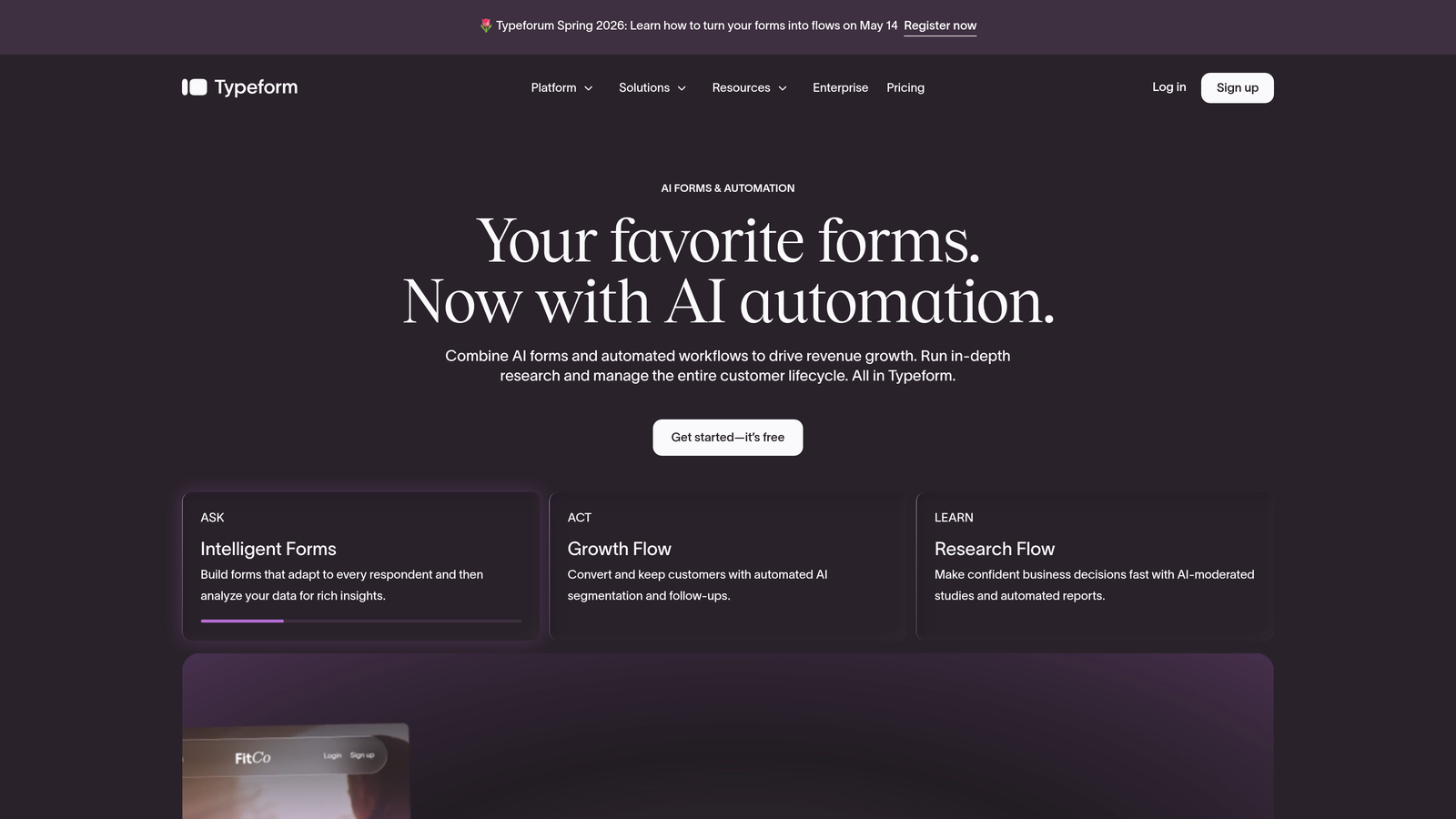
Typeform is a conversational form platform built around a one-question-at-a-time interface that consistently drives higher engagement than traditional multi-field forms.
Where This Tool Shines
Typeform's core insight is that forms feel less like forms when they mimic conversation. The sequential interface reduces cognitive load and abandonment, making it particularly effective for longer surveys, onboarding flows, and qualification questionnaires where completion rates are critical. The visual polish is also notable: Typeform forms look and feel like branded experiences rather than data collection utilities.
For enterprise teams, the platform's logic jump capabilities allow sophisticated branching paths that keep each respondent on a relevant journey without exposing the full complexity of the underlying form structure.
Key Features
Conversational Interface: One-question-at-a-time format that increases completion rates for complex or lengthy forms.
Logic Jumps and Conditional Branching: Route respondents through different question paths based on their answers.
Native Integrations: Connects directly with HubSpot, Salesforce, Slack, and a wide range of marketing and productivity tools.
Custom Branding: Full design flexibility to match your brand identity across colors, fonts, and imagery.
Enterprise Plan: Includes SSO, dedicated support, advanced security controls, and higher response limits.
Best For
Typeform works well for marketing and research teams that prioritize respondent experience. It's particularly strong for customer surveys, NPS programs, and lead capture flows where a polished, branded experience is part of the value proposition.
Pricing
The Business plan starts at approximately $83 per month billed annually. Enterprise pricing is available on request and includes expanded limits and dedicated support.
3. Jotform Enterprise
Best for: Organizations needing a vast template library, built-in approval workflows, and a dedicated cloud environment.
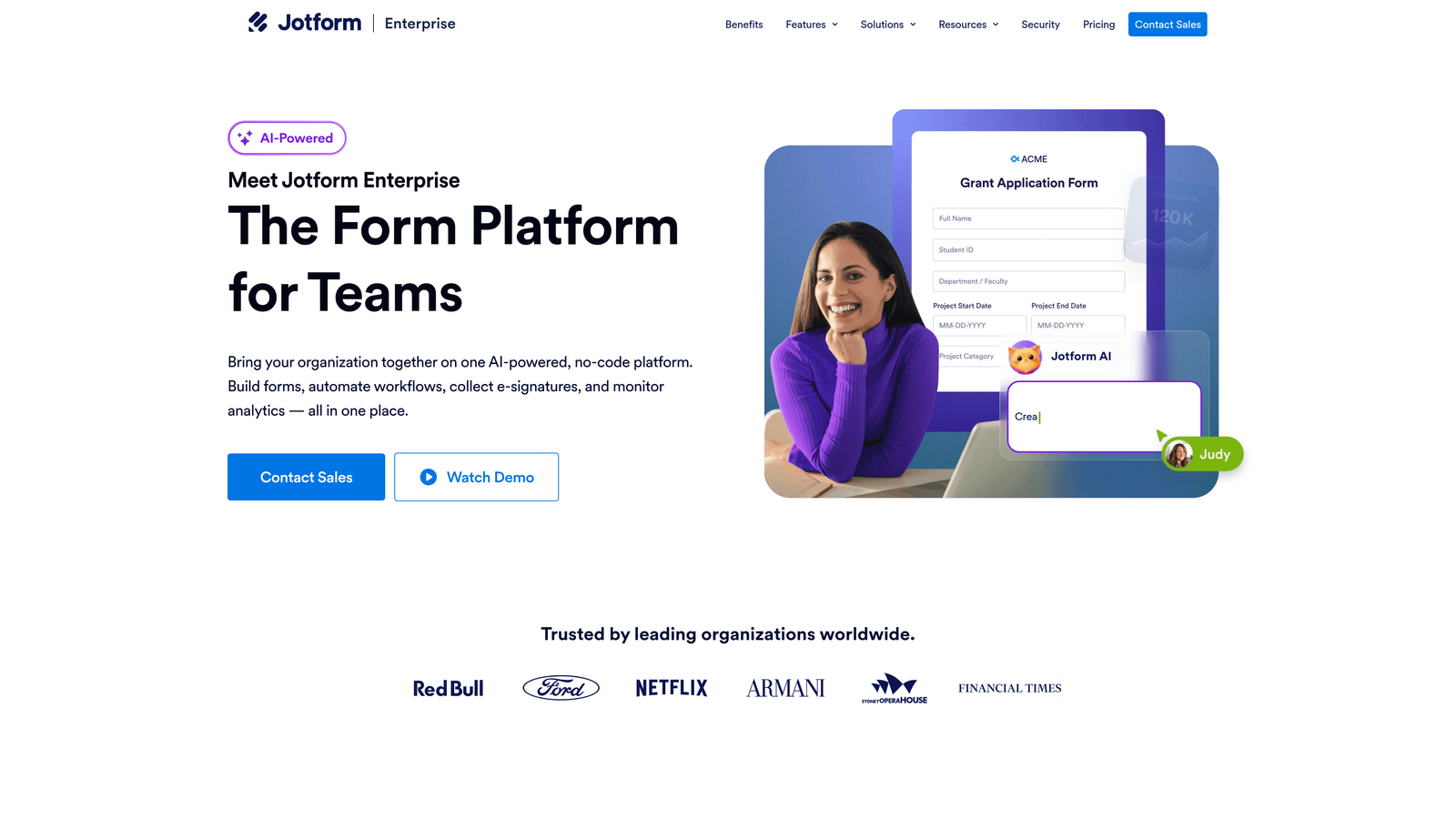
Jotform Enterprise is a no-code form platform that pairs an enormous template library with enterprise-specific infrastructure including dedicated cloud hosting and multi-user access controls.
Where This Tool Shines
Jotform's template depth is genuinely impressive. With over 10,000 templates spanning healthcare, education, legal, finance, and more, most enterprise teams can find a starting point that's already close to what they need. This dramatically reduces build time for teams managing high volumes of different form types across departments.
The approval workflow capabilities are a standout feature for internal operations. Forms can trigger multi-step approval chains automatically, making Jotform a strong fit for HR, procurement, and operations use cases where submissions need human review before action is taken.
Key Features
10,000+ Templates: Industry-spanning template library that accelerates deployment across departments and use cases.
Approval Workflows: Built-in multi-step approval routing with automated notifications and status tracking.
Dedicated Enterprise Cloud: Custom-branded, isolated cloud environment for data sovereignty and performance.
HIPAA Compliance: Meets HIPAA requirements for healthcare organizations handling protected health information.
Jotform Tables: Built-in data management and collaboration layer for organizing and acting on form submissions.
Best For
Jotform Enterprise suits large organizations with diverse departmental needs, particularly those in regulated industries or with heavy internal workflow automation requirements. It's a strong choice when you need one platform to serve many different teams.
Pricing
Enterprise pricing scales based on user count and storage requirements. Contact Jotform directly for a custom quote tailored to your organization's size.
4. Formstack
Best for: Enterprises looking to consolidate forms, documents, and e-signatures into a single workflow platform.
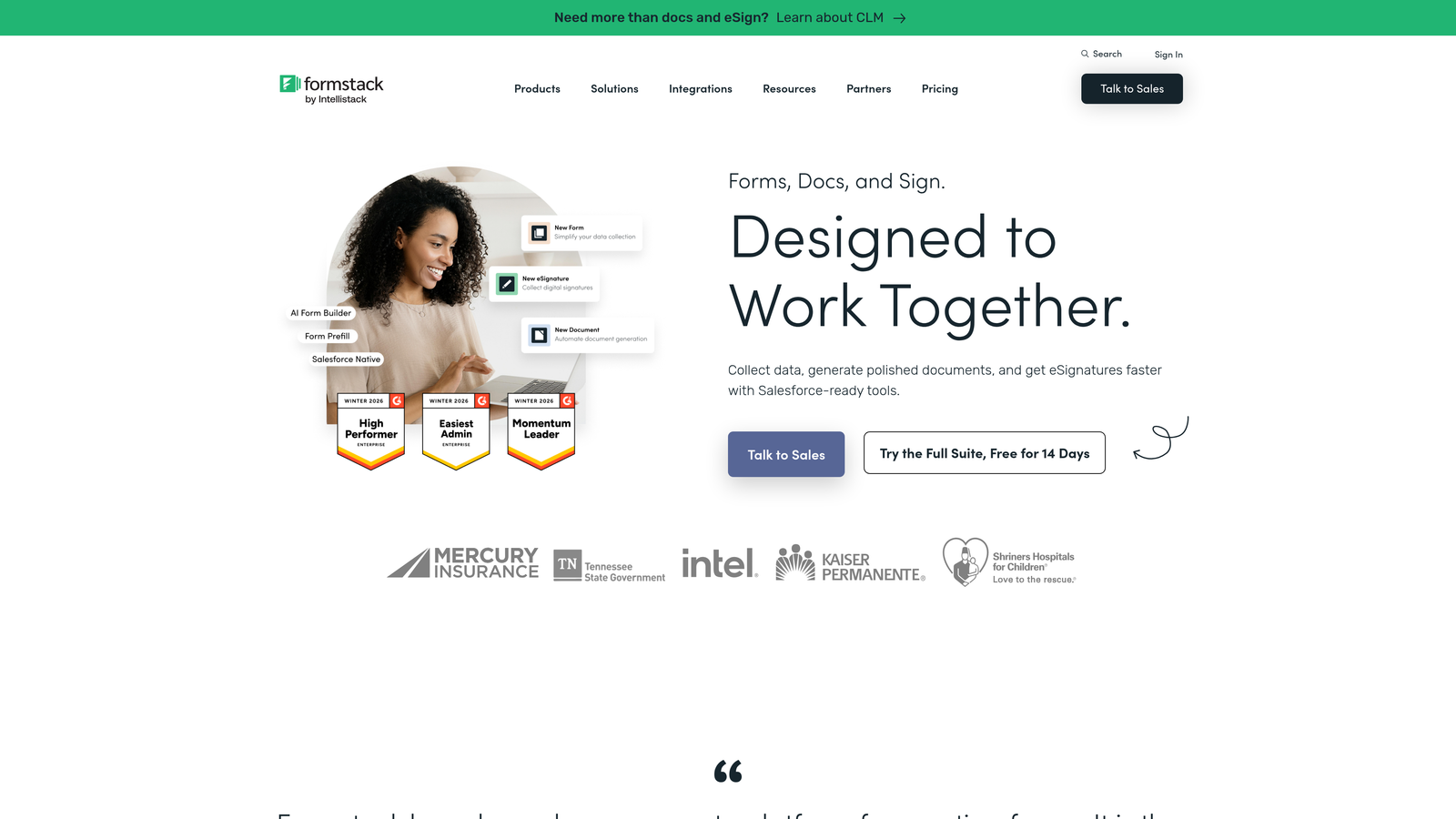
Formstack is a workplace productivity platform that extends beyond form building to include document generation and electronic signatures, all connected within unified workflow automation.
Where This Tool Shines
Formstack's key differentiator is its suite approach. Rather than treating forms as an isolated tool, Formstack connects form submissions directly to document creation and signature collection. For sales, legal, and HR teams, this means a prospect fills out a form, a contract is auto-generated, and a signature request goes out, all within one platform and without manual handoffs.
The compliance coverage is also broad. Formstack supports HIPAA, GDPR, and SOC 2 requirements, making it viable for regulated industries that need a single vendor capable of covering multiple compliance frameworks simultaneously.
Key Features
Unified Forms, Documents, and E-Signatures: End-to-end workflow automation from data capture through signed document delivery.
Conditional Logic and Multi-Step Forms: Complex form branching and multi-page layouts for sophisticated data collection scenarios.
Compliance Coverage: HIPAA, GDPR, and SOC 2 compliance options for regulated enterprise environments.
Native Salesforce App: Available on AppExchange for teams that want deep Salesforce integration without custom development.
A/B Testing: Built-in form optimization testing to improve conversion rates across key forms.
Best For
Formstack is best for enterprises that want to reduce SaaS sprawl by consolidating document and signature workflows alongside form building. It's particularly strong for sales operations, legal, and HR teams with high-volume document workflows.
Pricing
The Teams plan starts at approximately $83 per month. Enterprise plan pricing is available on request and includes expanded compliance features and dedicated support.
5. Microsoft Power Apps
Best for: Microsoft-centric enterprises that need custom forms and apps deeply integrated with their existing Microsoft 365 environment.
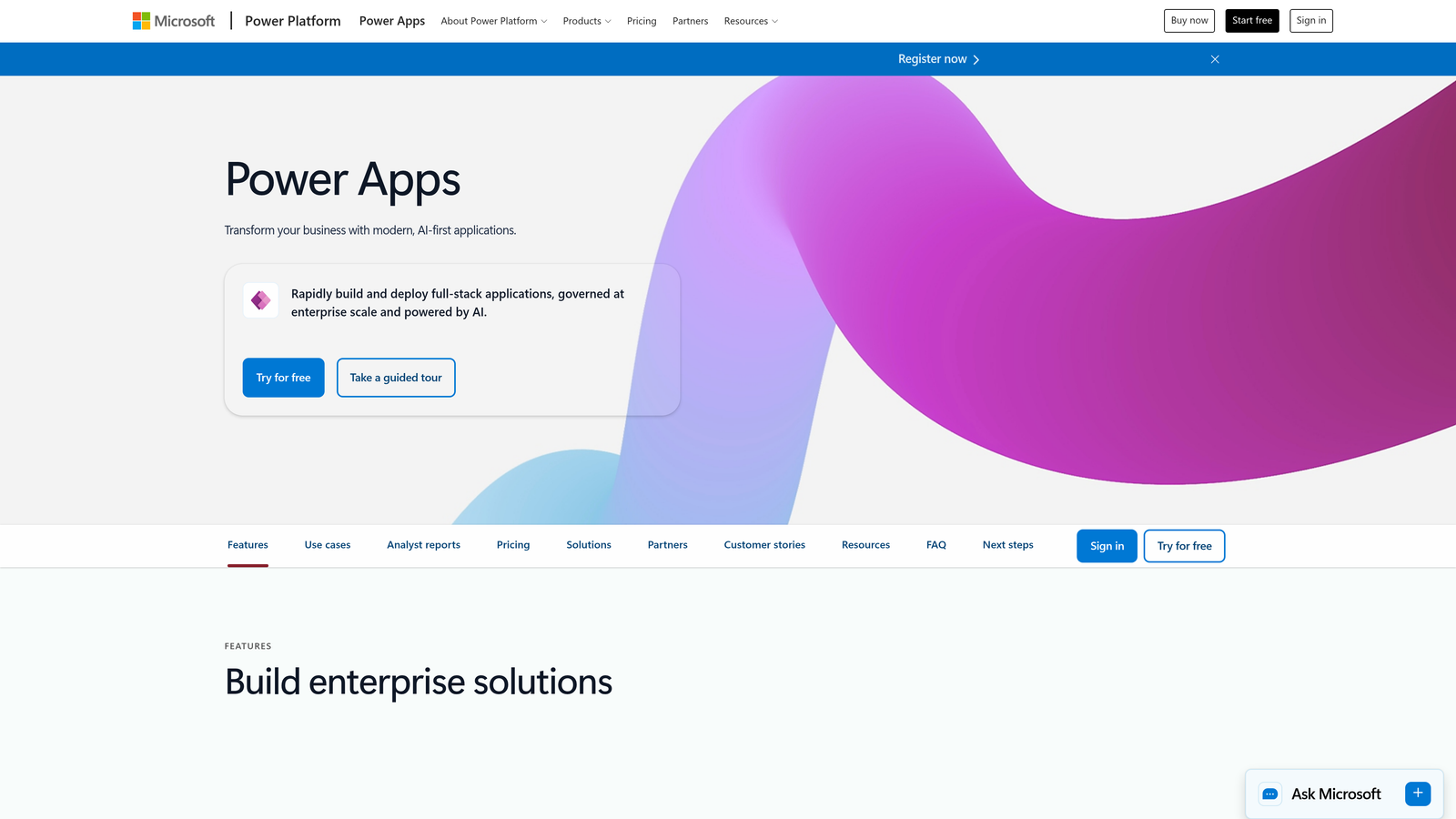
Microsoft Power Apps is a low-code application platform that enables enterprise teams to build custom forms, apps, and workflows fully embedded within the Microsoft ecosystem.
Where This Tool Shines
If your organization runs on Microsoft 365, Power Apps is the natural extension of that investment. Forms built in Power Apps connect natively to SharePoint, Teams, Dynamics 365, and Power Automate, meaning data flows through your existing infrastructure without integration overhead. For IT-governed enterprises, the Azure Active Directory security layer also means access controls are already aligned with your broader identity management setup.
The AI Builder add-on brings machine learning capabilities to forms and workflows, enabling use cases like document processing, prediction models, and object detection that go well beyond what traditional form tools support.
Key Features
Deep Microsoft Integration: Native connections to SharePoint, Dynamics 365, Teams, and Power Automate out of the box.
Canvas and Model-Driven Apps: Two distinct building approaches for flexible form and application design depending on complexity.
AI Builder: Add intelligence to forms and workflows with pre-built and custom AI models.
Azure Active Directory Security: Enterprise-grade access control aligned with your existing Microsoft identity infrastructure.
Dataverse: Structured enterprise data storage purpose-built for business application data.
Best For
Power Apps is the right choice for IT teams and enterprise architects in Microsoft-first organizations who need custom form applications that integrate deeply with Dynamics 365 or SharePoint. It requires more technical skill than no-code alternatives but offers significantly more flexibility.
Pricing
Per-user plans start at $20 per user per month. Per-app plans are also available for more targeted deployments.
6. Cognito Forms
Best for: Enterprises requiring complex calculation logic, dynamic pricing, and payment-integrated form workflows.
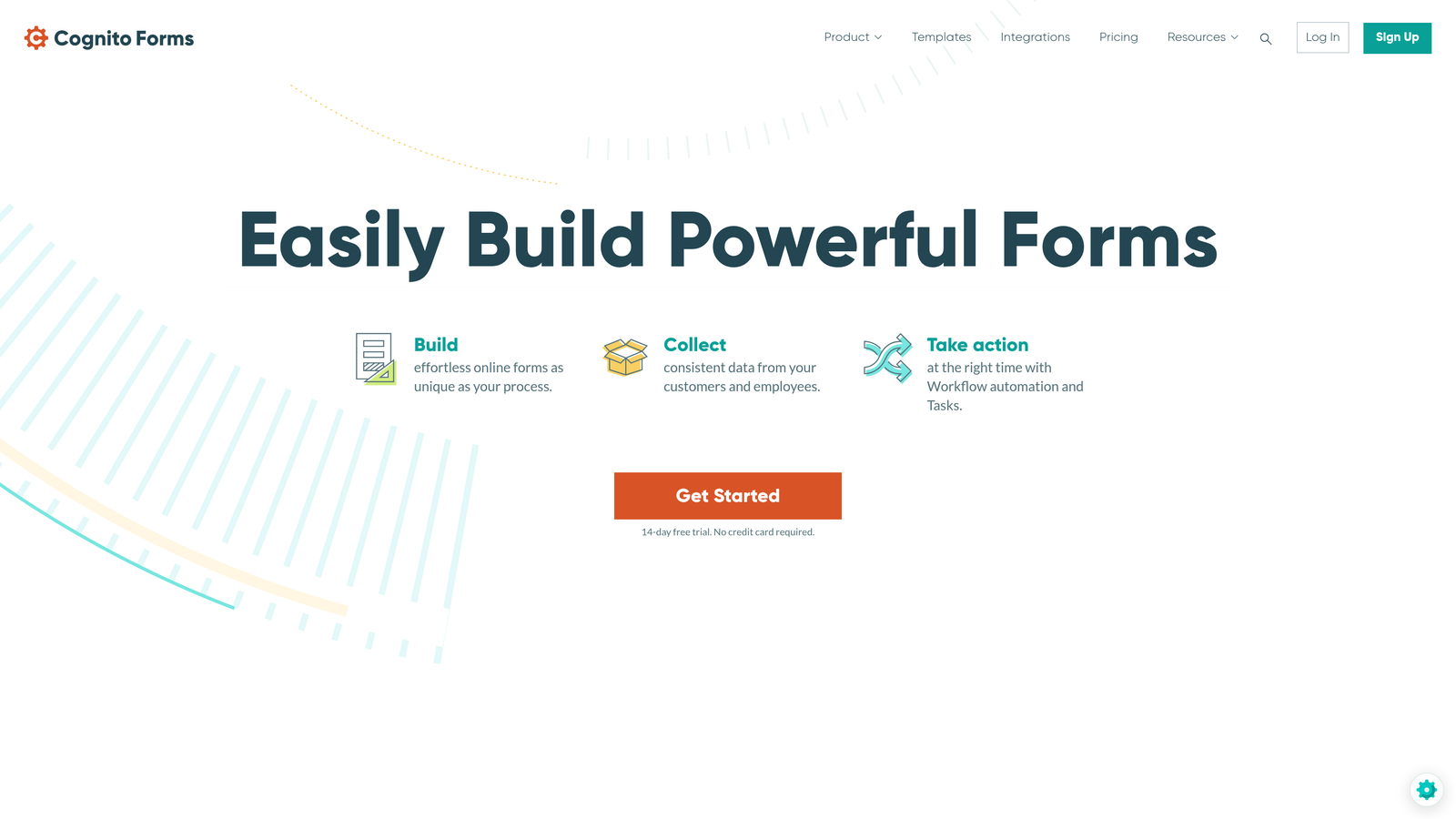
Cognito Forms is a form builder with a particularly powerful calculation engine, making it the go-to option for enterprises that need forms to handle pricing logic, order processing, or complex conditional math.
Where This Tool Shines
Most form builders treat calculations as an afterthought. Cognito Forms treats them as a core feature. The platform's calculation fields can handle sophisticated pricing logic, quantity-based totals, and conditional fee structures that would require custom development in most other tools. For teams managing event registrations, product orders, or service quotes through forms, this capability is genuinely differentiated.
The repeating sections feature is another standout, allowing respondents to dynamically add rows of data within a single form submission. Think itemized expense reports, multi-line order forms, or registration forms with variable attendee counts.
Key Features
Advanced Calculation Engine: Complex conditional pricing logic, quantity calculations, and dynamic totals built natively into form fields.
Integrated Payment Processing: Accepts payments via Stripe, PayPal, and Square directly within form submissions.
Repeating Sections: Dynamic table fields that allow respondents to add multiple rows of structured data in a single submission.
Role-Based Access: Granular permissions and data encryption for team-based form management.
Approval Workflows: Entry-level workflow automation with approval chains for submitted data.
Best For
Cognito Forms is ideal for finance, operations, and e-commerce teams that need forms capable of handling complex pricing, payment collection, and multi-line data entry. It's less suited to marketing-focused lead generation but excels in transactional and operational contexts.
Pricing
The Team plan is $44 per month. The Enterprise plan is $99 per month with expanded limits and features.
7. FormAssembly
Best for: Salesforce-native enterprises in regulated industries that need deep CRM integration with strong compliance credentials.
FormAssembly is an enterprise form platform purpose-built around Salesforce integration, with compliance features specifically designed for healthcare, financial services, and other regulated sectors.
Where This Tool Shines
FormAssembly's Salesforce integration is the most comprehensive in this comparison. Direct object mapping means form submissions can create or update any Salesforce object, not just leads and contacts. The prefill capability allows forms to pull existing Salesforce data into fields, reducing friction for returning customers or existing prospects moving through a workflow.
The Compliance Cloud offering is purpose-built for organizations operating under HIPAA, GDPR, GLBA, or PCI DSS requirements. Rather than treating compliance as a checkbox feature, FormAssembly has built dedicated infrastructure tiers for regulated data handling.
Key Features
Native Salesforce Integration: Direct object mapping and data prefill for any Salesforce object, not just standard lead fields.
Compliance Cloud: Dedicated compliance infrastructure supporting HIPAA, GDPR, GLBA, and PCI DSS requirements.
Multi-Step Forms with Save and Resume: Long-form workflows where respondents can save progress and return later.
SSO/SAML and Role-Based Permissions: Enterprise identity management and granular team access controls.
PCI-Compliant Payment Processing: Secure payment collection through compliant connector integrations.
Best For
FormAssembly is the strongest choice for Salesforce-dependent enterprises in healthcare, financial services, or education where compliance requirements are non-negotiable and CRM data integrity is critical.
Pricing
The Premier plan starts at approximately $99 per month. Enterprise and Compliance Cloud pricing is available on request based on organizational requirements.
8. Zoho Forms
Best for: Organizations already invested in the Zoho ecosystem that want seamless data flow across CRM, analytics, and helpdesk tools.
Zoho Forms is a form builder natively integrated with over 45 Zoho applications, making it the natural choice for teams running their business operations on the Zoho platform.
Where This Tool Shines
The depth of native Zoho integration is the defining feature here. Form submissions flow directly into Zoho CRM, trigger workflows in Zoho Flow, populate Zoho Analytics dashboards, and create tickets in Zoho Desk, all without third-party connectors or custom API work. For teams already operating within the Zoho ecosystem, this removes significant integration overhead.
The UTM tracking and marketing attribution capabilities are also worth noting. Zoho Forms captures campaign parameters alongside form submissions, giving marketing teams clean attribution data tied directly to their lead and conversion records in Zoho CRM.
Key Features
45+ Native Zoho Integrations: Seamless data flow across Zoho CRM, Analytics, Desk, Campaigns, and more without custom development.
Drag-and-Drop Builder: Conditional rules, page navigation, and branching logic in a visual no-code interface.
UTM Tracking and Attribution: Captures campaign parameters for marketing attribution tied directly to CRM records.
Approval Workflows: Automated approval routing and task assignment triggered by form submissions.
GDPR Compliance Tools: Built-in consent management, data encryption, and compliance controls.
Best For
Zoho Forms is the right choice for companies running their CRM, analytics, and customer operations on the Zoho platform. It delivers the most value when the broader Zoho ecosystem is already in place.
Pricing
The Premium plan is $10 per user per month billed annually. Enterprise pricing is available on request for larger teams and advanced requirements.
9. 123FormBuilder
Best for: Regulated industries needing HIPAA-compliant form building with strong conditional logic and white-label options.
123FormBuilder is an enterprise form platform with a strong focus on compliance credentials and conditional logic, particularly suited to healthcare, legal, and other regulated industries.
Where This Tool Shines
123FormBuilder has invested heavily in compliance infrastructure. HIPAA-compliant form building is available without requiring a custom enterprise tier negotiation, making it accessible for mid-market healthcare organizations that need compliant data collection without a lengthy procurement process. The white-label capabilities also make it a viable option for agencies or enterprises that need to deploy branded form experiences to external clients or partners.
The conditional logic implementation is robust, supporting skip logic, field visibility rules, and multi-branch question paths that allow a single form to serve multiple respondent segments without requiring separate form builds.
Key Features
HIPAA-Compliant Form Building: Purpose-built compliance for healthcare and regulated industries handling sensitive data.
Advanced Conditional Logic: Skip logic, field visibility rules, and multi-branch paths for complex respondent journeys.
Built-In Reporting Dashboards: Visual analytics and data export tools for tracking form performance and submission trends.
CRM Integrations: Connects with Salesforce, Microsoft Dynamics, and other major CRM platforms.
White-Label Options: Custom branding and white-label deployment for enterprise clients and agency use cases.
Best For
123FormBuilder is well-suited for healthcare organizations, regulated enterprises, and agencies that need compliant, branded form experiences with solid conditional logic and CRM connectivity at a competitive price point.
Pricing
The Professional plan starts at approximately $40 per month. Enterprise pricing is available on request for larger deployments and custom compliance requirements.
Which Platform Is Right for Your Enterprise?
The right enterprise form builder depends heavily on where your biggest pain points sit. There's no single winner across every dimension, but there are clear leaders for specific scenarios.
If your priority is intelligent lead qualification and conversion optimization, Orbit AI is built for exactly that. The AI-powered scoring and routing at the form level is a capability that most legacy platforms simply don't offer, and for high-growth teams where lead quality directly affects revenue, it's a meaningful differentiator.
For Salesforce-dependent enterprises in regulated industries, FormAssembly's depth of CRM integration and Compliance Cloud infrastructure is difficult to match. If your organization runs on Microsoft 365 and needs custom application logic, Power Apps gives you the most flexibility within that ecosystem. Formstack is the strongest choice for teams that want to consolidate forms, documents, and signatures under one platform and reduce SaaS sprawl.
Teams in the Zoho ecosystem should look at Zoho Forms first. Organizations with complex calculation or payment requirements will find Cognito Forms uniquely capable. And for engagement-driven use cases where completion rates are the primary metric, Typeform's conversational interface consistently outperforms traditional multi-field layouts.
The trend shaping this market right now is the shift from passive data collection to active lead intelligence. Forms that score, qualify, and route submissions automatically are becoming table stakes for high-growth teams that can't afford to waste sales capacity on unqualified leads.
Transform your lead generation with AI-powered forms that qualify prospects automatically while delivering the modern, conversion-optimized experience your high-growth team needs. Start building free forms today and see how intelligent form design can elevate your conversion strategy.


