

If you've been paying premium prices for Typeform, Jotform, or similar platforms, you've probably noticed the bills adding up fast. Once you hit response limits, need advanced conditional logic, or simply want to remove someone else's branding from your forms, the cost jumps quickly. The good news: the form builder market has matured significantly, and there are now genuinely powerful alternatives that deliver better conversion rates, smarter lead qualification, and cleaner UX at a fraction of the cost.
This list covers nine tools worth switching to in 2026. Whether you're a SaaS team chasing qualified leads, an agency managing multiple clients, or a growth marketer who needs conditional logic without enterprise pricing, there's a fit here for you. Each tool is evaluated on pricing transparency, core functionality, lead capture quality, and ease of use.
1. Orbit AI
Best for: SaaS and B2B teams who need forms that qualify and score leads automatically.
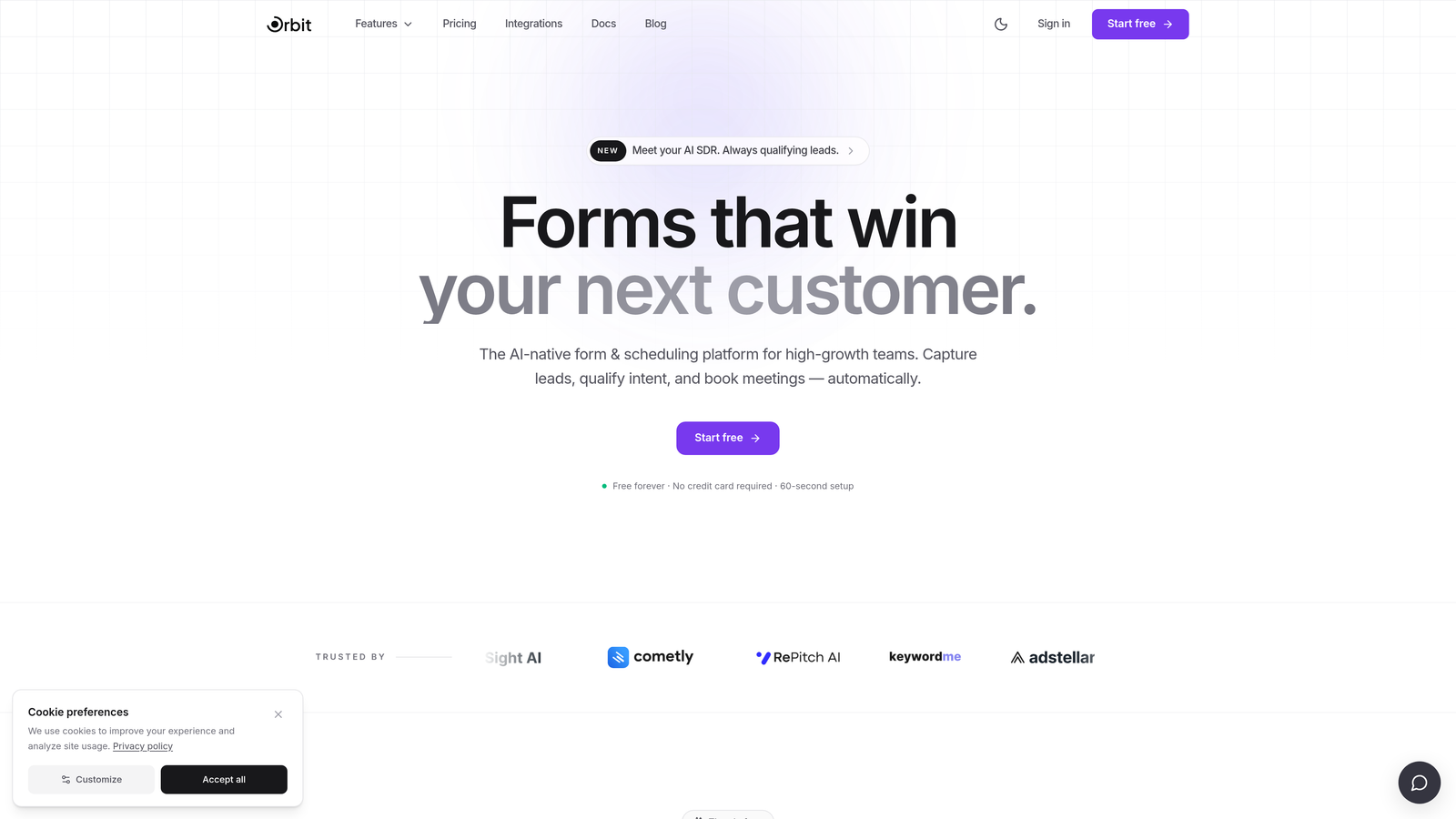
Orbit AI is an AI-powered form builder built specifically for high-growth teams who want more than a submission inbox.
Where This Tool Shines
Most form builders stop at collecting data. Orbit AI goes a step further by qualifying that data at the form level. Instead of dumping every submission into a CRM and hoping your sales team filters the noise, Orbit AI scores and segments leads based on how respondents answer, so your team only follows up with the right people.
The design quality is also a genuine differentiator. Forms built on Orbit AI look modern and conversion-optimized out of the box, which matters when your form is often the first real interaction a prospect has with your product. For SaaS and B2B teams where lead quality matters more than lead volume, this combination of intelligent qualification and polished UX is hard to find elsewhere.
Key Features
AI-Powered Lead Qualification: Automatically scores and segments leads based on form responses, so high-intent prospects are identified before they reach your CRM.
Conversion-Optimized Templates: Pre-built templates designed specifically for SaaS and B2B use cases, reducing the time from idea to live form.
Conditional Logic and Multi-Step Flows: Build branching form experiences that adapt to each respondent's answers, improving completion rates and data quality.
Custom Branding: Full control over form design and branding, so every touchpoint reflects your product's visual identity.
Lead Segmentation and Routing: Route leads to different teams, sequences, or CRM pipelines based on how they respond, without manual intervention.
Best For
High-growth SaaS and B2B teams who are frustrated with paying premium prices for dumb forms. If your current tool collects submissions but doesn't help you prioritize them, Orbit AI fills that gap directly. Particularly valuable for teams running demand generation or product-led growth motions.
Pricing
Visit orbitforms.ai for current pricing details. Plans are designed with high-growth teams in mind.
2. Tally
Best for: Startups and indie makers who need a genuinely unlimited free form builder.
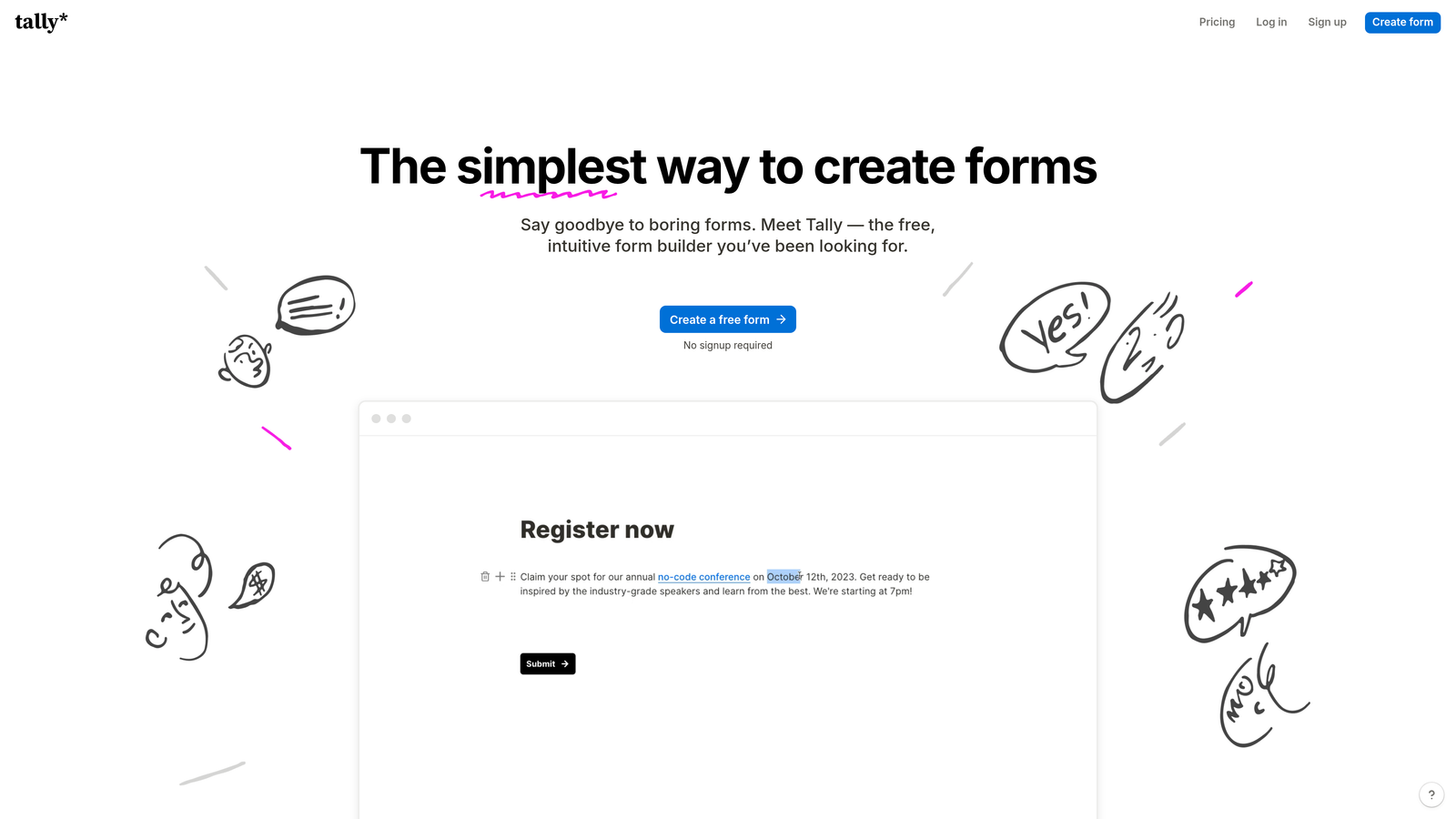
Tally is a Notion-inspired form builder with a free tier that doesn't cap your responses or force you to pay to remove branding on basic forms.
Where This Tool Shines
Tally's free tier is unusually generous compared to most competitors. There are no response limits, and the block-based editor feels immediately familiar if your team already lives in Notion. Building a form feels less like configuring a tool and more like writing a document, which lowers the barrier for non-technical teammates.
It's also one of the cleanest form experiences available at zero cost. The forms look good without heavy customization, and the native Notion embed support makes it a natural fit for teams whose workflows already run through Notion pages.
Key Features
Unlimited Responses on Free Tier: No submission caps on the free plan, which is a rarity in this market.
Block-Based Editor: Notion-style editing experience that makes form building fast and intuitive.
Conditional Logic and Hidden Fields: Build branching logic and pass data between fields without upgrading.
Native Notion Embeds: Embed forms directly inside Notion pages, keeping workflows centralized.
Pro Plan Upgrades: Custom domains, file uploads, and third-party integrations unlock on the Pro plan.
Best For
Early-stage startups, solo founders, and small teams who need capable forms without any monthly cost. Also a strong pick for teams already embedded in the Notion ecosystem who want their forms to feel native to that environment.
Pricing
Free tier available with no response limits. Pro plan pricing is available at tally.so.
3. Fillout
Best for: Teams who want forms that read from and write to databases like Notion, Airtable, or Supabase.
Fillout is a form builder built specifically for database-connected workflows, eliminating the middleware that most teams rely on to sync form data.

Where This Tool Shines
Where most form builders require a Zapier or Make workflow to push submissions into Airtable or Notion, Fillout connects directly. You can build forms that pull live data from your database and write responses back to it without any automation layer in between. For operations teams and product teams managing structured data, this is a significant workflow improvement.
The lookup field feature is particularly useful: it lets respondents search and select from live records in your connected database, turning a static form into something closer to a dynamic data entry interface.
Key Features
Native Database Integrations: Direct connections to Notion, Airtable, and Supabase without middleware.
Lookup Fields: Pull live data from connected databases so respondents can search and select existing records.
Multi-Step Forms with Conditional Logic: Build branching, multi-page form flows that adapt based on answers.
Scheduling and Payment Forms: Built-in support for appointment booking and payment collection use cases.
Generous Free Tier: Meaningful functionality available before hitting a paywall.
Best For
Operations teams, product managers, and technical users who manage structured data in Notion or Airtable and want forms that integrate natively rather than through automation workarounds.
Pricing
Free tier available. Paid plan details at fillout.com.
4. Paperform
Best for: Businesses who want forms that double as branded landing pages with built-in payments.
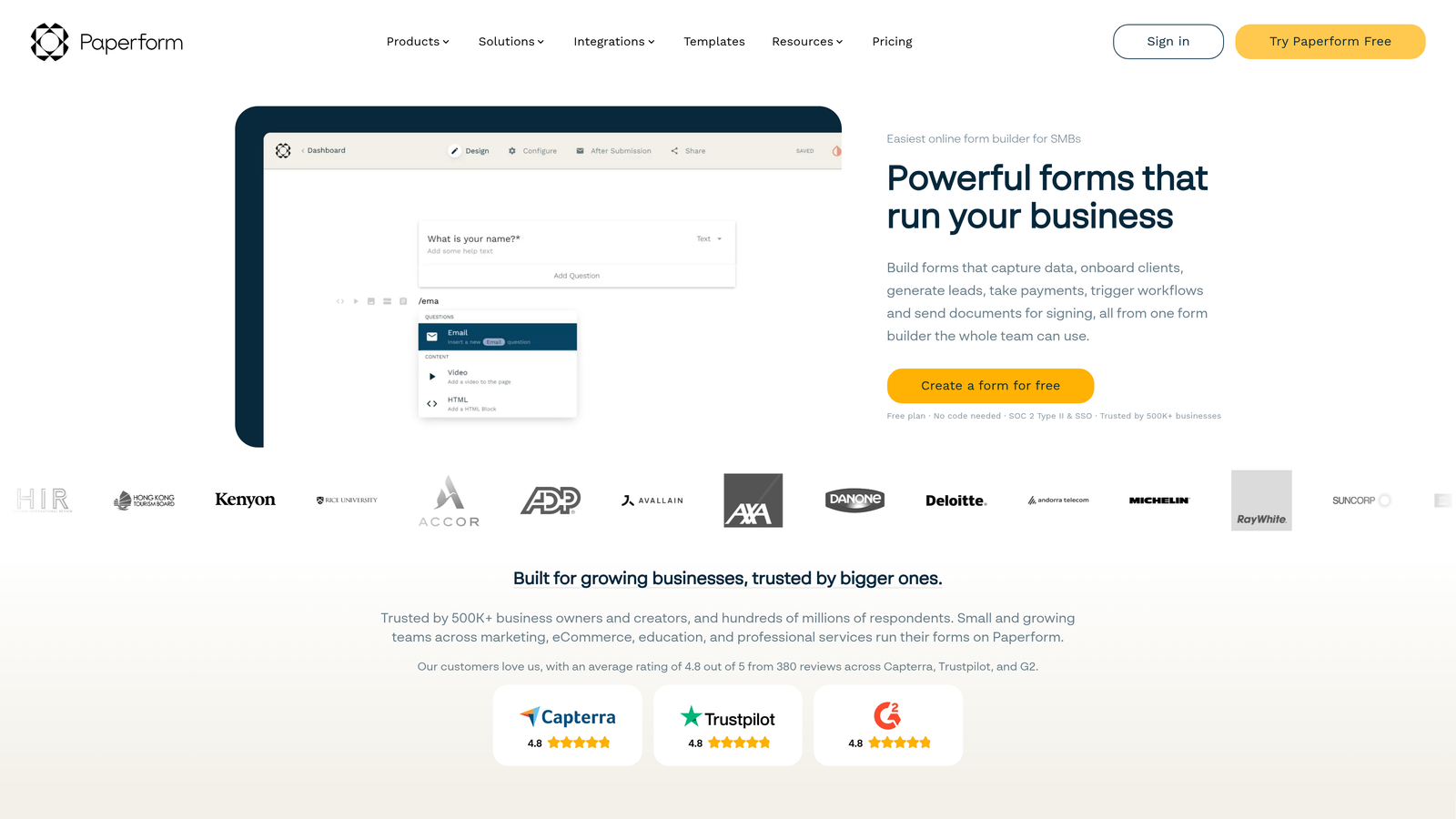
Paperform is a document-style form builder that blends rich content with form fields, creating experiences that look more like landing pages than traditional forms.
Where This Tool Shines
Paperform's core insight is that forms don't have to feel like forms. You can mix text blocks, images, videos, and form fields on a single page, giving you something that reads like a well-designed document while still collecting structured data. This is particularly effective for onboarding flows, intake questionnaires, and product order pages where context matters.
The built-in payment processing and appointment scheduling also mean you can consolidate tools. Instead of connecting a form builder to a payment processor to a scheduling tool, Paperform handles all three in one place.
Key Features
Rich Content Blocks: Combine text, images, video, and form fields on a single page for a landing page-quality experience.
Built-In Payment Processing: Accept payments via Stripe, PayPal, and Square directly within forms.
Appointment Scheduling: Built-in scheduling functionality without needing a separate Calendly integration.
Custom Domain Support: Host forms on your own domain for a fully branded experience.
Calculation Fields: Dynamic pricing, scoring, and totals that update based on user inputs.
Best For
Small businesses, consultants, and agencies who want a polished, branded form experience with payments and scheduling baked in. Strong fit for service-based businesses creating intake forms, order forms, or client onboarding flows.
Pricing
Paid plans only with no permanent free tier. Current pricing at paperform.co.
5. Formspree
Best for: Developers who want a form backend without building one from scratch.
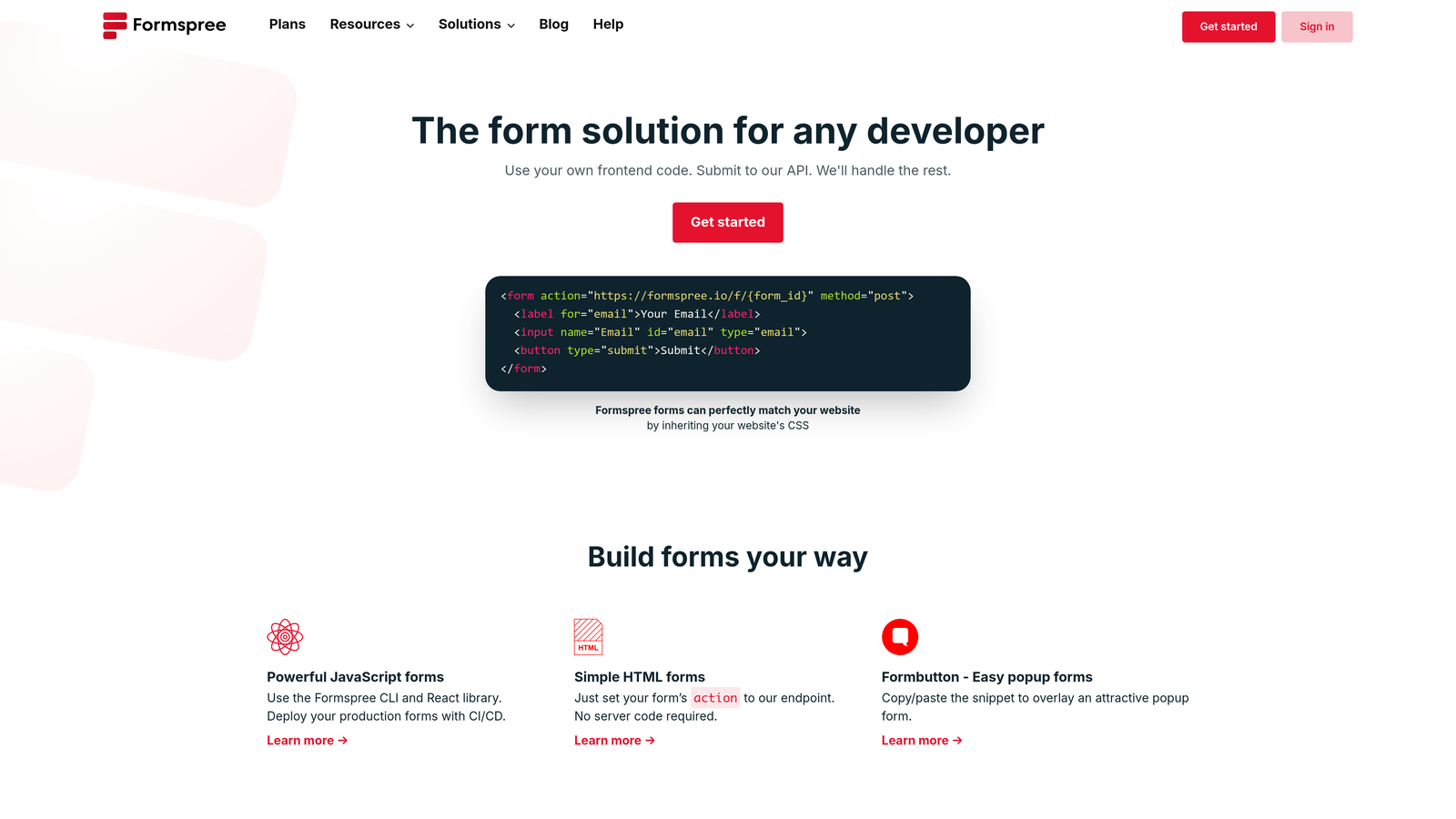
Formspree is a form backend service that handles submissions from any HTML form, giving developers submission management, spam filtering, and notifications without a custom server.
Where This Tool Shines
Formspree's appeal is its simplicity for engineers. You point an HTML form's action attribute at a Formspree endpoint, and everything else is handled: submissions are stored, spam is filtered, and notifications are sent. There's no drag-and-drop builder to wrestle with and no visual layer between you and the form's HTML.
For teams building on JAMstack, static sites, or React applications, Formspree removes the one painful problem that comes with frontend-only architecture: where do form submissions actually go? The answer becomes a single line of code.
Key Features
HTML Form Integration: Point any form's action attribute to Formspree and get instant submission handling.
Spam Filtering: Built-in reCAPTCHA and honeypot protection without additional configuration.
Email Notifications and Webhooks: Receive submissions via email or push them to any endpoint via webhook.
Static Site Compatible: Works with any frontend framework, static site generator, or plain HTML.
Submission Dashboard: View and manage all submissions in a clean web interface.
Best For
Frontend developers and engineering teams building on static sites, JAMstack, or React who need form submission handling without a backend. Not suited for non-technical users who need a visual form builder.
Pricing
Free tier available. Paid plan details at formspree.io.
6. HubSpot Forms
Best for: Teams already using HubSpot CRM who want zero-friction lead capture.
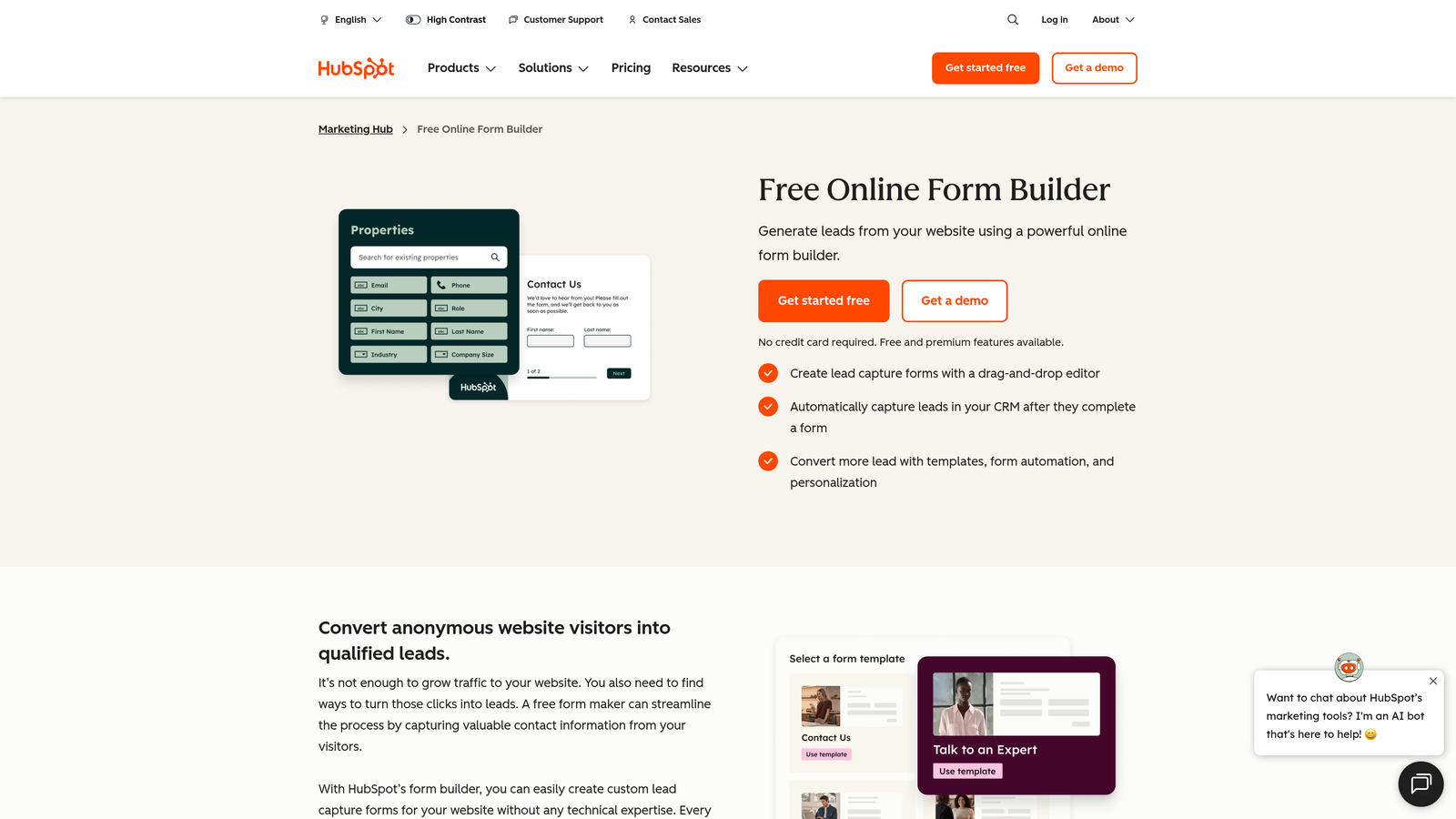
HubSpot Forms is a free form builder included with HubSpot's CRM platform, with submissions that automatically create or update contact records.
Where This Tool Shines
The integration story is the entire value proposition here. When someone submits a HubSpot form, they either become a new contact or their existing record is updated automatically. No Zapier, no webhook configuration, no manual CSV imports. For teams whose sales process lives in HubSpot, this removes a meaningful amount of friction from lead capture workflows.
The progressive profiling feature is also genuinely useful: HubSpot can detect when a known contact is filling out a form and ask them new questions instead of repeating fields they've already answered. Over time, this enriches contact records without creating a frustrating experience for repeat visitors.
Key Features
Free CRM Integration: Available at no cost with HubSpot's free CRM tier, with automatic contact creation and updating.
Progressive Profiling: Automatically shows new questions to returning contacts instead of repeating known fields.
Embed Anywhere: Embed forms on any website or use them as standalone HubSpot-hosted pages.
A/B Testing: Available on paid Marketing Hub tiers for testing form variations.
Analytics: View submission rates and form performance data within the HubSpot dashboard.
Best For
Marketing and sales teams already operating within the HubSpot ecosystem. Less compelling if you're not using HubSpot CRM, since the design flexibility is limited compared to dedicated form builders.
Pricing
Free with HubSpot's free CRM plan. Advanced features require paid Marketing Hub tiers. Details at hubspot.com.
7. Pabbly Form Builder
Best for: High-volume teams who need unlimited submissions without per-response pricing.
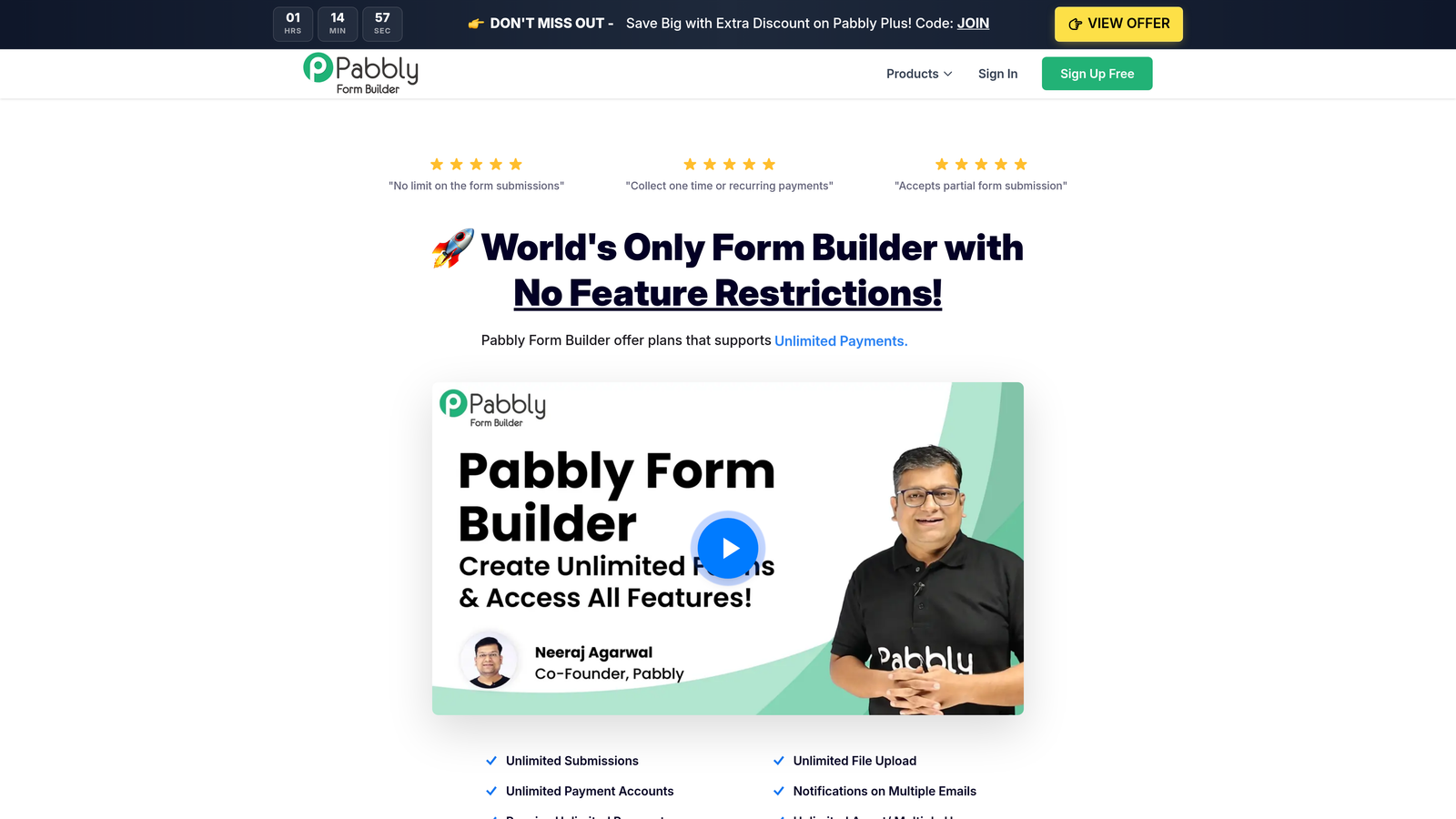
Pabbly Form Builder removes per-response pricing entirely, offering unlimited submissions on all paid plans including a lifetime deal option.
Where This Tool Shines
The pricing model is Pabbly's primary differentiator. Most form builders charge based on response volume, which creates an awkward dynamic where your costs scale with your success. Pabbly breaks that model by offering unlimited submissions on every paid plan, making it predictable for agencies and high-volume teams running multiple campaigns simultaneously.
The lifetime deal option is particularly attractive for bootstrapped teams and agencies who want to lock in costs permanently. It's not the most feature-rich builder on this list, but for teams whose main frustration is unpredictable per-response billing, Pabbly solves the core problem cleanly.
Key Features
Unlimited Submissions: No response caps on any paid plan, regardless of volume.
Lifetime Deal Option: One-time payment plans available, eliminating recurring subscription costs.
Payment Collection: Accept payments via Stripe and PayPal directly through forms.
Email Autoresponders: Automated confirmation and notification emails triggered by form submissions.
Conditional Logic: Drag-and-drop builder with branching logic for dynamic form flows.
Best For
Agencies managing high-volume form campaigns, bootstrapped teams who prefer one-time pricing, and any business frustrated by escalating per-response costs on other platforms.
Pricing
One-time and subscription options available. Current pricing at pabbly.com.
8. Cognito Forms
Best for: Teams with complex operational workflows that require advanced conditional logic and calculations.
Cognito Forms is a form builder known for unusually powerful conditional logic, repeating sections, and calculation fields built for complex data collection scenarios.
Where This Tool Shines
Most form builders handle basic show/hide logic reasonably well. Cognito Forms goes significantly deeper, supporting multi-condition rules, nested logic, and calculation fields that can compute pricing, totals, or scores dynamically based on user inputs. For operations teams building procurement forms, legal intake forms, or service pricing calculators, this level of logic capability is rare without moving to enterprise tools.
The repeating sections feature is particularly powerful for list-based data entry. Instead of building a separate form for each line item, respondents can add as many rows as needed within a single section, which makes Cognito Forms genuinely useful for purchase orders, event registrations, and inventory submissions.
Key Features
Advanced Conditional Logic: Multi-condition rules with nested logic that goes well beyond basic show/hide functionality.
Repeating Sections: Dynamic, list-based data entry where respondents can add multiple rows within a single form.
Calculation Fields: Real-time pricing, totals, and scoring computed from user inputs.
Built-In Payment Processing: Accept payments directly within complex multi-field forms.
Free Tier: Available with up to 500 entries per month before requiring a paid plan.
Best For
Operations, legal, government, and procurement teams who need forms that handle complex, structured data with calculation and logic requirements that simpler builders can't accommodate.
Pricing
Free tier with up to 500 entries per month. Paid plan details at cognitoforms.com.
9. Zoho Forms
Best for: Businesses already running on the Zoho ecosystem who want native CRM and helpdesk integration.
Zoho Forms is a capable form builder that integrates natively with Zoho CRM, Zoho Desk, and Zoho Campaigns, offering strong value for businesses already invested in the Zoho stack.
Where This Tool Shines
If your business runs on Zoho, the native integrations here eliminate a significant amount of manual work. Form submissions can automatically create leads in Zoho CRM, open tickets in Zoho Desk, or trigger campaigns in Zoho Campaigns, all without third-party automation tools. For SMBs who've standardized on Zoho to keep costs manageable, Zoho Forms is the natural form layer for that ecosystem.
The approval workflow feature is also worth noting. Forms can be configured to route submissions through multi-step approval chains before data is finalized, which is useful for purchase requests, leave approvals, and any workflow that requires sign-off before action.
Key Features
Native Zoho Integrations: Direct connections to Zoho CRM, Zoho Desk, and Zoho Campaigns without middleware.
Approval Workflows: Multi-step routing and approval chains built directly into form submission flows.
Offline Mobile App: Collect form submissions without an internet connection via the Zoho Forms mobile app.
Conversational Form Style: Card-based and conversational form options for improved completion rates.
Best For
SMBs and mid-market teams already using Zoho CRM or other Zoho products who want a form builder that connects natively to their existing stack without additional integration costs.
Pricing
Free tier available. Paid plan details at zoho.com/forms.
Which Tool Is Right for Your Team?
Here's a quick-reference breakdown by use case to help you cut through the options.
For AI-powered lead qualification: Orbit AI is the clear choice for growth-focused SaaS and B2B teams. It's the only tool on this list that qualifies and scores leads at the form level, which is a meaningful advantage when lead quality matters more than lead volume.
For a genuinely free tool with no limits: Tally is hard to beat. No response caps, no forced branding removal costs, and a clean editor that non-technical teammates can pick up immediately.
For database-connected workflows: Fillout wins for teams managing data in Notion, Airtable, or Supabase. The native integrations and lookup fields make it a fundamentally different kind of tool than a standard form builder.
For developers on static sites: Formspree handles the backend problem cleanly without any visual builder overhead. It's the right tool for engineering teams who want to write their own HTML.
For CRM-native teams on HubSpot: HubSpot Forms is the obvious choice if your contact management already lives in HubSpot. The zero-friction CRM integration and progressive profiling make it uniquely valuable within that ecosystem.
For high-volume campaigns on a fixed budget: Pabbly's unlimited submission model and lifetime deal option make it the most predictable choice for agencies and teams running large-scale form campaigns.
The common thread across all nine tools: you no longer need to overpay for form functionality. Whether you're replacing a premium Typeform plan or looking for something more intelligent than a basic drag-and-drop builder, the market has matured enough that better options exist at every price point.
If lead quality is your priority, not just lead volume, start building free forms today and see how intelligent form design can elevate your conversion strategy. Orbit AI combines the conversion-optimized UX your prospects expect with the AI-powered qualification your sales team actually needs.


