

Form automation platforms have moved well beyond simple drag-and-drop builders. Today's best tools handle conditional logic, lead qualification, CRM routing, and multi-step workflows, turning a basic web form into a full conversion engine. For high-growth teams, the right platform can mean the difference between a leaky funnel and a predictable pipeline.
This guide covers six platforms worth your attention in 2026, evaluated on automation depth, lead qualification capabilities, design flexibility, integrations, and pricing. Whether you're a SaaS team optimizing demo request flows or a B2B company qualifying inbound leads at scale, there's a clear fit for every use case. We've included Orbit AI at the top because it's the most purpose-built option for conversion-focused teams, but every tool on this list earns its place on its own merits.
1. Orbit AI
Best for: SaaS and B2B teams that need intelligent lead qualification built directly into their forms.
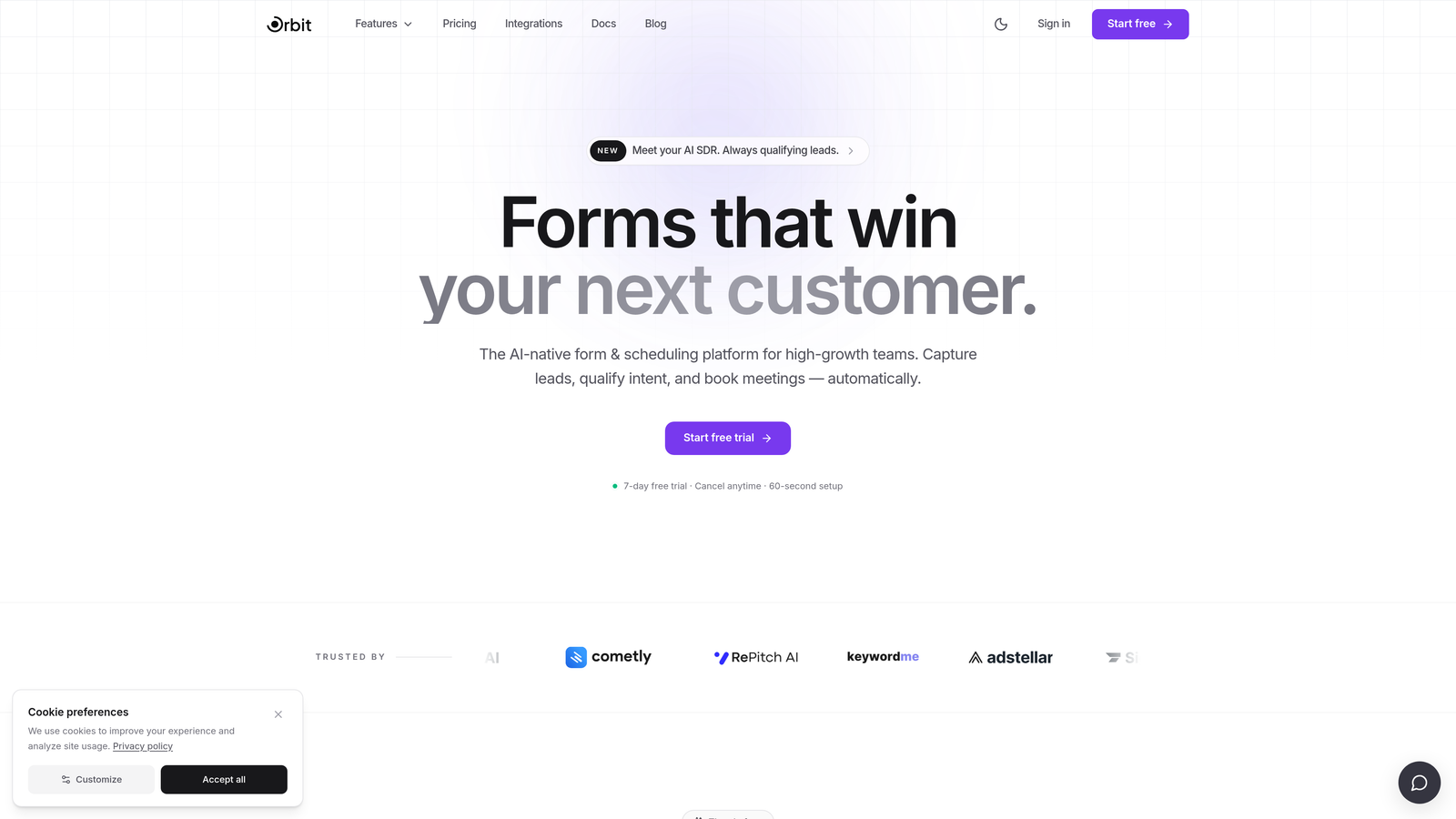
Orbit AI is an AI-powered form builder designed from the ground up for high-growth teams that care as much about lead quality as lead volume.
Where This Tool Shines
Most form builders are passive. They collect data and hand it off. Orbit AI takes a different approach: its AI-powered lead qualification layer actively scores and routes leads based on how respondents answer, so your sales team only sees the prospects that actually match your ICP. That's a meaningful shift for teams drowning in unqualified demo requests.
The design system is also genuinely modern. Forms built in Orbit AI look like they belong on a well-designed product site, not an afterthought. For SaaS teams where brand perception matters at every touchpoint, that visual quality is a real differentiator.
Key Features
AI Lead Qualification: Scores and categorizes leads automatically based on form responses, reducing manual sales triage.
Conditional Logic and Dynamic Routing: Personalizes the form experience based on earlier answers, creating branching paths that feel tailored to each respondent.
Conversion-Optimized Design System: A clean, modern design framework built specifically for high-conversion use cases rather than generic data collection.
CRM and Sales Tool Integrations: Automated lead handoff to your CRM or sales stack, so qualified leads move through the pipeline without manual intervention.
SaaS and B2B-Focused Templates: Purpose-built form flows for demo requests, lead capture, and inbound qualification rather than generic form templates.
Best For
Orbit AI is the strongest fit for SaaS companies, B2B marketing teams, and growth-focused organizations where lead quality is a KPI. If your team is spending significant time manually triaging form submissions or routing leads to the wrong sales reps, this platform directly solves that problem.
Pricing
Visit orbitforms.ai for current pricing and plan details. Pricing is structured to serve growing teams with options that scale alongside your lead volume.
2. Typeform
Best for: Marketing teams that prioritize form completion rates and conversational user experiences.
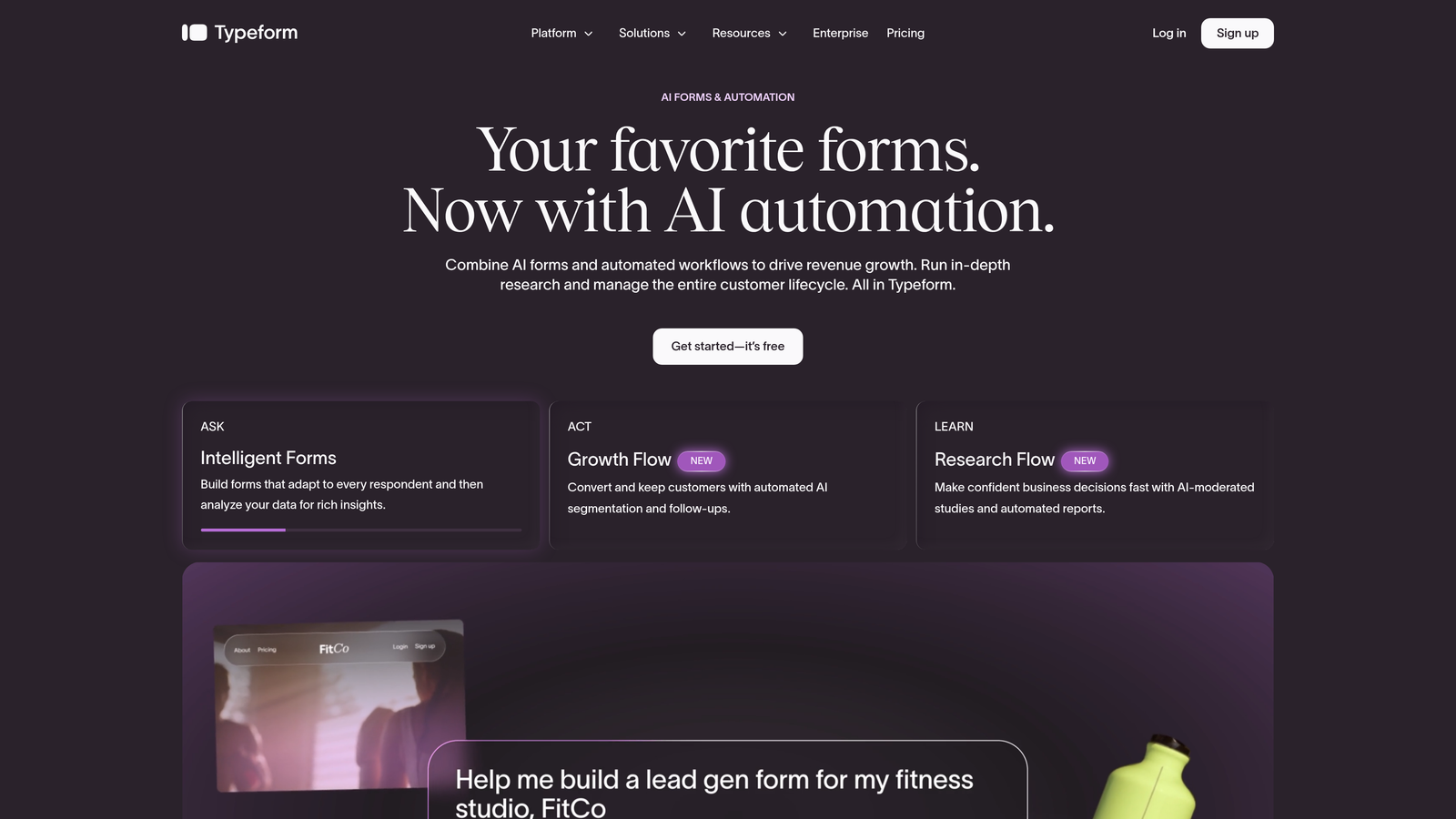
Typeform is a conversational form platform built around a one-question-at-a-time interface that consistently delivers engaging, survey-style experiences.
Where This Tool Shines
Typeform's signature UX is its biggest asset. By presenting one question at a time, it reduces the cognitive load that causes respondents to abandon traditional multi-field forms. This approach works especially well for longer surveys, NPS flows, and qualification questionnaires where you need people to stay engaged through multiple steps.
The integration ecosystem is mature. Typeform connects natively with HubSpot, Salesforce, Slack, and a wide range of marketing tools, which makes it a practical choice for teams that already have an established tech stack and want their form data to flow automatically into existing workflows.
Key Features
Conversational One-Question UX: Presents questions individually to maintain engagement and improve completion rates across longer forms.
Logic Jumps and Conditional Branching: Routes respondents through different question paths based on their answers, enabling personalized form experiences.
Native CRM Integrations: Direct connections to HubSpot, Salesforce, Slack, and other major platforms for automated data routing.
Quiz and Calculator Form Types: Supports interactive formats beyond standard lead capture, including scored quizzes and outcome-based calculators.
Embeddable and Shareable Links: Flexible deployment options for embedding in websites or sharing as standalone form links.
Best For
Typeform is a strong choice for marketing teams running surveys, product research, NPS programs, or multi-step lead qualification flows where the conversational format adds genuine value. It's less ideal for teams that need advanced AI-driven lead scoring or highly complex workflow automation.
Pricing
A free plan is available with limited responses. Paid plans start at approximately $25/month. Verify current pricing at typeform.com as tiers and features evolve regularly.
3. Jotform
Best for: Operations-heavy teams that need deep workflow automation, multi-step approvals, and a broad integration library.
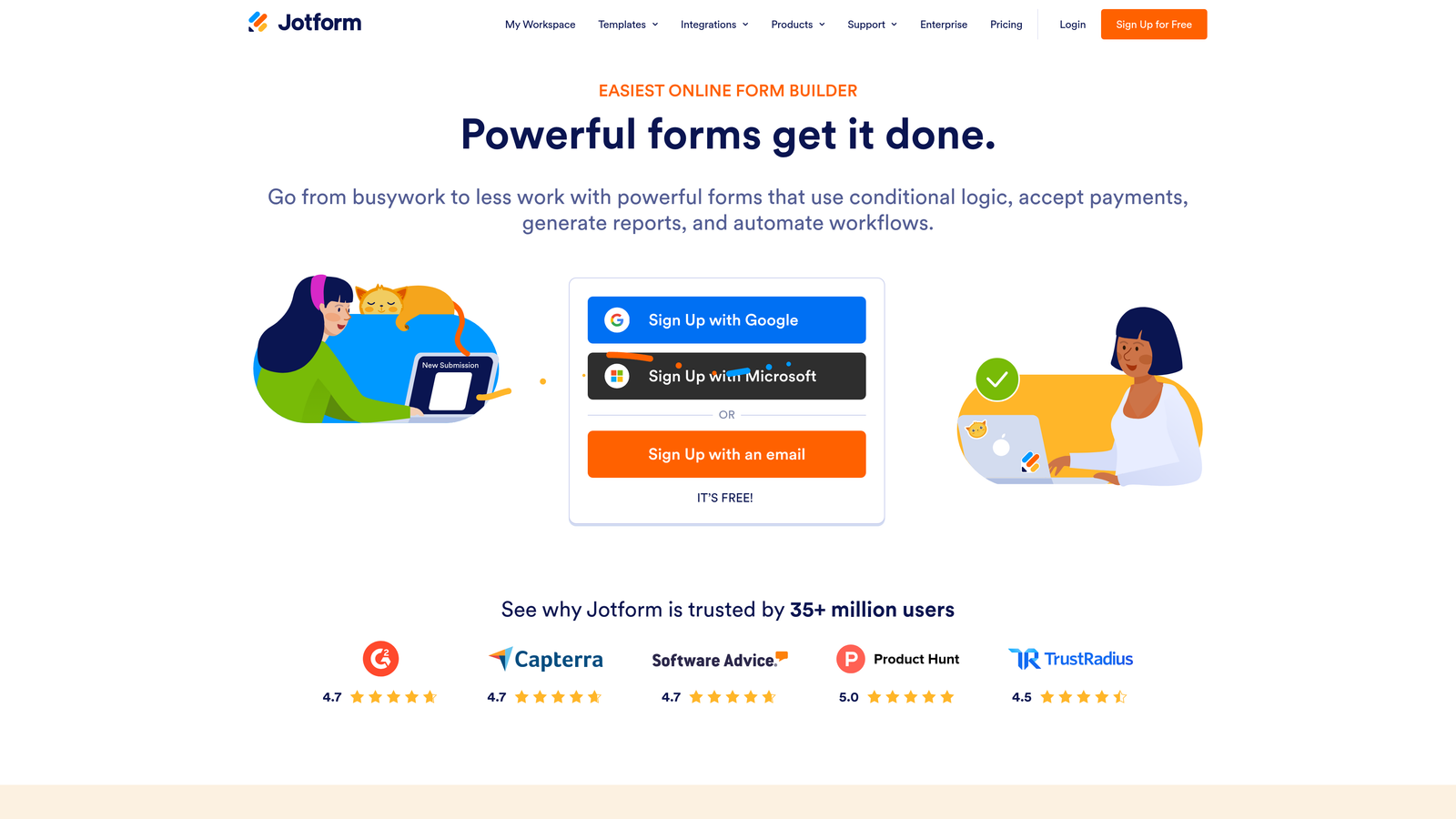
Jotform is one of the most feature-rich form automation platforms in the category, with a workflow engine that goes well beyond basic conditional logic.
Where This Tool Shines
Jotform Workflows is the standout capability here. It enables multi-step approval chains, conditional notifications, and automated task routing, making it genuinely useful for organizations that need forms to trigger complex internal processes rather than just collect and store data. Think procurement approvals, HR onboarding flows, or multi-department request routing.
The template library is also exceptional in breadth. Jotform covers dozens of industries with pre-built forms that teams can deploy quickly, which significantly reduces setup time for common use cases. Combined with a large integration ecosystem spanning major CRMs, payment processors, and productivity tools, it's a highly capable all-rounder.
Key Features
Jotform Workflows: Enables multi-step approval routing, conditional task assignment, and automated notifications across teams.
Extensive Template Library: A wide range of industry-specific templates that accelerate form creation across many use cases.
100+ Integrations: Connects with Salesforce, HubSpot, Slack, Google Sheets, payment processors, and many other platforms.
Advanced Field Types: Supports conditional logic, calculation fields, file uploads, and payment collection within a single form.
HIPAA-Compliant Plan: A dedicated compliance tier for healthcare organizations and other regulated industries handling sensitive data.
Best For
Jotform is best suited for operations, HR, and procurement teams that need forms to drive internal workflows and approval processes. It's also a strong option for businesses in regulated industries. Teams focused purely on marketing lead generation may find the feature set broader than they need.
Pricing
A free plan is available. Paid plans scale with submission volume and feature access. Verify current tiers at jotform.com.
4. Formstack
Best for: Enterprise teams and regulated industries that need compliance credentials, document generation, and e-signature capabilities alongside form automation.
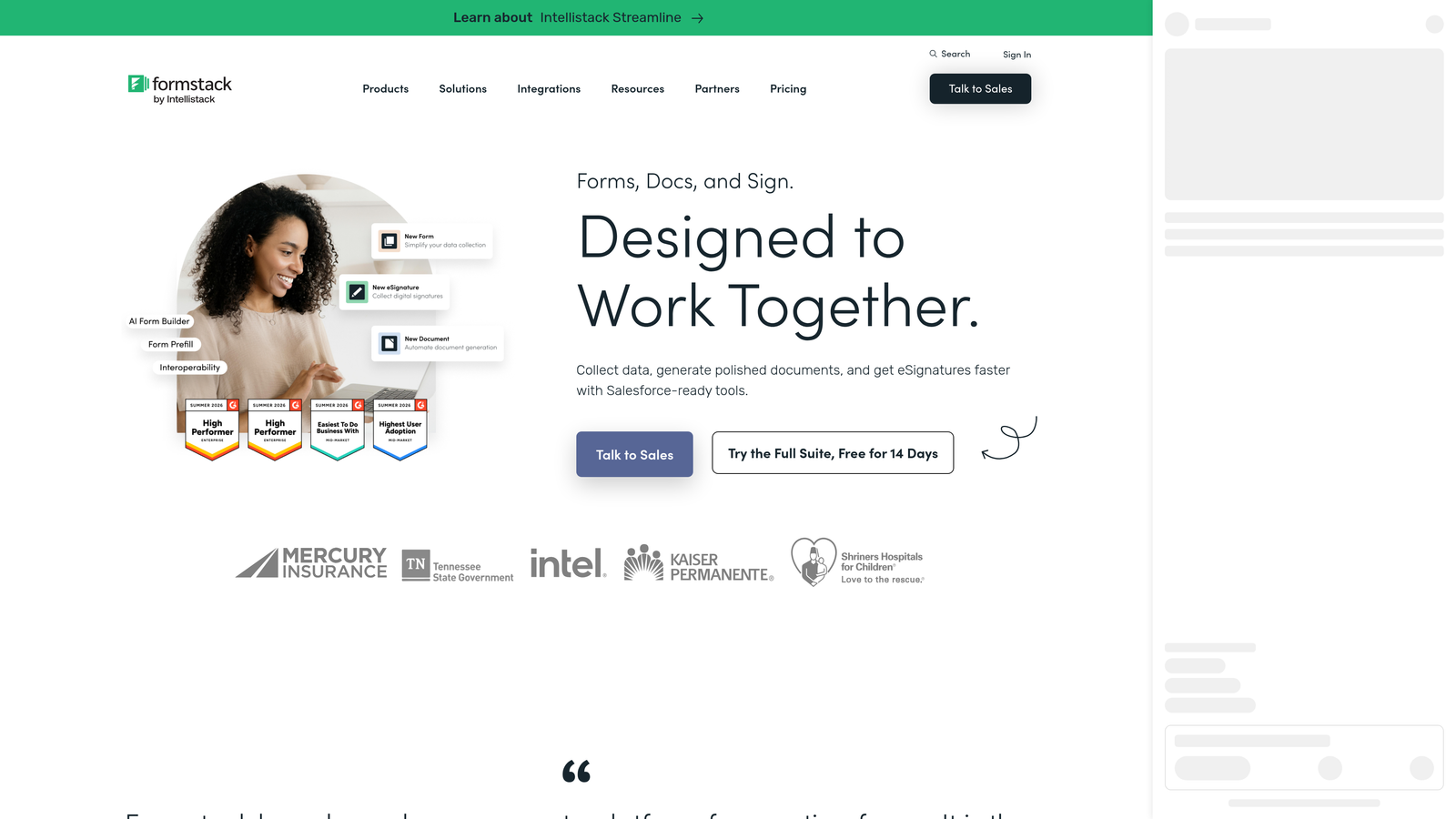
Formstack is an enterprise-grade platform that bundles form automation with document generation and electronic signature collection into a unified workflow suite.
Where This Tool Shines
Formstack's compliance posture is its most distinctive quality. HIPAA, GDPR, and SOC 2 certification options make it one of the few form platforms that enterprise compliance teams can actually approve without a lengthy security review. For organizations in healthcare, financial services, or legal sectors, this alone can be the deciding factor.
The platform also extends well beyond forms. Formstack Documents handles automated document generation from form data, and Formstack Sign adds e-signature collection to the workflow. This means a single submission can trigger a complete document lifecycle: collect data, generate a contract, send for signature, and route for internal approval, all within one connected system.
Key Features
Enterprise Compliance: HIPAA, GDPR, and SOC 2 compliance options built into the platform for regulated industry requirements.
Formstack Documents: Automated document generation that populates templates with form submission data.
Formstack Sign: Native e-signature collection integrated directly into form and document workflows.
Approval Workflow Routing: Conditional notifications and multi-step approval chains for complex organizational processes.
Salesforce Integration and Enterprise SSO: Deep Salesforce connectivity and single sign-on support for enterprise IT environments.
Best For
Formstack is purpose-built for enterprise organizations in regulated industries: healthcare, legal, finance, and government. It's not the right fit for lean SaaS teams or startups looking for a quick, lightweight lead capture solution. The investment is justified when compliance and document workflows are core requirements.
Pricing
Formstack operates on enterprise pricing with no public free plan. Contact their sales team or visit formstack.com for current rates and to discuss plan options for your organization.
5. Paperform
Best for: Service businesses, consultants, and teams that want forms to look and feel like polished landing pages with built-in payment and booking capabilities.
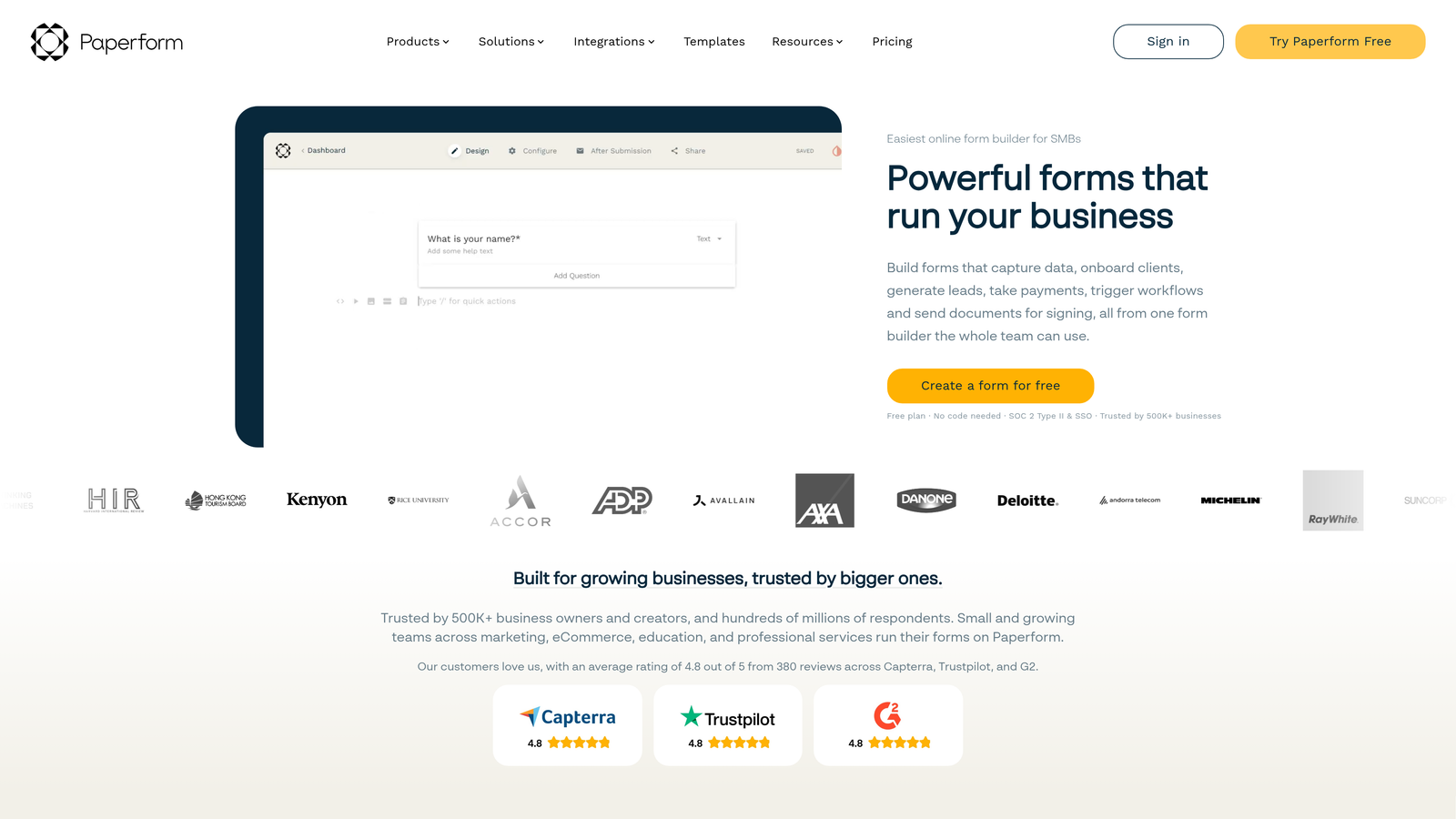
Paperform is an all-in-one form platform with a rich-text, page-like editor that lets teams create forms that read and feel like designed content pages rather than traditional form interfaces.
Where This Tool Shines
Paperform's editor is genuinely different. Instead of dropping fields into a blank canvas, you write and design like you're creating a page: add text, images, headers, and form fields inline. The result is forms that feel like cohesive branded experiences rather than data collection widgets. For service businesses and consultants where presentation matters, this approach stands out.
Native payment support is another strong point. Stripe, Square, and PayPal integrations are built in, not bolted on through third-party tools. Combined with built-in booking and scheduling functionality, Paperform covers a lot of ground for teams that need to collect payments or appointments alongside form data.
Key Features
Rich-Text Block Editor: Build forms that look like designed landing pages using an inline content editor with text, images, and fields together.
Native Payment Processing: Built-in Stripe, Square, and PayPal support for collecting payments directly through forms.
Booking and Scheduling: Native scheduling functionality for appointment booking without requiring a separate tool.
Conditional Sections and Calculation Fields: Dynamic form logic and real-time calculations for pricing estimators, quote generators, and personalized flows.
Custom Domain and White-Labeling: Brand forms under your own domain with white-label options for client-facing use cases.
Best For
Paperform is an excellent fit for coaches, consultants, agencies, and service businesses that need forms to double as polished client-facing experiences. It's also strong for teams that need payment collection or appointment booking built into the same form flow. Less suited for high-volume SaaS lead qualification workflows.
Pricing
Paperform does not offer a permanent free plan, though a trial is available. Paid plans start at approximately $24/month. Confirm current pricing at paperform.co.
6. Tally
Best for: Startups and small teams that need clean, functional forms with basic automation at minimal or no cost.
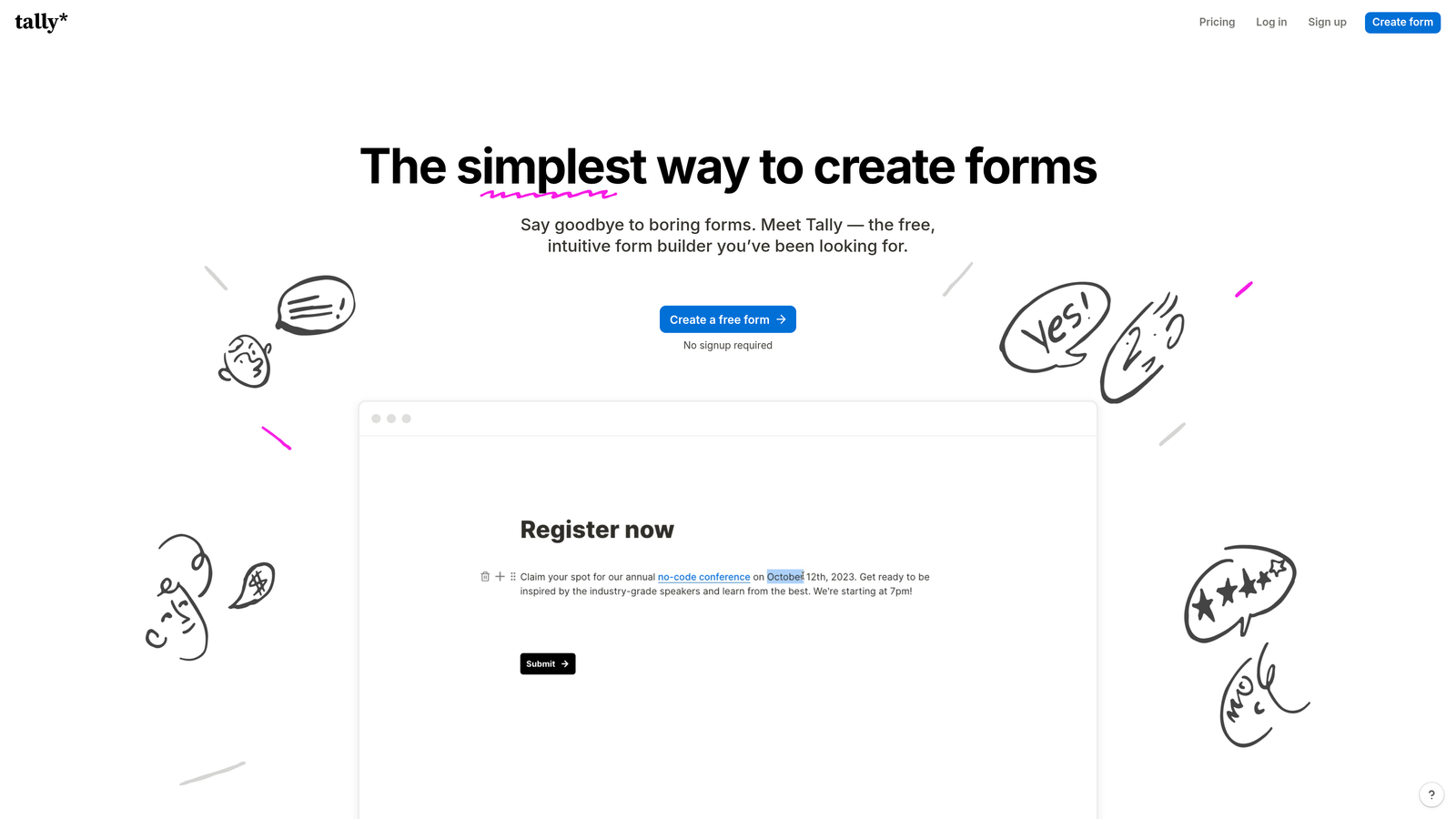
Tally is a lightweight, Notion-inspired form builder with a generous free tier and a block-based editor that makes form creation fast and intuitive.
Where This Tool Shines
Tally's free plan is genuinely useful, not artificially limited to push upgrades. Unlimited forms and unlimited responses on the free tier is a rare offering in this category, and the inclusion of conditional logic and hidden fields without a paid plan makes it functional for teams with straightforward automation needs.
The block-based editor will feel immediately familiar to anyone who uses Notion. You build forms by typing and adding blocks rather than dragging fields from a sidebar, which makes the creation experience feel fast and natural. For teams that need to spin up a form quickly without a learning curve, Tally is hard to beat at its price point.
Key Features
Unlimited Free Plan: Unlimited forms and unlimited responses on the free tier, making it accessible for teams at any budget level.
Notion-Like Block Editor: Familiar block-based interface that makes form creation fast for teams already working in modern productivity tools.
Conditional Logic on Free Tier: Branching logic and hidden fields available without requiring a paid plan.
Zapier and Make Integrations: Connect forms to broader automation workflows through popular no-code integration platforms.
Custom Domains and File Uploads on Paid Plan: Pro plan unlocks custom domain support, file upload fields, and priority support for teams that need more.
Best For
Tally is the right call for early-stage startups, solo operators, and small teams that need functional forms with basic conditional logic and don't have the budget for a premium platform. It's not designed for complex lead qualification workflows, enterprise compliance requirements, or high-volume SaaS lead generation at scale.
Pricing
The free plan includes unlimited forms and responses. Tally Pro starts at approximately $29/month. Verify current pricing at tally.so.
Which Platform Is Right for Your Team?
The right form automation platform depends almost entirely on what you need your forms to actually do after someone hits submit. Here's a quick way to think through the decision.
If lead qualification and conversion optimization are your primary goals, Orbit AI is the most purpose-built option. Its AI-powered scoring and routing means your sales team works smarter, not harder, and the modern design system ensures your forms reflect the quality of your product. For SaaS and B2B teams where lead quality is a real business metric, it's the strongest starting point.
For teams that prioritize completion rates and conversational experiences, Typeform remains a reliable choice with a mature integration ecosystem. If your use case leans toward internal workflows, approvals, or operations-heavy processes, Jotform's workflow engine is hard to match. Enterprise teams in regulated industries should evaluate Formstack seriously, particularly if document generation and e-signatures are part of the workflow.
Service businesses and consultants who want forms that look like landing pages and handle payments natively will find Paperform a strong fit. And for startups or small teams working with tight budgets, Tally's free plan delivers genuine functionality without the usual paywalls.
The category has matured significantly. The question is no longer whether your form tool can handle conditional logic. It's whether it can actively contribute to your pipeline. For high-growth teams ready to move beyond passive data collection, start building free forms today with Orbit AI and see how AI-powered lead qualification can change what your forms are actually worth to your business.


