

Form automation software has become essential for teams looking to capture leads, qualify prospects, and streamline data collection without manual busywork. But with pricing models ranging from free tiers to enterprise contracts, finding the right fit for your budget and needs can feel overwhelming.
We've analyzed nine leading form automation platforms, breaking down their pricing structures, what you actually get at each tier, and which teams benefit most from each option. Whether you're a startup watching every dollar or an enterprise team needing advanced workflows, this guide helps you make an informed decision without the sticker shock surprises.
1. Orbit AI
Best for: High-growth teams prioritizing lead quality and conversion optimization through AI-powered automation
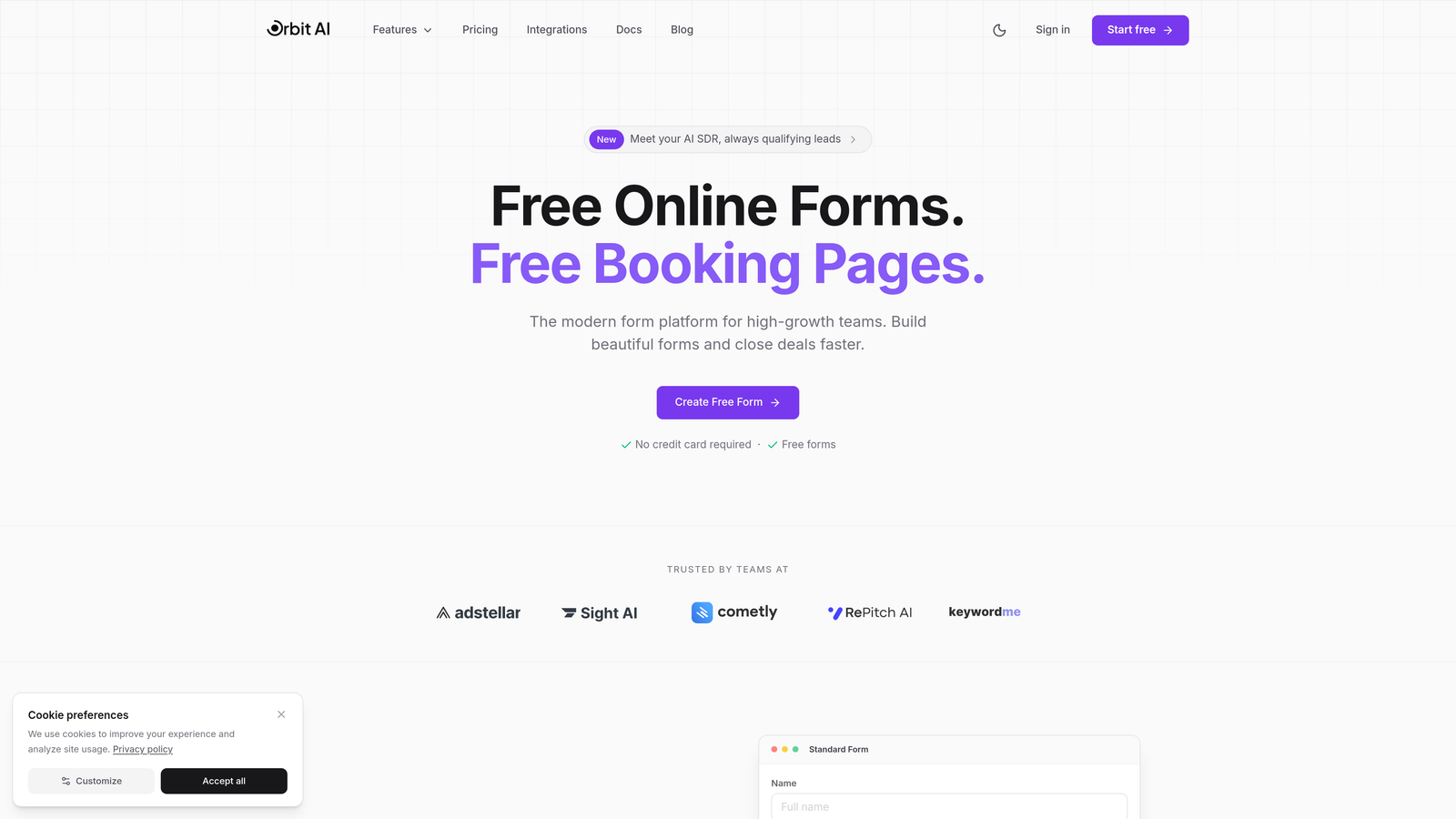
Orbit AI is an AI-powered form builder platform designed specifically for teams that need more than basic data collection—it qualifies leads automatically while delivering conversion-optimized form experiences.
Where This Tool Shines
The standout feature is intelligent lead qualification that happens as prospects fill out forms. Instead of collecting raw data and sorting through it later, Orbit AI analyzes responses in real-time to score and route leads based on qualification criteria you define.
The platform focuses on modern form design that actually converts. While many form builders prioritize features over user experience, Orbit AI emphasizes clean, engaging interfaces that reduce abandonment and increase completion rates.
Key Features
AI-Powered Lead Qualification: Automatically scores and routes prospects based on their responses and behavior patterns.
Conversion-Optimized Design: Modern templates and design tools built specifically to maximize form completion rates.
Advanced Workflow Automation: Trigger actions, notifications, and integrations based on qualification scores and response data.
Analytics Dashboard: Track conversion metrics, abandonment points, and lead quality trends in real-time.
Smart Integrations: Connect seamlessly with CRM platforms and marketing tools to maintain lead data flow.
Best For
Orbit AI works best for high-growth B2B teams, marketing agencies managing multiple clients, and sales organizations that need to prioritize qualified leads immediately. If your team struggles with lead quality or spends too much time manually qualifying prospects, this platform addresses those pain points directly.
Pricing
Orbit AI offers transparent tiered pricing designed to scale with team needs. Visit orbitforms.ai/pricing for current plan details and feature breakdowns. The platform emphasizes value through automation savings rather than just form submission limits.
2. Typeform
Best for: Creating engaging, conversational form experiences with high completion rates
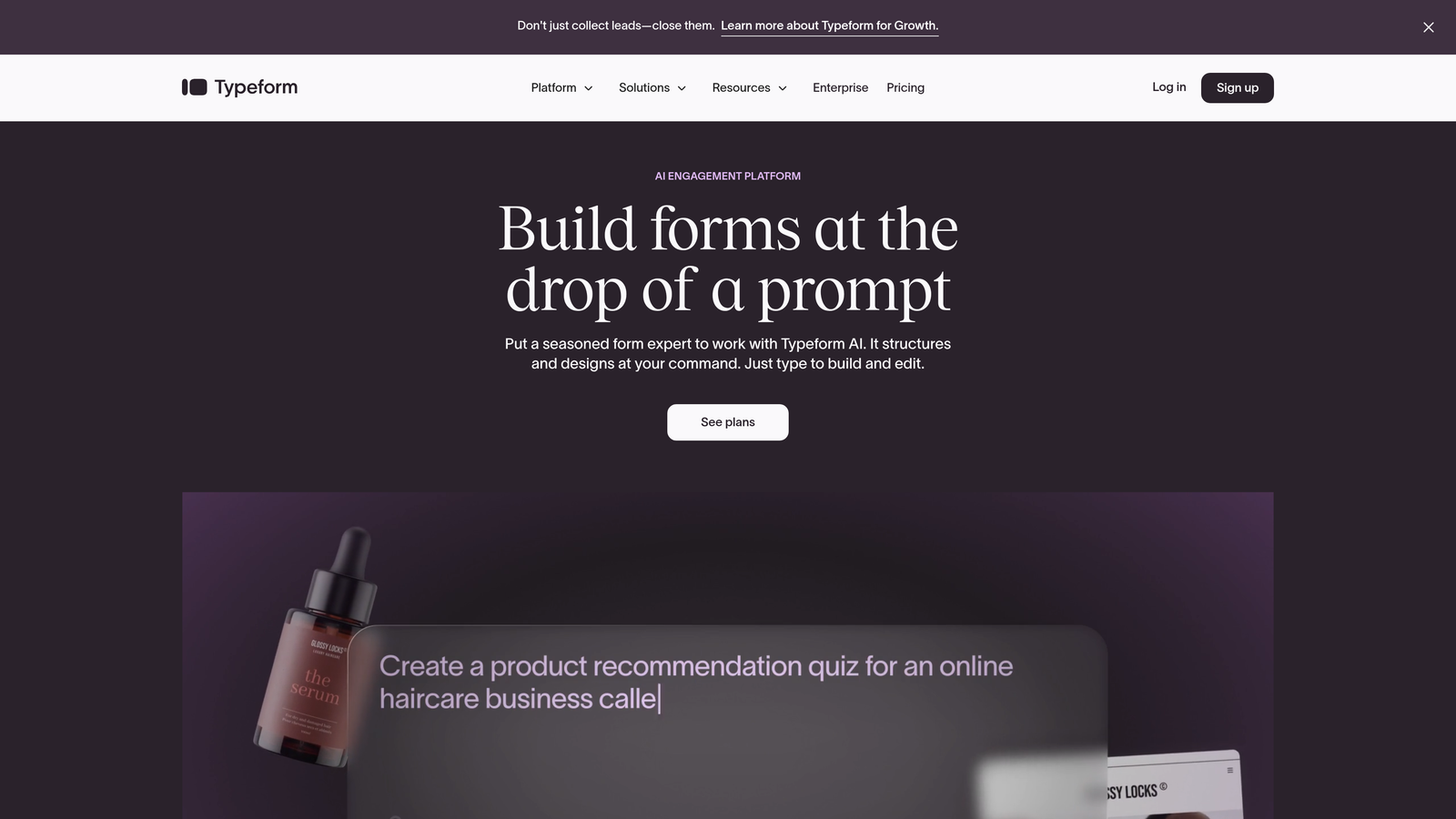
Typeform pioneered the one-question-at-a-time approach that makes forms feel more like conversations than interrogations.
Where This Tool Shines
Typeform's conversational format significantly reduces form abandonment by making the experience less overwhelming. Instead of facing a wall of fields, respondents answer one thoughtfully designed question at a time, creating a more human interaction.
The platform excels at creating forms that feel premium and engaging. If your brand values experience design and you need forms that reflect that sophistication, Typeform delivers consistently polished results.
Key Features
Conversational Form Format: Present one question at a time with smooth transitions and engaging animations.
Logic Jumps and Branching: Create dynamic paths that adapt based on previous answers for personalized experiences.
Rich Media Embedding: Add videos, images, and GIFs to make forms visually compelling and interactive.
Native Integrations: Connect with popular tools like Google Sheets, Slack, Mailchimp, and HubSpot without third-party connectors.
Mobile Optimization: Forms automatically adapt beautifully to mobile devices with touch-friendly interfaces.
Best For
Typeform is ideal for customer feedback collection, event registrations, lead generation campaigns where experience matters, and any scenario where form completion rates directly impact business outcomes. Creative agencies and design-conscious brands particularly appreciate the aesthetic quality.
Pricing
Free tier includes 10 responses per month with basic features. Basic plan at $25/month offers 100 responses and logic jumps. Plus plan at $50/month provides 1,000 responses and removes Typeform branding. Business plan at $83/month includes 10,000 responses and priority support.
3. Jotform
Best for: Teams needing extensive templates and integration options without custom development
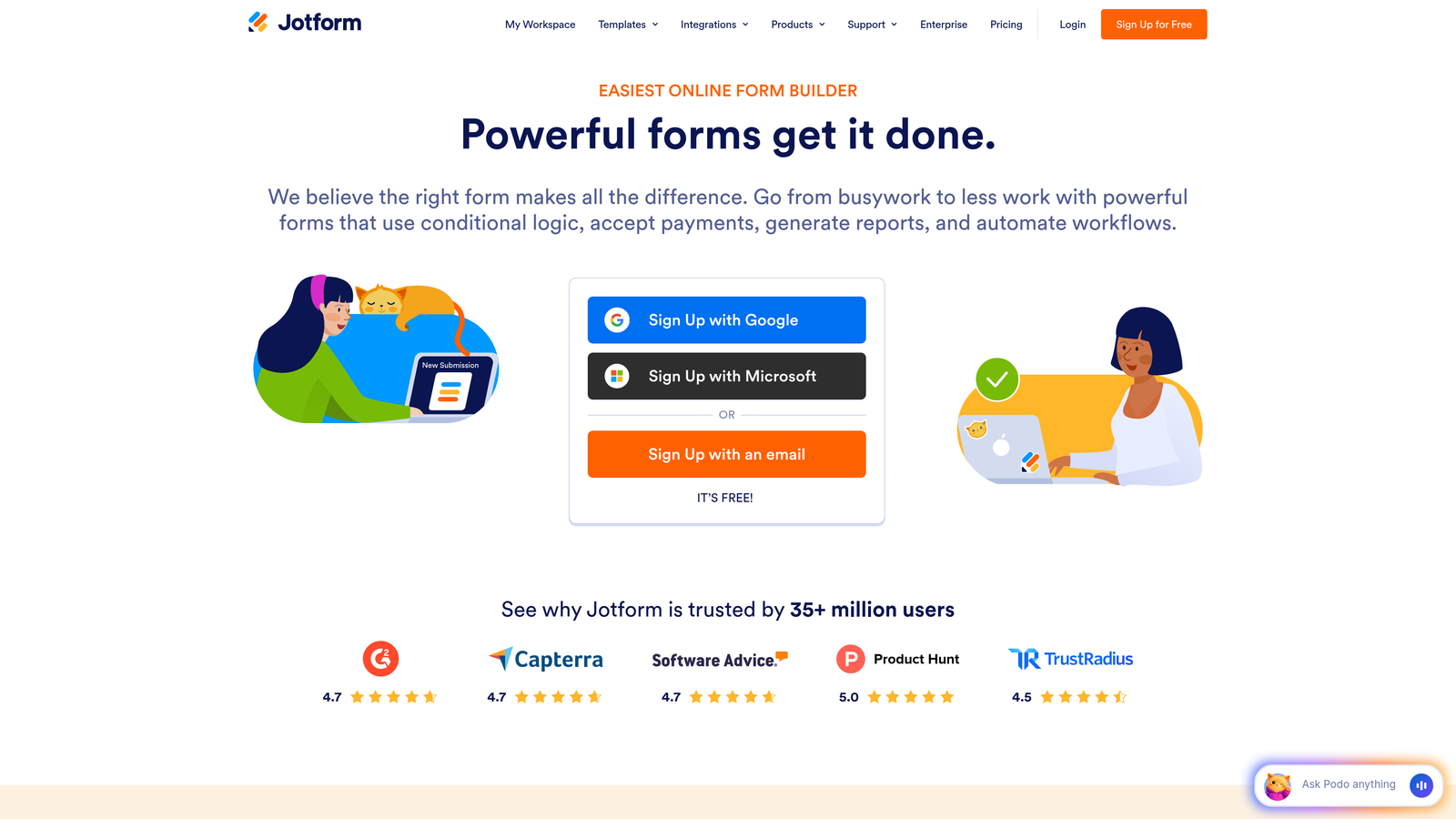
Jotform offers one of the most comprehensive form building platforms with over 10,000 templates covering virtually every use case imaginable.
Where This Tool Shines
The sheer breadth of pre-built templates means you can launch professional forms in minutes rather than hours. Whether you need event registration forms, job applications, order forms, or survey templates, Jotform likely has a starting point that requires minimal customization.
PDF generation capabilities set Jotform apart for teams that need to convert form submissions into formatted documents automatically. This proves invaluable for applications, contracts, and official documentation workflows.
Key Features
10,000+ Templates: Industry-specific templates for every conceivable form type, fully customizable to your needs.
PDF Form Generation: Automatically convert submissions into formatted PDF documents with custom branding and layouts.
Payment Integrations: Accept payments directly through forms via PayPal, Square, Stripe, and 30+ other processors.
Mobile App Builder: Create native mobile apps for your forms without coding knowledge.
Conditional Logic: Show or hide fields based on previous responses to create dynamic, personalized experiences.
Best For
Jotform works well for organizations with diverse form needs across departments, teams processing payments through forms, businesses requiring PDF documentation, and anyone who values having extensive templates and widgets available. Educational institutions and healthcare providers often choose Jotform for its versatility.
Pricing
Free plan includes 5 forms with 100 monthly submissions. Bronze plan at $34/month offers 25 forms and 1,000 submissions. Silver plan at $39/month provides 100 forms and 10,000 submissions. Gold plan at $99/month includes unlimited forms and 100,000 submissions with HIPAA compliance options.
4. Tally
Best for: Budget-conscious teams needing unlimited forms without feature restrictions
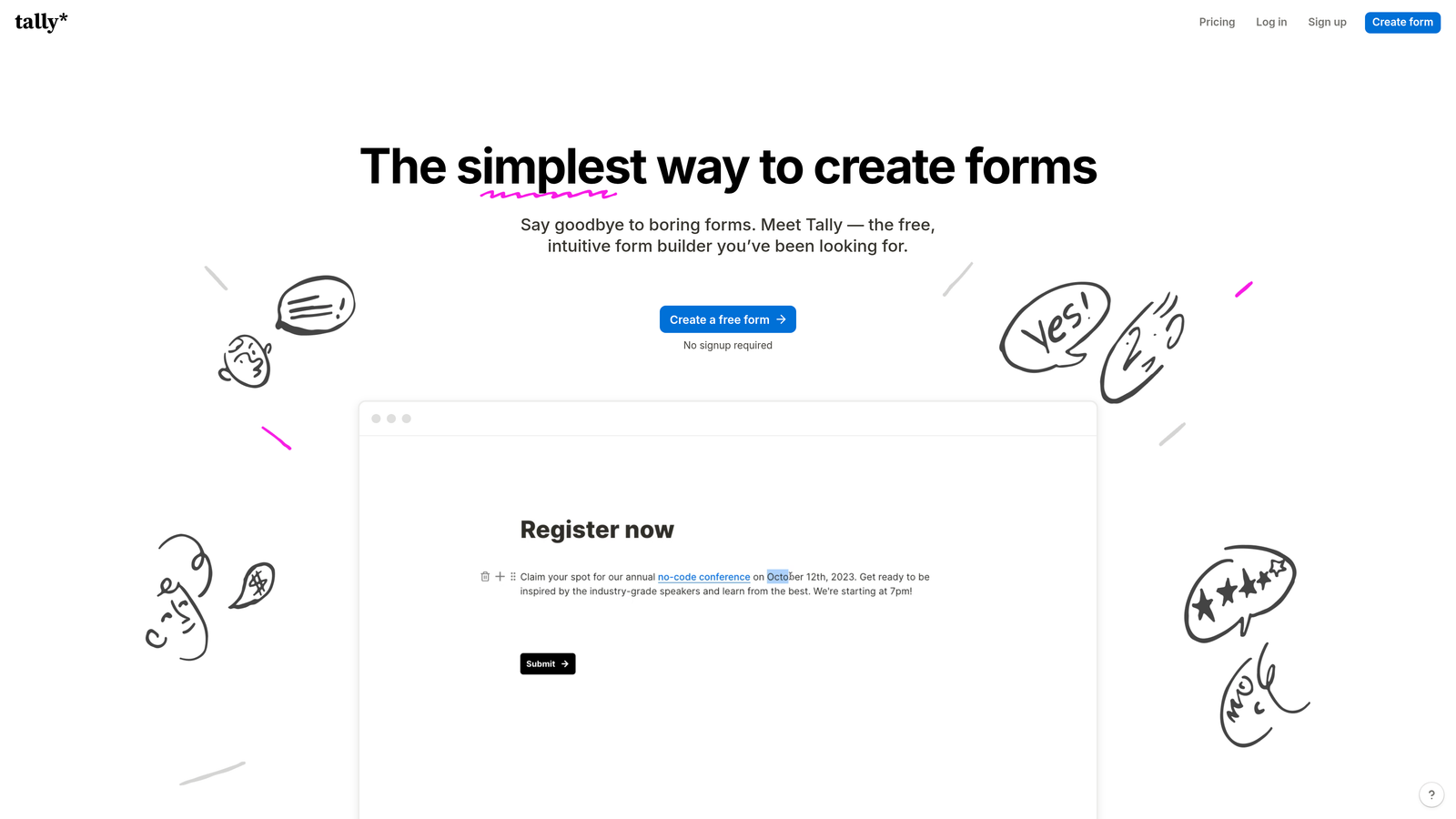
Tally disrupts traditional form builder pricing with a generous free tier that includes unlimited forms and submissions—no artificial limits.
Where This Tool Shines
The unlimited free tier makes Tally incredibly attractive for startups, side projects, and teams testing form automation before committing budget. Unlike competitors that cap submissions at 10 or 100 responses monthly, Tally removes that constraint entirely.
The Notion-like interface feels immediately familiar to teams already using block-based editors. You build forms by adding blocks, rearranging elements, and customizing without wrestling with complex form builders.
Key Features
Unlimited Free Tier: Create unlimited forms with unlimited submissions at no cost, making it ideal for high-volume use cases.
Notion-Like Interface: Intuitive block-based editor that feels natural for teams familiar with modern productivity tools.
No Branding on Free Tier: Unlike most competitors, Tally doesn't force branding on free accounts, maintaining professional appearances.
Basic Integrations: Connect with Notion, Google Sheets, Slack, and Zapier for essential workflow automation.
File Uploads: Accept file submissions from respondents without upgrading to paid tiers.
Best For
Tally suits bootstrapped startups, community builders running high-volume surveys, content creators collecting audience feedback, and any team prioritizing cost efficiency over advanced features. If you need basic form automation without monthly fees, Tally delivers exceptional value.
Pricing
Free tier includes unlimited forms and submissions with core features. Pro plan at $29/month adds advanced customization, custom domains, payment collection, and priority support. The pricing philosophy focuses on keeping essentials free while charging for premium capabilities.
5. Formstack
Best for: Enterprise teams requiring compliance certifications and advanced workflow automation
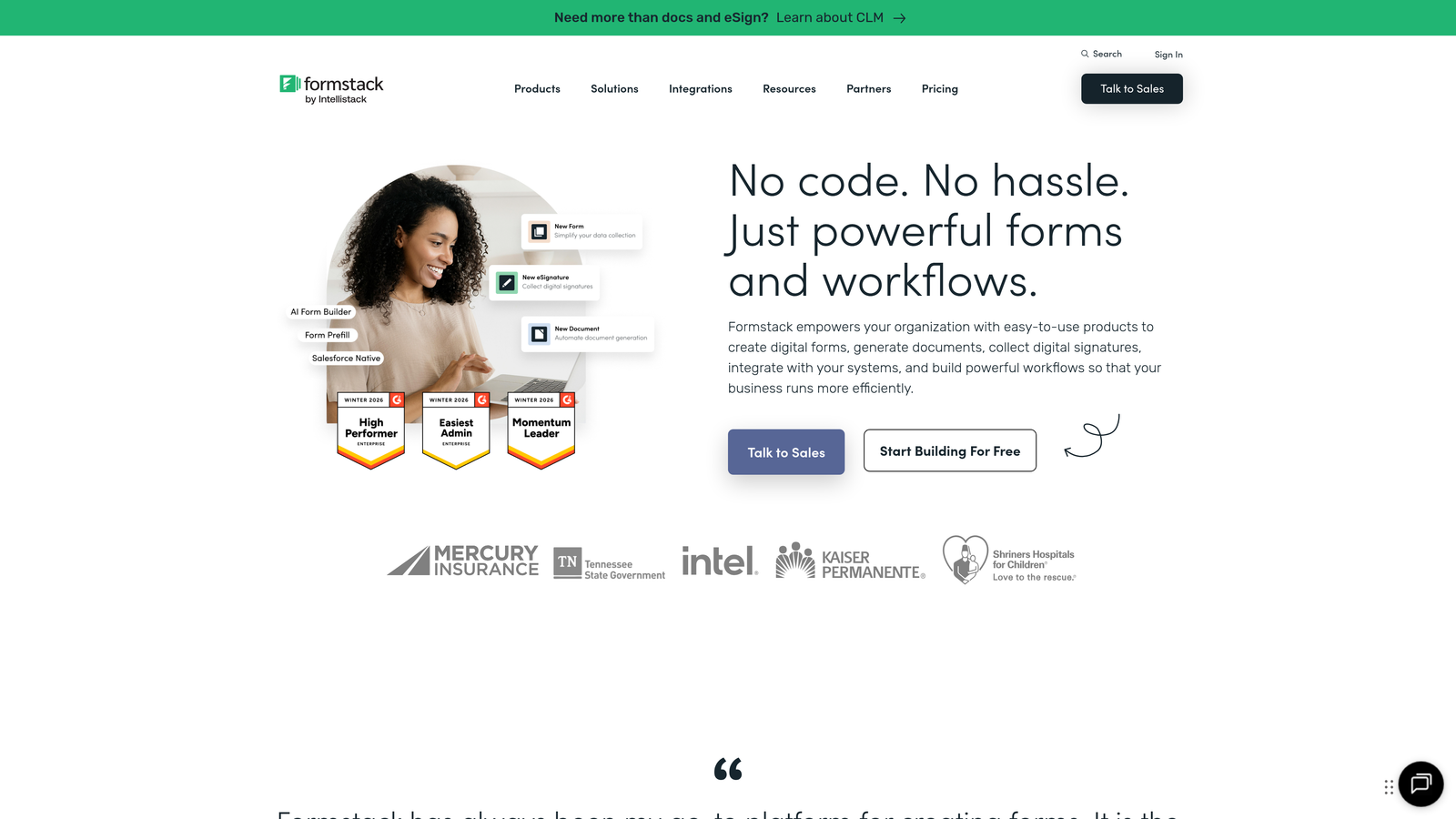
Formstack positions itself as the enterprise-grade solution with robust compliance features, document generation, and sophisticated automation capabilities.
Where This Tool Shines
HIPAA compliance and data security certifications make Formstack the go-to choice for healthcare, finance, and other regulated industries. The platform handles sensitive data with encryption, audit trails, and compliance documentation that passes regulatory scrutiny.
Advanced workflow automation extends beyond basic form submissions. Formstack can trigger multi-step approval processes, generate documents automatically, collect e-signatures, and orchestrate complex business processes without custom development.
Key Features
HIPAA Compliance: Full HIPAA compliance with Business Associate Agreements, encryption, and audit logging for healthcare data.
Advanced Workflow Automation: Build complex approval workflows, conditional routing, and multi-step processes with visual automation builders.
Document Generation: Automatically create contracts, agreements, and formatted documents from form data using customizable templates.
E-Signature Integration: Collect legally binding electronic signatures directly within forms or generated documents.
Enterprise Integrations: Connect with Salesforce, Microsoft Dynamics, ServiceNow, and other enterprise platforms natively.
Best For
Formstack serves healthcare organizations handling patient data, financial services firms with compliance requirements, enterprise sales teams needing document automation, and any organization where data security and regulatory compliance are non-negotiable requirements.
Pricing
Starter plan begins at $50/month for basic features and limited submissions. Teams plan at $83/month includes advanced features and higher submission limits. Enterprise pricing requires custom quotes based on compliance needs, user count, and integration requirements.
6. Cognito Forms
Best for: Payment collection and advanced calculations at budget-friendly pricing
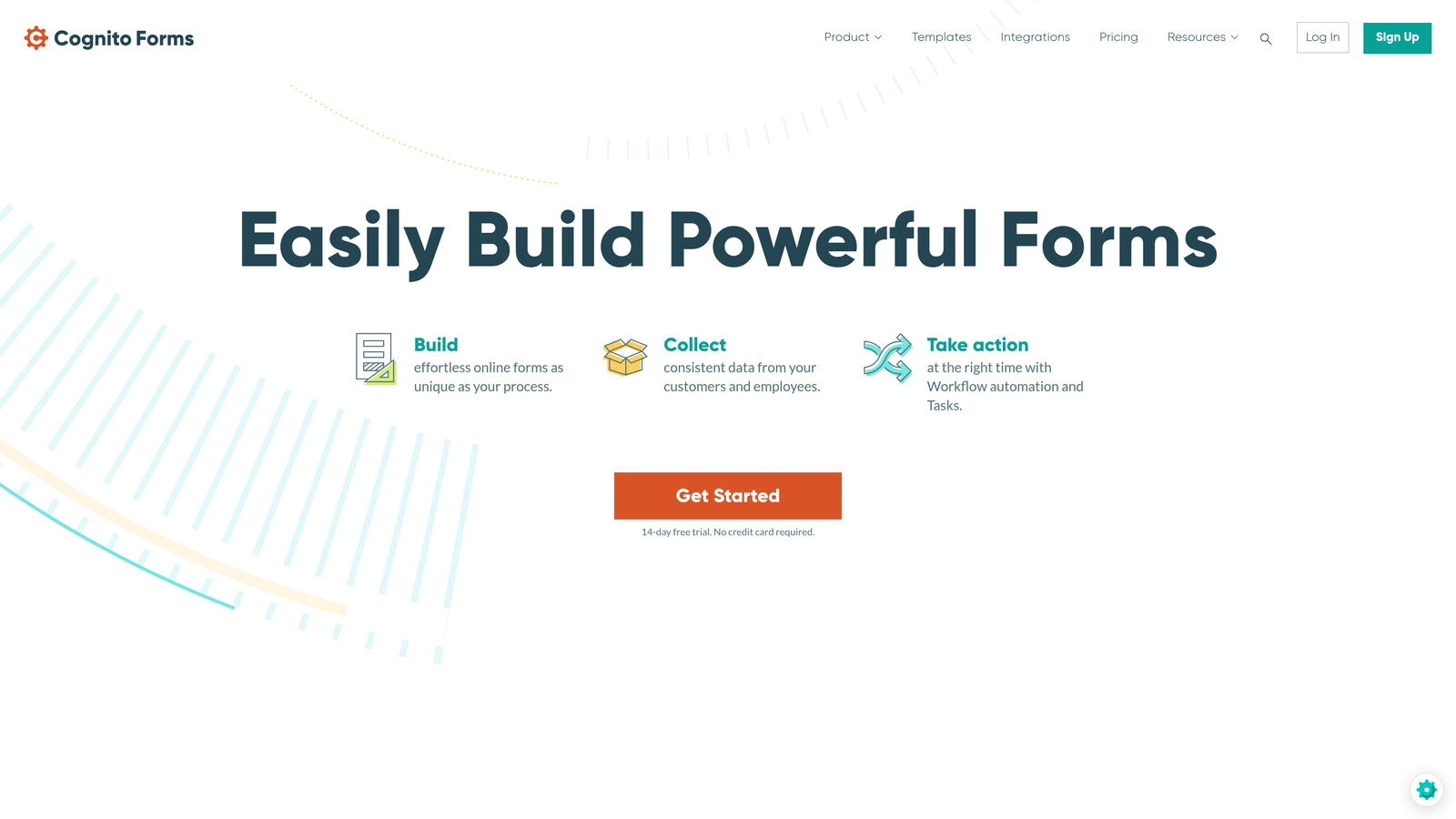
Cognito Forms delivers powerful payment processing and calculation capabilities at price points significantly lower than enterprise competitors.
Where This Tool Shines
Built-in payment processing handles complex pricing scenarios without third-party integrations. You can create order forms with quantity calculations, discount codes, tax calculations, and conditional pricing—all processed securely through Stripe or PayPal.
Advanced calculation fields enable sophisticated logic that updates in real-time as users complete forms. This proves invaluable for quote generators, pricing calculators, and any scenario where you need to show calculated results before submission.
Key Features
Built-In Payment Processing: Accept credit cards and PayPal payments with automatic tax calculations and discount code support.
Advanced Calculations: Create complex formulas that calculate totals, apply conditional logic, and display results dynamically.
Conditional Logic: Show, hide, or require fields based on previous answers or calculated values for personalized experiences.
Data Encryption: Encrypt sensitive form data at rest and in transit with field-level encryption options.
Repeating Sections: Allow users to add multiple items or entries within a single form submission.
Best For
Cognito Forms works well for small businesses selling products through forms, event organizers collecting registrations with payments, service providers generating quotes, and teams needing calculation-heavy forms without enterprise budgets.
Pricing
Free tier includes 500 entries per month with basic features. Pro plan at $15/month offers 2,000 entries and removes branding. Team plan at $35/month provides 10,000 entries and collaboration features. Enterprise plan at $99/month includes 50,000 entries and advanced security options.
7. Paperform
Best for: Creating beautifully branded forms that double as landing pages
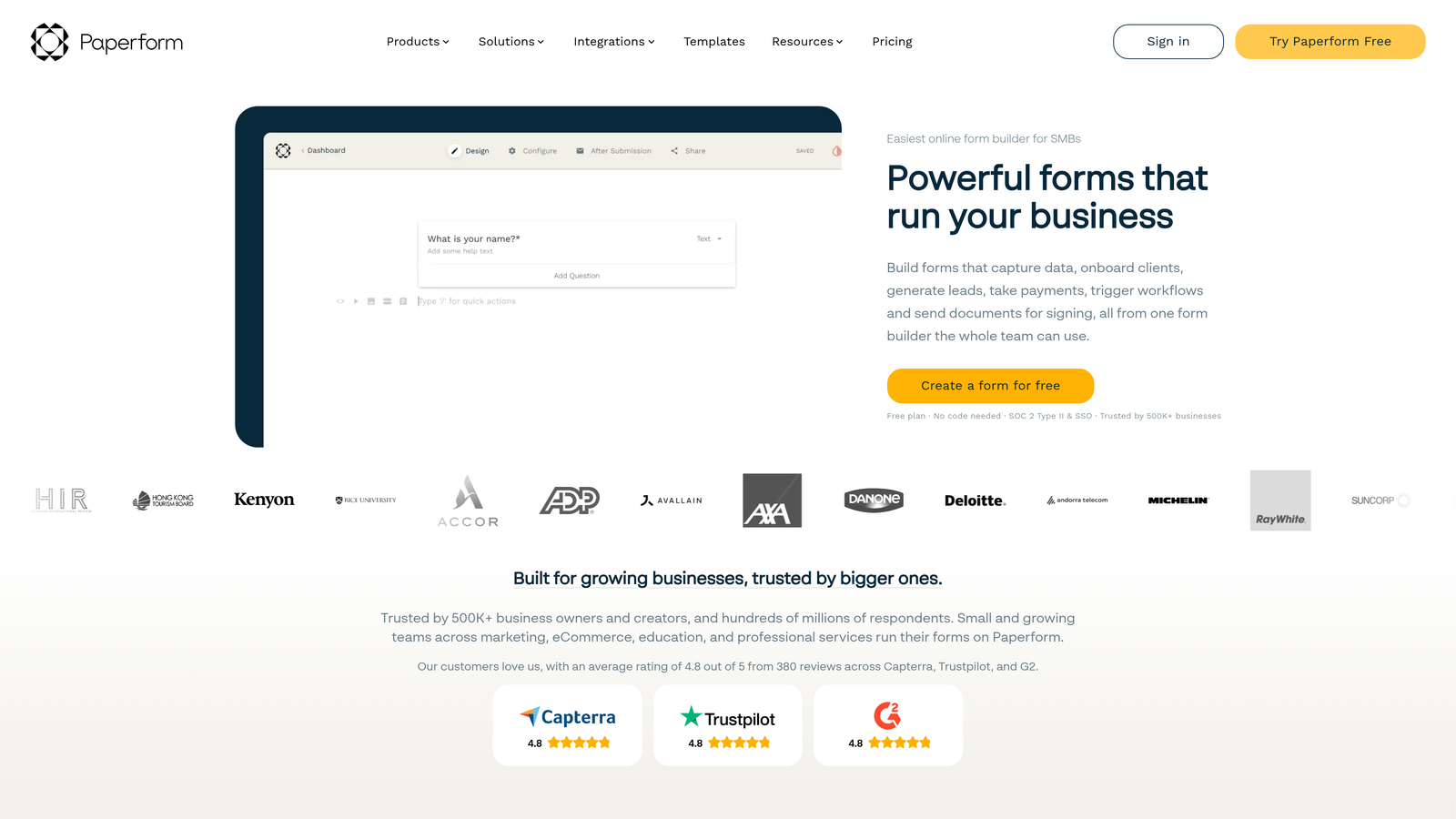
Paperform blurs the line between form builders and landing page creators with design-focused tools that prioritize visual appeal.
Where This Tool Shines
Rich media embedding transforms forms into engaging content experiences. You can embed videos, images, custom HTML, and interactive elements that make forms feel more like branded web pages than traditional data collection tools.
Custom branding capabilities extend beyond logo uploads. Paperform gives you granular control over fonts, colors, spacing, and layout to match your brand guidelines precisely. The result feels native to your website rather than an obvious third-party tool.
Key Features
Rich Media Embedding: Add videos, images, custom HTML, and interactive content to create immersive form experiences.
Custom Branding: Control every visual element including fonts, colors, spacing, and CSS for pixel-perfect brand alignment.
Product Pages: Build complete product landing pages with forms, pricing tables, and checkout functionality.
Appointment Scheduling: Integrate calendar booking directly into forms for seamless appointment collection.
Analytics Integration: Track form performance with Google Analytics, Facebook Pixel, and custom tracking codes.
Best For
Paperform suits creative agencies building client forms, e-commerce businesses creating product pages, consultants offering appointment booking, and any brand where visual presentation directly impacts conversion rates and brand perception.
Pricing
Essentials plan at $24/month includes unlimited forms and 1,000 submissions. Pro plan at $49/month offers 10,000 submissions and removes Paperform branding. Agency plan at $159/month provides 100,000 submissions and white-label options for client work.
8. Google Forms
Best for: Basic data collection with zero budget and Google Workspace integration
Google Forms provides completely free form building with automatic Google Sheets integration for teams already using Google Workspace.
Where This Tool Shines
The price—free with any Google account—makes Google Forms accessible to literally anyone. There are no submission limits, no feature restrictions based on plan tiers, and no upgrade pressure. For basic surveys and data collection, the value proposition is unbeatable.
Google Sheets integration happens automatically, creating a live spreadsheet that updates as responses arrive. Teams familiar with Sheets can immediately analyze data, create charts, and share results without export steps or data manipulation.
Key Features
Completely Free: Unlimited forms and responses with no cost, making it accessible for any budget.
Google Sheets Integration: Responses automatically populate a Google Sheet in real-time for immediate analysis.
Basic Conditional Logic: Show or hide questions based on previous answers using section branching.
Collaboration Features: Multiple team members can edit forms simultaneously with Google's real-time collaboration.
Mobile App: View responses and create forms on mobile devices through the Google Forms app.
Best For
Google Forms works for internal team surveys, quick feedback collection, event RSVPs, simple lead capture, and any scenario where form aesthetics and advanced features matter less than cost and convenience. Educational institutions and nonprofits particularly benefit from the zero-cost model.
Pricing
Completely free with any Google account. Google Workspace plans starting at $6 per user per month add business email, increased storage, and admin controls, but Forms functionality remains the same across all tiers including free accounts.
9. HubSpot Forms
Best for: Marketing teams already using HubSpot CRM who need native integration
HubSpot Forms integrates directly with HubSpot's CRM and marketing automation platform, creating seamless lead management workflows.
Where This Tool Shines
Native CRM integration means every form submission automatically creates or updates contact records in HubSpot. There's no integration setup, no data mapping, and no sync delays—forms and CRM data stay perfectly aligned without manual intervention.
Progressive profiling gradually collects contact information over multiple interactions. Instead of overwhelming prospects with long forms, HubSpot shows different fields to known contacts, building complete profiles without form fatigue.
Key Features
Native CRM Integration: Form submissions automatically create contacts, companies, and deals in HubSpot CRM with zero configuration.
Progressive Profiling: Display different form fields to known contacts to gradually build complete profiles over time.
Smart Fields: Pre-populate form fields for known contacts to reduce friction and increase conversion rates.
Marketing Automation Triggers: Launch email sequences, assign tasks, and trigger workflows automatically based on form submissions.
Analytics Integration: Track form performance alongside other marketing metrics in unified HubSpot dashboards.
Best For
HubSpot Forms makes sense for teams already invested in HubSpot's ecosystem, marketing departments running multi-touch campaigns, sales organizations that need immediate lead routing to CRM, and companies prioritizing unified marketing technology stacks over best-of-breed tools.
Pricing
Free tier includes basic forms with CRM integration and limited features. Marketing Hub Starter at $18/month adds automation and removes HubSpot branding. Professional tier at $800/month provides advanced automation, A/B testing, and progressive profiling. Enterprise pricing includes custom features and dedicated support.
Making the Right Choice for Your Team
The right form automation software depends on your specific priorities—whether that's budget constraints, compliance requirements, or conversion optimization.
For teams prioritizing lead quality and conversion rates, Orbit AI delivers AI-powered qualification that saves hours of manual lead sorting while maintaining modern, high-converting form experiences. If you're already using HubSpot and need native CRM integration, HubSpot Forms eliminates data sync headaches entirely.
Budget-conscious teams should look at Tally's unlimited free tier for high-volume needs or Google Forms for basic internal use. Cognito Forms offers exceptional value for payment collection without enterprise pricing. On the premium end, Typeform justifies its cost with superior completion rates, while Formstack serves regulated industries where compliance isn't optional.
Consider your total cost of ownership beyond monthly subscription fees. A platform that saves your team five hours weekly through better automation or higher conversion rates pays for itself quickly. Similarly, choosing a tool that requires expensive third-party integrations or custom development might cost more than a pricier all-in-one solution.
Think about where you'll be in six months. Free tiers work brilliantly for testing and validation, but if you're scaling quickly, evaluate the cost at your projected volume. Some platforms charge per submission while others use flat monthly fees—your growth trajectory determines which model costs less long-term.
Most importantly, match features to actual needs rather than theoretical possibilities. You don't need enterprise workflow automation for simple lead capture, and basic form builders won't support complex qualification logic. Start with your core use case and expand from there.
Transform your lead generation with AI-powered forms that qualify prospects automatically while delivering the modern, conversion-optimized experience your high-growth team needs. Start building free forms today and see how intelligent form design can elevate your conversion strategy.


