

Choosing a form builder seems straightforward until you realize the billing cycle you pick can quietly cost you hundreds of dollars more per year than necessary. Most pricing pages lead with monthly rates that look reasonable, but the real picture only emerges when you line up annual versus monthly costs side by side.
This guide breaks down the top form builders for 2026, comparing their monthly and annual pricing tiers, what features you actually get at each level, and where the best value lies for teams focused on lead generation and conversion optimization. Selection criteria include pricing transparency, feature-to-cost ratio, scalability, and how well each tool serves teams that need conditional logic, CRM integrations, and conversion-focused capabilities.
Whether you're evaluating your first form builder or reconsidering your current stack, this comparison will help you make a smarter billing decision. You can also explore Orbit AI as a modern, AI-powered option built specifically for high-growth teams. Let's get into it.
1. Orbit AI
Best for: High-growth teams that need AI-powered lead qualification built directly into their forms.
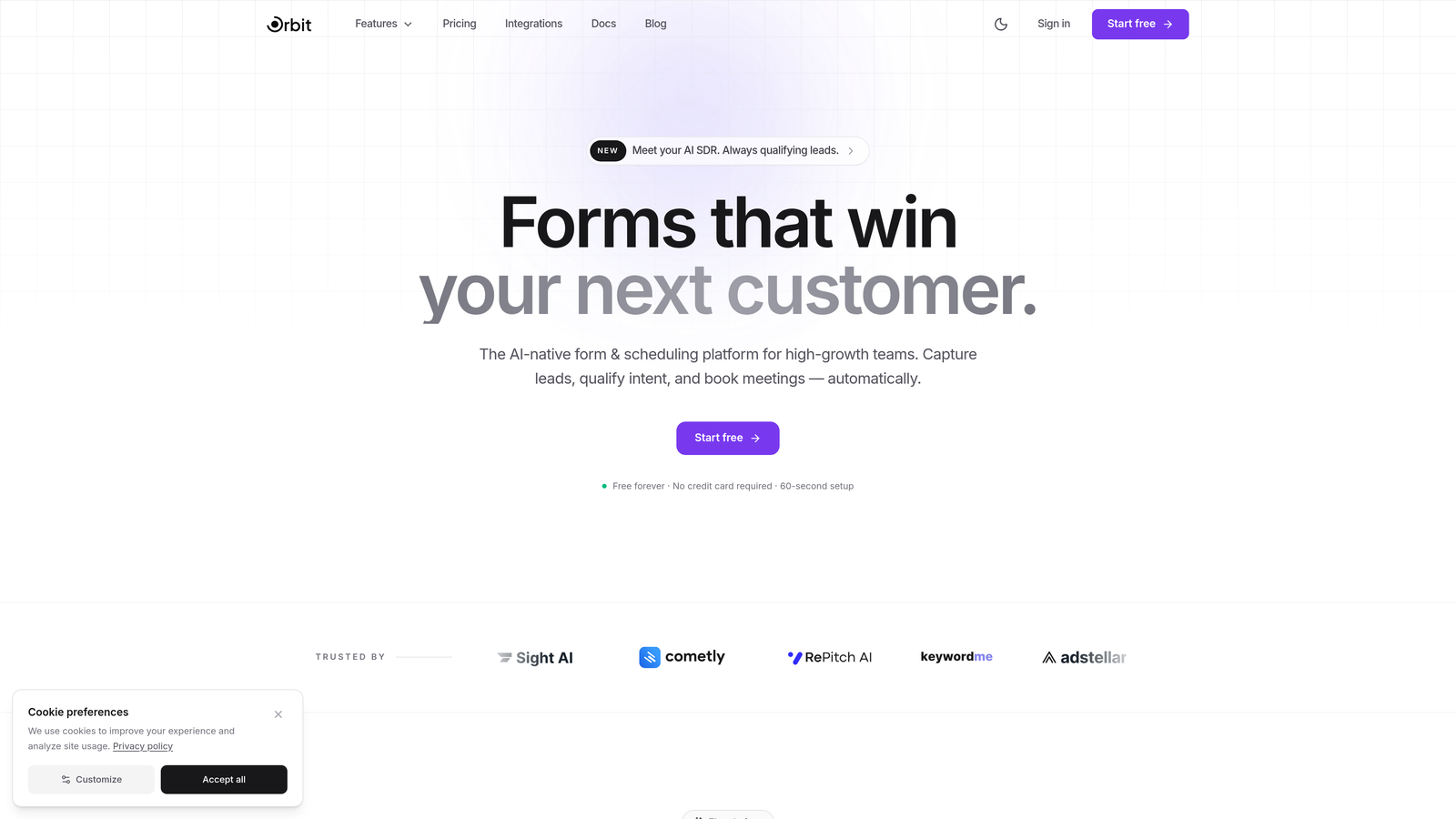
Orbit AI is an AI-powered form builder with native lead qualification and scoring, designed for conversion-focused teams.
Where This Tool Shines
Most form builders collect data and hand it off to a separate CRM or scoring tool. Orbit AI closes that gap by qualifying leads at the point of capture. The AI evaluates responses in real time, helping your team prioritize follow-up without adding another tool to the stack.
The interface is built for modern teams that care about both performance and aesthetics. Forms are conversion-optimized by design, not as an afterthought, making it a strong fit for SaaS companies, agencies, and growth teams where lead quality matters as much as lead volume.
Key Features
AI-Powered Lead Qualification: Automatically scores and qualifies leads based on form responses, reducing manual review time.
Conversion-Optimized Templates: Pre-built form designs focused on maximizing completion rates and qualified submissions.
Conditional Logic and Dynamic Fields: Show or hide fields based on user responses to create personalized form experiences.
CRM and Marketing Integrations: Connects with popular CRM and marketing tools to keep your lead data flowing where it needs to go.
Modern Form Design Interface: A clean, intuitive builder that produces visually polished forms without requiring design skills.
Best For
Orbit AI is best suited for SaaS companies, growth marketers, and sales teams that want lead qualification baked into their form workflow. If you're currently using a basic form builder and then scoring leads manually or with a separate tool, Orbit AI consolidates that into one platform.
Pricing
Visit orbitforms.ai for current annual and monthly pricing tiers, as SaaS pricing updates frequently. A free starting option is available.
2. Typeform
Best for: Brands that prioritize a polished, conversational form experience with strong design customization.
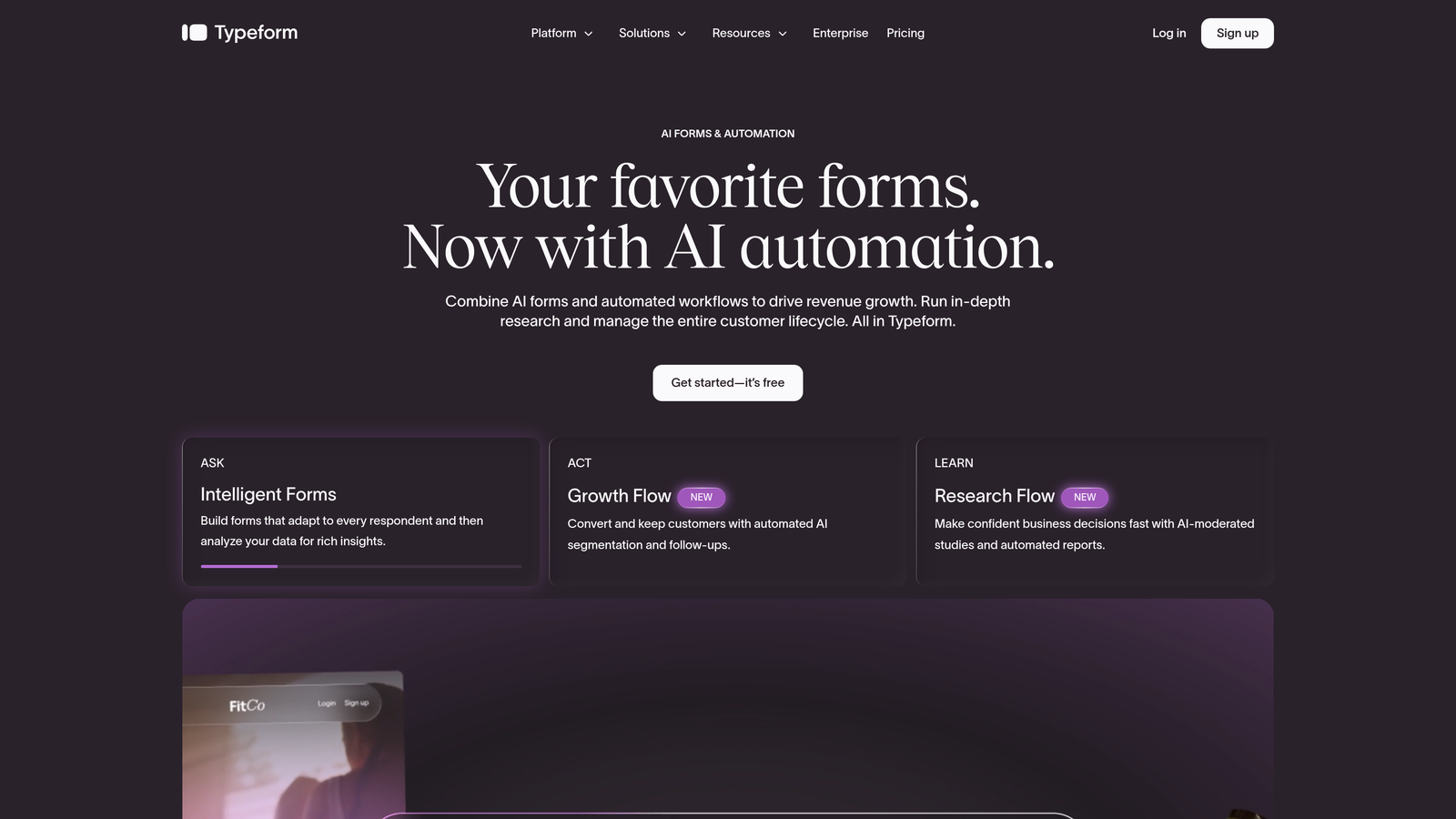
Typeform is a conversational form builder known for its one-question-at-a-time format that creates engaging, branded experiences.
Where This Tool Shines
Typeform's signature UX keeps respondents focused by presenting one question at a time, which typically improves completion rates compared to traditional long-form layouts. For brand-conscious teams, the level of visual customization is hard to match at the entry level.
The tradeoff is cost. Typeform's monthly pricing is on the higher end of the market, and the annual discount helps, but teams on a tight budget may find the value proposition harder to justify unless design experience is a core priority.
Key Features
Conversational One-Question UX: Presents questions individually to reduce overwhelm and improve completion rates.
Design Customization and Branding: Extensive control over fonts, colors, backgrounds, and brand elements.
Logic Jumps and Branching: Route respondents to different questions based on their previous answers.
Native Integrations: Connects with tools like HubSpot, Slack, Google Sheets, and Mailchimp out of the box.
Video and Image Embedding: Embed rich media directly into forms for a more interactive experience.
Best For
Typeform is a strong choice for marketing teams running brand-heavy campaigns, customer research, or lead generation where the form experience itself is part of the brand impression. Less ideal for teams that need volume-based submissions at low cost.
Pricing
Basic starts around $25/month on monthly billing, with meaningful discounts on annual plans. Business tiers are significantly higher. Always verify current pricing at typeform.com, as rates change.
3. Jotform
Best for: Teams that need a wide range of templates, payment collection, and a solid free tier to start.
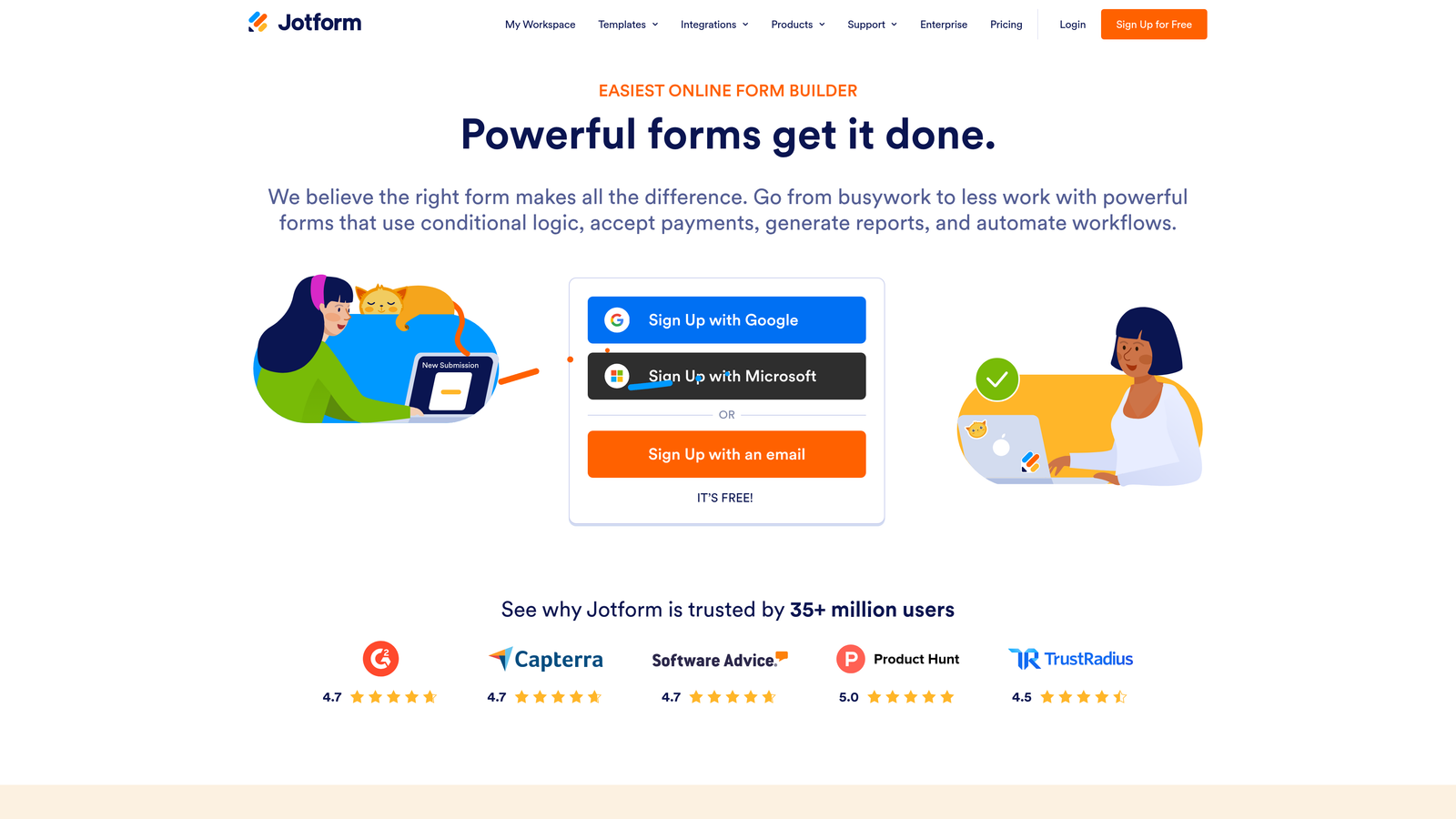
Jotform is a feature-rich form builder with one of the largest template libraries available, generous free access, and broad integration support.
Where This Tool Shines
Jotform's depth is genuinely impressive. With over 10,000 templates spanning industries from healthcare to e-commerce, it's one of the fastest ways to get a functional form live without starting from scratch. The free plan is also among the most generous in the market, making it a practical starting point for small teams.
Where Jotform stands out further is in document workflows: PDF generation, e-signature support, and payment processing are all available within the platform. For teams that need forms to do more than just collect data, this breadth is a real advantage.
Key Features
10,000+ Form Templates: Massive library covering virtually every industry and use case.
Generous Free Plan: Up to 5 forms and 100 monthly submissions at no cost.
PDF Generation and E-Signatures: Convert form submissions to PDFs and collect legally binding signatures.
Payment Collection: Integrates with Stripe, PayPal, Square, and other payment processors.
Mobile-Responsive Builder: All forms automatically adapt to mobile devices.
Best For
Jotform suits small businesses, nonprofits, and operations teams that need versatility across many form types. It's also a good fit for teams that want payment collection and document workflows in one tool without paying enterprise prices.
Pricing
Free tier available with limitations. Paid plans start around $34/month on monthly billing, with annual billing discounts bringing the effective monthly cost down. Check jotform.com for current tier details.
4. Tally
Best for: Individuals and small teams that want unlimited forms and submissions without paying anything.
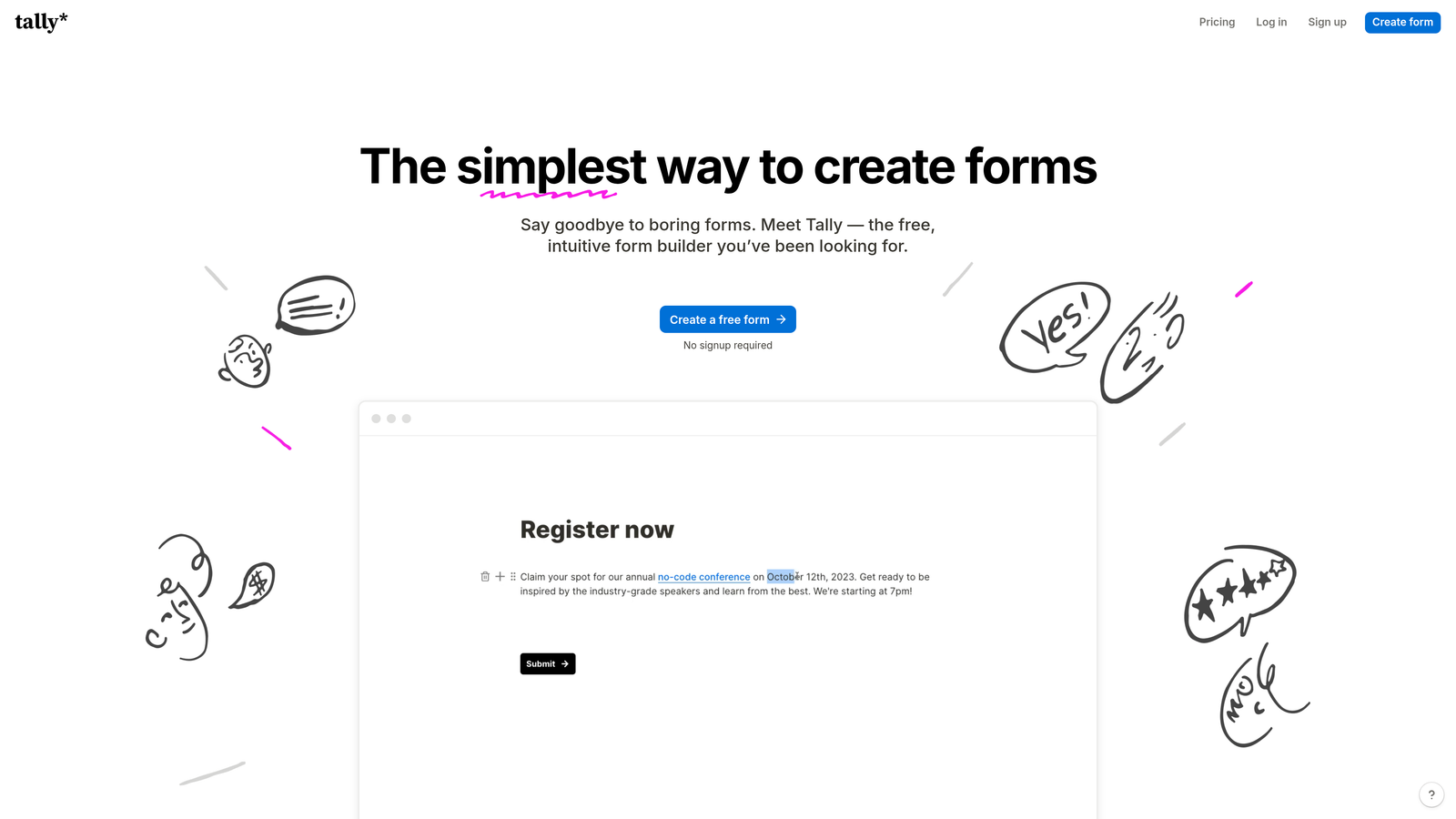
Tally is a minimalist form builder with a Notion-style editing experience and one of the most generous free plans available anywhere in the category.
Where This Tool Shines
Tally's free plan is genuinely unlimited in terms of forms and submissions, which is rare in this space. Most competitors cap free usage at a handful of forms or a few hundred monthly responses. For solo creators, startups, or teams experimenting with form-based workflows, this removes the pressure to upgrade before you're ready.
The block-based editor feels familiar to anyone who uses Notion, making it quick to pick up. It handles conditional logic, calculations, and basic integrations well, covering the core needs of most teams at zero cost.
Key Features
Unlimited Free Forms and Submissions: No caps on the free plan, which is the standout differentiator.
Notion-Style Block Editor: Intuitive drag-and-drop interface familiar to modern productivity tool users.
Conditional Logic and Calculations: Build dynamic forms that respond to user input.
Custom Domains and Branding: Available on the Pro plan for teams that need white-labeled forms.
Webhooks and Integrations: Connect to external tools via webhooks or Zapier on paid plans.
Best For
Tally is ideal for individuals, early-stage startups, and lean teams that need capable forms without a budget. Teams that need advanced branding, custom domains, or deeper integrations will want to evaluate the Pro plan.
Pricing
Free plan is genuinely unlimited. Pro is around $29/month on monthly billing, with an annual discount available. Verify current rates at tally.so.
5. HubSpot Forms
Best for: Teams already using HubSpot CRM who want native form-to-CRM data flow without extra tools.
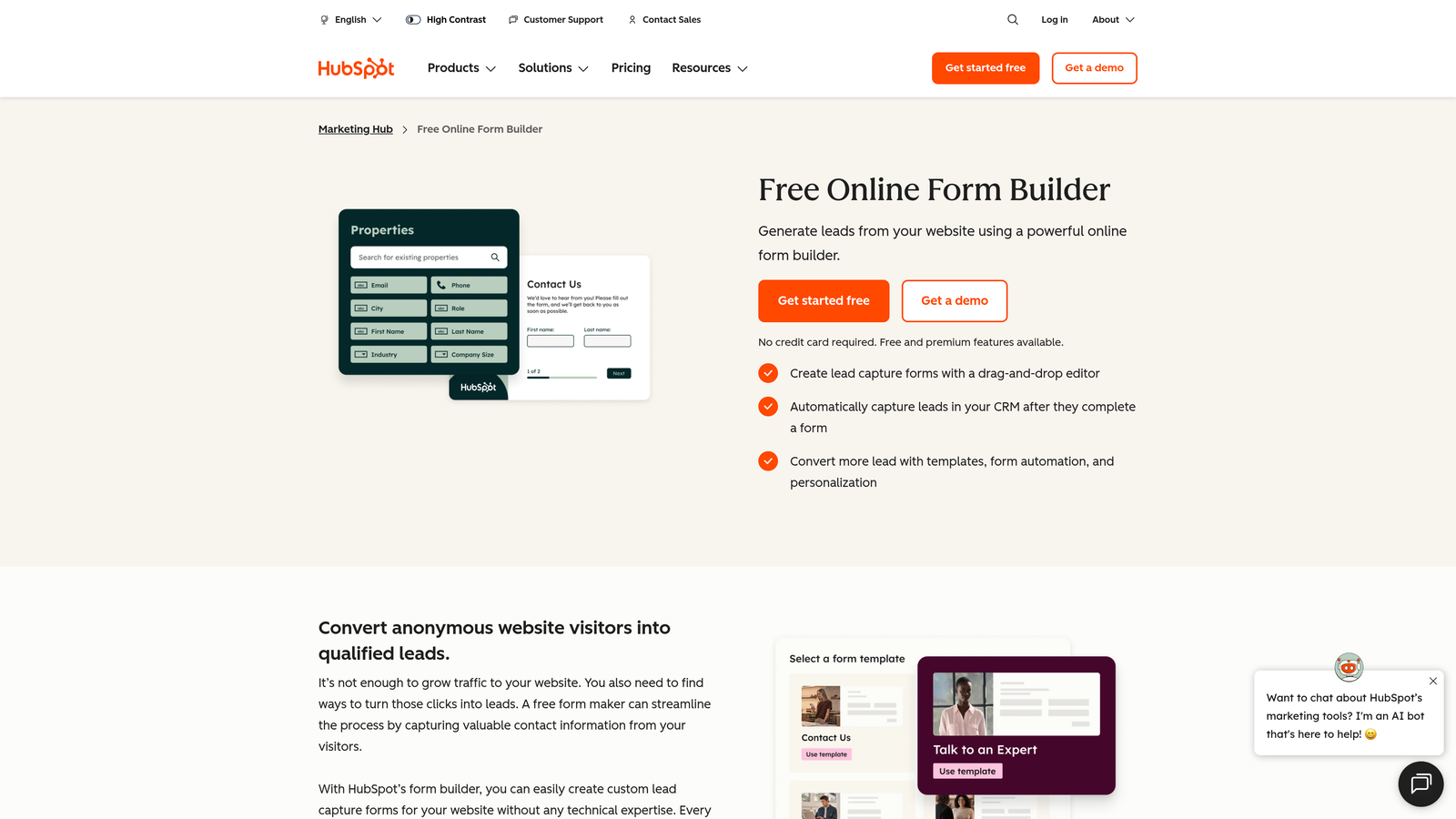
HubSpot Forms is a free form builder natively integrated with HubSpot's CRM, making it a natural choice for teams inside the HubSpot ecosystem.
Where This Tool Shines
If your team already lives in HubSpot, the forms tool is a no-brainer starting point. Every submission automatically creates or updates a contact record in the CRM, with zero setup required. There's no CSV import, no Zapier zap, no manual sync: it just works.
The catch is that advanced features like progressive profiling, A/B testing, and deeper analytics are locked behind paid Marketing Hub tiers. The jump from free to Professional is significant in cost, so teams should be clear about which features they actually need before committing to an annual plan at the higher tiers.
Key Features
Native CRM Integration: Form submissions create and update HubSpot contacts automatically.
Free Tier Access: Basic forms are included in HubSpot's free CRM plan.
Progressive Profiling: Show new questions to returning visitors instead of repeating known fields (paid plans).
A/B Testing and Analytics: Available on higher-tier Marketing Hub plans.
Drag-and-Drop Builder: Simple interface for building forms without technical knowledge.
Best For
HubSpot Forms is best for teams already invested in the HubSpot ecosystem. For teams outside HubSpot, the cost of unlocking advanced features makes standalone form builders a more cost-effective choice.
Pricing
Free tier covers basic forms. Marketing Hub Starter is around $15/month; Professional jumps to approximately $800/month. Annual billing is required on some tiers. Always verify at hubspot.com.
6. Paperform
Best for: Teams that want forms that look and feel like branded landing pages, with built-in payment processing.
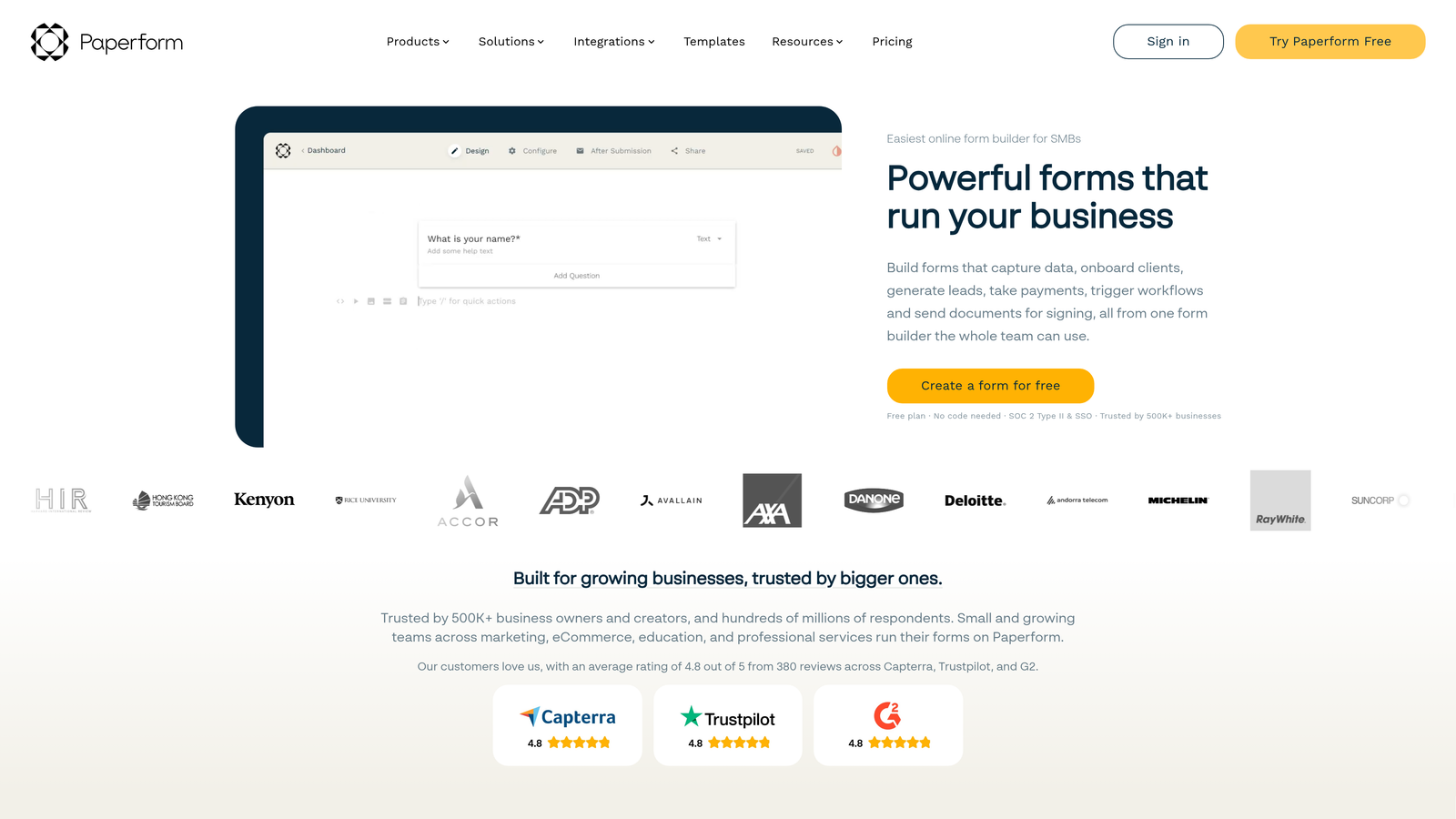
Paperform is a form builder that blends form functionality with landing page design, allowing rich content, media embedding, and payment collection in a single form experience.
Where This Tool Shines
Paperform occupies a unique space: it's not quite a form builder and not quite a landing page builder, but it does both well enough to replace both for many use cases. You can combine text blocks, images, video, and form fields in a way that reads like a page, not a questionnaire.
Built-in payment processing is a practical differentiator. Teams that sell products, collect deposits, or run paid registrations can handle the entire flow in one Paperform without stitching together a separate checkout tool.
Key Features
Landing Page-Style Design: Mix form fields with rich content blocks for a page-like experience.
Built-In Payment Processing: Accept payments directly through forms without third-party checkout tools.
Rich Content Embedding: Add images, video, and formatted text alongside form questions.
Conditional Logic and Calculations: Dynamic fields and math-based calculations for complex forms.
3,000+ Integrations: Connect via native integrations and Zapier for broad tool compatibility.
Best For
Paperform suits small businesses, coaches, event organizers, and creative teams that want a polished, content-rich form experience with payment collection. Less suited for high-volume enterprise workflows.
Pricing
Essentials starts around $24/month on annual billing or $29/month on monthly billing. Pro and Agency tiers are available for larger teams. Verify current pricing at paperform.co.
7. Formstack
Best for: Enterprises and regulated industries that need compliance, document generation, and workflow automation in one platform.
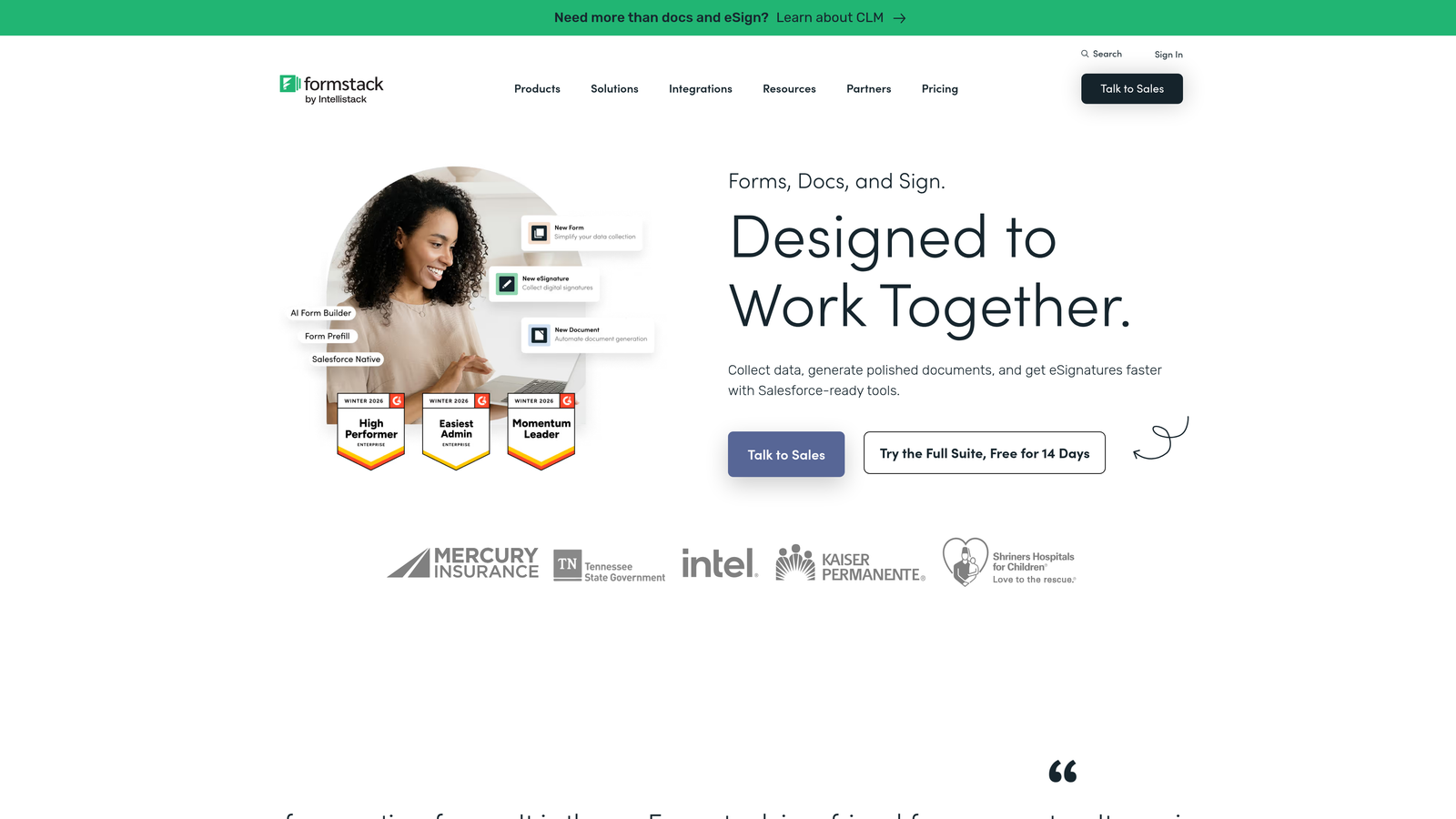
Formstack is an enterprise-grade form and workflow platform with HIPAA compliance, document generation, e-signatures, and Salesforce-native integration.
Where This Tool Shines
Formstack is built for organizations where forms are part of a larger operational workflow, not just a data collection step. The combination of compliant forms, automated document generation, and e-signatures means a single submission can trigger a complete document workflow without human intervention.
The Salesforce-native integration is a genuine differentiator for sales and operations teams that live in Salesforce. Data flows directly into Salesforce objects without middleware, reducing sync errors and setup complexity.
Key Features
HIPAA and GDPR Compliance: Built-in compliance features for healthcare, legal, and regulated industries.
Document Generation: Automatically generate populated documents from form submissions.
E-Signatures: Collect legally binding signatures as part of the form workflow.
Salesforce-Native Integration: Deep, direct integration with Salesforce CRM and objects.
Role-Based Access Controls: Manage team permissions and data access at a granular level.
Best For
Formstack is the right choice for mid-market and enterprise teams in healthcare, legal, finance, or any regulated industry where compliance and document automation are non-negotiable requirements.
Pricing
Forms plan starts around $50/month on annual billing. Suite and Enterprise tiers are significantly higher. Given how frequently enterprise pricing changes, verify current rates directly at formstack.com.
8. Cognito Forms
Best for: Teams that need advanced calculations, payment processing, and a strong free tier for complex form logic.
Cognito Forms is a form builder with a powerful calculation engine, repeating sections, and payment integrations, backed by a surprisingly capable free plan.
Where This Tool Shines
Cognito Forms handles math-heavy forms better than most competitors at its price point. If you need order forms with dynamic pricing, registration forms with calculated totals, or any form where the output depends on user inputs, the calculation engine is genuinely impressive.
The free plan includes unlimited forms, which puts it alongside Tally as one of the few tools that doesn't gate basic functionality behind a paywall. For small teams or developers building internal tools, this is a meaningful cost advantage.
Key Features
Advanced Calculations: Build complex math formulas and dynamic pricing directly into form fields.
Payment Integrations: Accept payments via Stripe, PayPal, and Square within forms.
Repeating Sections: Allow respondents to add multiple entries within a single form submission.
Unlimited Forms on Free Plan: No cap on the number of forms you can create at no cost.
Data Encryption and Compliance: Security features for teams handling sensitive information.
Best For
Cognito Forms is ideal for small businesses, developers, and operations teams that need calculation-heavy or payment-enabled forms without paying premium prices. The free plan makes it a low-risk starting point.
Pricing
Free tier with unlimited forms. Pro starts around $15/month and Team around $35/month, with annual billing discounts available. Confirm current pricing at cognitoforms.com.
9. Fillout
Best for: Modern teams that need native integrations with Airtable, Notion, or Supabase alongside a clean form experience.
Fillout is a modern form builder with a built-in database, native integrations with data tools like Airtable and Notion, and a clean UI that appeals to developer-friendly teams.
Where This Tool Shines
Fillout's native Airtable and Notion integrations set it apart from tools that rely entirely on Zapier for connectivity. If your team's data lives in Airtable bases or Notion databases, Fillout connects directly without middleware, keeping your stack simpler and your data cleaner.
The built-in Fillout database also means you don't need an external spreadsheet or database just to store and review responses. For teams building lightweight internal tools or client-facing intake forms, this removes a layer of complexity that other builders leave you to solve on your own.
Key Features
Built-In Response Database: Store and manage form responses natively without exporting to a spreadsheet.
Native Airtable, Notion, and Supabase Integrations: Direct connections to popular data tools without Zapier.
Modern Form UI: Clean, contemporary design that feels current compared to older form builders.
Scheduling and Payment Forms: Handle bookings and payments within the same form workflow.
Conditional Logic and URL Pre-Fill: Dynamic form behavior and pre-populated fields from URL parameters.
Best For
Fillout is a great fit for product teams, developers, and operations managers who work with Airtable or Notion and want forms that connect natively. Also strong for teams that want a modern aesthetic without sacrificing functionality.
Pricing
Free tier available. Starter is around $19/month on monthly billing, with annual billing discounts bringing the cost down. Verify current pricing at fillout.com.
Which Form Builder Is Right for Your Team?
The honest answer is that the best form builder depends on where your priorities sit on the spectrum between cost, features, and billing flexibility.
If budget is the primary driver, Tally and Cognito Forms both offer unlimited forms on their free plans, making them genuinely viable for lean teams. Fillout's free tier is also competitive for teams in the Airtable and Notion ecosystem.
If design and brand experience matter most, Typeform and Paperform are the strongest contenders. Both charge a premium for that polish, and the annual discount helps justify the commitment if you know you'll use them long-term.
For enterprise teams in regulated industries, Formstack's compliance and document automation capabilities are hard to match. Just be prepared for the pricing that comes with that depth.
If you're using HubSpot already, their native forms tool is a natural starting point, though the cost of unlocking advanced features at the Professional tier deserves careful evaluation against standalone alternatives.
For high-growth teams focused on lead generation and conversion optimization, the most important question isn't just monthly versus annual cost. It's whether your form builder is actually helping you qualify and convert leads, or just collecting data that someone else has to sort through later.
That's the gap Orbit AI is built to close. By combining AI-powered lead qualification with conversion-optimized form design, it reduces the need for separate scoring tools and gives your team a cleaner signal from every submission. Start building free forms today and see how intelligent form design can elevate your conversion strategy.
Whichever tool you choose, compare the annual versus monthly cost at the specific tier you'll actually use. The savings from annual billing are real, but only if you're confident in the platform before you commit.


