

Choosing a form builder without testing it first is like buying shoes without trying them on—you might end up with something that pinches in all the wrong places. Free trials let you explore features, test integrations, and see if the interface clicks with your workflow before committing your budget. But not all free trials are created equal. Some give you full access for 14 days, others limit features, and a few require a credit card upfront.
We've tested the leading form builders to help you find the right fit for your team's needs, whether you're capturing leads, collecting payments, or building complex multi-step workflows. Here are the top form builders with free trials worth testing in 2026.
1. Orbit AI
Best for: High-growth teams focused on lead generation and conversion optimization with AI-powered qualification
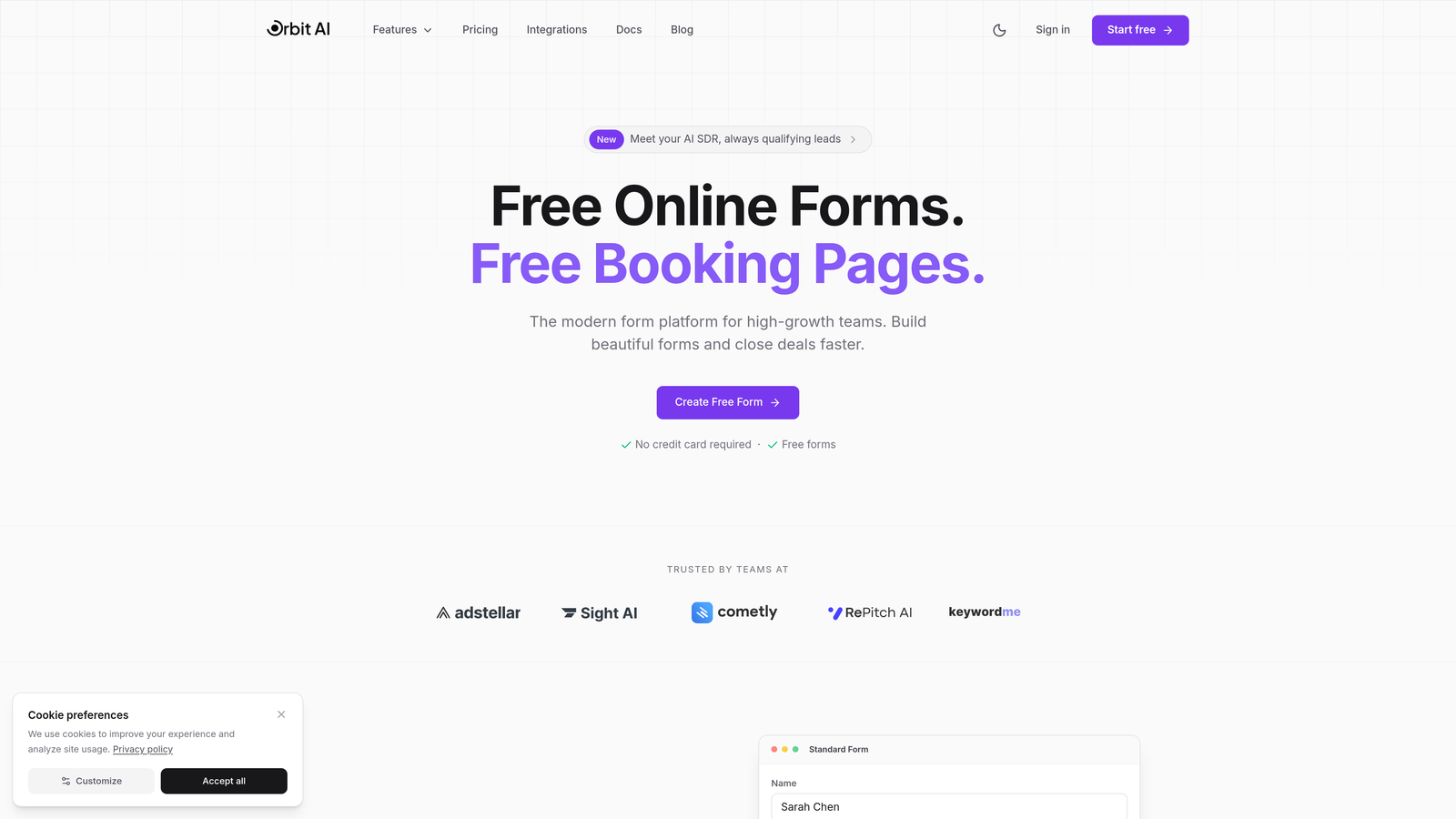
Orbit AI is an AI-powered form builder platform designed specifically for teams that need to do more than just collect responses—it qualifies leads automatically while delivering conversion-optimized experiences.
Where This Tool Shines
The standout feature is the AI-powered lead scoring that happens in real-time as prospects fill out your forms. Instead of manually sorting through submissions later, the platform analyzes responses and routes qualified leads to your sales team immediately.
The modern templates are built with conversion psychology in mind, not just aesthetics. You get forms that actually drive completion rates while maintaining your brand's premium feel.
Key Features
AI-Powered Lead Scoring: Automatically qualifies prospects based on their responses and behavior patterns.
Conversion-Optimized Templates: Modern form designs built specifically to reduce drop-off and increase completions.
Native CRM Integrations: Direct connections to HubSpot, Salesforce, and Slack for seamless workflow automation.
Real-Time Analytics: Response insights that help you understand what's working and optimize continuously.
Workflow Automation: Smart lead routing that gets qualified prospects to the right team member instantly.
Best For
This platform is ideal for B2B teams, SaaS companies, and marketing agencies where lead quality matters as much as lead volume. If you're tired of sifting through unqualified form submissions, the AI qualification alone justifies the trial.
Pricing
Free trial available with full feature access. Paid plans use competitive SaaS pricing that scales with your team's needs and form volume.
2. Typeform
Best for: Creating conversational, one-question-at-a-time experiences that drive higher completion rates
Typeform is the conversational form builder that popularized the one-question-at-a-time format, turning traditional forms into engaging experiences.

Where This Tool Shines
The conversational interface feels more like a chat than a form, which significantly reduces the intimidation factor of long questionnaires. Users answer one question, then naturally flow to the next.
The visual polish is exceptional. Even basic forms look professionally designed, and the logic jumps let you create personalized paths based on previous answers.
Key Features
Conversational Format: One-question-at-a-time display that feels more like a conversation than a form.
Logic Jumps: Branch questions based on previous answers to create personalized experiences.
Rich Media Support: Embed videos and images directly into questions for visual engagement.
Integration Library: Native connections to popular marketing and productivity tools.
Custom Thank-You Screens: Personalized completion messages based on user responses.
Best For
Marketing teams running surveys, customer feedback programs, or lead capture campaigns where user experience directly impacts completion rates. The format works especially well for consumer-facing forms.
Pricing
Free plan available with limited features. Basic plan starts at $25/month with full logic jumps and integrations unlocked.
3. Jotform
Best for: Teams needing versatile forms with extensive templates and payment collection capabilities
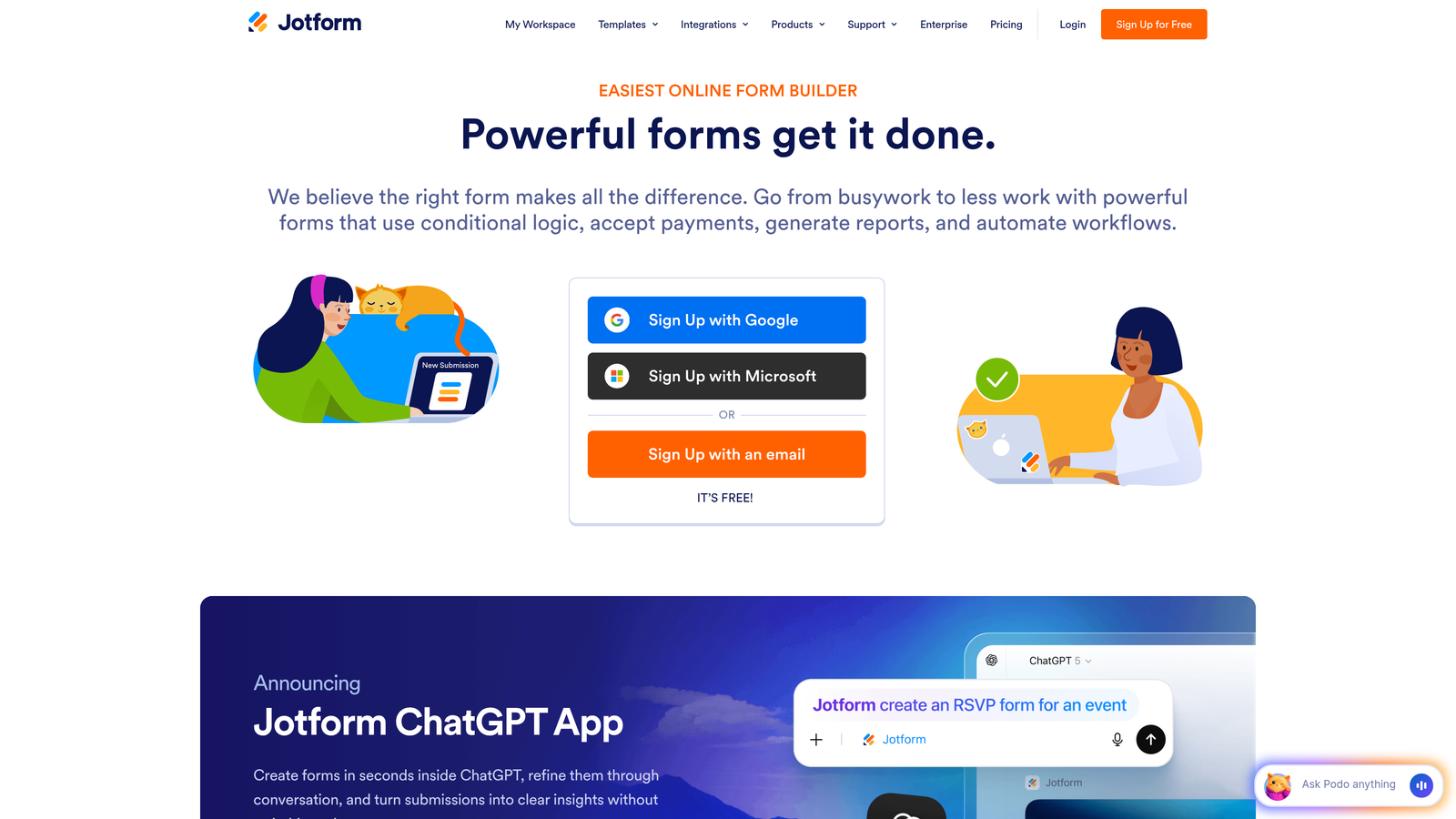
Jotform is a comprehensive form builder offering over 10,000 templates and robust features for everything from simple contact forms to complex payment workflows.
Where This Tool Shines
The template library is genuinely massive. Whatever type of form you need, there's likely a pre-built starting point that gets you 80% of the way there.
Payment processing is particularly strong, with native integrations for PayPal, Stripe, and Square. You can collect payments, donations, or registrations without needing separate tools.
Key Features
10,000+ Templates: Pre-built forms for virtually every use case imaginable.
Payment Processing: Native integrations with major payment gateways for transactions and donations.
PDF Generation: Automatically convert form submissions into formatted PDF documents.
Approval Workflows: Route submissions through approval chains for internal processes.
HIPAA Compliance: Optional compliance features for healthcare organizations collecting sensitive data.
Best For
Organizations needing versatile form capabilities across multiple departments—from HR collecting applications to finance processing payments. The HIPAA compliance option makes it viable for healthcare providers.
Pricing
Free tier allows up to 5 forms with 100 monthly submissions. Bronze plan starts at $34/month for expanded limits and features.
4. Tally
Best for: Teams wanting unlimited forms on a generous free tier with Notion-style editing
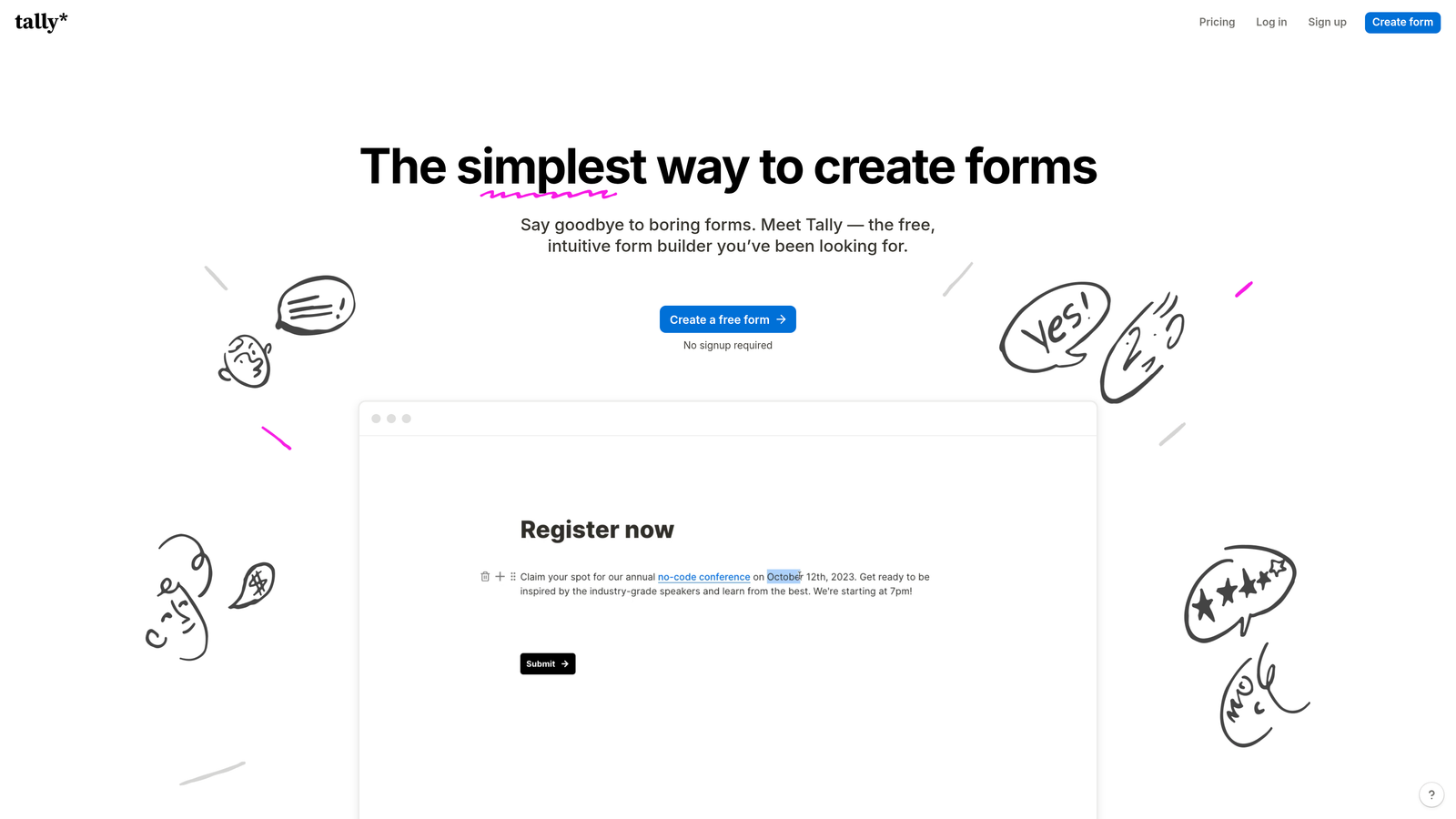
Tally is a straightforward form builder that offers unlimited forms on its free plan, making it attractive for budget-conscious teams and Notion users.
Where This Tool Shines
The free tier is genuinely generous—unlimited forms, unlimited submissions, and most core features available without payment. This makes it perfect for testing or small-scale use.
If you're already using Notion, the editing experience will feel immediately familiar. The block-based builder works the same way, reducing the learning curve to nearly zero.
Key Features
Unlimited Free Forms: No artificial limits on form creation or submission volume on the free plan.
Notion-Like Editor: Block-based editing that feels natural for Notion users.
Conditional Logic: Show or hide questions based on previous responses.
File Uploads: Accept documents and images from form respondents.
Custom Domains: Use your own domain for forms on paid plans.
Best For
Startups, solopreneurs, and small teams that need functional forms without monthly fees. Also ideal for Notion-heavy organizations wanting consistent editing experiences across tools.
Pricing
Free tier with unlimited forms and submissions. Pro plan at $29/month adds custom domains, remove branding, and priority support.
5. Paperform
Best for: Creating form-landing page hybrids with rich media and e-commerce capabilities
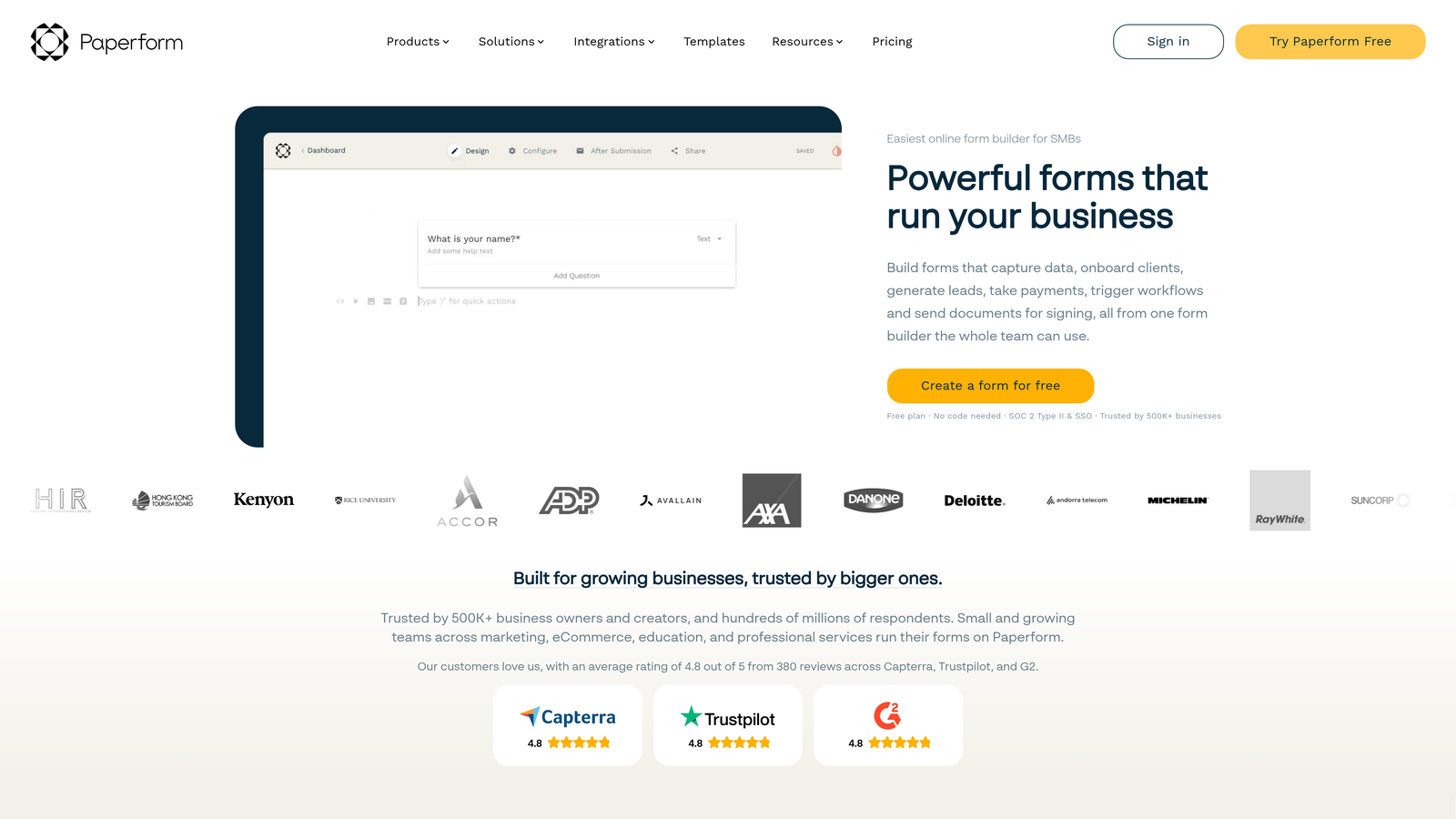
Paperform is a document-style form builder that blurs the line between forms and landing pages, letting you create rich, media-heavy experiences.
Where This Tool Shines
The document-style editing lets you mix form fields with rich text, images, and videos in ways that feel more like building a landing page than a traditional form.
E-commerce features are built-in, not bolted on. You can sell products, take bookings, and process payments all within the same beautiful interface.
Key Features
Rich Media Embedding: Mix form fields with text, images, and videos for engaging experiences.
E-Commerce Integration: Sell products and services directly through your forms.
Custom Branding: Full control over colors, fonts, and styling to match your brand.
Calculations: Perform math operations on form data for quotes and pricing.
Appointment Scheduling: Built-in booking functionality for service-based businesses.
Best For
Service businesses, coaches, and consultants who need to combine information collection with booking and payment. The landing page aesthetic works well for consumer-facing forms.
Pricing
14-day free trial with full access. Essentials plan starts at $24/month after trial period.
6. Formstack
Best for: Enterprise teams requiring compliance features and advanced document workflows
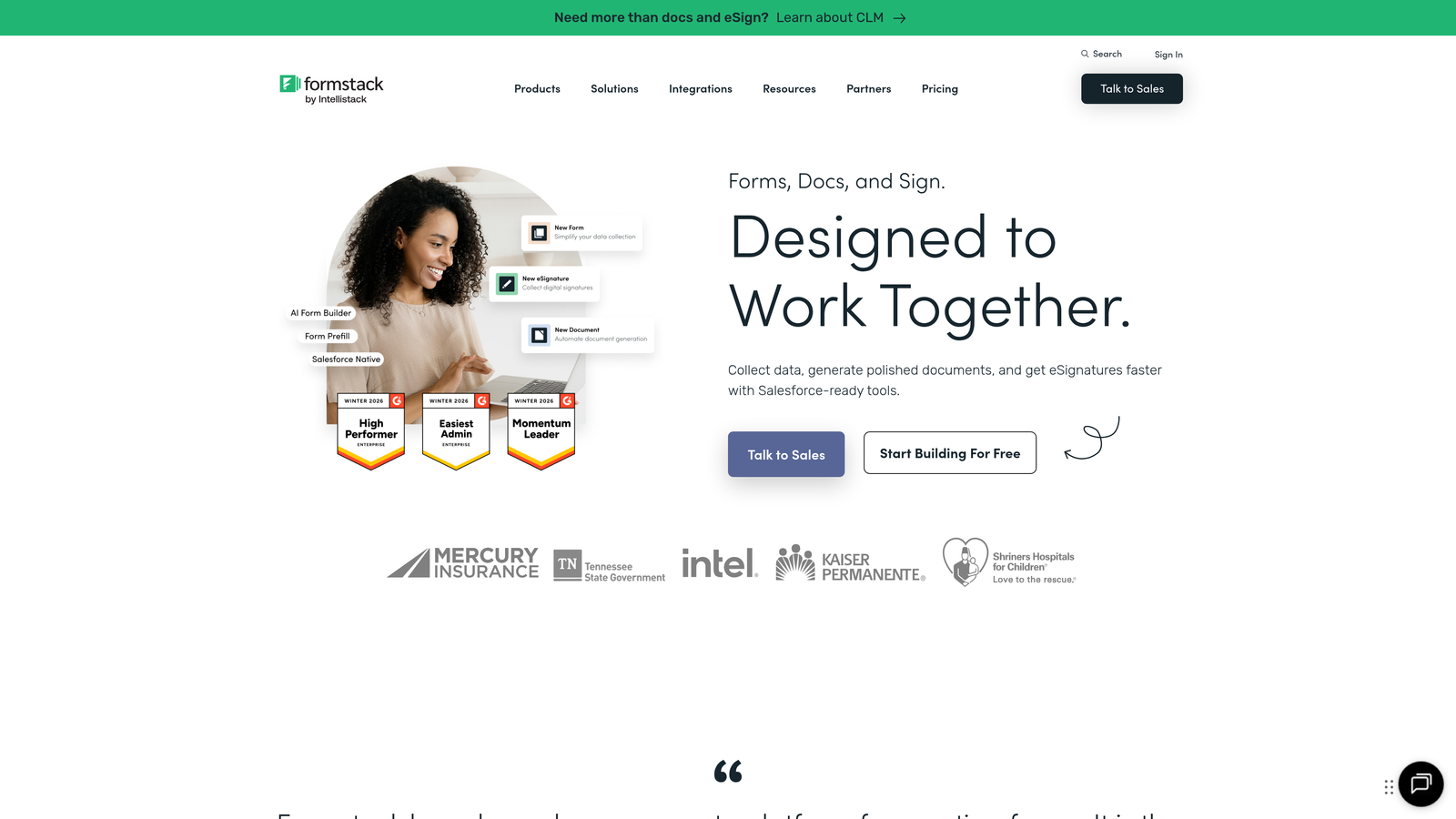
Formstack is an enterprise-grade form platform focused on compliance, security, and sophisticated workflow automation for regulated industries.
Where This Tool Shines
Compliance features are genuinely enterprise-ready. HIPAA and GDPR compliance aren't afterthoughts—they're core to the platform's architecture and regularly audited.
Document generation from form data is powerful. Submissions automatically populate templates for contracts, reports, and other business documents without manual data entry.
Key Features
HIPAA and GDPR Compliance: Built-in compliance features for regulated industries.
Document Generation: Automatically create formatted documents from form submissions.
Electronic Signatures: Collect legally binding signatures within your forms.
Advanced Workflow Automation: Complex routing and approval processes for enterprise operations.
Enterprise Security: SOC 2 Type II certified with advanced encryption and access controls.
Best For
Healthcare providers, financial services firms, and large enterprises in regulated industries. If compliance isn't optional for your organization, Formstack's certifications and features justify the premium pricing.
Pricing
14-day free trial available. Forms plan starts at $50/month, with enterprise pricing for advanced compliance and security features.
7. Cognito Forms
Best for: Forms requiring advanced calculations and multi-payment gateway support
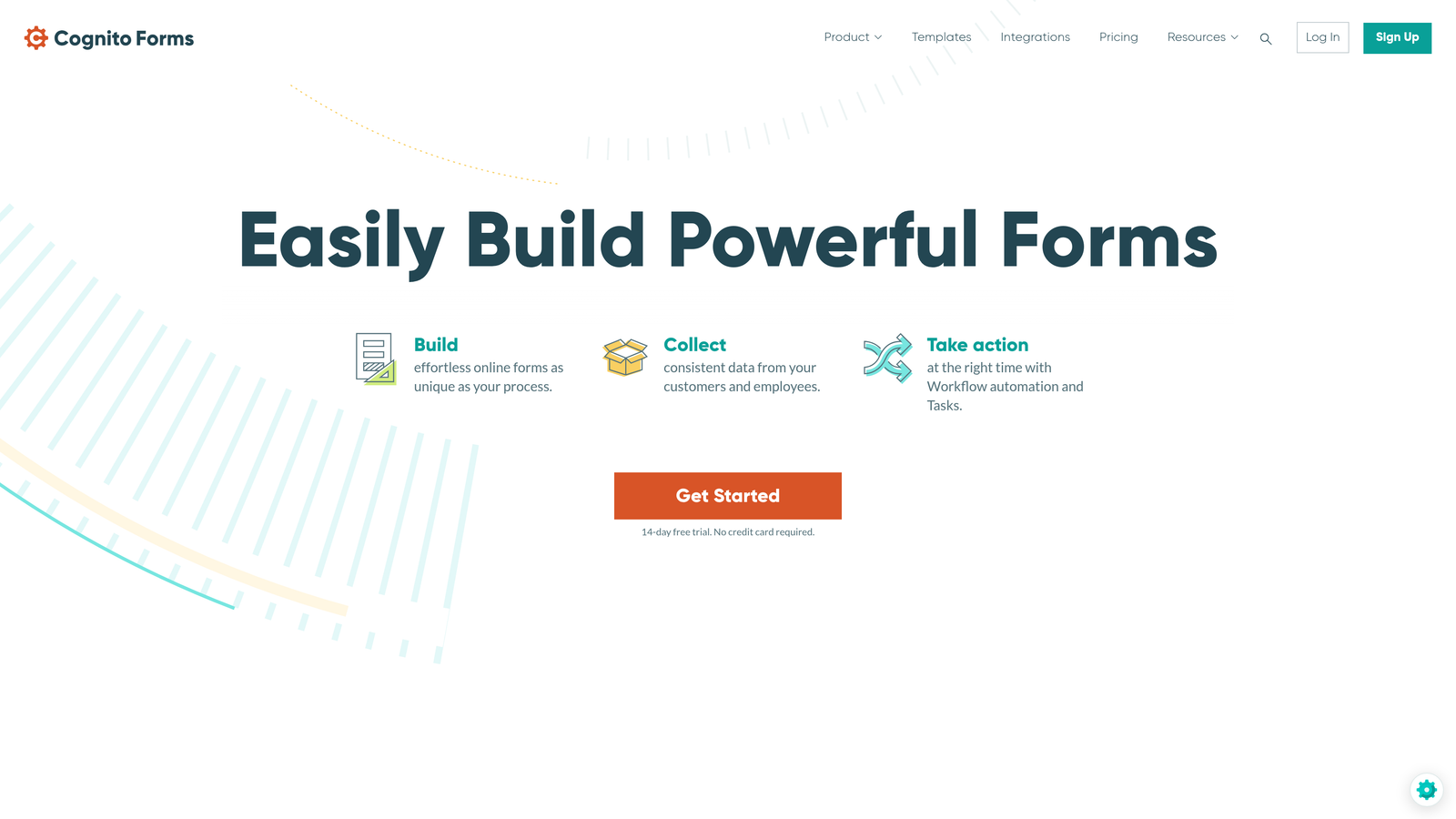
Cognito Forms is a feature-rich form builder with particularly strong calculation capabilities and flexible payment processing options.
Where This Tool Shines
The calculation engine is genuinely powerful. You can build complex formulas that update in real-time as users fill out forms—perfect for quotes, registrations, or order forms with variable pricing.
Payment flexibility stands out. Instead of locking you into one gateway, Cognito Forms supports multiple processors, giving you negotiating power and backup options.
Key Features
Advanced Calculations: Complex formulas and math operations that update dynamically.
Multiple Payment Gateways: Support for various payment processors, not just one preferred partner.
Repeating Sections: Let users add multiple instances of field groups for things like event registrations.
Conditional Logic: Show, hide, or require fields based on user responses.
Data Encryption: Field-level encryption for sensitive information.
Best For
Organizations processing registrations, orders, or applications with complex pricing structures. The calculation features make it ideal for educational institutions and event organizers.
Pricing
Free tier available with basic features. Pro plan at $15/month unlocks calculations, payments, and advanced features.
8. 123FormBuilder
Best for: Teams heavily invested in Salesforce and CRM-driven workflows
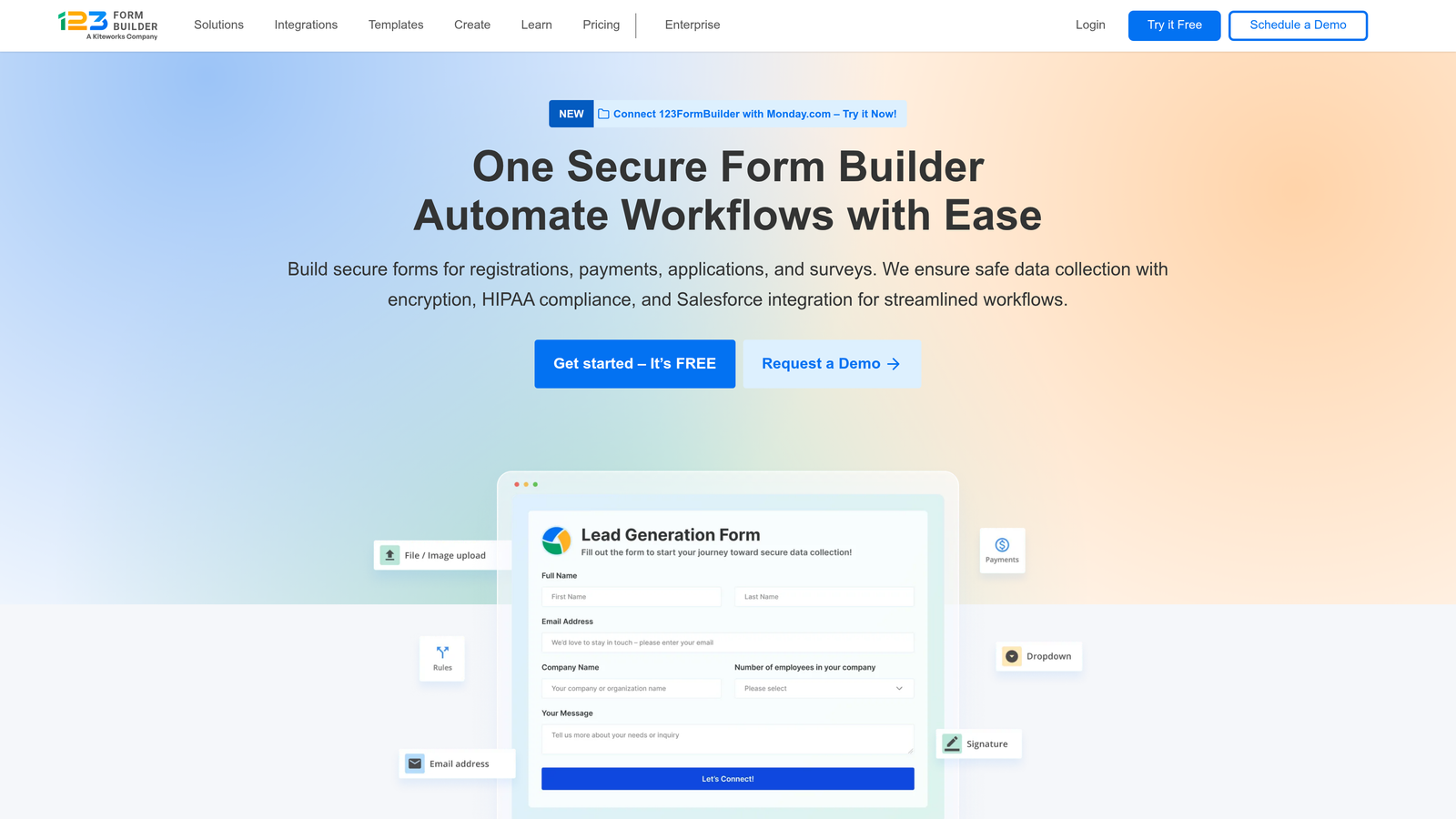
123FormBuilder is a form platform with particularly deep CRM integrations, especially strong Salesforce connectivity for sales-driven organizations.
Where This Tool Shines
The Salesforce integration is native and comprehensive. Form submissions flow directly into your CRM with proper field mapping, creating leads and updating records without middleware.
Multi-page forms are handled well, with progress indicators and save-and-resume functionality that reduces abandonment on longer forms.
Key Features
Native Salesforce Integration: Direct, comprehensive connectivity with Salesforce CRM.
CRM Connectivity: Pre-built integrations with HubSpot, Zoho, and other major platforms.
Payment Collection: Accept payments through integrated gateways.
Multi-Page Forms: Break long forms into logical sections with progress tracking.
Workflow Automation: Route submissions and trigger actions based on form data.
Best For
Sales teams and organizations where Salesforce is the central system of record. The native integration eliminates the data sync headaches that plague many form-to-CRM workflows.
Pricing
Free tier available with basic features. Gold plan at $24.99/month includes CRM integrations and advanced features.
9. Fillout
Best for: Database-driven workflows with native Airtable and Notion integrations
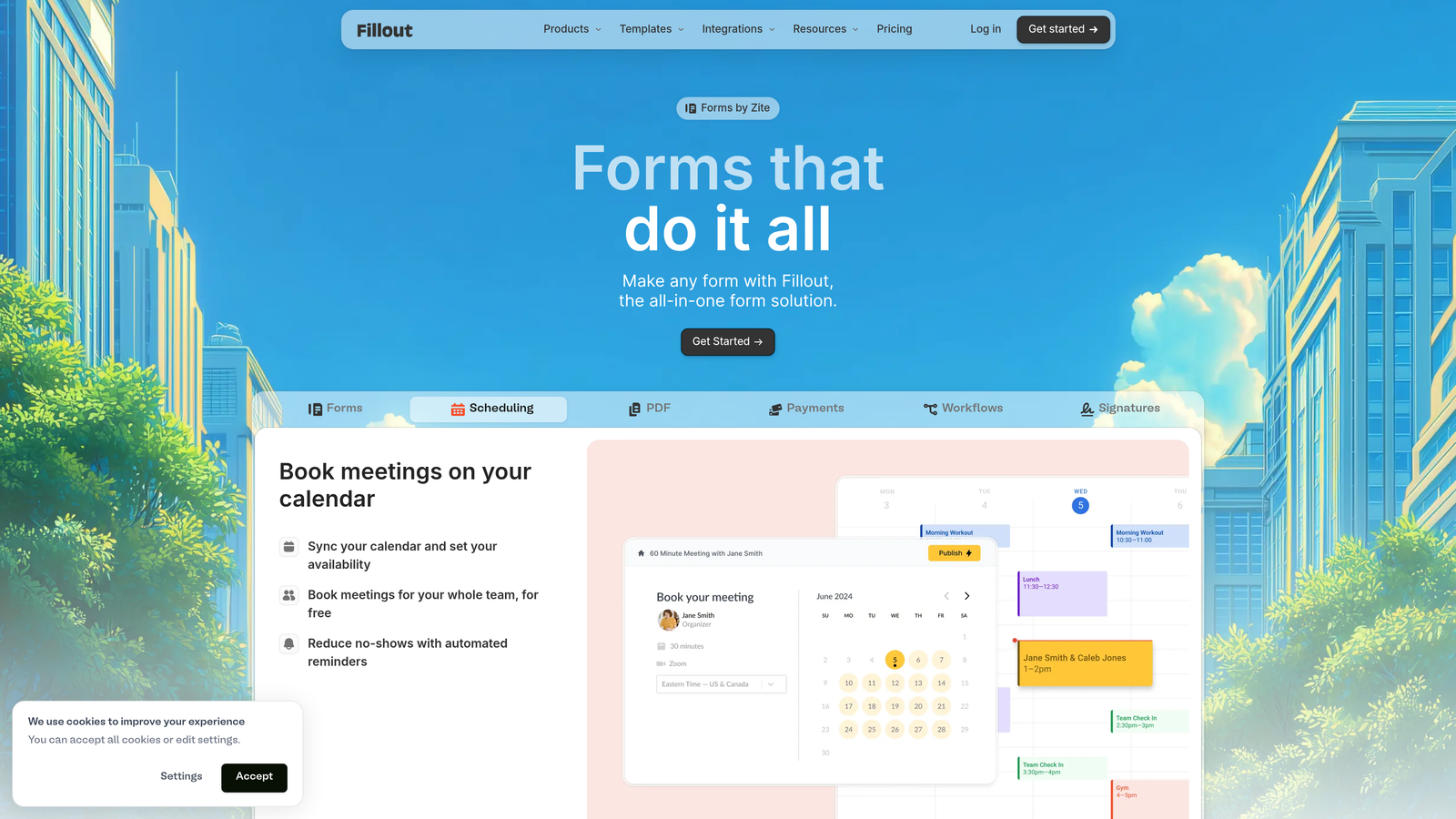
Fillout is a modern form builder designed specifically for teams using Airtable or Notion as their primary database, with native sync capabilities.
Where This Tool Shines
The Airtable and Notion integrations are genuinely native, not just Zapier connections. Form submissions sync directly to your databases with proper field mapping and real-time updates.
For teams already organizing work in these platforms, Fillout eliminates the need for middleware or manual data transfer.
Key Features
Native Database Sync: Direct integration with Airtable and Notion for automatic data flow.
Scheduling Integration: Built-in appointment booking connected to calendar tools.
Cloud Storage Upload: Files upload directly to Google Drive, Dropbox, or other cloud storage.
Conditional Logic: Dynamic form behavior based on user responses.
Custom Thank-You Pages: Personalized completion experiences with dynamic content.
Best For
Operations teams and project managers who've built their workflows around Airtable or Notion. The native sync eliminates the fragility of third-party automation tools.
Pricing
Free tier available with core features. Starter plan at $15/month adds advanced integrations and removes branding.
Making the Right Choice
Picking the right form builder comes down to matching features to your specific workflow. Think about what happens after someone fills out your form—that's where the real differences emerge.
For teams focused on lead generation and conversion optimization, Orbit AI's AI-powered qualification stands out. Instead of manually sorting through submissions, the platform identifies your best prospects automatically and routes them to sales immediately. Start building free forms today and see how intelligent form design can elevate your conversion strategy.
If user experience drives your decisions, Typeform's conversational approach delivers measurably higher completion rates. The one-question-at-a-time format reduces form intimidation and keeps users engaged through longer questionnaires.
Budget-conscious teams should explore Tally's generous free tier—unlimited forms without artificial restrictions. It's perfect for startups and small teams that need functional forms without monthly fees eating into runway.
Enterprises in regulated industries will appreciate Formstack's compliance features. When HIPAA or GDPR compliance isn't optional, the certifications and security architecture justify the premium pricing.
The best approach? Take advantage of these free trials to test your actual use cases—not just the demo scenarios. Start with your highest-priority forms, connect your existing tools, and see which builder makes your team more efficient. Pay attention to the small frustrations during the trial. If you're fighting the interface on day three, imagine that friction multiplied across months of use.
Test with real data, real integrations, and real team members. The form builder that wins isn't the one with the longest feature list—it's the one that disappears into your workflow and just works.


