

When your team is managing dozens of forms across multiple clients, campaigns, or product lines, per-form or per-seat pricing adds up fast. Volume discounts on form builders can meaningfully reduce costs as you scale, but not every platform offers them, and the ones that do structure their pricing very differently. Some reward you for submitting more responses, others for adding more seats, and a few offer agency-style plans that bundle everything together.
This guide breaks down the best form builders that offer genuine volume-based value, whether through tiered response limits, multi-seat pricing, white-label agency plans, or flat-rate unlimited tiers. We've focused on tools built for teams that move fast, care about conversion, and need forms that do more than just collect data. If you're evaluating options for your team or agency, this list will help you find the right fit.
1. Orbit AI
Best for: High-growth SaaS and marketing teams that need AI-powered lead qualification built into the form itself.
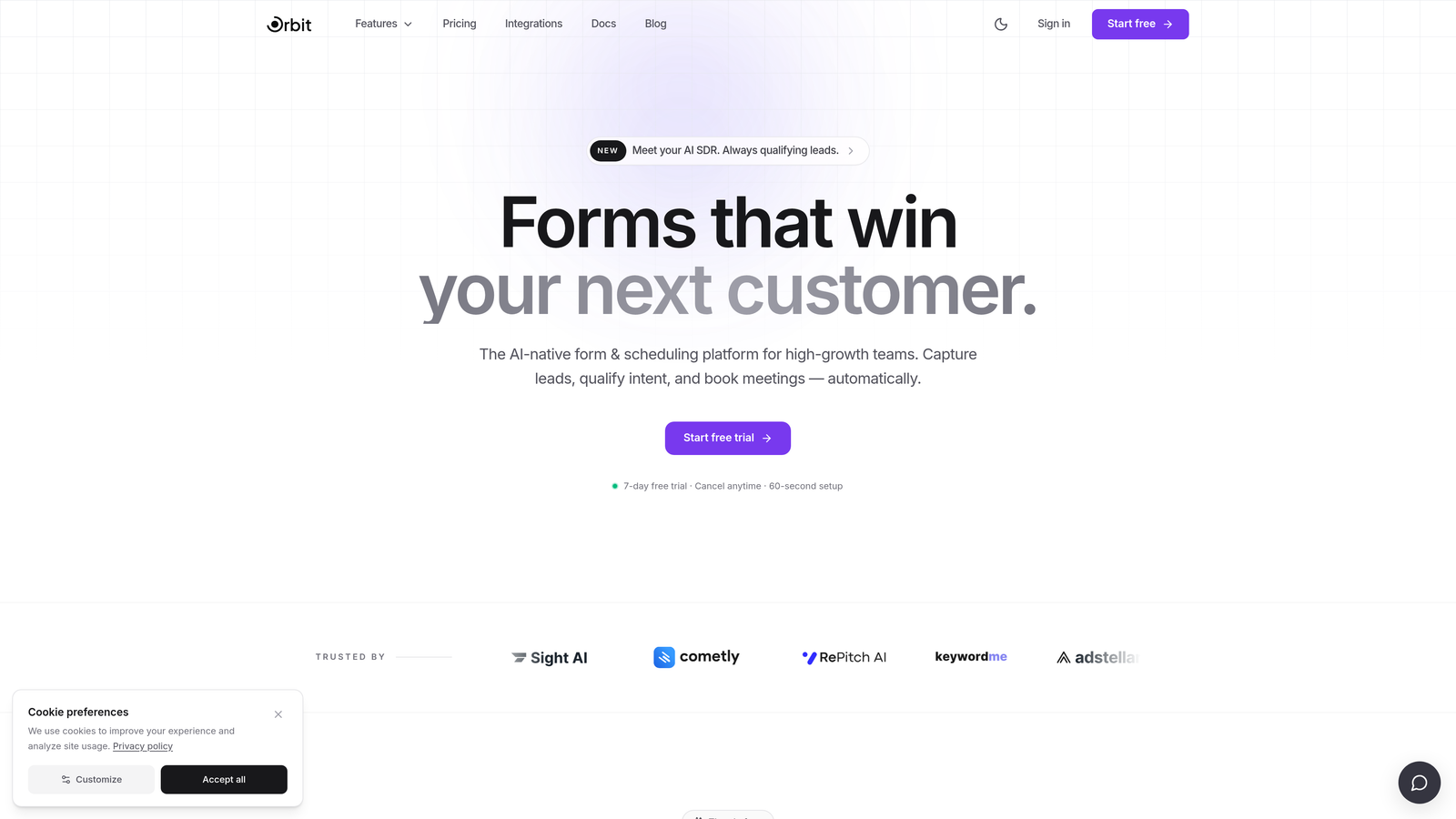
Orbit AI is an AI-powered form builder designed specifically for teams focused on lead generation and conversion optimization, not just data collection.
Where This Tool Shines
Most form builders treat every submission equally. Orbit AI is different: it qualifies leads in real time as they move through the form, scoring intent and surfacing your highest-value prospects automatically. For high-growth teams running multiple campaigns simultaneously, that intelligence translates directly into faster follow-up and better conversion rates.
The platform is also built with design quality as a core feature, not an afterthought. Forms look modern and polished out of the box, which matters when your form is often the first touchpoint a prospect has with your brand.
Key Features
AI-Powered Lead Qualification: Automatically scores and qualifies leads directly within the form flow, so your sales team focuses on the right prospects first.
Real-Time Lead Scoring: Prioritizes high-intent submissions as they come in, giving your team an immediate signal on where to direct attention.
Conversion-Optimized Templates: Pre-built form designs engineered for completion rates, not just aesthetics.
Modern Form UI: Beautiful, responsive form experiences that reflect well on your brand without sacrificing speed or performance.
Built for SaaS and Marketing Teams: The feature set and workflow integrations are tailored to the needs of growth-focused teams running demand generation at scale.
Best For
Orbit AI is the strongest fit for SaaS companies, marketing teams, and agencies that need forms to do double duty: collect data and qualify leads simultaneously. If your team is tired of sorting through low-intent submissions manually, this is where the platform earns its place.
Pricing
Visit orbitforms.ai for current pricing and plan tiers, as options are updated regularly to reflect team and volume needs.
2. Typeform
Best for: Teams that prioritize conversational UX and brand-consistent form experiences at scale.
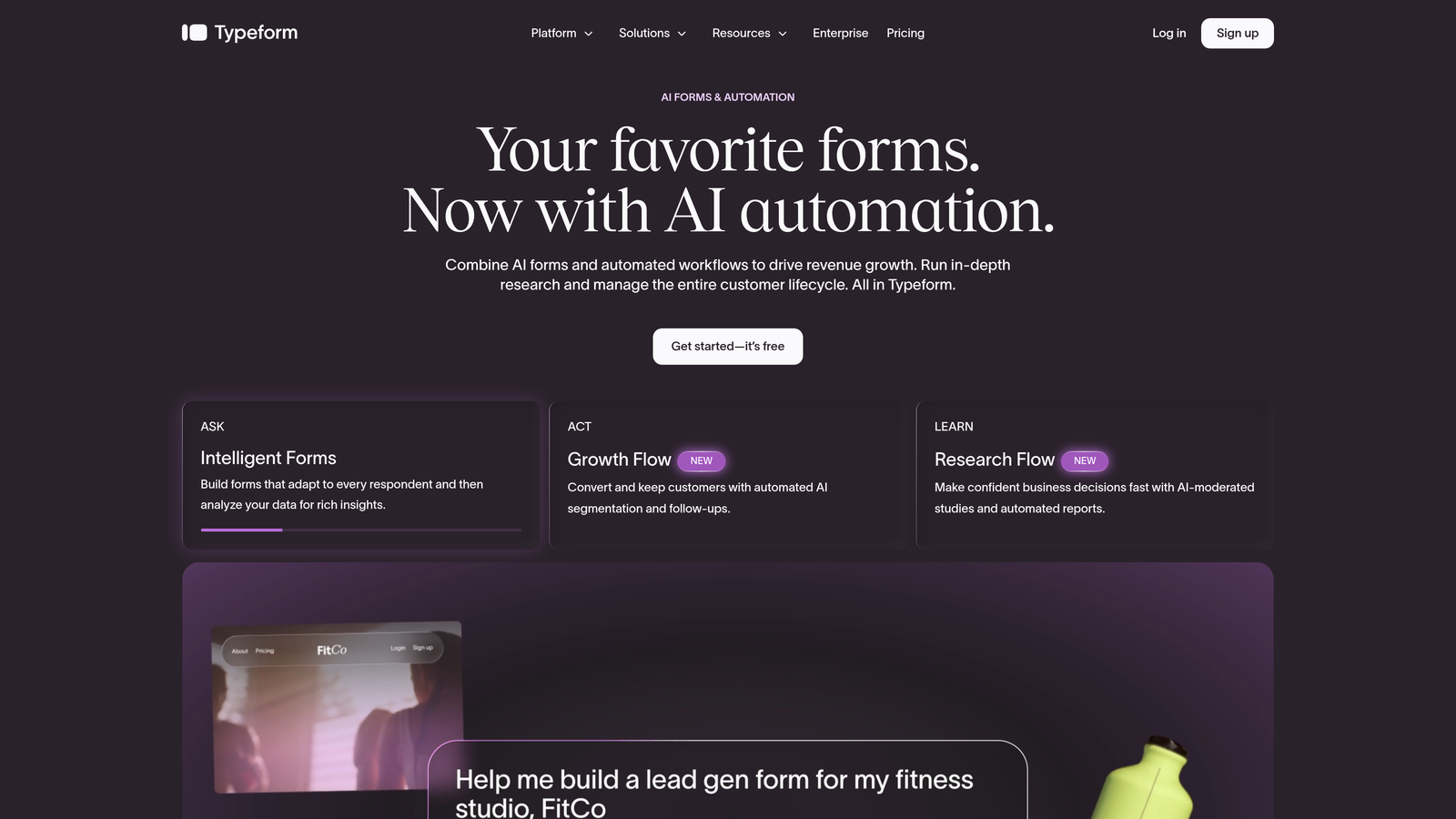
Typeform is a conversational form builder known for its one-question-at-a-time format and polished, brand-friendly design.
Where This Tool Shines
Typeform's signature UX reduces form fatigue by presenting one question at a time, which typically improves completion rates for longer surveys and lead capture forms. For teams running high-volume campaigns where completion rate directly impacts pipeline, that design philosophy has real business value.
Volume discounts come through Typeform's tiered plan structure, where higher tiers unlock significantly more monthly responses. Enterprise plans also add white-label options and additional seats, making it a reasonable choice for agencies managing multiple client accounts.
Key Features
Conversational Single-Question Format: Presents one question at a time to reduce drop-off and improve the respondent experience.
Response Volume Tiers: Plans scale across Basic, Plus, Business, and Enterprise tiers, each unlocking higher monthly response limits.
Logic Jumps and Conditional Branching: Route respondents through personalized paths based on their answers.
CRM and Marketing Tool Integrations: Connects natively with major platforms including HubSpot, Salesforce, and Mailchimp.
White-Label Options: Available at the Enterprise tier for agencies that need to remove Typeform branding.
Best For
Typeform works well for marketing teams, researchers, and agencies that need a visually impressive form experience and can justify the cost through higher response volumes. It's less suited for teams that need deep lead qualification logic built in.
Pricing
Plans scale by monthly response volume. Check typeform.com for current pricing across all tiers.
3. Jotform
Best for: Agencies and teams that need high form counts, diverse form types, and enterprise-grade volume pricing.
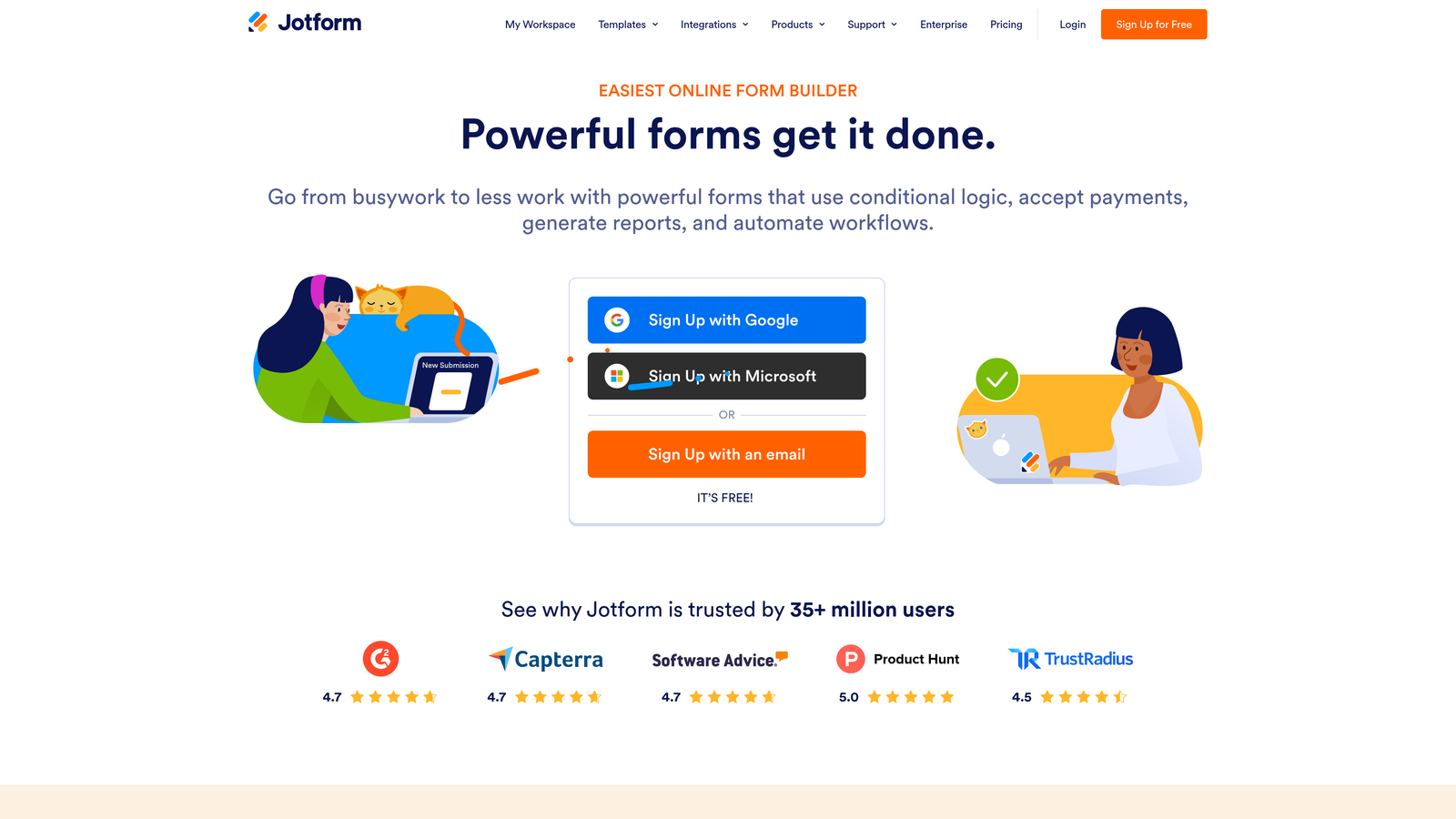
Jotform is a feature-rich form builder with some of the most generous form count limits available across its paid plans.
Where This Tool Shines
Where many competitors limit the number of active forms on mid-tier plans, Jotform is notably generous. This makes it particularly attractive for agencies managing forms across multiple client accounts, or product teams running many parallel data collection workflows simultaneously.
The platform's breadth is also a genuine differentiator. Beyond standard form building, Jotform supports payment collection, e-signatures, and approval workflows, covering a wide range of use cases without needing additional tools.
Key Features
High Form Count Limits: Even mid-tier plans support a large number of active forms, making it agency-friendly by default.
Enterprise Custom Pricing: Large-volume users can negotiate custom pricing directly with Jotform's enterprise team.
Extensive Template Library: Over 10,000 templates covering virtually every industry and use case.
Payment Collection and E-Signatures: Built-in support for transactions and document signing without third-party add-ons.
HIPAA-Compliant Options: Available for healthcare teams that need compliant data collection.
Best For
Jotform is an excellent choice for agencies, operations teams, and healthcare organizations that need volume flexibility, diverse form types, and compliance options under one roof.
Pricing
Tiered plans scale by form count and monthly submissions. Enterprise pricing is custom. Check jotform.com for current plan details.
4. Formstack
Best for: Mid-market and enterprise teams that need forms, documents, and e-signatures managed within a single workflow platform.
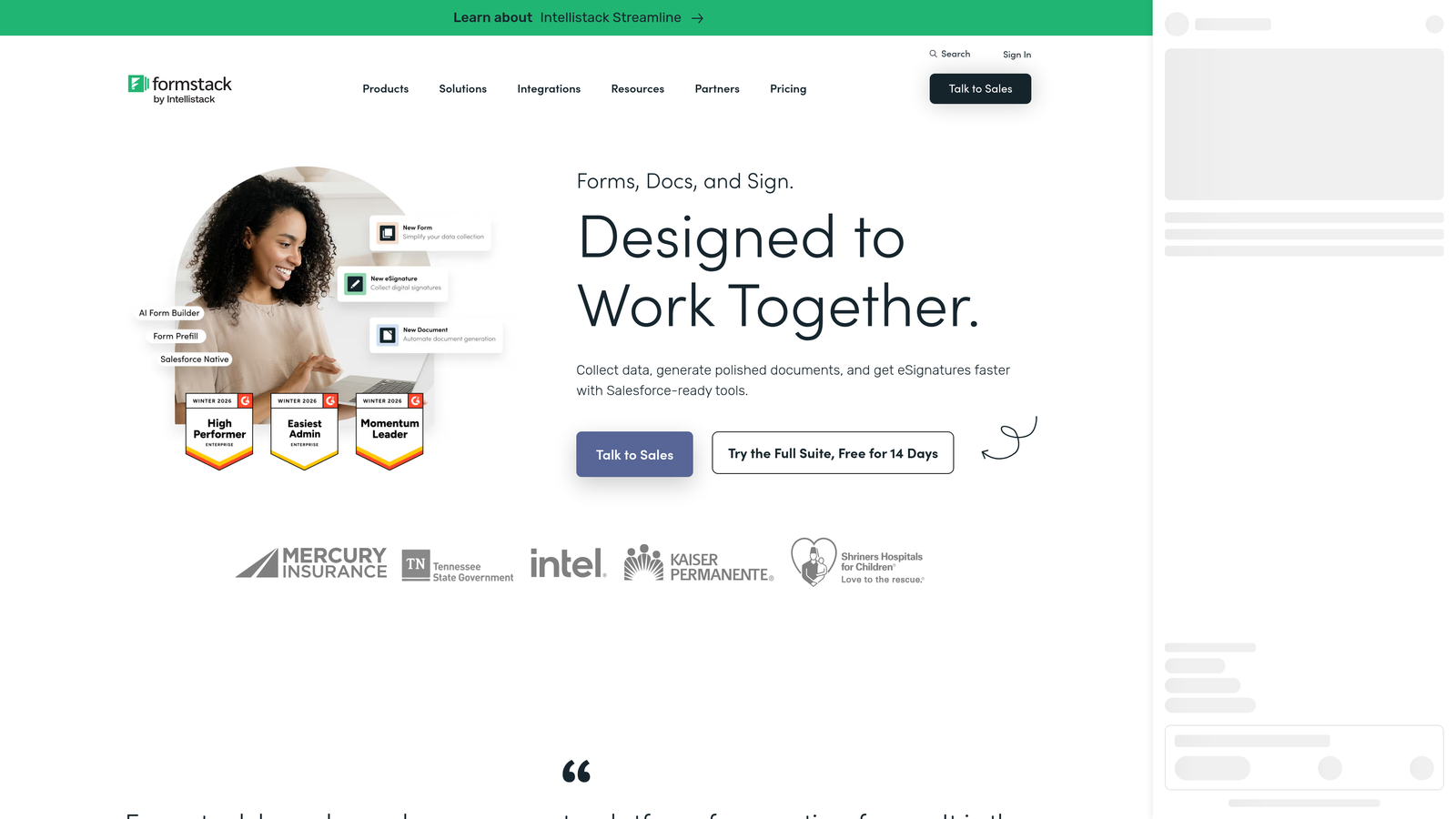
Formstack is an enterprise-grade data collection platform that combines forms, documents, and e-signatures into one connected workflow suite.
Where This Tool Shines
Formstack's differentiation isn't just about forms. It's about what happens after a form is submitted. The platform connects form data directly to document generation and e-signature workflows, making it a strong fit for teams that need to move from data collection to contract or document delivery without switching tools.
For large organizations with complex approval chains, Formstack's workflow and routing features are particularly valuable. Enterprise volume pricing is available, and the platform's compliance credentials make it viable in regulated industries.
Key Features
Forms, Documents, and E-Signatures: All three capabilities in one platform, reducing the need for multiple point solutions.
Enterprise Volume Pricing: Custom pricing available for large teams with high data collection needs.
Advanced Workflow and Approval Routing: Route submissions through multi-step approval chains with conditional logic.
Salesforce-Native Integration: Deep integration with Salesforce for revenue teams already operating in that ecosystem.
HIPAA and SOC 2 Compliance: Meets enterprise security and compliance requirements for regulated industries.
Best For
Formstack is the right choice for enterprise teams, legal, HR, and compliance-heavy organizations that need forms as part of a broader document and signature workflow, not as a standalone tool.
Pricing
Custom enterprise pricing is the primary model. Check formstack.com for current plan options and to request a quote.
5. Paperform
Best for: Teams that want flat-rate pricing with unlimited submissions and a form experience that doubles as a mini landing page.
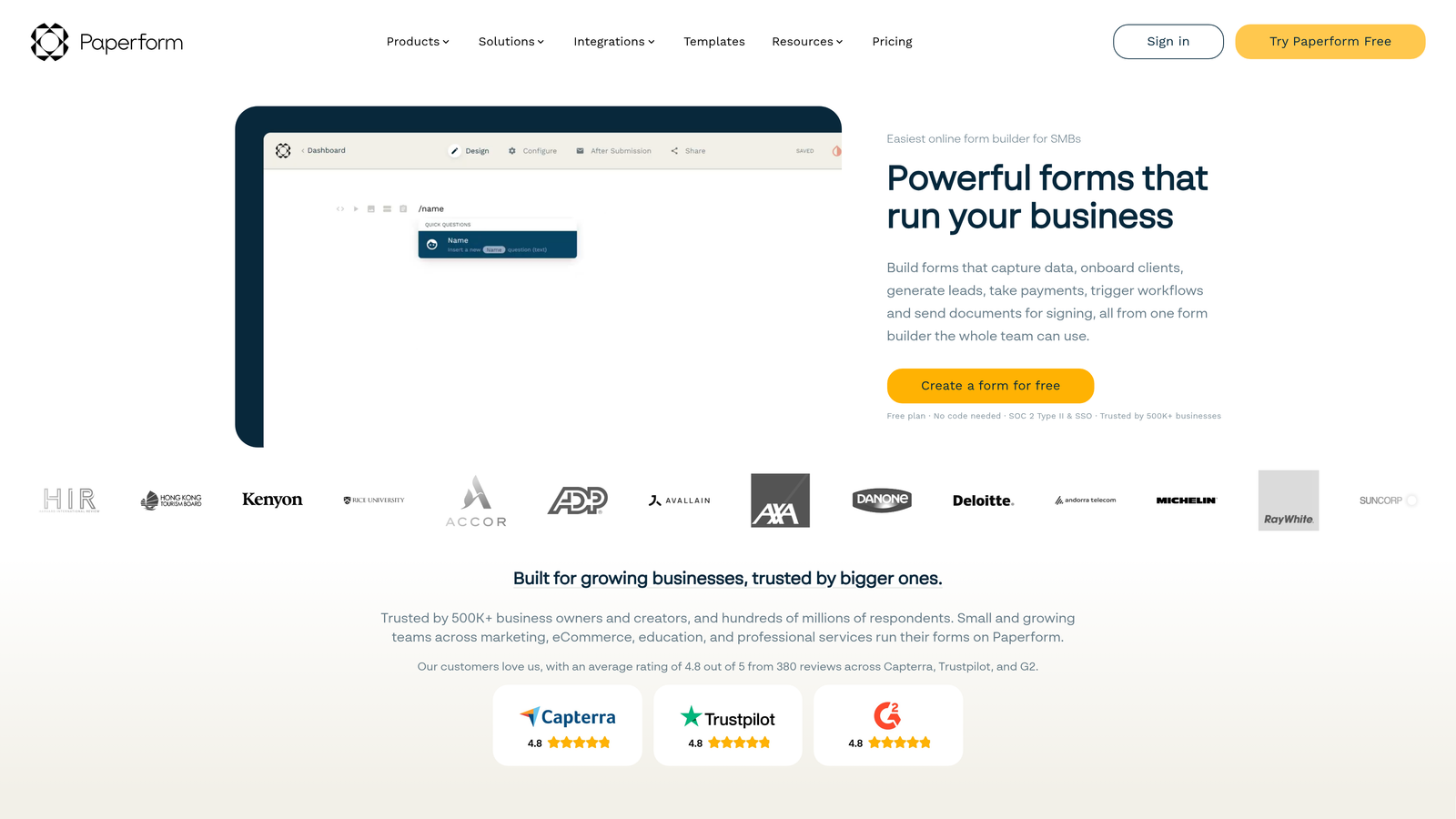
Paperform is a flexible form and landing page builder offering flat-rate plans with unlimited submissions at higher tiers.
Where This Tool Shines
Paperform takes a different approach to volume pricing: rather than capping responses and charging more as you grow, higher-tier plans simply include unlimited submissions. That predictability is genuinely valuable for teams running high-volume campaigns where response counts are hard to forecast.
The platform also blurs the line between forms and landing pages. You can build a form that functions as a complete mini-page with text, images, and embedded media, which reduces the need for a separate landing page tool in some workflows.
Key Features
Unlimited Submissions on Higher Tiers: Flat-rate plans eliminate the anxiety of hitting a response cap mid-campaign.
Form and Landing Page Hybrid: Build forms that function as standalone pages with rich content blocks.
Product and Payment Form Support: Sell products, collect payments, and manage orders directly through forms.
Conditional Logic and Calculated Fields: Build dynamic forms that respond to user input in real time.
Clean Document-Style Design: Forms feel like well-designed documents rather than generic web forms.
Best For
Paperform suits small to mid-sized teams, freelancers, and creative agencies that want a polished, versatile form builder with predictable flat-rate pricing and no submission anxiety.
Pricing
Flat-rate tiered plans; higher tiers include unlimited submissions. Check paperform.co for current pricing.
6. Tally
Best for: Startups, indie developers, and small teams that need unlimited forms and submissions without paying anything.
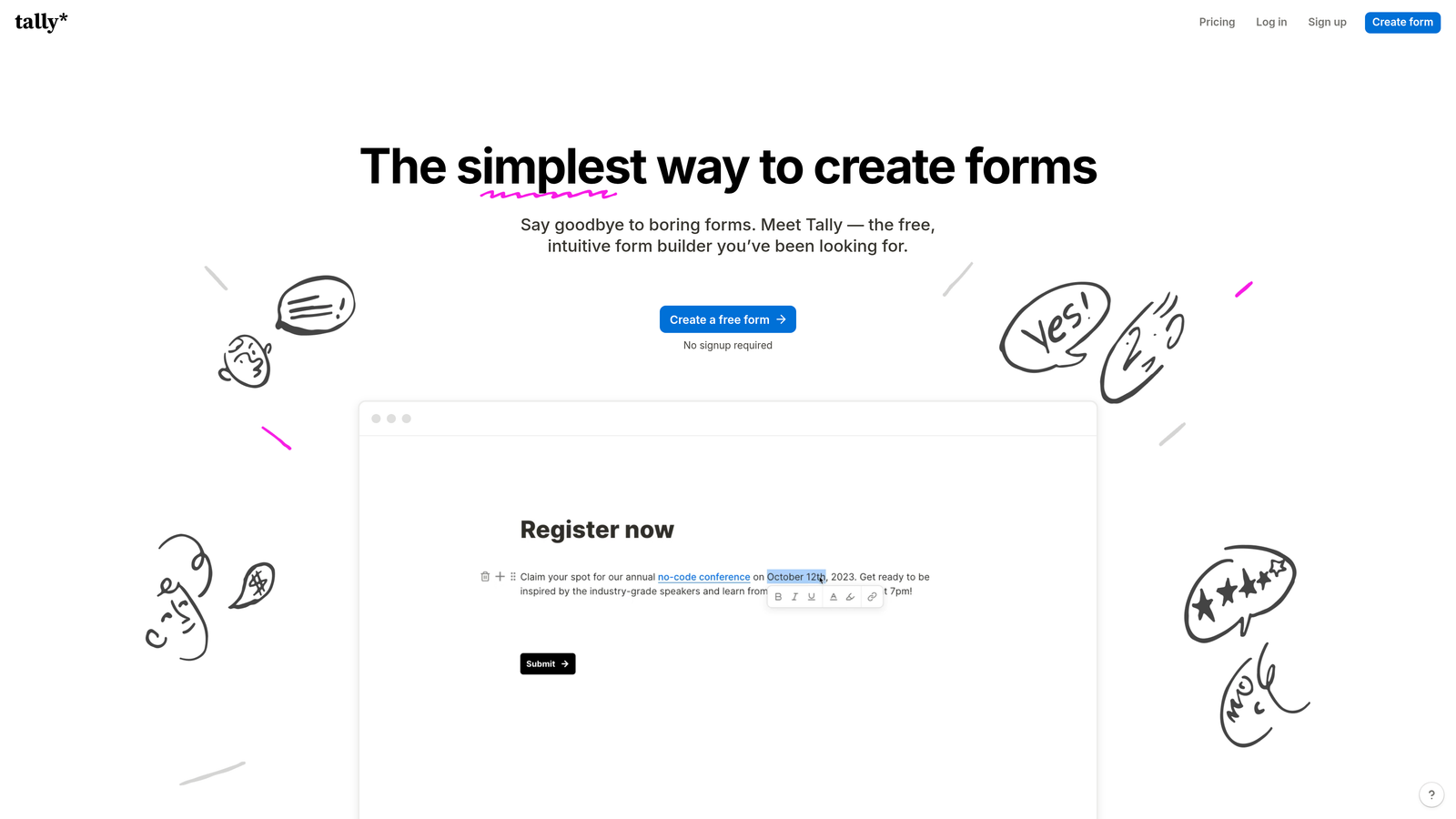
Tally is a minimalist form builder with a genuinely unlimited free plan and a straightforward Pro upgrade for teams that need advanced features.
Where This Tool Shines
Tally's free plan is genuinely unusual in this market: unlimited forms, unlimited submissions, and no submission caps. For early-stage teams or developers building internal tools, that's a compelling starting point that doesn't require a pricing conversation.
The builder itself uses a Notion-like block editor that feels fast and intuitive. Logic, calculations, and hidden fields are all available on the free tier, which means you're not constantly hitting paywalls during the building process.
Key Features
Unlimited Forms and Submissions on Free Plan: No caps, no trials, no credit card required to get started.
Notion-Like Block Editor: Fast, familiar editing experience that reduces the learning curve significantly.
Logic and Calculations on Free Tier: Conditional logic, calculated fields, and hidden fields are available without upgrading.
Pro Plan for Branding and Custom Domains: Remove Tally branding and connect your own domain when you're ready to upgrade.
Lightweight and Fast: No bloat, no slow load times, just a clean form that works.
Best For
Tally is ideal for bootstrapped startups, solo founders, and developers who need capable forms without a monthly bill. It's also a strong option for internal tools where brand presentation matters less than functionality.
Pricing
The free plan is genuinely unlimited. A Pro plan is available for advanced features. Check tally.so for current Pro pricing.
7. HubSpot Forms
Best for: Teams already invested in HubSpot that want unlimited forms with native CRM sync and no additional form tool cost.
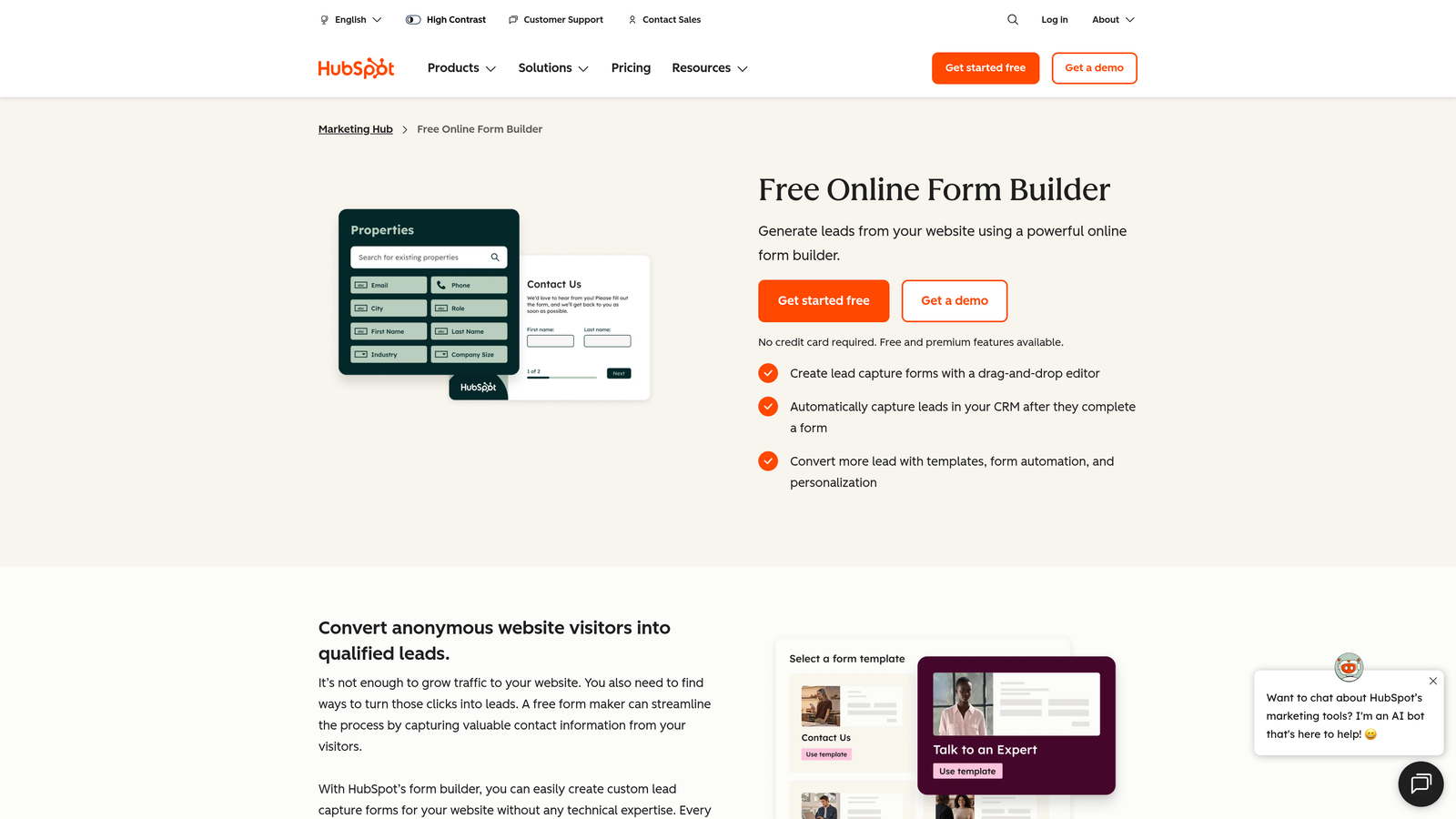
HubSpot Forms is a native form builder included within HubSpot's Marketing Hub, offering unlimited forms tied directly to your CRM subscription.
Where This Tool Shines
If your team is already running on HubSpot, the forms tool is one of the most efficient ways to capture and route lead data. Every submission automatically creates or updates a contact record in the CRM, eliminating the manual sync work that plagues teams using standalone form tools with third-party integrations.
Progressive profiling is a particularly useful feature for teams running multiple touchpoints. Rather than asking the same questions repeatedly, HubSpot Forms can surface new fields for returning visitors, building richer contact profiles over time without increasing form friction.
Key Features
Unlimited Forms on Paid Plans: No form count limits for teams on HubSpot's paid Marketing Hub tiers.
Native CRM Sync: Every submission automatically creates or updates a contact, with no integration setup required.
Progressive Profiling: Surfaces new questions for returning visitors to build contact profiles without repeating fields.
Multiple Form Types: Embedded, popup, and slide-in form formats available for different placement contexts.
Workflow and Email Sequence Integration: Trigger automated follow-up sequences directly from form submissions.
Best For
HubSpot Forms is the right choice for teams already using HubSpot as their CRM and marketing platform. For teams not on HubSpot, the standalone value doesn't justify the subscription cost compared to dedicated form tools.
Pricing
Included in HubSpot Marketing Hub paid plans. Volume value depends on your existing HubSpot subscription. Check hubspot.com for current Marketing Hub pricing.
8. Cognito Forms
Best for: Teams that need complex calculation fields, repeating sections, and data-heavy forms at an affordable price point.
Cognito Forms is a data-focused form builder specializing in calculation fields, repeating sections, and complex data entry workflows.
Where This Tool Shines
Cognito Forms fills a specific niche that most general-purpose form builders handle poorly: forms that need to do real math. Calculation fields, formula logic, and repeating sections make it a strong fit for order forms, quotes, expense reports, and any workflow where the form needs to compute values dynamically as users fill it out.
The pricing model is also notably accessible. Paid plans are competitively priced relative to the feature depth on offer, making it a practical option for small teams and operations-focused users who don't need a premium brand-forward design experience.
Key Features
Powerful Calculation and Formula Fields: Build forms that compute totals, scores, and conditional values in real time.
Repeating Sections: Allow users to add multiple line items or entries within a single form submission.
Generous Entry Limits on Paid Plans: Affordable tiers with competitive submission limits for the price point.
Payment Processing and Order Forms: Accept payments and build product order forms with calculated totals.
Conditional Logic and Multi-Page Forms: Standard advanced form logic available across paid tiers.
Best For
Cognito Forms is the right pick for operations teams, finance departments, and small businesses that need calculation-heavy forms, repeating data entry sections, or order management workflows without paying enterprise prices.
Pricing
A free plan is available with generous limits. Paid plans are competitively priced. Check cognitoforms.com for current tier details.
9. Gravity Forms
Best for: WordPress-based teams and agencies that want an annual flat-fee license covering unlimited forms and entries across multiple sites.
Gravity Forms is a WordPress-native form plugin with an annual site license model that covers unlimited forms and entries with no per-submission pricing.
Where This Tool Shines
Gravity Forms' annual license model is one of the cleanest volume pricing structures in the market for WordPress users. You pay once per year, and there are no response caps, no form limits, and no seat charges. The Elite license extends that coverage to unlimited WordPress sites, making it a particularly strong value for agencies managing large WordPress portfolios.
The plugin's add-on ecosystem is extensive, covering payment gateways, CRM integrations, e-signatures, and more. That extensibility, combined with a large developer community, means Gravity Forms can handle highly customized workflows that simpler SaaS tools can't accommodate.
Key Features
Annual License Covers Unlimited Forms and Entries: No per-submission pricing, ever, on any license tier.
Elite License for Unlimited Sites: One annual fee covers unlimited WordPress installations, ideal for agencies.
Extensive Add-On Library: Official and third-party add-ons for payments, CRMs, e-signatures, and more.
Conditional Logic, Multi-Page Forms, and File Uploads: Full-featured form building capabilities built into the core plugin.
Large Developer Ecosystem: Long-established plugin with deep community support and developer familiarity.
Best For
Gravity Forms is the go-to choice for WordPress agencies, developers, and site owners who need a reliable, extensible form solution with predictable annual pricing and no surprise overage charges.
Pricing
Annual license tiers scale by number of WordPress sites. The Elite license covers unlimited sites. Check gravityforms.com for current annual pricing.
Which Tool Is Right for Your Team?
The right form builder depends less on which tool has the most features and more on which constraint matters most to your team: response volume, form count, seat count, or total cost predictability.
If you're running lead generation at scale and need forms that actively qualify prospects, not just collect them, Orbit AI is the strongest starting point. The combination of AI-powered lead scoring and conversion-optimized design is purpose-built for high-growth teams that can't afford to waste time sorting low-intent submissions manually.
For teams already deep in the HubSpot ecosystem, HubSpot Forms offers the best native CRM value. For WordPress agencies, Gravity Forms delivers the cleanest flat-fee volume model. If unlimited submissions at a predictable flat rate is your priority, Paperform and Tally both deliver that in different ways, with Tally being the clear winner if budget is the primary constraint. For complex data entry and calculation-heavy forms, Cognito Forms fills a niche no other tool on this list matches as well.
The key is matching your primary constraint to the tool built around solving it. Most teams overpay by choosing a general-purpose tool when a more focused platform would serve them better at lower cost.
If lead qualification and conversion are at the center of your form strategy, transform your lead generation with AI-powered forms that qualify prospects automatically while delivering the modern, conversion-optimized experience your high-growth team needs. Start building free forms today and see how intelligent form design can elevate your conversion strategy.


