

If your forms need to do more than collect data, a standard form builder won't cut it. Think instant price quotes, ROI estimates, loan repayments, or lead scoring: these use cases demand calculation logic built directly into the form experience. The right tool lets you build dynamic, formula-driven forms that respond to user input in real time, giving respondents immediate value and giving your team richer, more actionable data.
This list covers the top form builders with native calculation support, from AI-powered platforms built for high-growth SaaS teams to spreadsheet-style tools and purpose-built calculator widgets. Each tool was evaluated on calculation depth, ease of use, integration options, and how well it supports conversion-focused workflows. Whether you're building a pricing estimator, a lead qualification form, or a cost calculator, there's an option here for your stack.
For broader context on building high-performing forms, see our guide on how to build effective web forms and multi-step form best practices.
1. Orbit AI
Best for: High-growth SaaS and marketing teams that need calculations tied to intelligent lead qualification
Orbit AI is an AI-powered form builder that combines real-time calculation logic with intelligent lead qualification in a single, conversion-focused workflow.

Where This Tool Shines
What sets Orbit AI apart from every other tool on this list is the connection between calculation outputs and lead qualification. Most form builders treat calculations as a display feature: a number appears on screen and that's the end of it. Orbit AI takes that calculated value and uses it to score, segment, and route leads automatically, so your sales team only sees the prospects who meet your criteria.
The platform is built with high-growth teams in mind. The form design is modern and clean, the conditional logic is genuinely responsive to calculated values, and the whole experience is optimized for conversion rather than just data collection. If you're running a SaaS pricing estimator or a lead qualification flow, this is the tool built specifically for that job.
Key Features
Real-Time Calculation Fields: Build pricing estimators, ROI calculators, and scoring forms with live results that update as users interact.
AI-Powered Lead Qualification: Calculated outputs feed directly into lead scoring rules, automatically routing high-value prospects to your CRM or sales team.
Dynamic Conditional Logic: Form paths and displayed content respond in real time to calculated values, not just static field responses.
Conversion-Optimized Design: Clean, modern UI templates designed to reduce friction and improve completion rates.
CRM and Marketing Automation Integrations: Connect calculated results and lead scores to your existing stack without manual data mapping.
Best For
Orbit AI is the strongest choice for SaaS companies and marketing teams running lead generation workflows where calculation outputs need to drive downstream actions. If you want a pricing form that also qualifies leads without any manual follow-up, this is your platform.
Pricing
Visit orbitforms.ai for current pricing plans. A free starting option is available.
2. Typeform
Best for: Brands that want polished, conversational forms with score-based logic and personalized outcome screens
Typeform is a conversational form builder known for its one-question-at-a-time experience, with calculation support delivered through score variables and hidden fields.

Where This Tool Shines
Typeform's approach to calculations is elegant in its simplicity. You accumulate scores through hidden fields and variable logic, then use those values to drive logic jumps and display personalized outcome screens. It's particularly effective for quizzes, assessments, and recommendation flows where the "calculation" is really a scoring system that determines which result a respondent sees.
The experience is undeniably polished. If brand presentation matters as much as the calculation itself, Typeform delivers a form that feels premium. The trade-off is that deep arithmetic logic, like multi-variable pricing formulas or running totals, is not where this platform excels.
Key Features
Score and Hidden Field Variables: Accumulate values across multiple questions to build a calculated score or running total.
Logic Jumps Driven by Scores: Route respondents to different question paths based on their calculated score values.
Personalized Outcome Screens: Display custom results, recommendations, or messages based on what the calculation produces.
Brand-Friendly Design Templates: Clean, customizable templates that maintain a high-end visual experience throughout the form.
Best For
Typeform works best for teams building quiz-style assessments, product recommendation flows, or lead qualification surveys where score accumulation drives outcomes. It's less suited for complex arithmetic calculators or order forms with multiple line items.
Pricing
Free tier available. Paid plans start at approximately $25/month. Verify current pricing at typeform.com.
3. Jotform
Best for: Teams that want a large library of ready-made calculator templates with strong integration support
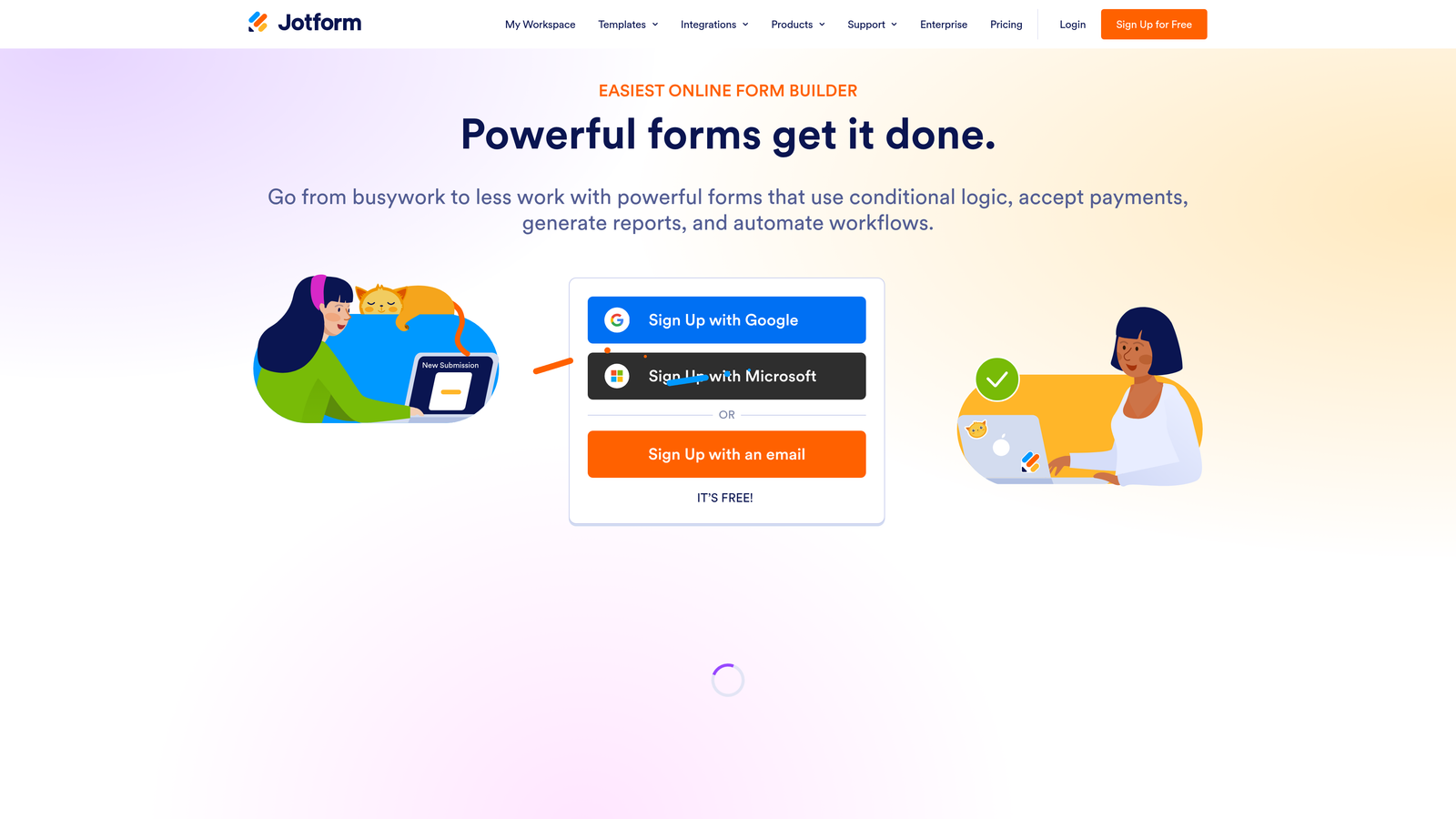
Jotform is a versatile form builder with a dedicated calculation widget, extensive template library, and one of the broadest integration ecosystems in this category.
Where This Tool Shines
Jotform's dedicated Form Calculation widget handles standard arithmetic operators and conditional formulas, making it accessible to non-technical users who need to build quote forms, BMI calculators, or price estimators without writing code. The template library is genuinely useful here: if you need a mortgage calculator or a service pricing form, there's likely a starting point already built.
Where Jotform stands out operationally is its integration depth. Calculated results can flow directly into Salesforce, HubSpot, payment processors, and thousands of apps via Zapier. For teams that need calculation outputs to trigger downstream workflows, Jotform's ecosystem is hard to beat at its price point.
Key Features
Dedicated Calculation Widget: Supports arithmetic operators and conditional formulas without requiring custom code.
Extensive Calculator Template Library: Pre-built templates for price calculators, BMI forms, quote generators, and more.
Broad Integration Ecosystem: Native connections to Salesforce, HubSpot, Stripe, PayPal, and Zapier for automated workflows.
Conditional Logic on Calculated Results: Show or hide fields dynamically based on what the calculation produces.
Best For
Jotform suits teams that want a proven, template-rich solution with strong integrations. It's a reliable choice for small businesses, agencies, and operations teams building quote forms, order forms, or data collection workflows with basic-to-moderate calculation needs.
Pricing
Free tier available. Paid plans start at approximately $34/month. Verify current pricing at jotform.com.
4. Gravity Forms
Best for: WordPress sites that need a mature, extensible calculation engine with a large add-on library
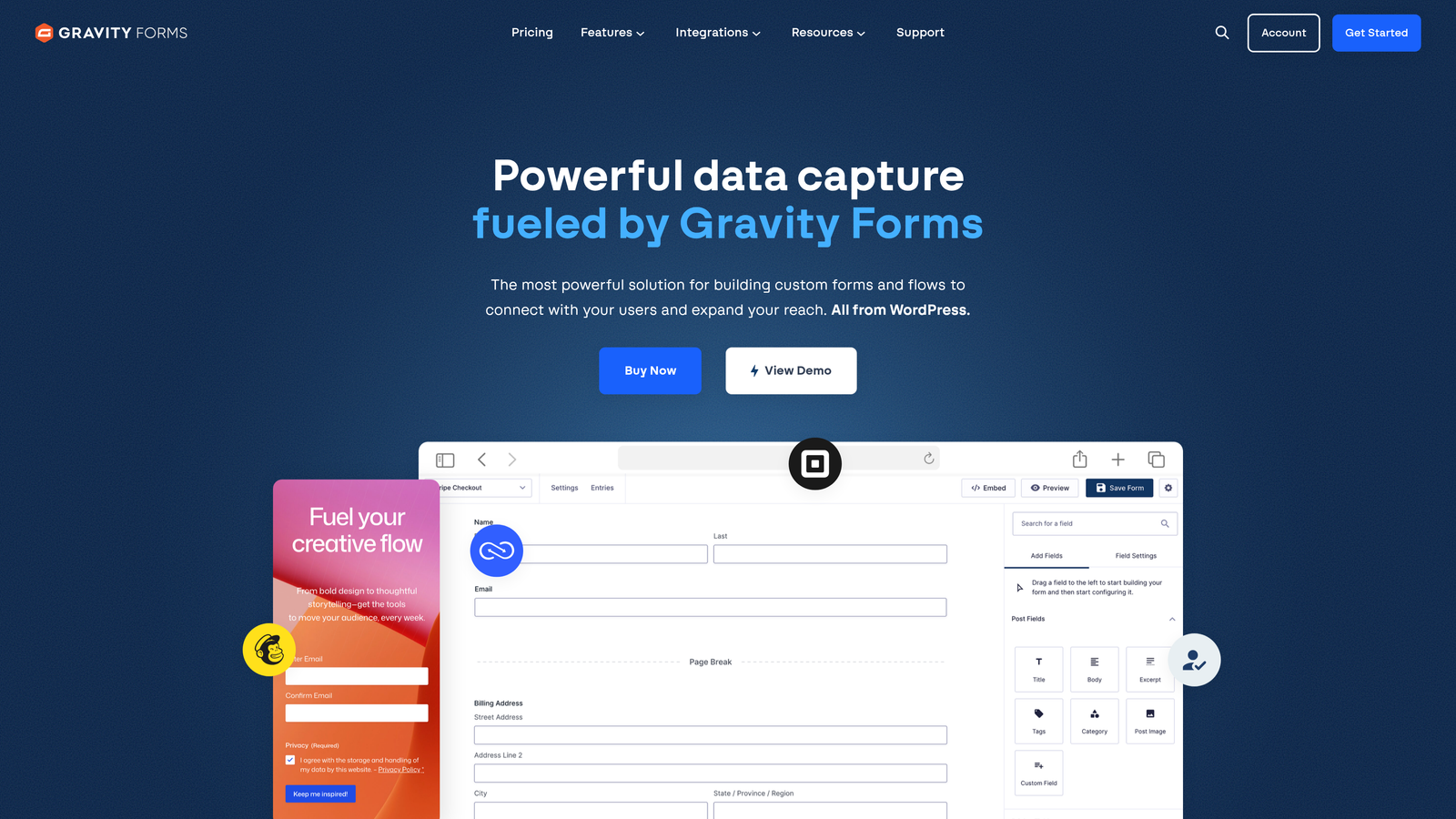
Gravity Forms is the leading WordPress form plugin, offering a well-established calculation engine built on field merge tags and conditional logic rules.
Where This Tool Shines
Gravity Forms has been the go-to calculation form builder for WordPress sites for years, and for good reason. The formula system uses field merge tags in a way that feels familiar to anyone who's worked with spreadsheets, and the conditional logic can be triggered by calculated values to show or hide fields, sections, or even entire form pages.
The add-on library is extensive. Stripe, PayPal, HubSpot, Salesforce, and dozens of other integrations are available, many as official add-ons. For WordPress-based businesses running e-commerce, order forms, or service pricing pages, Gravity Forms offers depth that hosted form builders often can't match within the WordPress ecosystem.
Key Features
Formula-Based Calculation Fields: Build complex formulas using field merge tags with standard arithmetic and conditional logic.
Conditional Logic on Calculated Values: Trigger field visibility and form behavior based on real-time calculation outputs.
Total and Product Fields: Native support for order forms with automatic line-item totals and subtotals.
Extensive Add-On Library: Official integrations with Stripe, PayPal, HubSpot, Salesforce, and many more.
Best For
Gravity Forms is the natural choice for WordPress-based businesses that need reliable calculation logic, especially for e-commerce, service pricing, or order forms. It requires a WordPress site and annual license, so it's not suitable for teams on other platforms.
Pricing
Annual license starting at approximately $59/year. Verify current pricing at gravityforms.com.
5. Formstack
Best for: Enterprise teams that need calculations to feed into document generation and e-signature workflows
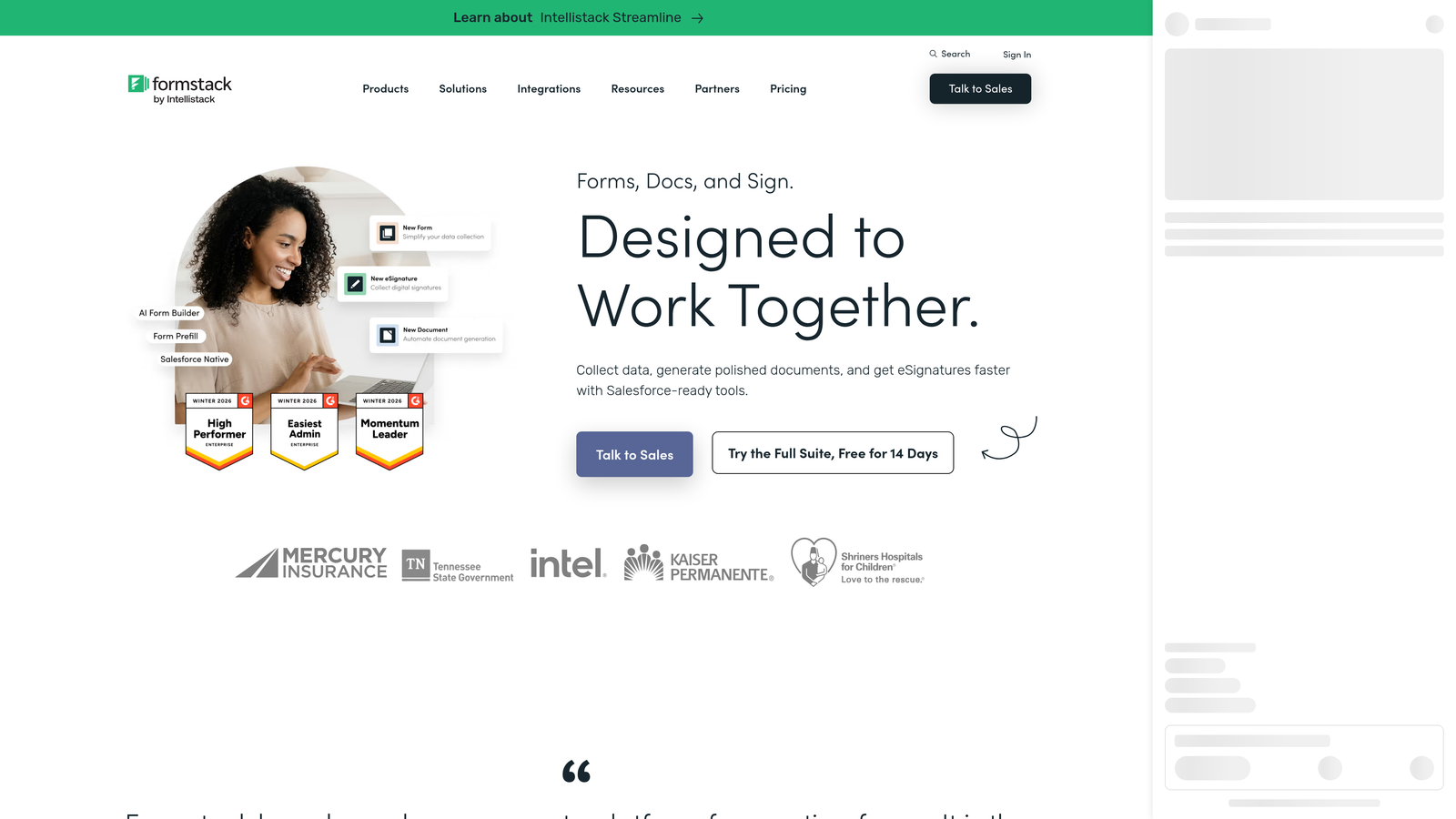
Formstack is an enterprise form platform where calculation logic connects to a broader suite covering document templates, e-signatures, and compliance-grade data handling.
Where This Tool Shines
Formstack's differentiator isn't the calculation engine itself: it's what happens after the calculation. Calculated values can populate Formstack Documents templates automatically, generating contracts, proposals, or invoices without manual data entry. Paired with Formstack Sign, you can take a user from "filling out a pricing form" to "signing a contract" in a single connected workflow.
For regulated industries, Formstack's HIPAA and GDPR compliance features make it one of the few calculation-capable form platforms suitable for healthcare and financial services use cases. That compliance coverage comes at a higher price point, but for enterprise teams, it's often non-negotiable.
Key Features
Calculation Fields into Document Templates: Calculated outputs automatically populate downstream document generation workflows.
HIPAA and GDPR Compliance: Enterprise-grade data handling for regulated industries and compliance-sensitive use cases.
Formstack Documents and Sign Integration: End-to-end workflow from form submission to signed document in one platform.
Robust Conditional Logic: Field dependency rules and conditional visibility driven by calculated values.
Best For
Formstack is built for enterprise teams in regulated industries or organizations that need calculation outputs to trigger document and signature workflows. It's overkill for small teams with simple calculator needs, but genuinely powerful for complex operational workflows.
Pricing
Plans typically start at approximately $50/month and above. Verify current pricing at formstack.com.
6. Paperform
Best for: Service businesses and freelancers building pricing forms that feel like smart, interactive documents
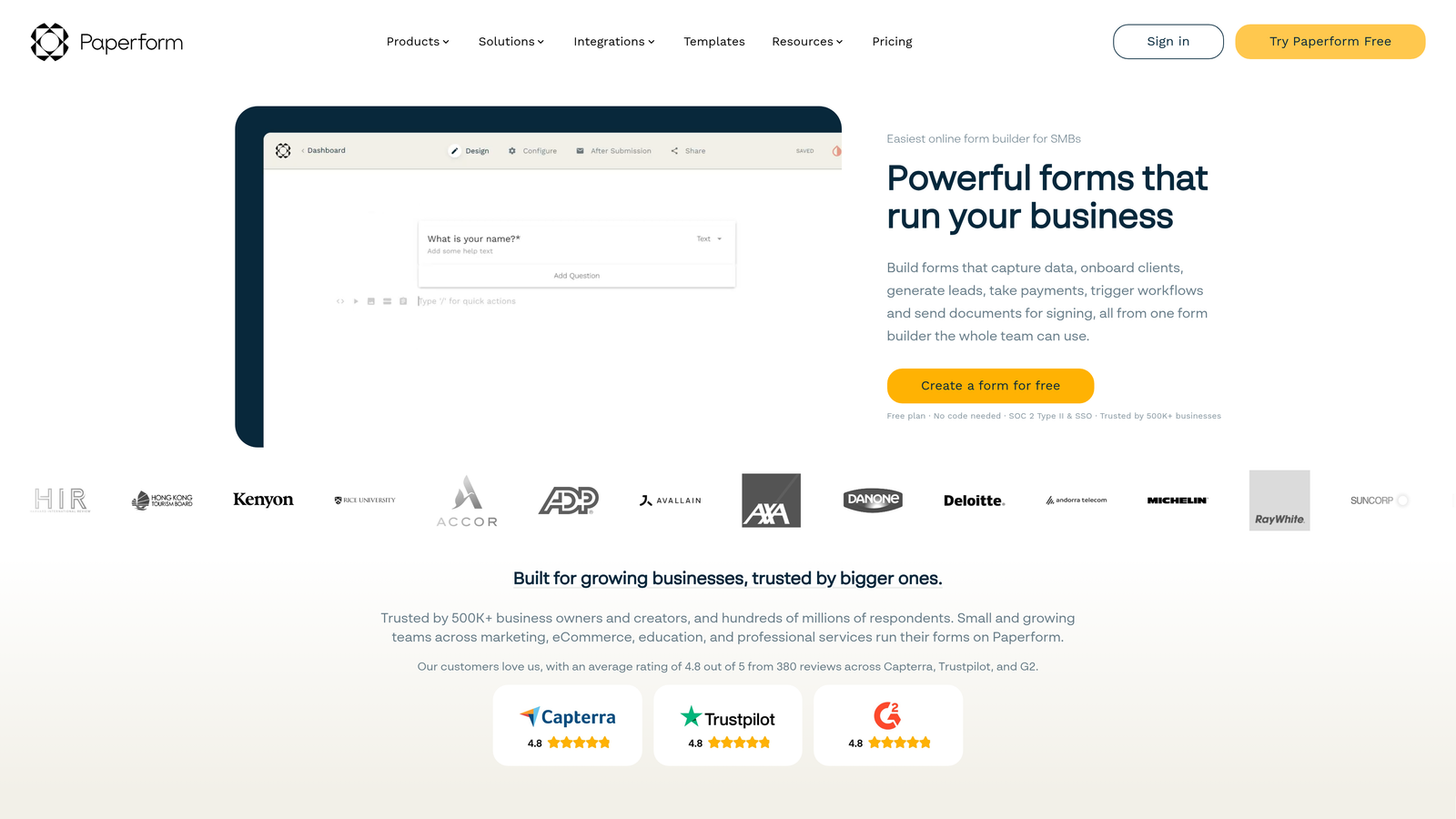
Paperform is a document-style form builder where calculation fields sit inline within free-text content, creating an experience that reads like a smart pricing sheet rather than a traditional form.
Where This Tool Shines
Paperform's editor is genuinely different. Instead of building a form field by field in a sidebar, you write content like a document and embed calculation fields inline. The result feels natural and readable, which is particularly effective for service pricing forms where you want to explain what's included while the customer selects options and sees their total update in real time.
The platform handles quantity selectors, product fields, and formula fields well, and it accepts payments directly via Stripe and PayPal without requiring a separate integration. For freelancers, consultants, and service businesses, Paperform offers a unique combination of readable presentation and functional calculation logic.
Key Features
Inline Calculation Fields: Embed price and formula fields directly within free-text document content for a natural reading experience.
Quantity and Product Fields: Ideal for service menus, package selectors, and order forms with variable line items.
Conditional Sections Triggered by Calculations: Show or hide content blocks based on what the calculation produces.
Direct Payment Collection: Accept payments via Stripe and PayPal without a separate integration layer.
Best For
Paperform suits service providers, consultants, and small businesses who want pricing forms that feel polished and document-like. It's less suited for complex multi-variable enterprise calculators or teams that need deep CRM integration.
Pricing
Plans start at approximately $24/month. Verify current pricing at paperform.co.
7. Calconic
Best for: Teams that need embeddable calculator widgets for landing pages, pricing pages, or financial tools
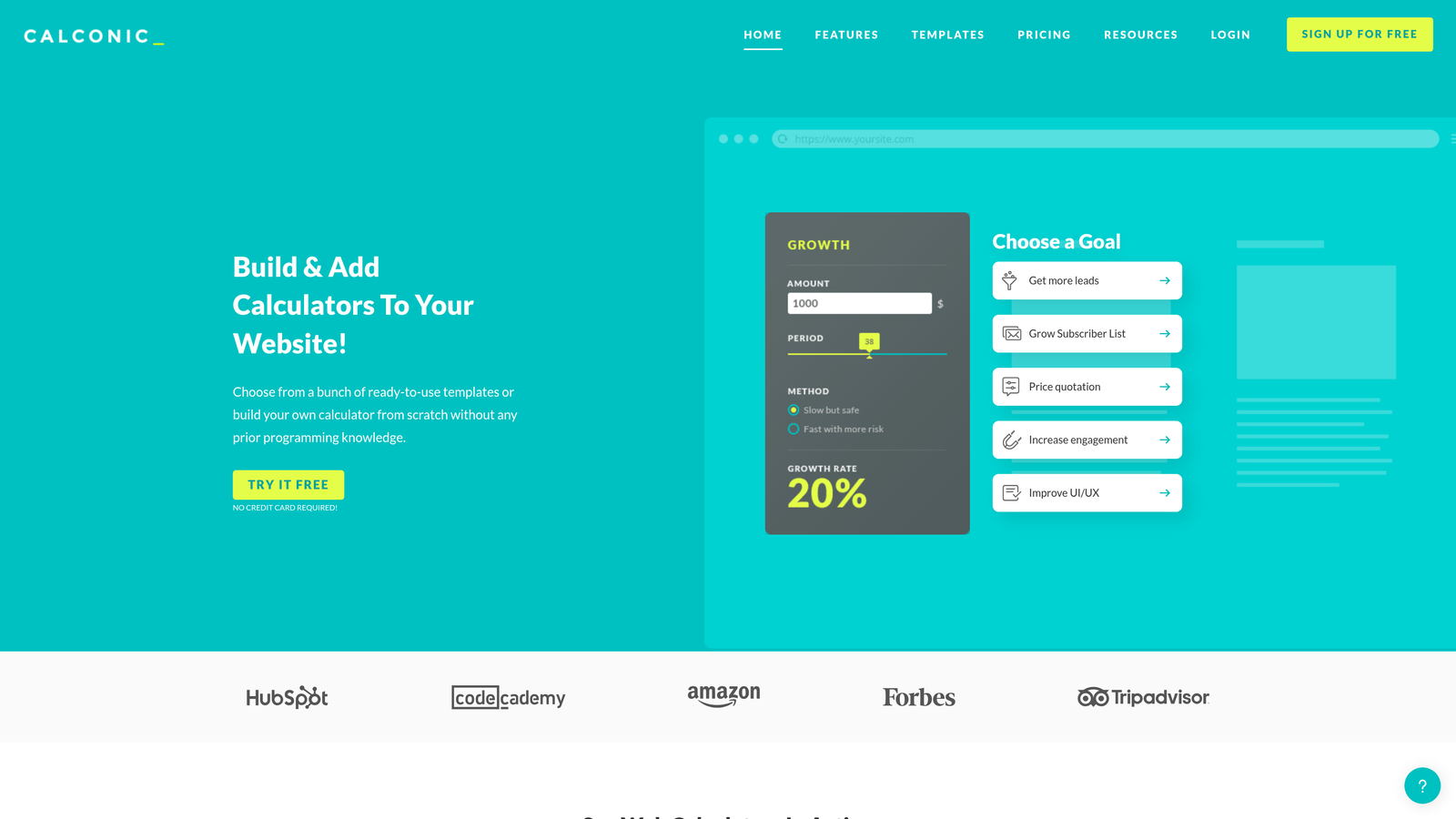
Calconic is a purpose-built calculator widget builder designed specifically for creating embeddable calculators, not a general form tool.
Where This Tool Shines
Calconic takes a focused approach: it does one thing and does it well. The visual drag-and-drop interface is built entirely around calculation logic, with input types like sliders, dropdowns, and number fields that feed into a result display. There's no form submission workflow to configure, no conditional email routing: just a clean, functional calculator you can embed anywhere.
For SaaS companies building pricing pages, financial services firms offering mortgage or loan calculators, or marketers creating ROI estimation tools, Calconic produces widgets that load fast and work reliably. The trade-off is that it doesn't capture leads natively in the same way a full form builder does.
Key Features
Visual Drag-and-Drop Calculation Builder: Build complex calculation logic through a visual interface without writing formulas manually.
Multiple Input Types: Sliders, dropdowns, number inputs, and checkboxes feed into calculation flows naturally.
Embeddable Widgets: Produces lightweight embeds for any website, landing page, or CMS without performance overhead.
Conditional Result Logic: Display different results or messages based on what the calculation produces.
Best For
Calconic is the right choice when you need a standalone calculator widget rather than a full form. SaaS pricing pages, financial tools, and ROI estimators are natural fits. Teams that also need lead capture and CRM routing will likely need to pair it with another tool.
Pricing
Free tier available. Paid plans start at approximately $19/month. Verify current pricing at calconic.com.
8. Involve.me
Best for: Marketing teams building interactive funnels where calculation scores drive personalized outcomes and lead capture
Involve.me is an interactive content platform where calculation logic powers personalized results pages, lead scoring, and outcome-driven conversion funnels.
Where This Tool Shines
Involve.me occupies an interesting space between quiz builder, calculator, and lead generation tool. The score-based calculation system is designed to drive personalized outcome pages: respondents answer questions, a score accumulates, and they land on a results page tailored to their calculated profile. It's a strong fit for assessment-style content marketing and ROI calculator funnels where the "result" is the hook that drives lead capture.
The built-in lead capture tied to calculated results is a meaningful feature. Rather than asking for contact details upfront, Involve.me lets you deliver value through the calculation first, then collect the lead at the moment of highest engagement. For content marketing and demand generation teams, that sequencing can meaningfully improve conversion rates.
Key Features
Score-Based Calculation for Outcome Pages: Accumulate scores across questions to drive personalized result screens and recommendations.
Lead Capture Tied to Results: Collect contact details at the point of highest engagement, after the calculation delivers value.
Multiple Content Types: Supports quizzes, assessments, ROI calculators, graded surveys, and outcome funnels in one platform.
CRM and Marketing Integrations: Native connections to HubSpot, Mailchimp, and Zapier for automated lead routing.
Best For
Involve.me is well-suited for content marketing teams, demand generation managers, and agencies building interactive lead generation funnels. It's particularly effective when the calculated result itself is the value proposition that earns the lead.
Pricing
Free tier available. Paid plans start at approximately $29/month. Verify current pricing at involve.me.
9. Cognito Forms
Best for: Teams building invoice-style or order forms that require repeating sections with row-level math and complex formula logic
Cognito Forms is a calculation-focused form builder with standout support for repeating sections, per-row arithmetic, and advanced formula logic.
Where This Tool Shines
Cognito Forms is arguably the most technically capable calculation engine on this list for structured, invoice-style data. The repeating section feature lets users add multiple line items, with each row calculating independently and a running total aggregating at the bottom. This is genuinely difficult to replicate in most form builders, and Cognito Forms handles it natively.
The formula support goes deep: date math, conditional aggregates, and multi-field calculations are all available without custom code. For operations teams, procurement workflows, or anyone building forms that function like lightweight spreadsheets, Cognito Forms offers a level of calculation sophistication that punches well above its price point.
Key Features
Repeating Sections with Row-Level Math: Users can add multiple line items, with each row calculating independently and totals aggregating automatically.
Advanced Formula Support: Date calculations, conditional aggregates, and multi-field formulas without custom development.
Order Form Templates with Auto-Totals: Pre-built templates for product orders and invoices with automatic subtotal and total fields.
Payment Collection via Stripe: Accept payments with totals calculated directly from form inputs, without manual invoice creation.
Best For
Cognito Forms is the best choice for teams building order forms, invoices, procurement requests, or any form where users need to add variable line items with per-row and aggregate calculations. It's less focused on lead generation workflows and more suited to operational and transactional use cases.
Pricing
Free tier available. Paid plans start at approximately $15/month. Verify current pricing at cognitoforms.com.
Which Tool Is Right for Your Use Case?
The right form builder with calculations depends almost entirely on what you need the calculation to do after it runs. Here's a quick way to think through the decision.
If you're a SaaS or marketing team that needs calculation outputs to qualify and route leads automatically, Orbit AI is the only tool on this list built specifically for that workflow. The combination of real-time calculation and AI-powered lead qualification in a single platform is a genuine differentiator for conversion-focused teams.
For WordPress sites with e-commerce or order form needs, Gravity Forms remains the most mature and extensible option. For enterprise teams in regulated industries who need calculations to feed into document and signature workflows, Formstack is the clear fit.
Cognito Forms is the strongest choice for invoice-style forms with repeating line items and complex aggregates. Calconic is ideal when you need a standalone embeddable calculator widget rather than a full form. Involve.me suits interactive content funnels where the calculated result is the lead generation hook itself.
For teams that want polished conversational experiences, Typeform delivers on brand presentation. Jotform offers the broadest template library and integration ecosystem at a mid-range price. And Paperform is a natural fit for service businesses who want pricing forms that read like smart documents.
The common thread across all the best performers: they treat the calculation not as a display feature, but as a trigger for something more valuable, whether that's a personalized recommendation, a qualified lead, or a generated document. That's the standard worth holding any tool to.
Transform your lead generation with AI-powered forms that qualify prospects automatically while delivering the modern, conversion-optimized experience your high-growth team needs. Start building free forms today and see how intelligent form design can elevate your conversion strategy.
Looking to go deeper? Explore our guides on the best online form builders, form builders with payment integration, and how to improve lead quality for your team.


