

When you're collecting appointment requests, booking demos, scheduling deliveries, or capturing event RSVPs, a clunky date picker can quietly kill your conversion rate. Users abandon forms that make them type dates manually or navigate confusing calendar UIs, especially on mobile. The right form builder pairs a smooth, intuitive date picker with smart form logic, conditional fields, and conversion-focused design so nothing gets in the way of a submission.
This guide covers the top form builders with date picker functionality in 2026, evaluated on ease of use, date and time picker quality, mobile responsiveness, and overall value. Whether you're a high-growth SaaS team qualifying inbound leads or an agency building client-facing booking flows, there's a clear winner for your use case. We've also included internal resources on how to build effective web forms and how to reduce form field friction to help you get the most out of whichever tool you choose.
1. Orbit AI
Best for: High-growth SaaS and B2B teams combining demo scheduling with intelligent lead qualification.
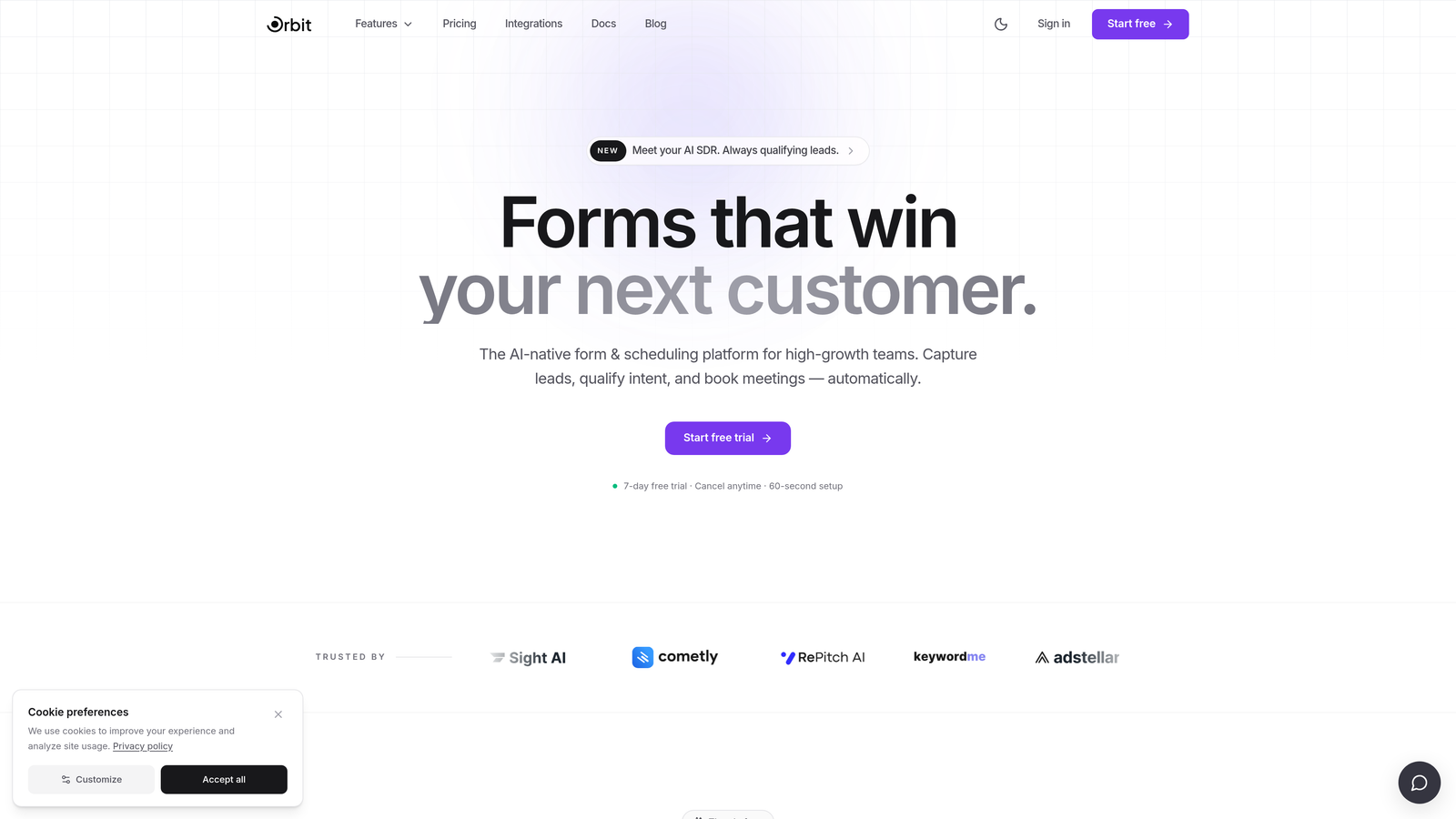
Orbit AI is an AI-powered form builder designed specifically for conversion-focused teams that treat every form submission as a qualification opportunity.
Where This Tool Shines
Most form builders treat a date picker as a simple input field. Orbit AI treats it as a signal. When a prospect selects a date for a demo or consultation, that scheduling intent feeds directly into an AI-powered qualification flow, helping your team understand not just when someone wants to connect, but how ready they are to buy.
The date and time picker fields are polished and mobile-responsive, built to minimize friction at exactly the moment users are most engaged. For high-growth teams where every demo request matters, that combination of smooth UX and intelligent lead scoring is genuinely differentiated.
Key Features
AI-Powered Lead Qualification: AI scoring runs alongside form data collection, turning scheduling intent into a qualification signal within intelligent form flows.
Polished Date and Time Picker: Mobile-responsive date and time fields with a clean calendar UI designed to reduce drop-off at the scheduling step.
Conversion-Optimized Form Design: Form layouts built specifically for demo booking and lead generation, not generic data collection.
Modern, Clean UI: Purpose-built for SaaS and B2B teams who care about how their forms look and feel to prospects.
Intelligent Form Flows: Conditional logic that responds to date and time inputs, routing leads appropriately based on their scheduling choices.
Best For
Orbit AI is the right choice for SaaS companies, B2B marketing teams, and growth-focused operators who want their scheduling form to do more than collect a date. If lead qualification and conversion optimization are core priorities, this is the tool built for that exact use case.
Pricing
Check current pricing at orbitforms.ai. A free starting option is available for teams ready to explore the platform.
2. Typeform
Best for: Marketing teams and lead gen flows where a conversational, low-friction form experience is the priority.
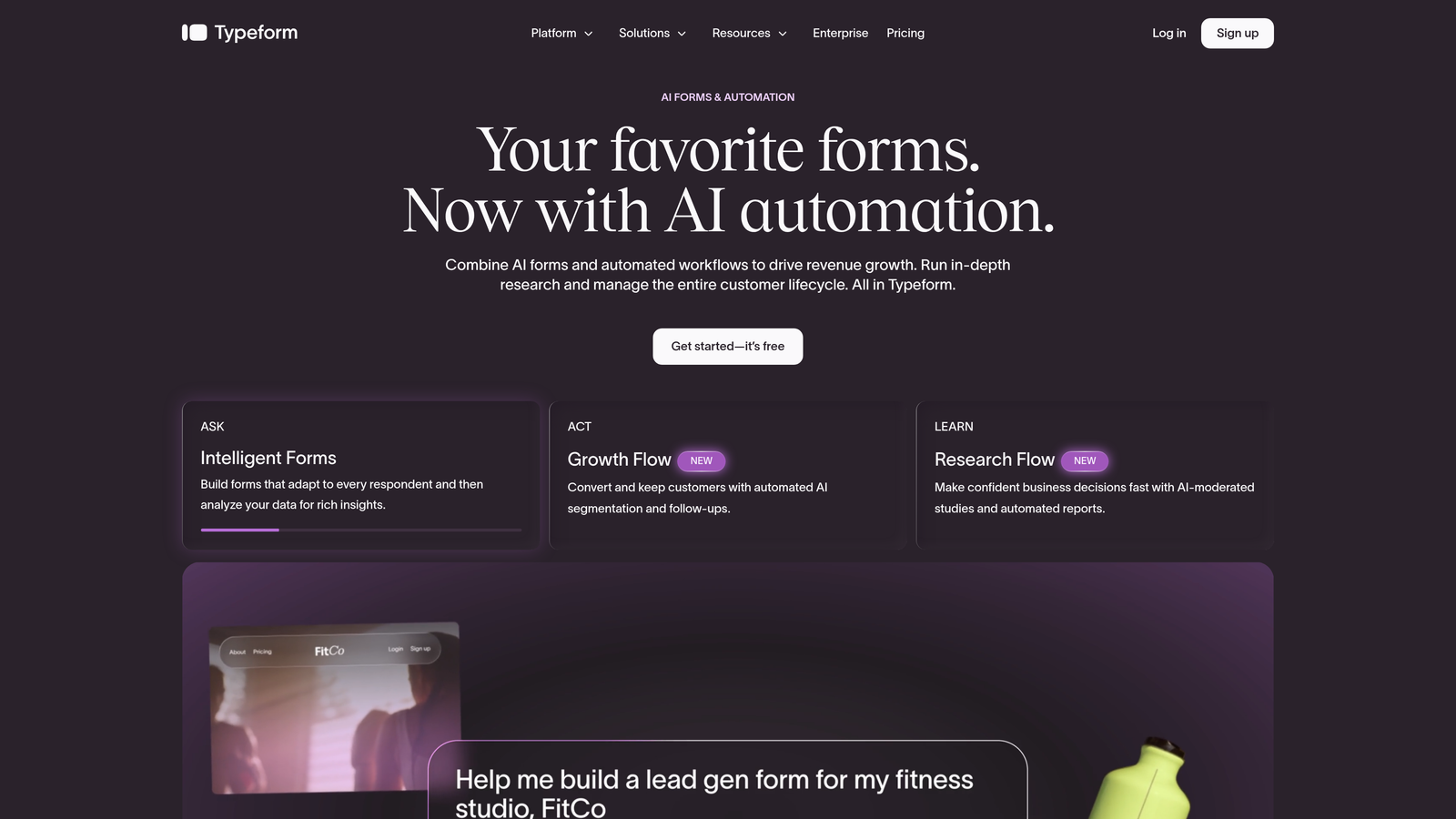
Typeform is a conversational form builder that presents one question at a time, making date collection feel natural rather than transactional.
Where This Tool Shines
Typeform's one-question-at-a-time format is genuinely effective at reducing cognitive load. When a date picker appears in that flow, it feels like a natural next step rather than a field in a long form. The calendar popup UI is clean, and the overall mobile experience is solid.
Where Typeform is more limited is in complex scheduling logic. It doesn't natively support date ranges or advanced time zone handling without pulling in third-party integrations. For straightforward date collection in a conversational context, though, it's one of the smoothest experiences available.
Key Features
Native Date Picker Field: Calendar popup UI that fits naturally into the conversational step-by-step flow.
Conversational UX: One-question-at-a-time format reduces friction at every step, including date selection.
Mobile-Responsive Design: Forms render cleanly across devices, with the date picker adapting well to touch inputs.
Logic Jumps: Conditional branching based on date answers, allowing different follow-up questions depending on the date selected.
Wide Integration Ecosystem: Connects to scheduling tools, CRMs, and marketing platforms via native integrations and Zapier.
Best For
Typeform works well for marketing-focused teams running surveys, lead gen campaigns, or event registrations where the conversational experience is a brand differentiator. Less ideal for teams needing complex scheduling logic or date range selection out of the box.
Pricing
Free plan available. Paid plans start at approximately $25 per month. Verify current pricing at typeform.com.
3. Jotform
Best for: Teams with complex scheduling requirements who need maximum configurability in their date picker.
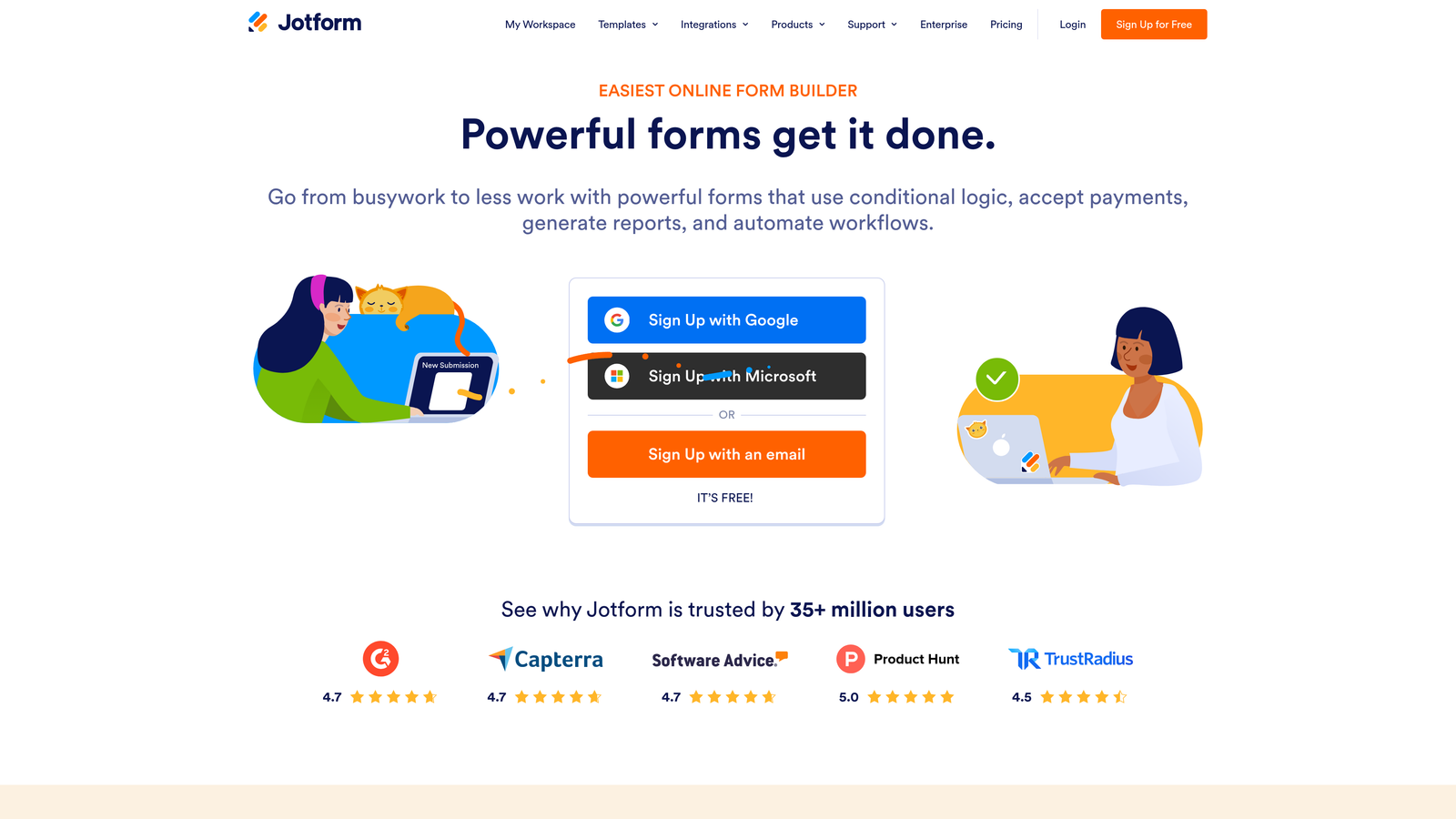
Jotform is a feature-rich form builder that offers one of the most configurable date picker widgets available, including a dedicated Appointment field for structured scheduling.
Where This Tool Shines
If you need granular control over your date picker, Jotform delivers. You can disable specific dates, set date ranges, handle time zones, and add time pickers alongside date fields. The dedicated Appointment field goes a step further, giving you structured scheduling capabilities without needing a separate booking tool.
The template library is extensive. Booking forms, appointment request forms, event registration templates: Jotform has pre-built options for most scheduling scenarios, which speeds up setup considerably. The trade-off is that the platform can feel dense for users who just need something simple.
Key Features
Highly Configurable Date Picker: Supports date ranges, disabled dates, time zone awareness, and time picker fields alongside date inputs.
Dedicated Appointment Field: A structured scheduling field purpose-built for appointment-style booking flows.
Time Picker Support: Add time selection alongside date fields for complete scheduling capture in a single form.
Large Template Library: Hundreds of booking and scheduling form templates to accelerate form creation.
Conditional Logic on Date Inputs: Trigger follow-up fields, sections, or routing based on date selections.
Best For
Jotform is well-suited for healthcare practices, event operations teams, HR departments, and any organization with complex scheduling needs that go beyond simple date capture. The depth of date picker configuration is hard to match at this price point.
4. Paperform
Best for: Consultants, agencies, and small businesses who want branded, document-style booking forms with design flexibility.
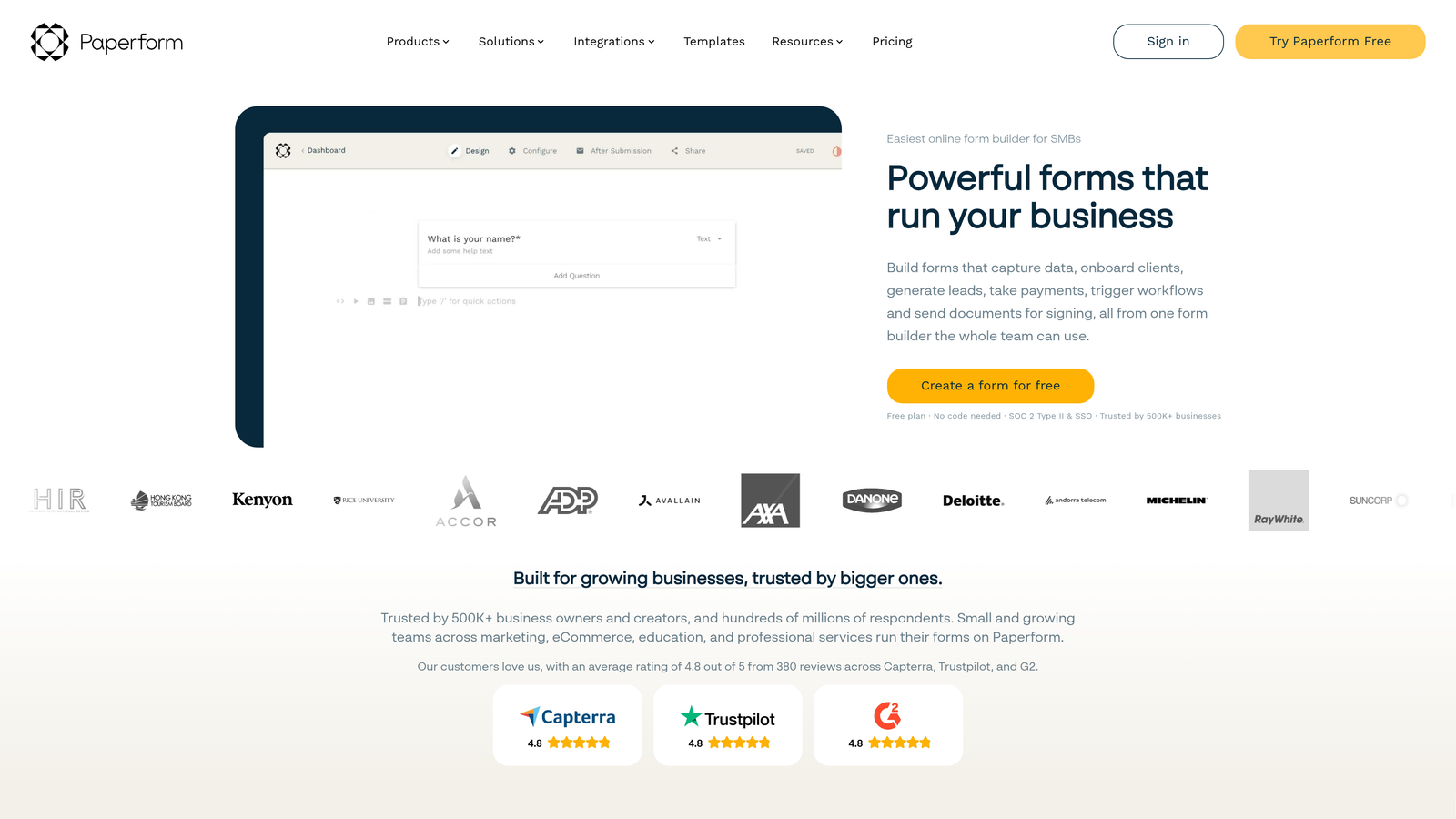
Paperform is a hybrid form builder that blends form fields into a rich text document layout, making date-based booking forms feel contextual and on-brand.
Where This Tool Shines
Paperform's document-style editor is genuinely distinctive. Instead of a bare form, you can build something that reads like a well-designed landing page with form fields embedded naturally throughout. Date and time fields sit cleanly within that layout, and the calendar UI is polished without being complicated.
The date calculation feature is a practical standout. You can set a deadline relative to the submission date, calculate lead times, or display date-dependent information conditionally. For intake forms, project request flows, or any scenario where dates have downstream implications, that functionality adds real value.
Key Features
Native Date and Time Fields: Clean calendar UI with time picker support, embedded naturally into the document-style layout.
Date Calculation Support: Calculate deadlines, lead times, or relative dates based on the submission date or selected date.
Conditional Logic on Date Selections: Show or hide content and fields based on which date a respondent selects.
Rich Text and Form Hybrid Editor: Build contextual, branded forms that feel like a page rather than a generic form widget.
Payment Collection: Accept payments alongside date-based bookings in a single form flow.
Best For
Paperform is a strong fit for freelancers, agencies, and service businesses who want their booking forms to reflect their brand and provide context alongside the scheduling fields. The payment integration makes it particularly useful for paid appointment or consultation booking.
Pricing
Paid-only platform. Plans start at approximately $24 per month. Verify current pricing at paperform.co.
5. Tally
Best for: Budget-conscious users and small teams who need clean date collection without a complex setup.
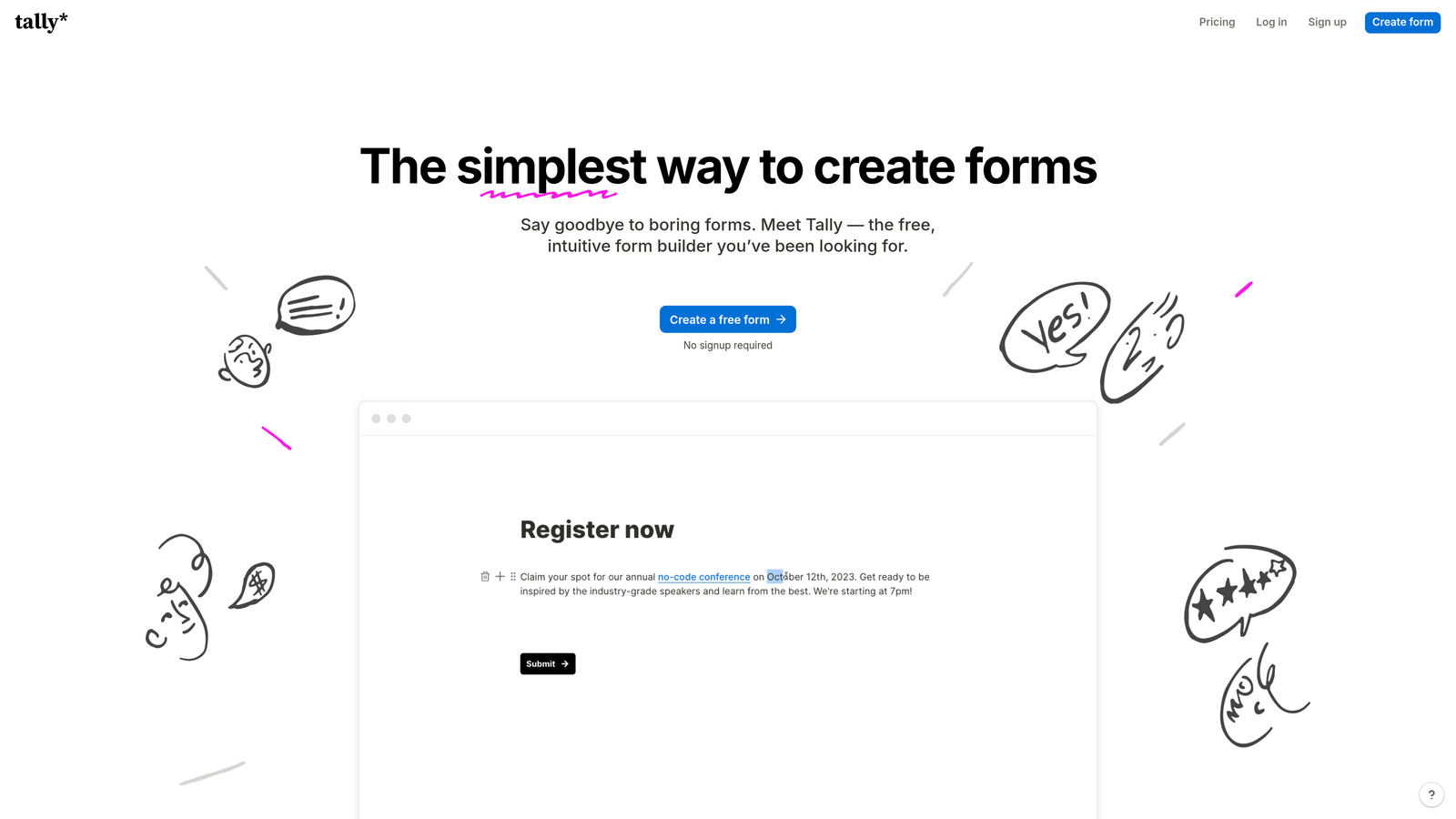
Tally is a free-first, Notion-inspired form builder with a generous free tier that includes a clean date picker field and a minimal learning curve.
Where This Tool Shines
Tally's block-based editor is immediately familiar to anyone who has used Notion. You can build a form with a date picker in minutes, with no configuration overhead. The free plan is genuinely useful: unlimited forms, unlimited submissions, and the date picker field included at no cost.
The platform is deliberately simple, which is a strength for teams that don't need advanced scheduling logic and don't want to pay for features they'll never use. Conditional logic and more advanced integrations are available on the paid Tally Pro plan if your needs grow.
Key Features
Clean Date Picker on Free Plan: Fully functional calendar-style date field available without a paid subscription.
Block-Based Notion-Style Editor: Intuitive drag-and-drop building experience with virtually no learning curve.
Unlimited Forms and Submissions: No artificial limits on the free tier, which is rare among form builders.
Conditional Logic on Paid Plan: Tally Pro unlocks logic and branching for more sophisticated date-based flows.
Basic Integrations: Connects with productivity tools and CRMs via native integrations and Zapier on the paid plan.
Best For
Tally is the right pick for solopreneurs, early-stage startups, and internal teams who need clean date collection quickly and cheaply. If your scheduling needs are straightforward and budget is a real constraint, Tally's free tier is hard to beat.
Pricing
Free plan available with generous limits. Tally Pro starts at approximately $29 per month. Verify current pricing at tally.so.
6. Formstack
Best for: Enterprise teams where date fields need to trigger complex approval workflows, compliance requirements, or multi-system integrations.
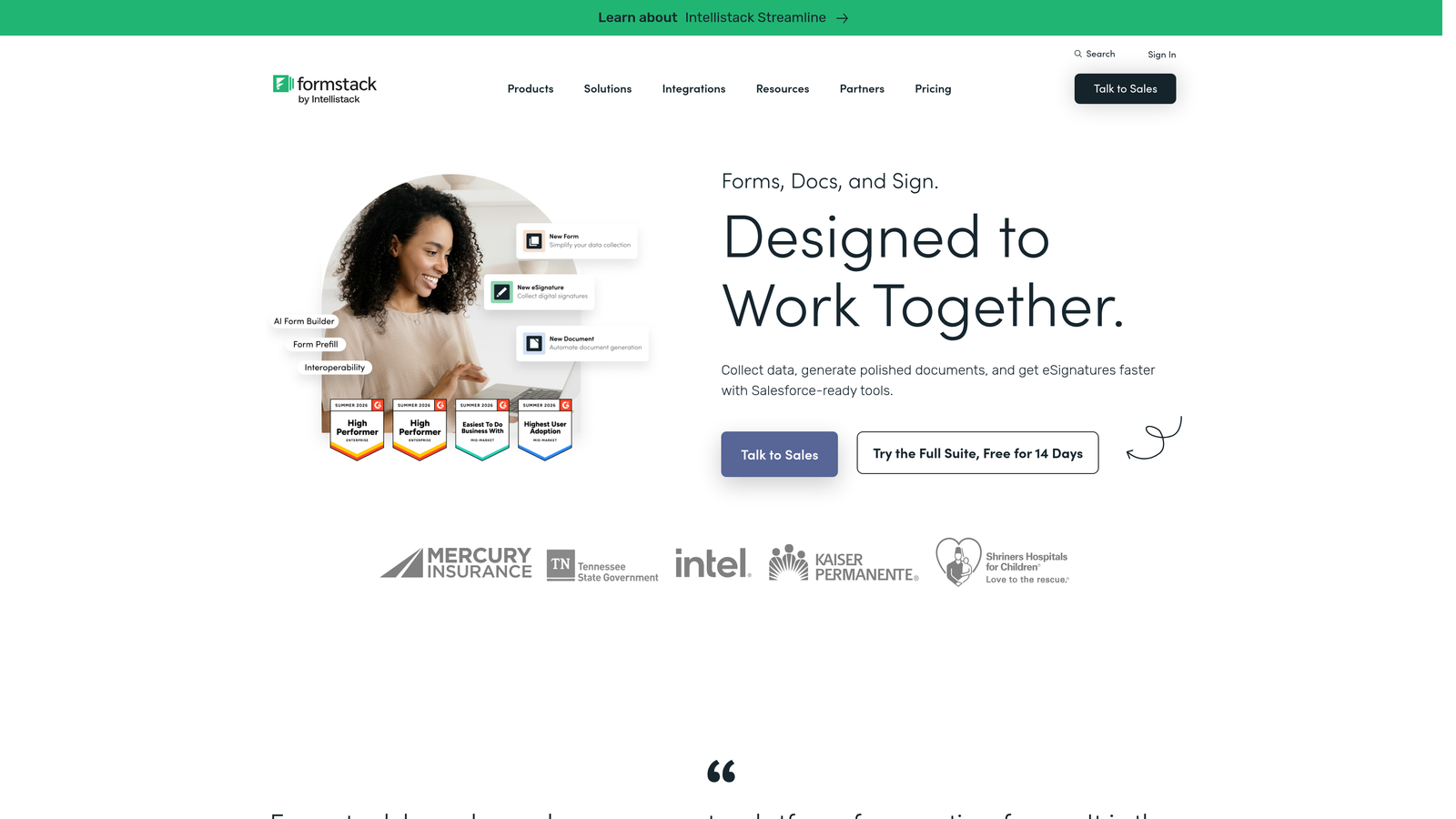
Formstack is an enterprise form and workflow platform where date picker fields aren't just inputs: they're triggers for downstream automation and approval routing.
Where This Tool Shines
Formstack operates at a different scale than the other tools on this list. Date fields can initiate multi-step approval workflows, route submissions to different teams based on selected dates, and integrate deeply with enterprise systems like Salesforce and HubSpot. For organizations where a submitted date kicks off a compliance review or a multi-department process, that depth is necessary.
The platform also offers HIPAA-compliant form options, which makes it relevant for healthcare organizations that need to collect appointment dates alongside protected health information. The higher price point reflects the enterprise feature set rather than a premium on simplicity.
Key Features
Date Fields with Conditional Logic and Calculations: Advanced date logic including calculations, conditional display, and date-based routing.
Workflow Automation on Date Inputs: Date selections can trigger approval workflows, notifications, and multi-step routing automatically.
Enterprise Integrations: Deep native integrations with Salesforce, HubSpot, and other enterprise platforms.
HIPAA-Compliant Options: Suitable for healthcare scheduling use cases that require compliance-grade data handling.
Multi-Step Form and Approval Routing: Build complex, multi-stage forms where date inputs determine the path through the workflow.
Best For
Formstack is built for large organizations: HR teams managing time-sensitive approval processes, healthcare organizations handling appointment scheduling under compliance requirements, and operations teams connecting form data to enterprise CRMs and workflow systems.
Pricing
Enterprise-tier pricing. Plans start at approximately $83 per month. Verify current pricing at formstack.com.
Choosing the Right Tool for Your Scheduling Needs
The best form builder with a date picker depends entirely on what you need that date to do once it's collected.
If you're running simple date collection for surveys, registrations, or intake forms, Tally covers the basics for free, and Typeform makes the experience feel conversational and polished. For more complex scheduling with date ranges, time zones, and appointment-specific fields, Jotform offers the deepest configurability at a mid-range price. If branded, document-style booking forms are your priority, Paperform is the most design-forward option. And for enterprise teams where date inputs trigger multi-step workflows and compliance requirements, Formstack operates at the right scale.
But if you're a high-growth SaaS or B2B team where a date picker isn't just a scheduling field but a qualification signal, Orbit AI is in a category of its own. The combination of a polished, mobile-responsive date and time picker with AI-powered lead qualification means your demo booking form is doing two jobs at once: reducing friction for the prospect and surfacing intent signals for your team.
For more on building forms that convert, explore our guides on how to build effective web forms and how to reduce form field friction.
Ready to put your scheduling forms to work? Start building free forms today and see how intelligent form design can elevate your conversion strategy.


