

Nothing kills form conversions faster than error messages appearing after submission. Users abandon forms when they discover mistakes too late, and your business loses leads that were ready to convert. Real-time validation solves this by catching errors as users type—wrong email formats, missing required fields, invalid phone numbers—all flagged instantly before frustration sets in.
The right form builder with robust validation can dramatically reduce abandonment and improve data quality. We evaluated dozens of form builders based on validation capabilities, ease of setup, customization options, and overall user experience. Here are the top tools for teams that refuse to lose leads to preventable form errors.
1. Orbit AI
Best for: High-growth teams needing AI-powered lead qualification alongside validation
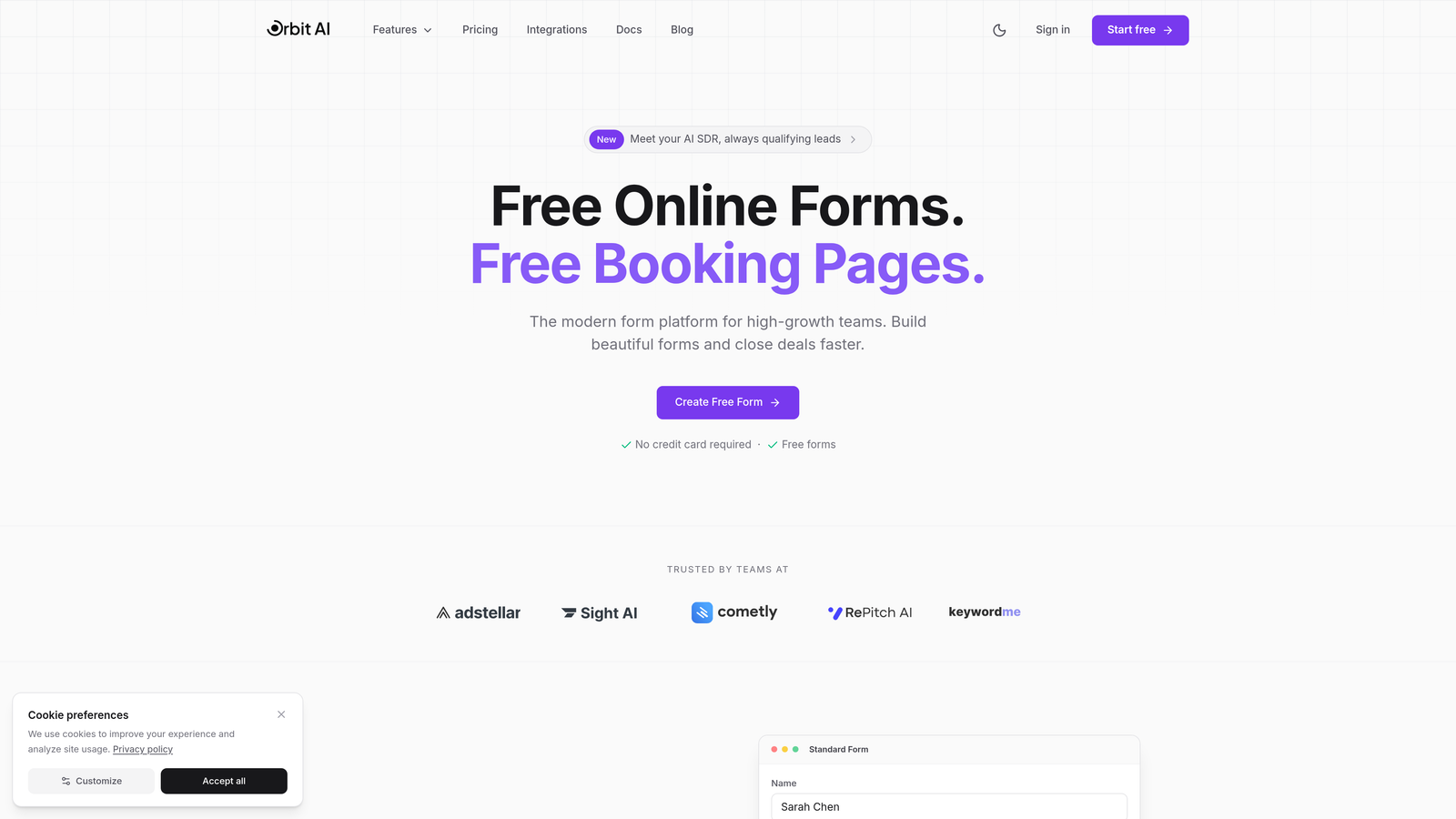
Orbit AI combines real-time validation with intelligent lead qualification, helping teams capture and convert more leads through conversion-optimized forms.
Where This Tool Shines
Orbit AI goes beyond standard validation by using AI to qualify leads as they complete forms. While other tools simply check for formatting errors, this platform analyzes responses to score lead quality in real-time, helping your sales team prioritize follow-ups automatically.
The validation system catches errors instantly while maintaining a smooth user experience. Forms are built with conversion optimization in mind, combining error prevention with intelligent design that keeps users moving forward rather than getting stuck on technical details.
Key Features
AI-Powered Lead Qualification: Automatically scores and routes leads based on form responses while validating data quality.
Real-Time Validation with Custom Messaging: Catch formatting errors instantly with branded error messages that match your voice.
Conversion-Optimized Templates: Pre-built form designs tested for maximum completion rates with validation built in.
Advanced Analytics: Track submission patterns, validation error rates, and conversion metrics in one dashboard.
Native CRM Integrations: Sync validated, qualified leads directly to your sales tools without manual data cleanup.
Best For
This platform works best for high-growth SaaS teams, B2B companies with complex sales processes, and marketing teams managing multiple lead generation campaigns. If you need more than basic validation and want to qualify leads automatically while collecting clean data, this tool delivers both.
Pricing
Free tier available for teams getting started. Paid plans start at competitive rates designed for growing teams that need advanced features without enterprise pricing.
2. Typeform
Best for: Conversational forms that validate through sequential question flows
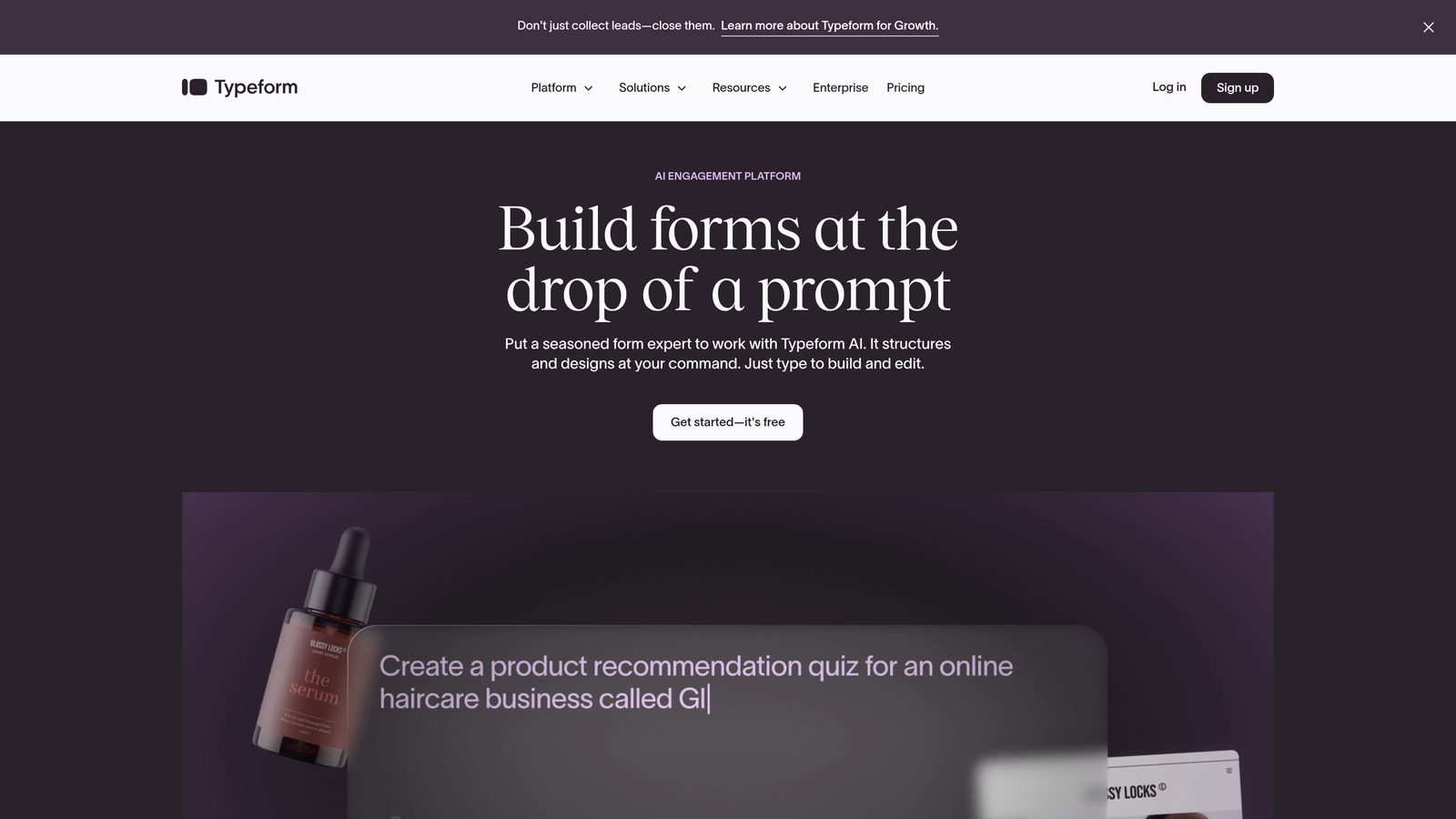
Typeform pioneered the one-question-at-a-time format that naturally prevents errors through focused, sequential data collection.
Where This Tool Shines
The conversational interface makes validation feel natural rather than confrontational. By showing one question at a time, users focus completely on each field, dramatically reducing the chance of errors before they happen. This approach works particularly well for longer forms that would feel overwhelming in traditional layouts.
Typeform's validation happens seamlessly within the conversation flow. Users can't advance to the next question until the current one passes validation, creating a gentle but firm data quality checkpoint without feeling restrictive.
Key Features
One-Question-at-a-Time Validation: Sequential format prevents users from skipping required fields or making format errors.
Built-In Format Checking: Automatic validation for emails, phone numbers, URLs, and other common field types.
Conditional Logic with Validation: Show or hide questions based on previous answers while maintaining validation rules.
Mobile-Responsive Validation: Error messages and validation work flawlessly on any device size.
Custom Thank-You Screens: Display different completion messages based on validated response patterns.
Best For
Marketing teams creating engaging surveys, HR departments building application forms, and event organizers collecting registration data. The conversational format works especially well when you need to collect detailed information without overwhelming users.
Pricing
Free plan available with basic features. Basic plan starts at $25 per month for one user with expanded validation options and response limits.
3. Jotform
Best for: Teams needing extensive validation options through drag-and-drop simplicity
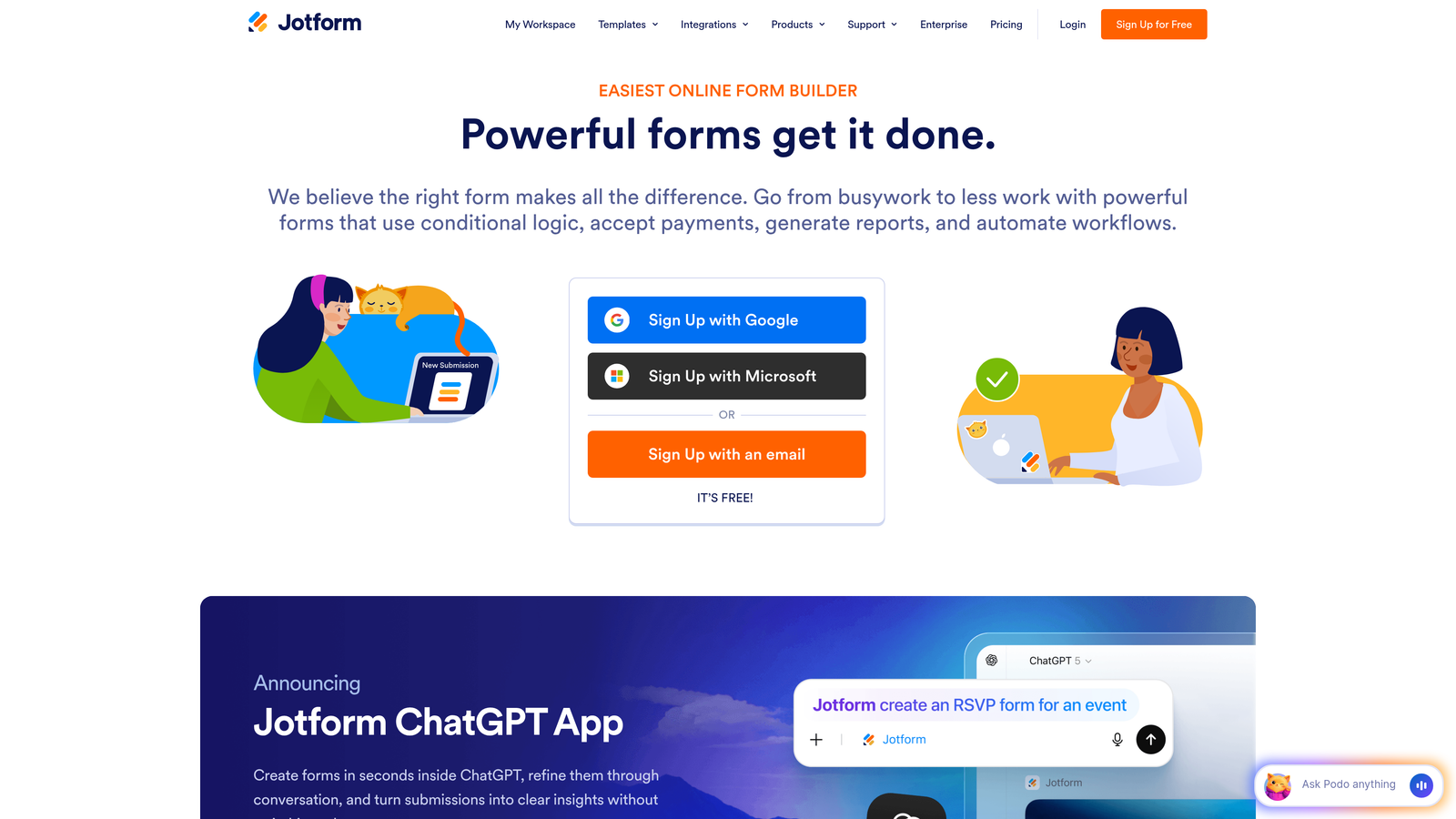
Jotform offers feature-rich form building with extensive validation options, backed by thousands of templates featuring pre-configured validation rules.
Where This Tool Shines
Jotform provides more validation types than almost any competitor. With over 30 different field validation options, you can create precise data collection rules without writing code. The template library includes forms with validation already configured, letting you launch quickly while maintaining data quality.
The platform handles complex validation scenarios through conditional rules and custom regex patterns. Whether you need to validate credit card formats, enforce specific date ranges, or create custom validation for industry-specific data, Jotform has the tools built in.
Key Features
30+ Field Validation Types: Comprehensive validation options covering nearly every data format you might need.
Custom Regex Pattern Validation: Create precise validation rules for specialized data formats using regular expressions.
Conditional Validation Rules: Apply different validation requirements based on user selections or previous answers.
Input Masking: Format fields automatically as users type (phone numbers, credit cards, dates).
Multi-Language Validation Messages: Display error messages in the user's preferred language.
Best For
Small businesses needing powerful features without developer resources, organizations collecting payments through forms, and teams managing high-volume data collection across multiple departments. The extensive template library makes it ideal for teams that need to launch quickly.
Pricing
Free tier includes 5 forms with basic validation. Bronze plan starts at $34 per month with 25 forms and expanded validation capabilities.
4. Formstack
Best for: Enterprise teams requiring compliance-focused validation and security
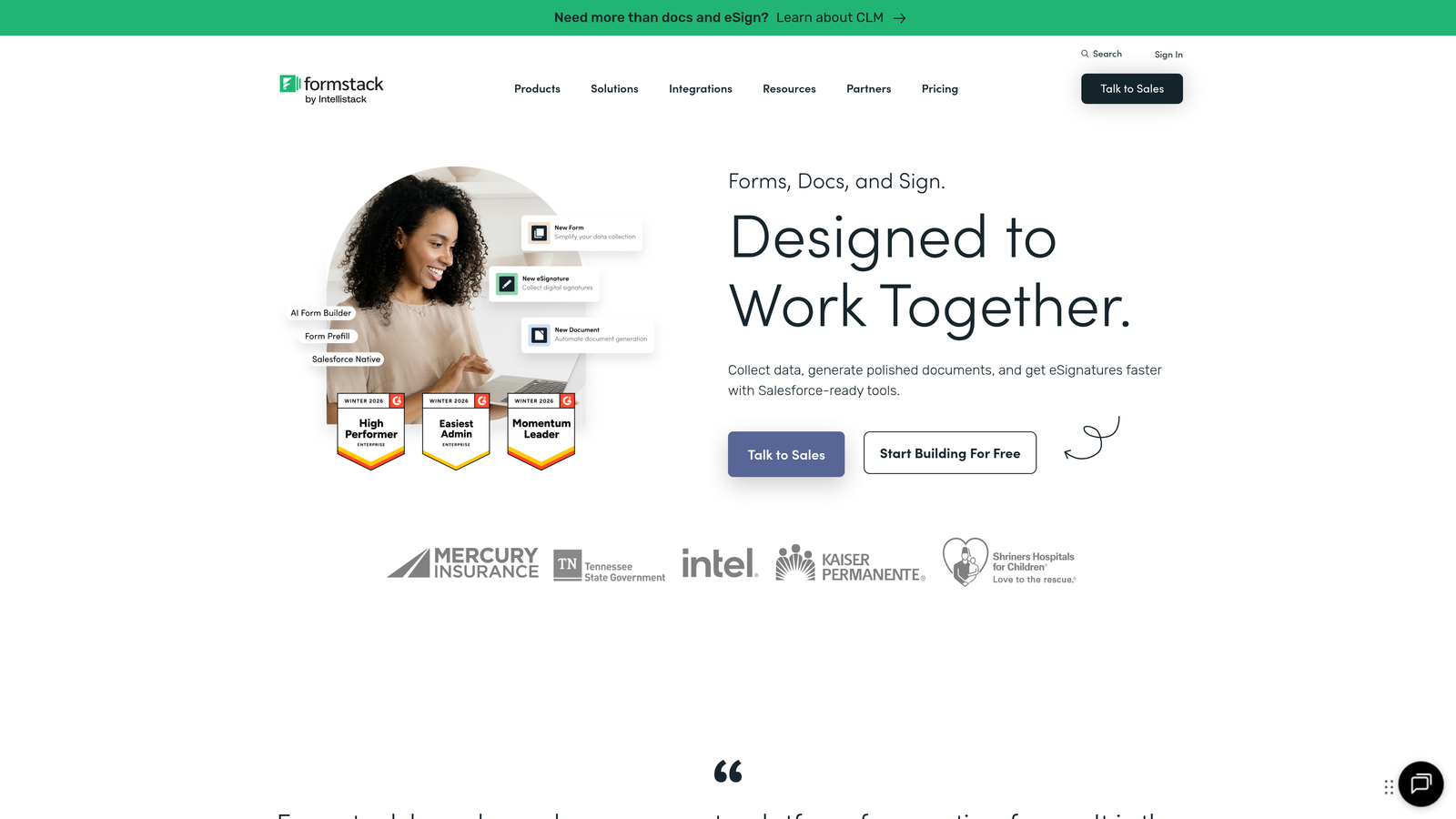
Formstack delivers enterprise-focused form building with robust validation capabilities designed for organizations requiring compliance, security, and advanced data quality controls.
Where This Tool Shines
Formstack excels when validation requirements extend beyond basic formatting to include compliance and security standards. The platform offers HIPAA-compliant workflows, making it suitable for healthcare organizations that need validated data collection with strict regulatory requirements.
The validation system includes duplicate submission prevention and role-based approval workflows. This means you can validate not just data format but also business logic, ensuring submissions meet organizational requirements before entering your systems.
Key Features
HIPAA-Compliant Validation Workflows: Collect and validate sensitive health information while maintaining regulatory compliance.
Advanced Field Validation Rules: Create complex validation logic combining multiple fields and conditions.
Digital Signature Validation: Verify signature authenticity and completeness before form submission.
Duplicate Submission Prevention: Automatically detect and block duplicate entries based on configurable criteria.
Role-Based Access with Approvals: Route validated submissions through approval chains before final processing.
Best For
Healthcare organizations collecting patient information, financial services firms requiring compliance validation, and large enterprises with complex approval workflows. This platform suits teams where validation extends beyond data format to include business process requirements.
Pricing
Starter plan at $50 per month for basic features. Teams plan at $83 per month includes advanced validation and compliance features.
5. Gravity Forms
Best for: WordPress sites needing deep validation customization
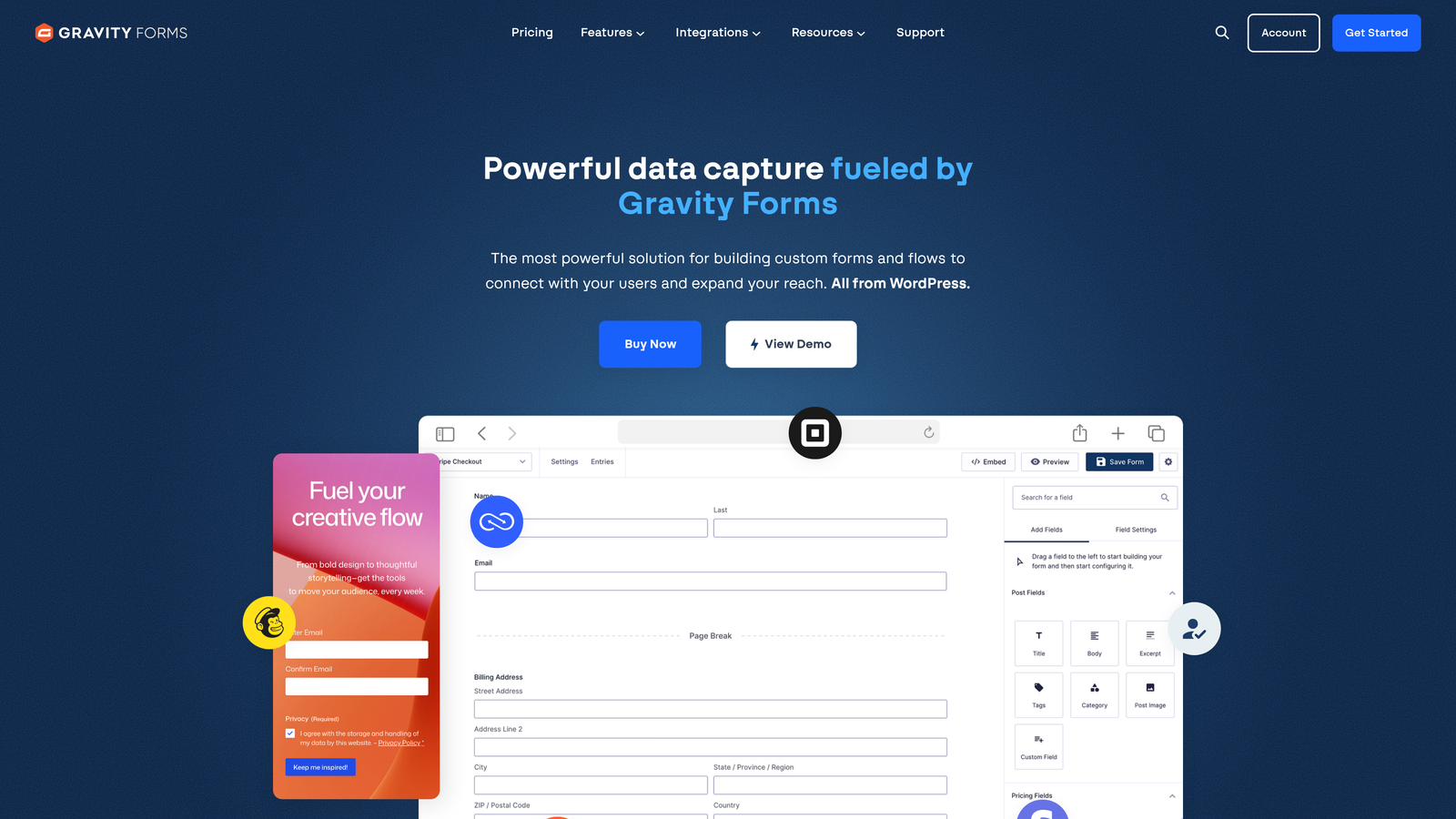
Gravity Forms is a WordPress-native form plugin offering deep validation customization through built-in features and an extensive ecosystem of add-ons.
Where This Tool Shines
For WordPress users, Gravity Forms provides unmatched validation flexibility through native integration with the platform. Developers can tap into WordPress hooks to create custom validation functions, while non-technical users benefit from the intuitive interface and pre-built validation options.
The plugin ecosystem includes specialized validation add-ons for specific use cases. Need to validate against external databases? There's an add-on. Want to prevent spam with multiple validation methods? Multiple solutions exist. This extensibility makes complex validation scenarios achievable without starting from scratch.
Key Features
WordPress-Native Validation Hooks: Leverage WordPress development patterns to create custom validation logic.
Custom Validation via PHP: Write custom validation functions that integrate seamlessly with WordPress workflows.
Field-Specific Validation Add-Ons: Extend validation capabilities through a marketplace of specialized plugins.
Conditional Logic Validation: Show, hide, or validate fields based on complex conditional rules.
Anti-Spam Validation: Multiple spam prevention methods including honeypot fields and reCAPTCHA integration.
Best For
WordPress site owners who need forms that integrate deeply with their content management system, developers building custom WordPress applications, and agencies managing multiple WordPress client sites. If your digital presence lives in WordPress, this tool provides the most natural integration.
Pricing
Basic License at $59 per year for one site. Pro License at $159 per year includes all add-ons and developer tools.
6. Cognito Forms
Best for: Calculation-heavy forms requiring mathematical validation
Cognito Forms specializes in calculation-heavy forms with real-time validation for mathematical fields, payment amounts, and complex conditional logic.
Where This Tool Shines
Cognito Forms handles calculation validation better than most competitors. The platform validates mathematical operations in real-time, ensuring that totals, subtotals, and calculated fields remain accurate as users input data. This makes it ideal for order forms, quote calculators, and registration forms with variable pricing.
Payment field validation integrates directly with Stripe, checking card formats and payment amounts before submission. The system can validate inventory levels, enforce quantity limits, and prevent orders that exceed available stock—all happening instantly as users interact with the form.
Key Features
Real-Time Calculation Validation: Validate mathematical operations and totals instantly as users enter data.
Payment Field Validation: Integrated Stripe validation checks card formats and payment amounts before processing.
Repeating Section Validation: Validate data within repeating form sections that users can add or remove dynamically.
Quantity and Inventory Validation: Prevent orders that exceed available stock with real-time inventory checks.
Custom Validation Expressions: Write validation rules using a formula language for complex business logic.
Best For
E-commerce businesses collecting custom orders, event organizers managing registration with complex pricing tiers, and service providers building quote calculators. This tool excels when validation needs to check not just format but also mathematical accuracy.
Pricing
Free plan available with basic features. Pro plan starts at $15 per month with expanded calculation and validation capabilities.
7. Paperform
Best for: Design-forward forms with branded validation experiences
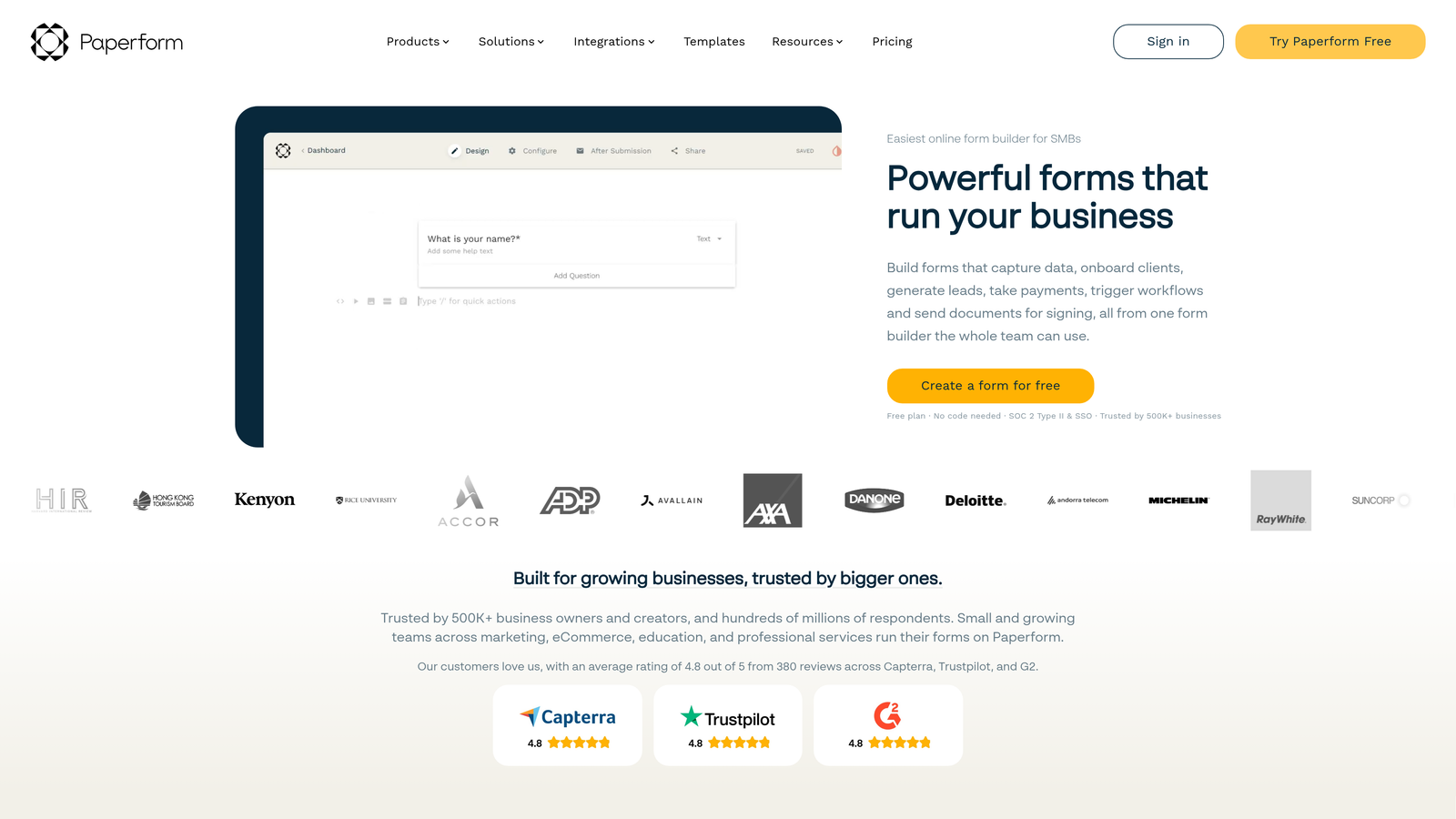
Paperform creates document-style forms with inline validation that matches your brand aesthetic while maintaining data quality.
Where This Tool Shines
Paperform treats forms as designed experiences rather than functional utilities. The inline validation system displays error messages that match your brand colors, fonts, and overall aesthetic. This attention to design detail means validation doesn't disrupt the visual flow you've carefully crafted.
The platform supports rich media forms where validation works seamlessly alongside images, videos, and custom layouts. You can create forms that feel like landing pages, with validation happening subtly without breaking the immersive experience you've built for users.
Key Features
Inline Validation with Custom Styling: Style error messages to match your brand guidelines perfectly.
Rich Media Forms with Validation: Validate data in forms featuring images, videos, and custom layouts.
Conditional Page Validation: Validate entire sections before allowing users to proceed to the next page.
Custom Error Message Design: Control typography, colors, and positioning of validation feedback.
E-Commerce Validation: Validate product selections, quantities, and checkout fields for online stores.
Best For
Creative agencies building branded experiences, online course creators collecting student information, and businesses where form aesthetics matter as much as functionality. If your brand identity is crucial to user experience, this tool maintains that consistency through the validation process.
Pricing
Essentials plan at $24 per month for basic features. Pro plan at $49 per month includes advanced validation and customization options.
8. 123FormBuilder
Best for: Multi-step forms with progressive validation
123FormBuilder specializes in multi-step forms with progressive validation that checks data at each stage, preventing error accumulation in lengthy data collection processes.
Where This Tool Shines
The platform excels at validating complex, multi-page forms by checking data at each step rather than waiting until final submission. This progressive validation approach prevents users from investing time in a lengthy form only to discover errors at the end, significantly improving completion rates for complicated data collection.
Progress-saving features work hand-in-hand with validation. Users can complete validated sections, save their progress, and return later without losing data. The system maintains validation checkpoints, ensuring that saved data meets quality standards when users resume.
Key Features
Step-by-Step Validation: Validate each form page before allowing progression to the next section.
Progress-Saving with Validation Checkpoints: Save partially completed forms while maintaining data quality at each stage.
Field Dependency Validation: Validate fields based on values entered in previous steps or sections.
Database Lookup Validation: Check entered data against external databases in real-time.
Multi-Page Conditional Validation: Apply different validation rules to different pages based on user paths.
Best For
Organizations collecting detailed applications, healthcare providers gathering comprehensive patient histories, and educational institutions managing complex enrollment processes. The progressive validation approach works best when forms are necessarily long and abandonment risk is high.
Pricing
Free plan available with limited features. Gold plan starts at $24.99 per month with full validation capabilities.
9. Wufoo
Best for: Straightforward validation without unnecessary complexity
Wufoo offers reliable core validation features for teams that need dependable forms without complexity.
Where This Tool Shines
Wufoo focuses on doing essential validation exceptionally well rather than offering every possible feature. The platform handles the most common validation needs—required fields, email formats, phone numbers, URLs—with rock-solid reliability that just works.
The simplicity becomes an advantage for teams that don't need advanced features. Setup is fast, the interface is intuitive, and validation rules are straightforward to configure. You won't spend hours learning complex features you'll never use.
Key Features
Essential Field Type Validation: Reliable validation for the most common data types without overwhelming options.
Required Field Enforcement: Simple, effective required field validation that prevents incomplete submissions.
Basic Format Validation: Email, URL, and phone number validation that covers standard use cases.
Character Limit Validation: Enforce minimum and maximum character counts for text fields.
Simple Conditional Rules: Basic show/hide logic with validation for straightforward conditional forms.
Best For
Small teams needing reliable forms quickly, non-technical users who want validation without complexity, and organizations with straightforward data collection needs. This tool suits situations where simplicity and reliability matter more than advanced features.
Pricing
Free tier available for basic forms. Starter plan at $14.08 per month includes expanded validation and response limits.
Making the Right Choice
The best form builder for your team depends on how validation fits into your broader data collection strategy. If you need more than basic error checking and want to qualify leads automatically while collecting clean data, Orbit AI combines validation with AI-powered lead scoring that helps sales teams prioritize follow-ups. For conversational forms where validation feels natural, Typeform's one-question-at-a-time approach prevents errors before they happen.
Teams needing extensive validation options without developer resources will find Jotform's 30+ validation types and template library valuable. Enterprise organizations with compliance requirements should consider Formstack's HIPAA-compliant workflows and approval systems. WordPress users get the deepest integration and customization flexibility with Gravity Forms.
When forms involve calculations or payments, Cognito Forms validates mathematical operations and payment fields in real-time. Design-conscious brands can maintain visual consistency through Paperform's fully customizable validation styling. For lengthy multi-step forms, 123FormBuilder's progressive validation prevents error accumulation across pages. Teams wanting simplicity without complexity will appreciate Wufoo's focus on essential validation done reliably.
Consider your validation requirements beyond basic formatting. Do you need to check data against external databases? Validate business logic and approval workflows? Maintain specific compliance standards? Match validation styling to brand guidelines? The right tool balances your technical requirements with ease of use.
Real-time validation transforms form experiences by catching errors instantly rather than after submission. This seemingly small feature dramatically impacts completion rates and data quality. Users appreciate immediate feedback, and your team benefits from clean data that doesn't require manual cleanup. The investment in a validation-capable form builder pays dividends through higher conversion rates and better lead quality.
Transform your lead generation with AI-powered forms that qualify prospects automatically while delivering the modern, conversion-optimized experience your high-growth team needs. Start building free forms today and see how intelligent form design can elevate your conversion strategy.


