

Most forms leak leads. A visitor lands on your page, starts filling out your form, gets three fields in, and disappears. You never know why, and you never get another shot at that lead. Form conversion rate optimization tools exist to fix exactly that problem, whether through smarter UX design, AI-powered qualification, conditional logic, or analytics that reveal precisely where people drop off.
This guide covers the best tools for high-growth teams serious about turning form visits into qualified leads. We evaluated each platform on conversion-focused features, ease of use, integrations, and pricing. Whether you're building lead gen forms, multi-step qualification flows, or onboarding surveys, there's a tool here built for your specific bottleneck.
To get the most from whichever tool you choose, pair this guide with our resources on how to increase form submissions and multi-step form best practices.
1. Orbit AI
Best for: High-growth SaaS and marketing teams that need AI-powered lead qualification built directly into their forms.
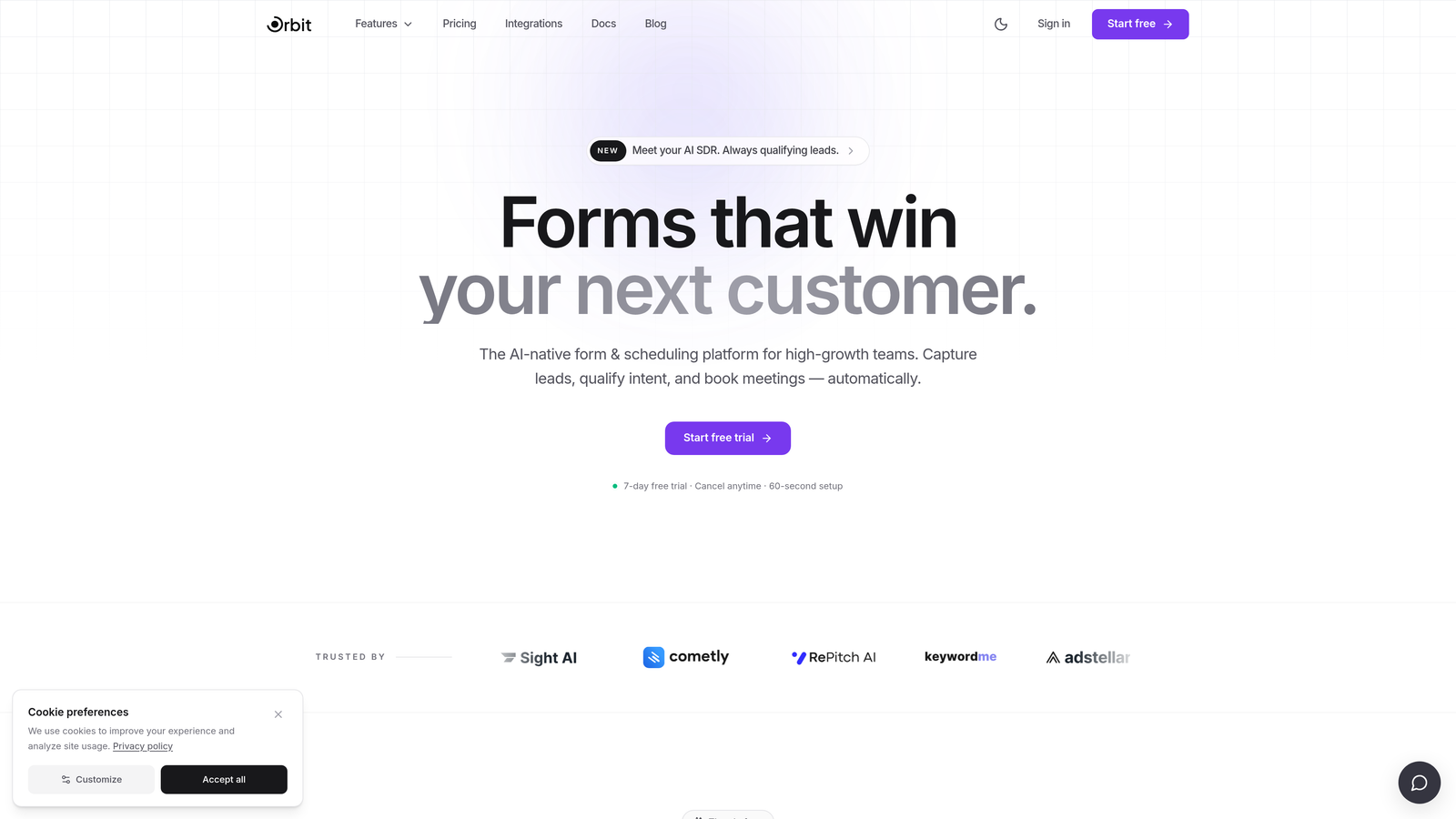
Orbit AI is an AI-native form builder that goes beyond collecting responses to actively qualify and score leads at the form level, before they ever reach your CRM.
Where This Tool Shines
Most form builders treat qualification as someone else's problem. You collect submissions, export them to your CRM, and let your sales team sort through the noise. Orbit AI flips that model. Its AI qualification layer scores leads automatically based on the responses they provide, so your team only spends time on prospects who actually fit your ideal customer profile.
The form design side is equally strong. Orbit AI offers conversion-optimized templates and conditional logic that adapts the form experience in real time, showing each respondent only the questions that are relevant to them. The result is a shorter, smarter form that feels personalized rather than generic.
Key Features
AI-Powered Lead Qualification: Automatically scores and routes leads based on form responses, reducing manual triage and helping sales teams prioritize the right prospects.
Conditional Logic and Dynamic Form Flows: Show or hide fields based on previous answers, creating a tailored experience that reduces friction and improves completion rates.
Conversion-Optimized Templates: Pre-built form designs built around conversion best practices, so you're not starting from a blank slate every time.
CRM and Marketing Tool Integrations: Connects with the tools your team already uses, ensuring qualified leads flow directly into your existing workflows without manual data entry.
High-Growth Team Focus: Built specifically for teams that care about lead quality over raw volume, with features designed around the SaaS and marketing use case.
Best For
Orbit AI is the strongest fit for SaaS companies, marketing teams, and growth-focused businesses that want their forms to do more than collect data. If your current process involves manually reviewing submissions to find qualified leads, this tool is built to automate that step entirely.
Pricing
Visit orbitforms.ai for current pricing plans. The platform is designed to scale with high-growth teams, so plan options reflect different levels of form volume and qualification needs.
2. Typeform
Best for: Teams that want a conversational, low-friction form experience with strong brand customization.
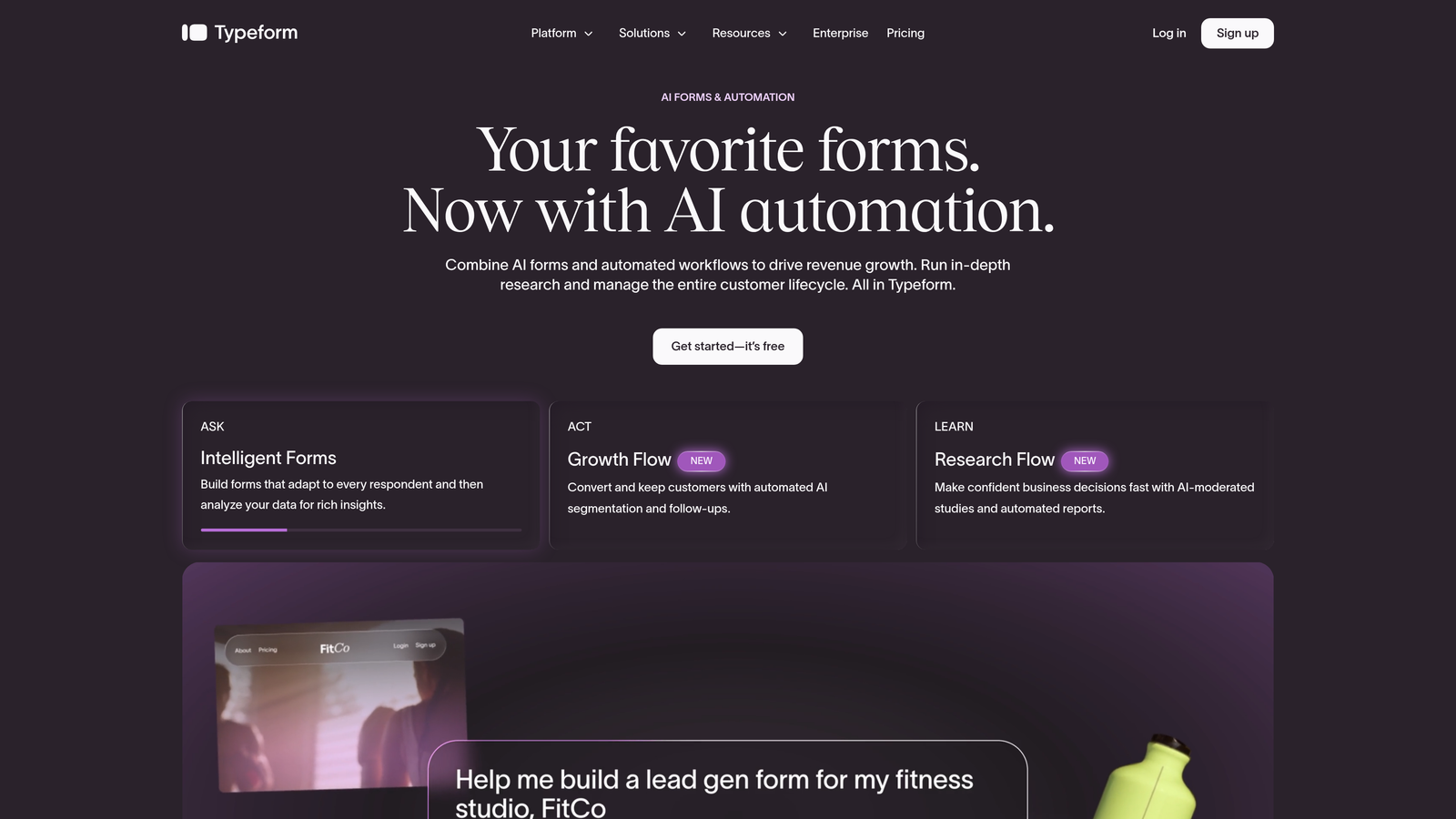
Typeform is a conversational form builder built around a one-question-at-a-time format that reduces cognitive load and typically improves completion rates compared to traditional multi-field layouts.
Where This Tool Shines
Typeform's core insight is that forms feel less intimidating when they mimic a conversation. Instead of presenting a wall of fields, it guides respondents through questions one at a time, which tends to reduce abandonment on longer forms. The experience feels polished and brand-forward, which matters when your form is a potential customer's first real interaction with your product.
The built-in analytics and drop-off tracking are genuinely useful for CRO work. You can see exactly which question causes people to bail, then test changes to improve completion at that specific step.
Key Features
One-Question-at-a-Time Flow: Reduces perceived form length and keeps respondents focused, which can meaningfully improve completion rates on longer forms.
Logic Jumps: Conditional branching that routes respondents to different questions based on previous answers, keeping the experience relevant throughout.
Brand Customization: Strong design controls including custom fonts, colors, backgrounds, and imagery to match your brand identity.
Drop-Off Analytics: Built-in reporting that shows where respondents abandon your form, giving you a clear starting point for optimization.
CRM and Marketing Integrations: Connects with major platforms including HubSpot, Salesforce, Mailchimp, and others via native integrations and Zapier.
Best For
Typeform works well for lead gen forms, surveys, quizzes, and onboarding flows where engagement and brand experience matter. It's a particularly strong choice for teams that want a visually impressive form without heavy design work.
Pricing
A free plan is available with limited responses. Paid plans start at approximately $25 per month, with pricing scaling based on response volume and feature access.
3. Paperform
Best for: Teams that need flexible, document-style forms with built-in payment collection and scheduling.
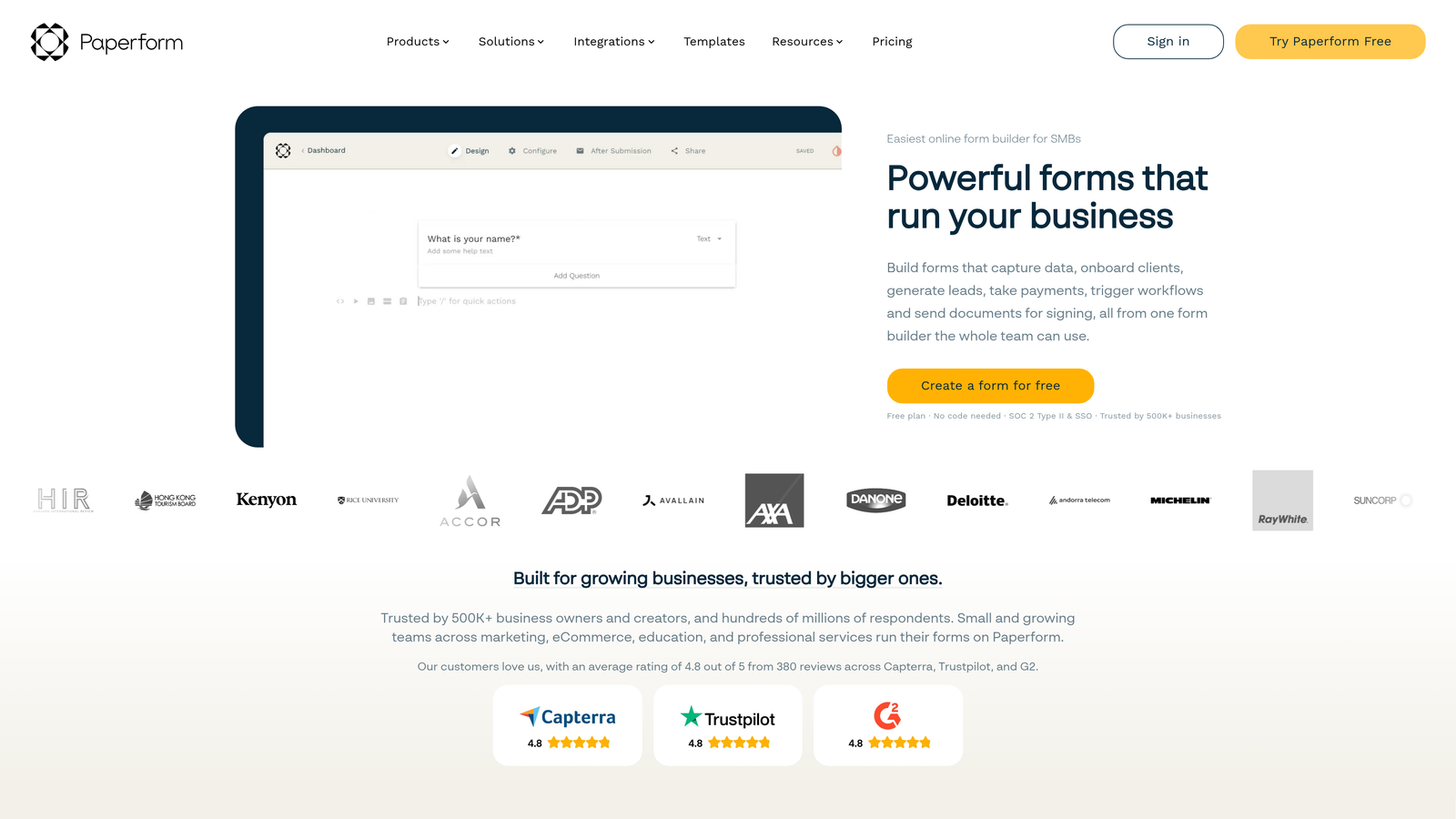
Paperform is a form builder that blends document-style page layouts with powerful form logic, payments, and scheduling, giving teams far more flexibility than a standard form tool.
Where This Tool Shines
Paperform's hybrid document-and-form approach means your form can include rich text, images, videos, and embedded content alongside the actual input fields. This makes it well suited for forms that need to educate or persuade as well as collect information, like a product inquiry form that also showcases your offering.
The conditional logic and calculation fields are genuinely powerful. You can build forms that compute prices, scores, or recommendations on the fly based on what a respondent enters, which opens up use cases that simpler tools can't handle.
Key Features
Document-Page Hybrid Layout: Combine rich content with form fields in a single, scrollable page experience that feels more like a landing page than a form.
Advanced Conditional Logic and Calculations: Build dynamic forms that respond to input in real time, including calculated fields for pricing, scoring, or recommendations.
Built-In Payment Collection: Accept payments via Stripe and PayPal directly through your form, without needing a separate checkout tool.
Scheduling and Booking: Integrates with calendar tools to enable appointment booking directly within the form flow.
Custom Domains and White-Labeling: Publish forms on your own domain with full branding control, which is useful for agencies and client-facing work.
Best For
Paperform suits small businesses, agencies, and teams running complex workflows that involve payments, bookings, or multi-step data collection. It's a strong choice when you need more than a basic form but don't want the overhead of an enterprise platform.
Pricing
Plans start at approximately $24 per month. There is no permanent free plan, but a trial is available to test the platform before committing.
4. Jotform
Best for: Teams with high form volume, compliance requirements, or complex approval and routing workflows.
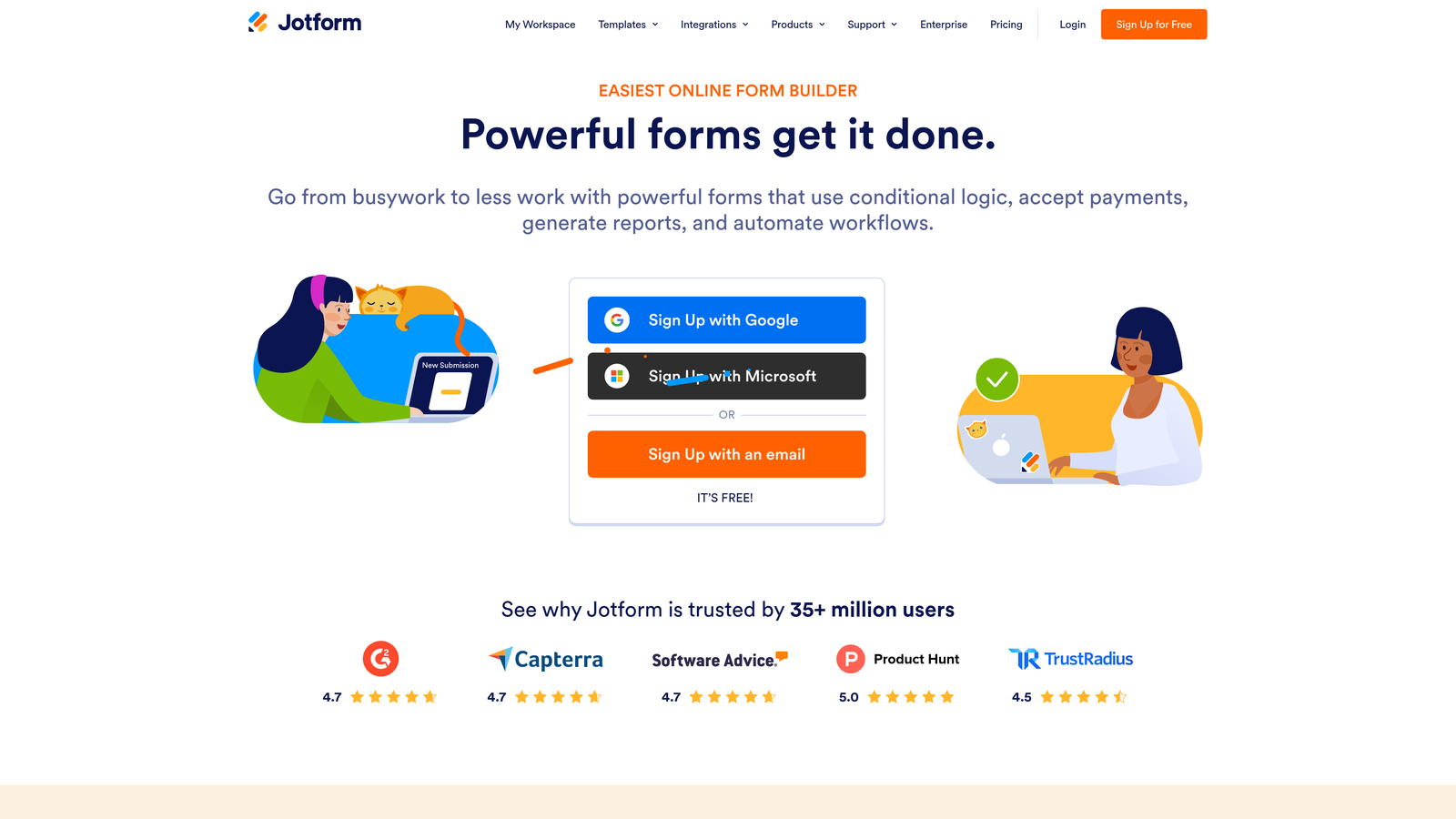
Jotform is one of the largest form platforms available, offering an extensive template library, enterprise-grade compliance features, and deep integrations for high-volume form operations.
Where This Tool Shines
Jotform's scale is its most obvious advantage. With over 10,000 pre-built templates, almost any form use case you can think of already has a starting point. This dramatically reduces setup time for teams managing many different form types across different departments or clients.
The compliance capabilities set Jotform apart in regulated industries. HIPAA-compliant forms, data encryption, and audit trails make it one of the few form tools that healthcare, finance, and education organizations can deploy with confidence in their regulatory environment.
Key Features
10,000+ Pre-Built Templates: The largest template library in the category, covering virtually every industry and use case with ready-to-use starting points.
HIPAA Compliance: Dedicated compliance features for regulated industries, including data encryption and business associate agreements for healthcare use cases.
Advanced Workflow and Approval Routing: Build multi-step approval workflows that route submissions to the right people based on form responses or business rules.
Extensive Integration Library: Connects with hundreds of third-party tools including CRMs, payment processors, cloud storage, and project management platforms.
Form Analytics and Submission Management: Track form performance and manage submissions through a centralized dashboard with filtering and export options.
Best For
Jotform is the right choice for enterprises, regulated industries, and teams managing high volumes of forms across multiple departments. If compliance is non-negotiable or you need sophisticated approval workflows, it's one of the strongest options available.
Pricing
A free plan is available with usage limits. Paid plans start at approximately $34 per month, with enterprise pricing available for larger organizations with custom requirements.
5. Tally
Best for: Startups and lean teams that want fast, clean form creation with a generous free tier.
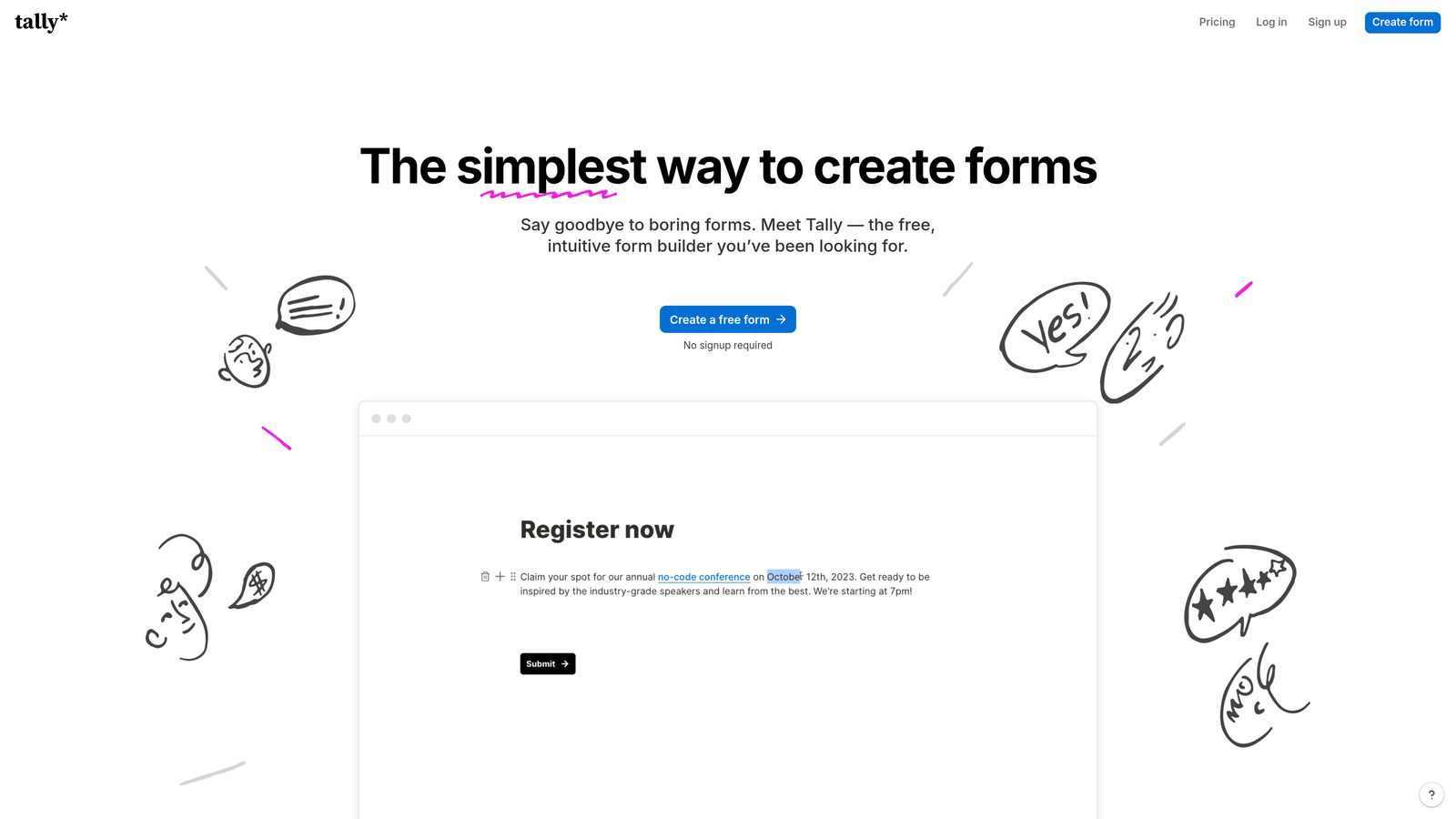
Tally is a Notion-inspired form builder with a block-based editor, no per-submission fees on its free plan, and a clean, distraction-free building experience that makes creating forms genuinely fast.
Where This Tool Shines
Tally's editing experience is one of the smoothest in the category. If you've used Notion, you'll feel at home immediately. The block-based editor makes it easy to build and rearrange form elements without fighting a clunky interface, which means you can go from idea to published form in minutes rather than hours.
The free plan is unusually generous. Most form tools cap free users on submissions or features in ways that quickly push you toward a paid plan. Tally doesn't charge per submission on the free tier, which makes it a legitimate long-term option for teams with moderate form needs rather than just a trial.
Key Features
Notion-Style Block Editor: Intuitive drag-and-drop building experience that feels familiar to anyone who has used modern document tools.
No Per-Submission Fees on Free Plan: Collect unlimited responses without hitting a paywall, which is rare among free-tier form builders.
Conditional Logic and Multi-Page Forms: Build branching flows and multi-step forms without needing a paid plan, keeping the experience relevant for each respondent.
File Uploads and Payment Collection: Accept file attachments and payments directly through your form, even on simpler plan tiers.
Clean Website and Landing Page Embeds: Embeds neatly into websites without styling conflicts, making it easy to drop forms into existing pages.
Best For
Tally is ideal for early-stage startups, indie makers, and lean marketing teams that want capable forms without a significant budget commitment. It's also a strong option for internal forms, feedback collection, and lightweight lead gen where enterprise features aren't needed.
Pricing
A generous free plan is available with no submission limits. The Pro plan starts at approximately $29 per month and unlocks advanced customization and branding features.
6. Formstack
Best for: Operations teams in complex environments that need forms connected to document generation, e-signatures, and approval workflows.
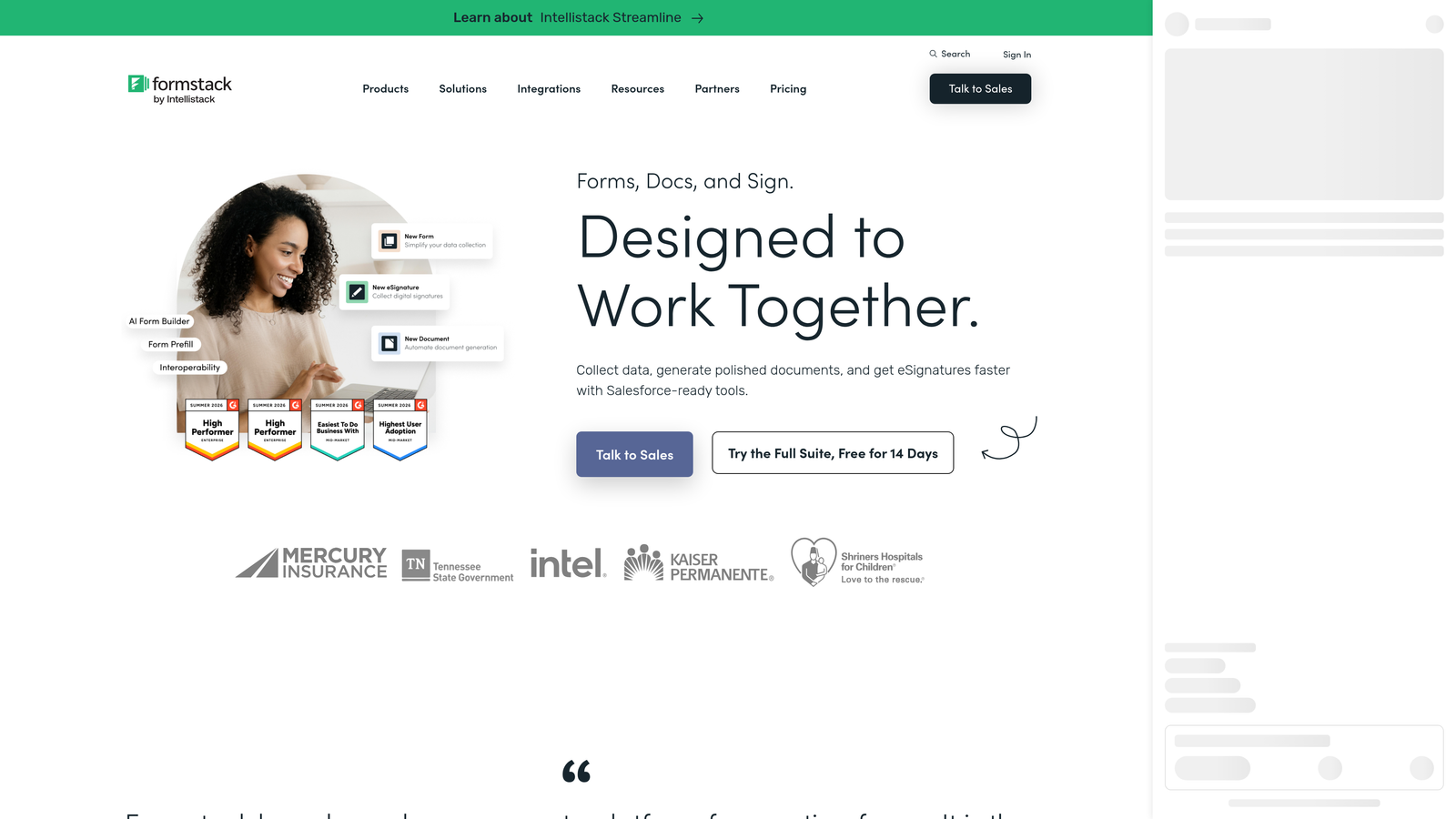
Formstack is a workflow-focused platform that extends well beyond basic form building into document automation, e-signatures, and deep enterprise integrations, making it more of an operational system than a standalone form tool.
Where This Tool Shines
Formstack's strength is in what happens after someone submits a form. Where most tools stop at collecting data and sending a notification, Formstack can trigger document generation, route approvals through multi-step workflows, collect e-signatures, and push data into enterprise systems like Salesforce. For organizations with complex operational needs, that end-to-end automation is genuinely valuable.
The compliance and security features also stand out. Formstack is built with regulated industries in mind, offering HIPAA compliance, audit trails, and data governance controls that meet the requirements of healthcare, finance, and education environments.
Key Features
Advanced Workflow Automation: Build multi-step approval and routing workflows that move data through your organization automatically based on form responses.
Document Generation and E-Signatures: Automatically generate populated documents from form submissions and collect legally binding signatures without leaving the platform.
Compliance Features: HIPAA, FERPA, and other compliance frameworks supported for regulated industries with strict data handling requirements.
Prefill and Data Population: Populate form fields with existing data from your CRM or database, reducing friction for returning users and improving data accuracy.
Deep Salesforce and Enterprise Integration: Native Salesforce integration and connections with other enterprise tools make it a strong fit for organizations already invested in those ecosystems.
Best For
Formstack is built for operations teams, enterprise organizations, and regulated industries that need forms to be part of a larger automated workflow. If your use case involves document generation or multi-step approvals alongside data collection, it's one of the few tools that handles all of it in one place.
Pricing
Plans start at approximately $83 per month, reflecting the platform's enterprise-oriented feature set. Custom enterprise pricing is available for larger organizations with advanced requirements.
Which Tool Is Right for Your Team?
Each tool in this list solves a different version of the form conversion problem, so the right choice depends on where your biggest bottleneck actually lives.
If you're a high-growth SaaS or marketing team focused on lead quality, Orbit AI is the clear standout. It's the only tool here that qualifies and scores leads at the form level, which means your team spends time on the right prospects rather than manually triaging every submission. The combination of AI qualification, conditional logic, and conversion-optimized design is purpose-built for teams where lead quality matters as much as volume.
If your priority is a polished, conversational form experience with strong brand control, Typeform is the most refined option. For teams that need flexible layouts with built-in payments and scheduling, Paperform delivers more versatility than most. Jotform is the best fit for enterprise teams with compliance requirements or high form volumes. Tally wins on value and speed for lean teams and early-stage startups. And Formstack is the right call when your forms need to connect to document generation and approval workflows in complex operational environments.
For high-growth teams ready to move beyond basic form collection, the biggest leverage point is treating your form as a qualification layer, not just a data collection tool. Start building free forms today and see how intelligent form design can elevate your conversion strategy. Pair it with our guides on increasing form submissions and multi-step form best practices to build a complete conversion optimization approach from the ground up.


