

File uploads can make or break a form strategy. Whether you're collecting portfolios, contracts, ID documents, or media assets, the ability to set precise file upload limits separates a professional data collection workflow from a chaotic inbox. But not every form builder gives you meaningful control here. Some lock file storage behind expensive tiers. Others offer vague "unlimited" promises with hidden throttles.
This guide cuts through the noise. We evaluated six form builders based on their file upload configuration options, storage transparency, and overall usability. Whether you're qualifying leads with document submissions or running a client intake process, one of these tools will fit your workflow. We've also included honest notes on pricing, ideal use cases, and where each tool falls short.
1. Orbit AI
Best for: High-growth SaaS and marketing teams that want file uploads paired with AI lead qualification
Orbit AI is an AI-powered form builder designed for conversion-optimized data collection, including configurable file upload fields that integrate directly with lead scoring and conditional logic.

Where This Tool Shines
Most form builders treat file upload as a passive field: the respondent uploads something, and it lands in storage. Orbit AI takes a different approach. File submissions feed directly into the platform's AI lead qualification engine, meaning the documents your prospects submit can inform how they're scored and routed. That's a meaningful workflow advantage for teams running high-volume intake or lead generation campaigns.
The form design itself is built around reducing abandonment. Conditional logic lets you show or hide upload fields based on earlier answers, so respondents only see what's relevant to them. The result is a leaner, more focused experience that tends to perform better than forms that front-load every possible field.
Key Features
Configurable Upload Fields: Set file size limits and accepted file types directly within the form builder, giving you control over what respondents can submit.
AI Lead Qualification: Submission data, including uploaded files, feeds into intelligent lead scoring so your team can prioritize follow-up without manual review.
Conditional Logic: Show or hide upload fields based on respondent answers, keeping forms streamlined and reducing unnecessary friction.
Conversion-Optimized Design: Modern, clean form templates designed specifically to reduce drop-off and improve completion rates.
Built-In Analytics: Track form performance, drop-off points, and submission trends without needing a separate analytics tool.
Best For
Orbit AI is best suited for SaaS marketing teams, growth-focused operations, and any business where form submissions are part of a lead qualification funnel. If you need file uploads to do more than just collect files, and you want that data to drive smarter decisions downstream, this is worth a close look.
Pricing
Visit orbitforms.ai/pricing for current plan details. Pricing is structured to fit teams at different growth stages.
2. Typeform
Best for: Teams where respondent experience and brand presentation are the top priorities
Typeform is a conversational form builder known for its one-question-at-a-time interface, with file upload support available on paid plans.

Where This Tool Shines
Typeform's signature strength is the respondent experience. The conversational format reduces cognitive load, which can be particularly useful when you're asking someone to upload a document in the middle of a longer form. Instead of presenting a wall of fields, respondents move through questions naturally, with the upload prompt appearing at the right moment in the flow.
Logic jumps let you guide respondents through multi-step upload sequences based on their earlier answers. This makes Typeform a solid choice for creative agencies, HR teams, or any use case where the quality of the submission experience reflects on your brand.
Key Features
Conversational UI: One-question-at-a-time format reduces friction on forms that include file upload steps.
File Upload Field: Available on paid plans, with file size limits that vary by plan tier.
Logic Jumps: Route respondents through different upload paths based on their previous answers.
Integration Ecosystem: Connects with tools like Zapier, HubSpot, and Slack for downstream file handling and notifications.
Plan-Tiered Storage: Storage allocation scales with your subscription level, so higher-volume teams will need to plan accordingly.
Best For
Typeform works well for marketing teams, creative studios, and HR departments where the form experience itself is part of the brand. It's less suited for teams that need granular per-field upload configuration or enterprise-level compliance controls.
Pricing
File upload functionality requires a paid plan. Typeform uses tiered pricing based on response volume, so costs scale with usage. The free plan has limited functionality and does not include file uploads.
3. Jotform
Best for: Teams that need the most granular file upload configuration available in a consumer-grade tool
Jotform is one of the most configurable form builders on the market specifically for file uploads, offering per-field size limits, file type whitelisting, and quantity caps.

Where This Tool Shines
If upload control is your primary concern, Jotform is the most thorough option in this list. You can set a maximum file size per individual upload field, restrict accepted file types to specific formats (PDFs only, images only, and so on), and cap the number of files a respondent can submit in a single field. That level of granularity is genuinely rare.
The template library is also extensive. Jotform has built out document-heavy templates for industries like legal, healthcare, and education, which saves meaningful setup time if your use case is common enough to have a starting point.
Key Features
Per-Field File Size Limits: Set a maximum upload size for each individual file upload field, not just at the account level.
File Type Whitelisting: Restrict accepted formats to specific MIME types, so respondents can only submit what you actually need.
Quantity Caps: Limit the number of files a respondent can upload in a single submission field.
Scalable Storage: Account-level storage increases with plan tier, giving larger teams room to grow.
Template Library: Hundreds of templates designed for document-heavy workflows across multiple industries.
Best For
Jotform is ideal for operations teams, legal departments, HR professionals, and anyone running document collection workflows that require strict control over what gets submitted. It's also a reasonable choice for small teams thanks to its free tier, though storage limits apply.
Pricing
A free plan is available with storage and submission limits. Paid plans unlock additional storage, higher submission volumes, and advanced features. Pricing scales with usage.
4. Paperform
Best for: Service businesses that need file uploads alongside payment processing and scheduling in a single workflow
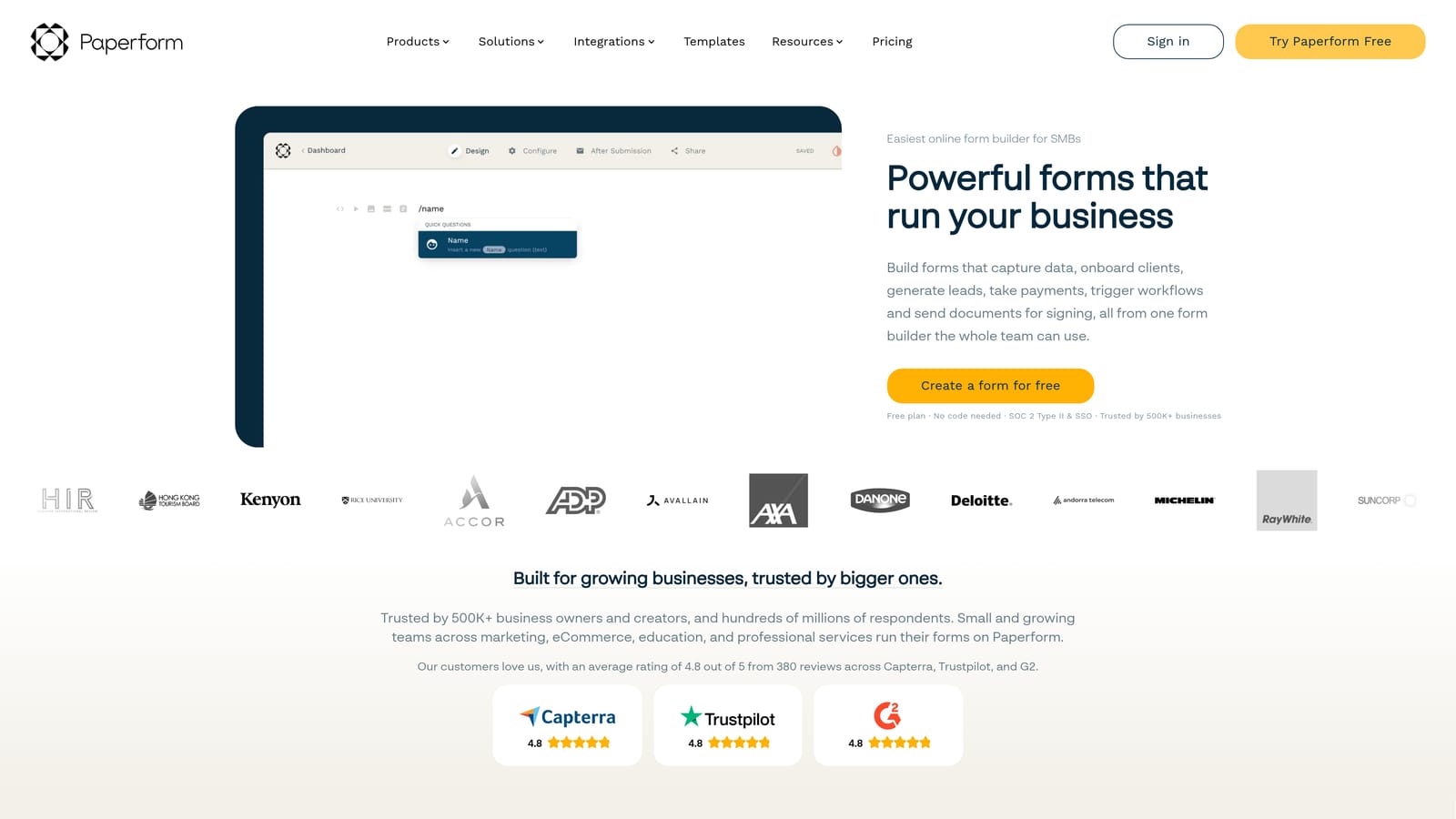
Paperform is a flexible form builder that natively combines file uploads with payment processing and scheduling, making it well-suited for client intake and onboarding flows.
Where This Tool Shines
Paperform's differentiator isn't upload configuration depth: it's workflow integration. If your process involves collecting a document, taking a payment, and booking an appointment all in one form, Paperform handles that natively without requiring a patchwork of integrations. For service businesses, consultants, and agencies, that kind of all-in-one capability significantly reduces operational complexity.
The freeform document-style editor is also worth noting. Rather than working within a rigid field-and-section structure, you can design forms that read more like a branded document or landing page. That flexibility makes Paperform particularly appealing for businesses where form design is part of the client experience.
Key Features
File Upload Fields: Supported across all paid plans and easy to incorporate into multi-step workflows.
Native Payment Processing: Collect files and payments in the same form without third-party payment integrations.
Scheduling Integration: Combine document submission with appointment booking in a single respondent flow.
Freeform Editor: Design forms that look like branded documents rather than traditional field-and-label layouts.
Conditional Logic: Show upload fields only when relevant based on earlier respondent answers.
Best For
Paperform is a strong fit for consultants, agencies, and service businesses running client onboarding or intake workflows. Teams that need deep upload configuration controls may find it less flexible than Jotform, but for workflow integration, it stands out.
Pricing
Paid plans only. There is no permanent free tier. Pricing is tiered by features and submission volume. A trial period is typically available.
5. Tally
Best for: Bootstrapped teams or internal tools that need file upload support without a monthly bill
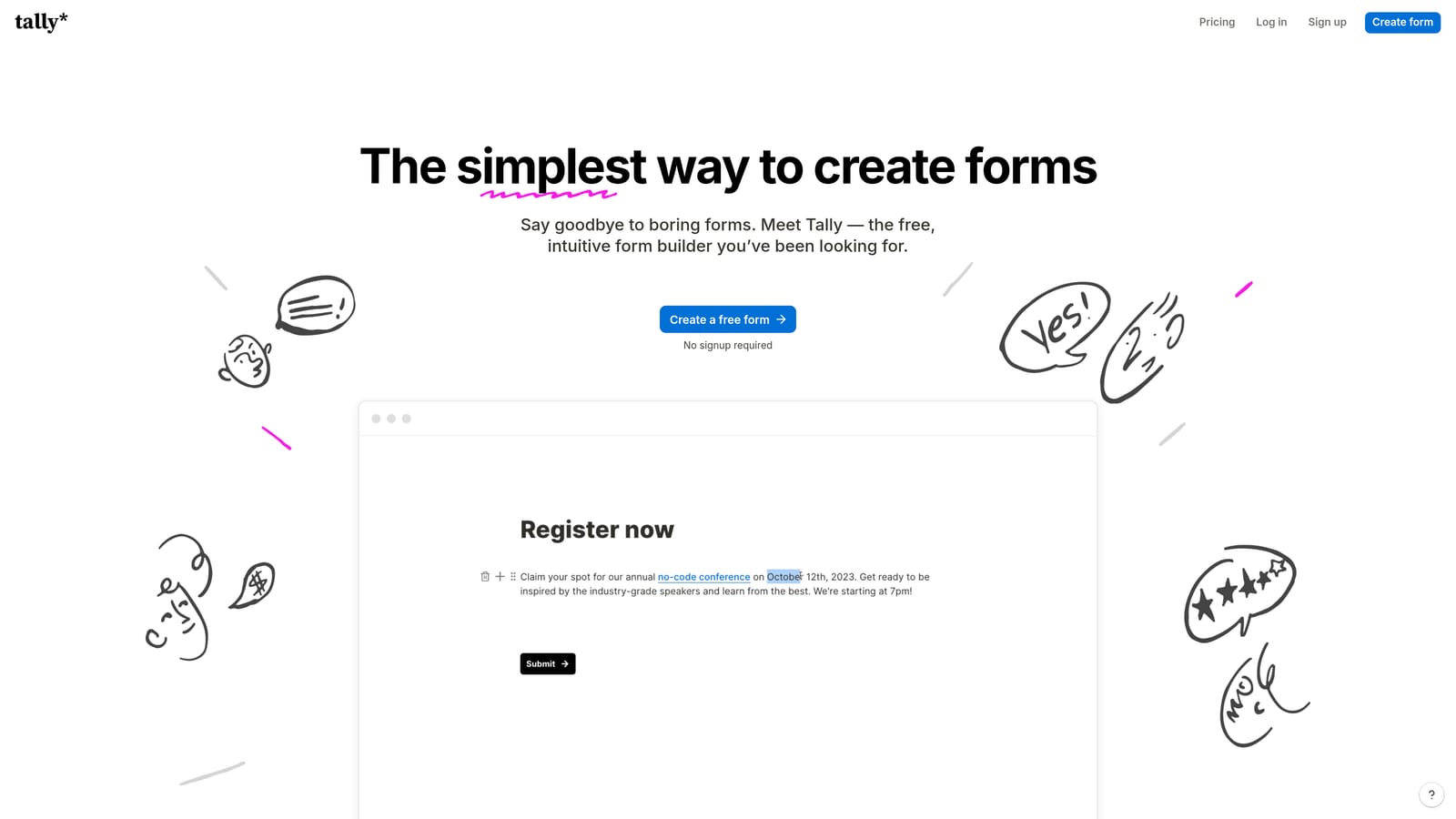
Tally is a Notion-inspired form builder with a genuinely generous free tier that includes file upload support, making it a standout option for budget-conscious teams.
Where This Tool Shines
The honest headline for Tally is this: you can collect file uploads for free, without a trial period or a credit card. For internal tools, side projects, or small teams that don't need enterprise-grade compliance, that's a meaningful advantage. Most competitors either exclude file uploads from free plans entirely or impose such tight restrictions that the feature is effectively unusable.
The block-based editor will feel immediately familiar to anyone who uses Notion. Building and editing forms is fast, and the clean interface keeps things from getting cluttered even as forms grow more complex. It's not the most powerful tool on this list, but it's one of the most accessible.
Key Features
Free File Uploads: File upload fields are included on the free plan, a genuine differentiator in this category.
Block-Based Editor: Notion-style interface makes form building intuitive and fast for teams already in that ecosystem.
Unlimited Forms: The free tier supports unlimited forms, not just a handful.
Basic Upload Controls: File type and size controls are available, though less granular than Jotform's configuration options.
Pro Plan: Unlocks custom domains, branding removal, and additional advanced features for teams that outgrow the free tier.
Best For
Tally is ideal for startups, solo operators, internal teams, and anyone running low-to-moderate volume file collection who wants to avoid a monthly SaaS bill. It's not designed for heavy enterprise workflows or regulated industries with compliance requirements.
Pricing
Free plan available with file upload support included. A Pro plan is available for teams that need advanced features like custom branding and custom domains.
6. Formstack
Best for: Enterprise organizations in regulated industries that need compliance-ready file handling at scale
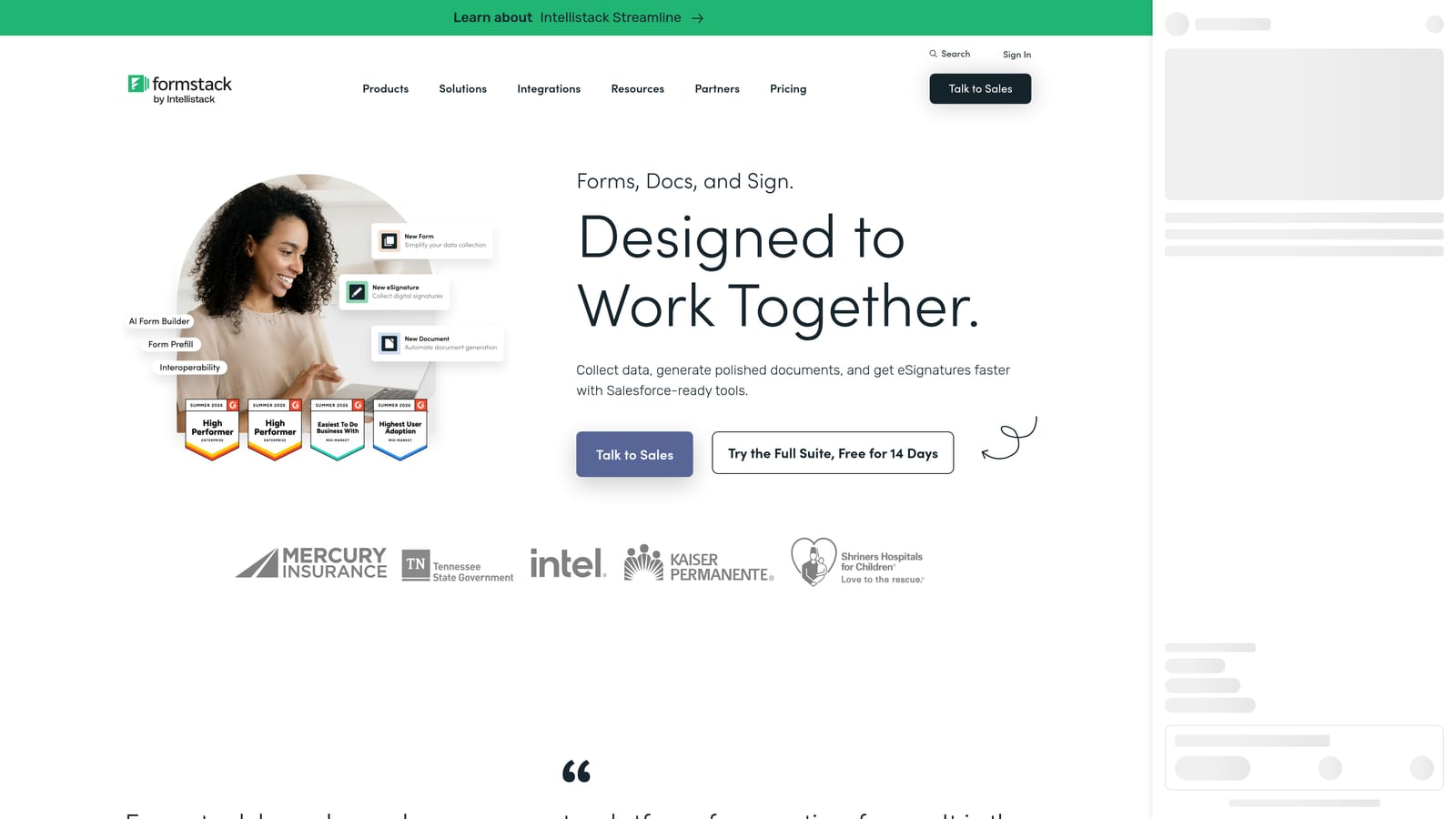
Formstack is an enterprise-grade form platform built for organizations that need HIPAA-compliant or SOC 2-audited document collection as part of a larger data governance strategy.
Where This Tool Shines
Formstack occupies a different category than the other tools on this list. Where most form builders are optimized for speed and ease of use, Formstack is optimized for compliance and control. If you're operating in healthcare, finance, legal, or any other regulated industry where file handling carries legal obligations, the platform's compliance credentials are the primary value proposition.
File encryption in transit and at rest, role-based access controls, and advanced workflow routing for submitted documents mean that Formstack can fit into enterprise security frameworks that other tools simply cannot accommodate. For the right organization, that's worth the premium price point.
Key Features
HIPAA-Compliant File Handling: Built to meet healthcare data requirements for organizations that collect sensitive documents.
SOC 2 Type II Certification: Infrastructure audited to enterprise security standards, relevant for finance and legal teams.
File Encryption: Data encrypted both in transit and at rest, reducing exposure risk for sensitive submissions.
Advanced Workflow Routing: Route submitted documents through approval chains or team workflows automatically.
Role-Based Access Controls: Manage who can view, download, or act on submitted file data within your organization.
Best For
Formstack is built for mid-to-large enterprises in regulated industries: healthcare providers, financial institutions, legal firms, and government-adjacent organizations. It is not suited for small teams, budget-conscious buyers, or use cases where compliance requirements don't justify the cost.
Pricing
Enterprise pricing applies. Contact Formstack directly for a quote. This is not a self-serve tool with a public pricing page in the traditional sense.
Which Tool Is Right for Your Team?
The right form builder for file uploads depends on three things: how much control you need over upload configuration, what compliance requirements you're working within, and how file collection fits into your broader workflow.
Here's a quick way to think through it:
For high-growth SaaS and marketing teams: Orbit AI is the strongest fit. File uploads paired with AI lead qualification and conditional logic make it the only tool on this list where uploaded documents actively contribute to your lead generation funnel rather than just sitting in storage.
For maximum upload configuration control: Jotform gives you the most granular options, including per-field size limits, file type whitelisting, and quantity caps. It's the power user's choice for document-heavy workflows.
For respondent experience and brand presentation: Typeform's conversational format makes file-heavy forms feel less intimidating, which matters when you're asking prospects or clients to submit sensitive documents.
For service businesses with complex intake workflows: Paperform's native combination of file uploads, payments, and scheduling reduces the integration overhead that other tools require.
For bootstrapped teams on a budget: Tally's free tier with genuine file upload support is hard to beat for low-to-moderate volume use cases.
For regulated industries with compliance requirements: Formstack is the only tool here built to enterprise security standards, and for organizations where compliance is non-negotiable, it justifies the cost.
If you're running a growth-focused team and want forms that do more than collect data, Start building free forms today with Orbit AI and see how intelligent form design, including configurable file upload fields and AI-powered lead qualification, can elevate your conversion strategy from day one.


