

Formstack has been a reliable form builder for years, but the form platform landscape has evolved dramatically. Whether you're hitting Formstack's limitations on integrations, finding the pricing steep for your growing team, or simply need more advanced features like AI-powered lead qualification, there's likely a better fit for your specific needs.
We've tested and compared the top form platforms against Formstack to help you find the right match. Here's what matters: ease of use, conversion optimization features, integration capabilities, and value for money.
1. Orbit AI
Best for: High-growth teams that need AI-powered lead qualification built into their forms
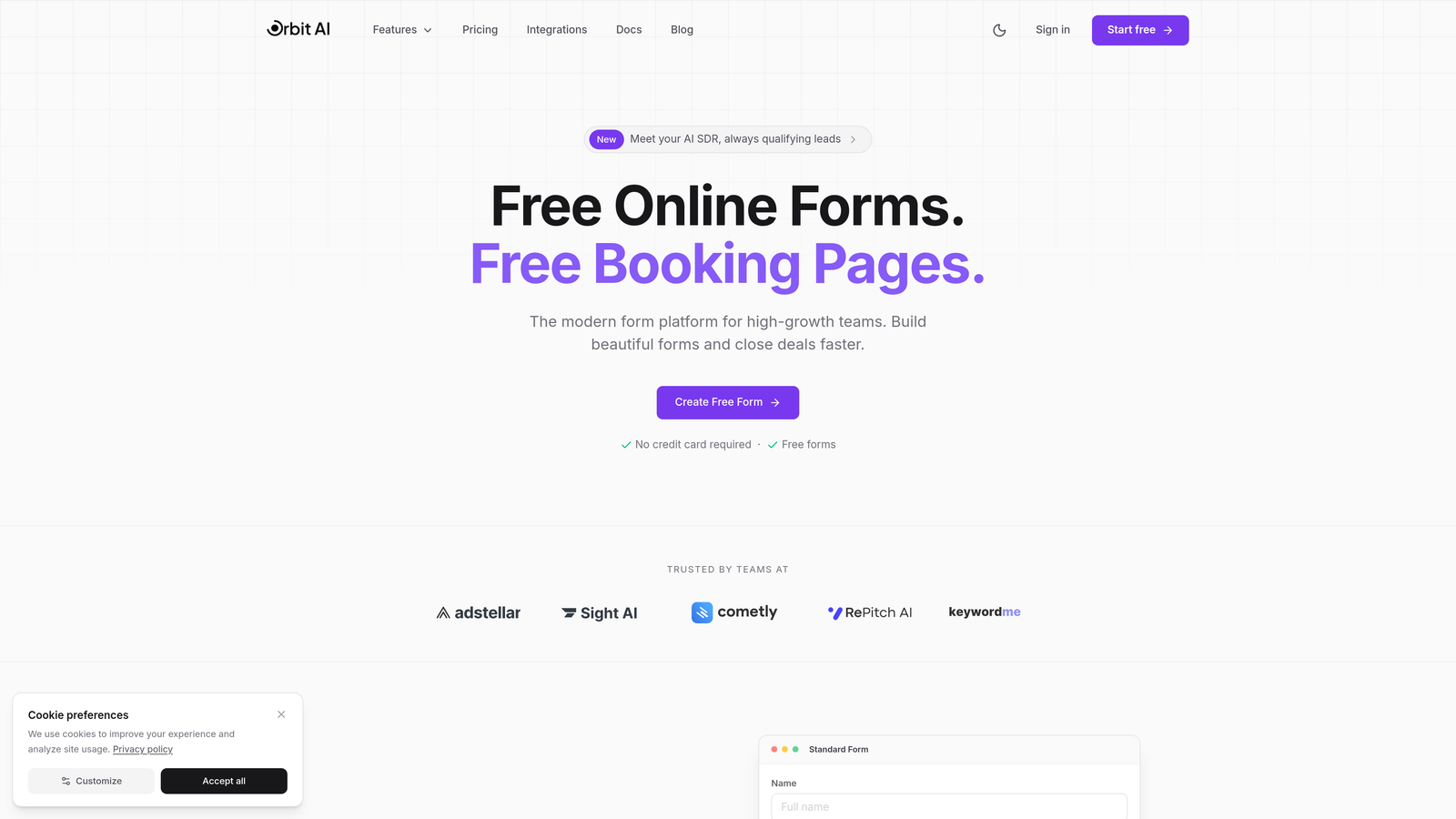
Orbit AI is an AI-powered form builder designed specifically for teams focused on lead generation and conversion optimization.
Where This Tool Shines
What sets Orbit AI apart is its intelligent lead qualification system that automatically scores and routes prospects based on their form responses. Instead of manually reviewing every submission, your sales team gets pre-qualified leads with AI-generated insights about their fit and intent.
The platform combines beautiful, conversion-optimized templates with native CRM integrations, so your lead data flows seamlessly into HubSpot, Salesforce, or Close without middleware. The built-in analytics show you exactly where prospects drop off and which form variations convert best.
Key Features
AI Lead Qualification: Automatically scores and qualifies leads based on responses, routing high-value prospects to sales instantly.
Conversion-Optimized Templates: Pre-built form designs tested for maximum completion rates across industries.
Native CRM Integration: Direct connections to major CRMs eliminate data sync issues and Zapier dependencies.
Workflow Automation: Set up intelligent routing rules and follow-up sequences triggered by form submissions.
Built-in Analytics: Track completion rates, drop-off points, and conversion metrics without external tools.
Best For
Orbit AI works best for B2B companies and high-growth teams where lead quality matters more than volume. If you're spending hours manually qualifying form submissions or struggling to connect form data to your sales process, this platform streamlines the entire workflow.
Pricing
Free tier available with core features. Paid plans start at $29/month with advanced AI capabilities and predictable monthly response limits.
2. Typeform
Best for: Creating engaging, conversational form experiences with one-question-at-a-time format
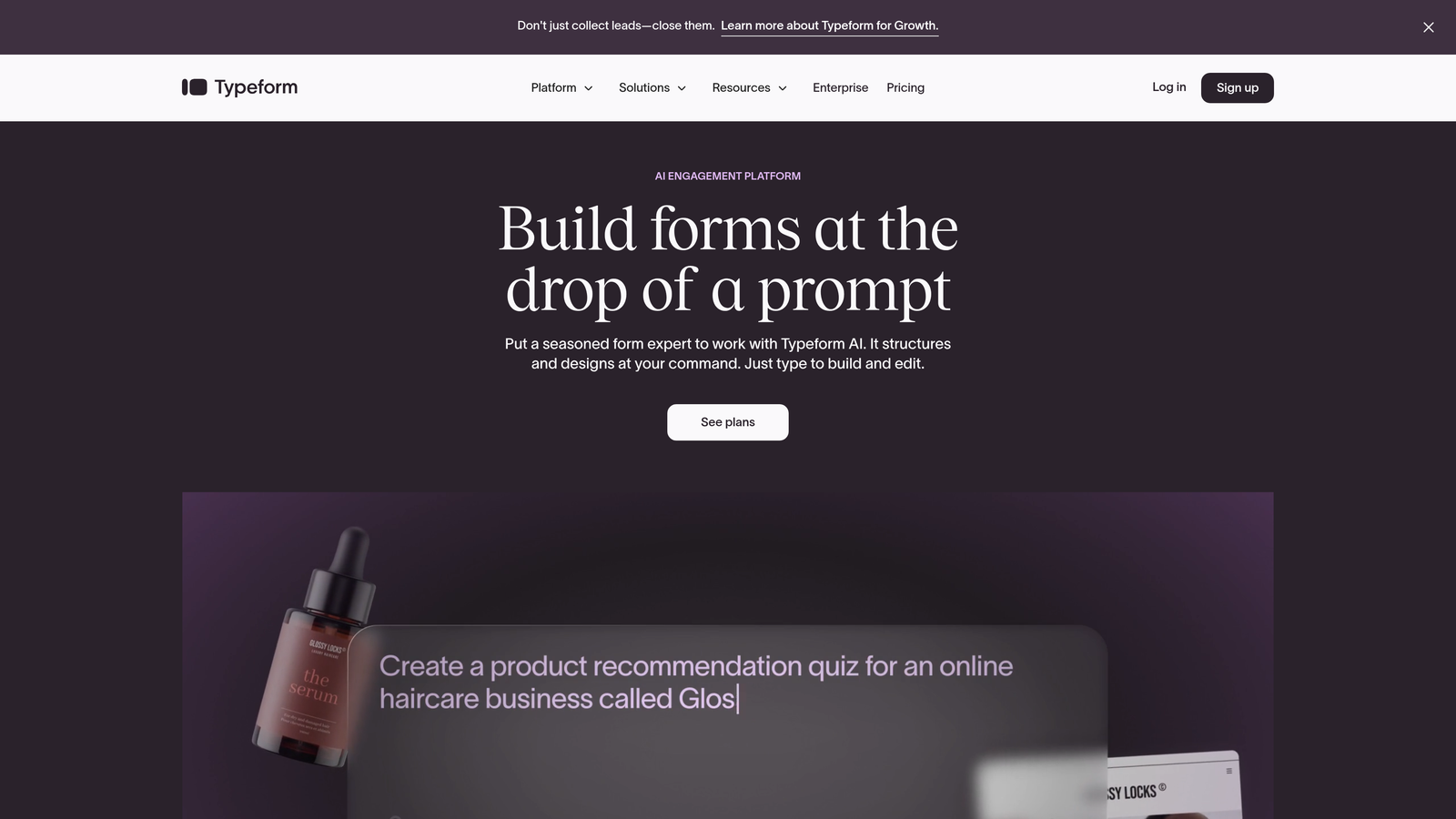
Typeform is a conversational form builder that presents questions one at a time for higher engagement.
Where This Tool Shines
Typeform pioneered the conversational form approach, and it still delivers the most polished experience in this category. The one-question-at-a-time format reduces cognitive overload and can significantly boost completion rates compared to traditional long-form layouts.
The platform excels at creating forms that feel more like conversations than data collection exercises. Video integration, dynamic question flow, and smooth animations make even lengthy surveys feel engaging rather than tedious.
Key Features
Conversational Format: One-question-at-a-time presentation keeps respondents focused and reduces abandonment.
Logic Jumps: Advanced branching logic creates personalized question paths based on previous answers.
Media Integration: Embed videos, images, and GIFs directly into questions for richer experiences.
Native Integrations: Connects directly to popular marketing and productivity tools without middleware.
Custom Branding: Extensive theme customization options to match your brand identity perfectly.
Best For
Typeform works brilliantly for surveys, quizzes, and lead generation forms where user experience is paramount. Marketing teams and agencies particularly appreciate the professional, modern aesthetic that reflects well on their brand.
Pricing
Free tier available with basic features. Basic plan starts at $25/month with expanded functionality and branding options.
3. Jotform
Best for: Teams needing extensive template variety and maximum customization flexibility
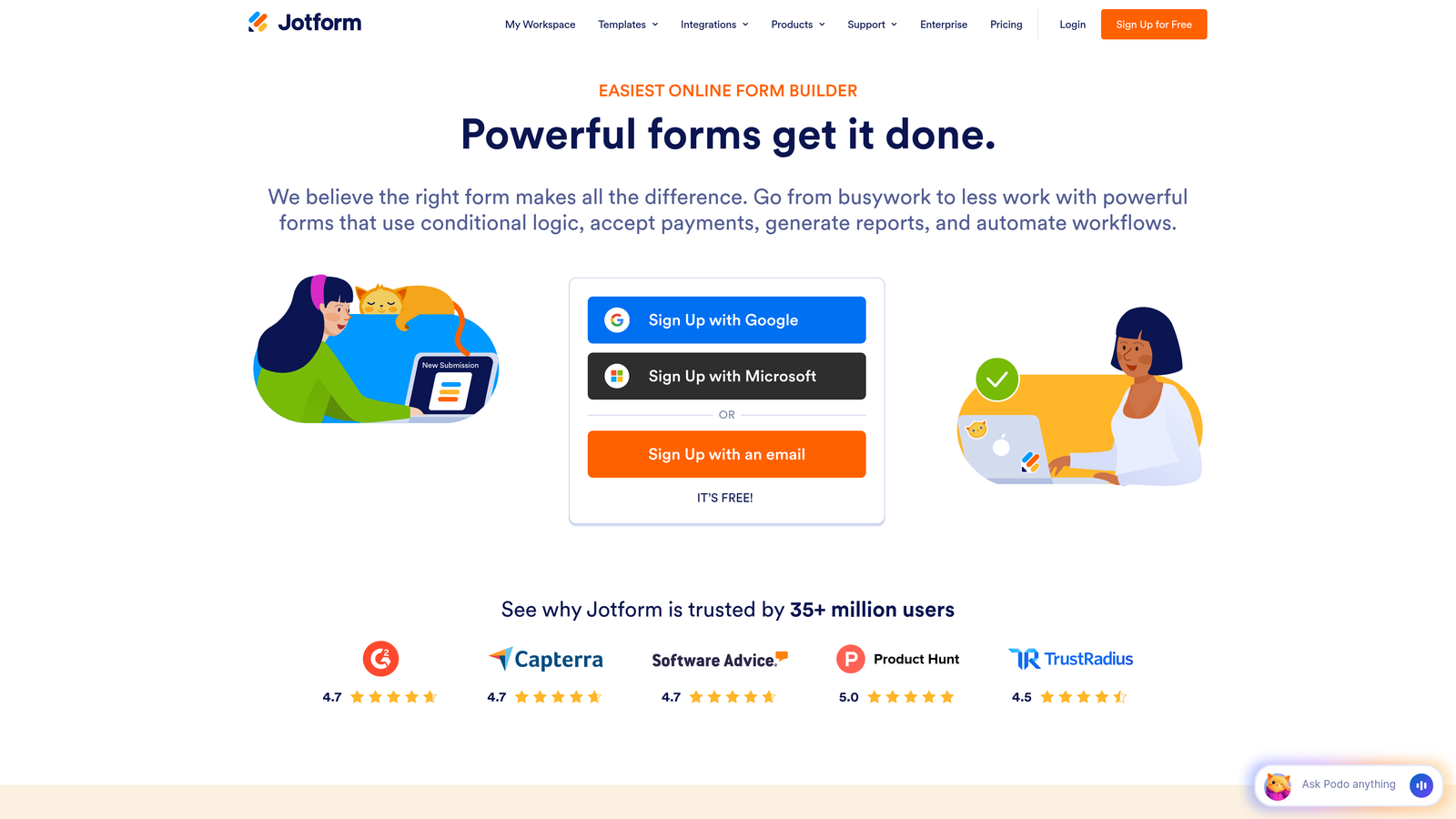
Jotform is a feature-rich form builder with the industry's largest template library and extensive widget ecosystem.
Where This Tool Shines
Jotform's massive template library—over 10,000 options—means you can find a starting point for virtually any use case. Registration forms, order forms, surveys, applications, event RSVPs—chances are someone's already built something close to what you need.
The widget marketplace adds another layer of customization. Need a signature field? Appointment scheduler? Product catalog? There's a widget for that. This extensibility makes Jotform incredibly versatile for teams with diverse form requirements.
Key Features
10,000+ Templates: Industry-leading template library covering every imaginable form type and use case.
Widget Marketplace: Hundreds of add-ons extend functionality beyond standard form fields.
Payment Processing: Direct integration with PayPal, Stripe, Square, and other payment processors.
PDF Generation: Automatically convert form submissions into formatted PDF documents.
Mobile App: Manage forms and view submissions from iOS or Android devices.
Best For
Jotform suits teams that need to create many different types of forms quickly. Small businesses, nonprofits, and educational institutions particularly benefit from the template variety and affordable pricing tiers.
Pricing
Free tier includes 5 forms with limited submissions. Bronze plan starts at $34/month for expanded capacity and features.
4. Google Forms
Best for: Teams already using Google Workspace who need simple, free forms
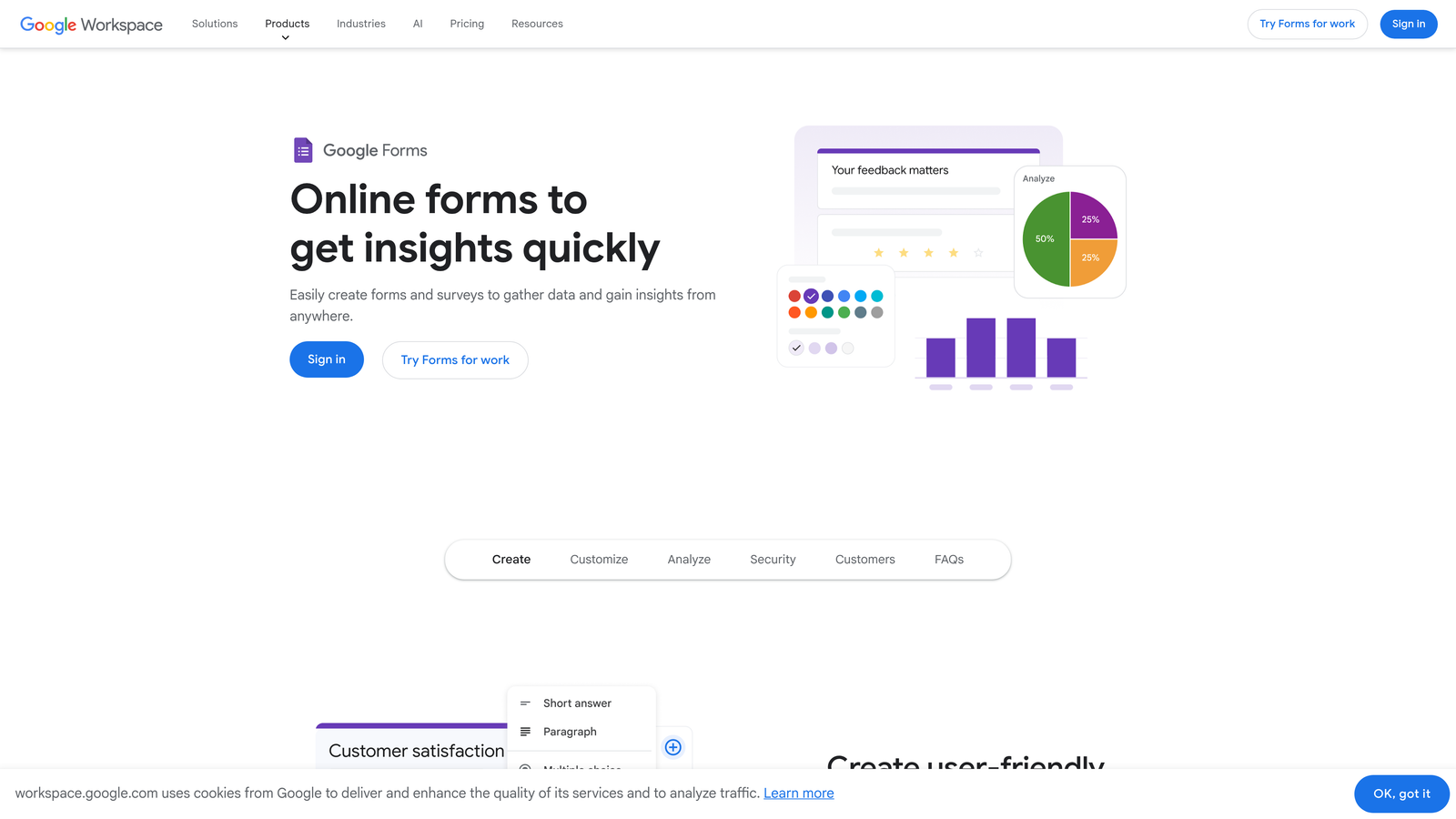
Google Forms is a straightforward form builder with seamless Google Workspace integration and no cost barrier.
Where This Tool Shines
Google Forms wins on simplicity and price—it's completely free with unlimited submissions. For internal surveys, event registrations, or basic data collection, it handles the essentials without complexity or cost.
The real-time collaboration features mirror other Google Workspace tools. Multiple team members can edit forms simultaneously, responses flow automatically into Google Sheets for analysis, and sharing permissions integrate with your existing Google infrastructure.
Key Features
Completely Free: No submission limits, no hidden costs, no premium tiers required for basic functionality.
Real-Time Collaboration: Multiple users can edit forms simultaneously with automatic syncing.
Google Sheets Integration: Responses automatically populate spreadsheets for instant analysis and reporting.
Conditional Logic: Basic question branching based on previous answers keeps forms relevant.
Quiz Functionality: Built-in quiz mode with auto-grading for educational and training purposes.
Best For
Google Forms is ideal for internal use cases, educational institutions, and teams with limited budgets. If you're already invested in Google Workspace and need straightforward data collection, it's hard to beat the value proposition.
Pricing
Free with any Google account. No paid tiers or premium features.
5. Cognito Forms
Best for: Complex forms requiring advanced calculations, payment processing, and conditional logic
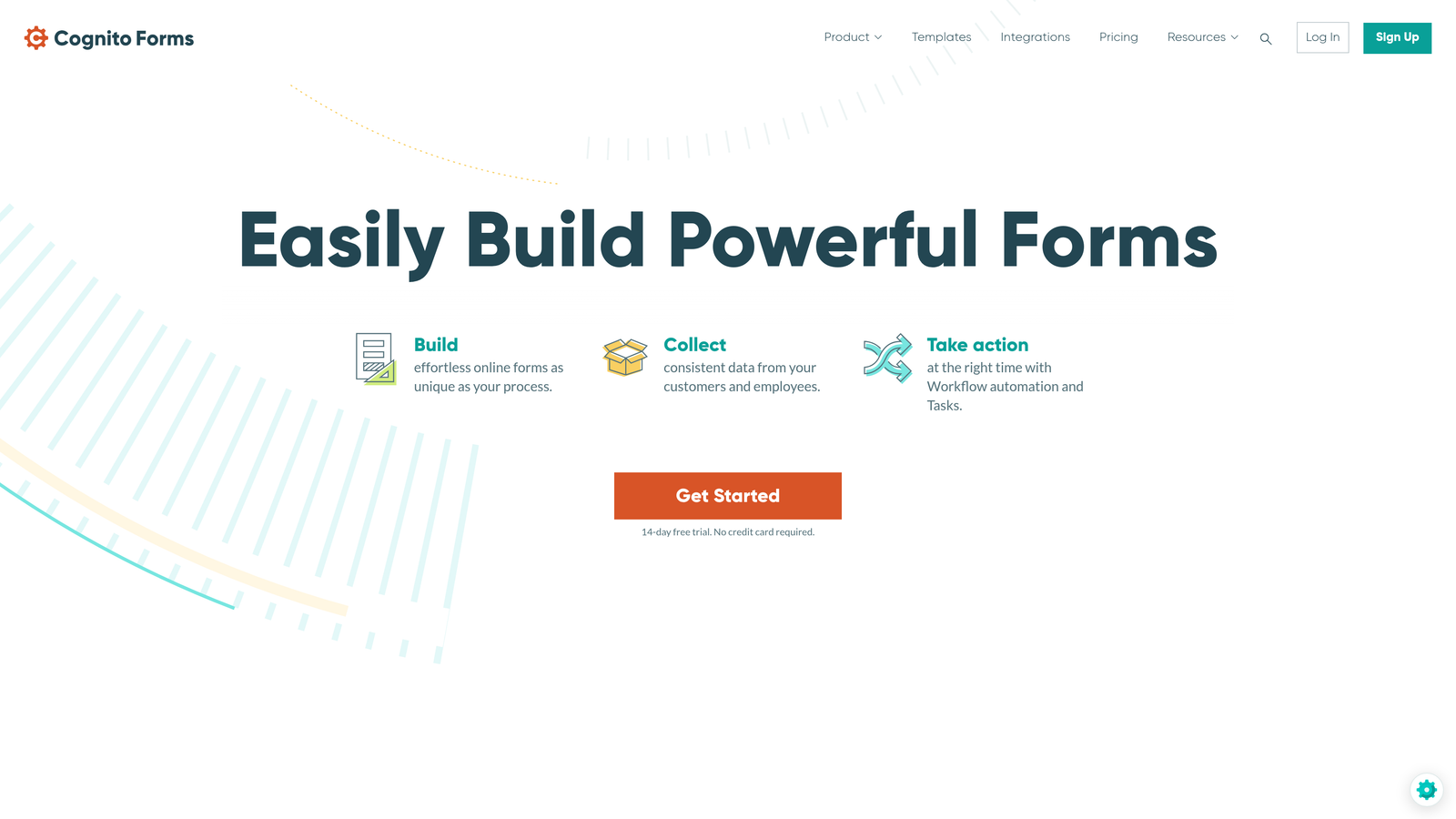
Cognito Forms is a powerful form builder specializing in advanced calculations, payment collection, and sophisticated conditional logic.
Where This Tool Shines
Cognito Forms handles complexity that breaks other platforms. Need to calculate pricing based on multiple variables? Create repeating sections that add line items dynamically? Build multi-step workflows with approval processes? Cognito Forms manages these scenarios elegantly.
The calculation engine rivals spreadsheet functionality within your forms. You can build order forms that calculate totals, tax, and shipping automatically, or create application forms that score responses in real-time based on complex formulas.
Key Features
Advanced Calculations: Spreadsheet-like formulas calculate values based on user inputs across multiple fields.
Payment Processing: Native integration with multiple payment processors for secure transactions.
Repeating Sections: Dynamic form sections that users can add or remove as needed.
Workflow Automation: Build approval processes and multi-stage workflows with conditional routing.
Data Security: Encryption and compliance features for sensitive information handling.
Best For
Cognito Forms excels for organizations with complex form requirements—order forms with dynamic pricing, multi-step applications, registration systems with conditional requirements, or any scenario where calculations drive form behavior.
Pricing
Free tier available for basic forms. Pro plan starts at $15/month with advanced features unlocked.
6. Paperform
Best for: Creating beautiful, branded landing pages that combine forms with rich content
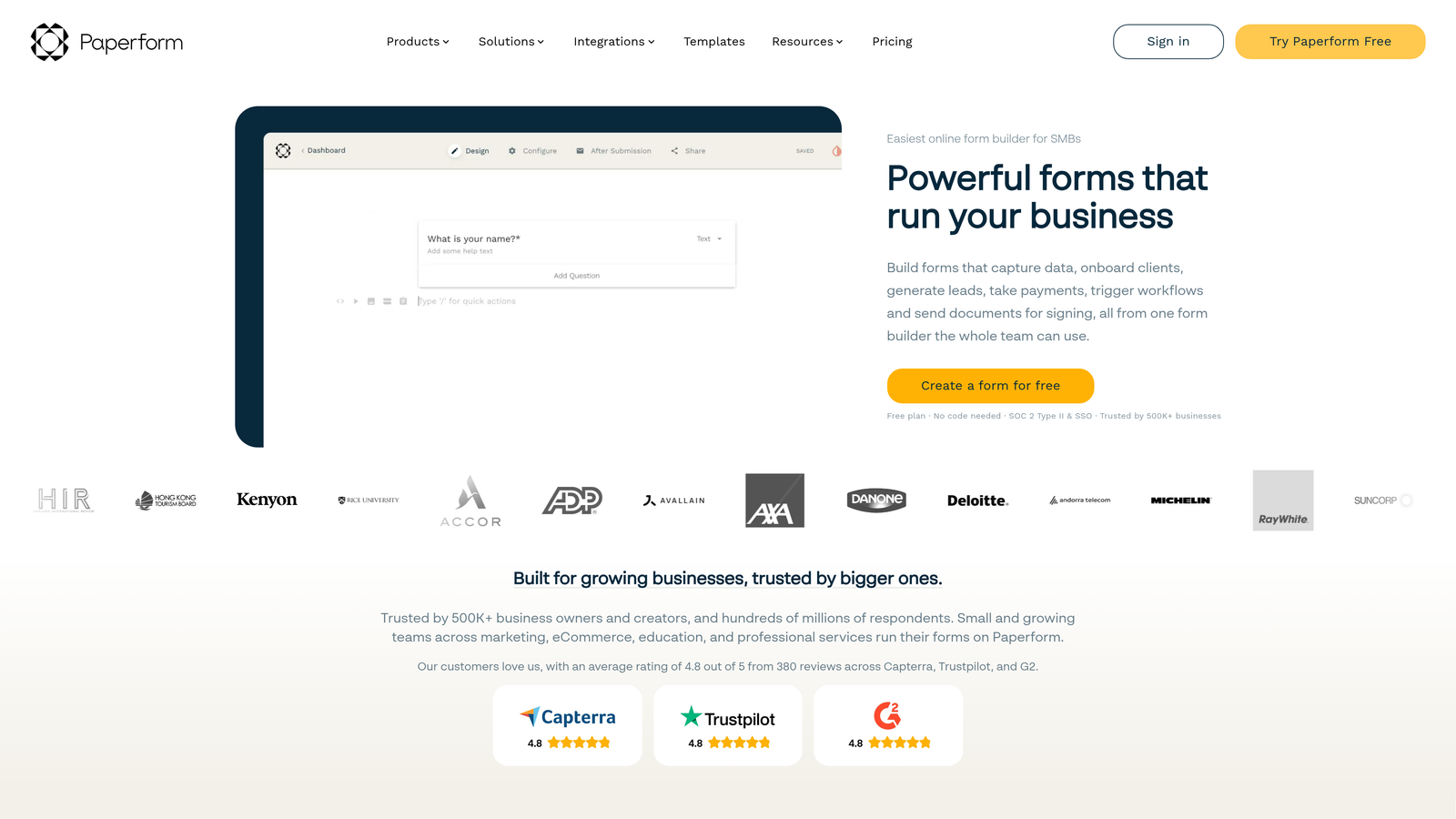
Paperform is a form builder that blurs the line between forms and landing pages with free-form design capabilities.
Where This Tool Shines
Paperform's free-form editor lets you build pages that don't look or feel like traditional forms. Mix text, images, videos, and form fields in any layout you want. The result feels more like a landing page that happens to collect information rather than a form with some decoration.
This approach works brilliantly for product launches, event registrations, or any scenario where you need to provide context and persuasion alongside data collection. The built-in product catalog and payment features turn forms into complete sales pages.
Key Features
Free-Form Editor: Design pages with complete layout control, not just predefined form structures.
Product Catalog: Built-in e-commerce functionality with product listings and checkout flows.
Payment Integration: Accept payments through Stripe and PayPal without external tools.
Conditional Logic: Show or hide content and fields based on user responses.
Booking Capabilities: Schedule appointments and manage availability directly through forms.
Best For
Paperform suits creators, coaches, consultants, and small businesses that want forms to match their brand aesthetic perfectly. If you're selling products, booking services, or need forms that double as landing pages, Paperform delivers.
Pricing
Essentials plan starts at $24/month. No free tier available.
7. Wufoo
Best for: Simple, straightforward form building with built-in reporting for small teams
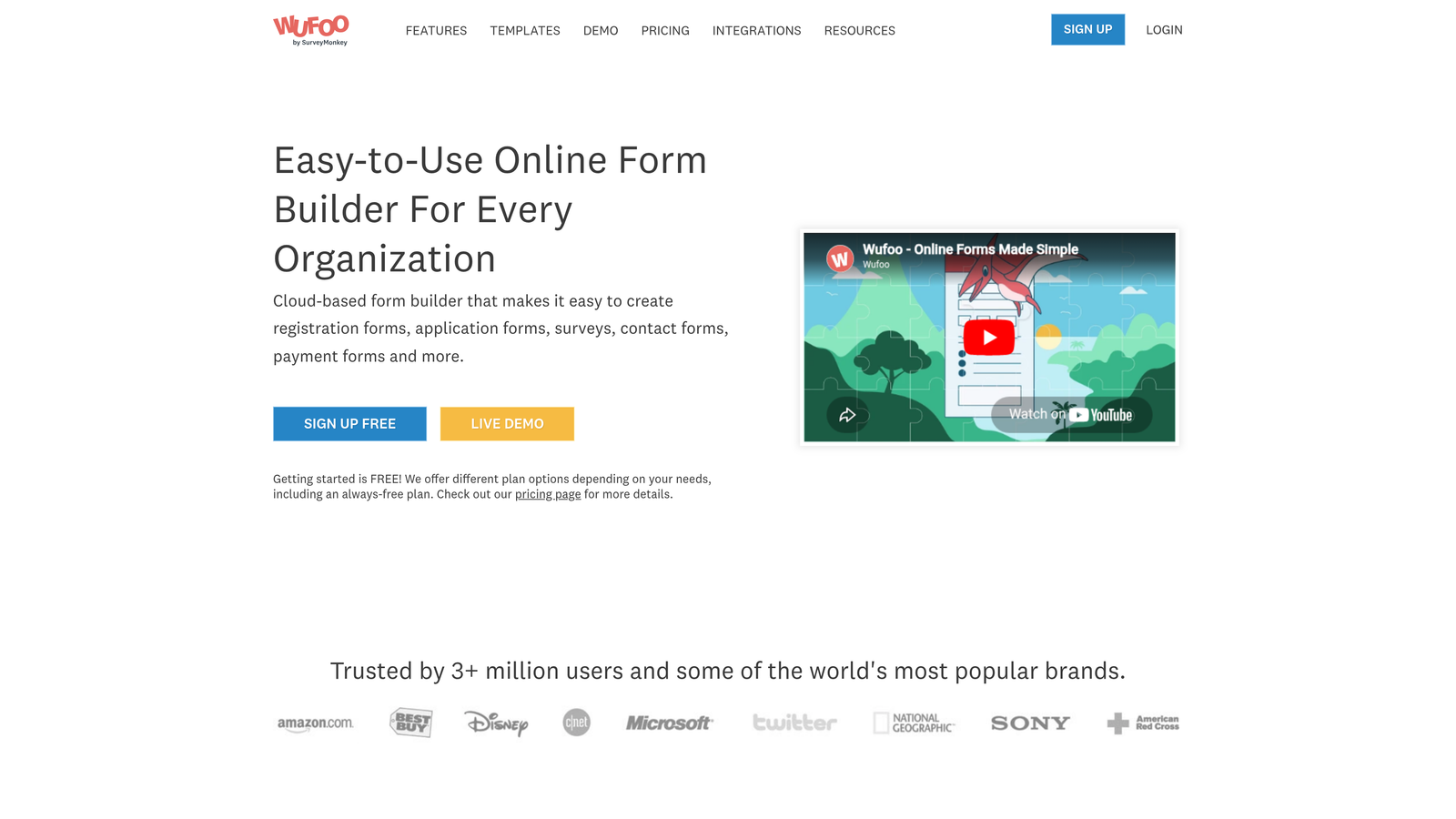
Wufoo is a user-friendly form builder focused on simplicity and built-in analytics.
Where This Tool Shines
Wufoo keeps things refreshingly simple. The drag-and-drop interface is intuitive enough that anyone on your team can build forms without training. The built-in reporting gives you instant insights without exporting data to external analytics tools.
The platform's strength is its no-frills approach to form building. You won't find cutting-edge AI features or complex automation, but you will find a reliable tool that handles standard form requirements efficiently at an affordable price point.
Key Features
Drag-and-Drop Builder: Intuitive interface requires no technical knowledge to create functional forms.
Built-in Reports: View submission data through charts and graphs without external analytics tools.
Payment Integration: Accept payments through major processors with secure transaction handling.
File Uploads: Collect documents, images, and other files directly through form submissions.
Theme Designer: Customize form appearance to match your brand with color and font options.
Best For
Wufoo works well for small businesses and teams that need reliable forms without complexity. If you're collecting event registrations, customer feedback, or basic lead information, Wufoo handles these use cases efficiently.
Pricing
Free tier available with limited forms. Starter plan begins at $14.08/month with expanded capacity.
8. 123FormBuilder
Best for: Enterprise organizations requiring strict compliance and advanced security features
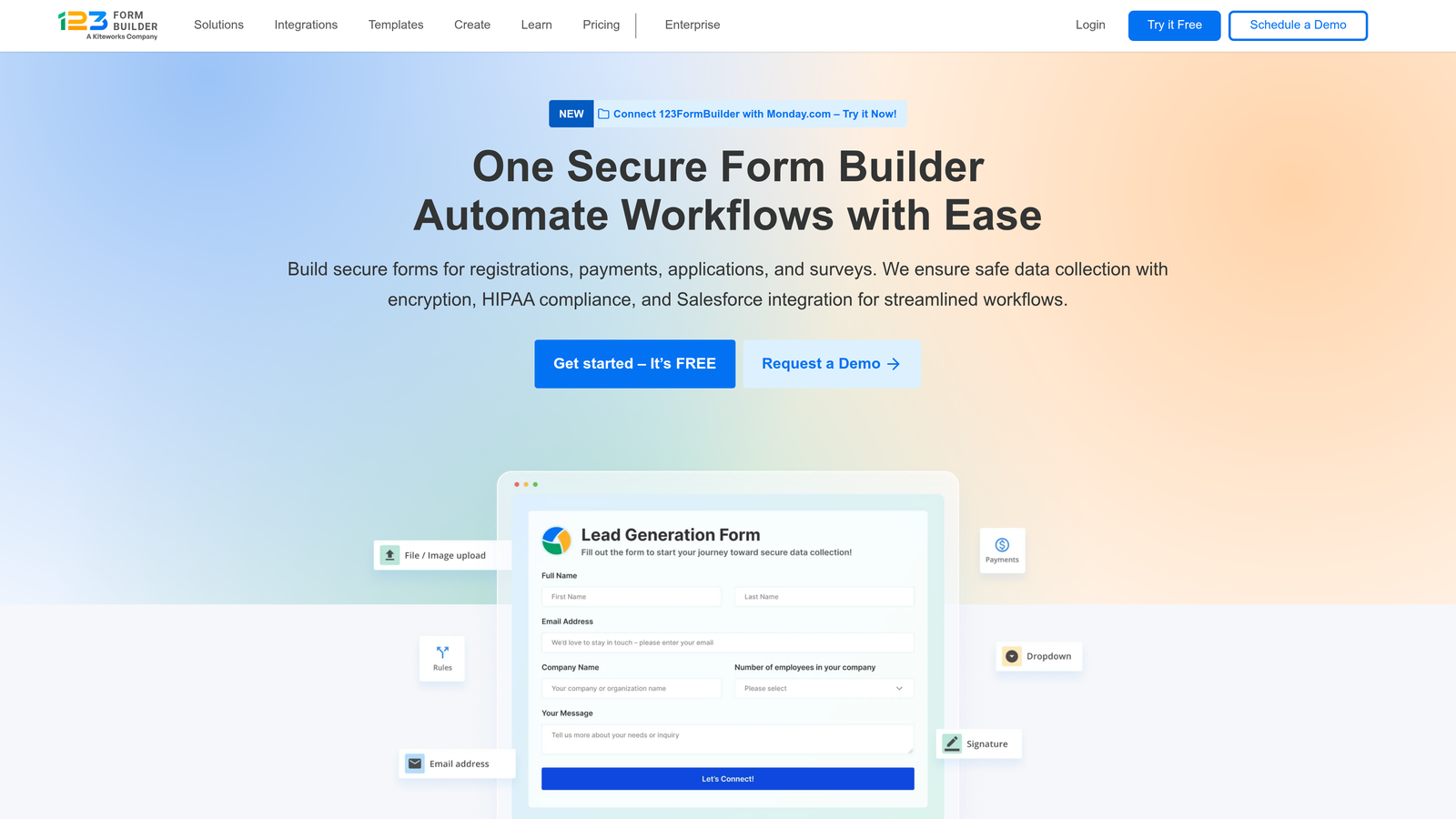
123FormBuilder is an enterprise-grade form builder emphasizing security, compliance, and advanced workflow automation.
Where This Tool Shines
123FormBuilder takes security and compliance seriously in ways most form builders don't. HIPAA compliance for healthcare organizations, GDPR compliance for European data protection, PCI compliance for payment processing—the platform meets stringent regulatory requirements out of the box.
The enterprise features extend beyond compliance. Advanced user permissions, SSO integration, audit trails, and electronic signature capabilities make 123FormBuilder suitable for organizations with complex security and workflow requirements.
Key Features
Compliance Certifications: HIPAA, GDPR, and PCI compliance built into the platform architecture.
Advanced Security: Data encryption, SSL certificates, and secure data centers protect sensitive information.
Workflow Automation: Build complex approval processes and routing rules for enterprise workflows.
Electronic Signatures: Legally binding signature collection directly within forms.
Enterprise SSO: Single sign-on integration with corporate identity management systems.
Best For
123FormBuilder serves healthcare organizations, financial services companies, government agencies, and any enterprise with strict compliance requirements. If you're collecting protected health information or processing sensitive data, this platform provides necessary safeguards.
Pricing
Free tier available for basic forms. Gold plan starts at $24.99/month with compliance features included.
9. Microsoft Forms
Best for: Organizations deeply integrated with Microsoft 365 ecosystem
Microsoft Forms is a simple form builder designed for seamless integration with Microsoft 365 applications.
Where This Tool Shines
Microsoft Forms lives natively within the Microsoft 365 environment. Create forms directly from Teams, embed them in SharePoint sites, and have responses flow into Excel automatically. For organizations already standardized on Microsoft tools, this integration eliminates the friction of adding another platform.
The quiz functionality makes Microsoft Forms particularly valuable for training and education scenarios. Auto-grading, instant feedback, and integration with Microsoft Teams creates a complete learning management workflow without additional tools.
Key Features
Microsoft 365 Integration: Native connectivity with Teams, SharePoint, Excel, and other Microsoft applications.
Real-Time Tracking: Monitor responses as they arrive with live result updates.
Branching Logic: Create dynamic question paths based on previous answers.
Quiz Mode: Built-in assessment functionality with automatic grading and scoring.
Teams Embedding: Share and collect responses directly within Microsoft Teams channels.
Best For
Microsoft Forms suits enterprises, educational institutions, and teams already committed to the Microsoft 365 ecosystem. Internal surveys, training assessments, and employee feedback collection work particularly well within this environment.
Pricing
Free with any Microsoft account. Full feature access included with Microsoft 365 subscriptions.
Finding Your Perfect Formstack Alternative
The right form platform depends on your specific needs and existing tech stack. Here's how to choose:
If you're focused on lead quality over quantity and want AI to handle qualification automatically, Orbit AI delivers intelligent lead routing that transforms how your sales team works. For engaging, conversational experiences, Typeform's one-question-at-a-time format consistently boosts completion rates.
Budget-conscious teams with Google Workspace should start with Google Forms—it's free and surprisingly capable. Need complex calculations or payment processing? Cognito Forms handles scenarios that break simpler platforms. Enterprise organizations with compliance requirements will appreciate 123FormBuilder's security certifications and audit capabilities.
The form builder market has evolved beyond basic data collection. Today's platforms offer AI-powered qualification, native CRM integration, and conversion optimization features that turn forms from data collection tools into strategic assets for growth.
Transform your lead generation with AI-powered forms that qualify prospects automatically while delivering the modern, conversion-optimized experience your high-growth team needs. Start building free forms today and see how intelligent form design can elevate your conversion strategy.


