

Customer feedback is the lifeblood of any growing business, but only if you can actually collect it, organize it, and act on it. Without a structured feedback loop, you're flying blind: churn creeps up unexpectedly, product decisions get made on gut feeling, and marketing spend goes toward audiences that don't convert.
The right feedback form builder changes that equation entirely. It helps you ask smarter questions, reach respondents at the right moment in their journey, and transform raw responses into insights you can actually use. Think of it less as a data collection tool and more as a direct line to your customers' minds.
To build this list, we evaluated each tool on ease of use, design quality, analytics depth, integration ecosystem, pricing flexibility, and suitability for business use cases rather than personal or academic projects. Whether you're running NPS surveys, post-purchase feedback flows, or lead qualification forms, there's a tool here that fits your team's needs.
1. Orbit AI
Best for: High-growth teams that want feedback forms to double as conversion tools
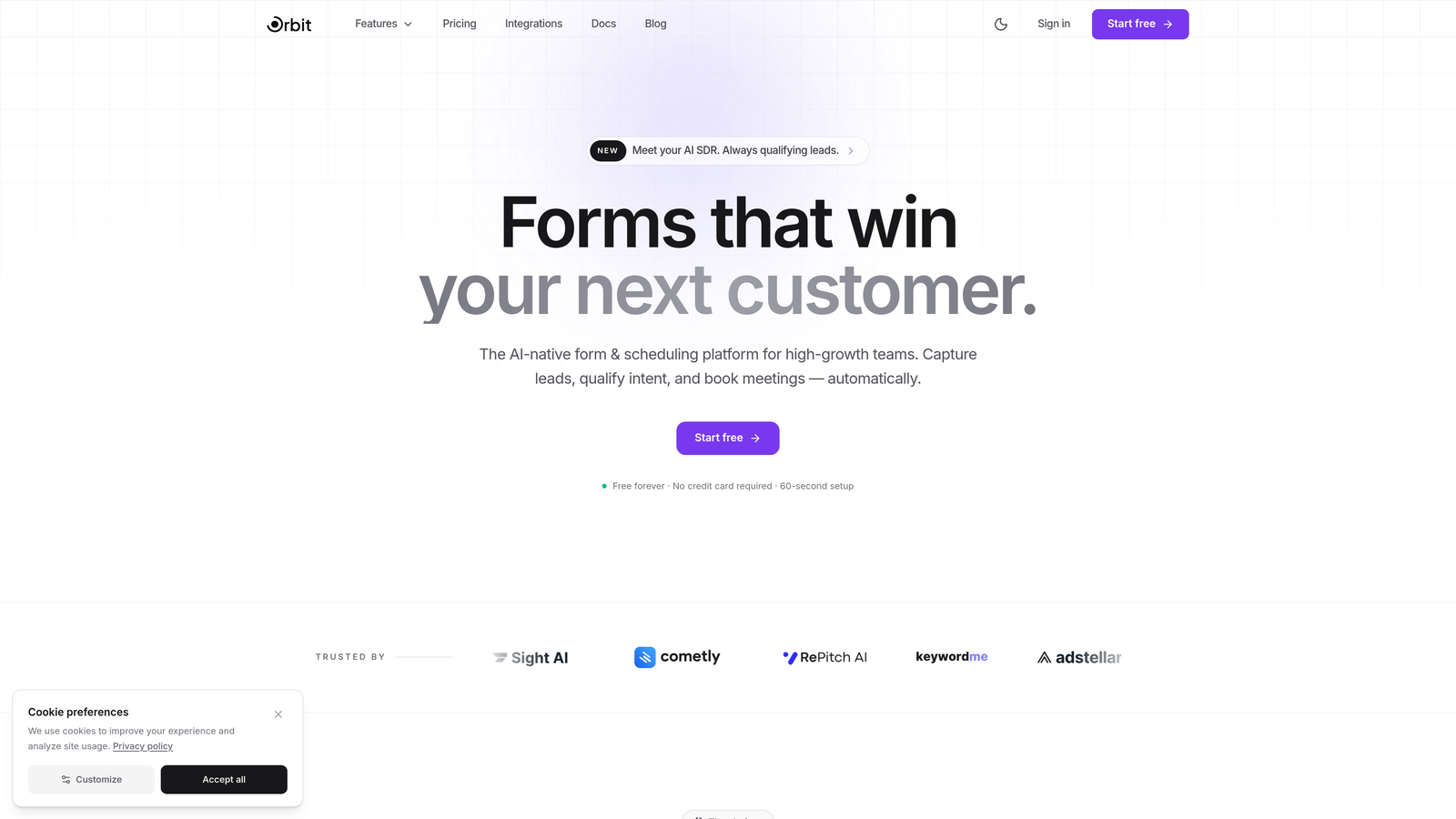
Orbit AI is an AI-powered form builder that combines polished feedback form design with intelligent lead qualification, turning every response into a potential conversion opportunity.
Where This Tool Shines
Most feedback tools stop at collecting responses. Orbit AI goes further by layering AI-powered lead qualification directly into the form experience. As respondents answer questions, the platform scores and qualifies them in real time, so your sales or success team knows exactly who to follow up with and when.
The form templates are built with conversion in mind, not just data collection. For growth-oriented teams that view their feedback forms as part of the broader acquisition and retention funnel, this dual-purpose approach is genuinely differentiated. You're not just learning what customers think; you're identifying which customers represent the biggest opportunities.
Key Features
AI-Powered Lead Qualification: Scores and qualifies respondents automatically based on their answers, routing high-value leads to the right team members without manual review.
Conversion-Optimized Templates: Pre-built feedback form designs engineered for engagement and completion, not just aesthetics.
Smart Conditional Logic: Adapts questions dynamically based on previous responses, creating personalized feedback flows that feel natural rather than robotic.
Real-Time Response Analytics: Live dashboard showing response trends, respondent scores, and actionable insights as submissions come in.
CRM and Marketing Integrations: Connects with the tools your growth stack already relies on, keeping feedback data flowing into the right places automatically.
Best For
SaaS companies, growth teams, and businesses that treat feedback collection as part of their conversion strategy. Particularly strong for teams that want a single platform to handle both customer insight gathering and lead qualification without stitching together multiple tools.
Pricing
Free tier available for getting started. Paid plans unlock advanced AI features, respondent scoring, and team collaboration capabilities.
2. Typeform
Best for: Brands that want a conversational, high-engagement feedback experience
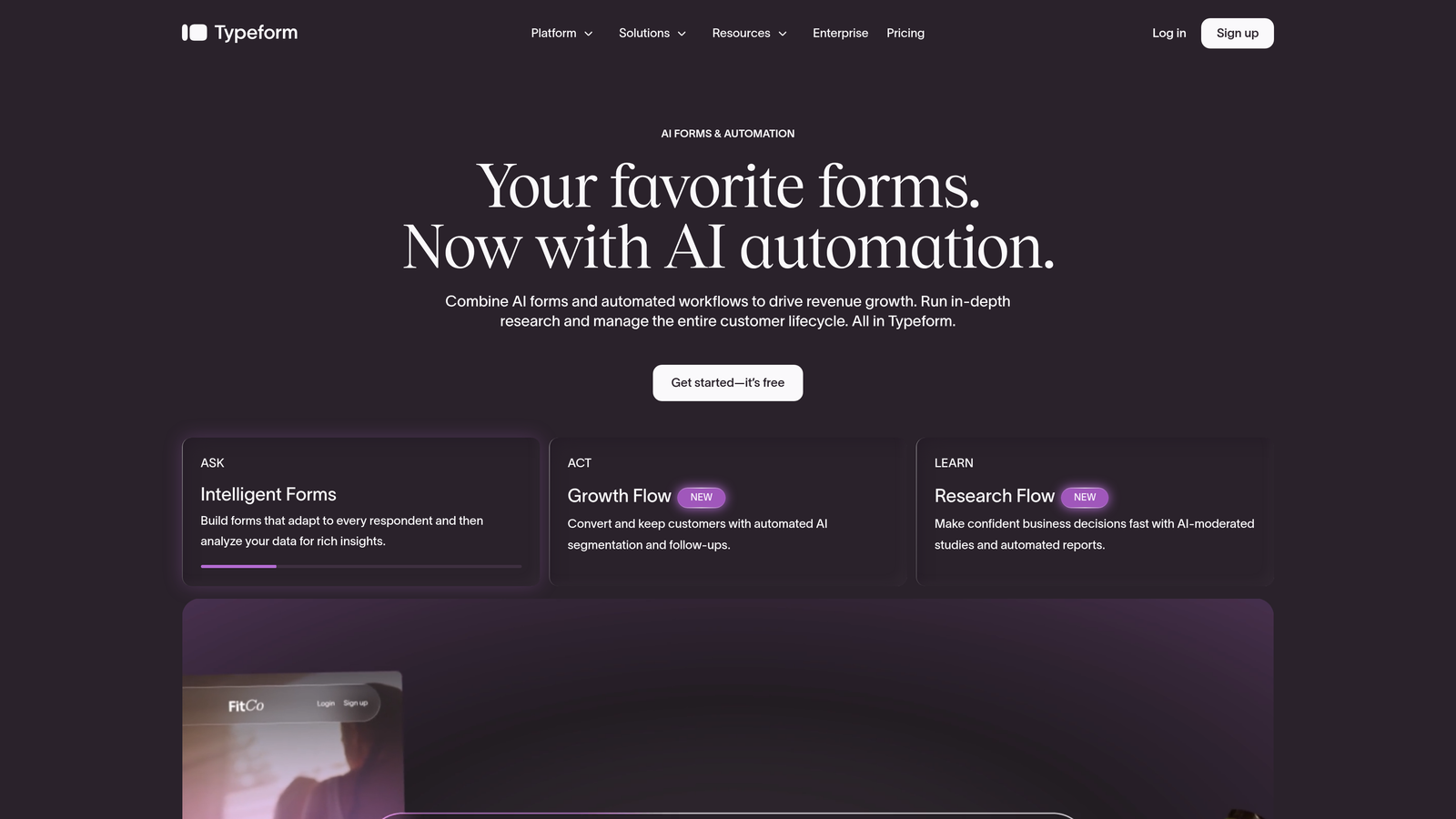
Typeform is a conversational form builder renowned for its one-question-at-a-time interface that makes feedback collection feel more like a dialogue than a survey.
Where This Tool Shines
Typeform's signature strength is the experience it creates for respondents. The smooth animations, focused single-question view, and clean design consistently drive higher completion rates compared to traditional multi-question survey layouts. When the feedback experience itself feels good, people are more likely to finish it.
The logic jump system is flexible enough to create genuinely personalized feedback flows, which matters when you're trying to gather relevant information from different customer segments without making everyone answer every question.
Key Features
Conversational UI: One-question-at-a-time format with smooth transitions that keeps respondents engaged throughout the form.
Logic Jumps and Branching: Personalized feedback flows that route respondents to relevant questions based on their previous answers.
Native Integrations: Direct connections with Slack, HubSpot, Zapier, Salesforce, and dozens of other business tools.
Video and Image Embedding: Supports rich media within forms, useful for product feedback or visual surveys.
Built-In Analytics Dashboard: Tracks completion rates, drop-off points, and response breakdowns without needing a separate analytics tool.
Best For
Marketing teams and customer experience professionals who prioritize respondent engagement and form aesthetics. Also well-suited for customer-facing feedback programs where brand presentation matters.
Pricing
Free plan available with limited responses. Paid plans start around $25 per month, with higher tiers unlocking more responses, integrations, and branding controls.
3. Jotform
Best for: Teams that need maximum flexibility and a massive template library
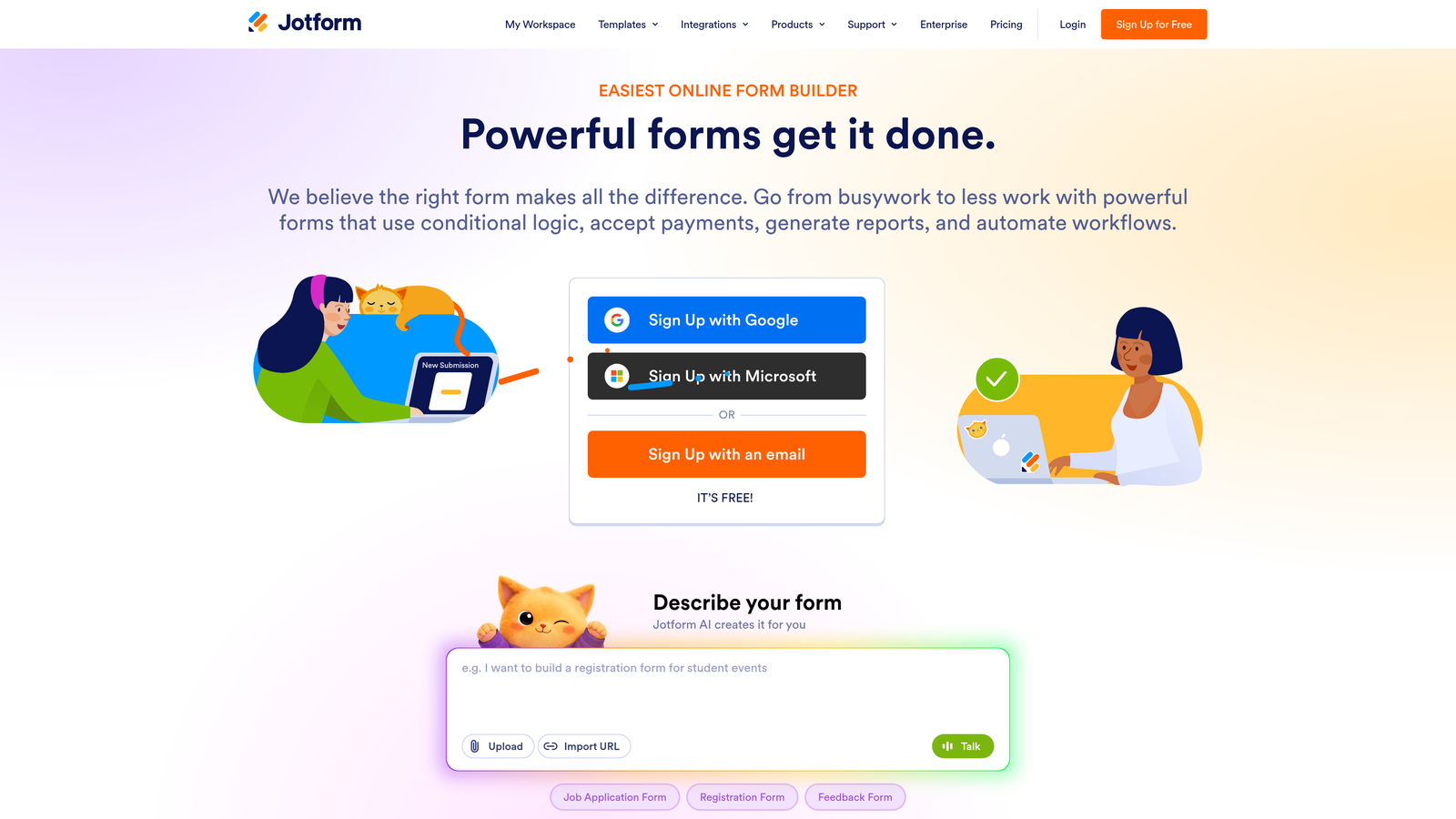
Jotform is a feature-rich no-code form builder with thousands of templates and a drag-and-drop editor that handles virtually any feedback use case you can imagine.
Where This Tool Shines
Jotform's breadth is hard to match. With over 10,000 templates, an extensive widget library, and support for everything from simple contact forms to complex multi-page feedback surveys, it's the Swiss Army knife of form builders. If you need a specific type of feedback form, there's almost certainly a template that gets you 80% of the way there before you even start customizing.
The platform also stands out for regulated industries. Its HIPAA compliance option makes it one of the few mainstream form builders genuinely suitable for healthcare organizations collecting patient feedback.
Key Features
10,000+ Templates: An enormous library of feedback-specific and general-purpose form templates covering nearly every business vertical.
Drag-and-Drop Builder: Intuitive visual editor with an extensive widget library for adding custom functionality without code.
Conditional Logic and Multi-Page Support: Build complex, branching feedback flows that adapt to respondent input across multiple pages.
Jotform Tables: A built-in spreadsheet-style view for organizing, filtering, and analyzing collected responses.
HIPAA Compliance: Available as an add-on for healthcare organizations that need to collect sensitive patient feedback securely.
Best For
Operations teams, agencies, and businesses in regulated industries that need a flexible, template-rich builder with strong compliance options. Great for teams managing multiple feedback programs simultaneously.
Pricing
Free plan includes 5 forms and 100 submissions per month. Paid plans start around $34 per month with significantly higher form and submission limits.
4. SurveyMonkey
Best for: Established businesses running structured, data-driven feedback programs
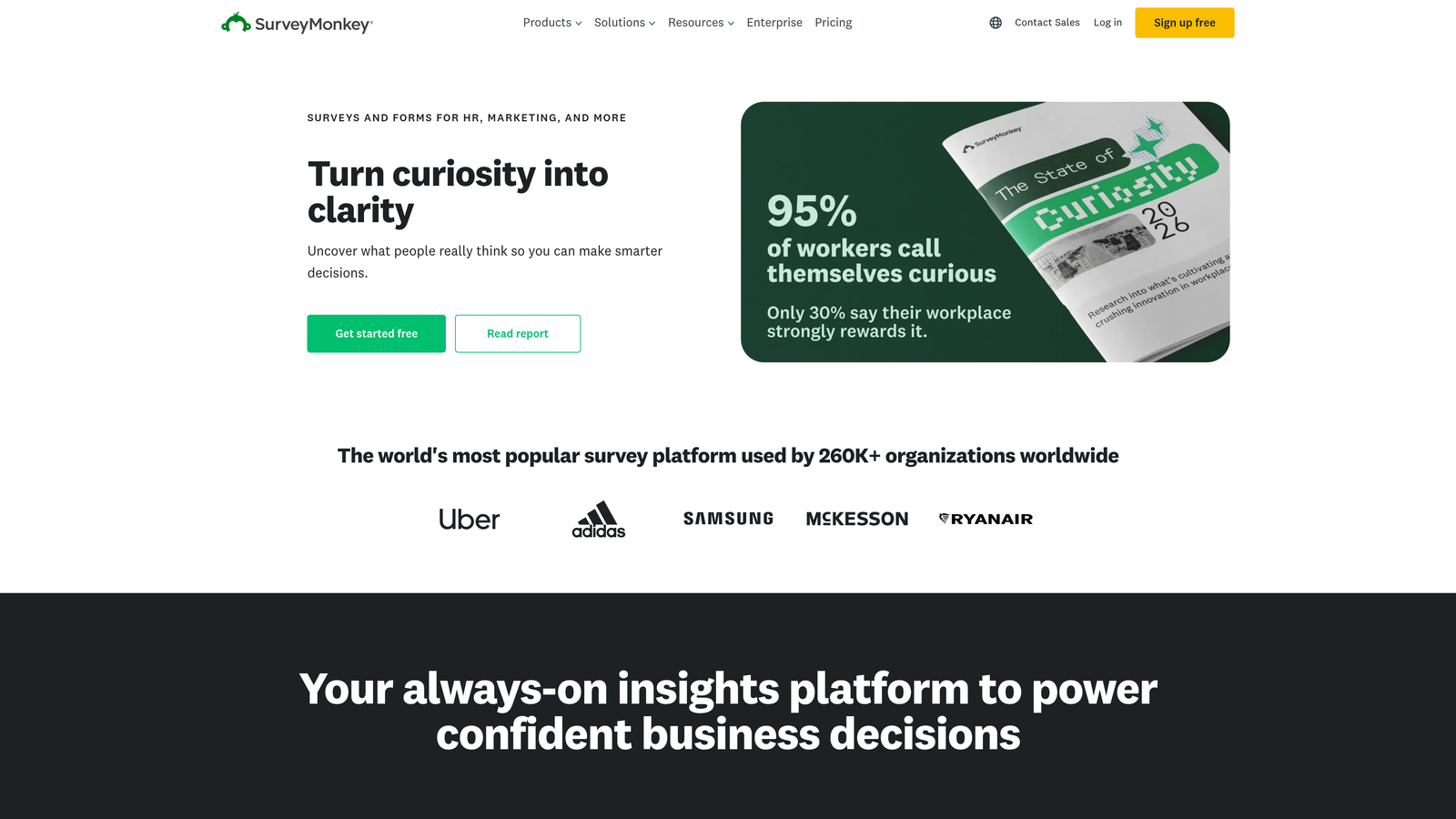
SurveyMonkey is one of the most recognized names in online surveys, offering powerful analytics, AI-assisted question design, and industry benchmarking for professional feedback programs.
Where This Tool Shines
SurveyMonkey's analytics capabilities go deeper than most competitors. Built-in sentiment analysis, text analytics, and industry benchmark comparisons let you contextualize your feedback data rather than just staring at raw numbers. For businesses running ongoing NPS or CSAT programs, the ability to benchmark against industry standards is genuinely useful.
The AI-powered question recommendations are a practical time-saver, helping teams that aren't survey design experts avoid leading questions or ambiguous phrasing that skews results.
Key Features
AI Question Recommendations: Suggests optimized question phrasing and survey structure to improve response quality and reduce bias.
Sentiment Analysis and Text Analytics: Automatically analyzes open-ended responses to surface themes and sentiment trends.
Industry Benchmarking: Compares your NPS and CSAT scores against industry averages for meaningful context.
Advanced Skip Logic: Sophisticated branching and question randomization for complex survey methodologies.
Team Collaboration: Shared asset libraries and team workspaces for organizations running feedback programs across multiple departments.
Best For
Mid-size to large businesses with dedicated customer experience or research teams that need robust analytics and the credibility of an established platform. Less ideal for lean teams that need something quick to set up.
Pricing
Limited free plan available. Business plans start around $25 per user per month, making it one of the pricier options on this list for small teams.
5. Google Forms
Best for: Teams that need a quick, free solution within the Google Workspace ecosystem
Google Forms is a completely free form builder that integrates natively with Google Workspace, making it the default choice for straightforward feedback collection without any budget.
Where This Tool Shines
Google Forms wins on simplicity and zero cost. If your team already lives in Google Workspace, the native Google Sheets integration means feedback responses flow directly into a spreadsheet in real time, ready for analysis or sharing with stakeholders. There's no setup friction, no pricing tiers to navigate, and no learning curve to speak of.
For internal feedback programs, quick pulse surveys, or one-off data collection needs, Google Forms often does the job without requiring a dedicated tool subscription.
Key Features
Completely Free: Unlimited forms and unlimited responses with any Google account, no paid tier required.
Native Google Sheets Integration: Responses sync automatically to a connected spreadsheet for real-time data access and analysis.
Basic Branching Logic: Supports simple conditional question routing, though less sophisticated than dedicated form builders.
Collaborative Editing: Multiple team members can build and edit forms simultaneously within Google Workspace.
Flexible Sharing: Distribute forms via link, email, or embedded on a webpage with minimal configuration.
Best For
Small teams, startups on tight budgets, and organizations already standardized on Google Workspace. Not recommended for customer-facing feedback programs where design quality and advanced analytics matter.
Pricing
Completely free with a Google account. No paid tiers or premium features to unlock.
6. Tally
Best for: Lean teams that want a modern, Notion-style form builder with a generous free plan
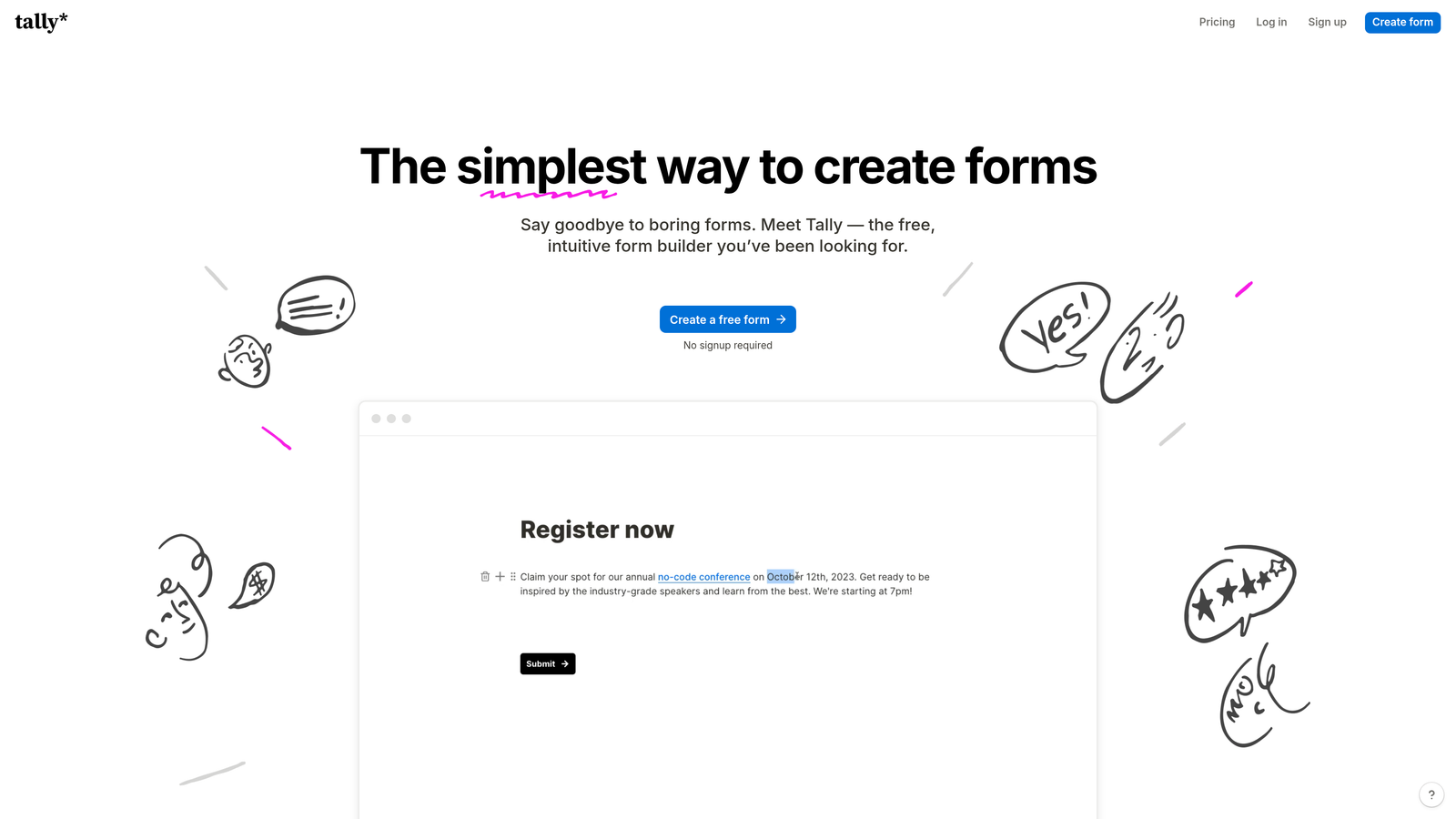
Tally is a minimalist form builder with a block-based editor inspired by Notion, making form creation feel as natural as writing a document rather than configuring software.
Where This Tool Shines
Tally's free plan is genuinely exceptional. Unlimited forms and unlimited submissions at no cost puts it in a category of its own among modern form builders. For bootstrapped teams or those running high-volume feedback programs on a budget, this alone makes it worth serious consideration.
The block-based editing experience is intuitive for anyone familiar with modern document tools. You build forms the same way you'd write a Notion page, which dramatically reduces the learning curve compared to traditional form builders with complex toolbars and property panels.
Key Features
Block-Based Editor: Notion-inspired interface where you build forms by typing and adding blocks, making creation feel fast and natural.
Unlimited Free Plan: No caps on forms or submissions, making it one of the most generous free tiers in the category.
Conditional Logic and Calculations: Supports branching logic, hidden fields, and basic calculations for more dynamic feedback flows.
Native Integrations: Connects directly with Notion, Airtable, Slack, and webhooks for teams with existing workflow infrastructure.
Custom Domains on Pro: Remove Tally branding and use your own domain for a fully white-labeled feedback experience.
Best For
Startups, indie teams, and product-led companies that want a clean, modern form builder without paying for features they don't need. Also great for Notion-heavy teams looking for native workflow integration.
Pricing
Generous free plan with unlimited forms and submissions. Tally Pro starts at $29 per month for custom branding, custom domains, and priority support.
7. Qualtrics
Best for: Enterprise organizations running multi-touchpoint experience management programs
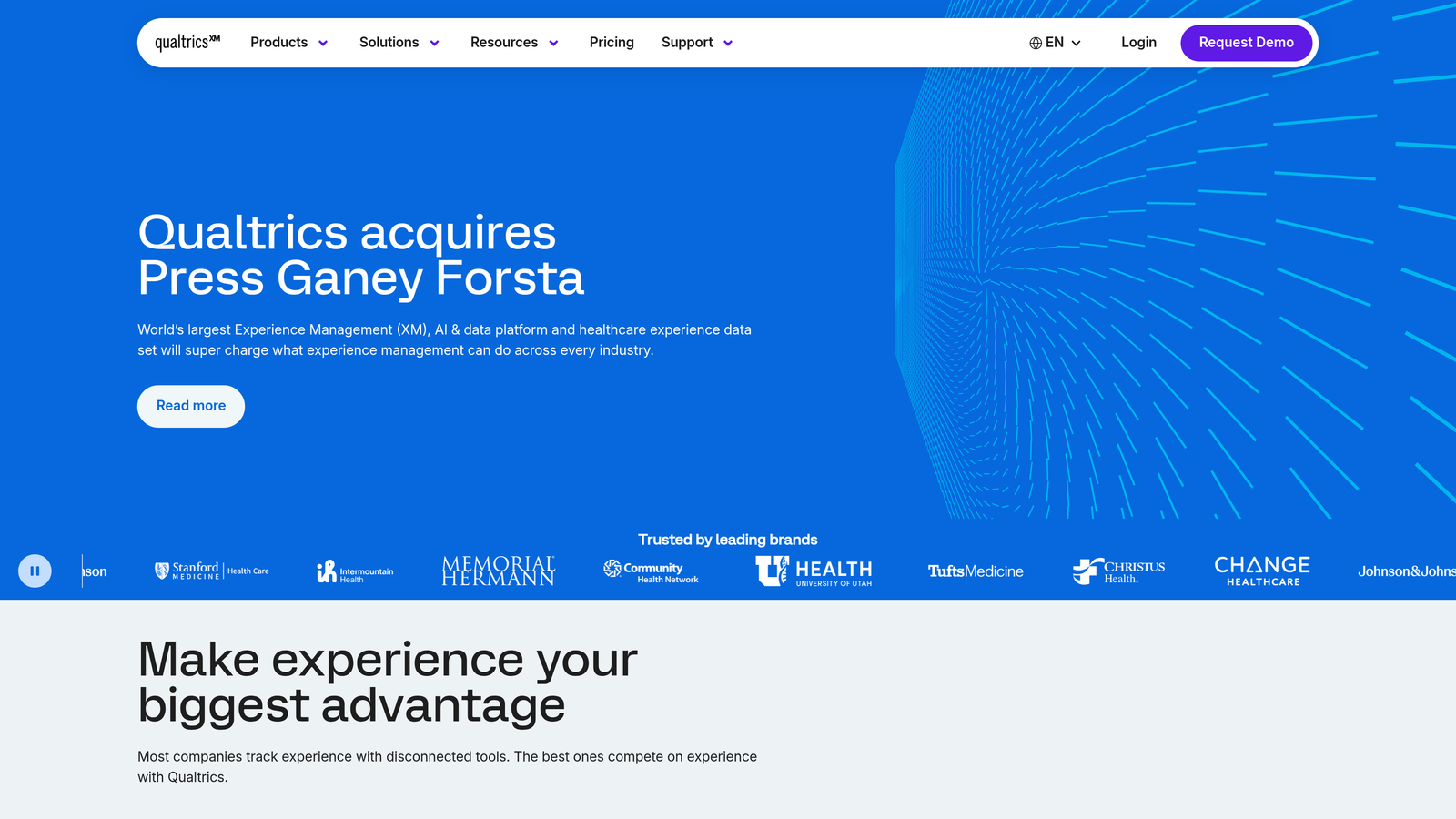
Qualtrics is an enterprise experience management platform that goes far beyond simple feedback forms, covering customer, employee, product, and brand experience across every touchpoint.
Where This Tool Shines
Qualtrics operates at a different scale than every other tool on this list. It's not just a form builder; it's a full experience management system with predictive intelligence, automated action planning, and enterprise-grade governance. For large organizations that need to coordinate feedback programs across multiple business units, it's in a league of its own.
The ExpertReview feature is particularly valuable: it analyzes your survey design and flags methodological issues before you launch, helping enterprise teams maintain research quality at scale without relying solely on internal expertise.
Key Features
End-to-End Experience Management: Covers CX, employee experience, product experience, and brand tracking within a single platform.
Predictive Intelligence: AI-driven insights that surface trends and recommend actions based on feedback patterns across the organization.
ExpertReview: Automated survey quality analysis that catches methodological problems before surveys go live.
Multi-Channel Distribution: Reaches respondents via email, SMS, web intercepts, in-app prompts, and more from a single platform.
Enterprise Security and Compliance: Robust governance controls, role-based permissions, and compliance certifications for regulated industries.
Best For
Mid-market to enterprise organizations with dedicated CX, HR, or research teams managing complex, multi-channel feedback programs. The platform's power and price point are overkill for smaller teams.
Pricing
Custom enterprise pricing based on organizational size and feature requirements. Budget expectations should align with mid-market to enterprise software investment levels.
8. Fillout
Best for: Teams that want feedback data flowing directly into existing databases and workflows
Fillout is a database-native form builder that syncs directly with Airtable, Notion, Google Sheets, and Supabase, making it ideal for teams that want feedback data living inside their existing infrastructure rather than a separate platform.
Where This Tool Shines
Fillout's database-native approach is genuinely different from most form builders. Instead of exporting data after collection, Fillout creates a live two-way sync between your forms and your existing databases. You can even pre-fill forms from existing records, which is particularly useful for follow-up feedback surveys where you already know who you're talking to.
The combination of scheduling, payment collection, and file upload fields alongside standard feedback question types makes it versatile enough to replace several point solutions for ops-heavy teams.
Key Features
Two-Way Database Sync: Live synchronization with Airtable, Notion, Google Sheets, and Supabase keeps feedback data exactly where your team already works.
Pre-Fill from Existing Records: Automatically populates form fields with known respondent data, reducing friction and improving completion rates.
Conditional Logic and Multi-Step Forms: Flexible branching and multi-page support for complex feedback flows.
Scheduling and Payment Fields: Extends beyond pure feedback collection to handle bookings and transactions within the same form.
Custom Thank-You Pages: Configurable post-submission experiences including redirects, personalized messages, and next-step prompts.
Best For
Operations teams, no-code builders, and product teams already using Airtable or Notion as their primary data layer. Less suited for teams that need deep standalone analytics rather than database-centric workflows.
Pricing
Free plan available. Paid plans start around $19 per month, making it one of the more affordable options for database-connected feedback collection.
9. Zonka Feedback
Best for: Customer experience teams measuring NPS, CSAT, and CES across multiple channels
Zonka Feedback is a purpose-built customer feedback platform with multi-channel collection capabilities and native support for the CX metrics that matter most to experience-focused businesses.
Where This Tool Shines
Zonka Feedback is one of the few tools on this list built specifically around CX measurement frameworks rather than general form creation. The native NPS, CSAT, and CES support means you're not adapting a generic form builder to fit customer experience measurement; you're working with a platform designed for exactly that purpose from the ground up.
The multi-channel reach is also exceptional. Running the same feedback program across kiosks, tablets, email, SMS, web intercepts, and in-app prompts from a single platform is a meaningful operational advantage for businesses with diverse customer touchpoints.
Key Features
Multi-Channel Collection: Deploy feedback surveys via kiosks, tablets, email, SMS, web, and in-app from a unified platform.
Built-In CX Metrics: Native NPS, CSAT, and CES measurement frameworks with dedicated reporting views for each metric.
Real-Time Response Alerts: Automated notifications and workflows triggered by specific responses, enabling rapid follow-up on negative feedback.
CX Analytics and Trend Tracking: Detailed reporting dashboards that track metric trends over time and surface actionable patterns.
CRM Integrations: Native connections with Salesforce, HubSpot, Zendesk, and Slack for closing the loop between feedback and customer management workflows.
Best For
Customer success teams, CX managers, and businesses with physical locations or diverse digital touchpoints that need a unified platform for structured CX measurement programs.
Pricing
Free trial available. Paid plans start around $49 per month, reflecting the platform's specialized CX measurement capabilities.
Choosing the Right Feedback Form Builder for Your Team
The best feedback form builder isn't the one with the most features; it's the one that fits how your team actually works and what you plan to do with the data you collect.
If you're a growth-focused team that wants feedback forms to actively contribute to your conversion funnel, Orbit AI is the standout choice. The combination of AI-powered lead qualification, smart conditional logic, and conversion-optimized templates makes it uniquely suited for businesses that view every customer touchpoint as a growth opportunity.
For teams prioritizing respondent engagement and form aesthetics, Typeform remains the gold standard for conversational feedback experiences. If you need raw flexibility and a template for every conceivable use case, Jotform delivers. Teams on tight budgets will find Tally or Google Forms more than capable for straightforward collection needs.
Enterprise organizations with complex, multi-channel experience programs should look at Qualtrics or Zonka Feedback, depending on whether they need full experience management or focused CX metric tracking. And if your priority is keeping feedback data inside your existing Airtable or Notion infrastructure, Fillout solves that problem cleanly.
Here's a quick selection guide by use case:
AI-powered lead qualification + feedback: Orbit AI
High-engagement, design-forward forms: Typeform
Maximum template variety and flexibility: Jotform
Free, no-frills collection: Google Forms or Tally
Enterprise experience management: Qualtrics
Multi-channel CX measurement: Zonka Feedback
Database-native workflows: Fillout
Professional analytics and benchmarking: SurveyMonkey
Ready to put your feedback forms to work as part of your growth strategy? Start building free forms today and discover how AI-powered form design can transform the way your team qualifies leads, collects insights, and converts respondents into real business outcomes.


