

If your team is already committed to a form builder, paying month-to-month is essentially leaving money on the table. Most platforms reward annual commitments with meaningful discounts, often saving you the equivalent of two or more months of service over the course of a year. For growing teams running lean budgets, that difference adds up quickly.
The challenge is that not all annual plans are created equal. Some tools offer deep discounts with genuinely powerful features; others offer modest savings on platforms that may not fit your workflow. This guide cuts through the noise and compares the best form builders that reward annual billing with real value.
We evaluated each tool based on the quality of the form-building experience, the size of the annual discount relative to monthly billing, overall value for growing teams, and integration capabilities. Whether you're focused on lead capture, payments, compliance, or conversational forms, there's a right fit here.
Before diving in, if you're building your strategy from scratch, check out our guides on how to build effective web forms and the best lead capture tools for startups for additional context.
1. Orbit AI
Best for: High-growth teams that need AI-powered lead qualification baked directly into their forms.
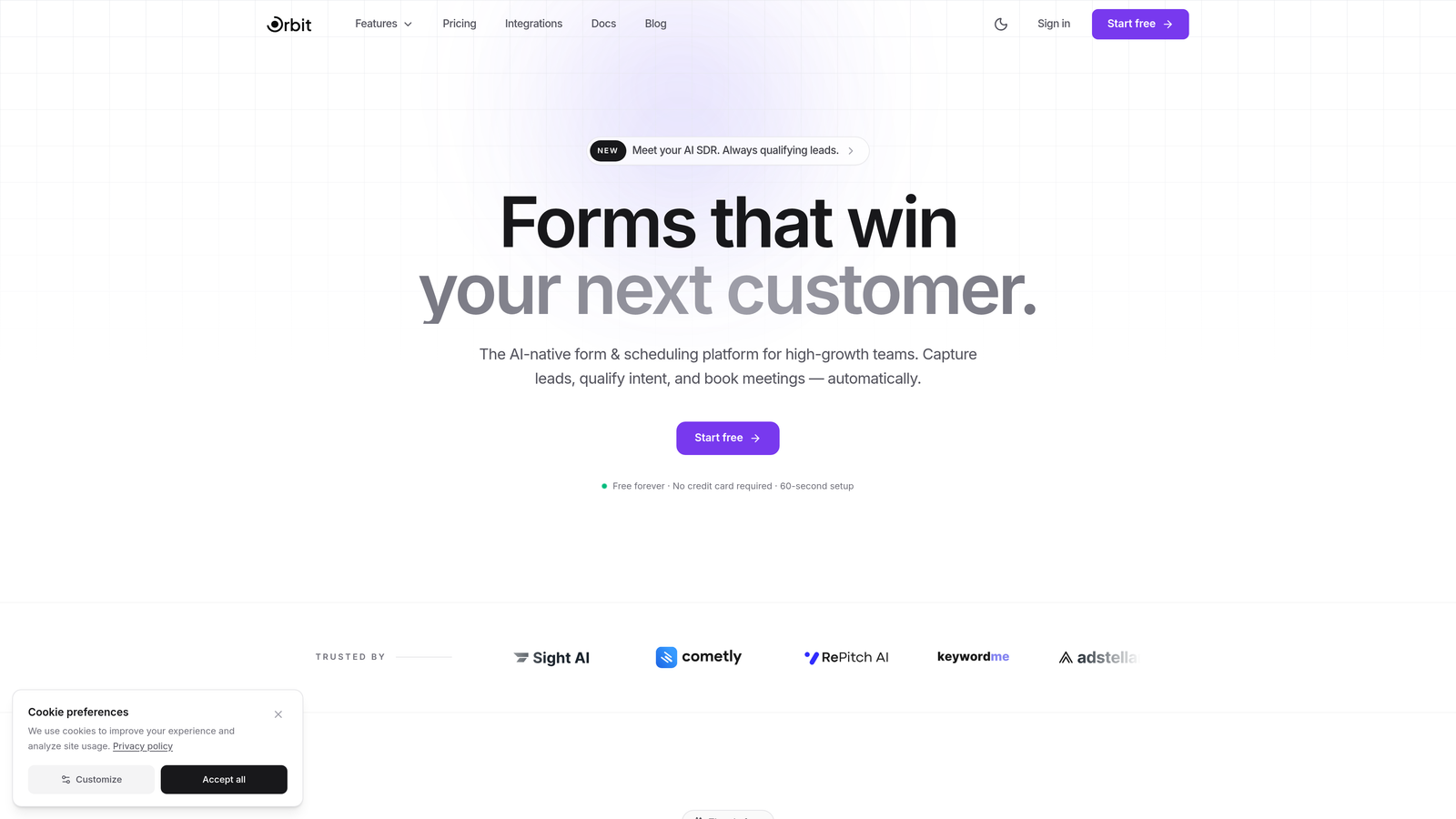
Orbit AI is an AI-powered form builder platform designed specifically for conversion optimization and intelligent lead qualification.
Where This Tool Shines
Most form builders collect data and stop there. Orbit AI goes further by qualifying leads as they move through the form experience, using AI to surface high-intent prospects automatically. This means your sales and marketing teams spend less time sorting through unqualified submissions and more time acting on the leads that matter.
The platform is built with modern design standards at its core. Forms look polished and professional without requiring design expertise, and the responsive layouts perform well across devices. For teams where brand perception matters alongside conversion performance, that combination is genuinely rare.
Key Features
AI-Powered Lead Qualification: Built directly into the form experience, so prospects are scored and qualified in real time without manual follow-up.
Conversion-Optimized Templates: Purpose-built templates designed to maximize completion rates and capture the right information from the right people.
Conditional Logic and Dynamic Fields: Forms adapt to respondent answers, creating a personalized experience that keeps users engaged and reduces drop-off.
CRM and Marketing Integrations: Connect seamlessly with the tools your team already uses to keep lead data flowing where it needs to go.
Beautiful, Responsive Design: Modern layouts that look great on any device, helping your forms make a strong first impression.
Best For
Orbit AI is the right choice for SaaS companies, growth teams, and any business where lead quality matters as much as lead volume. If you're tired of forms that collect data without helping you act on it, this platform closes that gap directly.
Pricing
Visit orbitforms.ai for current pricing details. Annual plans offer savings compared to monthly billing, making it a smart commitment for teams ready to invest in their lead generation infrastructure.
2. Typeform
Best for: Teams that prioritize a polished, conversational form experience with high completion rates.
Typeform is a conversational form builder known for its one-question-at-a-time interface that makes filling out forms feel less like a chore.

Where This Tool Shines
Typeform's signature approach, presenting one question at a time, genuinely changes how respondents interact with forms. The experience feels closer to a conversation than a survey, which tends to reduce abandonment and improve data quality. For brand-sensitive teams, the level of visual customization available is hard to match.
The trade-off is that Typeform's pricing sits at a premium compared to many alternatives. The annual discount helps offset this, and for teams where form experience directly impacts conversion rates, the investment is often justified.
Key Features
One-Question-at-a-Time Interface: The core Typeform experience that drives higher engagement and completion rates compared to traditional multi-field forms.
Extensive Branding Customization: Full control over colors, fonts, backgrounds, and layouts to match your brand identity precisely.
Logic Jumps and Branching: Route respondents through different question paths based on their answers for a tailored experience.
Native Marketing and CRM Integrations: Connect directly with HubSpot, Salesforce, Mailchimp, and other tools your team relies on.
Video and Image Embedding: Enrich forms with visual content to provide context or increase engagement mid-form.
Best For
Typeform is ideal for marketing teams running lead generation campaigns, product teams conducting user research, and any organization where the form experience itself is part of the brand impression. It's particularly strong for B2C and mid-market B2B use cases.
Pricing
The Basic plan starts around $25 per month billed annually. Check typeform.com for current plan tiers and annual discount details, as pricing updates periodically.
3. Jotform
Best for: Teams that need maximum template variety and a wide integration ecosystem out of the box.
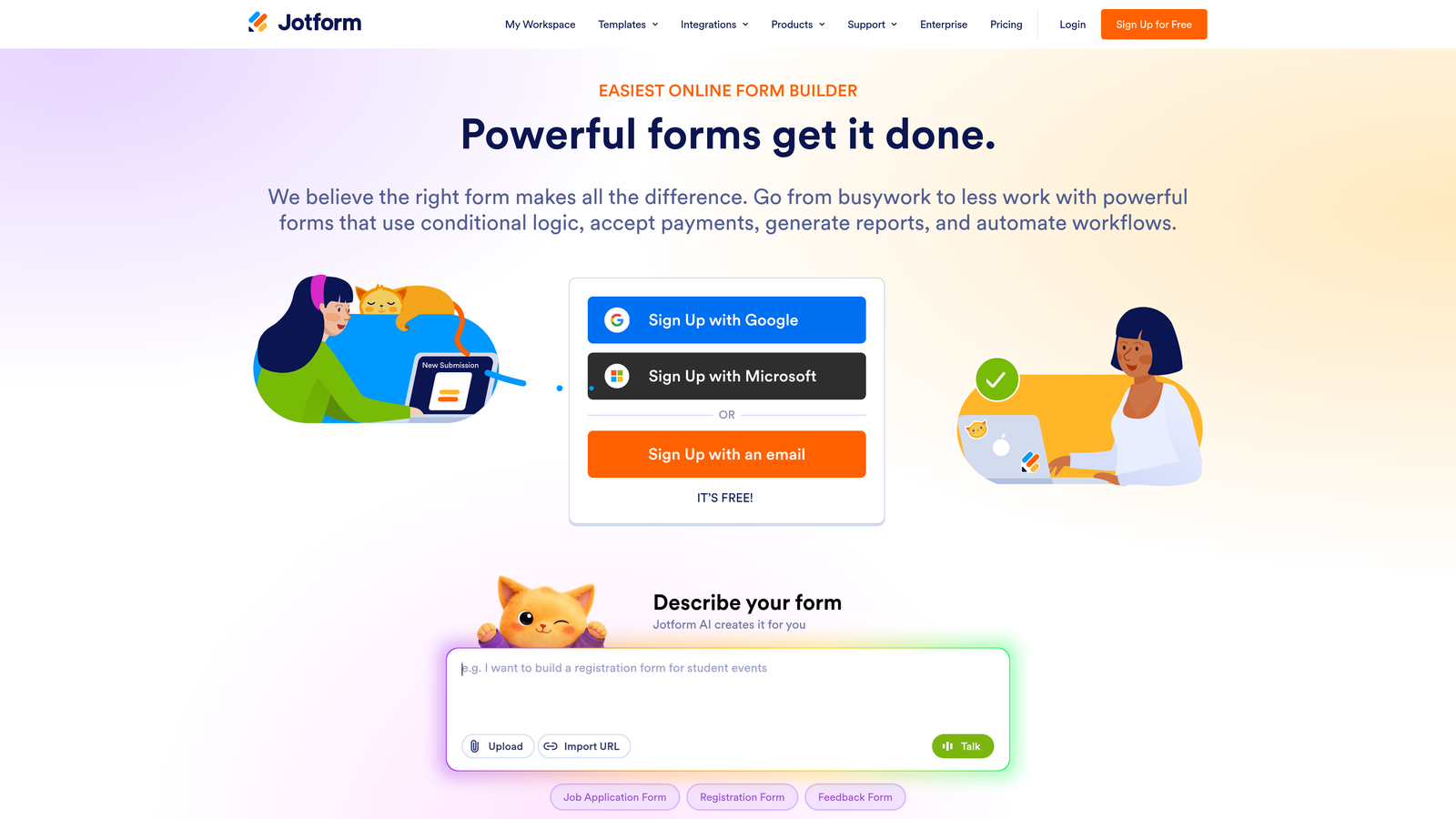
Jotform is a feature-rich form builder with over 10,000 templates, a generous free tier, and one of the broadest integration libraries in the category.
Where This Tool Shines
Jotform's sheer breadth is its defining strength. Whether you need a payment form, a HIPAA-compliant intake form, a registration form, or a simple contact form, there's almost certainly a template ready to go. The widget marketplace extends functionality even further, covering use cases most competitors don't address natively.
The platform has also invested heavily in data management through Jotform Tables, which transforms form submissions into a structured database. For teams that want to manage collected data without immediately exporting it to another tool, this is a practical advantage.
Key Features
10,000+ Form Templates: One of the largest template libraries in the industry, spanning virtually every industry and use case.
Drag-and-Drop Builder with Widget Marketplace: Extend form functionality with hundreds of third-party widgets for specialized inputs and features.
Payment Integrations: Native support for PayPal, Stripe, Square, and other payment processors built directly into forms.
Jotform Tables: A built-in database view for organizing and managing form submission data without leaving the platform.
HIPAA Compliance: Available on higher-tier plans, making Jotform a viable option for healthcare and regulated industries.
Best For
Jotform works well for small businesses, nonprofits, healthcare organizations, and teams that need to cover many different form types under one subscription. The free tier also makes it accessible for individuals and early-stage teams testing the waters.
Pricing
A free tier is available. Paid plans start around $34 per month billed annually. Visit jotform.com for current pricing and annual discount details across plan tiers.
4. Tally
Best for: Budget-conscious teams and solo users who want a clean, no-fuss form builder with a genuinely useful free plan.
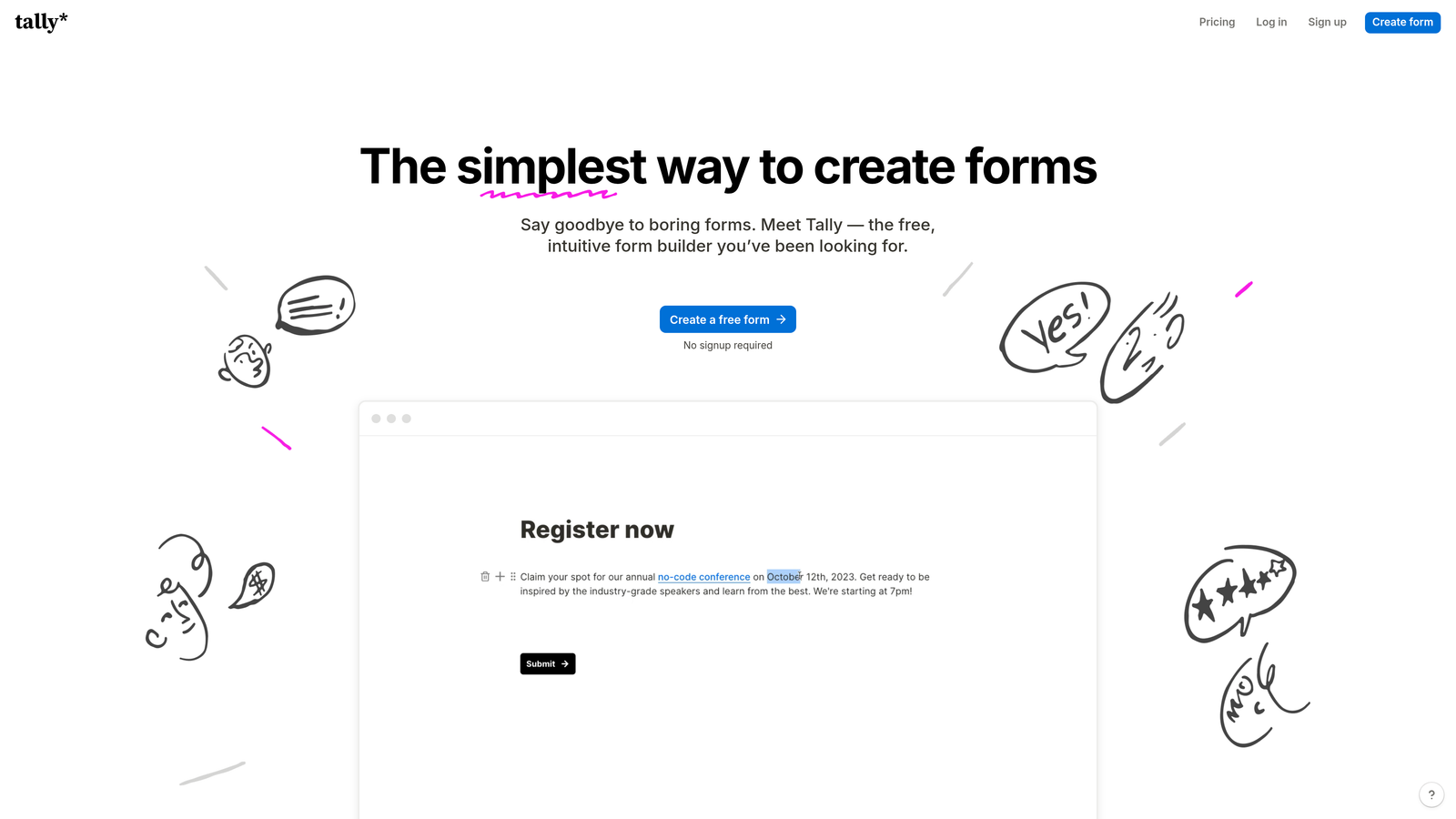
Tally is a minimalist form builder with a Notion-style editing experience and one of the most generous free tiers in the category.
Where This Tool Shines
Tally's free plan is legitimately useful. Unlimited forms and unlimited submissions without a paywall is unusual in this space, and it makes Tally an easy starting point for teams not ready to commit to a paid plan. The block-based editor feels intuitive for anyone familiar with Notion, lowering the learning curve significantly.
When you do upgrade to Pro, the annual plan delivers solid savings compared to monthly billing. For smaller teams with straightforward form needs, Tally often delivers everything required without the complexity or cost of larger platforms.
Key Features
Unlimited Forms and Submissions on Free Plan: No artificial limits that force an upgrade before you've validated your use case.
Notion-Style Block Editor: Familiar, document-like editing experience that's fast to learn and pleasant to use.
Conditional Logic and Hidden Fields: Build smart forms that adapt to respondent input without needing a premium plan for basic logic.
Integrations via Native Connections and Webhooks: Connect to popular tools and custom endpoints for flexible data routing.
Custom Domains and Branding Removal on Pro: Present forms under your own domain with Tally branding removed for a professional experience.
Best For
Tally is a strong fit for freelancers, small teams, startups in early stages, and anyone who needs capable forms without a significant budget commitment. It's also worth considering as a secondary tool for teams that use a primary platform but need quick, lightweight forms on the side.
Pricing
The free plan covers most basic needs. The Pro plan is available at an annual discount. Check tally.so for current Pro pricing and annual billing options.
5. Paperform
Best for: Teams that want to combine rich content, landing page elements, and form fields in a single document-style experience.
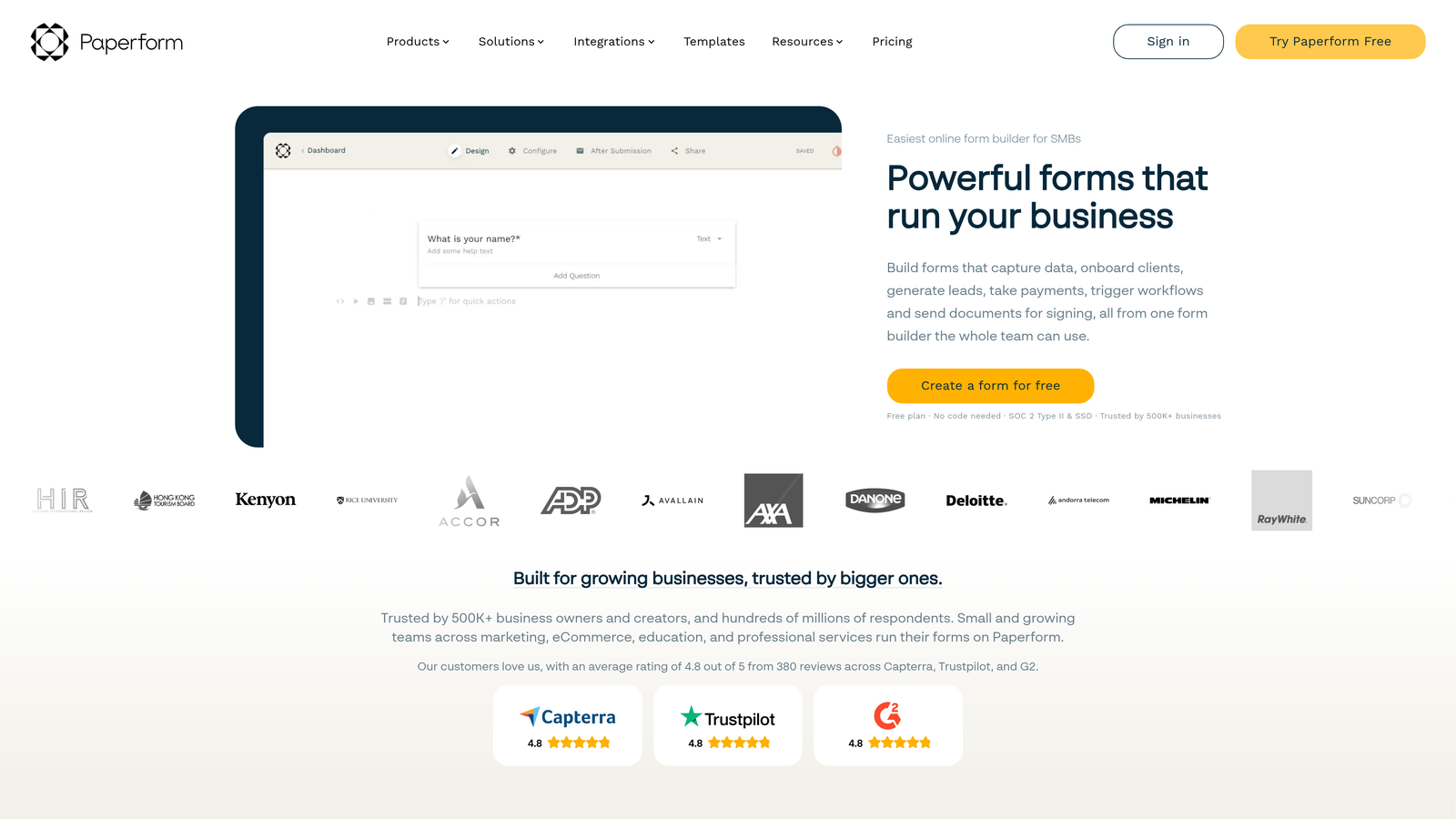
Paperform is a hybrid form builder and landing page creator that blends content and form fields in a unique document-style editor.
Where This Tool Shines
Paperform sits in an interesting space between form builders and landing page tools. You can write paragraphs, embed images, add headings, and then drop form fields right into the flow of the content. This makes it particularly effective for forms that need context, like product order forms, event registrations, or intake forms that require explanation alongside the questions.
The built-in payment processing and product catalog features mean e-commerce-style forms are genuinely viable without a separate tool. For small businesses selling products or services through forms, this is a meaningful differentiator.
Key Features
Document-Style Editor: Mix written content, images, and form fields freely in a single editing canvas for context-rich form experiences.
Built-In Payment Processing: Accept payments directly through forms without relying on a separate integration or third-party checkout.
Product Catalog and E-Commerce Capabilities: Build order forms with product listings, pricing, and inventory management built in.
Conditional Logic and Calculations: Adapt form behavior based on responses and perform real-time calculations for quotes, totals, and more.
Custom Branding and Theme Editor: Full visual customization to match your brand across every form you publish.
Best For
Paperform is ideal for small businesses, consultants, event organizers, and any team that regularly creates forms requiring explanatory content alongside the questions. It's especially strong for e-commerce-adjacent use cases where a traditional form builder feels too bare.
Pricing
The Essentials plan starts around $24 per month billed annually. Check paperform.co for current plan options and annual discount details.
6. Formstack
Best for: Mid-market and enterprise teams that need forms as part of a broader workflow automation and document generation suite.
Formstack is an enterprise-grade platform combining forms, document generation, and e-signature capabilities into a unified workflow tool.
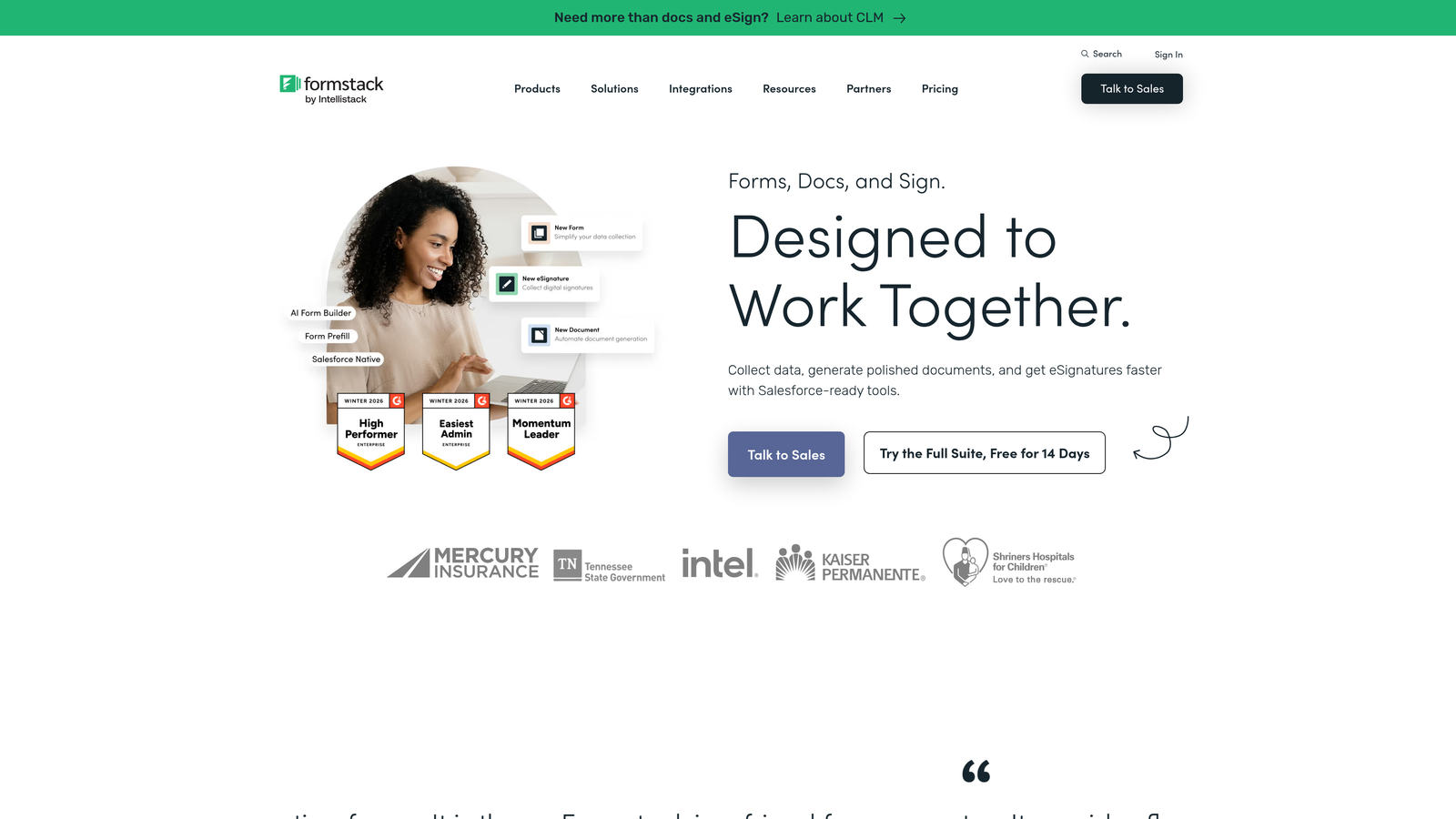
Where This Tool Shines
Formstack isn't just a form builder. It's a workflow platform that happens to start with forms. The ability to connect a form submission to automated document generation and then route that document for e-signature, all within one platform, is a genuine differentiator for teams managing complex approval or onboarding processes.
The Salesforce-native integration is particularly strong for revenue teams already living inside Salesforce. Forms can be embedded directly in Salesforce records and submissions can trigger workflows without leaving the CRM environment.
Key Features
Full Workflow Suite: Forms, document generation, and e-signatures combined in a single platform for end-to-end process automation.
Advanced Conditional Logic and Prefill: Build sophisticated form logic and pre-populate fields with existing data for a faster user experience.
Compliance-Ready: HIPAA, GDPR, and other compliance standards are supported, making Formstack viable for regulated industries.
A/B Testing for Forms: Test different form versions to optimize for conversion without needing a separate experimentation tool.
Salesforce-Native Integration: Deep, bidirectional integration with Salesforce for teams that use it as their system of record.
Best For
Formstack is best suited for operations teams, HR departments, healthcare organizations, and enterprise sales teams that need forms to trigger multi-step workflows. It's overkill for simple lead capture but genuinely powerful for complex process automation.
Pricing
Plans start around $50 per month billed annually. Visit formstack.com for enterprise pricing, custom plans, and current annual discount details.
7. 123FormBuilder
Best for: Organizations in regulated industries that need strong compliance and security features without sacrificing ease of use.
123FormBuilder is a compliance-focused form builder with robust security features and a straightforward building experience suited for healthcare, legal, and financial teams.
Where This Tool Shines
Security and compliance are often afterthoughts in form builder selection. 123FormBuilder makes them central. HIPAA compliance, data encryption, and role-based access controls are available at plan tiers where other tools either don't offer them or charge significantly more. For teams in regulated industries, this changes the calculus considerably.
The drag-and-drop builder is approachable without being overly simplified. Teams can build capable forms with conditional logic and payment integrations without needing technical expertise, which matters when the people building forms are often operations staff rather than developers.
Key Features
HIPAA-Compliant Form Building: Designed to meet healthcare data requirements, with the documentation and controls to support compliance audits.
Data Encryption and Advanced Security: Protects sensitive form data at rest and in transit with enterprise-grade security settings.
Drag-and-Drop Builder with Conditional Logic: Accessible form creation with smart branching logic for more tailored respondent experiences.
Payment Integrations: Accept payments through major processors directly within forms without additional development work.
Team Collaboration and Role-Based Access: Control who can view, edit, and manage forms within your organization for proper data governance.
Best For
123FormBuilder is the right choice for healthcare providers, legal firms, financial services companies, and any organization where data security and compliance aren't optional. It's also a solid pick for larger teams that need granular access controls across multiple users.
Pricing
A free plan is available. Paid plans come with annual discounts. Check 123formbuilder.com for current pricing tiers and annual billing options.
8. Cognito Forms
Best for: Teams that need powerful calculation fields and built-in payment processing at a lower price point than most competitors.
Cognito Forms is an affordable form builder with unusually strong calculation and repeating section capabilities, plus no transaction fees on paid plans.
Where This Tool Shines
Cognito Forms punches above its weight class when it comes to calculations. You can build forms that compute totals, apply discounts, calculate quantities, and produce dynamic pricing summaries, all without writing custom code. For businesses that rely on quote forms, order forms, or registration forms with variable pricing, this is a meaningful advantage.
The no-transaction-fee policy on Team and higher plans is also worth noting. Many form builders with payment processing take a cut of each transaction. Cognito Forms removes that overhead, which adds up meaningfully for businesses processing regular payments through forms.
Key Features
Built-In Payment Processing: Accept payments via Stripe, PayPal, and Square with no transaction fees on Team and higher plans.
Advanced Calculation Fields: Build forms that compute totals, apply logic-based pricing, and display dynamic results in real time.
Repeating Sections: Allow respondents to add multiple entries within a single form, ideal for order forms and multi-item submissions.
Conditional Logic and Data Routing: Control form behavior and submission routing based on respondent answers.
Quantity Limits and Inventory Tracking: Set caps on available quantities directly within the form for event registrations and product sales.
Best For
Cognito Forms is an excellent fit for small businesses, nonprofits, and teams running payment-enabled forms on a budget. It's particularly strong for order forms, event registrations with variable pricing, and any use case where calculation logic is central to the form's function.
Pricing
A free plan is available. The Pro plan starts around $15 per month. Visit cognitoforms.com for current annual pricing and plan comparison details.
9. Fillout
Best for: Data-driven teams using Airtable or Notion as their primary database who want forms that write directly to those backends.
Fillout is a modern form builder with native Airtable, Notion, and database integrations that let form submissions flow directly into your existing data infrastructure.
Where This Tool Shines
Most form builders treat integrations as an afterthought, routing data through Zapier or webhooks. Fillout's native Airtable and Notion integrations are first-class features, meaning form submissions map directly to your existing database structure without middleware. For teams that have already built their workflows around Airtable or Notion, this removes a significant layer of complexity.
The free tier is genuinely generous, offering unlimited forms with a solid feature set before any payment is required. This makes Fillout easy to evaluate and adopt incrementally before committing to an annual plan.
Key Features
Native Airtable and Notion Integration: Forms write directly to your Airtable bases or Notion databases without requiring Zapier or custom webhooks.
Scheduling, Payment, and Login Forms: Purpose-built form types beyond standard lead capture, covering a wide range of use cases in one platform.
Conditional Logic and URL Parameters: Personalize form experiences based on respondent answers or pre-populate fields using URL query parameters.
Custom Domains and Branding: Publish forms under your own domain with full visual customization to maintain brand consistency.
Generous Free Tier with Unlimited Forms: Start building without a credit card and scale into paid plans as your needs grow.
Best For
Fillout is the natural choice for product teams, operations teams, and startups already using Airtable or Notion as their data backbone. It's also a strong option for any team that wants a modern form builder with a capable free tier and a clean upgrade path.
Pricing
A free plan is available with unlimited forms. Paid plans include annual billing discounts. Check fillout.com for current pricing tiers and annual plan details.
Which Tool Is the Right Fit for Your Team?
The best form builder for your team depends on what you're optimizing for. Here's a quick way to think through the decision.
If lead qualification and conversion optimization are your primary goals, Orbit AI is the standout choice. The AI-powered qualification built into the form experience is something no other tool on this list offers natively, and for high-growth teams where lead quality drives revenue, that's a meaningful edge.
For beautiful conversational forms that make a strong brand impression, Typeform remains the benchmark. If you're running campaigns where the form experience itself is part of the conversion strategy, it's worth the premium.
Jotform wins on breadth. If you need templates for a wide range of use cases or HIPAA compliance without moving to an enterprise platform, it covers a lot of ground. Tally and Fillout are the go-to options for teams that want modern, capable tools with generous free tiers before committing to annual billing.
For complex workflows that extend beyond forms, Formstack is the right investment. And for teams in regulated industries where security is non-negotiable, 123FormBuilder deserves serious consideration.
Before your next renewal cycle, take a close look at your monthly billing and calculate what you'd save by switching to annual. For most teams already committed to a platform, the math is straightforward. To improve what you do with those forms once you've chosen a tool, explore our guides on how to improve form conversion rates and how to improve lead quality.
Transform your lead generation with AI-powered forms that qualify prospects automatically while delivering the modern, conversion-optimized experience your high-growth team needs. Start building free forms today and see how intelligent form design can elevate your conversion strategy.


