

Long forms kill conversions. When visitors see 15 fields staring back at them, most bounce before typing a single character. Multi step form builders solve this by breaking complex forms into digestible chunks—revealing one section at a time, adding progress indicators, and using conditional logic to skip irrelevant questions. The result? Completion rates that can double or triple compared to traditional single-page forms.
We evaluated dozens of multi step form builders based on ease of use, customization options, conditional logic capabilities, integrations, and pricing to bring you this curated list of the best options for 2026.
1. Orbit AI
Best for: High-growth teams that need AI-powered lead qualification alongside conversion-optimized multi step forms.
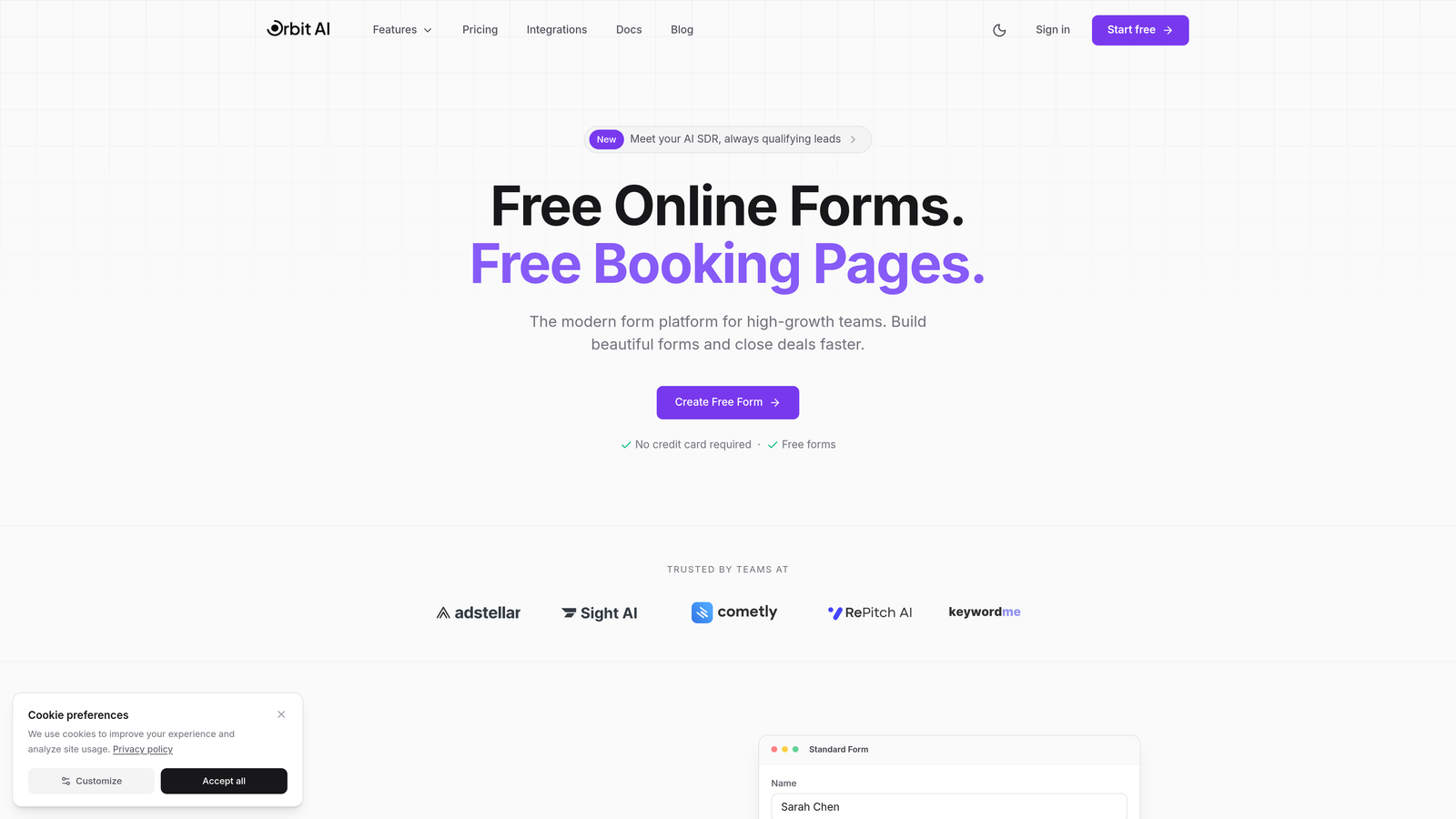
Orbit AI is an AI-powered form builder platform designed specifically for teams focused on lead generation and conversion optimization.
Where This Tool Shines
Orbit AI stands out by combining intelligent multi step forms with automated lead qualification. Instead of just collecting data, it scores and qualifies leads in real-time based on their responses, routing high-value prospects directly to your sales team while nurturing others through automated workflows.
The platform's conversion-optimized templates are built on proven design patterns that maximize completion rates. You're not starting from scratch—you're working with frameworks that have already been tested and refined for performance.
Key Features
AI-Powered Lead Qualification: Automatically scores and qualifies leads based on form responses, eliminating manual review time.
Conditional Logic with Intelligent Routing: Shows relevant questions based on previous answers and routes leads to appropriate team members.
Native CRM Integrations: Connects directly with HubSpot, Salesforce, and Slack for seamless data flow into your existing workflow.
Conversion-Optimized Templates: Pre-built multi step form templates designed specifically for lead generation and qualification.
Real-Time Analytics Dashboard: Track completion rates, drop-off points, and lead quality metrics to continuously optimize performance.
Best For
Orbit AI works best for high-growth B2B teams, marketing agencies, and sales organizations that need to qualify large volumes of leads efficiently. If you're spending hours manually reviewing form submissions to identify promising prospects, the AI qualification feature alone justifies the investment.
Pricing
Free tier available with core features (up to 3 forms). Paid plans start at $29/month with advanced AI capabilities and increased form limits (up to 10 forms on Pro, unlimited on Business+ at $99/month).
2. Typeform
Best for: Creating conversational, one-question-at-a-time experiences with polished design and engaging user interactions.
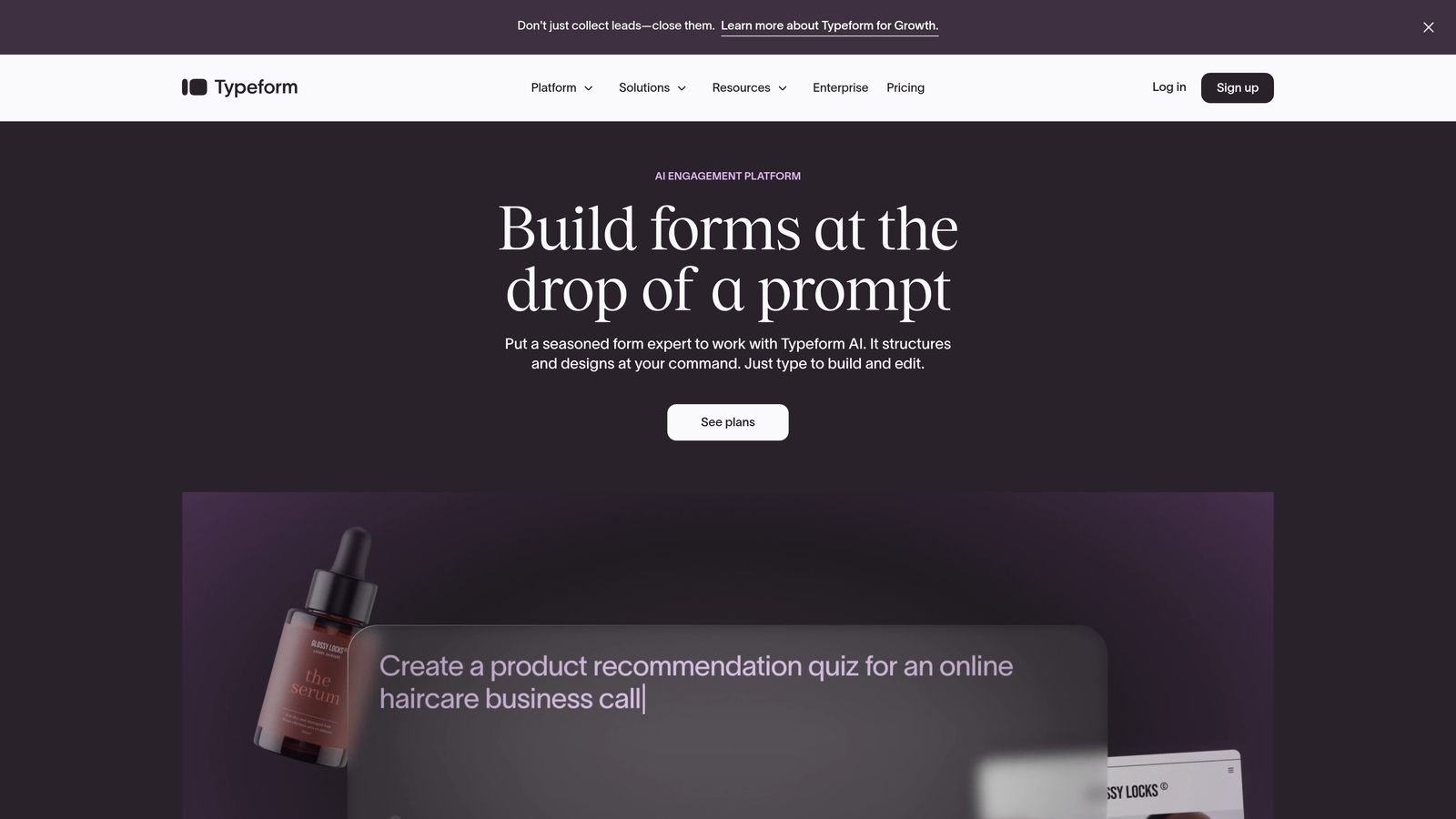
Typeform is a conversational form builder known for its distinctive one-question-at-a-time interface that feels more like a conversation than a form.
Where This Tool Shines
Typeform pioneered the conversational form experience, and they've refined it to near-perfection. The one-question-at-a-time approach reduces cognitive load and creates a natural flow that keeps users engaged. Their design aesthetic is clean and modern, making even complex multi step forms feel approachable.
The platform excels at creating memorable brand experiences. If you want your forms to feel distinctly different from typical web forms, Typeform delivers that differentiation effortlessly.
Key Features
One-Question-at-a-Time Interface: Presents single questions with smooth transitions, creating a conversational flow that boosts completion rates.
Logic Jumps and Branching: Routes users through different question paths based on their answers, personalizing the experience.
Rich Media Embedding: Incorporates videos, images, and GIFs directly into questions for more engaging forms.
Native Integrations: Connects with popular tools like Google Sheets, Slack, Mailchimp, and hundreds of others via Zapier.
Custom Thank-You Screens: Creates branded completion pages with custom messaging, links, or next-step guidance.
Best For
Typeform works exceptionally well for brand-conscious companies, creative agencies, and businesses that prioritize user experience. It's ideal when form completion is a key brand touchpoint and you want to make a strong impression.
Pricing
Free tier available with basic features and 10 responses per month. Paid plans start at $25/month with increased response limits and advanced logic.
3. Jotform
Best for: Teams that need quick form deployment with access to thousands of templates and extensive customization options.
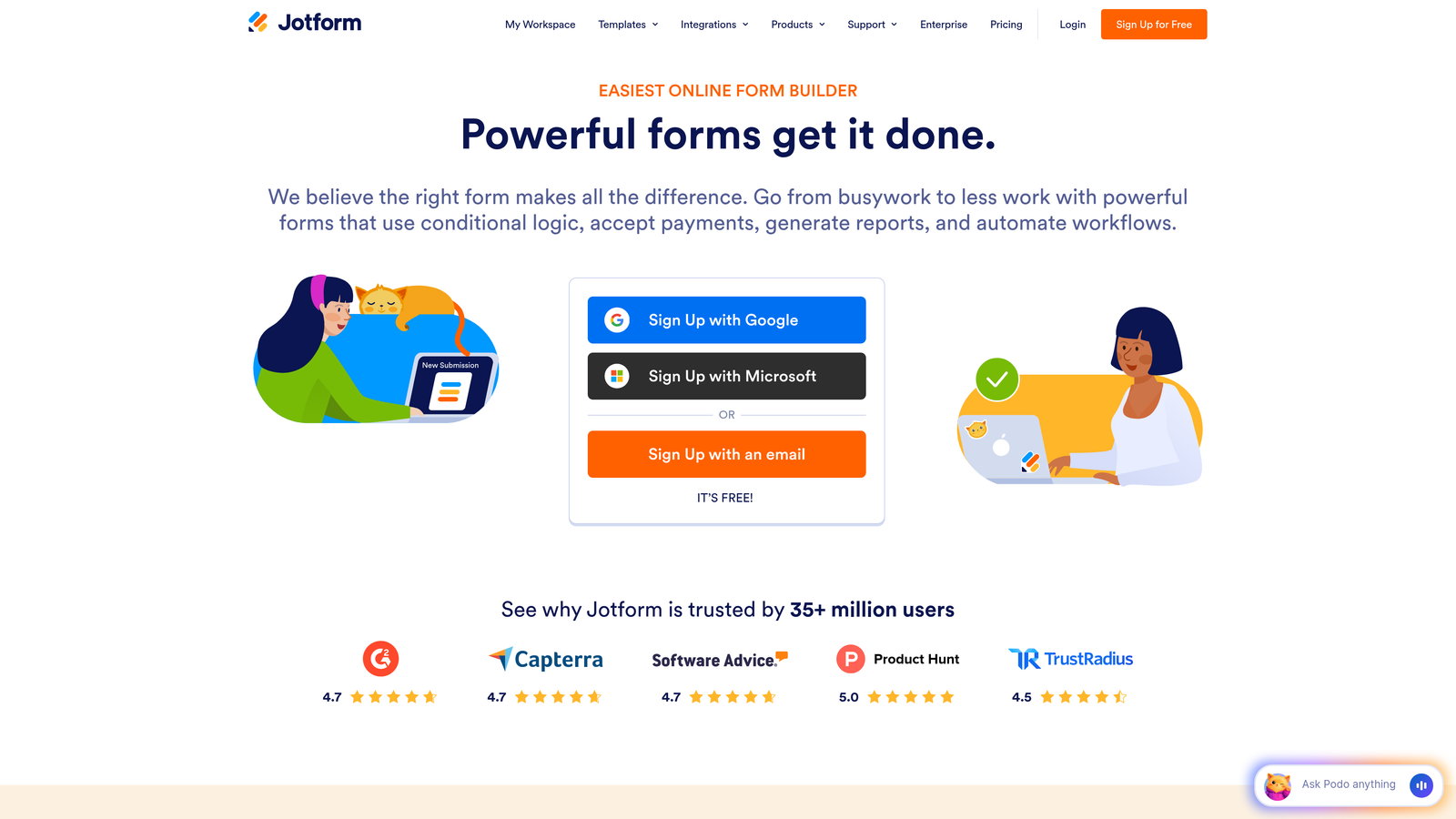
Jotform is a versatile form builder offering over 10,000 templates and a drag-and-drop interface for creating multi step forms quickly.
Where This Tool Shines
Jotform's massive template library means you're rarely building from scratch. Whether you need a patient intake form, event registration, or lead capture, there's likely a pre-built template you can customize in minutes. The drag-and-drop builder is genuinely intuitive, making it accessible even for non-technical users.
The platform also handles payment collection seamlessly, making it a strong choice for registration forms, order forms, or any scenario where you need to collect money alongside information.
Key Features
10,000+ Pre-Built Templates: Extensive template library covering virtually every form use case, dramatically reducing build time.
Drag-and-Drop Form Builder: Visual editor that makes creating and customizing multi step forms straightforward without coding.
Payment Collection Integrations: Built-in support for PayPal, Stripe, Square, and other payment processors for seamless transactions.
PDF Form Generation: Automatically generates PDF versions of submissions for easy record-keeping and sharing.
Approval Workflows: Routes submissions through multi-level approval processes with customizable notification triggers.
Best For
Jotform serves small businesses, educational institutions, and organizations that need reliable forms quickly without extensive customization. It's particularly strong for teams handling registrations, applications, or any forms requiring payment processing.
Pricing
Free tier includes up to 5 forms with 100 monthly submissions. Paid plans start at $34/month with unlimited forms and increased submission limits.
4. Tally
Best for: Budget-conscious teams that want unlimited forms with conditional logic on a generous free tier.
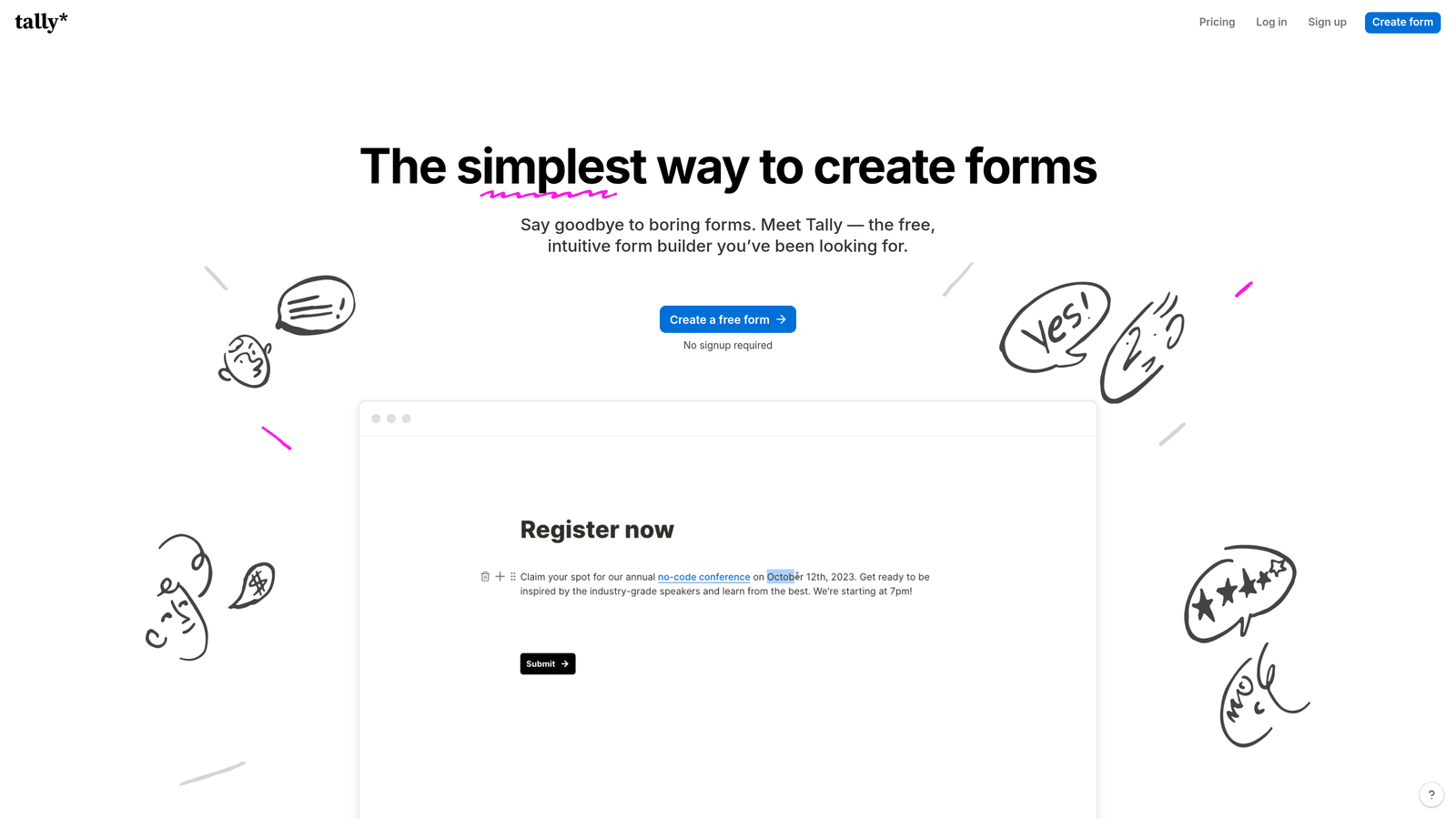
Tally is a simple, Notion-like form builder that offers an exceptionally generous free tier with most features included at no cost.
Where This Tool Shines
Tally's free tier is genuinely remarkable—unlimited forms, unlimited responses, and conditional logic all included without payment. The Notion-style block-based editor feels familiar if you're already using Notion, making the learning curve nearly flat.
The platform focuses on simplicity without sacrificing functionality. You won't find every bell and whistle, but you'll find everything most teams actually need for effective multi step forms.
Key Features
Unlimited Forms on Free Tier: No artificial limits on form creation or responses, making it ideal for high-volume use cases.
Notion-Style Block-Based Editor: Familiar editing experience for Notion users, with drag-and-drop blocks for building forms quickly.
Conditional Logic Included Free: Show or hide questions based on previous answers without upgrading to paid plans.
File Uploads and Signatures: Collect documents and electronic signatures directly through forms at no additional cost.
Custom Domains on Paid Plans: Use your own domain for branded form URLs when you upgrade.
Best For
Tally is perfect for startups, nonprofits, and small teams with limited budgets but unlimited form needs. If you're running dozens of forms or collecting thousands of responses monthly, the free tier provides exceptional value.
Pricing
Generous free tier with most features included. Pro plan available from $29/month for custom domains, hidden branding, and priority support.
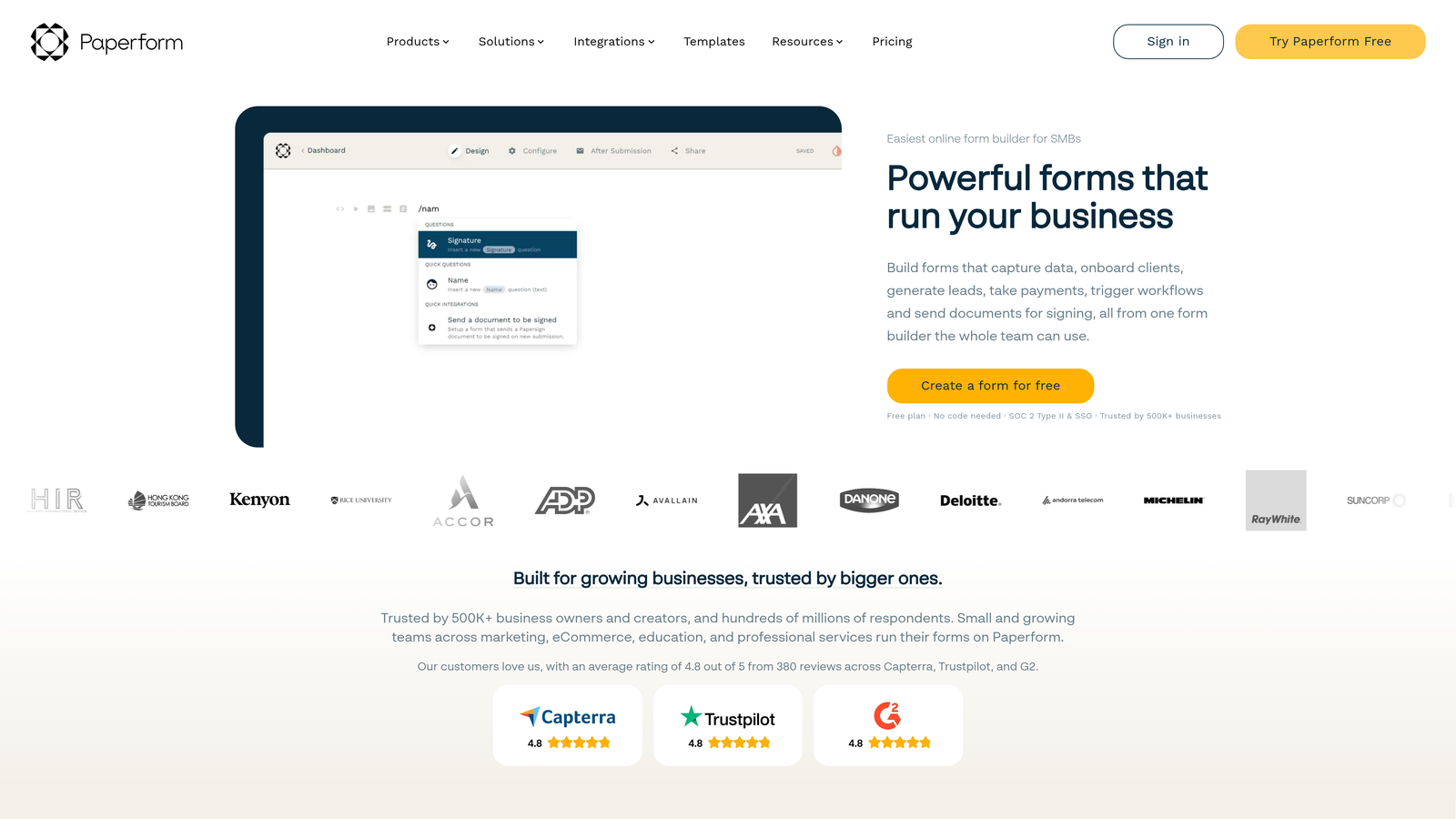
5. Paperform
Best for: Creating document-style forms with rich media, embedded content, and e-commerce capabilities in page-like layouts.
Paperform is a document-style form builder that creates page-like experiences combining text, images, videos, and form fields seamlessly.
Where This Tool Shines
Paperform breaks the traditional form mold by letting you create experiences that feel more like landing pages than forms. You can weave form fields naturally into rich content, creating narrative-driven experiences that guide users through information and questions simultaneously.
The built-in payment processing is particularly robust, making it a strong choice for booking systems, product orders, or any scenario where you're collecting both information and payment in a single flow.
Key Features
Document-Style Form Layout: Combines text, images, videos, and form fields in a flowing document format rather than rigid form structure.
Rich Text and Media Embedding: Incorporates videos, images, and formatted text directly alongside form questions for contextual guidance.
Built-In Payment Processing: Accepts payments through Stripe and PayPal with product catalogs, subscriptions, and custom pricing.
Conditional Logic and Calculations: Shows relevant fields based on answers and performs real-time calculations for quotes or pricing.
Custom Success Pages: Creates branded confirmation experiences with custom messaging, redirects, or additional content.
Best For
Paperform excels for service businesses, consultants, and e-commerce operations that need forms to double as landing pages. It's ideal when you want to provide context, tell a story, and collect information all in one cohesive experience.
Pricing
Plans start at $24/month with unlimited forms and submissions. Higher tiers add advanced features like priority support and additional integrations.
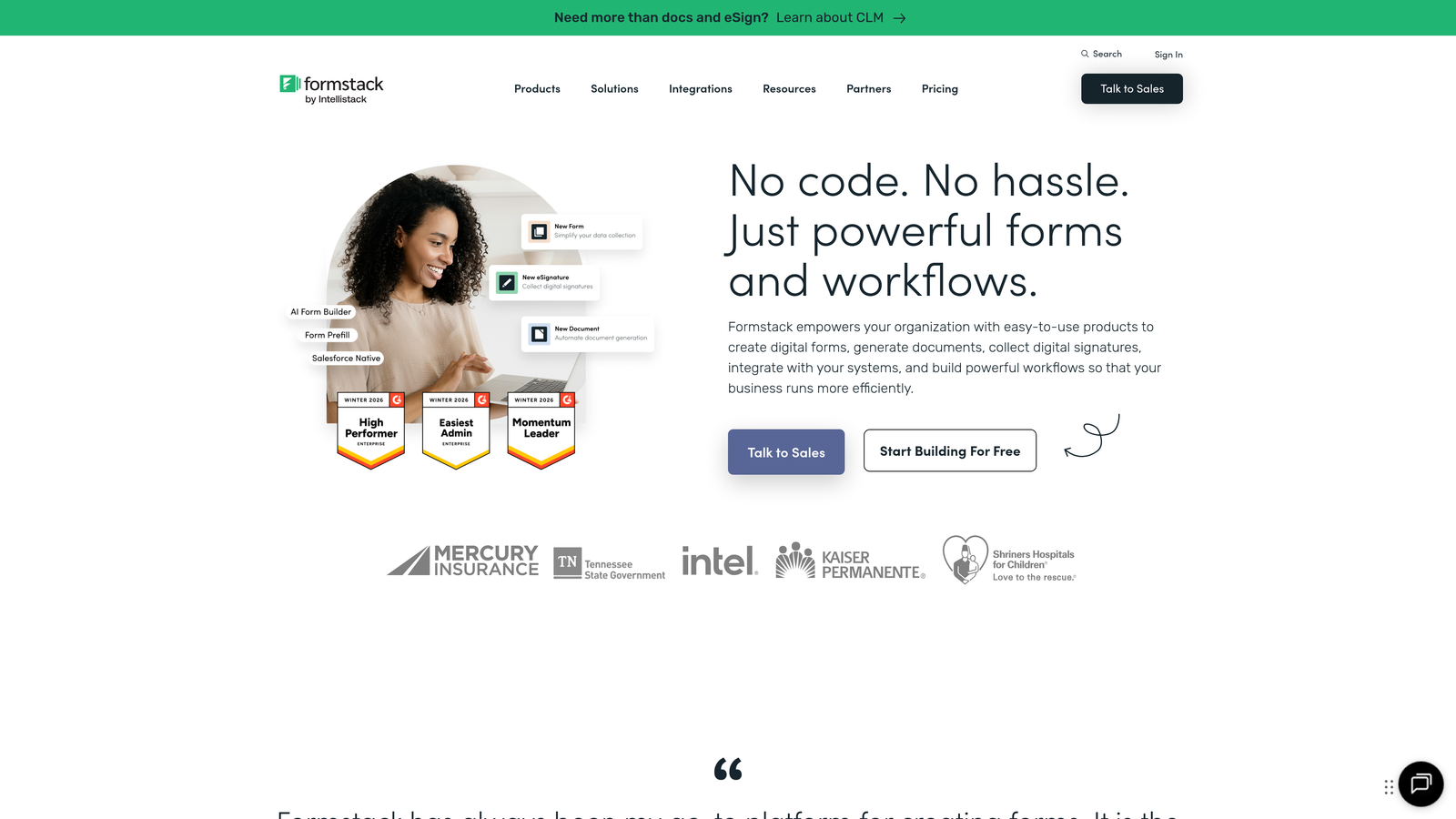
6. Formstack
Best for: Enterprise organizations requiring HIPAA compliance, advanced security, and sophisticated workflow automation for sensitive data collection.
Formstack is an enterprise-grade form builder designed for organizations with strict compliance requirements and complex workflow needs.
Where This Tool Shines
Formstack takes security and compliance seriously in ways consumer-focused form builders don't. HIPAA compliance, GDPR adherence, and enterprise SSO come standard, making it the go-to choice for healthcare, finance, and other regulated industries.
The workflow automation capabilities go far beyond basic conditional logic. You can build sophisticated approval chains, route submissions to different teams based on complex criteria, and trigger multi-step processes automatically.
Key Features
HIPAA and GDPR Compliance: Built-in compliance features for handling protected health information and personal data securely.
Advanced Workflow Automation: Creates complex approval processes, routing rules, and automated actions based on submission data.
Electronic Signatures: Collects legally binding signatures directly within forms with full audit trails.
Offline Data Collection: Enables form submissions without internet connectivity, syncing data when connection resumes.
Enterprise SSO and Security: Supports single sign-on, advanced user permissions, and enterprise-grade data encryption.
Best For
Formstack serves healthcare organizations, financial services, government agencies, and large enterprises with compliance requirements. If you're handling sensitive data or need ironclad security guarantees, the premium pricing delivers essential peace of mind.
Pricing
Plans start at $50/month for small teams. Enterprise pricing available with custom features, dedicated support, and compliance packages.
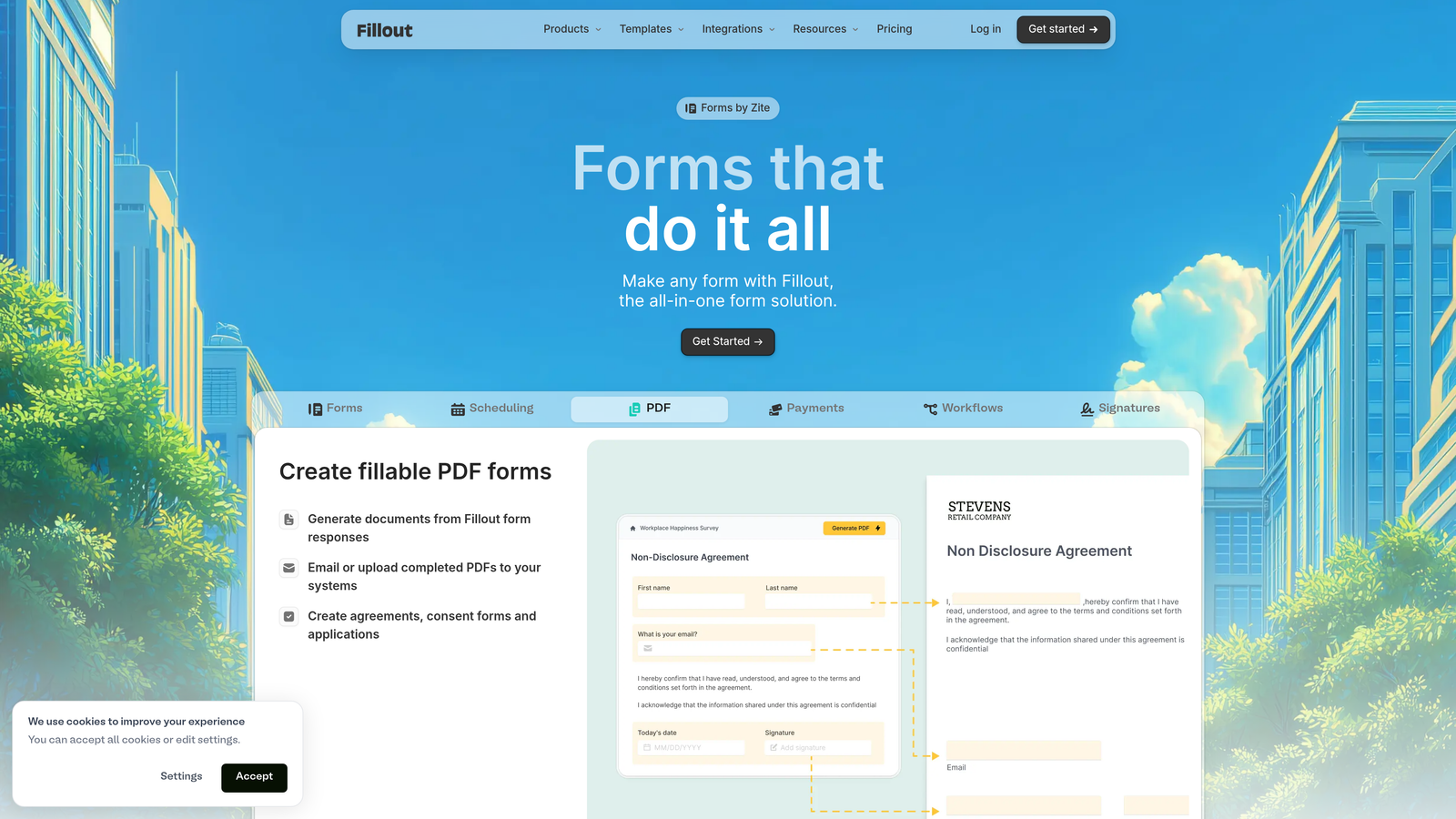
7. Fillout
Best for: No-code teams using Notion or Airtable who need forms that sync directly with their existing databases.
Fillout is a modern form builder with native integrations for Notion and Airtable, designed for teams building on no-code platforms.
Where This Tool Shines
Fillout's native Notion and Airtable integrations eliminate the middleware layer most form builders require. Submissions flow directly into your databases without Zapier, Make, or other automation tools, reducing complexity and potential failure points.
The platform understands no-code workflows intuitively. If you're already organizing your business in Notion or Airtable, Fillout feels like a natural extension rather than a separate tool you need to learn.
Key Features
Native Notion and Airtable Sync: Sends form submissions directly to Notion databases or Airtable bases without third-party automation tools.
Multi Step Form Wizard: Breaks long forms into logical steps with progress indicators and conditional branching.
Conditional Logic: Shows or hides questions based on previous answers to create personalized form experiences.
File Uploads to Cloud Storage: Collects files and automatically uploads them to Google Drive, Dropbox, or other cloud storage.
Custom Branding Options: Removes Fillout branding and applies your own colors, logos, and styling.
Best For
Fillout is ideal for startups, agencies, and operations teams running their businesses on Notion or Airtable. If your workflow already lives in these platforms, Fillout provides the missing form layer without forcing you to adopt yet another tool ecosystem.
Pricing
Free tier available with basic features. Paid plans start at $15/month with advanced features and increased submission limits.
8. HubSpot Forms
Best for: HubSpot users who need forms deeply integrated with their CRM, marketing automation, and progressive profiling capabilities.
HubSpot Forms is the built-in form builder within HubSpot's marketing platform, offering native CRM integration and intelligent data enrichment.
Where This Tool Shines
HubSpot Forms' progressive profiling is genuinely intelligent. Returning visitors see different questions based on what you already know about them, preventing form fatigue while continuously enriching contact records. This alone can significantly improve conversion rates for audiences that interact with your brand repeatedly.
The native CRM integration means zero data sync delays. Form submissions instantly create or update contact records, trigger workflows, and appear in your sales team's pipeline without manual intervention or third-party connectors.
Key Features
Progressive Profiling for Returning Visitors: Automatically shows different questions to known contacts, gradually building complete profiles without repetitive questions.
Native CRM Integration: Submissions instantly sync with HubSpot CRM, creating contacts and triggering automated workflows in real-time.
Smart Fields and Conditional Logic: Pre-fills known information and shows relevant questions based on contact properties or previous answers.
A/B Testing Capabilities: Tests different form versions to optimize conversion rates with built-in analytics.
Embedded and Popup Options: Deploys forms as embedded elements, popups, slide-ins, or standalone pages based on your strategy.
Best For
HubSpot Forms is the obvious choice if you're already using HubSpot for marketing or sales. The ecosystem integration eliminates technical friction and unlocks capabilities like progressive profiling that standalone form builders can't match.
Pricing
Free with HubSpot CRM, including basic form features. Advanced capabilities like A/B testing and dependent fields require paid Marketing Hub subscriptions starting at $45/month.
9. Leadformly
Best for: Lead generation specialists who need conversion-optimized forms with built-in A/B testing and lead scoring capabilities.
Leadformly is a conversion-focused form builder designed specifically for lead generation and landing page optimization.
Where This Tool Shines
Leadformly approaches multi step forms through a conversion optimization lens. Every template, design element, and feature is built to maximize completion rates and lead quality. The built-in A/B testing lets you continuously refine performance without external tools.
The lead scoring functionality helps you identify high-intent prospects immediately. Instead of treating all submissions equally, Leadformly assigns scores based on responses, letting your sales team prioritize follow-up on the most promising leads first.
Key Features
Conversion-Optimized Templates: Pre-built multi step form templates designed specifically for lead generation with proven design patterns.
Multi Step Lead Capture Forms: Breaks complex lead qualification forms into manageable steps with progress indicators and smart transitions.
A/B Testing Built-In: Tests different form variations to identify highest-converting designs without external testing tools.
Lead Scoring Capabilities: Automatically scores leads based on form responses to help sales teams prioritize follow-up.
CRM and Marketing Automation Integrations: Connects with Salesforce, HubSpot, Marketo, and other platforms for seamless lead handoff.
Best For
Leadformly serves marketing teams, lead generation agencies, and sales organizations where form conversion rates directly impact revenue. If you're running paid traffic to landing pages or optimizing lead capture as a core business function, the specialized features justify the investment.
Pricing
Plans start at $37/month for basic features. Higher tiers include advanced A/B testing, increased form limits, and priority support.
Making the Right Choice
Choosing the right multi step form builder depends on your specific workflow and goals. For AI-powered lead qualification and conversion optimization, Orbit AI leads the pack with intelligent routing and real-time scoring that transforms how you handle inbound leads. If you prioritize conversational design and brand experience, Typeform remains a solid choice with its polished one-question-at-a-time interface.
Budget-conscious teams should explore Tally's generous free tier, which delivers unlimited forms and conditional logic without payment. Enterprise organizations with compliance requirements will find Formstack's security features essential for handling sensitive data in regulated industries. HubSpot users benefit most from staying within their ecosystem, where progressive profiling and native CRM integration unlock capabilities standalone tools can't match.
No-code database enthusiasts will appreciate Fillout's native Notion and Airtable integrations, eliminating middleware complexity. Lead generation specialists running paid traffic campaigns should consider Leadformly's conversion-focused approach with built-in A/B testing and lead scoring.
Start with your most critical use case. If you're qualifying leads, prioritize AI capabilities and CRM integration. If you're collecting payments, focus on e-commerce features. If you're handling sensitive data, make compliance your first filter. Test with real users, measure completion rates at each step, and optimize from there.
Transform your lead generation with AI-powered forms that qualify prospects automatically while delivering the modern, conversion-optimized experience your high-growth team needs. Start building free forms today and see how intelligent form design can elevate your conversion strategy.


