

Form builder subscriptions have a way of quietly eating into your SaaS budget. One tool here, an upgraded plan there, and suddenly you're paying for features your team barely uses. The good news is that most form builder platforms offer genuine ways to save: annual billing discounts, startup programs, nonprofit pricing, seasonal promotions, and free tiers that make discount hunting completely unnecessary.
For this roundup, we focused on form builders that offer accessible, meaningful discounts while still delivering the features high-growth teams actually need. Whether you're a bootstrapped startup, a nonprofit stretching every dollar, or a scaling team trying to optimize your stack, there's a deal structure here that fits. Pricing was verified as of May 2026 but can change, so always check official pricing pages before committing. For a broader look at capabilities beyond just pricing, see our best online form builders roundup.
1. Orbit AI
Best for: High-growth teams who want AI-powered lead qualification without paying a premium for it.
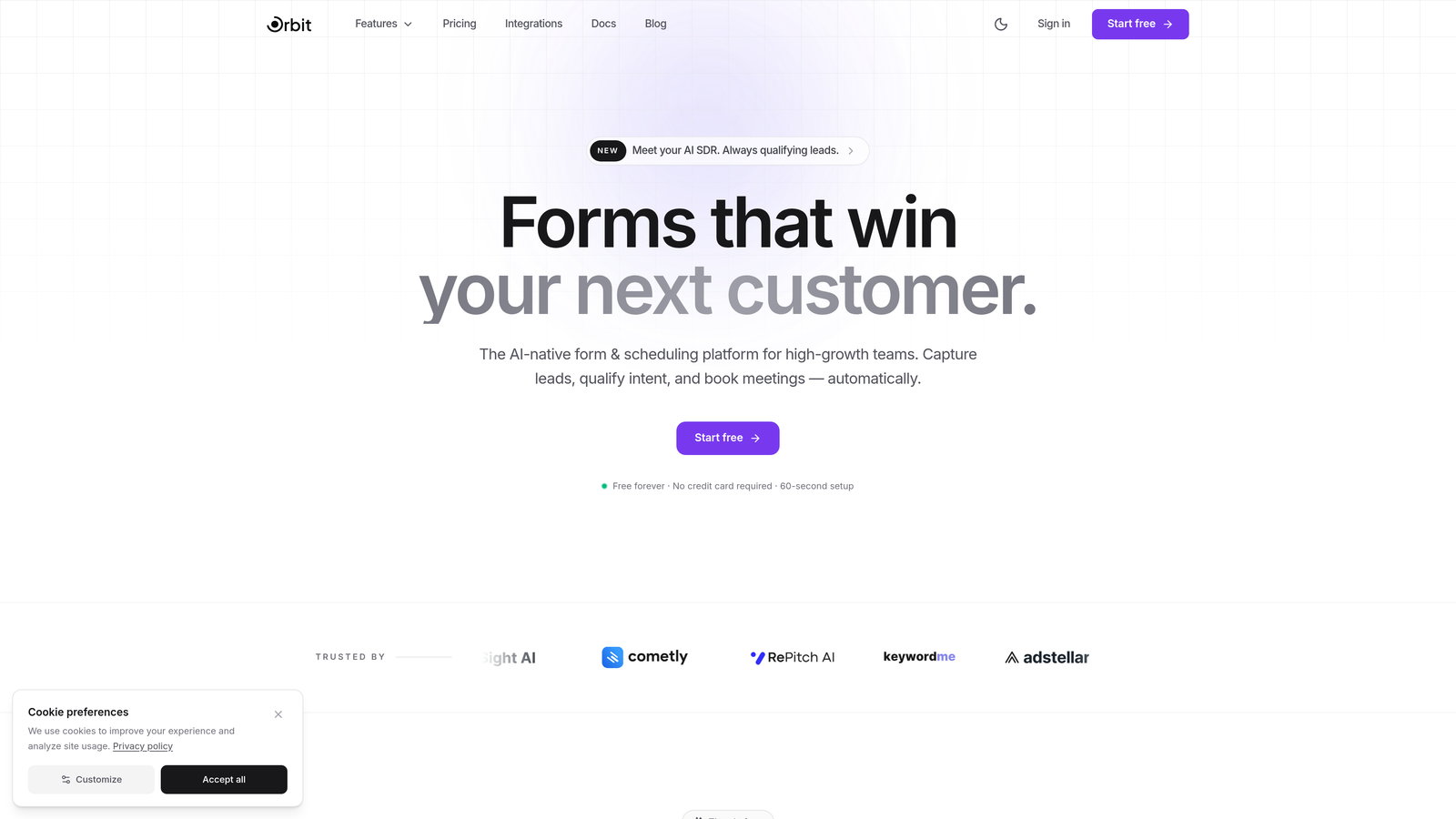
Orbit AI is an AI-powered form builder that bakes lead qualification directly into every form, so your team spends time on prospects that actually convert.
Where This Tool Shines
Most form builders treat qualification as an afterthought, something you bolt on with a third-party integration after the fact. Orbit AI flips that model entirely. Lead qualification logic is built into the form itself, which means you're capturing intent signals and filtering prospects in real time rather than sorting through raw submissions later.
For high-growth teams, this changes the math on what a form builder is actually worth. When your forms are doing intelligent work on your behalf, the cost-per-qualified-lead calculation looks very different. Competitive base pricing means many teams find the value proposition compelling before they even start looking for a discount code.
Key Features
AI-Powered Lead Qualification: Automatically scores and qualifies leads based on form responses, so your sales team focuses on high-intent prospects from the start.
Conversion-Optimized Templates: Pre-built form templates designed specifically to maximize completion rates and capture quality leads.
Competitive Startup Pricing: Pricing tiers structured with growing teams in mind, making it accessible without needing to hunt for promo codes.
Modern Form Design: Beautiful, polished forms out of the box that reflect well on your brand without requiring a designer.
Best For
Orbit AI is ideal for SaaS companies, marketing teams, and growth-focused businesses that want their forms to do more than collect data. If lead quality matters as much as lead volume to your team, this is worth a serious look.
Pricing
Visit orbitforms.ai for current pricing tiers and any active promotions. Pricing is designed to be accessible for startups and scaling teams.
2. Typeform
Best for: Teams that prioritize a premium, conversational form experience and want to save through annual billing.
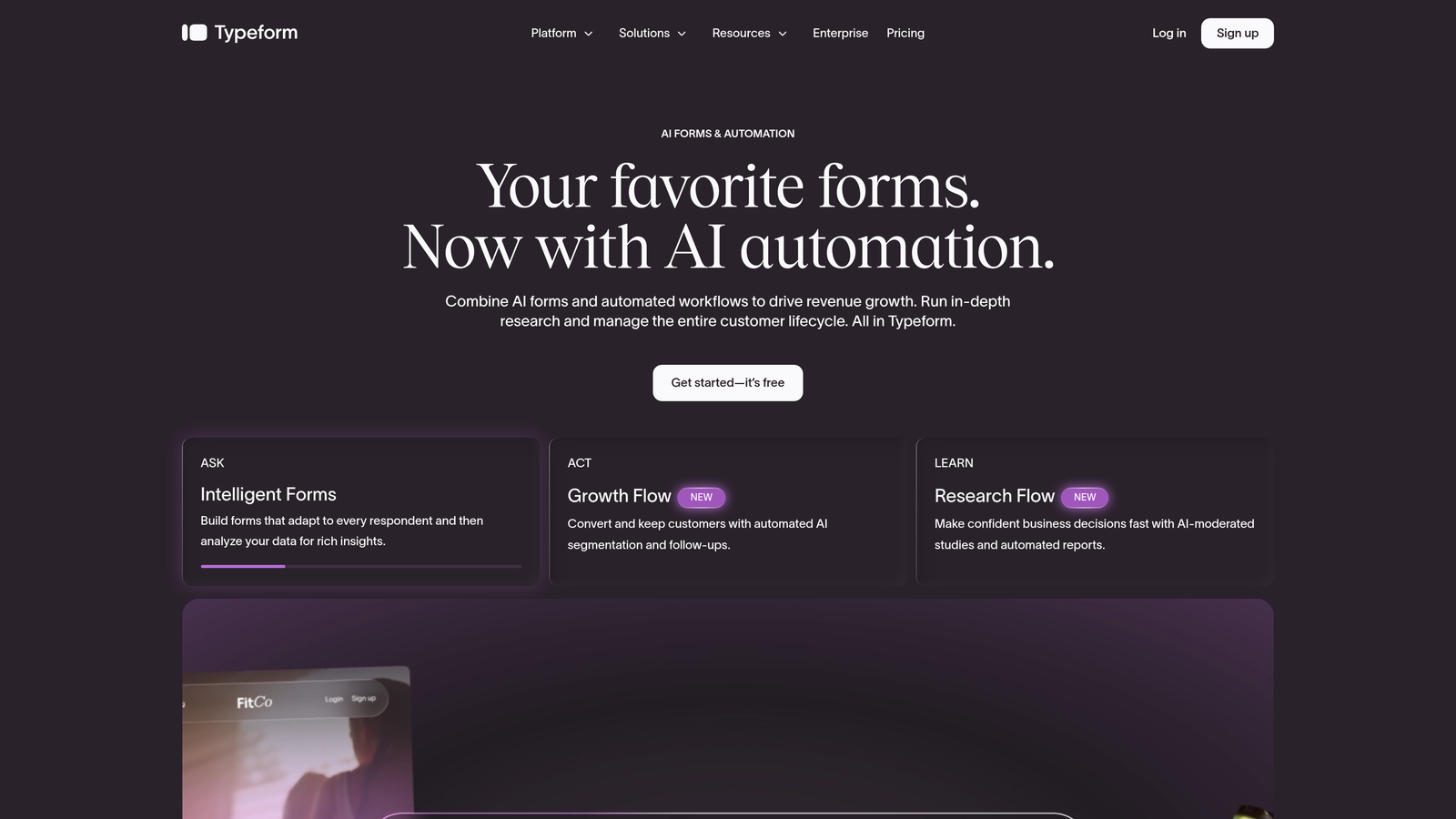
Typeform is a conversational form builder known for its distinctive one-question-at-a-time format and polished aesthetic.
Where This Tool Shines
Typeform's biggest strength is completion rate. The conversational format feels less like filling out a form and more like answering questions in a chat, which tends to reduce abandonment. For surveys, lead capture, and customer feedback, that experience difference matters.
The most reliable way to save on Typeform is annual billing, which typically reduces the effective monthly cost meaningfully compared to month-to-month pricing. Occasional seasonal promotions do appear, particularly around major shopping events, so it's worth checking their pricing page during those windows.
Key Features
Conversational Format: One question at a time keeps respondents engaged and reduces form abandonment compared to traditional multi-field layouts.
Annual Billing Savings: Switching to annual billing is the most consistent way to reduce your Typeform cost.
Extensive Integrations: Connects with HubSpot, Salesforce, Slack, Google Sheets, and hundreds of other tools via native integrations and Zapier.
Brand Customization: Strong design controls let you match forms to your brand identity with custom colors, fonts, and imagery.
Best For
Typeform works best for teams where form experience directly impacts brand perception: agencies, SaaS companies running onboarding flows, and marketers running lead generation campaigns where first impressions count.
Pricing
Basic plan starts around $25/month on monthly billing; annual billing reduces the per-month cost. Check typeform.com for current plan details and any active promotions.
3. Jotform
Best for: Nonprofits, educators, and teams who want a feature-rich platform with genuine discount programs and seasonal deals.
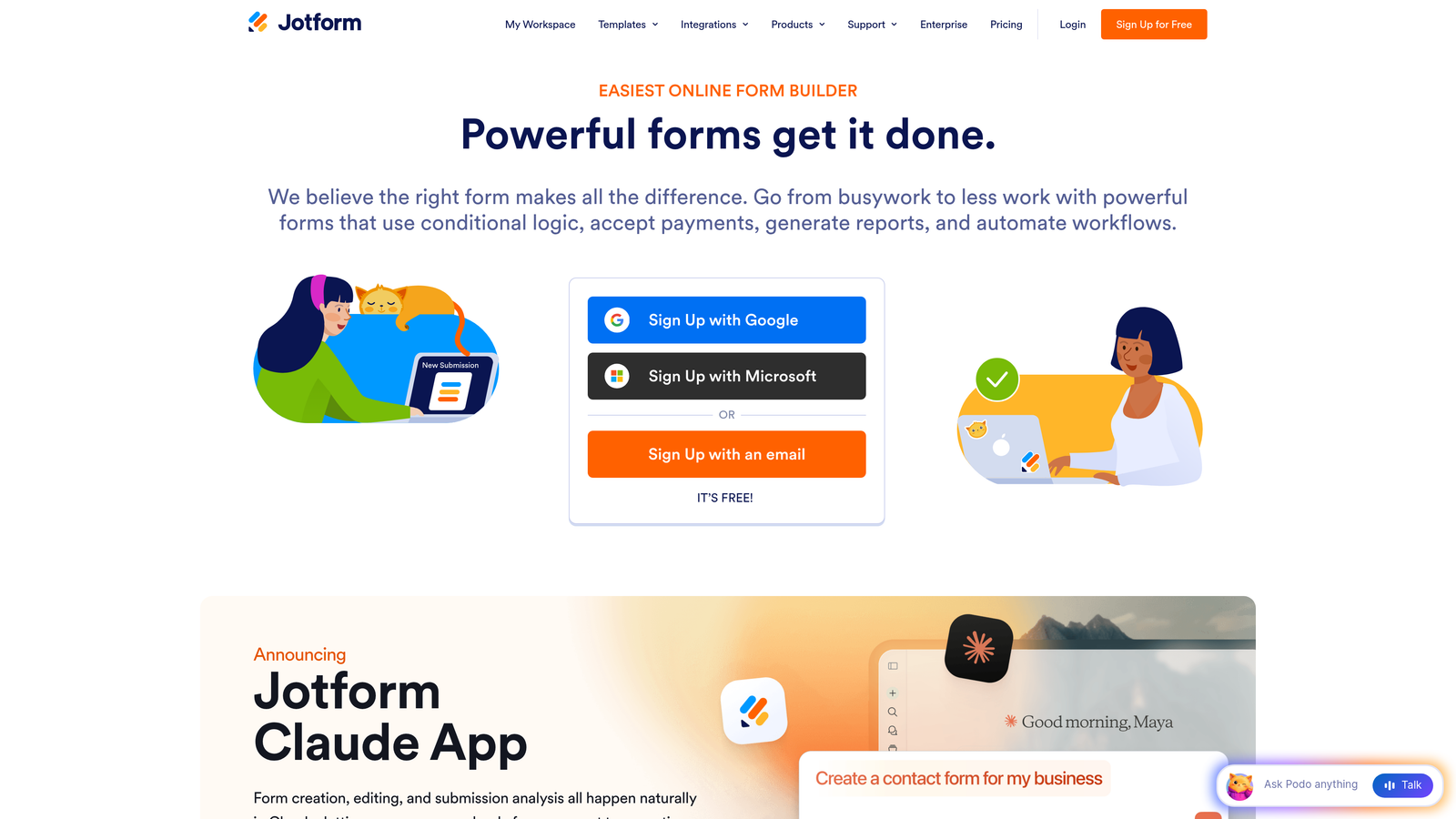
Jotform is a no-code form builder with one of the most generous free tiers in the category and well-documented discount programs for mission-driven organizations.
Where This Tool Shines
Jotform stands out for its breadth. With over 10,000 templates, built-in payment integrations, and an extensive app directory, it covers an enormous range of use cases without requiring additional tools. For many teams, the free plan alone handles their entire form needs.
Where Jotform really differentiates on pricing is its commitment to nonprofit and education discounts, which are publicly available and straightforward to apply for. They also run consistent seasonal promotions, particularly around Black Friday, that can bring paid plan costs down significantly for teams that time their upgrades.
Key Features
Generous Free Plan: Up to 5 forms and 100 monthly submissions on the free tier, which covers basic needs for small teams.
Nonprofit and Education Pricing: Dedicated discount programs for qualifying organizations, available through Jotform's official channels.
Seasonal Promotions: Regular promotional events, including Black Friday deals, that offer meaningful savings on annual plans.
10,000+ Templates: One of the largest template libraries available, covering virtually every industry and use case.
Drag-and-Drop Builder: No-code form creation that's accessible to non-technical users across your team.
Best For
Jotform is a strong choice for nonprofits, educational institutions, small businesses, and teams that need a wide variety of form types without a steep learning curve or high monthly cost.
Pricing
Free tier available; paid plans start around $34/month with annual billing discounts applied. Nonprofit and education pricing available directly through Jotform's website.
4. Tally
Best for: Teams who want unlimited forms and submissions without paying anything at all.
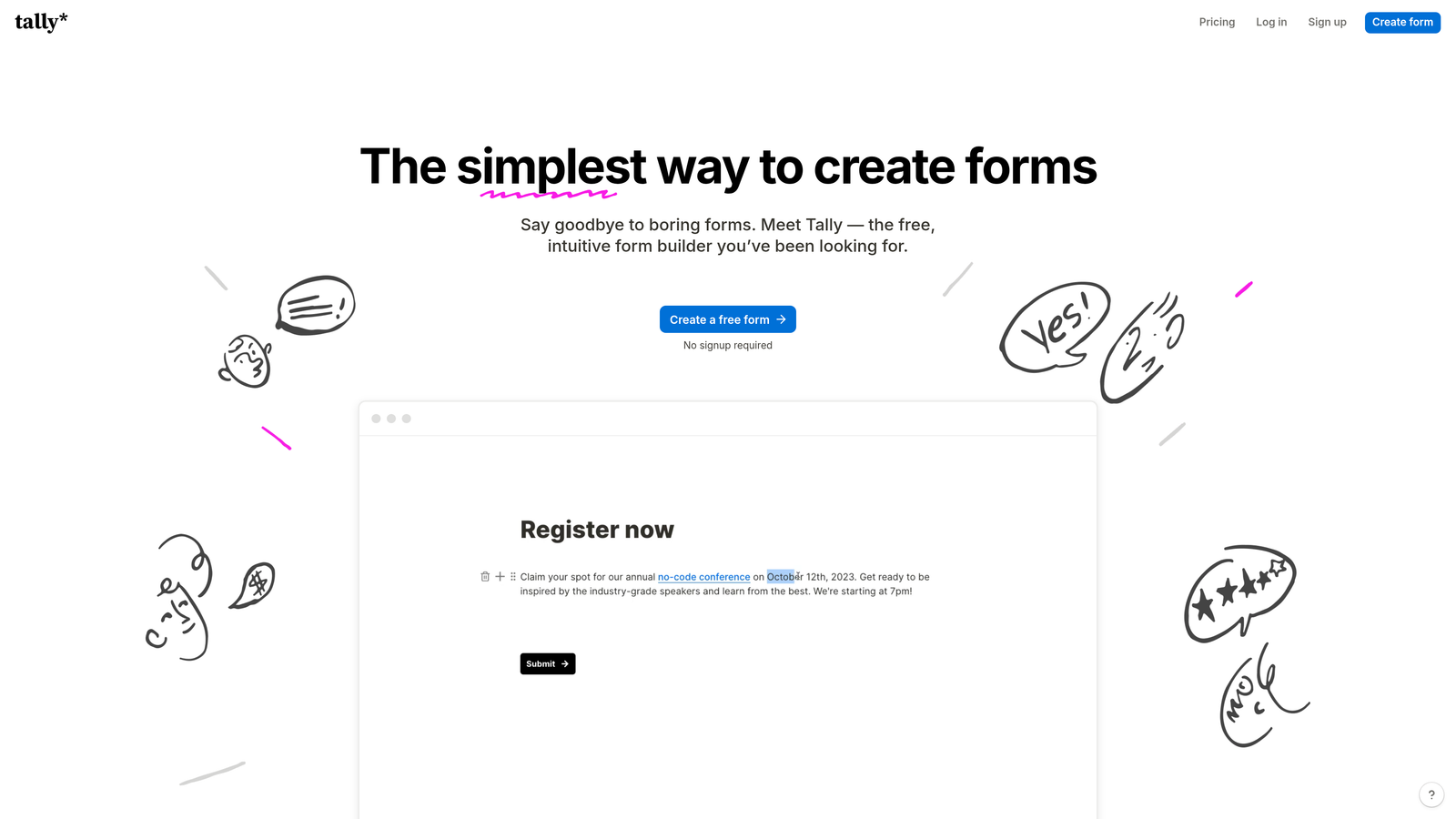
Tally is a clean, Notion-inspired form builder where the free plan is so capable that most users never feel the need to upgrade.
Where This Tool Shines
Tally takes a fundamentally different approach to pricing than most SaaS tools. Rather than locking core features behind paid tiers, Tally's free plan includes unlimited forms, unlimited submissions, and conditional logic. For teams that are primarily hunting for discount codes, Tally removes the question entirely.
The interface feels familiar to anyone who uses Notion, with a clean block-based editor that's fast to learn and pleasant to use. There's no Tally branding on free forms either, which is unusual in the category and a genuine advantage for teams that care about presentation.
Key Features
Unlimited Forms and Submissions: No artificial caps on the free plan, which sets Tally apart from virtually every competitor.
Clean Block-Based Interface: Notion-like editor that feels intuitive to modern teams accustomed to block-based tools.
No Branding on Free Tier: Free forms don't display Tally branding, which is a meaningful differentiator.
Conditional Logic Included Free: Logic-based form branching is available without requiring an upgrade.
Best For
Tally is perfect for indie makers, small teams, freelancers, and startups that need capable forms without any budget. It's also a smart choice for internal tools and quick surveys where enterprise features aren't needed.
Pricing
Free for most use cases with no submission limits. A Pro plan is available for teams needing advanced features like custom domains, file uploads, and priority support.
5. Paperform
Best for: Teams that want a form builder and landing page creator in one, with savings available through annual billing.
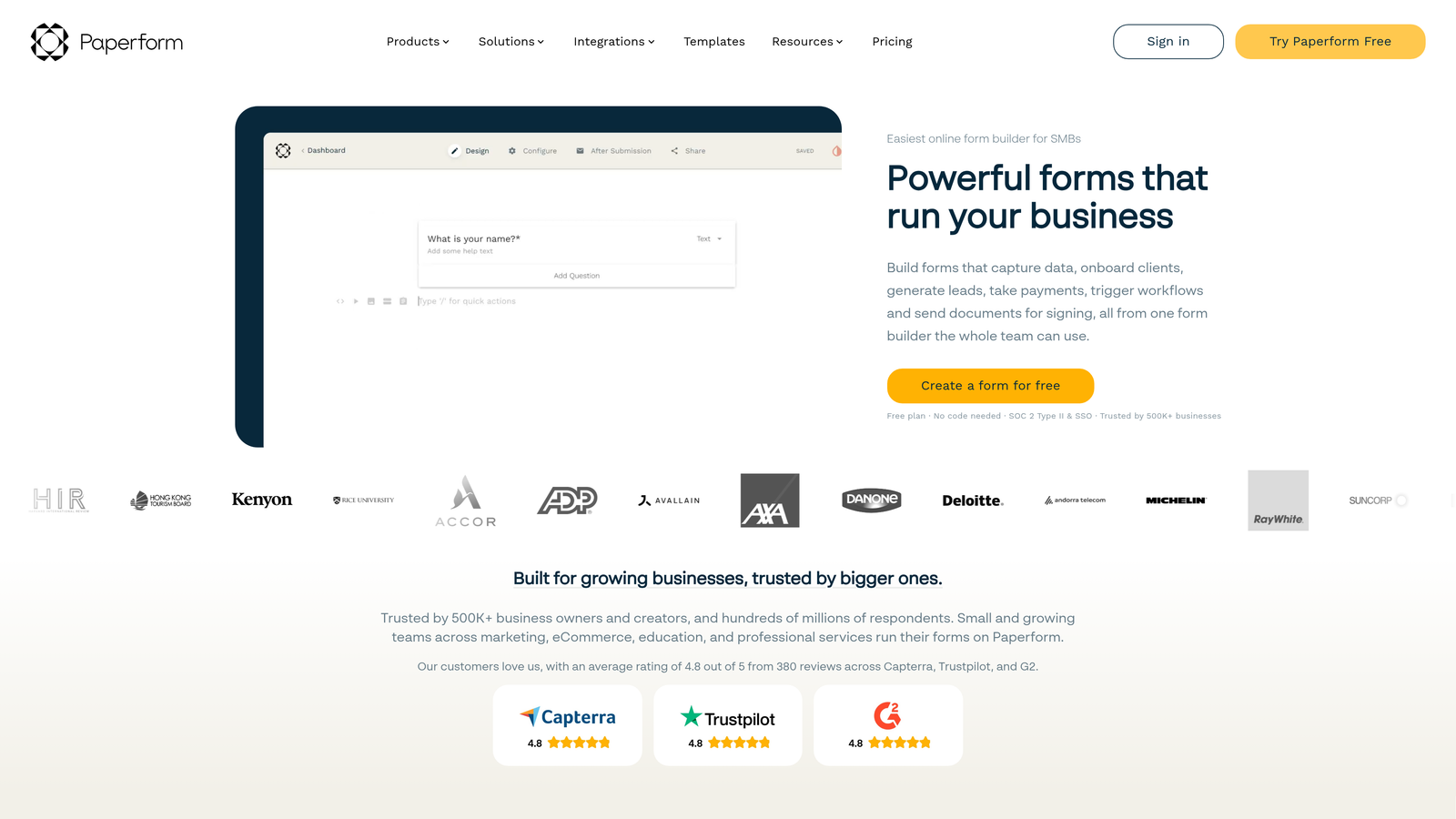
Paperform is a versatile builder that blends form functionality with landing page design, making it useful for campaigns that need both in a single tool.
Where This Tool Shines
Paperform's distinctive feature is its rich content editing environment. You can mix text, images, video, and form fields on a single page, which means your form can also serve as a mini landing page. This is particularly useful for product launches, event registrations, and lead capture campaigns where context matters.
Annual billing is the primary discount mechanism here, and it provides a meaningful reduction compared to month-to-month pricing. Occasional partner codes do circulate through affiliate channels, so it's worth a quick search before subscribing. Paperform doesn't run the same volume of seasonal promotions as some competitors, but the annual billing savings are consistent.
Key Features
Form and Landing Page Hybrid: Build rich, content-heavy forms that function as standalone landing pages without needing a separate tool.
Annual Billing Discounts: Switching to annual billing provides reliable savings over monthly pricing.
Built-In Payment Collection: Accept payments via Stripe, PayPal, and other processors directly within forms.
Rich Content Editing: Mix text blocks, images, and media alongside form fields for a more engaging respondent experience.
Best For
Paperform suits small business owners, consultants, and marketing teams running campaigns that need a form and a landing page in one. It's particularly strong for event registrations, product orders, and intake forms with supporting context.
Pricing
Essentials plan starts around $24/month; annual billing reduces the effective monthly cost. Check paperform.co for current plan details and any available partner codes.
6. Formstack
Best for: Enterprise teams and regulated industries where volume licensing and custom negotiation deliver the best pricing outcomes.
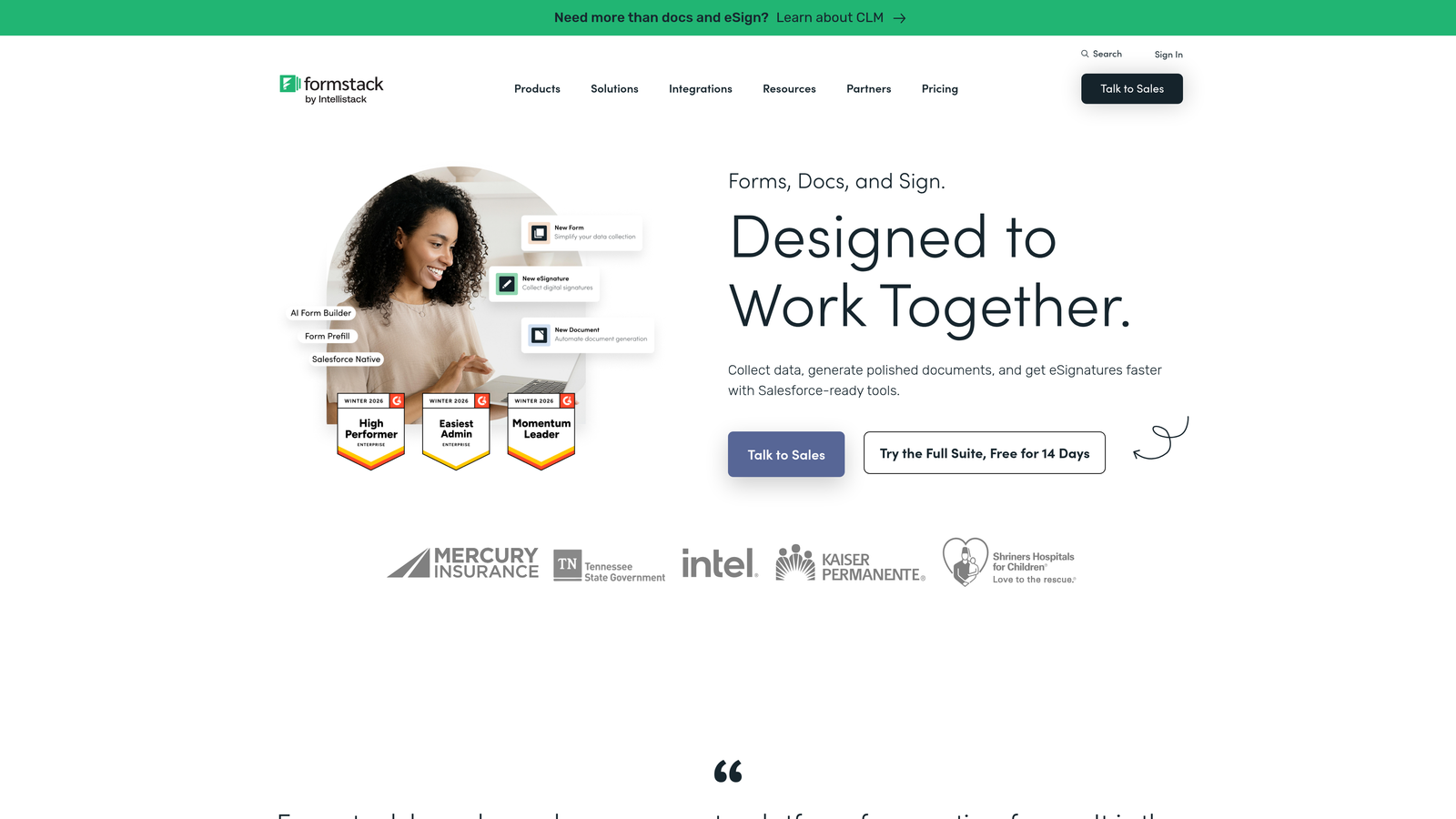
Formstack is an enterprise-grade form and workflow platform where the real discounts come through annual commitments and direct negotiation rather than public promo codes.
Where This Tool Shines
Formstack goes well beyond basic form building. It includes workflow automation, document generation, and e-signature capabilities, making it a broader operational platform for teams that need forms to trigger complex business processes. For healthcare organizations, financial services firms, and other regulated industries, Formstack's HIPAA and GDPR compliance features are a significant draw.
On the pricing side, Formstack rewards volume and commitment. Teams willing to negotiate annual or multi-year contracts often find that the sticker price is a starting point rather than a ceiling. If your organization has multiple departments that could use the platform, bundling usage into a single enterprise agreement is typically the most effective way to reduce per-seat costs.
Key Features
Enterprise Security and Compliance: HIPAA-compliant and GDPR-ready, making it suitable for regulated industries that can't compromise on data handling.
Volume and Enterprise Pricing: Custom pricing negotiations available for larger teams and multi-year commitments.
Workflow Automation: Forms trigger automated approval workflows, routing, and notifications beyond simple data collection.
Document Generation and E-Signatures: Create documents from form submissions and collect legally binding signatures within the same platform.
Best For
Formstack is the right choice for mid-market and enterprise teams in healthcare, finance, legal, and other regulated sectors where compliance, workflow automation, and document management justify a higher price point.
Pricing
Plans start around $50/month; enterprise pricing is available on request and often negotiable for larger commitments. Contact Formstack's sales team directly for volume pricing discussions.
7. Google Forms
Best for: Anyone who needs functional forms at absolutely zero cost, with no strings attached.
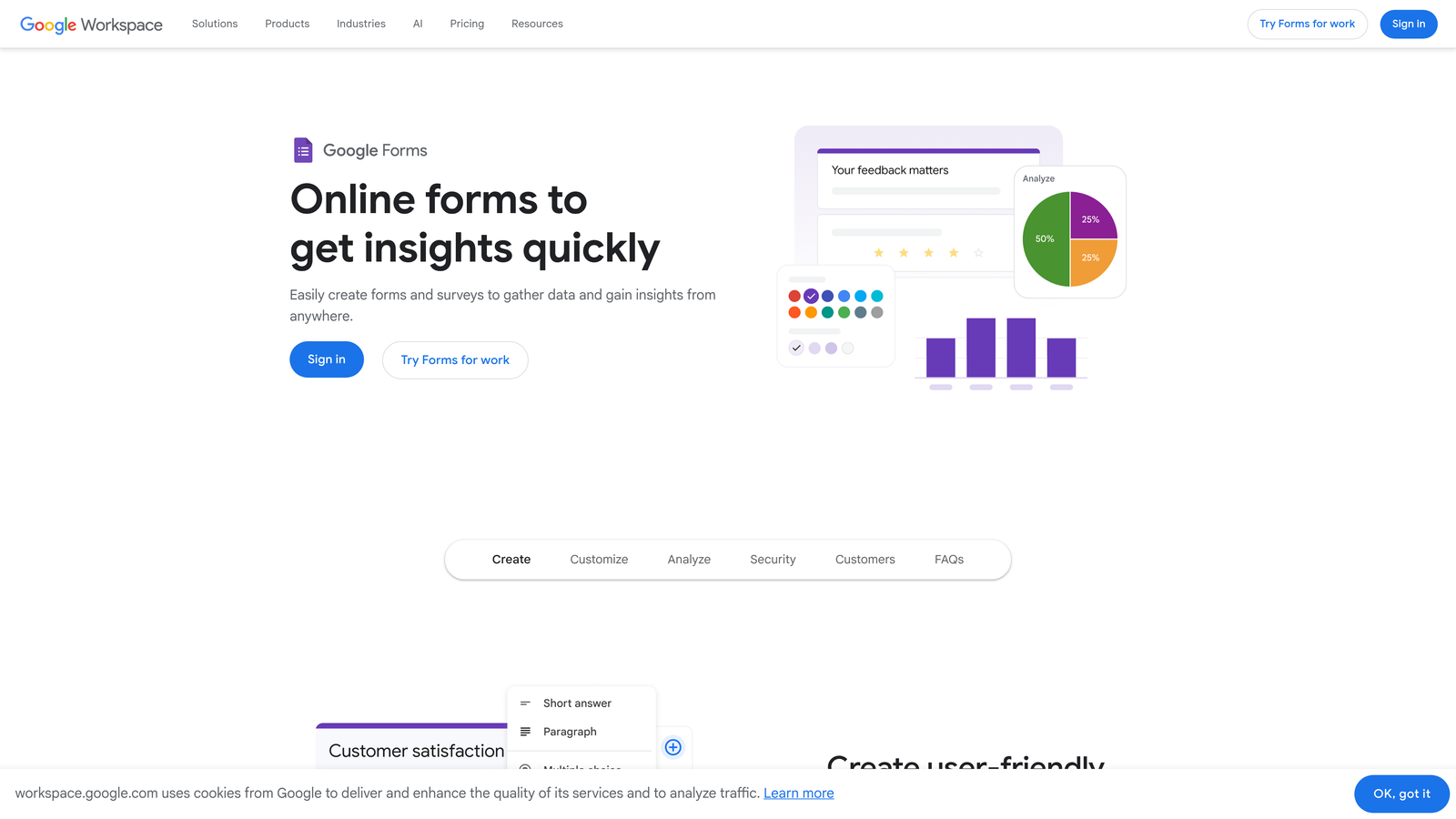
Google Forms is a completely free form builder included with every Google account, and the best discount code is simply having a Gmail address.
Where This Tool Shines
There's no pricing game to play with Google Forms. It's free, it works, and it integrates directly with Google Sheets for real-time response tracking. For internal surveys, event RSVPs, quick polls, and basic data collection, it handles the job without any cost or complexity.
The collaboration features are genuinely strong. Multiple team members can edit a form simultaneously, responses populate a shared spreadsheet automatically, and everything lives within the Google ecosystem that most teams already use daily. For teams on Google Workspace, it's a natural first choice for straightforward form needs.
Key Features
100% Free: No paid tiers, no submission limits, no expiring trials. Free with any Google account.
Google Sheets Integration: Responses automatically populate a connected spreadsheet for easy analysis and sharing.
Real-Time Collaboration: Multiple editors can work on a form simultaneously, like any other Google Workspace document.
Conditional Logic: Basic question branching and conditional sections are available without any cost.
Best For
Google Forms is ideal for internal use cases, educational settings, nonprofit organizations, and any team that needs simple data collection without a budget. It's not built for brand-forward lead capture, but for functional forms, it's hard to beat free.
Pricing
Free with any Google account. Google Workspace business plans start at $6/user/month and include additional storage and collaboration features across the full Google suite.
8. HubSpot Forms
Best for: Startups and growing teams already in the HubSpot ecosystem, especially those eligible for the HubSpot for Startups program.
HubSpot Forms is a free form builder that connects natively with HubSpot's CRM, with significant platform-wide discounts available through HubSpot's well-documented startup program.
Where This Tool Shines
HubSpot Forms earns its place here primarily because of the HubSpot for Startups program. Qualifying early-stage companies can access substantial discounts on the broader HubSpot platform, which includes forms as part of a much larger marketing and CRM suite. For startups that are building their go-to-market stack, getting HubSpot at a reduced rate through this program can be one of the most valuable deals in SaaS.
Even outside the startup program, the free forms tier is genuinely useful. Every submission automatically creates or updates a contact in HubSpot's CRM, which eliminates a manual data entry step that many teams underestimate. Progressive profiling, which fills in missing contact details over time rather than asking everything at once, is a standout feature for teams focused on lead nurturing.
Key Features
Free CRM-Connected Forms: Forms automatically sync submissions to HubSpot's CRM at no additional cost.
HubSpot for Startups Program: Qualifying startups can access significant discounts on HubSpot's full platform, including forms and marketing tools. Details and eligibility are available at hubspot.com/startups.
Automatic Contact Creation: New form submissions create CRM contacts instantly, keeping your database current without manual work.
Progressive Profiling: Smart fields ask different questions to returning visitors, gradually building richer contact profiles over time.
Best For
HubSpot Forms is best suited for teams already using or planning to use HubSpot's CRM. It's particularly valuable for startups that qualify for the startup program and want to get a full marketing platform at a reduced rate.
Pricing
Free tier available. Paid Marketing Hub starts at $20/month. HubSpot for Startups discounts vary by company stage and are applied to the broader platform. Check hubspot.com/startups for current eligibility requirements.
9. 123FormBuilder
Best for: Teams looking for regular partner promo codes and organizations that qualify for nonprofit or education pricing.
123FormBuilder is a straightforward drag-and-drop form builder that actively distributes promo codes through partner channels and maintains dedicated pricing for mission-driven organizations.
Where This Tool Shines
If you're specifically looking for a promo code to apply at checkout, 123FormBuilder is one of the more reliable places to find one. They work with partner and affiliate channels that regularly publish active discount codes, and their own promotional calendar includes seasonal events. It's worth checking coupon aggregator sites and their official social channels before subscribing.
For nonprofits and educational institutions, 123FormBuilder offers dedicated pricing that's separate from standard promotional discounts. The platform also supports HIPAA-compliant forms, which makes it relevant for healthcare organizations that need both compliance and cost efficiency in the same tool.
Key Features
Partner Promo Codes: Regular discount codes distributed through affiliate and partner channels, making it one of the easier platforms to find active codes for.
Nonprofit and Education Discounts: Dedicated pricing programs for qualifying organizations, available through their official website.
Drag-and-Drop Builder with Payment Integrations: No-code form creation with built-in support for Stripe, PayPal, and other payment processors.
HIPAA-Compliant Options: Compliance features available for healthcare organizations that need secure form handling.
Best For
123FormBuilder works well for small businesses, nonprofits, healthcare organizations, and budget-conscious teams that want a capable form builder and are willing to spend a few minutes finding an active promo code before subscribing.
Pricing
Free plan available; paid plans start around $24/month with annual billing discounts. Check 123formbuilder.com and partner channels for current promo codes before purchasing.
Which Form Builder Deal Is Right for You?
The best discount depends entirely on your situation. Here's a quick way to think through the decision.
If your budget is zero, start with Tally or Google Forms. Both are genuinely free without meaningful restrictions for most use cases, and no promo code will beat that math.
If you're an early-stage startup, look into the HubSpot for Startups program before anything else. The platform-wide discount can be substantial, and getting your CRM and forms under one roof at a reduced rate is hard to beat. Orbit AI's competitive base pricing is also worth evaluating here, especially if lead qualification is a priority for your team.
If you're a nonprofit or educational institution, go directly to Jotform or 123FormBuilder and apply for their dedicated programs. These aren't promo codes that expire next week; they're structured pricing tiers for qualifying organizations.
If you're at the enterprise level, skip the coupon code sites entirely. Contact Formstack's sales team and negotiate an annual or multi-year contract. Volume pricing conversations are where the real savings happen at that scale.
A few universal tips worth keeping in mind: annual billing almost always saves money compared to monthly, typically in the range of 20 to 40 percent depending on the platform. Check official pricing pages directly rather than relying on third-party coupon sites, which are frequently outdated. And before you search for a discount code, check whether the platform has a startup program or nonprofit pricing tier. Those structured programs often deliver better savings than any promo code you'd find through a Google search.
If lead qualification and conversion optimization are central to your growth strategy, start building free forms today with Orbit AI and see how AI-powered forms can transform the quality of leads your team works with every day. For more guidance on getting the most from your forms once you've chosen a platform, explore our guide on how to improve form conversion rates.


