

Your customer onboarding form is often the very first thing a new customer interacts with after signing up. Get it wrong, and you lose them before the relationship even begins. A clunky, confusing form signals friction ahead, while a well-designed, intelligent onboarding experience tells customers they made the right choice.
The challenge is that most teams are choosing between tools that either look great or work smart, rarely both. You need conditional logic for personalized paths, clean design that doesn't overwhelm, integrations that push data where it needs to go, and ideally some intelligence that helps you qualify and route customers from the very first interaction.
We evaluated dozens of form builders and onboarding platforms based on ease of use, conditional logic capabilities, integration depth, AI features, and pricing flexibility. Whether you're building a simple web form or a multi-step onboarding flow, the right tool makes a measurable difference in form conversion rates and data quality. Here are the top customer onboarding form tools for teams that want to start every customer relationship on the right foot.
1. Orbit AI
Best for: AI-powered lead qualification and intelligent customer routing during onboarding
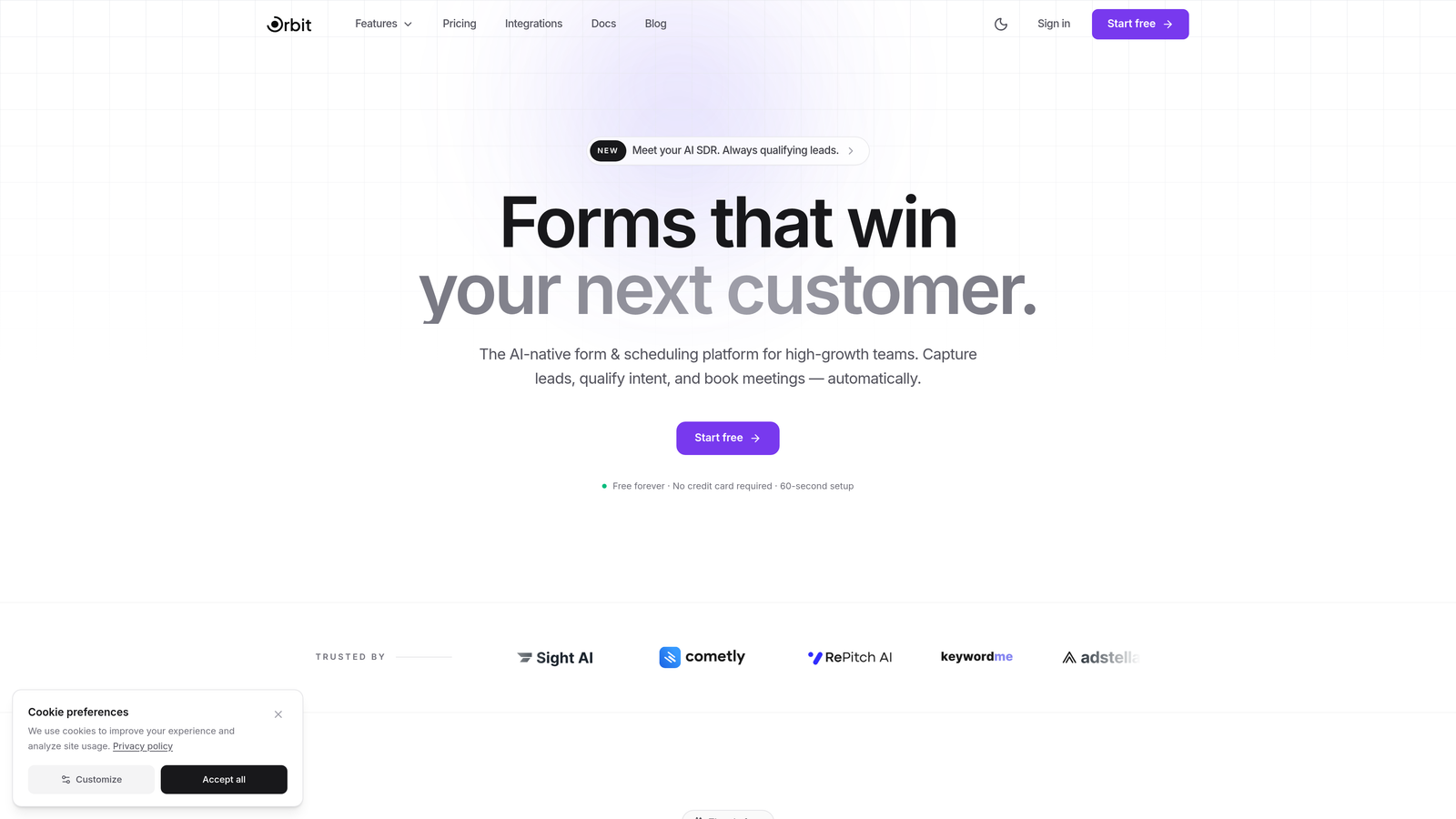
Orbit AI is an AI-powered form builder that qualifies and scores leads during onboarding, enabling smart routing and personalized customer journeys from the first interaction.
Where This Tool Shines
What separates Orbit AI from traditional form builders is that intelligence is baked into the form experience itself. Rather than collecting data and figuring out what to do with it later, Orbit AI qualifies and scores customers as they complete the form, then routes them to the right next step automatically. This is especially valuable for SaaS teams where different customer profiles need different onboarding paths.
The form design is built with conversion in mind from the ground up. You get a modern, clean interface that reduces form field friction without sacrificing the depth of information you need to onboard customers effectively. It's the rare tool that balances aesthetics with actual business logic.
Key Features
AI-Powered Lead Qualification: Scores and qualifies customers based on their responses in real time, so your team knows exactly who they're dealing with before the first conversation.
Conditional Logic for Personalized Paths: Show or hide questions based on previous answers, creating tailored onboarding flows for different customer segments.
Smart Routing: Automatically directs customers to the right resource, team member, or next step based on their qualification score and responses.
Conversion-Optimized Design: Modern UI built to maximize completion rates without overwhelming new customers with unnecessary fields.
CRM and Marketing Integrations: Connects with popular CRM and marketing tools so onboarding data flows directly into your existing stack.
Best For
High-growth SaaS teams and businesses focused on lead qualification and conversion optimization. Particularly strong for teams that need to route different customer profiles to different onboarding tracks and want AI doing the heavy lifting on qualification rather than manual review.
Pricing
Free plan available for getting started. Paid plans unlock advanced AI features and team collaboration capabilities. Visit orbitforms.ai for current pricing details.
2. Typeform
Best for: Conversational onboarding experiences with high completion rates
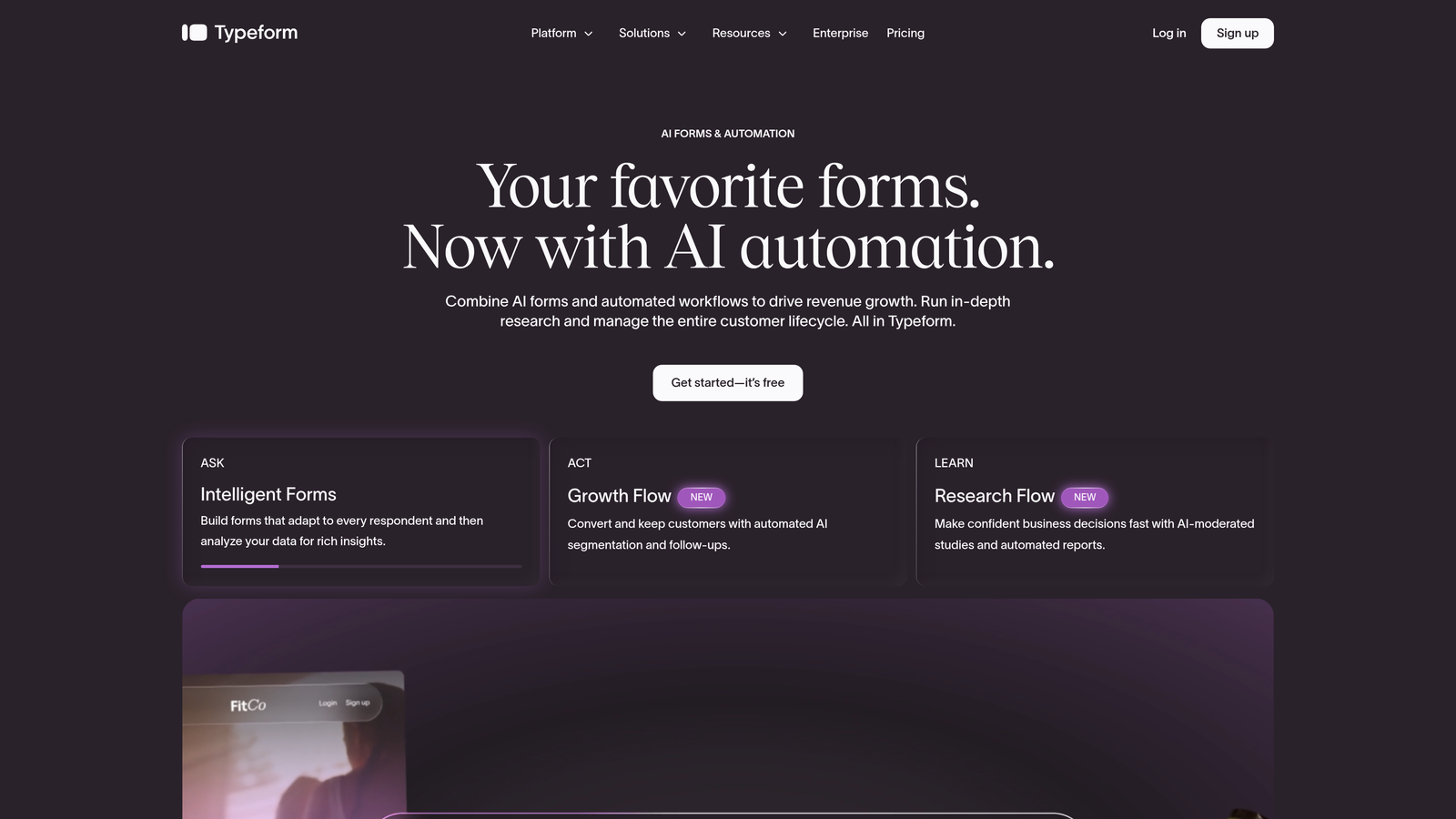
Typeform is a conversational form builder known for its one-question-at-a-time interface that creates engaging, high-completion onboarding flows.
Where This Tool Shines
Typeform's signature format presents one question at a time, which dramatically reduces the visual overwhelm that causes customers to abandon traditional multi-field forms. For onboarding flows where you need to ask several questions, this approach keeps respondents engaged and moving forward.
The logic jump system is intuitive and powerful enough to build genuinely personalized paths without needing a developer. You can embed video introductions, use image-based answer options, and create a branded experience that feels more like a conversation than a data collection exercise.
Key Features
One-at-a-Time Question Format: Reduces cognitive load and keeps completion rates high by focusing respondents on a single question at a time.
Logic Jumps and Branching: Build personalized onboarding flows that adapt based on customer responses.
Native Integrations: Connects with hundreds of apps via direct connectors and Zapier for seamless data handoff.
Video and Image Embedding: Add rich media directly within forms to create more engaging welcome experiences.
Custom Branding: Full theme control including colors, fonts, and background images.
Best For
Teams prioritizing completion rate and user experience above all else. Works especially well for B2C onboarding and SaaS welcome surveys where first impressions matter and respondents aren't obligated to complete the form.
Pricing
Free plan available with limited responses. Paid plans start around $25/month, with higher tiers unlocking more responses, logic features, and integrations.
3. Jotform
Best for: Document-heavy onboarding workflows requiring e-signatures and PDF generation
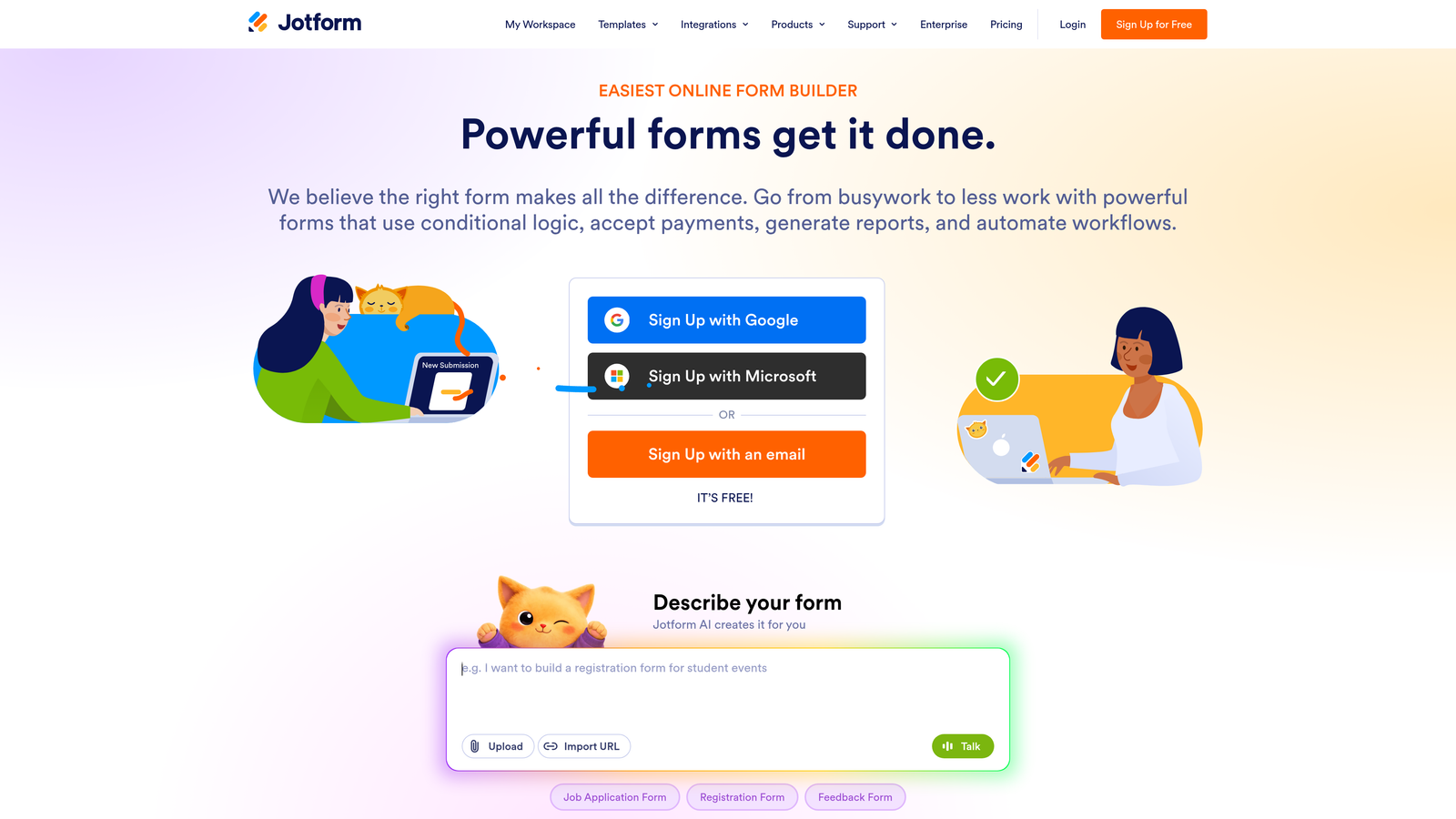
Jotform is a versatile form builder with a massive template library, built-in e-signatures, and PDF generation tailored for complex onboarding workflows.
Where This Tool Shines
When your onboarding process involves contracts, agreements, or formal documentation, Jotform handles it all in one place. The built-in e-signature functionality means customers can sign NDAs, service agreements, or terms of service directly within the onboarding form rather than being bounced to a separate tool.
The template library is genuinely impressive. With over 10,000 templates including onboarding-specific options, you can get a professional form up and running quickly and customize from there. The PDF generation feature is a standout for teams that need to send customers a formatted welcome packet or retain a record of completed onboarding documents.
Key Features
10,000+ Templates: Includes onboarding-specific templates to accelerate setup and customization.
Built-in E-Signatures: Collect legally binding signatures on agreements and contracts without a separate tool.
PDF Generation: Automatically create formatted onboarding packets and documents from form submissions.
Conditional Logic and Multi-Page Forms: Build structured, branching onboarding flows across multiple steps.
Payment and File Upload Support: Collect initial payments or required documents as part of the onboarding process.
Best For
Professional services firms, agencies, and regulated businesses where onboarding involves contracts, compliance documents, or formal agreements. Also strong for teams managing high submission volumes across multiple client types.
Pricing
Free plan supports 5 forms and 100 monthly submissions. Paid plans start around $34/month with significantly higher limits and access to advanced features.
4. Tally
Best for: Lean teams needing unlimited forms and submissions without a budget commitment
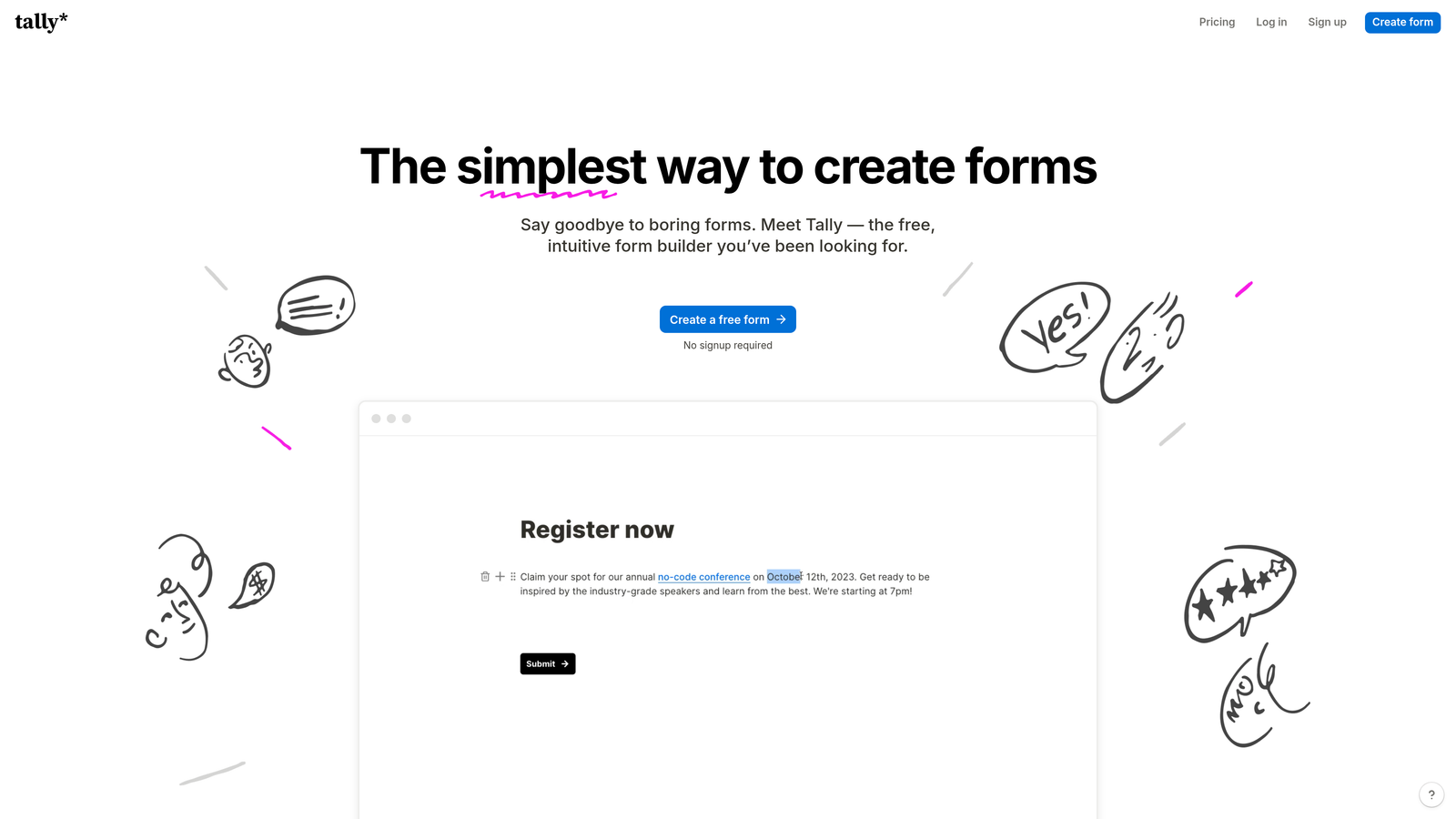
Tally is a minimalist, Notion-like form builder offering unlimited forms and submissions on its free plan, perfect for teams that need to move fast without spending.
Where This Tool Shines
Tally's free tier is genuinely remarkable in a market where most tools heavily restrict what you can do without paying. Unlimited forms, unlimited submissions, conditional logic, and hidden fields are all available at no cost. For early-stage startups or lean teams testing onboarding flows, this removes any friction from getting started.
The block-based editor will feel immediately familiar to anyone who uses Notion. You can build forms quickly without a learning curve, and the clean aesthetic produces forms that look professional without requiring design effort. It's not the most feature-rich tool on this list, but for straightforward onboarding flows, it punches well above its price point.
Key Features
Unlimited Forms and Submissions (Free): No artificial caps on the free plan, which is rare in this category.
Notion-Style Block Editor: Intuitive drag-and-drop building that most teams can learn in minutes.
Conditional Logic and Hidden Fields: Core personalization features available even on the free tier.
Custom Domains and Branding: Available on Tally Pro for teams that need a polished, branded experience.
Integrations: Connects with Notion, Google Sheets, Slack, and more for data handoff.
Best For
Early-stage startups, bootstrapped teams, and anyone who needs to validate an onboarding flow quickly without committing to a paid tool. Also great as a lightweight internal onboarding form for new team members.
Pricing
Generous free plan with no submission limits. Tally Pro is $29/month and adds custom branding, custom domains, and advanced features.
5. HubSpot Forms
Best for: CRM-native onboarding that feeds directly into automated lifecycle workflows
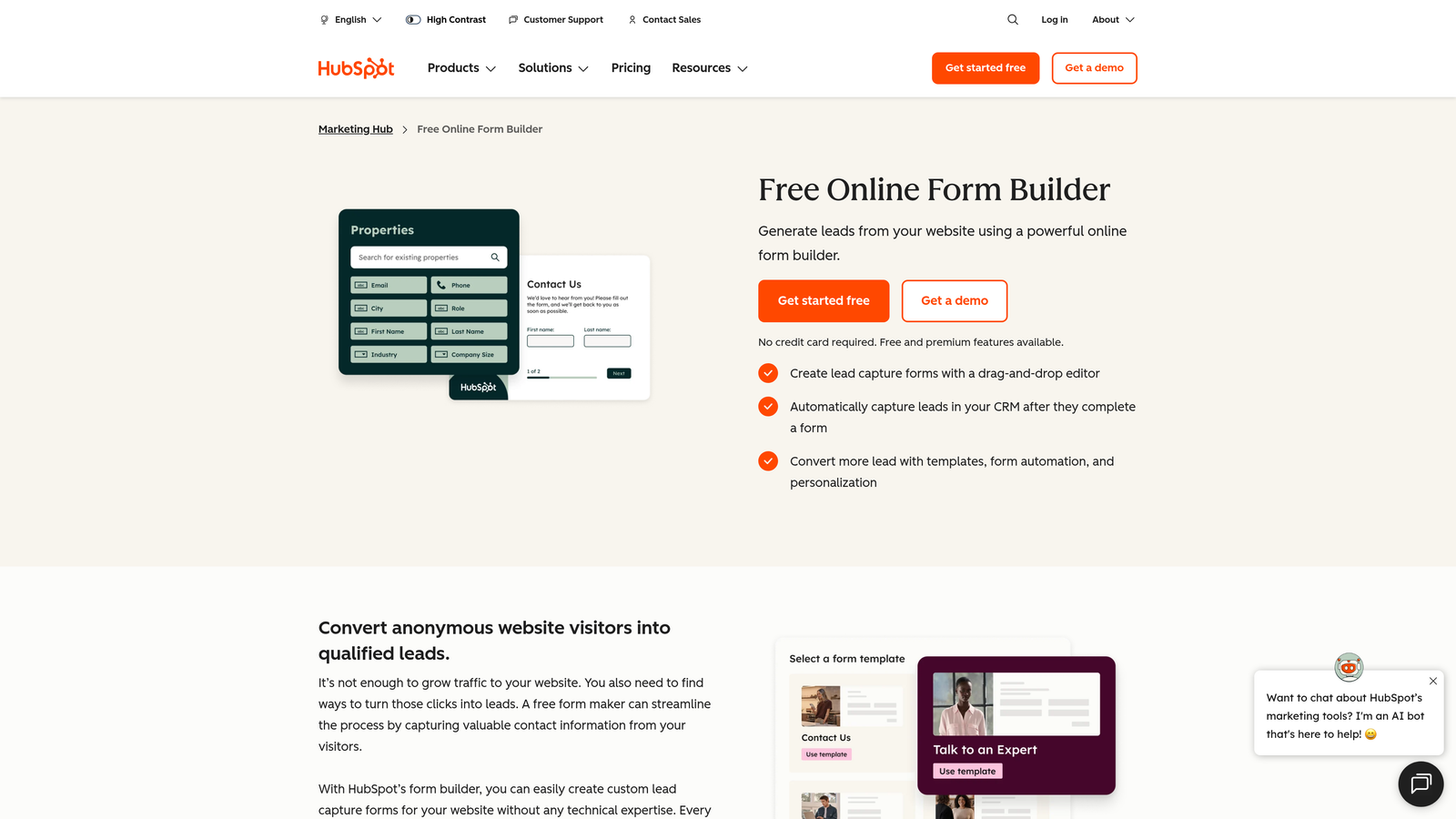
HubSpot Forms is a CRM-native form builder that feeds onboarding data directly into HubSpot contact records and triggers automated lifecycle workflows.
Where This Tool Shines
If your team already runs on HubSpot, this is the obvious choice. Every form submission instantly populates a contact record, and you can trigger onboarding sequences, assign tasks, and update deal stages without any manual data transfer or Zapier workarounds. The integration is seamless in a way that third-party connectors simply can't replicate.
The progressive profiling feature is particularly clever for multi-touch onboarding. Rather than asking customers the same questions they've already answered in a previous form, HubSpot recognizes returning contacts and only shows new fields. Over time, you build a richer customer profile without ever creating a form that feels repetitive or overly long.
Key Features
Native CRM Integration: Form submissions automatically create or update HubSpot contact records in real time.
Workflow Triggers: Kick off automated onboarding sequences, task assignments, and notifications based on form completion.
Progressive Profiling: Dynamically replace already-known fields with new questions for returning contacts.
Smart Fields and Dependent Logic: Show or hide fields based on contact properties or previous answers.
Built-in Analytics and A/B Testing: Measure form performance and test variations directly within HubSpot.
Best For
Teams already using HubSpot as their CRM. The value multiplies significantly the more deeply embedded HubSpot is in your workflow. Less compelling if you're not already in the HubSpot ecosystem.
Pricing
Free forms included with HubSpot CRM. Advanced features are part of Marketing Hub, starting at $20/month for the Starter tier.
6. Paperform
Best for: Beautifully branded onboarding experiences with rich media and payment collection
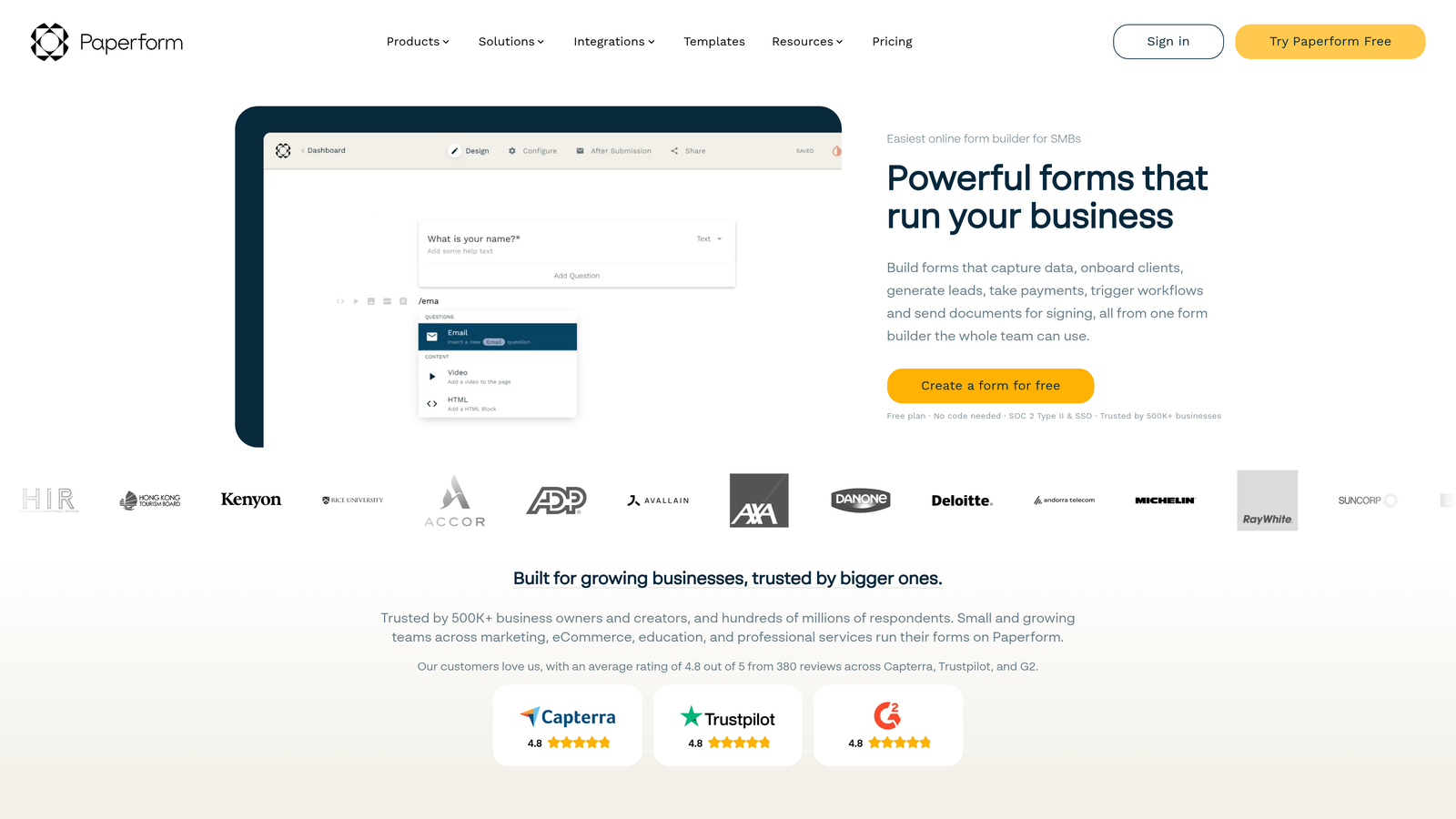
Paperform is a form builder and landing page hybrid that enables visually rich, branded onboarding experiences with embedded media, products, and payments.
Where This Tool Shines
Paperform occupies a unique position: it's part form builder, part landing page creator. You can intersperse form fields with text, images, and video in a flowing document-style layout, which makes onboarding feel less like filling out a form and more like reading a welcome guide that happens to ask a few questions along the way.
The pre-fill URL feature is worth highlighting for teams doing personalized outreach. You can pre-populate fields with known customer data, so returning customers or prospects who've already shared information don't have to repeat themselves. Combined with strong custom branding options, Paperform is ideal when the onboarding experience itself is part of your brand story.
Key Features
Rich Content Editor: Embed images, videos, and formatted text directly alongside form fields in a flowing layout.
Custom Branding: Full control over fonts, colors, and themes for a polished, on-brand experience.
Conditional Logic and Calculation Fields: Build adaptive flows and dynamic pricing or scoring logic.
Payment Processing: Accept payments via Stripe, Square, and Braintree as part of the onboarding flow.
Pre-Fill URLs: Personalize forms by pre-populating fields with known customer data via URL parameters.
Best For
Agencies, consultants, and brand-conscious SaaS teams where the visual quality of the onboarding experience reflects directly on the product. Also strong for onboarding flows that include an initial payment or product selection step.
Pricing
Plans start at $24/month for the Essentials tier. No free plan, but a 14-day free trial is available to test before committing.
7. Fillout
Best for: Teams with a modern data stack who need forms to read and write directly to existing databases
Fillout is a modern form builder designed to connect directly with Airtable, Notion, Google Sheets, and other databases, so your onboarding data goes exactly where it needs to go.
Where This Tool Shines
Most form builders treat integrations as output-only: the form collects data, then pushes it somewhere. Fillout goes further by letting forms both read from and write to your existing databases. This means you can pre-populate form fields with data already stored in Airtable or Notion, update existing records rather than creating duplicates, and keep your data stack clean without manual reconciliation.
For teams that have built their operations around Airtable bases or Notion databases, this bidirectional capability is a significant upgrade over traditional form tools. It's also worth noting that Fillout's interface is genuinely modern and clean, producing forms that look contemporary without requiring design customization.
Key Features
Native Database Integrations: Direct connections to Airtable, Notion, Supabase, and Google Sheets with read and write capabilities.
Bidirectional Data Flow: Forms can update existing records rather than always creating new ones, keeping your database clean.
Conditional Logic and Multi-Page Flows: Build structured, branching onboarding sequences across multiple steps.
Scheduling, Payment, and File Upload Fields: Handle complex onboarding requirements beyond simple text inputs.
Custom Domains and Branding: Present a professional, branded experience to new customers.
Best For
Operations-forward teams and no-code builders who have invested in Airtable, Notion, or Supabase as their core data layer and want onboarding forms to plug directly into that infrastructure.
Pricing
Free plan available with core features. Paid plans start at $19/month, making it one of the more accessible options for teams needing deep database integration.
8. Cognito Forms
Best for: Complex onboarding scenarios requiring advanced calculations, repeating sections, and multi-step validation
Cognito Forms is a powerful form builder with an advanced calculation engine, repeating sections, and robust data validation built for onboarding workflows that simpler tools can't handle.
Where This Tool Shines
When your onboarding involves variable-length data collection (think: adding multiple team members, listing several products, or capturing an unknown number of line items), Cognito Forms' repeating sections feature is invaluable. Most form builders require workarounds for this; Cognito handles it natively and cleanly.
The calculation engine is genuinely sophisticated. You can build dynamic pricing calculators, scoring models, or data transformation logic directly within the form without any external tools. For onboarding flows in industries like professional services, insurance, or finance, this level of logic depth is often a hard requirement rather than a nice-to-have.
Key Features
Advanced Calculation Engine: Build dynamic pricing, scoring, and data transformation logic directly within form fields.
Repeating Sections: Allow respondents to add variable numbers of entries (team members, products, locations) within a single form.
Conditional Visibility and Field Validation: Granular control over when fields appear and what data they accept.
Payment Integration: Accept payments via Stripe, Square, and PayPal as part of the onboarding process.
Multi-User Approval Workflows: Route completed forms through multi-step approval chains before processing.
Best For
Professional services firms, financial services companies, and any organization where onboarding involves complex data structures, calculations, or multi-person approval processes. Less suited for teams prioritizing visual design over functional depth.
Pricing
Free plan available for individual use. Paid plans start at $15/month, making it accessible even for smaller teams with complex requirements.
9. Formstack
Best for: Enterprise onboarding with compliance requirements, approval routing, and document automation
Formstack is an enterprise-grade form and workflow platform with compliance certifications, approval routing, and document automation for regulated onboarding processes.
Where This Tool Shines
In regulated industries like healthcare, finance, and legal services, onboarding isn't just about collecting information. It's about collecting it in a compliant, auditable way, routing it through the right approval chains, and generating documentation that meets legal or regulatory standards. Formstack is built for exactly this scenario.
The combination of HIPAA, GDPR, and SOC 2 compliance options alongside Salesforce-native integration makes Formstack a natural fit for enterprise sales and customer success teams. You're not just building a form; you're building a compliant onboarding workflow that integrates with enterprise CRM infrastructure and generates the documentation your legal or compliance team requires.
Key Features
Compliance Certifications: HIPAA, GDPR, and SOC 2 compliance options for regulated industry onboarding.
Approval Workflows: Multi-step routing ensures the right people review and approve onboarding submissions before processing.
Document Generation and E-Signatures: Automatically create compliant documents and collect signatures within the workflow.
Salesforce-Native Integration: Deep CRM integration for enterprise teams managing complex customer relationships.
A/B Testing and Conversion Analytics: Measure and optimize form performance at scale.
Best For
Enterprise teams in regulated industries where compliance is non-negotiable. Also strong for large organizations with complex internal approval processes that need to be embedded into the customer onboarding workflow.
Pricing
Plans start around $50/month. Enterprise pricing is available for teams requiring compliance certifications and advanced workflow features.
Which Tool Is Right for Your Onboarding Flow?
The best customer onboarding form tool depends almost entirely on what you're optimizing for. Start with your primary requirement, and the right choice usually becomes clear quickly.
For AI-powered qualification and intelligent routing: Orbit AI is the standout choice for high-growth teams that need their onboarding form to do more than collect data. If qualifying and routing customers intelligently from the first interaction is a priority, it's where to start.
For conversational UX and completion rates: Typeform remains the gold standard for making onboarding feel like a dialogue rather than a data entry task.
For document-heavy workflows: Jotform's e-signature and PDF generation capabilities make it the natural fit when contracts and agreements are part of your onboarding process.
For budget-conscious teams: Tally's genuinely unlimited free plan is hard to beat for teams that need to move fast without committing budget.
For CRM-native automation: HubSpot Forms wins if you're already in the HubSpot ecosystem and want zero friction between form submissions and lifecycle workflows.
For branded, media-rich experiences: Paperform is the choice when the visual quality of onboarding reflects directly on your brand.
For modern data stack integration: Fillout's bidirectional database connectivity makes it the right fit for Airtable and Notion-centric operations teams.
For complex calculations and variable data: Cognito Forms handles the edge cases that simpler tools can't, without requiring a developer.
For enterprise compliance: Formstack is purpose-built for regulated industries where onboarding documentation needs to meet legal and compliance standards.
The practical advice: identify your top one or two requirements, then test two or three tools that address them. Most offer free plans or trials, so there's little reason not to validate your choice with a real onboarding flow before committing.
If intelligent qualification is on your list, building a smart lead capture form and learning how to qualify leads with forms are great places to deepen your thinking. And when you're ready to put it into practice, start building free forms today with Orbit AI and experience how AI-powered qualification can transform your onboarding from a data collection exercise into a genuinely intelligent first impression.


