

Switching form platforms sounds simple until you're staring at 200 forms, thousands of historical submissions, a tangle of conditional logic, and CRM integrations that took months to configure. One wrong move and you're losing leads, breaking workflows, and rebuilding from scratch at midnight.
The good news: form migration services have matured significantly. Today, your options range from self-service import tools built directly into platforms, to assisted migration offered during onboarding, to fully hands-on support from dedicated specialists. The right choice depends on your form complexity, data volume, integration stack, and how much you want to DIY.
When evaluating these tools, the key factors worth prioritizing are: historical submission data preservation, conditional logic and branching transfer, CRM and integration mapping, compliance handling during transit, and transparent pricing. Here are the top form migration services worth considering in 2026.
1. Orbit AI
Best for: High-growth teams wanting a modern upgrade with AI-powered lead qualification built in.
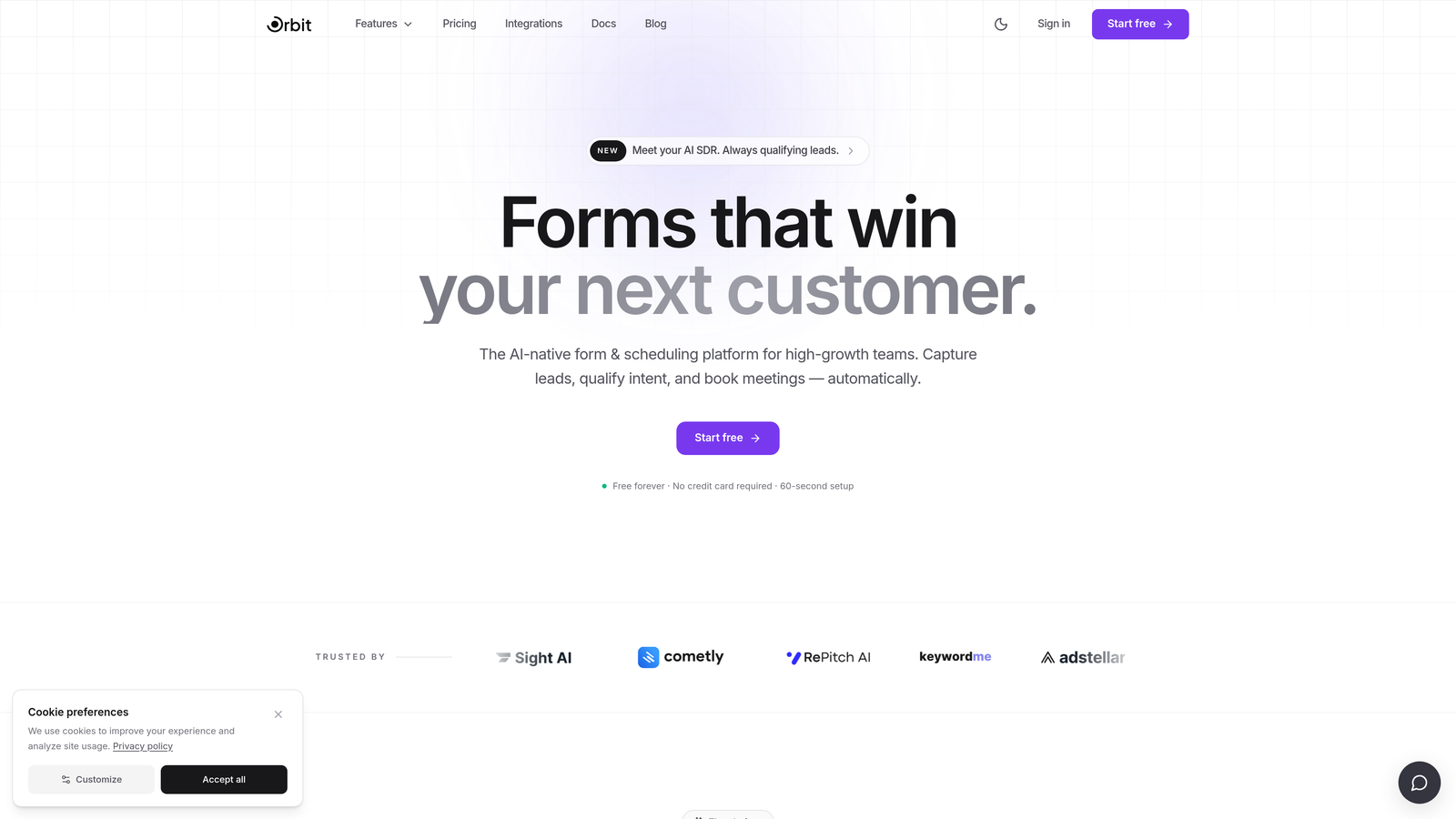
Orbit AI is an AI-powered form builder platform that includes hands-on migration support as part of its onboarding, making the switch feel less like a project and more like a guided transition.
Where This Tool Shines
What separates Orbit AI from most platforms on this list is that migration isn't an afterthought bolted onto a sales package. It's woven into the onboarding experience, so your team isn't left to figure out field mapping and logic transfers alone. That matters when you have complex forms with branching logic, multi-step flows, or tight CRM dependencies.
Beyond migration, Orbit AI is built for conversion. Once your forms are live, AI-powered lead qualification automatically scores and routes prospects, turning your forms from passive data collectors into active parts of your pipeline. For teams that have outgrown basic form builders, this is the upgrade that actually changes outcomes.
Key Features
Hands-On Migration Assistance: White-glove support during onboarding helps transfer forms, logic, and integrations without the usual DIY headaches.
AI-Powered Lead Qualification: Forms automatically qualify and route leads based on responses, reducing manual review time for sales teams.
Conversion-Optimized Templates: Pre-built templates designed specifically around conversion best practices, not just aesthetics.
Dynamic Fields and Conditional Logic: Sophisticated branching and field visibility rules that handle complex form flows cleanly.
CRM and Marketing Platform Integrations: Connects with major CRMs and marketing automation tools so your existing stack stays intact post-migration.
Best For
High-growth SaaS teams, marketing teams focused on lead generation, and any organization that wants to migrate off a legacy platform while simultaneously upgrading to smarter, AI-assisted form experiences. Particularly strong for teams where form submissions feed directly into sales pipelines.
Pricing
Contact for pricing. Migration assistance is included in the onboarding process, so you're not paying separately for the transition support.
2. Formstack
Best for: Enterprise teams with complex workflows, approval chains, and compliance requirements.
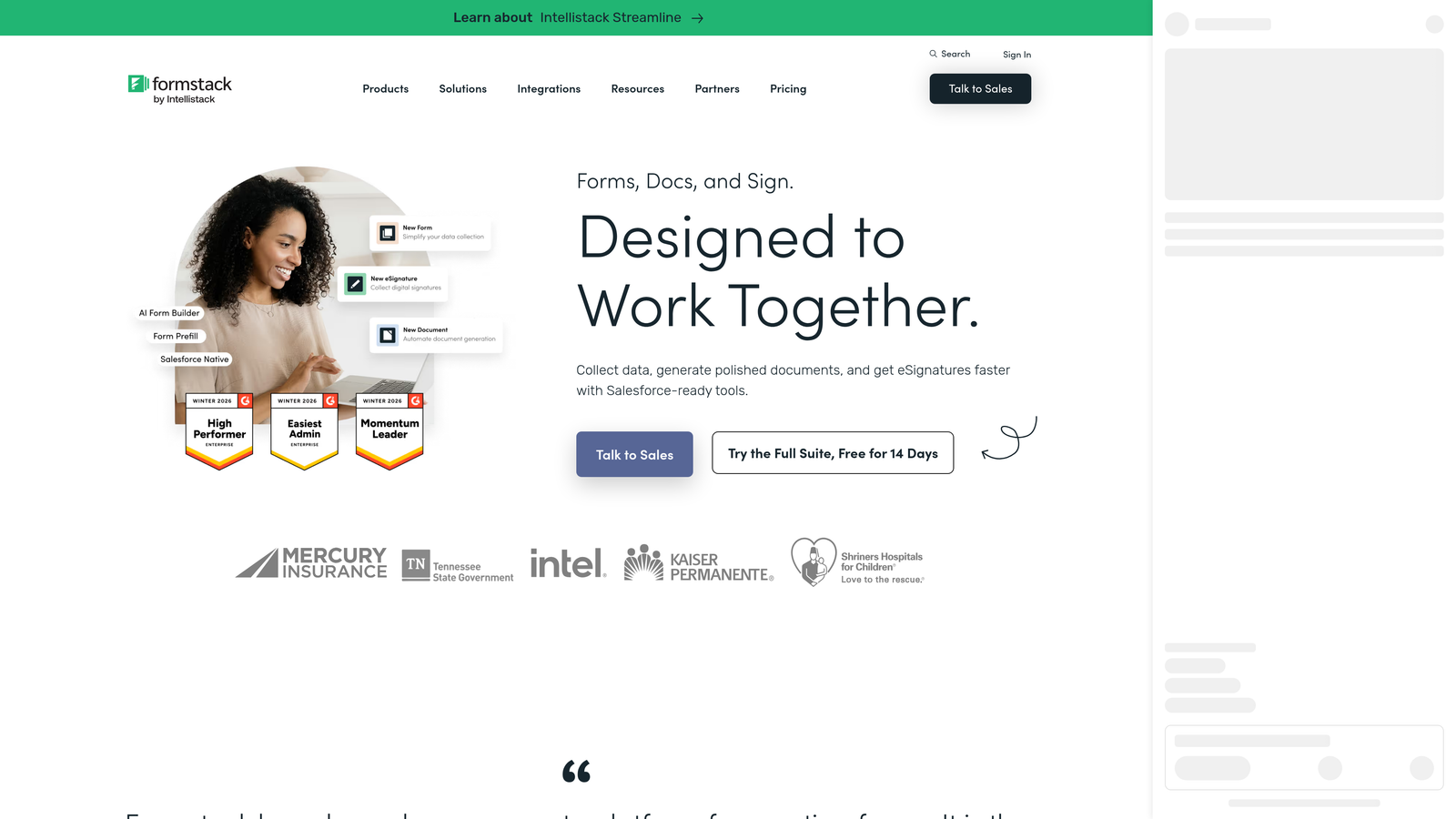
Formstack is an enterprise-grade form and workflow platform that assigns dedicated migration specialists to higher-tier customers, making it one of the more structured options for large-scale transitions.
Where This Tool Shines
Formstack's migration strength lies in workflow preservation. If your forms are connected to approval chains, document generation, or e-signature processes, most platforms will drop those connections entirely during a move. Formstack's specialists are specifically trained to map and rebuild those workflows in the new environment.
Its HIPAA-compliant infrastructure also makes it a natural choice for healthcare and regulated industries where data handling during migration isn't just a preference, it's a legal requirement.
Key Features
Dedicated Migration Specialists: Enterprise plans include access to specialists who manage the migration process alongside your team.
Workflow and Approval Chain Transfer: Preserves multi-step approval processes that most form platforms can't replicate during migration.
Document Generation and E-Signature: Transfers document workflows and signature integrations as part of the migration scope.
HIPAA-Compliant Handling: Maintains compliance requirements throughout the data transfer process.
Salesforce and CRM Connectors: Native connectors that preserve field mappings when moving from other platforms.
Best For
Mid-market and enterprise organizations with regulated data, complex approval workflows, and teams that need a specialist to own the migration rather than manage it internally.
Pricing
Starts around $50/month; migration support is available on higher-tier plans. Enterprise pricing is custom.
3. Jotform
Best for: Teams that want fast, self-service migration without waiting on support tickets.
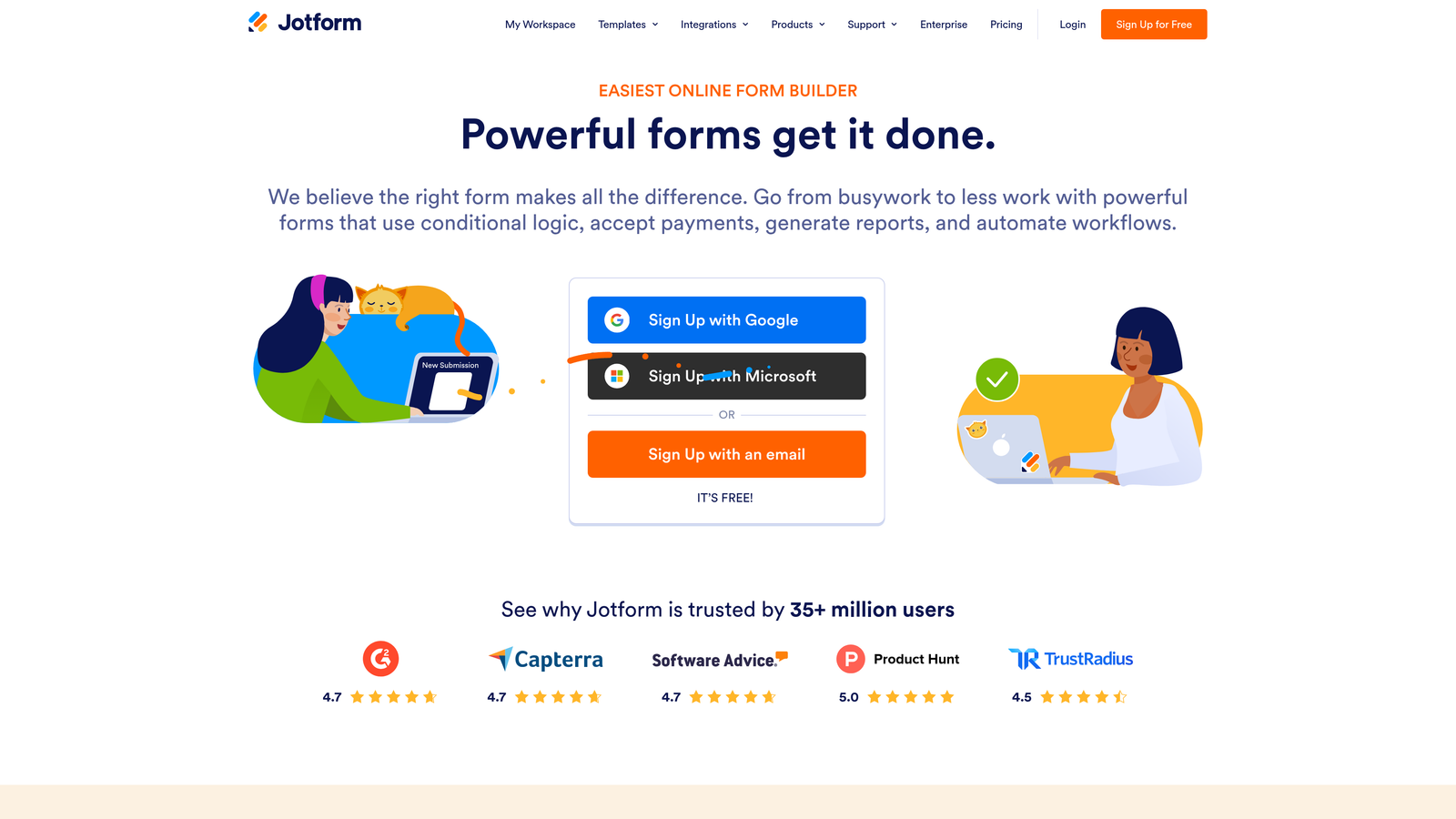
Jotform is one of the most popular form builders available, and its native form import tool makes it one of the easiest platforms to migrate into on your own timeline.
Where This Tool Shines
Jotform's URL-based and file upload import tools let you pull existing forms from other platforms without starting from a blank canvas. For teams with straightforward forms and manageable submission histories, this self-service approach can cut migration time significantly.
The platform's library of over 10,000 templates also means that if a direct import doesn't capture everything perfectly, rebuilding from a relevant template is a fast fallback. Combined with a generous free tier, you can test the migration thoroughly before committing.
Key Features
Native Form Import Tool: Import forms directly via URL or uploaded file from other platforms without manual rebuilding.
Submission Data Transfer: Export and import historical submissions via CSV to preserve your data history.
10,000+ Templates: Extensive template library for fast rebuilds when direct imports need adjustment.
Free Tier for Testing: Test your migrated forms thoroughly before upgrading to a paid plan.
Broad Integration Marketplace: Reconnect existing integrations across hundreds of supported apps post-migration.
Best For
Small to mid-sized teams comfortable with self-service migration, organizations with straightforward form structures, and anyone who wants to test a new platform before fully committing.
Pricing
Free plan available. Paid plans start at $34/month.
4. Cognito Forms
Best for: Budget-conscious teams migrating forms with complex payment logic or calculation fields.
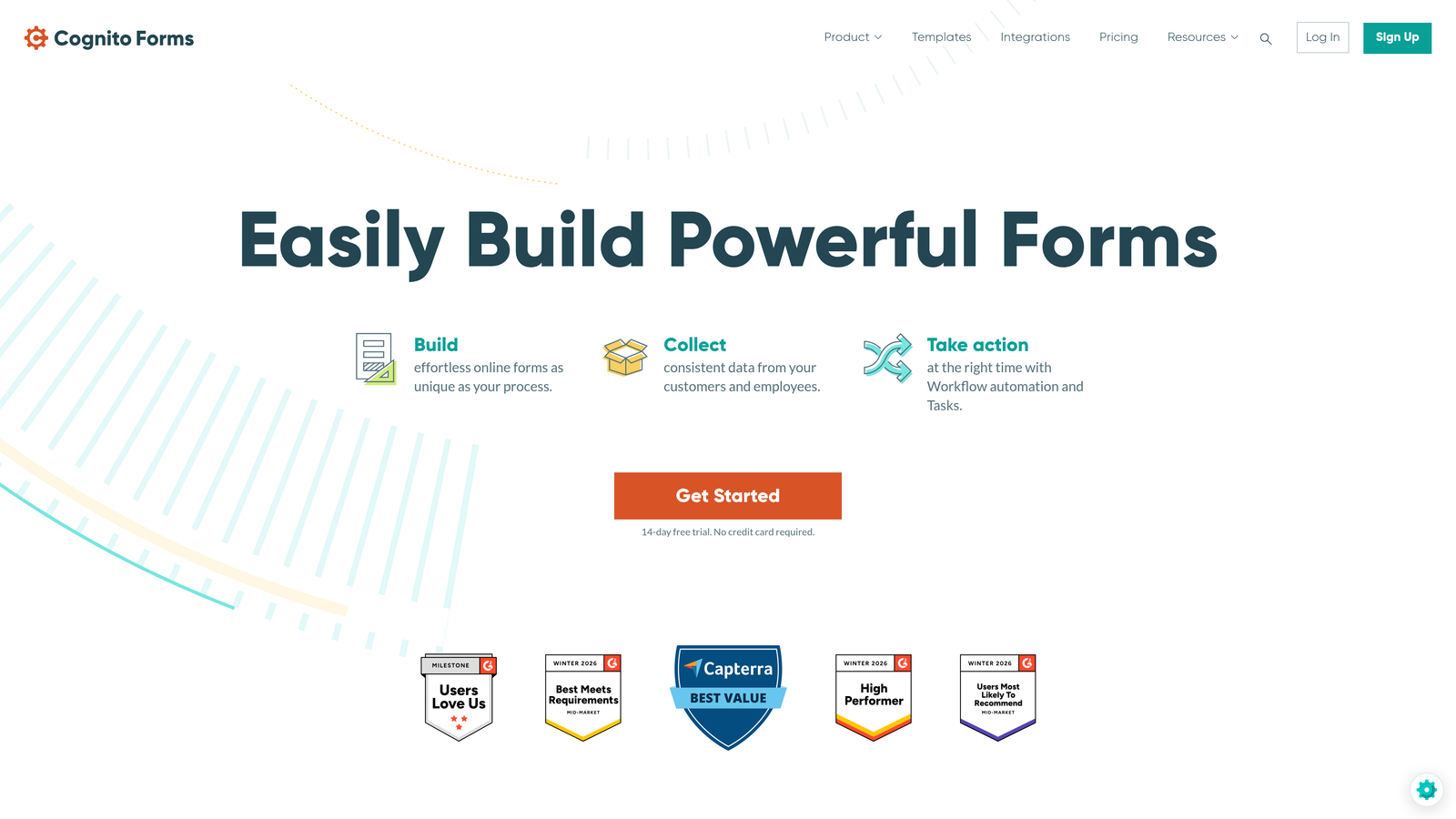
Cognito Forms is a budget-friendly form builder that offers free migration assistance on paid plans, with particular depth in handling payment integrations and calculation-heavy form structures.
Where This Tool Shines
Payment forms and calculation logic are notoriously difficult to migrate because the underlying formulas and conditional pricing rules rarely transfer cleanly between platforms. Cognito Forms' migration assistance specifically accounts for this complexity, helping rebuild Stripe, PayPal, and Square integrations alongside the form logic that drives them.
For organizations running order forms, registration forms with tiered pricing, or any form with repeating sections and dynamic calculations, this level of specialist knowledge during migration is genuinely valuable.
Key Features
Free Migration Assistance: Paid plan customers get migration support included, without additional consulting fees.
Payment Integration Transfer: Preserves Stripe, PayPal, and Square connections during the migration process.
Complex Calculation Support: Handles repeating sections, dynamic totals, and formula-based fields that other platforms struggle to transfer.
Entry Data Import: Import historical submission data so your records stay complete post-migration.
Generous Free Tier: Test the platform and your migrated forms before committing to a paid plan.
Best For
Nonprofits, small businesses, and teams running payment-enabled or calculation-heavy forms who need migration support without enterprise-level budgets.
Pricing
Free plan available. Paid plans start at $15/month, making this one of the more affordable options with included migration assistance.
5. Gravity Forms
Best for: WordPress-native teams migrating between WordPress form plugins.
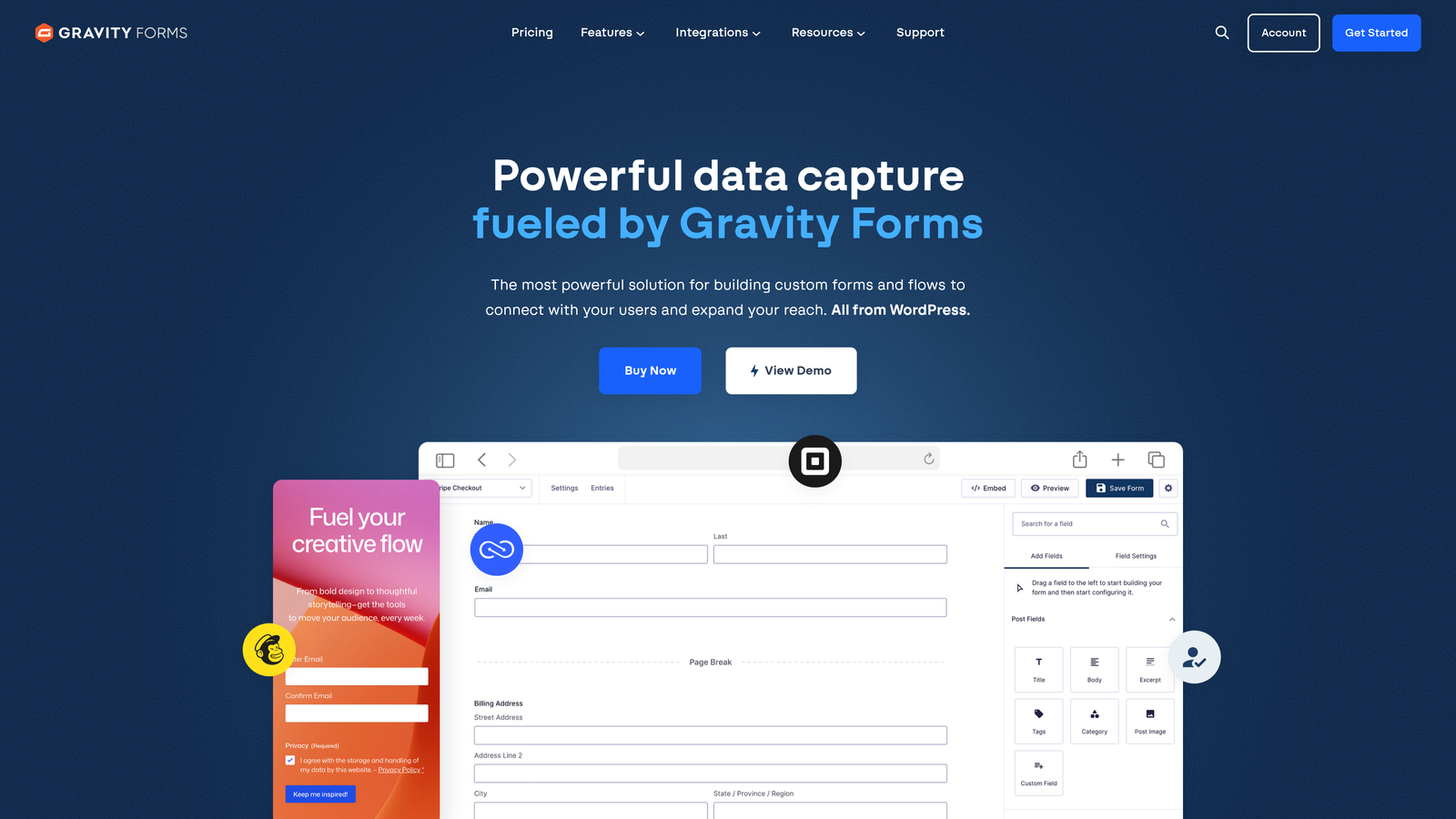
Gravity Forms is the leading WordPress form plugin, offering purpose-built CLI and plugin-based import/export tools designed specifically for migrating within the WordPress ecosystem.
Where This Tool Shines
If your entire stack lives in WordPress, Gravity Forms' migration tooling is in a category of its own. The WP CLI integration allows bulk form exports and imports that would take hours to do manually, and the JSON-based form structure means your conditional logic, field configurations, and form settings transfer with high fidelity.
The Entry Import add-on extends this to historical submission data, so you're not just moving form shells but the full submission history that often matters for compliance or reporting.
Key Features
WP CLI Import/Export: Command-line tools for bulk form migration, ideal for developers managing large form libraries.
JSON-Based Form Export: Structured export format that preserves conditional logic, field settings, and form configuration.
Entry Import Add-On: Transfer historical submission data alongside form structure for complete migration.
Extensive Add-On Ecosystem: Reconnect integrations through a wide library of official and third-party add-ons post-migration.
Developer Community: Strong community resources including migration guides, tutorials, and developer support forums.
Best For
WordPress developers and agencies migrating clients from Contact Form 7, WPForms, Ninja Forms, or other WordPress-based form solutions. Less relevant for teams not on WordPress.
Pricing
Starts at $59/year for the Basic license. Higher tiers unlock additional add-ons relevant to migration scenarios.
6. FormAssembly
Best for: Salesforce-heavy organizations where CRM field mapping is the core migration challenge.
FormAssembly is an enterprise form platform built around Salesforce, offering migration support that specifically preserves CRM object mappings, compliance configurations, and prefill logic that other platforms can't replicate.
Where This Tool Shines
For organizations where Salesforce is the center of gravity, migrating forms is really about migrating Salesforce relationships. FormAssembly's deep native integration means that when you move forms onto the platform, the CRM field mappings, object relationships, and lookup configurations come with them rather than needing to be rebuilt from scratch.
Its compliance credentials, covering HIPAA, GDPR, and FedRAMP, also make it one of the few options suitable for regulated industries where data handling during migration requires documented safeguards.
Key Features
Salesforce Object and Field Mapping Preservation: Maintains complex CRM relationships during migration rather than requiring manual remapping.
Compliance-Ready Migration: HIPAA, GDPR, and FedRAMP compliance maintained throughout the data transfer process.
Prefill and Lookup Transfer: Preserves Salesforce prefill logic and lookup integrations that are typically the hardest elements to recreate.
Dedicated Onboarding and Migration Consulting: Enterprise plans include specialist consulting for complex migration scenarios.
Multi-Step Form and Workflow Support: Handles complex multi-step forms and approval workflows within the Salesforce environment.
Best For
Salesforce-centric organizations in healthcare, financial services, government, or any regulated industry where CRM integrity and compliance during migration are non-negotiable.
Pricing
Starts around $99/month. Migration consulting is available on enterprise plans; pricing is custom at that tier.
7. 123FormBuilder
Best for: Teams with complex conditional logic and branching workflows that need expert rebuilding.
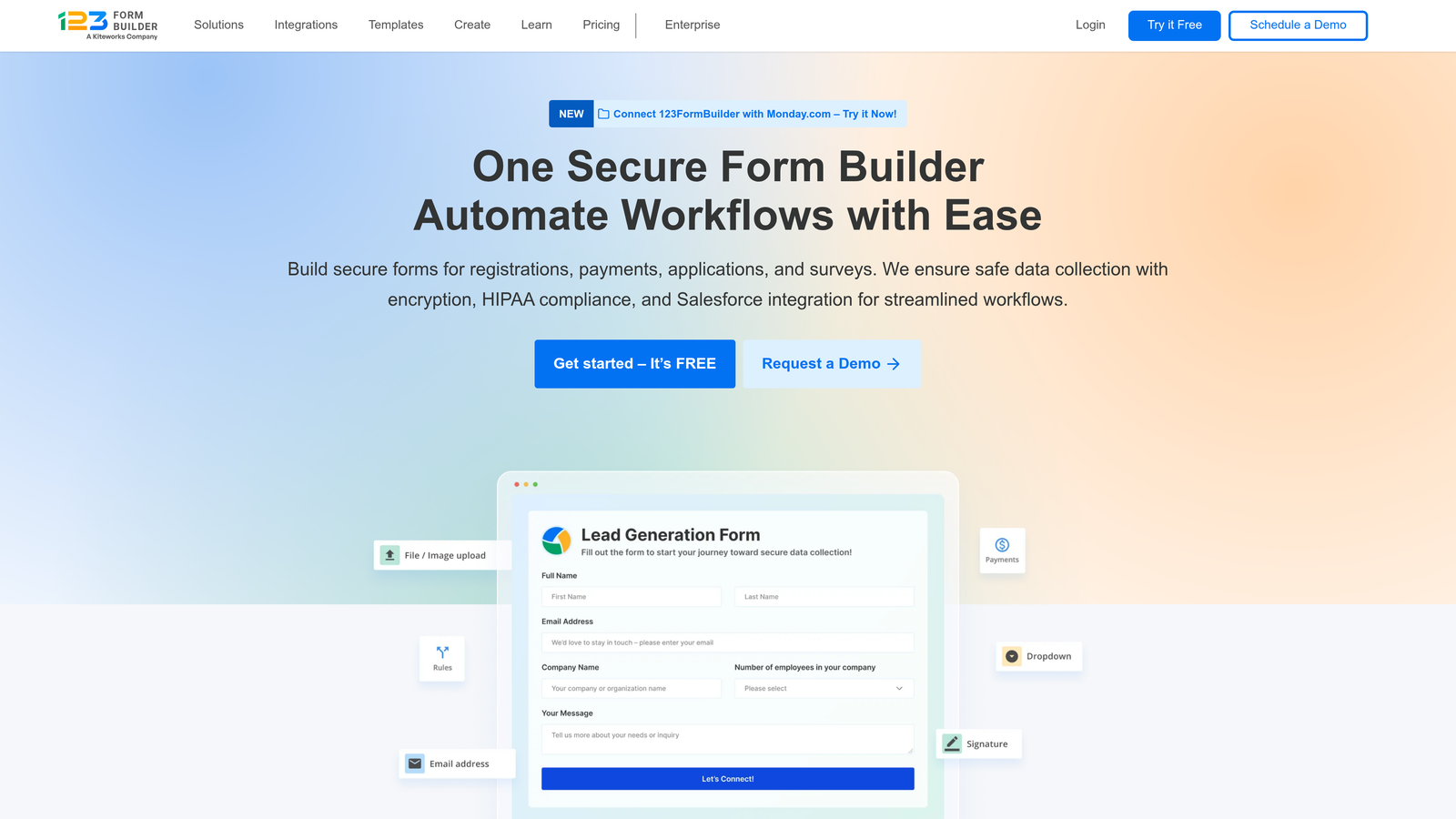
123FormBuilder is a versatile form platform offering a concierge migration service on business plans, with particular strength in reconstructing conditional logic and branching workflows that don't transfer cleanly through automated import tools.
Where This Tool Shines
Conditional logic is consistently the hardest part of any form migration. Automated import tools often flatten or break branching rules, leaving teams to manually reconstruct logic trees that took significant time to build originally. 123FormBuilder's concierge service specifically addresses this, with specialists who map out existing logic before rebuilding it in the new environment.
The platform also handles integration mapping assistance, helping teams reconnect the apps and workflows attached to their forms rather than starting those connections from scratch.
Key Features
Concierge Migration Service: Hands-on specialist support for migrating complex forms, available on business plans.
Conditional Logic Rebuild: Expert reconstruction of branching logic and field visibility rules that automated tools typically break.
Submission Data Import: CSV-based import for historical submission data to maintain complete records.
Integration Mapping Assistance: Help reconnecting existing app integrations post-migration.
Team Collaboration Tools: Role-based access and team features for organizations managing forms across multiple users.
Best For
Marketing teams, agencies, and organizations with logic-heavy forms who have experienced the frustration of broken conditional rules after a platform switch.
Pricing
Free plan available. Paid plans start at $24.99/month. Concierge migration is included on business-tier plans.
8. Wufoo
Best for: Simple, no-frills migrations where CSV data portability and API access are enough.
Wufoo is one of the original web form builders, offering straightforward CSV-based data export and a REST API that covers basic migration needs without the complexity of enterprise platforms.
Where This Tool Shines
Wufoo is the right call when your migration requirements are genuinely simple. If you have a manageable number of forms, don't rely on complex conditional logic, and primarily need to preserve submission history in a portable format, Wufoo's CSV export and API access cover the essentials without overcomplicating things.
Its longevity in the market also means there's solid documentation and community knowledge for common migration scenarios, particularly for teams moving from older platforms that Wufoo has historically competed with.
Key Features
CSV Export/Import: Straightforward submission history export for basic data portability during migration.
REST API Access: Programmatic data migration for developers who want more control over the transfer process.
Simple Form Duplication: Quick form copying and template system for rebuilding common form types.
Zapier Integration: Basic integration transfer via Zapier for teams relying on connected workflows.
Straightforward UI: Low learning curve means teams can rebuild simple forms quickly without extensive training.
Best For
Small teams and individuals with basic form needs, organizations migrating from other legacy platforms, and developers who prefer API-based migration control over managed services.
Pricing
Free plan available. Paid plans start at $14.08/month, making it one of the more affordable entry points on this list.
9. Zapier (Migration Bridge Approach)
Best for: Teams that need to run old and new form platforms in parallel during a phased migration.
Zapier isn't a form builder, but it's one of the most practical tools for managing the transition period between platforms, syncing submissions and maintaining data flow while you complete the migration at your own pace.
Where This Tool Shines
The hardest part of any platform migration isn't the technical transfer, it's the gap period. While you're rebuilding forms, testing logic, and verifying integrations on the new platform, the old one is still collecting live submissions. Zapier bridges that gap by running both platforms in parallel, automatically syncing submissions from your old forms to your new destination so nothing falls through the cracks.
Its field mapping and data transformation capabilities also let you reshape data mid-transfer, which is useful when your old platform's field structure doesn't match cleanly with your new platform's schema or your CRM's expected format.
Key Features
6,000+ App Connections: Connects virtually every major form builder, making it platform-agnostic for migration bridging.
Parallel Form Operation: Run old and new forms simultaneously during transition, with automated data syncing between them.
Submission Data Transfer: Automate the movement of submission data between platforms without manual CSV handling.
Field Mapping and Transformation: Reshape and reformat data during transfer to match new platform or CRM requirements.
Temporary Bridge Flexibility: Set up, run during migration, then decommission once the transition is complete.
Best For
Technical teams and operations managers handling phased migrations, organizations that can't afford any submission data gaps during the switchover, and teams where the old and new platforms need to coexist temporarily.
Pricing
Free plan available. Paid plans start at $19.99/month. Most migration bridge use cases are manageable on mid-tier plans.
Which Form Migration Service Is Right for You?
The right choice here depends less on which platform has the most features and more on where your migration pain actually lives.
If you're a high-growth team that wants to migrate and upgrade at the same time, Orbit AI is the standout option. The combination of hands-on migration support during onboarding and AI-powered lead qualification means you're not just moving your forms, you're moving to a smarter platform that actively improves your pipeline. For teams ready to stop treating forms as passive data collectors, it's the natural choice.
For enterprise teams with approval chains and regulated data, Formstack offers the most structured specialist support. Salesforce-centric organizations will find FormAssembly worth the investment given how much CRM field mapping typically breaks during a move. Teams on WordPress should look no further than Gravity Forms for ecosystem-native migration tooling.
If budget is the primary constraint, Cognito Forms delivers real migration assistance at an accessible price point, particularly for payment-enabled forms. For straightforward DIY migrations, Jotform's native import tool is the fastest path. And if you need to keep both platforms running during a phased transition, Zapier as a migration bridge is an underrated approach that many teams overlook.
Before committing to any platform, take the time to audit your current forms: document your conditional logic trees, list every integration, and identify which submission datasets are business-critical. That audit will tell you exactly how much migration support you actually need.
For teams ready to make the move to a modern, conversion-optimized form platform, start building free forms today and see how AI-powered lead qualification can transform the way your forms work for your business.


